

QoQo Overview
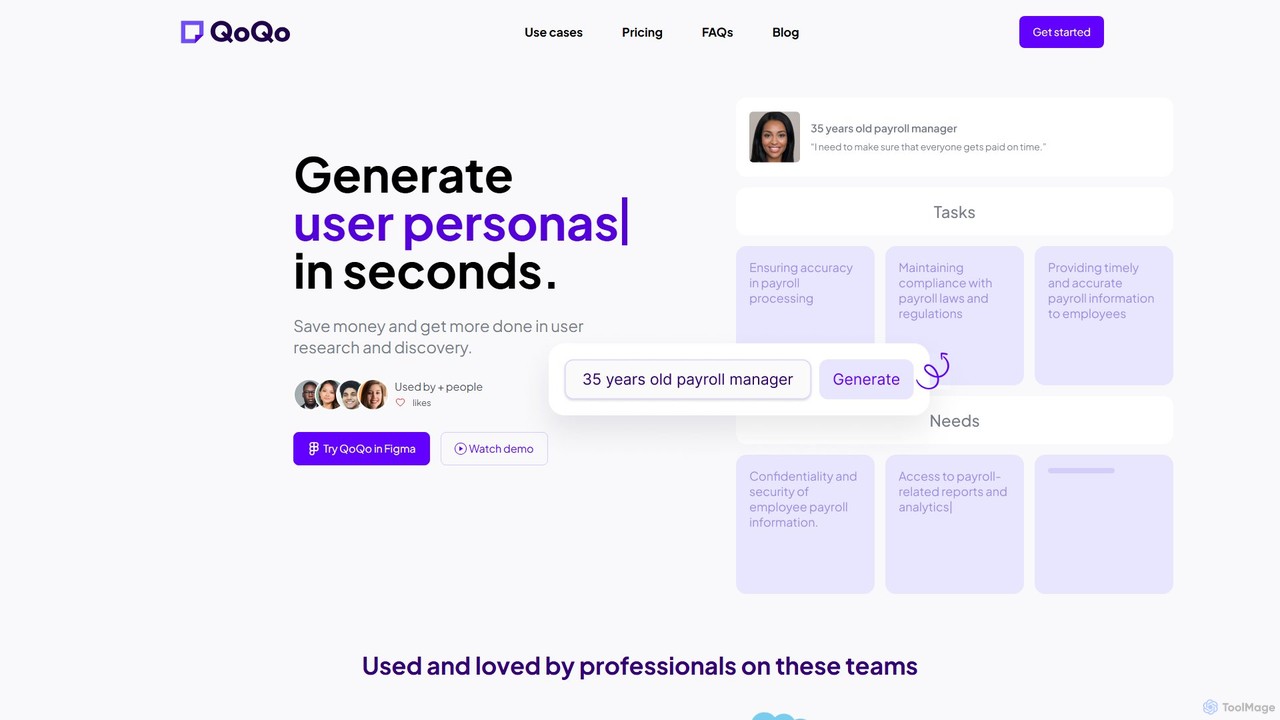
QoQo is a revolutionary AI-powered user experience (UX) companion, meticulously crafted by designers for designers. It integrates seamlessly as a plugin within Figma, aiming to solve one of the most persistent challenges in the design industry: limited time and resources for thorough user research. QoQo empowers individual designers, agencies, and large organizations to conduct rapid, insightful discovery and research, transforming public knowledge into actionable design artifacts in mere seconds.
This tool acts as your personal research assistant, significantly speeding up the initial phases of a project. Instead of spending hours or days on preliminary research, you can generate foundational UX documents instantly, allowing you to focus on high-impact design and strategic thinking. QoQo helps de-risk product decisions by enriching your team's understanding of the user and market, ensuring that designs are built on a solid, data-informed foundation rather than guesswork.
How to use QoQo
Using QoQo is designed to be an intuitive and seamless part of your Figma workflow. Here’s a typical process:
- Installation: Find and install the QoQo plugin from the Figma Community marketplace.
- Launch: Open your design file in Figma, then launch the QoQo plugin from the plugins menu.
- Select a Tool: The QoQo interface presents a suite of UX tools. Choose the one you need, such as 'User Persona', 'Journey Mapping', or 'UX Copywriting'.
- Provide Context: Input a simple prompt or a brief description of your product, target audience, or the specific goal you want to achieve. For example, for a user persona, you might enter "a busy professional using a meal-planning app."
- Generate: Click the generate button, and QoQo's AI will process your request and produce the complete artifact within seconds.
- Integrate: The generated content can be easily copied to your clipboard or converted into sticky notes directly on your Figma board, ready for brainstorming, analysis, or integration into your designs.
Core Features of QoQo
- User Persona Generation: Instantly create detailed and realistic user personas based on a simple description of your target audience.
- Journey Mapping: Generate comprehensive customer journey maps in seconds to visualize the user's experience with a product or service.
- Information Architecture: Quickly draft logical and user-friendly site maps or app structures to guide your design.
- Affinity Mapping: Organize research data and ideas by having the AI group related concepts into themes on sticky notes.
- Chat Assistant: A conversational AI to brainstorm ideas, ask UX-related questions, and overcome creative blocks.
- UX Copywriting: Generate compelling and user-centric copy for your interfaces, from button labels to onboarding messages, avoiding dummy text.
- Document Chat: Upload your research documents and chat with them to quickly extract key insights and summaries.
- Design Brief & Questionnaire Generation: Automatically create structured design briefs or user interview/discovery questionnaires to kickstart your projects.
Use Cases for QoQo
QoQo is versatile and provides immense value to various professionals:
- Design Agencies: Compete more effectively by delivering high-quality UX research and strategy quickly, even for clients with limited budgets. Proactively prevent budget overruns and enhance client collaboration.
- Organizations and Startups: Accelerate the discovery process and reduce the time to MVP. Empower design teams with enhanced knowledge and add UX capabilities without needing to hire specialized experts.
- Individual Designers & Freelancers: Save precious time, enabling you to take on more projects. Eliminate guesswork and the 'lonely' feeling of brainstorming by using the AI as a creative partner.
Advantages of QoQo
The primary advantage of QoQo is its ability to dramatically increase efficiency without sacrificing quality. It saves money and time in the user research and discovery stages, democratizes access to UX insights, and allows designers to focus on what they do best: creating exceptional user experiences. By providing quick, actionable data, it helps teams avoid using placeholder content and make more informed design decisions from the very beginning.
Pricing and Plans
QoQo offers a simple and clear pricing model designed for value. The Professional Plan is available for $4 per month per user, which provides unlimited access to all features. There is a significant discount of 40% for users who opt for an annual subscription. To allow users to experience the tool's power firsthand, QoQo also offers a free trial to get started.
Traffic
Latest traffic
Status
Monthly traffic trend
- 2025-9: 2.5K
- 2026-1: 4.3K
- 2026-2: 2.6K
- 2026-3: 2.8K
- 2026-4: 343
- 2026-5: 2.4K
Geography
Top 5 countries / regions
- 🇺🇸United States89.6%
- 🇫🇷France10.4%
QoQo Alternatives
write
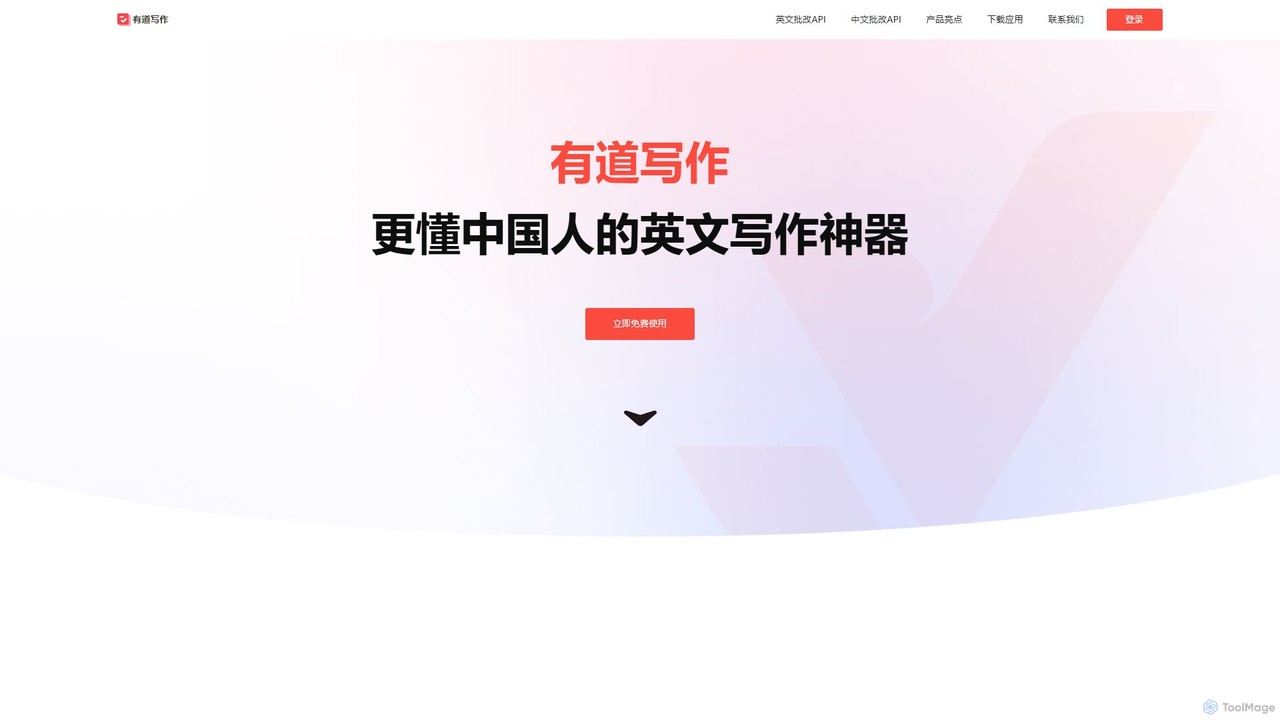
write by Frontitude is an AI-powered UX writing assistant designed for design teams. Integrated directly into Figma, it helps users generate, rewrite, and refine engaging and consistent UX copy effortlessly. By understanding business and design context, it provides tailored suggestions, enforces content guidelines, and streamlines the design review process, saving teams hours of writing time.
Ux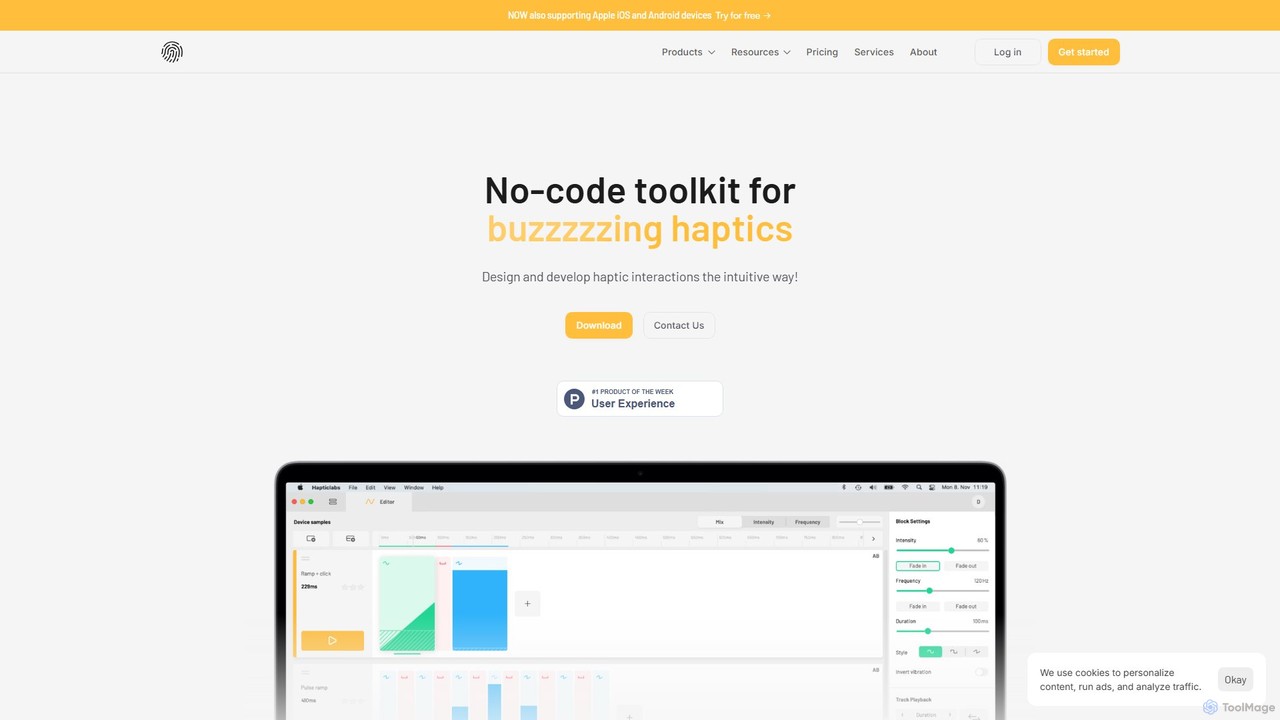
Hapticlabs
Hapticlabs is a no-code toolkit for designing, prototyping, and deploying tangible haptic interactions. It provides an intuitive ecosystem of software (Hapticlabs Studio), hardware (DevKit), and mobile apps to create rich tactile feedback for products, research, and education, significantly speeding up the development process.
Ux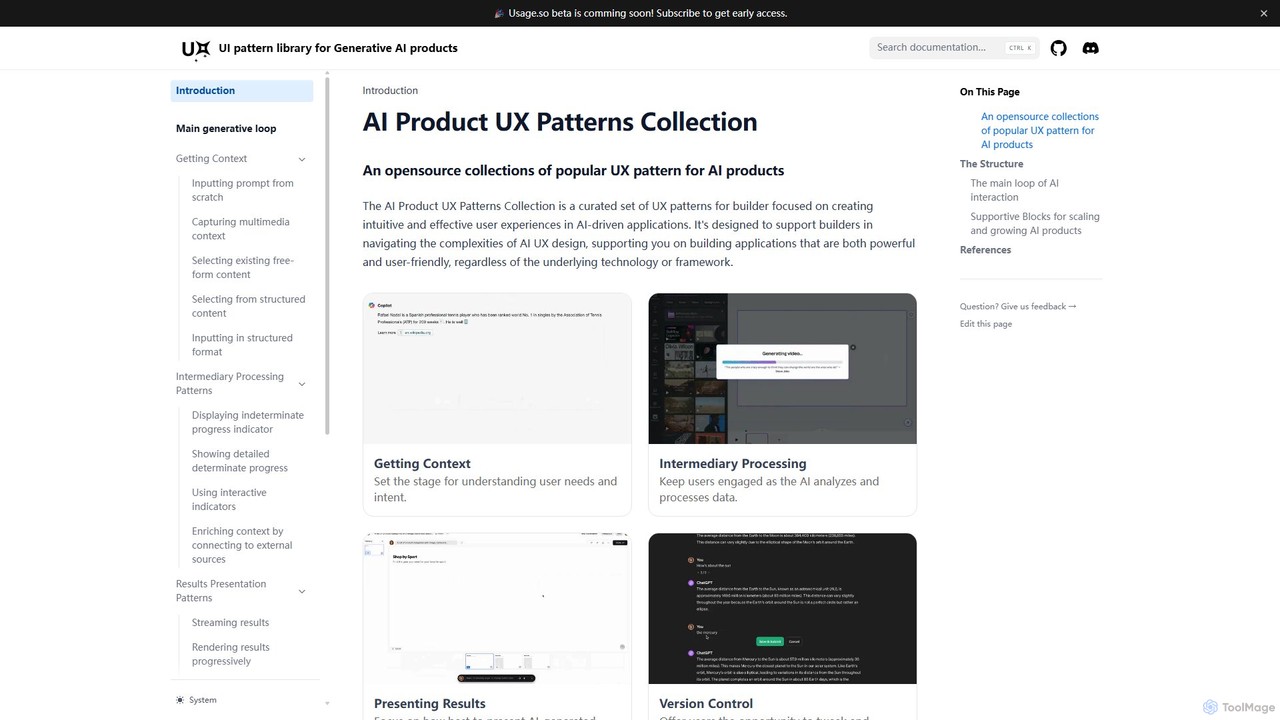
AI Product UX Patterns Collection
An open-source collection of popular UX patterns for AI products, designed to help builders create intuitive and effective user experiences. It provides a structured framework covering the entire AI interaction loop, from context gathering to results presentation.
Ux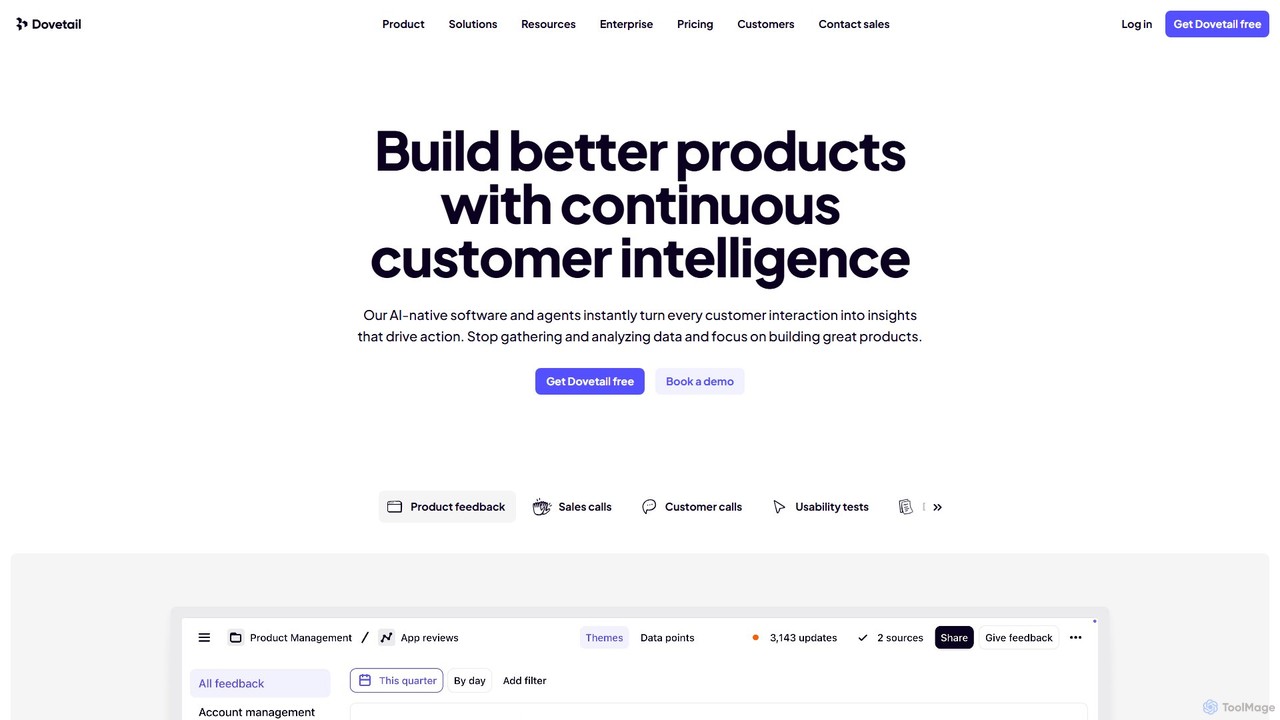
Dovetail
Dovetail is an AI-native customer insights hub designed to help teams build better products. It centralizes and analyzes all customer interactions—from sales calls and support tickets to surveys and usability tests. Using powerful AI, it automatically transcribes, summarizes, and identifies key themes, turning raw data into actionable intelligence. This allows product, research, and design teams to make faster, evidence-backed decisions and foster a truly customer-centric culture.
Customer Support
Condens
Condens is an AI-powered user research platform that centralizes all customer insights. It helps teams store, analyze, and share research data like interviews, feedback, and notes. With features like AI transcription, sentiment analysis, and collaborative tagging, Condens streamlines the qualitative analysis process, making it faster to uncover actionable insights and foster a customer-centric culture.
Customer SupportQoQo Categories
QoQo Embed Widget
Copy this embed code to place the badge on your blog, article, or product site and send readers directly to this ToolMage detail page.

Related AI tools
write
write by Frontitude is an AI-powered UX writing assistant designed for design teams. Integrated directly into Figma, it helps users generate, rewrite, and refine engaging and consistent UX copy effortlessly. By understanding business and design context, it provides tailored suggestions, enforces content guidelines, and streamlines the design review process, saving teams hours of writing time.
Ux
Hapticlabs
Hapticlabs is a no-code toolkit for designing, prototyping, and deploying tangible haptic interactions. It provides an intuitive ecosystem of software (Hapticlabs Studio), hardware (DevKit), and mobile apps to create rich tactile feedback for products, research, and education, significantly speeding up the development process.
UxAI Product UX Patterns Collection
An open-source collection of popular UX patterns for AI products, designed to help builders create intuitive and effective user experiences. It provides a structured framework covering the entire AI interaction loop, from context gathering to results presentation.
Ux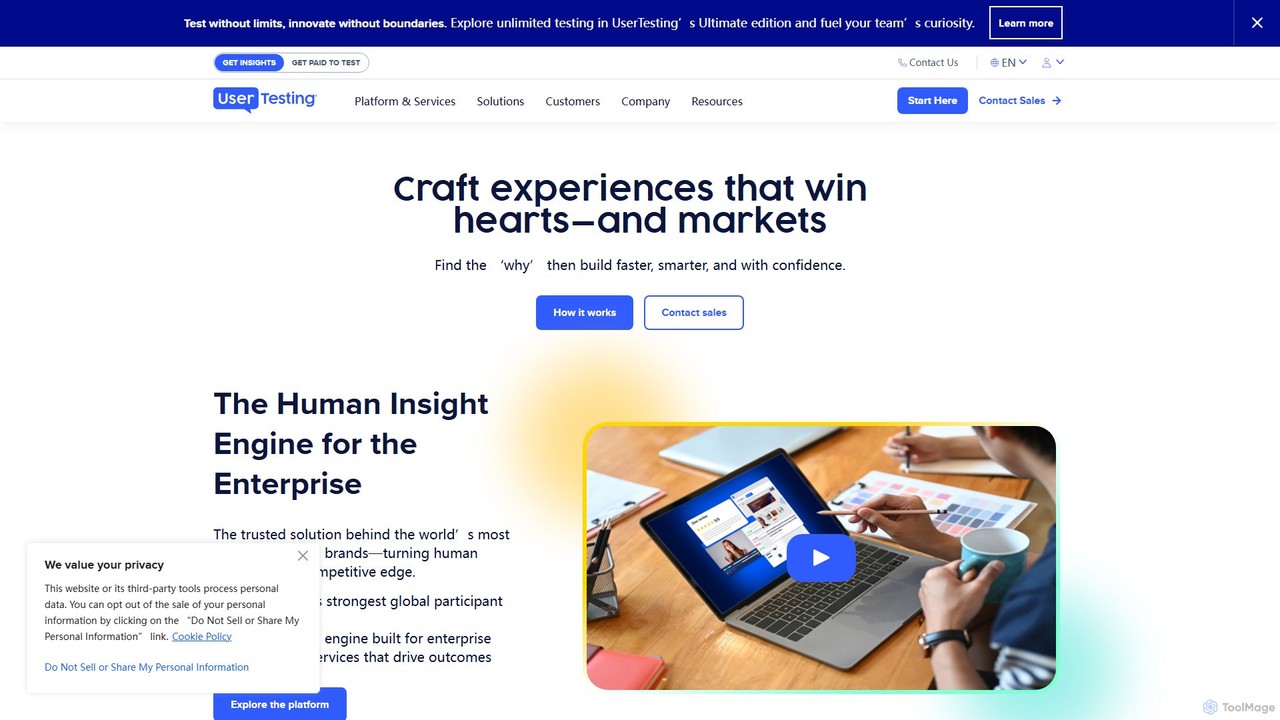
UserTesting
UserTesting is a leading human insight platform that enables organizations to see, hear, and understand real customer experiences. By leveraging a global network of participants and AI-powered analytics, it helps teams in product, marketing, and design gather video-first feedback to validate decisions, optimize experiences, and build customer-centric products with confidence.
Analytics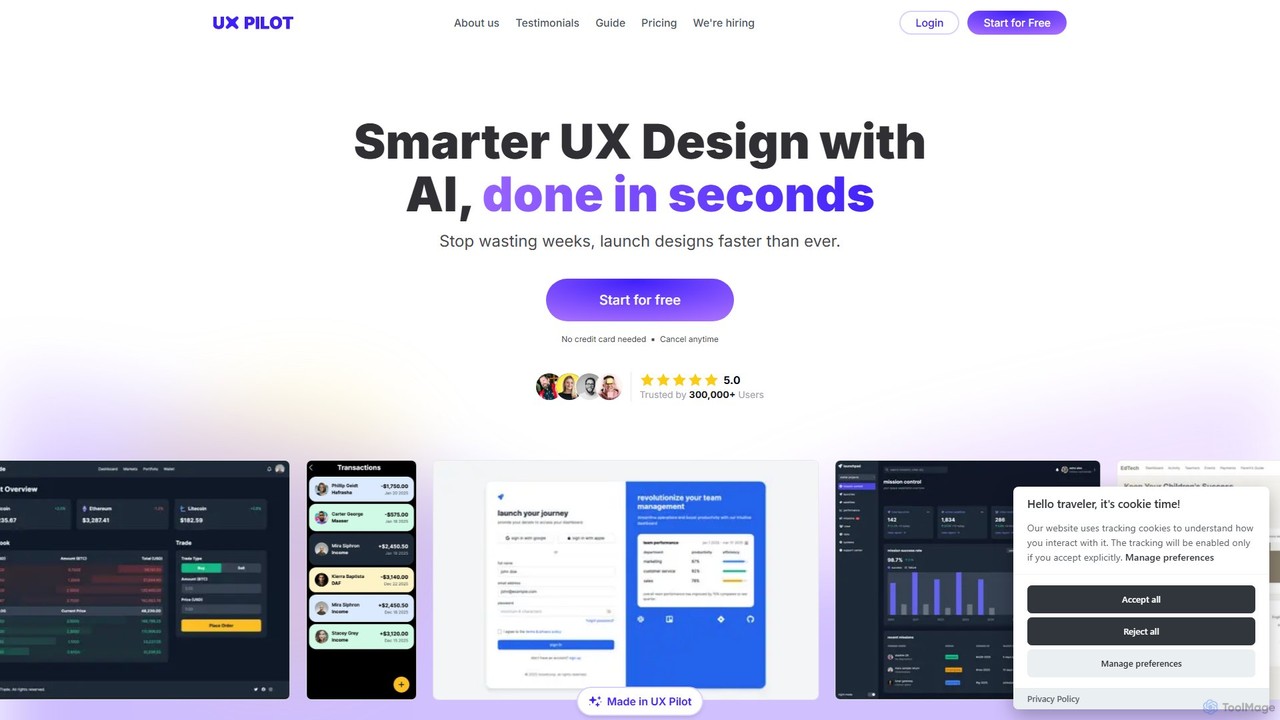
UX Pilot
UX Pilot is an AI-powered design platform that accelerates the UX/UI workflow. It enables designers, product teams, and founders to generate high-fidelity designs, wireframes, screen flows, and prototypes from simple text prompts in seconds. With deep Figma integration, it streamlines the entire process from ideation to handoff.
Ui Ux
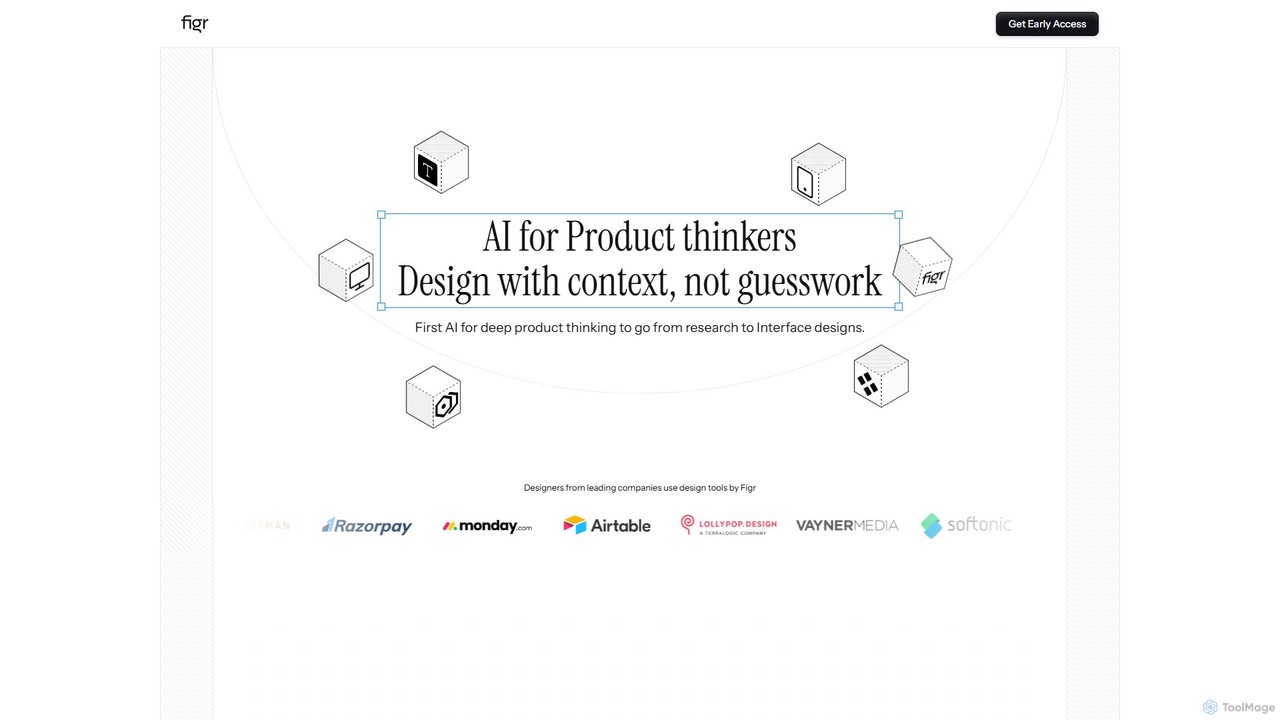
Figr
Figr is an AI-powered design suite that accelerates the product design workflow. It specializes in creating production-grade design systems directly within Figma, automating the generation of design tokens, components, and documentation. It's built for product thinkers, designers, and teams to transform research and context into clear, consistent, and scalable user interfaces with remarkable speed.
Ui Ux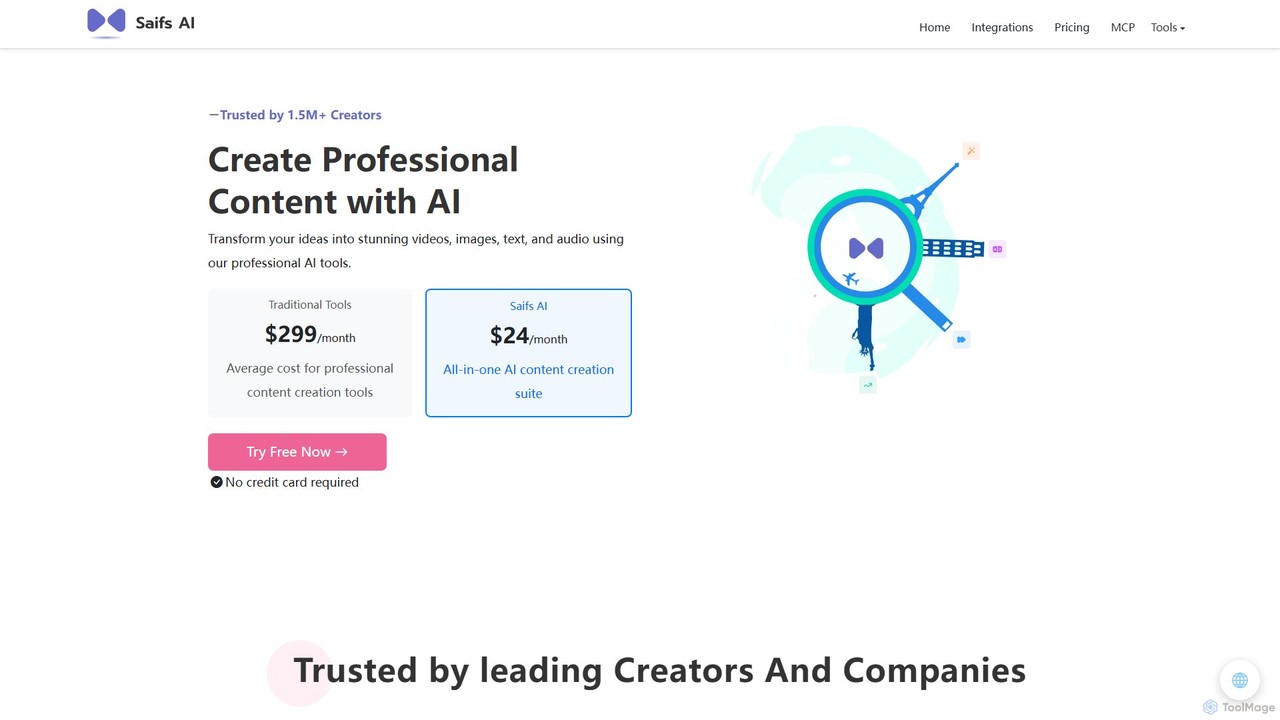
Saifs AI
Saifs AI is a comprehensive AI-powered suite for professional content creation. It offers a range of tools for generating and editing video, images, text, and audio. Its key strength lies in its seamless integrations with popular platforms like Adobe Creative Suite, Canva, Figma, and Google Workspace, embedding AI capabilities directly into your existing workflows.
Generative Ai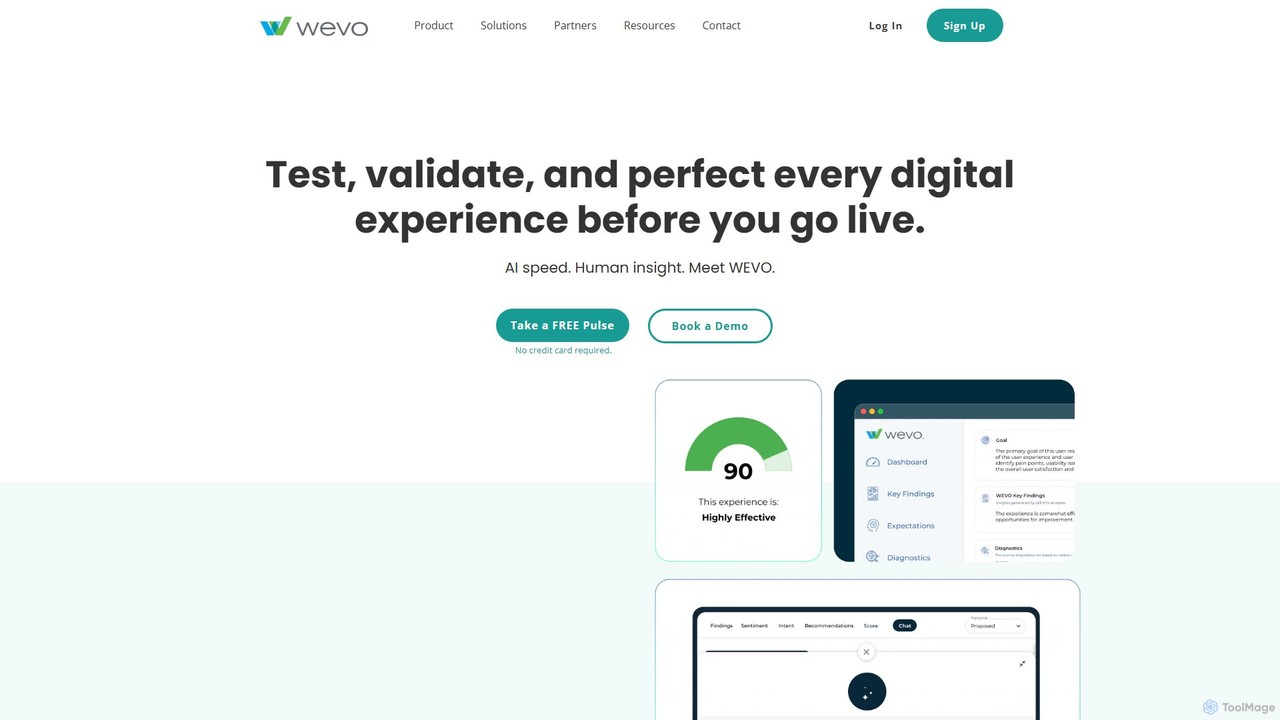
WEVO
WEVO is an AI-powered UX research platform that combines artificial intelligence with human insight to test, validate, and perfect digital experiences before they go live. It enables teams to get rapid, actionable feedback, benchmark against competitors, and increase conversion rates with confidence.
Conversion Rate Optimization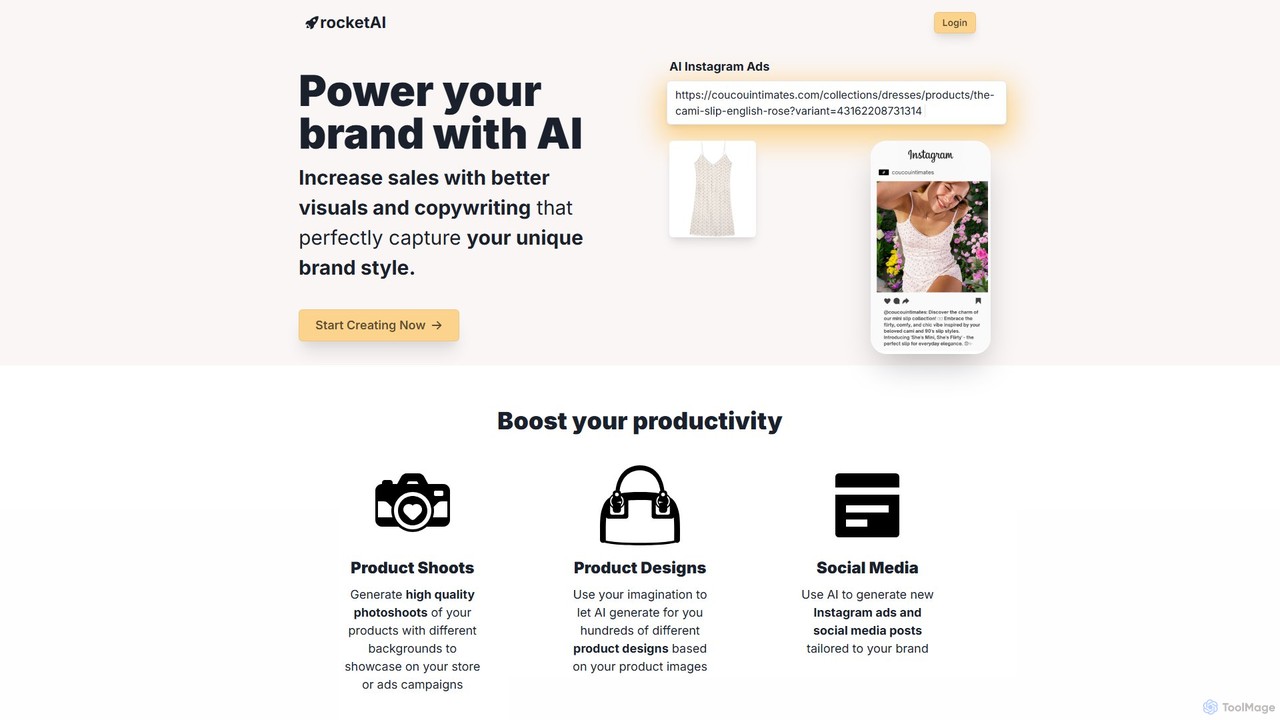
rocketai
rocketai is an AI-powered platform for e-commerce brands to enhance their marketing. By training on your product data, it generates high-quality product photoshoots, unique product designs, compelling social media ads, and persuasive copywriting, all tailored to your unique brand style. It streamlines content creation, helping you boost sales with better visuals.
Image Generation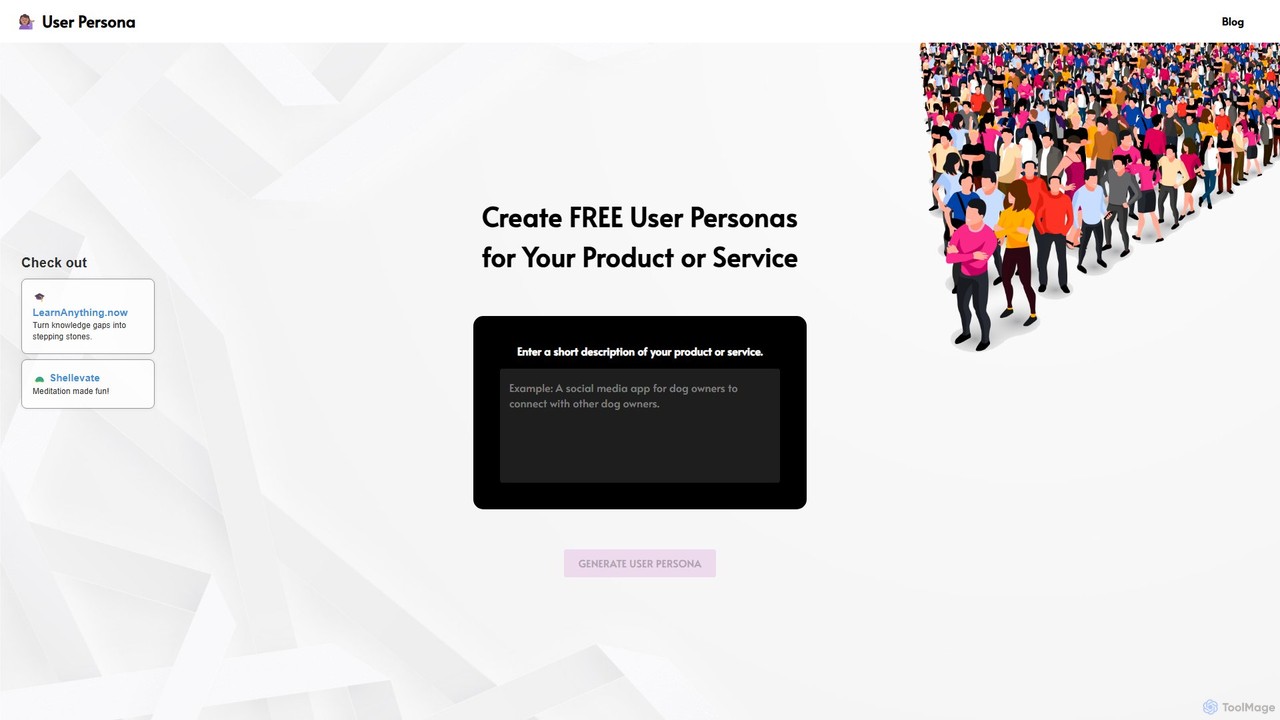
User Persona
User Persona is a free AI-powered tool that generates detailed, data-backed user personas in seconds. Simply enter a description of your product or service, and the AI will create a comprehensive fictional profile, including demographics, behaviors, motivations, and goals. It's an essential tool for product managers, marketers, and UX designers to guide product development and marketing strategies, ensuring a user-centric approach.
Ux Design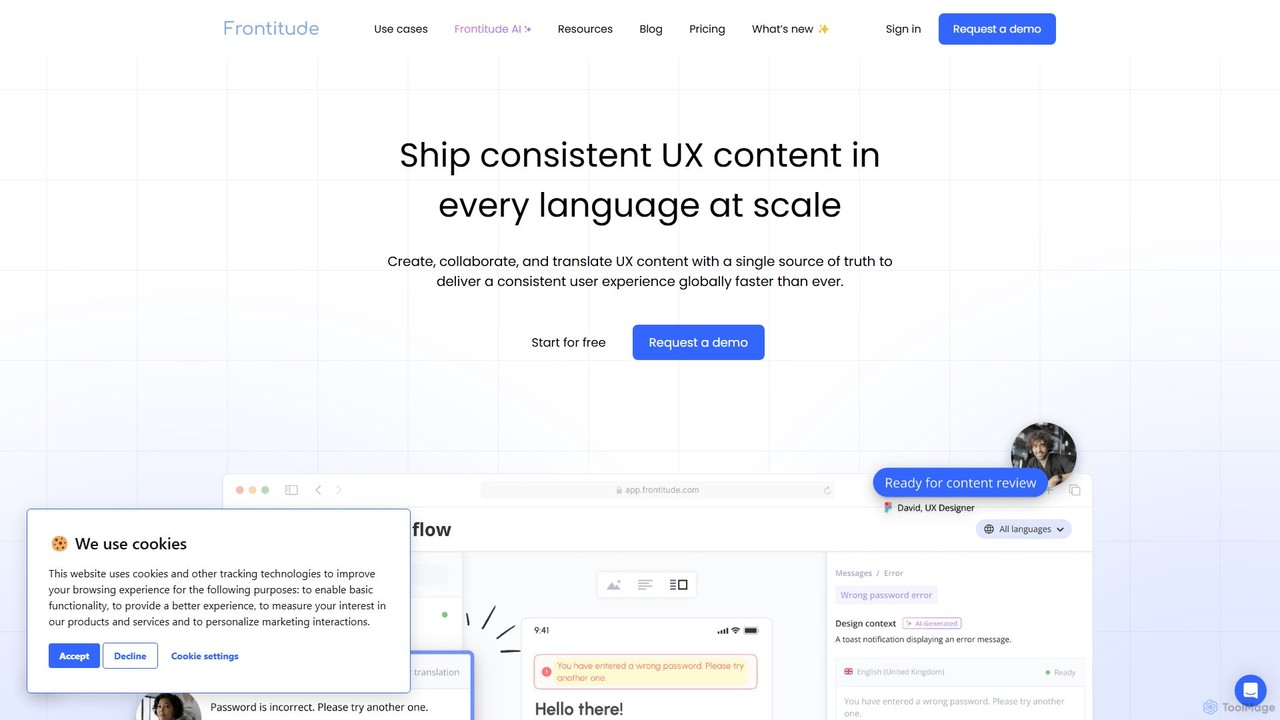
Frontitude
Frontitude is an all-in-one platform for managing multilingual UX content. It centralizes collaboration between design, localization, and development teams to streamline workflows, maintain consistency, and ship global products faster. It features AI-powered writing and translation, and deep integrations with tools like Figma.
Collaboration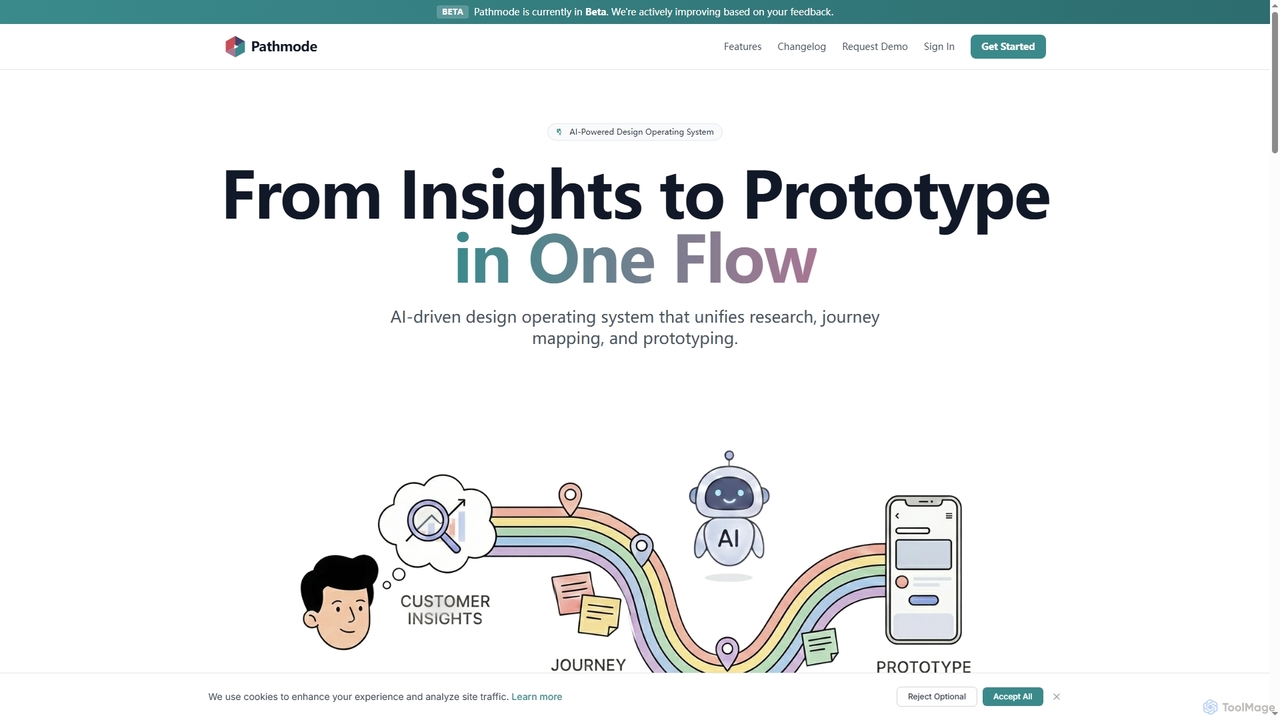
Pathmode
Pathmode is an AI-powered design operating system that unifies user research, automated journey mapping, and prototype specification into a single, seamless workflow. It transforms raw insights into actionable UI design specifications, eliminating manual handoffs and driving efficient product execution.
Design Assistant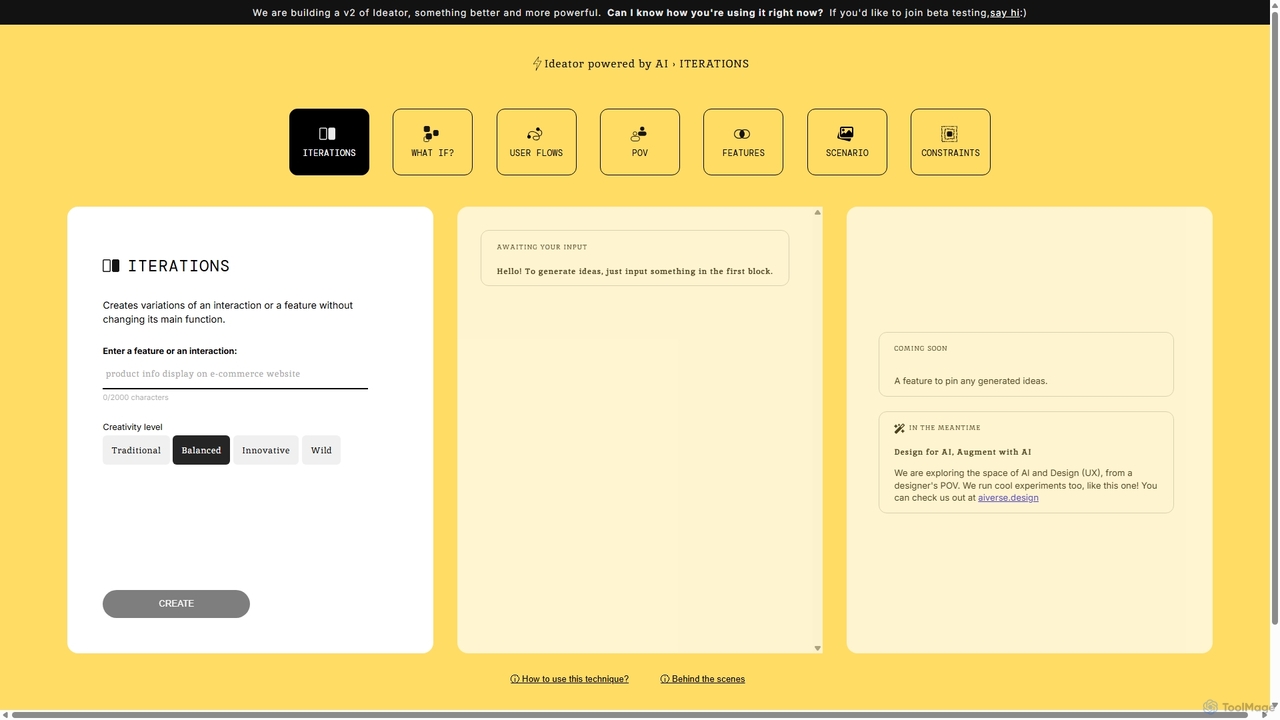
Ideator
Ideator is an AI-powered brainstorming tool designed for UX/UI designers and innovators. It generates creative variations of a user-inputted feature or interaction, helping to overcome creative blocks and accelerate the ideation process. Users can adjust the creativity level from traditional to wild to explore a wide spectrum of design possibilities.
Idea Generation
QoQo Comments (0)
Sign in to comment.
Sign inNo comments yet.