
Hapticlabs Overview
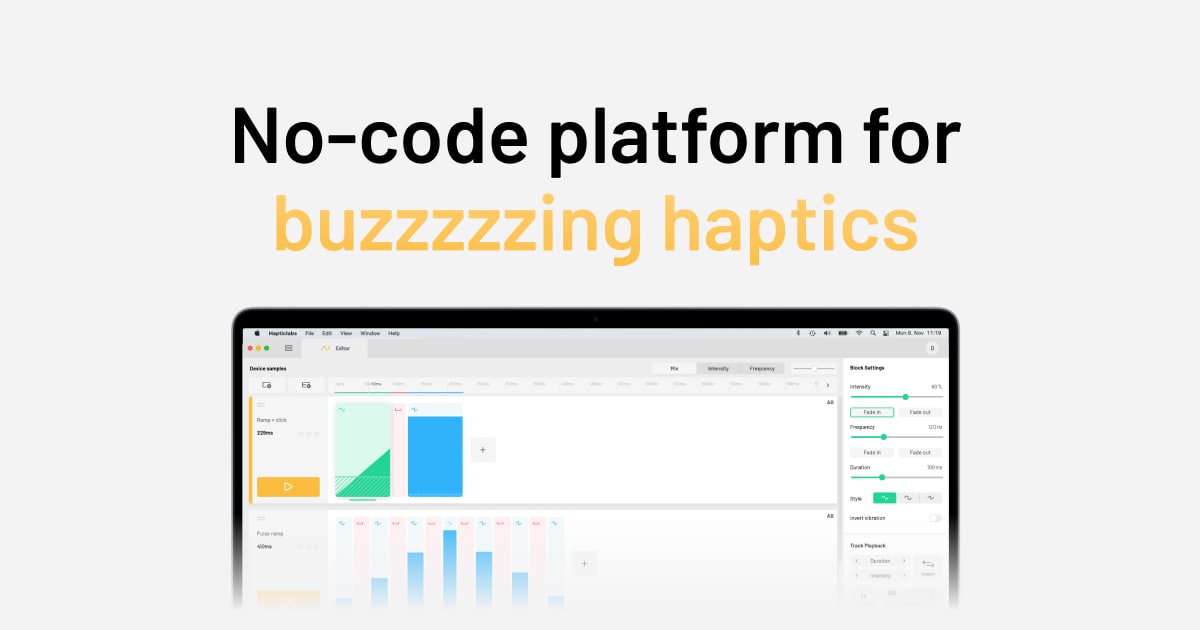
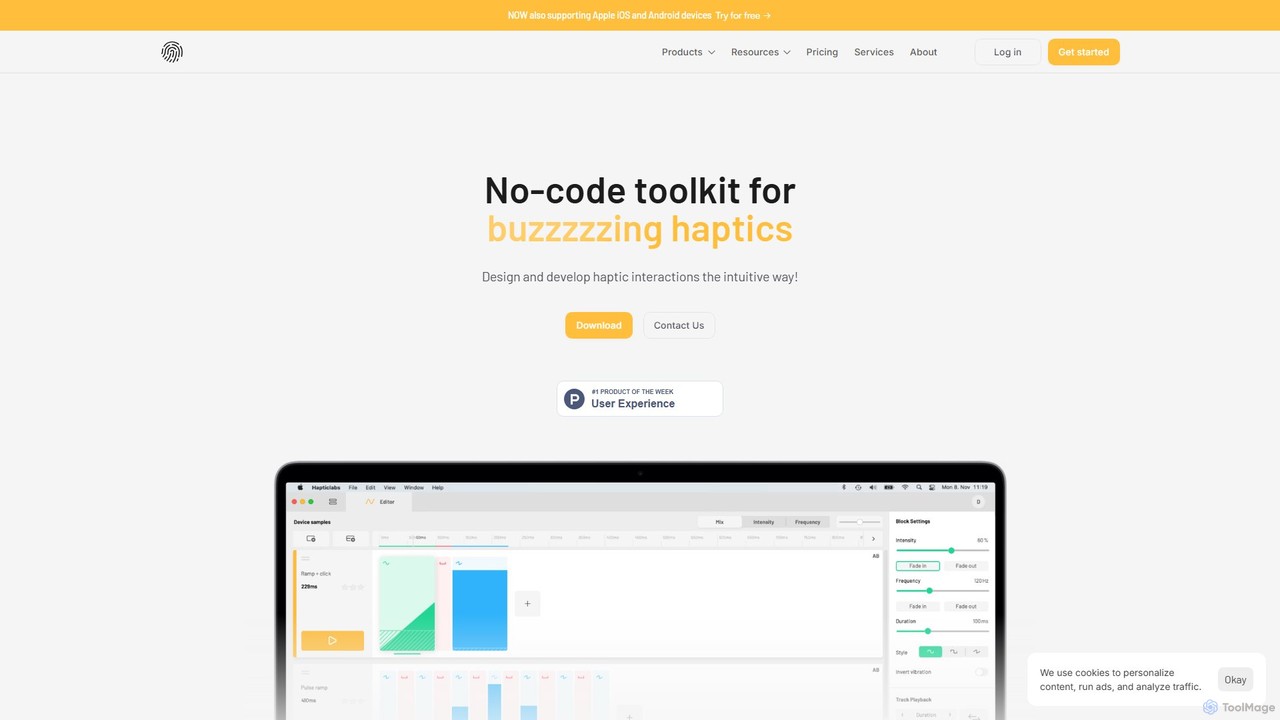
Hapticlabs is a comprehensive platform designed to democratize the creation of haptic feedback, making it accessible to designers, developers, researchers, and creators without requiring deep technical expertise. It offers a complete ecosystem that streamlines the entire workflow from initial design to final deployment, enabling teams to build tangible, intuitive user interactions in days instead of months. The platform is built around three core components: Hapticlabs Studio, the DevKit, and a Mobile App.
Hapticlabs Studio is the central software solution, providing an intuitive, no-code interface for designing complex haptic patterns and custom tactile signals. It features AI-powered capabilities to enhance the design process. In conjunction with the hardware DevKit or the mobile app, designers can feel and evaluate their creations in real-time, facilitating rapid iteration and user testing in the final context. The platform supports cross-device development, ensuring a seamless and consistent brand experience across different products and platforms, including iOS and Android devices.
How to use Hapticlabs
The Hapticlabs workflow is structured into a simple, three-step process:
- Prototype: Begin by using Hapticlabs Studio to visually design your haptic effects. You can create everything from simple buzzes to complex, nuanced feedback. Connect the Studio to the physical DevKit to augment any object with haptics, or use the Mobile App to feel the feedback directly on your smartphone. This stage requires no coding or soldering.
- Evaluate: Test your haptic designs in real-time. Create multiple variations of feedback and evaluate them within the context of your product or application. This allows for immediate user feedback and rapid refinement of the tactile experience.
- Deploy: Once your design is finalized, Hapticlabs provides the tools to implement it in your production environment. You can export your designs as ready-to-use code (including C-code), .wav files, or use various API protocols (like UART, TCP, Socket.io) for seamless integration into your custom hardware or software.
Core Features of Hapticlabs
- No-Code Haptic Design: An intuitive visual editor in Hapticlabs Studio allows anyone to create and customize haptic patterns without writing a single line of code.
- AI-Powered Design: The latest version of Hapticlabs Studio incorporates AI to assist in the creation of haptic patterns, speeding up the design process and offering creative suggestions.
- Hardware DevKit: A plug-and-play hardware kit that enables you to add tactile feedback to any physical prototype, complete with sensor inputs and support for custom actuators.
- Mobile App Support: Design and test haptic feedback directly on iOS and Android devices, allowing for rapid prototyping of mobile experiences.
- Real-time Playback & Evaluation: Instantly feel and test your haptic designs on the connected hardware or mobile device for immediate feedback.
- Cross-Device Deployment: Build experiences that work consistently across a wide range of devices, from custom hardware to smartphones.
- Flexible Export Options: Export designs as C-code, .wav files, or integrate via APIs (UART, Socket.io, ProtoPie) for easy deployment in production.
Use Cases for Hapticlabs
Hapticlabs is a versatile tool used by designers, developers, and researchers across various fields:
- Product Development: Incorporate sophisticated haptic feedback into consumer electronics, automotive interfaces, medical devices, and more to create highly intuitive and satisfying user interactions.
- Education: Provide students in design, engineering, and psychology with a hands-on tool to learn about and explore the principles of haptic technology without a steep learning curve.
- Research: Accelerate human-computer interaction (HCI) research by providing a modular, ready-to-use platform for creating and testing tactile stimuli, allowing researchers to focus on data collection rather than tool development.
- DIY & Maker Projects: Empower hobbyists and makers to bring their creative projects to life by easily integrating custom haptic feedback into their creations.
Advantages of Hapticlabs
Hapticlabs offers significant advantages for teams and individuals working with haptic technology:
- Speed and Efficiency: Drastically reduces development time from months to days, enabling fast iterations and shorter product cycles.
- Accessibility: The no-code approach democratizes haptic design, making it accessible to professionals without specialized coding or electronics skills.
- Complete Ecosystem: Provides a seamless, end-to-end solution from design and prototyping to evaluation and final deployment.
- High-Quality Feedback: Enables the creation of unique, nuanced, and high-definition haptic experiences that enhance product quality and brand perception.
- Praised by Industry Leaders: Trusted by teams at major companies like Microsoft and acclaimed by design firms for its intuitive interface and powerful capabilities.
Pricing and Plans
Hapticlabs offers a freemium model with several tiers to suit different needs:
- Free: A great starting point to explore haptic design. Includes live playback on iOS and Android, 1 project, limited tracks/blocks, and 5 AI credits. It also comes with a 14-day trial of all Pro features.
- Hardware DevKit: A one-time purchase of €399 for the physical prototyping kit, which includes actuators and sensors.
- Starter Plan: €450 per user/year. Includes all Free features plus unlimited projects, unlimited tracks/blocks, advanced design effects, and 25 AI credits.
- Pro Plan: €960 per user/year. Includes all Starter features plus wireless satellite playback, API access (Socket.io & ProtoPie), and 250 AI credits. Ideal for professional prototyping and evaluation.
- Enterprise Plan: Custom pricing. Includes all Pro features plus priority support, export for custom devices, design support, and custom hardware integrations for production deployment.
Educational and non-profit discounts are available upon request.
Traffic
Latest traffic
Status
Monthly traffic trend
- 2025-9: 6.0K
- 2026-1: 8.1K
- 2026-2: 6.1K
- 2026-3: 17.9K
- 2026-4: 5.4K
- 2026-5: 5.0K
Geography
Top 5 countries / regions
- 🇺🇸United States28.1%
- 🇩🇪Germany23.3%
- 🇿🇦South Africa17.8%
- 🇬🇧United Kingdom16.1%
- 🇨🇦Canada14.6%
Top keywords
| Keyword | Cost per click |
|---|---|
| haptic feedback meaning | $0.54 |
| haptic ios tool | $0.00 |
| haptics lab | $0.00 |
| ios haptic database | $0.00 |
| lra motor working gif | $0.00 |
Hapticlabs Alternatives
Pleasedontcode
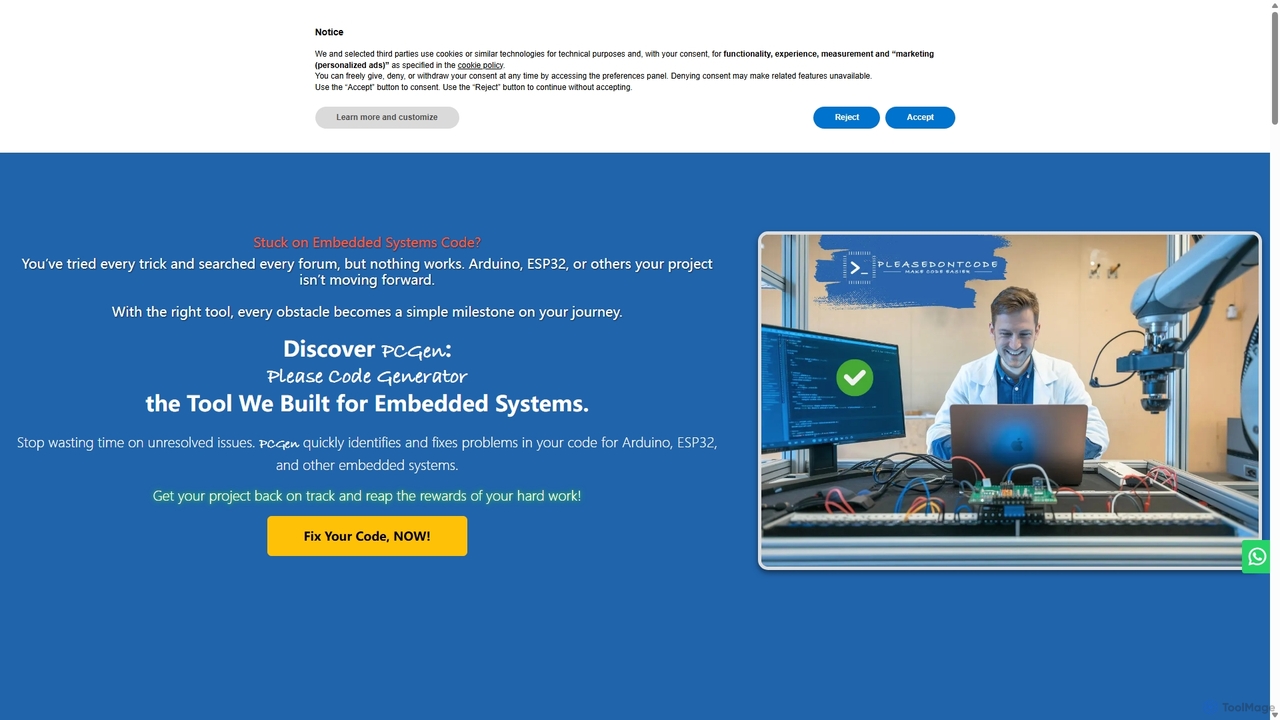
Pleasedontcode is a specialized AI code generator for embedded systems, designed to accelerate development for Arduino and ESP32 projects. It transforms natural language requirements into functional, error-free C++ code, fixes compilation errors, and guides users through a structured project setup, saving significant time for developers, hobbyists, and businesses.
Code Generation
App Alchemy
App Alchemy is an AI-powered design tool that generates beautiful, professional mobile app mockups in seconds. Simply describe your app idea, use a template, or upload screenshots, and the AI will instantly create UI designs. It's designed for developers, entrepreneurs, and designers to rapidly visualize, iterate, and export app concepts without needing complex design skills or expensive software.
Ui Ux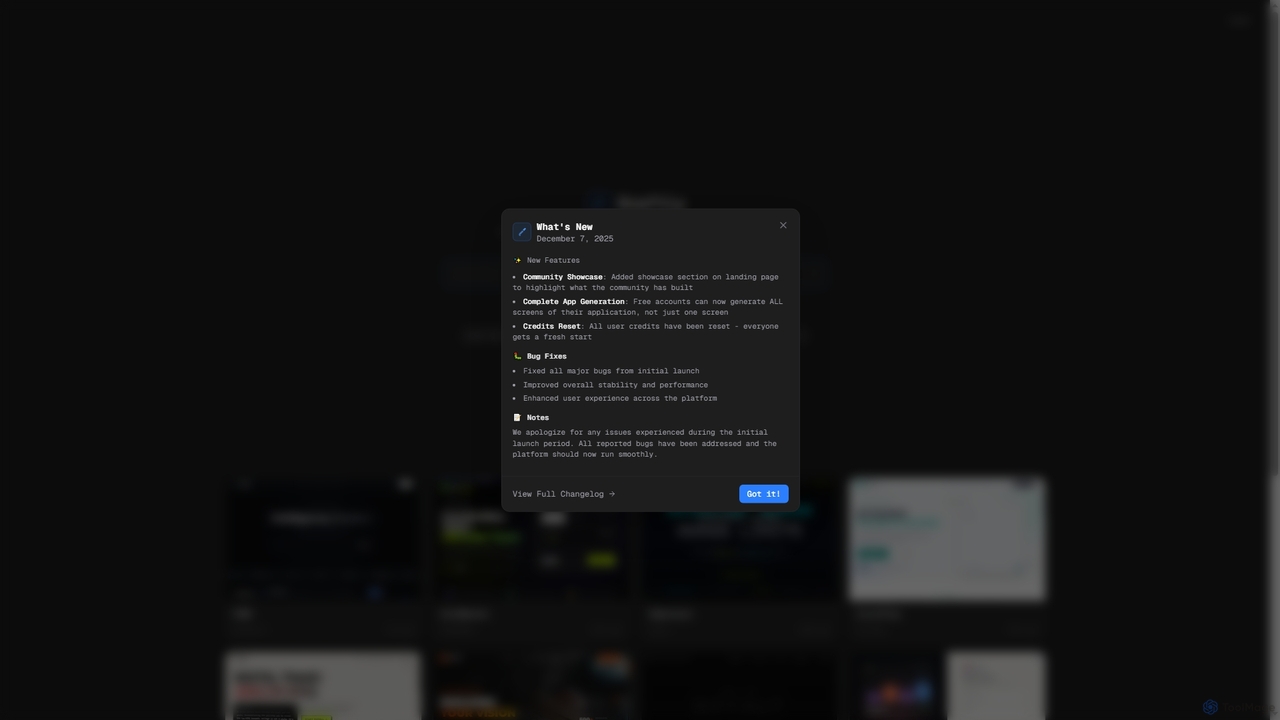
Draftly
Draftly is an AI-powered UI design generator that enables users to quickly create complete application screens. It streamlines the design process, offering enhanced stability and a community showcase for inspiration. Free accounts now benefit from full app generation capabilities.
Ui Ux Design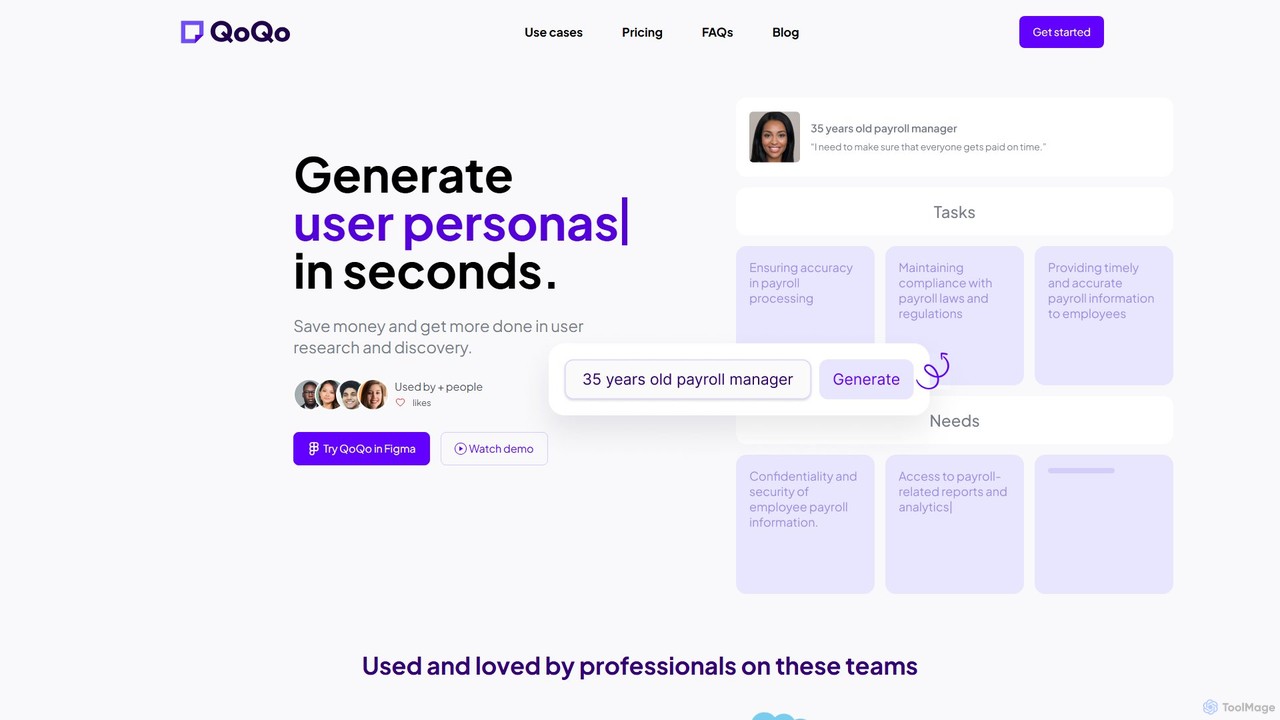
QoQo
QoQo is an AI-powered user experience companion designed for Figma. It helps designers, agencies, and product teams accelerate the user research and discovery process. By generating user personas, journey maps, and information architecture in seconds, QoQo saves time and resources, allowing teams to create data-driven, meaningful designs without extensive budgets. It acts as a research assistant directly within your design workflow.
Ux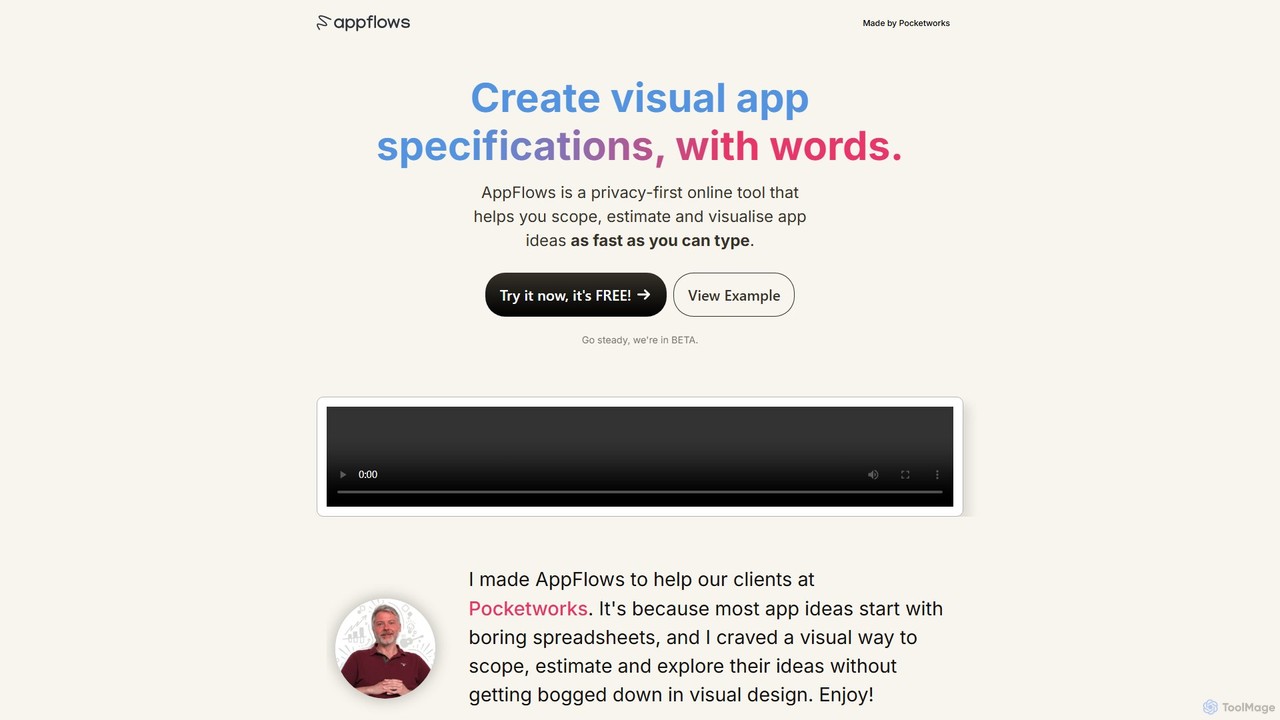
AppFlows
AppFlows is a privacy-first, AI-powered online tool for rapidly scoping, estimating, and visualizing app ideas. Simply type your concepts, and AppFlows automatically generates visual specifications, user flows, and strategic plans, bridging the gap between spreadsheets and complex design tools.
StrategyHapticlabs Categories
Hapticlabs Embed Widget
Copy this embed code to place the badge on your blog, article, or product site and send readers directly to this ToolMage detail page.

Related AI tools
Pleasedontcode
Pleasedontcode is a specialized AI code generator for embedded systems, designed to accelerate development for Arduino and ESP32 projects. It transforms natural language requirements into functional, error-free C++ code, fixes compilation errors, and guides users through a structured project setup, saving significant time for developers, hobbyists, and businesses.
Code Generation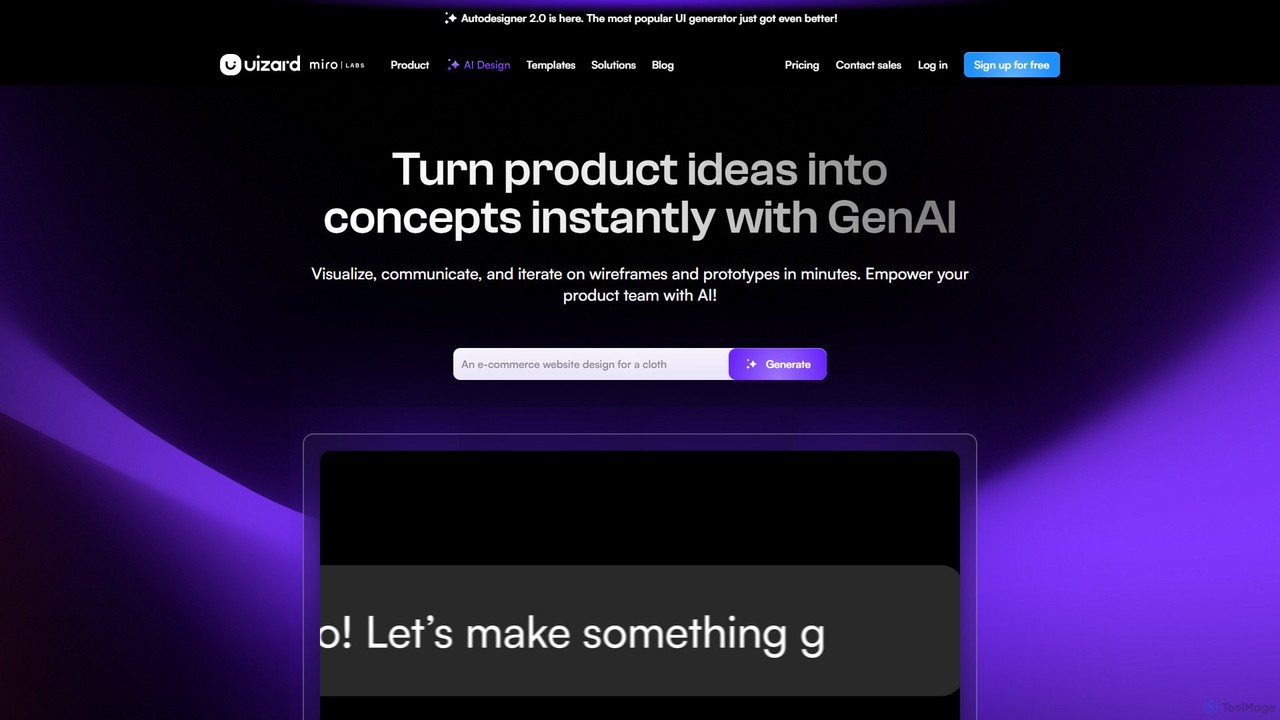
Uizard
Uizard is an AI-powered UI design tool that empowers both designers and non-designers to create stunning websites, web apps, and mobile app mockups in minutes. Transform text prompts, hand-drawn sketches, or screenshots into editable, interactive prototypes. It's designed for rapid ideation, real-time collaboration, and streamlining the entire product design workflow from concept to handoff.
Ui UxApp Alchemy
App Alchemy is an AI-powered design tool that generates beautiful, professional mobile app mockups in seconds. Simply describe your app idea, use a template, or upload screenshots, and the AI will instantly create UI designs. It's designed for developers, entrepreneurs, and designers to rapidly visualize, iterate, and export app concepts without needing complex design skills or expensive software.
Ui Ux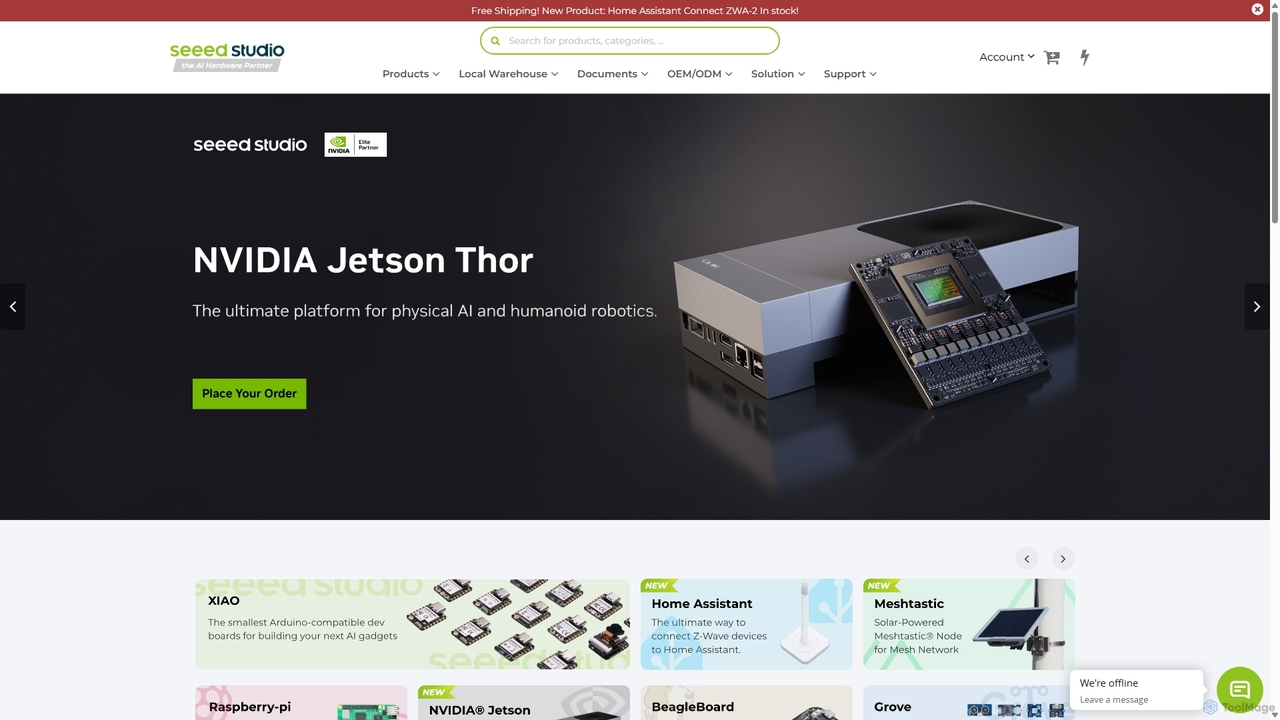
Seeed Studio
Seeed Studio is a leading IoT hardware platform for developers and businesses. It provides a vast range of open-source hardware, development kits, sensors, and AI-accelerated modules, specializing in edge computing. From prototyping with Raspberry Pi and NVIDIA Jetson to scalable manufacturing services (OEM/ODM), Seeed Studio empowers innovators to build and deploy real-world IoT and Edge AI solutions for smart agriculture, industry, and cities.
Edge Computing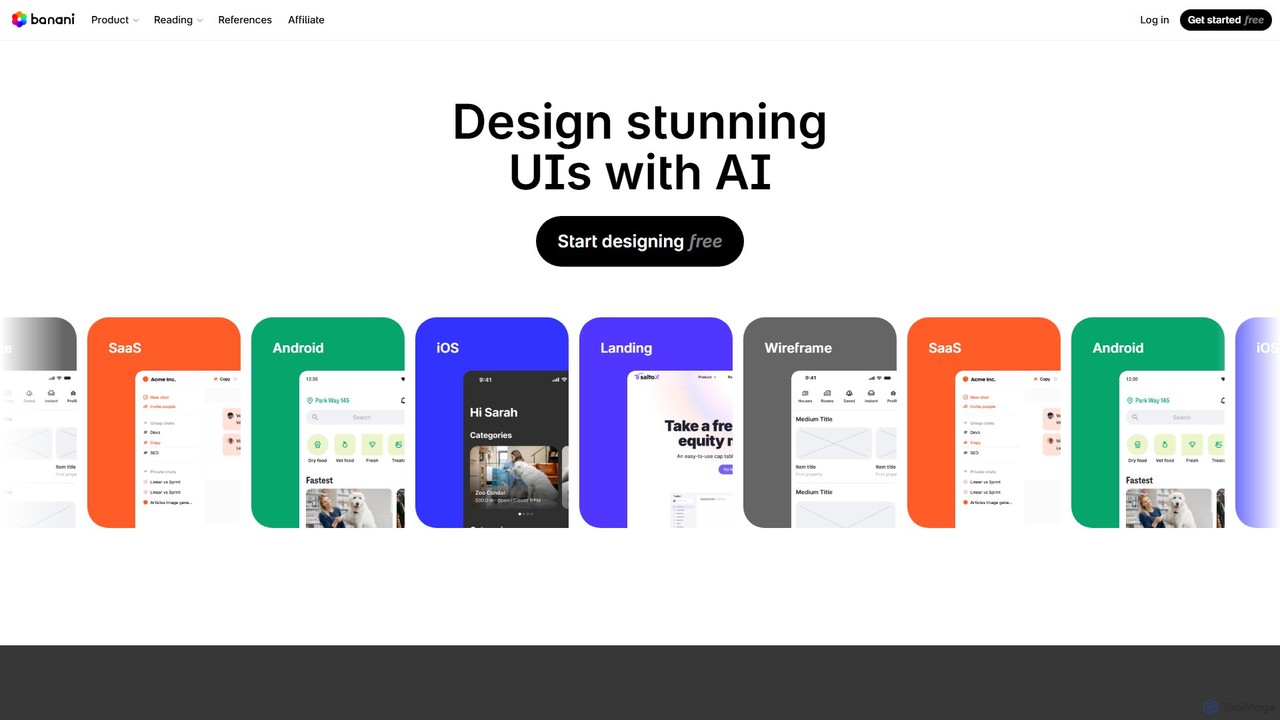
Banani
Banani is an AI-powered UI design copilot that transforms text prompts into stunning, interactive user interfaces and prototypes. It's designed for rapid ideation and visualization, enabling product managers, founders, and designers to create beautiful, user-friendly designs in seconds, even without prior design skills.
Ui Design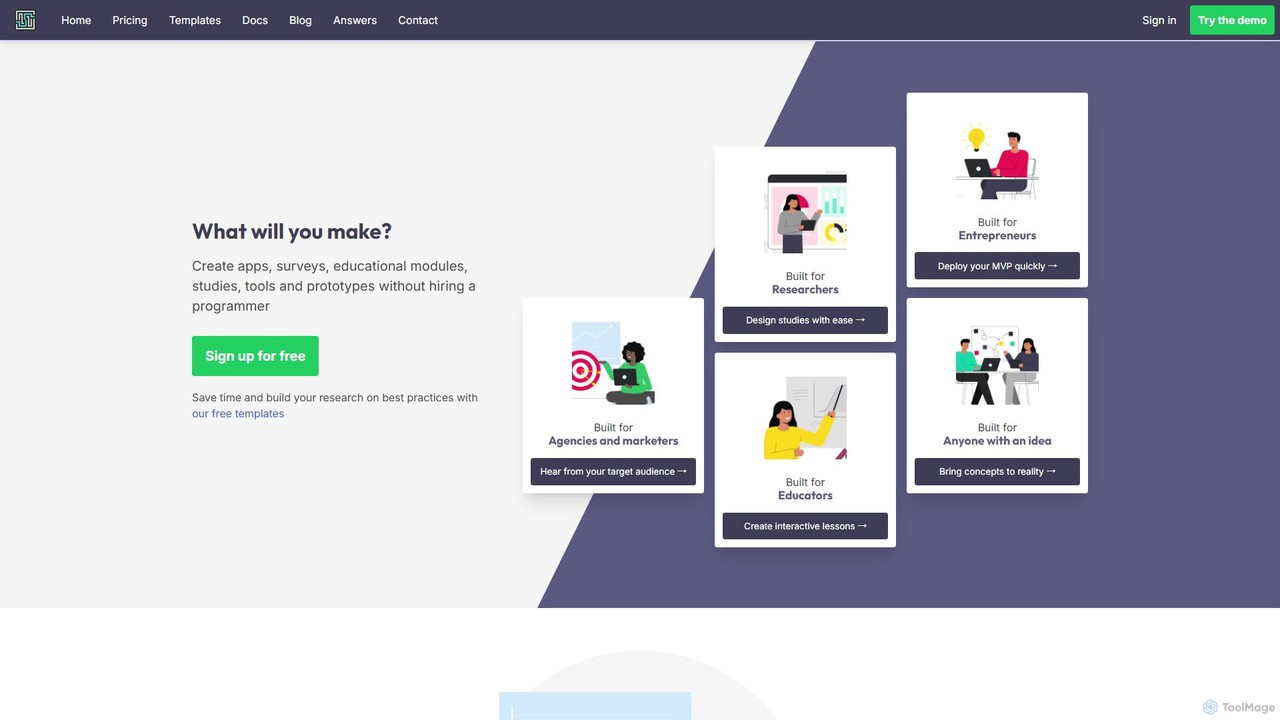
GuidedTrack
GuidedTrack is a powerful no-code platform for creating interactive web applications, complex surveys, educational modules, and prototypes. It empowers marketers, researchers, educators, and entrepreneurs to build and deploy sophisticated digital experiences without writing a single line of code, using an intuitive, text-based language.
Prototyping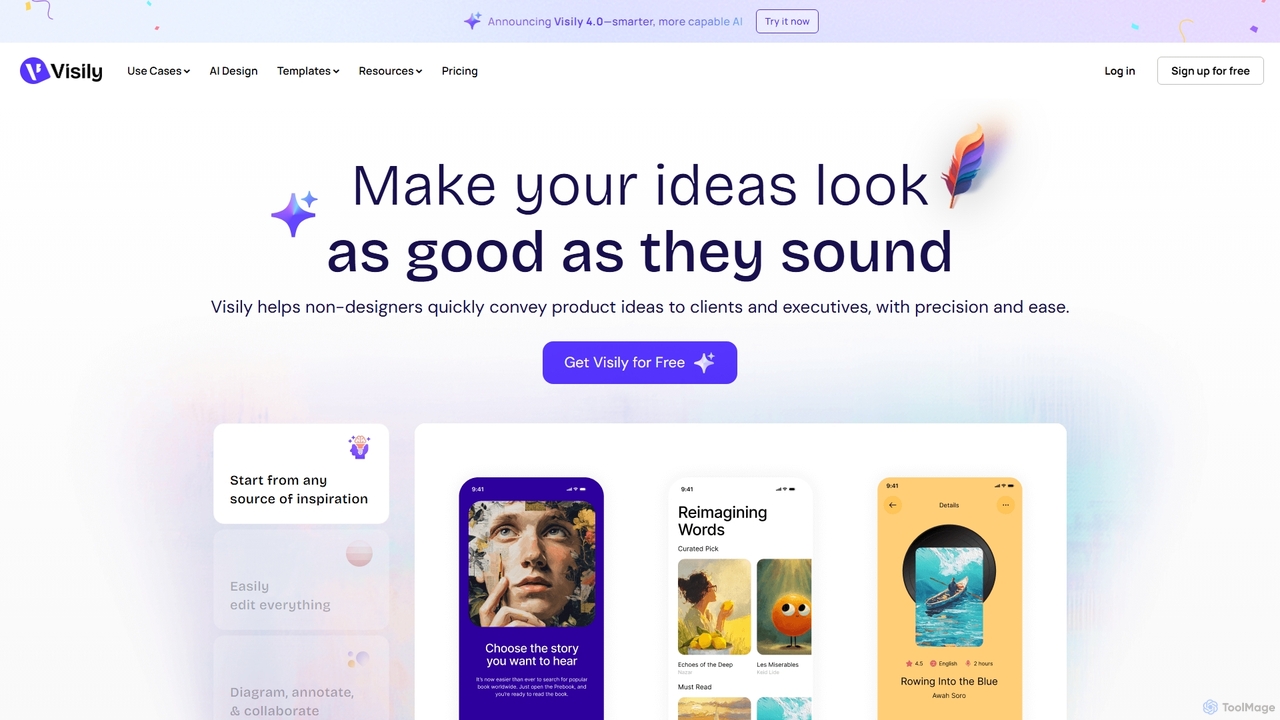
Visily
Visily is an AI-powered UI design and prototyping tool specifically created for non-designers. It enables teams to quickly transform ideas, screenshots, or text prompts into high-fidelity wireframes and mockups. With its intuitive interface and powerful collaboration features, Visily streamlines the process of visualizing product concepts and gathering feedback, bridging the gap between ideas and execution without a steep learning curve.
Ui Ux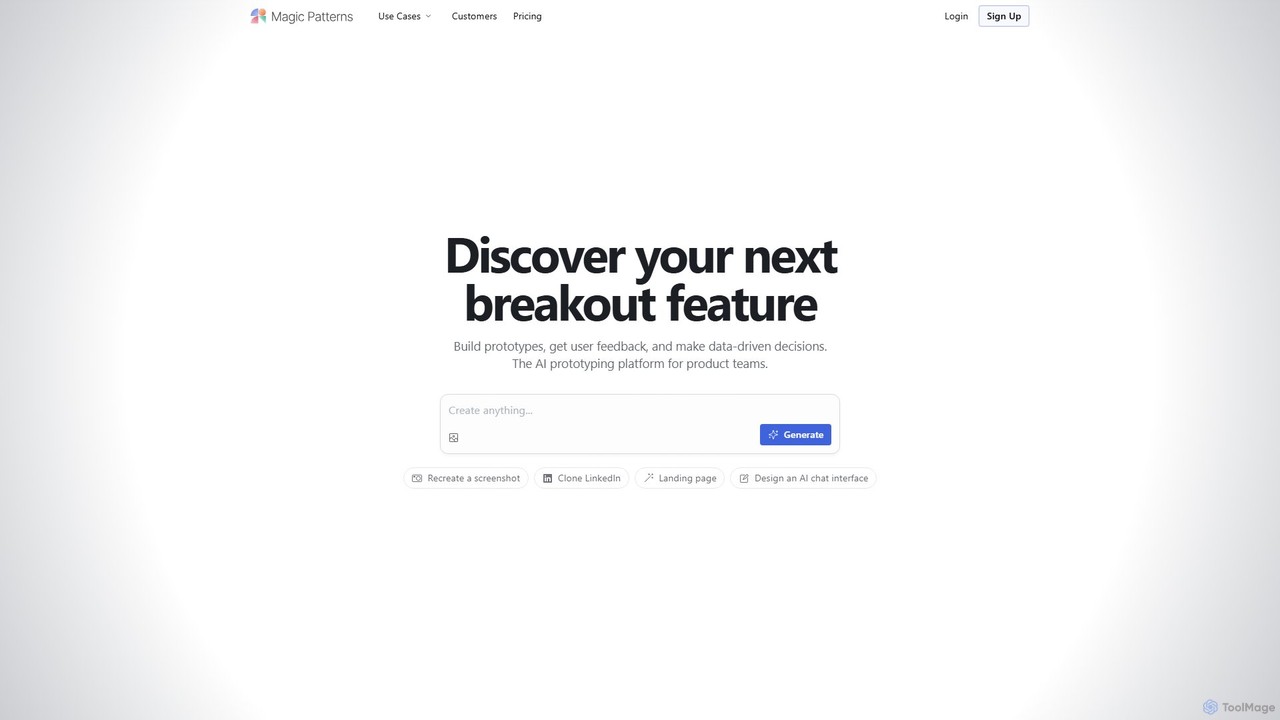
Magic Patterns
Magic Patterns is an AI-powered prototyping platform for product teams, designers, and developers. It accelerates UI creation by generating interactive prototypes and production-ready code (React, Tailwind CSS) from text prompts, screenshots, or existing websites. It helps teams iterate faster, gather user feedback, and make data-driven decisions.
Prototyping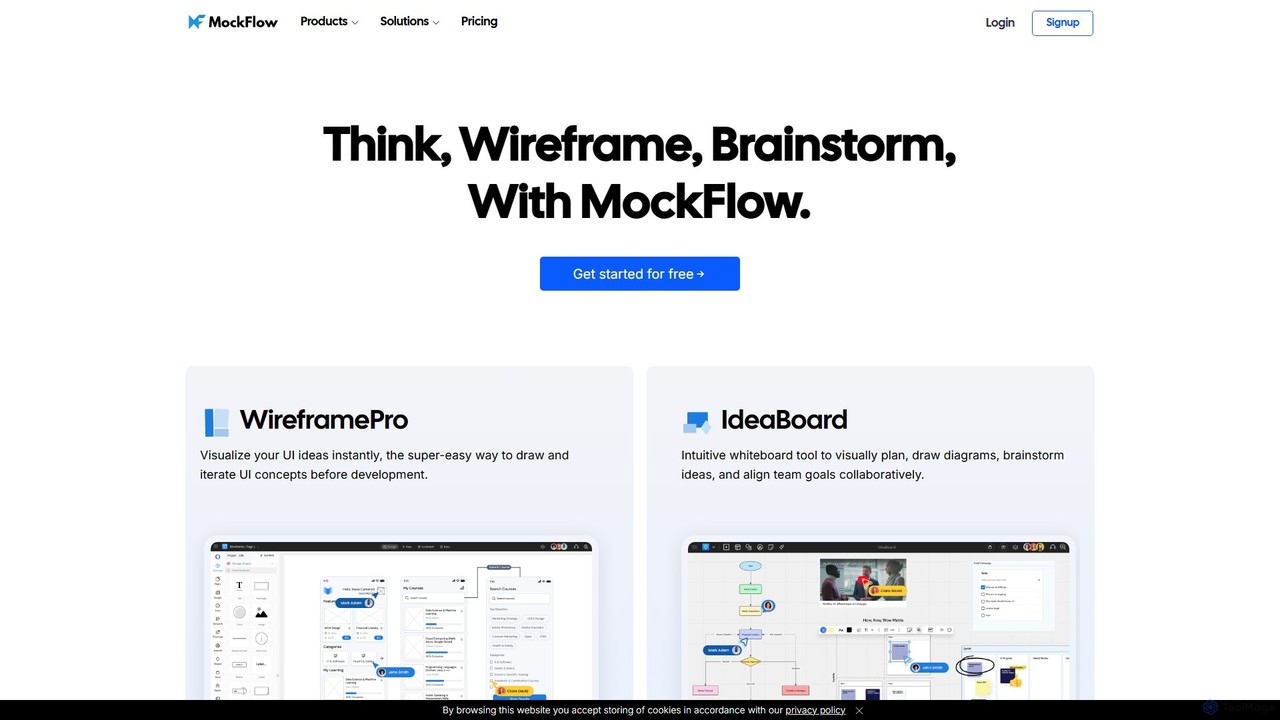
MockFlow
MockFlow is an all-in-one suite for product design, offering tools for wireframing, prototyping, and brainstorming. It leverages AI to accelerate the design process, allowing users to convert text or screenshots into editable wireframes, generate diagrams, and create content automatically. With extensive collaboration features and integrations, it streamlines the entire workflow from initial idea to developer handoff.
Ui Ux
Jyek
Jyek is an AI agent platform that understands objectives, creates execution plans, uses tools, and delivers verifiable results for complex, multi-step tasks.
Automation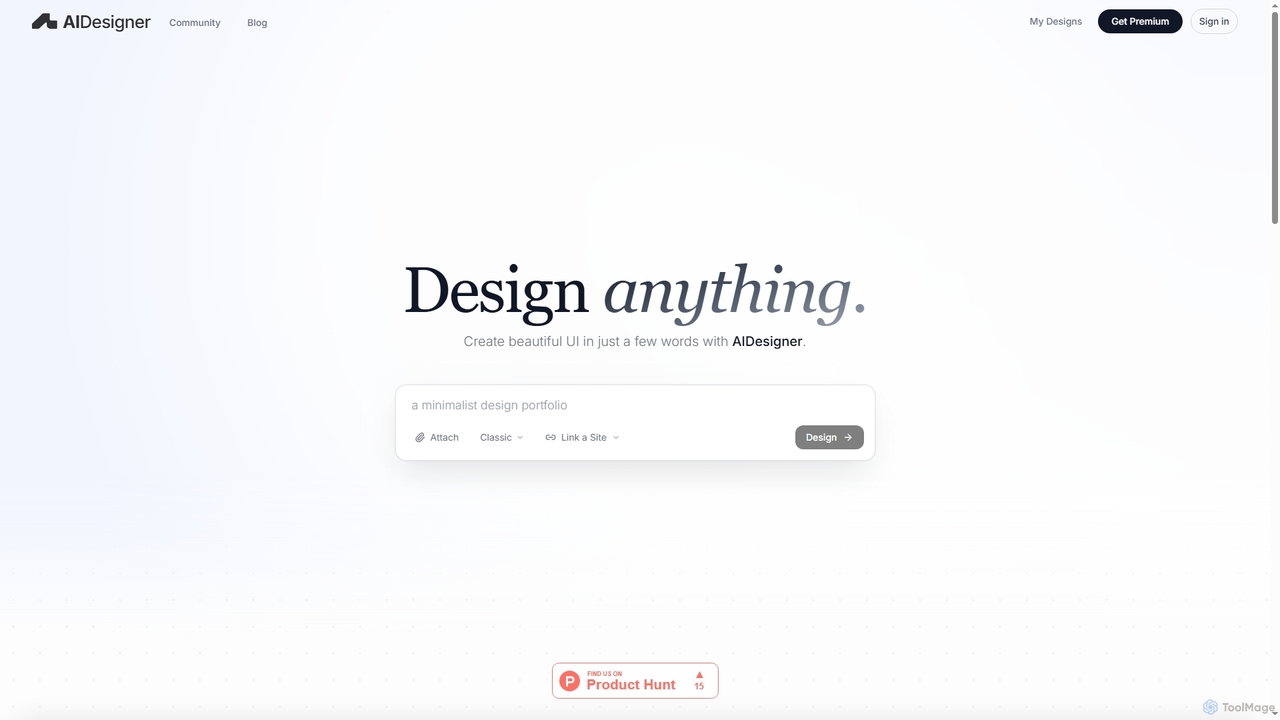
AIDesigner
AIDesigner is an advanced AI-powered platform that transforms textual descriptions into stunning UX/UI designs. It offers a unique approach to design generation, enabling users to create beautiful websites, mobile apps, and portfolios without the generic 'AI look.' With a rich library of production-ready templates and powerful customization options, AIDesigner empowers creators to rapidly prototype and launch visually distinctive digital experiences.
User Experience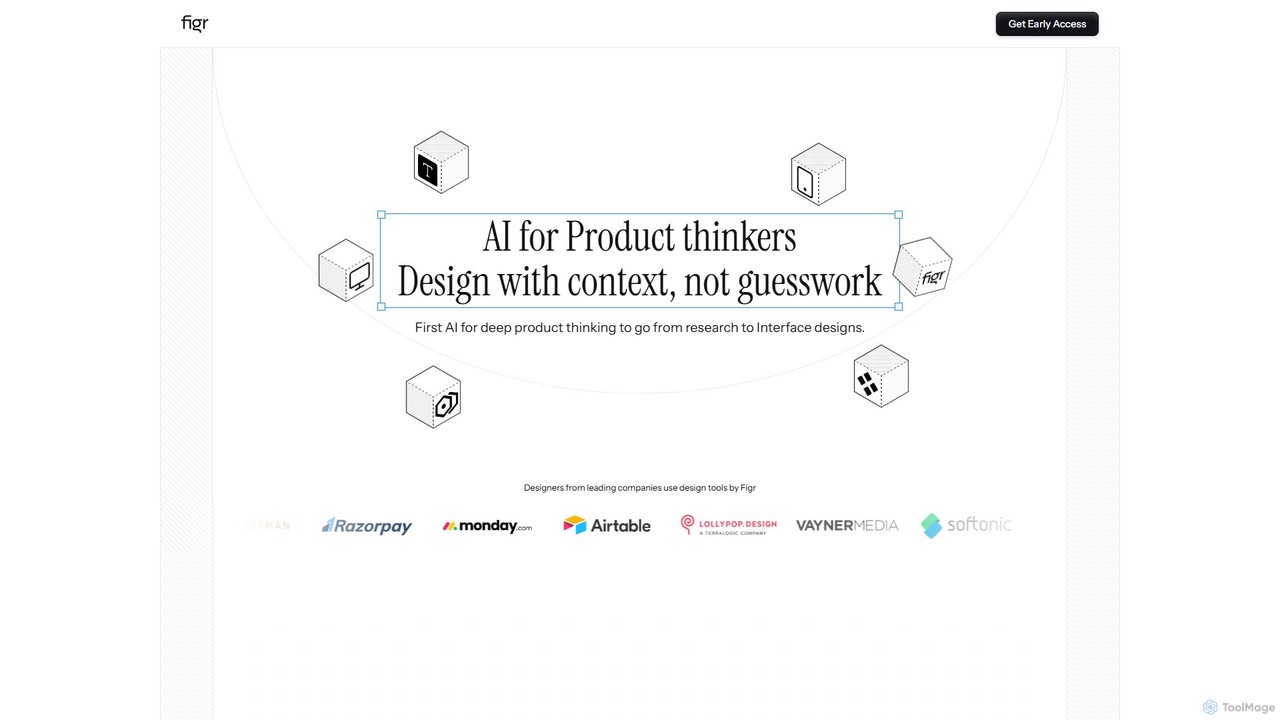
Figr
Figr is an AI-powered design suite that accelerates the product design workflow. It specializes in creating production-grade design systems directly within Figma, automating the generation of design tokens, components, and documentation. It's built for product thinkers, designers, and teams to transform research and context into clear, consistent, and scalable user interfaces with remarkable speed.
Ui Ux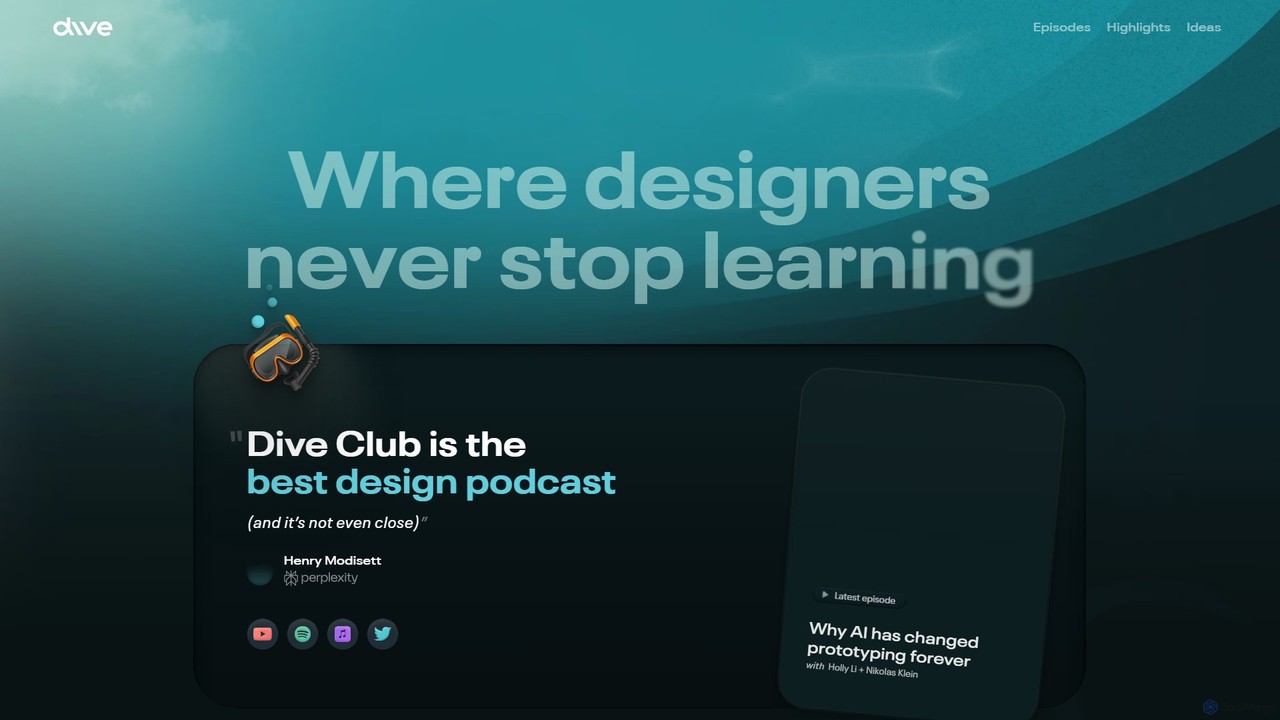
Dive Club
Dive Club is an educational platform and podcast for designers, offering in-depth interviews with leaders from top tech companies. It focuses on continuous learning, exploring topics like product design, user experience, career growth, and the transformative impact of AI on the design industry.
Professional Networking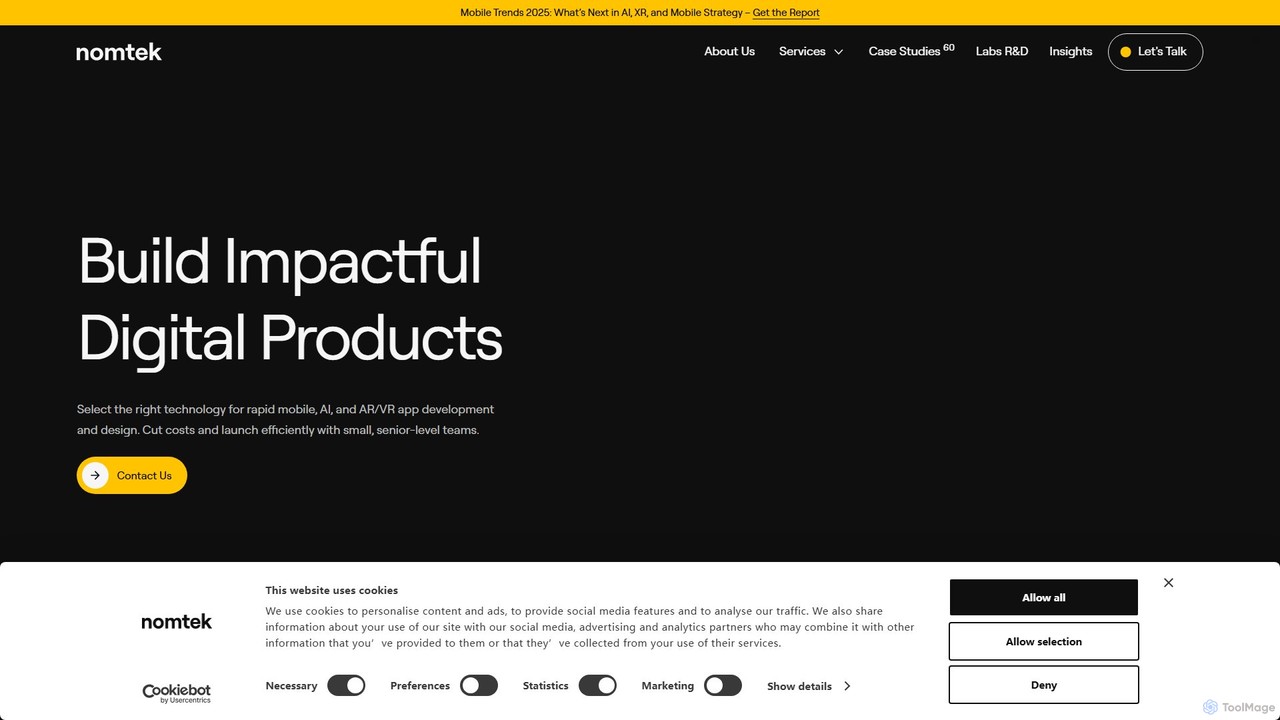
nomtek
nomtek is a premier software development agency specializing in crafting innovative mobile, AR/VR, and embedded applications. They partner with businesses to transform concepts into market-ready digital products, offering end-to-end services from product discovery and UI/UX design to development, AI integration, and post-launch support. Their expertise lies in building cutting-edge solutions that leverage emerging technologies to drive business growth and user engagement.
Consulting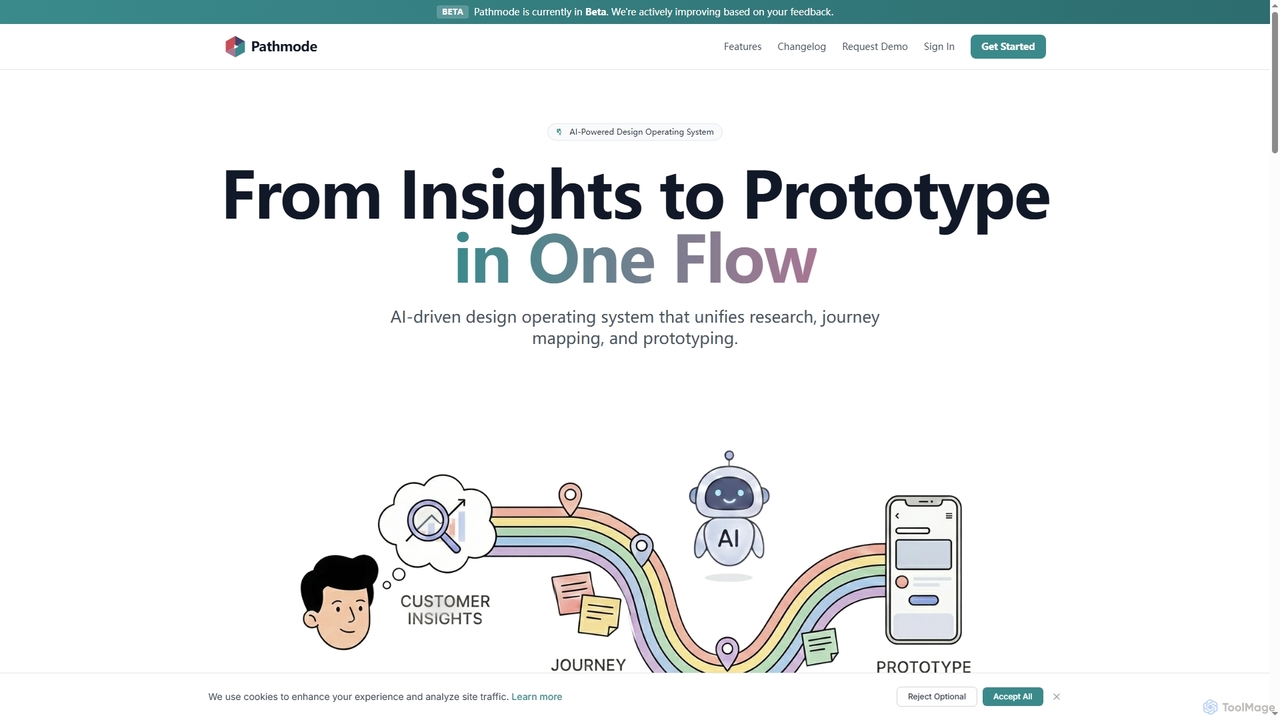
Pathmode
Pathmode is an AI-powered design operating system that unifies user research, automated journey mapping, and prototype specification into a single, seamless workflow. It transforms raw insights into actionable UI design specifications, eliminating manual handoffs and driving efficient product execution.
Design Assistant
Hapticlabs Comments (0)
Sign in to comment.
Sign inNo comments yet.