Development Best in category 9 results Prototyping AI Tool

Popular AI tools in the Prototyping field of Development include Outset、Reforge、App Alchemy、Draftly、Macaly、Hapticlabs、Backdrop Build、AppFlows、domsy.io, etc., helping you quickly improve efficiency.

Draftly

Draftly

Draftly is an AI-powered UI design generator that enables users to quickly create complete application screens. It streamlines …

49.0K
Reforge

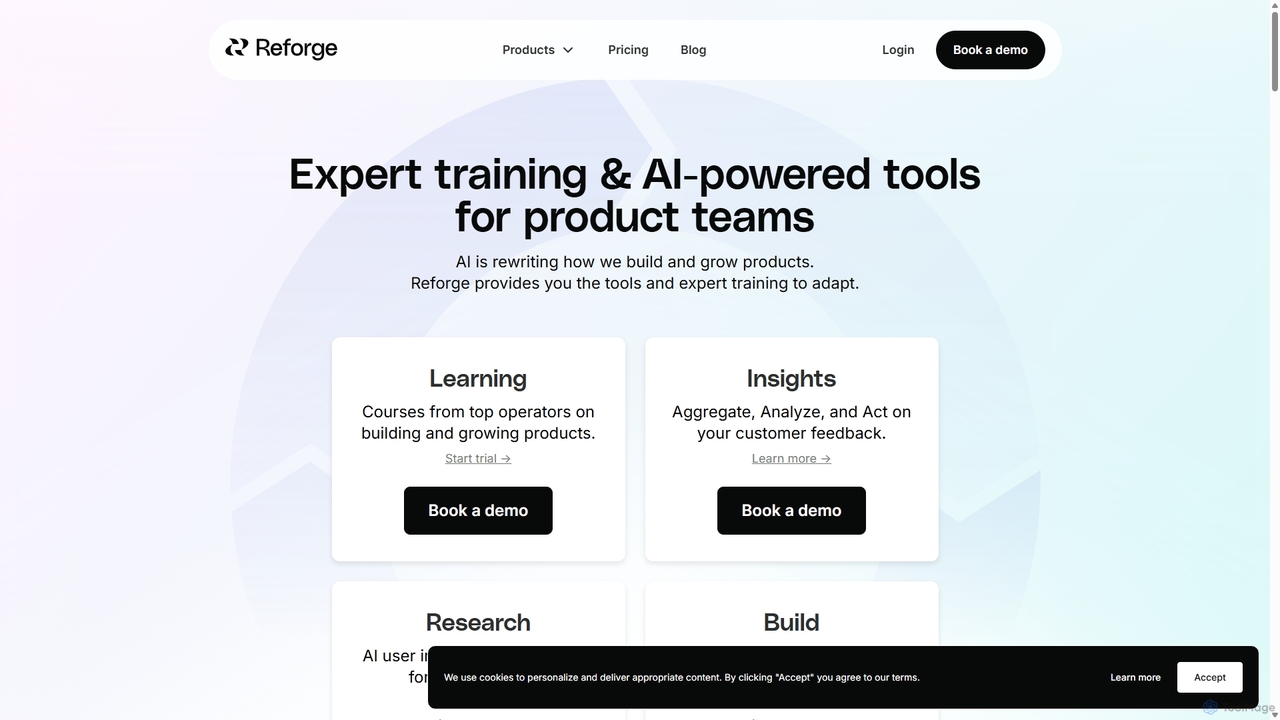
Reforge

Reforge is a professional development platform for product and growth teams, combining expert-led courses with a suite of …

215.4K
Outset

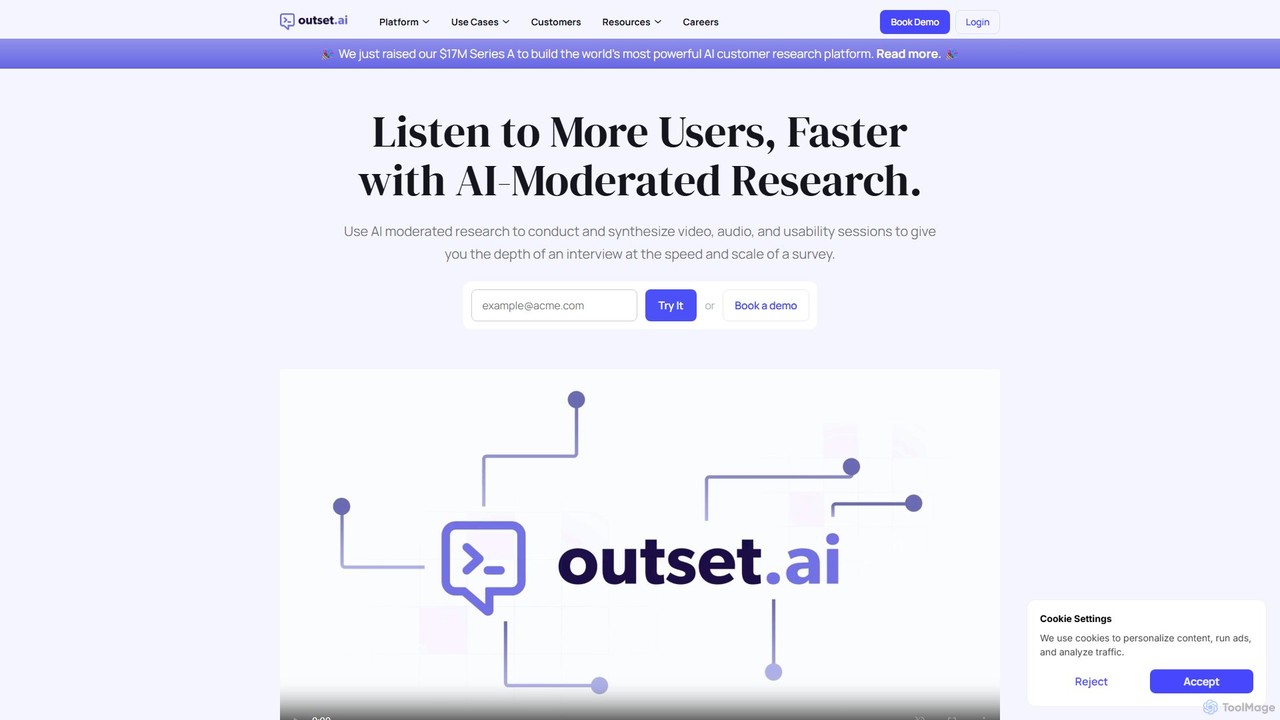
Outset

Outset is an AI-moderated research platform that enables teams to conduct and synthesize qualitative research at scale. It …

490.1K
Hapticlabs

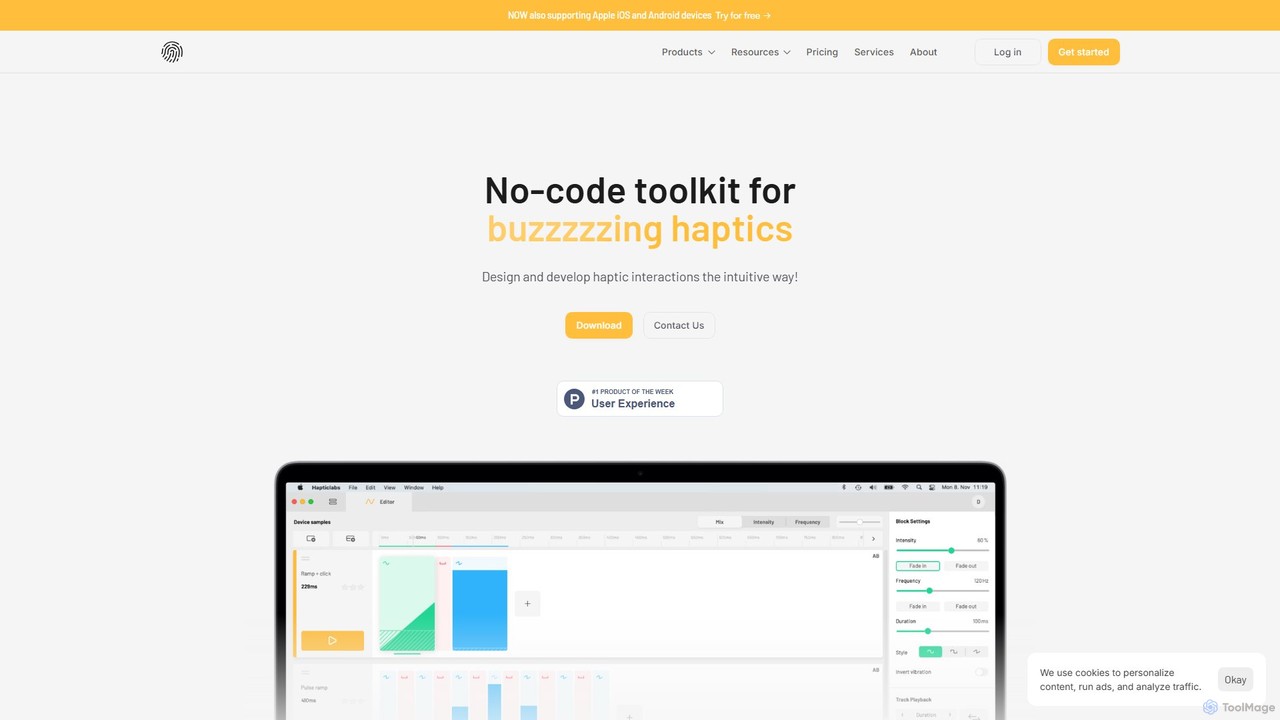
Hapticlabs

Hapticlabs is a no-code toolkit for designing, prototyping, and deploying tangible haptic interactions. It provides an intuitive ecosystem …

7.6K
App Alchemy

App Alchemy

App Alchemy is an AI-powered design tool that generates beautiful, professional mobile app mockups in seconds. Simply describe …

95.6K
AppFlows

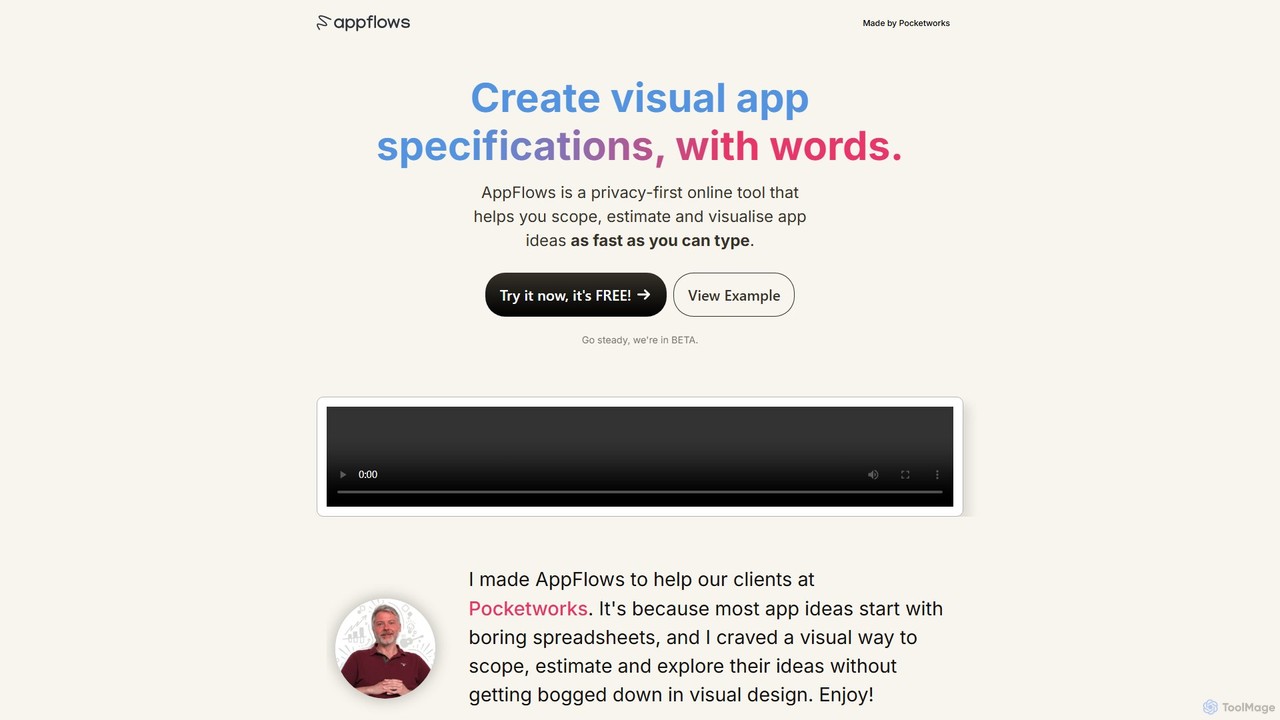
AppFlows

AppFlows is a privacy-first, AI-powered online tool for rapidly scoping, estimating, and visualizing app ideas. Simply type your …

2.4K
domsy.io

domsy.io

domsy.io is an AI-powered prototyping companion that transforms your ideas into functional, browser-native software prototypes instantly. Build, edit, …

2.2K
Free
Backdrop Build

Backdrop Build

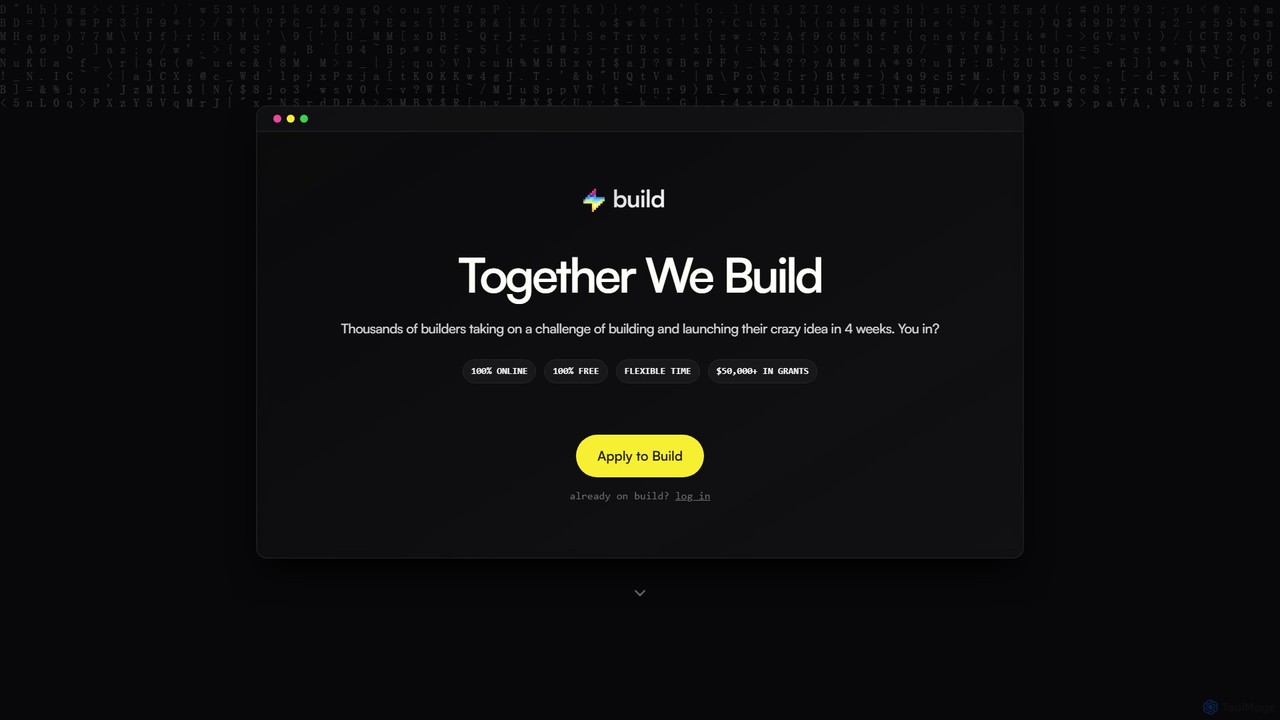
Backdrop Build is a free, 4-week online program for builders and developers to launch their ideas. It offers …

4.4K
Macaly

Macaly

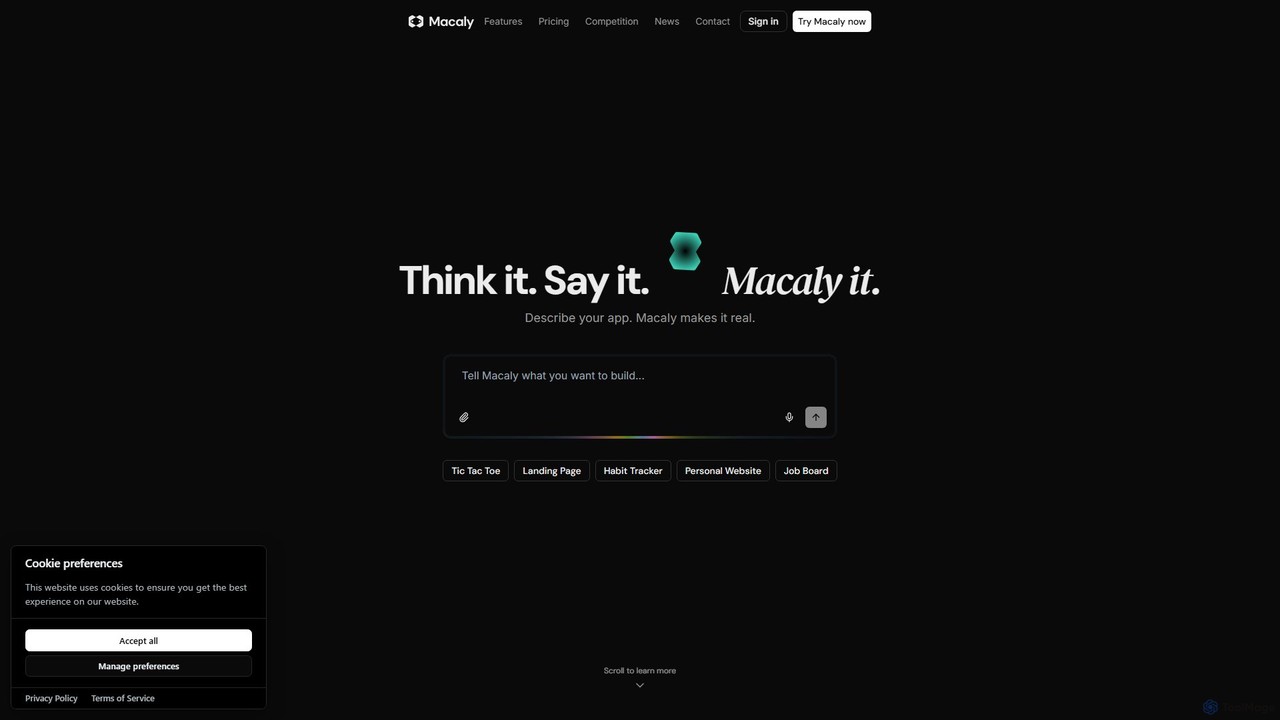
Macaly is an AI-powered platform that transforms your ideas into functional web apps and websites using natural language. …

33.8K

About Prototyping

AI Prototyping tools are a class of software that uses artificial intelligence to rapidly generate interactive user interfaces, wireframes, and even functional code from simple inputs like text descriptions or sketches. These tools leverage generative models to interpret user intent and automatically create visual layouts, components, and user flows. This significantly accelerates the design and development process, allowing teams to visualize, test, and iterate on ideas much faster than with traditional methods. They act as a bridge between initial concepts and tangible, interactive mockups within the broader development lifecycle.

Core Features

  • Text/Sketch to UI Generation: Instantly converts natural language prompts or hand-drawn sketches into digital wireframes and high-fidelity designs.
  • AI-Powered Component Library: Intelligently suggests and places UI components like buttons, forms, and navigation bars based on design context.
  • Automated User Flow Creation: Generates multi-screen application flows and interactive links from a high-level description of user actions.
  • Generative Data Population: Automatically fills designs with realistic placeholder text, images, and data, making prototypes feel more authentic.
  • Code Export: Translates visual designs into front-end code frameworks such as HTML/CSS, React, or Vue, creating a starting point for development.

Use Cases

These tools are invaluable for product managers, UI/UX designers, and front-end developers. Startups use them to quickly build minimum viable product (MVP) mockups for investor pitches. Design teams leverage them to explore numerous layout variations rapidly. Developers use the code export feature to accelerate the transition from design to a functional front-end codebase.

How to Choose

When selecting an AI Prototyping tool, consider the input methods it supports (text, sketch, design files). Evaluate the quality and framework compatibility of its code output. Assess its integration capabilities with existing design software like Figma or Sketch. Also, consider the tool's collaboration features and the steepness of its learning curve for your team.

PrototypingUse Cases

1

Validate a Startup Idea with an Interactive MVP

A non-technical founder needs to present a compelling vision of their app idea to potential investors. Instead of hiring a costly agency, they use an AI prototyping tool. They write a series of prompts describing the core user journey: 'Create a login screen with Google sign-up,' 'Design a dashboard showing user projects,' and 'Build a project detail page with a task list.' The AI generates a multi-screen, clickable prototype in minutes. This allows the founder to demonstrate a tangible product, gather early feedback, and secure funding much faster.

2

Accelerate UI/UX Design Exploration

A UI/UX designer is tasked with creating a new settings page for a mobile app. To explore different layouts, they upload a rough hand-drawn sketch of the basic structure. The AI tool instantly transforms it into a clean digital wireframe. From there, the designer uses text prompts like 'Make it a two-column layout,' 'Use toggle switches instead of checkboxes,' and 'Apply a dark mode theme.' The tool generates multiple high-fidelity variations, allowing the designer to compare options and present the most effective solutions to stakeholders without spending days on manual design work.

3

Generate Front-End Code from Design Files

A front-end developer receives a finalized design from Figma. Traditionally, they would spend hours or days manually translating this visual design into HTML, CSS, and JavaScript. Instead, they use an AI prototyping tool with a Figma plugin. With one click, the tool analyzes the design file, identifies components, layout, and styling, and generates clean, structured React code. While the code may need minor adjustments for state management and API integration, it provides a production-quality starting point, reducing manual coding time by over 70% and allowing the developer to focus on complex logic.

4

Rapidly Create Mockups for Client Presentations

A digital agency needs to present a website redesign concept to a new client. The deadline is tight, and they want to show an interactive version, not just static images. The project manager inputs the client's brand guidelines and a sitemap into an AI prototyping tool. They then use prompts to define key pages: 'Create a modern homepage with a large hero image and three service cards,' 'Design an 'About Us' page with a team photo grid.' The tool generates a consistent, on-brand, clickable prototype. This allows the agency to deliver a high-quality presentation on short notice, impressing the client and securing the project.

5

Brainstorm and Iterate on New App Features

A product manager is conceptualizing a new 'social sharing' feature. During a brainstorming session, the team discusses various approaches. The PM uses an AI prototyping tool in real-time, typing prompts like 'Add a share button that opens a modal with options for Twitter, Facebook, and copying a link.' The tool instantly visualizes the interface. The team can immediately react: 'What if we used a bottom sheet instead of a modal?' The PM updates the prompt, and the prototype changes instantly. This dynamic process allows for rapid visual iteration, helping the team align on a direction in a single meeting.

6

Create Visuals for A/B Testing Landing Pages

A marketing team wants to A/B test a new landing page to improve conversion rates. They need two distinct design variations quickly. A marketing manager uses an AI prototyping tool and provides the core copy and a call-to-action. They generate the first version with the prompt: 'Create a landing page with a centered headline, a product image on the left, and a sign-up form on the right.' For the second version, they prompt: 'Rearrange to have a full-width hero image with the form overlaid on top.' The tool produces two complete, visually distinct HTML/CSS layouts in under an hour, ready for the development team to integrate with the A/B testing platform.

PrototypingFrequently Asked Questions