

write Overview
write, developed by Frontitude, is a sophisticated AI writing assistant specifically engineered to enhance the workflow of design teams. Functioning as a seamless plugin within Figma, it acts as a copilot for UX writers, product designers, and anyone involved in creating user-facing content. It empowers teams to produce engaging, clear, and consistent UX copy without ever leaving their design environment. By leveraging a customized AI model trained on best practices from world-class products, write helps overcome writer's block, accelerates the content creation process, and ensures that every word in a design aligns with the product's voice and tone.
How to use write
Getting started with write is a straightforward process designed for maximum efficiency:
- Installation: Find and install the 'UX Writing Assistant' plugin from the Figma community directly within your Figma file or via the community page.
- Onboarding: Upon first use, you'll be prompted to complete a brief onboarding questionnaire. This provides the AI with essential context about your product, including industry, company type (B2B/B2C), and target audience, which helps in generating more relevant copy.
- Select and Rewrite: Select any text layer in your Figma design. The existing text will appear in the plugin's editor. Click the 'Rewrite' button to generate a list of alternative copy suggestions.
- Refine with Instructions: You can guide the AI further by using predefined instructions for tone (e.g., formal, casual), length (e.g., shorter, longer), and UI element type (e.g., button, headline). For more specific needs, you can add custom instructions.
- Apply and Save: Apply your chosen suggestion to the design with a single click. You can also save frequently used or approved copy to your library for quick reuse across different designs.
- Enforce Consistency: Use the 'Guidelines' feature to create rules and link them to your design system components, ensuring everyone on the team writes consistently.
Core Features of write
- AI-Powered Rewrite: Instantly generates multiple copy suggestions to rewrite existing text or create new content from scratch, eliminating writer's block.
- Context-Aware Generation: The AI considers business context (industry, audience) and design context (UI element, character limits) to deliver highly relevant and appropriate copy.
- Content Guidelines Integration: Embed your brand's voice, tone, and style rules directly into your Figma design system. Link guidelines to components to ensure consistency at scale.
- AI-Powered Content Audits: Automatically scan designs for violations of your established content guidelines, dramatically speeding up the review process.
- Seamless Figma Integration: Works as a native Figma plugin, allowing you to manage all UX writing tasks within your design tool, avoiding context switching.
- Custom & Predefined Instructions: Fine-tune AI-generated content by specifying tone, length, UI element, or providing unique custom commands for tailored results.
- Save & Reuse Copy: Build a centralized library of approved copy snippets that can be easily accessed and reused by the entire team.
Use Cases for write
write is versatile and valuable for various roles and scenarios:
- Product Designers: Quickly generate high-quality placeholder or final copy, even without strong writing skills, ensuring designs are never held back by content delays.
- UX Writers & Content Designers: Accelerate the writing and brainstorming process, explore different creative angles, and focus more on strategy by automating repetitive tasks.
- Design Teams: Establish and enforce a unified product voice across all user touchpoints by integrating content guidelines directly into the design system.
- Startups & Solo Designers: Maintain a professional and consistent brand voice from day one, even without a dedicated content team.
- Design Reviews & Critiques: Use AI audits to proactively catch content errors, typos, and inconsistencies, leading to shorter and more productive review cycles.
Advantages of write
The key advantages of using write include:
- Increased Efficiency: Drastically reduces the time spent on writing, editing, and reviewing UX copy.
- Enhanced Consistency: Ensures all product copy adheres to brand guidelines, improving the overall user experience.
- Improved Collaboration: Serves as a single source of truth for content within Figma, fostering better alignment between designers and writers.
- Specialized for UX: Unlike generic AI writers, its model is specifically customized for product copy, understanding the nuances of UX writing best practices.
- Data Privacy: Your content is kept private and is not used to train or improve the AI model, ensuring the confidentiality of your work.
Pricing and Plans
write offers a freemium model with plans to suit different needs:
- Starter Plan: Free. Ideal for individual use or evaluation. Includes 10 monthly rewrites, 2 guidelines, and 1 seat.
- Team Plan: $20 per seat/month (with a 20% discount for annual billing). Designed for small teams. Offers unlimited rewrites, 10 guidelines, design system integration, and up to 5 seats.
- Organization Plan: Custom pricing. Tailored for large companies with advanced needs. Includes unlimited seats and guidelines, priority support, SSO, extended security compliance, and personal onboarding.
write Alternatives
Languify
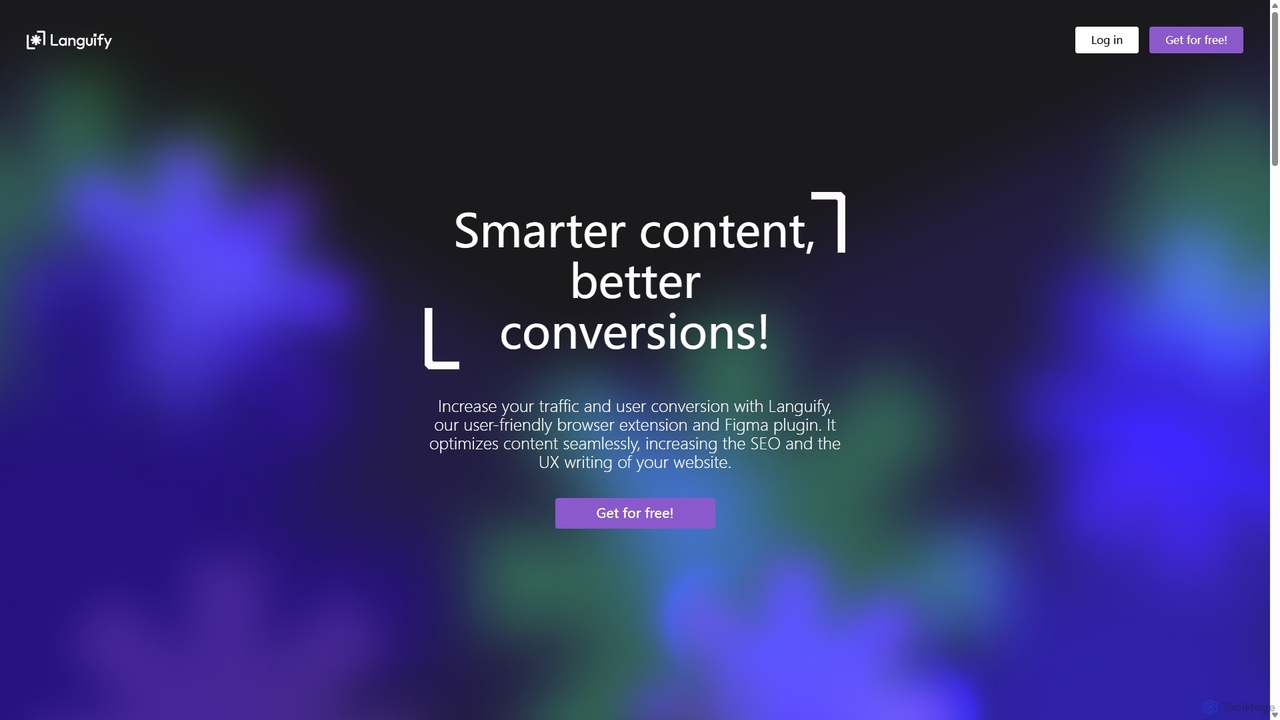
Languify is an AI-powered platform designed to optimize UX writing and content for better conversions and SEO. Available as a browser extension and Figma plugin, it helps creators, marketers, and designers enhance their copy with just a few clicks. By leveraging advanced AI, Languify provides data-driven suggestions to improve clarity, tone, and impact, streamlining the content creation workflow and boosting online performance.
Ux Design
CopyWise.ai
CopyWise.ai is an intelligent AI-powered copywriting assistant designed to help marketers, entrepreneurs, and content creators generate high-converting copy effortlessly. It provides a suite of tools for creating everything from ad copy and social media posts to blog articles and email newsletters, saving time and boosting creativity.
Copywriting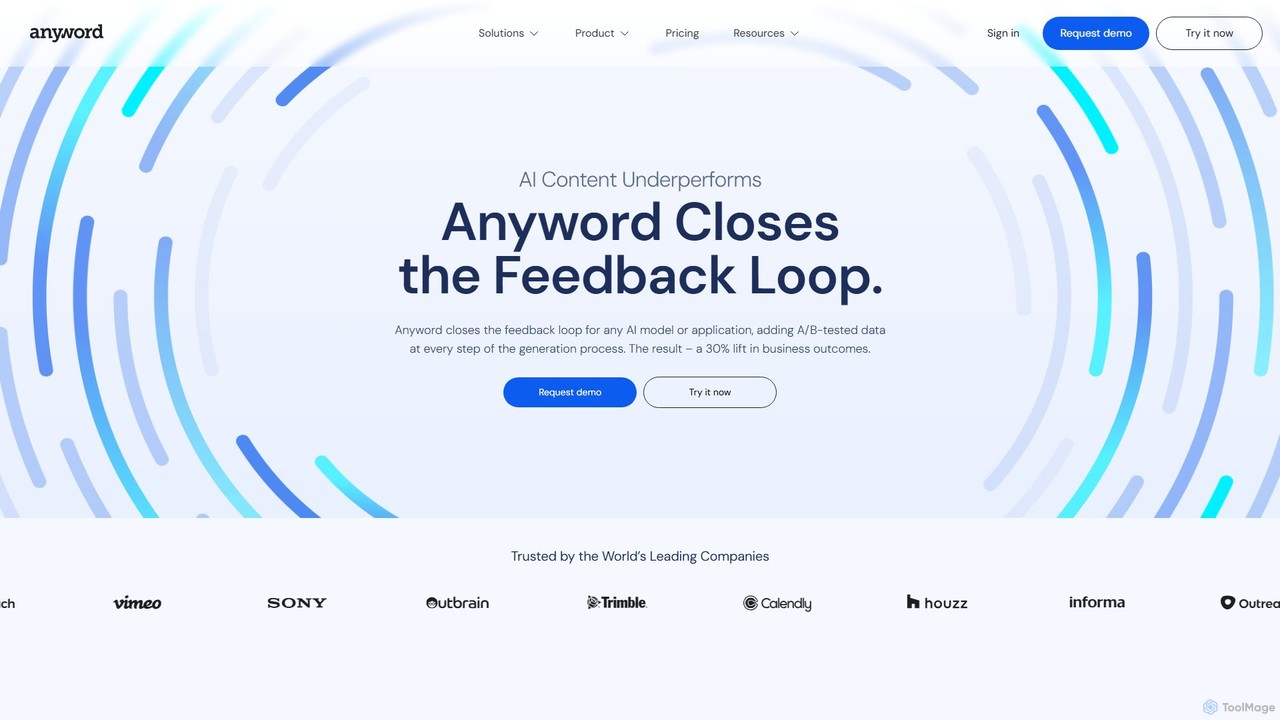
Anyword
Anyword is a performance-driven AI writing platform for marketing teams. It moves beyond simple content generation by using A/B-tested data and predictive analytics to create copy that converts. Featuring brand voice management, persona creation, and an 82% accurate performance prediction engine, Anyword helps businesses increase conversions by an average of 30% across ads, emails, and website content.
Copywriting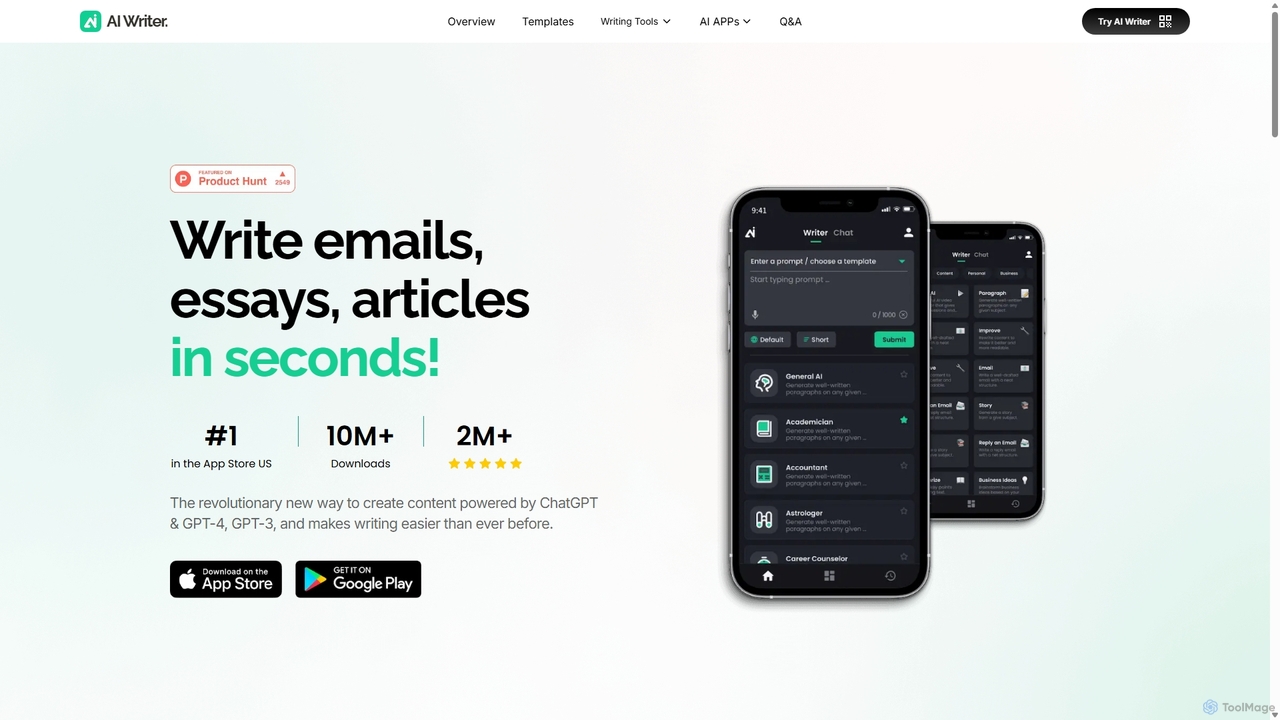
AI Writer
AI Writer is a versatile writing assistant powered by GPT-4, designed to generate high-quality content in seconds. It offers over 100 tools for creating essays, articles, emails, and social media posts. Key features include paraphrasing, grammar checking, text summarization, and content humanization, helping users overcome writer's block and enhance productivity across multiple devices.
Academic Writing
Copy.ai
Copy.ai is an AI-powered content generation platform that helps marketers, copywriters, and entrepreneurs create high-quality content in seconds. From blog posts and social media captions to ad copy and sales emails, Copy.ai offers over 90 tools and templates to overcome writer's block and scale your content production effortlessly.
Copywritingwrite Categories
write Embed Widget
Copy this embed code to place the badge on your blog, article, or product site and send readers directly to this ToolMage detail page.

Related AI tools
TextWise
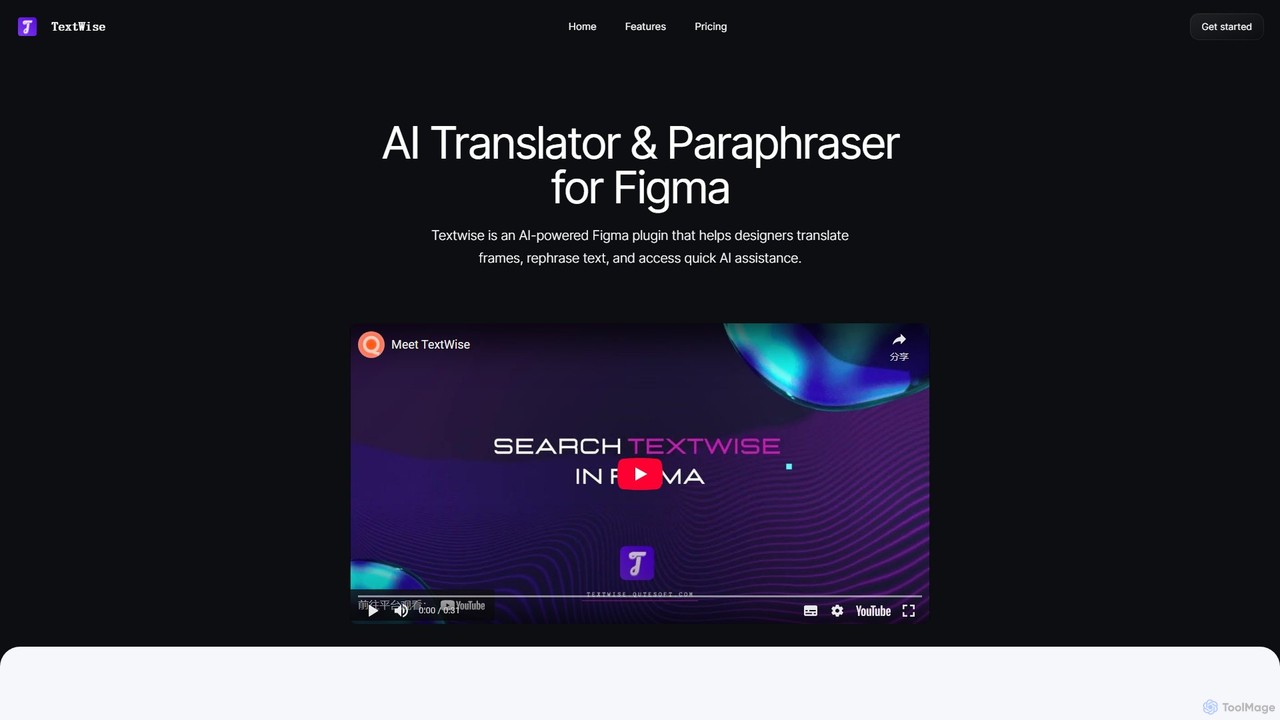
TextWise is a powerful AI-powered Figma plugin designed to supercharge your design workflow. It seamlessly integrates an advanced translator, a sophisticated paraphraser, and a versatile content writer directly into the Figma interface. Effortlessly translate your designs into over 30 languages, refine your copy for clarity and impact, and generate engaging text for any context, all without ever leaving your design canvas.
PluginLanguify
Languify is an AI-powered platform designed to optimize UX writing and content for better conversions and SEO. Available as a browser extension and Figma plugin, it helps creators, marketers, and designers enhance their copy with just a few clicks. By leveraging advanced AI, Languify provides data-driven suggestions to improve clarity, tone, and impact, streamlining the content creation workflow and boosting online performance.
Ux Design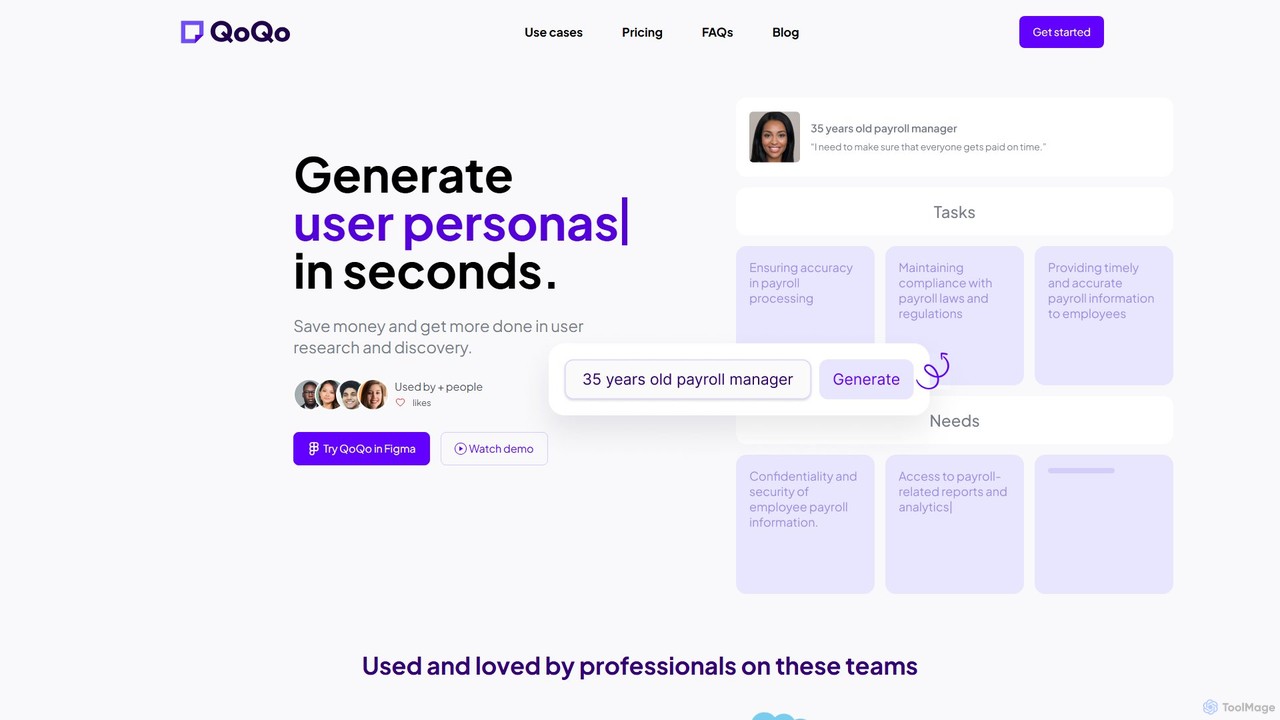
QoQo
QoQo is an AI-powered user experience companion designed for Figma. It helps designers, agencies, and product teams accelerate the user research and discovery process. By generating user personas, journey maps, and information architecture in seconds, QoQo saves time and resources, allowing teams to create data-driven, meaningful designs without extensive budgets. It acts as a research assistant directly within your design workflow.
Ux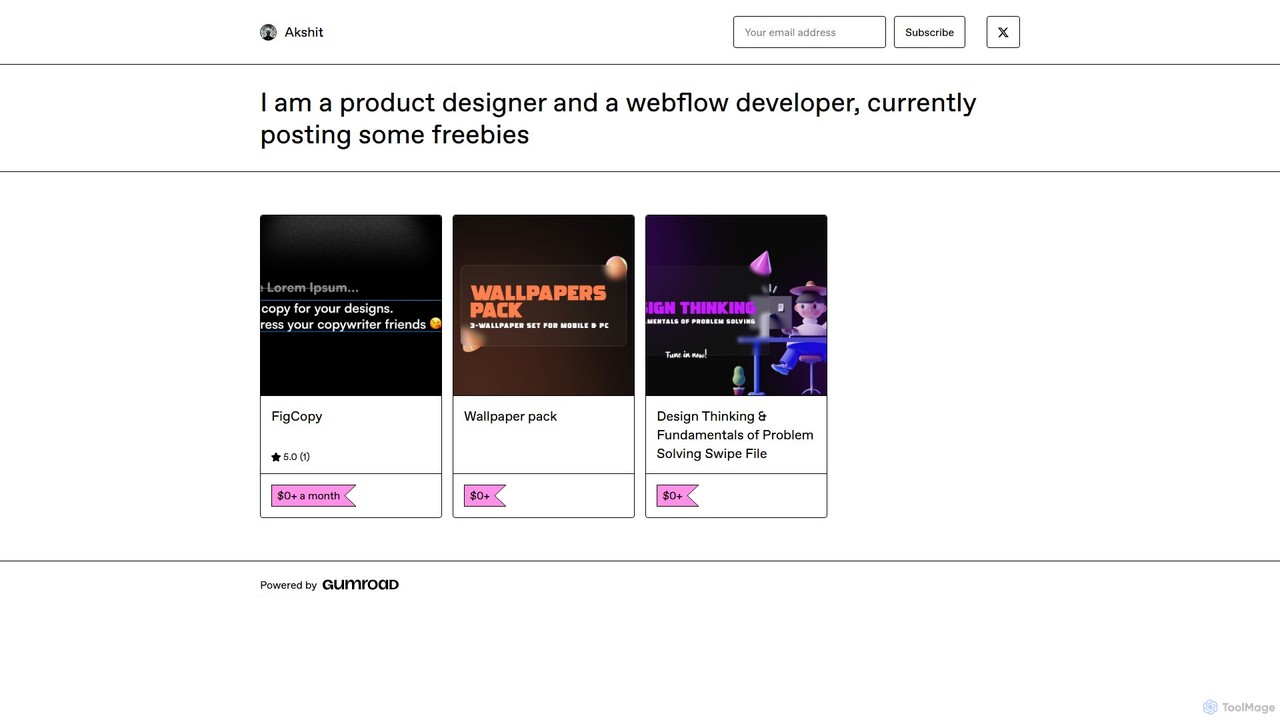
FigCopy
FigCopy is an AI-powered Figma plugin that replaces dummy text with high-quality, context-aware copy. Select a text layer, provide some context, and instantly generate compelling headlines, CTAs, and body text. It streamlines the design workflow, enhances collaboration, and helps you create more realistic and professional designs. Perfect for UI/UX designers, web designers, and marketing teams.
Copywriting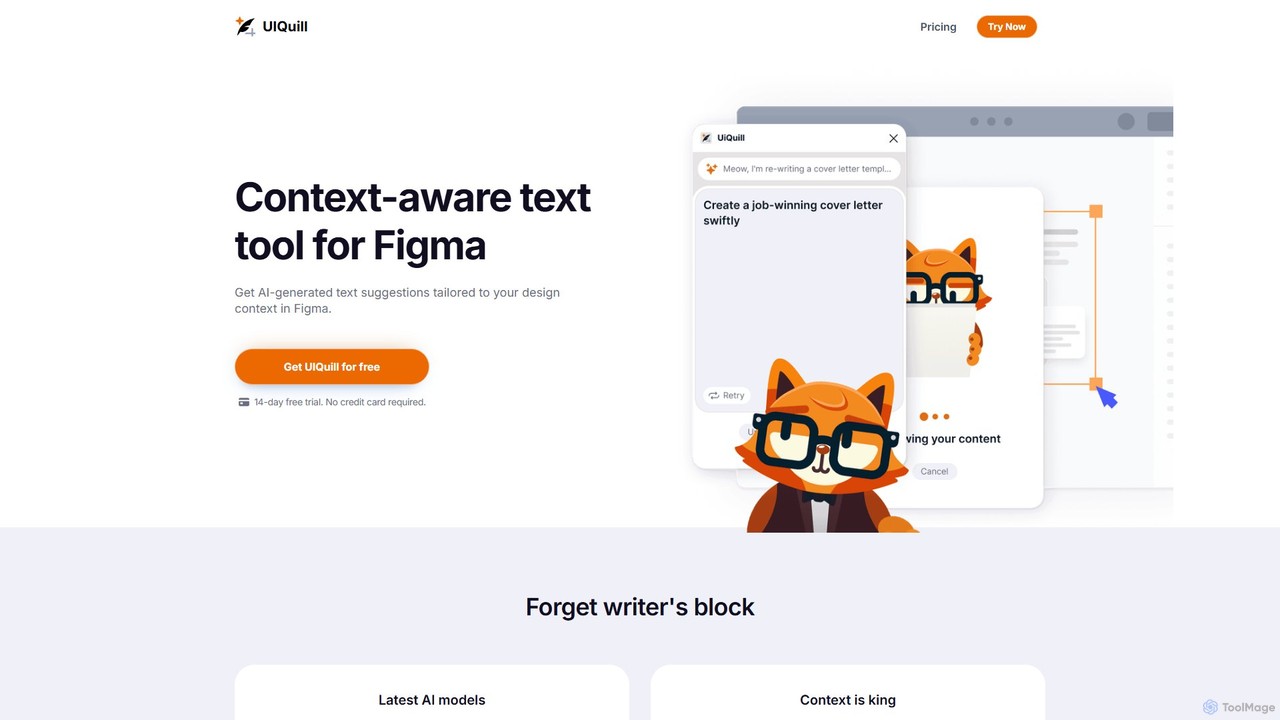
UIQuill
UIQuill is a context-aware AI text tool for Figma. It analyzes your design's context—function, style, and tone—to generate tailored, SEO-optimized text suggestions. This plugin streamlines your workflow by allowing you to optimize single text layers, groups, or entire pages without manual copy-pasting, helping you overcome writer's block and accelerate your design process.
Ux & Ui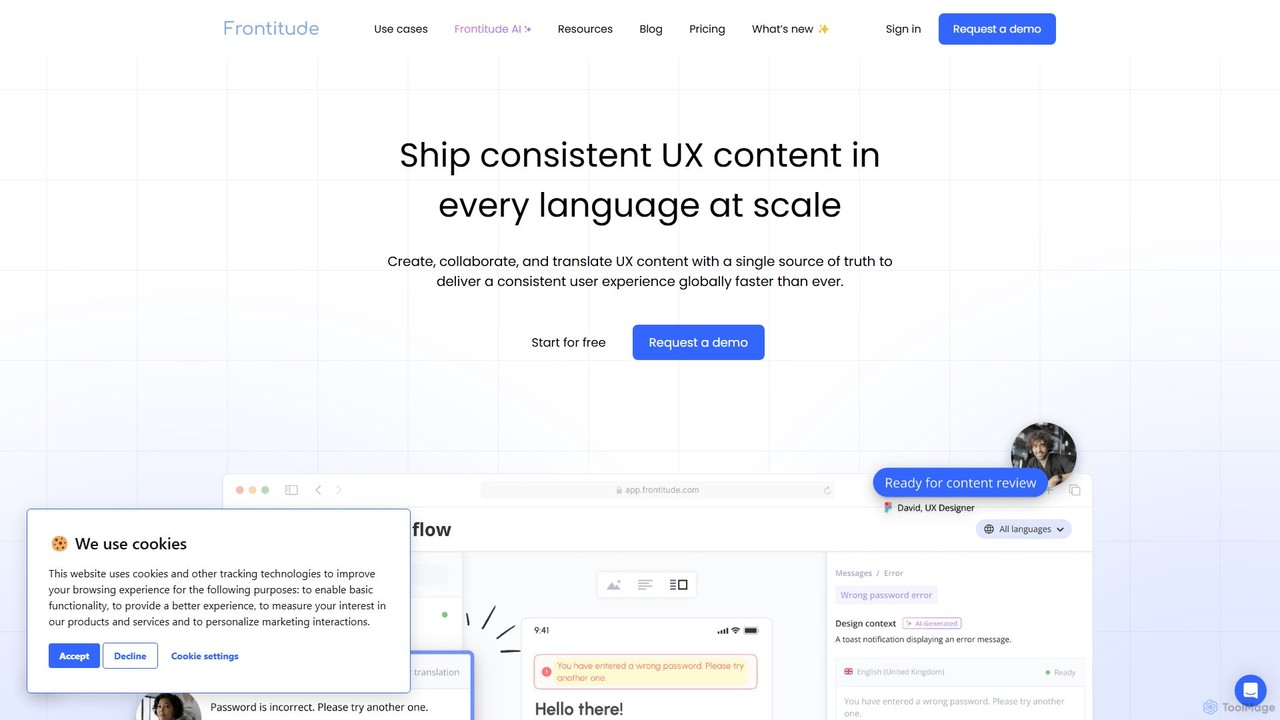
Frontitude
Frontitude is an all-in-one platform for managing multilingual UX content. It centralizes collaboration between design, localization, and development teams to streamline workflows, maintain consistency, and ship global products faster. It features AI-powered writing and translation, and deep integrations with tools like Figma.
Collaboration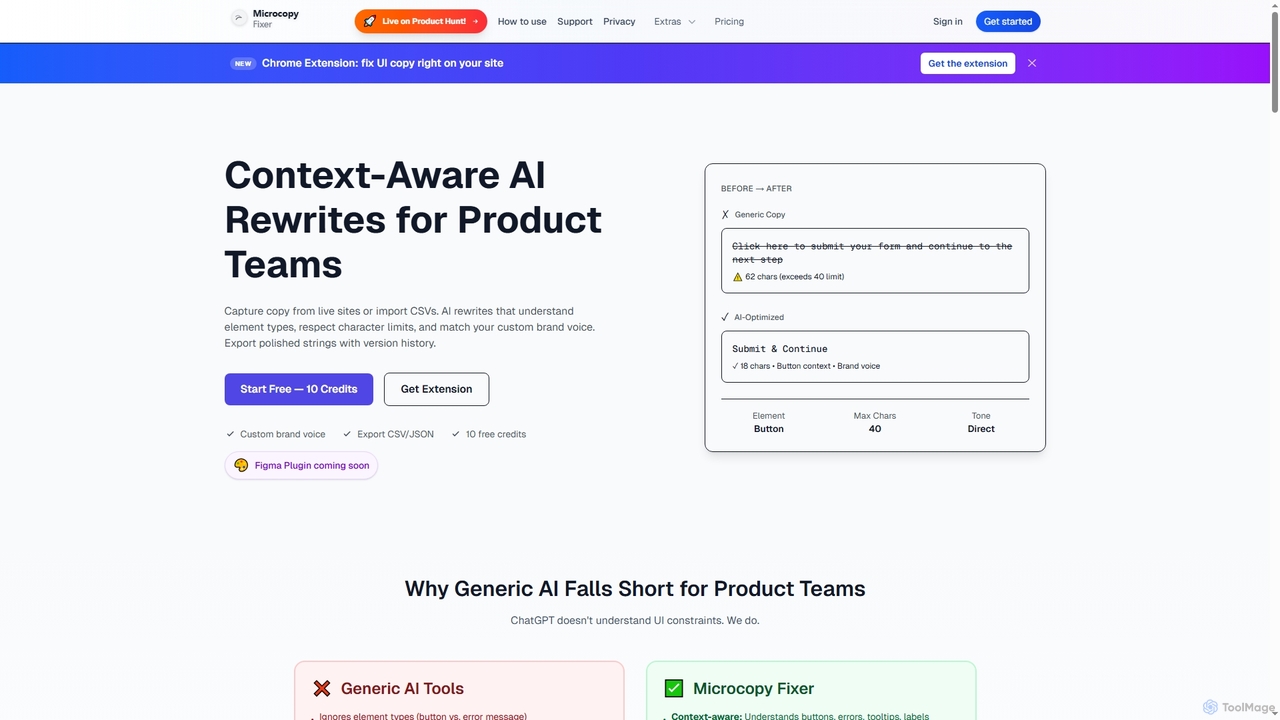
Microcopy Fixer
Microcopy Fixer is an AI-powered tool designed for product teams to generate context-aware, on-brand UI copy. It offers features like custom brand voice integration, character limit adherence, version control, and bulk rewriting, ensuring pixel-perfect and consistent microcopy across all user interfaces.
Ux Design
EasyDesign
EasyDesign is an AI-powered content creation platform designed to streamline social media marketing. It automatically generates high-quality images and compelling copy for platforms like Xiaohongshu from a single text prompt. Ideal for marketers, creators, and businesses, it features batch creation, diverse content templates, and a user-friendly interface to boost efficiency and overcome creative blocks, making content production simple and fast.
WritingCopyWise.ai
CopyWise.ai is an intelligent AI-powered copywriting assistant designed to help marketers, entrepreneurs, and content creators generate high-converting copy effortlessly. It provides a suite of tools for creating everything from ad copy and social media posts to blog articles and email newsletters, saving time and boosting creativity.
CopywritingCopy.ai
Copy.ai is an AI-powered content generation platform that helps marketers, copywriters, and entrepreneurs create high-quality content in seconds. From blog posts and social media captions to ad copy and sales emails, Copy.ai offers over 90 tools and templates to overcome writer's block and scale your content production effortlessly.
CopywritingAnyword
Anyword is a performance-driven AI writing platform for marketing teams. It moves beyond simple content generation by using A/B-tested data and predictive analytics to create copy that converts. Featuring brand voice management, persona creation, and an 82% accurate performance prediction engine, Anyword helps businesses increase conversions by an average of 30% across ads, emails, and website content.
CopywritingAI Writer
AI Writer is a versatile writing assistant powered by GPT-4, designed to generate high-quality content in seconds. It offers over 100 tools for creating essays, articles, emails, and social media posts. Key features include paraphrasing, grammar checking, text summarization, and content humanization, helping users overcome writer's block and enhance productivity across multiple devices.
Academic Writing
ClosersCopy
ClosersCopy is an advanced AI copywriting platform designed for marketers, sales professionals, and content creators. It combines powerful AI models (SalesAI, BlogAI, StoryAI) with a comprehensive SEO suite and a long-form editor to help users create high-converting, search-optimized content in over 128 languages.
Copywriting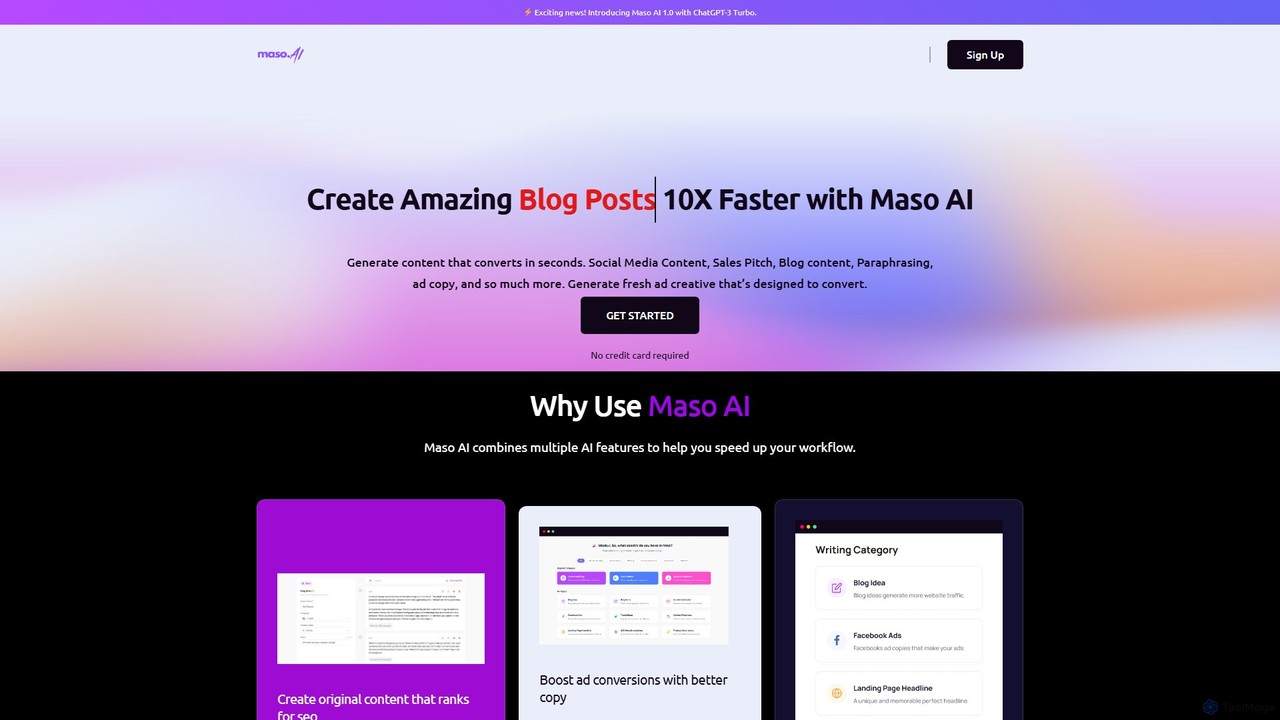
Maso AI
Maso AI is an AI-powered content generation platform designed to accelerate your writing process by 10x. Leveraging GPT-3.5 Turbo, it creates high-quality, SEO-friendly content for blogs, ads, social media, emails, and more. With a vast library of templates and a unique predictive performance score, Maso AI helps marketers, writers, and businesses produce converting copy in seconds.
Copywriting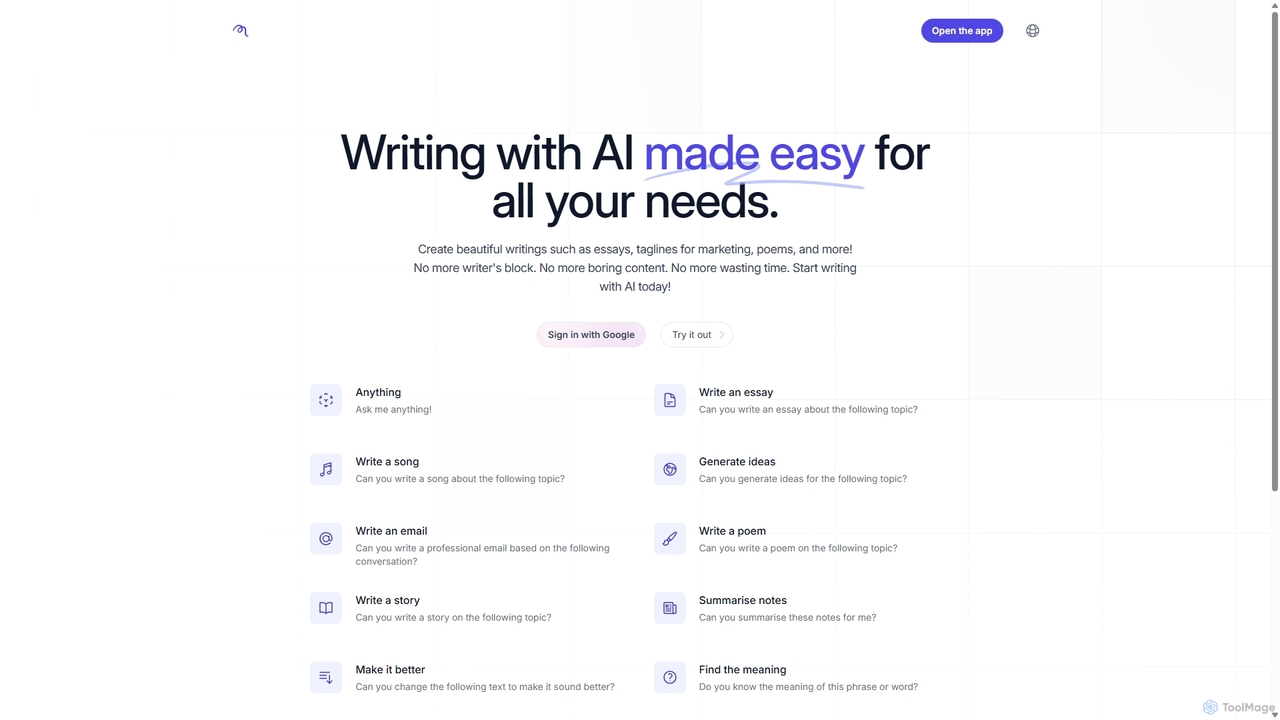
RubyGPT
RubyGPT is a versatile AI writing assistant designed to eliminate writer's block and enhance creativity. It helps users generate a wide range of content, from essays and marketing taglines to poems and professional emails. With its intuitive interface and diverse set of writing tools, RubyGPT simplifies content creation, improves text quality, and saves valuable time for students, marketers, and writers of all kinds.
Academic Writing
write Comments (0)
Sign in to comment.
Sign inNo comments yet.