ToolMage
Sign in

Best 4 Ux & Ui AI tools for Design

Popular Ux & Ui AI tools in Design include Stark, Atheros, Avocademy, and UIQuill, helping you work more efficiently.

Atheros
Paid

Atheros

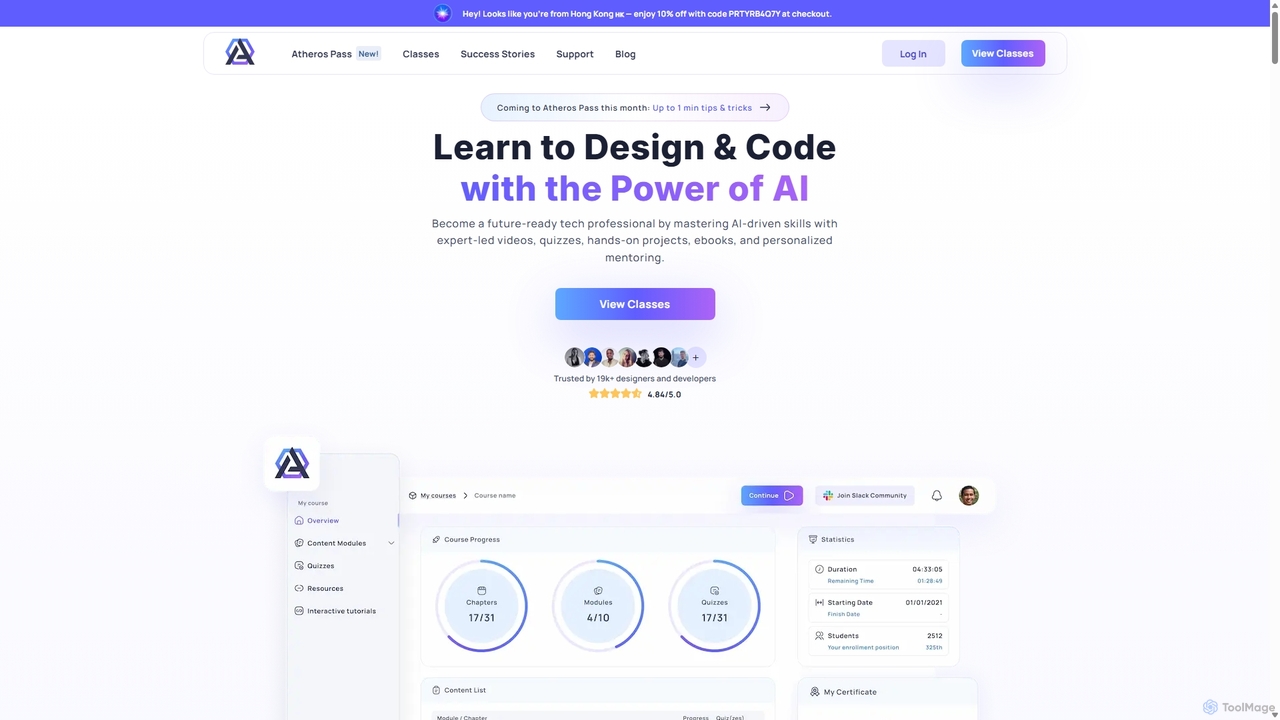
Atheros is an online educational platform designed to equip tech professionals with future-ready, AI-driven skills in design and development. Through its 'Atheros Pass' subscription, it provides unlimited access to expert-led video courses, ebooks, and hands-on projects. The curriculum focuses on practical skills like UX/UI design, frontend development (HTML, CSS, GraphQL), and no-code web design, preparing students for the AI era with community and mentor support.

Ux & Ui
Visits 24.9KFavorites 138Likes 147
Avocademy
Paid

Avocademy

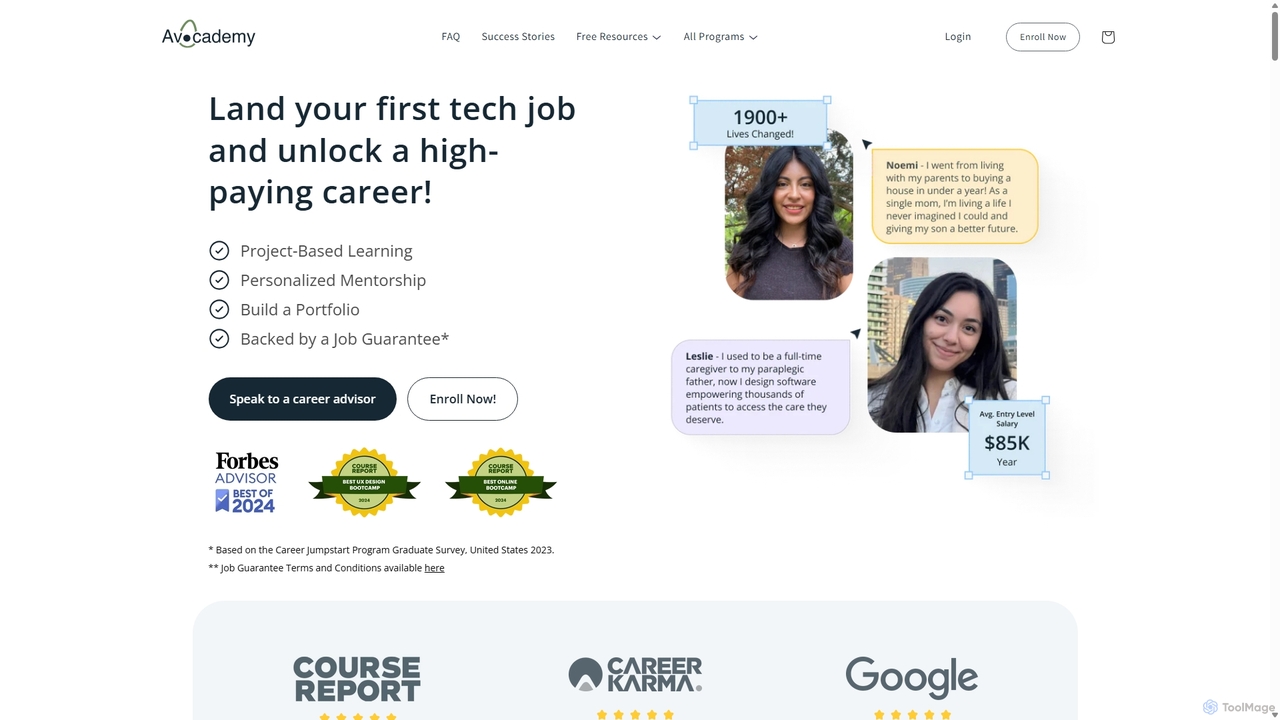
Avocademy is an online educational platform specializing in UX/UI design, with a unique focus on designing for AI products. It offers a project-based curriculum, personalized mentorship, and comprehensive career services to help individuals, especially career changers, land high-paying tech jobs. The program includes a job guarantee and equips students with a professional portfolio and real-world experience.

Job Search
Visits 12.5KFavorites 166Likes 156
UIQuill
Freemium

UIQuill

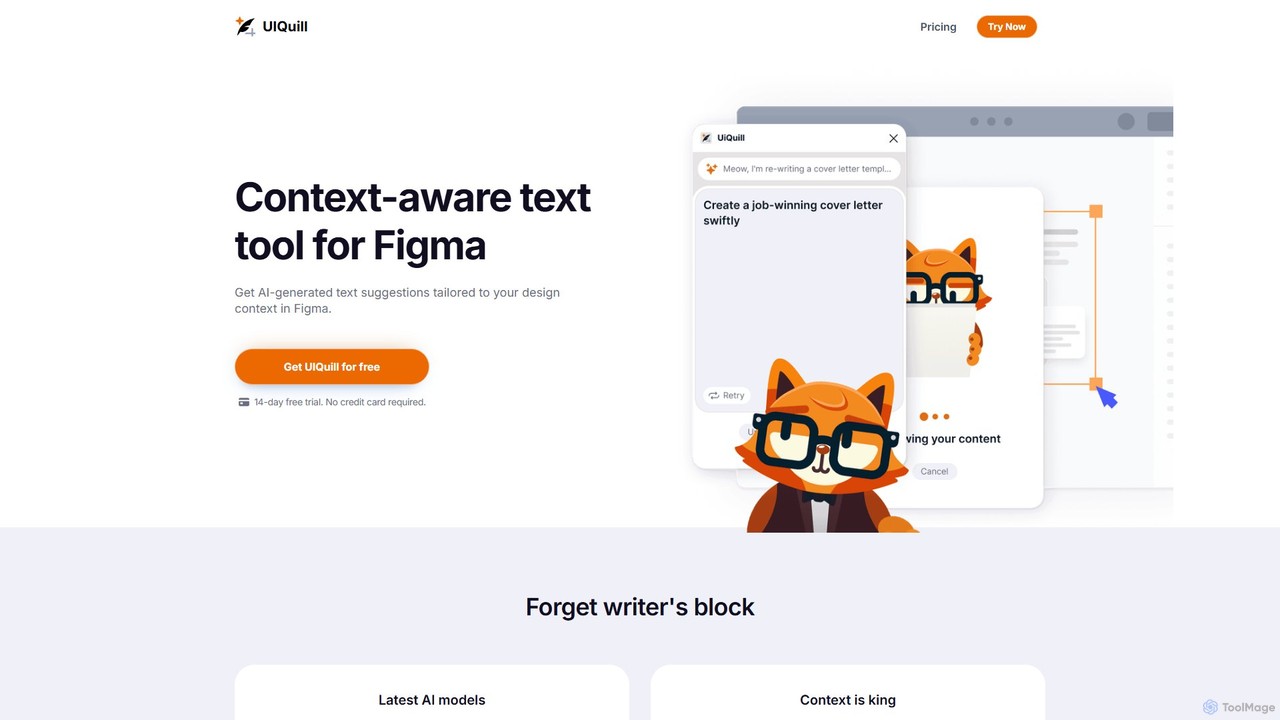
UIQuill is a context-aware AI text tool for Figma. It analyzes your design's context—function, style, and tone—to generate tailored, SEO-optimized text suggestions. This plugin streamlines your workflow by allowing you to optimize single text layers, groups, or entire pages without manual copy-pasting, helping you overcome writer's block and accelerate your design process.

Ux & Ui
Visits 5.2KFavorites 93Likes 69
Stark
Freemium

Stark

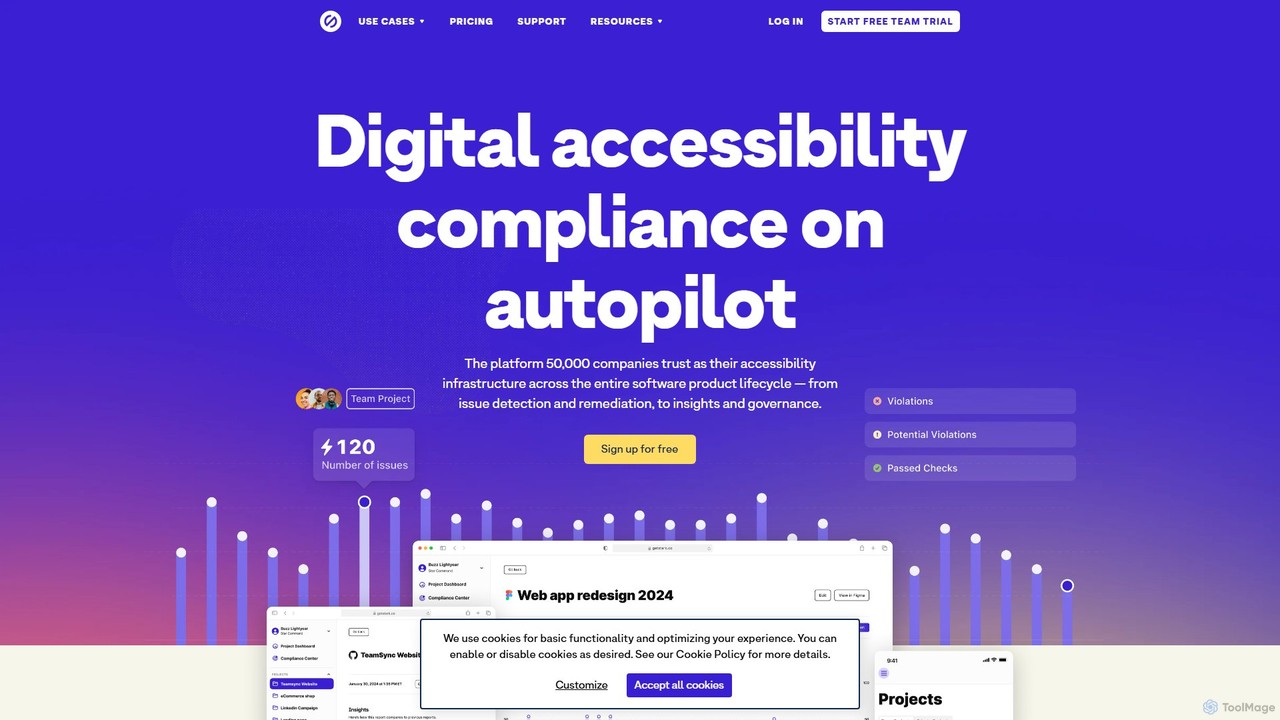
Stark is an end-to-end accessibility platform that integrates a suite of tools directly into your design and development workflow. It uses AI-powered automation to help teams find and fix accessibility issues from Figma and Sketch to code and live products, accelerating compliance and fostering inclusive design.

Ux & Ui
Visits 70.4KFavorites 110Likes 95

About Ux & Ui

AI UX & UI tools are a class of software that uses artificial intelligence to streamline and enhance the process of creating user-centric digital experiences. These tools leverage machine learning models to automate repetitive tasks, generate design assets, and provide data-driven insights. They empower designers and product teams to build intuitive interfaces faster by generating wireframes from text, creating design system components, and even predicting user behavior. This approach accelerates the design lifecycle, from initial ideation to high-fidelity prototyping.

Core Features

  • Automated Wireframe & Mockup Generation: Creates low-fidelity and high-fidelity screen layouts from text prompts, sketches, or data inputs.
  • Design System Automation: Helps generate, manage, and maintain consistency across UI components, styles, and libraries.
  • Predictive Usability Analysis: Simulates user attention and interaction to generate heatmaps and identify potential usability issues without live users.
  • AI-Powered Design Assistants: Provides real-time suggestions for layout, color palettes, typography, and accessibility improvements within design environments.
  • Content Generation: Populates designs with realistic placeholder text (UX writing) and images relevant to the interface's context.

Use Cases

These tools are widely used by UX/UI designers, product managers, and front-end developers in tech companies, digital agencies, and startups. They are particularly effective for rapid prototyping during discovery phases, maintaining brand consistency in large-scale products, and conducting preliminary usability checks before investing in full-scale user research.

How to Choose

When selecting an AI UX & UI tool, consider its integration capabilities with your primary design software like Figma or Sketch. Evaluate the scope of its AI features—whether it focuses on generation, analysis, or automation. Also, assess the tool's learning curve, data privacy policies, and the pricing model, which may be based on seats, projects, or generation credits.

Ux & Ui use cases

1

Rapid Wireframing from a Product Brief

A product manager needs to quickly visualize a new app feature for a stakeholder meeting. Instead of waiting for the design team, they input the feature requirements and user flow into an AI UX tool. The tool instantly generates several interactive wireframe options. This allows the team to gather early feedback and align on the core structure in a single session, reducing the initial design cycle from days to minutes.

2

Generating Design System Variations

A design team is tasked with creating a dark mode and a high-contrast theme for their existing application. Using an AI tool integrated with their design system, they can automatically generate theme variations for hundreds of components. The AI ensures that color palettes, typography, and spacing are applied consistently, saving weeks of manual adjustments and ensuring brand coherence across all product themes.

3

Predictive Usability Testing for Mockups

A UX designer has just completed a new checkout page design. Before scheduling user testing sessions, they upload the mockup to an AI analysis tool. The tool generates a predictive heatmap showing where users are most likely to look and click, and it flags potentially confusing elements. This allows the designer to make data-informed iterations early, improving the design's effectiveness before it reaches real users.

4

Automated Accessibility Compliance Checks

A front-end developer is preparing to implement a new design. They use an AI-powered plugin within their design tool to scan the UI for accessibility issues. The tool automatically detects problems like insufficient color contrast, missing alt text for images, and improper heading structures. It provides specific recommendations and sometimes even one-click fixes, helping ensure the product is WCAG compliant from the design stage.

5

Converting Sketches to Editable Digital Designs

During a brainstorming session, a designer sketches several layout ideas in a notebook. They take a photo of the sketches and upload it to an AI UX tool. The AI interprets the hand-drawn elements and converts them into a fully editable, high-fidelity digital wireframe in Figma. This bridges the gap between analog ideation and digital production, preserving creative flow and accelerating the transition to prototyping.

6

Generating Context-Aware UX Copy

A UI designer is creating a new user onboarding flow but struggles with placeholder text. They use an AI tool to generate context-aware UX copy for buttons, tooltips, and instructional text. By providing the tool with the screen's goal (e.g., "encourage user to connect their calendar"), the AI produces clear, concise, and action-oriented microcopy, improving the overall user experience and saving time on copywriting.

Ux & Ui FAQ

What are AI UX & UI tools?

AI UX & UI tools are applications that use artificial intelligence to assist in or automate parts of the user experience and user interface design process. Their primary function is to accelerate workflows, generate design ideas, and provide data-driven analysis. Key features often include generating wireframes from text, creating design system components, and simulating usability tests to predict user behavior.

How do AI UX & UI tools differ from traditional design software like Figma?

Traditional design tools like Figma or Sketch are platforms for manual creation, providing designers with a canvas and vector tools. AI UX & UI tools act as intelligent assistants that augment these platforms. They don't replace them but often integrate as plugins or connected apps to automate tasks that would otherwise be manual, such as generating layouts, suggesting color palettes, or running predictive analyses on existing designs.

What are the main benefits of using AI in the design process?

The main benefits of integrating AI into UX/UI design include:

  • Speed: Rapidly generate multiple design concepts, wireframes, and prototypes from simple inputs.
  • Consistency: Automate the creation and application of design system rules to maintain brand coherence.
  • Data-Informed Decisions: Gain insights from predictive analytics on usability without needing immediate user testing.
  • Enhanced Creativity: Overcome creative blocks by exploring AI-generated design variations and ideas.

How should I choose the right AI UX & UI tool for my team?

To choose the right tool, first identify your primary need: are you looking for design generation, usability analysis, or design system automation? Then, consider these factors:

  • Integration: Does it work seamlessly with your existing tools (e.g., Figma, Sketch, Adobe XD)?
  • Functionality: Does it offer the specific AI features you require, like text-to-UI or predictive heatmaps?
  • Ease of Use: How steep is the learning curve for your team?
  • Cost: Evaluate the pricing model (subscription, credits) against your budget and expected usage.

Will AI replace UX/UI designers?

AI is unlikely to replace UX/UI designers. Instead, it is evolving into a powerful co-pilot or assistant. AI excels at handling repetitive, data-intensive, and generative tasks, which frees up designers to focus on strategic thinking, problem-solving, empathy, and understanding complex human needs—areas where human creativity and critical judgment remain essential. The role of the designer will likely shift towards orchestrating these AI tools effectively.