

Stark Overview
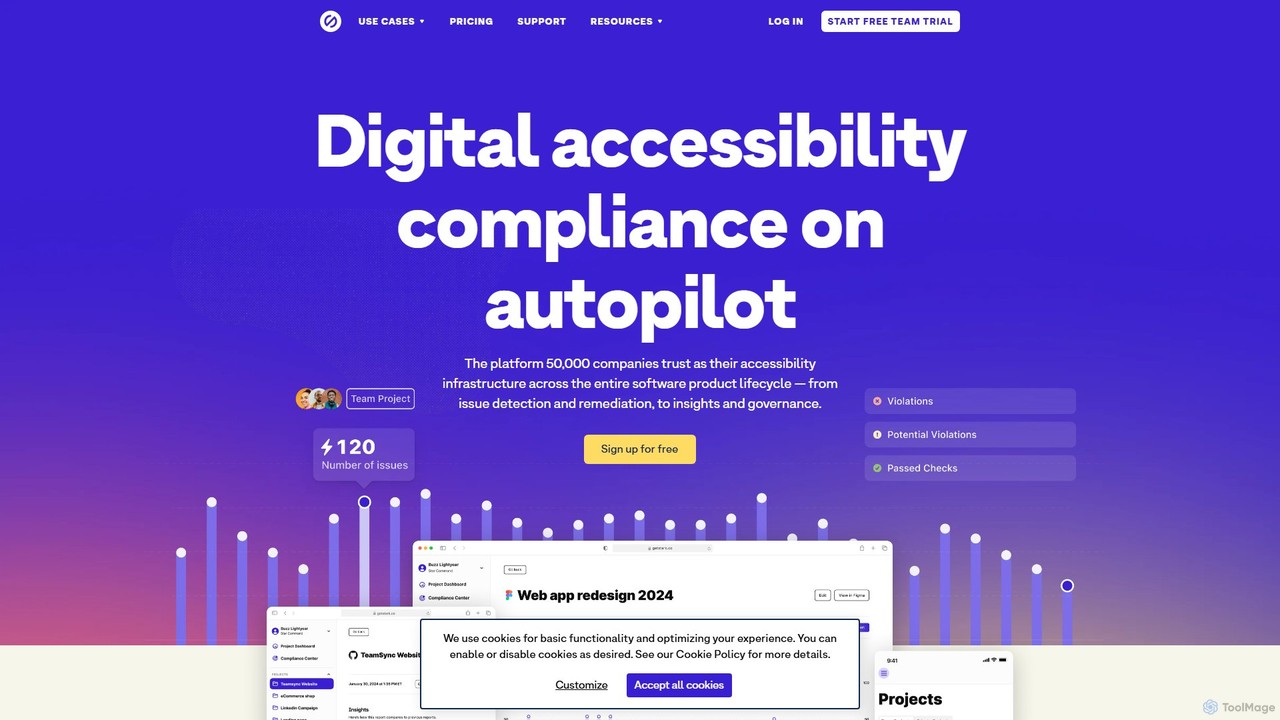
Stark is a comprehensive, integrated suite of accessibility tools designed for modern software development teams. It empowers designers, developers, product managers, and accessibility experts to build, test, and maintain inclusive and compliant digital products. By embedding directly into the tools your team already uses, Stark streamlines the entire accessibility workflow, transforming it from a months-long process into a matter of minutes. The platform provides an end-to-end solution, covering every stage from initial design mockups in Figma and Sketch to code repositories on GitHub and live, in-production applications. With AI-powered automation at its core, Stark proactively scans for issues, offers intelligent remediation suggestions, and provides real-time insights, making accessibility a seamless and efficient part of the development lifecycle.
How to use Stark
Getting started with Stark is designed to be intuitive and non-disruptive. First, integrate Stark with your existing tools. This can be done by installing the Stark plugin for design software like Figma, Sketch, or Adobe XD, or by using the browser extensions for Chrome, Firefox, Edge, and more. For developers, Stark connects directly to code repositories like GitHub. Once integrated, Stark begins to work alongside your team. Designers can run manual or automated scans on their designs to check for issues like contrast, typography, and alt text. Developers can use Stark to test code from early implementation through to QA, catching bugs before they reach production. Product and compliance managers can use the Stark web app to monitor progress across all projects, view real-time reports, and manage the company's overall accessibility posture through the central Compliance Center.
Core Features of Stark
- End-to-End Workflow Integration: Seamlessly integrates with Figma, Sketch, Adobe XD, GitHub, and popular web browsers, meeting your team where they work.
- AI-Powered Automation: Utilizes AI to automatically scan design files and code repositories, quickly identifying accessibility issues and providing intelligent suggestions for fixes.
- Continuous Accessibility Monitoring: Offers real-time reports and insights on the accessibility status of design files, code, and live websites/applications in a centralized dashboard.
- Compliance Center: A centralized hub to manage, document, and audit your company’s accessibility posture against regulatory frameworks like WCAG, helping to streamline compliance efforts.
- Real-time Collaboration: Enables teams to manage their accessibility workflow collaboratively, with features for assigning tasks, tracking progress, and generating reports.
- Enterprise-Grade Security: Built with a focus on security, offering SSO, GDPR / SOC2 certification, and a zero-trust policy to protect customer data and IP.
- Comprehensive Tooling: Includes a wide range of tools for both automated and manual testing, such as contrast checkers, focus order tools, alt-text annotations, and more.
Use Cases for Stark
Stark is versatile and valuable for various roles within an organization. Designers use it to create accessible designs from the start, checking color contrast, touch targets, and typography directly within their design files, preventing costly fixes later. Developers leverage Stark to audit their code during implementation and in CI/CD pipelines, ensuring new features are compliant before deployment. Product Managers gain a high-level overview of accessibility across all projects, using real-time reports to track progress and ensure product goals align with compliance requirements. Compliance Managers use the Compliance Center to monitor the organization's adherence to standards, assign controls, and easily access evidence for audits, mitigating legal risks.
Advantages of Stark
The primary advantage of Stark is its ability to significantly increase development velocity while ensuring compliance. By integrating directly into existing workflows, it eliminates the need for context switching and a steep learning curve. It is up to 10x faster than traditional accessibility testing methods. Stark dramatically reduces costs by identifying and fixing up to 56% of accessibility issues in the design phase, where remediation is up to 100x cheaper than in production code. Furthermore, it mitigates legal and business risks by providing a robust framework for achieving and maintaining compliance with standards like WCAG. The platform's enterprise-grade security and scalability make it a trusted solution for companies of all sizes.
Pricing and Plans
Stark offers a flexible pricing structure for individuals and teams of all sizes.
Starter (Free): For individuals and teams starting with accessibility. Includes limited roles, up to 5 team projects, manual scans, and 14-day report data storage.
Launch (From $2,500/year): For smaller teams needing collaboration. Includes 3 editors, 25 viewers, unlimited projects, weekly automated scans, and full access to tooling.
Grow (From $6,000/year): For larger teams aiming for end-to-end compliance. Includes 10 editors, 50 viewers, daily scans, ticketing system integration, and the Compliance Center.
Scale (From $15,000/year): For organizations with custom needs. Includes 20 editors, unlimited viewers, real-time scans, SSO, priority support, and advanced security features.
Traffic
Latest traffic
Status
Monthly traffic trend
- 2025-9: 75.7K
- 2026-1: 76.0K
- 2026-2: 59.2K
- 2026-3: 61.2K
- 2026-4: 59.3K
- 2026-5: 65.0K
Geography
Top 5 countries / regions
- 🇺🇸United States36.6%
- 🇮🇳India24.5%
- 🇧🇷Brazil14.2%
- 🇳🇬Nigeria12.8%
- 🇫🇷France12.0%
Traffic sources
| Source type | Percentage |
|---|---|
Direct | 91.7% |
Referral | 7.5% |
Email | 0.8% |
Top keywords
| Keyword | Cost per click |
|---|---|
| stark | $0.84 |
| stark accessibility | $0.00 |
| stark contrast checker | $0.00 |
| stark figma plugin | $0.00 |
| stark plugin figma | $0.00 |
Stark Videos on YouTube
![[Stark Arcade] Samurice – Champion of Basecamp II | Demo Day Presentation](https://i.ytimg.com/vi/54bR-rAxvq4/maxresdefault.jpg)
![[STARK Arcade] StarkPilot – Runner-Up of Basecamp II | Demo Day Presentation](https://i.ytimg.com/vi/GfiMra9KebY/maxresdefault.jpg)


Christian Torres (Decision Intelligence Speaker)

Aryan Verma
Parolado Demos - Demos for QwykrTech's Panel S/w
Stark Alternatives
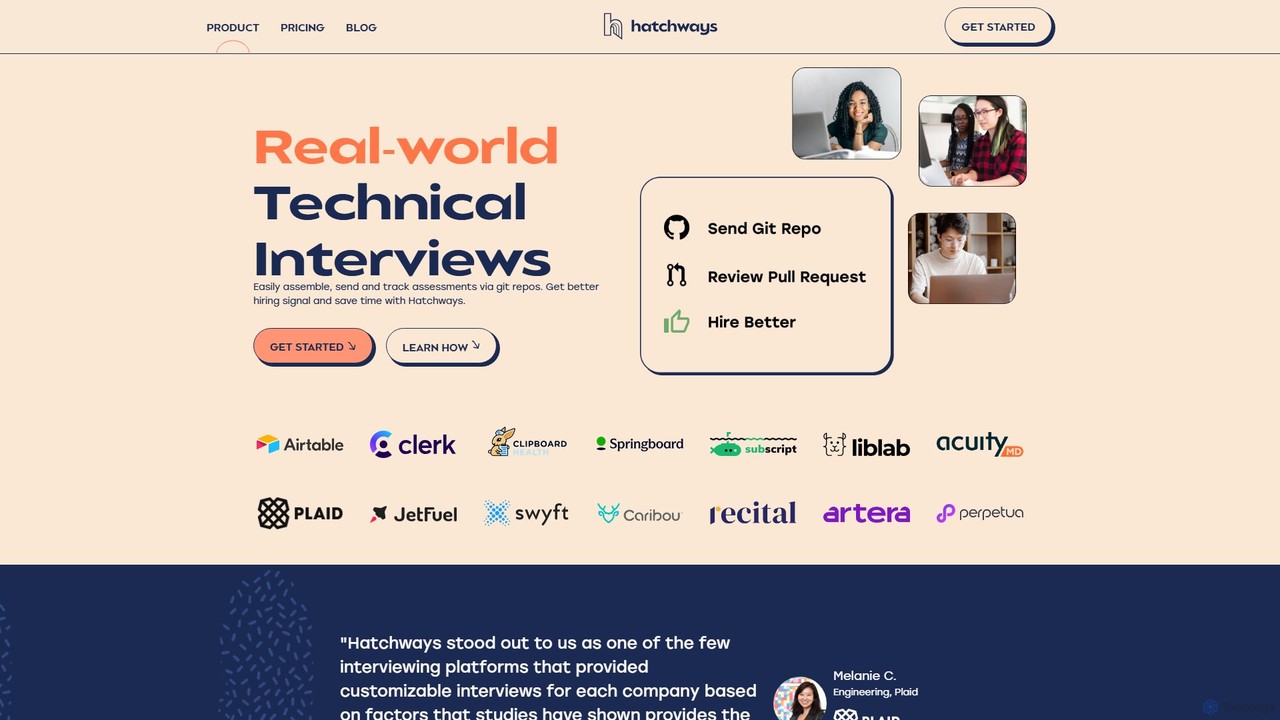
Hatchways
Hatchways is a technical interview platform that replaces traditional coding tests with realistic, take-home assessments. It streamlines the hiring process for software engineers by using real-world tasks in a Git-based environment, improving candidate experience and providing stronger hiring signals for companies.
Testing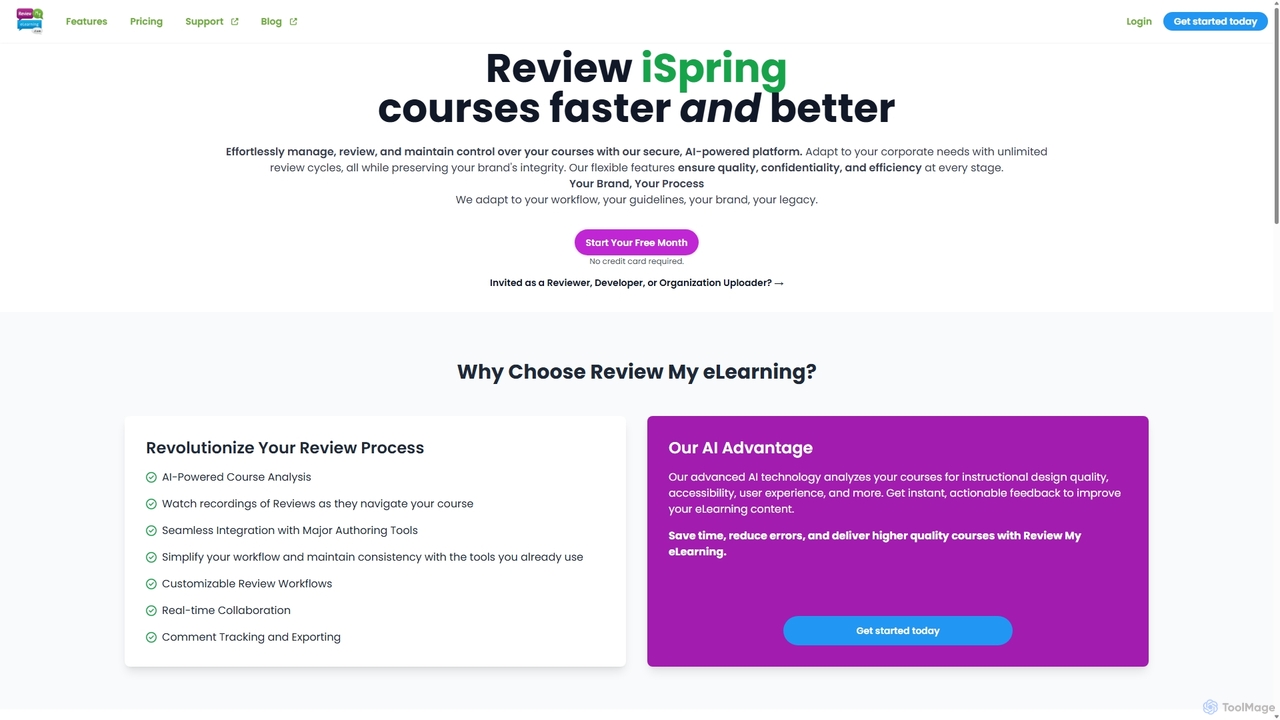
Review My eLearning
An AI-powered platform designed to streamline the review and collaboration process for eLearning courses. It offers centralized feedback, real-time collaboration, AI-driven course analysis, and user interaction replays to help instructional designers and developers create higher-quality content faster. It supports courses from all major authoring tools.
Project Management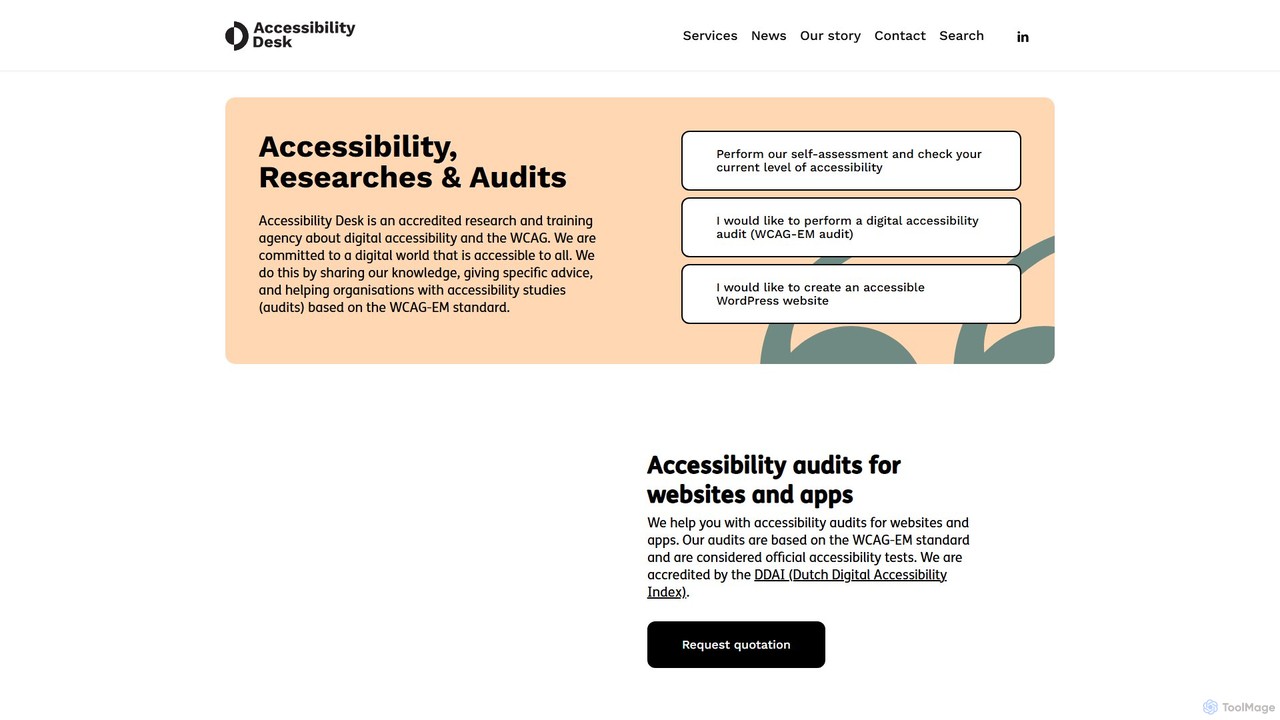
Accessibility Desk
Accessibility Desk is a comprehensive digital accessibility solution combining an AI-powered toolkit with expert-led services. It helps organizations audit, remediate, and maintain WCAG compliance for websites and apps. The platform offers automated scanning, detailed reporting, and remediation guidance, backed by accredited human auditors and user testing to ensure full inclusivity.
Analytics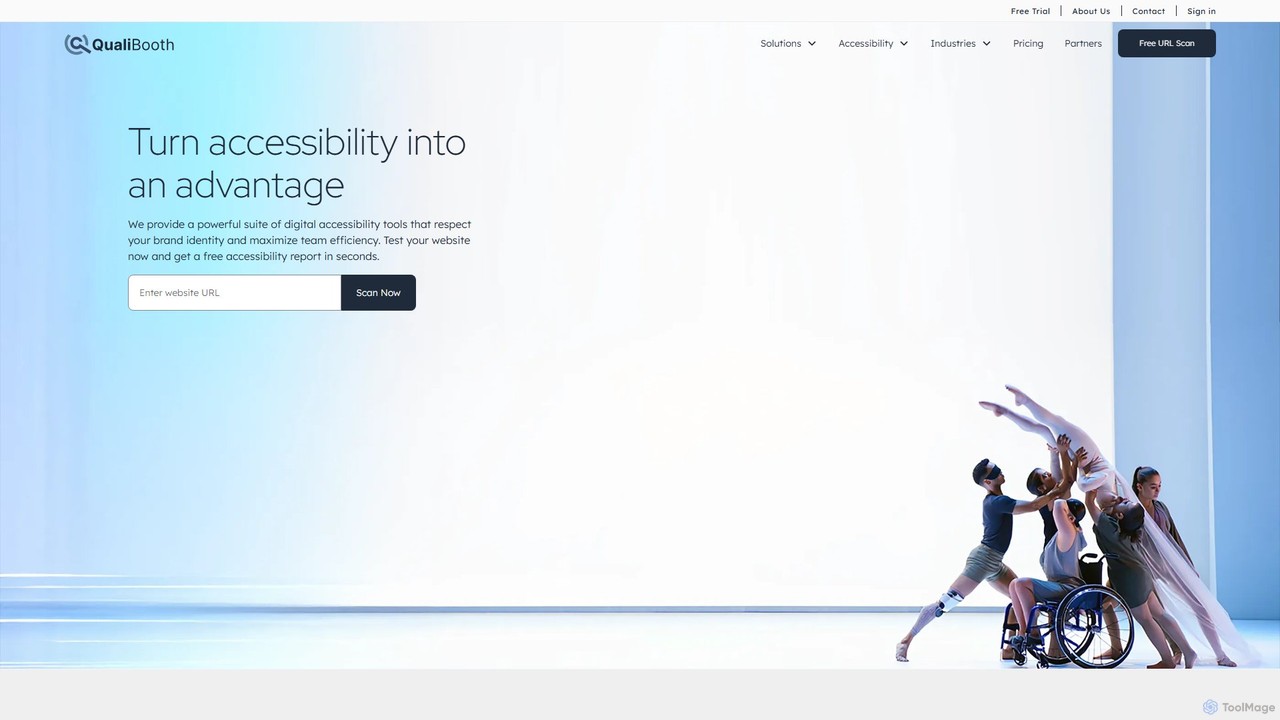
Qualibooth
Qualibooth is an enterprise-grade web accessibility software suite. It uses AI-powered tools like the Agora workbench to help organizations test, monitor, and fix accessibility issues, ensuring compliance with standards like WCAG, ADA, and the European Accessibility Act (EAA). It's designed for developers, auditors, and content managers to integrate accessibility into their existing workflows seamlessly.
Testing
Code Genius
Code Genius is an AI-powered coding assistant designed for developers. It accelerates development by generating code, creating unit tests, optimizing performance, and acting as a 24/7 pair programmer. It supports popular frameworks like React, Vue.js, and Tailwind CSS.
Code AssistantStark Categories
Stark Embed Widget
Copy this embed code to place the badge on your blog, article, or product site and send readers directly to this ToolMage detail page.

Related AI tools
InclusiveDocs
InclusiveDocs is an AI-powered platform that pioneers digital document accessibility. It specializes in automating PDF remediation to ensure compliance with WCAG 2.1 AA and Section 508 standards. By leveraging machine learning, it makes digital content like reports, books, and legal documents accessible to everyone, including individuals with disabilities, saving time and costs compared to manual processes.
Compliance
a11yboost
A comprehensive web accessibility platform offering free tools, articles, and news to help developers and designers create inclusive websites. Features a Heading Checker via Chrome Extension and web portal to simplify WCAG compliance and improve user experience for everyone.
Web DevelopmentAccessibility Desk
Accessibility Desk is a comprehensive digital accessibility solution combining an AI-powered toolkit with expert-led services. It helps organizations audit, remediate, and maintain WCAG compliance for websites and apps. The platform offers automated scanning, detailed reporting, and remediation guidance, backed by accredited human auditors and user testing to ensure full inclusivity.
Analytics
Thefrontkit
Thefrontkit provides production-ready UI kits for AI and SaaS applications, designed to accelerate development with WCAG-AA defaults, Figma-to-Tailwind token synchronization, and essential AI UX patterns. It offers structured, accessible UI components built with React and TailwindCSS, complete with Figma files and comprehensive documentation, enabling teams to ship faster and focus on product innovation.
Web Development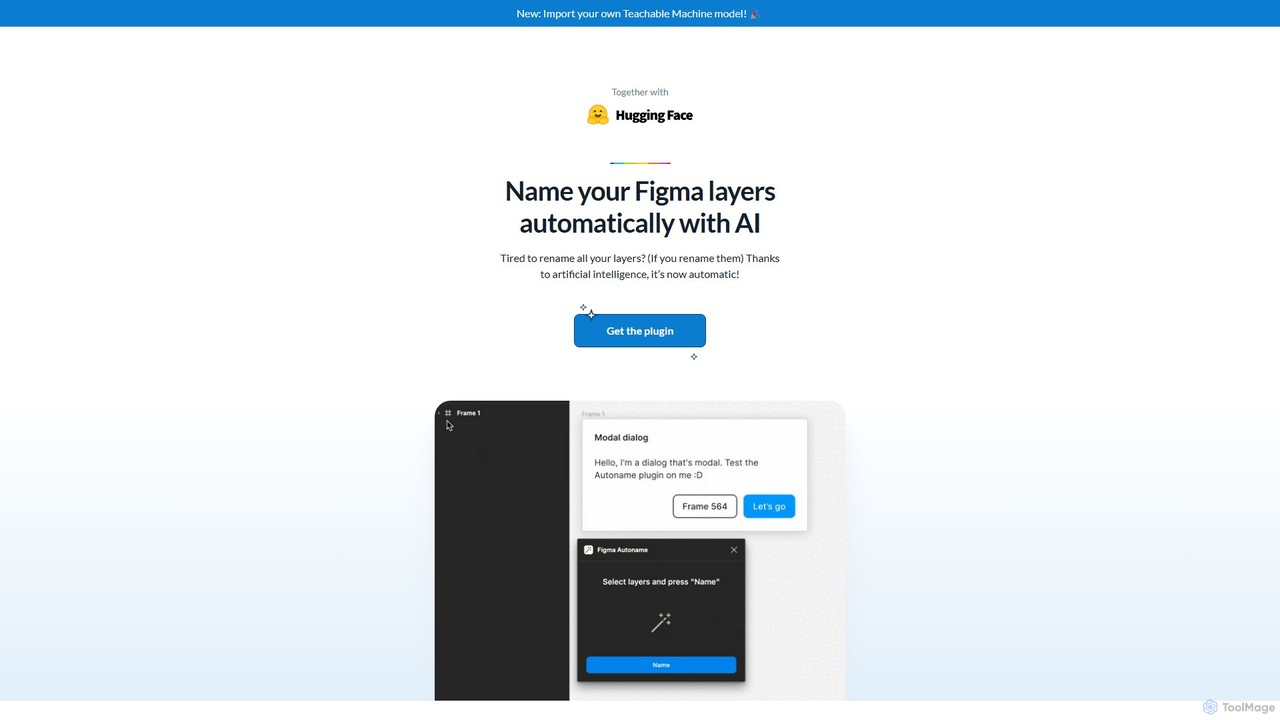
Figma Autoname
An AI-powered Figma plugin that automatically renames all your design layers in a single click. It intelligently preserves component names, supports custom naming models, and is completely free and open-source, saving designers countless hours of tedious work.
Productivity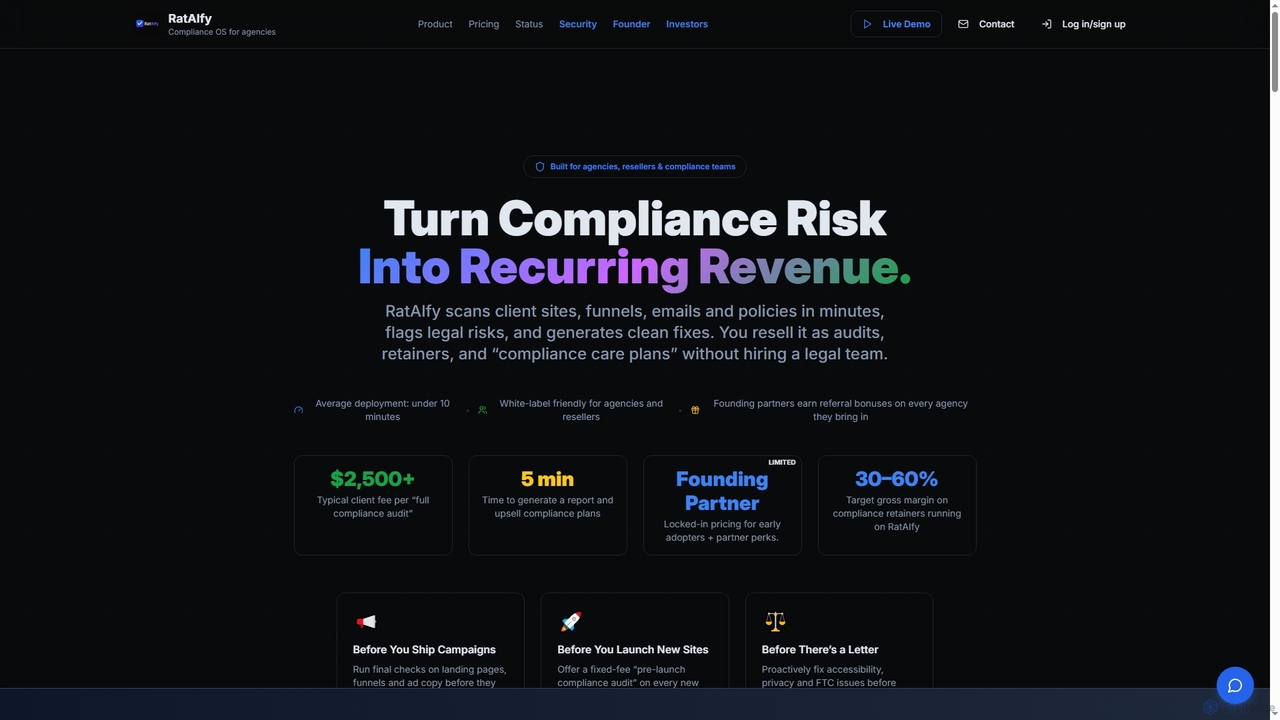
Rataify
Rataify is an AI-powered compliance platform designed for agencies, resellers, and compliance teams. It automates the scanning of websites, funnels, emails, and policies to identify legal risks, generate fixes, and enable businesses to resell compliance services as a recurring revenue stream.
Agency ToolsQualibooth
Qualibooth is an enterprise-grade web accessibility software suite. It uses AI-powered tools like the Agora workbench to help organizations test, monitor, and fix accessibility issues, ensuring compliance with standards like WCAG, ADA, and the European Accessibility Act (EAA). It's designed for developers, auditors, and content managers to integrate accessibility into their existing workflows seamlessly.
TestingCode Genius
Code Genius is an AI-powered coding assistant designed for developers. It accelerates development by generating code, creating unit tests, optimizing performance, and acting as a 24/7 pair programmer. It supports popular frameworks like React, Vue.js, and Tailwind CSS.
Code Assistant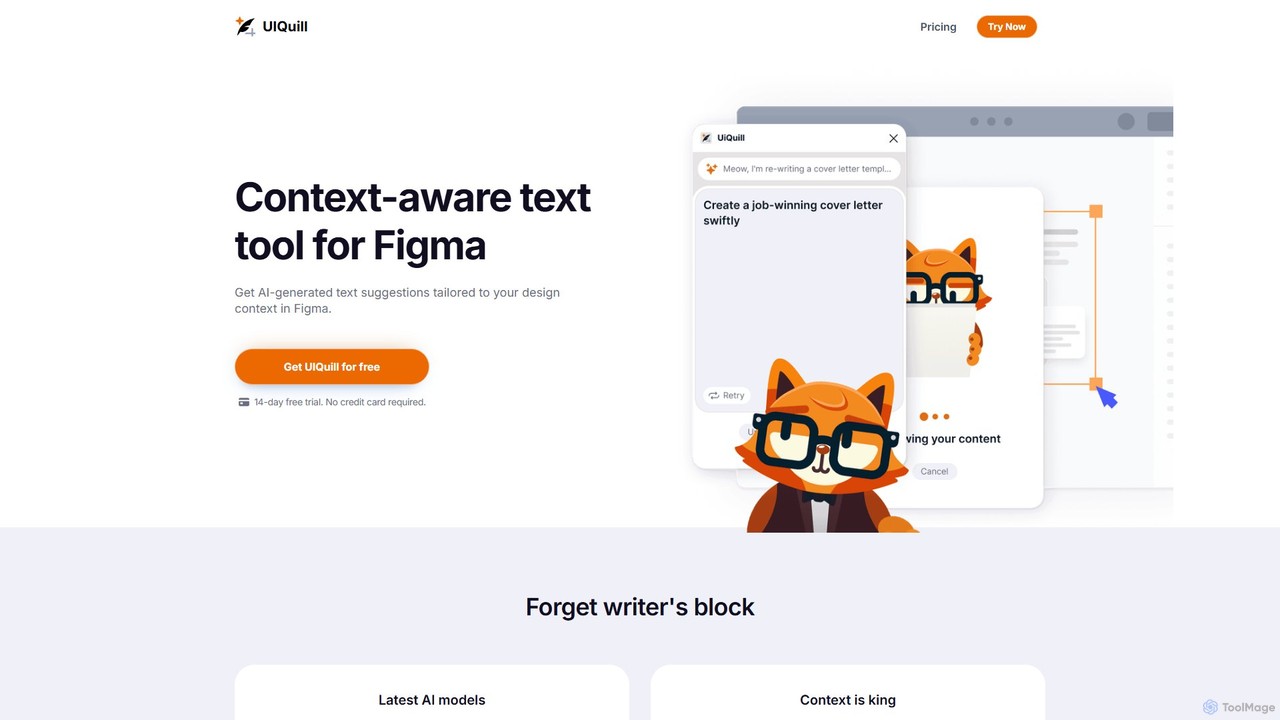
UIQuill
UIQuill is a context-aware AI text tool for Figma. It analyzes your design's context—function, style, and tone—to generate tailored, SEO-optimized text suggestions. This plugin streamlines your workflow by allowing you to optimize single text layers, groups, or entire pages without manual copy-pasting, helping you overcome writer's block and accelerate your design process.
Ux & Ui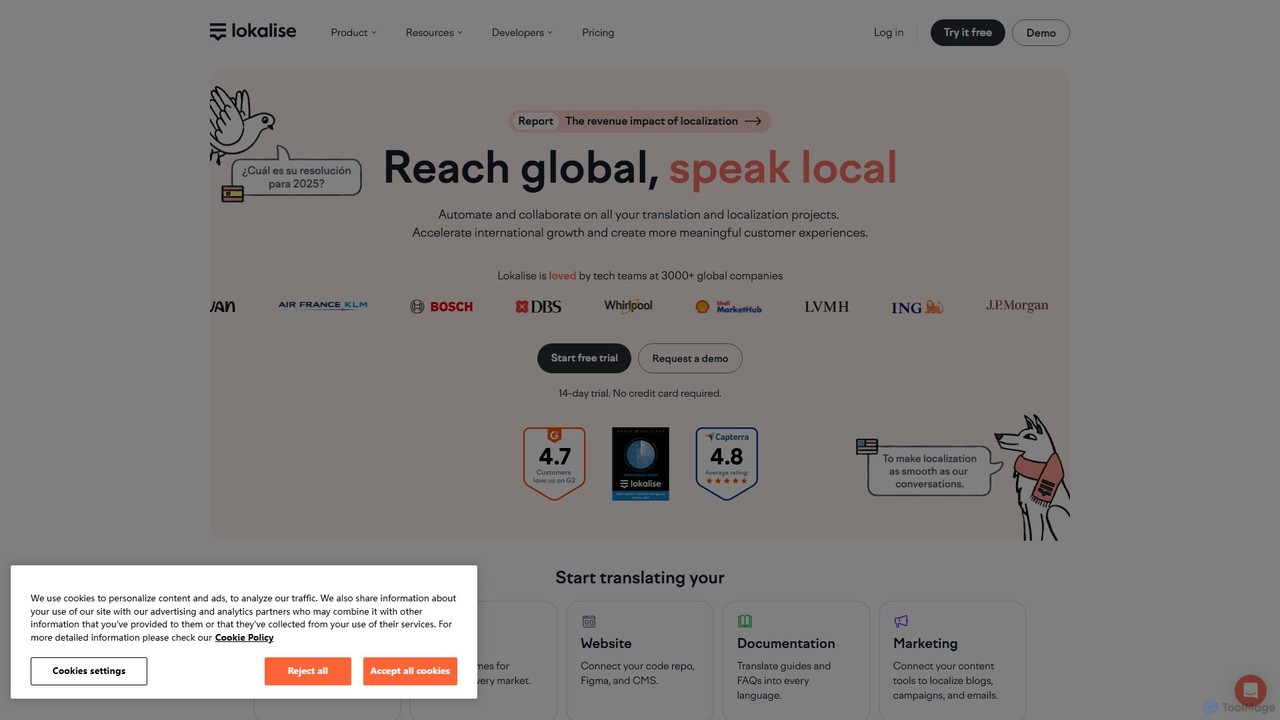
Lokalise
Lokalise is an AI-powered, collaborative localization and translation management platform. It helps teams automate their workflow, from developers and designers to translators, to localize websites, apps, games, and marketing content faster and more consistently for a global audience.
Collaboration
Locofy.ai
Locofy.ai is an AI-powered platform that accelerates frontend development by converting designs from Figma, Adobe XD, and Penpot into high-quality, production-ready code. It supports a wide range of frameworks like React, React Native, Vue, and HTML/CSS, helping teams build UI 10x faster and significantly reducing the design-to-code workflow.
Design To Code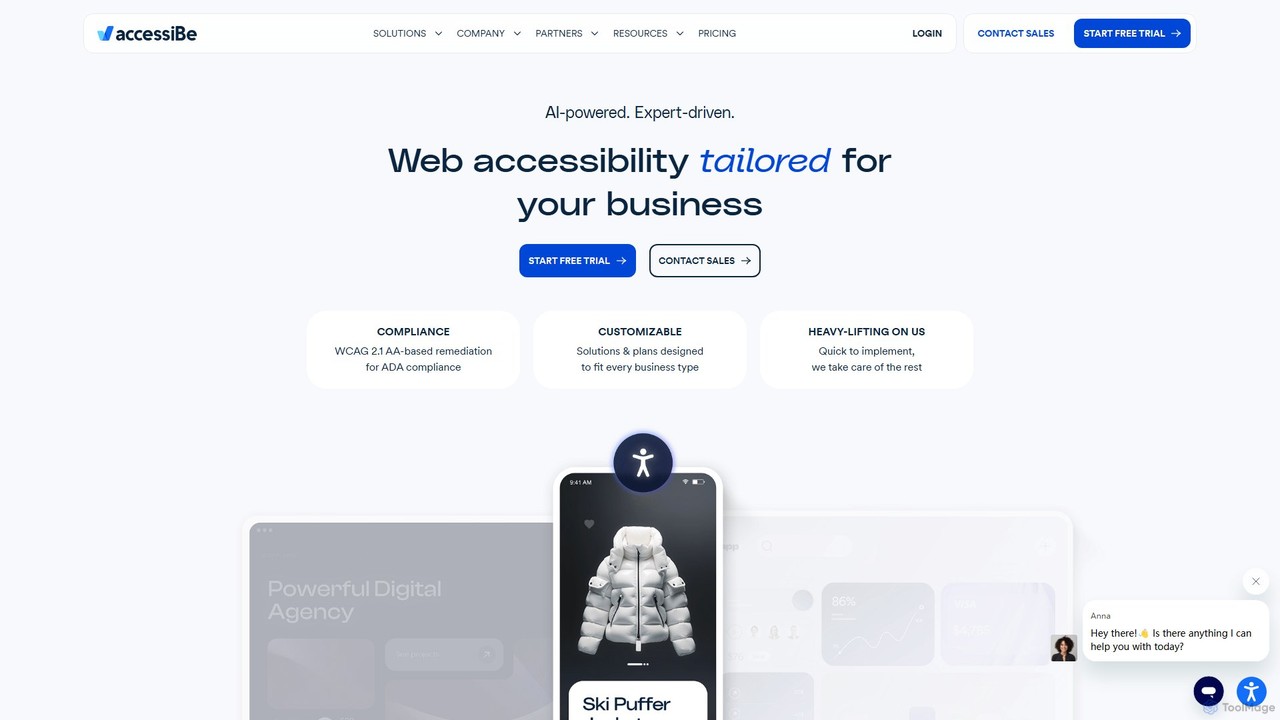
accessiBe
accessiBe is an AI-powered web accessibility solution that helps websites become compliant with WCAG 2.1, ADA, and other global regulations. It provides an automated widget and expert services to make web content accessible for people with disabilities, mitigating legal risks and enhancing brand reputation.
Website Builders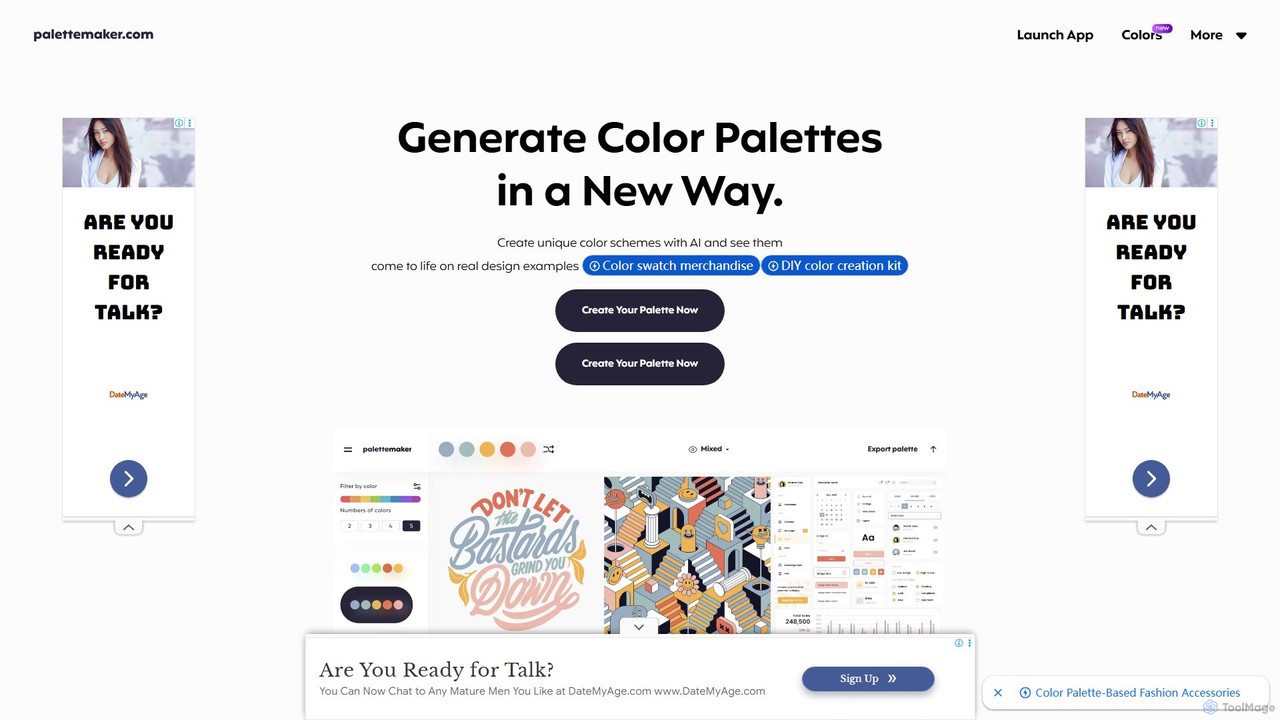
PaletteMaker
PaletteMaker is a free, AI-powered color palette generator that allows designers and creatives to create and instantly preview color schemes on real-world design mockups. It supports various creative fields like UI/UX, branding, and illustration, offering powerful export options for professional workflows.
Inspiration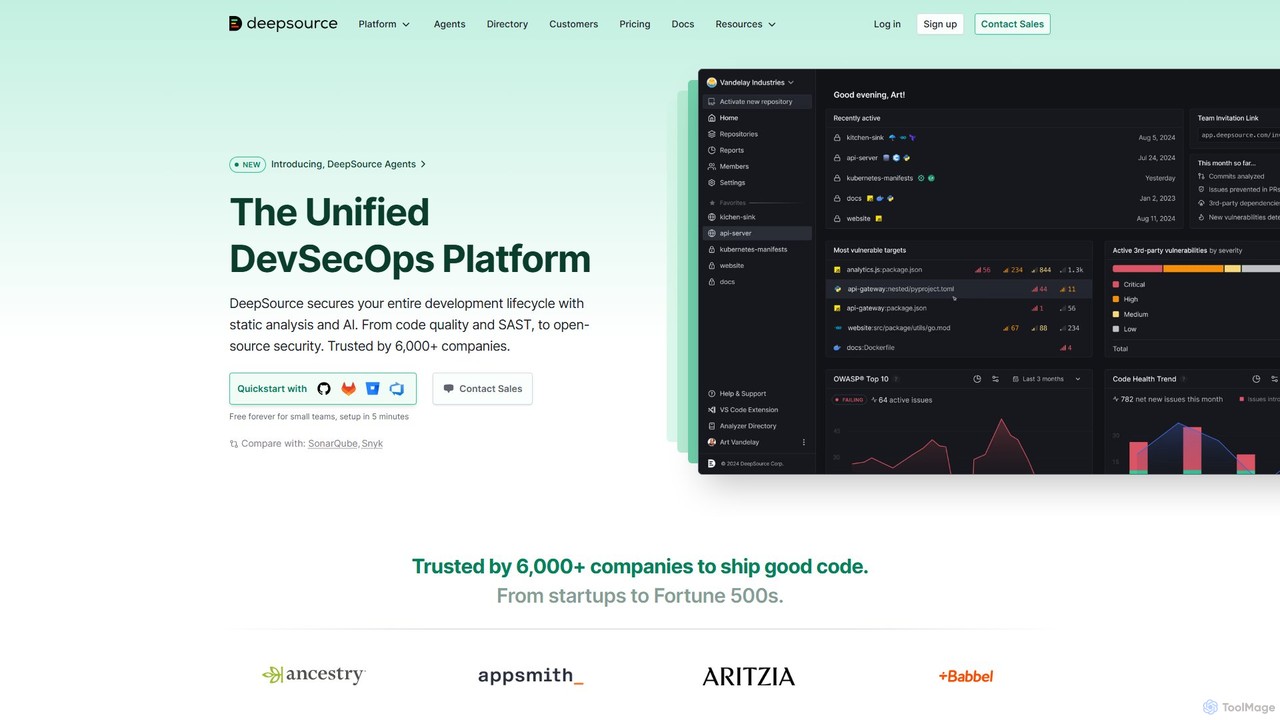
DeepSource
DeepSource is a unified DevSecOps platform that uses static analysis and AI to secure the entire development lifecycle. It helps developers ship clean and secure code by automating code quality checks, security scanning (SAST), and open-source dependency analysis (SCA).
Code Assistant
All Hands AI (OpenHands)
All Hands AI (OpenHands) is a leading open-source AI coding agent designed to automate software development. It helps engineers with tasks like code reviews, refactoring, bug fixing, and test generation. Available as a flexible SaaS, self-hosted, or open-source solution, it integrates with tools like GitHub and GitLab to accelerate development cycles and improve code quality.
Code Generation
Stark Comments (0)
Sign in to comment.
Sign inNo comments yet.