ToolMage
Sign in

Best 6 Website Builders AI tools for Developer Tools

Popular Website Builders AI tools in Developer Tools include accessiBe, Semflow, weaccess, wpsafe.ai, Feedbase, and SiteRetriever, helping you work more efficiently.

Semflow
Freemium

Semflow

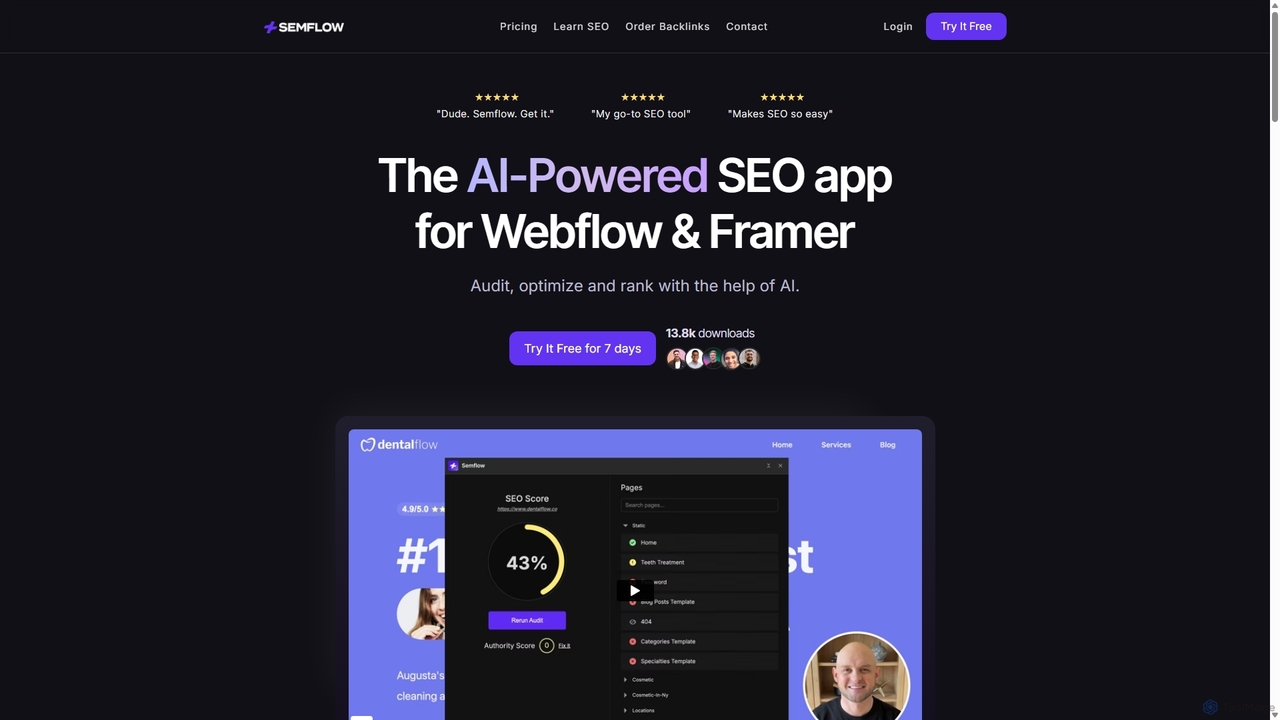
Semflow is an AI-powered SEO assistant designed specifically for Webflow and Framer. It integrates directly into your site builder, providing personalized audits, actionable tasks, and AI-driven tools to help you optimize your website, improve page performance, and rank higher on Google without needing to be an SEO expert.

Website Builders
Visits 12.7KFavorites 128Likes 123
accessiBe
Freemium

accessiBe

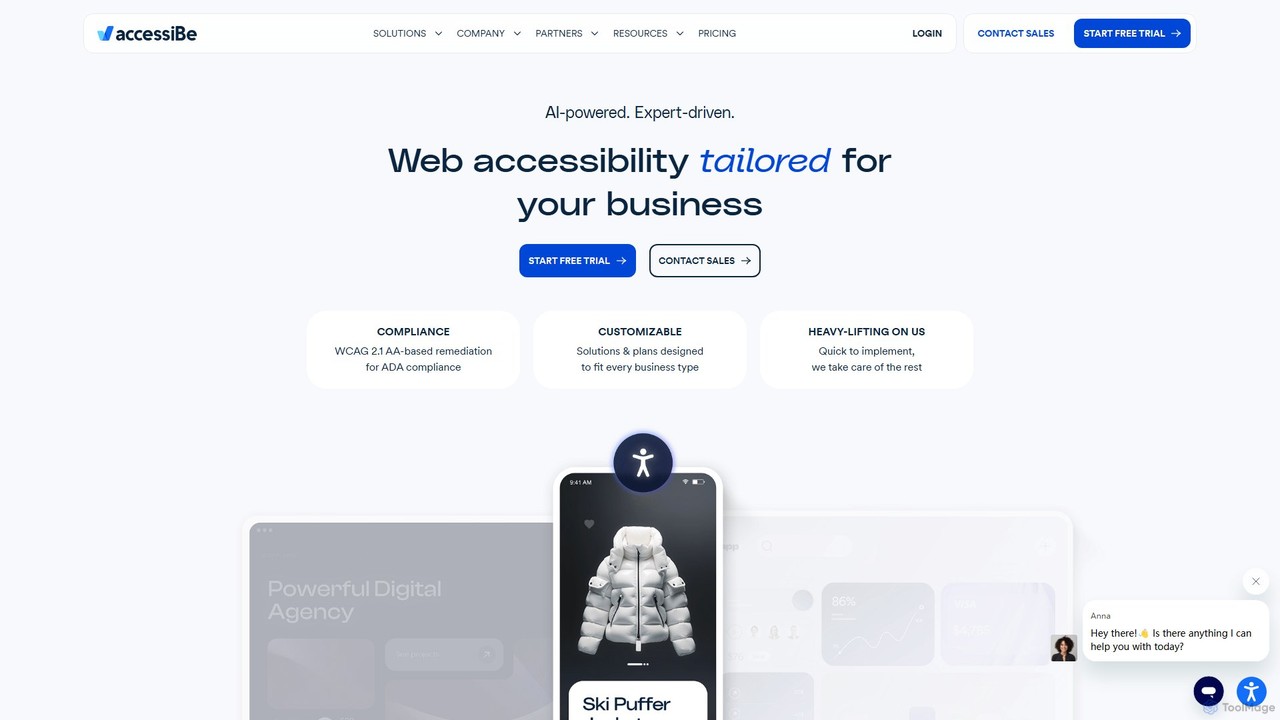
accessiBe is an AI-powered web accessibility solution that helps websites become compliant with WCAG 2.1, ADA, and other global regulations. It provides an automated widget and expert services to make web content accessible for people with disabilities, mitigating legal risks and enhancing brand reputation.

Website Builders
Visits 130.9KFavorites 115Likes 118
weaccess
Paid

weaccess

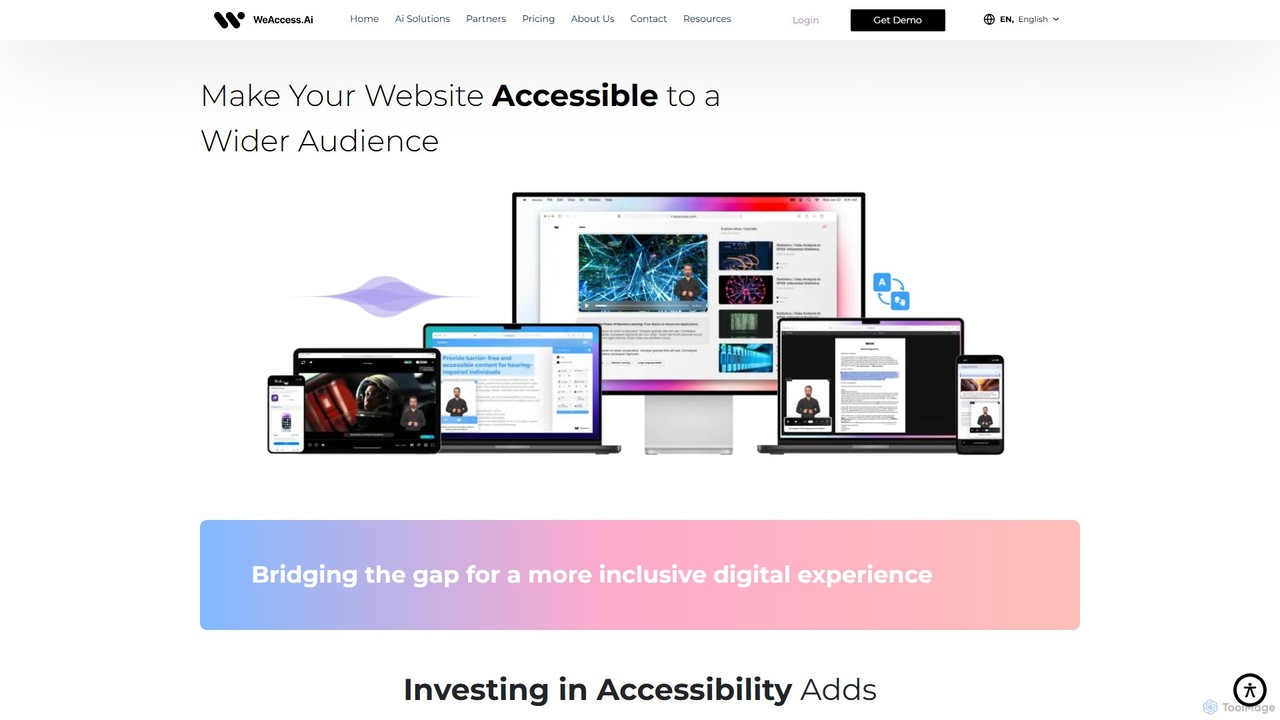
weaccess is an AI-powered digital accessibility solution designed to help websites, mobile apps, and digital content achieve WCAG compliance. It offers a suite of tools including an accessibility widget, AI-generated audio descriptions for media, sign language translation for text and video, and detailed accessibility reports to ensure inclusivity for users with visual and hearing impairments.

Website Builders
Visits 7.9KFavorites 138Likes 143
SiteRetriever
Paid

SiteRetriever

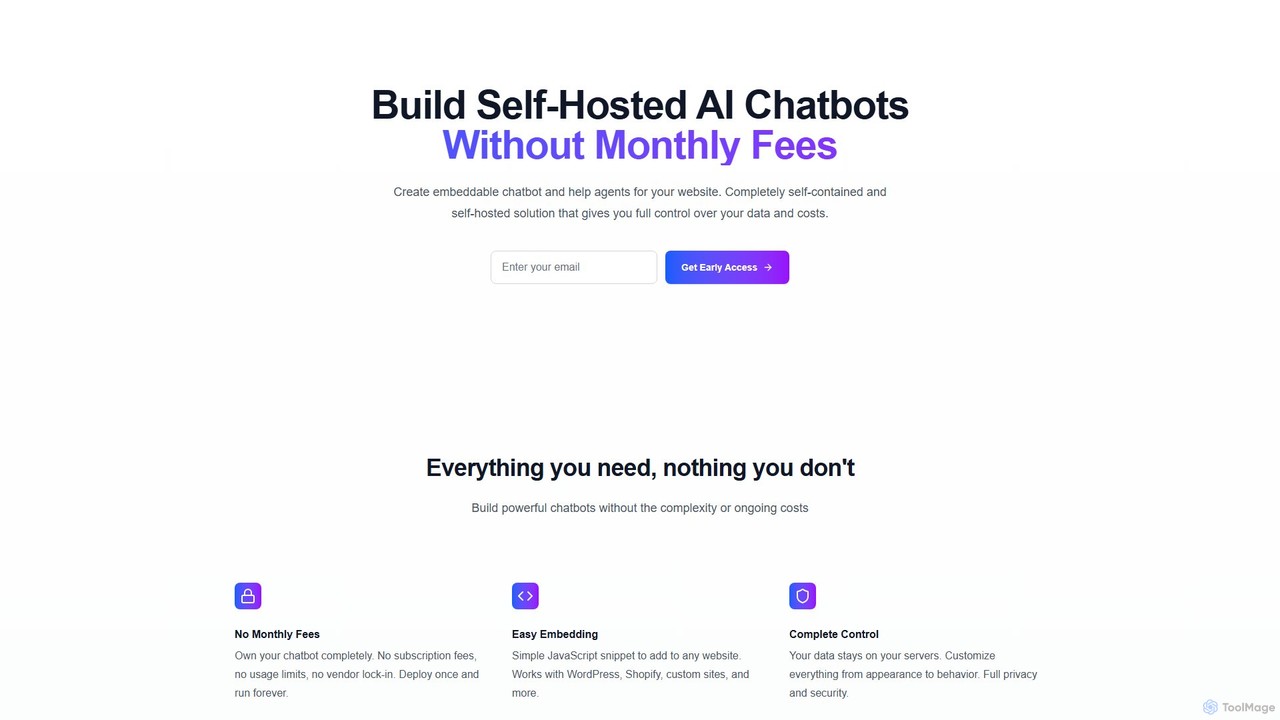
SiteRetriever is a self-hosted AI chatbot solution that lets you build and deploy intelligent chatbots on your website without monthly fees. Gain full control over your data, customize the bot's appearance and behavior, and provide instant, accurate responses. It's a one-time purchase for complete ownership and data privacy.

Chatbot
Visits 6.3KFavorites 100Likes 101
wpsafe.ai
Paid

wpsafe.ai

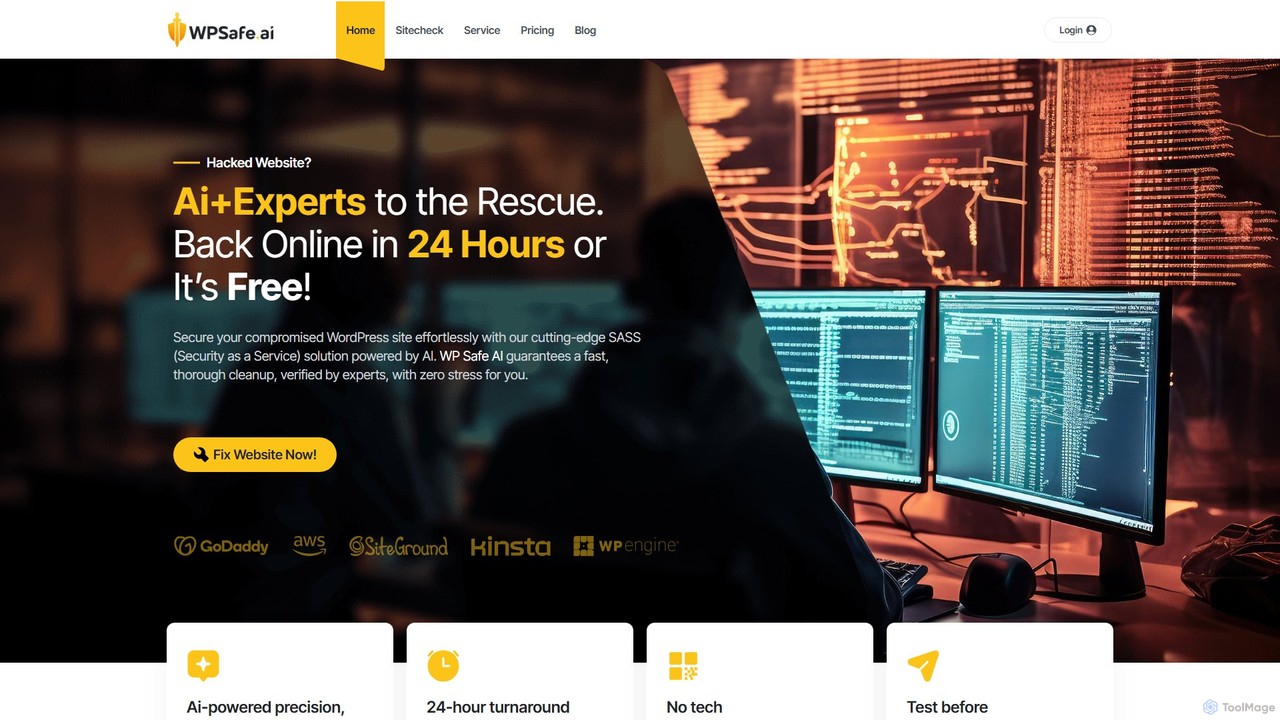
wpsafe.ai is an AI-powered Security as a Service (SaaS) solution designed for stress-free WordPress cleanup. It combines smart algorithms with human expertise to detect and remove malware, pharma hacks, and redirects from compromised websites. The service guarantees a 24-hour turnaround or it's free, requiring no technical skills from the user.

Website Builders
Visits 6.4KFavorites 133Likes 125
Feedbase
Freemium

Feedbase

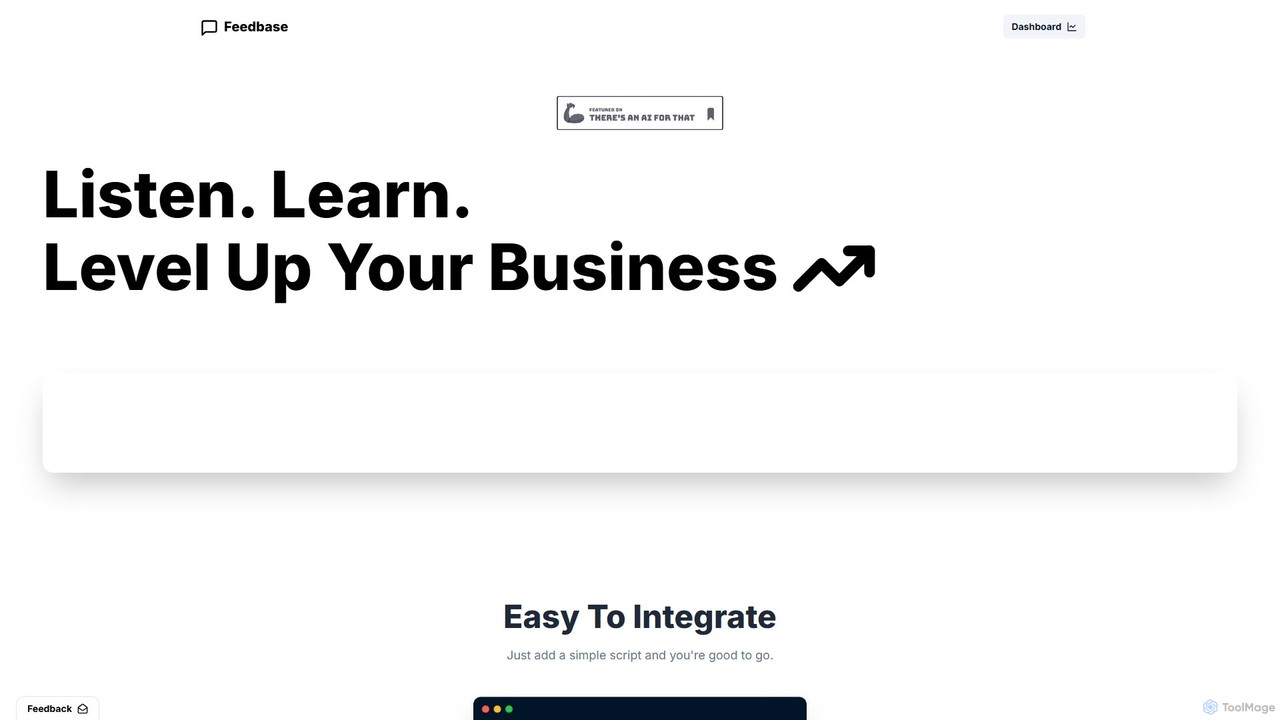
Feedbase is an AI-powered customer feedback platform that helps businesses listen, learn, and grow. By integrating a simple, minimalistic widget onto your website, you can effortlessly collect user feedback and use an AI-powered dashboard to gain actionable insights and analytics.

Analytics
Visits 6.4KFavorites 130Likes 141

About Website Builders

AI Website Builders are tools that use artificial intelligence to automate the design and creation of websites, often from simple text prompts. They leverage generative AI models to produce unique layouts, color schemes, written content, and relevant imagery, eliminating the need for coding or extensive design skills. This approach dramatically accelerates the process of launching a professional online presence, making it accessible for individuals and small businesses. As a specialized category within Developer Tools, they focus on speed and ease of use over complex, custom-coded solutions.

Core Features

  • AI-Powered Design Generation: Creates complete website layouts, including color palettes and font pairings, based on a description of your business or project.
  • Automated Content Creation: Writes SEO-friendly copy for headlines, paragraphs, product descriptions, and about pages.
  • Intelligent Image Selection: Automatically sources or generates royalty-free images that match the website's context and style.
  • No-Code Customization: Provides an intuitive drag-and-drop editor to refine and personalize the AI-generated design without writing code.
  • Responsive Design Automation: Ensures the generated website is automatically optimized for viewing on desktops, tablets, and mobile devices.

Use Cases

These tools are ideal for entrepreneurs, small business owners, freelancers, and marketers who need to establish an online presence quickly. They are commonly used for creating portfolio sites, landing pages for marketing campaigns, simple e-commerce stores, and informational websites for local businesses. Developers also use them for rapid prototyping to visualize concepts for clients.

How to Choose

When selecting an AI Website Builder, consider the level of design customization available after the initial generation. Evaluate its content generation quality and the flexibility of the editor. Also, check for essential features like e-commerce capabilities, blog functionality, SEO tools, and integration options with third-party services. Finally, compare pricing models and the level of customer support provided.

Website Builders use cases

1

Launch a Website for a New Small Business

A local coffee shop owner with no technical skills needs a professional website to attract customers. Using an AI Website Builder, they simply describe their shop's cozy atmosphere, menu items, and location. The AI instantly generates a complete, multi-page website with a welcoming design, an online menu, a photo gallery of the interior, and a contact page with an integrated map. The owner can then use the simple editor to update daily specials, saving significant time and the cost of hiring a web developer.

2

Create a High-Converting Landing Page for a Marketing Campaign

A marketing manager needs to quickly create a landing page for a new product launch. Instead of waiting for the design team, they use an AI builder. They input the product features, target audience (e.g., 'tech-savvy young professionals'), and the campaign goal (e.g., 'collect email sign-ups'). The AI generates a visually appealing, single-page layout with persuasive copy, a clear call-to-action button, and a lead capture form. This allows the marketing team to launch campaigns in hours instead of weeks, enabling faster testing and iteration.

3

Build a Personal Portfolio for a Freelancer

A freelance photographer needs an elegant online portfolio to showcase their work and attract clients. They provide an AI Website Builder with a brief bio, their photography style (e.g., 'moody and cinematic'), and upload their best images. The AI designs a gallery-focused website with a clean, minimalist layout that complements the photos. It also writes compelling project descriptions and an 'About Me' section, and adds a contact form for inquiries. The entire process takes under an hour, providing a professional portfolio that would typically require days of work.

4

Rapid Prototyping for a Web Developer

A web developer needs to quickly create a visual prototype to get client approval before starting a complex coding project. Instead of building a wireframe from scratch, they use an AI builder. They input the client's requirements for structure and key pages (Home, Services, About, Contact). The AI generates a functional, visually complete website prototype in minutes. The developer can then share this live link with the client for immediate feedback on layout and flow, streamlining the approval process and ensuring everyone is aligned before development begins.

5

Set Up a Simple E-commerce Store

An artist wants to sell prints online but lacks the budget for a custom e-commerce platform. They use an AI Website Builder with integrated e-commerce features. They describe their art style and upload product images. The AI generates a clean, visually-driven online store, creates compelling product titles and descriptions, and sets up a basic shopping cart and checkout process. This allows the artist to start selling their work online within a day, reaching a global audience without significant upfront investment or technical expertise.

6

Create an Informational Site for a Non-Profit Organization

A small non-profit organization needs a website to share its mission, showcase projects, and accept donations. With a limited budget, they turn to an AI Website Builder. They input their mission statement, key activities, and goals. The AI structures a site with an 'Our Mission' page, a 'Projects' gallery, and a prominent 'Donate' button. It also writes clear, empathetic copy that communicates the organization's impact. The team can easily update the site with new project photos and success stories themselves, keeping their community engaged without relying on technical volunteers.

Website Builders FAQ

What are AI Website Builders?

AI Website Builders are a new generation of tools that use artificial intelligence to automate the website creation process. Unlike traditional builders where you select a template, with an AI builder you typically describe your business or idea in plain text. The AI then generates a unique website layout, writes initial copy, selects relevant images, and chooses a color scheme for you. They are designed to dramatically reduce the time and technical skill required to launch a professional-looking website.

How do AI Website Builders differ from traditional builders like Wix or Squarespace?

The primary difference lies in the initial creation process. Traditional builders are template-based; you choose a pre-designed template and then manually customize it by dragging and dropping elements and writing all your own content. AI builders are generation-based; you provide a prompt, and the AI creates a custom first draft of the entire site for you, including design and content. While both usually offer a drag-and-drop editor for further refinement, AI builders automate the starting point, saving significant time on initial design and content creation.

Who are AI Website Builders best for?

AI Website Builders are particularly well-suited for:

  • Small Business Owners: Who need a professional online presence quickly without a large budget.
  • Freelancers and Creatives: Who want to build portfolio sites fast to showcase their work.
  • Marketers: Who need to rapidly create landing pages for campaigns without relying on developers.
  • Beginners: Anyone with limited design or coding skills who finds traditional builders overwhelming.

They are ideal for users who prioritize speed and convenience to get a functional and attractive website up and running.

Can I customize a website after it's generated by AI?

Yes, absolutely. The AI's output is intended to be a strong starting point, not a final, unchangeable product. Nearly all AI Website Builders provide a user-friendly editor, often a drag-and-drop interface, that allows you to make extensive customizations. You can change text, swap images, adjust colors and fonts, add new sections or pages, and rearrange elements to perfectly match your vision. The goal is to combine the speed of AI generation with the flexibility of manual control.

Do I need to know how to code to use an AI Website Builder?

No, you do not need any coding knowledge. AI Website Builders are a type of no-code tool, specifically designed for users without a technical background. The entire process, from the initial prompt to final customizations, is handled through a visual interface. They abstract away all the complexity of HTML, CSS, and JavaScript, allowing you to focus solely on the design and content of your site. This makes them a part of the broader Developer Tools ecosystem that aims to democratize software and web creation.