

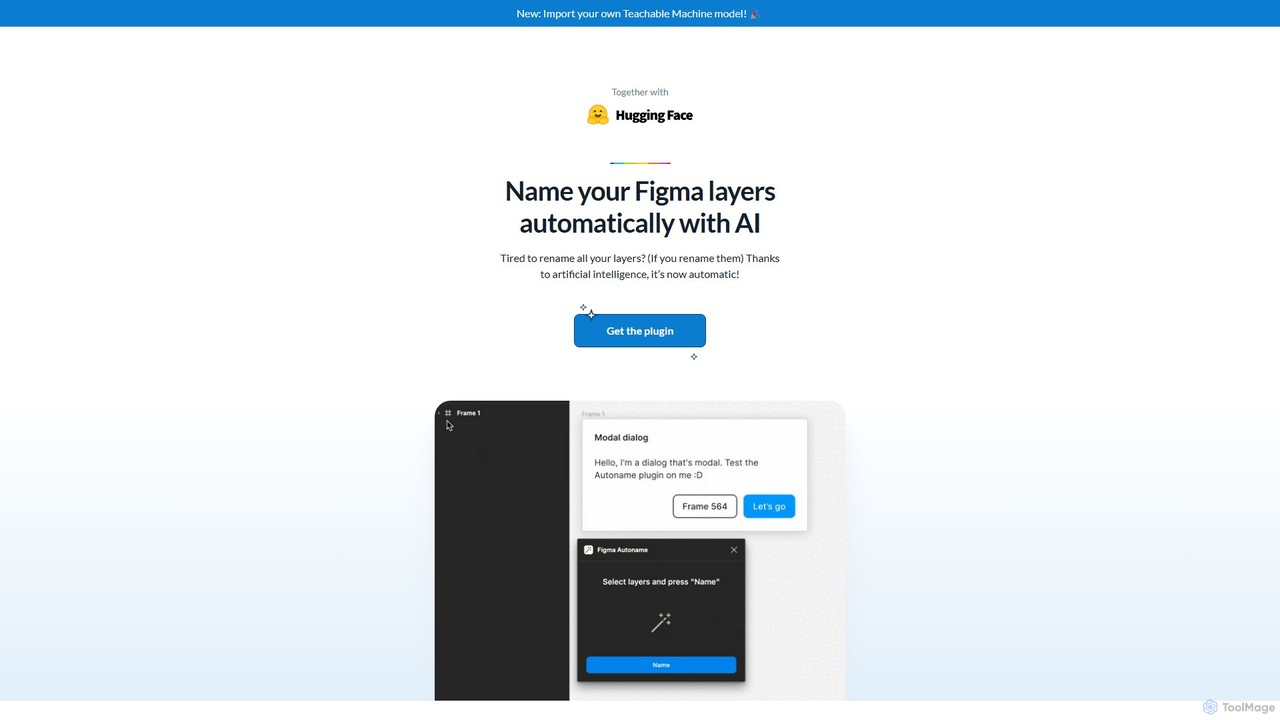
Figma Autoname Overview
Figma Autoname is a revolutionary AI-powered plugin designed to eliminate one of the most tedious tasks in a designer's workflow: manually renaming layers. With just a single click, this tool intelligently analyzes the content and context of your layers and renames them with clear, descriptive labels. It's built for efficiency, allowing designers to maintain a clean and organized file structure effortlessly, which is crucial for collaboration and developer handoff. Trusted by tens of thousands of designers, Autoname streamlines your process, letting you focus on creative design rather than administrative housekeeping.
The plugin's intelligence extends to understanding the structure of modern design systems. It automatically detects components and instances, ensuring their names are preserved to maintain the integrity of your libraries. Furthermore, for teams with specific naming conventions, Autoname offers a powerful customization feature by allowing users to import their own classification models trained with Google's Teachable Machine.
How to use Figma Autoname
Using Figma Autoname is incredibly straightforward. Follow these simple steps to get started:
- Installation: Navigate to the Figma Community, search for "Autoname", and click "Install". The plugin will be added to your Figma account instantly.
- Selection: Open your Figma design file and select the frame or the specific layers you wish to rename. You can select a single frame to rename all layers within it, or multi-select various layers across your canvas.
- Execution: Right-click on the canvas, go to 'Plugins', and select 'Autoname'.
- Rename: In the plugin window, simply click the "Rename all layers" button. The AI will process your selected layers and rename them in seconds.
- (Advanced) Custom Models: To use your own naming logic, train an image classification model on Google's Teachable Machine. Export the model and import it directly into the Autoname plugin to apply your custom naming conventions.
Core Features of Figma Autoname
- AI-Powered Naming: Utilizes artificial intelligence to analyze layer properties (like size, content, and position) to generate logical and descriptive names (e.g., 'icon-search', 'button-primary', 'user-avatar').
- One-Click Operation: Renames hundreds or thousands of layers with a single click, delivering massive time savings and boosting productivity.
- Smart Component Preservation: Intelligently identifies master components and instances, leaving their names untouched to avoid breaking links to your design system.
- Custom Model Import: Supports models from Teachable Machine, giving users and teams the power to enforce their own unique naming conventions for ultimate consistency.
- Free & Open Source: The plugin is completely free to use under the MIT License. Its open-source nature encourages community contributions and ensures transparency.
Use Cases for Figma Autoname
Figma Autoname is versatile and valuable in various scenarios:
- Cleaning Up Messy Files: Quickly organize legacy design files or projects inherited from others that have inconsistent or default layer names (e.g., 'Rectangle 541').
- Improving Team Collaboration: A consistently named layer structure makes design files easy to navigate and understand for all team members, including other designers, product managers, and stakeholders.
- Accelerating Developer Handoff: Well-named layers translate directly to cleaner code and clearer specifications, reducing ambiguity and speeding up the development process.
- Rapid Prototyping: Focus on getting ideas down quickly without worrying about layer names. Clean up the entire file with one click before sharing or handoff.
- Maintaining Design System Governance: Use custom models to ensure all new components or patterns created by the team adhere to a predefined naming standard.
Advantages of Figma Autoname
The key advantages of using Figma Autoname include its incredible efficiency and intelligence. It transforms a manual, error-prone task into an automated, instantaneous process. By maintaining a clean layer hierarchy, it significantly improves workflow efficiency, collaboration, and the quality of developer handoffs. Being free and open-source makes it accessible to everyone, from solo freelancers to large organizations. The ability to add custom models provides a level of customization and control that is unmatched by other simple renaming tools.
Pricing and Plans
Figma Autoname is completely free. It is an open-source project released under the MIT License, meaning you can use it without any cost for personal and commercial projects. The developer accepts sponsorships from users who find the tool valuable and wish to support its continued development.
Traffic
Latest traffic
Status
Monthly traffic trend
- 2025-9: 1.3K
- 2026-1: 2.0K
- 2026-2: 2.3K
- 2026-3: 4.2K
- 2026-4: 2.6K
- 2026-5: 1.4K
Geography
Top 5 countries / regions
- 🇺🇸United States44.5%
- 🇮🇳India32.9%
- 🇮🇹Italy22.6%
Top keywords
| Keyword | Cost per click |
|---|---|
| auto rename figma | $0.00 |
| auto rename figma frames | $0.00 |
| figma rename layers automatically | $0.00 |
Figma Autoname Alternatives
Inngest
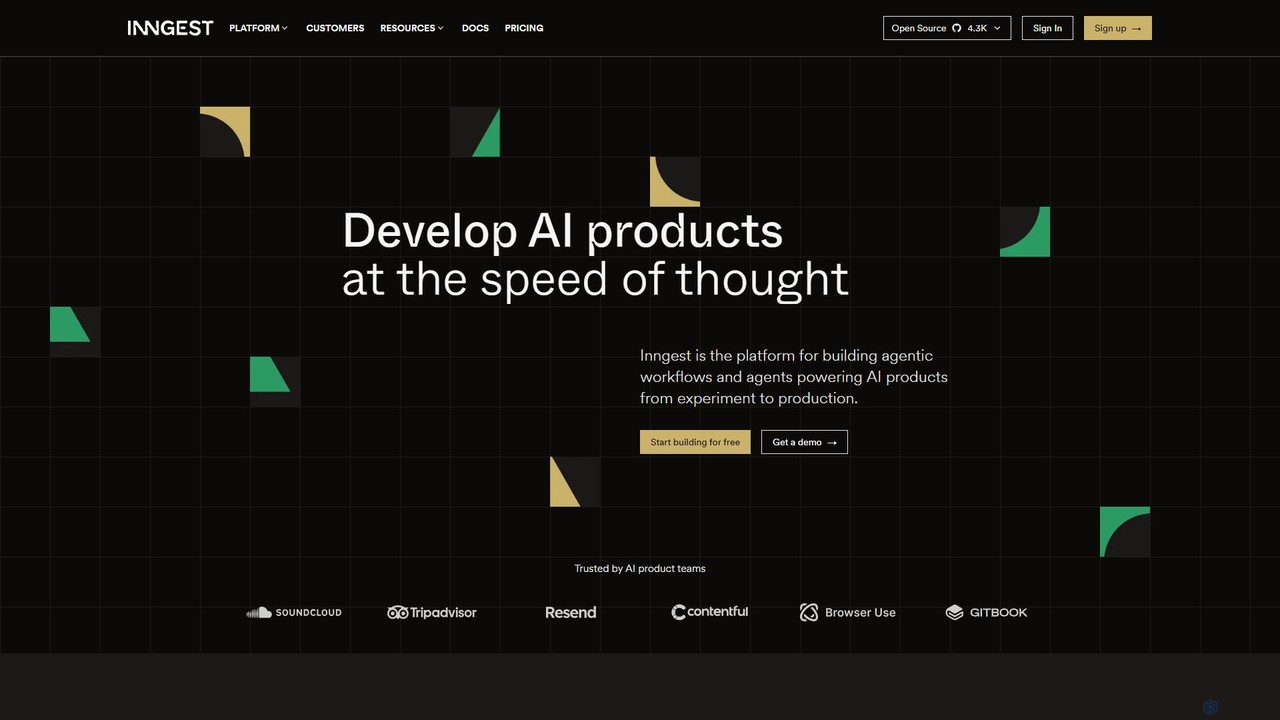
Inngest is a developer platform for building, orchestrating, and scaling reliable AI and backend workflows. It provides a robust orchestration engine for creating fault-tolerant AI agents and applications with features like automatic retries, step-by-step debugging, and full observability. Go from local prototype to production at any scale, focusing on product logic instead of infrastructure management.
Backend
Rowboat
Rowboat is a powerful, AI-powered IDE for building, managing, and deploying complex multi-agent systems. Backed by Y Combinator, it allows users to describe workflows in plain English, and its AI copilot automatically generates the entire agent graph, including roles, prompts, and tool integrations. It's designed to simplify the creation of robust, real-world AI agents for productivity, e-commerce, support, and more, with features like open-source flexibility and support for over 100 LLMs.
Agent Builder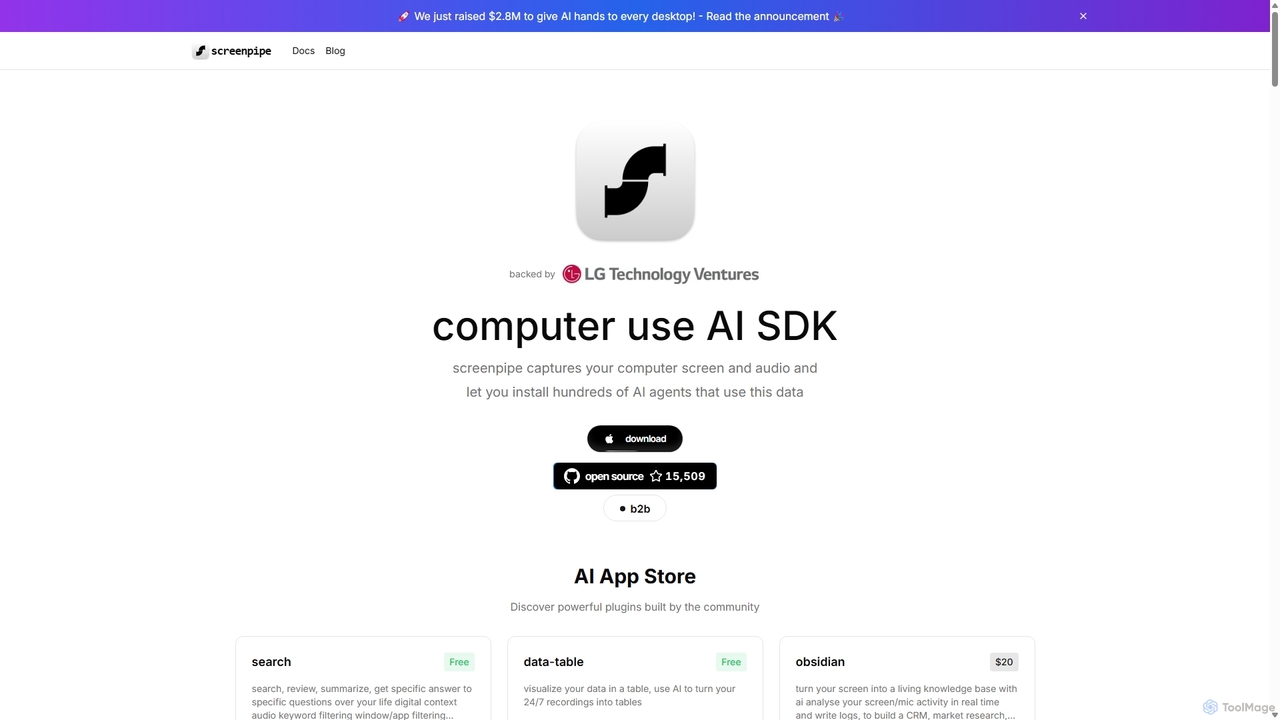
Screenpipe
Screenpipe is an open-source AI SDK that captures your computer's screen and audio 24/7, creating a local, private digital memory. It powers a rich ecosystem of AI agents that can search, summarize, and automate tasks based on your complete digital context, turning your computer usage into a powerful, personalized AI.
Personal Data
Nekton
Nekton is an AI-powered automation platform that transforms plain English descriptions into cloud-based workflows. It integrates with thousands of apps, allowing users to automate tasks in marketing, software development, and sales without writing code. Powered by OpenAI, it features an interactive chat for refining automations, scheduled runs, and sharable workflows.
No Code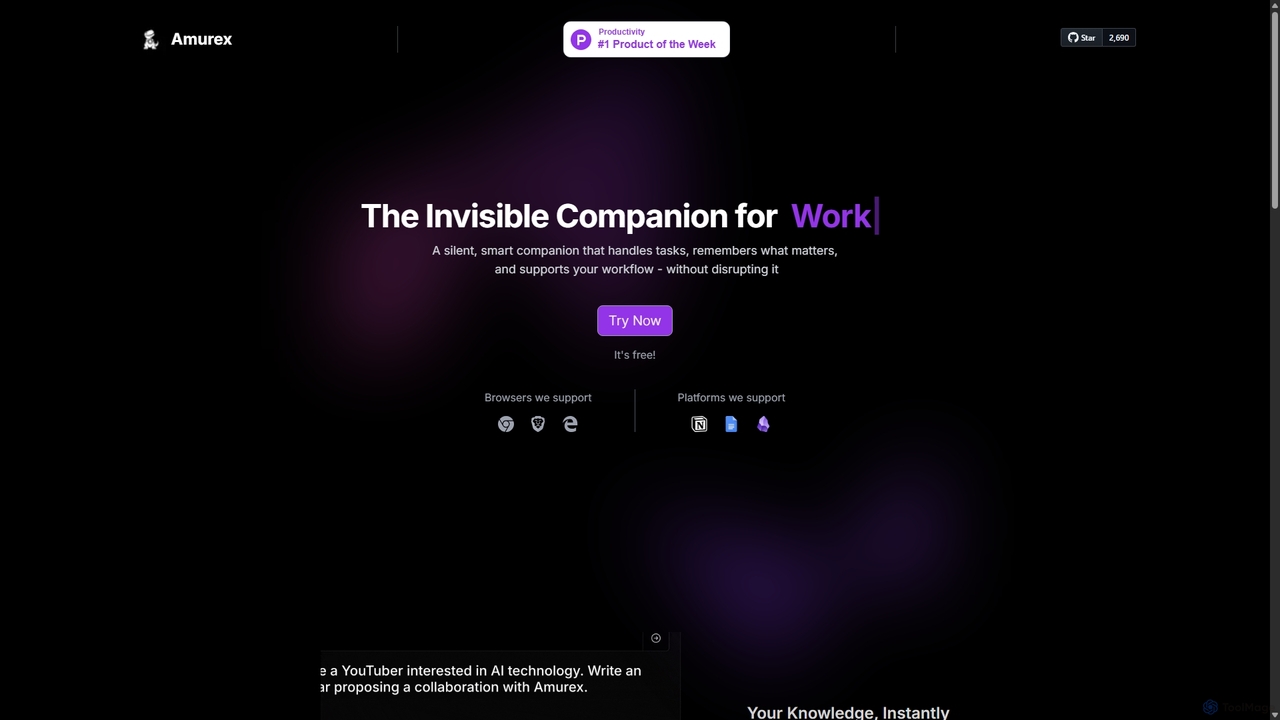
Amurex
Amurex is an open-source AI invisible companion that works silently in the background to streamline your workflow. It integrates with your existing apps like Notion, Google Drive, and Obsidian to create a searchable knowledge base, automates meeting transcriptions and summaries, and intelligently categorizes your inbox.
AutomationFigma Autoname Categories
Figma Autoname Embed Widget
Copy this embed code to place the badge on your blog, article, or product site and send readers directly to this ToolMage detail page.

Related AI tools

Zero
Zero is an AI-native email client designed to save you time. It automatically manages your inbox by summarizing threads, drafting replies, and extracting action items, allowing you to process emails at lightning speed with a keyboard-first interface.
Personal Assistant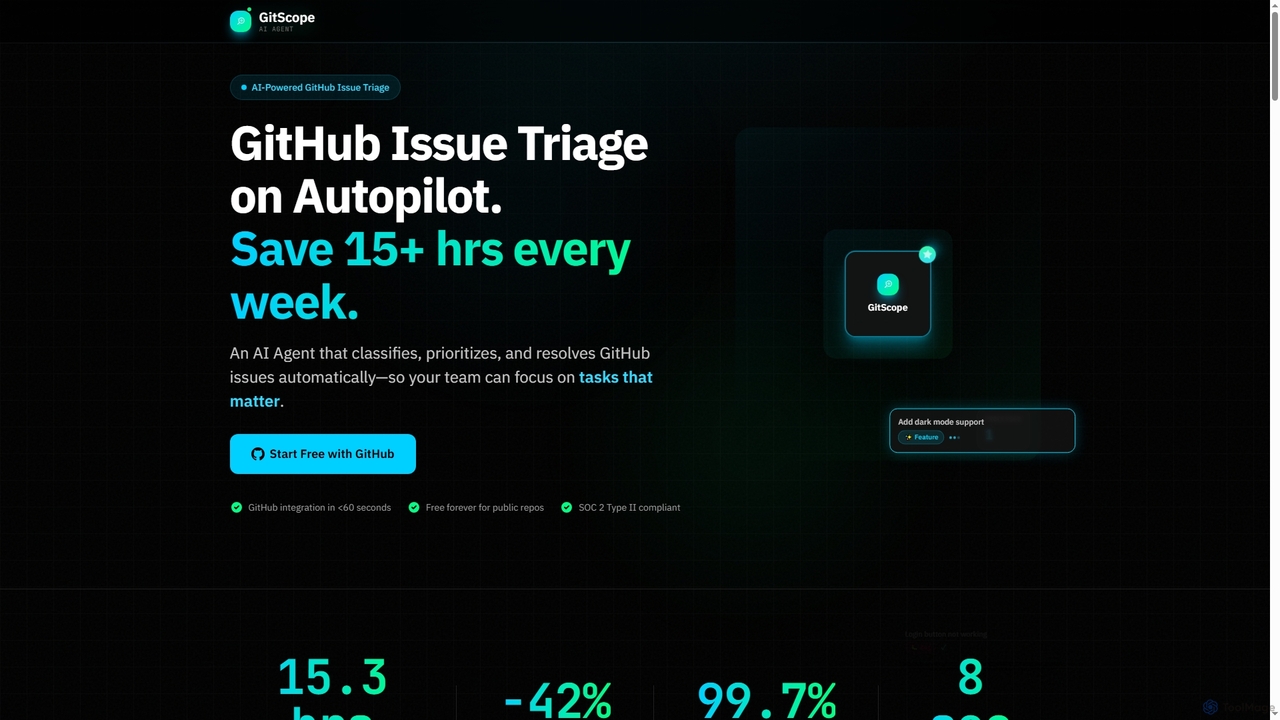
GitScope
GitScope is an AI-powered GitHub issue triage agent designed to automate the classification, prioritization, and resolution of issues. It helps engineering teams save significant time, reduce backlogs, and improve consistency by leveraging GPT-4 for intelligent analysis, duplicate detection, and configurable automation workflows. Free for public repositories, GitScope integrates seamlessly with GitHub to enhance team productivity and maintainer well-being.
Github ToolsRowboat
Rowboat is a powerful, AI-powered IDE for building, managing, and deploying complex multi-agent systems. Backed by Y Combinator, it allows users to describe workflows in plain English, and its AI copilot automatically generates the entire agent graph, including roles, prompts, and tool integrations. It's designed to simplify the creation of robust, real-world AI agents for productivity, e-commerce, support, and more, with features like open-source flexibility and support for over 100 LLMs.
Agent BuilderScreenpipe
Screenpipe is an open-source AI SDK that captures your computer's screen and audio 24/7, creating a local, private digital memory. It powers a rich ecosystem of AI agents that can search, summarize, and automate tasks based on your complete digital context, turning your computer usage into a powerful, personalized AI.
Personal DataNekton
Nekton is an AI-powered automation platform that transforms plain English descriptions into cloud-based workflows. It integrates with thousands of apps, allowing users to automate tasks in marketing, software development, and sales without writing code. Powered by OpenAI, it features an interactive chat for refining automations, scheduled runs, and sharable workflows.
No CodeAmurex
Amurex is an open-source AI invisible companion that works silently in the background to streamline your workflow. It integrates with your existing apps like Notion, Google Drive, and Obsidian to create a searchable knowledge base, automates meeting transcriptions and summaries, and intelligently categorizes your inbox.
Automation
ShellMate
ShellMate is an open-source, AI-powered command-line productivity tool designed for developers and system administrators. Powered by OpenAI, it acts as your terminal's best friend, allowing you to use natural language to find commands, get predictive suggestions based on your history, and receive context-aware help without ever leaving your console. Simply use the `sm` shortcut to boost your command-line efficiency and reduce time spent searching for syntax.
Code Assistant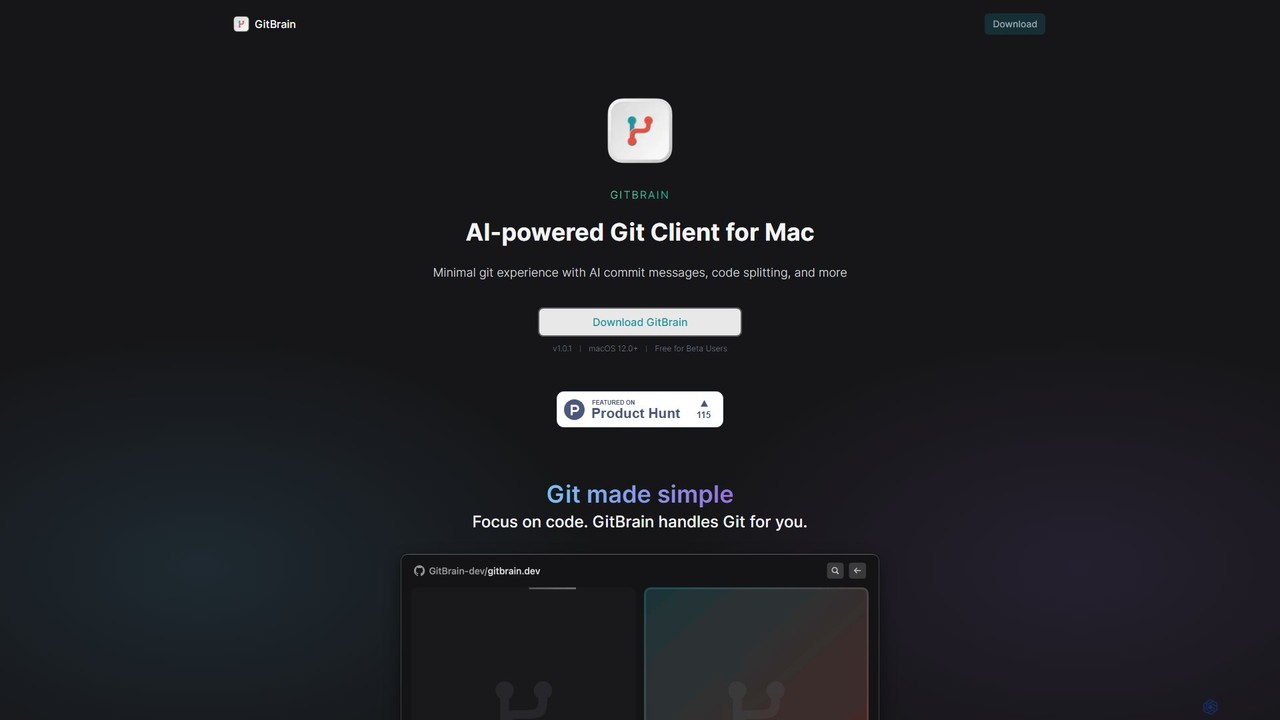
GitBrain
GitBrain is an AI-powered Git client for Mac designed to streamline your workflow. It automatically splits code changes into logical commits, generates clear commit messages, and provides AI-powered code summaries for self-review. With a native macOS interface, IDE integration, and a keyboard-first design, GitBrain simplifies Git management, allowing developers to focus on coding.
Code Assistant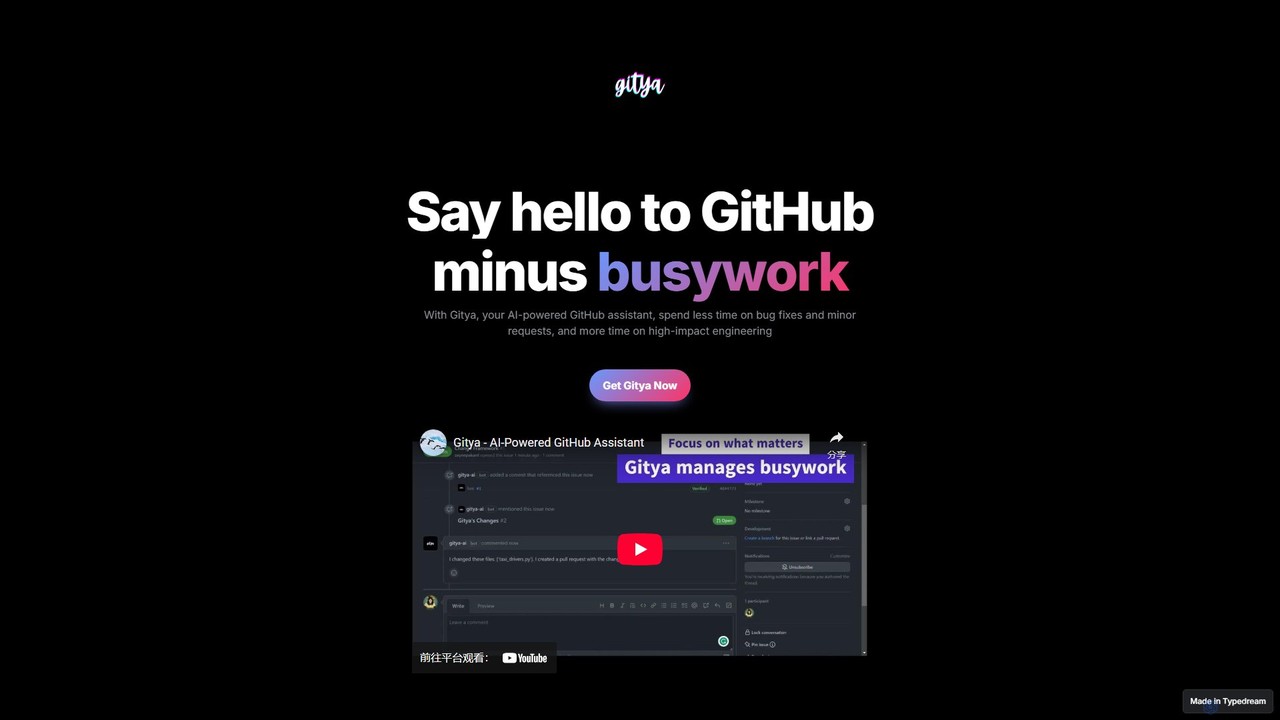
gitya
gitya is an AI-powered GitHub assistant designed to automate routine development tasks. It helps teams by handling minor bug fixes, managing pull requests with automated reviews, and resolving simple tickets, allowing developers to focus on high-impact engineering and innovation.
Version Control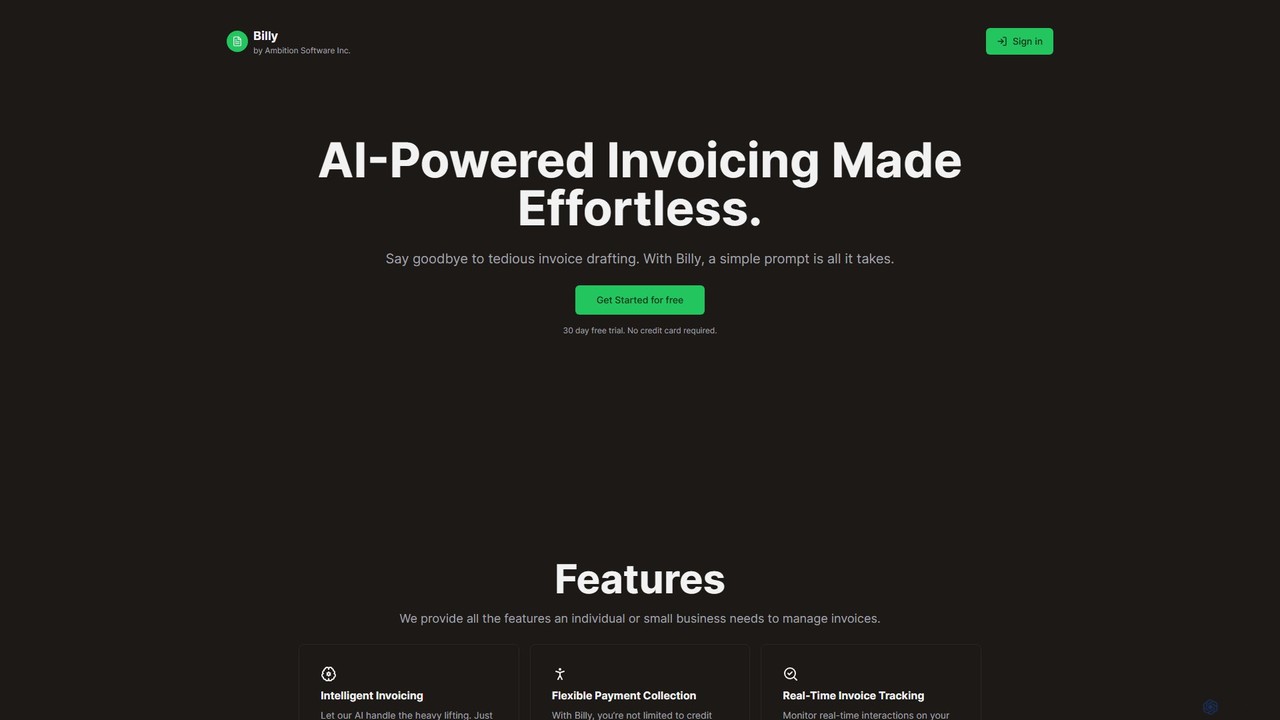
Billy
Billy is an AI-powered invoicing platform designed for freelancers and small businesses. It transforms simple text prompts into professional invoices, complete with automated email and PDF generation. Featuring real-time tracking, flexible payment options, and seamless Stripe integration, Billy streamlines your billing process, saving you time and effort. Say goodbye to tedious manual invoicing and get paid faster.
Freelancer Tools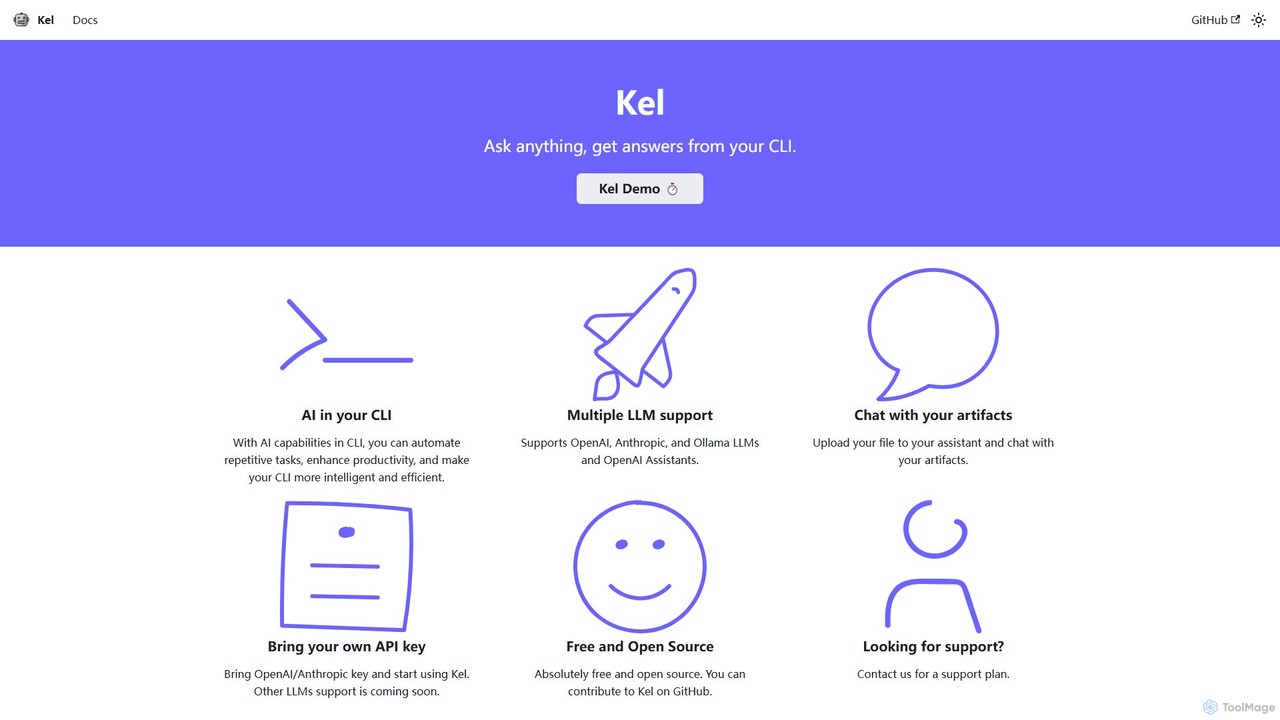
Kel
Kel is a free, open-source AI assistant for your command-line interface (CLI). It integrates with multiple LLMs like OpenAI, Anthropic, and Ollama to help developers and sysadmins automate tasks, generate commands, and even chat with documents directly from the terminal.
Code Assistant
Relume
Relume is an AI-powered platform that accelerates the website design and building process. It enables users to generate sitemaps and wireframes from a simple prompt, create comprehensive style guides, and access a vast library of over 1000+ components. With seamless export to Figma, Webflow, and React, Relume streamlines the entire workflow for designers, developers, and agencies, turning ideas into high-fidelity designs in minutes.
Website Builder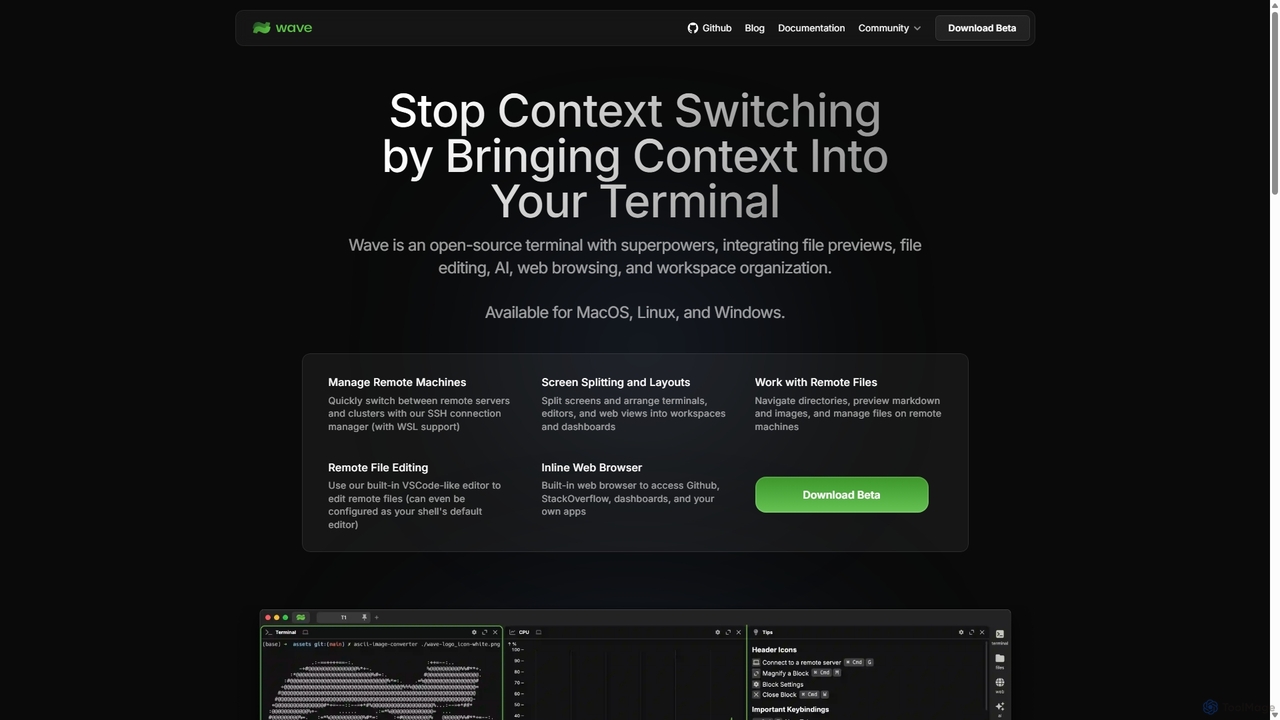
Waveterm
Waveterm is an open-source, modern terminal designed for developers and DevOps engineers. It enhances the command-line experience by integrating AI-powered assistance, a VSCode-like editor, inline file previews, a web browser, and customizable dashboards. This all-in-one workspace reduces context switching and boosts productivity across macOS, Windows, and Linux.
Code Assistant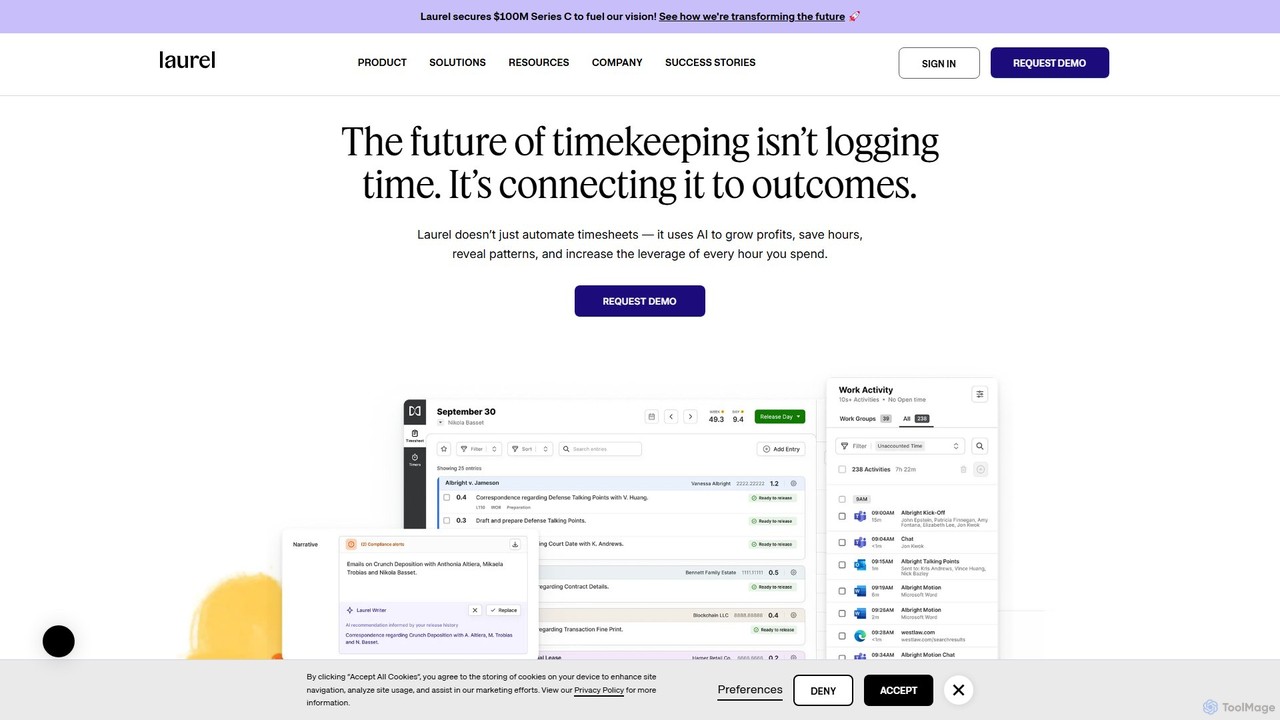
Laurel
Laurel is an AI-powered time intelligence platform that automates timekeeping for professional services firms like law and accounting. It goes beyond simple time tracking by connecting time to business outcomes, helping firms recover lost billable hours, increase profitability, and gain deep operational insights to optimize pricing and resource allocation.
Analytics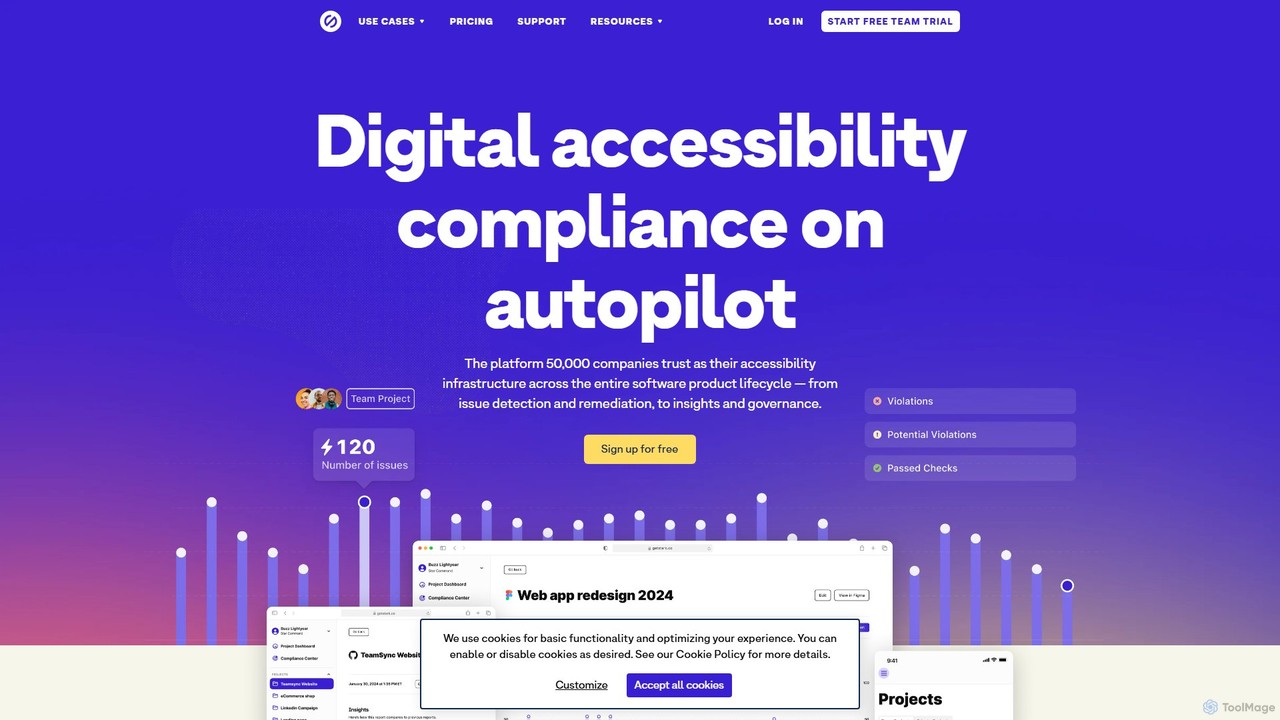
Stark
Stark is an end-to-end accessibility platform that integrates a suite of tools directly into your design and development workflow. It uses AI-powered automation to help teams find and fix accessibility issues from Figma and Sketch to code and live products, accelerating compliance and fostering inclusive design.
Ux & Ui
Figma Autoname Comments (0)
Sign in to comment.
Sign inNo comments yet.