
UIQuill Overview
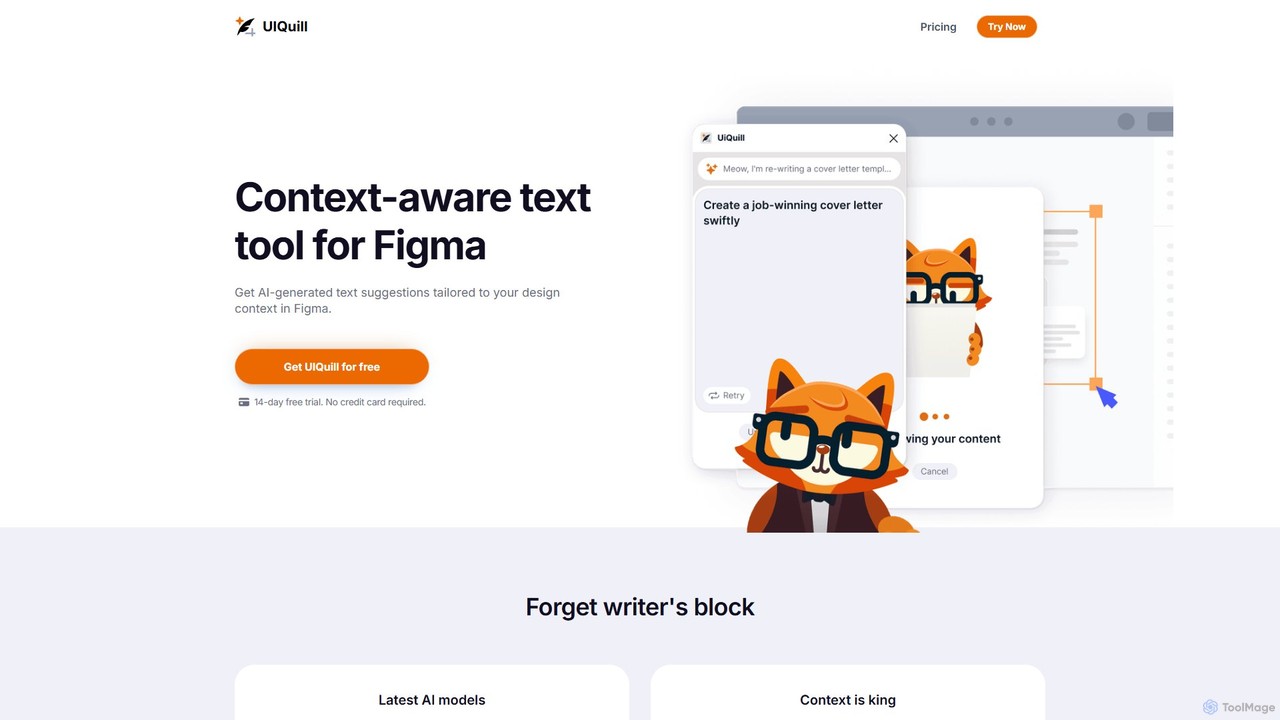
UIQuill is a revolutionary AI-powered text tool designed specifically as a plugin for Figma. It addresses a common bottleneck in the design process: creating compelling, contextually appropriate copy. Instead of using generic "lorem ipsum" placeholders or spending hours manually writing and adjusting text, UIQuill leverages advanced AI models to "see" and understand your design. It analyzes the function, style, tone, and available space to generate text suggestions that seamlessly integrate into your UI/UX projects. This streamlines the workflow, enhances collaboration between designers and copywriters, and ultimately leads to a more polished and effective final product.
How to use UIQuill
Using UIQuill is designed to be intuitive and deeply integrated into the Figma environment.
1. Installation: First, install the UIQuill plugin from the Figma Community.
2. Selection: Open your design file in Figma. You can select a single text layer, a group of elements, an entire frame, or even the whole page that you want to generate or optimize text for.
3. Generation: Run the UIQuill plugin. The tool automatically detects the context of your selection. It analyzes the surrounding design elements, existing text styles, and the likely purpose of the text box (e.g., a button, a headline, a paragraph).
4. Customization: UIQuill provides tailored text suggestions. You can review these suggestions directly within the plugin's interface. The generated text is designed to fit the length, tone, and style you need.
5. Application: With a single click, you can replace the existing text with the AI-generated suggestion. There is no need for manual copy-pasting, which prevents workflow disruption and ensures the text style is preserved.
6. Iteration: If the first suggestion isn't perfect, you can generate more options or refine the text until it meets your exact requirements. You can also switch between light and dark themes in the plugin for comfortable viewing.
Core Features of UIQuill
- Context-Aware AI: UIQuill's core strength is its ability to analyze the visual and functional context of your design, generating text that is not just grammatically correct but also highly relevant.
- Multi-Layer Optimization: Unlike tools that only work on one text layer at a time, UIQuill can process and provide suggestions for single layers, groups, frames, or the entire page, offering holistic content optimization.
- Seamless Figma Integration: As a native Figma plugin, it operates directly within your design workspace. Text is replaced automatically without breaking your flow.
- SEO-Optimized Content: Generate text that is not only user-friendly but also optimized for search engines, helping improve the ranking of the final web page or product.
- Up-to-Date AI Models: The tool utilizes the latest AI technology to ensure the highest quality and most relevant text suggestions.
- Theme Customization: Users can switch between light and dark modes to match their Figma interface and personal preference.
- Unlimited Usage: Paid plans offer unlimited text generation and improvement, allowing for extensive creative exploration without restrictions.
Use Cases for UIQuill
UIQuill is a versatile tool for various professionals:
UI/UX Designers: Quickly populate mockups and prototypes with realistic and compelling copy, moving beyond "lorem ipsum" to create more lifelike and testable designs.
Web Designers: Create headlines, body text, CTAs, and other web content that is both engaging for users and optimized for SEO, directly within the design phase.
Product Managers & Marketers: Ensure brand voice and messaging consistency across all UI elements by generating text that aligns with predefined style and tone.
Content Strategists & UX Writers: Accelerate the copywriting process by generating multiple high-quality text options, allowing them to focus on refining and perfecting the final message.
Solo Entrepreneurs & Startups: Create professional-grade website and app copy without the need to hire a dedicated copywriter, saving time and resources.
Advantages of UIQuill
UIQuill offers significant advantages over manual copywriting and competing AI plugins. Its primary benefit is the massive time savings, streamlining what is often a tedious part of the design process and potentially accelerating the entire workflow by up to 10x. By providing context-aware suggestions, it eliminates writer's block and ensures the generated content is top-quality, aligning effortlessly with your design's aesthetic and functional requirements. Compared to tools like Muse.ai or Content Buddy, UIQuill's seamless, no-copy-paste integration and multi-layer optimization create a far superior and more efficient user experience. Furthermore, its built-in SEO optimization feature provides an added layer of value that is often missing in other design-focused text generators.
Pricing and Plans
UIQuill offers a flexible pricing structure to suit different user needs, starting with a generous free trial.
Free Trial: A 14-day free trial is available for all new users to experience the full power of UIQuill. No credit card is required to get started.
Premium Plan: For ongoing use, this subscription plan costs $9 per month. It includes unlimited usage, access to the latest AI models, and early access to new features.
Lifetime Plan: For users who prefer a one-time purchase, the Lifetime plan is available for $299. This one-time payment grants all the benefits of the Premium plan for the lifetime of the product.
Traffic
UIQuill Alternatives
FigCopy
FigCopy is an AI-powered Figma plugin that replaces dummy text with high-quality, context-aware copy. Select a text layer, provide some context, and instantly generate compelling headlines, CTAs, and body text. It streamlines the design workflow, enhances collaboration, and helps you create more realistic and professional designs. Perfect for UI/UX designers, web designers, and marketing teams.
Copywriting
nichesss
nichesss is a versatile AI platform that helps entrepreneurs and marketers discover profitable niches, generate innovative business ideas, and create a wide range of content. With over 150 tools, it automates the creation of blog posts, ads, social media updates, emails, and more, aiming to eliminate writer's block and accelerate productivity.
Idea Generation
neuroflash
neuroflash is Europe's leading AI content suite, designed for marketers and businesses. It generates high-quality, on-brand text and images, featuring a unique Brand Hub for consistent voice, SEO analysis, and a predictive tool (PerformanceFlash) to test copy effectiveness before publishing. It's an all-in-one solution for efficient and data-driven content creation.
Content Creation
Textie.ai
Textie.ai is an all-in-one AI platform designed to boost productivity by integrating multiple tools into a single ecosystem. It offers text generation, AI image creation, presentation making, document translation, and voice services to solve any problem faster and more efficiently for businesses and individuals.
Presentations
Writerly
Writerly is an AI software cloud designed for businesses and creators to enhance productivity and ensure brand consistency. It offers unlimited content generation, collaborative workspaces, smart brand personas, and over 50 specialized templates. With its Chrome extension and integrated suites for marketing, sales, and e-commerce, Writerly streamlines content creation from start to finish.
CollaborationUIQuill Categories
UIQuill Embed Widget
Copy this embed code to place the badge on your blog, article, or product site and send readers directly to this ToolMage detail page.

Related AI tools
FigCopy
FigCopy is an AI-powered Figma plugin that replaces dummy text with high-quality, context-aware copy. Select a text layer, provide some context, and instantly generate compelling headlines, CTAs, and body text. It streamlines the design workflow, enhances collaboration, and helps you create more realistic and professional designs. Perfect for UI/UX designers, web designers, and marketing teams.
Copywriting
TextWise
TextWise is a powerful AI-powered Figma plugin designed to supercharge your design workflow. It seamlessly integrates an advanced translator, a sophisticated paraphraser, and a versatile content writer directly into the Figma interface. Effortlessly translate your designs into over 30 languages, refine your copy for clarity and impact, and generate engaging text for any context, all without ever leaving your design canvas.
Pluginnichesss
nichesss is a versatile AI platform that helps entrepreneurs and marketers discover profitable niches, generate innovative business ideas, and create a wide range of content. With over 150 tools, it automates the creation of blog posts, ads, social media updates, emails, and more, aiming to eliminate writer's block and accelerate productivity.
Idea Generationneuroflash
neuroflash is Europe's leading AI content suite, designed for marketers and businesses. It generates high-quality, on-brand text and images, featuring a unique Brand Hub for consistent voice, SEO analysis, and a predictive tool (PerformanceFlash) to test copy effectiveness before publishing. It's an all-in-one solution for efficient and data-driven content creation.
Content CreationTextie.ai
Textie.ai is an all-in-one AI platform designed to boost productivity by integrating multiple tools into a single ecosystem. It offers text generation, AI image creation, presentation making, document translation, and voice services to solve any problem faster and more efficiently for businesses and individuals.
PresentationsWriterly
Writerly is an AI software cloud designed for businesses and creators to enhance productivity and ensure brand consistency. It offers unlimited content generation, collaborative workspaces, smart brand personas, and over 50 specialized templates. With its Chrome extension and integrated suites for marketing, sales, and e-commerce, Writerly streamlines content creation from start to finish.
Collaboration
docswrite
docswrite is an AI-powered writing assistant designed to streamline the creation of high-quality documents. It helps users generate articles, reports, marketing copy, and more with advanced AI. Features include content generation, intelligent editing, and a vast library of templates to boost productivity and enhance writing quality.
Document Management
remagineai
remagineai is a powerful AI content writer and marketing copy generator designed to create high-quality, long-form content. It features over 200 templates, a one-click blog post generator for articles over 5000 words, and an advanced AI text editor for paraphrasing, fact-checking, and grammar correction, significantly boosting content creation speed and quality.
Content Creation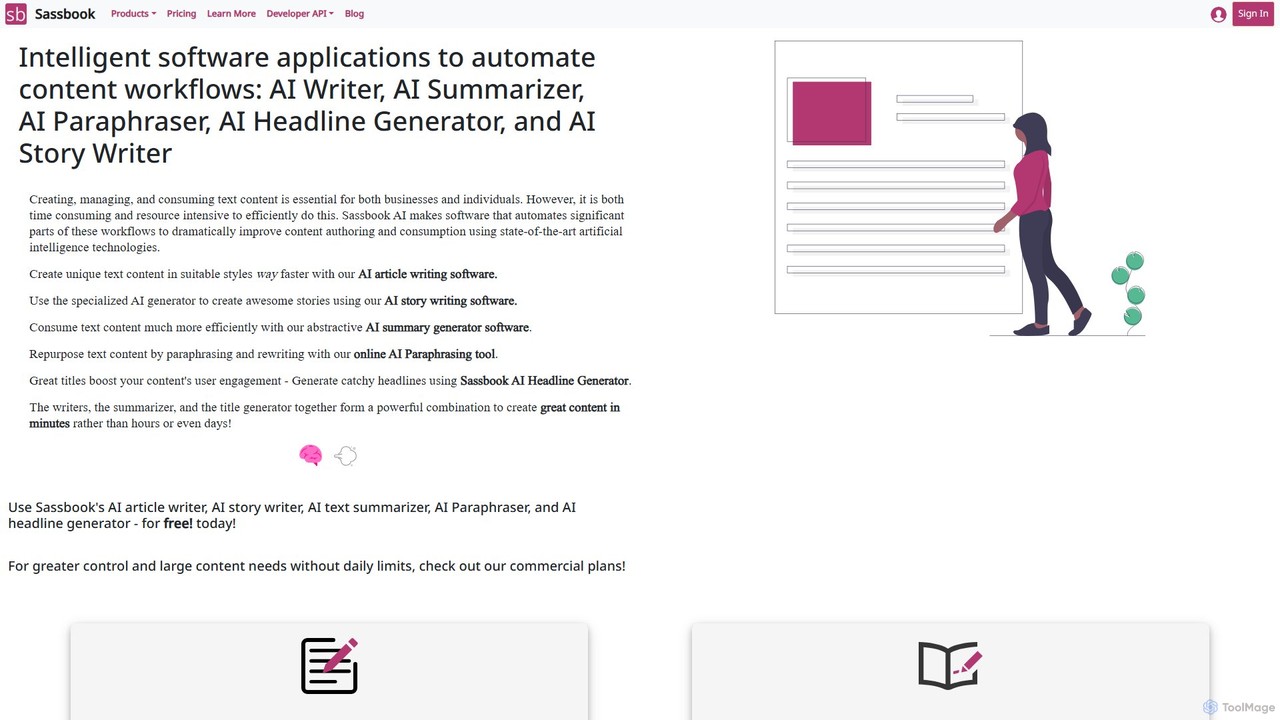
Sassbook
Sassbook is a comprehensive AI-powered content automation suite designed to streamline writing workflows. It features an AI Writer, Story Writer, Text Summarizer, Paraphraser, and Headline Generator. Ideal for marketers, writers, students, and businesses, Sassbook helps create, summarize, and repurpose unique content efficiently, overcoming writer's block and saving significant time and resources.
Content Creation
Roboto
Roboto is an all-in-one AI platform designed for content creation and marketing. It integrates text, image, video, and voice generation to streamline workflows. With over 70 templates, multi-language support, and tools for everything from SEO articles to social media ads, Roboto empowers creators, marketers, and businesses to produce high-quality, engaging content 10x faster.
Voice Synthesis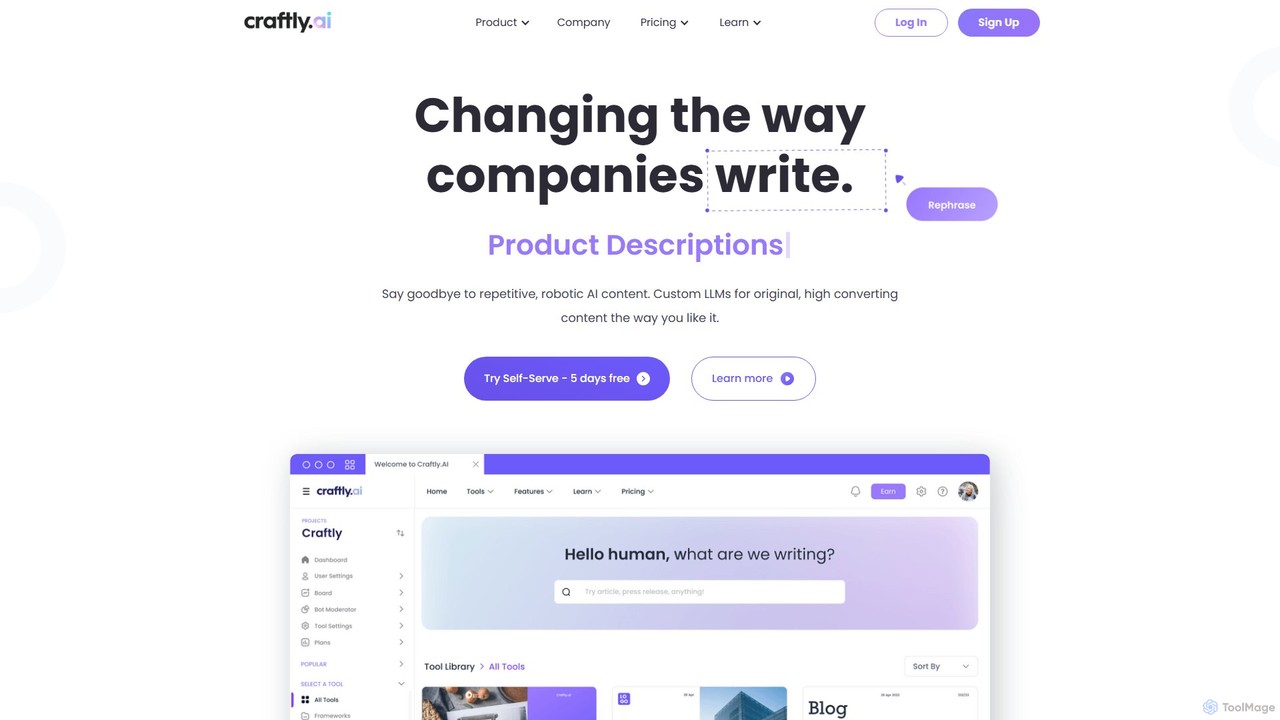
Craftly.ai
Craftly.ai is an advanced AI copywriting assistant designed to help marketers, businesses, and creators generate high-quality, original content 5x faster. It offers over 100 specialized frameworks, supports 25+ languages, and includes team collaboration features. Trained by industry experts, Craftly.ai helps overcome writer's block, scale content production, and create conversion-optimized copy for blogs, ads, emails, and more, all while maintaining your unique brand voice.
Content Creation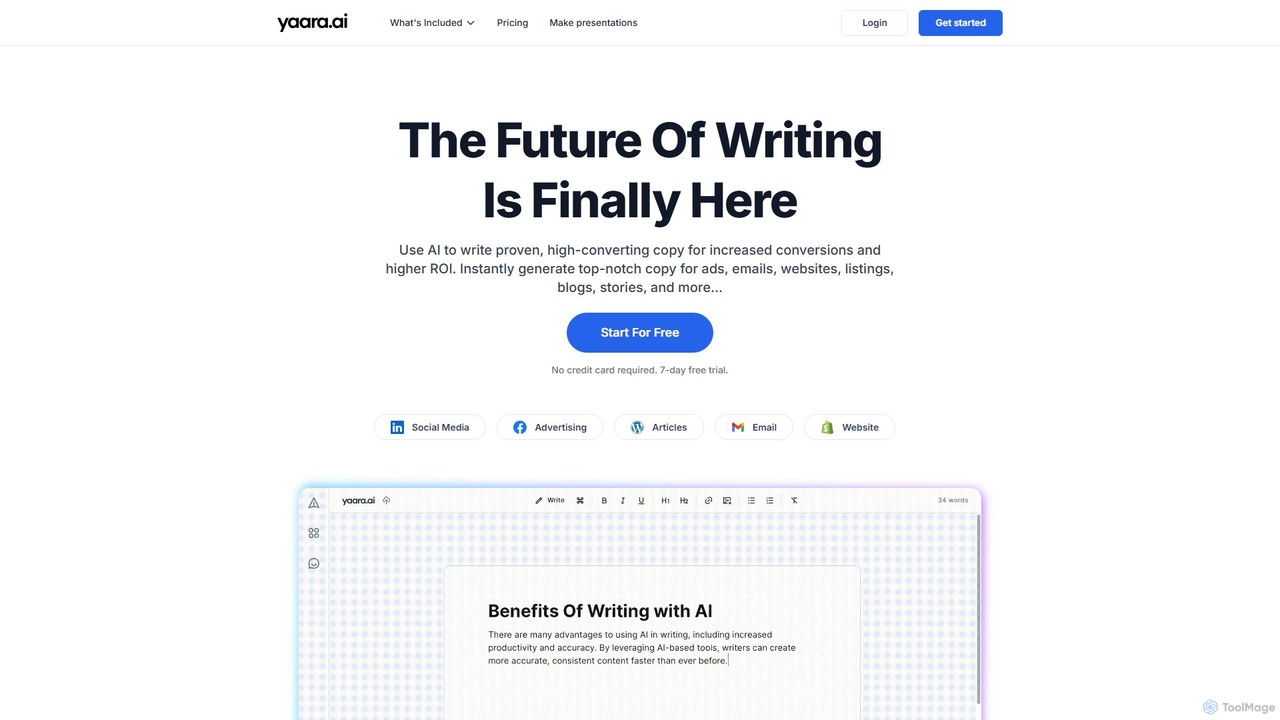
Yaara
Yaara is a powerful AI writing assistant designed to help users create high-converting copy and engaging content effortlessly. It supports over 25 languages and offers 90+ tools for generating ads, emails, SEO-optimized blogs, social media posts, and even presentations. Ideal for marketers, bloggers, and businesses looking to boost productivity and overcome writer's block.
Content Creation
Aksu
Aksu is an AI-powered content creation platform designed to supercharge your content output. It helps marketers, writers, and businesses generate high-quality, SEO-optimized articles, social media posts, and marketing copy in minutes, overcoming writer's block and scaling content production effortlessly.
Content Creation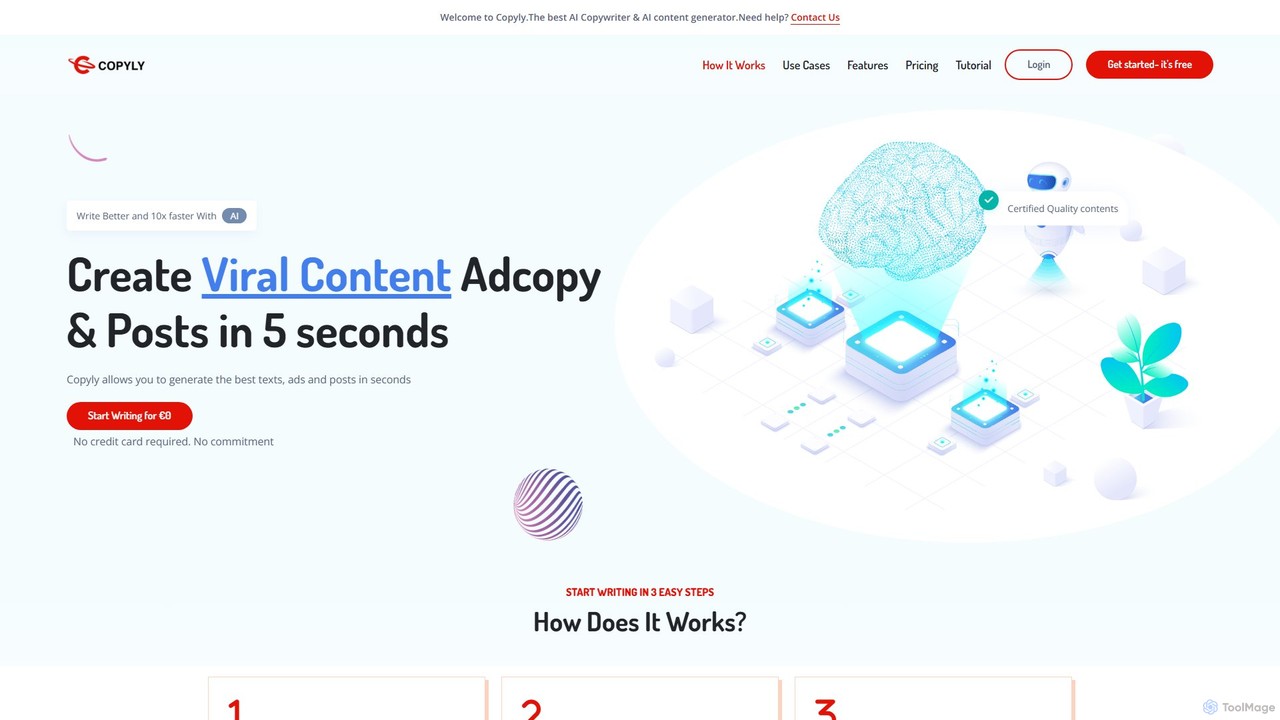
Copyly
Copyly is an AI-powered content creation platform designed to help users write high-converting copy 10x faster. Leveraging GPT-4, it offers over 50 tools for generating blog posts, social media ads, website content, and e-commerce descriptions. It also includes features like AI image and video generation, SEO optimization, and a plagiarism checker, supporting over 25 languages to cater to a global audience.
Content Creation
autotextgenie
autotextgenie is an AI-powered writing assistant designed to help marketers, writers, and businesses generate high-quality text content effortlessly. From blog posts and ad copy to emails and social media updates, it automates the content creation process, saving you time and boosting creativity.
Content Creation
UIQuill Comments (0)
Sign in to comment.
Sign inNo comments yet.