Design Best in category 4 results Collaboration AI Tool

Popular AI tools in the Collaboration field of Design include Krock.io、Frontitude、Blueberry AI、finalview.io, etc., helping you quickly improve efficiency.

Blueberry AI

Blueberry AI

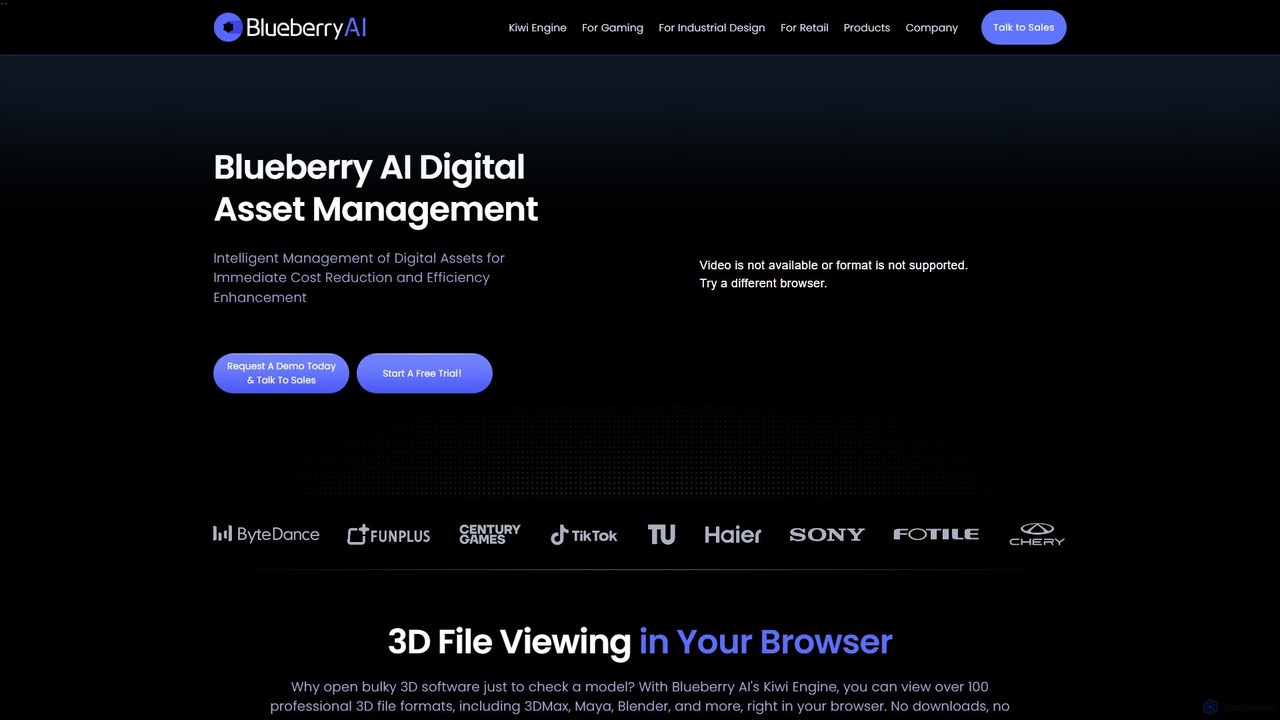
Blueberry AI is an intelligent Digital Asset Management (DAM) platform designed for creative teams in gaming, industrial design, …

8.2K
finalview.io

finalview.io

finalview.io is an AI-powered design review and collaboration platform that streamlines the feedback and approval process for creative …

1.8K
Frontitude

Frontitude

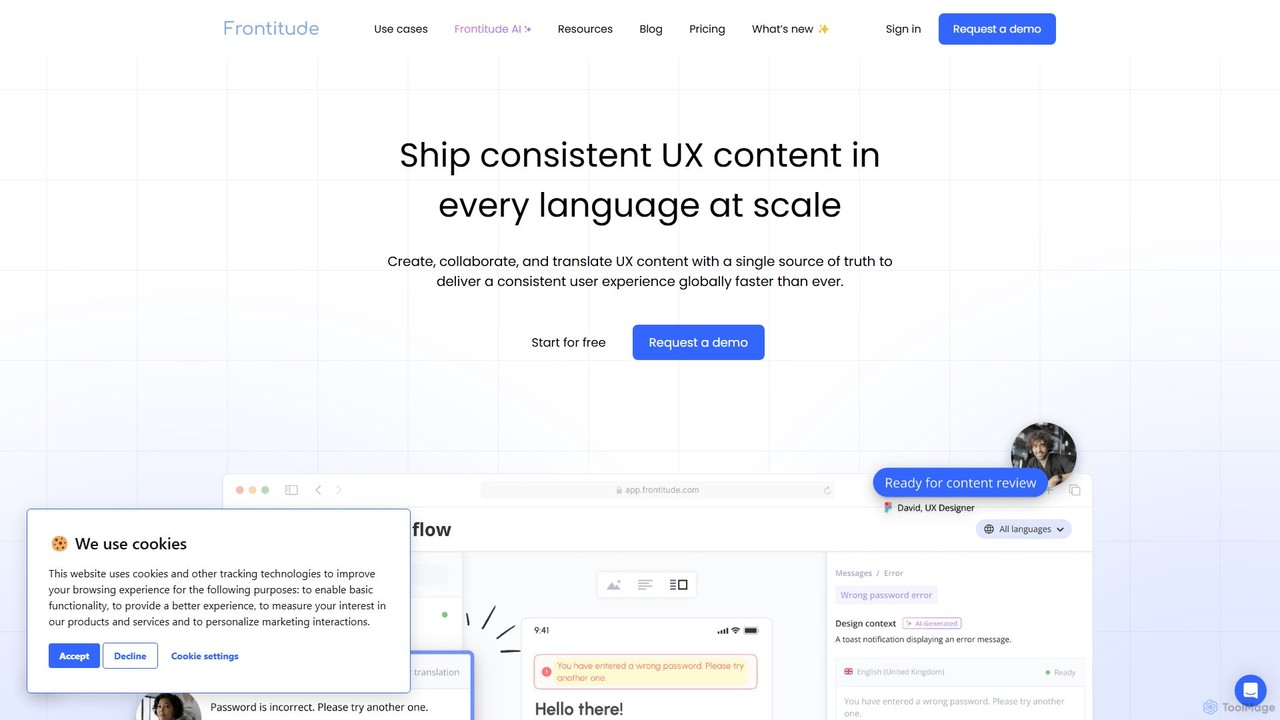
Frontitude is an all-in-one platform for managing multilingual UX content. It centralizes collaboration between design, localization, and development …

12.1K
Krock.io

Krock.io

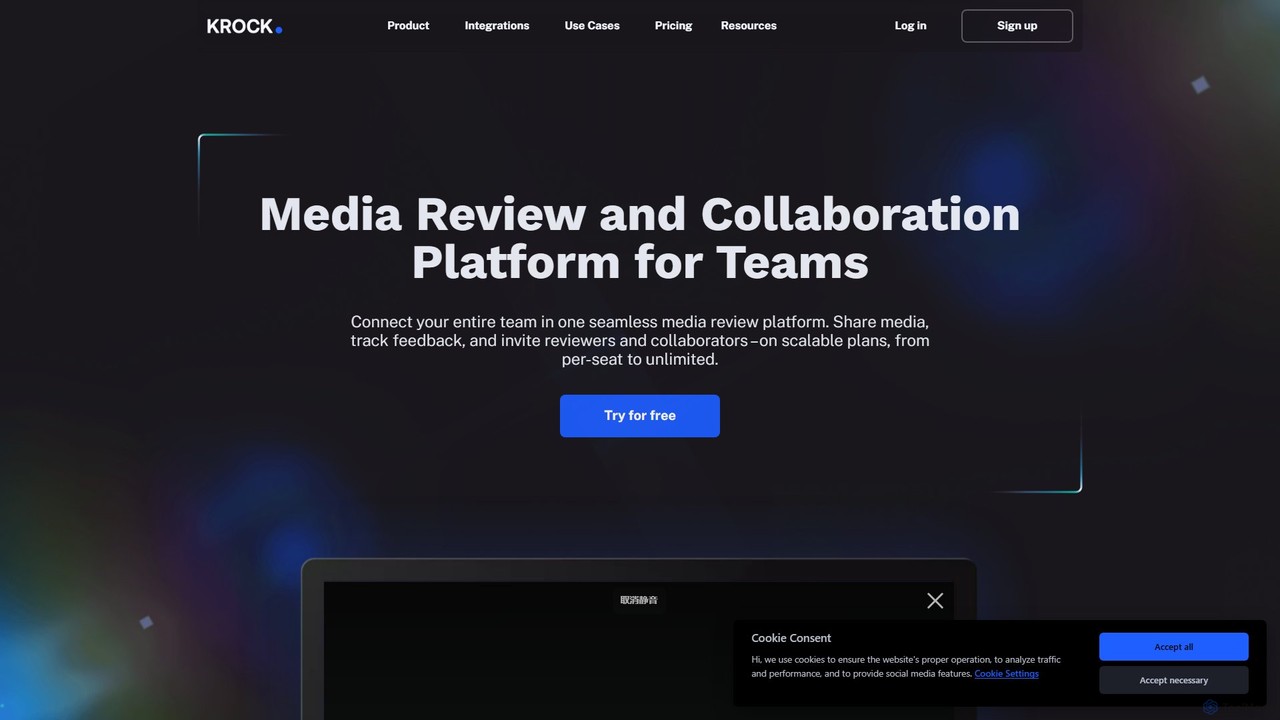
Krock.io is a comprehensive media review and collaboration platform for creative teams. It streamlines video production, animation, and …

125.7K

About Collaboration

AI Collaboration tools for design are specialized platforms that leverage artificial intelligence to streamline teamwork, enhance communication, and automate repetitive tasks within creative design projects. These tools utilize AI to analyze design assets, suggest improvements, manage versioning, and facilitate real-time co-creation among team members. By integrating intelligent automation and insights, they significantly boost productivity, ensure design consistency, and accelerate project delivery for design teams, going beyond generic collaboration solutions to address the unique demands of visual and iterative design workflows.

Core Features

  • Intelligent Version Control: AI automatically tracks design changes, manages multiple iterations, and helps resolve conflicts efficiently.
  • Automated Feedback Analysis: AI processes comments and suggestions, identifies recurring themes, and prioritizes feedback for designers.
  • Real-time Co-editing & Sync: Enables multiple designers to work simultaneously on the same design file with instant synchronization.
  • AI-powered Asset Management: Organizes design libraries, tags assets, and suggests relevant resources based on project context.
  • Cross-functional Communication Hub: Centralizes discussions, approvals, and notifications, often with AI-summarized updates for stakeholders.

Use Cases

These tools are invaluable for design agencies, in-house creative teams, and product development departments. They are particularly useful in scenarios requiring rapid iteration, complex project management, and seamless coordination across diverse skill sets. For instance, a global UI/UX team can co-design an application interface in real-time, receiving AI-driven suggestions for accessibility and consistency.

How to Choose

When selecting an AI collaboration tool for design, prioritize its integration capabilities with your existing design software (e.g., Figma, Adobe XD). Evaluate the specific AI features offered, such as automated feedback, intelligent asset tagging, or predictive design suggestions. Consider scalability for your team size, security protocols for sensitive design data, and the clarity of its user interface to ensure smooth adoption and maximum efficiency.

CollaborationUse Cases

1

Real-time UI/UX Design Co-creation

UI/UX designers in a distributed team can simultaneously work on a single design file, such as a mobile app interface in Figma. AI collaboration tools track each designer's contributions, suggest component reuse based on design systems, and flag potential inconsistencies in real-time, ensuring a cohesive user experience across all screens and accelerating the design sprint.

2

Automated Design Feedback & Iteration Management

Product managers and stakeholders provide feedback on design mockups. AI tools analyze these comments, categorize them by theme (e.g., "usability," "branding," "technical feasibility"), and prioritize actionable items for designers. This automation significantly reduces the time spent sifting through feedback, allowing designers to focus on critical iterations and accelerate the approval process.

3

Intelligent Version Control & Asset Synchronization

For large design projects with numerous assets and frequent updates, AI collaboration tools automatically manage different design versions. They identify the latest files, prevent accidental overwrites, and ensure all team members are working with synchronized assets. This is crucial for maintaining brand consistency and avoiding errors when preparing designs for development or client presentations.

4

Streamlined Cross-functional Design Review

Marketing specialists, developers, and legal teams need to review design assets. AI collaboration platforms provide a centralized space where non-designers can easily add comments, annotate specific elements, and approve designs. AI can summarize lengthy feedback threads or highlight critical changes, making the review process efficient and ensuring all departments are aligned before final delivery.

5

Personalized Design Workflow Automation

Individual designers often perform repetitive tasks like organizing layers, renaming files, or exporting assets in various formats. AI collaboration tools can learn a designer's habits and preferences, then automate these mundane tasks. This frees up creative time, reduces human error, and ensures project files adhere to established naming conventions and organizational structures, improving overall project hygiene.

6

Bridging Geographic Gaps for Global Design Teams

Global design teams face challenges with time zones and language barriers. AI collaboration tools offer features like automated translation for comments and real-time synchronization across different regions. They can also generate intelligent summaries of design review meetings, highlighting key decisions and action items, ensuring all team members, regardless of location, stay informed and aligned on project progress.

CollaborationFrequently Asked Questions