

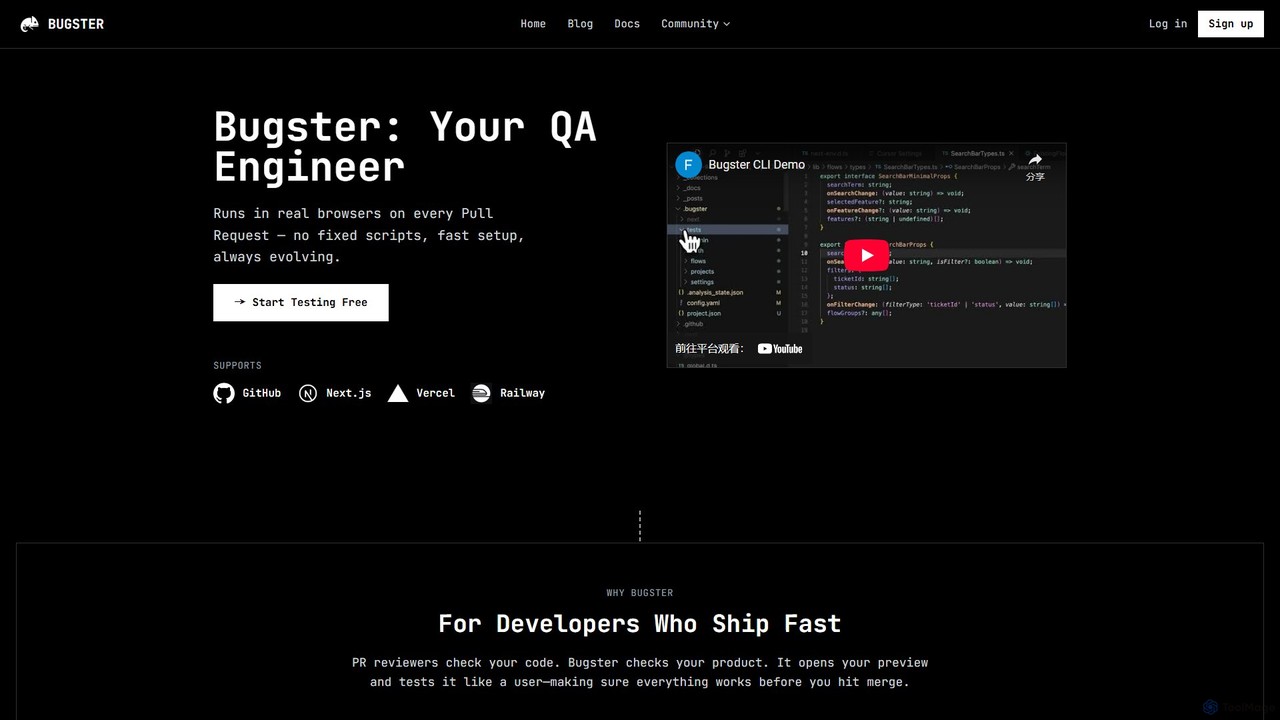
Bugster Overview
Bugster is a revolutionary AI-powered testing tool designed for modern development teams who prioritize speed and quality. It acts as an autonomous QA engineer that integrates directly into your development workflow, specifically within your pull requests (PRs). Instead of relying on brittle, manually-written test scripts, Bugster uses AI to automatically generate, maintain, and execute realistic end-to-end (E2E) tests. It checks your product by interacting with it like a real user in a live browser environment, ensuring that every change works perfectly before it gets merged into the main branch.
The core philosophy of Bugster is to make sophisticated testing effortless and invisible. It runs automatically as part of your CI/CD pipeline, evaluating your application in various environments, including GitHub PRs, Vercel previews, localhost, and staging servers. This ensures that tests are conducted exactly where they matter most, providing immediate and relevant feedback to developers.
How to use Bugster
Getting started with Bugster is designed to be quick and intuitive, taking only a few minutes. You can choose between two main setup methods:
1. Automatic Setup (GitHub App): This is the easiest way to get started. Simply connect the Bugster GitHub App to your repository. Bugster will then automatically sync with your project and begin running tests on new pull requests without any manual configuration.
2. Manual Setup (CLI-based): For developers who want more control or wish to test locally first, the CLI provides a powerful alternative.
- Install the Bugster CLI: Run a simple curl command provided in the documentation to install the command-line interface.
- Initialize your project: Navigate to your project directory and run `bugster init`. This sets up the necessary configuration files.
- Generate a test suite: Use the `bugster generate` command. The AI will analyze your application and create a suite of tests defined in human-readable YML format, which are then stored in your repository.
- Run tests locally: You can execute the generated tests on your local machine using `bugster run` to validate them before pushing.
- Connect to GitHub: Once you're ready, connect the GitHub App to enable automated testing on every PR.
After setup, on every pull request, Bugster automatically detects the relevant test cases, deploys its 'Destructive Agent' to stress-test your changes, runs the full suite in a real browser, and comments on the PR only if it finds a bug, complete with logs, visuals, and reproduction steps.
Core Features of Bugster
- Automatic Test Generation: Bugster's AI creates realistic user-flow tests automatically. These tests are stored as human-readable YML specifications in your repository, eliminating the need for complex scripting.
- Zero-Effort Maintenance: The test suite is self-updating. As your application evolves, Bugster continuously adapts and updates the tests to stay in sync with your UI and features, saving countless hours of manual maintenance.
- Smart Test Selection: To save time and reduce noise, Bugster intelligently analyzes the changes in your pull request and runs only the most relevant tests, rather than the entire suite every time.
- Destructive Agent: This feature proactively stress-tests your UI in real preview environments. It aggressively interacts with components to uncover hidden issues, edge cases, and potential breaking changes that standard tests might miss.
- PR-Level Reporting: Bugster provides feedback directly where developers work—in GitHub pull requests. It only posts a comment when something is broken, eliminating notification fatigue. Reports are actionable, including logs, screenshots, and reproduction steps.
- Broad Environment Support: Test your application wherever it lives, whether it's a Vercel preview deployment, a staging server, or your local machine.
Use Cases for Bugster
Bugster is ideal for various development scenarios:
- Agile and DevOps Teams: For teams practicing CI/CD, Bugster automates the QA process, allowing them to ship features faster and with greater confidence.
- Frontend-Heavy Applications: Projects built with frameworks like Next.js, Vercel, and React benefit immensely from automated UI and user-flow testing.
- Reducing QA Bottlenecks: Development teams can take ownership of quality without being burdened by test creation and maintenance, freeing up dedicated QA resources for more complex exploratory testing.
- Preventing Regressions: Automatically catch visual, functional, and interactive regressions before they are merged and deployed to production.
Advantages of Bugster
The primary advantage of Bugster is its ability to provide robust E2E testing without the traditional overhead. It combines speed, intelligence, and simplicity. Developers can focus on building features, knowing that a reliable AI QA engineer is constantly monitoring their work. The self-maintaining nature of the tests ensures the system doesn't become a technical debt liability. Furthermore, by only reporting on actual issues, it maintains a high signal-to-noise ratio, ensuring that developers pay attention when it matters.
Pricing and Plans
Bugster operates on a freemium model. There is a generous Free Plan available that allows individual developers and small teams to start testing their projects immediately. This plan typically includes a certain number of test runs and basic features. For larger teams, enterprises, or projects with more demanding testing needs, Bugster offers Paid Plans that provide higher usage limits, advanced features like concurrent testing, priority support, and more. For the most up-to-date and detailed pricing information, please visit the official Bugster website.
Traffic
Latest traffic
Status
Monthly traffic trend
- 2025-9: 7.0K
- 2026-1: 18.0K
- 2026-2: 38.4K
- 2026-3: 64.2K
- 2026-4: 43.3K
- 2026-5: 3.0K
Geography
Top 5 countries / regions
- 🇺🇸United States43.0%
- 🇨🇱Chile22.0%
- 🇵🇭Philippines15.0%
- 🇻🇳Vietnam13.0%
- 🇯🇵Japan7.0%
Top keywords
| Keyword | Cost per click |
|---|---|
| eur bank account generator | $0.00 |
| fake us address | $0.20 |
| fake us mobile no | $0.00 |
| random us phone number | $1.83 |
| us phone number | $1.88 |
Bugster Alternatives

Shortest
Shortest is an AI-powered testing framework that allows developers and QA engineers to write end-to-end tests in plain English. Built on Playwright, it translates natural language commands into executable test scripts, simplifying and accelerating the QA process with seamless GitHub integration.
Code Assistant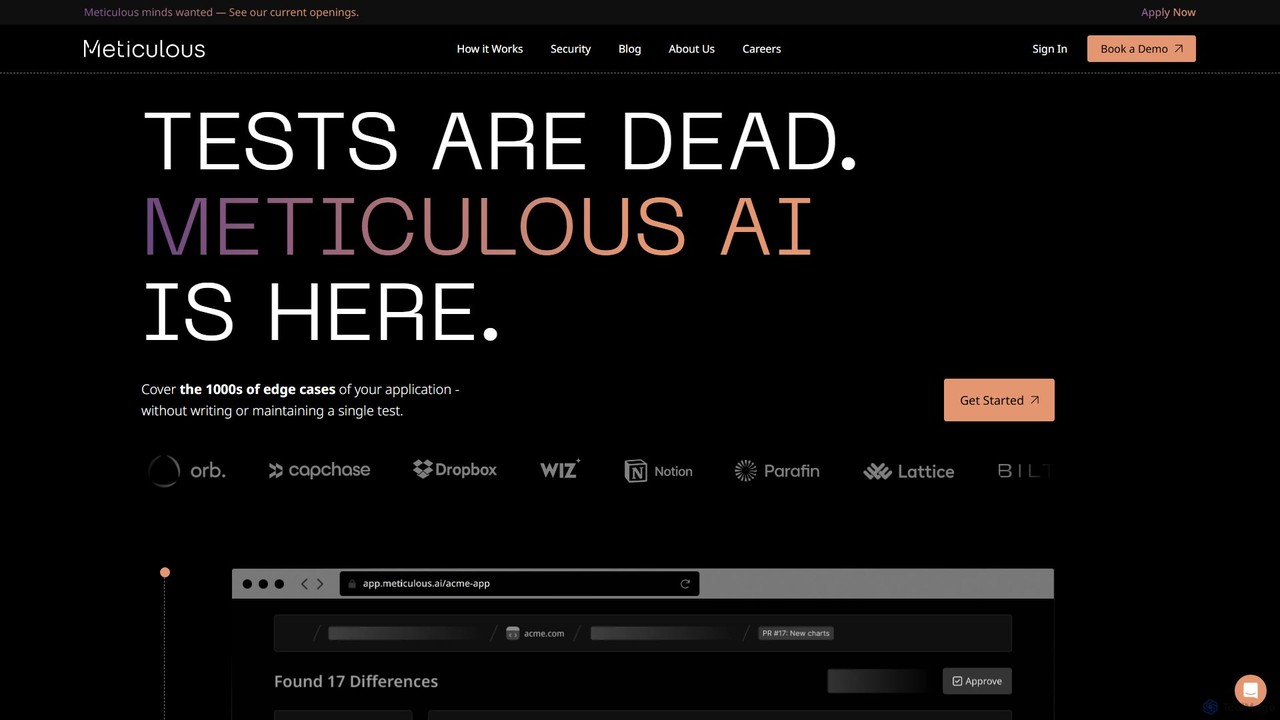
Meticulous
Meticulous is an AI-powered tool that revolutionizes front-end testing. It automatically generates and maintains visual end-to-end tests by recording user interactions, eliminating the need for manual test scripting. This helps development teams catch regressions, cover edge cases, and ship code faster with confidence, without the hassle of flaky or high-maintenance tests.
Code Quality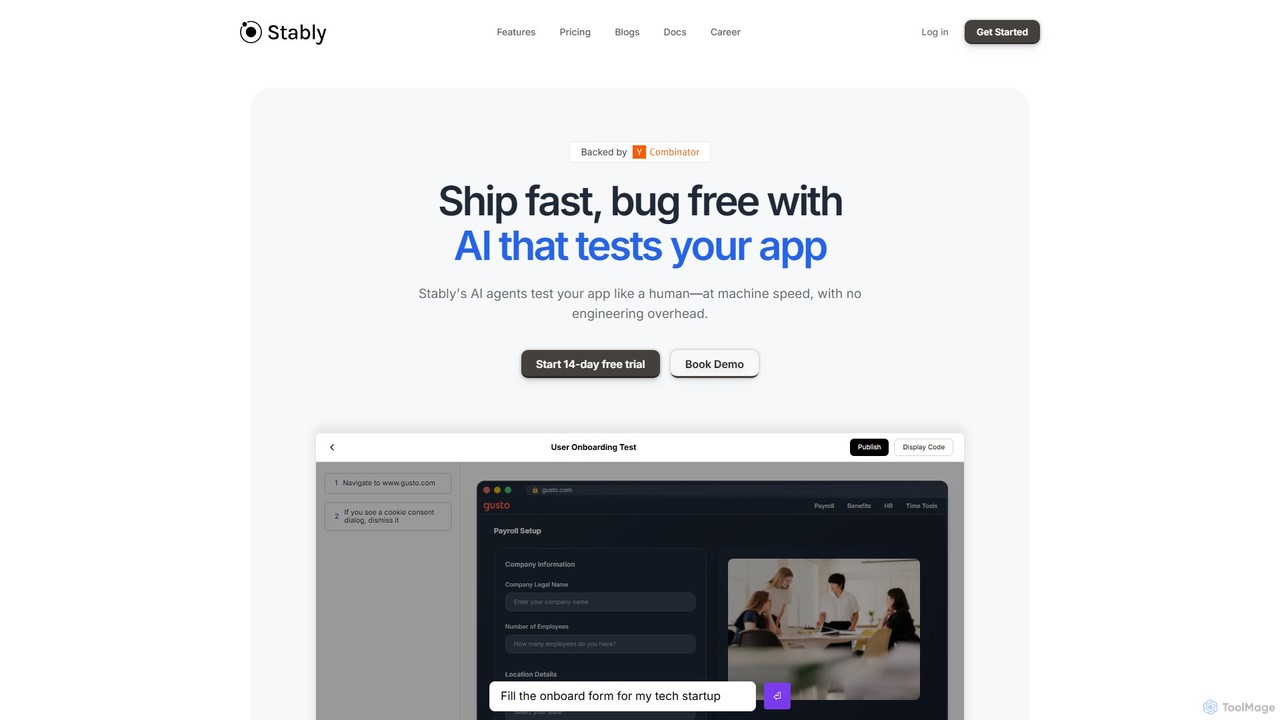
Stably
Stably is an AI-powered QA automation platform that enables development teams to ship bug-free web applications faster. It uses intelligent AI agents to test apps like a human, at machine speed, with no engineering overhead. Create, run, and automatically maintain tests using plain English, handling complex user flows and integrating seamlessly with your CI/CD pipeline.
No Code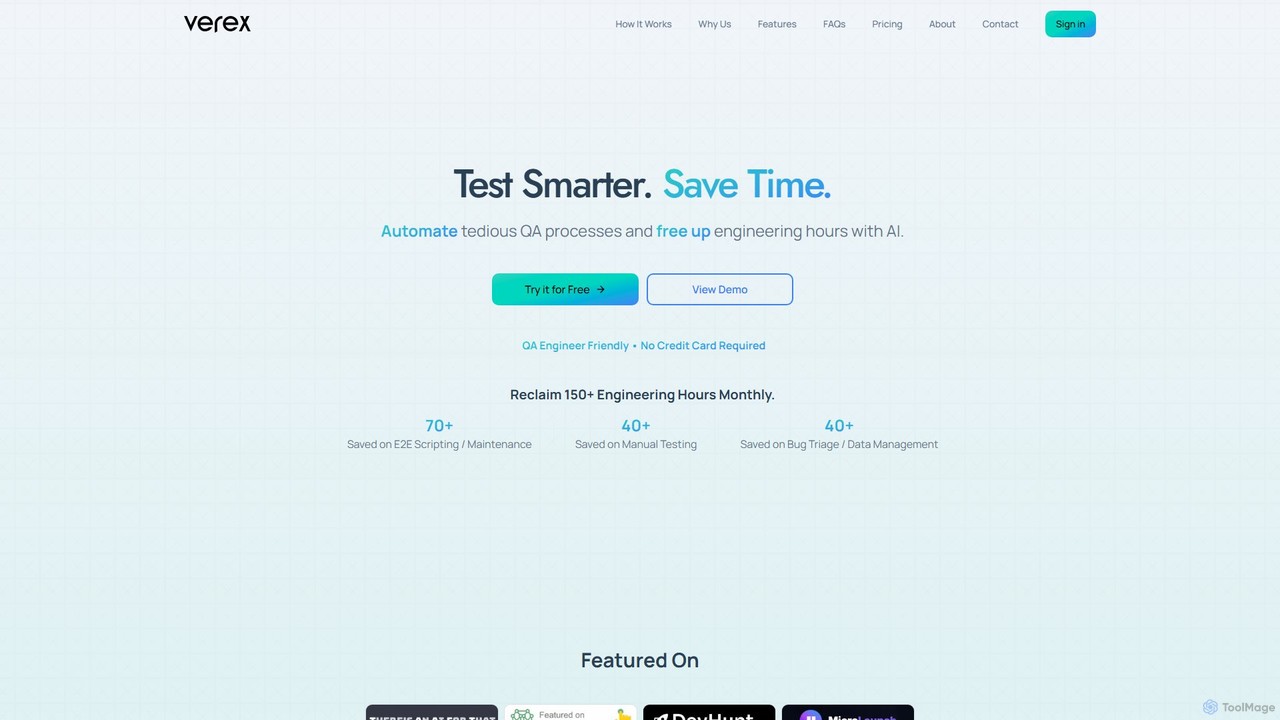
Verex
Verex is an AI-powered QA automation platform that enables teams to test web applications using natural language. It eliminates the need for manual scripting, saving significant engineering hours and accelerating the development lifecycle by integrating seamlessly with CI/CD pipelines and bug tracking tools.
No Code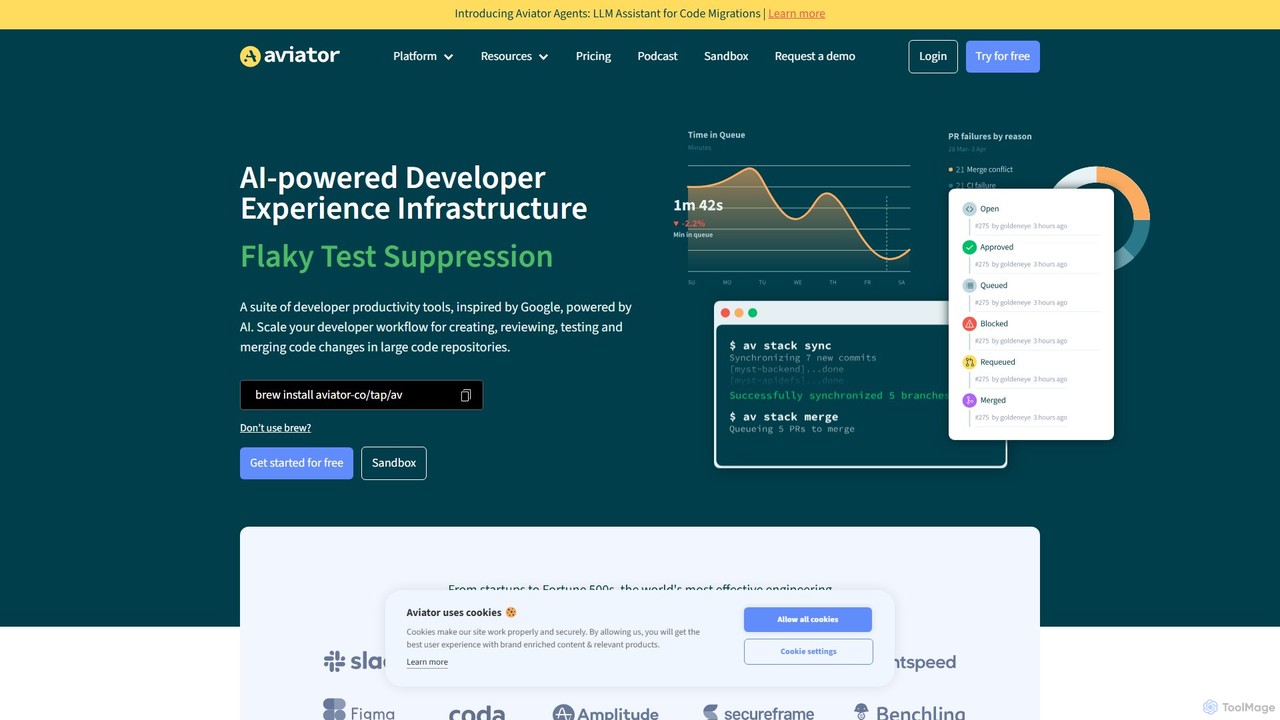
Aviator
Aviator is a developer collaboration suite that automates the CI/CD pipeline, focusing on pull request management. It uses an automated merge queue to test, rebase, and merge code, ensuring the main branch remains stable and deployable, thereby boosting developer productivity and code quality.
Code CollaborationBugster Categories
Bugster Embed Widget
Copy this embed code to place the badge on your blog, article, or product site and send readers directly to this ToolMage detail page.

Related AI tools
Shortest
Shortest is an AI-powered testing framework that allows developers and QA engineers to write end-to-end tests in plain English. Built on Playwright, it translates natural language commands into executable test scripts, simplifying and accelerating the QA process with seamless GitHub integration.
Code AssistantAviator
Aviator is a developer collaboration suite that automates the CI/CD pipeline, focusing on pull request management. It uses an automated merge queue to test, rebase, and merge code, ensuring the main branch remains stable and deployable, thereby boosting developer productivity and code quality.
Code Collaboration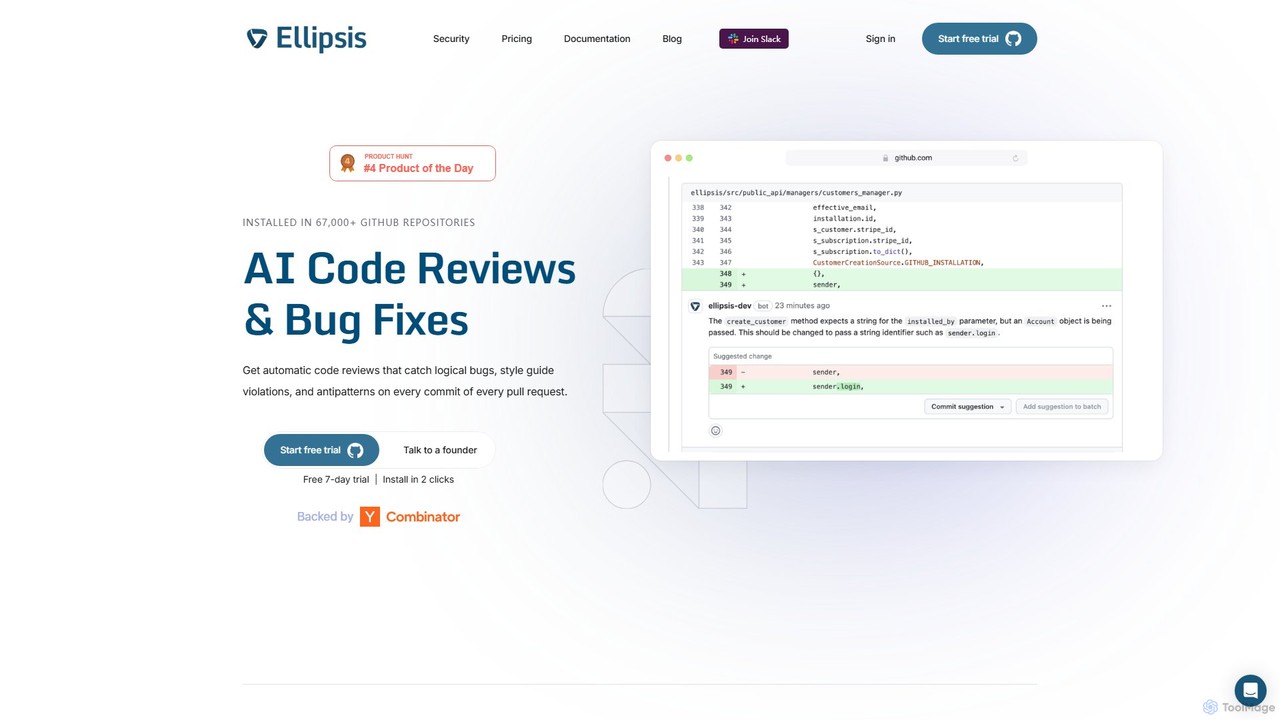
Ellipsis
Ellipsis is an AI-powered engineering teammate that automates code reviews on GitHub. It intelligently catches logical bugs, style violations, and anti-patterns in every pull request, helping teams ship code faster while maintaining high quality and security standards.
Code Review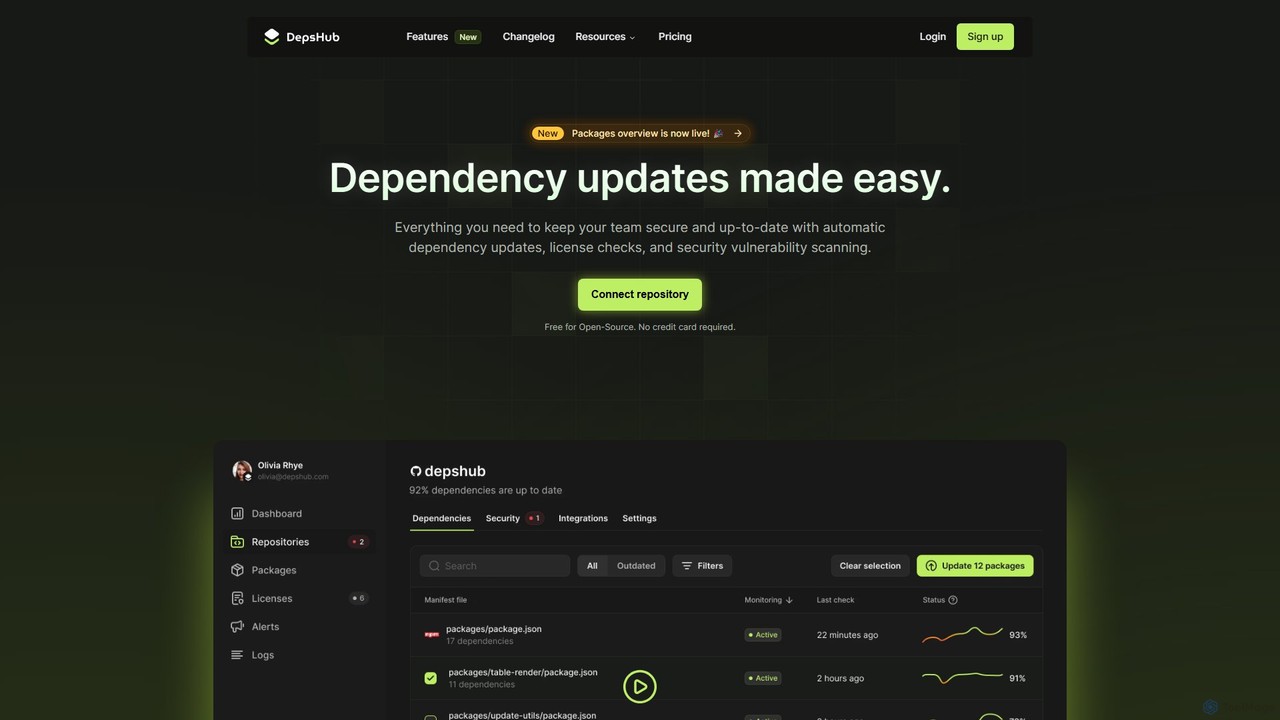
DepsHub
DepsHub is an AI-powered platform that automates dependency management for development teams. It simplifies updates, performs security vulnerability scanning, and ensures license compliance, allowing developers to focus on coding while maintaining a secure and up-to-date codebase.
Code Management
Rebolt
Rebolt is an AI-powered platform designed to automate the entire software development lifecycle. It helps developer and DevOps teams build, test, and deploy applications faster and more reliably by leveraging AI for CI/CD pipeline optimization, code generation, and intelligent monitoring.
Code Assistant
Jyek
Jyek is an AI agent platform that understands objectives, creates execution plans, uses tools, and delivers verifiable results for complex, multi-step tasks.
Automation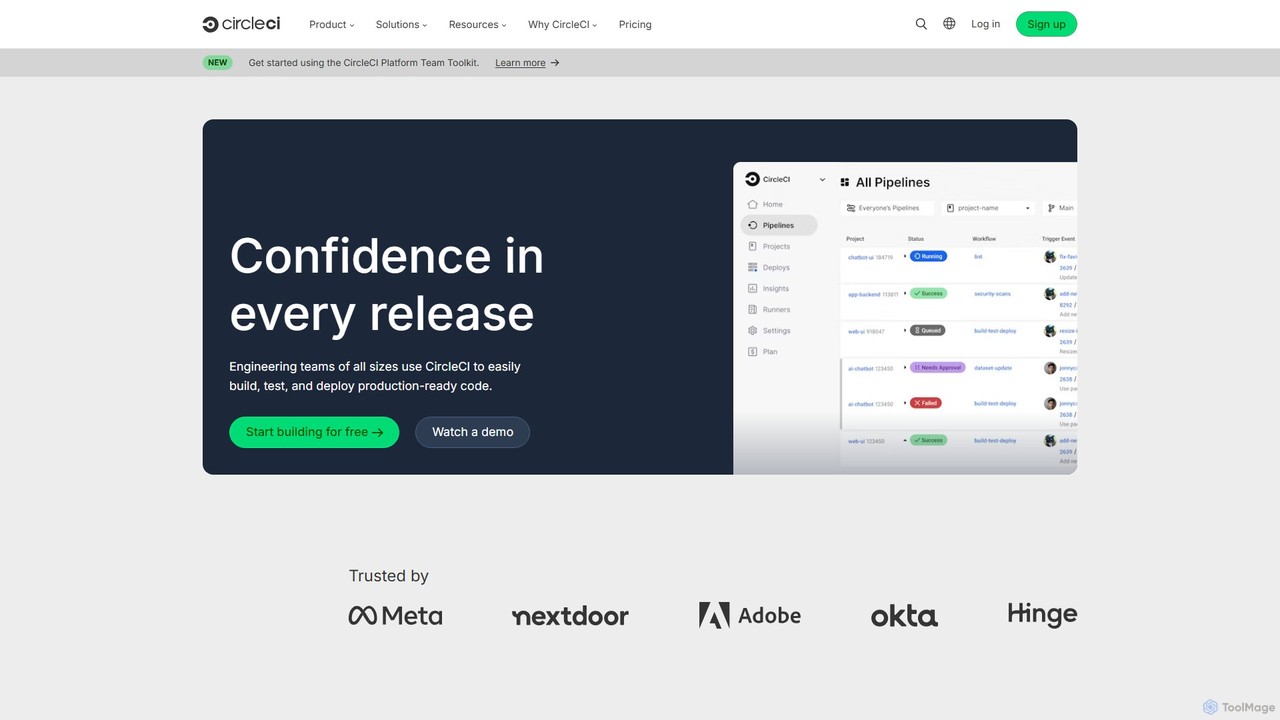
CircleCI
CircleCI is a leading continuous integration and continuous delivery (CI/CD) platform that automates the software development process. It enables engineering teams to build, test, and deploy code quickly, reliably, and at scale, increasing productivity and confidence in every release.
Infrastructure Management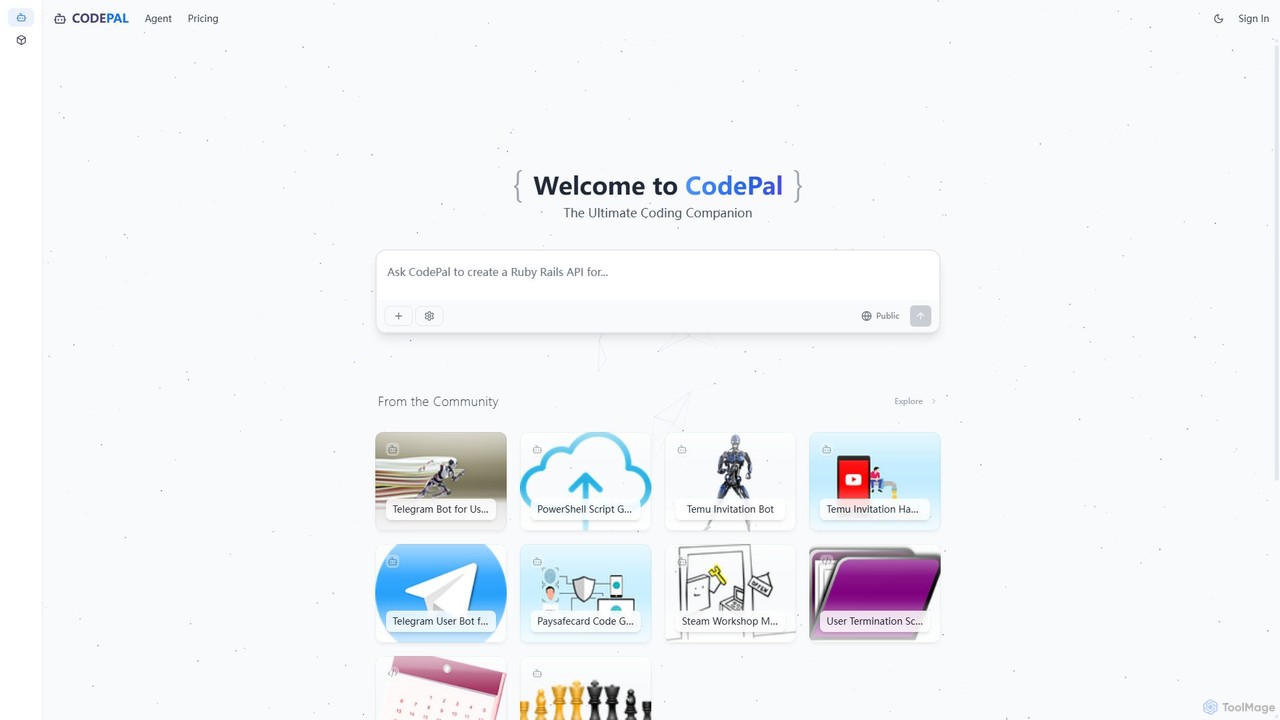
CodePal
A powerful AI coding companion and autonomous engineer that integrates directly into GitHub. Automate code reviews, generate documentation, resolve issues, and write unit tests with simple commands to accelerate your development workflow.
Code Assistant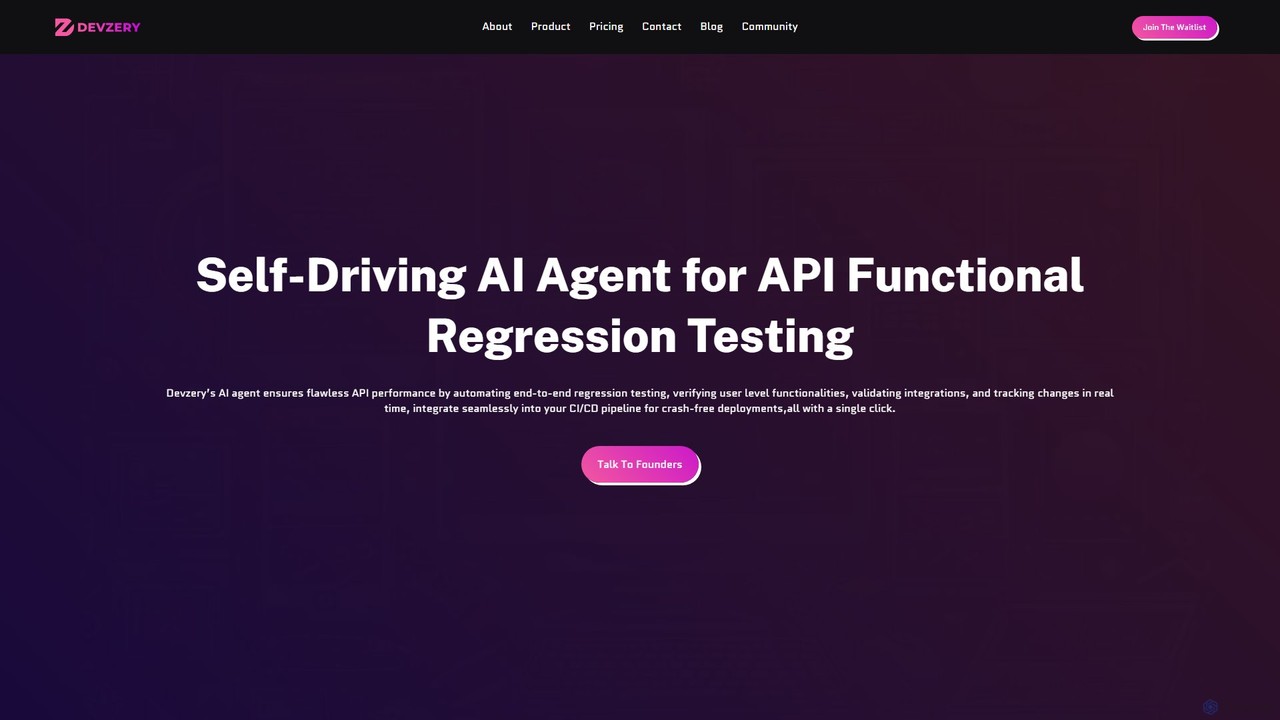
devzery
Devzery is an AI-powered platform that automates API functional regression testing. Its self-driving AI agent streamlines end-to-end testing, integrates with CI/CD pipelines, and provides codeless automation. It's designed to accelerate software release cycles, reduce development costs, and enhance test management efficiency by identifying bugs early and ensuring flawless API performance.
Code Assistant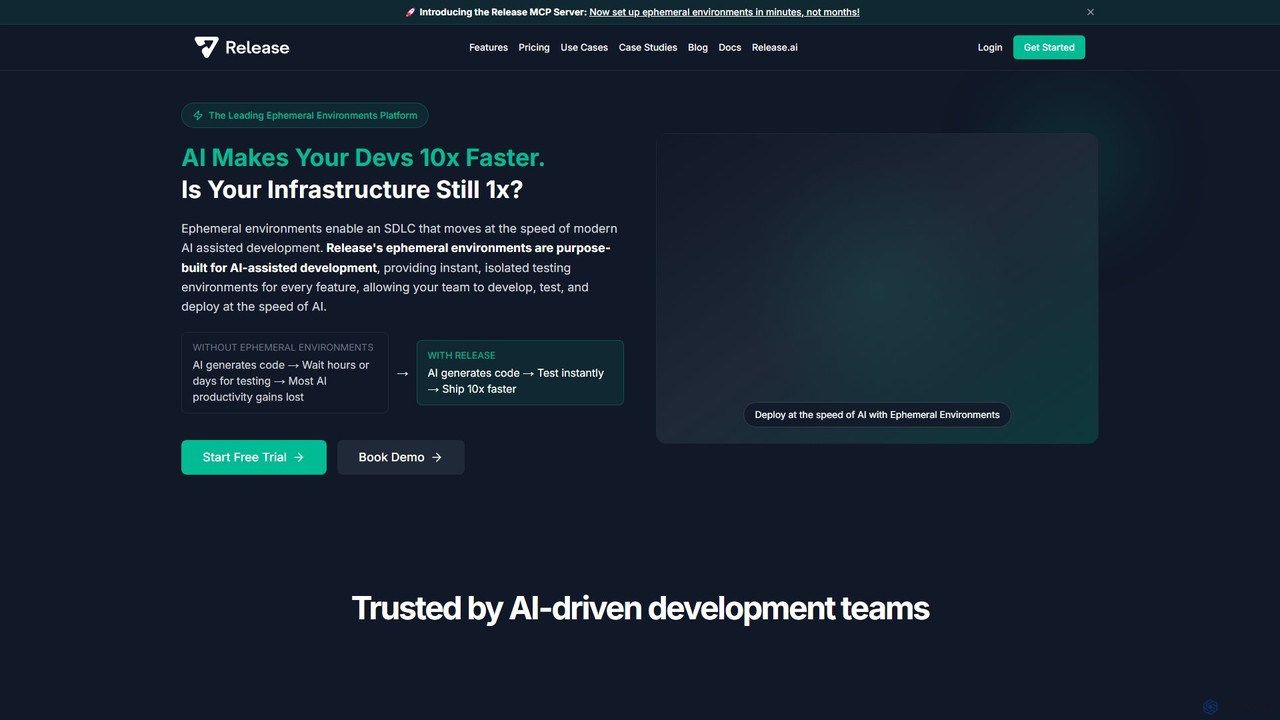
Release
Release is an AI-powered ephemeral environments platform that accelerates software development. It provides instant, isolated testing environments for every feature or pull request, eliminating infrastructure bottlenecks. By integrating with AI development tools and IDEs, Release enables teams to test and deploy code up to 10x faster.
Devops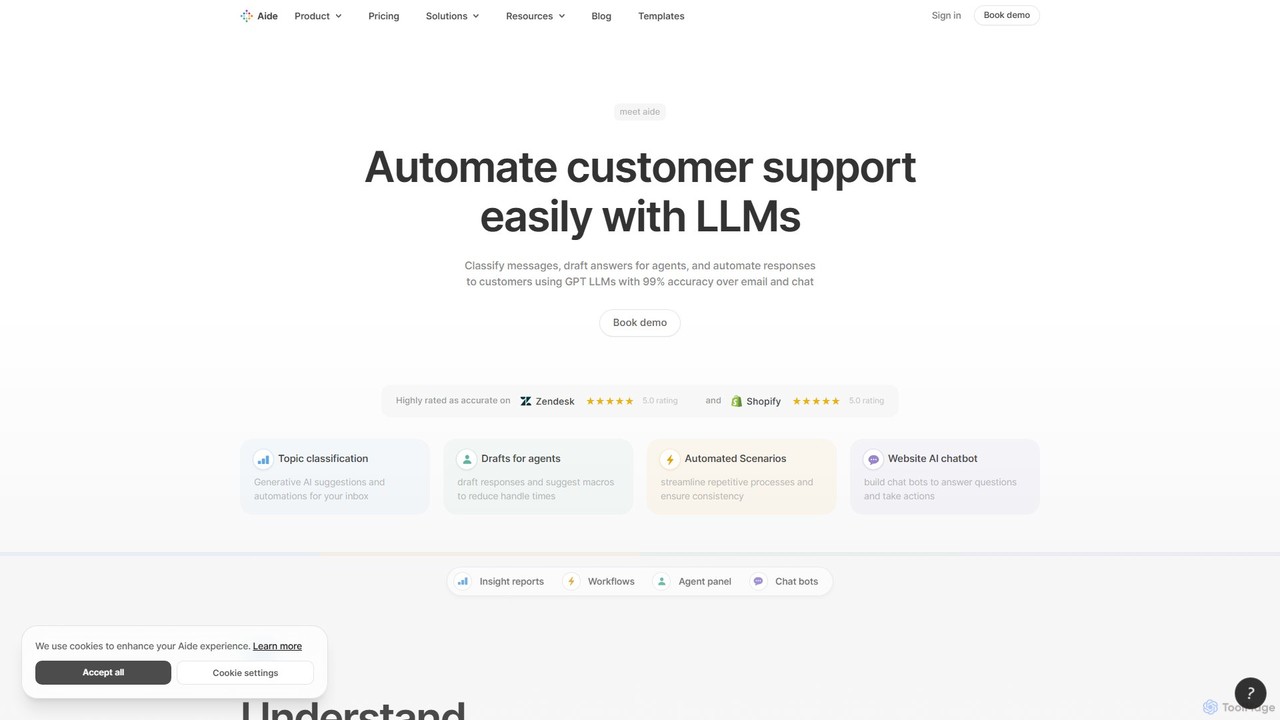
Aide
Aide is an AI-powered multi-agent coding assistant that automates software development directly within your GitHub workflow. It interprets GitHub issues, autonomously generates code, creates pull requests, and iterates based on your feedback, effectively acting as a team of AI engineers on your codebase.
Code Generation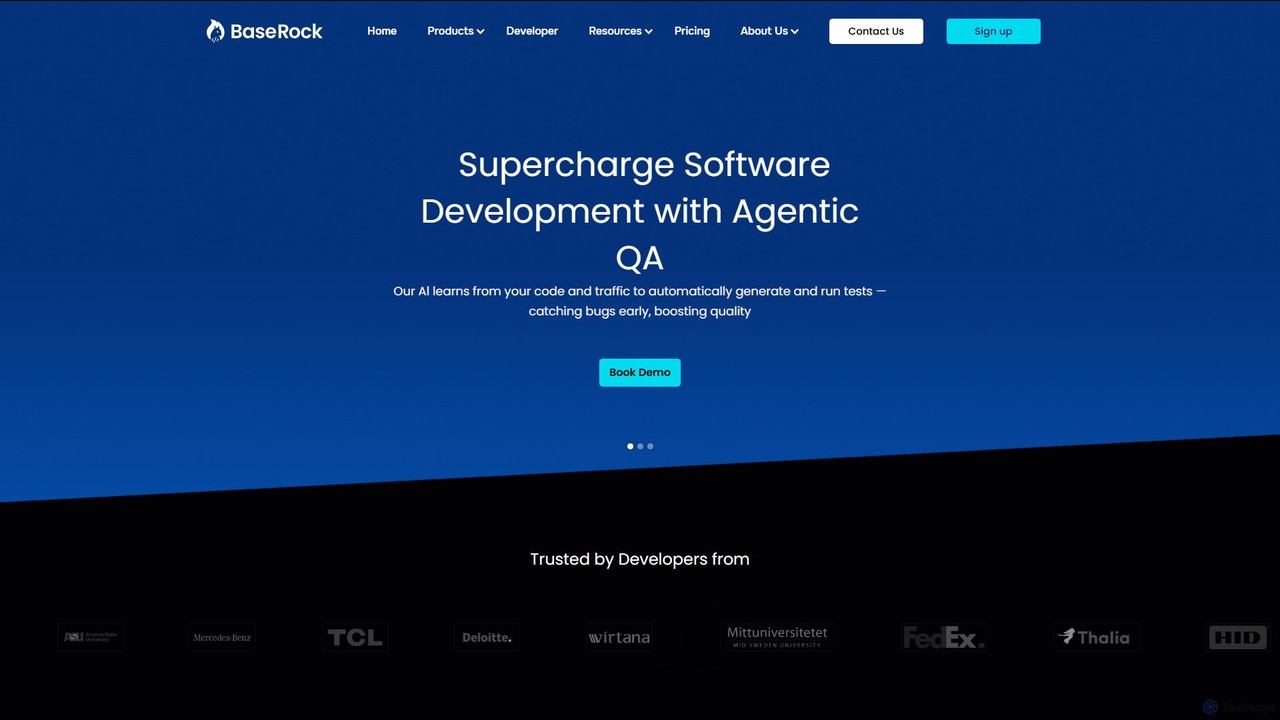
BaseRock
BaseRock is an agentic AI QA platform designed for development teams. It learns from your code and network traffic to automatically generate and execute unit, integration, and end-to-end tests. This helps catch bugs early, significantly reduce QA costs, and boost developer productivity by automating the entire testing lifecycle.
Testing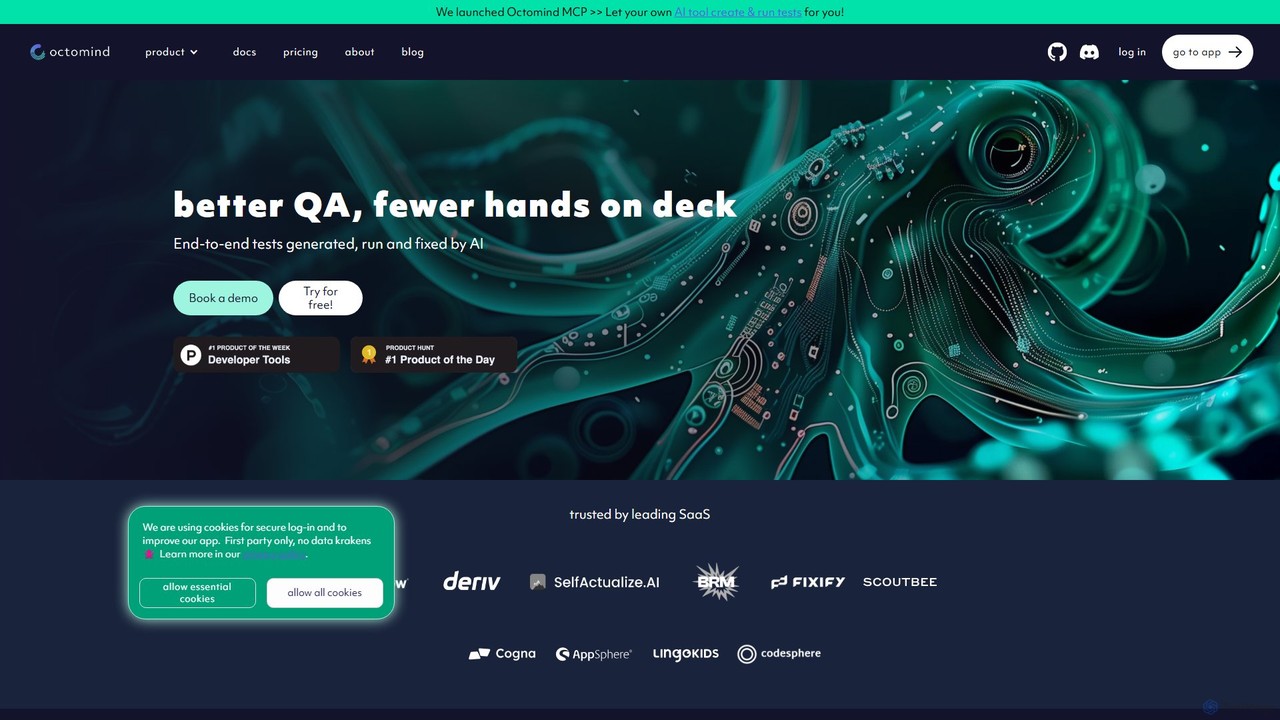
octomind
octomind is an AI-powered test automation platform that autonomously generates, runs, and maintains end-to-end tests for large web applications. It uses AI agents to explore your app, create robust test cases in Playwright, and automatically fix them when they break, integrating seamlessly into developer workflows.
Low Code No Code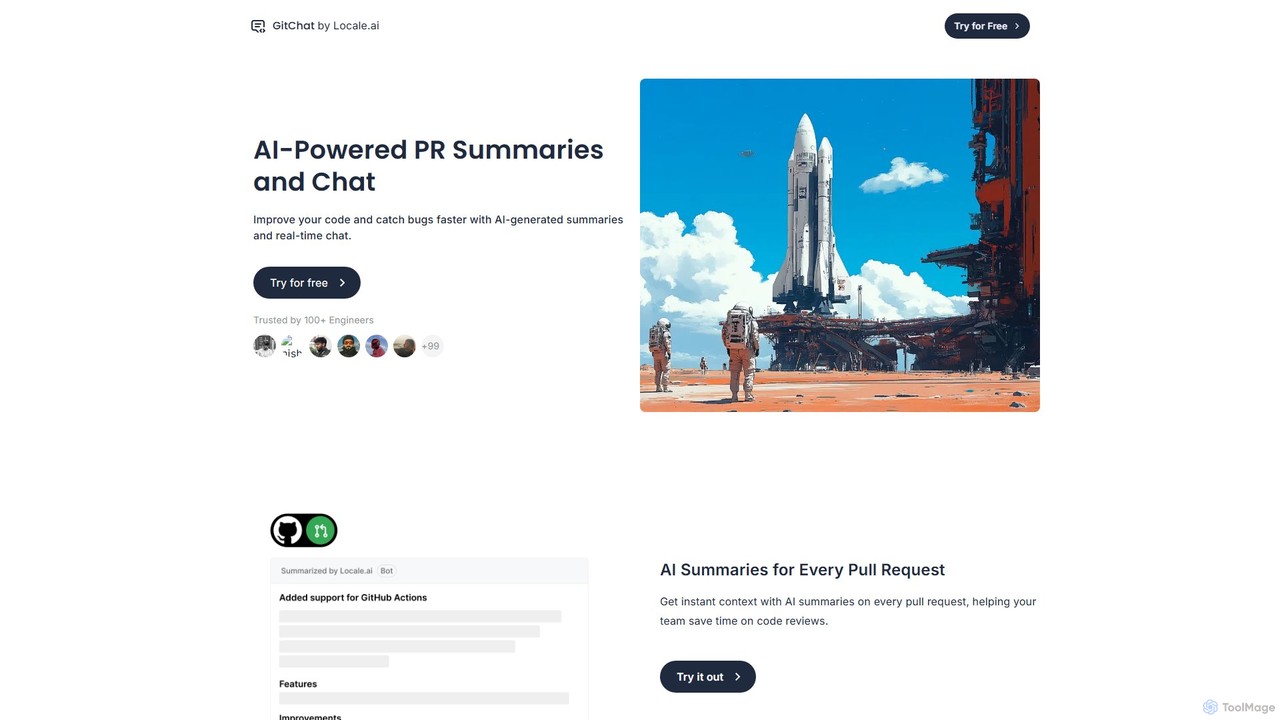
GitChat
GitChat is an AI-powered assistant for GitHub that supercharges code reviews. It automatically generates summaries for Pull Requests, provides instant feedback on code, and allows developers to chat with an AI directly within PR comments to improve code quality and accelerate development.
Code Assistant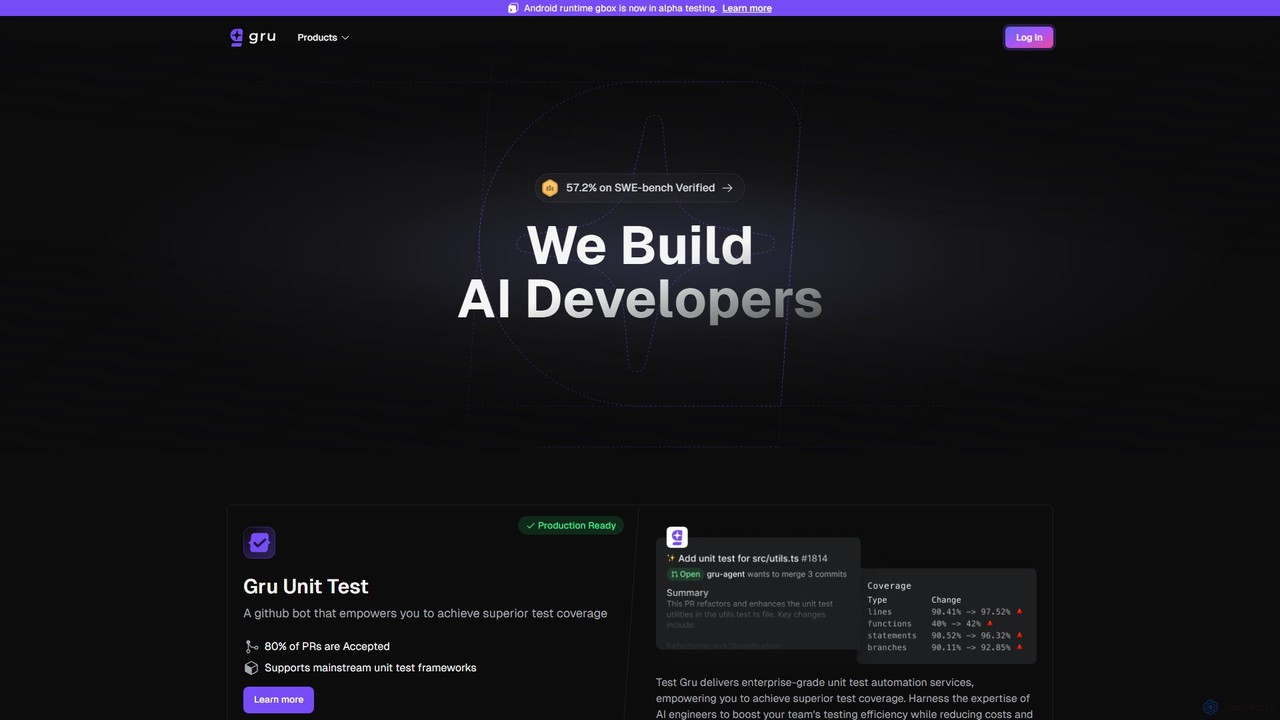
Gru.ai
Gru.ai is an AI-powered developer agent designed to automate software engineering tasks. It specializes in generating comprehensive unit tests as a GitHub bot, instantly boosting code coverage and improving code quality for multiple programming languages.
Code Assistant
Bugster Comments (0)
Sign in to comment.
Sign inNo comments yet.