

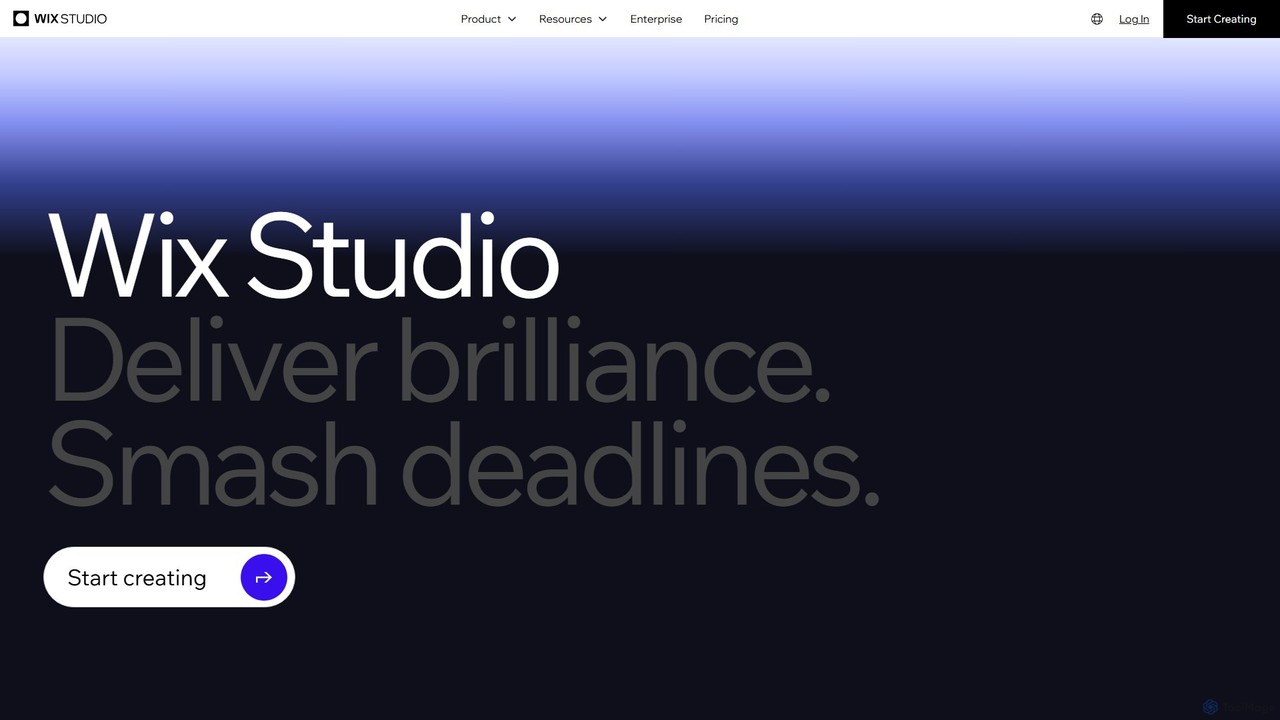
Wix Studio Overview
Wix Studio is a comprehensive web creation platform engineered to meet the demands of professional agencies and enterprises. It provides an end-to-end solution for designing, developing, and managing high-quality websites at scale. The platform stands out by offering a unique combination of a highly flexible design interface with powerful AI features, a collaborative environment, and extensive development capabilities, allowing creators to deliver exceptional digital experiences without limitations.
At its core, Wix Studio features an advanced responsive editor that allows designers to work freely on a visual canvas, using tools like flexbox and grid layouts, with pixel-perfect control. A key innovation is its Responsive AI, which can automatically generate and adjust layouts for different screen sizes, significantly speeding up the design process. This is complemented by no-code animations and full custom CSS access, giving designers complete creative freedom to build unique, interactive experiences.
For developers, Wix Studio integrates Velo, a full-stack development platform, enabling the creation of custom web applications and robust backend functionalities. The platform also features an AI Code Assistant to accelerate development, supports integration with preferred IDEs, and allows for the creation and monetization of reusable applications (Blocks) on the Wix App Market. This makes it a versatile tool for both design-centric and code-heavy projects.
How to use Wix Studio
Using Wix Studio is a streamlined process designed for professional workflows:
- Project Setup: Start by creating a new project from your centralized workspace. You can begin with a sophisticated template or a blank canvas for complete control.
- Design & Layout: Use the visual editor to build your site's structure. Drag and drop elements, create complex layouts with grid and flexbox, and use the AI-powered tools to ensure responsiveness across all devices with a single click.
- Styling & Animation: Customize every detail with precision. Add no-code animations (scroll, loop, hover) to bring the site to life. For unique styling, apply custom CSS to elements or globally.
- Add Advanced Functionality: Integrate native business solutions like e-commerce, bookings, or events. For custom logic, use Velo to write JavaScript for both front-end and back-end, or leverage the AI Code Assistant to generate code snippets.
- Collaboration & Feedback: Invite team members to work on the same site concurrently with specific roles and permissions. Use the live commenting feature to get feedback directly on the canvas from clients and stakeholders, eliminating version control issues.
- Client Handover: Create a custom dashboard and use the code-free CMS to allow clients to easily update content without affecting the site's design.
- Launch: Publish the site on Wix's enterprise-grade infrastructure, which guarantees high performance, security, and scalability.
Core Features of Wix Studio
- Responsive AI: Automatically adapts designs to any screen size, optimizing complex sections and element relationships with a single click.
- Advanced Design Control: A fluid canvas with grid layout, flexbox, pixel-perfect positioning, and custom CSS for unlimited creative freedom.
- No-Code Animations: A rich library of preset animations (scroll, loop, click, hover) that can be customized without writing any code.
- Full-Stack Development with Velo: A robust environment for building web applications, with an integrated AI Code Assistant, IDE integration, and access to hundreds of APIs.
- Collaborative Workspace: Enables multiple users to work on the same site simultaneously, with live comments, shared design libraries, and custom roles.
- Centralized Project Management: A single dashboard to manage all client projects, track progress, and access resources, available on desktop and a dedicated mobile app.
- Integrated Business Solutions: Native applications for e-commerce, bookings, events, blogs, and more, which can be extended with custom code.
- Enterprise-Grade Infrastructure: Secure and scalable hosting on a multi-cloud foundation (AWS, GCP), with global CDNs, auto-scaling, and top-tier security compliance (PCI DSS, SOC 2).
- Built-in SEO Tools: Advanced SEO capabilities, including server-side rendering, customizable meta tags, and structured data, are integrated into the platform's core.
Use Cases for Wix Studio
Wix Studio is ideal for a variety of professional scenarios:
- Digital Agencies: Building complex, bespoke websites for a diverse portfolio of clients, while managing all projects and team collaboration from one central hub.
- Freelance Web Designers & Developers: Creating high-end, interactive websites that stand out, and efficiently managing client handovers with a user-friendly CMS.
- Enterprises: Developing and managing multiple brand websites with consistent branding, advanced security, and scalable performance. Building custom internal tools or web applications.
- E-commerce Brands: Crafting highly customized online stores with unique user experiences and integrating advanced business logic to drive sales.
Advantages of Wix Studio
Wix Studio offers a significant competitive edge by unifying design, development, and management. Its main advantages include accelerating project delivery through AI and collaborative tools, empowering creative expression with unparalleled design freedom, and providing a scalable, secure foundation for any project. The all-in-one nature of the platform eliminates the need to juggle multiple tools for hosting, CMS, development, and client management, streamlining workflows and increasing agency efficiency.
Pricing and Plans
Wix Studio operates on a freemium model. You can build sites for free within the Studio editor. To connect a custom domain, remove Wix Studio branding, and access premium features, you must upgrade to a premium plan. Plans are typically tiered to suit different needs, from individual freelancers to large agencies and enterprises. Tiers vary based on factors like storage, bandwidth, number of collaborators, and access to advanced business applications. For detailed and up-to-date pricing, it is best to visit the official Wix Studio website.
Traffic
Latest traffic
Status
Monthly traffic trend
- 2026-1: 36.7M
- 2026-2: 34.0M
- 2026-3: 36.9M
- 2026-4: 34.2M
- 2026-5: 33.6M
Geography
Top 5 countries / regions
- 🇺🇸United States59.4%
- 🇬🇧United Kingdom14.3%
- 🇧🇷Brazil9.3%
- 🇯🇵Japan8.8%
- 🇨🇦Canada8.2%
Traffic sources
| Source type | Percentage |
|---|---|
Direct | 84.7% |
Referral | 8.6% |
Email | 6.8% |
Top keywords
| Keyword | Cost per click |
|---|---|
| gmail | $1.85 |
| $0.24 | |
| wix | $1.46 |
| wix login | $3.45 |
| wix studio | $1.23 |
Wix Studio Videos on YouTube


Wix for Developers

Wix Studio

Kenny Gunderman



The Wix Wiz

Wix Studio Alternatives
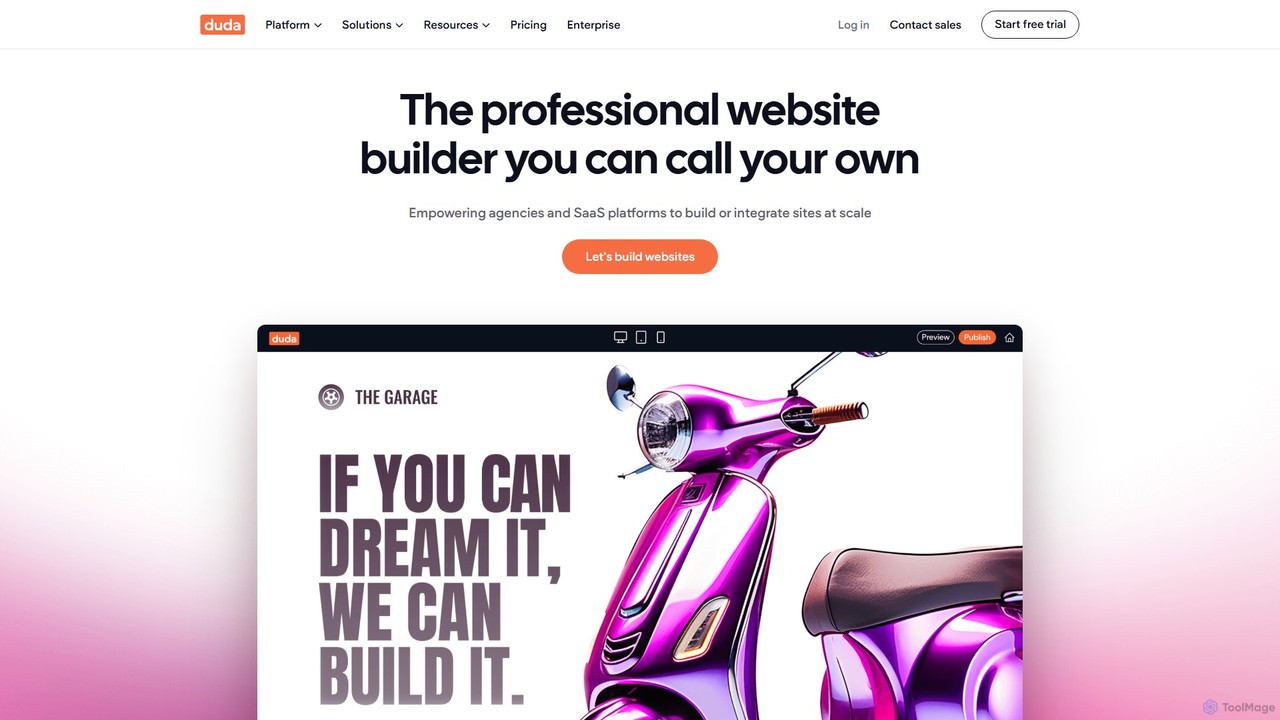
Duda
Duda is a professional website builder designed for digital agencies and SaaS platforms. It leverages AI to streamline site creation, content generation, and SEO optimization, enabling users to build high-performance, scalable, and fully white-labeled websites efficiently without coding.
Agency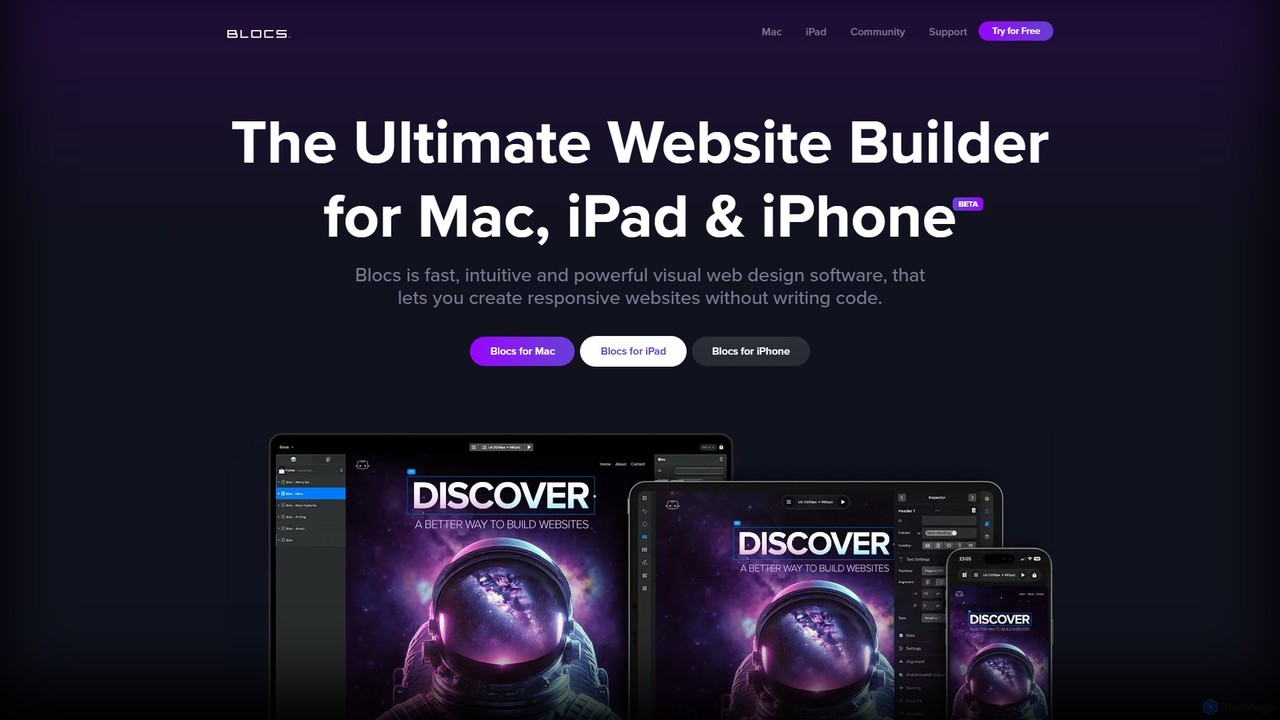
Blocs
Blocs is a fast, intuitive, and powerful visual web design application for Mac, iPad, and iPhone. It enables designers, developers, and entrepreneurs to create professional, responsive websites and WordPress themes without writing a single line of code, using a clean, visual interface and a one-time purchase model.
Web Design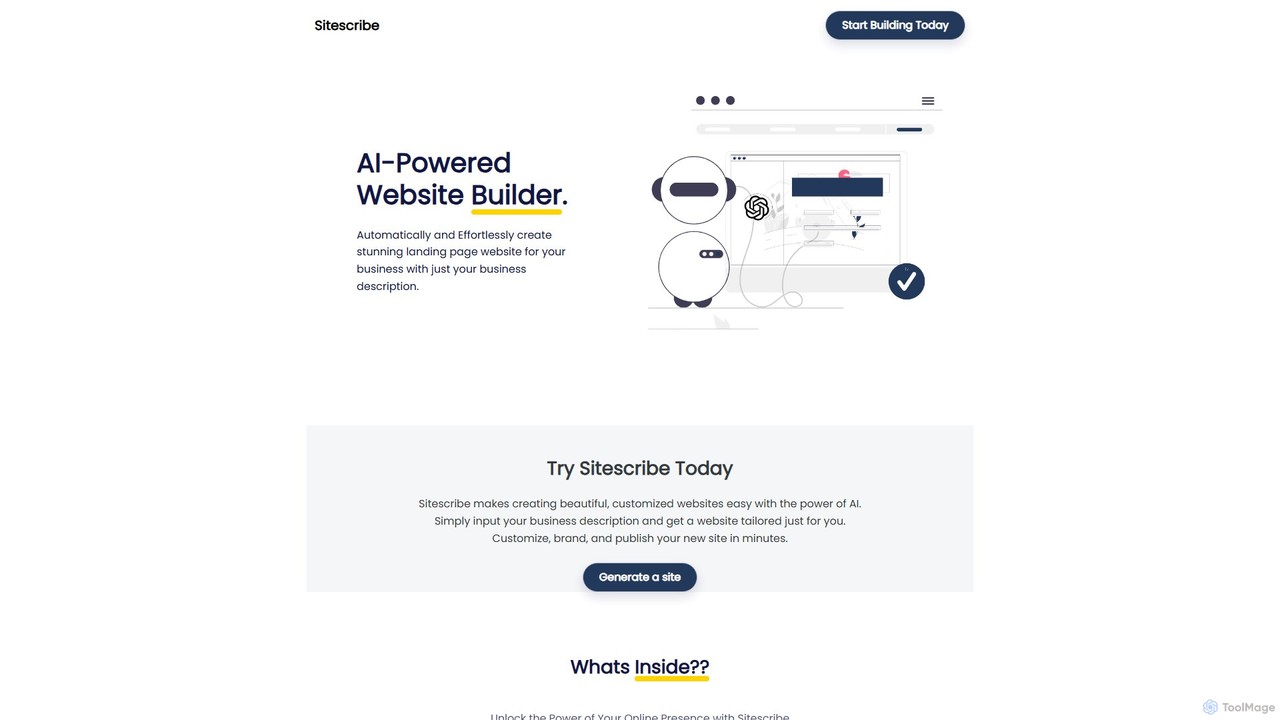
Sitescribe
Sitescribe is an AI-powered website builder that enables users to create professional, SEO-optimized websites effortlessly and without any coding. It features customizable templates, an AI recommendation engine for design and marketing, and built-in business resources to help entrepreneurs succeed online.
Seo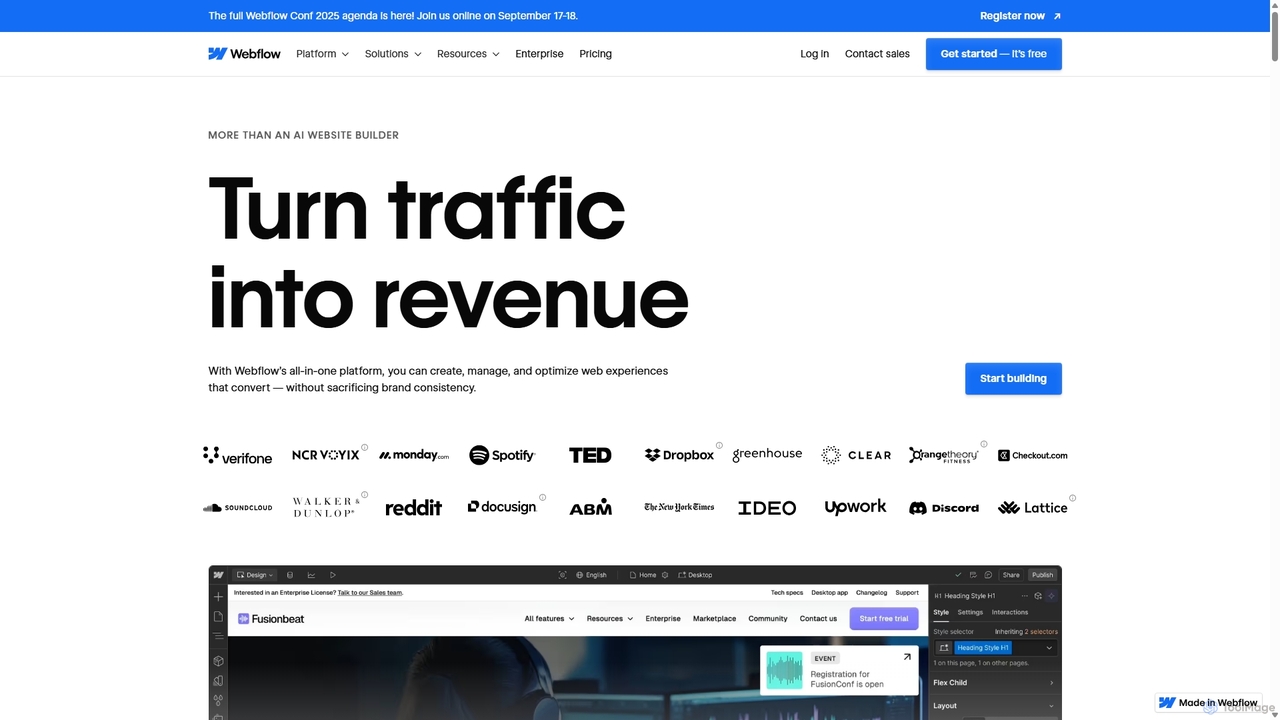
Webflow
Webflow is a visual development platform that empowers users to design, build, and launch professional, custom websites without writing code. It combines a powerful visual designer, a flexible CMS, and high-performance hosting into a single platform, enhanced with AI features for faster creation and optimization.
Web Design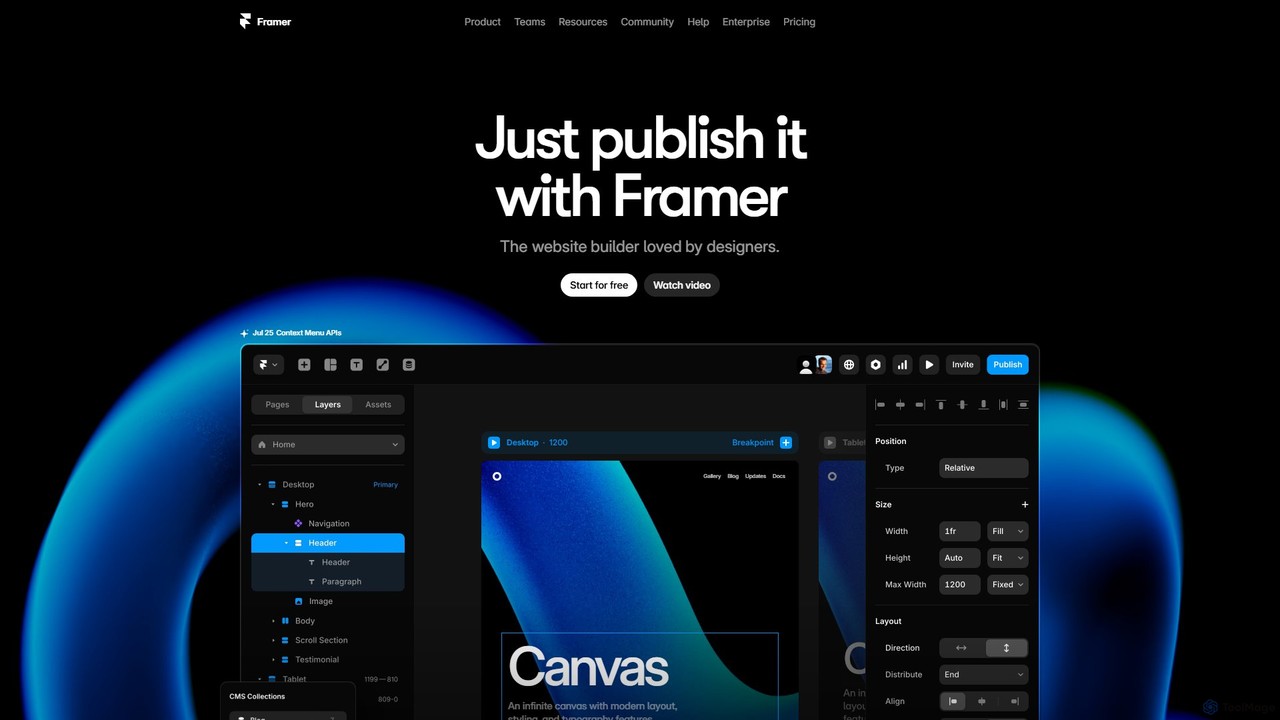
Framer
Framer is a professional no-code website builder that empowers designers and teams to create high-performance, production-ready websites. Leveraging AI, Framer can generate entire websites from a simple text prompt, complete with copy and visuals. It combines a powerful design canvas, advanced animations, a built-in CMS, and seamless collaboration features into a single, intuitive platform.
PrototypingWix Studio Categories
Wix Studio Embed Widget
Copy this embed code to place the badge on your blog, article, or product site and send readers directly to this ToolMage detail page.

Related AI tools
Webflow
Webflow is a visual development platform that empowers users to design, build, and launch professional, custom websites without writing code. It combines a powerful visual designer, a flexible CMS, and high-performance hosting into a single platform, enhanced with AI features for faster creation and optimization.
Web DesignFramer
Framer is a professional no-code website builder that empowers designers and teams to create high-performance, production-ready websites. Leveraging AI, Framer can generate entire websites from a simple text prompt, complete with copy and visuals. It combines a powerful design canvas, advanced animations, a built-in CMS, and seamless collaboration features into a single, intuitive platform.
Prototyping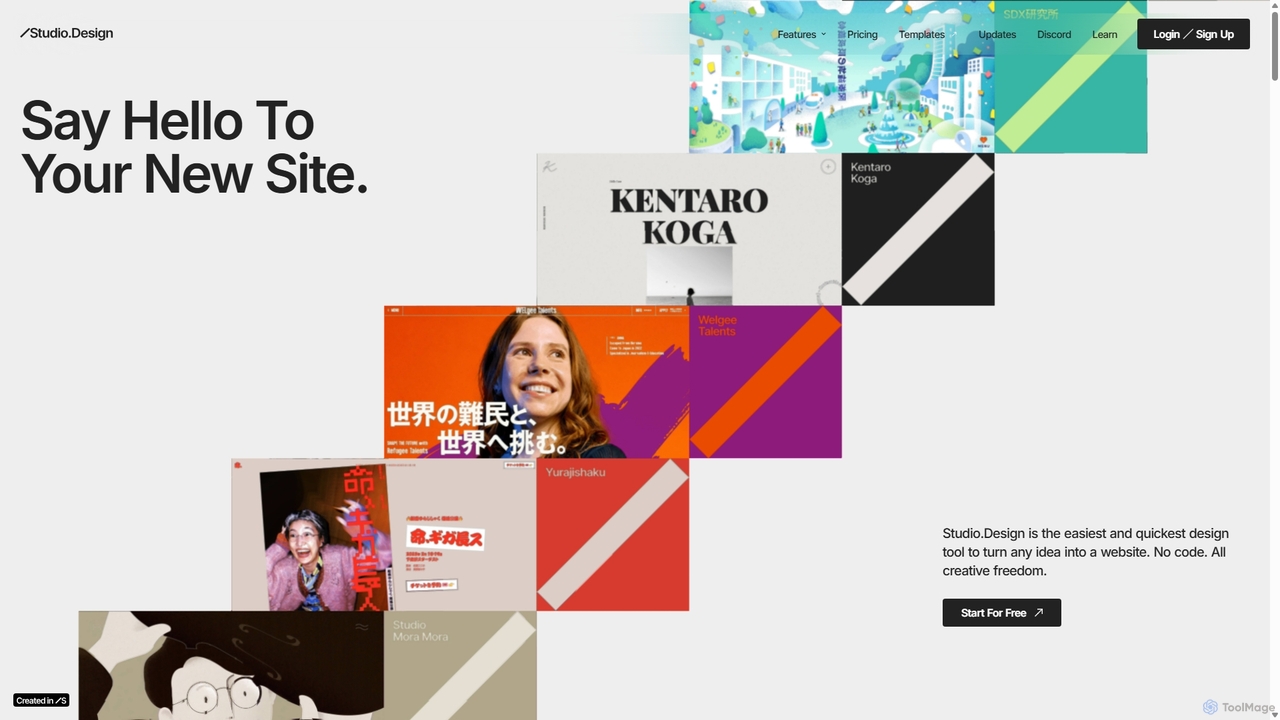
Studio.Design
Studio.Design is a powerful no-code website builder that empowers designers and creators to turn ideas into fully responsive, animated websites with complete creative freedom. It features an intuitive visual editor, real-time collaboration, an integrated CMS, and AI-powered SEO tools, allowing you to publish professional sites in a single click.
Web Design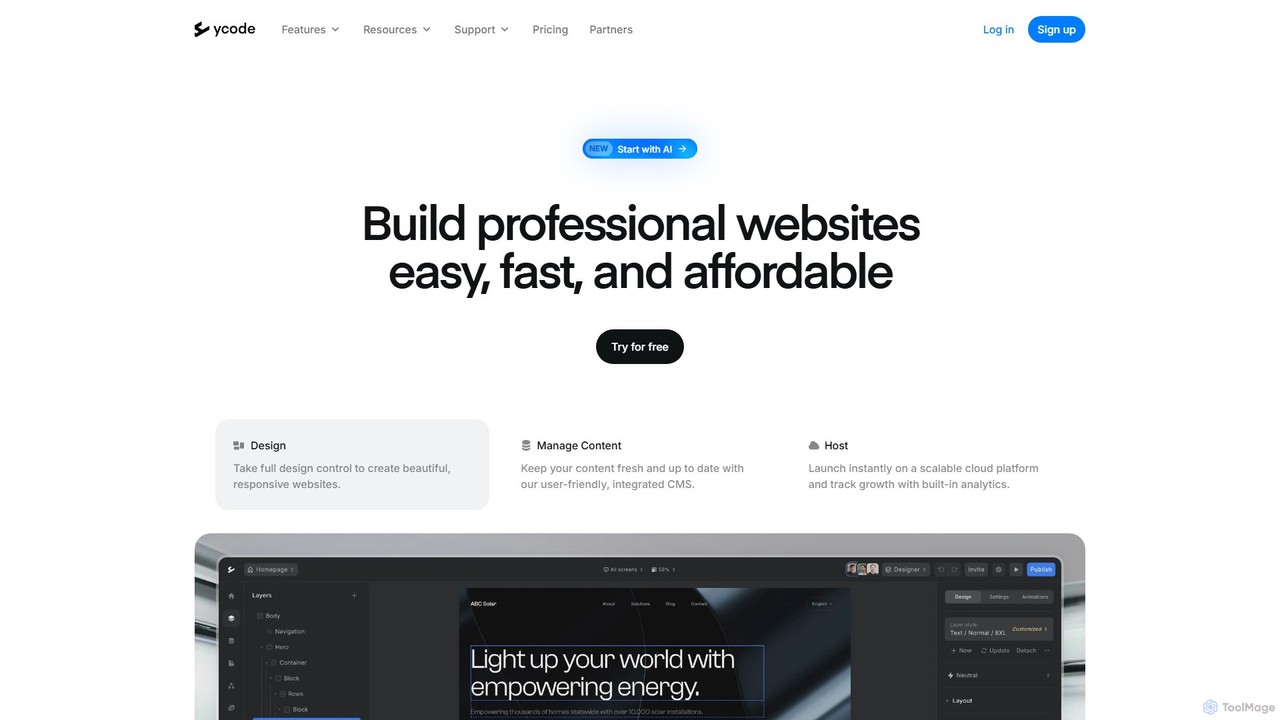
ycode
ycode is a powerful no-code website builder and CMS, now enhanced with AI. It enables users to design, launch, and manage professional, responsive websites with full creative control. Positioned as a user-friendly alternative to Webflow, it offers an integrated suite of tools for design, content management, and hosting.
Landing Page Builder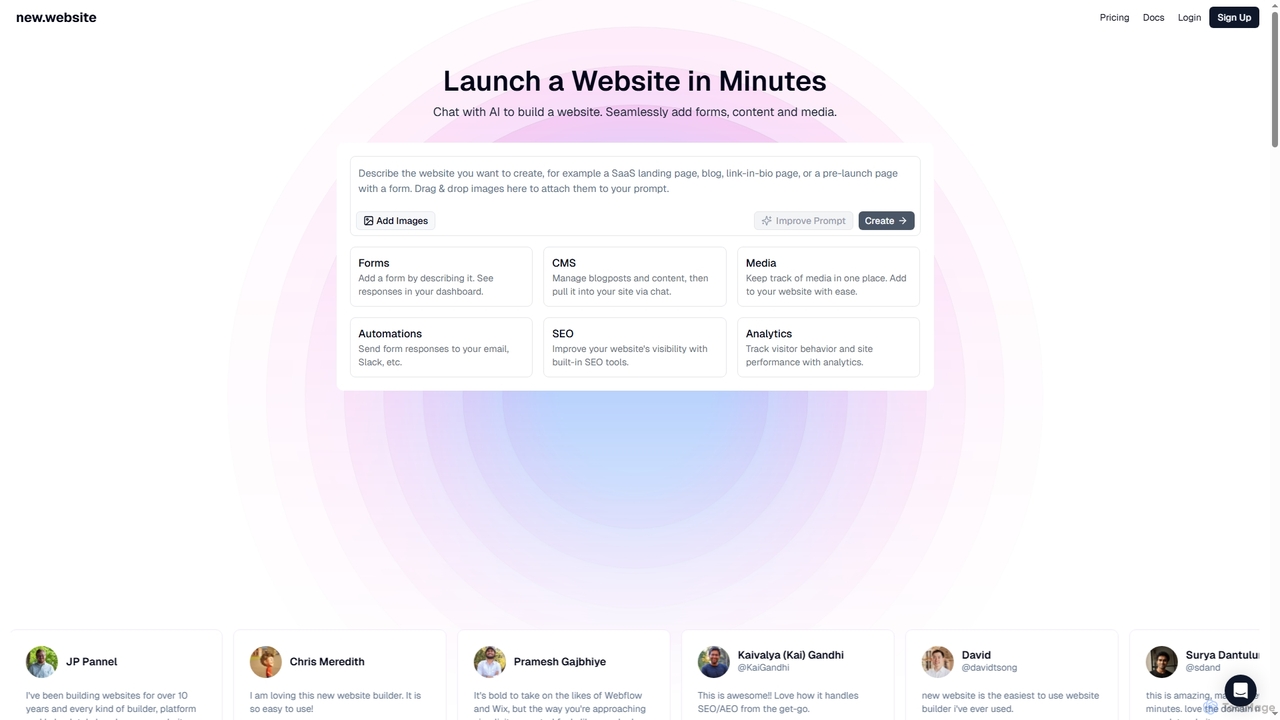
New
New is an AI-powered website builder that enables users to launch professional websites in minutes through simple chat commands. It integrates essential features like forms, content management, media libraries, SEO tools, and analytics into one seamless platform, making website creation accessible and efficient for businesses and individuals alike.
3D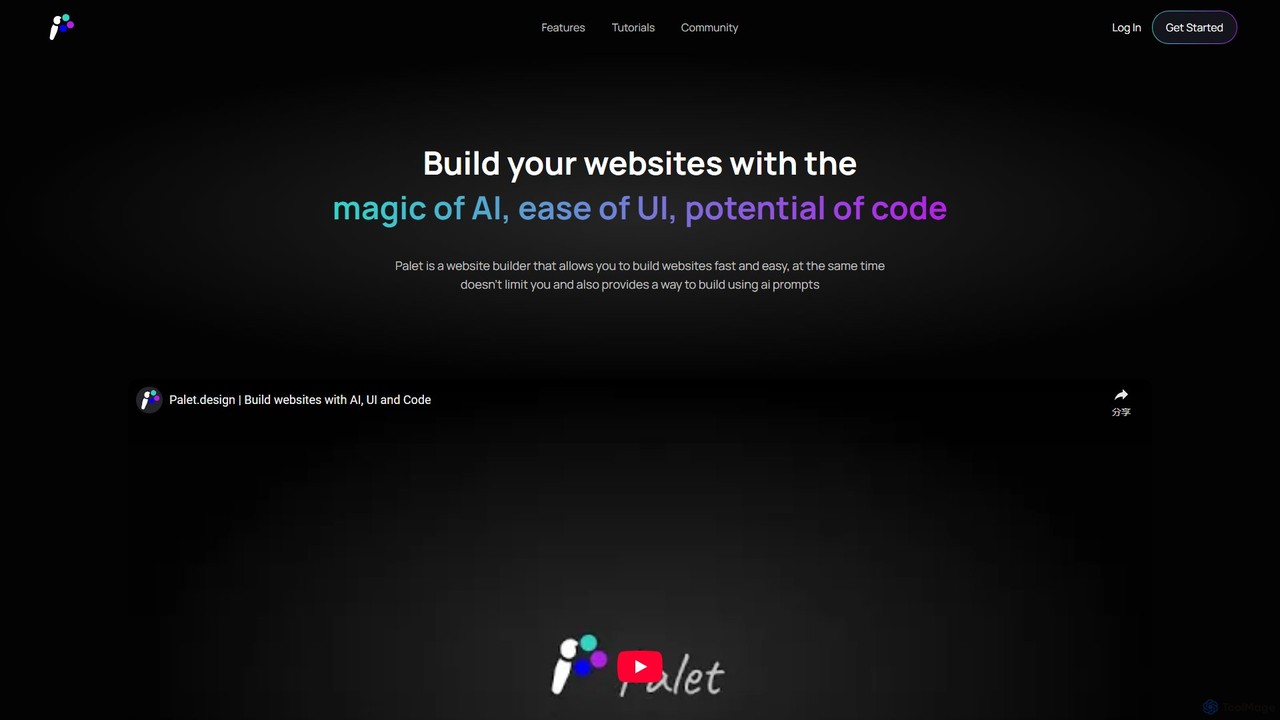
Palet
Palet is an AI-powered website builder that merges an intuitive UI with the power of code and AI prompts. It enables users to create stunning, interactive, and animated websites with ease, featuring the first-ever UI for the GSAP animation library. Ideal for designers and developers, Palet simplifies complex web development, allowing for seamless switching between visual editing and direct coding, and offers one-click deployment to Netlify.
Web Design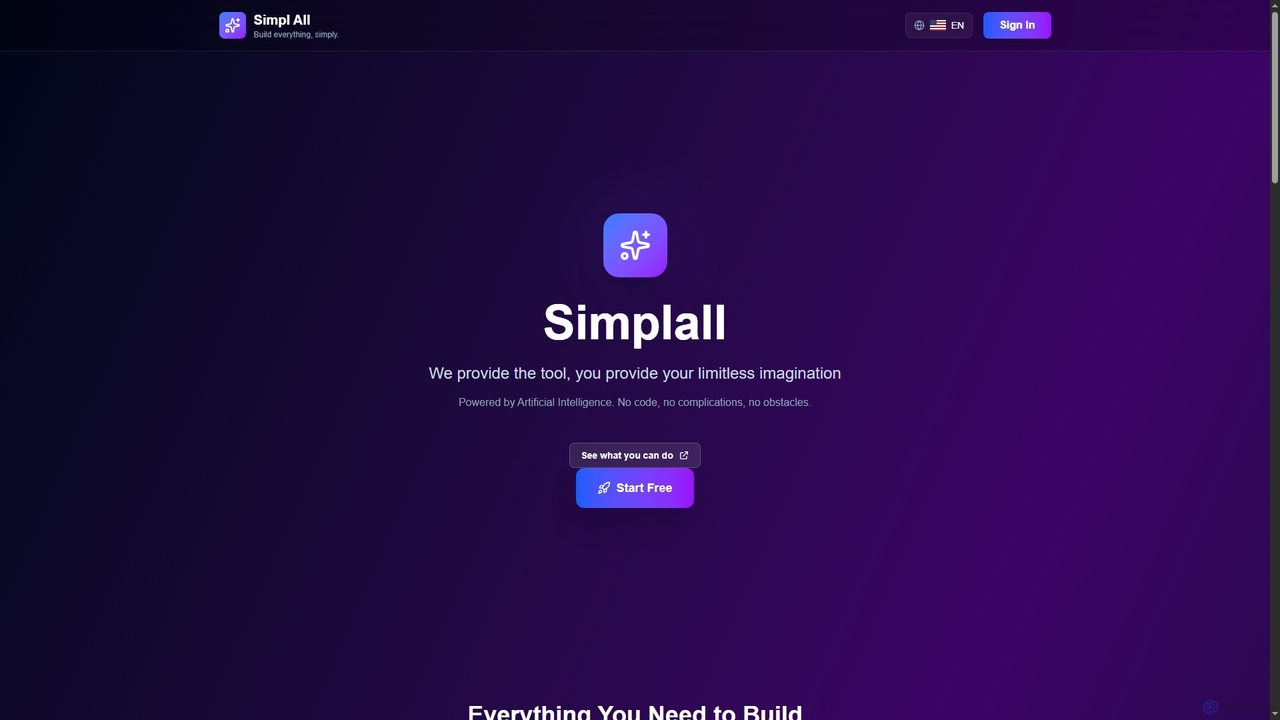
Simplall
Simplall is an AI-powered code generator that transforms natural language descriptions into functional web applications. It enables users, regardless of coding experience, to instantly create professional React apps, HTML websites, and interactive dashboards with live previews, clean code, and easy modification capabilities.
Code GenerationDuda
Duda is a professional website builder designed for digital agencies and SaaS platforms. It leverages AI to streamline site creation, content generation, and SEO optimization, enabling users to build high-performance, scalable, and fully white-labeled websites efficiently without coding.
AgencyBlocs
Blocs is a fast, intuitive, and powerful visual web design application for Mac, iPad, and iPhone. It enables designers, developers, and entrepreneurs to create professional, responsive websites and WordPress themes without writing a single line of code, using a clean, visual interface and a one-time purchase model.
Web DesignSitescribe
Sitescribe is an AI-powered website builder that enables users to create professional, SEO-optimized websites effortlessly and without any coding. It features customizable templates, an AI recommendation engine for design and marketing, and built-in business resources to help entrepreneurs succeed online.
Seo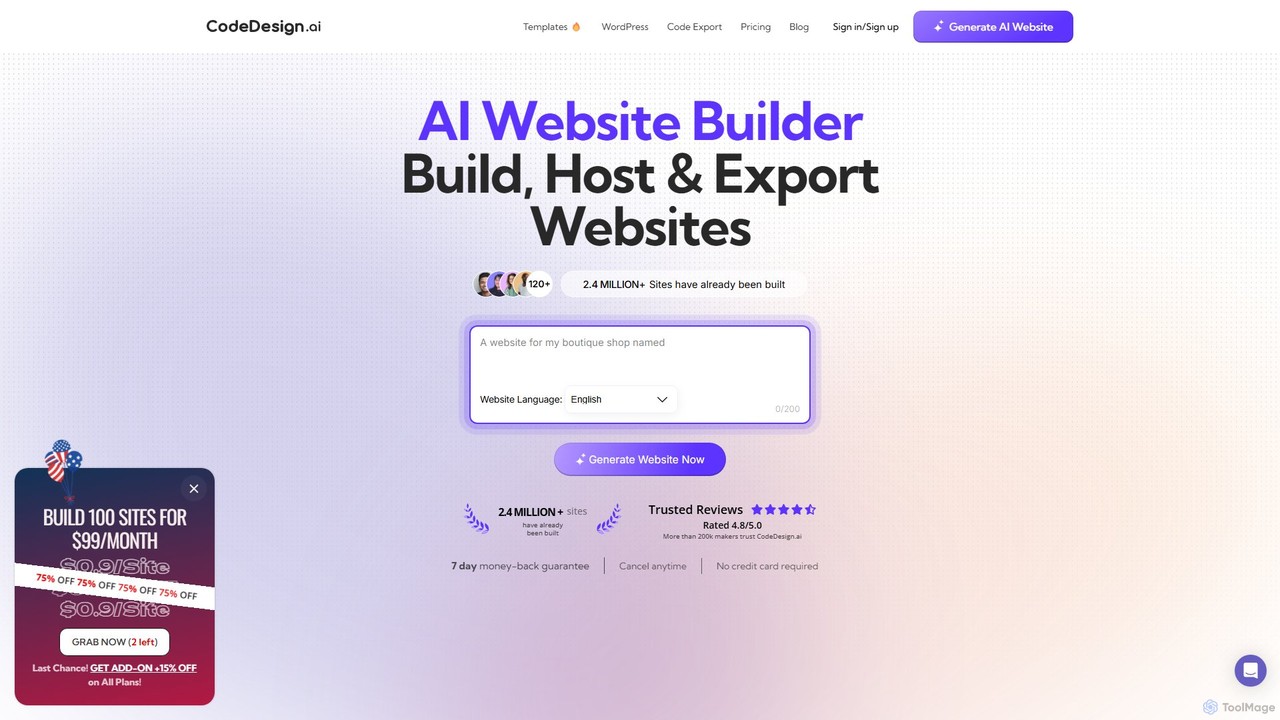
CodeDesign.ai
CodeDesign.ai is an AI-powered website builder that enables users to create, host, and export professional websites, landing pages, and sales funnels from simple text prompts. It requires no coding or design skills, offering a seamless drag-and-drop interface, AI-generated content, and extensive customization options.
Landing Page Builder
UiMagic
UiMagic is an AI-powered website builder that allows you to create stunning, professional websites simply by chatting. Describe your vision in natural language, and the AI will generate a complete website, from portfolios and blogs to e-commerce sites. It also features a cloning tool to replicate existing designs, making web creation faster and more intuitive than ever.
Ui Design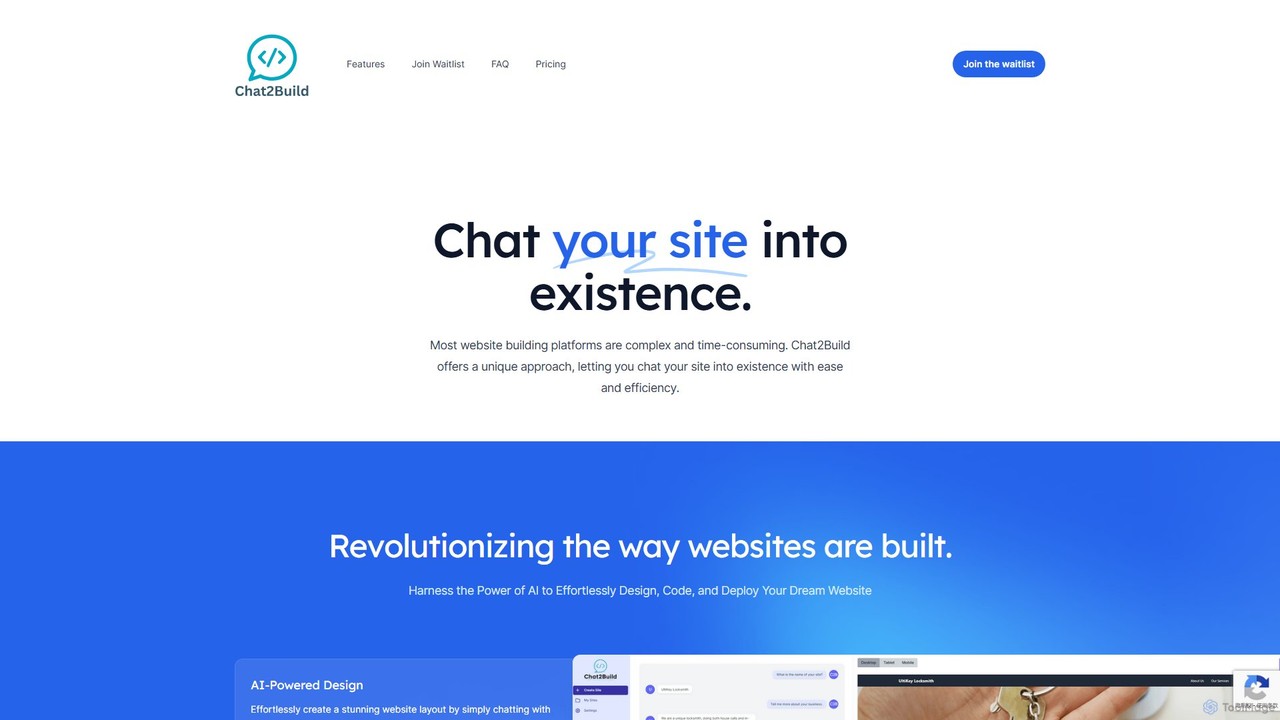
Chat2Build
Chat2Build is an innovative AI-powered website builder that lets you create stunning, professional websites simply by chatting. No coding or design skills are needed. Just describe your vision, and our advanced AI will design, code, and deploy your site, complete with hosting and mobile responsiveness. It's the fastest and easiest way to bring your online presence to life.
Web Design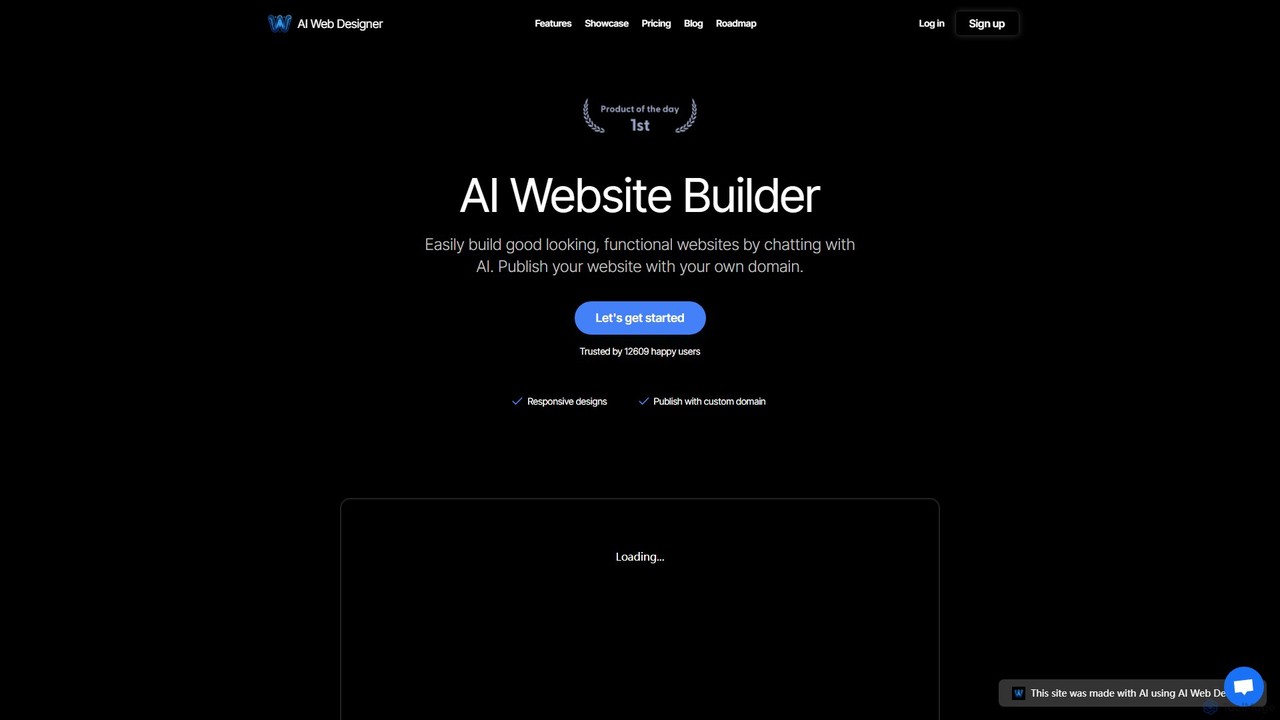
AI web designer
AI Web Designer is a revolutionary AI-powered website builder that allows you to create stunning, functional websites in minutes simply by chatting with an AI. No coding or design experience is needed. Just describe your ideal website, and the AI, powered by Claude 3.5 Sonnet, will generate it for you. Easily edit elements, add sections, and publish with your own custom domain.
Web Design
interweb.studio
interweb.studio is an AI-powered website builder that allows users to create professional, fully functional websites from simple text prompts. It's designed for entrepreneurs, marketers, and creators to launch online projects in minutes without any coding or design skills. Just describe your vision, and the AI brings it to life.
Web Design
Wix Studio Comments (0)
Sign in to comment.
Sign inNo comments yet.