

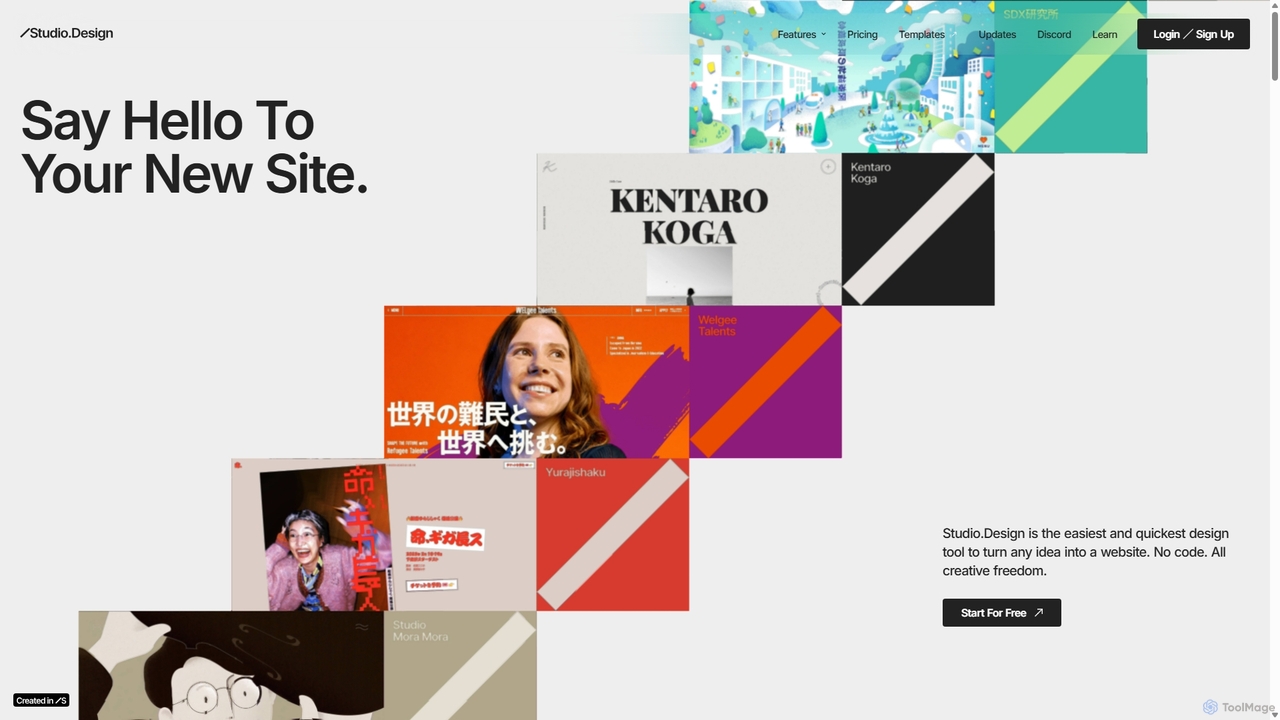
Studio.Design Overview
Studio.Design is an all-in-one, no-code platform designed for creators who want to build professional, custom websites without writing a single line of code. It bridges the gap between powerful design tools and user-friendly website builders, offering unparalleled creative freedom. With its intuitive interface, users can transform their creative visions into reality, from pixel-perfect adjustments to dynamic, immersive animations.
How to use Studio.Design
Getting started with Studio.Design is a seamless process designed for efficiency and creativity:
- Start Your Project: Begin with a blank canvas, choose from a wide range of professionally designed templates, or import your existing designs directly from Figma. The Figma import feature automatically generates responsive breakpoints, saving significant time.
- Design with the Visual Editor: Use the powerful and intuitive Design Editor. The box layout system makes it easy to structure pages by stacking elements like blocks. Fine-tune every detail with on-canvas controls for margins and padding.
- Create and Reuse Components: Transform frequently used design elements into 'Symbols' to efficiently reuse them across multiple pages, ensuring consistency and speeding up your workflow.
- Manage Content: Utilize the built-in, mess-free Content Management System (CMS). Collaborate with your team on content creation in one central location, edit in real-time, and publish updates anytime. You can even connect to external data from Notion and Airtable to design with real content from the start.
- Add Interactivity: Bring your site to life with animations. Easily import Lottie files or use the built-in animation tools to create engaging user experiences. Embed videos, maps, and other third-party services using iframes.
- Optimize for Search Engines: Leverage the built-in SEO tools. The platform features an AI-powered function to instantly generate optimized meta titles and descriptions, helping your site rank higher in search results.
- Publish: Once your design is complete, publish your live website with a single click. Studio.Design handles all the technical aspects of coding and server setup.
Core Features of Studio.Design
- Intuitive Design Editor: A powerful yet easy-to-use visual editor with a box layout system, responsive design controls, and pixel-perfect adjustments.
- No-Code Platform: Full creative control to build complex layouts and animations without writing any code.
- Real-time Collaboration: Work with team members on the same project simultaneously, leave comments, and resolve feedback directly within the editor.
- Integrated CMS: A clean and simple CMS for managing dynamic content like blog posts or portfolios, with support for real-time collaborative editing.
- Figma to Site Import: Seamlessly import Figma designs, which are automatically converted into responsive websites.
- Advanced Animations: Built-in support for Lottie files and a powerful animation timeline to create immersive, interactive experiences.
- AI-Powered SEO: Automatically generate optimized meta titles and descriptions for your pages to improve search engine visibility.
- Customizable Forms: Create beautiful, engaging forms to capture visitor information, with full control over animations, colors, and layout.
- Extensive Integrations: Connect to Notion and Airtable for data, access thousands of Google Fonts, and use millions of free images from Unsplash directly in the editor.
Use Cases for Studio.Design
Studio.Design is versatile and suitable for a wide range of users and projects:
- Designers & Creatives: Building stunning online portfolios to showcase their work.
- Startups & Small Businesses: Creating professional marketing websites, landing pages, and company blogs quickly and affordably.
- Marketing Agencies: Developing custom websites for clients with a fast turnaround time and without relying on developers.
- Content Creators: Launching personal blogs, publications, or project showcases with a powerful and flexible CMS.
- Entrepreneurs: Prototyping and launching web applications or product sites with full design control.
Advantages of Studio.Design
Studio.Design stands out by combining power with simplicity. Its primary advantage is offering the creative freedom of a professional design tool like Figma with the accessibility of a no-code website builder. The real-time collaboration features make it ideal for teams, streamlining the feedback and design process. The all-in-one nature of the platform—encompassing design, CMS, hosting, and SEO—eliminates the need for multiple tools and complex setups. Finally, its focus on modern design capabilities like advanced animations and Figma integration makes it a top choice for visually-driven projects.
Pricing and Plans
Studio.Design operates on a freemium model, offering plans for individuals and teams:
- Free Plan: $0/month. Includes design tools, up to 2,000 monthly visitors, and publishing to a studio.site subdomain. A Studio badge is displayed.
- Mini Plan: Starts at $5/month (billed annually). Ideal for one-page sites, includes a custom domain, 2 pages, and 100 form responses.
- Personal Plan: Starts at $10/month (billed annually). Perfect for portfolios, offering up to 20,000 visitors, 150 pages, 1,000 form responses, and password protection.
- Business Plan: Starts at $25/month (billed annually). Designed for startups, with 400,000 visitors, 300 pages, 10,000 form responses, and basic permissions.
- Business Plus Plan: Starts at $80/month (billed annually). For scale-ups, offering 1,000,000 visitors, advanced permissions, and a longer version history.
Workspace plans are also available for teams needing to manage multiple projects and members collaboratively.
Traffic
Latest traffic
Status
Monthly traffic trend
- 2025-9: 590.0K
- 2026-1: 702.9K
- 2026-2: 686.1K
- 2026-3: 719.1K
- 2026-4: 713.1K
- 2026-5: 716.6K
Geography
Top 5 countries / regions
- 🇯🇵Japan98.0%
- 🇺🇸United States0.9%
- 🇮🇳India0.4%
- 🇻🇳Vietnam0.3%
- 🇫🇷France0.3%
Traffic sources
| Source type | Percentage |
|---|---|
Direct | 80.5% |
Referral | 17.4% |
Email | 2.1% |
Top keywords
| Keyword | Cost per click |
|---|---|
| studio | $0.79 |
| studio テンプレート | $0.75 |
| studio プラン | $2.39 |
| studio ログイン | $0.78 |
| スタジオ | $0.54 |
Studio.Design Alternatives
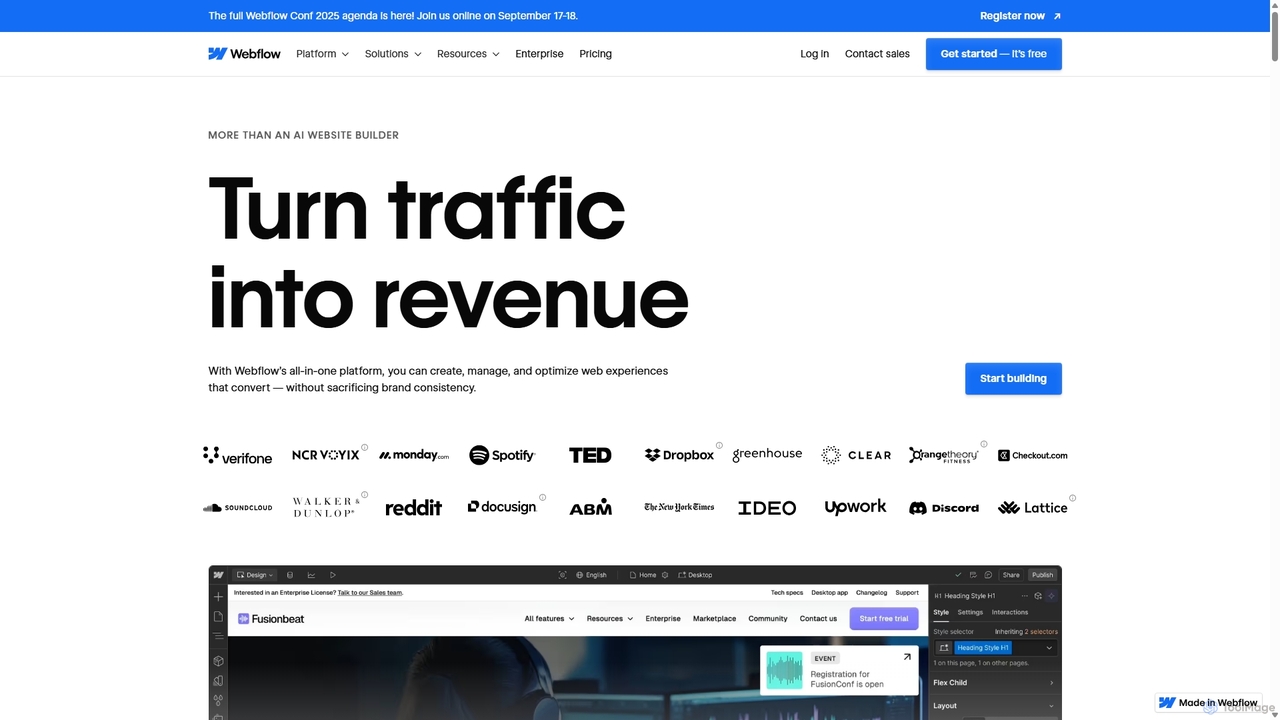
Webflow
Webflow is a visual development platform that empowers users to design, build, and launch professional, custom websites without writing code. It combines a powerful visual designer, a flexible CMS, and high-performance hosting into a single platform, enhanced with AI features for faster creation and optimization.
Web Design
Landing Page AI
Landing Page AI is an innovative AI-powered platform that enables users to create professional, high-converting landing pages and full websites in minutes, without any coding. It leverages artificial intelligence to generate optimized layouts, compelling copy, and engaging visuals, making web design fast, free, and effortless for businesses and creators.
3D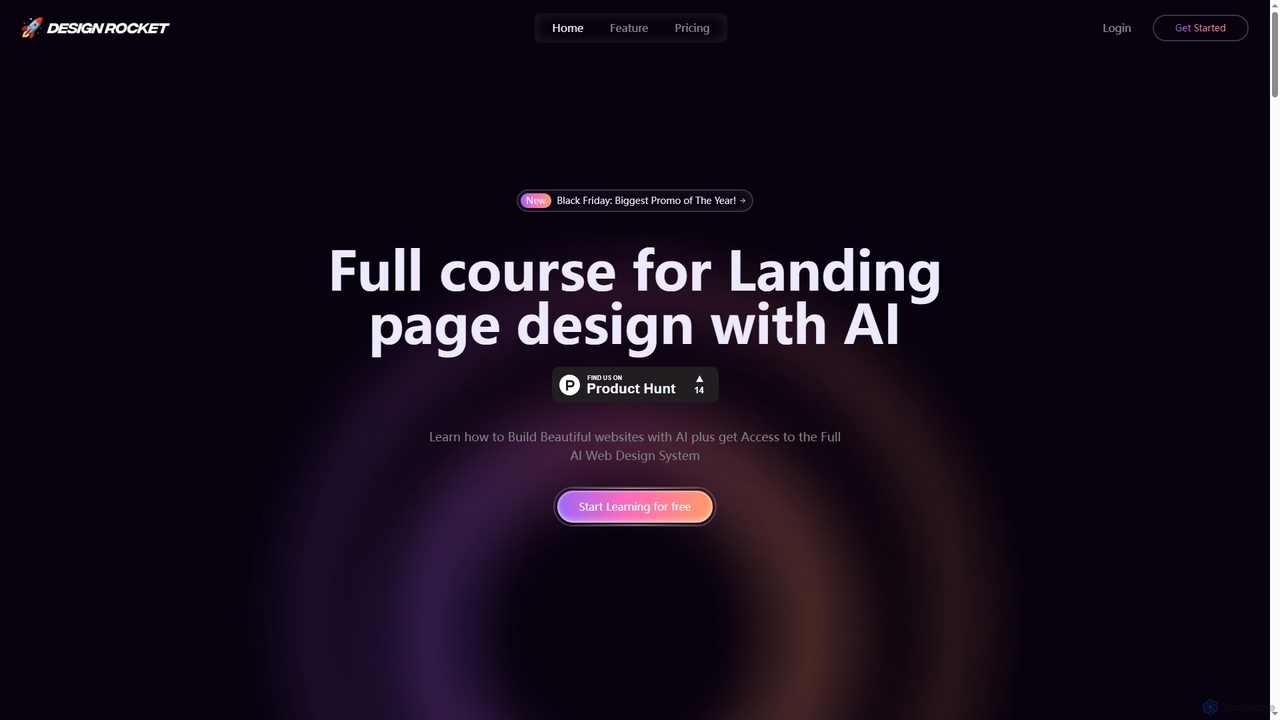
Design Rocket
Design Rocket is an AI-powered platform and comprehensive course teaching users how to design and build beautiful, animated landing pages without any coding. It provides a full AI web design system, templates, and hands-on exercises for founders, designers, and marketers.
Web Design
PageGPT
PageGPT is an AI-powered landing page generator that instantly creates unique, high-converting websites. Users describe their product and desired style, and the AI generates complete designs, copy, and images. Customization is done effortlessly through natural language chat, eliminating the need for complex drag-and-drop editors.
Web Design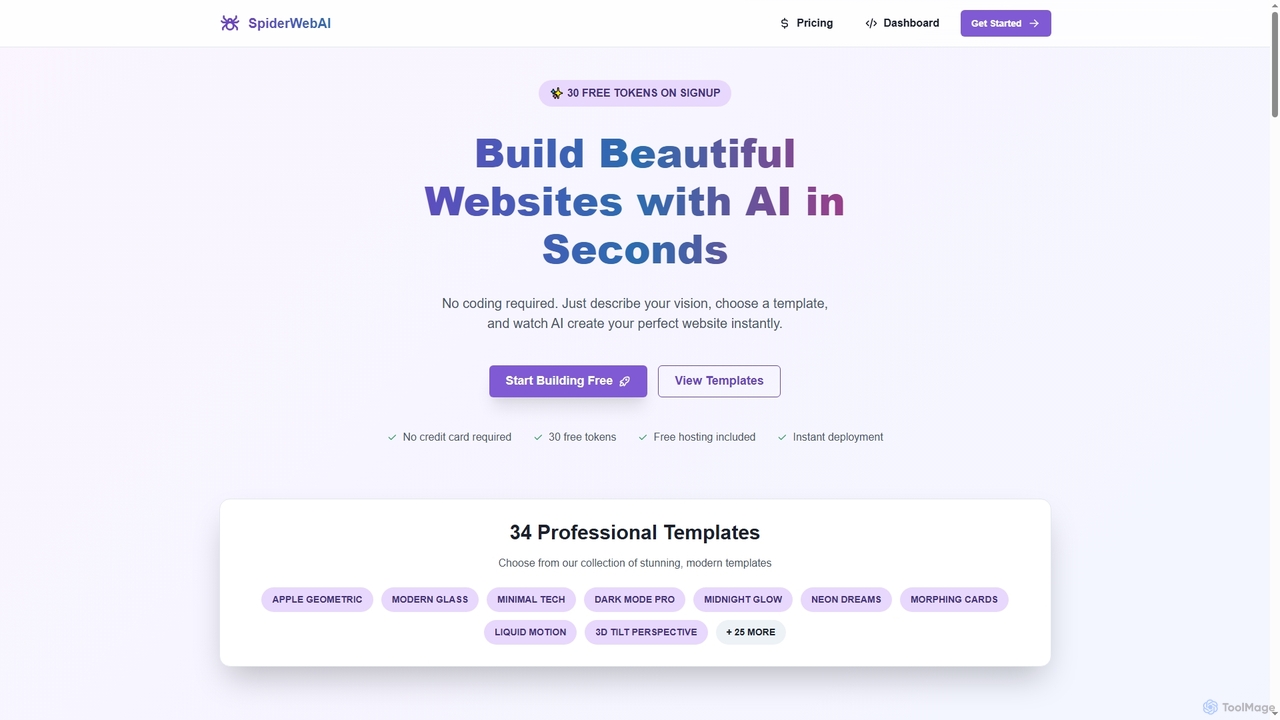
SpiderWebAI
SpiderWebAI is an innovative AI-powered website builder that enables users to create stunning, professional websites in seconds without any coding. Simply describe your vision, choose from 34 templates, and customize your site with live visual editing, multi-page support, and a built-in booking system. It offers instant deployment, free hosting, and the ability to download your complete code for true ownership.
3DStudio.Design Categories
Studio.Design Jobs
Studio.Design Embed Widget
Copy this embed code to place the badge on your blog, article, or product site and send readers directly to this ToolMage detail page.

Related AI tools
Webflow
Webflow is a visual development platform that empowers users to design, build, and launch professional, custom websites without writing code. It combines a powerful visual designer, a flexible CMS, and high-performance hosting into a single platform, enhanced with AI features for faster creation and optimization.
Web Design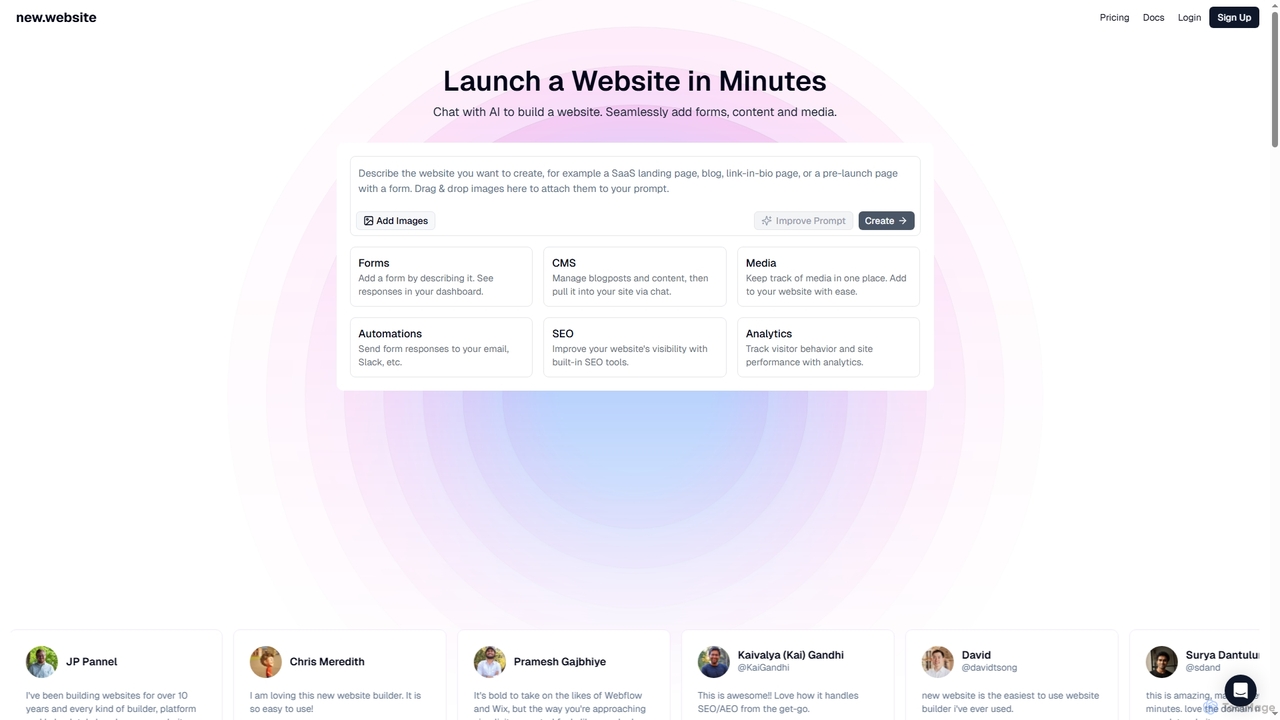
New
New is an AI-powered website builder that enables users to launch professional websites in minutes through simple chat commands. It integrates essential features like forms, content management, media libraries, SEO tools, and analytics into one seamless platform, making website creation accessible and efficient for businesses and individuals alike.
3D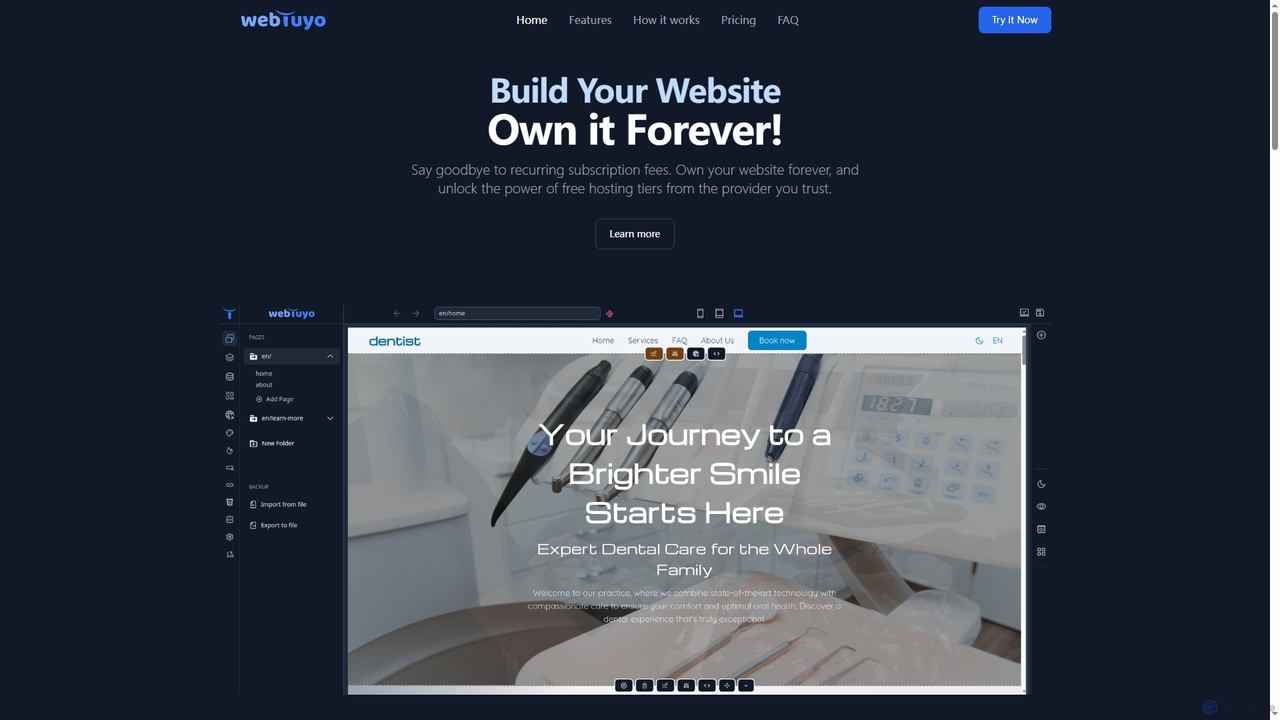
WebTuyo
WebTuyo is an innovative website builder that empowers users to create and own their websites forever, eliminating recurring subscription fees. It offers unlimited pages, pre-designed blocks, custom block creation with HTML, CSS, and JavaScript, built-in multilingual support, and powerful SEO tools, all within a user-friendly interface. Start building your professional online presence with lifetime access and flexible hosting options.
3D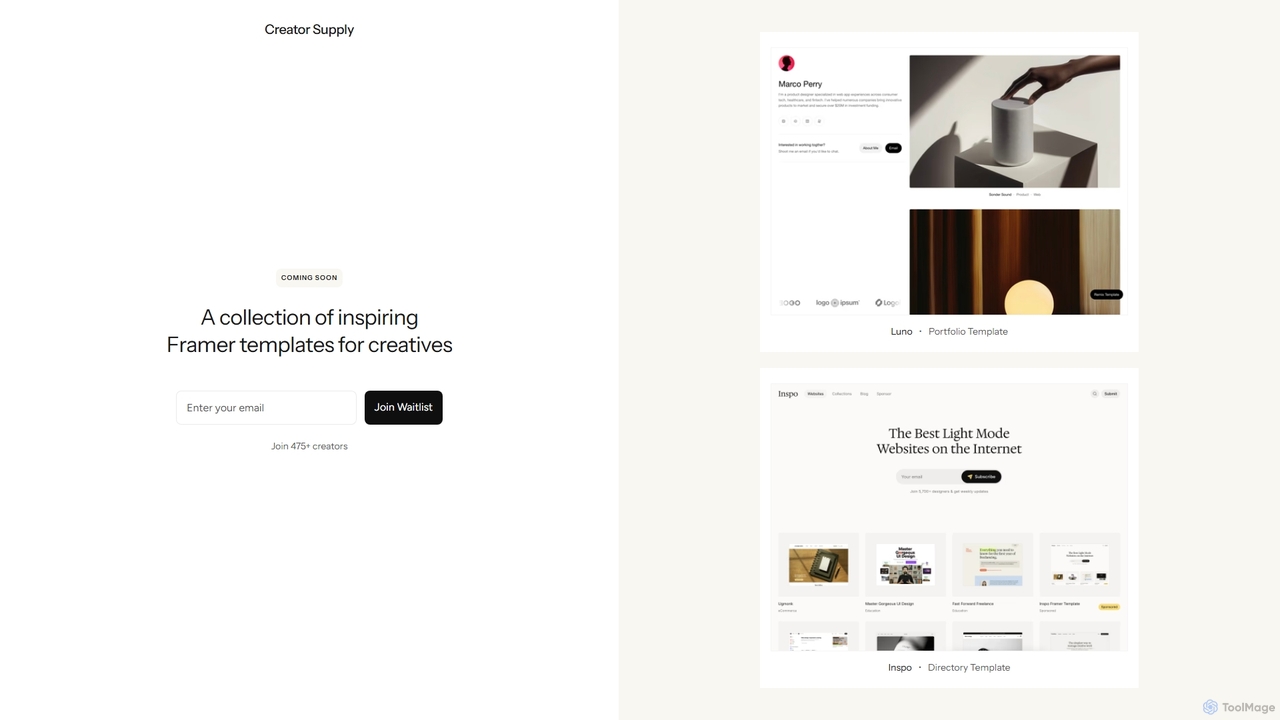
Creator Supply
Creator Supply offers a curated collection of inspiring, professionally designed Framer templates for creatives, designers, and agencies. It empowers users to build stunning, high-performance, and responsive websites with ease, significantly accelerating the design and development workflow without needing to write code.
Templates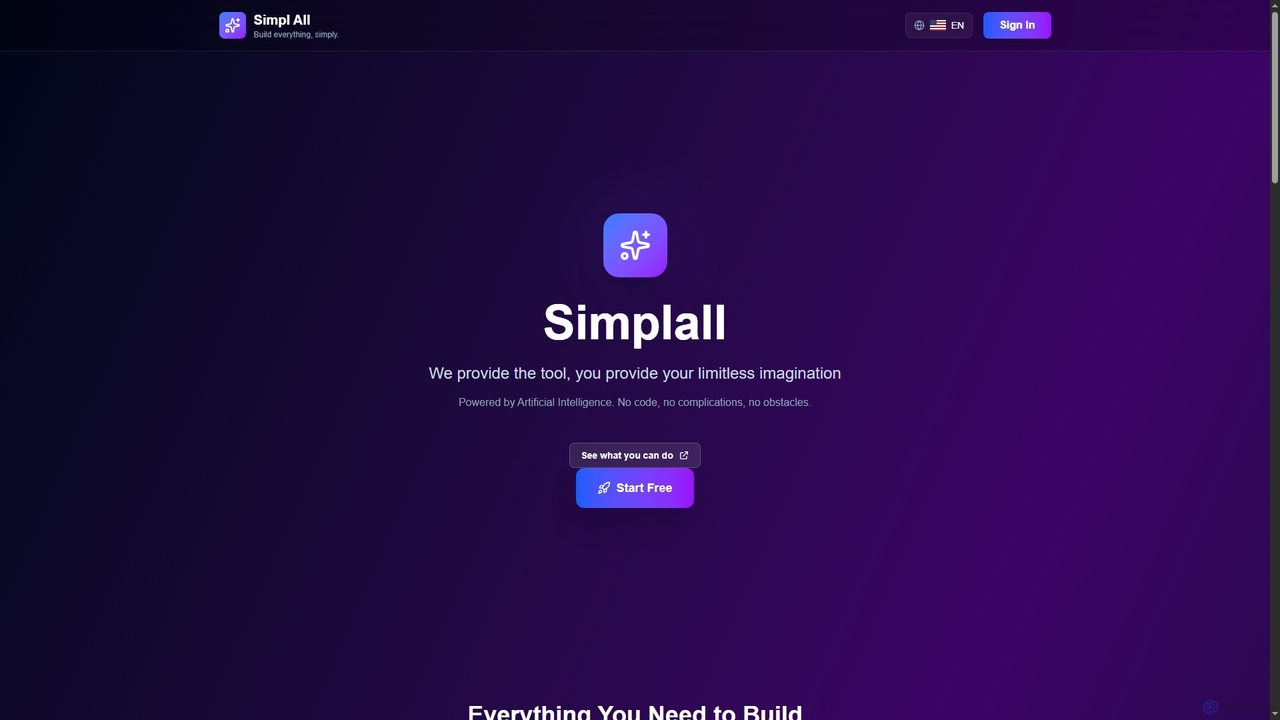
Simplall
Simplall is an AI-powered code generator that transforms natural language descriptions into functional web applications. It enables users, regardless of coding experience, to instantly create professional React apps, HTML websites, and interactive dashboards with live previews, clean code, and easy modification capabilities.
Code GenerationLanding Page AI
Landing Page AI is an innovative AI-powered platform that enables users to create professional, high-converting landing pages and full websites in minutes, without any coding. It leverages artificial intelligence to generate optimized layouts, compelling copy, and engaging visuals, making web design fast, free, and effortless for businesses and creators.
3D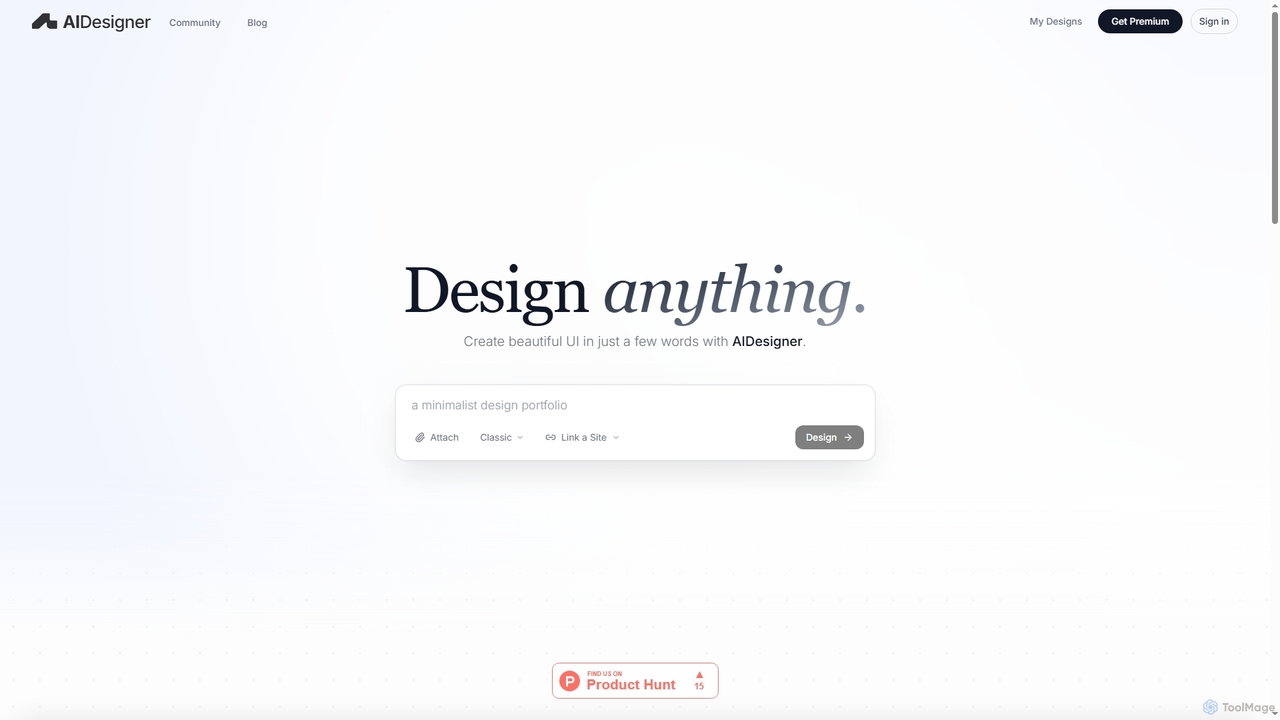
AIDesigner
AIDesigner is an advanced AI-powered platform that transforms textual descriptions into stunning UX/UI designs. It offers a unique approach to design generation, enabling users to create beautiful websites, mobile apps, and portfolios without the generic 'AI look.' With a rich library of production-ready templates and powerful customization options, AIDesigner empowers creators to rapidly prototype and launch visually distinctive digital experiences.
User Experience
1ui
1ui is an AI-powered platform that generates pixel-perfect, production-ready UI designs from natural language prompts. It streamlines the design process by creating responsive layouts, contextual images, and clean HTML/CSS code in seconds. Features include a prompt enhancer, team collaboration, and direct export to Figma as editable layers.
Code Generation
Jyek
Jyek is an AI agent platform that understands objectives, creates execution plans, uses tools, and delivers verifiable results for complex, multi-step tasks.
Automation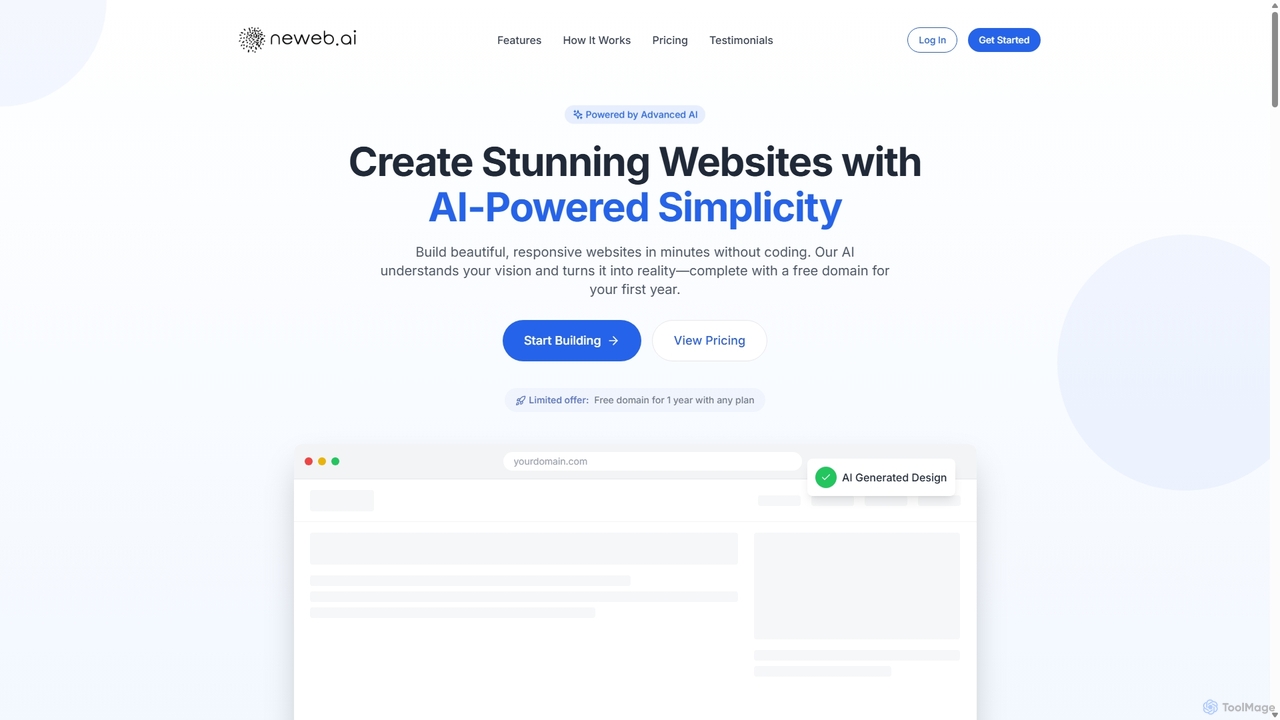
Neweb.ai
Neweb.ai is an advanced AI-powered website builder that enables users to create stunning, professional, and responsive websites in minutes without any coding. It leverages AI to generate designs, layouts, and content based on user descriptions, and includes a free domain for the first year.
Content Generation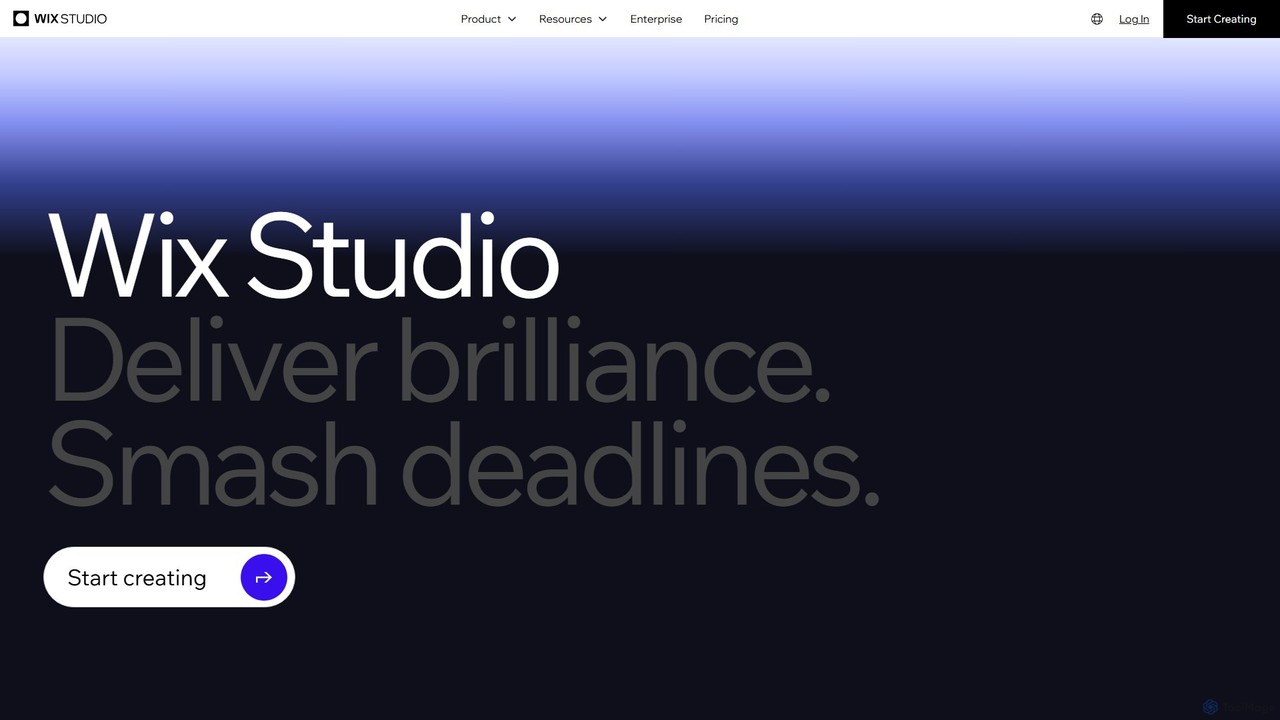
Wix Studio
Wix Studio is an advanced, flexible web creation platform designed for agencies, freelancers, and enterprises. It combines a sophisticated visual design canvas with responsive AI, no-code animations, and custom CSS capabilities. The platform also includes a full-stack development environment (Velo), integrated business solutions, and robust tools for team collaboration and client management, all built on secure, scalable infrastructure.
No Code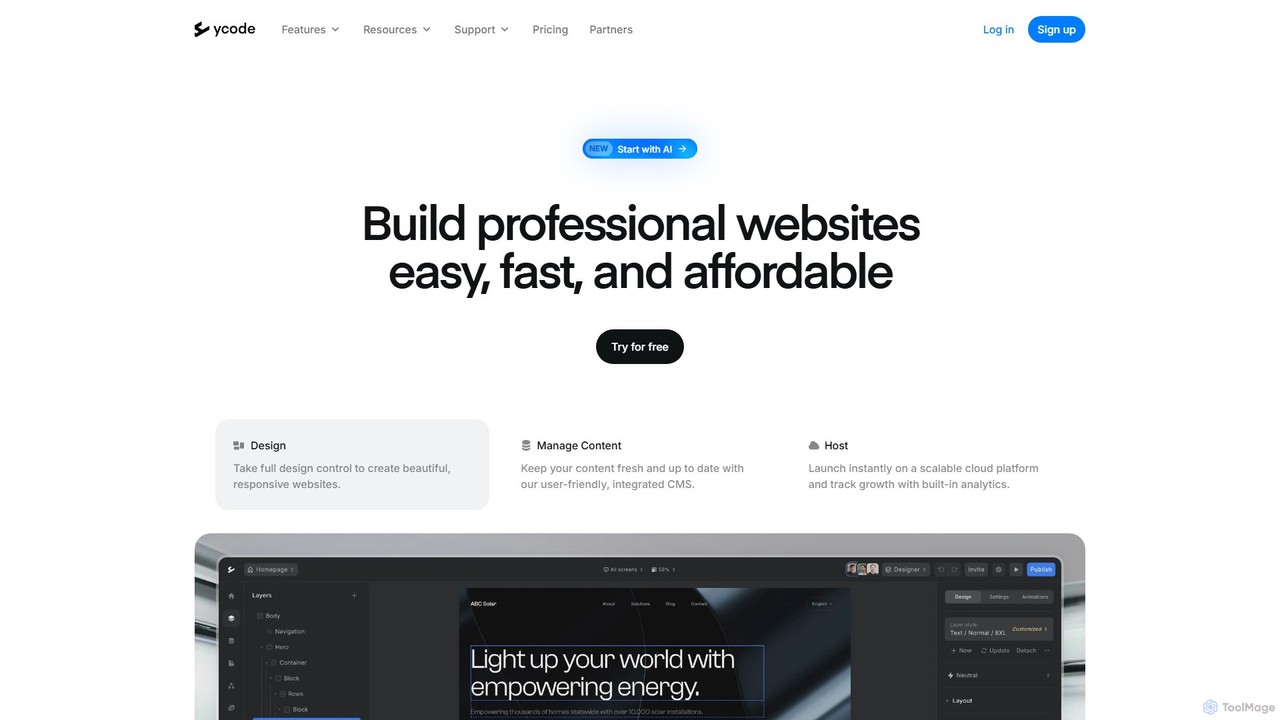
ycode
ycode is a powerful no-code website builder and CMS, now enhanced with AI. It enables users to design, launch, and manage professional, responsive websites with full creative control. Positioned as a user-friendly alternative to Webflow, it offers an integrated suite of tools for design, content management, and hosting.
Landing Page BuilderDesign Rocket
Design Rocket is an AI-powered platform and comprehensive course teaching users how to design and build beautiful, animated landing pages without any coding. It provides a full AI web design system, templates, and hands-on exercises for founders, designers, and marketers.
Web Design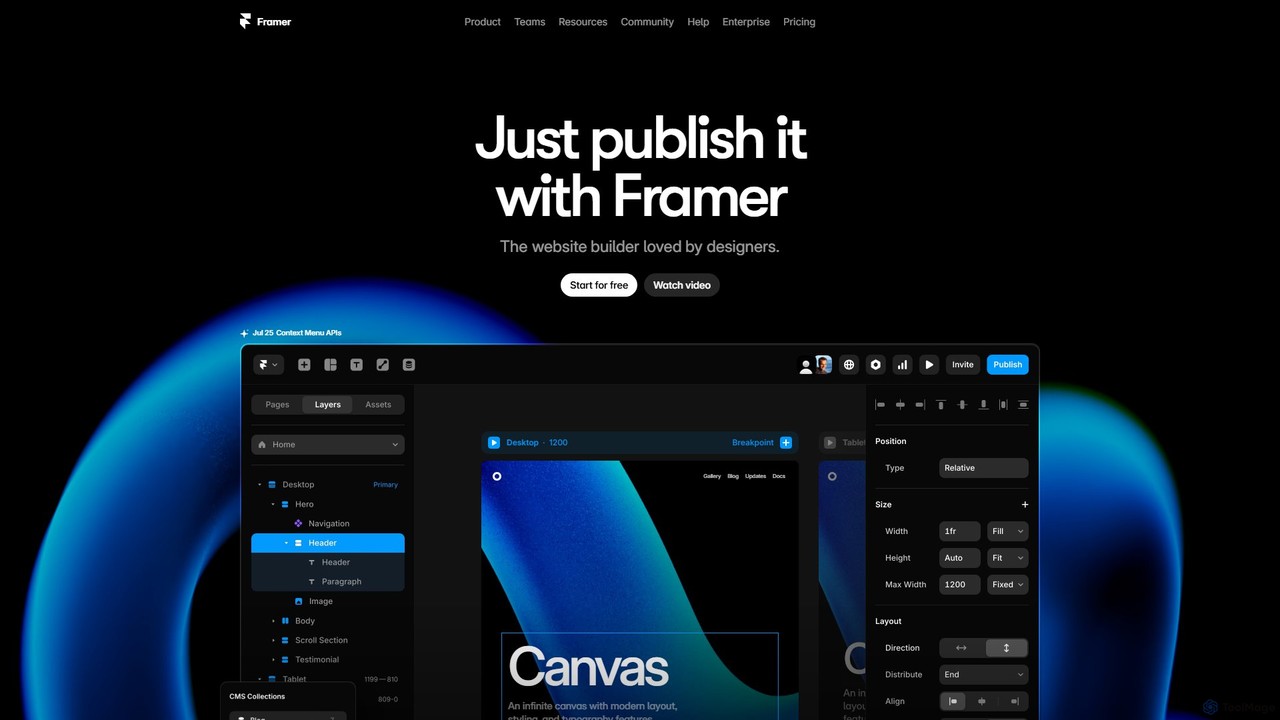
Framer
Framer is a professional no-code website builder that empowers designers and teams to create high-performance, production-ready websites. Leveraging AI, Framer can generate entire websites from a simple text prompt, complete with copy and visuals. It combines a powerful design canvas, advanced animations, a built-in CMS, and seamless collaboration features into a single, intuitive platform.
PrototypingPageGPT
PageGPT is an AI-powered landing page generator that instantly creates unique, high-converting websites. Users describe their product and desired style, and the AI generates complete designs, copy, and images. Customization is done effortlessly through natural language chat, eliminating the need for complex drag-and-drop editors.
Web Design
Studio.Design Comments (0)
Sign in to comment.
Sign inNo comments yet.