ToolMage
Sign in

Best 3 Team Tools for Collaboration

Popular Team Tools in Collaboration include MemSync, Pixelzzz, and Sidekic, helping you work more efficiently.

MemSync
Freemium

MemSync

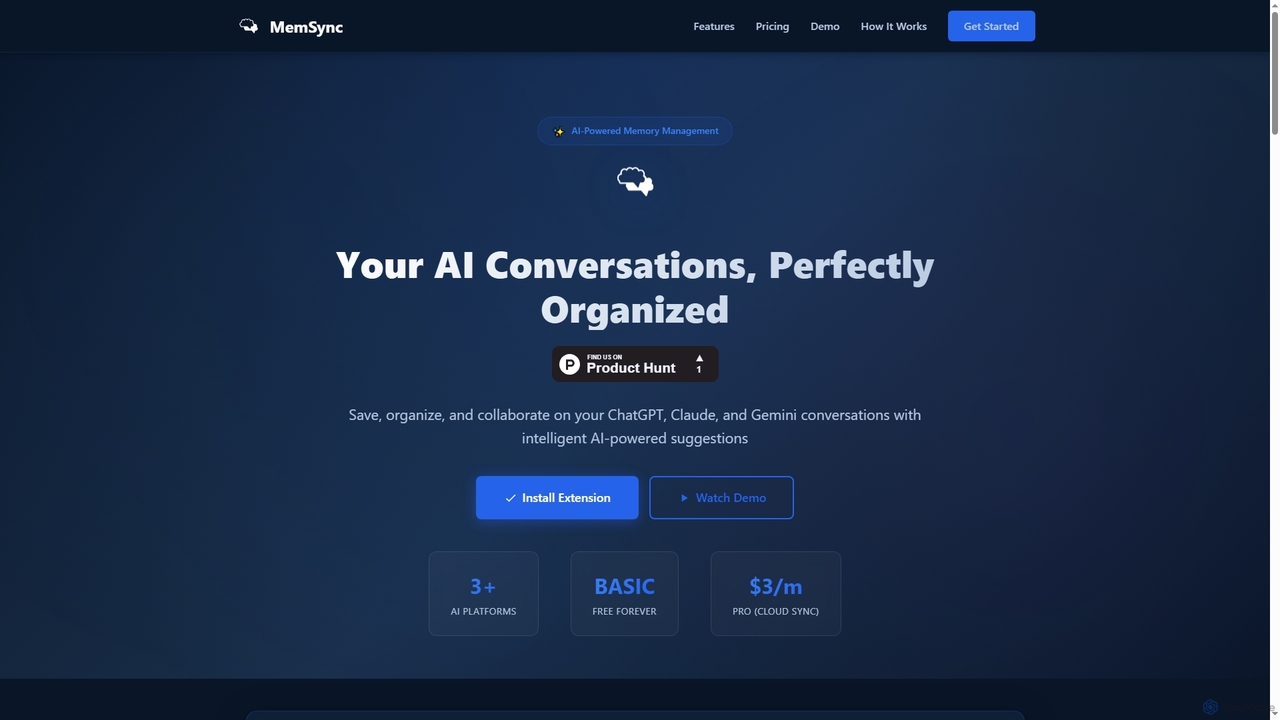
MemSync is an AI-powered browser extension designed to effortlessly save, organize, and collaborate on your AI conversations from platforms like ChatGPT, Claude, and Gemini. It offers smart memory saving, AI-driven organization suggestions, and seamless cloud synchronization.

Conversation Tools
Visits 4.1KFavorites 136Likes 131
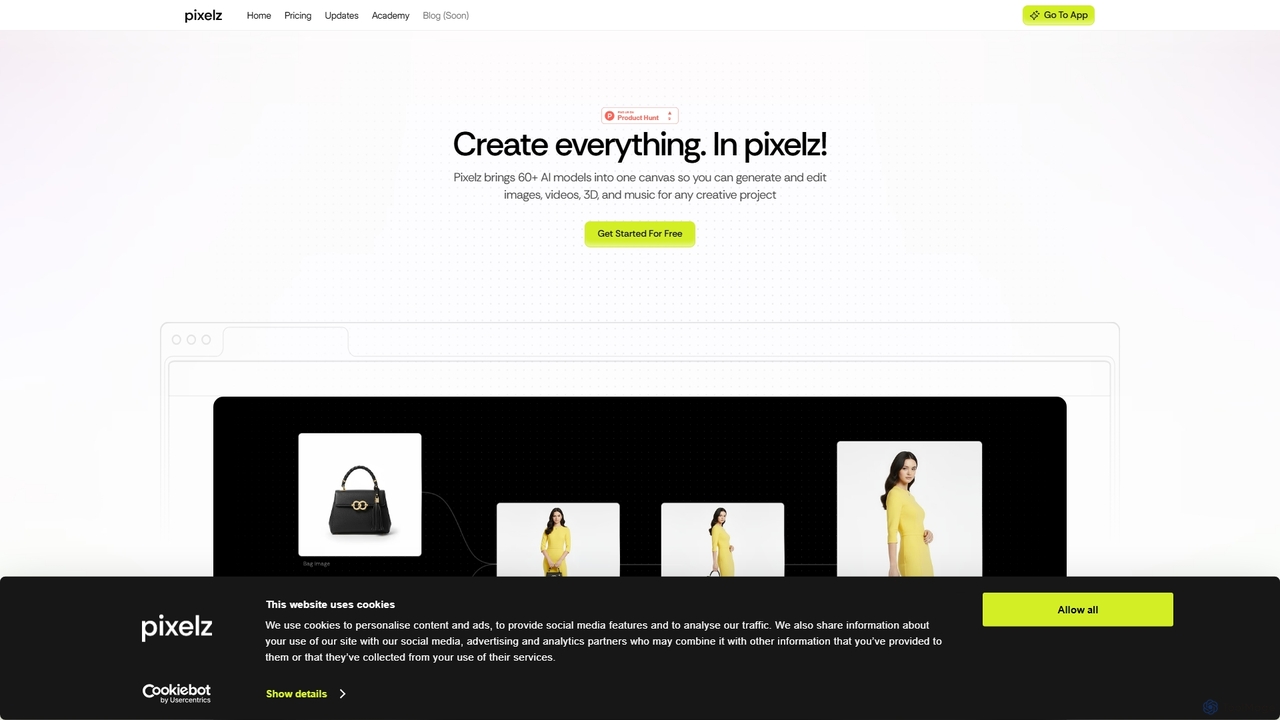
Pixelzzz

Pixelzzz

Pixelzzz is an AI creative platform designed to empower designers and teams with intelligent tools for faster and smarter creative workflows. It aims to streamline the design process, offering advanced functionalities for generating and enhancing visual content, fostering collaboration, and boosting productivity.

Team Tools
Visits 4KFavorites 133Likes 116
Sidekic
Freemium

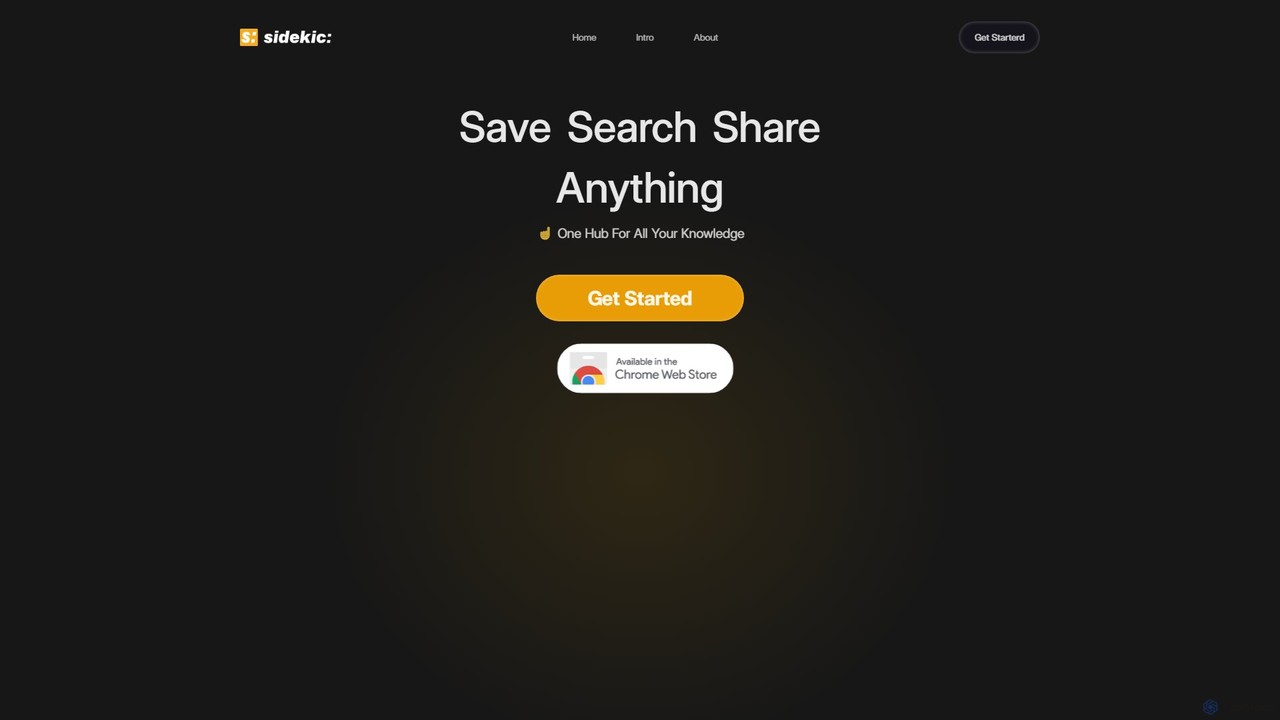
Sidekic

Sidekic is an AI-powered personal search engine that acts as your 'second brain'. It connects to all your apps and knowledge sources, allowing you to search for anything in one central hub. Save, organize, and share information effortlessly to boost your productivity and streamline collaboration.

Team Tools
Visits 3.9KFavorites 93Likes 106

About Team Tools

Team Tools are AI-powered applications designed to enhance the efficiency, communication, and collective intelligence of working groups. These tools leverage artificial intelligence to automate routine tasks, provide data-driven insights, and facilitate seamless interaction within a team, serving as a specialized subset of broader collaboration solutions. They aim to streamline workflows, improve decision-making, and foster a more cohesive and productive team environment by intelligently managing various aspects of team dynamics and project execution.

Core Features

  • Intelligent Task Automation: Automatically assigns tasks, sets deadlines, and manages dependencies based on project progress and team member availability.
  • AI-Powered Communication Analysis: Analyzes team discussions to identify key topics, sentiment, and potential roadblocks, providing actionable insights.
  • Automated Meeting Summaries: Generates concise summaries of meetings, highlights action items, and distributes notes to relevant team members.
  • Smart Knowledge Management: Organizes and retrieves team knowledge, documents, and discussions, making information easily accessible and searchable.
  • Predictive Project Management: Uses AI to forecast project timelines, identify potential risks, and suggest optimal resource allocation.

Applicable Scenarios

AI Team Tools are invaluable for agile software development teams needing dynamic task management, remote marketing teams requiring synchronized content creation and campaign tracking, and cross-functional project groups aiming to centralize communication and accelerate decision-making. They support distributed teams in maintaining cohesion and productivity, regardless of geographical location, by providing intelligent support for daily operations.

How to Choose

When selecting AI Team Tools, consider their integration capabilities with your existing tech stack (e.g., CRM, project management software), the specific AI features offered (e.g., NLP for communication, machine learning for task prediction), scalability to accommodate team growth, and robust security protocols for sensitive data. Evaluate the user interface for ease of adoption and the level of customization available to fit unique team workflows.

Featured tool rankings

Team Tools use cases

1

Automate Meeting Summaries and Action Item Tracking

For project managers and team leads, AI Team Tools can automatically transcribe meeting discussions, identify key decisions, and extract actionable tasks with assigned owners and deadlines. This eliminates manual note-taking, ensures no critical information is missed, and streamlines follow-ups, saving hours weekly and improving accountability across the team.

2

Optimize Task Assignment and Resource Allocation

In agile development or marketing teams, AI tools can analyze team members' skills, workloads, and project priorities to intelligently suggest or automate task assignments. This ensures balanced distribution of work, prevents burnout, and optimizes resource utilization, leading to faster project completion and higher team efficiency.

3

Enhance Cross-functional Knowledge Sharing

Large organizations or teams with high turnover can leverage AI Team Tools to centralize and organize vast amounts of information. AI-powered search and categorization make it easy for new hires or cross-functional members to quickly find relevant documents, discussions, and best practices, reducing onboarding time and fostering a culture of shared learning.

4

Monitor Team Sentiment and Communication Health

HR professionals or team leaders can use AI Team Tools to analyze communication patterns and sentiment within team discussions (e.g., Slack, Teams). This helps identify potential conflicts, signs of stress, or areas of low morale early, allowing for proactive intervention and fostering a more positive and supportive team environment.

5

Generate Automated Project Progress Reports

For stakeholders and senior management, AI Team Tools can automatically compile data from various project modules (tasks, deadlines, resource usage) to generate comprehensive progress reports. This provides real-time insights into project status, identifies potential delays, and ensures transparent communication without manual data aggregation.

6

Facilitate Intelligent Brainstorming and Idea Generation

Creative and product development teams can utilize AI Team Tools to kickstart brainstorming sessions. By analyzing existing data, market trends, or previous project outcomes, the AI can suggest novel ideas, identify gaps, or generate variations of concepts, stimulating creativity and accelerating the innovation process.

Team Tools FAQ

What are AI Team Tools?

AI Team Tools are specialized software applications that integrate artificial intelligence to enhance various aspects of team collaboration and productivity. They leverage AI to automate repetitive tasks, provide intelligent insights, and streamline communication, making them a powerful subset of general collaboration tools. Their core purpose is to optimize team workflows, improve decision-making, and foster a more efficient and cohesive working environment.

How do AI Team Tools differ from traditional collaboration software?

Traditional collaboration software primarily provides platforms for communication, file sharing, and basic task management. AI Team Tools go a step further by embedding intelligence: they can automate task assignments, summarize meetings, analyze communication sentiment, and even predict project risks using machine learning. This proactive, data-driven assistance is the key differentiator, transforming passive platforms into active, intelligent assistants that significantly boost team performance beyond mere coordination.

What are the key benefits of using AI Team Tools?

The primary benefits include significant time savings through automation of routine tasks like meeting summaries and report generation. They improve decision-making by providing data-driven insights into team dynamics and project progress. Enhanced communication and knowledge sharing are also crucial, as AI can organize information and identify key discussion points. Ultimately, these tools lead to increased team productivity, better resource allocation, and a more engaged and efficient workforce.

What should I consider when selecting an AI Team Tool?

When selecting an AI Team Tool, prioritize its specific AI capabilities, such as natural language processing for communication analysis or predictive analytics for project management, ensuring they align with your team's needs. Evaluate its integration with your existing software ecosystem (e.g., Slack, Jira, Google Workspace). Consider the tool's scalability for future growth, its security features to protect sensitive team data, and the user-friendliness of its interface to ensure quick adoption and maximum utilization by all team members.

Can AI Team Tools effectively support remote and hybrid teams?

Absolutely. AI Team Tools are particularly beneficial for remote and hybrid teams. They bridge geographical gaps by automating communication summaries, ensuring everyone stays informed regardless of time zones. Features like intelligent task assignment and progress tracking provide transparency and accountability in distributed environments. Furthermore, sentiment analysis can help remote leaders gauge team morale and address issues proactively, fostering a sense of connection and preventing isolation among team members.