
TabMate Overview
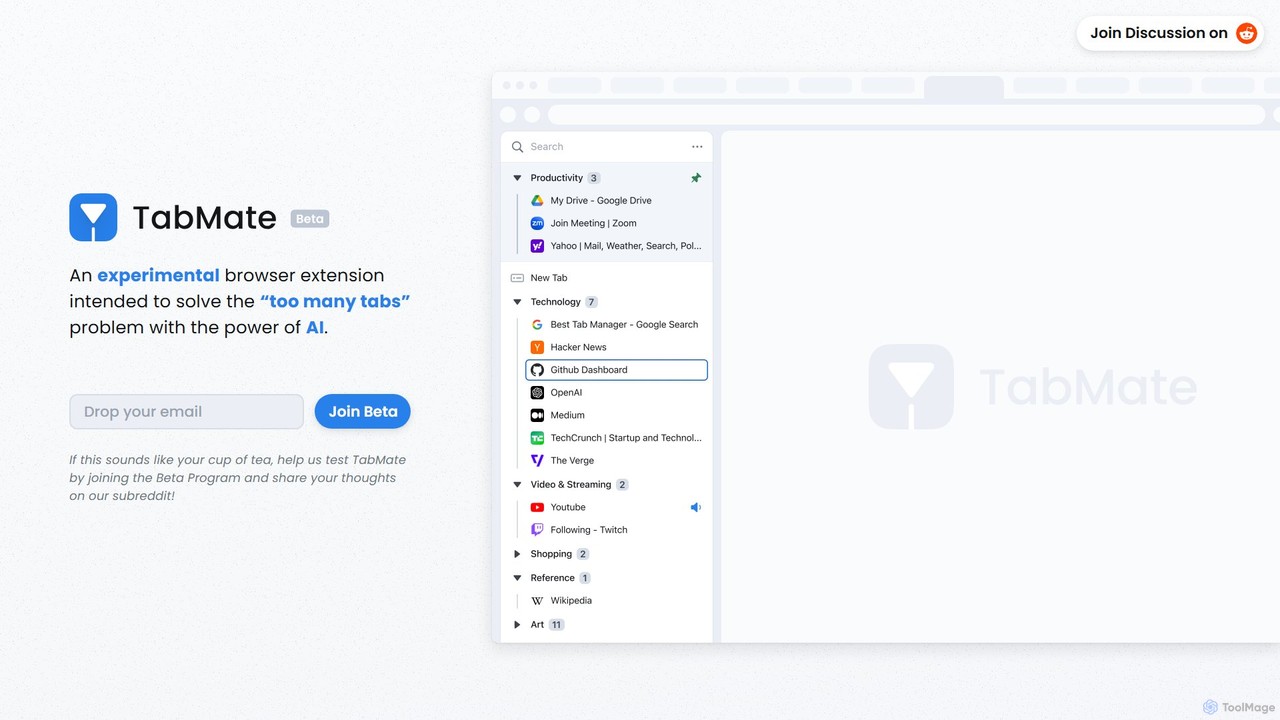
TabMate is an innovative AI-powered browser extension designed to tackle the pervasive issue of tab overload. For users who frequently find themselves with dozens or even hundreds of open tabs, TabMate offers an intelligent and automated solution to restore order and boost productivity. By leveraging artificial intelligence, the extension analyzes the content of your open tabs and automatically groups them into relevant, customizable categories. This means you can say goodbye to manually sorting tabs or losing important pages in a sea of clutter. TabMate works seamlessly in the background, allowing you to browse as you normally would, while it intelligently organizes your digital workspace.
The core philosophy behind TabMate is to combine powerful automation with intuitive user control. While the AI handles the heavy lifting of categorization, you retain full authority to fine-tune the organization to your specific needs. You can create custom groups, pin essential tabs and groups for quick access, and use labels and colors to visually distinguish between different contexts, such as work projects, research topics, or personal interests. This hybrid approach ensures that your browser environment is not only tidy but also perfectly aligned with your personal workflow.
How to use TabMate
Getting started with TabMate is a simple, three-step process designed for maximum efficiency:
- Install and Browse: Install the TabMate extension in your Chrome or Chromium-based browser (like Edge, Brave, or Vivaldi). Once installed, continue browsing the web as you always do. Open as many tabs as you need for your tasks without worrying about the clutter.
- Let AI Do the Magic: TabMate's AI engine works in the background to analyze your open tabs. Based on their content, titles, and domains, it automatically sorts them into logical groups. For example, it might group all your Google Docs into a "Work" category, news articles into a "Reading" category, and YouTube videos into an "Entertainment" category.
- Organize and Customize: Review the AI-generated groups. You can leave them as they are, or take control. Drag and drop tabs between groups, rename categories, merge groups, or create nested, tree-like structures for more complex projects. Use features like pinning, color-coding, and keyboard shortcuts to further personalize your setup and access what you need in seconds.
Core Features of TabMate
- AI-Powered Auto-Categorization: The standout feature that intelligently analyzes and groups your tabs based on their content and context, saving you significant time and mental energy.
- Customizable Groups: Don't just rely on the AI. You have full control to create, rename, merge, and delete groups to match your workflow.
- Pin Tabs & Groups: Keep your most important websites and tab groups at the top for instant access, ensuring they don't get lost in the shuffle.
- Nested Groups (Tree Structure): Organize your tabs hierarchically. Create main categories with sub-groups inside, perfect for managing complex projects with multiple components.
- Group by Date & Domain: In addition to AI categorization, you can quickly group tabs by when they were opened or by their website domain for different organizational views.
- Text & Color Labels: Apply visual tags to your groups, much like labeling physical storage bins, making it easier to identify different contexts at a glance.
- Keyboard Shortcuts: Navigate and manage your tabs without ever taking your hands off the keyboard, catering to power users who value speed and efficiency.
- Dark & Black Mode: Aesthetically pleasing and easy on the eyes, perfect for late-night work or browsing sessions.
Use Cases for TabMate
TabMate is a versatile tool for a wide range of users:
- Researchers and Students: Automatically group tabs by research topics, academic papers, sources, and subjects. Create nested groups for a thesis or a large project with different chapters or sections.
- Professionals and Project Managers: Maintain separate, organized groups for different clients, projects, or internal tasks (e.g., 'Client A Marketing', 'Client B Development', 'Q3 Financials').
- Content Creators and Writers: Keep inspiration, research, drafts, and social media tabs neatly separated for each piece of content.
- Casual Browsers: Effortlessly separate personal browsing, such as shopping, news, recipes, and travel planning, from work-related tabs.
Advantages of TabMate
The primary advantage of TabMate is its ability to reduce cognitive load and increase focus. By automating the tedious task of tab management, it frees up your mental resources to concentrate on what's important. Its combination of smart AI and granular user control provides a flexible system that adapts to you, not the other way around. The clean, organized interface leads to a less stressful and more productive browsing experience. Furthermore, its support for keyboard shortcuts and various customization options makes it a powerful tool for any serious multitasker.
Pricing and Plans
TabMate is currently in its Beta phase and is available for free. Users can sign up for the Beta Program to get early access and help shape the future of the tool. Official pricing and plans have not been announced yet, but this model often leads to a future freemium structure with a free basic tier and paid premium features.
Traffic
Latest traffic
Status
Monthly traffic trend
- 2025-9: 1.3K
- 2026-1: 811
- 2026-2: 252
- 2026-3: 848
- 2026-4: 1.1K
- 2026-5: 3.5K
Geography
Top 5 countries / regions
- 🇺🇸United States44.8%
- 🇮🇩Indonesia28.2%
- 🇦🇺Australia19.3%
- 🇫🇷France7.7%
Top keywords
| Keyword | Cost per click |
|---|---|
| tabmate | $0.30 |
TabMate Alternatives
Side Space
Side Space is an AI-powered vertical tabs manager for your browser. It transforms your tab chaos into organized 'Spaces' within a side panel, using AI to automatically group tabs, save memory, and sync your workflow across devices for a focused and productive browsing experience.
Browser Extension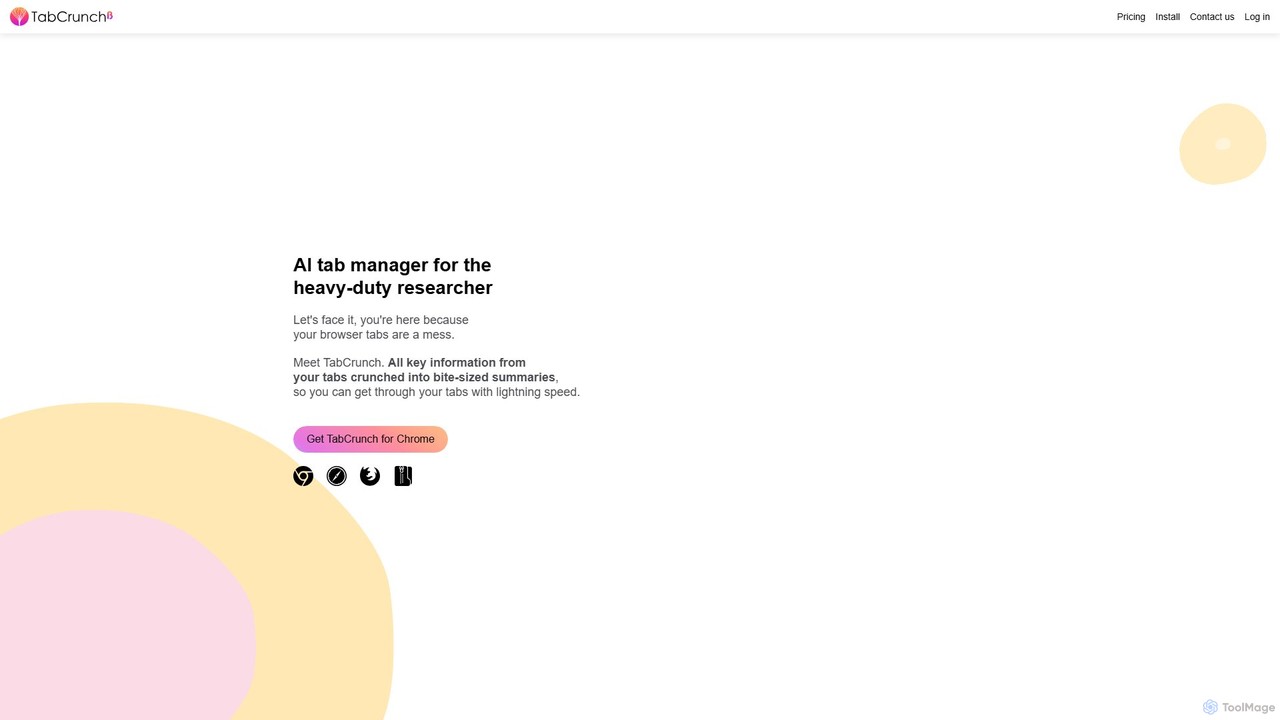
TabCrunch
TabCrunch is an AI-powered browser extension designed for heavy-duty researchers and professionals. It automatically organizes messy browser tabs into relevant groups, provides concise summaries for each tab and group, extracts key information, and helps you navigate your research with lightning speed.
Browser Extensions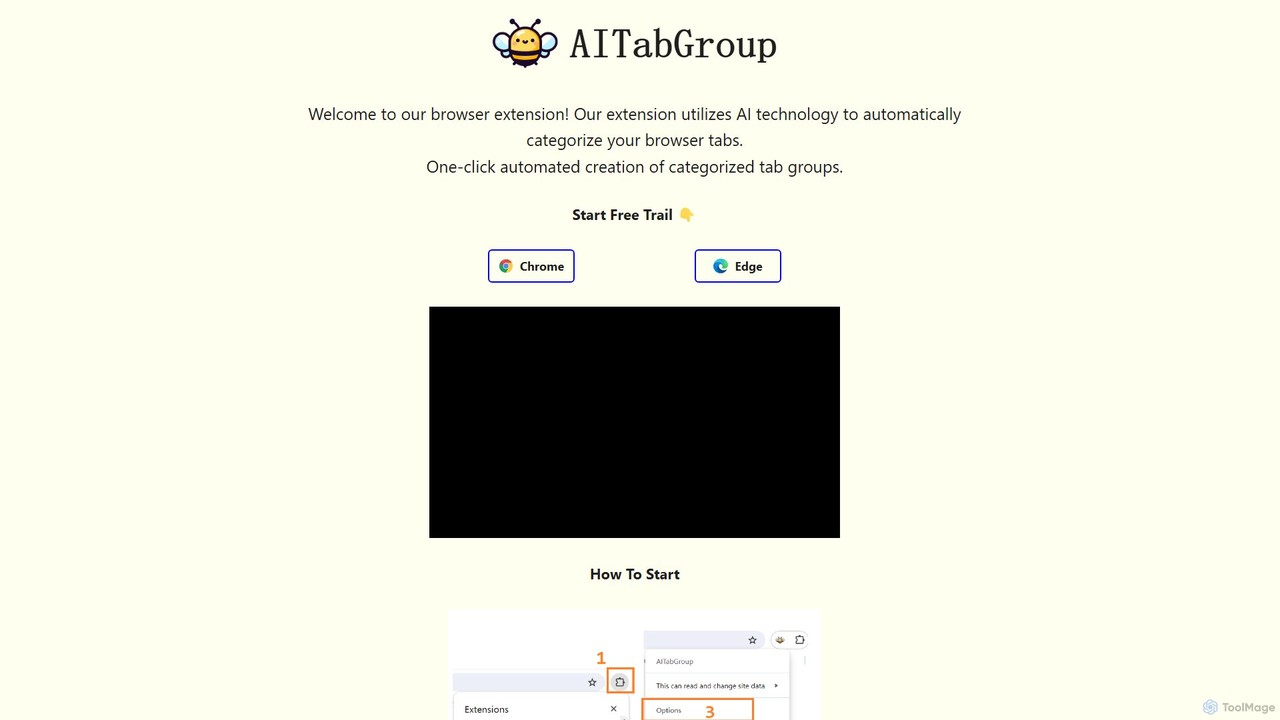
AI Tab Group
AI Tab Group is an intelligent browser extension for Chrome and Edge that uses AI to automatically categorize and group your open tabs. With a single click, it eliminates tab clutter, organizes your workspace, and boosts productivity. Pro features include hierarchical views and exporting sessions to Markdown or bookmarks.
Browser Extension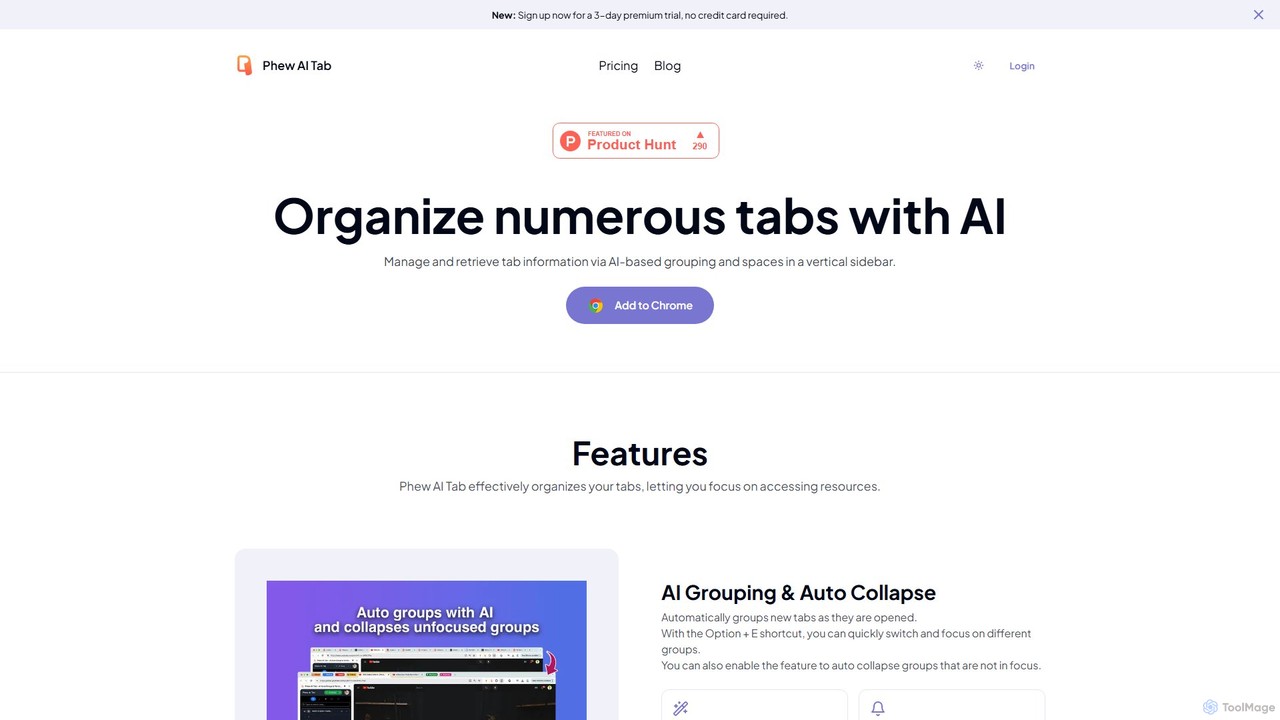
Phew AI Tab
Phew AI Tab is an intelligent browser extension that revolutionizes tab management. It uses AI to automatically group, analyze, and summarize your tabs, transforming them into a searchable knowledge base. With features like cloud-synced "Spaces," vertical tabs, and robust privacy protection including local encryption and self-hosting options, Phew AI Tab helps you stay focused, organized, and productive across all your devices.
Personal
ChatGPT EVO
ChatGPT EVO is a powerful suite of open-source browser extensions and userscripts designed to augment your web experience. It seamlessly integrates AI functionalities from models like ChatGPT into your daily browsing, including search engines, e-commerce sites, and the browser's address bar, boosting productivity and providing instant information.
Code AssistantTabMate Categories
TabMate Embed Widget
Copy this embed code to place the badge on your blog, article, or product site and send readers directly to this ToolMage detail page.

Related AI tools
Side Space
Side Space is an AI-powered vertical tabs manager for your browser. It transforms your tab chaos into organized 'Spaces' within a side panel, using AI to automatically group tabs, save memory, and sync your workflow across devices for a focused and productive browsing experience.
Browser ExtensionAI Tab Group
AI Tab Group is an intelligent browser extension for Chrome and Edge that uses AI to automatically categorize and group your open tabs. With a single click, it eliminates tab clutter, organizes your workspace, and boosts productivity. Pro features include hierarchical views and exporting sessions to Markdown or bookmarks.
Browser ExtensionPhew AI Tab
Phew AI Tab is an intelligent browser extension that revolutionizes tab management. It uses AI to automatically group, analyze, and summarize your tabs, transforming them into a searchable knowledge base. With features like cloud-synced "Spaces," vertical tabs, and robust privacy protection including local encryption and self-hosting options, Phew AI Tab helps you stay focused, organized, and productive across all your devices.
Personal
8n Docs
8n Docs is a Chrome Extension that instantly transforms n8n workflows into clear, AI-generated documentation. Simply upload your workflow JSON to get comprehensive and easy-to-understand documentation, streamlining your development and knowledge sharing processes.
Technical WritingTabCrunch
TabCrunch is an AI-powered browser extension designed for heavy-duty researchers and professionals. It automatically organizes messy browser tabs into relevant groups, provides concise summaries for each tab and group, extracts key information, and helps you navigate your research with lightning speed.
Browser ExtensionsChatGPT EVO
ChatGPT EVO is a powerful suite of open-source browser extensions and userscripts designed to augment your web experience. It seamlessly integrates AI functionalities from models like ChatGPT into your daily browsing, including search engines, e-commerce sites, and the browser's address bar, boosting productivity and providing instant information.
Code Assistant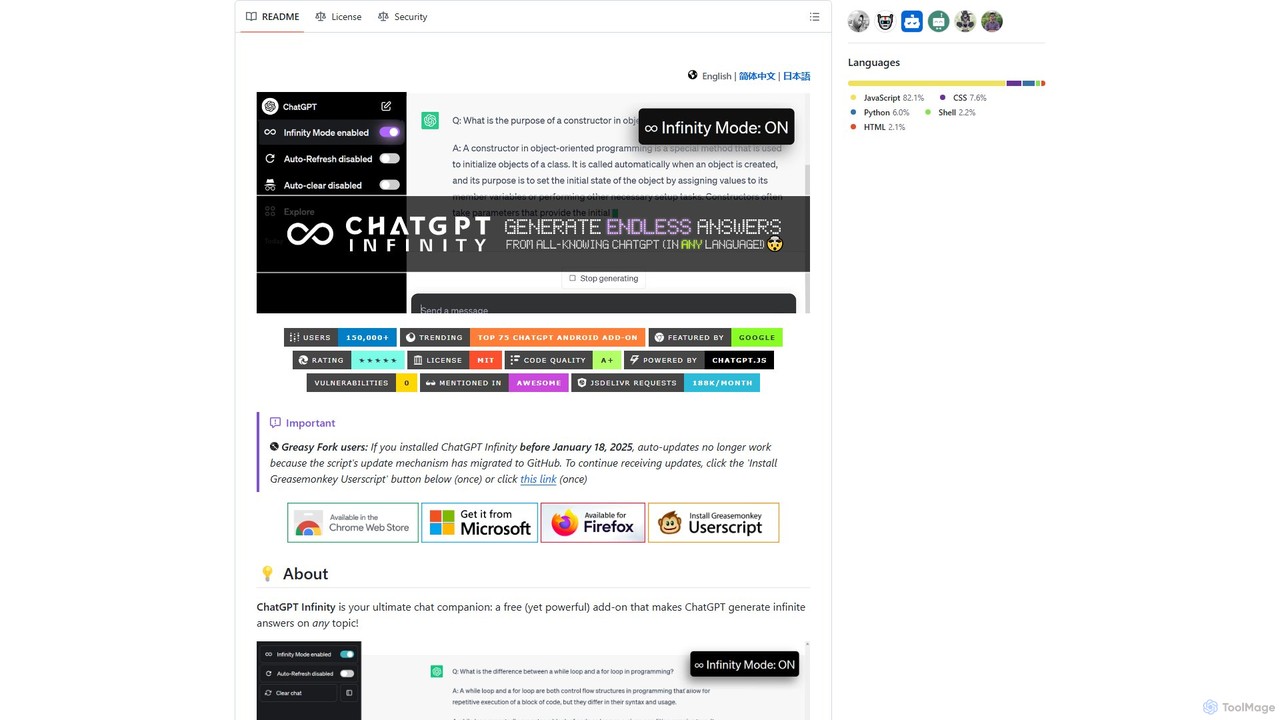
chatgpt-infinity
ChatGPT Infinity is a powerful browser extension that enables ChatGPT to generate endless, continuous answers on any topic you choose. It offers features like customizable topics, multilingual output, adjustable response speed, and auto-scrolling for a seamless, in-depth exploration experience. Ideal for researchers, writers, and learners.
Research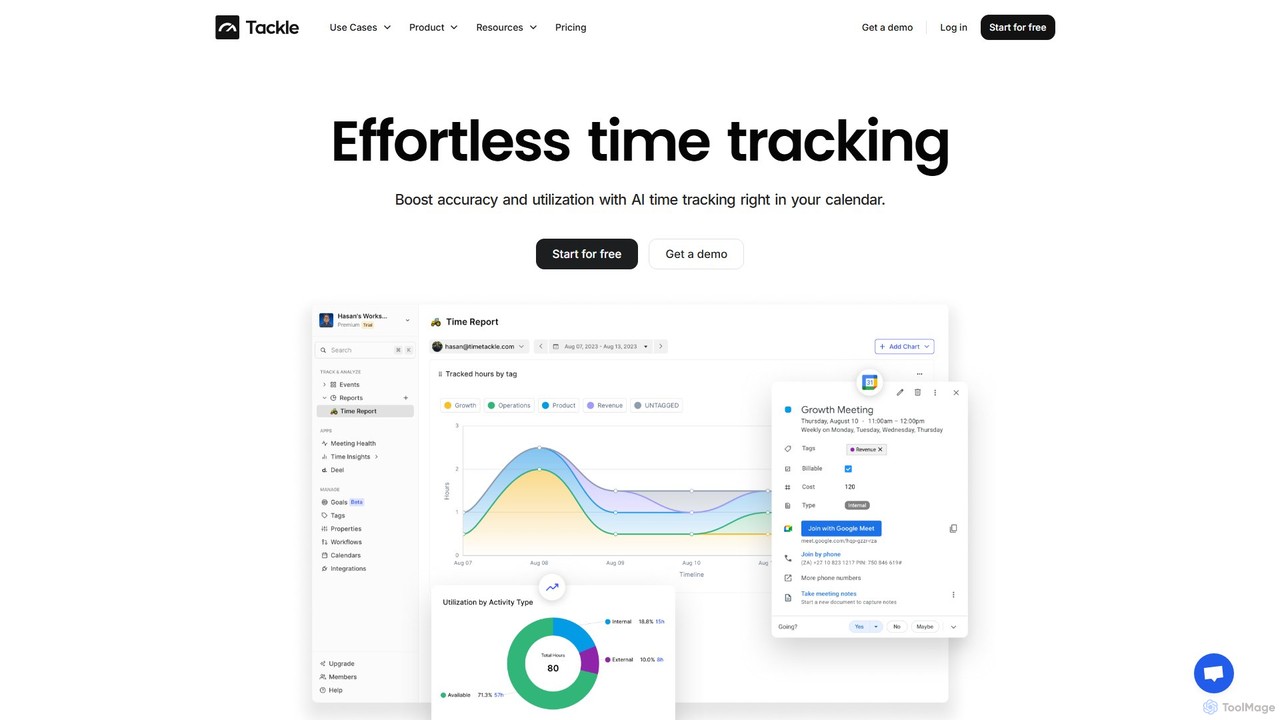
timetackle
timetackle is an AI-powered time tracking software that integrates seamlessly with Google and Outlook calendars. It automates activity logging, provides intelligent insights, and offers customizable reporting to help teams and individuals optimize productivity, improve resource allocation, and align daily tasks with strategic goals. Effortlessly track time and gain actionable data without leaving your calendar.
Analytics
GPTPLUS
GPTPLUS is a powerful browser extension that integrates ChatGPT as a convenient sidebar. It offers one-click text processing, a rich library of prompt templates, and advanced AI assistance for writing, translation, and research directly within your browser, boosting productivity and streamlining your workflow.
Browser Extensions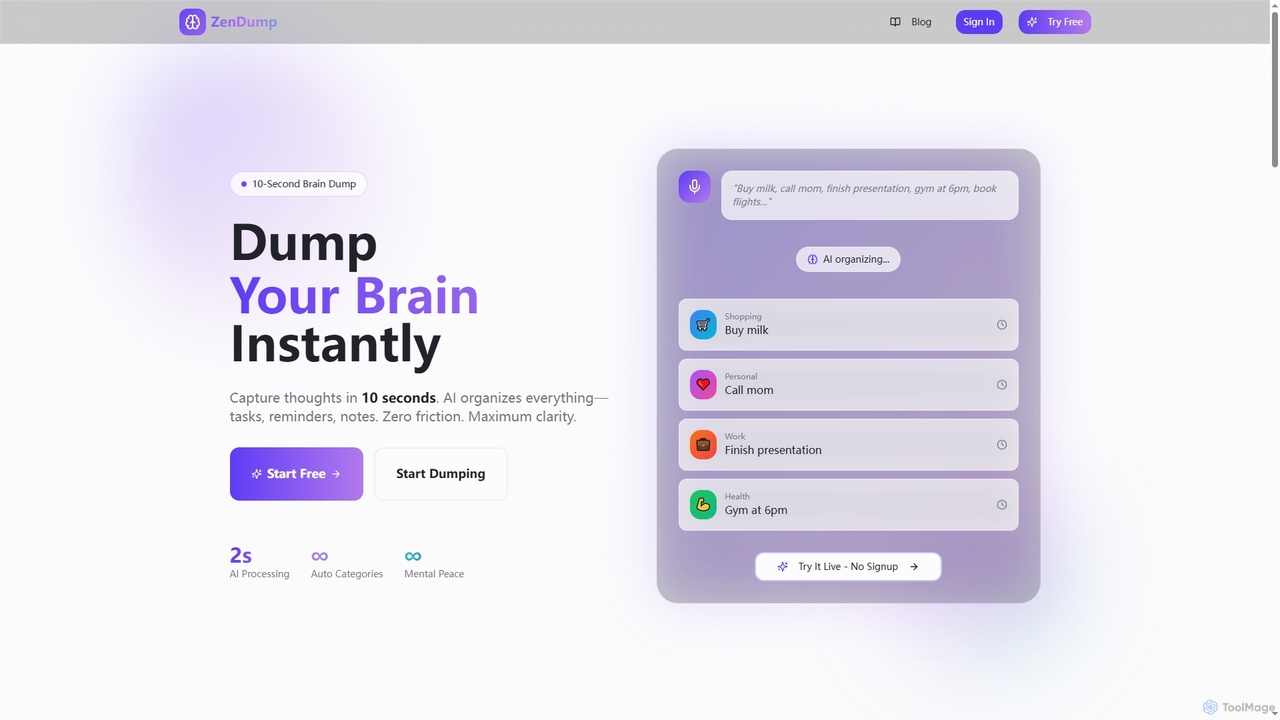
ZenDump
ZenDump is an AI-powered brain dump and task manager designed to transform mental chaos into organized clarity. Capture thoughts in 10 seconds, get instant AI categorization, smart prioritization, and multi-channel reminders to boost your productivity effortlessly.
Collaboration
Arc
Arc is a revolutionary browser by The Browser Company, designed to be a smart, organized, and private alternative to Chrome. It integrates AI features to enhance productivity, offers unique organization tools like Spaces and Split View, and provides a seamless, ad-free experience across desktop and mobile.
Search Assistant
NopeCHA
NopeCHA is an AI-powered CAPTCHA solver that automates the process of bypassing human verification tests. Available as a browser extension and a developer API, it offers a fast, affordable, and undetectable solution for various CAPTCHA types, including reCAPTCHA, FunCAPTCHA, and Cloudflare Turnstile.
Utilities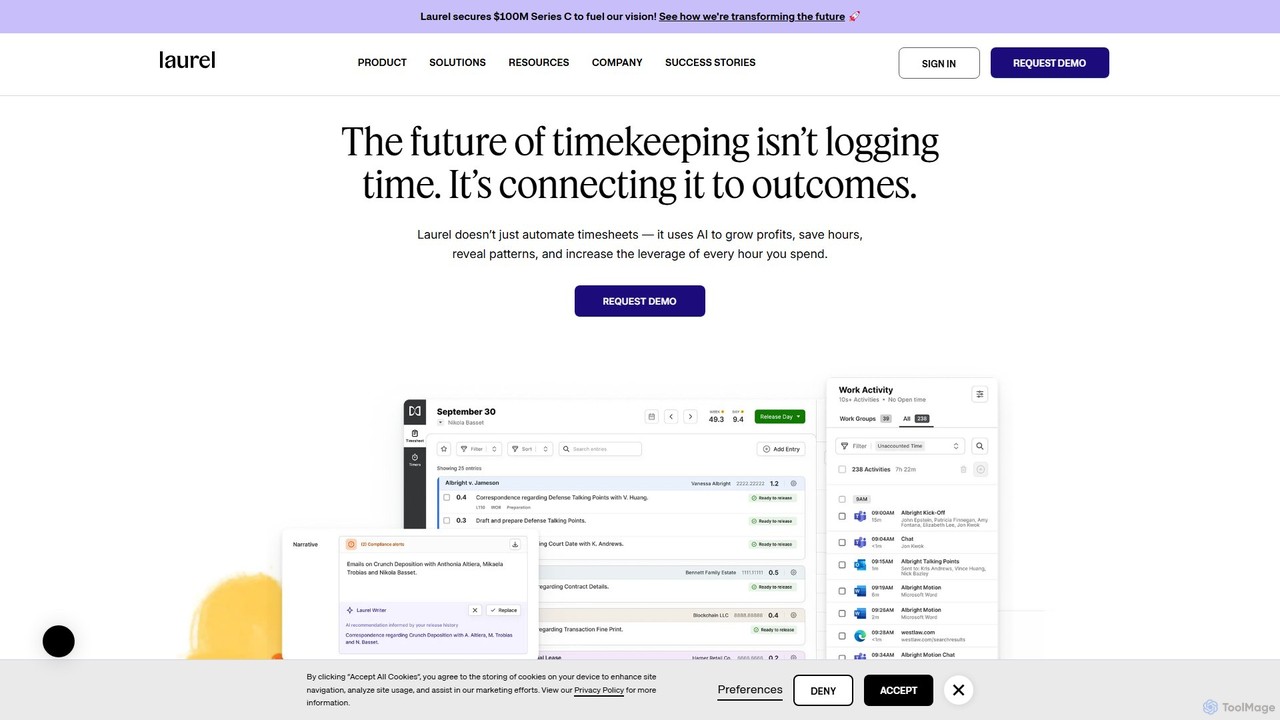
Laurel
Laurel is an AI-powered time intelligence platform that automates timekeeping for professional services firms like law and accounting. It goes beyond simple time tracking by connecting time to business outcomes, helping firms recover lost billable hours, increase profitability, and gain deep operational insights to optimize pricing and resource allocation.
Analytics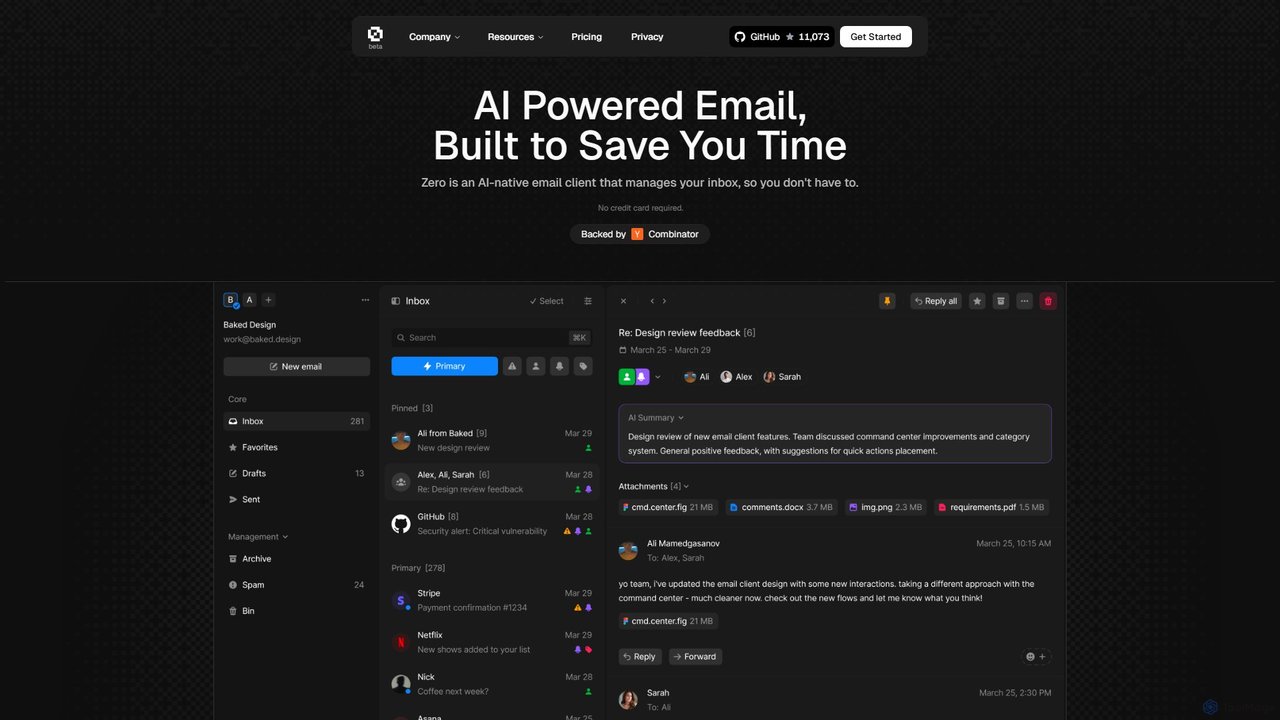
Zero
Zero is an AI-native email client designed to save you time. It automatically manages your inbox by summarizing threads, drafting replies, and extracting action items, allowing you to process emails at lightning speed with a keyboard-first interface.
Personal Assistant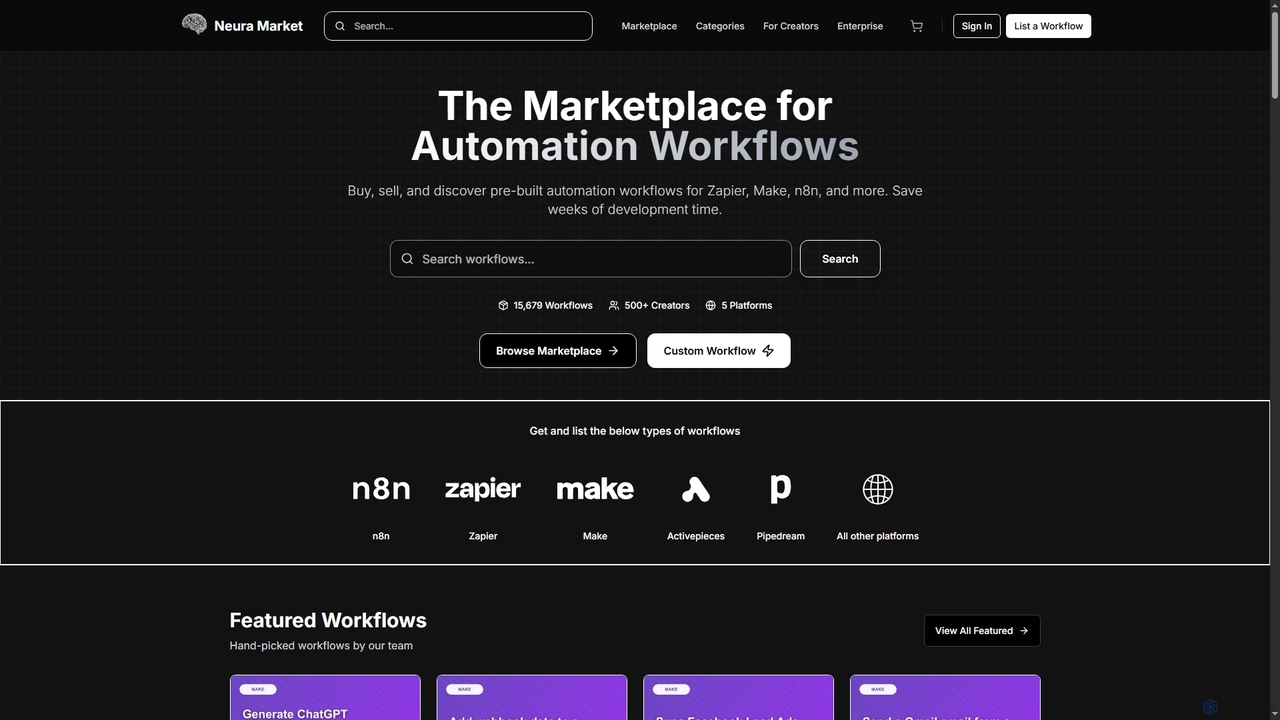
Neura
Neura is the leading marketplace for discovering, buying, and selling pre-built automation workflows. It empowers individuals and enterprises to streamline operations, integrate AI tools like ChatGPT, and save significant development time across platforms such as Zapier, Make, and n8n. With a vast library of workflows and a robust creator ecosystem, Neura simplifies complex automation tasks for various business needs.
Workflow Automation
TabMate Comments (0)
Sign in to comment.
Sign inNo comments yet.