

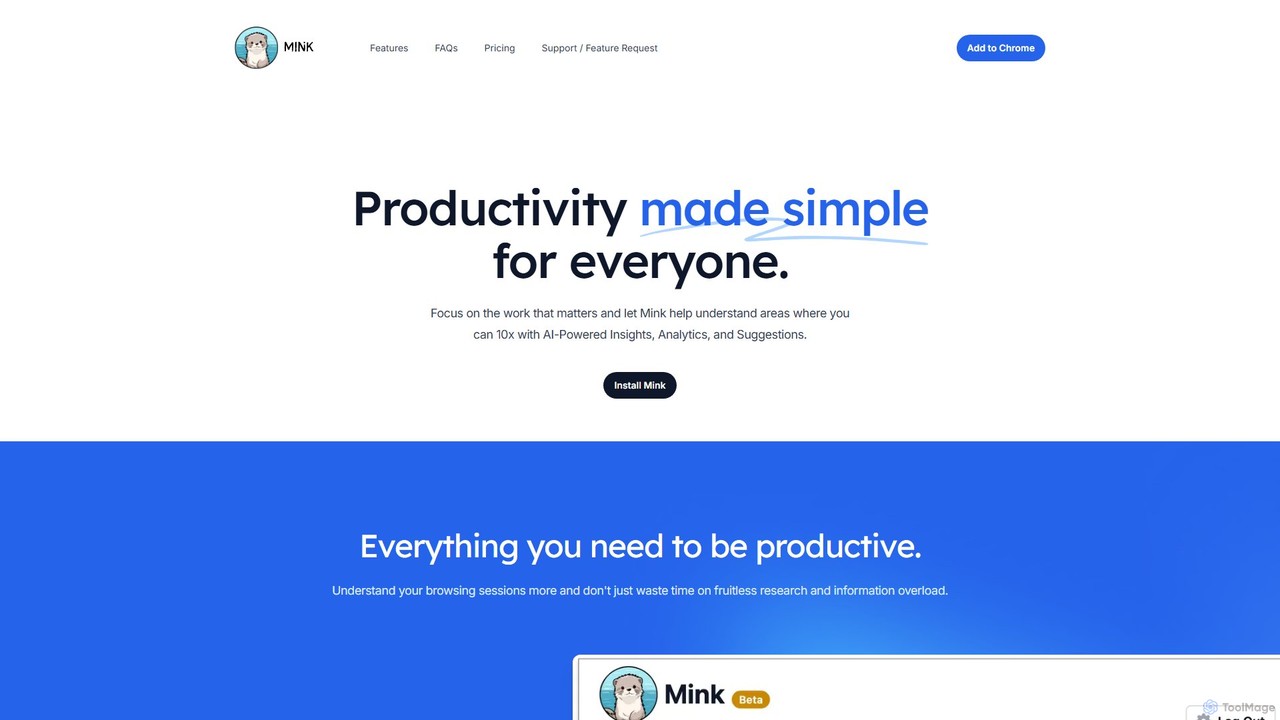
Mink Overview
Mink is a sophisticated AI-powered browser co-pilot engineered to revolutionize your productivity and simplify your digital life. In an era of information overload and constant digital distractions, Mink acts as your intelligent assistant, helping you focus on what truly matters. It meticulously tracks and analyzes your browsing sessions, transforming raw data into actionable insights, comprehensive analytics, and personalized suggestions to help you achieve a 10x improvement in your efficiency.
The core philosophy of Mink is to make productivity accessible to everyone. It operates discreetly in the background, learning from your habits to provide increasingly accurate and helpful recommendations. By highlighting unproductive patterns and suggesting better workflows, Mink empowers you to take control of your time and attention, turning fruitless research into focused, effective work.
How to use Mink
Getting started with Mink is designed to be a seamless and straightforward process:
- Installation: Mink is a browser extension. Simply navigate to the official website or your browser's extension store, find Mink, and click 'Install' or 'Add to Browser'. The installation takes just a few seconds.
- Initial Setup: Once installed, Mink begins working immediately. You can access its dashboard by clicking the Mink icon in your browser's toolbar. Here, you can customize settings to your preference, such as the duration of history to be stored (up to 30 days).
- Automatic Analysis: Let Mink run in the background as you browse the web. It will automatically collect data on your browsing patterns, websites visited, and time spent on each page. All this data is stored locally for your privacy.
- Review Insights & Analytics: Regularly check the Mink dashboard to view your personalized insights and analytics. Understand where your time is going, identify your most productive hours, and discover which sites are your biggest time sinks.
- Implement Suggestions: Act on the AI-generated suggestions to improve your habits. Mink might recommend blocking certain distracting sites during work hours or suggest alternative resources for your research.
- Use Daily Digests: Enable the daily email digest feature to receive a summary of your browsing activity, helping you stay accountable and plan for a more productive day ahead.
Core Features of Mink
- AI-Powered Insights: Mink uses artificial intelligence to analyze your browsing history and generate highly relevant, actionable insights. It learns and adapts over time, providing more precise recommendations the more you use it.
- In-Depth Analytics: Get a comprehensive breakdown of your online habits. The analytics dashboard visualizes where you spend your time, helping you determine if you're on the right track and identify areas for improvement.
- Personalized Suggestions: Based on your unique browsing patterns, Mink offers tailored suggestions to enhance your productivity, such as time management techniques or alternative, more efficient workflows.
- Daily Email Digests: Receive a concise daily summary of your online activities directly in your inbox. This feature helps you keep track of your progress, reflect on your day, and plan for the next.
- Local Data Storage & Privacy: Your privacy is paramount. All your browsing data is stored locally on your browser and is never uploaded to external servers, giving you full control and security over your personal information.
- Content Summarization: The tool includes an AI summarization feature, allowing you to quickly grasp the key points of articles and web pages, saving valuable research time. The free plan includes 5 summaries per month.
Use Cases for Mink
Mink is a versatile tool suitable for a wide range of users:
- Students and Researchers: To streamline research, avoid information overload, and track time spent on academic work versus leisure. The summarization feature is particularly useful for quickly reviewing papers and articles.
- Professionals and Freelancers: To monitor time spent on different projects, block distracting websites during work hours, and maintain a high level of focus to meet deadlines.
- Entrepreneurs and Managers: To analyze personal work patterns, optimize daily schedules, and lead by example in fostering a culture of productivity.
- Anyone Seeking Self-Improvement: For individuals looking to understand their digital habits, reduce procrastination, and build a more intentional and productive relationship with technology.
Advantages of Mink
Mink stands out by offering a unique combination of features focused on user empowerment:
- Enhanced Productivity: The core benefit is a significant boost in productivity through data-driven self-awareness.
- Improved Focus: By identifying and helping to manage distractions, Mink allows you to concentrate on deep work.
- Data-Driven Self-Improvement: Provides concrete data to help you understand and change your habits for the better.
- Unwavering Privacy: With its local-only data storage policy, users can be confident their browsing habits remain private.
- Simplicity and Ease of Use: The tool is designed to be intuitive and requires minimal setup, making productivity enhancement accessible to all.
Pricing and Plans
Mink believes in simple, accessible pricing for everyone.
- Starter Plan (Free): Get started with Mink at no cost. This plan includes:
- Full control over your settings.
- All data stored locally in your browser.
- 5 Free AI-powered summaries per month.
- Up to 7 days of browsing history tracking (configurable up to 30 days in settings).
- Tracking for up to 10,000 websites.
The company has indicated that it may introduce subscription fees or ads in the future to support the service, but the core functionality is currently available for free.
Traffic
Latest traffic
Status
Monthly traffic trend
- 2025-9: 414
- 2026-1: 0
- 2026-2: 192
- 2026-3: 1.5K
- 2026-4: 123
- 2026-5: 870
Geography
Top 5 countries / regions
- 🇻🇳Vietnam61.3%
- 🇲🇲Myanmar (Burma)38.7%
Mink Alternatives
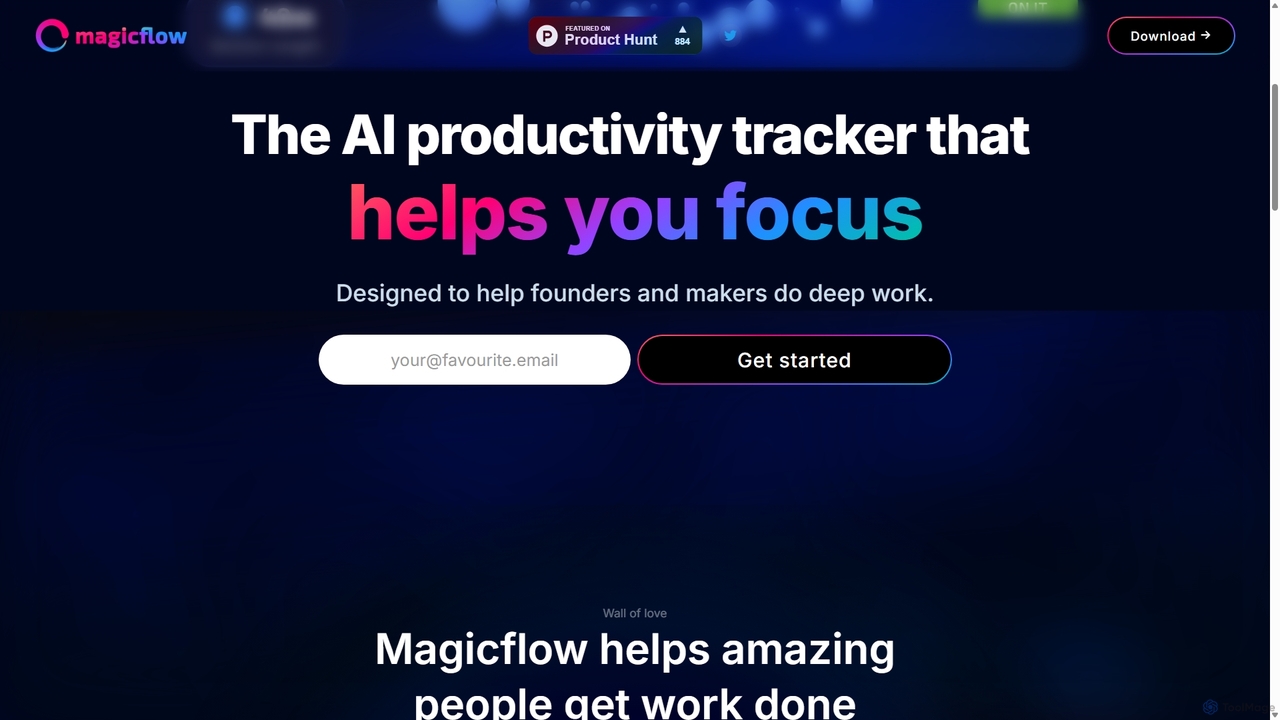
Magicflow
Magicflow is your personal AI productivity coach, designed to help you achieve deep focus and optimize your work habits. It goes beyond simple time tracking by analyzing your patterns, identifying distractions, and providing actionable insights to improve your efficiency, well-being, and help you enter a state of 'flow'.
Wellness Tracking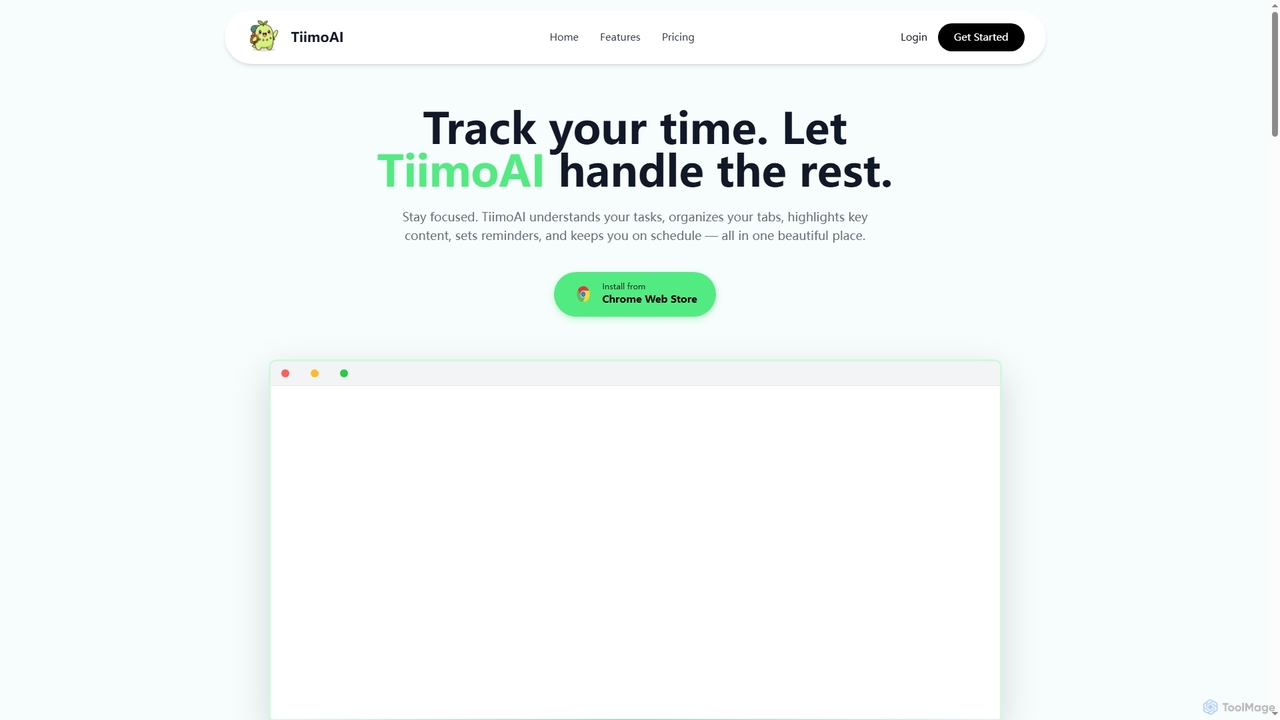
TiimoAI
TiimoAI is an AI-powered Chrome extension designed to enhance productivity by intelligently tracking time, organizing browser tabs, and fostering deep focus. It provides detailed analytics on work patterns, helping users understand and optimize their daily output and achieve long-term goals.
Productivity Tracking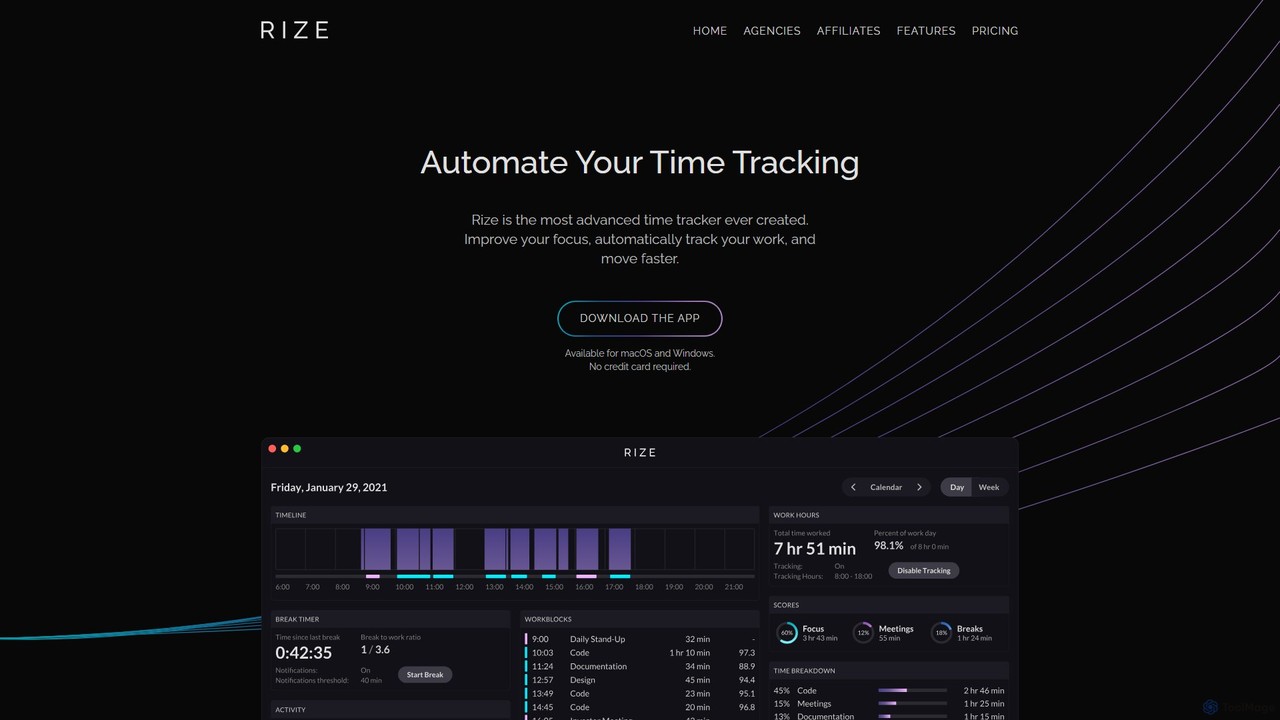
Rize
Rize is an intelligent, AI-powered time tracking application designed to boost your productivity and focus. It automatically monitors your computer activity without manual timers, providing deep insights into how you spend your time. Rize helps you build better work habits, prevent burnout with smart notifications, and achieve a healthier work-life balance. It's the ultimate fitness app for your productivity, tailored for founders, freelancers, managers, and anyone looking to optimize their workflow.
Personal Analytics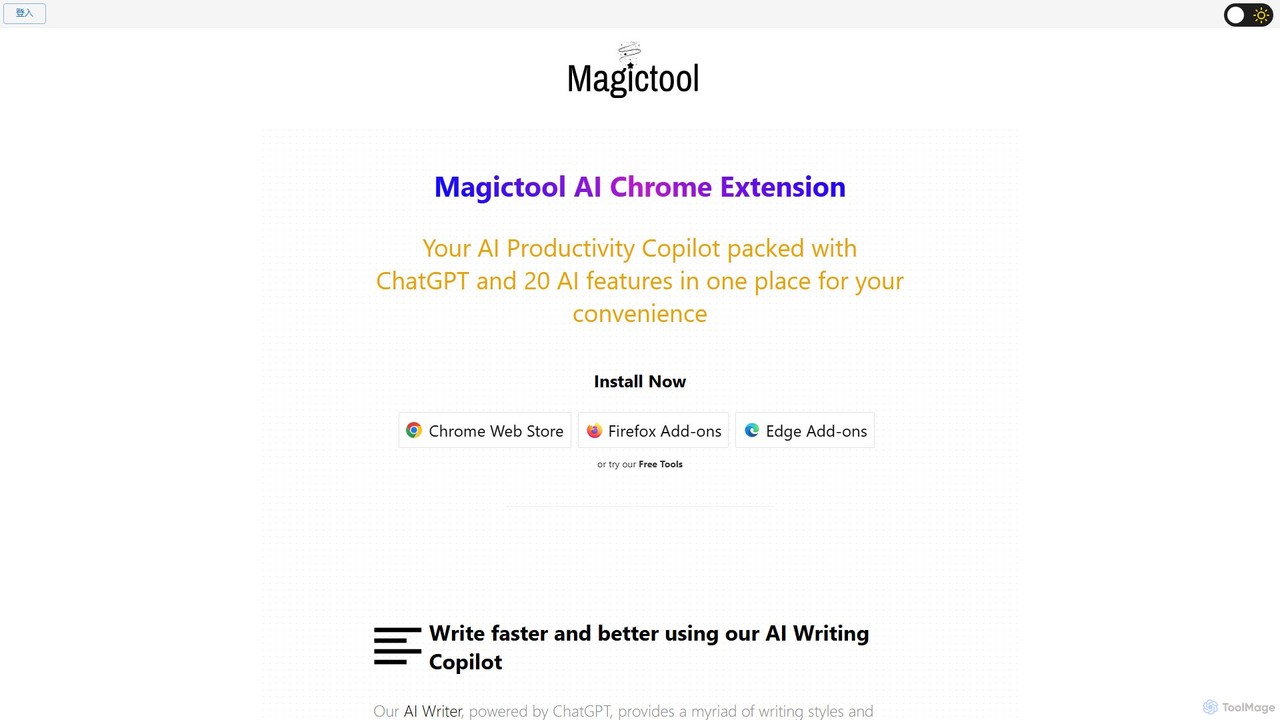
Magic Tool AI
Magic Tool AI is an all-in-one productivity browser extension that integrates ChatGPT and over 20 AI features. It acts as your personal copilot, helping you write better and faster, summarize YouTube videos and articles, chat with PDFs, scrape web data, generate images, and much more, all within your browser.
Browser Extension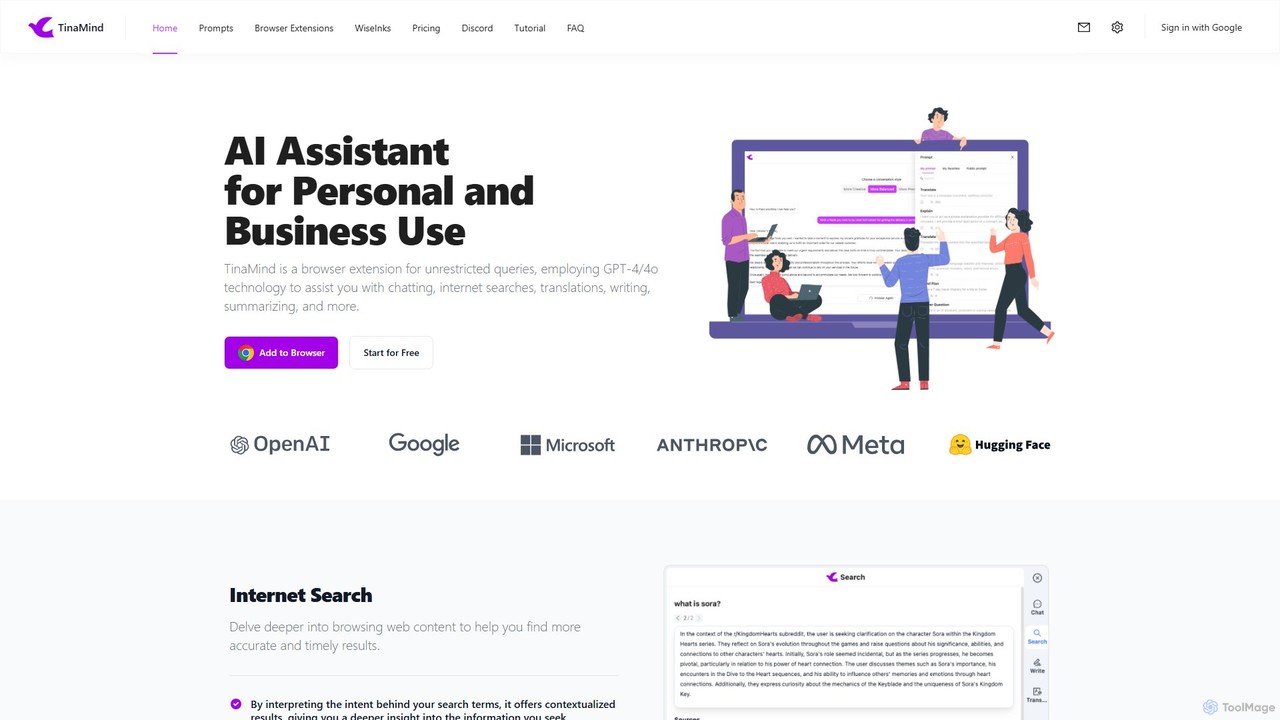
TinaMind
TinaMind is an AI-powered browser extension that enhances your productivity with GPT-4/4o. It acts as an all-in-one assistant for intelligent web search, document and YouTube summarization, content writing, high-quality translation, and efficient prompt management. Seamlessly integrated into your browser, it streamlines your workflow for both personal and business use.
Browser ExtensionMink Categories
Mink Embed Widget
Copy this embed code to place the badge on your blog, article, or product site and send readers directly to this ToolMage detail page.

Related AI tools
Magicflow
Magicflow is your personal AI productivity coach, designed to help you achieve deep focus and optimize your work habits. It goes beyond simple time tracking by analyzing your patterns, identifying distractions, and providing actionable insights to improve your efficiency, well-being, and help you enter a state of 'flow'.
Wellness TrackingTiimoAI
TiimoAI is an AI-powered Chrome extension designed to enhance productivity by intelligently tracking time, organizing browser tabs, and fostering deep focus. It provides detailed analytics on work patterns, helping users understand and optimize their daily output and achieve long-term goals.
Productivity TrackingRize
Rize is an intelligent, AI-powered time tracking application designed to boost your productivity and focus. It automatically monitors your computer activity without manual timers, providing deep insights into how you spend your time. Rize helps you build better work habits, prevent burnout with smart notifications, and achieve a healthier work-life balance. It's the ultimate fitness app for your productivity, tailored for founders, freelancers, managers, and anyone looking to optimize their workflow.
Personal AnalyticsMagic Tool AI
Magic Tool AI is an all-in-one productivity browser extension that integrates ChatGPT and over 20 AI features. It acts as your personal copilot, helping you write better and faster, summarize YouTube videos and articles, chat with PDFs, scrape web data, generate images, and much more, all within your browser.
Browser ExtensionTinaMind
TinaMind is an AI-powered browser extension that enhances your productivity with GPT-4/4o. It acts as an all-in-one assistant for intelligent web search, document and YouTube summarization, content writing, high-quality translation, and efficient prompt management. Seamlessly integrated into your browser, it streamlines your workflow for both personal and business use.
Browser Extension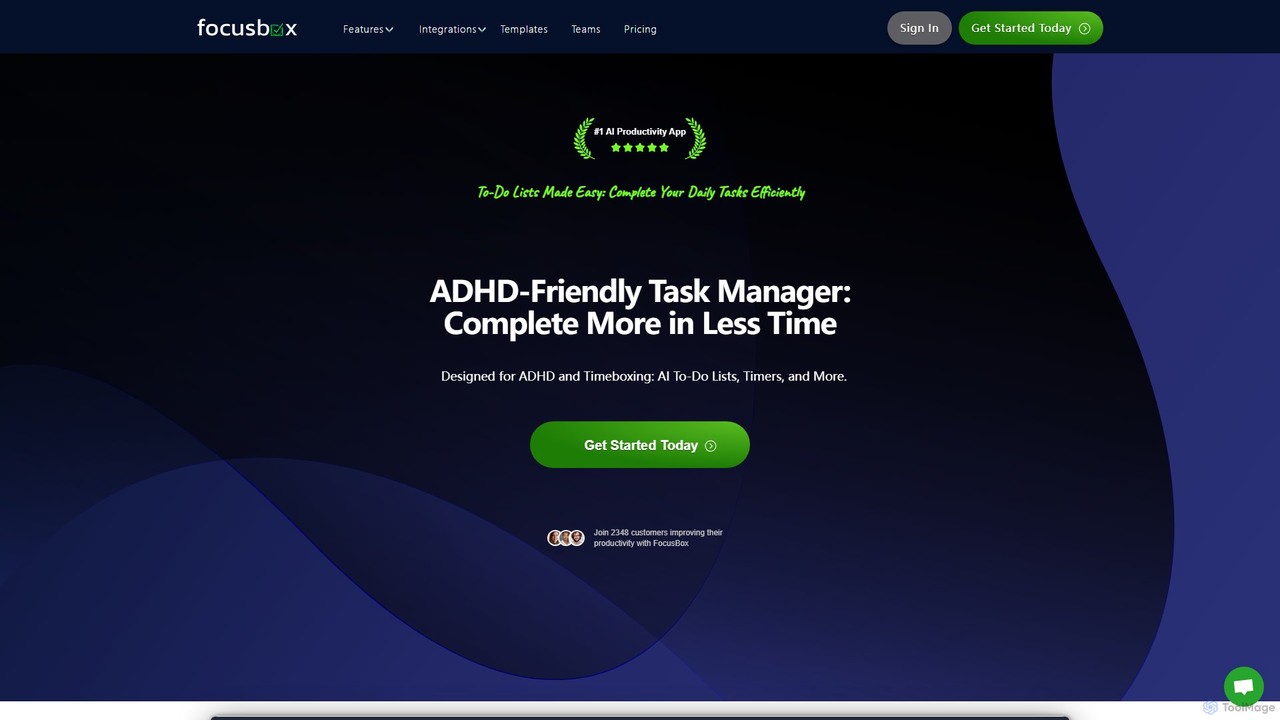
FocusBox
FocusBox is an AI-powered productivity app designed for ADHD and timeboxing. It creates smart to-do lists, uses timers to enhance focus, and offers features like ambient sounds and celebration modes to boost motivation. Ideal for individuals and teams looking to minimize distractions and complete tasks efficiently.
Mental Health
Side Space
Side Space is an AI-powered vertical tabs manager for your browser. It transforms your tab chaos into organized 'Spaces' within a side panel, using AI to automatically group tabs, save memory, and sync your workflow across devices for a focused and productive browsing experience.
Browser Extension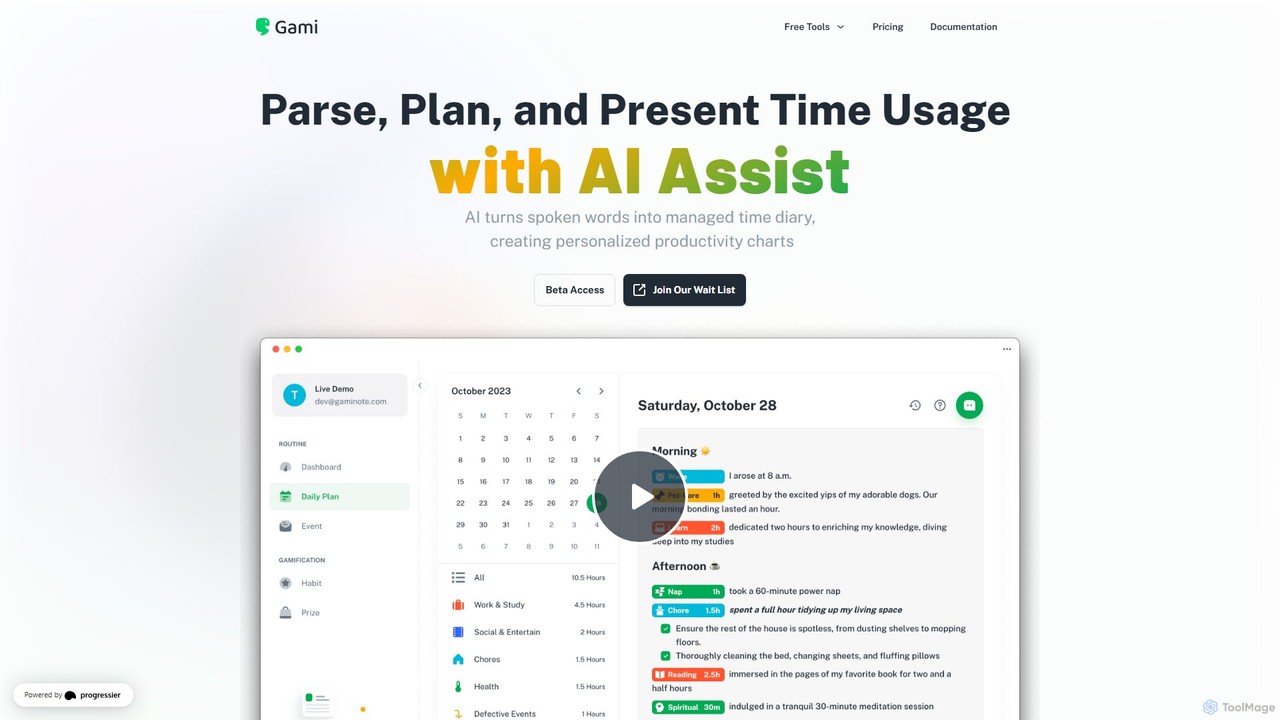
Gaminote
Gaminote is a diary-driven AI time management tool that transforms your spoken or written narratives into structured time logs and visual productivity charts. Simply describe your day, and its AI automatically parses activities, tracks durations, and generates insightful dashboards for effortless time analysis across all your devices.
Note Taking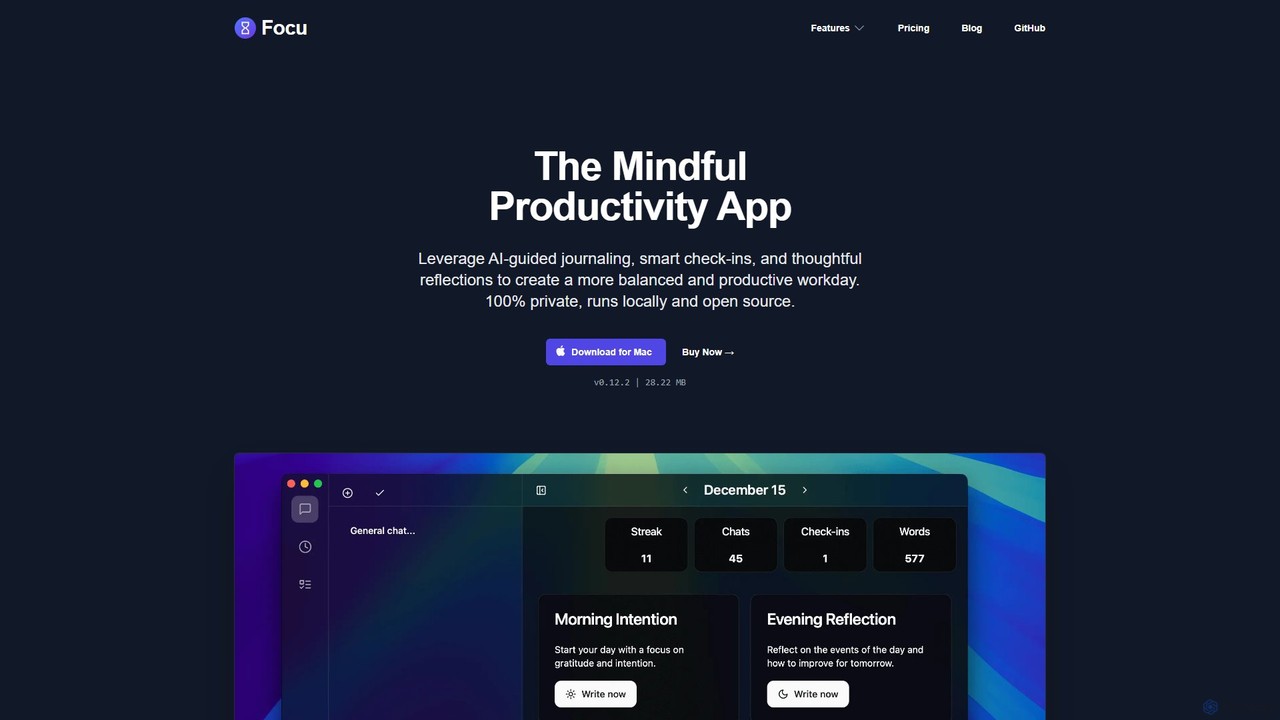
Focu
Focu is a mindful productivity app for Mac that enhances your workday with AI-guided journaling, smart check-ins, and thoughtful reflections. It features a Pomodoro timer, AI task extraction, and operates 100% locally to ensure complete privacy. As an open-source tool with a one-time purchase model, Focu offers a balanced, focused, and secure approach to task management and personal well-being.
Task Management
timemaster
timemaster is an AI-powered, privacy-first time and productivity tracker for macOS. It automatically monitors your activities in the background, providing insightful analytics to help you understand your work habits, minimize distractions, and supercharge your focus to achieve more every day.
Analytics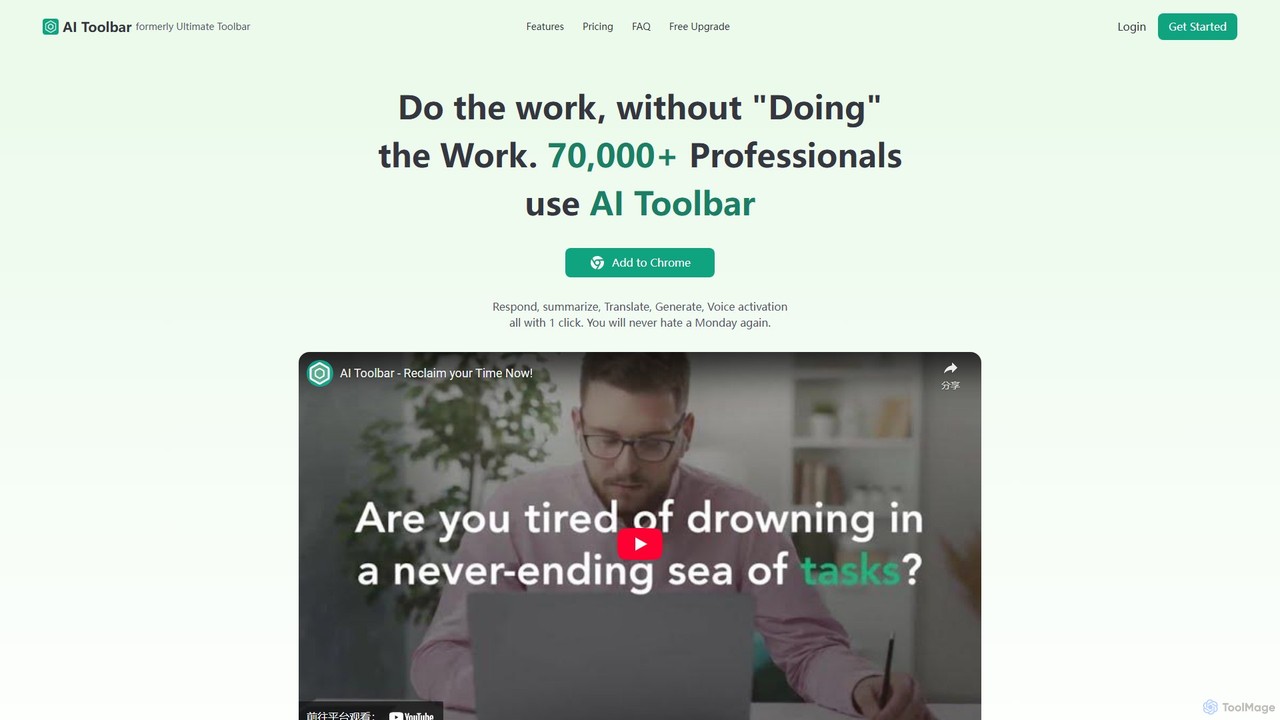
AI Toolbar
AI Toolbar is a powerful Chrome extension that acts as your personal virtual assistant. It integrates AI directly into your browser, allowing you to respond to emails, summarize and translate text, generate content, and use voice commands on any webpage with a single click. Trusted by over 70,000 professionals, it's designed to dramatically boost your productivity and streamline your workflow.
Paraphraser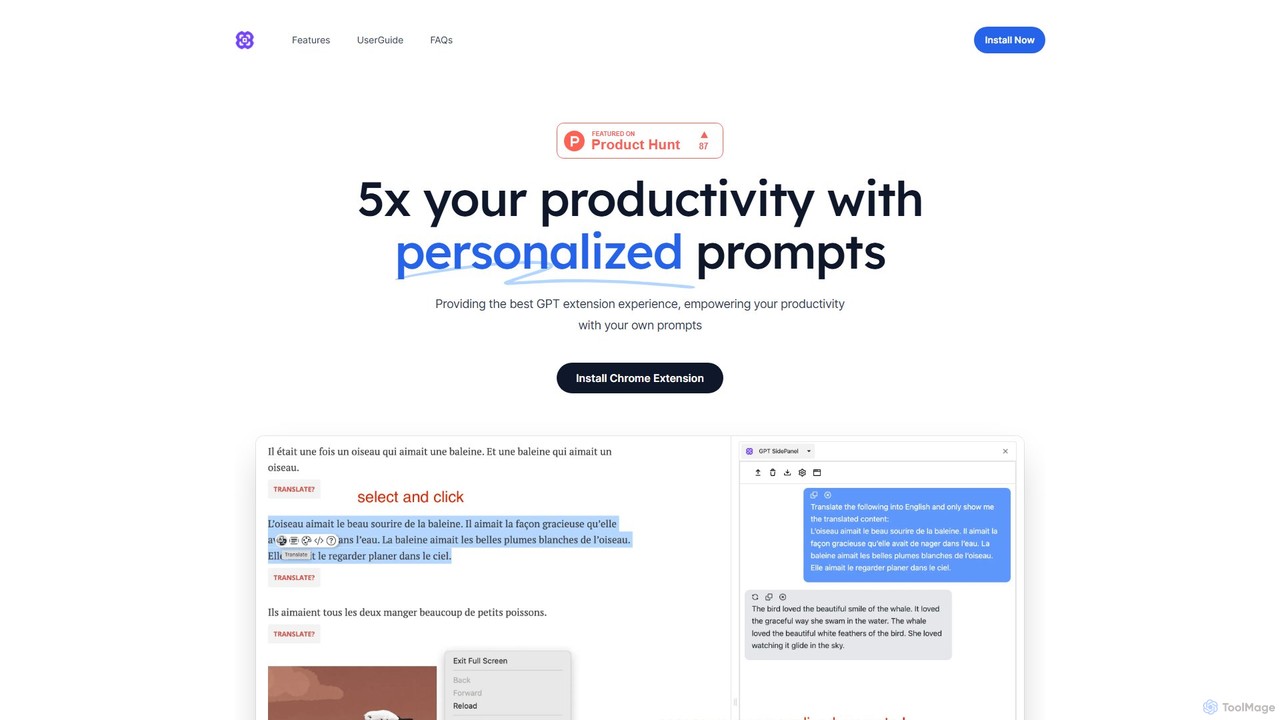
GPTSidePanel
GPTSidePanel is a powerful AI browser extension that integrates a GPT-powered sidebar into your browsing experience. Boost your productivity by summarizing articles, translating text, polishing writing, and using custom prompts directly on any webpage. Eliminate tab-switching and keep your workflow seamless with this intuitive AI assistant.
Browser Extension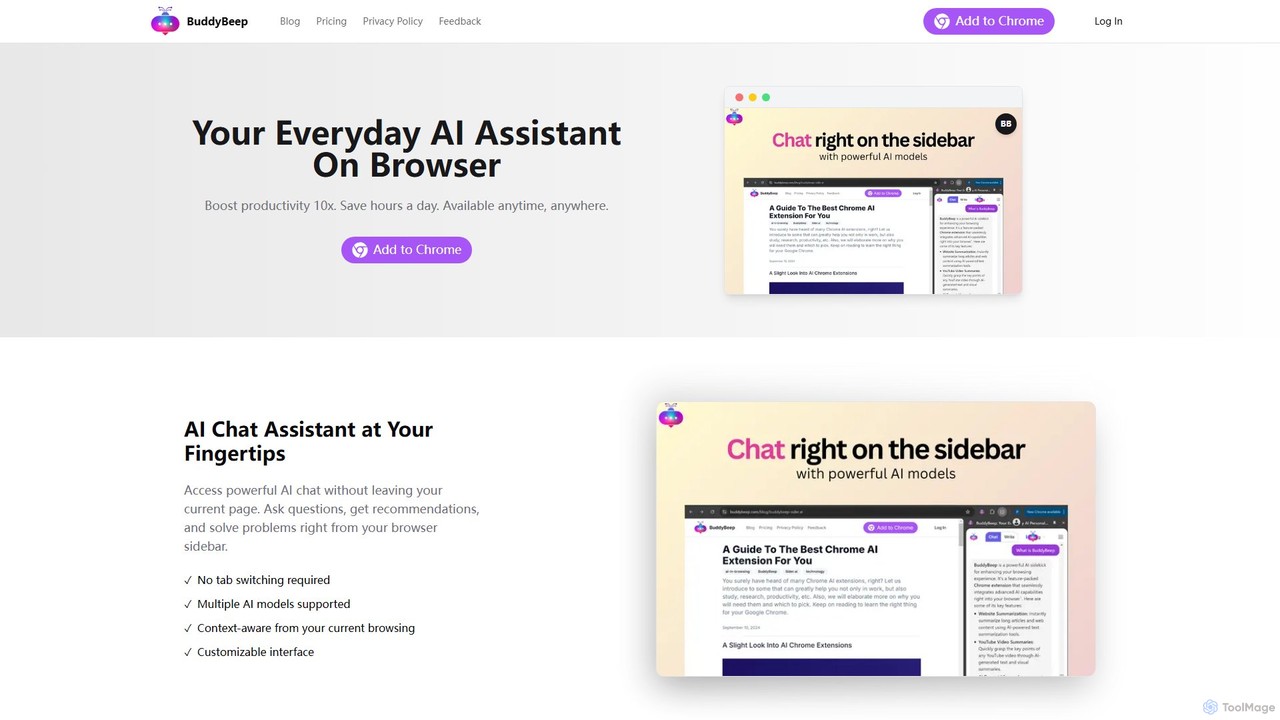
BuddyBeep
BuddyBeep is an AI-powered Chrome extension that acts as your personal browsing assistant. It boosts productivity by offering an in-page AI chat, one-click summarization for articles and YouTube videos, and a smart knowledge repository to build your "second brain". Capture, organize, and retrieve information effortlessly without switching tabs, transforming your browsing into a more efficient and insightful experience.
Browser Extension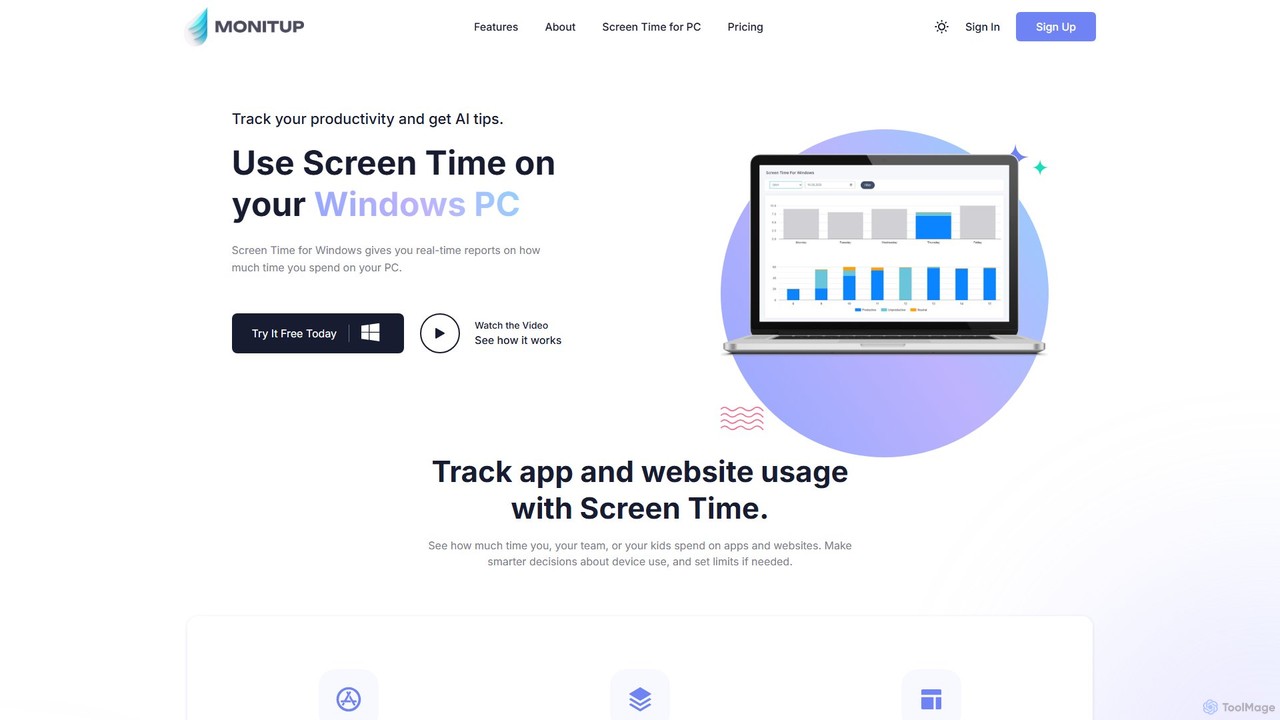
screentime
An AI-powered time management tool for Windows that tracks your PC usage on apps and websites. It provides personalized suggestions to help you understand your habits, eliminate distractions, and significantly boost your productivity.
Analytics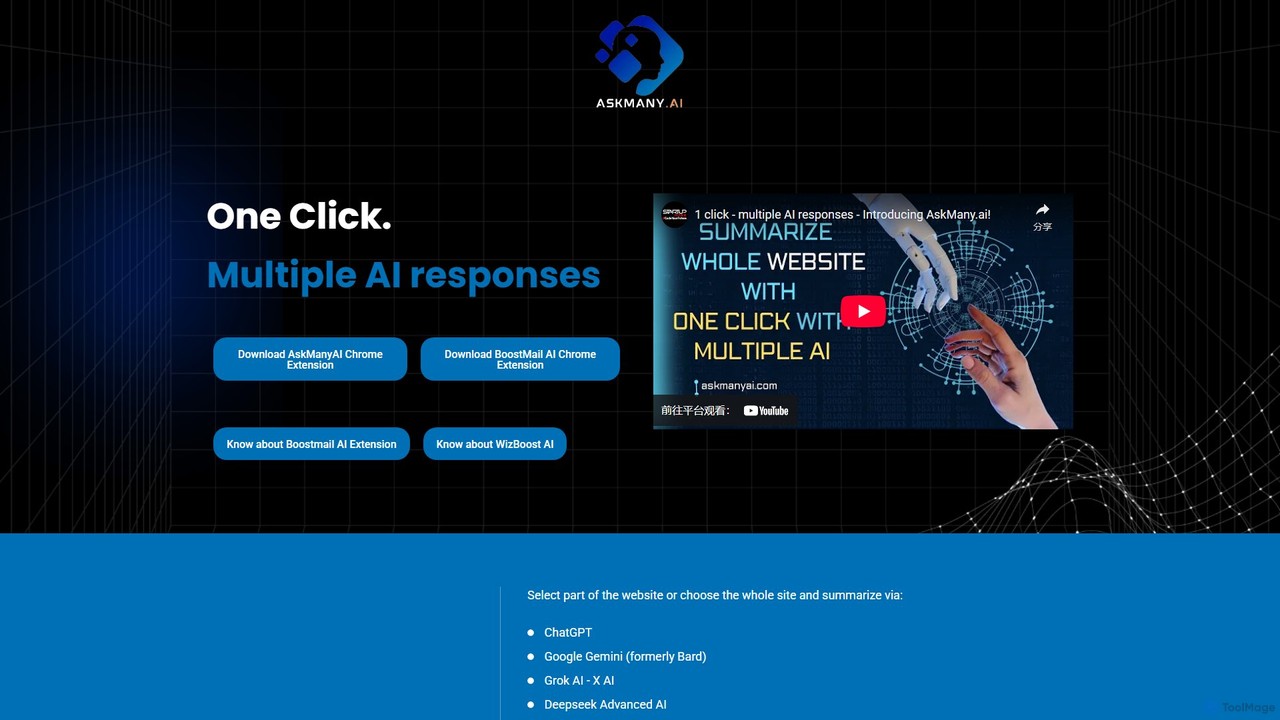
Askmany
Askmany is a powerful Chrome extension that allows you to query multiple AI models like ChatGPT, Gemini, and Grok with a single click. Instantly summarize web pages, compare AI responses for accuracy, and boost your productivity. It also offers specialized email AI assistants, BoostMailAI for Gmail and WizBoostAI for MailWizz, to enhance your email marketing campaigns.
Code Assistant
Mink Comments (0)
Sign in to comment.
Sign inNo comments yet.