ToolMage
Sign in

Best 2 Search Assistant for Productivity

Popular Search Assistant in Productivity include Opera and bravegpt, helping you work more efficiently.

Opera
Freemium

Opera

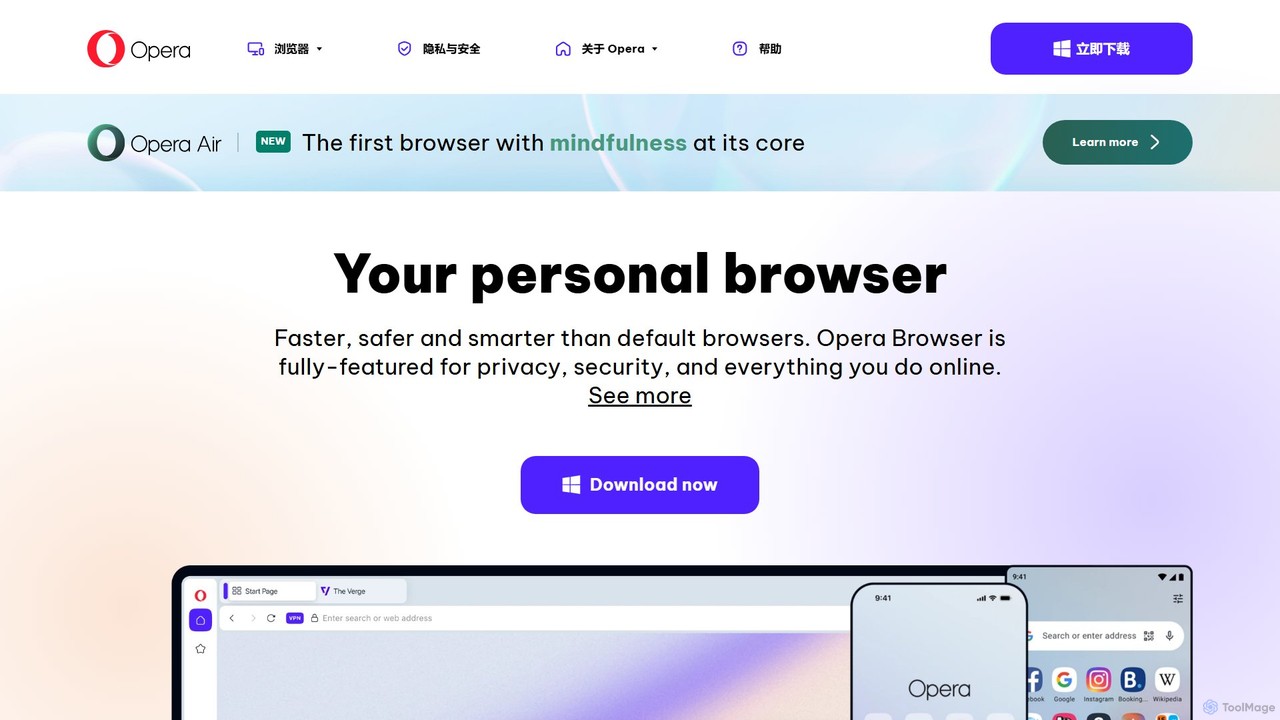
Opera is a smart, secure web browser with a native AI assistant, Aria. It offers innovative features like Tab Islands for organization, a free built-in VPN, and an ad blocker. Designed for speed and privacy, Opera provides a more productive and distraction-free browsing experience.

Browser
Visits 94.2MFavorites 132Likes 123
bravegpt
Free

bravegpt

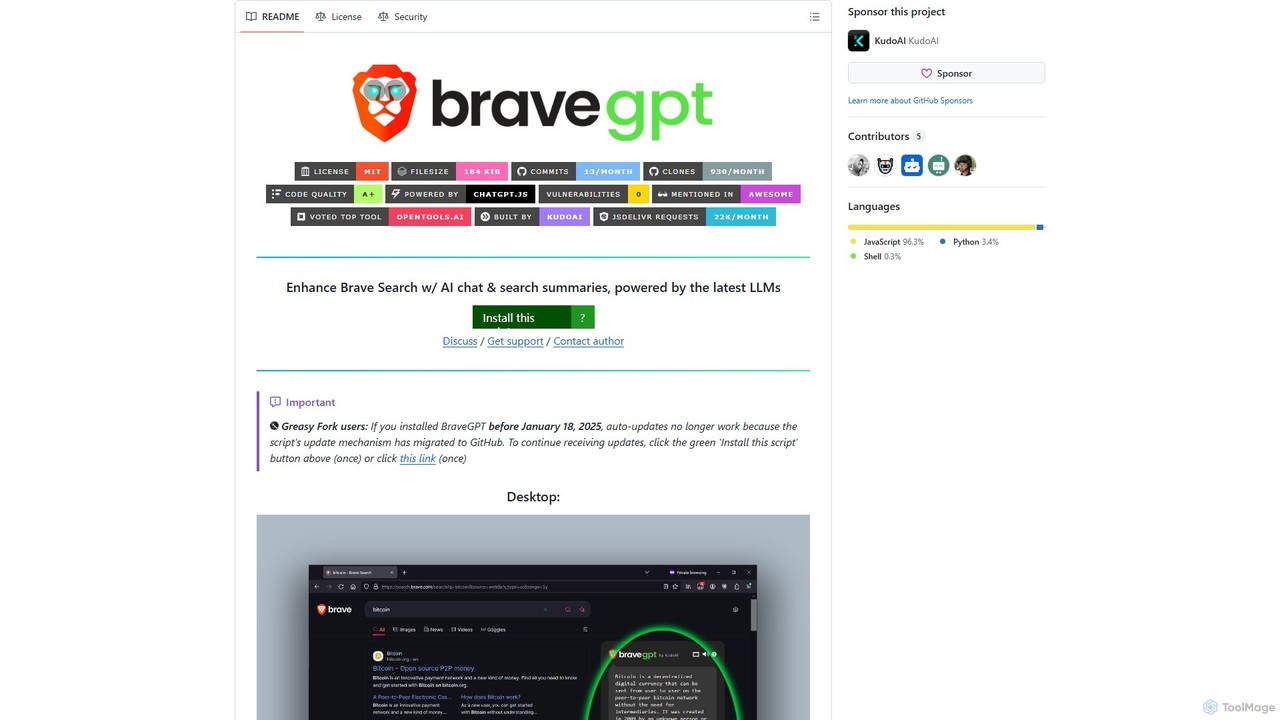
A powerful userscript that enhances Brave Search with AI chat and search summaries, powered by the latest LLMs like GPT-4o. Get instant answers and engage in conversations directly on your search results page.

Chrome Extensions
Visits 57.9KFavorites 121Likes 119

About Search Assistant

Search Assistant tools are AI-powered applications designed to revolutionize how users find and process information. Leveraging advanced natural language processing and semantic understanding, these tools go beyond traditional keyword matching to deliver highly relevant, context-aware, and synthesized results. They significantly enhance productivity by streamlining research, accelerating decision-making, and providing deeper insights from vast data sources, transforming information retrieval from a task into an intelligent discovery process.

Core Features

  • Semantic Search: Understands the true intent behind queries, not just keywords, for more relevant results.
  • Natural Language Querying: Allows users to ask questions conversationally, similar to interacting with a human expert.
  • Content Summarization: Automatically condenses key information from search results, saving time on reading lengthy documents.
  • Multi-Source Aggregation: Gathers and synthesizes relevant data from various internal and external platforms simultaneously.
  • Personalized Results: Tailors search outcomes based on user history, preferences, and specific project context.

Use Cases

Knowledge workers, researchers, and content creators frequently use Search Assistant tools to cut down on information foraging time. These tools enable them to quickly pinpoint specific data points, synthesize information across multiple internal and external sources, and gain actionable insights for reports, presentations, or content generation.

How to Choose

When selecting a Search Assistant, consider its integration capabilities with your existing tools, the breadth of data sources it can access, and its natural language understanding accuracy. Evaluate its ability to provide not just links, but actionable insights or summarized answers, along with customization options for personalization and robust data security features.

Search Assistant use cases

1

Accelerating Market Research for Analysts

Marketing analysts utilize AI search assistants to rapidly gather competitive intelligence, identify emerging industry trends, and summarize consumer sentiment across various online sources like social media, news, and forums. This enables them to make faster, data-driven strategy adjustments and develop more effective campaigns, significantly reducing the manual effort and time typically required for comprehensive market analysis.

2

Streamlining Academic Research for Students and Scholars

Students and academic researchers leverage AI search assistants to efficiently locate relevant scholarly articles, extract key findings, and synthesize information from vast academic databases and journals. By understanding complex research questions, these tools significantly reduce the literature review time, allowing scholars to focus more on analysis and writing, thereby accelerating the research publication cycle.

3

Enhancing Customer Support Knowledge Bases

Customer service teams deploy AI search assistants to empower agents with instant, accurate answers by intelligently searching internal knowledge bases, FAQs, and product documentation. This capability drastically improves resolution times, ensures consistent information delivery, and reduces the need for agents to manually sift through extensive resources, leading to higher customer satisfaction and operational efficiency.

4

Optimizing Legal Document Review for Professionals

Legal professionals utilize AI search assistants to rapidly identify pertinent clauses, precedents, and case law within extensive legal documents, contracts, and discovery materials. By understanding legal jargon and context, these tools accelerate the discovery process, reduce manual review hours, and minimize the risk of missing critical information, thereby enhancing the accuracy and efficiency of legal proceedings.

5

Personalizing Content Discovery for Creators

Content creators and curators employ AI search assistants to discover niche topics, identify trending keywords, and aggregate information from diverse platforms like blogs, news sites, and social media. This helps them generate fresh, relevant content ideas tailored to audience interests, ensuring their output remains engaging and competitive in a fast-paced digital landscape, while significantly reducing research time.

6

Facilitating Internal Knowledge Management in Enterprises

Enterprises integrate AI search assistants into their internal platforms, allowing employees to quickly find specific documents, policies, project details, or expert contacts across various departments. This fosters better cross-functional collaboration, reduces information silos, and ensures that employees have immediate access to the knowledge they need to perform their tasks efficiently, thereby boosting overall organizational productivity.

Search Assistant FAQ

What are AI Search Assistant tools?

AI Search Assistant tools are applications that use artificial intelligence, particularly natural language processing and machine learning, to enhance the search experience. Unlike traditional search engines, they understand the context and intent behind queries, providing more accurate, relevant, and often summarized answers from diverse data sources, rather than just a list of links. They aim to make information retrieval more intelligent and efficient.

How do AI Search Assistants differ from traditional search engines?

Traditional search engines primarily rely on keyword matching and page ranking algorithms to present a list of links. AI Search Assistants, however, employ semantic understanding to grasp the meaning and intent of your query, offer personalized results based on your history, aggregate information from multiple sources, and can often provide direct answers or summaries. This makes the information retrieval process more intelligent, context-aware, and efficient, moving beyond simple link provision.

Who can benefit most from using Search Assistant tools?

Professionals in roles requiring extensive research and information synthesis, such as market analysts, academic researchers, content creators, legal professionals, and customer support agents, benefit significantly. Anyone looking to reduce time spent on information foraging, improve the quality of their insights, and make faster, more informed decisions will find these tools invaluable for boosting their overall productivity and efficiency in knowledge-intensive tasks.

What key features should I look for in a Search Assistant?

When evaluating a Search Assistant, prioritize robust natural language understanding for complex queries, the ability to integrate with various data sources (web, internal documents, databases), and intelligent summarization capabilities. Other crucial features include personalized search results, advanced filtering options, and strong data security. A user-friendly interface and customizable settings are also important for maximizing efficiency and user satisfaction.

Can Search Assistants integrate with my existing productivity tools?

Many AI Search Assistants are designed for seamless integration with popular productivity suites (e.g., Microsoft 365, Google Workspace), CRM systems, knowledge management platforms, and web browsers. This allows users to leverage enhanced search capabilities directly within their existing workflows, minimizing context switching and maximizing efficiency. Always check the tool's documentation for specific integration options to ensure compatibility with your current tech stack.