

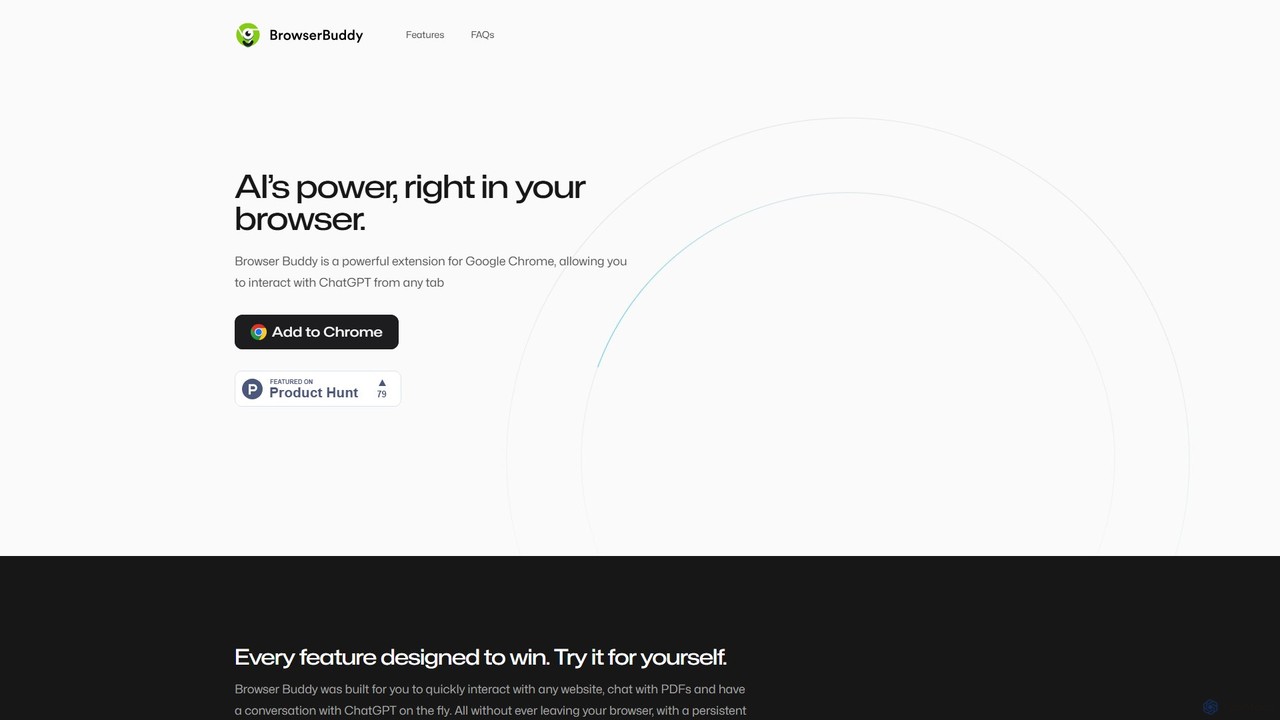
Browser Buddy Overview
Browser Buddy is a transformative AI-powered extension for Google Chrome, designed to seamlessly integrate the capabilities of ChatGPT into your daily browsing experience. It functions as a persistent sidebar, always ready to assist you without the need to switch tabs or disrupt your workflow. This intelligent companion allows you to have dynamic conversations with any webpage, interact with PDF documents, and access a powerful AI chat on the fly. Built for efficiency and productivity, Browser Buddy helps you focus on what truly matters by providing a suite of tools to streamline tasks like research, writing, and information synthesis. With a strong emphasis on user control and privacy, all your interactions and chat history are stored locally on your device, ensuring your data never leaves your browser.
How to use Browser Buddy
Getting started with Browser Buddy is a quick and straightforward process designed to get you productive in under a minute:
- Installation: First, navigate to the Google Chrome Web Store and add the Browser Buddy extension to your browser.
- API Key Setup: Browser Buddy operates using your personal OpenAI API key. You can obtain one by signing up or logging into your account on the OpenAI platform. This "Bring Your Own Key" model gives you control over your usage and costs.
- Configuration: Once installed, open the extension's settings and paste your OpenAI API key. Here, you can also customize settings such as the AI model (e.g., GPT-4, GPT-3.5-Turbo) and the temperature to fine-tune the AI's responses to your liking.
- Engage with the AI: Simply click the extension icon to open the persistent sidebar. You can now start a conversation with the AI, ask questions, or request assistance, all while browsing any website. The chat remains active even if you switch or refresh tabs.
- Interact with Web Content: Highlight any text on a webpage to bring up the selection menu. From here, you can choose from predefined actions like 'Summarize', 'Explain', 'Translate', or 'Rephrase' to instantly process the selected content.
- Chat with PDFs: Open any PDF file directly in your Chrome browser. The Browser Buddy sidebar will automatically be available, allowing you to ask questions about the document's content, request summaries of specific sections, or extract key information with ease.
Core Features of Browser Buddy
- Persistent AI Sidebar: An always-on AI assistant accessible from any tab, providing continuous access to ChatGPT without interrupting your browsing flow.
- Chat with PDFs: Natively interact with PDF documents opened in your browser. Ask questions, get summaries, and extract data from research papers, reports, and e-books effortlessly.
- Contextual Selection Menu: Select text on any website to instantly perform actions like summarizing, explaining complex topics, translating languages, or improving your writing.
- Local Chat History: All your conversations are saved directly on your computer. This privacy-first approach ensures your data is secure and confidential, while also allowing you to easily browse and retrieve past interactions.
- Full Model Control: Tweak advanced settings, including choosing the specific OpenAI model (like GPT-4o or GPT-3.5) and adjusting the 'temperature' to control the creativity and randomness of AI responses.
- Cross-Tab Persistence: Your chat session remains active and persistent across different tabs and browser refreshes, so you never lose your conversation context.
Use Cases for Browser Buddy
Browser Buddy is a versatile tool that caters to a wide range of users:
- For Students and Researchers: Quickly summarize lengthy academic articles, explain complex scientific concepts, and interact with research papers (PDFs) to find specific information for your studies.
- For Content Creators and Marketers: Generate blog post ideas, rephrase sentences for clarity and impact, create compelling ad copy, and perform competitor research directly on their websites.
- For Developers and Programmers: Select code snippets on Stack Overflow or GitHub to have them explained, debugged, or converted into another programming language.
- For Professionals: Draft and refine emails, summarize business reports, prepare for meetings by quickly extracting key points from documents, and translate communications from international clients.
- For Everyday Browsing: Get quick definitions, translate foreign-language phrases on the fly, ask for recipes based on an ingredient list, or simply satisfy your curiosity about any topic you encounter online.
Advantages of Browser Buddy
Choosing Browser Buddy offers several key benefits:
- Unmatched Productivity: By embedding AI directly into your browser, it eliminates context switching and streamlines your workflow, saving you significant time and effort.
- Privacy by Design: With all chat history stored locally, you maintain complete ownership and confidentiality of your data. The developers never see your conversations.
- Cost-Effective AI Access: Using your own OpenAI API key often proves more economical than a fixed monthly subscription to services like ChatGPT Plus, as you only pay for what you use.
- Deep Contextual Understanding: The ability to interact directly with webpage and PDF content allows for more relevant and accurate AI assistance.
- User-Centric Customization: Full control over the AI model and its parameters allows you to tailor the tool's performance to your specific needs, whether you need factual accuracy or creative brainstorming.
Pricing and Plans
Browser Buddy is fundamentally a free extension to download and install. It operates on a "Bring Your Own Key" (BYOK) model. This means that while the tool itself has no subscription fee, you are responsible for the costs associated with the usage of your personal OpenAI API key. The costs are billed directly by OpenAI based on your consumption (the amount of text you process). This pay-as-you-go model can be significantly more affordable for many users compared to a flat-rate monthly subscription. For a detailed breakdown of API costs, you can visit the official OpenAI pricing page.
Browser Buddy Alternatives

SnapGPT AI
SnapGPT AI is a powerful browser extension that integrates GPT's capabilities directly into your workflow. Instantly summarize articles, rewrite sentences, compose emails, or get explanations for complex topics on any webpage with a simple right-click or keyboard shortcut. Boost your productivity and streamline your online tasks.
Research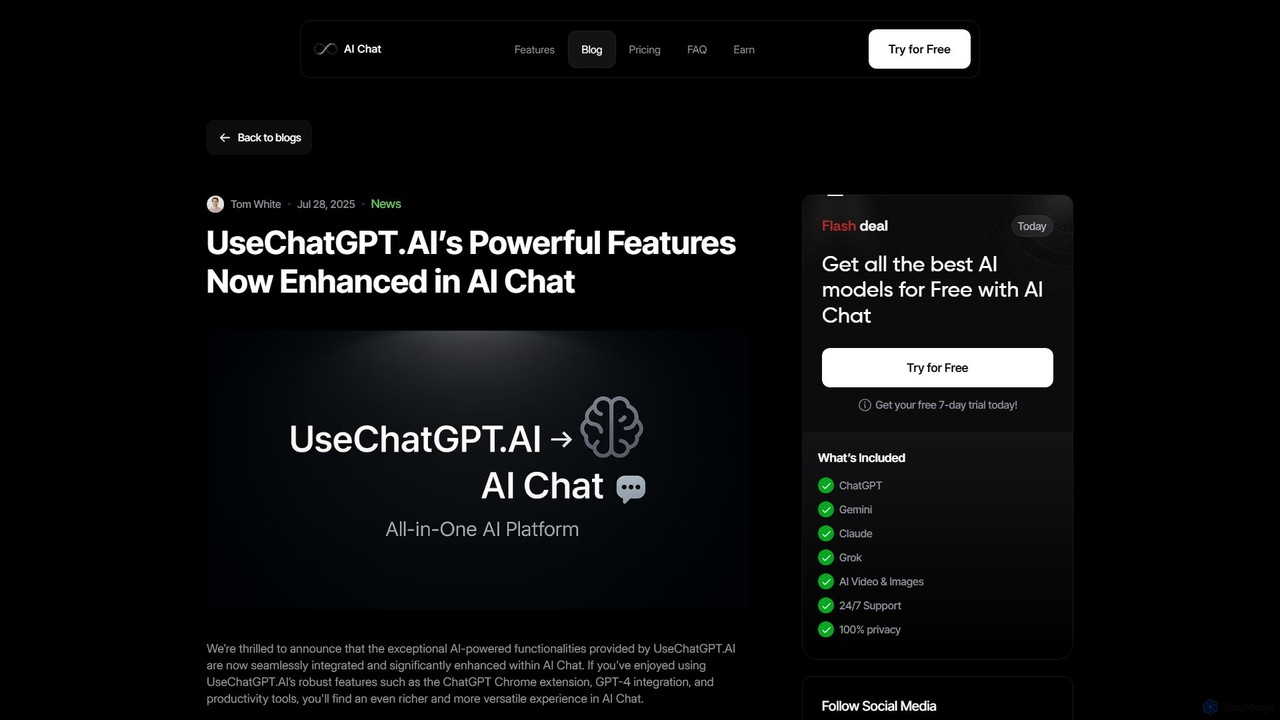
UseChatGPT.AI
UseChatGPT.AI is a powerful free Chrome extension that integrates GPT-4 into your browser. It boosts productivity by allowing you to instantly rewrite, summarize, translate, and explain text on any webpage. With seamless context menu integration and customizable shortcuts, it acts as your all-in-one AI assistant for reading and writing. Its features are now enhanced and integrated into the AI Chat platform.
Research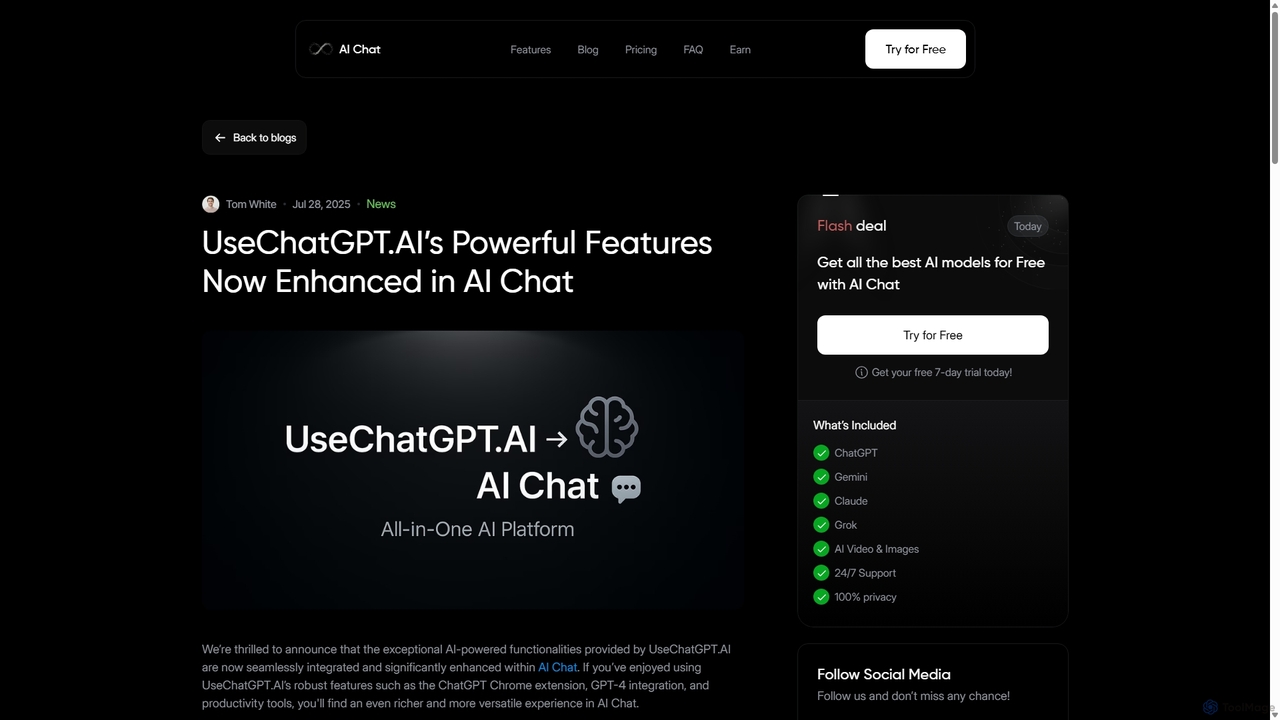
UseChatGPT.AI
UseChatGPT.AI is a powerful free Chrome extension that integrates GPT-4 directly into your browser. It enhances productivity by allowing you to instantly write, rewrite, summarize, translate, and explain text on any website without switching tabs. Its features are now enhanced within the new AI Chat platform.
Research
getmax.ai
getmax.ai is an AI-powered browser extension that acts as your copilot for the web. It seamlessly integrates into your workflow, allowing you to summarize content, write emails, generate articles, and get instant answers from advanced AI models like GPT-4 and Claude, all without leaving your current tab.
Research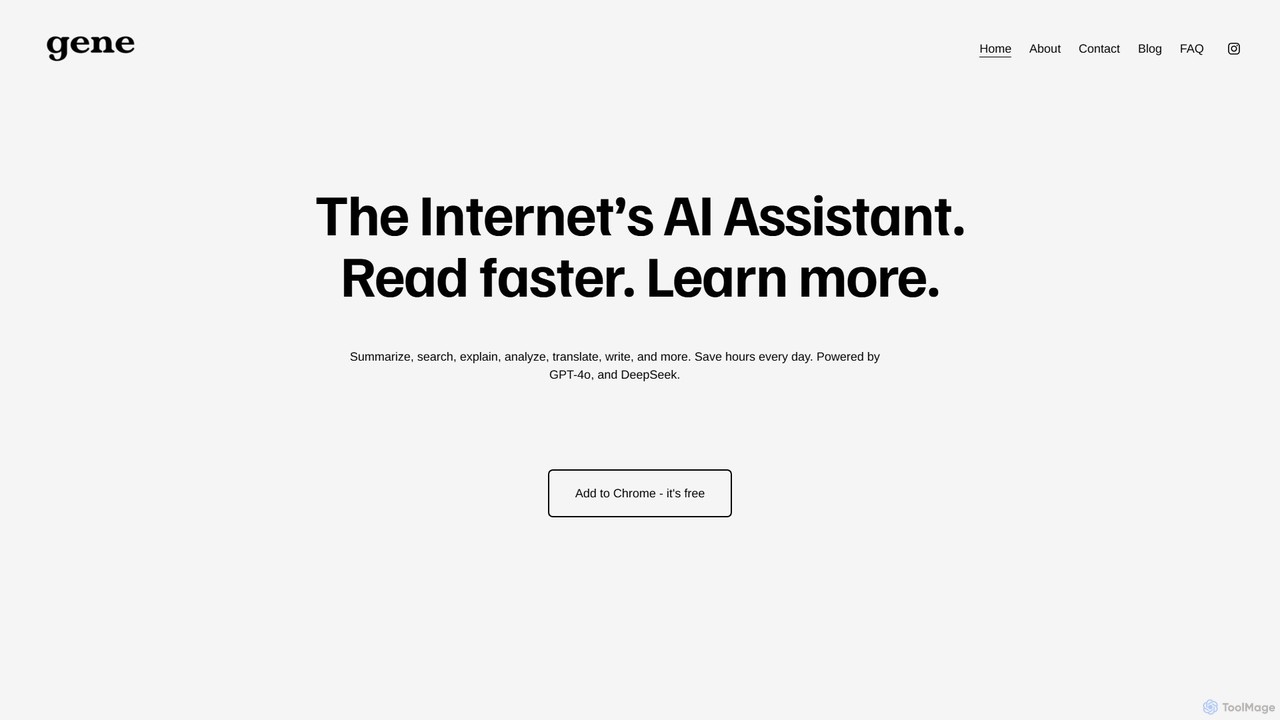
Ask Gene
Ask Gene is a free AI-powered Chrome extension that acts as your personal internet assistant. Powered by GPT-4o and DeepSeek, it allows you to summarize webpages and PDFs, chat with AI without leaving your tab, explain complex text, translate, and assist with writing, all seamlessly integrated into your browser.
ResearchBrowser Buddy Categories
Browser Buddy Embed Widget
Copy this embed code to place the badge on your blog, article, or product site and send readers directly to this ToolMage detail page.

Related AI tools
Ask Gene
Ask Gene is a free AI-powered Chrome extension that acts as your personal internet assistant. Powered by GPT-4o and DeepSeek, it allows you to summarize webpages and PDFs, chat with AI without leaving your tab, explain complex text, translate, and assist with writing, all seamlessly integrated into your browser.
ResearchSnapGPT AI
SnapGPT AI is a powerful browser extension that integrates GPT's capabilities directly into your workflow. Instantly summarize articles, rewrite sentences, compose emails, or get explanations for complex topics on any webpage with a simple right-click or keyboard shortcut. Boost your productivity and streamline your online tasks.
Research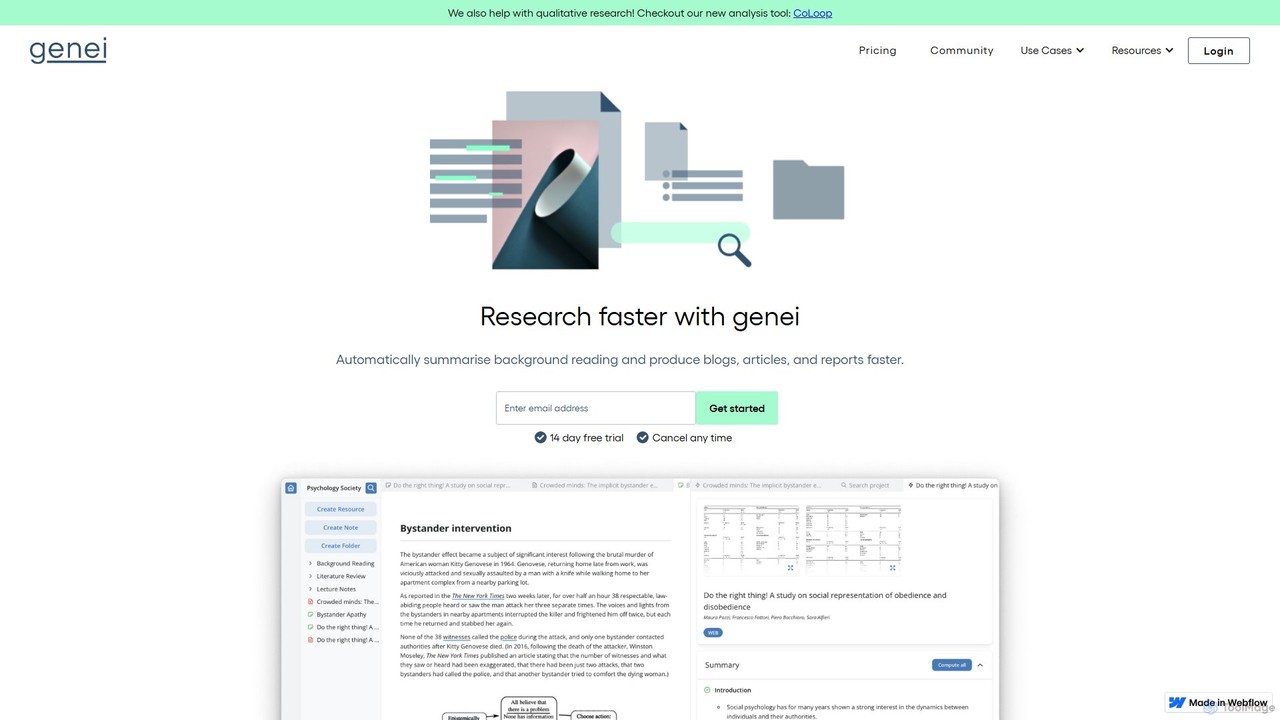
genei
genei is an AI-powered research and summarization tool designed to enhance productivity for students, academics, and professionals. It helps users read faster, organize information, and uncover key insights by automatically summarizing documents, extracting keywords, and answering questions from your text. It supports PDFs and webpages, integrating research into a seamless workflow.
Study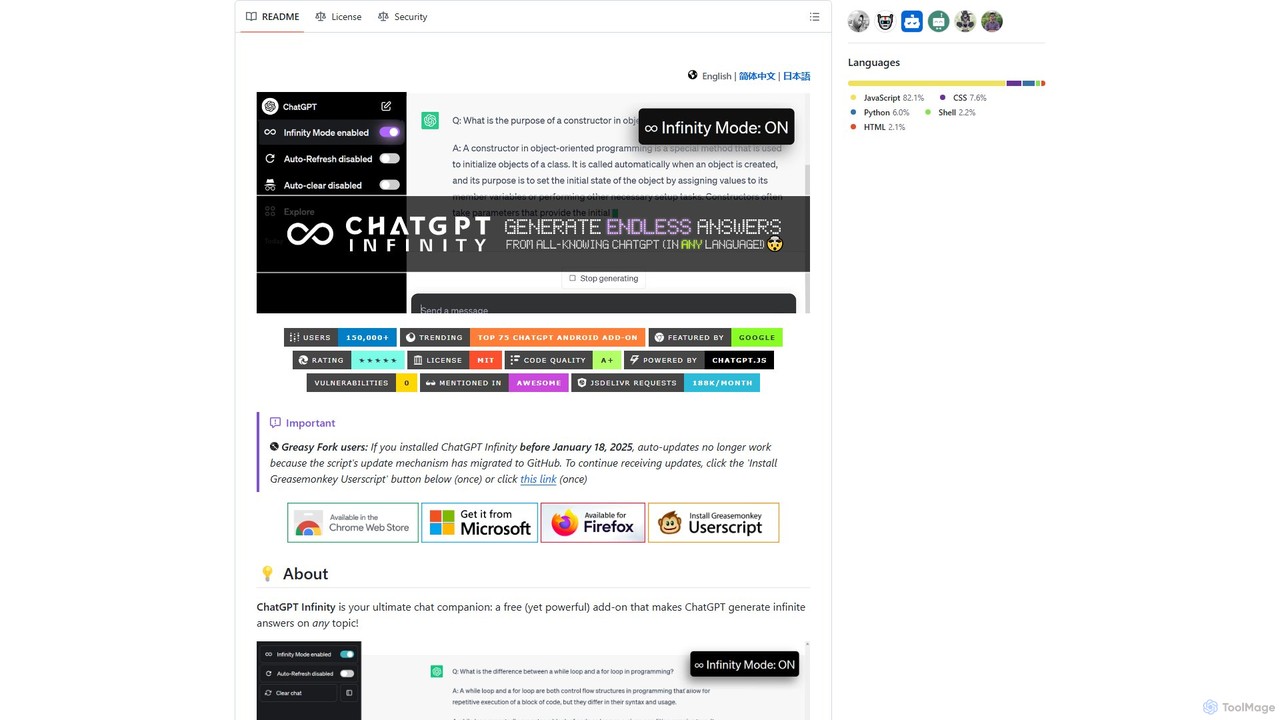
chatgpt-infinity
ChatGPT Infinity is a powerful browser extension that enables ChatGPT to generate endless, continuous answers on any topic you choose. It offers features like customizable topics, multilingual output, adjustable response speed, and auto-scrolling for a seamless, in-depth exploration experience. Ideal for researchers, writers, and learners.
Research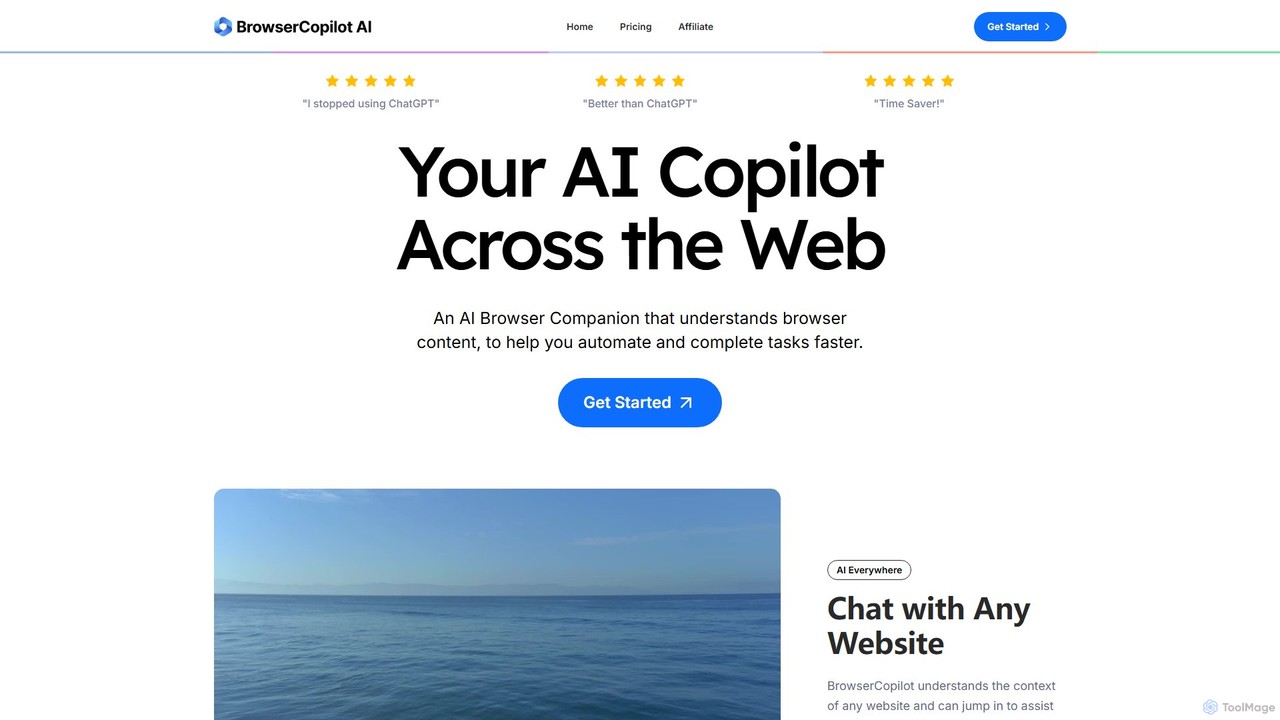
BrowserCopilot
BrowserCopilot is an AI-powered browser extension that acts as your personal copilot across the web. It understands the context of any webpage, helping you to read, write, research, and automate tasks faster without switching tabs. It integrates multiple leading AI models like GPT-4o and Claude 3.7.
Automation
SideKick AI
SideKick AI is a powerful Chrome extension that integrates OpenAI's capabilities directly into your browser. Use simple commands to generate, rewrite, and improve text in any input field, streamlining your workflow and boosting productivity without ever leaving your current tab.
Text Generation
chrome_ai
An all-in-one AI assistant integrated into your Chrome browser. Summarize web pages and YouTube videos, enhance your writing, explain complex topics, and chat with advanced AI models without leaving your current tab. Boost your productivity with seamless AI power.
Chrome Extensions
askaichat
askaichat is an all-in-one AI assistant powered by leading models like GPT-4o, Claude 3.5, and Llama 3. It integrates advanced AI chat with powerful tools for image generation, PDF and video summarization, web link analysis, and real-time search. It's designed to boost productivity and creativity for writers, researchers, and professionals by providing a single, versatile platform for diverse tasks.
Image Generator
Lilys AI
Lilys AI is a powerful knowledge assistant that instantly summarizes diverse content formats, including YouTube videos, audio files, PDFs, websites, and Excel sheets. It extracts key insights, creates structured notes, and allows you to build a searchable personal knowledge base. Ideal for students, researchers, and professionals looking to save time and accelerate learning by quickly grasping the core ideas from lengthy materials.
Research
AskYourPDF
AskYourPDF is an AI-powered document assistant that allows you to chat with your PDFs and other documents. Instantly get summaries, ask questions, and extract key information to save time and boost productivity. It supports multiple platforms and includes a suite of over 40 free AI writing and content creation tools.
Research
UPDF AI
UPDF AI is a powerful AI assistant integrated into the UPDF editor, designed to revolutionize how you interact with PDF documents. It allows you to chat with your PDFs, get instant summaries, translate entire documents or selected text, explain complex data, and even convert dense content into visual mind maps. Available on Windows, macOS, iOS, Android, and the web, it streamlines workflows for students, researchers, and professionals by making document comprehension and analysis faster and more efficient.
Research
Recall
Recall is an AI-powered knowledge management tool that transforms scattered content into a self-organizing knowledge base. It summarizes articles, YouTube videos, PDFs, and more, allows you to chat with your content, and uses features like augmented browsing and spaced repetition to help you remember everything you learn.
Research
Magictool AI
Magictool AI is an all-in-one productivity hub integrated into a browser extension. It packs over 20 AI features, including a ChatGPT-powered writer, YouTube video summarizer, PDF chat, data scraper, and AI image generator. It's designed to streamline your workflow, enhance your writing, and boost your research capabilities directly within your browser.
Chrome Extensions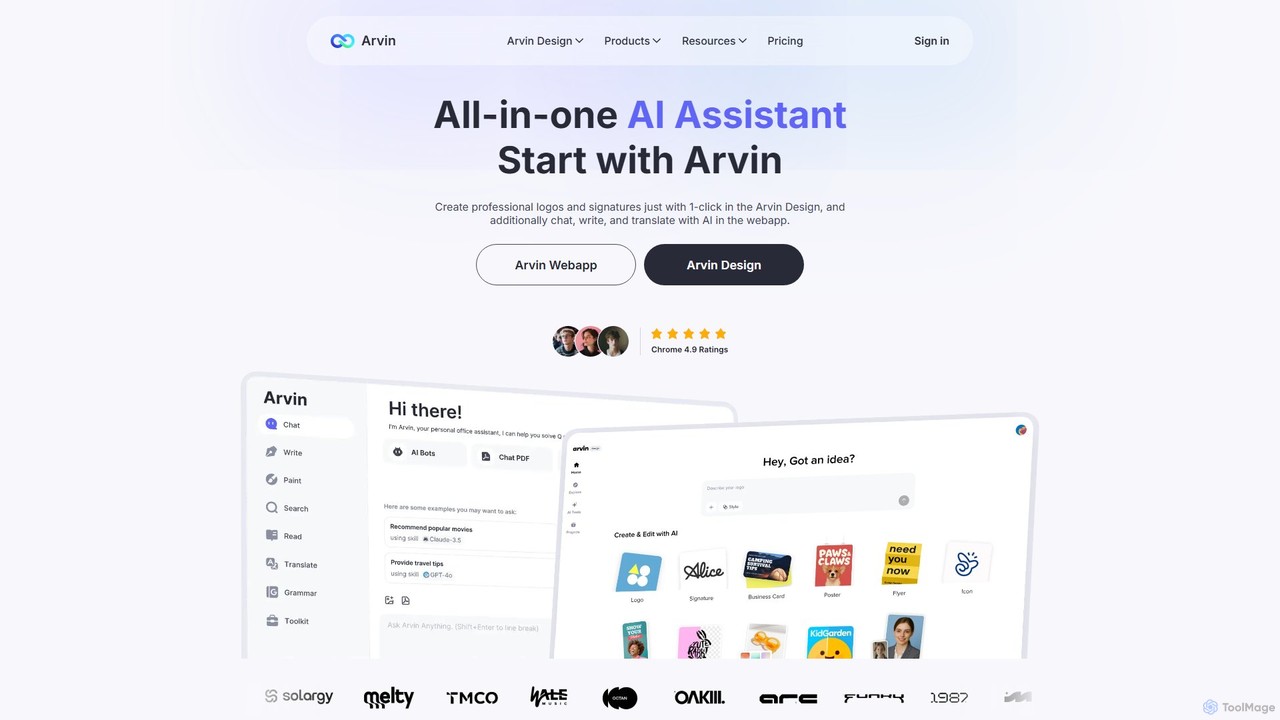
arvin
Arvin is an all-in-one AI assistant, available as a web app and Chrome extension. Powered by advanced models like GPT-4o and Claude 3.5, it integrates AI chat, a powerful writing assistant, a versatile design suite for logos and images, and productivity tools for summarizing web content, PDFs, and YouTube videos.
Chrome Extensions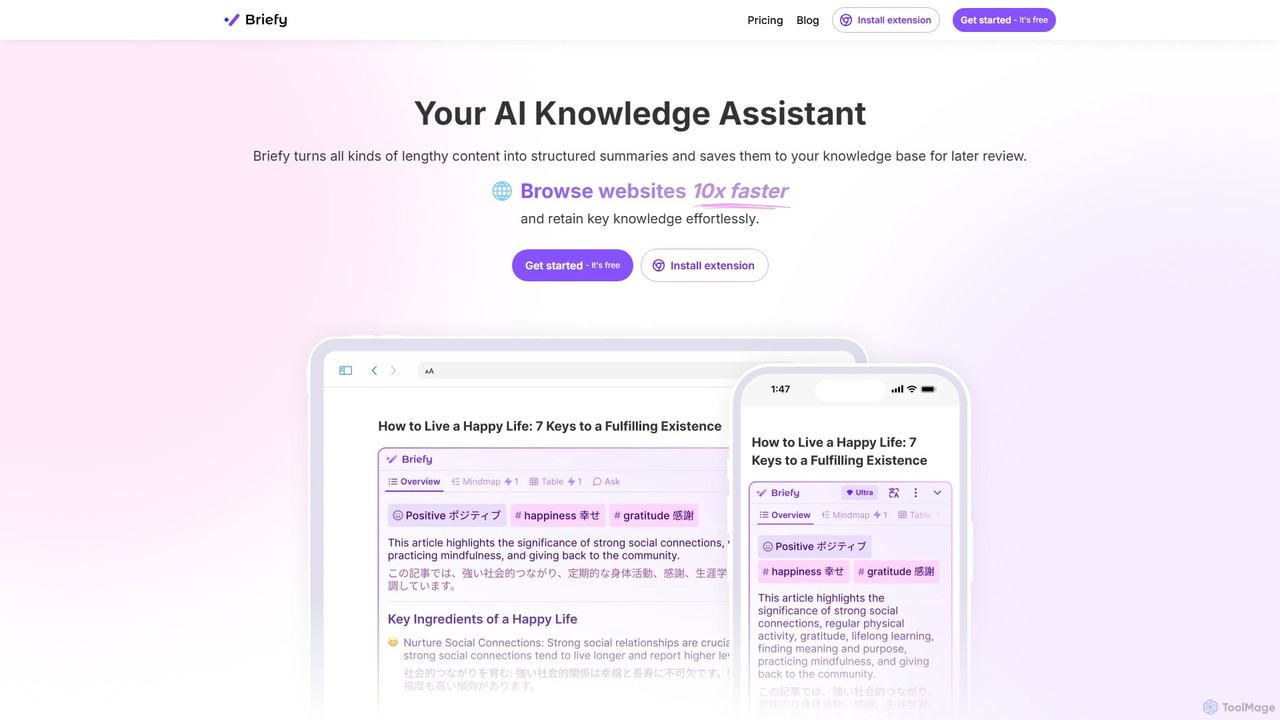
Briefy
Briefy is an AI-powered knowledge assistant that transforms lengthy content like articles, videos, and PDFs into structured summaries. It helps you conduct research 10x faster, retain key knowledge, and build a personal, searchable knowledge base for later review and interaction.
Research
Browser Buddy Comments (0)
Sign in to comment.
Sign inNo comments yet.