

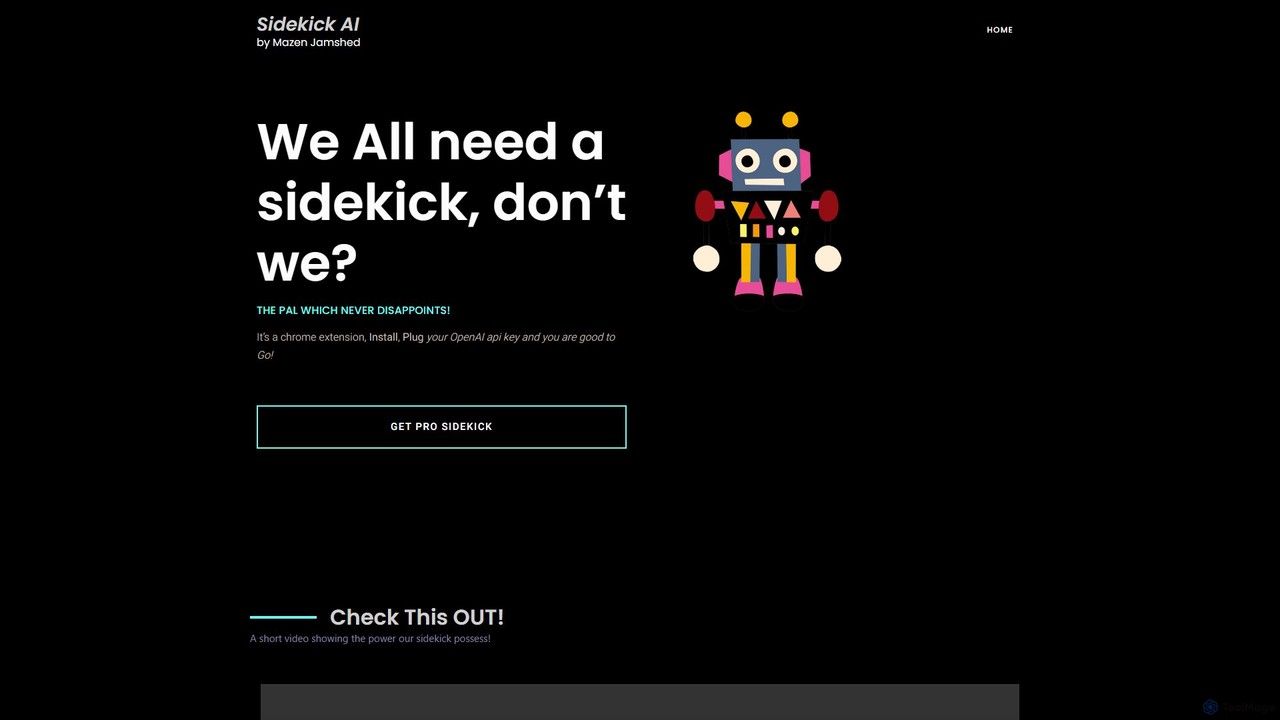
SideKick AI Overview
SideKick AI is your ever-present AI companion, designed to supercharge your productivity directly within your Chrome browser. It operates as a lightweight yet powerful extension that eliminates the need to switch between tabs or applications to access the power of artificial intelligence. By integrating seamlessly with any text field on any website, SideKick AI puts advanced text generation and manipulation at your fingertips.
The core philosophy of SideKick AI is efficiency and simplicity. It works on a "Bring Your Own Key" (BYOK) model, where you connect your personal OpenAI API key. This approach offers significant advantages in terms of privacy and cost-effectiveness, as your data is processed through your own account, and you only pay for what you use directly from OpenAI. The setup is straightforward: install the extension, enter your API key, and you're ready to go.
How to use SideKick AI
Using SideKick AI is designed to be intuitive and fast, integrating directly into your natural typing workflow. Once installed and configured with your OpenAI API key, you can invoke its power using simple text commands anywhere you can type.
- Installation: Find SideKick AI on the Chrome Web Store and add it to your browser.
- Configuration: Open the extension's settings and paste your OpenAI API key. This is a one-time setup.
- Content Generation: To generate new text, type the command
$sidekickfollowed by your prompt. For example, you could type$sidekick write a short, encouraging email to my team about the upcoming project deadline. After typing your command, press the ALT key. SideKick AI will replace your command with the AI-generated response directly in the text field. - Text Improvement: To fix, rephrase, or improve existing text, use the
$rescuecommand. You can either select a piece of text and type$rescue, or simply type the command to act on the preceding text. Press the ALT key to execute. This is perfect for correcting grammar, improving clarity, or changing the tone of your writing on the fly.
Core Features of SideKick AI
- In-Context AI Assistance: Works in any text box on any website, including Gmail, Google Docs, Twitter, LinkedIn, Reddit, and more.
- Command-Based Interface: Utilizes simple and memorable commands (
$sidekick,$rescue) for rapid execution, keeping your hands on the keyboard. - Bring Your Own API Key (BYOK): Ensures user privacy and provides full control over API usage and costs through your personal OpenAI account.
- Seamless Workflow Integration: No more copying and pasting between your work and a separate AI chat window. The AI works where you work.
- Versatile Text Generation: Capable of drafting emails, social media posts, marketing copy, code snippets, and creative writing based on your prompts.
- Instant Text Enhancement: The
$rescuecommand provides immediate support for proofreading, rephrasing, summarizing, and refining your text. - Pro Version: A 'Pro' version is available, likely offering advanced features such as access to more powerful AI models, pre-built prompt libraries, or bundled API usage.
Use Cases for SideKick AI
SideKick AI is a versatile tool for a wide range of users:
- Marketers & Social Media Managers: Instantly generate engaging tweets, Facebook posts, and ad copy. Brainstorm campaign ideas and hashtags.
- Students & Researchers: Summarize long articles, explain complex concepts, and get help with drafting essays or research papers.
- Developers: Generate boilerplate code, write code comments, explain code snippets, or debug directly in forums like Stack Overflow.
- Professionals & Entrepreneurs: Compose professional emails, write reports, create meeting agendas, and draft business proposals with speed and accuracy.
- Writers & Content Creators: Overcome writer's block by generating ideas, outlines, or entire paragraphs for blog posts and articles.
Advantages of SideKick AI
The primary advantage of SideKick AI is its unparalleled efficiency. By embedding AI functionality directly into the browser, it saves a significant amount of time and mental energy. The BYOK model is a major benefit for privacy-conscious users and those who want to manage their AI expenses granularly. Its simplicity makes it accessible to everyone, regardless of their technical expertise. It's a tool that doesn't get in your way but is always there when you need a creative or analytical boost, making it a true digital 'sidekick'.
Pricing and Plans
SideKick AI operates on a freemium model. The standard version is free to install and use, requiring you to connect your own OpenAI API key. With this model, you are only responsible for the usage costs charged by OpenAI. The platform also offers a "Pro Sidekick" plan, which likely includes premium features like bundled API access, support for more advanced models (e.g., GPT-4), and other enhancements. For specific details and pricing of the Pro plan, users are encouraged to visit the official website.
SideKick AI Alternatives
SnapGPT AI
SnapGPT AI is a powerful browser extension that integrates GPT's capabilities directly into your workflow. Instantly summarize articles, rewrite sentences, compose emails, or get explanations for complex topics on any webpage with a simple right-click or keyboard shortcut. Boost your productivity and streamline your online tasks.
Research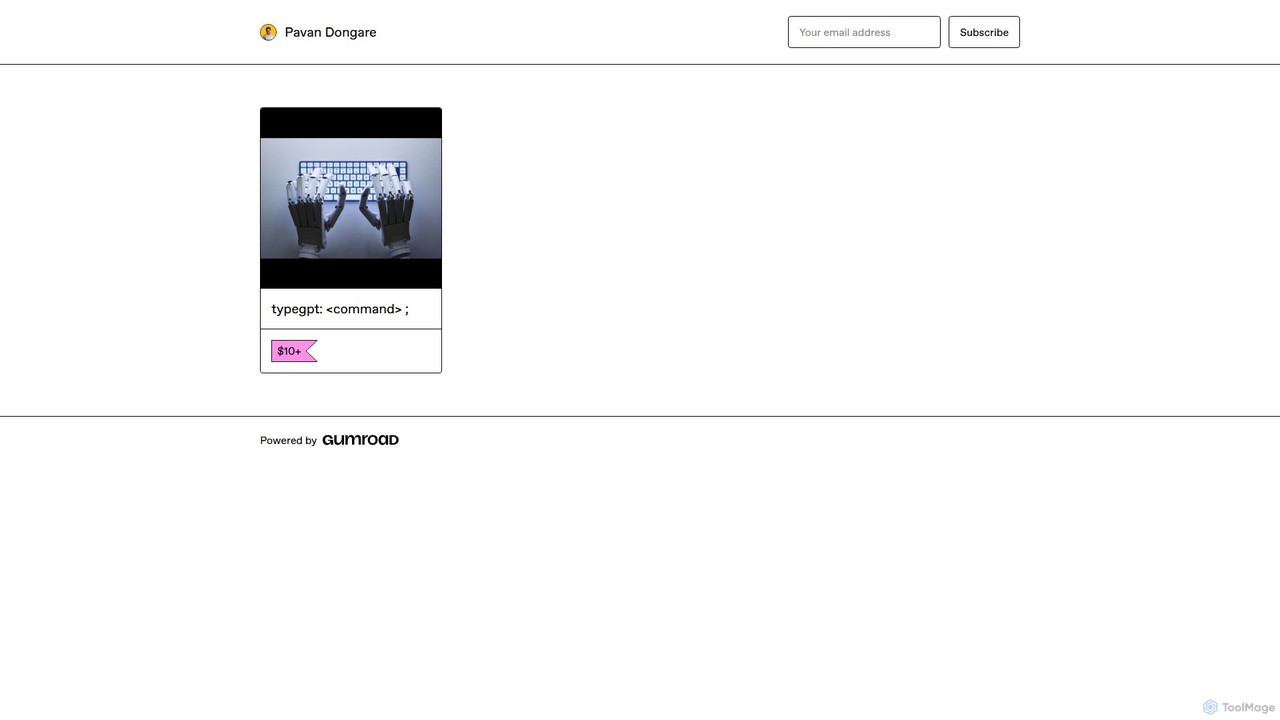
typegpt
typegpt is a lightweight browser extension that integrates ChatGPT into any text box on the internet. Use simple commands to generate, translate, or code directly in your workflow, using your own API key for maximum cost-efficiency and control.
Code Assistant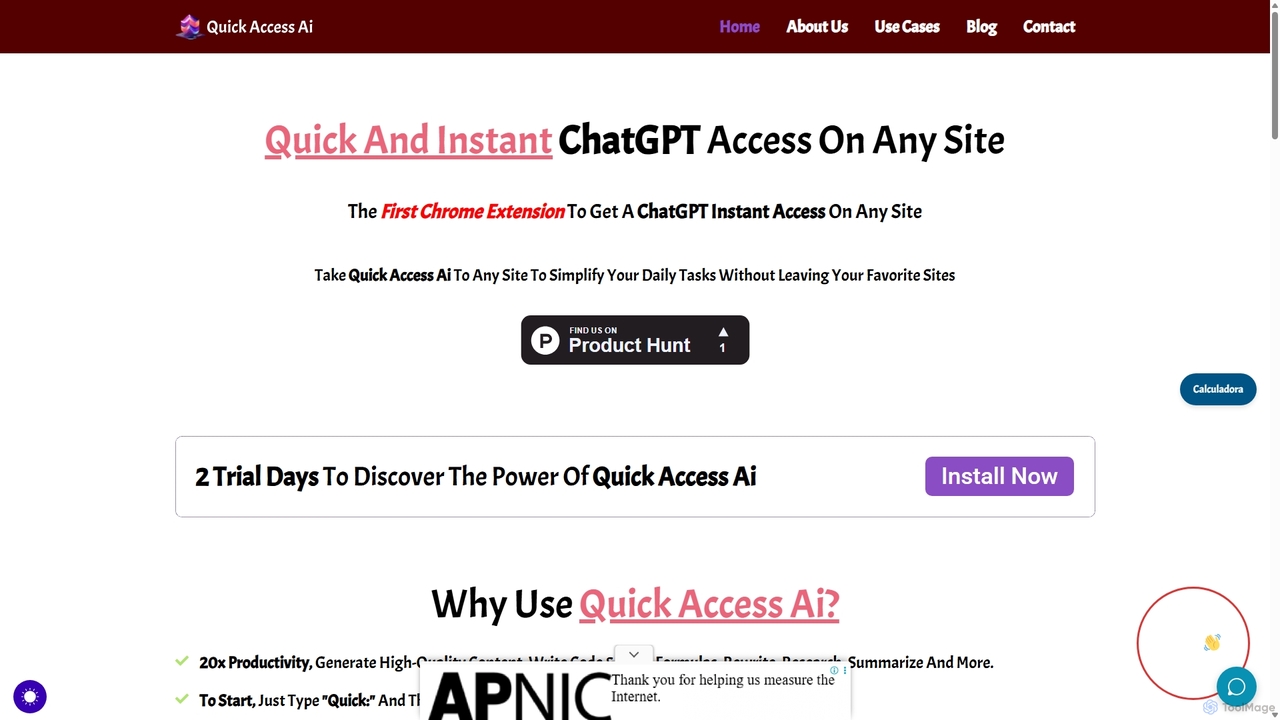
Quick Access Ai
Quick Access Ai is a Chrome extension that provides instant access to ChatGPT on any website. By simply typing a command, users can generate content, write code, summarize text, and perform research without switching tabs. It aims to boost productivity by integrating AI assistance directly into your existing workflow, making daily tasks faster and more efficient.
Code Assistant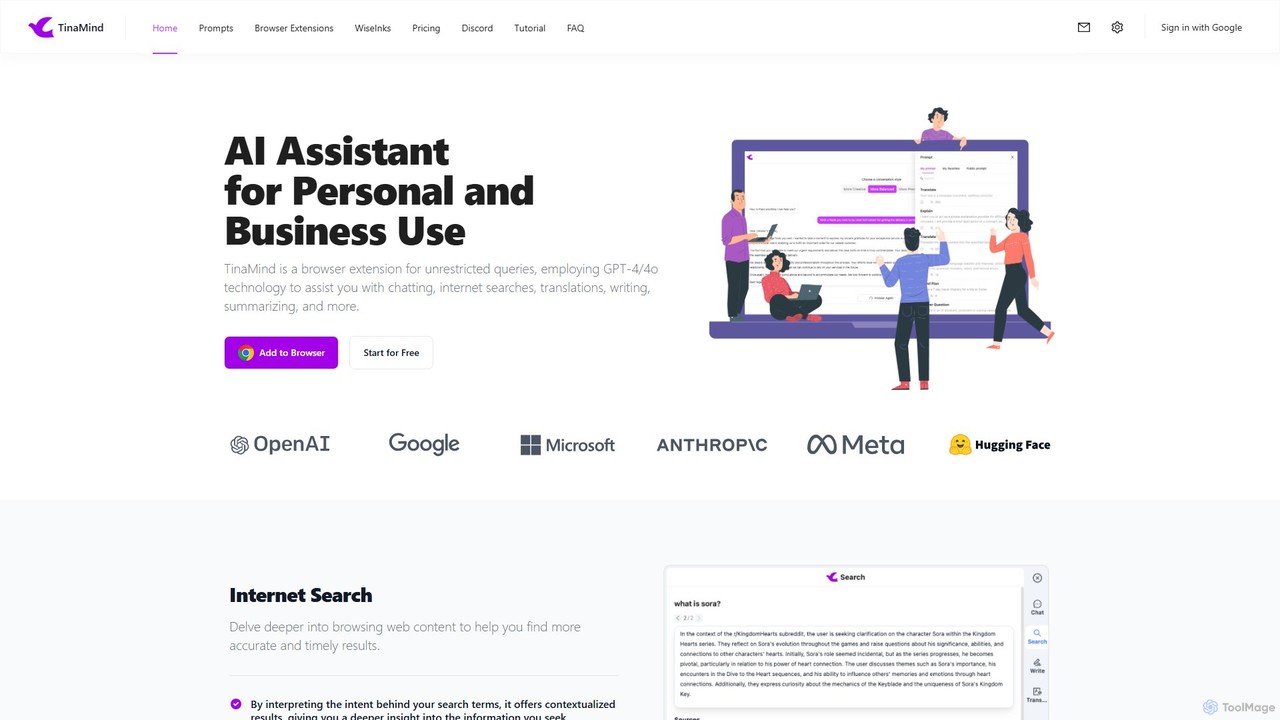
TinaMind
TinaMind is an AI-powered browser extension that enhances your productivity with GPT-4/4o. It acts as an all-in-one assistant for intelligent web search, document and YouTube summarization, content writing, high-quality translation, and efficient prompt management. Seamlessly integrated into your browser, it streamlines your workflow for both personal and business use.
Browser Extension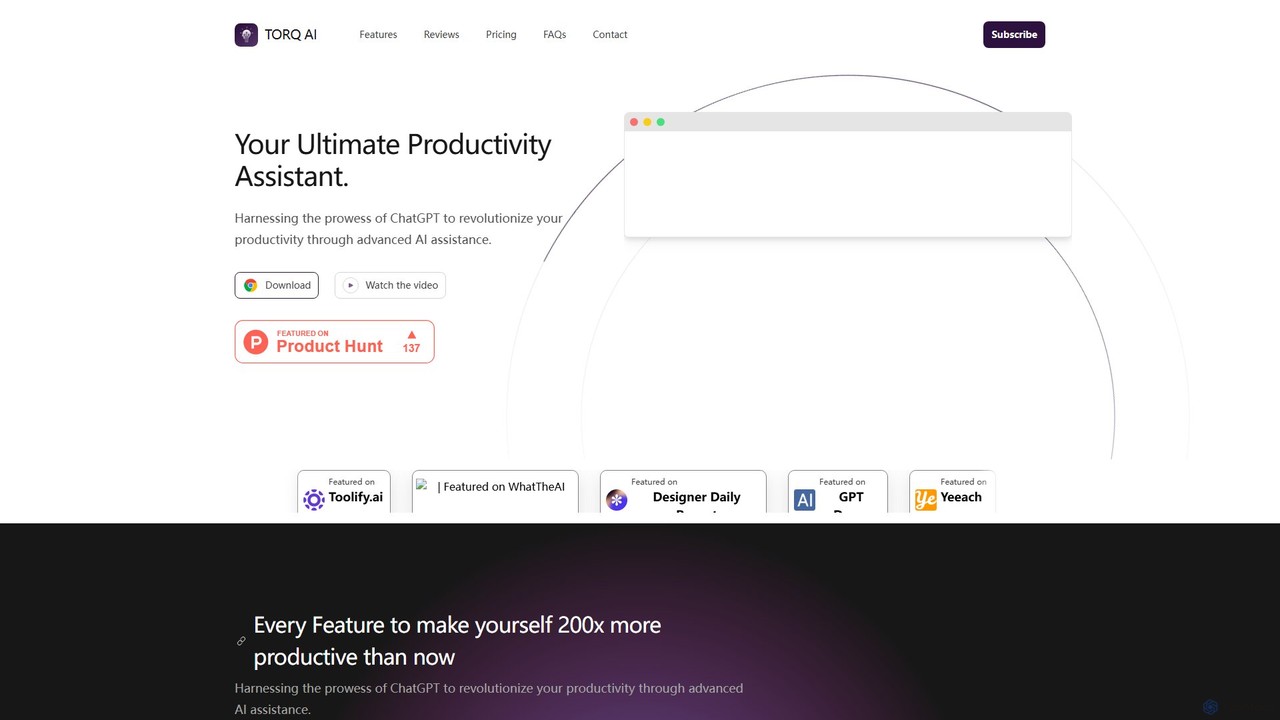
Torq
Torq is an AI-powered Chrome extension that supercharges your productivity. Leveraging ChatGPT, it offers one-click email generation, instant text summarization and translation, and integrates AI responses directly into your Google search results, streamlining your daily workflow.
Browser ExtensionSideKick AI Categories
SideKick AI Embed Widget
Copy this embed code to place the badge on your blog, article, or product site and send readers directly to this ToolMage detail page.

Related AI tools
SnapGPT AI
SnapGPT AI is a powerful browser extension that integrates GPT's capabilities directly into your workflow. Instantly summarize articles, rewrite sentences, compose emails, or get explanations for complex topics on any webpage with a simple right-click or keyboard shortcut. Boost your productivity and streamline your online tasks.
Research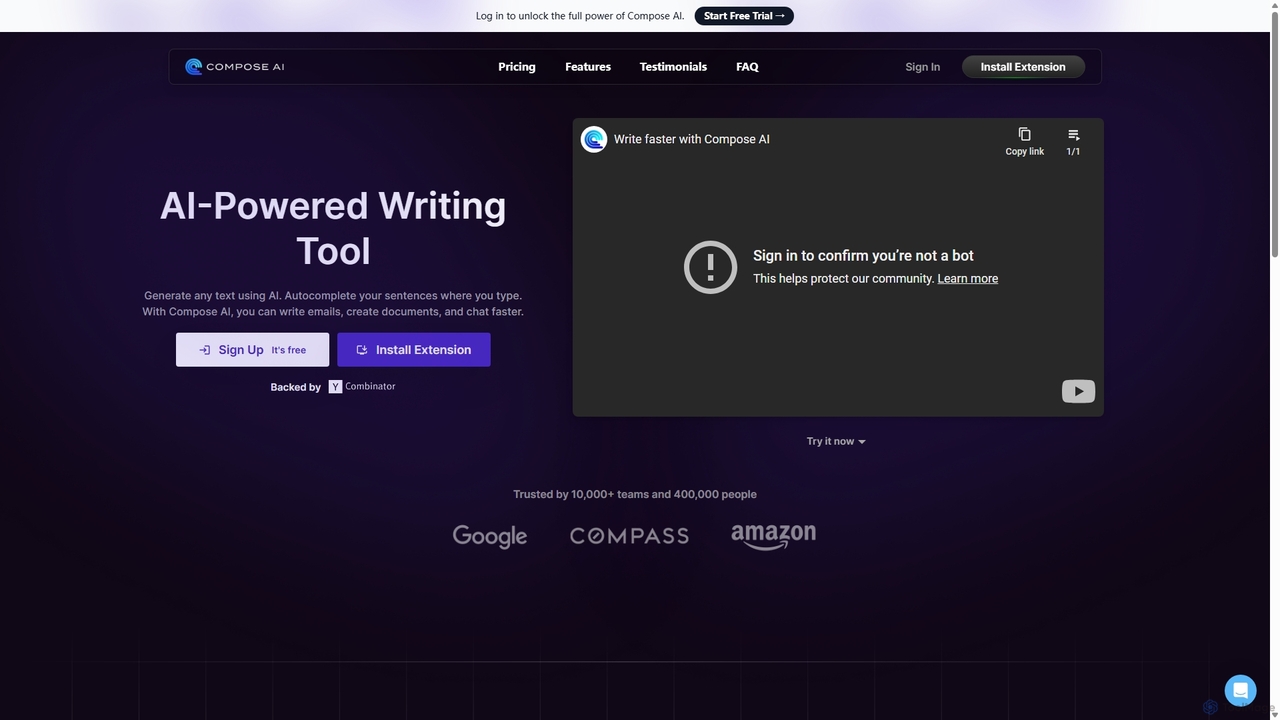
Compose AI
Compose AI is an AI-powered writing assistant and Chrome extension that accelerates your writing process. It offers intelligent autocompletion, text generation, and rephrasing capabilities across all your favorite sites, from emails to documents. By learning your personal writing style, it helps you write faster and more effectively, saving up to 40% of your time.
Chrome Extensions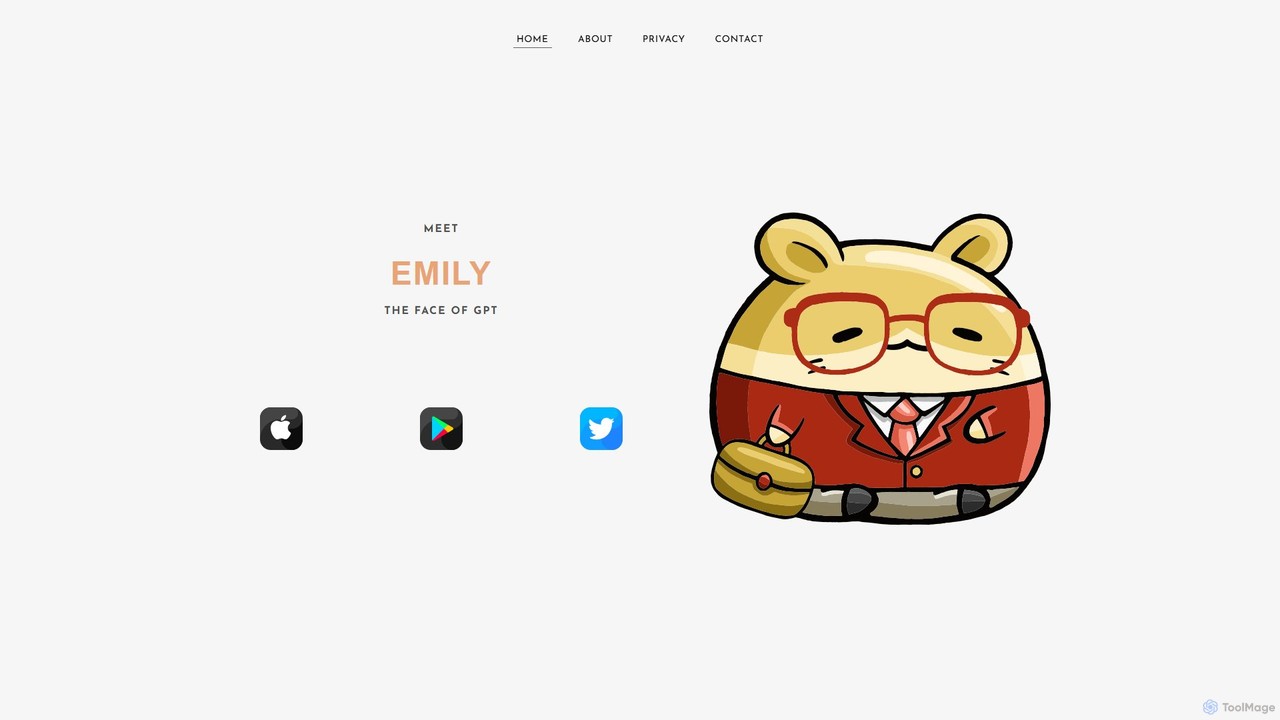
EmilyGPT
EmilyGPT is a friendly and powerful virtual digital assistant powered by OpenAI and Microsoft Azure. Designed as an approachable AI chatbot, it helps users with a wide range of tasks, from answering complex questions and generating creative content to assisting with professional writing and coding.
Assistant
Wonder AI
Wonder AI is a powerful Chrome extension that enhances your writing, editing, and reading. It integrates directly into your browser, offering one-click tools to rewrite text, check grammar, summarize articles, explain complex concepts, and translate content, boosting your daily productivity and communication skills.
Chrome Extensions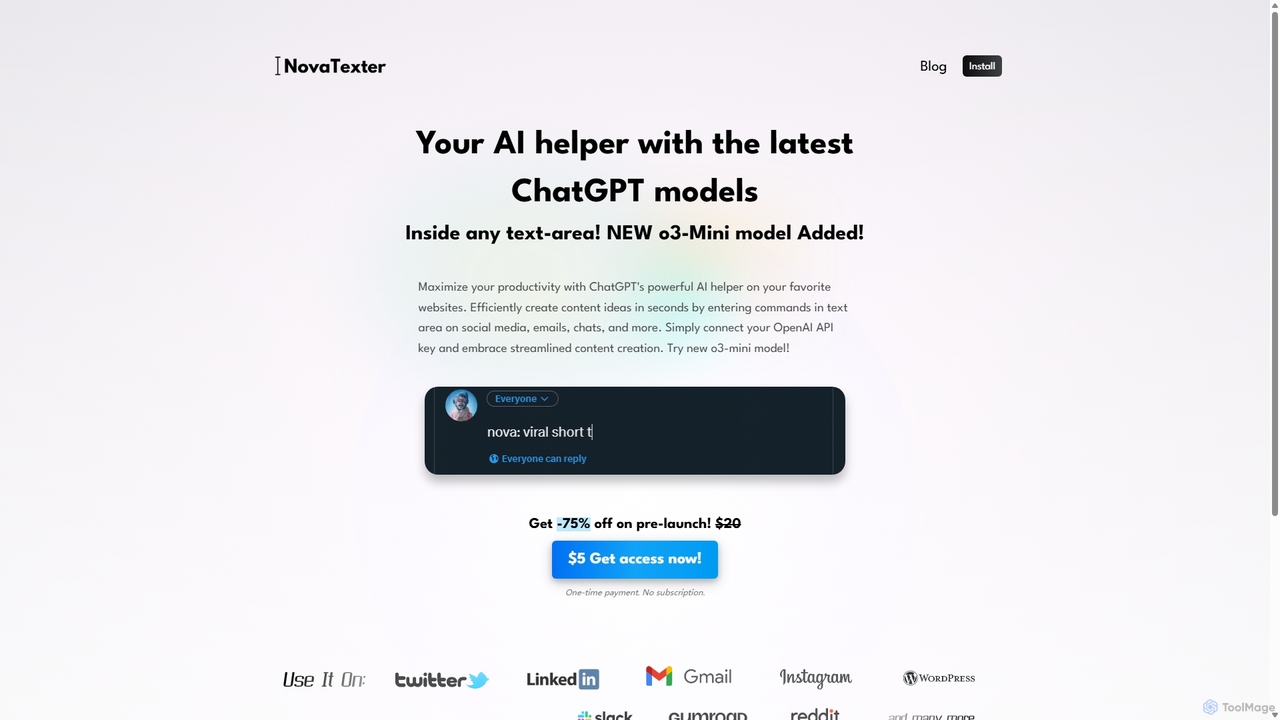
NovaTexter
NovaTexter is an AI-powered browser extension that integrates ChatGPT models directly into your workflow. It allows you to generate content, ideas, and responses on any website by simply typing commands in a text area. Connect your OpenAI API key for a seamless, productive content creation experience with a single one-time payment.
Chrome Extensions
ghostwryter
GhostWryter is a powerful AI writing assistant that integrates directly into Google Docs. By connecting your own OpenAI API key, it offers a highly cost-effective, pay-as-you-go solution for creating SEO texts, blog posts, essays, and marketing content. Generate ideas, draft outlines, write paragraphs, and refine your text without ever leaving your document.
Document Assistant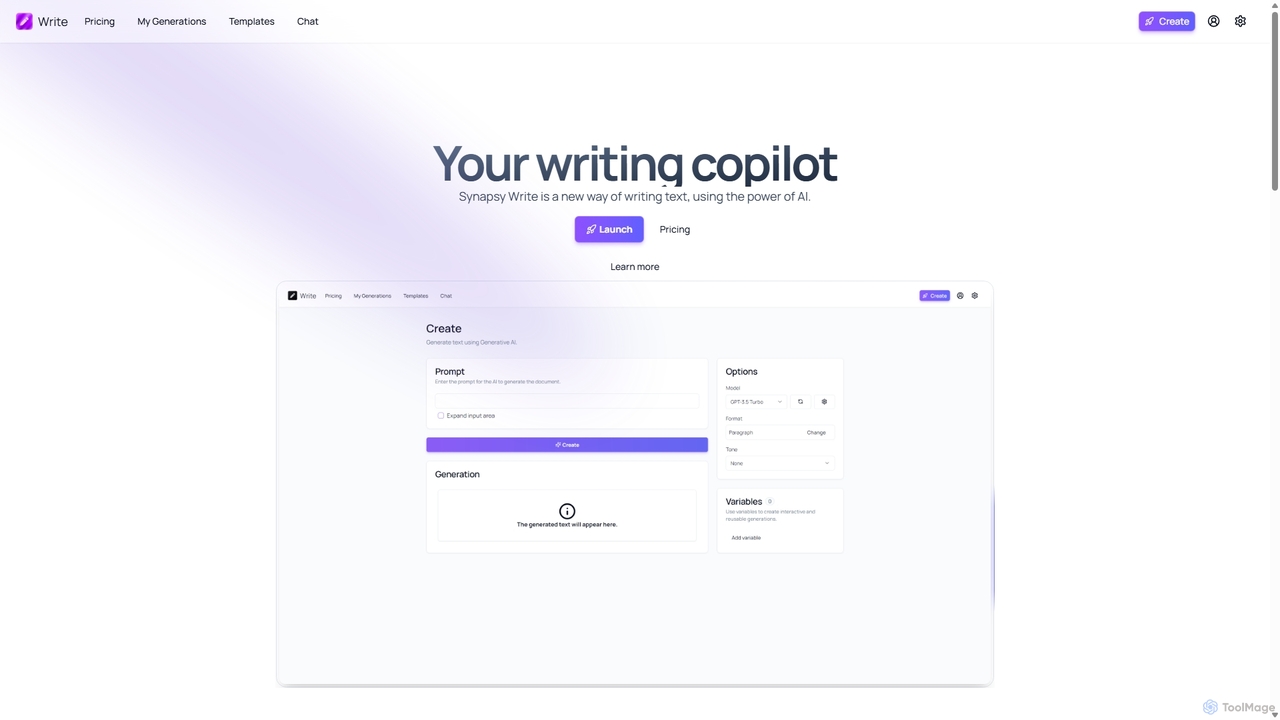
Synapsy Write
Synapsy Write is an open-source AI writing copilot designed to enhance productivity and creativity. It supports multiple advanced AI models like GPT-4o and Claude 3.5, offering versatile text generation, an integrated editor, advanced controls with variables, and specialized tools for creating essays, tables, and in-depth text analysis.
Academic Writingtypegpt
typegpt is a lightweight browser extension that integrates ChatGPT into any text box on the internet. Use simple commands to generate, translate, or code directly in your workflow, using your own API key for maximum cost-efficiency and control.
Code AssistantQuick Access Ai
Quick Access Ai is a Chrome extension that provides instant access to ChatGPT on any website. By simply typing a command, users can generate content, write code, summarize text, and perform research without switching tabs. It aims to boost productivity by integrating AI assistance directly into your existing workflow, making daily tasks faster and more efficient.
Code Assistant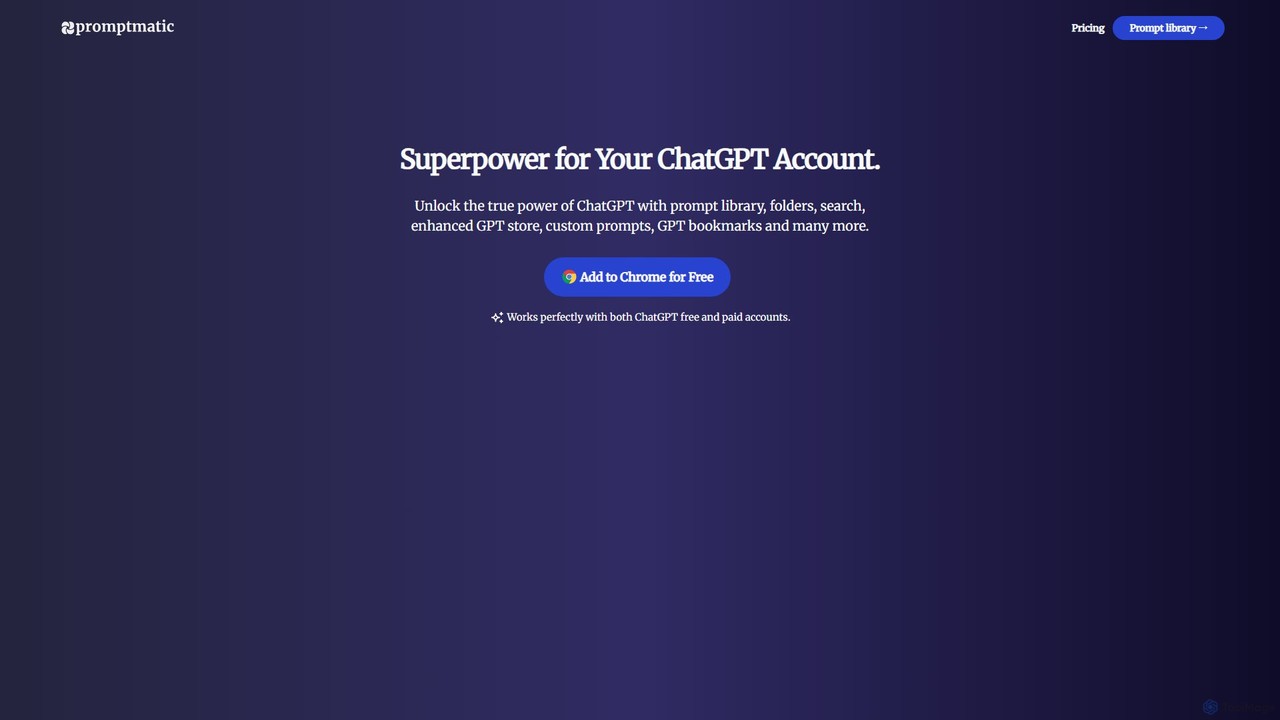
Promptmatic
Promptmatic is a powerful Google Chrome extension for ChatGPT, designed to enhance your AI interactions. It features a massive library of over 2900 prompts, a smart prompt editor, a GPT bookmark manager, and extensive customization options for roles, styles, and tones. It streamlines your workflow, making you more productive and efficient when using ChatGPT for professional tasks.
Chrome Extensions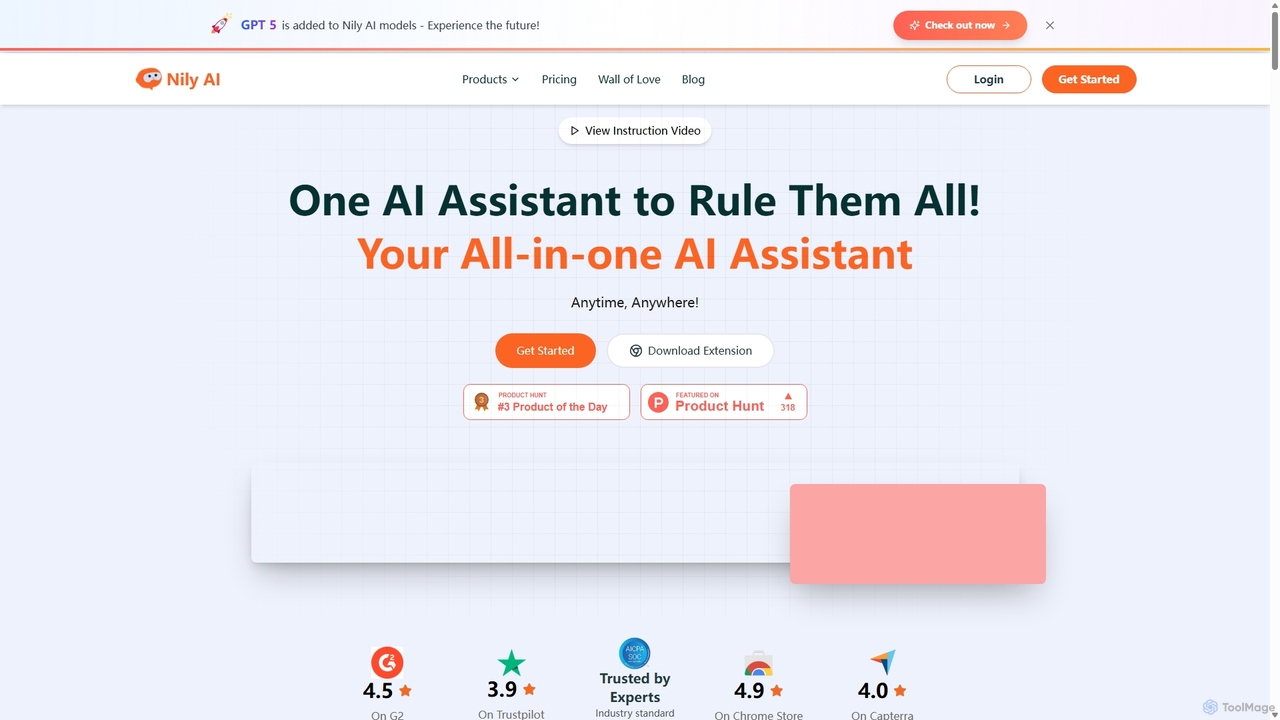
Nily AI
Nily AI is an all-in-one AI assistant designed to boost productivity. It integrates over 20 advanced AI tools into a single platform, accessible via a convenient Chrome sidebar. Key features include LLM comparison, AI writing, image generation, email assistance, and chatting with PDFs or YouTube videos, catering to a wide range of professionals.
Image Generation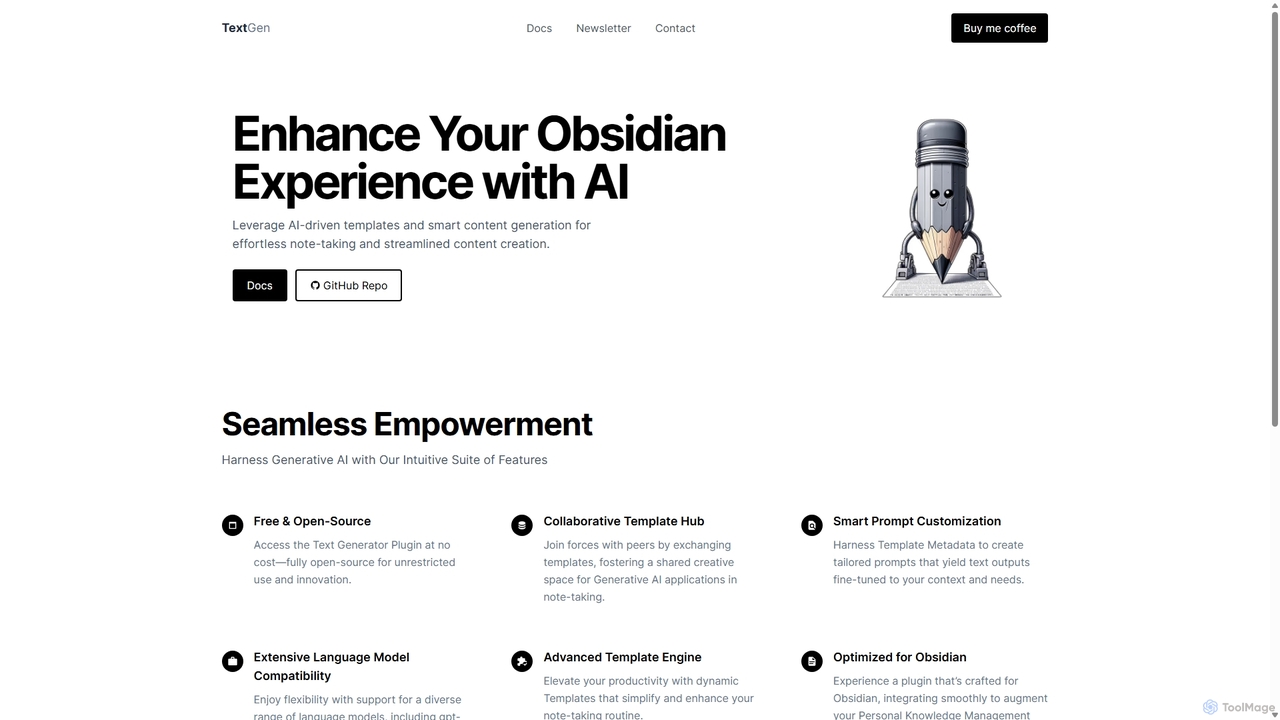
TextGen
TextGen is a free, open-source AI plugin for Obsidian that supercharges your note-taking and content creation. It integrates seamlessly with various large language models like GPT-4, Claude, and Llama, allowing you to generate, summarize, and transform text using customizable templates directly within your knowledge base.
Code Assistant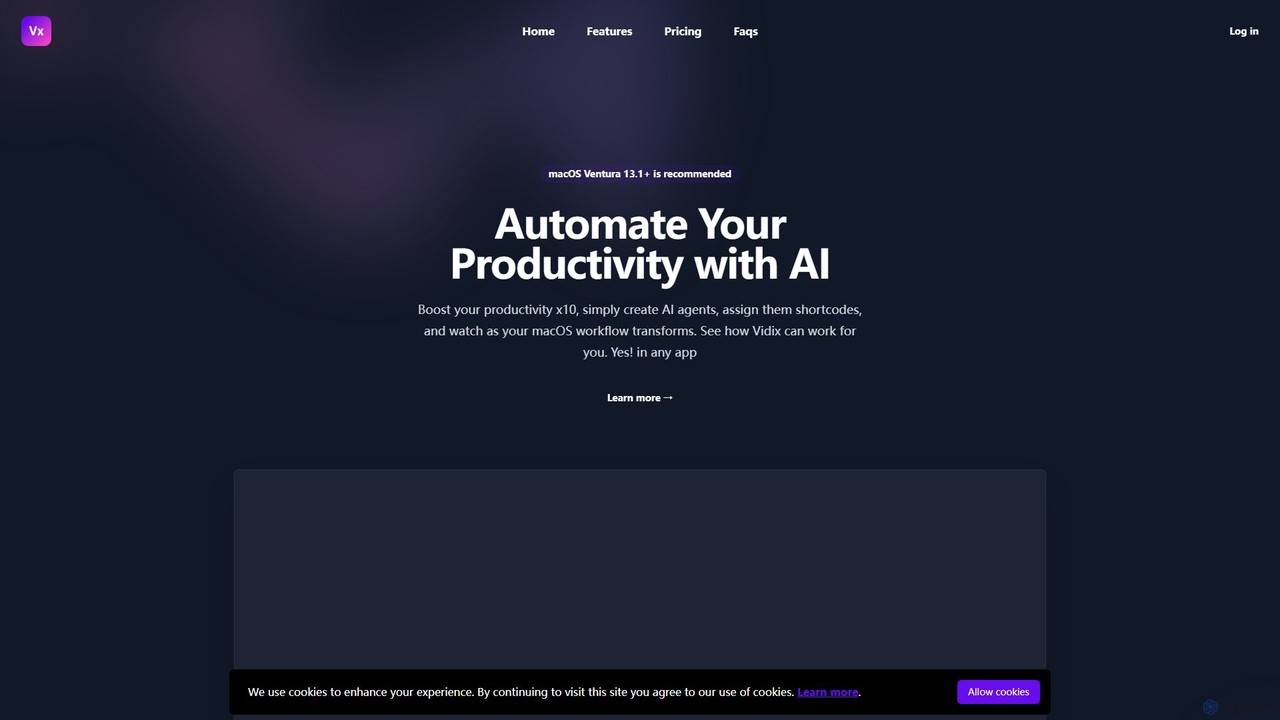
Vidix
Vidix is a powerful AI assistant for macOS designed to boost productivity. It allows users to create custom AI agents, assign them shortcodes, and activate them in any application to automate tasks, process text, and streamline workflows seamlessly.
Code Assistant
chatdansk
A user-friendly web platform providing Danish speakers with seamless access to advanced AI models like GPT-4. It facilitates a wide range of tasks, including writing, coding, translation, and creative brainstorming. The tool offers both free and premium access without requiring a native app, making powerful AI accessible to everyone.
Code Assistant
Promptify
Promptify is an all-in-one AI platform designed to enhance creativity and productivity. It offers a vast library of prompt templates, an intuitive Prompt Builder for custom needs, powerful GPTs for workflow automation, and a seamless Chrome extension for on-the-go assistance with models like ChatGPT and Claude.
Workflow Automation
SideKick AI Comments (0)
Sign in to comment.
Sign inNo comments yet.