

ghostwryter Overview
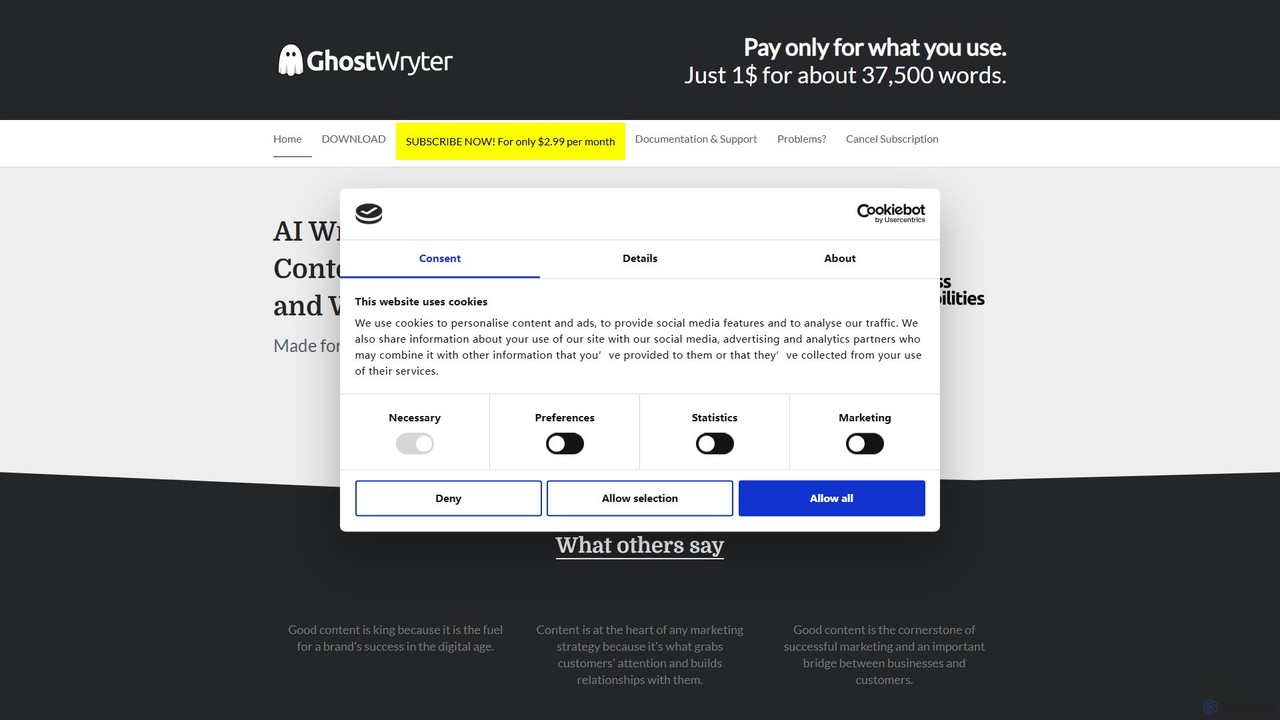
GhostWryter is an innovative AI-powered writing assistant designed to seamlessly integrate with your Google Docs workflow. It functions as a Google Docs add-on, transforming your familiar document editor into a powerful content creation hub. By leveraging the advanced capabilities of OpenAI's language models (like GPT-3 Davinci), GhostWryter helps you write, refine, and optimize your content directly within your document. Its unique model requires users to bring their own OpenAI API key, resulting in an exceptionally cost-effective "pay-as-you-go" system. This makes it an ideal tool for writers, marketers, students, and anyone looking to enhance their writing productivity without being tied to expensive, limited subscription plans.
How to use ghostwryter
Getting started with GhostWryter is a straightforward process designed to get you writing with AI assistance in minutes:
- Installation: Find and install the GhostWryter add-on from the Google Workspace Marketplace.
- Subscription: Sign up for a GhostWryter subscription on their website. It is crucial to use the same email address that you use for your Google account.
- Get OpenAI API Key: Register on the OpenAI platform to get your personal API key. New OpenAI users often receive free starting credits, which are perfect for testing GhostWryter extensively.
- Configuration: Open any Google Doc, go to "Extensions" -> "GhostWryter" to launch the add-on. In the sidebar that appears, click the settings icon (a gear) and paste your OpenAI API key. Save the settings.
- Start Writing: Highlight a keyword, sentence, or paragraph in your document and click one of the function buttons in the GhostWryter sidebar to generate ideas, write content, or refine your text. The AI-generated content will be inserted directly into your document.
Core Features of ghostwryter
GhostWryter is packed with a comprehensive suite of tools organized into three main categories to cover every stage of the writing process:
- Idea Generation & Outlining: Includes an Ideas Generator, Outline Generator to structure your articles, Heading Finder for question-based headings, and tools to explore Root Causes and Worst Case Scenarios for deeper analysis.
- Content Writing & Expansion: Features an Essay Writer, Introduction and Paragraph generators, a Paragraph Expander to elaborate on points, a Sentence Expander for more detail, a Sentence Completer, and a Q&A function to directly answer questions.
- Text Refinement & Optimization: Offers a powerful Rewriter to rephrase sentences or paragraphs, a tool to find the Top-10 Questions on a topic, functions to list Advantages and Disadvantages, a Bullet Point Summary creator, a Checklist Creator, and a "Magic Command" for custom text generation requests.
Use Cases for ghostwryter
GhostWryter's versatility makes it suitable for a wide range of users and applications:
- Content Marketers & SEO Specialists: Quickly generate blog post ideas, create SEO-friendly outlines, write entire articles, and find relevant headings and questions to improve search engine rankings.
- Bloggers & Writers: Overcome writer's block, expand on ideas, draft articles faster, and refine prose for better readability and engagement, all within the familiar Google Docs environment.
- Students & Academics: Brainstorm for essays, generate thesis statements, create structured outlines for research papers, and summarize complex information into concise bullet points.
- Business Professionals: Draft marketing copy, write reports, create checklists for projects, and summarize meeting notes efficiently.
Advantages of ghostwryter
GhostWryter stands out from other AI writing tools with several key advantages:
- Seamless Google Docs Integration: Work without interruption. All features are accessible via a simple sidebar, eliminating the need to switch between different apps and tabs.
- Extreme Cost-Effectiveness: The "Bring Your Own Key" (BYOK) model is a game-changer. You pay a minimal subscription for the interface and then pay OpenAI directly for what you use, which is significantly cheaper than most all-in-one solutions. For example, you can generate approximately 37,500 words for just one dollar.
- Pay-As-You-Go Flexibility: Unlike plans with fixed word counts, you only pay for the tokens you actually consume. This is ideal for users with fluctuating writing needs.
- Full Control & Transparency: By using your own OpenAI key, you have full transparency over your usage and costs directly through your OpenAI account.
- Loyalty Rewards: Long-term subscribers benefit from a locked-in low monthly price, rewarding their continued support.
Pricing and Plans
GhostWryter employs a unique and transparent two-part pricing model:
- GhostWryter Subscription: A flat monthly fee is required to use the add-on interface. For loyal, continuous subscribers, the price is a low $2.99 per month. If a subscription is cancelled and later renewed, the price increases to $7.99 per month. There is no free trial, but the company offers a 3-day money-back guarantee.
- OpenAI API Usage: All content generation costs are billed directly by OpenAI based on your API key usage. This is a "pay-as-you-go" model. As an example provided by GhostWryter, usage of the advanced Davinci model costs approximately $0.02 per 1,000 tokens (about 750 words).
This structure ensures users pay a small fixed cost for the tool itself and a variable cost based purely on their actual writing activity, making it one of the most affordable professional AI writing solutions available.
ghostwryter Alternatives

BloggerAI
BloggerAI is an AI-powered content writing assistant designed specifically for bloggers. It helps you create high-quality, SEO-optimized blog posts in a fraction of the time. Featuring a unique "Bring Your Own Key" model, it offers an ethical and cost-effective solution by allowing you to use your own OpenAI API key, avoiding inflated token prices. It supports over 10 languages, WordPress integration, and provides a full suite of tools for writing, rewriting, and SEO.
Blogging
Logiclister
Logiclister is an all-in-one AI-powered suite with over 50 tools designed to empower e-commerce businesses, freelancers, and marketers. It streamlines content creation for product descriptions, blog posts, social media, ad copy, and freelance proposals on platforms like Upwork and Fiverr. The platform also includes an AI image generator, voiceover tools, and SEO features to boost productivity and sales.
Proposal Generation
Jaeves
Jaeves is an all-in-one AI content creation platform designed to accelerate your workflow by 10x. It generates SEO-optimized text, stunning AI images, and professional voiceovers. With over 90 templates, it helps users overcome creative hurdles and produce high-quality, original content for blogs, marketing, social media, and more, all without needing any coding skills.
Voice Synthesis
askoptimo
askoptimo is an AI-powered marketing tool suite developed by FATJOE. It's designed to boost creativity and accelerate everyday marketing tasks, including SEO, ad copywriting, social media content creation, and more. It offers a range of free tools to streamline your workflow.
Seo
Texta.ai
Texta.ai is an AI-powered content creation platform designed to automate and scale your content marketing. It specializes in generating high-quality, SEO-optimized blog posts, articles, and email campaigns. With features like one-click blog automation, smart linking, keyword research, and seamless CMS integrations, Texta.ai helps marketers, bloggers, and businesses save time, boost traffic, and increase conversions effortlessly.
Content Creationghostwryter Categories
ghostwryter Embed Widget
Copy this embed code to place the badge on your blog, article, or product site and send readers directly to this ToolMage detail page.

Related AI tools
BloggerAI
BloggerAI is an AI-powered content writing assistant designed specifically for bloggers. It helps you create high-quality, SEO-optimized blog posts in a fraction of the time. Featuring a unique "Bring Your Own Key" model, it offers an ethical and cost-effective solution by allowing you to use your own OpenAI API key, avoiding inflated token prices. It supports over 10 languages, WordPress integration, and provides a full suite of tools for writing, rewriting, and SEO.
Blogging
AI Sidekick
AI Sidekick is a powerful writing assistant that integrates directly into your website's CMS (like Neos, WordPress, Drupal). Powered by GPT-4 and other advanced AIs, it helps you create high-quality, SEO-optimized content faster. Generate ideas, draft articles, improve existing text, and maintain a consistent brand voice, all within your familiar editing environment.
Content Creation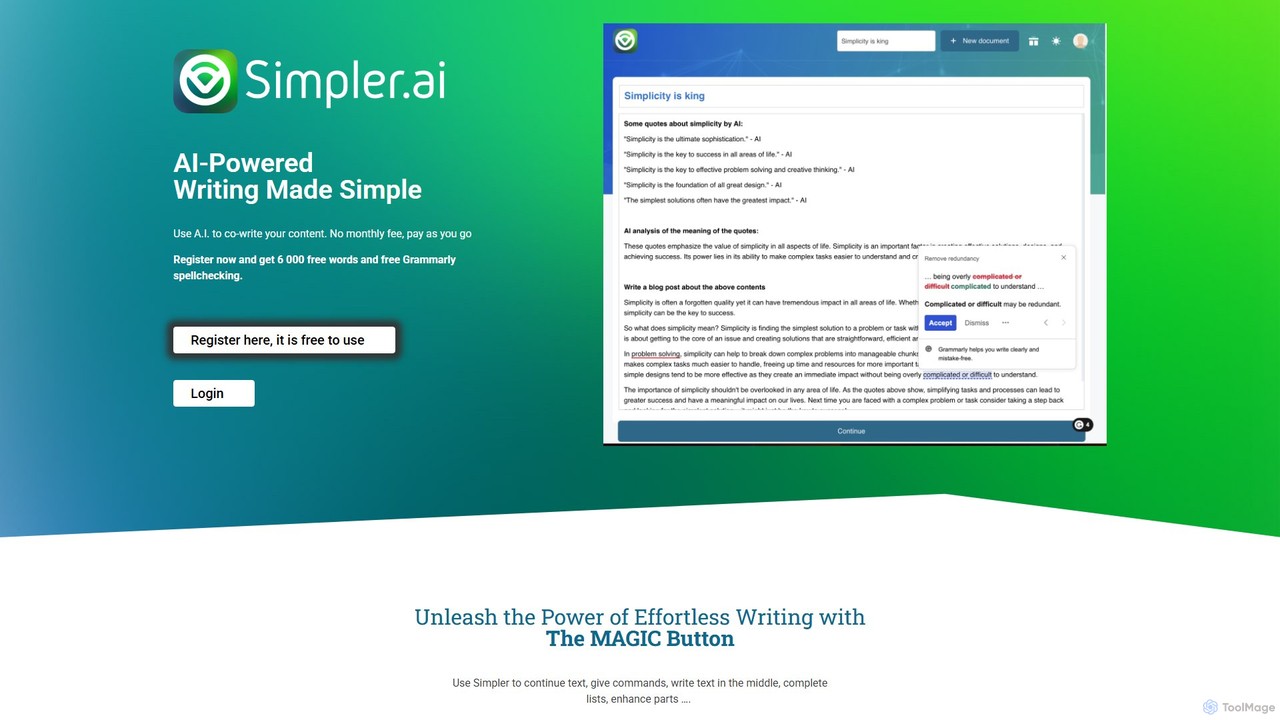
Simpler.ai
Simpler.ai is an AI-powered writing assistant with a distraction-free editor and a unique "MAGIC button" for seamless content co-creation. It offers integrated Grammarly spellchecking and a flexible pay-as-you-go pricing model, eliminating monthly subscriptions. Ideal for writers, marketers, and creators looking to overcome writer's block, generate ideas, and produce high-quality content efficiently.
Content Creation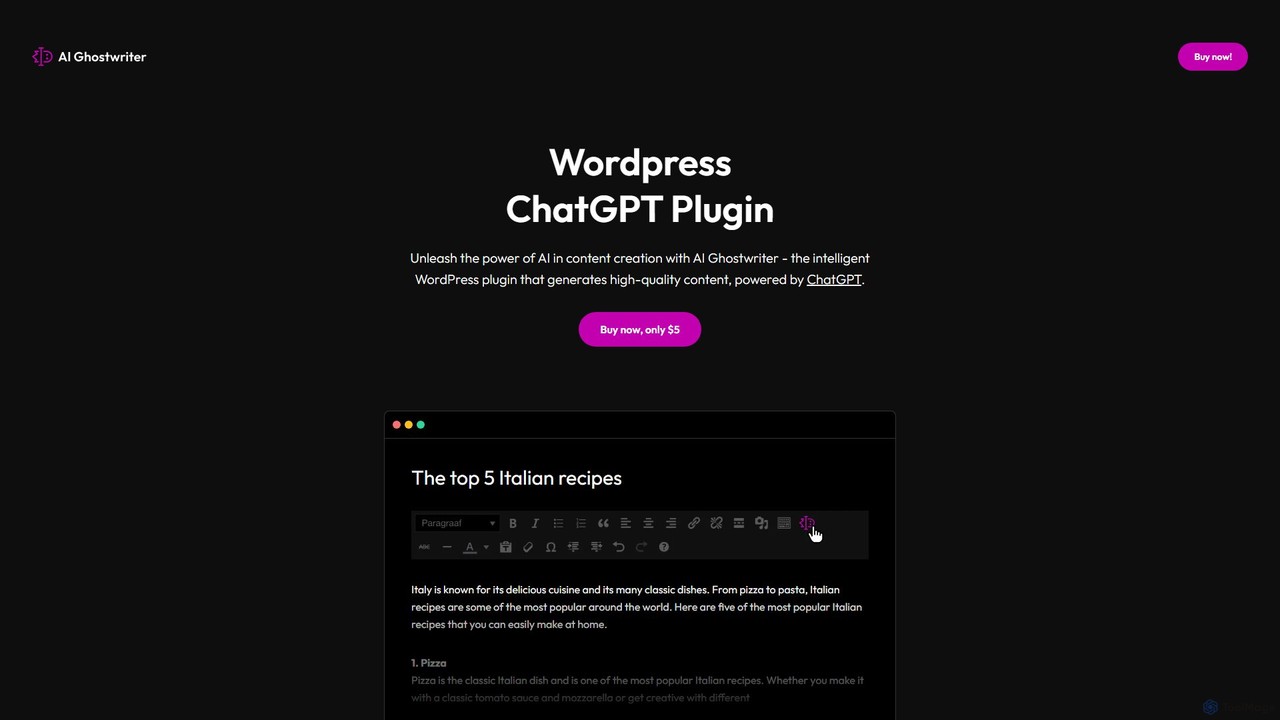
AI Ghostwriter
AI Ghostwriter is a powerful WordPress plugin that integrates ChatGPT directly into your website's editor. It allows you to generate high-quality, SEO-friendly blog posts, articles, and other web content with simple prompts. Streamline your content creation workflow, overcome writer's block, and publish more frequently without ever leaving your WordPress dashboard.
Content Creation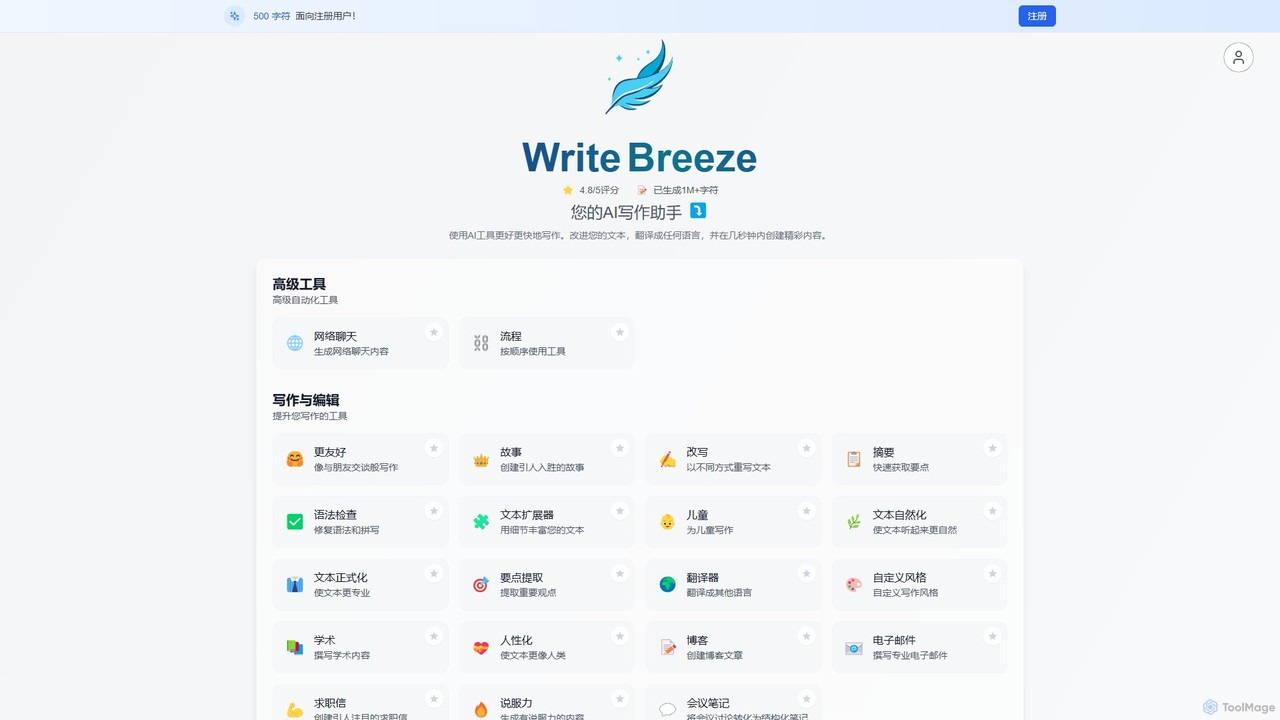
WriteBreeze
WriteBreeze is an AI-powered writing assistant with over 30 intelligent tools designed to streamline content creation. It helps marketers, bloggers, and businesses generate high-quality copy for blogs, ads, emails, and social media in seconds, overcoming writer's block and boosting productivity.
Content Creation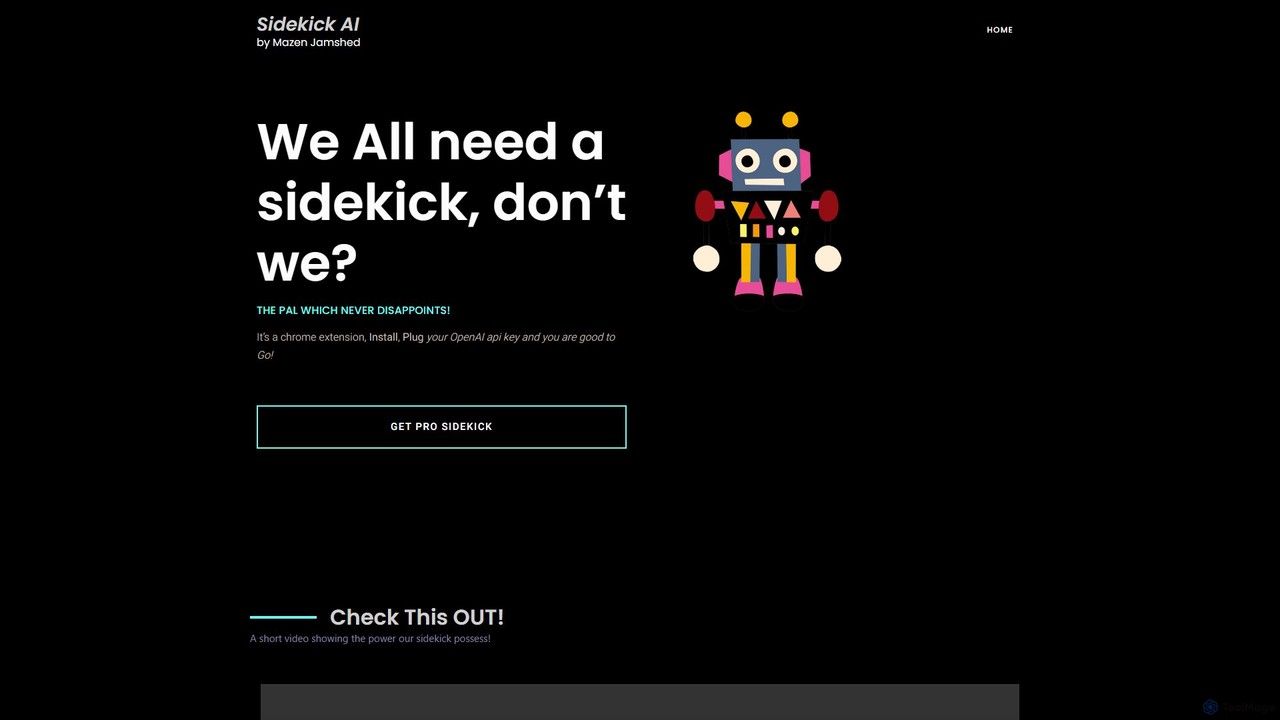
SideKick AI
SideKick AI is a powerful Chrome extension that integrates OpenAI's capabilities directly into your browser. Use simple commands to generate, rewrite, and improve text in any input field, streamlining your workflow and boosting productivity without ever leaving your current tab.
Text Generation
IntelliWriter
IntelliWriter is an all-in-one AI content creation platform designed for SEO and blog automation. It helps marketers, bloggers, and businesses write better, rank higher, and scale content production faster. Key features include an AI topical authority builder, SEO-optimized article writer, content humanizer, AI image generator, and seamless WordPress integration.
Content Marketing
penf1
penf1 is an AI-powered content creation platform designed to help marketers, writers, and businesses generate high-quality, engaging content at lightning speed. From blog posts and articles to social media updates and ad copy, penf1 streamlines your content workflow and boosts productivity.
Content CreationLogiclister
Logiclister is an all-in-one AI-powered suite with over 50 tools designed to empower e-commerce businesses, freelancers, and marketers. It streamlines content creation for product descriptions, blog posts, social media, ad copy, and freelance proposals on platforms like Upwork and Fiverr. The platform also includes an AI image generator, voiceover tools, and SEO features to boost productivity and sales.
Proposal GenerationJaeves
Jaeves is an all-in-one AI content creation platform designed to accelerate your workflow by 10x. It generates SEO-optimized text, stunning AI images, and professional voiceovers. With over 90 templates, it helps users overcome creative hurdles and produce high-quality, original content for blogs, marketing, social media, and more, all without needing any coding skills.
Voice Synthesis
AISEO
AISEO is an advanced AI writing assistant designed for creating SEO-optimized, human-like content that ranks on Google. It features a powerful suite of tools including an AI humanizer to bypass detection, an article generator that analyzes SERPs, a topical authority builder, and a blog image generator. It's tailored for SEO professionals, marketers, and content creators to streamline their workflow, improve organic traffic, and dominate search results without needing deep technical expertise.
Content Marketing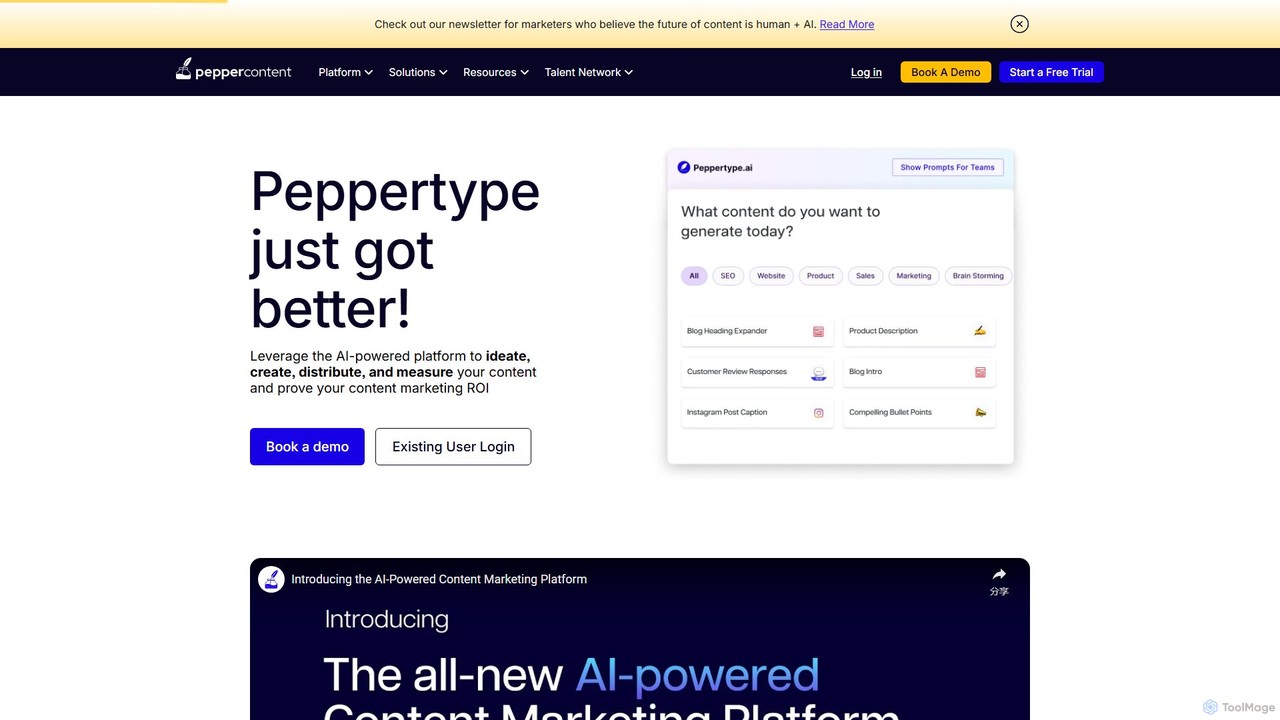
Peppertype.ai
Peppertype.ai is an advanced AI-powered content creation platform designed to streamline the entire content marketing lifecycle. It helps marketers, agencies, and businesses ideate, create, optimize, and distribute high-quality content faster. By integrating AI writing with SEO tools, grammar checks, and plagiarism detection, Peppertype.ai accelerates content production while ensuring quality and performance.
Content Creation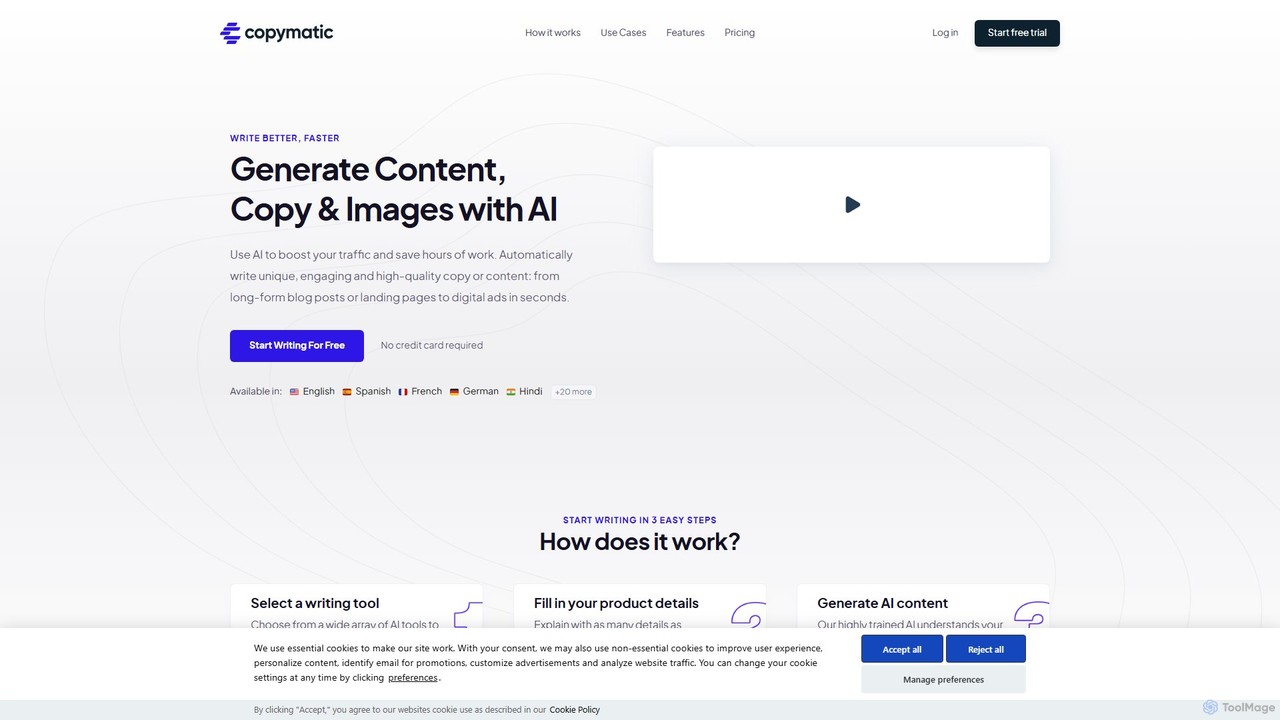
Copymatic
Copymatic is an AI-powered content writer, copywriter, and content generator that helps you create high-quality content 10x faster. It offers a wide range of tools for blogs, articles, website copy, and social media, integrated with powerful SEO features to boost your rankings.
Content Marketing
GetGenie
GetGenie is an all-in-one AI SEO and content assistant designed for WordPress and available as a SaaS platform. It combines keyword research, competitor analysis, AI-powered content creation, and on-page optimization to help users write, optimize, and rank content faster. It's ideal for marketers, bloggers, and SEO specialists.
Content Marketing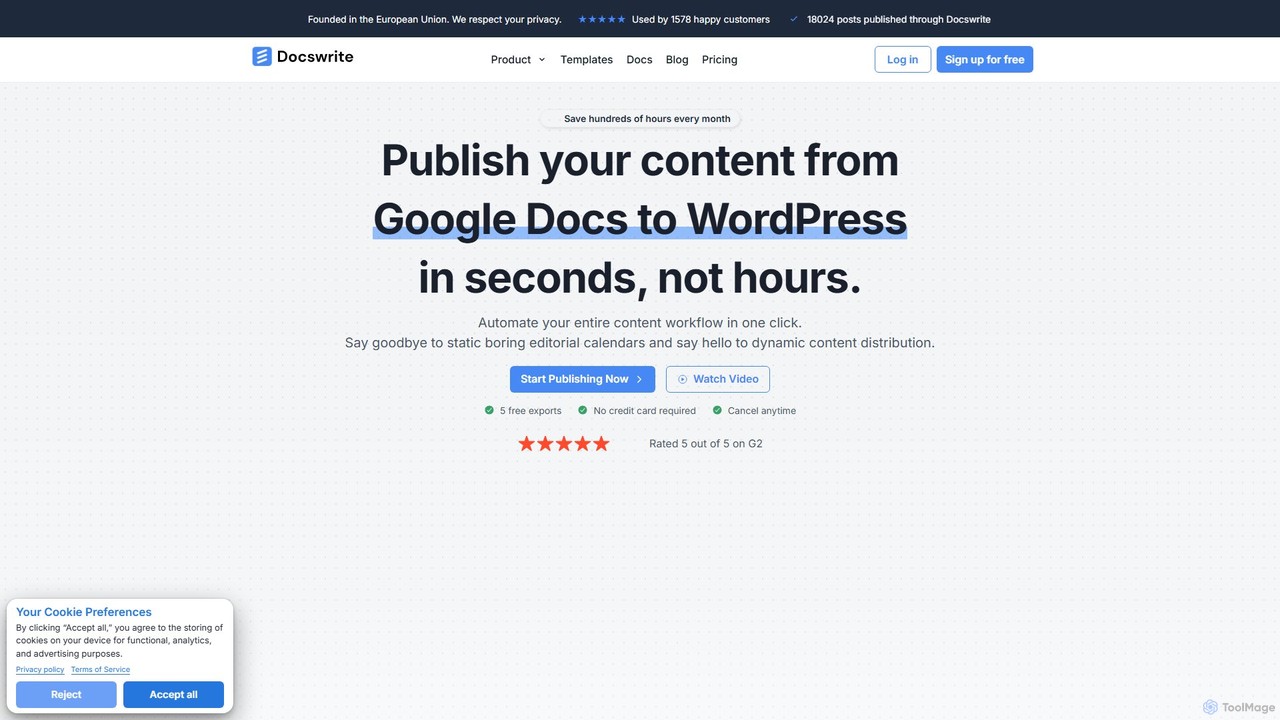
docswrite
docswrite is an AI-powered writing assistant designed to streamline the creation of high-quality documents. It helps users generate articles, reports, marketing copy, and more with advanced AI. Features include content generation, intelligent editing, and a vast library of templates to boost productivity and enhance writing quality.
Document Management
ghostwryter Comments (0)
Sign in to comment.
Sign inNo comments yet.