ToolMage
Sign in

Best 1 Document Assistant for Education

Popular Document Assistant in Education include ghostwryter, helping you work more efficiently.

ghostwryter
Paid

ghostwryter

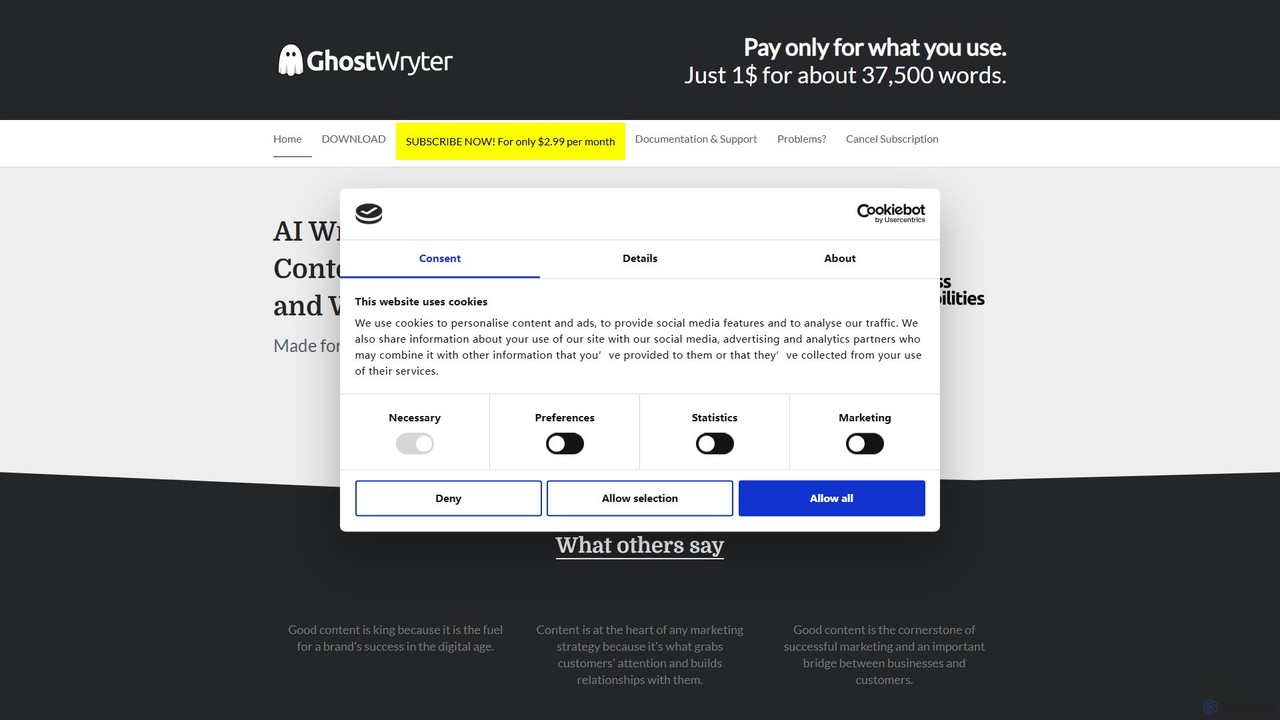
GhostWryter is a powerful AI writing assistant that integrates directly into Google Docs. By connecting your own OpenAI API key, it offers a highly cost-effective, pay-as-you-go solution for creating SEO texts, blog posts, essays, and marketing content. Generate ideas, draft outlines, write paragraphs, and refine your text without ever leaving your document.

Document Assistant
Visits 3.7KFavorites 128Likes 105

About Document Assistant

Document Assistant tools use AI to help you understand, summarize, and interact with your text-based files. They function like an intelligent expert for your documents, allowing you to ask questions directly to PDFs, reports, or books and receive instant, context-aware answers. This capability transforms static documents into dynamic knowledge bases, significantly accelerating research, analysis, and learning. Unlike simple keyword search, these assistants grasp the semantic meaning of the content to provide insightful responses.

Core Features

  • Interactive Q&A: Ask natural language questions about your document and get precise answers, often with source citations.
  • Automated Summarization: Instantly generate concise summaries of long articles, reports, or book chapters.
  • Information Extraction: Automatically identify and pull key data points, such as names, dates, figures, and definitions.
  • Cross-Document Analysis: Upload multiple files to ask questions and compare information across your entire document set.

Use Cases

Primarily used in academic and professional settings, these tools are valuable for students conducting literature reviews, lawyers analyzing contracts, and business analysts dissecting financial reports. They streamline any workflow that involves digesting large volumes of text-based information to find specific insights quickly.

How to Choose

When selecting a Document Assistant, consider the supported file types (PDF, DOCX, etc.), the accuracy of its Q&A and summarization features, its ability to handle multiple documents simultaneously, and its data privacy policy, especially for sensitive information. The user interface and integration options are also important factors.

Featured tool rankings

Document Assistant use cases

1

Accelerate Academic Literature Reviews

A graduate student needs to review over 50 research papers for a thesis. Instead of reading each one cover-to-cover, they upload the collection to a Document Assistant. They can then ask specific questions like, 'What are the main arguments against this theory?' or 'Summarize the methodology of these five papers.' The tool provides synthesized answers with direct citations, reducing the literature review process from weeks to days and ensuring no critical information is missed.

2

Streamline Legal Contract Analysis

A paralegal reviews a 100-page service agreement to identify risks and non-standard clauses. By uploading the contract to a Document Assistant, they can quickly ask, 'What are the termination conditions?' or 'Are there any liability limitations?' The AI highlights relevant sections, translates complex legal jargon into plain language, and helps ensure compliance, saving hours of manual reading and reducing the risk of human error.

3

Efficiently Digest Financial Reports

A financial analyst needs to compare the quarterly performance of several competing companies. They upload the latest 10-Q reports for each company into the tool. Using the cross-document analysis feature, they ask, 'Compare the revenue growth and net income for Company A and Company B.' The assistant extracts the specific figures, presents them in a comparative format, and allows the analyst to quickly identify key financial trends without manually searching through hundreds of pages.

4

Create an Interactive Study Guide from Textbooks

A college student is preparing for a final exam. They upload a PDF of their textbook chapter to a Document Assistant. As they study, they can ask clarifying questions like, 'Explain the Krebs cycle in simple terms' or 'What is the difference between ATP and ADP?' The tool acts as a personal tutor, providing instant explanations based solely on the textbook's content, helping them grasp complex concepts and test their knowledge effectively.

5

Extract Insights from Market Research Reports

A product manager receives multiple lengthy market research reports. To quickly identify actionable insights, they use a Document Assistant to process all the documents. They can query the entire dataset with questions such as, 'What are the most frequently mentioned feature requests?' or 'Summarize the key consumer pain points in the APAC region.' The tool aggregates information from various sources, revealing patterns and trends that guide product development strategy.

6

Quickly Troubleshoot with Technical Manuals

An IT technician needs to resolve a server issue using a dense, 500-page technical manual. Instead of manually searching the index or using Ctrl+F, they upload the manual to a Document Assistant. They simply ask, 'What are the steps to reset the network configuration for model X?' The AI locates the exact procedure, lists the steps clearly, and even points to the relevant diagrams, turning a frustrating search into a quick, efficient solution.

Document Assistant FAQ

What is an AI Document Assistant?

An AI Document Assistant is a software tool that uses artificial intelligence, particularly natural language processing (NLP), to help users interact with and understand their documents. Instead of just reading, you can ask questions, request summaries, and extract specific information from files like PDFs and Word documents. They essentially turn static documents into conversational knowledge bases, making information retrieval much more efficient and intuitive.

How do I choose the right Document Assistant tool?

To choose the right tool, consider these key factors:

  • Document Compatibility: Ensure it supports the file types you use most (e.g., PDF, DOCX, PPTX, web pages).
  • Analytical Accuracy: Test its ability to provide precise answers and relevant summaries. Look for features like source citation.
  • Multi-Document Handling: If you work with multiple sources, choose a tool that allows cross-document queries.
  • Security and Privacy: Check the tool's data privacy policy, especially when handling sensitive or confidential documents.

What's the difference between a Document Assistant and a standard PDF reader?

A standard PDF reader allows you to view, annotate, and perform simple keyword searches (Ctrl+F). An AI Document Assistant goes much further by understanding the meaning and context of the text. You can ask complex questions in your own words (e.g., 'What is the main conclusion of this report?') instead of just searching for exact keywords. The assistant analyzes the entire document to synthesize an answer, something a simple reader cannot do.

What types of documents can AI Document Assistants process?

Most Document Assistants are optimized for text-heavy documents. Common supported formats include PDF, Microsoft Word (DOCX), PowerPoint (PPTX), and plain text files (TXT). Many advanced tools can also process web pages, e-books (ePub), and even scanned documents using Optical Character Recognition (OCR). However, performance may vary with documents that are highly visual, such as those containing many complex charts or images with little accompanying text.

Who benefits most from using a Document Assistant?

Document Assistants are highly beneficial for anyone who needs to process large amounts of textual information efficiently. This includes:

  • Students and Researchers: For accelerating literature reviews and studying complex subjects.
  • Legal Professionals: For quickly analyzing contracts, case law, and legal discovery documents.
  • Business and Financial Analysts: For dissecting market research, financial reports, and business plans.
  • Technical Professionals: For navigating complex manuals and documentation to find solutions.
Essentially, they empower any knowledge worker to extract key insights from documents faster.