

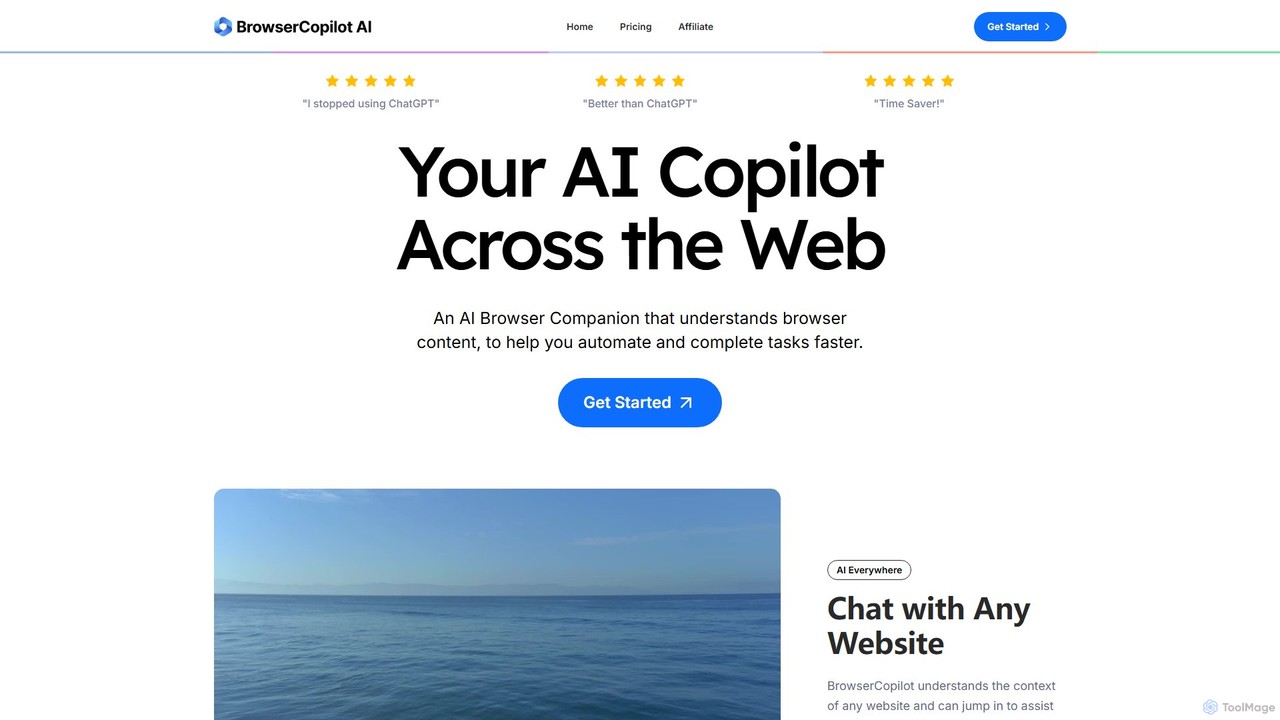
BrowserCopilot Overview
BrowserCopilot is a sophisticated AI browser companion designed to seamlessly integrate into your daily workflow, enhancing productivity and streamlining tasks directly within your browser. It functions as an intelligent assistant that understands the content and context of any webpage you visit, from articles and emails to social media and complex documents. This eliminates the constant need to copy and paste information into separate AI applications like ChatGPT, providing a more fluid and efficient user experience. By bringing the power of advanced AI models directly to your fingertips on any site, BrowserCopilot helps you complete your work up to twice as fast.
How to use BrowserCopilot
Getting started with BrowserCopilot is straightforward. First, you install the Chrome extension from the web store. Once installed, the AI copilot is available on every website you visit. You can interact with it in several ways:
1. Chat with Websites: Simply open the copilot to ask questions about the current page's content. It can summarize articles, explain complex topics, or find specific information for you.
2. Quick Menu: Highlight any text on a page to bring up a customizable quick menu. From here, you can use pre-set or custom prompts to perform actions like replying to a message, translating text, changing the tone, or summarizing the selection.
3. AI Vision: If you come across information in an image, chart, or any non-selectable format, use the AI Vision feature. Take a screenshot directly through the copilot, and then ask questions about the visual content.
4. Document Analysis: Drag and drop files like PDFs, Word documents, Excel spreadsheets, or images directly into the copilot interface to analyze their contents, ask questions, and extract key information without leaving your browser.
Core Features of BrowserCopilot
- Context-Aware AI: Understands the content of any webpage, email, or document, providing highly relevant and accurate assistance.
- Multi-Model Access: Integrates over 5 leading AI models, including GPT-4o, Claude 3.7 Sonnet, Gemini 2.0, Llama 3.3, and Perplexity, allowing you to choose the best model for your task.
- AI Vision: Capture any part of your screen and ask the AI questions about the image, perfect for analyzing charts, infographics, or locked text.
- Email Copilot: Master your inbox by generating context-aware replies to emails without ever leaving your mail client.
- Custom Copilots & Prompts: Build personalized AI assistants trained on your own data (PDFs, documents) and save powerful prompts to create efficient, repeatable workflows.
- Chat with Documents: Interact with PDFs, images, spreadsheets, and more by simply dragging and dropping them into the copilot.
- Privacy-Focused: Your content and AI conversations are never stored on their servers or used for AI training, ensuring GDPR and CCPA compliance.
Use Cases for BrowserCopilot
BrowserCopilot is a versatile tool for a wide range of users:
• Professionals & Marketers: Can draft marketing copy, respond to customer support tickets, generate social media content, and conduct market research by analyzing competitor websites.
• Students & Researchers: Can instantly summarize long academic papers, explain difficult concepts, gather and organize research from multiple sources, and get help with writing assignments.
• Writers & Content Creators: Can overcome writer's block, rephrase sentences, check grammar, and generate ideas for articles or blog posts directly within their writing platform.
• Freelancers & Entrepreneurs: Can manage communications, draft proposals, reply to client emails efficiently, and streamline administrative tasks to save valuable time.
Advantages of BrowserCopilot
The primary advantage of BrowserCopilot is its seamless integration into the browsing workflow, which significantly boosts productivity. Instead of juggling multiple tabs, the AI is always one click away. Its ability to understand on-page context leads to more accurate and useful outputs than generic chatbots. Access to multiple top-tier AI models provides flexibility and power, while customization options allow users to tailor the tool to their specific needs. Furthermore, its strong commitment to user privacy makes it a trustworthy assistant for handling sensitive information.
Pricing and Plans
BrowserCopilot offers a flexible, usage-based pricing structure with a free trial available. Plans are available on a monthly or yearly basis (with a 43% discount for annual subscriptions).
• Individual Plan: $17/month for 1,000 queries/month, 2 custom copilots, and 1 seat.
• Standard Plan: $23/month for 3,000 queries/month, 4 custom copilots, and 3 team seats.
• Team Plan: $55/month for 10,000 queries/month, 10 custom copilots, and 10 team seats.
All paid plans include full access to all features, including the 5+ advanced AI models, AI Vision, document chat, and priority customer support.
BrowserCopilot Alternatives
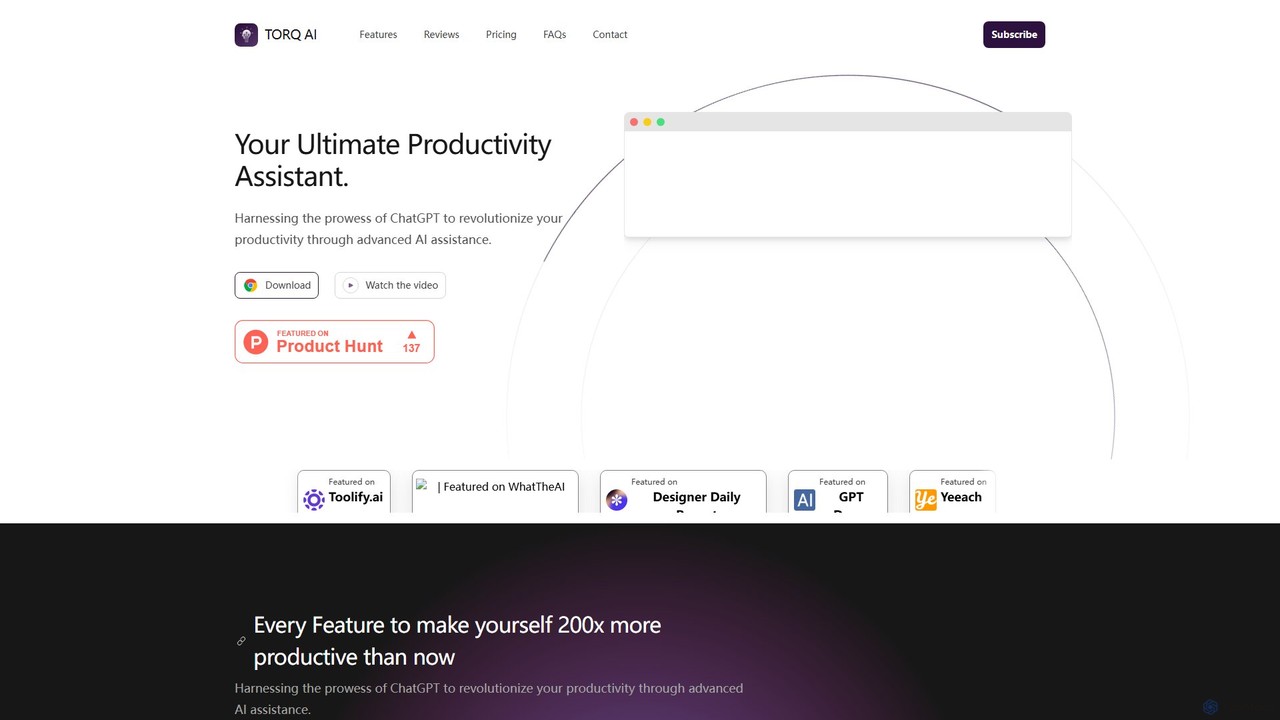
Torq
Torq is an AI-powered Chrome extension that supercharges your productivity. Leveraging ChatGPT, it offers one-click email generation, instant text summarization and translation, and integrates AI responses directly into your Google search results, streamlining your daily workflow.
Browser Extension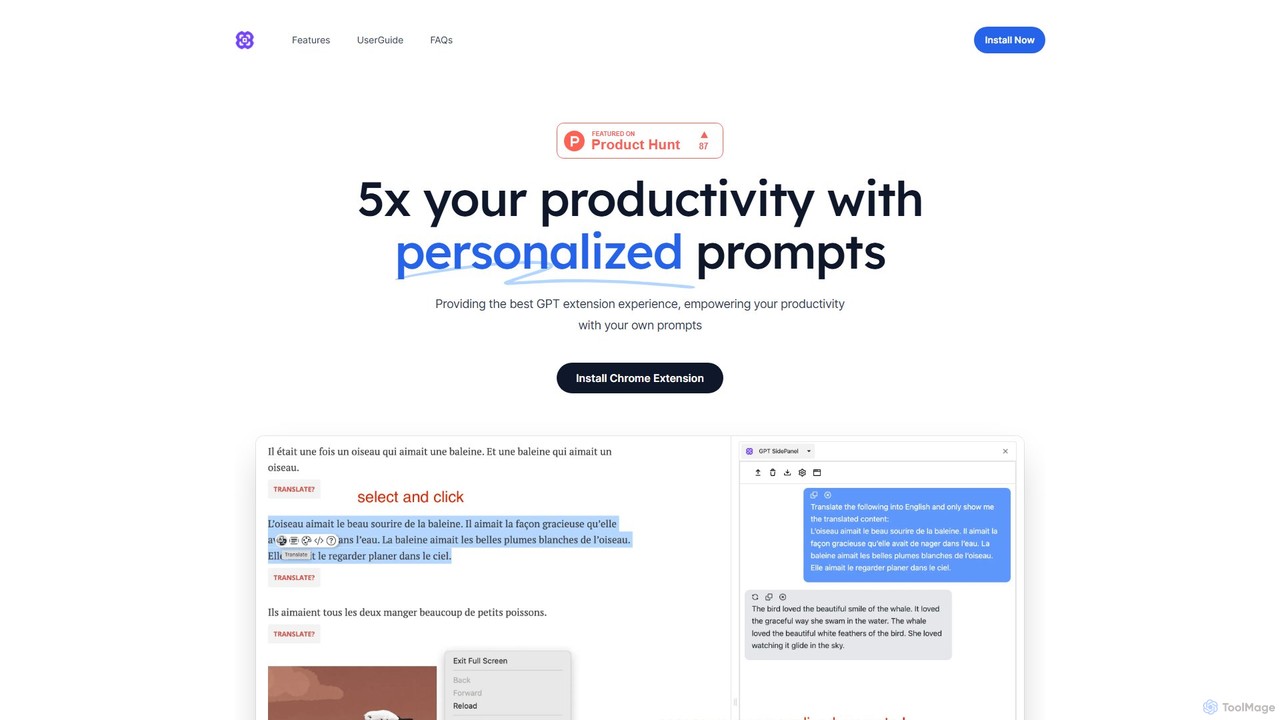
GPTSidePanel
GPTSidePanel is a powerful AI browser extension that integrates a GPT-powered sidebar into your browsing experience. Boost your productivity by summarizing articles, translating text, polishing writing, and using custom prompts directly on any webpage. Eliminate tab-switching and keep your workflow seamless with this intuitive AI assistant.
Browser Extension
getmax.ai
getmax.ai is an AI-powered browser extension that acts as your copilot for the web. It seamlessly integrates into your workflow, allowing you to summarize content, write emails, generate articles, and get instant answers from advanced AI models like GPT-4 and Claude, all without leaving your current tab.
Research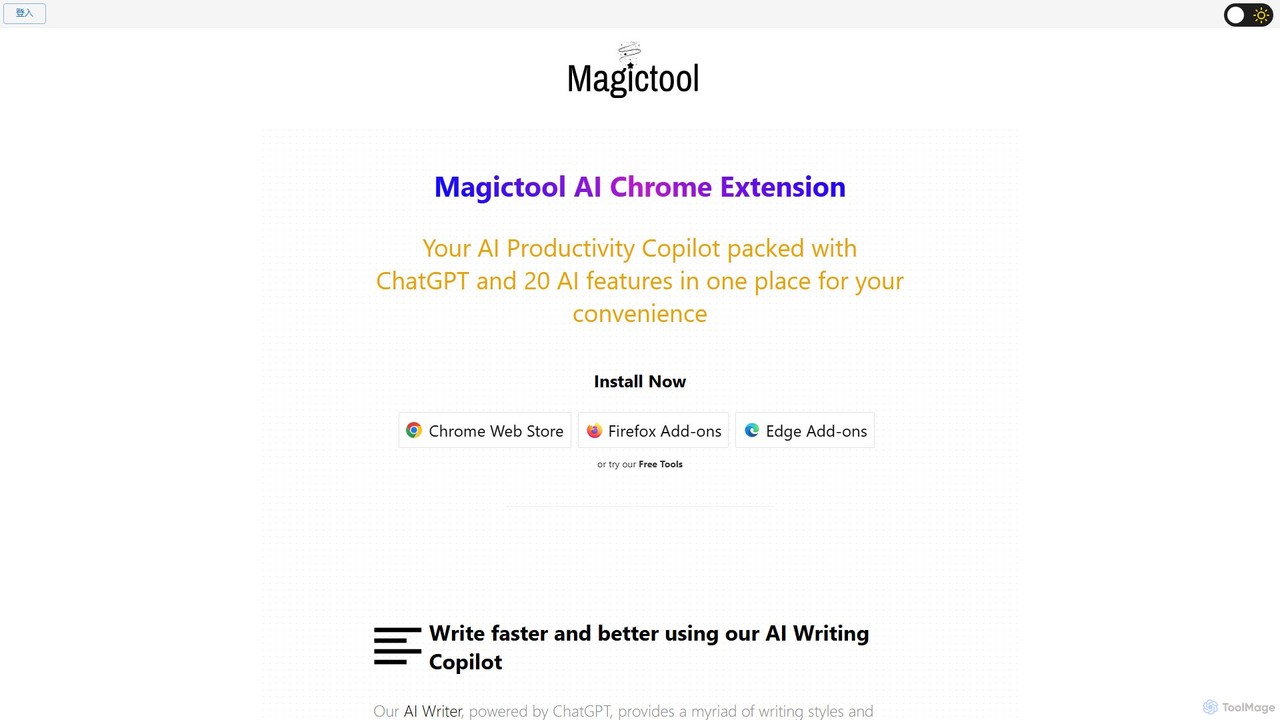
Magic Tool AI
Magic Tool AI is an all-in-one productivity browser extension that integrates ChatGPT and over 20 AI features. It acts as your personal copilot, helping you write better and faster, summarize YouTube videos and articles, chat with PDFs, scrape web data, generate images, and much more, all within your browser.
Browser Extension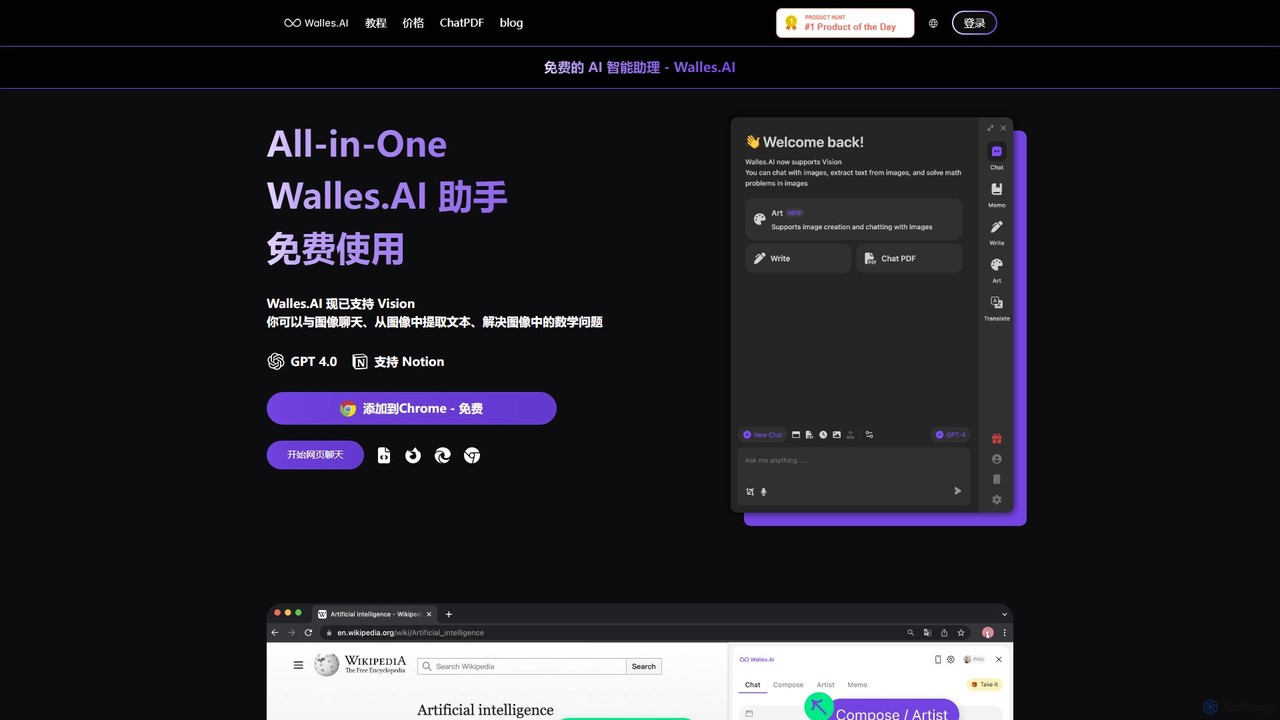
Walles.AI
Walles.AI is an all-in-one AI assistant integrated as a Chrome extension. Powered by GPT-4, it allows you to chat with webpages, PDFs, YouTube videos, and even images. Boost your productivity with instant summarization, translation, text analysis, and seamless integration with Notion.
StudyBrowserCopilot Categories
BrowserCopilot Embed Widget
Copy this embed code to place the badge on your blog, article, or product site and send readers directly to this ToolMage detail page.

Related AI tools

Chippy
Chippy is a smart ChatGPT-powered Chrome extension that acts as your AI assistant across the web. Seamlessly summarize articles, translate text, research topics, and draft emails without ever leaving your current tab. It offers context-aware answers by focusing on the page you're viewing, overcoming ChatGPT's knowledge limitations. With a generous free tier and a focus on user privacy, Chippy enhances your browsing productivity by putting the power of AI at your fingertips.
Search Assistant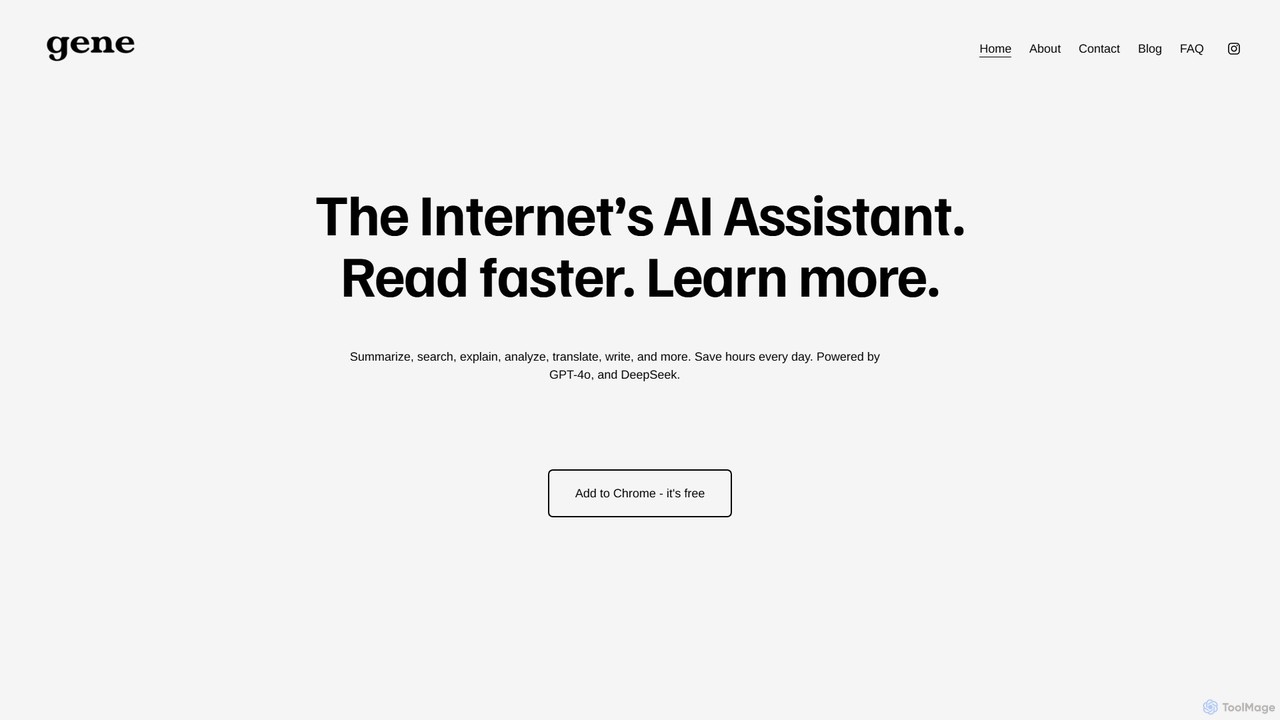
Ask Gene
Ask Gene is a free AI-powered Chrome extension that acts as your personal internet assistant. Powered by GPT-4o and DeepSeek, it allows you to summarize webpages and PDFs, chat with AI without leaving your tab, explain complex text, translate, and assist with writing, all seamlessly integrated into your browser.
ResearchTorq
Torq is an AI-powered Chrome extension that supercharges your productivity. Leveraging ChatGPT, it offers one-click email generation, instant text summarization and translation, and integrates AI responses directly into your Google search results, streamlining your daily workflow.
Browser ExtensionGPTSidePanel
GPTSidePanel is a powerful AI browser extension that integrates a GPT-powered sidebar into your browsing experience. Boost your productivity by summarizing articles, translating text, polishing writing, and using custom prompts directly on any webpage. Eliminate tab-switching and keep your workflow seamless with this intuitive AI assistant.
Browser Extensiongetmax.ai
getmax.ai is an AI-powered browser extension that acts as your copilot for the web. It seamlessly integrates into your workflow, allowing you to summarize content, write emails, generate articles, and get instant answers from advanced AI models like GPT-4 and Claude, all without leaving your current tab.
Research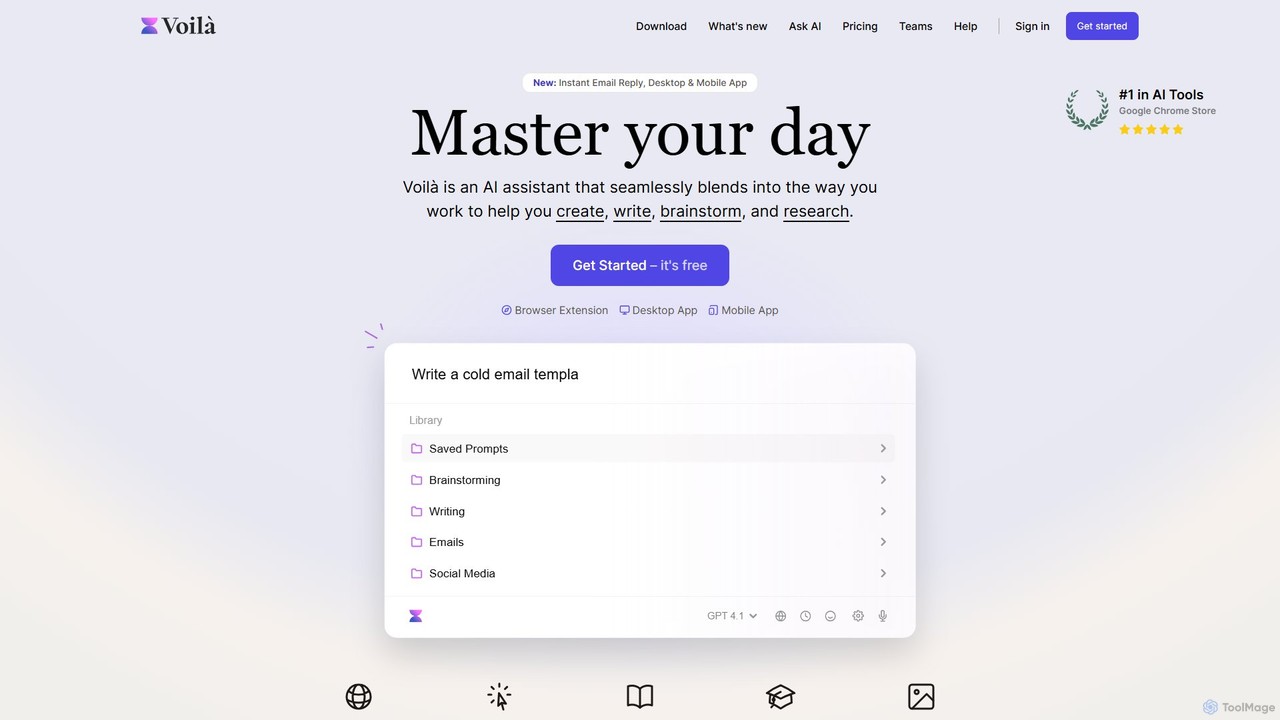
Voilà
Voilà is an all-in-one AI assistant designed to maximize productivity. It functions as a browser extension, desktop, and mobile app, seamlessly integrating into your workflow to help with writing, brainstorming, research, and content creation. It works on any website or app, understanding the context to provide relevant assistance.
Content Creation
Compose AI
Compose AI is an AI-powered writing assistant and Chrome extension that accelerates your writing process. It offers intelligent autocompletion, text generation, and rephrasing capabilities across all your favorite sites, from emails to documents. By learning your personal writing style, it helps you write faster and more effectively, saving up to 40% of your time.
Chrome Extensions
chrome_ai
An all-in-one AI assistant integrated into your Chrome browser. Summarize web pages and YouTube videos, enhance your writing, explain complex topics, and chat with advanced AI models without leaving your current tab. Boost your productivity with seamless AI power.
Chrome Extensions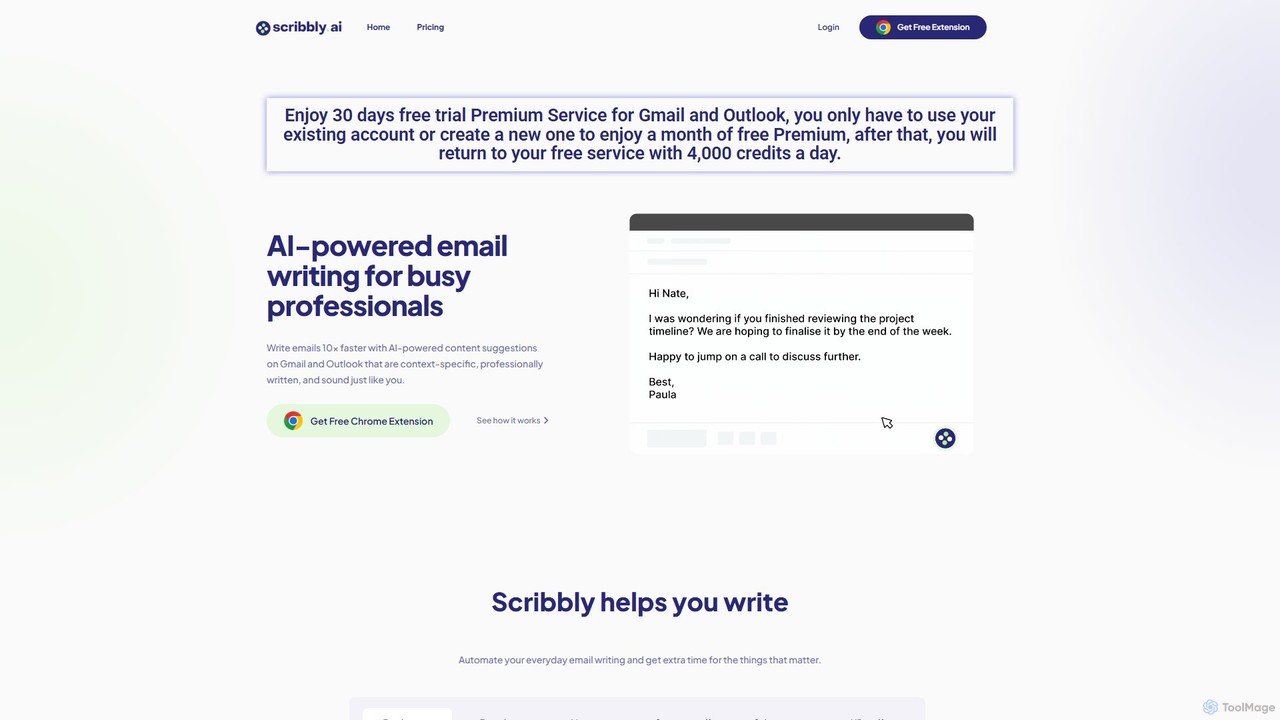
Scribbly
Scribbly is an AI-powered email writing assistant designed for busy professionals. It integrates with Gmail and Outlook via a Chrome extension, helping you write emails 10x faster. Get context-specific content suggestions, maintain a professional tone, and even mimic your personal writing style to streamline your communication and boost productivity.
Sales
Merlin AI
Merlin is an all-in-one AI assistant, available as a browser extension and app, that integrates top AI models like GPT-4, Claude 3, and Gemini. It allows you to research, write, summarize content, generate images, and code with a single click on any website, streamlining your workflow and boosting productivity without switching tabs.
Chrome Extensions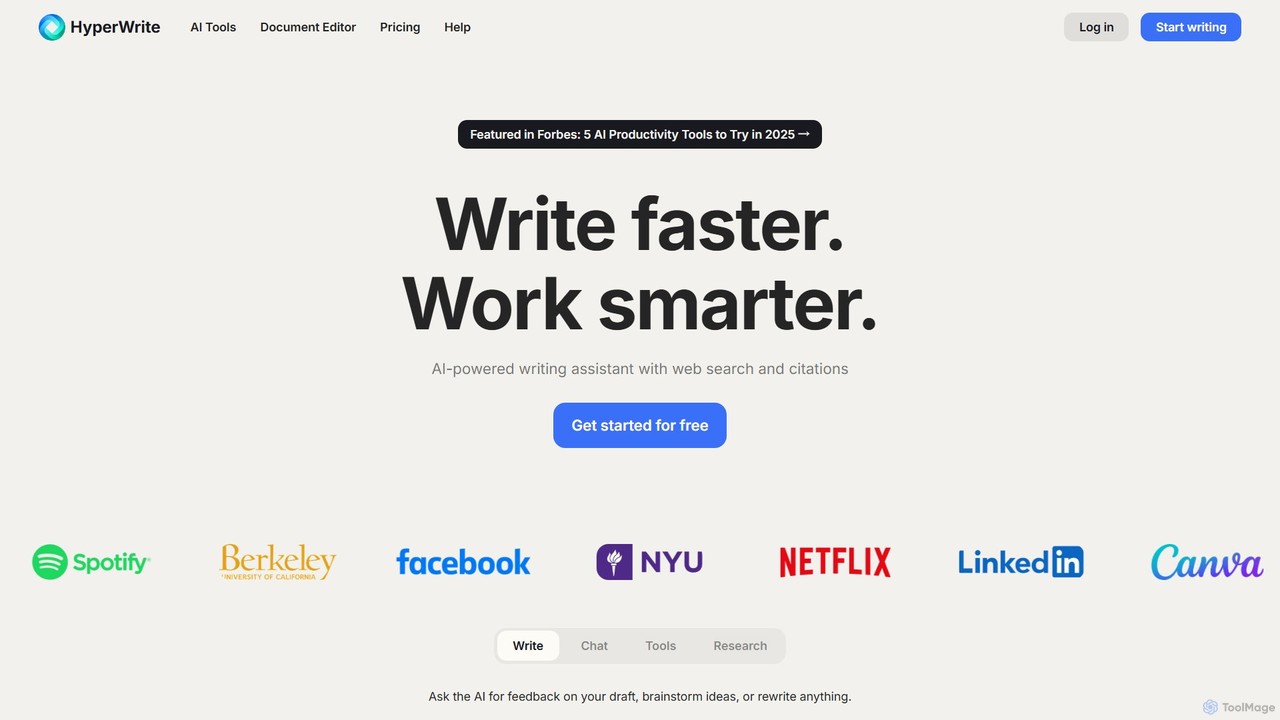
HyperWrite
HyperWrite is an advanced AI writing assistant designed to enhance productivity for students, marketers, and professionals. It offers hundreds of tools for writing, research, summarization, and content creation. Key features include real-time academic research with citations, customizable 'Personas' to match your writing style, and a seamless Chrome extension for workflow integration.
Research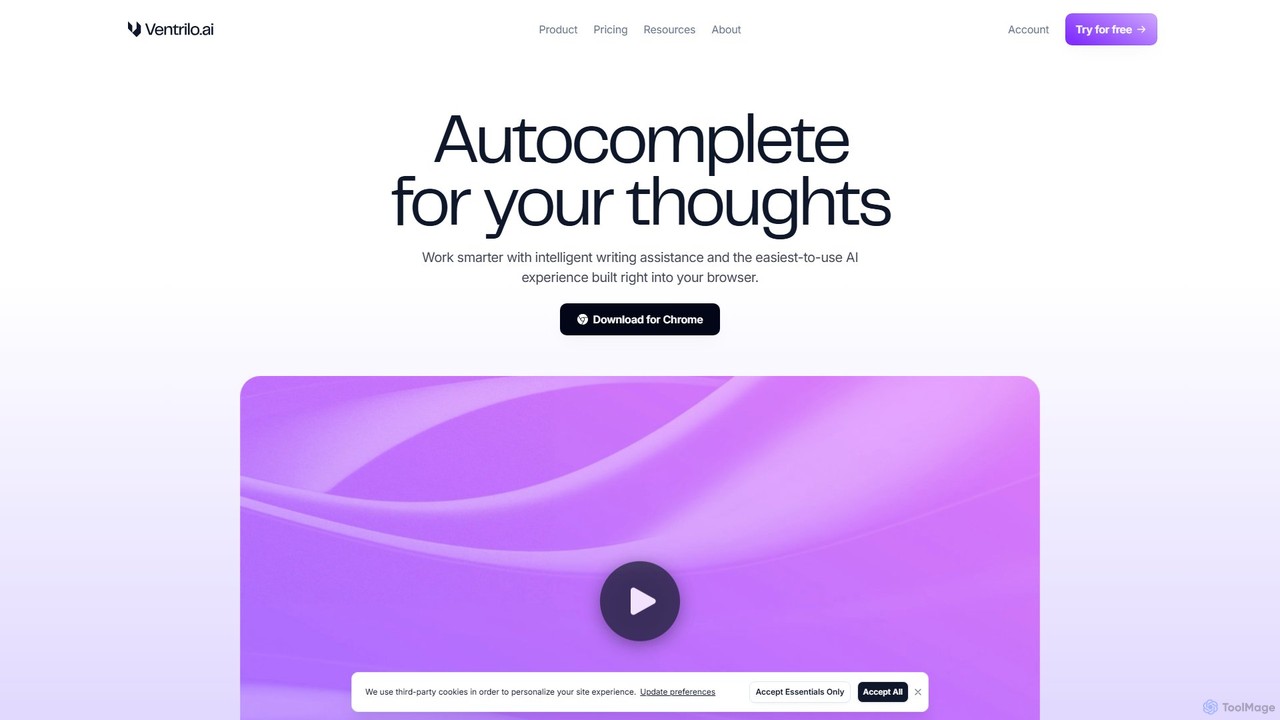
Ventrilo
Ventrilo is a context-aware AI writing assistant that integrates directly into your browser. It provides intelligent autocomplete, sentence rewriting, and a chat sidebar that understands your open tabs and documents. Access top AI models like GPT-4, Claude, and Gemini to enhance your writing, research, and overall productivity across any website or web app.
Chrome Extensions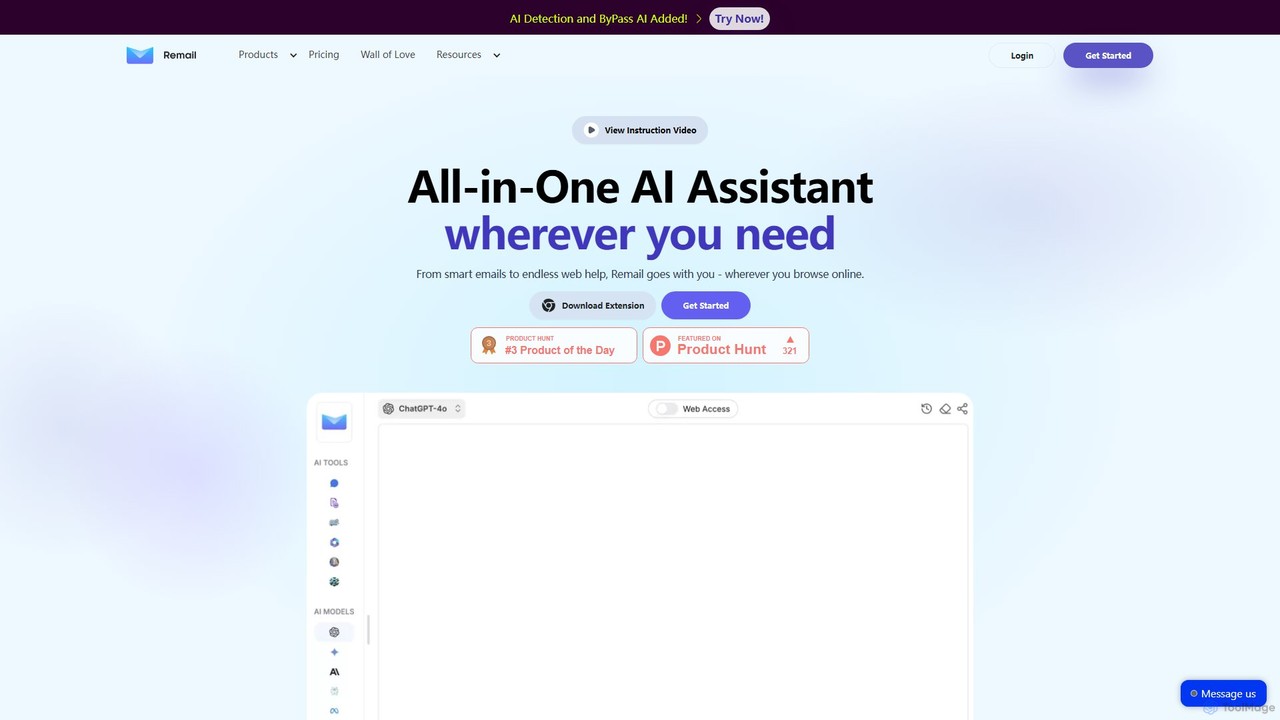
Remail
Remail is an all-in-one AI assistant and Chrome extension designed to boost productivity. It helps you write and reply to emails 10x faster, summarize web pages, chat with documents and YouTube videos, generate content, and much more, directly within your browser.
Chrome Extensions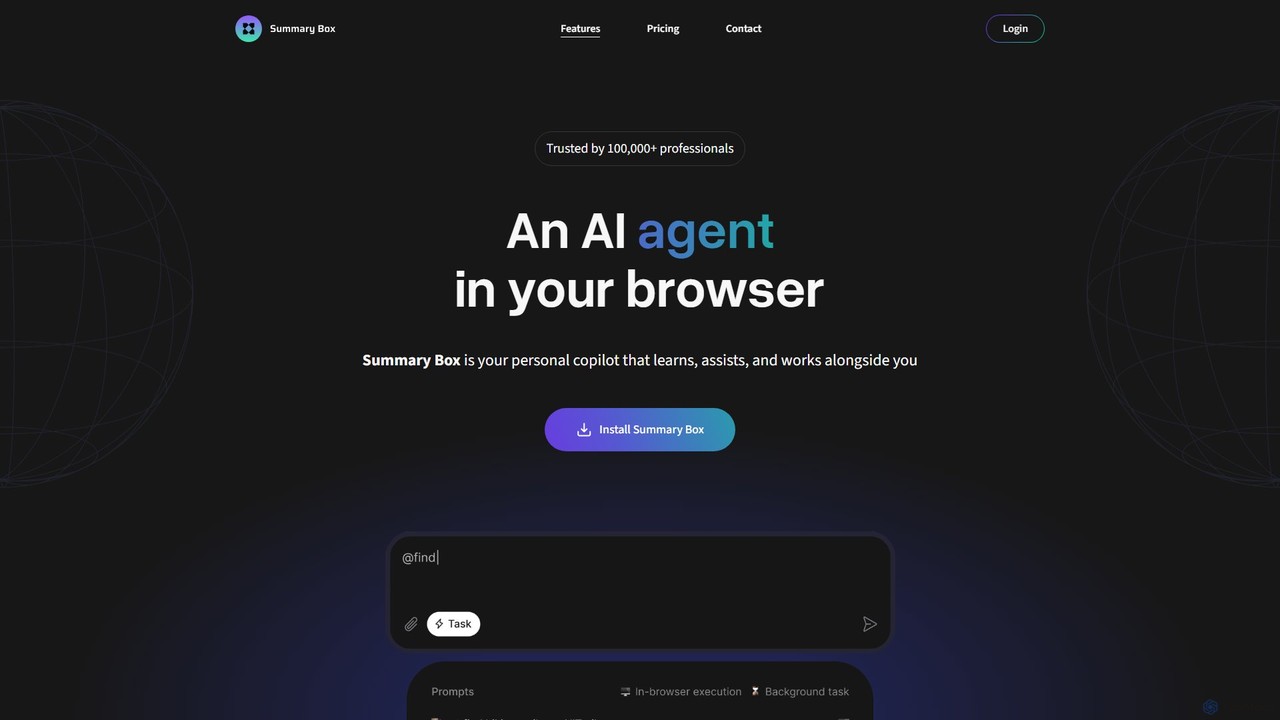
Summary Box
Summary Box is an AI-powered browser extension that acts as your personal copilot for the web. It generates high-quality, abstractive summaries of articles, PDFs, Google Docs, YouTube videos, and even audio. It's designed to save you time, enhance comprehension, and boost productivity by distilling long content into concise, key points.
Chrome Extensions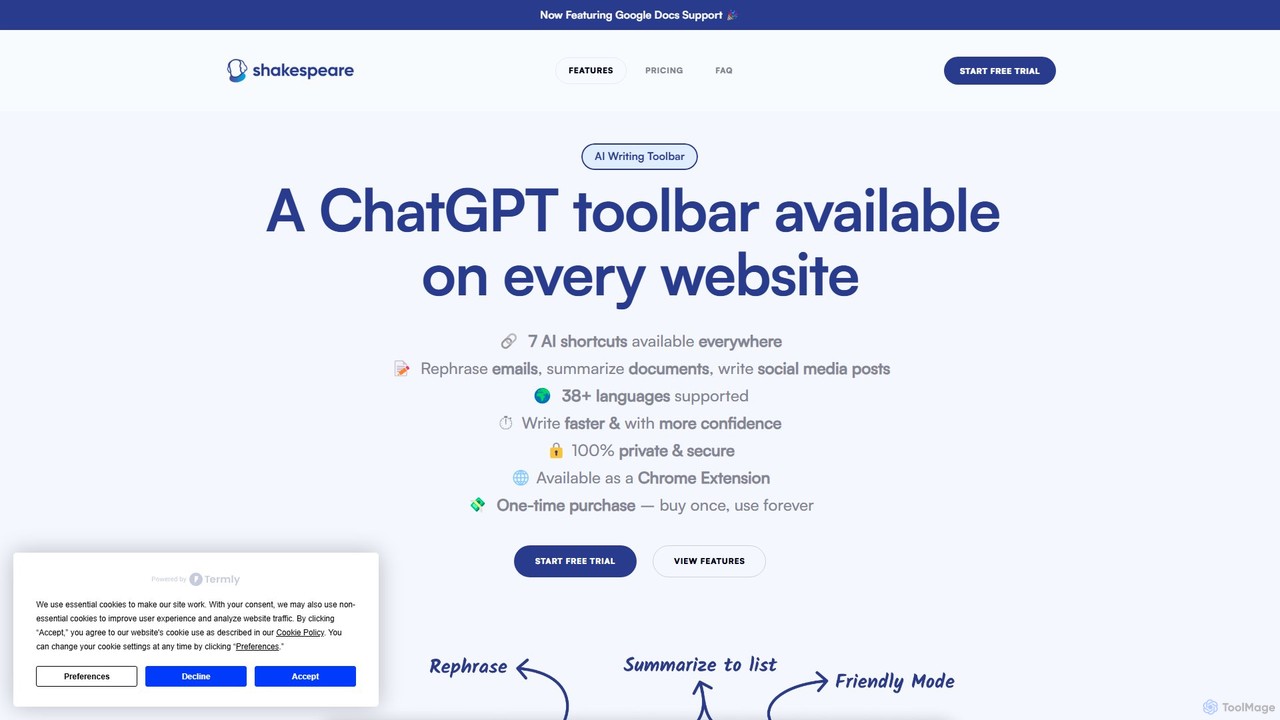
Shakespeare Toolbar
Shakespeare Toolbar is a ChatGPT-powered Chrome extension that integrates AI writing assistance directly into your browser. Work seamlessly on any website, including Google Docs, to rephrase, summarize, simplify text, and generate content without switching tabs. It's designed for writers, marketers, and professionals to enhance productivity and communication.
Chrome Extensions
BrowserCopilot Comments (0)
Sign in to comment.
Sign inNo comments yet.