AiSensy
AiSensy is an intelligent WhatsApp Marketing Platform built on the official WhatsApp Business API. It empowers businesses to …
AiSensy is an intelligent WhatsApp Marketing Platform built on the official WhatsApp Business API. It empowers businesses to engage customers through automated broadcasts, no-code chatbots, Click-to-WhatsApp ads, and multi-agent live chat. Features include payment collection, smart segmentation, and deep analytics to drive conversions and enhance customer support.
accomplice.ai
accomplice.ai is an intelligent AI-powered platform designed to automate workflows, manage tasks, and act as a proactive digital …
accomplice.ai is an intelligent AI-powered platform designed to automate workflows, manage tasks, and act as a proactive digital partner. It integrates seamlessly with your favorite apps to streamline processes and boost productivity for individuals and teams.
InstantKnow
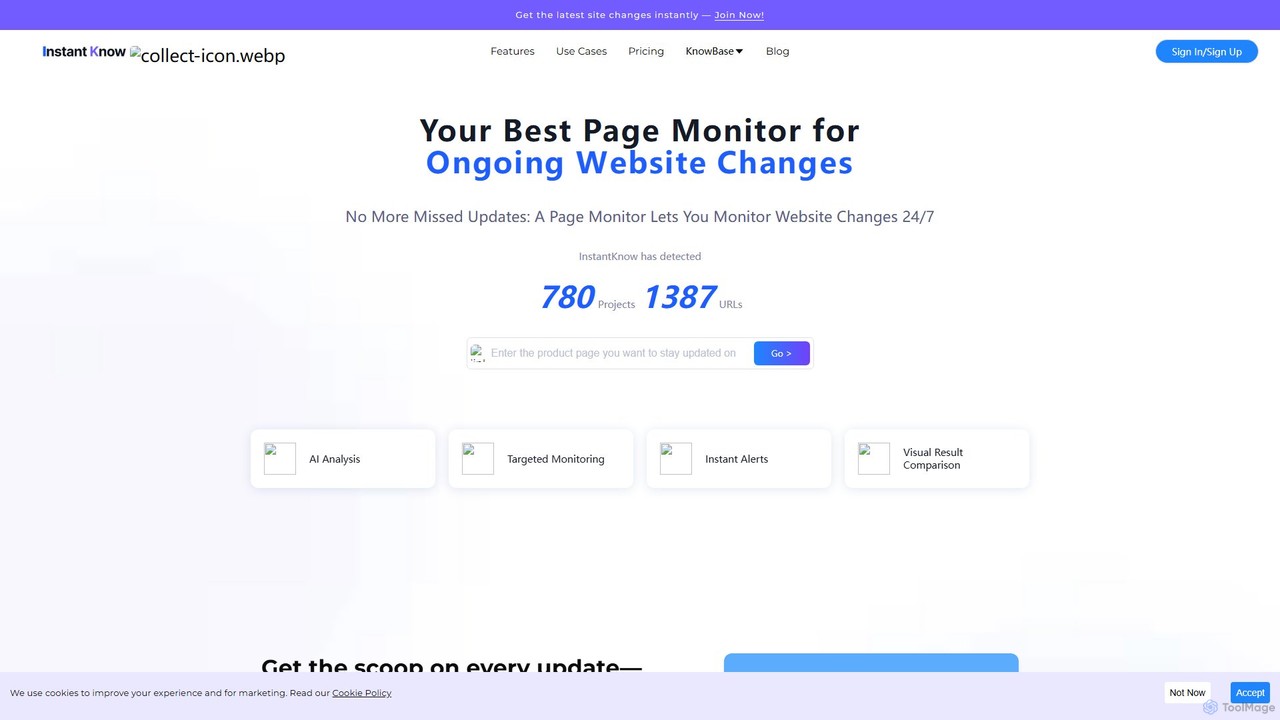
InstantKnow is an AI-powered website monitoring tool that tracks changes on any webpage 24/7. It allows users to …
InstantKnow is an AI-powered website monitoring tool that tracks changes on any webpage 24/7. It allows users to monitor specific sections for content, price, design, or policy updates. With features like targeted monitoring, instant email alerts, visual comparisons, and AI-driven change analysis, it helps businesses stay ahead of competitors, track market trends, and react quickly to important updates. It's ideal for market researchers, e-commerce managers, and strategists who need real-time business intelligence.
SheetAI
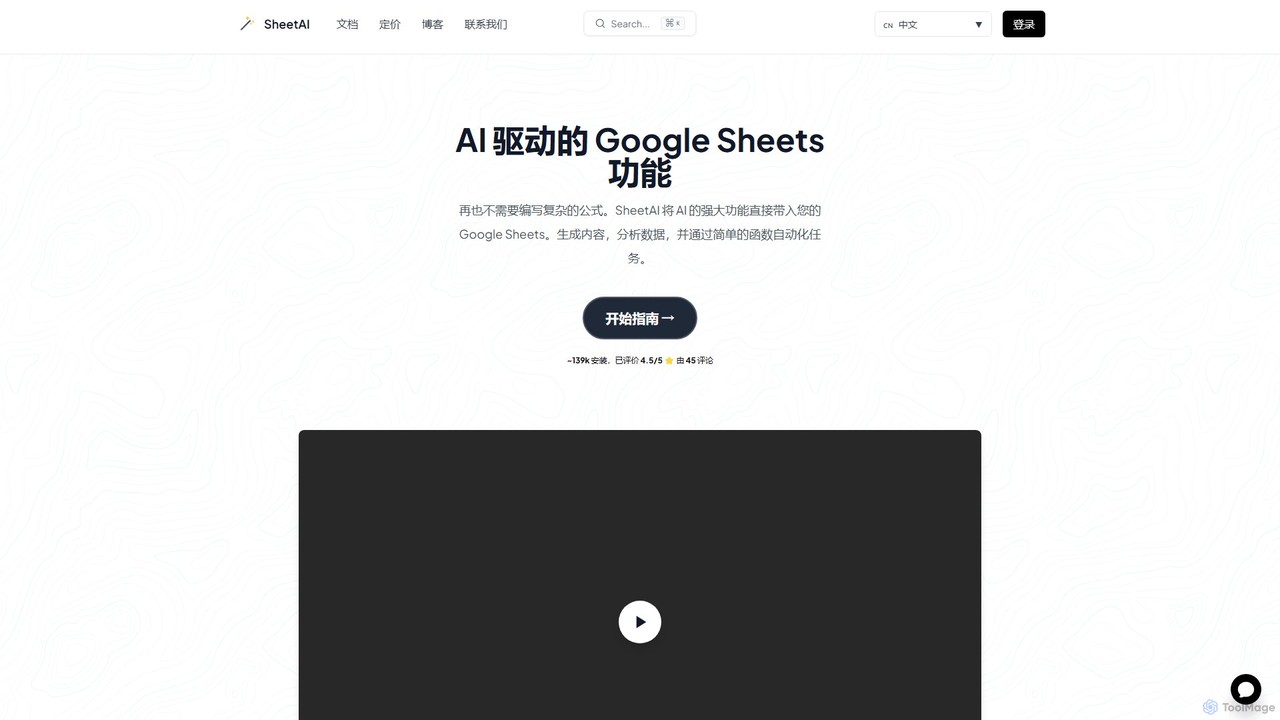
SheetAI integrates the power of AI directly into Google Sheets, allowing users to generate content, analyze data, and …
SheetAI integrates the power of AI directly into Google Sheets, allowing users to generate content, analyze data, and automate tasks using simple functions. It eliminates the need for complex formulas, making spreadsheet management more efficient and intuitive for everyone.
Mage
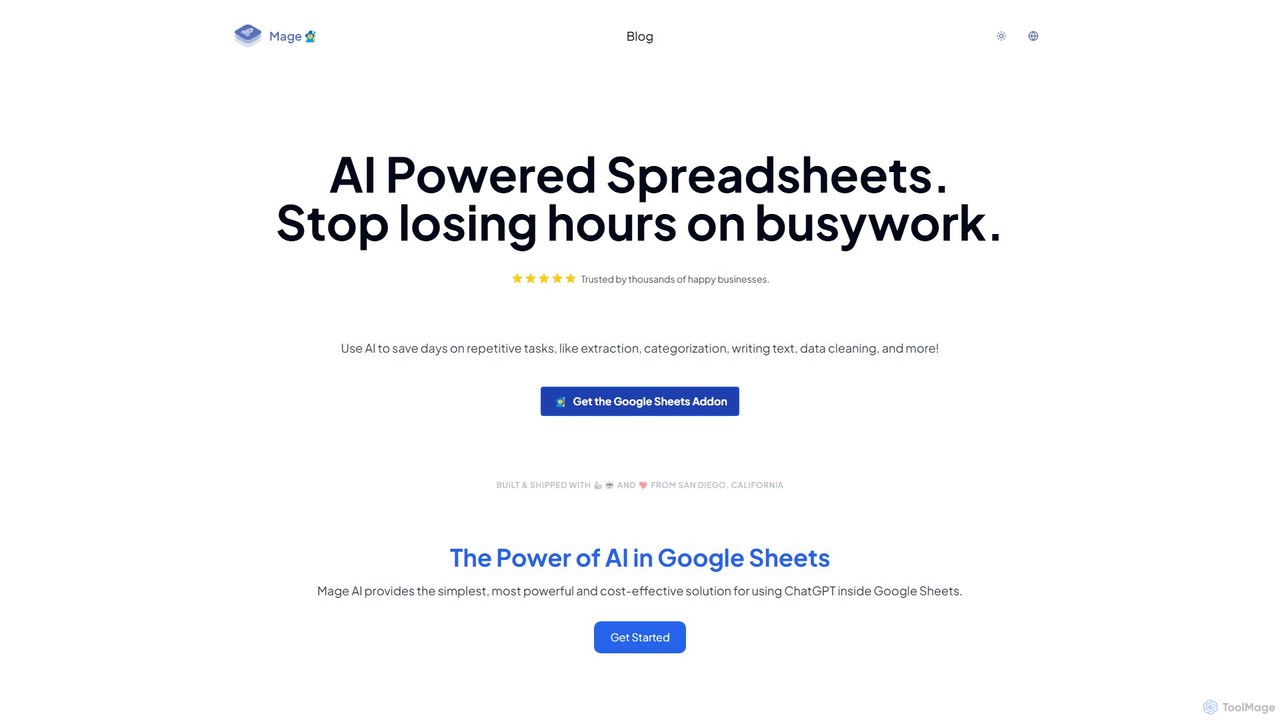
Mage is a powerful AI add-on for Google Sheets that automates repetitive tasks. Use it to extract data, …
Mage is a powerful AI add-on for Google Sheets that automates repetitive tasks. Use it to extract data, categorize text, generate content, clean data, and perform translations directly within your spreadsheets, saving hours of manual work.
About No Code
No Code AI tools are platforms that enable users to build applications, automate workflows, and integrate AI capabilities without writing a single line of code. They utilize visual, drag-and-drop interfaces and pre-built modules to construct complex logic and connect to data sources. This approach dramatically lowers the technical barrier, empowering business users and entrepreneurs to create custom software solutions. By abstracting away the complexity of coding and AI model integration, these tools accelerate development cycles and foster innovation across various departments.
Core Features
- Visual Development Interface: Build application logic and user interfaces using intuitive drag-and-drop components.
- Pre-built AI Models: Integrate functionalities like text generation, image recognition, or data analysis from leading AI services with minimal setup.
- Workflow Automation: Design and automate multi-step processes that connect different apps and services.
- Database and Data Management: Visually create and manage data structures to power your applications without needing database expertise.
- One-Click Deployment: Publish web applications or internal tools directly from the platform without managing servers or infrastructure.
Use Cases
No Code tools are widely used by non-technical professionals. For instance, marketing teams build interactive landing pages and automate lead nurturing campaigns. Operations managers create custom internal tools for inventory tracking or project management. HR departments develop automated onboarding workflows for new employees, streamlining document collection and task assignments.
How to Choose
When selecting a No Code AI tool, first evaluate its library of integrations to ensure it connects with your existing software stack. Consider the platform's scalability and performance limits to match your expected user load and data volume. Assess the template library and ease of use to gauge the learning curve. Finally, compare pricing models, whether they are based on users, workflows, or resource consumption, to find the most cost-effective solution for your needs.
No CodeUse Cases
Build a Custom Internal HR Tool
An HR manager without a technical background needs to streamline the employee onboarding process. Using a No Code platform, they design a custom application with a visual drag-and-drop builder. The app includes forms for new hires to submit personal information, a checklist for required documents, and automated email reminders for pending tasks. This tool integrates with the company's existing HR software via a pre-built connector, ensuring data consistency. The result is a centralized, automated onboarding system that reduces manual paperwork by over 70% and improves the new hire experience.
Automate Marketing Content Generation
A content marketer needs to produce a high volume of social media posts and blog ideas. They use a No Code automation tool to build a workflow. The workflow starts with a list of keywords in a spreadsheet. For each keyword, it triggers an AI text generation model to create five different social media captions and three blog post titles. The generated content is then automatically saved to a content calendar tool for review and scheduling. This automated system allows the marketer to generate hundreds of content ideas in minutes, freeing up hours of creative time for strategy and refinement.
Develop a Customer Feedback Portal
A product manager wants to create a centralized portal for collecting and managing user feedback without relying on the engineering team. Using a No Code app builder, they create a web portal where users can submit feature requests and report bugs. The platform's built-in database stores all submissions. They then build a workflow that automatically categorizes new feedback using an AI text classification model and notifies the relevant product team member via Slack. This empowers the product manager to directly manage the feedback loop, identify trends faster, and prioritize development tasks based on real user data.
Create a Simple E-commerce Storefront
An entrepreneur with a new product line wants to start selling online quickly without the cost of hiring a developer. They choose a No Code website builder with integrated e-commerce features. Using pre-designed templates and a drag-and-drop editor, they build a visually appealing online store, create product pages, and set up a shopping cart. The platform handles payment processing through built-in integrations with services like Stripe and PayPal. Within a single day, they are able to launch a fully functional e-commerce site, manage inventory, and start accepting orders, significantly reducing the time and capital needed to enter the market.
Design an Automated Customer Support Chatbot
A customer support lead wants to reduce response times for common inquiries. Using a No Code chatbot builder, they design a conversational flow to answer frequently asked questions about shipping, returns, and product features. They integrate an AI language model to understand user intent even with varied phrasing. The chatbot is then deployed on the company's website. It successfully handles over 40% of incoming support queries automatically, 24/7. This allows the human support team to focus on more complex and high-value customer issues, improving overall customer satisfaction and team efficiency.
Build a Project Management Dashboard
A small agency owner needs a centralized view of all ongoing projects, tasks, and deadlines, but off-the-shelf solutions are too complex or expensive. Using a No Code platform, they build a custom dashboard. They create a database to store project details, client information, and task statuses. The visual interface allows them to build custom views, such as a Kanban board for tasks and a calendar view for deadlines. They also set up automated notifications to alert team members of upcoming deadlines. The final application provides a tailored project overview that perfectly fits their workflow, improving team coordination and project visibility without any coding.