

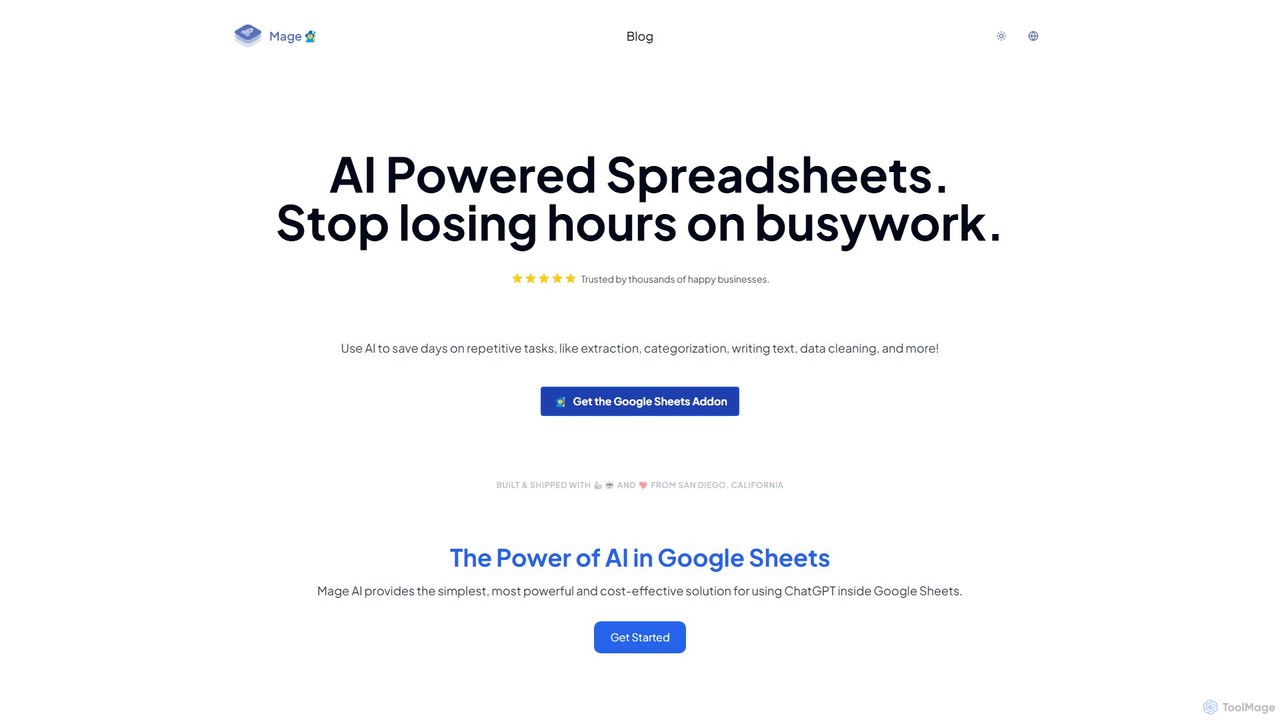
Mage Overview
Mage is a transformative AI-powered add-on designed to supercharge Google Sheets, turning your static spreadsheets into dynamic, intelligent workspaces. Trusted by thousands of businesses, Mage eliminates the drudgery of manual data work by automating complex and time-consuming tasks. Whether you're a marketer, data analyst, operations manager, or small business owner, Mage empowers you to focus on strategic insights rather than repetitive processes like data extraction, categorization, text generation, and data cleaning.
By integrating seamlessly with the Google Sheets environment, Mage provides a suite of powerful AI tools accessible through simple functions or a user-friendly sidebar. You no longer need to export data to other applications or write complex scripts. With Mage, the power of advanced AI is just a formula away, enabling you to enhance productivity and unlock new possibilities from your data.
How to use Mage
Getting started with Mage is straightforward and requires no coding knowledge. Follow these simple steps to integrate AI into your workflow:
- Installation: Navigate to the Google Workspace Marketplace, search for "Mage - AI for Google Sheets," and click "Install" to add it to your Google account.
- Activation: Open any Google Sheet. Go to the "Extensions" menu at the top, find Mage, and select "Open" to launch the sidebar.
- Using AI Functions: The primary way to use Mage is through custom functions. Simply type a Mage formula into a cell, just like any other spreadsheet function. For example:
- To extract emails from a block of text in cell A2, you would use a formula like
=MAGE_EXTRACT(A2, "email addresses"). - To translate text in cell B2 to Spanish, you would use
=MAGE_TRANSLATE(B2, "Spanish"). - To categorize customer feedback in cell C2, you might use
=MAGE_CATEGORIZE(C2, "Support, Sales, Feedback").
- To extract emails from a block of text in cell A2, you would use a formula like
- Using the Sidebar: For bulk operations, you can use the intuitive sidebar. Select a range of cells, choose the desired AI action from the menu (e.g., Clean, Generate, Classify), provide your instructions, and Mage will process the entire selection at once.
Core Features of Mage
- AI-Powered Data Extraction: Automatically pull specific information like names, emails, phone numbers, company names, or any custom data point from unstructured text blocks.
- Automated Data Categorization: Instantly classify text into predefined categories. Perfect for sentiment analysis, topic tagging, sorting customer feedback, or categorizing product reviews.
- Bulk Text Generation & Writing: Generate high-quality content at scale. Create unique product descriptions, personalized email outreach, social media posts, or summaries based on data in your spreadsheet.
- Advanced Data Cleaning: Effortlessly clean and standardize messy data. Correct typos, standardize formats (like dates and addresses), remove duplicates, and fill in missing information with AI assistance.
- Seamless Translation: Translate text between dozens of languages directly within your cells, powered by state-of-the-art AI models for accurate and context-aware translations.
- No-Code Formula Generation: Describe the task you want to accomplish in plain English, and Mage can suggest the correct Google Sheets or Mage formula, simplifying complex spreadsheet operations.
Use Cases for Mage
Mage is a versatile tool applicable across various departments and industries:
- Marketing & Sales: Analyze thousands of customer survey responses for sentiment, categorize leads based on industry from their descriptions, generate personalized email subject lines, and enrich contact lists with extracted data.
- Operations & Support: Automatically categorize incoming support tickets, standardize shipping addresses, clean up inventory lists, and extract key details from customer communications.
- Human Resources: Screen resumes by extracting key skills and experience, categorize employee feedback from surveys, and standardize HR data from various sources.
- E-commerce: Generate unique product descriptions and specifications in bulk, categorize products based on their titles, and analyze customer reviews to identify common themes.
Advantages of Mage
Integrating Mage into your workflow offers significant benefits:
- Massive Time Savings: Automate tasks that would otherwise take hours or even days of manual effort, freeing up your team for more valuable work.
- Seamless Integration: Works directly inside Google Sheets, your single source of truth for data, eliminating the need to constantly switch between different tools.
- User-Friendly: Designed for everyone, not just developers. If you can use a spreadsheet, you can use Mage.
- Scalability: Effortlessly handles large datasets, allowing you to process thousands of rows with a single action.
- Cost-Effective: Provides access to powerful AI capabilities at a fraction of the cost of enterprise software or custom development.
Pricing and Plans
Mage operates on a freemium model, making it accessible to everyone.
- Free Plan: A generous free tier is available, providing a set number of AI credits each month. This is perfect for individual users, small projects, or for anyone wanting to test the platform's capabilities.
- Paid Plans: For users with higher volume needs, Mage offers several paid subscription plans. These plans provide a larger number of monthly credits, faster processing speeds, priority support, and advanced features for teams. For the most up-to-date pricing details, please visit the official Mage website.
Traffic
Latest traffic
Status
Monthly traffic trend
- 2025-9: 6.9K
- 2026-1: 9.8K
- 2026-2: 5.8K
- 2026-3: 3.4K
- 2026-4: 2.7K
- 2026-5: 2.6K
Geography
Top 5 countries / regions
- 🇺🇸United States100.0%
Top keywords
| Keyword | Cost per click |
|---|---|
| google sheets disconnected range | $0.00 |
| google sheets login | $0.18 |
| google sheets online | $1.24 |
| how to unhide all sheets in google sheets at once | $0.00 |
| mage | $2.10 |
Mage Alternatives
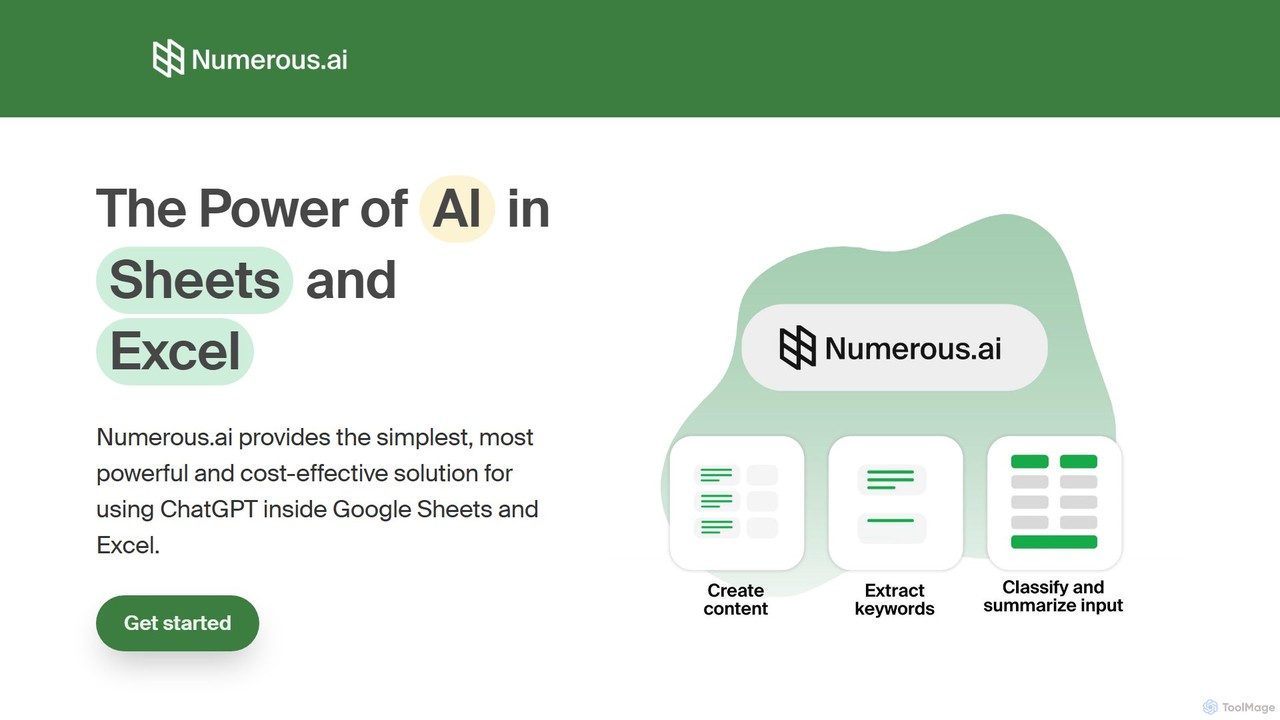
Numerous.ai
Numerous.ai is a powerful AI assistant that integrates directly into Google Sheets and Excel. It allows users to automate tasks, generate content, clean and classify data, and perform complex analysis using a simple '=AI()' function, without needing any API keys or coding skills.
Data Analysis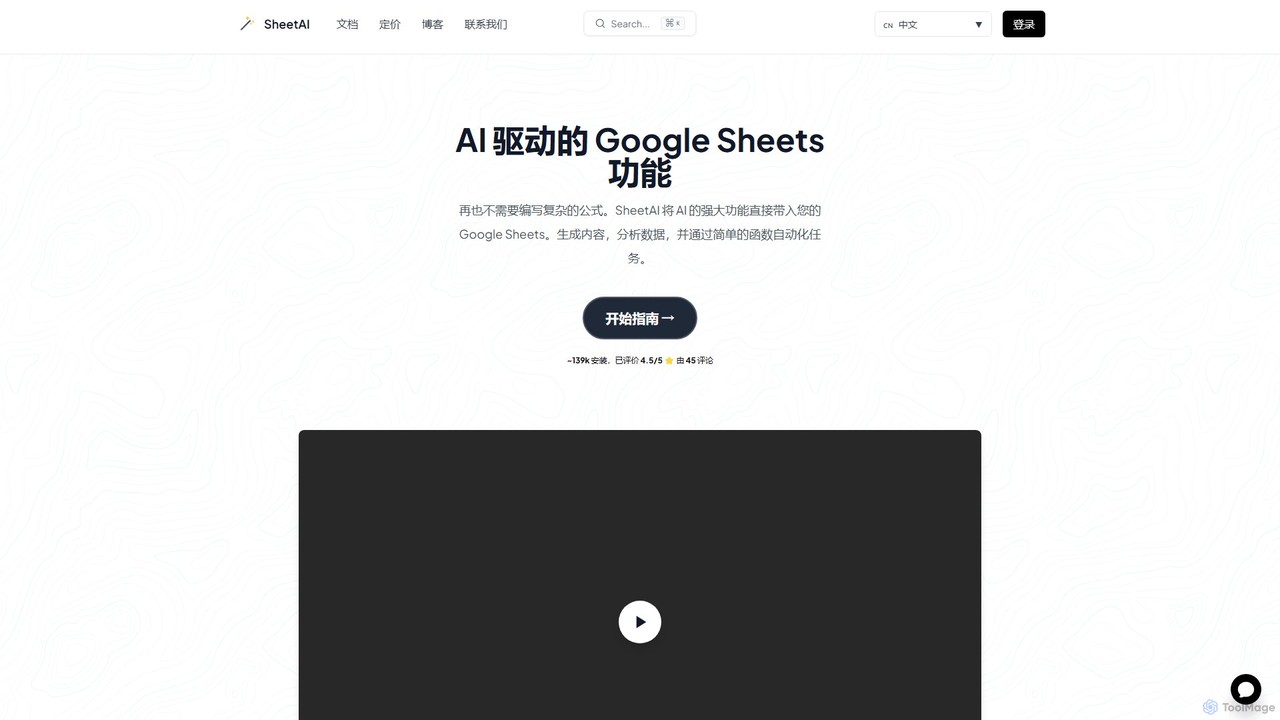
SheetAI
SheetAI integrates the power of AI directly into Google Sheets, allowing users to generate content, analyze data, and automate tasks using simple functions. It eliminates the need for complex formulas, making spreadsheet management more efficient and intuitive for everyone.
No Code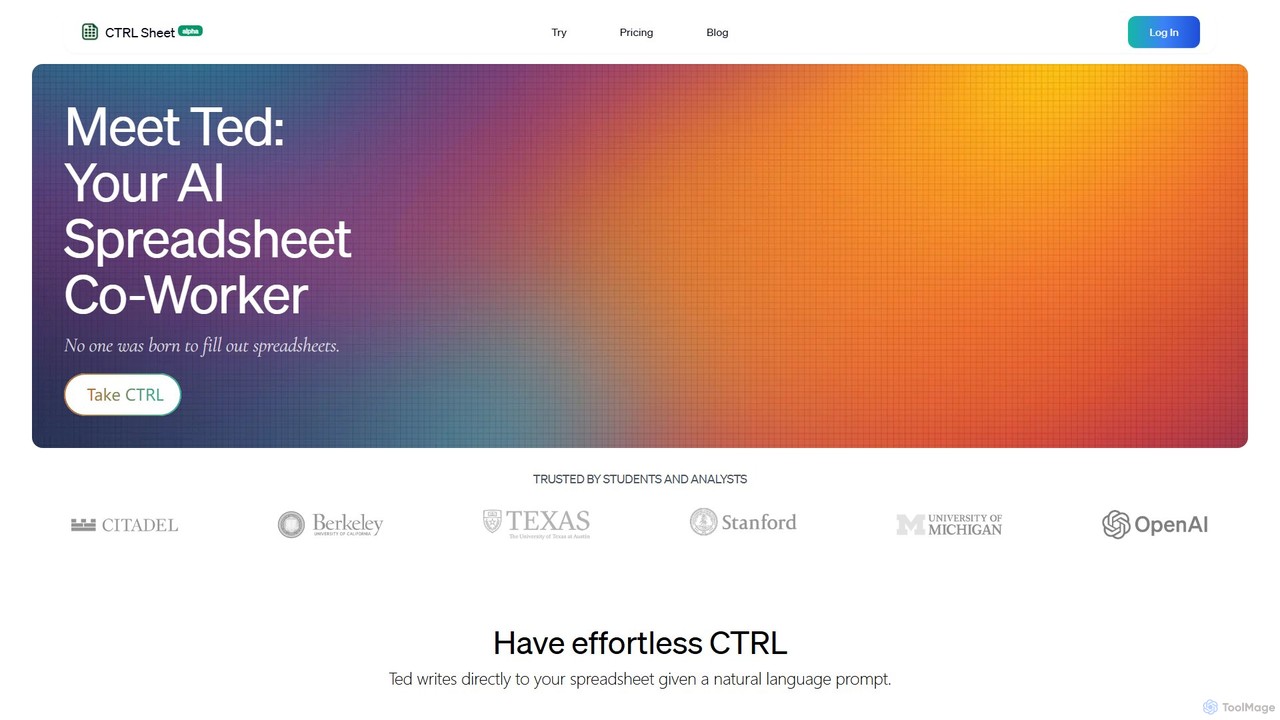
CTRL Sheet
CTRL Sheet is an AI-powered spreadsheet co-worker named Ted that automates data tasks. It allows users to interact with spreadsheets using natural language, extract data from various files like PDFs and images, and generate complex formulas effortlessly. It's designed to save time and reduce errors for students, analysts, and professionals.
Task Automation
Sheet Copilot
Sheet Copilot is an AI-powered assistant that automates tasks and answers questions directly within Google Sheets. By using natural language commands, you can clean data, generate formulas, create summaries, and analyze information without writing complex functions. It's currently free in beta and operates using your own OpenAI API key for enhanced privacy and security.
Automation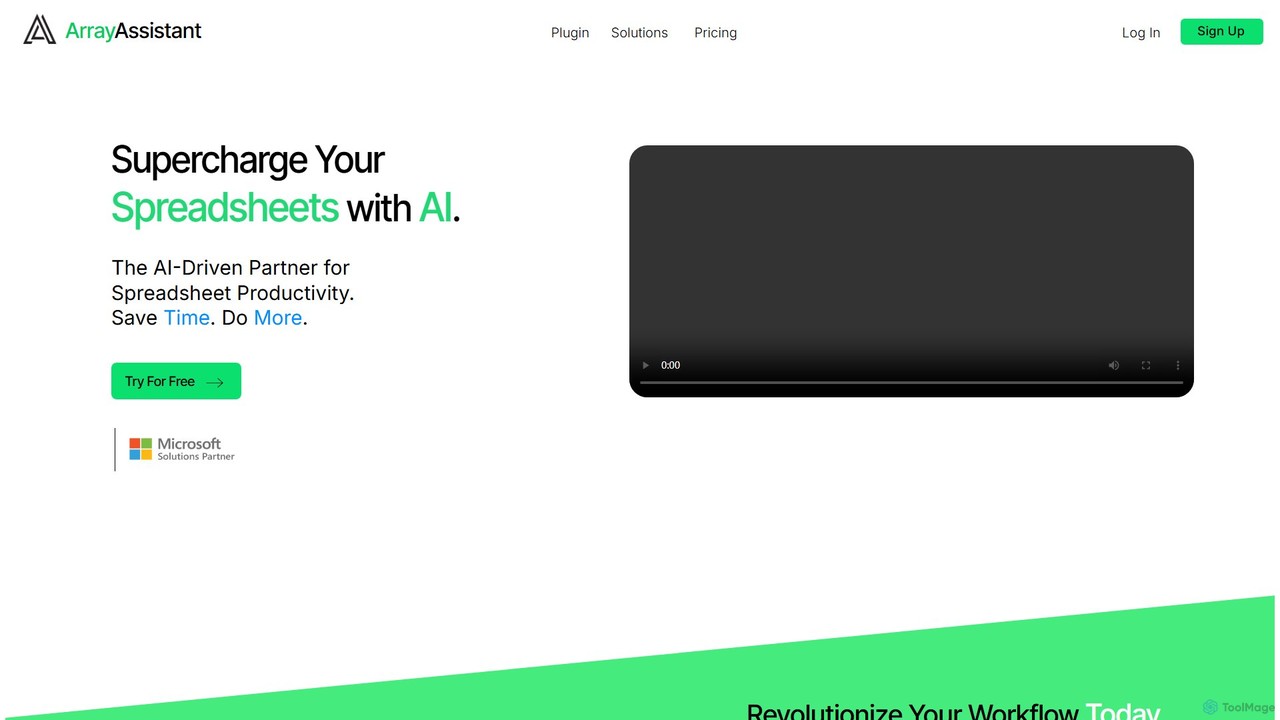
Array Assistant
Array Assistant is an AI-powered plugin for spreadsheets that supercharges your productivity. It helps you generate complex formulas, clean and organize data, summarize text, explain problems, and design automations, all within your existing workflow. Ideal for professionals, students, and anyone who uses spreadsheets.
FinanceMage Categories
Mage Embed Widget
Copy this embed code to place the badge on your blog, article, or product site and send readers directly to this ToolMage detail page.

Related AI tools
Numerous.ai
Numerous.ai is a powerful AI assistant that integrates directly into Google Sheets and Excel. It allows users to automate tasks, generate content, clean and classify data, and perform complex analysis using a simple '=AI()' function, without needing any API keys or coding skills.
Data Analysis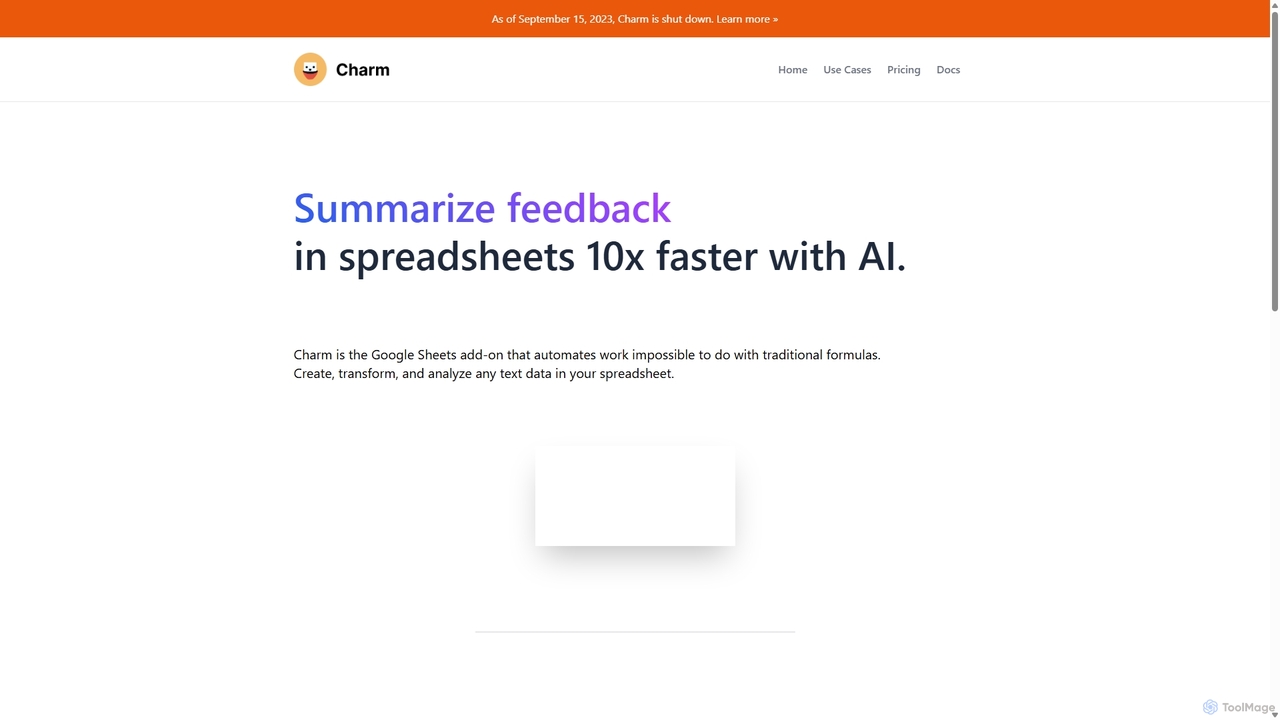
Charm
Charm was an AI-powered assistant integrated directly into Google Sheets as an add-on. It was designed to automate complex text-based tasks, such as cleaning messy data, generating content, summarizing text, and classifying information, without requiring traditional formulas or coding. Please note: Charm was officially shut down on September 15, 2023.
Automation
Sheetplus
Sheetplus is an AI-powered toolkit designed to supercharge your spreadsheet experience in Google Sheets and Excel. By leveraging natural language, it allows users to generate complex formulas, clean and analyze data, automate tasks, and extract insights without writing code. It acts as an intelligent assistant, making data management faster, more intuitive, and accessible to everyone, regardless of their technical expertise.
AutomationSheetAI
SheetAI integrates the power of AI directly into Google Sheets, allowing users to generate content, analyze data, and automate tasks using simple functions. It eliminates the need for complex formulas, making spreadsheet management more efficient and intuitive for everyone.
No CodeCTRL Sheet
CTRL Sheet is an AI-powered spreadsheet co-worker named Ted that automates data tasks. It allows users to interact with spreadsheets using natural language, extract data from various files like PDFs and images, and generate complex formulas effortlessly. It's designed to save time and reduce errors for students, analysts, and professionals.
Task AutomationSheet Copilot
Sheet Copilot is an AI-powered assistant that automates tasks and answers questions directly within Google Sheets. By using natural language commands, you can clean data, generate formulas, create summaries, and analyze information without writing complex functions. It's currently free in beta and operates using your own OpenAI API key for enhanced privacy and security.
AutomationArray Assistant
Array Assistant is an AI-powered plugin for spreadsheets that supercharges your productivity. It helps you generate complex formulas, clean and organize data, summarize text, explain problems, and design automations, all within your existing workflow. Ideal for professionals, students, and anyone who uses spreadsheets.
Finance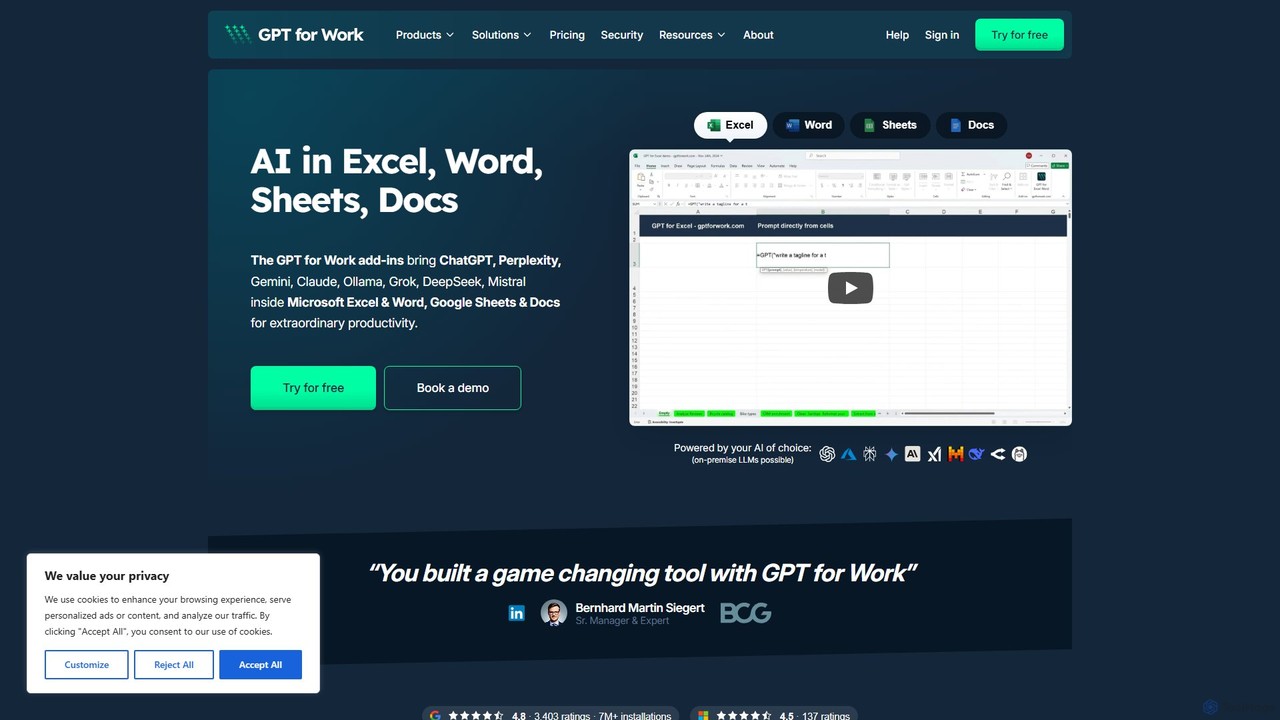
GPT for Work
A powerful AI add-on that integrates GPT capabilities directly into Google Sheets, Docs, Microsoft Excel, and Word. Automate tasks, generate text, analyze data, and create formulas using simple commands, boosting your productivity without leaving your documents.
Document Assistant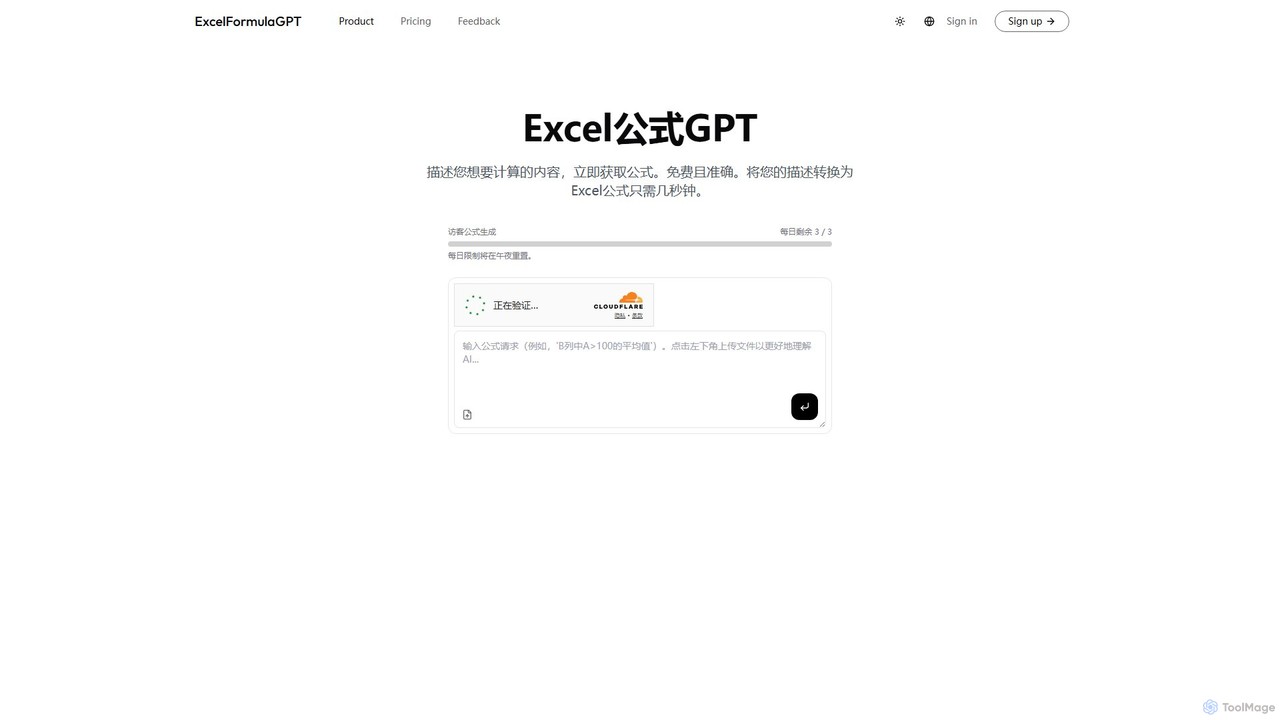
excelformulagpt
excelformulagpt is an AI-powered tool that instantly converts natural language descriptions into complex Excel and Google Sheets formulas. It helps users save time, reduce errors, and boost productivity without needing to memorize complex syntax. Features include formula generation, context-aware suggestions from uploaded files, and formula explanations.
Automation
Prompting Sheets
Prompting Sheets is an AI-powered add-on for Google Sheets that transforms your spreadsheets into dynamic tools. It allows users to generate custom project plans, to-do lists, and automate data analysis and content creation using powerful AI formulas and an integrated chatbot, eliminating the need for generic templates.
Project Management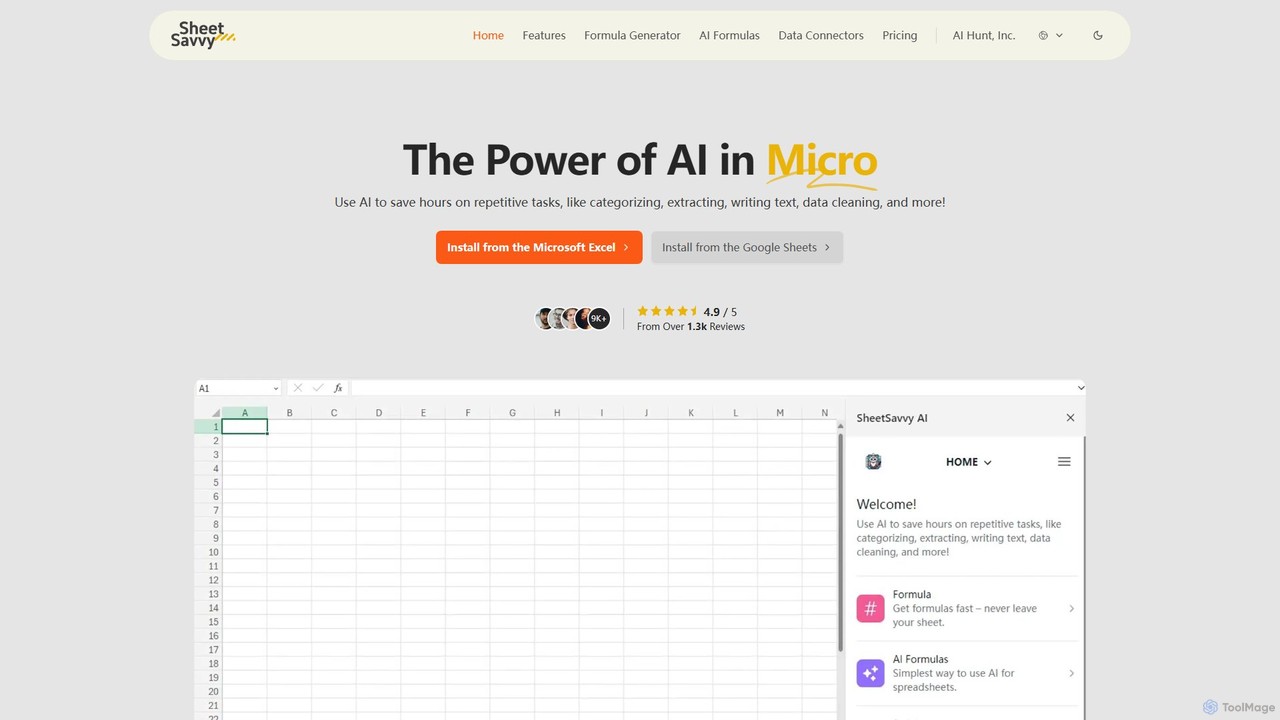
SheetSavvy AI
SheetSavvy AI is an AI-powered assistant for Google Sheets and Microsoft Excel, designed to automate repetitive tasks. It features a formula generator, AI-driven formulas for data cleaning and analysis, and seamless data connectors to import live data, significantly boosting spreadsheet productivity.
Finance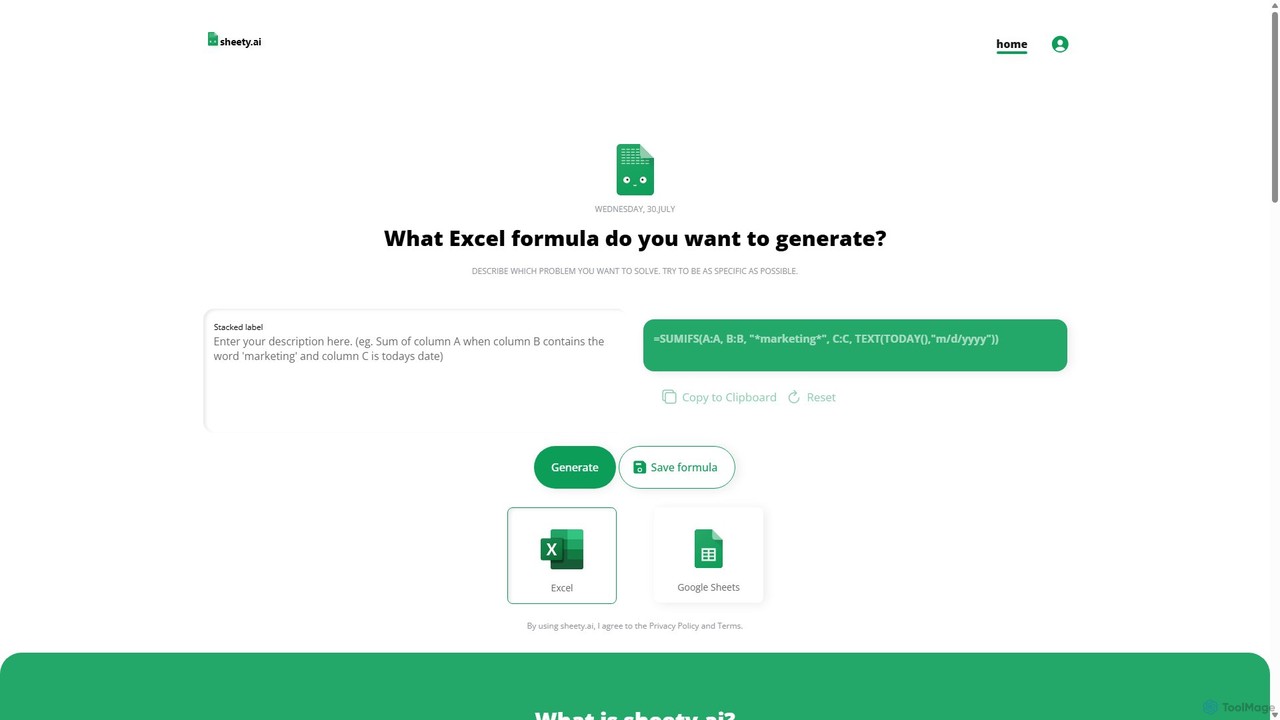
sheety.ai
sheety.ai is an AI-powered tool that instantly generates complex spreadsheet formulas for Excel and Google Sheets from natural language descriptions. Simply describe the problem you want to solve, and the AI will provide the correct formula, saving you time and eliminating the need to memorize syntax. It's designed for everyone from students to financial analysts, boosting productivity and data accuracy.
Data Processing
Extracto.bot
Extracto.bot is an AI-powered, no-code web scraper that operates as a Chrome extension. It allows users to effortlessly extract data from any website directly into Google Sheets without any configuration, making data collection simple, fast, and intelligent for various purposes like sales prospecting and market research.
Web Scraping
ChatExcel
ChatExcel is an AI-powered data analysis tool that allows users to process spreadsheets and analyze data through a simple chat interface. It automates tasks like data cleaning, merging, and analysis, and generates over 100 types of charts and visualizations from natural language commands. No coding or complex formulas required, boosting productivity by up to 90%.
Business Intelligence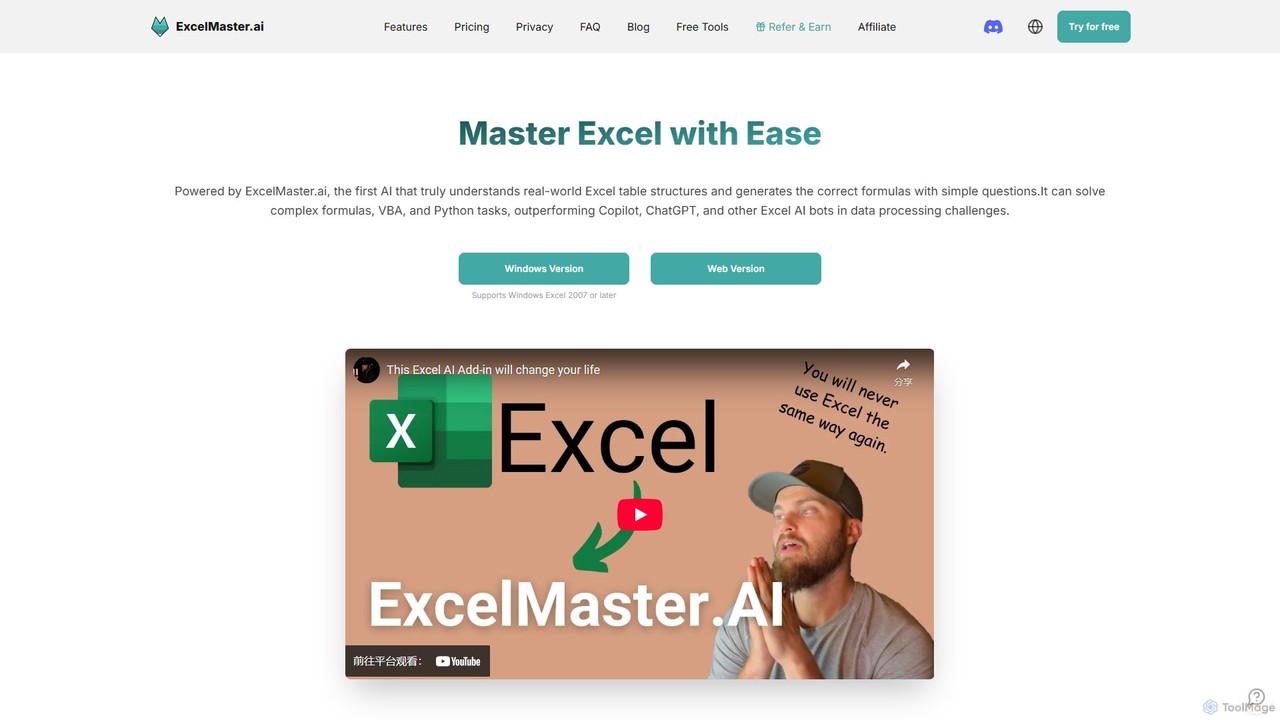
ExcelMaster.ai
ExcelMaster.ai is an advanced AI assistant designed to master Microsoft Excel. It generates accurate formulas, VBA code, and Python scripts from simple natural language questions. It excels at understanding complex, multi-sheet structures and provides one-click automation, making it a powerful tool for both beginners and expert Excel users to enhance productivity and streamline data-heavy tasks.
Code Assistant
Mage Comments (0)
Sign in to comment.
Sign inNo comments yet.