

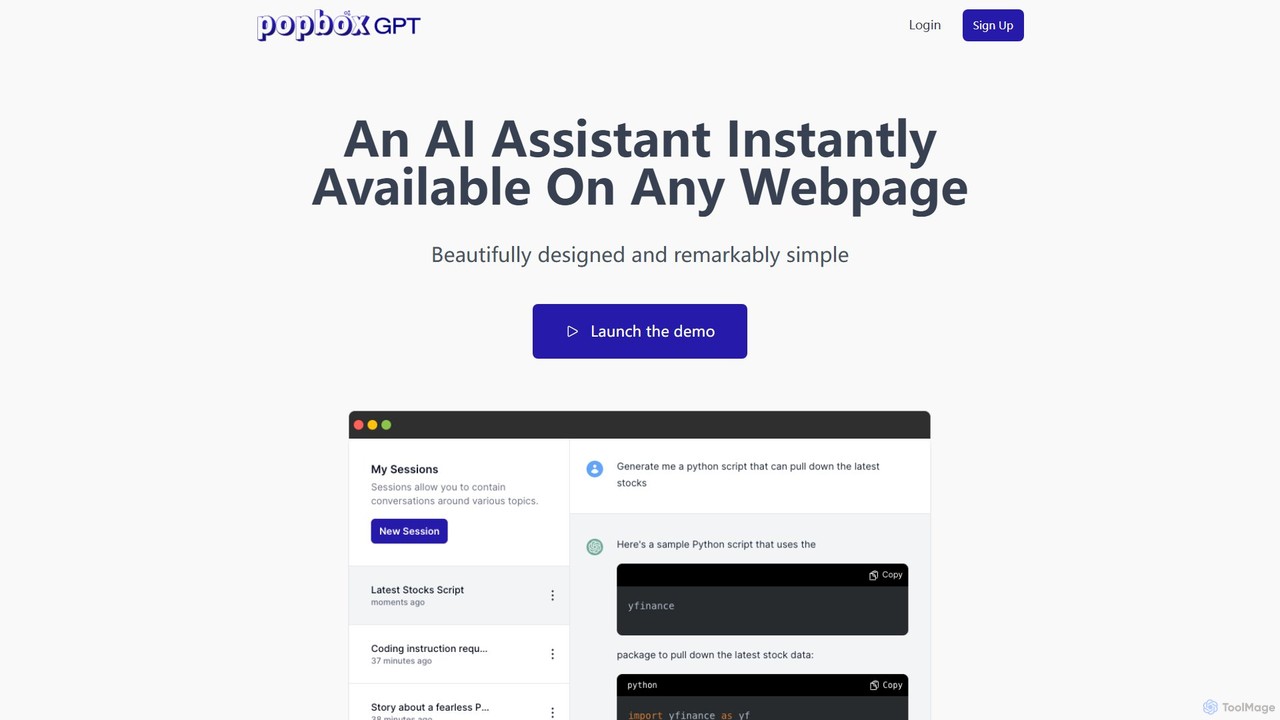
PopboxGPT Overview
PopboxGPT is an innovative AI-powered Chrome extension designed to revolutionize your browsing experience by bringing the power of a sophisticated language model directly to your fingertips, on any webpage. Tired of constantly switching between tabs to search for information or use an AI assistant? PopboxGPT solves this by providing an instant, beautifully designed, and remarkably simple AI helper that integrates seamlessly into your workflow. Whether you are a student conducting research, a professional drafting complex emails, or a creative mind brainstorming new ideas, PopboxGPT acts as your ever-present co-pilot, enhancing your efficiency and saving you valuable time. It leverages the robust gpt-3.5-turbo model to deliver fast, accurate, and context-aware responses, making complex tasks feel effortless.
How to use PopboxGPT
Getting started with PopboxGPT is incredibly straightforward, designed for simplicity and immediate productivity. First, you need to add the PopboxGPT extension to your Chrome browser from the Chrome Web Store. Once installed, the AI assistant is always just a keystroke away. You can instantly summon the assistant on any website using the hotkey combination Alt+J. This opens a compact, embedded modal that doesn't obstruct your view, allowing you to interact with the AI while still seeing the page content. For a more immersive and focused experience, you can switch to full-screen mode by pressing Alt+K. This expands the assistant to fill the screen, providing an uninterrupted space for longer interactions, such as drafting documents or in-depth brainstorming sessions. Simply type your query or command, and PopboxGPT will provide an immediate response.
Core Features of PopboxGPT
- Universal Web Access: PopboxGPT works on all websites, ensuring you have consistent AI assistance no matter where your browsing takes you.
- Instant Hotkey Access: Use simple keyboard shortcuts (Alt+J to open, Alt+K for fullscreen) to quickly launch the AI assistant without interrupting your flow.
- Embedded & Fullscreen Modes: Choose between a non-intrusive, free-floating modal for quick tasks or an immersive full-screen view for more detailed work.
- Long-Term Session History: Never lose your conversations. PopboxGPT preserves your interaction history across multiple sessions, allowing you to easily reference past queries and continue your work.
- Powered by GPT-3.5 Turbo: The extension utilizes OpenAI's efficient and powerful gpt-3.5-turbo model, ensuring high-quality and fast responses.
- User-Friendly Design: With a focus on simplicity and ease of use, PopboxGPT features an intuitive interface that makes AI assistance accessible to everyone, regardless of technical skill.
- Secure and Private: Your data security is a priority. The service uses the latest encryption and security practices, storing only the necessary data, which is encrypted at rest.
Use Cases for PopboxGPT
PopboxGPT is a versatile tool that can be applied to a wide range of daily tasks, boosting productivity for various users:
- Content Creation & Writing: Effortlessly draft emails, write blog posts, generate social media captions, or overcome writer's block by brainstorming ideas directly on the page.
- Research & Learning: Summarize long articles, explain complex concepts, translate text, or find quick answers to questions without leaving your source material. Ideal for students, researchers, and lifelong learners.
- Brainstorming & Ideation: Generate creative ideas for projects, marketing campaigns, or business strategies. Use it as a sounding board to refine your thoughts.
- Coding Assistance: Get help with code snippets, debug errors, or understand programming concepts directly within your development environment or on platforms like Stack Overflow.
- Daily Productivity: Quickly create to-do lists, plan your schedule, or get suggestions for recipes while browsing a cooking blog. The possibilities are endless.
Advantages of PopboxGPT
The primary advantage of PopboxGPT is its seamless integration and accessibility. Unlike using the ChatGPT website directly, which requires you to switch tabs and context, PopboxGPT brings the AI to you. This "in-place" assistance model significantly reduces friction and enhances multitasking capabilities. The tool is designed for efficiency, with hotkeys and a clean interface that save clicks and time. Furthermore, its long-term session history provides a valuable record of your work and thought processes, ensuring continuity. The pricing model is transparent and designed to protect users from unexpected costs by capping usage per billing cycle, offering a predictable and controlled expenditure.
Pricing and Plans
PopboxGPT offers several subscription plans to cater to different usage levels:
- Starter Plan: $9.99/month. Includes 300,000 words per month, 10 active sessions, Chrome Extension access, and email support. Ideal for casual users.
- Pro Plan: $19.99/month. Includes 625,000 words per month, 50 active sessions, early beta access to new features, Chrome Extension access, and email support. Suited for daily users.
- Expert Plan: $39.99/month. Includes 1.5 million words per month, unlimited active sessions, early beta access, Chrome Extension access, and email support. Designed for professionals and heavy users.
- Ultimate Plan: $99.99/month. Includes 10 million words per month, unlimited active sessions, early beta access, Chrome Extension access, and email support. For users who want no limits.
Word counts are based on OpenAI's token calculation, where 1,000 tokens are approximately 750 words. If you reach your word limit, new chats are disabled until the next billing cycle, preventing runaway charges. You can upgrade your plan at any time.
PopboxGPT Alternatives

asknova
asknova is an intelligent AI digital companion designed to enhance productivity and creativity. It functions as a versatile assistant, capable of answering complex questions, generating high-quality content, brainstorming ideas, and assisting with various professional and personal tasks through an intuitive conversational interface.
Code Assistant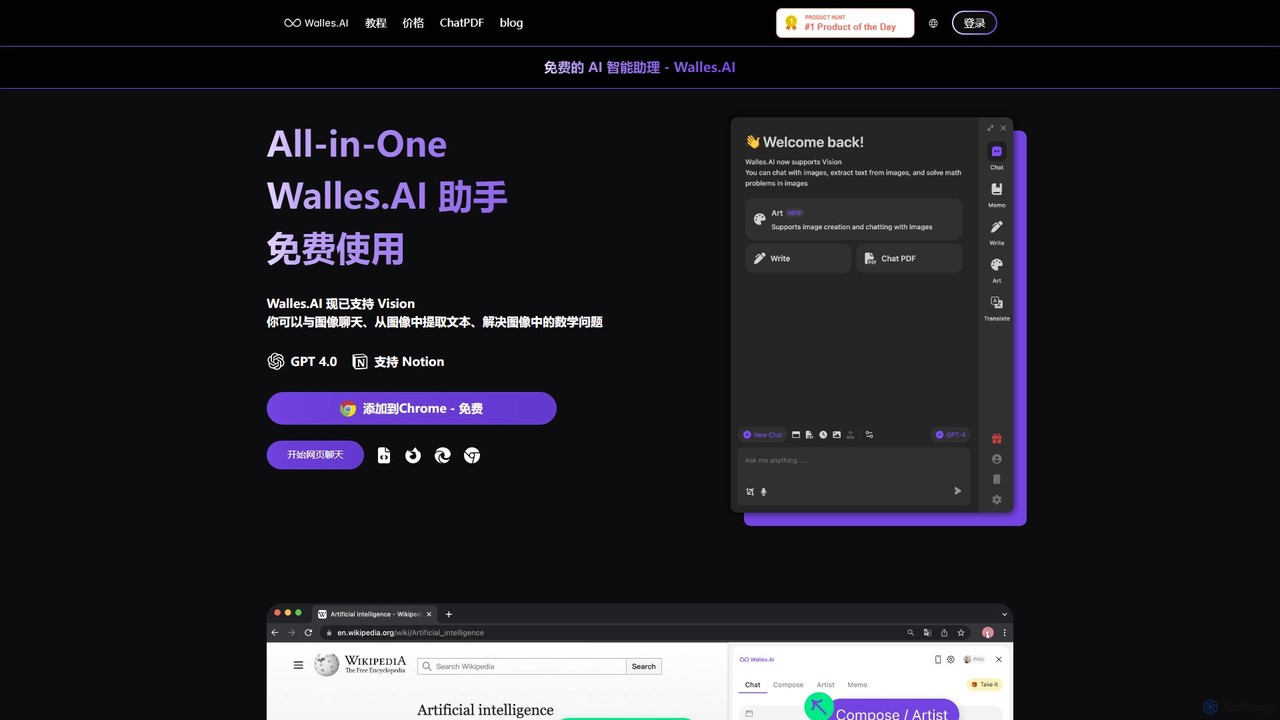
Walles.AI
Walles.AI is an all-in-one AI assistant integrated as a Chrome extension. Powered by GPT-4, it allows you to chat with webpages, PDFs, YouTube videos, and even images. Boost your productivity with instant summarization, translation, text analysis, and seamless integration with Notion.
Study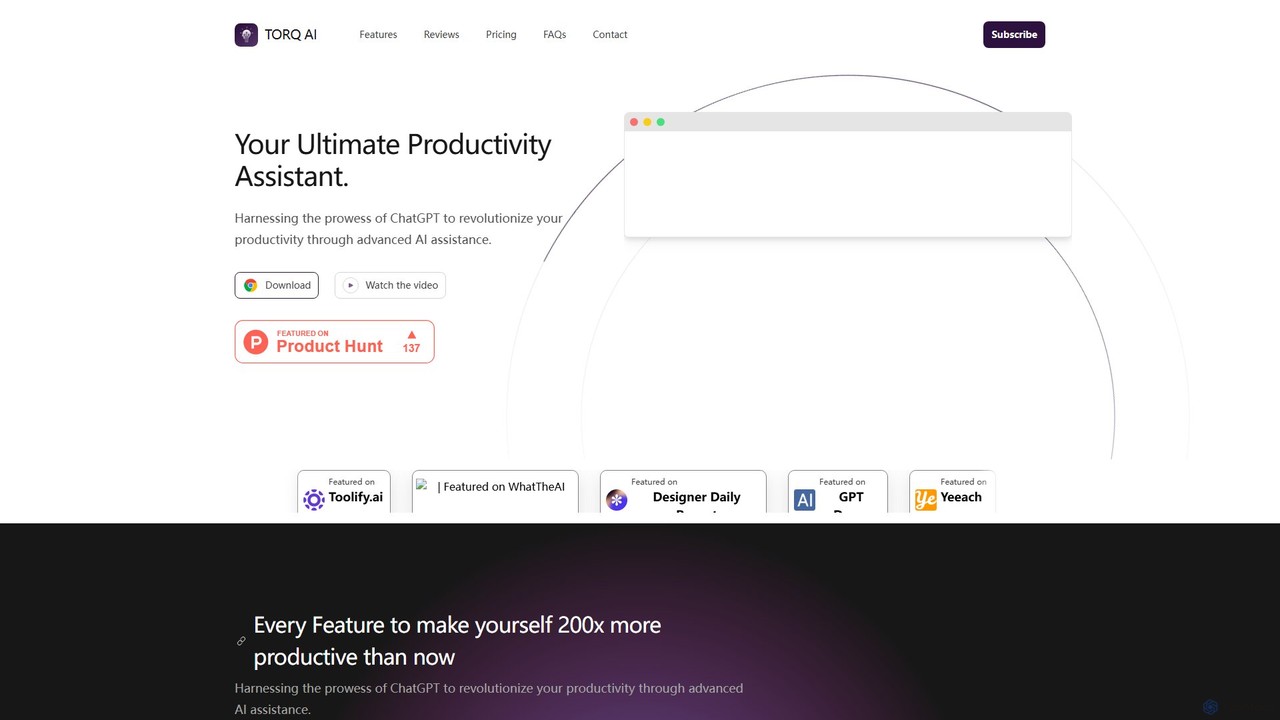
Torq
Torq is an AI-powered Chrome extension that supercharges your productivity. Leveraging ChatGPT, it offers one-click email generation, instant text summarization and translation, and integrates AI responses directly into your Google search results, streamlining your daily workflow.
Browser Extension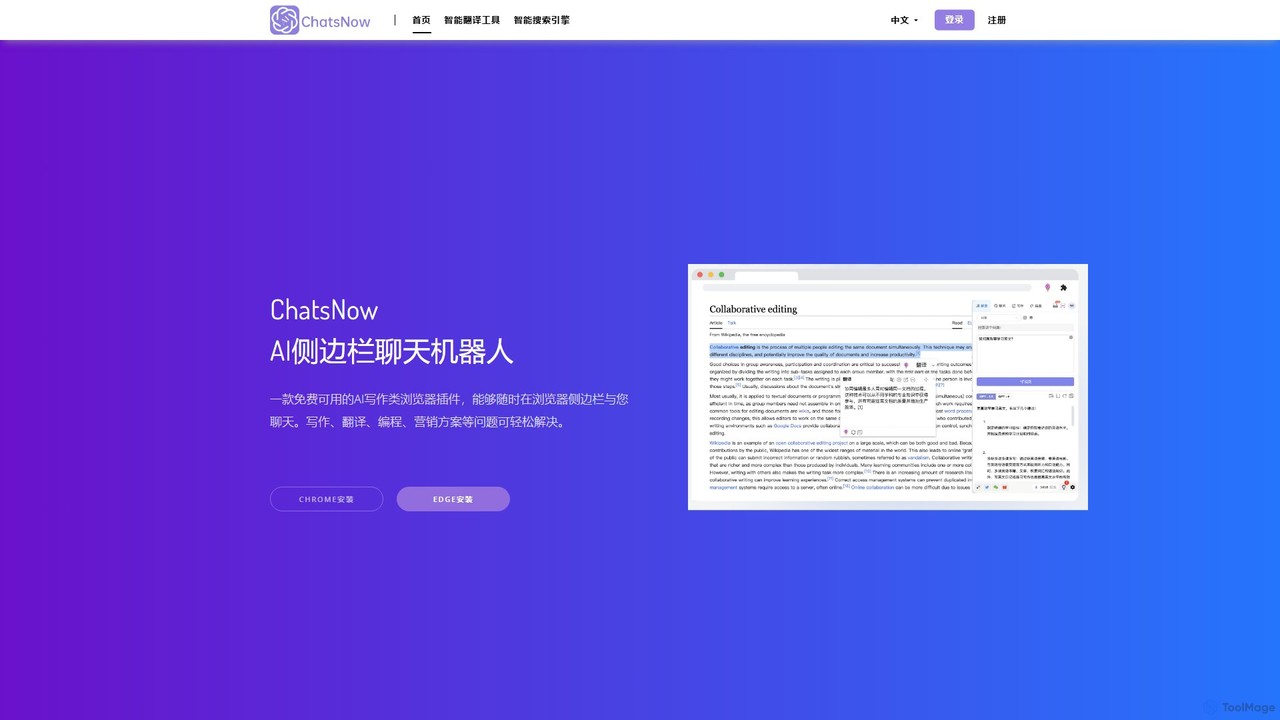
ChatsNow
ChatsNow is a versatile AI sidebar assistant for Chrome and Edge. It integrates a powerful chatbot, writer, and image generator directly into your browser. Instantly get answers, summarize web pages, draft emails, create marketing copy, or generate images from text prompts. With a library of prompt templates and the ability to work with selected text, ChatsNow streamlines your workflow for studying, working, and creative tasks, boosting your productivity across the web.
Ai Assistant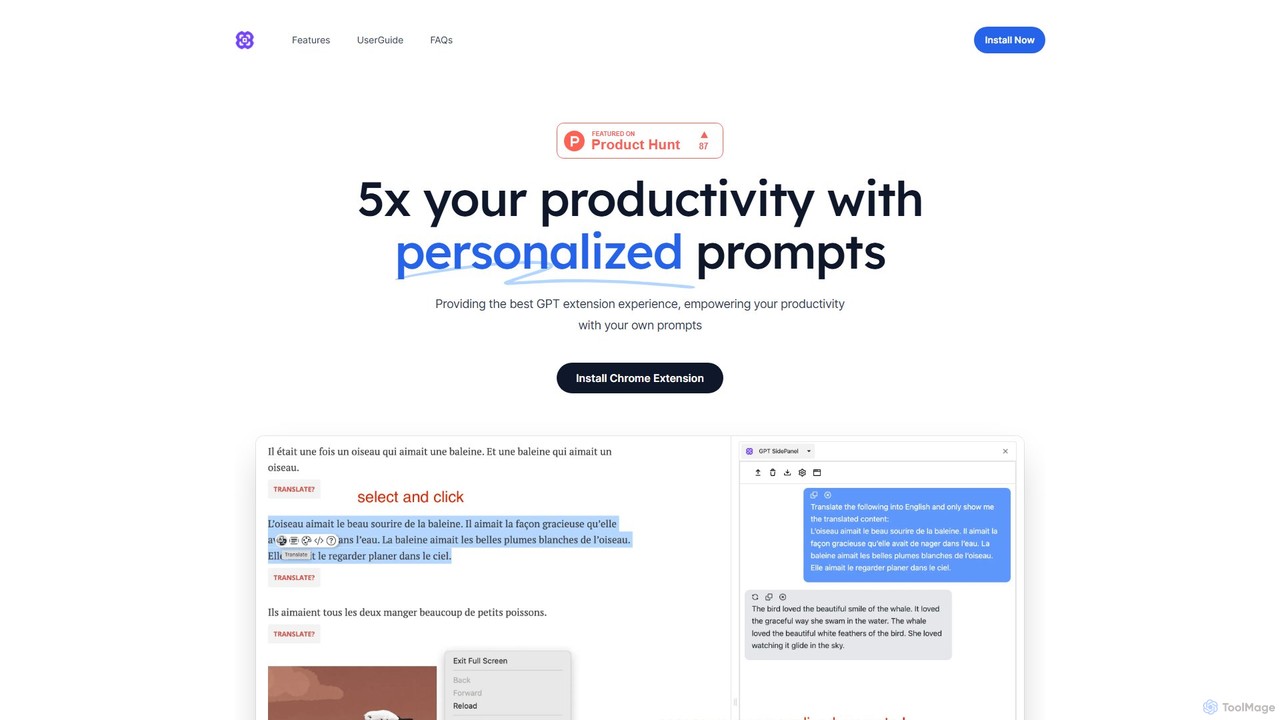
GPTSidePanel
GPTSidePanel is a powerful AI browser extension that integrates a GPT-powered sidebar into your browsing experience. Boost your productivity by summarizing articles, translating text, polishing writing, and using custom prompts directly on any webpage. Eliminate tab-switching and keep your workflow seamless with this intuitive AI assistant.
Browser ExtensionPopboxGPT Categories
PopboxGPT Embed Widget
Copy this embed code to place the badge on your blog, article, or product site and send readers directly to this ToolMage detail page.

Related AI tools
asknova
asknova is an intelligent AI digital companion designed to enhance productivity and creativity. It functions as a versatile assistant, capable of answering complex questions, generating high-quality content, brainstorming ideas, and assisting with various professional and personal tasks through an intuitive conversational interface.
Code Assistant
Yuanbao
Yuanbao is a powerful AI assistant from Tencent, built on the Hunyuan Large Language Model. It's designed to enhance productivity and enrich daily life by excelling at long-document analysis, intelligent search, and high-quality content creation, making it an indispensable partner for complex tasks.
Document Analysis
Cici
Cici is an intelligent AI assistant designed to enhance your productivity and creativity. It helps with writing, research, coding, and brainstorming through a versatile conversational interface. Seamlessly integrate Cici into your workflow to get instant answers, generate high-quality content, and automate repetitive tasks.
Code Assistant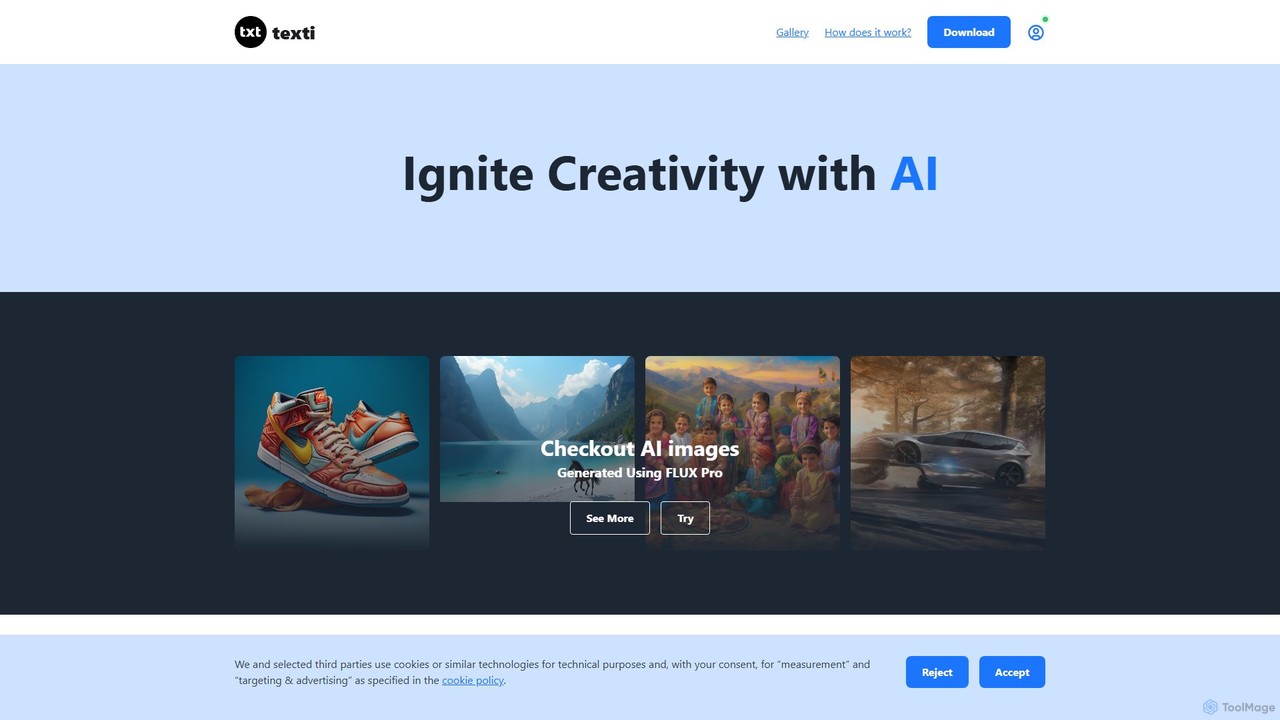
texti.app
texti.app is a versatile AI assistant designed to enhance creativity and productivity. It functions as a multi-purpose chatbot, capable of generating text, brainstorming ideas, answering questions, correcting emails, and even creating AI images. Accessible via a web browser and a convenient Chrome extension, it serves a global audience with extensive multilingual support.
Research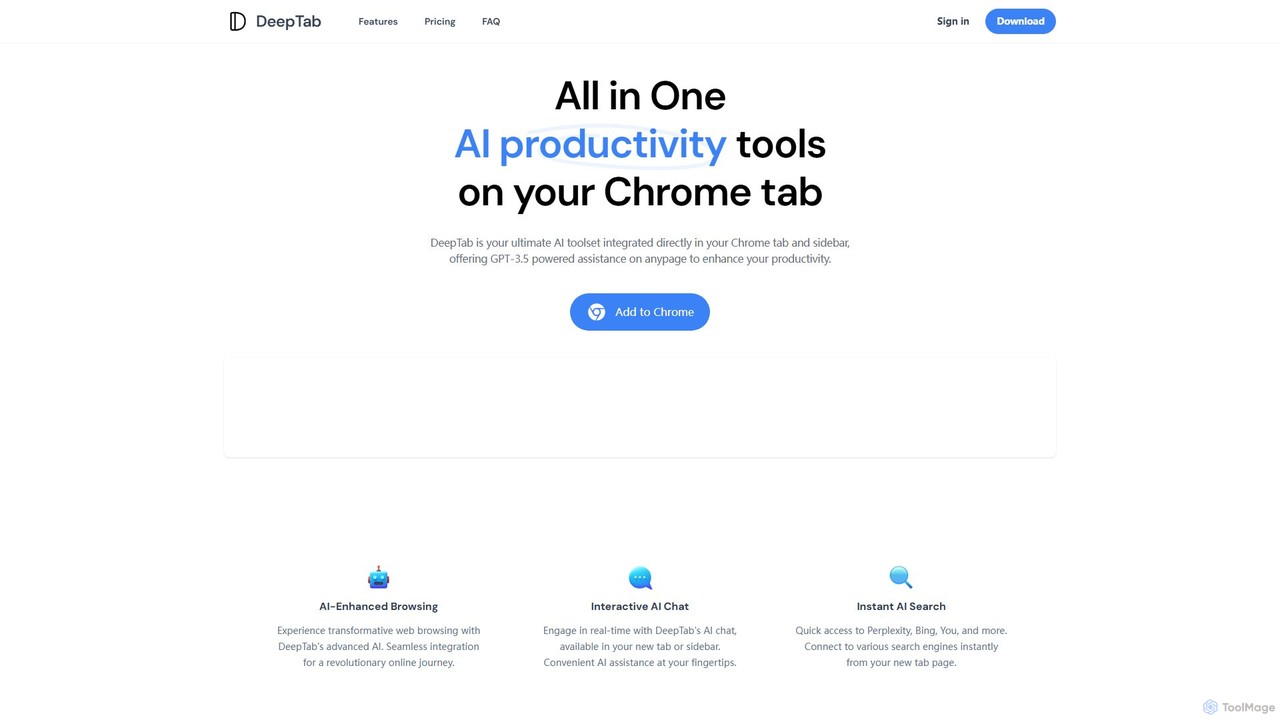
DeepTab
DeepTab is an all-in-one AI productivity toolkit integrated into your Chrome new tab and sidebar. It offers GPT-3.5/GPT-4 powered assistance, an interactive AI chat, instant access to multiple AI search engines, and a directory of AI websites to supercharge your browsing experience.
Chatbot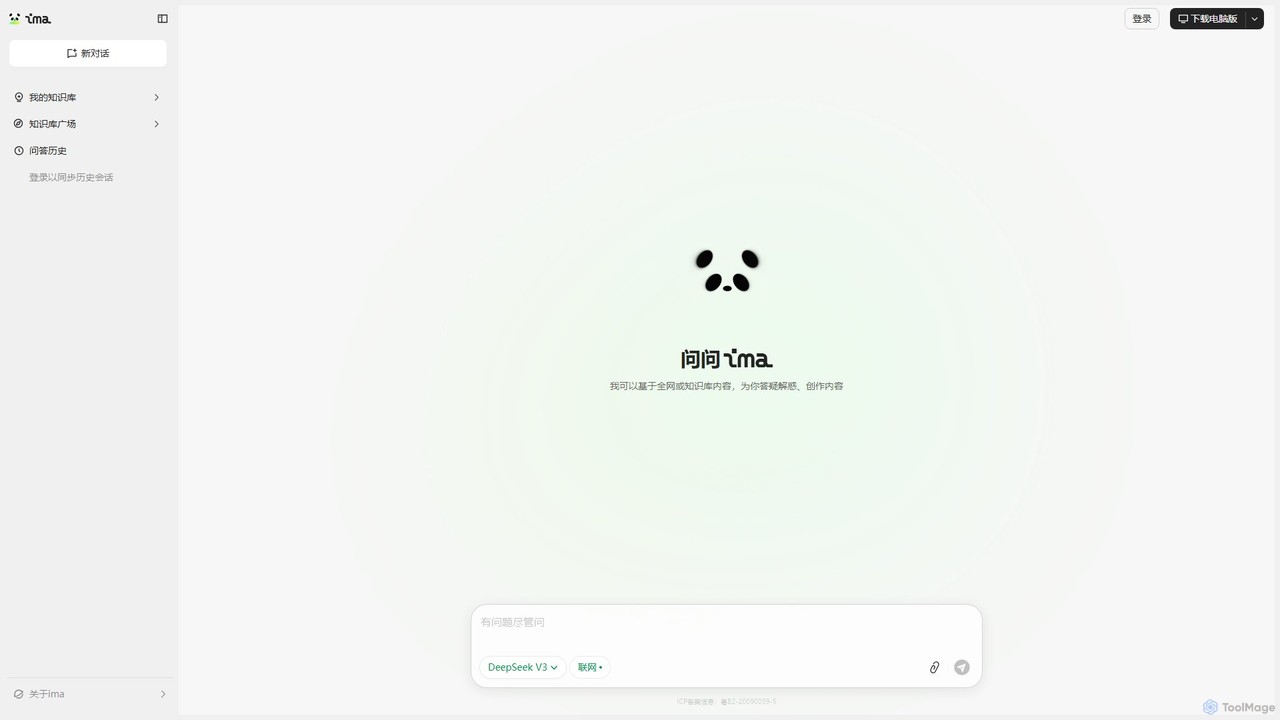
ima.copilot
ima.copilot is a powerful AI Workbench from Tencent, designed to be your intelligent work assistant. It integrates conversational AI with personalized knowledge bases and real-time web search to enhance productivity. Create content, get precise answers from your documents, and streamline your research, writing, and coding workflows with this versatile tool, available on both web and desktop.
Code Assistant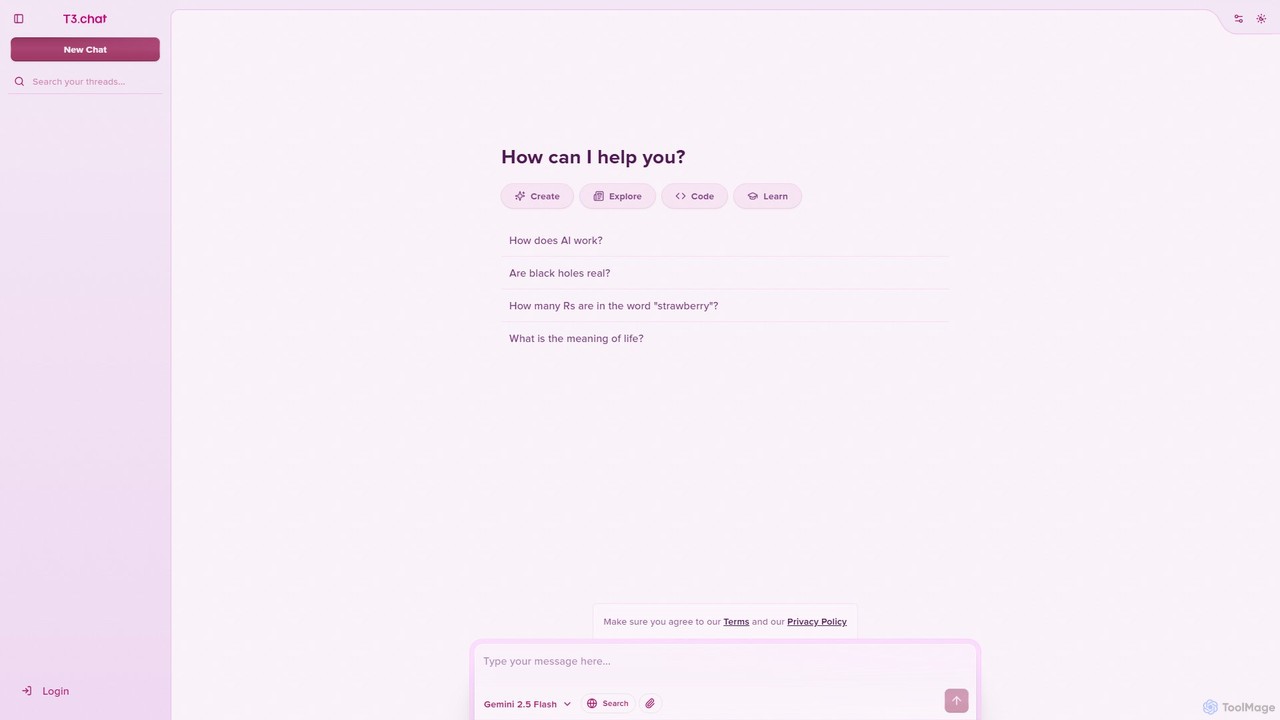
T3 Chat
T3 Chat is an advanced AI assistant and a powerful ChatGPT alternative, powered by Google's Gemini 2.5 Flash. For just $8/month, it offers high-speed assistance for coding, writing, learning, and creative exploration. Its clean interface and versatile capabilities make it an ideal tool for developers, writers, students, and professionals seeking an affordable and efficient AI partner.
Code Assistant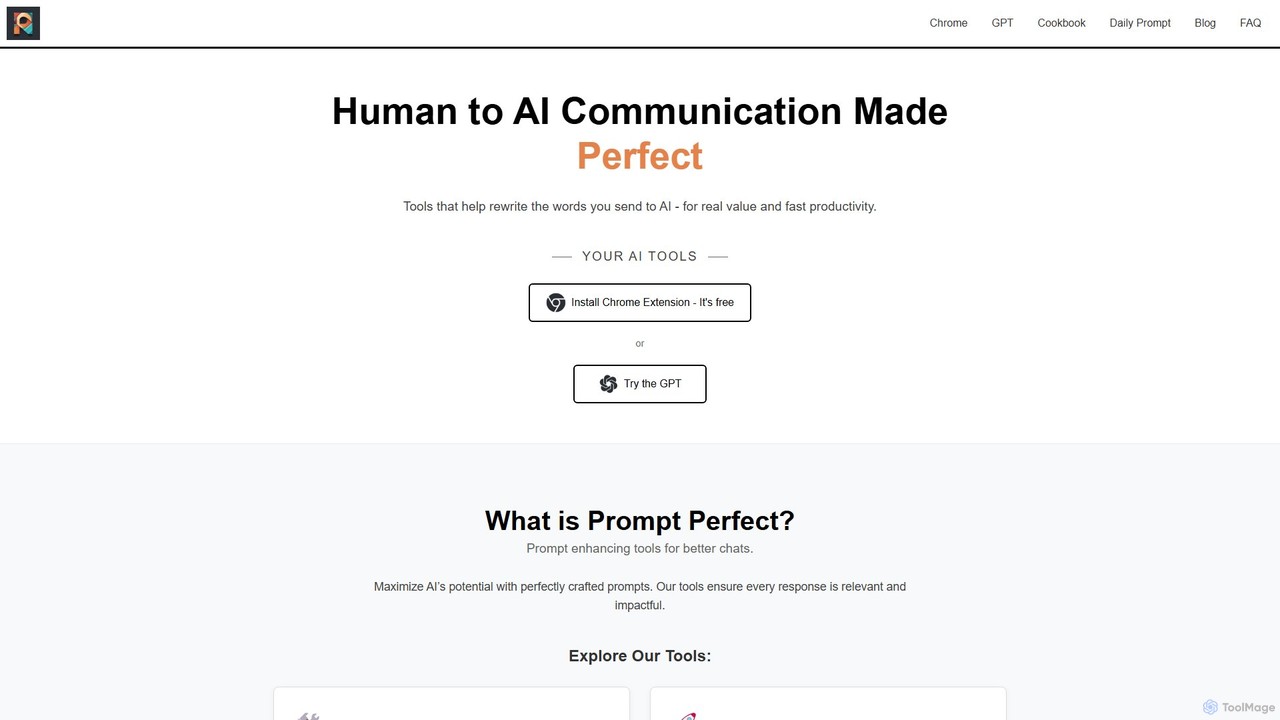
Prompt Perfect
Prompt Perfect is an AI-powered suite, featuring a Chrome Extension and a GPT, designed to optimize your prompts for superior results across major AI platforms like ChatGPT, Gemini, and Claude. It refines, enhances, and manages your prompts to unlock more precise, creative, and effective AI-generated content, boosting productivity for writers, researchers, and professionals.
Research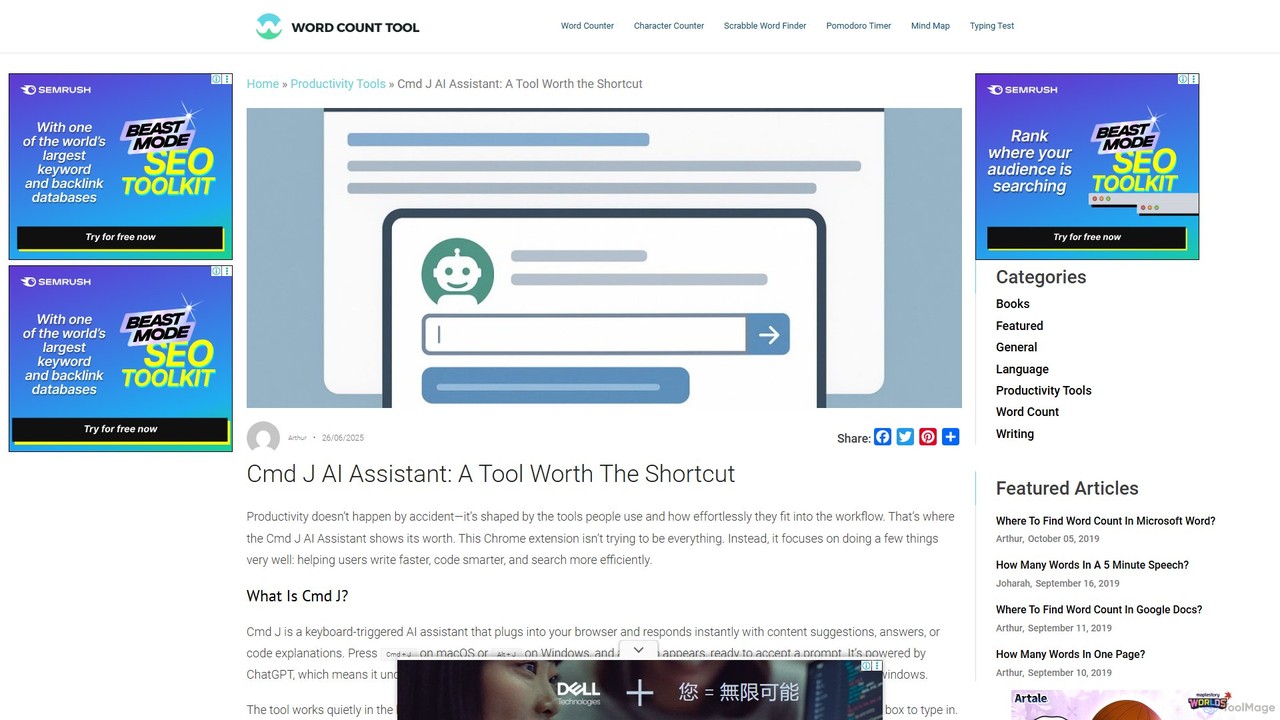
Cmd J AI Assistant
Cmd J is a keyboard-activated AI assistant, available as a Chrome extension, designed to boost productivity. Powered by ChatGPT, it provides instant help with writing, coding, and research directly in your browser. Simply press a shortcut (Cmd+J or Alt+J) to summon the AI, eliminating the need to switch tabs or open new applications, and seamlessly integrating into any workflow.
Chrome Extensions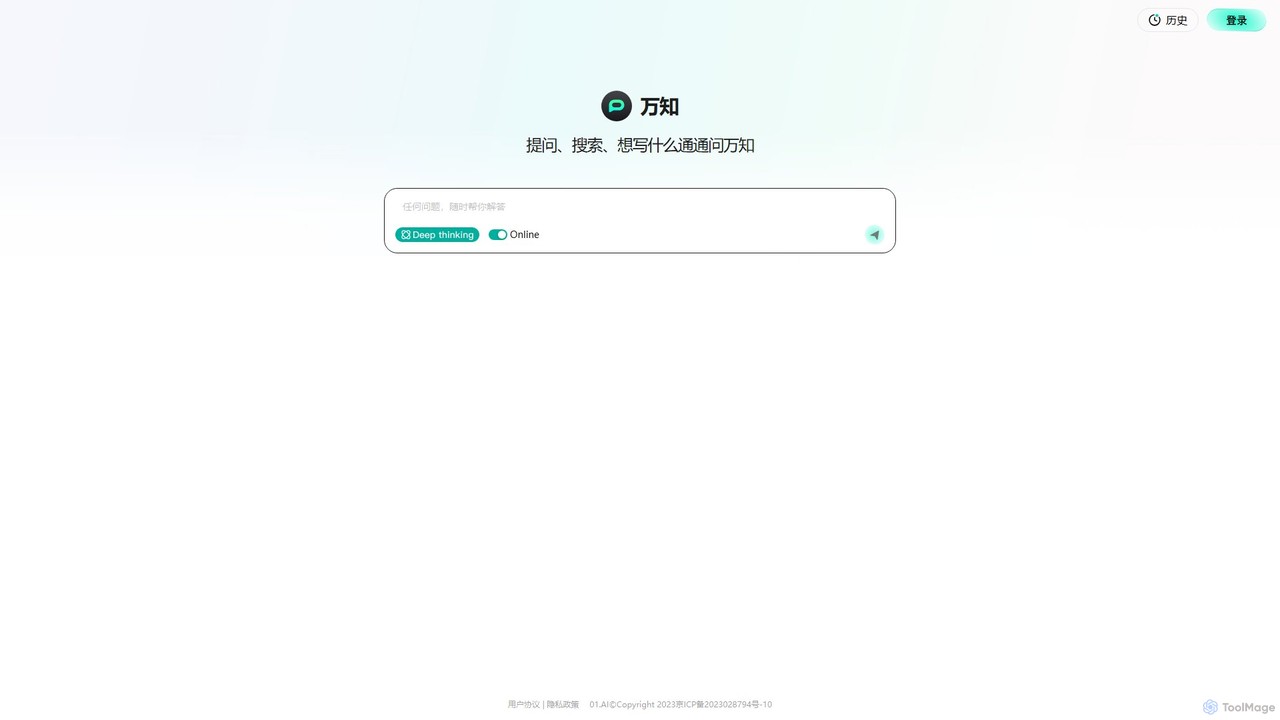
wanzhi01
Wanzhi is an all-in-one AI assistant developed by 01.AI. It seamlessly integrates conversational Q&A, intelligent search with real-time web access, and powerful content generation. Ask complex questions, get summarized search results with sources, or generate various types of written content, all within a single, intuitive interface.
Assistant
AIChatOne
AIChatOne is an all-in-one AI assistant that integrates leading models like GPT-4, Claude 3, and Gemini into a single, streamlined interface. It enhances productivity with features like web access, a prompt library, chat organization, and document analysis. Available as a browser extension and desktop/web app, it provides a superior, privacy-focused chat experience for writing, research, and daily tasks.
Assistant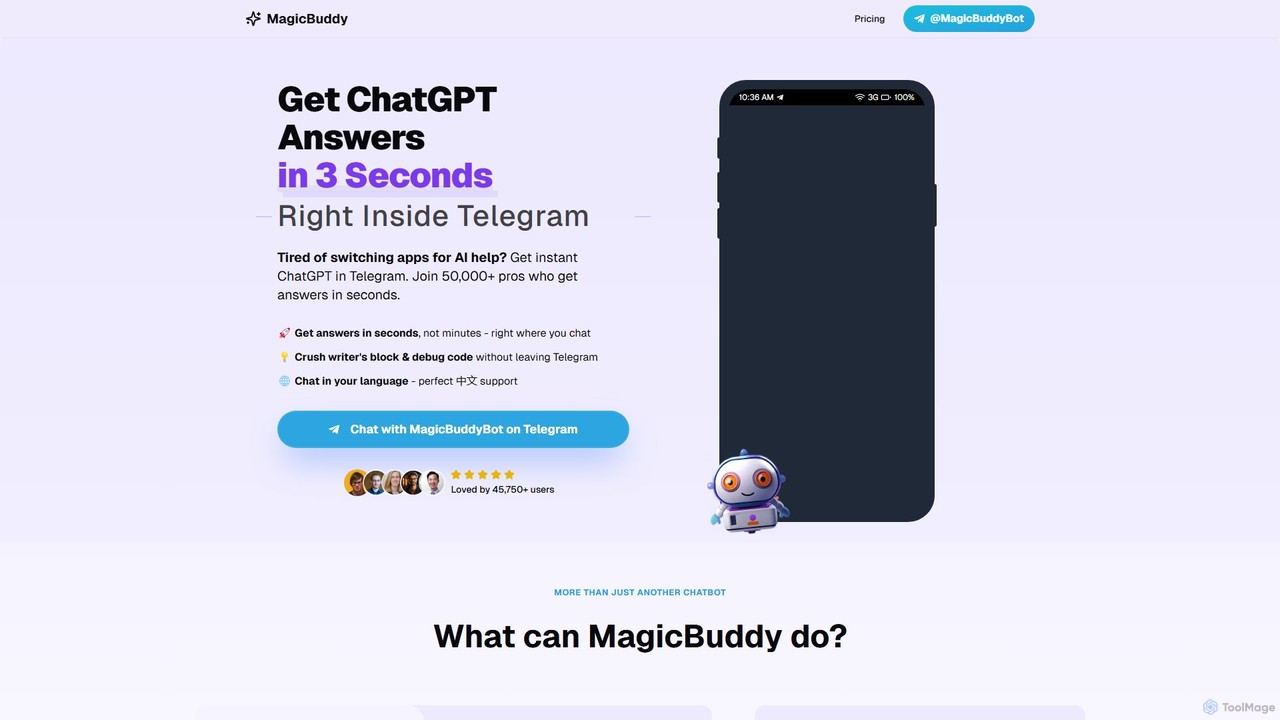
MagicBuddy
MagicBuddy is a powerful ChatGPT and DALL-E assistant integrated directly into Telegram. Get instant answers, generate images, debug code, and overcome writer's block without ever leaving your chat app. Boost your productivity with seamless AI support right where you communicate.
Code Assistant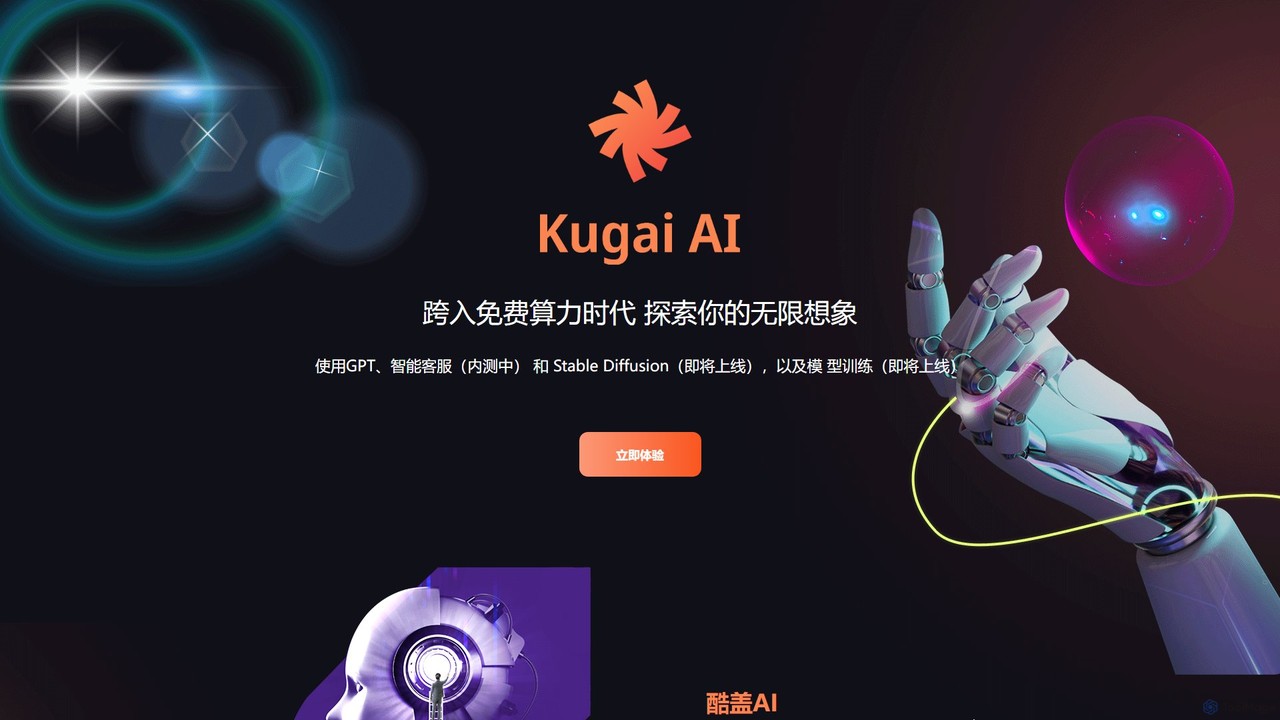
GPT33
GPT33 is an integrated AI platform from Cool Guy AI Lab, offering a suite of tools to enhance creativity and productivity. It features GPT-powered text generation for various content, AI image creation with upcoming Stable Diffusion integration, and a beta version of an intelligent customer service chatbot. It aims to provide accessible AI solutions, including future capabilities for personalized model training.
Chatbot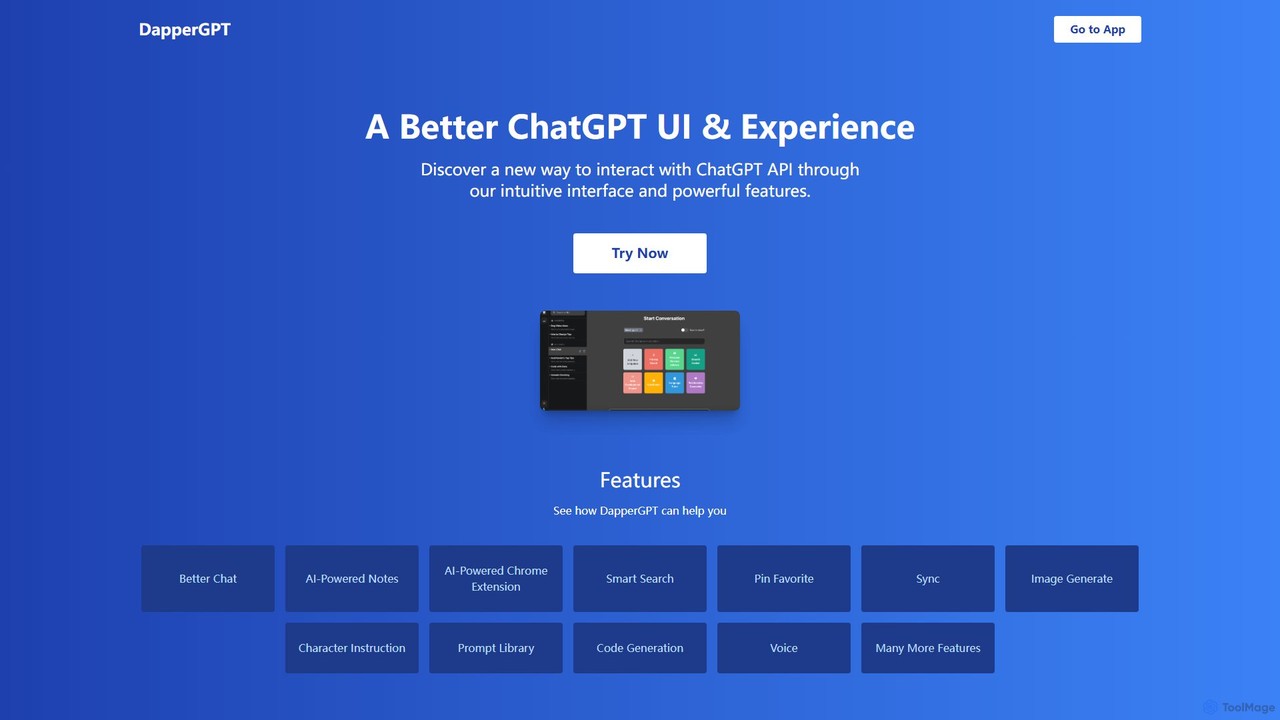
DapperGPT
DapperGPT is an advanced user interface for the ChatGPT API, designed to enhance your interaction with OpenAI's models. It offers a more intuitive and feature-rich experience, including a powerful Chrome extension, AI-powered notes, smart search, voice-to-text, image generation, and a comprehensive prompt library. It operates on a freemium model, requiring your own OpenAI API key for usage, with premium features available through a one-time purchase or team plan.
Code Assistant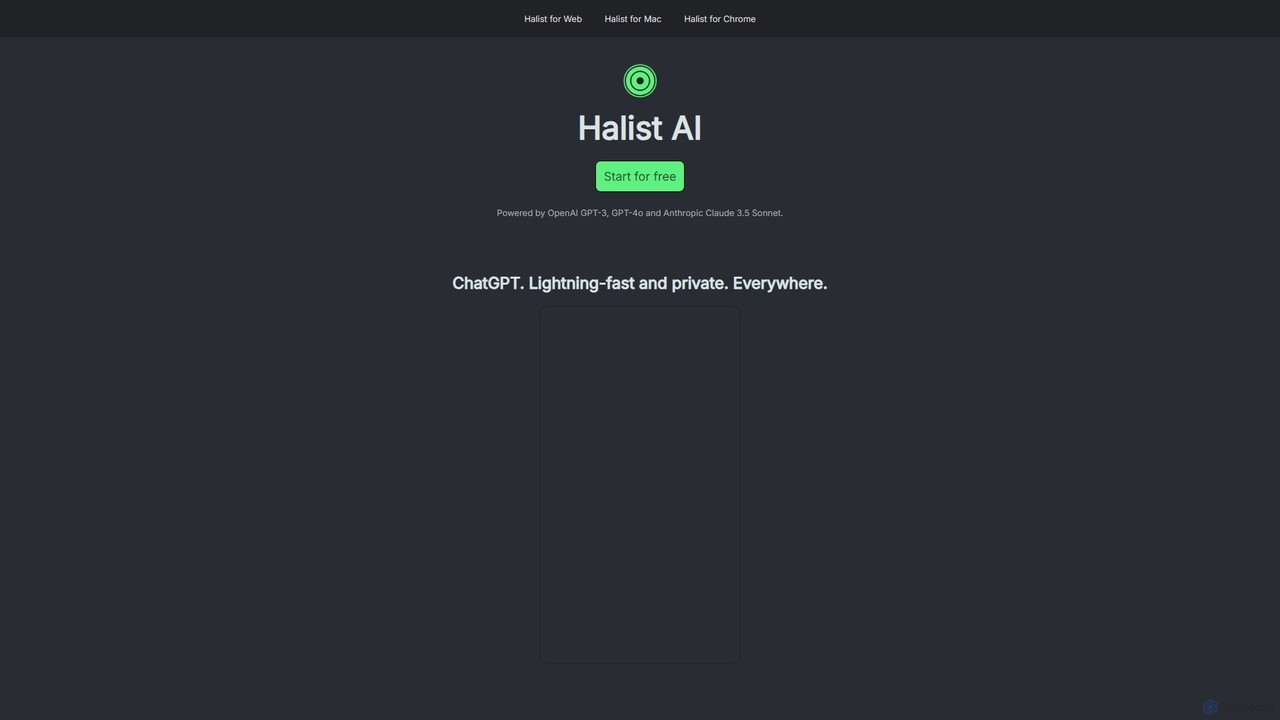
Halist AI
Halist AI offers a fast, private, and multi-platform AI assistant powered by GPT-4o and Claude 3.5 Sonnet. Access advanced AI capabilities seamlessly across Web, macOS, and a Chrome extension to enhance your productivity, writing, and daily tasks. It provides a unified experience with a focus on speed and user privacy.
Chrome Extensions
PopboxGPT Comments (0)
Sign in to comment.
Sign inNo comments yet.