ToolMage
Sign in

Best 3 Chatbot AI tools for General

Popular Chatbot AI tools in General include asknova, Sunset.ai, and PopboxGPT, helping you work more efficiently.

asknova
Freemium

asknova

asknova is an intelligent AI digital companion designed to enhance productivity and creativity. It functions as a versatile assistant, capable of answering complex questions, generating high-quality content, brainstorming ideas, and assisting with various professional and personal tasks through an intuitive conversational interface.

Code Assistant
Visits 3.9KFavorites 104Likes 103
Sunset.ai
Freemium

Sunset.ai

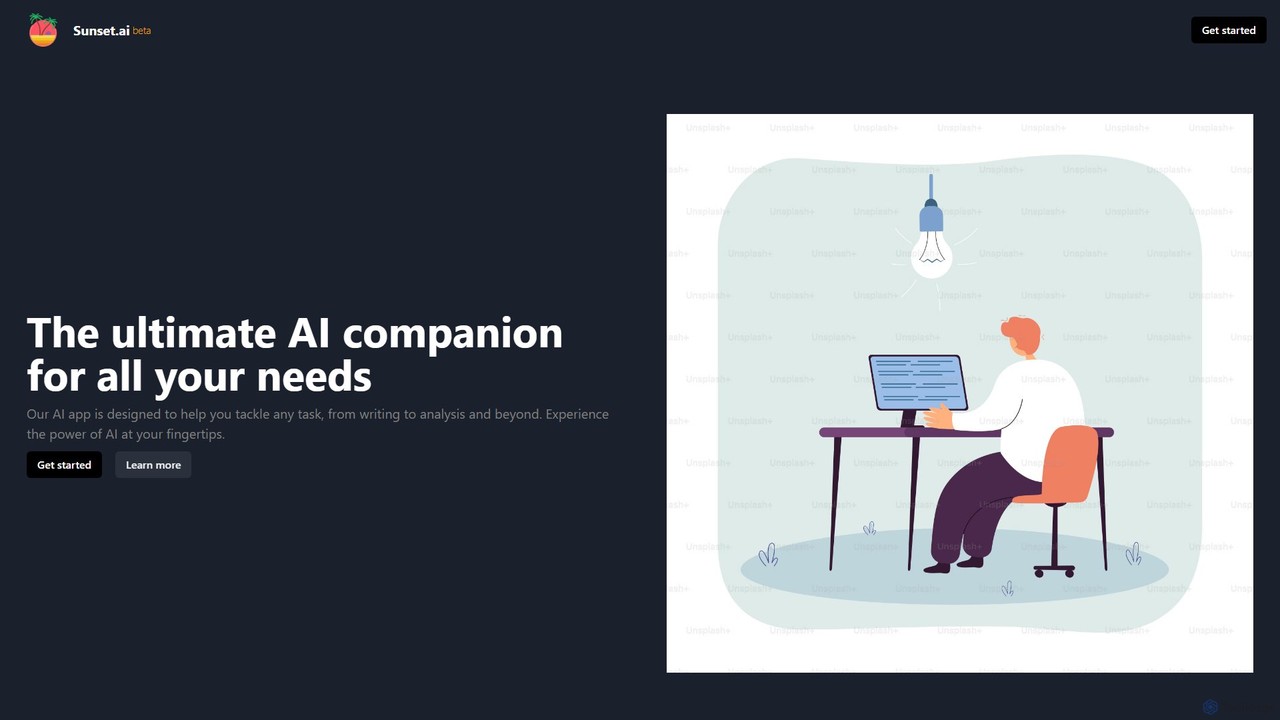
Sunset.ai is an all-in-one AI companion that integrates multiple AI models into a single interface. It allows users to query different AIs simultaneously, compare their responses, and select the best output for tasks like writing, brainstorming, and analysis.

Chatbot
Visits 3.5KFavorites 88Likes 80
PopboxGPT
Paid

PopboxGPT

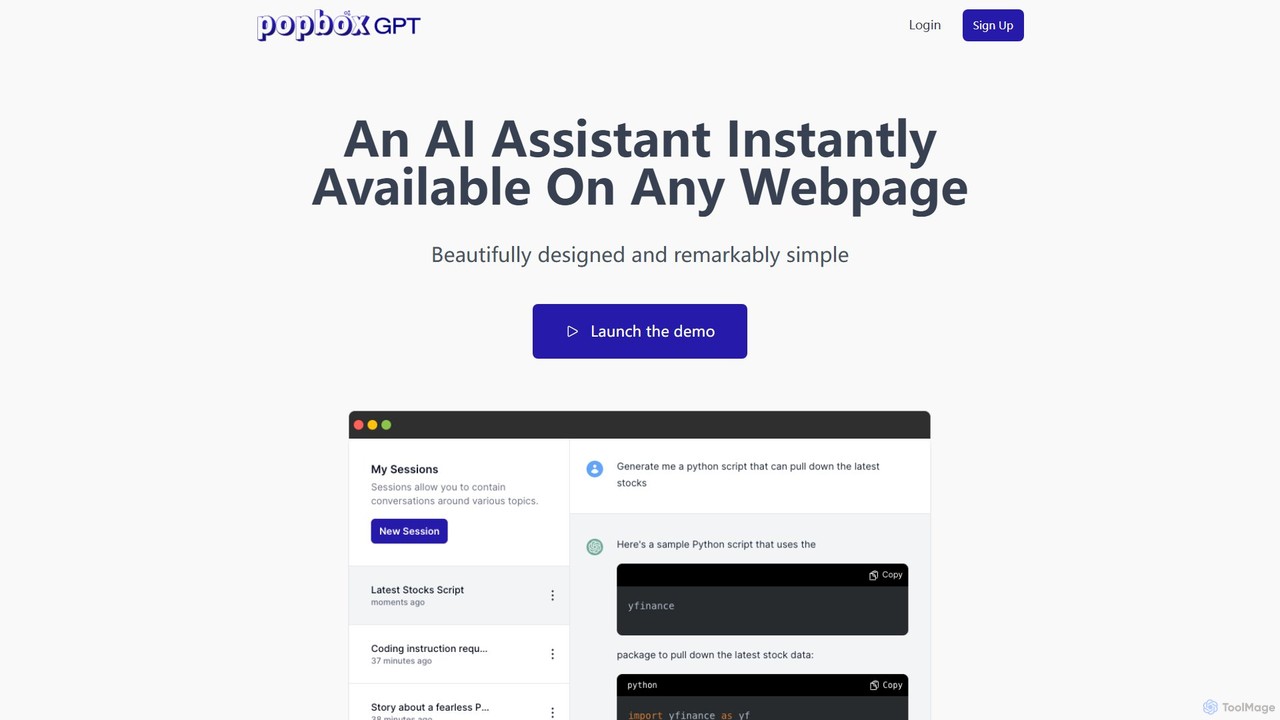
PopboxGPT is a powerful AI-powered Chrome extension that provides instant in-browser assistance. It seamlessly integrates the capabilities of GPT-3.5 Turbo into any webpage, allowing you to draft emails, conduct research, and brainstorm ideas without switching tabs. With features like hotkey access, a non-intrusive modal, and long-term session history, PopboxGPT revolutionizes your browsing experience and boosts your productivity.

Chatbot
Visits 3.4KFavorites 107Likes 114

About Chatbot

Chatbots are AI-powered software designed to simulate human conversation through text or voice interactions. They leverage Natural Language Processing (NLP) and machine learning to understand user intent, process requests, and provide relevant, real-time responses. Businesses widely use chatbots to automate customer service, generate leads, and offer 24/7 support without human intervention. Unlike simple rule-based bots, modern AI chatbots can handle complex dialogues, learn from past interactions, and deliver personalized user experiences.

Core Features

  • Natural Language Processing (NLP): Accurately understands, interprets, and responds to human language, including nuances and intent.
  • 24/7 Automated Support: Provides instant answers and assistance around the clock, improving customer satisfaction.
  • Multi-channel Integration: Deploys seamlessly across websites, mobile apps, and messaging platforms like WhatsApp and Facebook Messenger.
  • Lead Qualification: Engages visitors conversationally to collect contact information and qualify sales leads automatically.
  • Seamless Human Handover: Intelligently transfers complex conversations to a live agent with full context.

Applicable Scenarios

Chatbots are highly effective in industries requiring constant customer interaction. For example, e-commerce sites use them for order tracking and product recommendations. SaaS companies deploy them for user onboarding and first-level technical support. In healthcare, they can assist with appointment scheduling and answering frequently asked questions, freeing up administrative staff.

Selection Criteria

When choosing a chatbot tool, first assess its integration capabilities with your existing CRM and helpdesk systems. Evaluate the quality of its NLP engine and its ability to support multiple languages if needed. Consider the level of customization available for conversation flows and branding. Finally, review the analytics features to ensure you can track performance and gather user insights effectively.

Featured tool rankings

Chatbot use cases

1

Automate E-commerce Customer Support

An e-commerce store manager uses a chatbot to provide instant, 24/7 support. The bot is trained on product information, shipping policies, and return procedures. When a customer asks, "Where is my order?" or "How do I return an item?", the chatbot accesses order data via API integration and provides an immediate, accurate answer. This reduces support ticket volume by over 60%, allowing human agents to focus on complex sales inquiries and escalations, thereby improving both efficiency and customer satisfaction.

2

Qualify B2B Sales Leads on a Website

A marketing team at a B2B software company deploys a chatbot on their pricing and product pages. The bot proactively engages visitors by asking questions like, "Are you looking for a solution for a team of 10 or 100?". Based on the responses, it qualifies the lead, collects contact information (name, email, company), and, for high-value leads, automatically schedules a demo on a sales representative's calendar. This process automates the top of the sales funnel, ensuring the sales team only spends time on pre-qualified prospects.

3

Provide Internal IT Helpdesk Support

A large corporation implements an internal chatbot for its IT department. Employees can interact with the bot via Slack or Microsoft Teams to resolve common issues. For instance, an employee can type "reset my password" or "request access to software." The bot guides them through the necessary steps for self-service or automatically creates a support ticket with all the required information. This reduces the IT helpdesk's workload for repetitive tasks, leading to faster resolution times for all employees.

4

Schedule Appointments for Service Businesses

A local dental clinic uses a chatbot on its website and Google Business Profile. Potential patients can ask about services, check for available appointment slots, and book a visit directly through the chat interface. The chatbot integrates with the clinic's calendar system to show real-time availability and confirms the booking by sending an email and a text message reminder. This automates the entire appointment scheduling process, allowing reception staff to focus on in-person patient care and reducing no-shows through automated reminders.

5

Conduct Conversational Surveys and Feedback

A product manager for a mobile app wants to gather user feedback after a new feature launch. Instead of using a static form, they deploy a chatbot to initiate a conversation with active users. The bot asks open-ended questions like, "What do you like most about the new update?" and "Is there anything that could be improved?". The conversational format feels more engaging, leading to a 40% higher completion rate and more detailed qualitative feedback compared to traditional email surveys, providing richer insights for the next development cycle.

6

Onboard New SaaS Users Interactively

A SaaS company integrates a chatbot into its application dashboard to guide new users. When a user logs in for the first time, the chatbot initiates a welcome tour, highlighting key features and prompting them to complete essential setup tasks, such as creating their first project or inviting team members. The bot can answer context-specific questions like "How do I add a new client?" directly within the workflow. This interactive onboarding process improves user activation rates and reduces the number of basic support queries during the critical initial user experience phase.

Chatbot FAQ

What is an AI Chatbot?

An AI chatbot is a computer program that uses artificial intelligence, particularly Natural Language Processing (NLP), to simulate human-like conversations with users. Unlike simple rule-based bots that follow predefined scripts, AI chatbots can understand user intent, handle variations in language, and learn from interactions to improve their responses over time. They are commonly used for customer service, lead generation, and providing instant information across websites and messaging apps.

How to choose the right Chatbot tool?

Choosing the right chatbot involves evaluating several key factors. First, consider your primary goal: is it for customer support, sales, or internal use? Then, assess these points:

  • Integration Capabilities: Ensure it connects seamlessly with your essential tools like CRM, helpdesk software, and messaging platforms.
  • NLP Quality: Test its ability to understand complex queries, different languages, and industry-specific jargon.
  • Customization and Ease of Use: Look for a tool with an intuitive builder for creating conversation flows and options to match your brand's voice and appearance.
  • Analytics: The tool should provide clear metrics on performance, user satisfaction, and conversation outcomes to help you optimize.
What's the difference between an AI Chatbot and a rule-based bot?

The key difference lies in their intelligence and flexibility. A rule-based bot operates on a fixed set of rules and keywords. It can only respond to specific commands and questions it's been programmed for, much like a flowchart. If a user's query deviates, the bot fails. In contrast, an AI chatbot uses Natural Language Processing (NLP) to understand the meaning and intent behind a user's words, allowing it to handle a wide range of phrasing and complex questions. AI chatbots can also learn from conversations to become more accurate over time.

What are the main business benefits of using a chatbot?

Businesses use chatbots to achieve several key benefits. The most significant is cost reduction by automating repetitive customer inquiries, freeing up human agents for more complex tasks. Another benefit is increased lead generation, as chatbots can engage website visitors 24/7 to capture contact information. They also improve customer satisfaction by providing instant, round-the-clock support and consistent answers. Finally, chatbots can collect valuable data on customer questions and pain points, providing insights for business improvement.

Can chatbots be integrated with other software like a CRM?

Yes, absolutely. Integration is a core feature of most modern chatbot platforms. They are designed to connect with a wide range of business systems via APIs or pre-built connectors. Common integrations include:

  • CRM systems (like Salesforce, HubSpot): To create new leads, update customer records, and access contact history.
  • Helpdesk software (like Zendesk, Intercom): To create support tickets and sync conversation histories.
  • E-commerce platforms (like Shopify, Magento): To check order statuses and access product catalogs.
  • Calendar apps (like Google Calendar, Calendly): To schedule meetings and appointments automatically.

This connectivity allows the chatbot to perform complex actions and provide personalized, context-aware responses.