ToolMage
Sign in

Best 4 Robotic Process Automation AI tools for Business

Popular Robotic Process Automation AI tools in Business include UiPath, runcopycat, Smooth Operator, and takemebot, helping you work more efficiently.

Smooth Operator
Freemium

Smooth Operator

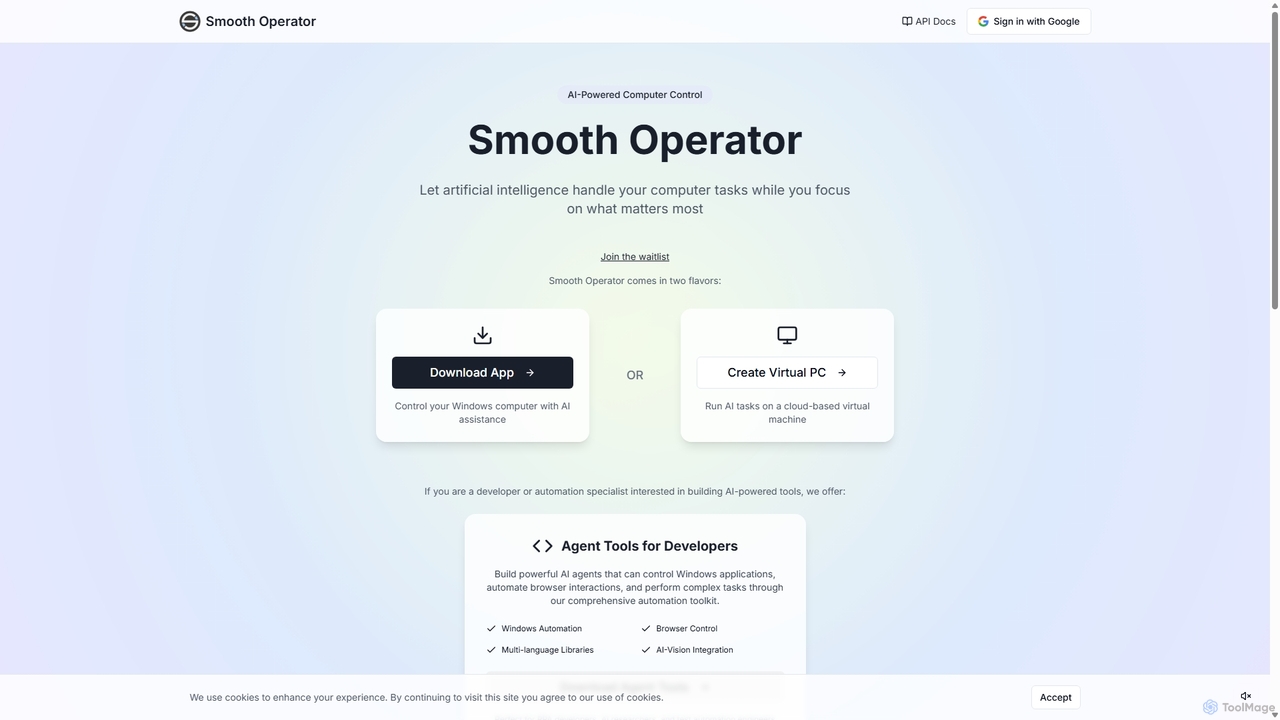
Smooth Operator is an AI-powered tool that automates computer tasks on Windows. It allows users to control their computer using natural language, either through a local app or a cloud-based virtual machine. It also provides a comprehensive toolkit for developers to build custom AI agents for advanced automation.

Robotic Process Automation
Visits 5.7KFavorites 148Likes 151
takemebot
Freemium

takemebot

takemebot is a no-code/low-code Robotic Process Automation (RPA) platform designed to automate repetitive business tasks. It helps businesses lower operational costs, save time, and achieve error-free operations through a user-friendly drag-and-drop interface, record-and-play functionality, and seamless integration with existing systems.

Robotic Process Automation
Visits 5.5KFavorites 167Likes 194
runcopycat
Freemium

runcopycat

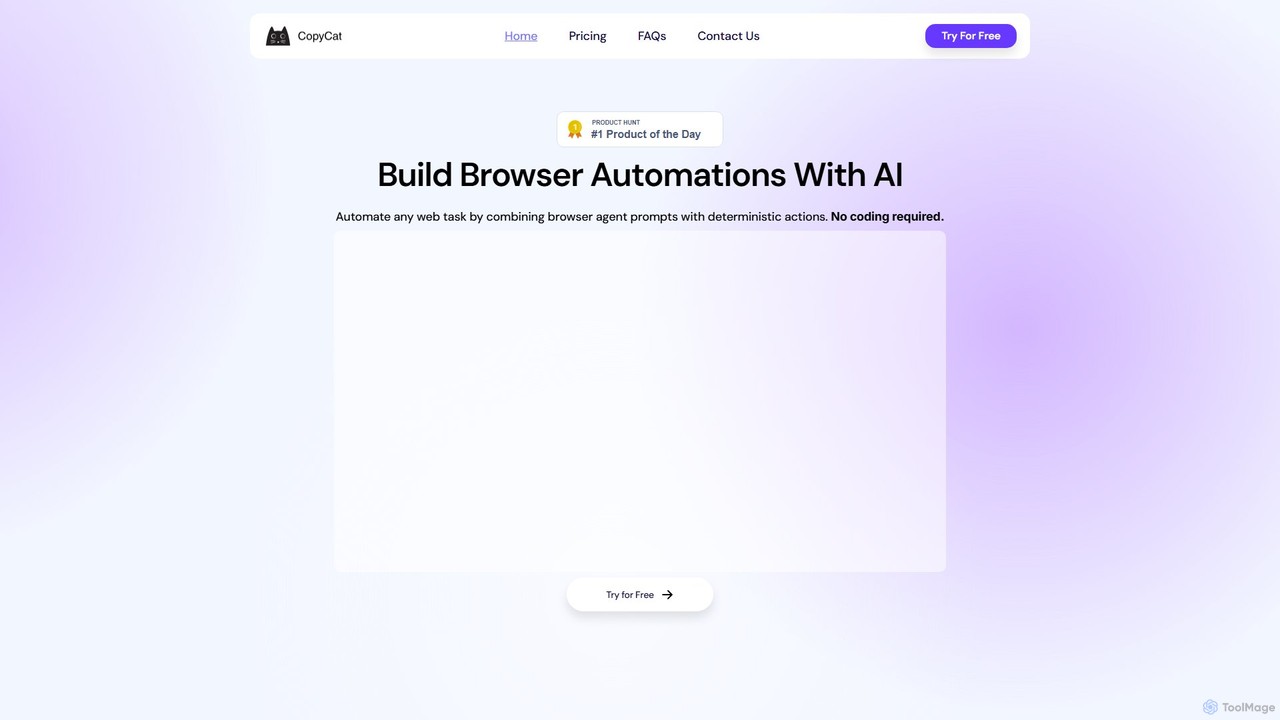
runcopycat is an AI-powered browser automation platform that enables users to build and run complex workflows on any website, especially legacy systems without APIs. Using a blend of AI agents and deterministic steps, it automates repetitive tasks like data extraction, form filling, and invoice processing. This no-code tool saves thousands of hours, increases operational efficiency, and turns any website into a functional API, accessible via schedules or direct API calls.

Robotic Process Automation
Visits 9.7KFavorites 111Likes 111
UiPath
Freemium

UiPath

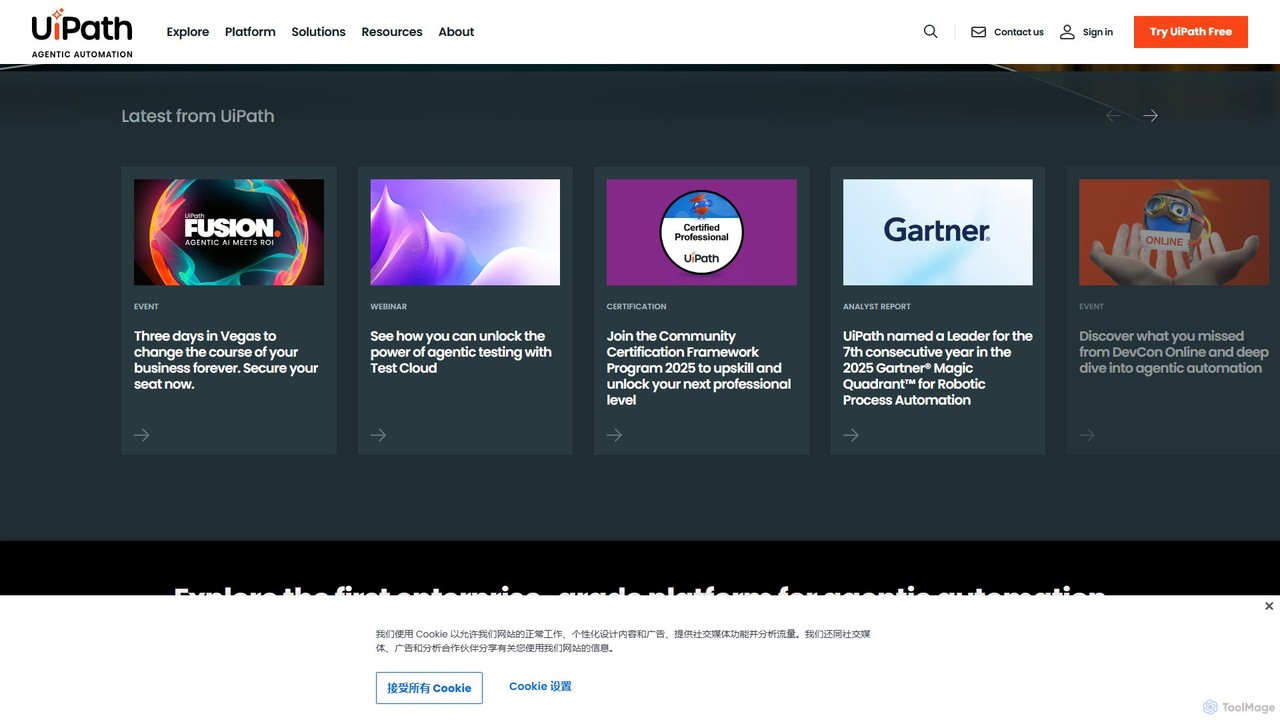
UiPath is a leading enterprise automation platform that combines Robotic Process Automation (RPA) with advanced AI capabilities. It enables businesses to build and manage a workforce of software robots that automate repetitive tasks, streamline processes, and drive digital transformation. From finance to healthcare, UiPath empowers organizations to increase efficiency, reduce costs, and improve accuracy by deploying AI-powered agents and automations at scale.

Data Processing
Visits 1.4MFavorites 140Likes 138

About Robotic Process Automation

Robotic Process Automation (RPA) tools are a class of software robots designed to automate repetitive, rule-based digital tasks, acting as a key component of modern business automation. These intelligent tools mimic human interactions with digital systems, executing predefined workflows across various applications, from data entry to complex transaction processing, all without manual intervention. By deploying a "digital workforce," RPA significantly enhances operational efficiency, reduces human errors, and frees human employees to focus on more strategic, value-added activities, thereby transforming how businesses operate.

Core Features

  • Task Recording & Playback: Captures human actions on a user interface (e.g., clicks, keystrokes) to create automated scripts, making bot development intuitive even for business users.
  • Workflow Orchestration & Scheduling: Manages and schedules automated processes, ensuring bots run at optimal times and in the correct sequence, often integrating with enterprise scheduling systems.
  • Application Integration: Connects seamlessly with existing enterprise applications such as ERPs, CRMs, and legacy systems, typically through UI interaction rather than complex API development.
  • Exception Handling & Logging: Defines rules and procedures for managing errors or unexpected scenarios during automation, ensuring process resilience and providing detailed logs for auditing.
  • Analytics & Reporting: Offers dashboards and reports that provide insights into bot performance, process efficiency, cost savings, and overall return on investment (ROI) for automated tasks.

Applicable Scenarios

RPA finds extensive application across various industries and departments. In finance, it's used for automating invoice processing, reconciliation, and compliance reporting. Human resources leverage RPA for efficient employee onboarding, payroll processing, and benefits administration. Customer service departments utilize RPA to automate data retrieval from multiple systems, update customer records, and generate automated responses, leading to faster service delivery and improved customer satisfaction.

How to Choose

When selecting an RPA tool, consider several critical factors. Evaluate its ease of use and low-code/no-code capabilities, which can empower business users to build automations. Assess its integration capabilities with your specific existing IT infrastructure, including legacy systems and cloud applications. Scalability of bot deployment, security features, and the vendor's support, training, and community resources are also crucial. Finally, analyze the total cost of ownership, encompassing licensing, implementation, maintenance, and potential future upgrades, to ensure alignment with your budget and long-term automation strategy.

Robotic Process Automation use cases

1

Automate Invoice Processing and Reconciliation

Finance departments often face high volumes of invoices requiring manual data entry, validation, and reconciliation. An RPA bot can automatically extract data from incoming invoices (via email or scanned documents), validate it against purchase orders and vendor master data, and then enter it into the ERP system. This process significantly reduces manual effort, minimizes errors, and accelerates payment cycles, allowing finance professionals to focus on financial analysis rather than repetitive data handling.

2

Streamline Customer Service Data Retrieval

Customer service agents frequently need to access information from multiple disparate systems (CRM, billing, order management) to resolve customer queries. RPA bots can be deployed to automatically log into these systems, retrieve relevant customer data, and present it to the agent in a unified view, or even initiate automated responses for common queries. This reduces average handling time, improves first-call resolution rates, and enhances overall customer experience by providing faster, more accurate service.

3

Expedite HR Employee Onboarding Processes

New employee onboarding involves numerous administrative tasks across various systems, such as creating user accounts, setting up email, assigning access rights, and enrolling in benefits. An RPA solution can orchestrate these tasks by automatically interacting with HRIS, IT systems, and payroll applications. This ensures a consistent, error-free, and rapid onboarding experience for new hires, while significantly reducing the administrative burden on HR staff and improving compliance.

4

Automate Data Migration and Synchronization

Businesses often need to migrate data between systems during upgrades, mergers, or to synchronize information across different platforms. Manually performing these tasks is time-consuming and prone to errors. RPA bots can be configured to extract data from source systems, transform it as needed, and accurately input it into target systems. This ensures data integrity, accelerates migration projects, and maintains consistent data across the enterprise without requiring complex custom integrations.

5

Optimize Supply Chain Order Processing

In supply chain management, processing customer orders from various channels (web, email, EDI) into an order management system can be highly repetitive. RPA bots can monitor incoming orders, extract relevant details, validate inventory availability, and automatically enter the order into the system. They can also trigger notifications to logistics teams and update customers on order status. This leads to faster order fulfillment, reduced processing costs, and improved customer satisfaction through timely updates.

6

Enhance IT Help Desk Support

IT help desks handle many routine requests like password resets, software installations, and access provisioning. RPA can automate these common, rule-based IT support tasks. For instance, a bot can process password reset requests by verifying user identity and then resetting the password in the directory service. This reduces the workload on IT staff, provides instant resolution for users, and allows the help desk to focus on more complex technical issues and strategic initiatives.

Robotic Process Automation FAQ

What is Robotic Process Automation (RPA)?

Robotic Process Automation (RPA) refers to the use of software robots to automate repetitive, rule-based digital tasks that humans typically perform. These bots interact with applications and systems just like a human user, mimicking actions such as clicking, typing, and data entry. RPA is primarily used to streamline business processes, improve accuracy, and free up human employees from mundane work, allowing them to focus on more complex and strategic activities.

How does Robotic Process Automation (RPA) work?

RPA works by deploying software robots, or 'bots,' that are programmed to follow specific rules and workflows. These bots interact with digital interfaces, such as web browsers, desktop applications, and enterprise systems, in the same way a human would. They can log into applications, extract data, perform calculations, complete transactions, and communicate with other systems. The process typically involves recording human actions or defining a workflow using a visual designer, which the bot then executes automatically and consistently.

What are the main benefits of implementing RPA?

Implementing RPA offers several significant benefits for businesses. Firstly, it dramatically increases operational efficiency by automating high-volume, repetitive tasks, leading to faster processing times. Secondly, it improves accuracy by eliminating human error, ensuring data integrity and compliance. Thirdly, RPA reduces operational costs by optimizing resource utilization and minimizing manual labor. Finally, it enhances employee satisfaction by removing tedious tasks, allowing staff to engage in more meaningful and strategic work, ultimately boosting productivity and innovation.

What is the difference between RPA and Artificial Intelligence (AI)?

While often discussed together, RPA and AI serve different purposes. RPA focuses on automating repetitive, rule-based tasks by mimicking human actions on digital interfaces, essentially doing what it's told. It excels at structured processes. Artificial Intelligence, on the other hand, involves machines learning from data, reasoning, and making decisions, enabling them to handle unstructured data, adapt to new situations, and perform cognitive tasks. RPA can be enhanced by AI capabilities (like machine learning or natural language processing) to handle more complex, unstructured processes, creating 'Intelligent Automation.'

What are common challenges when implementing RPA?

Implementing RPA can present several challenges. A common issue is selecting the right processes for automation; not all processes are suitable for RPA, especially those requiring significant human judgment or frequent changes. Another challenge is managing change within the organization, as employees may resist new technologies. Technical hurdles include integrating with complex legacy systems and ensuring data security. Additionally, maintaining and scaling RPA solutions requires ongoing governance, monitoring, and skilled resources to ensure long-term success and maximize ROI.