


takemebot Overview
takemebot is a powerful Robotic Process Automation (RPA) platform engineered to transform business operations by automating repetitive, labor-intensive tasks. It empowers organizations to significantly reduce operational costs by 60-80%, boost productivity with processes running 90-95% faster than human counterparts, and ensure 100% accuracy by eliminating manual errors. The core philosophy of takemebot is to make automation accessible to everyone, regardless of their technical background, through an intuitive no-code/low-code environment.
The platform is built for maximum efficiency and security. It operates on a flowchart-based UI, allowing users to visualize and build automation workflows with simple drag-and-drop actions. This streamlined approach, combined with a record-and-play feature that captures human actions for easy replication, accelerates the entire automation lifecycle from process discovery to deployment and monitoring. Security is paramount, with features like secure local installation, two-factor authentication (TFA), and isolated databases for each client, ensuring that sensitive data remains protected.
How to use takemebot
Getting started with takemebot is a straightforward process designed for rapid implementation:
- Sign Up: Create an account by choosing either the free Starter plan or requesting a quote for the Enterprise plan.
- Identify & Design: Use the platform's tools to discover processes ripe for automation. Map out the workflow using the flowchart-based designer.
- Build the Bot: Utilize the 'Record and Play' feature to automatically capture the steps of a task. Alternatively, build the automation from scratch using the drag-and-drop interface to add actions, conditions, and loops.
- Configure & Test: Fine-tune the bot's actions, set up rules, and test it in a safe environment to ensure it performs as expected. The platform's support for frameworks like Selenium and Playwright allows for robust testing.
- Deploy & Integrate: Deploy the bot to run on a desktop, laptop, or server. Integrate it into your CI/CD pipeline using tools like Jenkins, GitHub, or GitLab for continuous testing and deployment.
- Monitor & Optimize: Track the bot's performance through the dashboard, monitor its execution, and handle any exceptions. Use the feedback to continuously improve and optimize the automated process.
Core Features of takemebot
- No/Low-Code Interface: An intuitive drag-and-drop, flowchart-based UI that allows non-technical users to build complex automations.
- Record and Play: Easily create bots by simply recording your on-screen actions, which the bot can then replicate perfectly.
- Cross-Platform Compatibility: The platform is OS-independent and browser-independent, ensuring it can operate in virtually any IT environment.
- Framework Support: Integrates with popular automation frameworks like Selenium, Puppeteer, and Playwright for enhanced capabilities.
- CI/CD Integration: Seamlessly binds with CI/CD tools such as GitHub, GitLab, Travis CI, and Jenkins to automate testing cycles.
- High Security: Features secure local execution, data isolation per client, and Two-Factor Authentication (TFA) to protect sensitive information.
- End-to-End Management: Provides a complete suite of tools for process discovery, design, deployment, monitoring, and exception handling.
Use Cases for takemebot
takemebot is versatile and can be applied across various industries and departments:
- Data Entry and Migration: Automate the transfer of large volumes of data between applications, databases, and spreadsheets, eliminating manual entry errors.
- Automated Software Testing: Accelerate testing cycles by automating UI tests, regression tests, and performance checks for web applications.
- Report Generation: Automatically gather data from multiple sources, compile it, and generate daily, weekly, or monthly reports.
- Customer Service: Automate responses to common queries, process service tickets, and update customer records in CRM systems.
- Finance and Accounting: Streamline processes like invoice processing, purchase order creation, and expense report validation.
- Human Resources: Automate employee onboarding tasks, payroll data processing, and leave request management.
Advantages of takemebot
takemebot offers a competitive edge through several key advantages:
- Drastic Cost Reduction: Reduces operational costs by up to 80% by taking over labor-intensive tasks.
- Massive Productivity Gains: Bots operate 24/7 at speeds 90-95% faster than humans, accelerating workflows significantly.
- Flawless Accuracy: Rule-based execution eliminates the risk of human error, leading to 100% accuracy in task performance.
- Improved Customer Delight: Faster processing and response times lead to an overall enhancement in customer experience and satisfaction.
- Accessibility for All: The no-code approach empowers business users to create their own automations without relying on IT departments.
Pricing and Plans
takemebot offers a flexible pricing structure to suit different needs:
- Starter Plan (Free): Ideal for individuals or small teams starting with automation. Includes 1 user, 1 unattended bot per day, 1 workspace, 1 process, and 300 bot minutes per month.
- Enterprise Plan (Custom): Designed for large organizations with extensive automation needs. It offers unlimited users, bots, workspaces, processes, parallel execution, and bot minutes. Additional features include dedicated support, custom access control (RBAC), custom data retention, audit logs, and much more. A custom quote is required for this plan.
takemebot Alternatives
Uxer
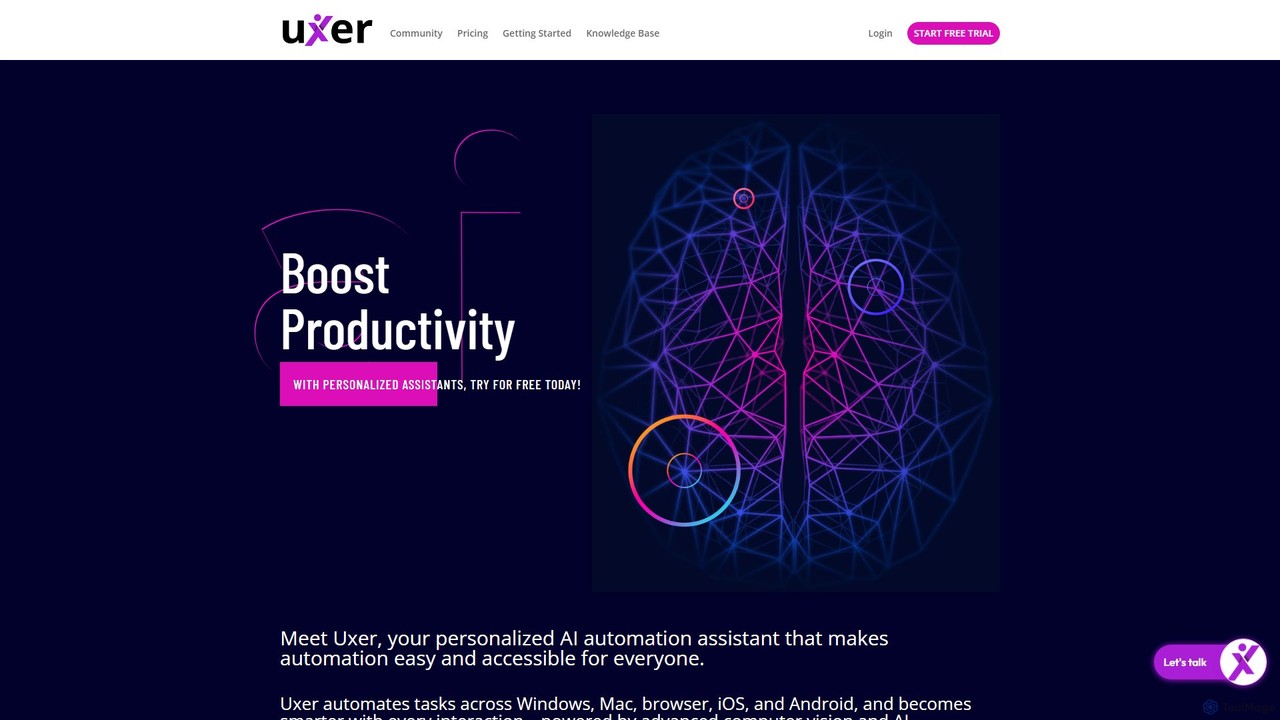
Uxer is a no-code AI automation agent that boosts productivity by automating repetitive tasks across Windows, Mac, browsers, iOS, and Android. Using advanced computer vision and natural language, it allows both non-technical and advanced users to create powerful workflows without complex code. It learns from your interactions to become a smarter, personalized assistant.
Task Automation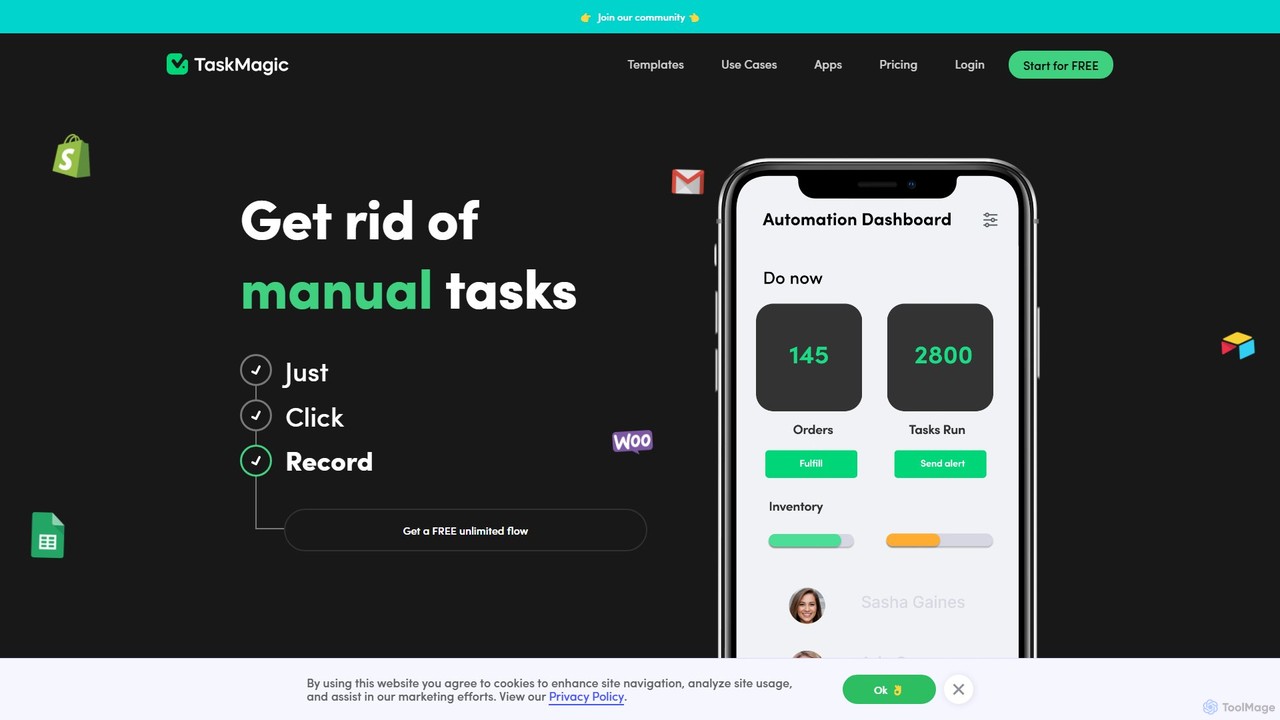
TaskMagic
TaskMagic is a no-code automation tool that records your web actions like clicks, typing, and scraping to create powerful workflows. It acts as a virtual assistant, automating repetitive tasks that traditional tools like Zapier can't handle due to API limitations. Simply record a task once, and let TaskMagic run it for you forever.
Web Scraping
runcopycat
runcopycat is an AI-powered browser automation platform that enables users to build and run complex workflows on any website, especially legacy systems without APIs. Using a blend of AI agents and deterministic steps, it automates repetitive tasks like data extraction, form filling, and invoice processing. This no-code tool saves thousands of hours, increases operational efficiency, and turns any website into a functional API, accessible via schedules or direct API calls.
Robotic Process Automation
UiPath
UiPath is a leading enterprise automation platform that combines Robotic Process Automation (RPA) with advanced AI capabilities. It enables businesses to build and manage a workforce of software robots that automate repetitive tasks, streamline processes, and drive digital transformation. From finance to healthcare, UiPath empowers organizations to increase efficiency, reduce costs, and improve accuracy by deploying AI-powered agents and automations at scale.
Data Processing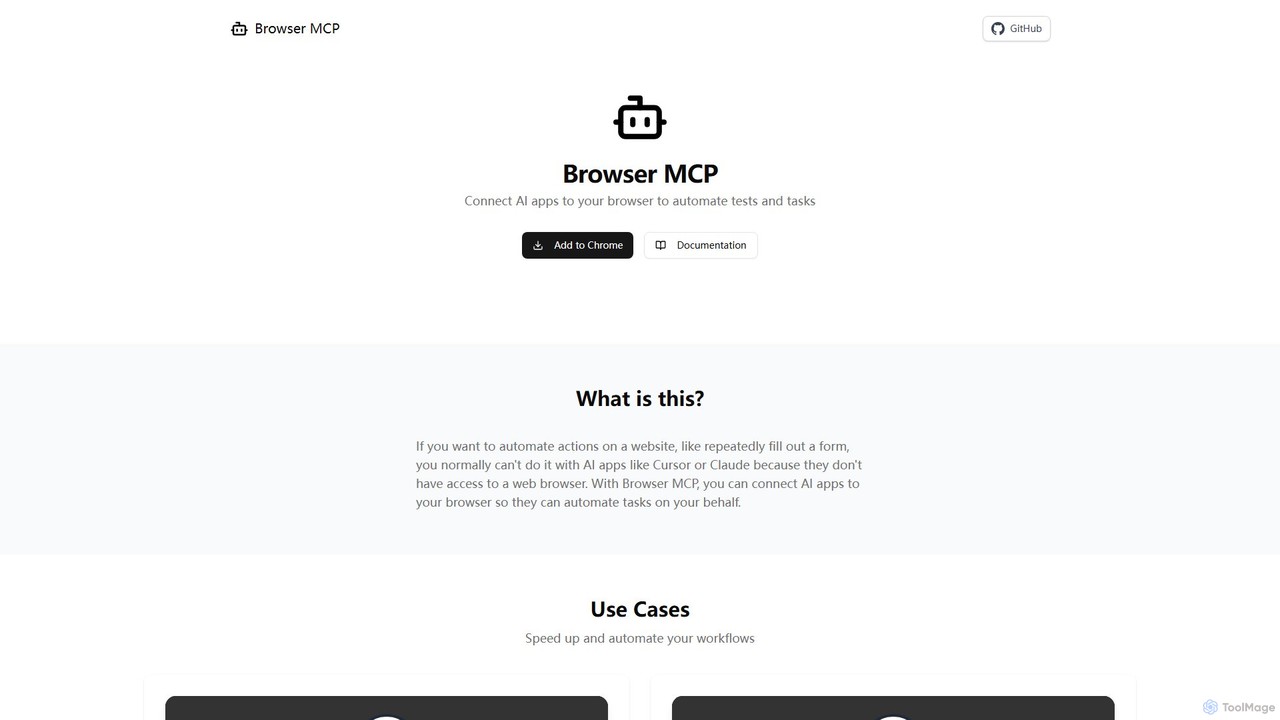
Browser MCP
Browser MCP connects AI applications like Claude or Cursor directly to your web browser. This enables you to automate repetitive tasks, conduct end-to-end software testing, and scrape web data using AI commands. It operates locally for maximum speed and privacy, leveraging your existing browser sessions to bypass logins and avoid bot detection.
Web Scrapingtakemebot Categories
takemebot Embed Widget
Copy this embed code to place the badge on your blog, article, or product site and send readers directly to this ToolMage detail page.

Related AI tools
Uxer
Uxer is a no-code AI automation agent that boosts productivity by automating repetitive tasks across Windows, Mac, browsers, iOS, and Android. Using advanced computer vision and natural language, it allows both non-technical and advanced users to create powerful workflows without complex code. It learns from your interactions to become a smarter, personalized assistant.
Task AutomationTaskMagic
TaskMagic is a no-code automation tool that records your web actions like clicks, typing, and scraping to create powerful workflows. It acts as a virtual assistant, automating repetitive tasks that traditional tools like Zapier can't handle due to API limitations. Simply record a task once, and let TaskMagic run it for you forever.
Web Scraping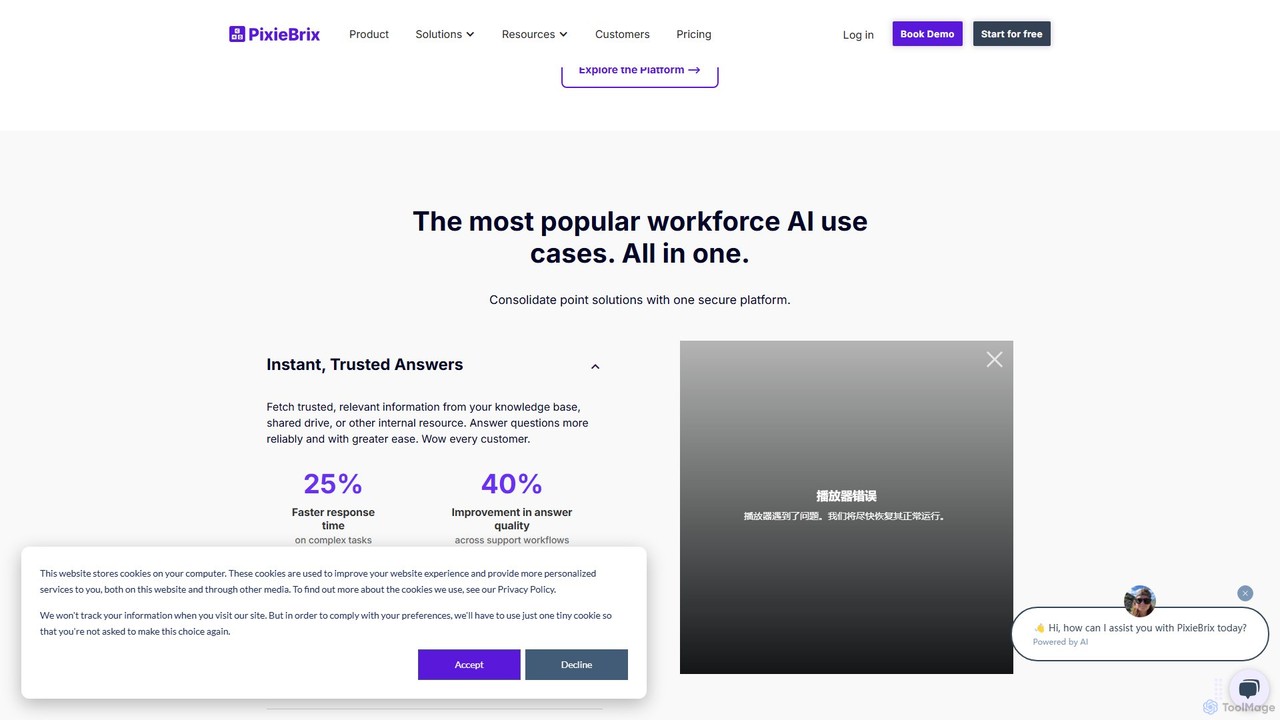
PixieBrix
PixieBrix is a low-code browser extension that allows you to automate tasks, customize any website, and integrate AI tools directly into your workflow. Enhance your productivity by creating custom modifications, or "mods," to streamline processes, eliminate repetitive work, and connect your web applications without writing any code.
Low Code No Code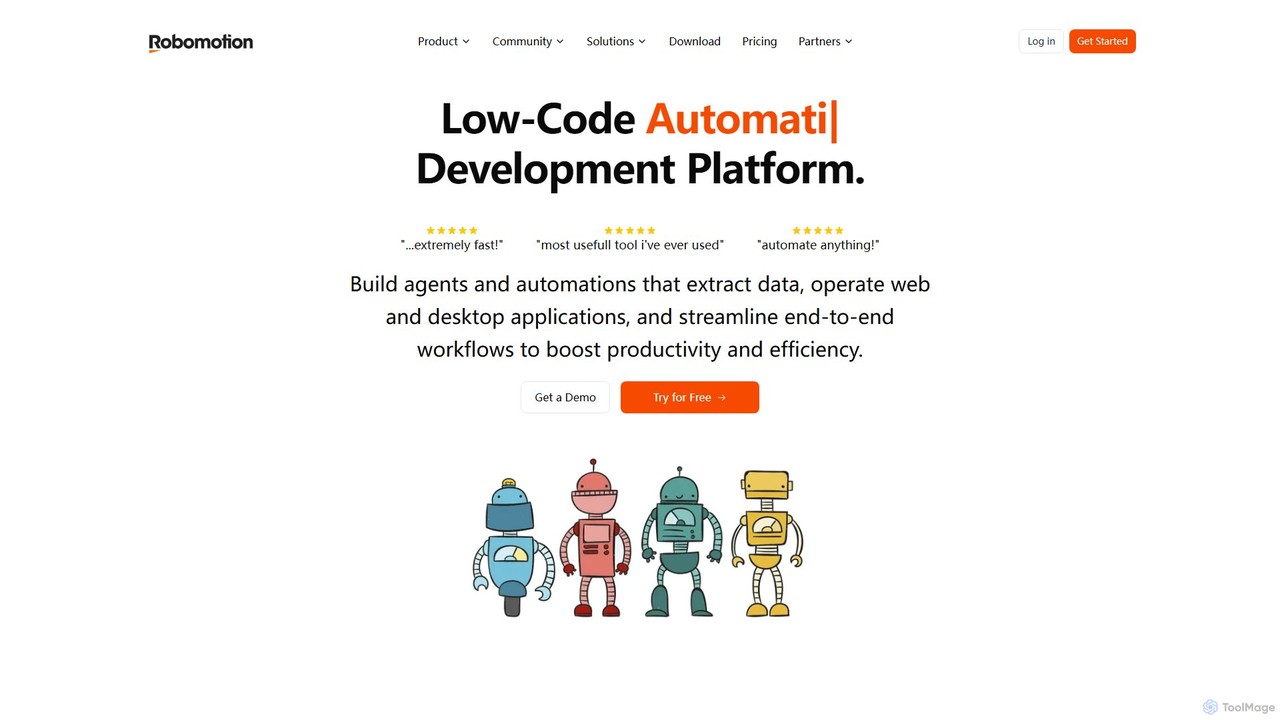
Robomotion
A low-code, cloud-native Robotic Process Automation (RPA) platform designed to automate repetitive tasks. Robomotion uses AI-powered software robots to extract data, operate web and desktop applications, and streamline workflows. It's built for developers, solopreneurs, and businesses of all sizes to boost productivity, reduce errors, and scale operations efficiently.
Workflow Management
runautomat
runautomat is an AI-driven platform that simplifies business process automation. It allows users to create robust Robotic Process Automation (RPA) solutions by simply providing screen recordings, videos, or text descriptions of their workflows. It's designed to be 10x faster and more cost-effective than traditional RPA, empowering businesses to automate tasks without extensive engineering teams.
Process Management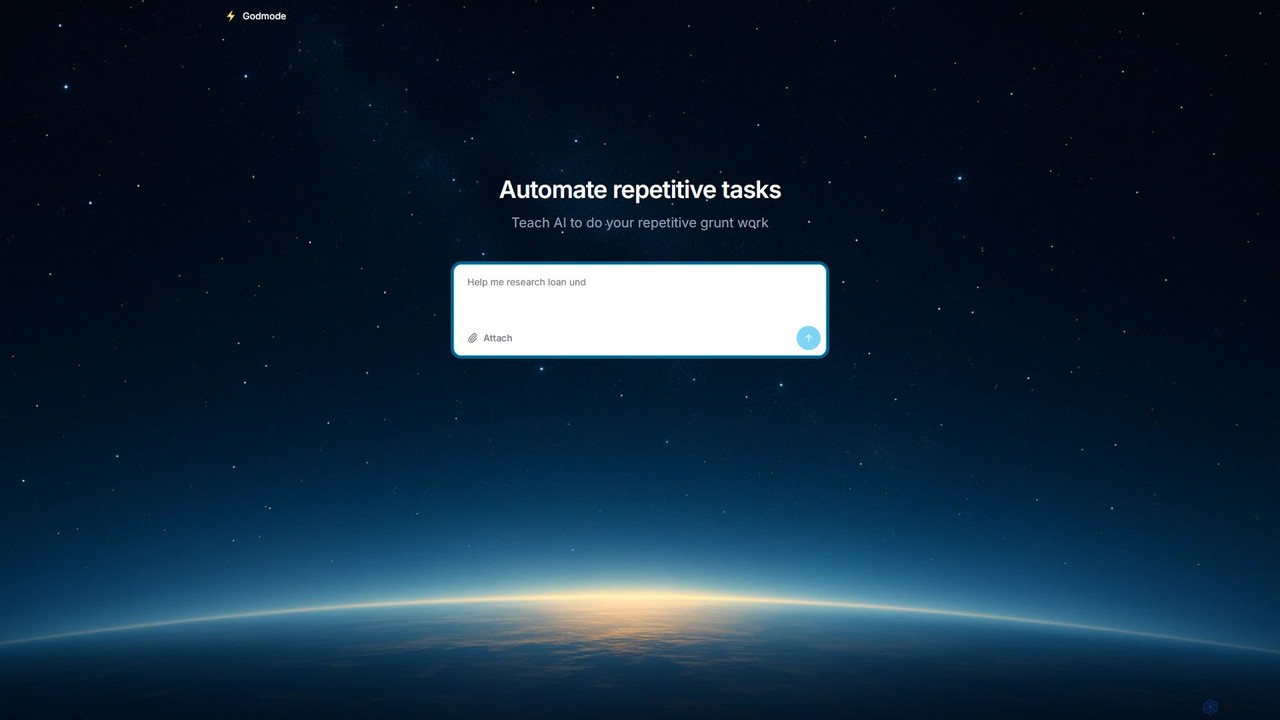
Godmode
Godmode is an AI agent platform that automates repetitive web tasks. Teach the AI to perform complex workflows, from data entry and web scraping to social media management, all through natural language instructions without writing any code.
Web Scraping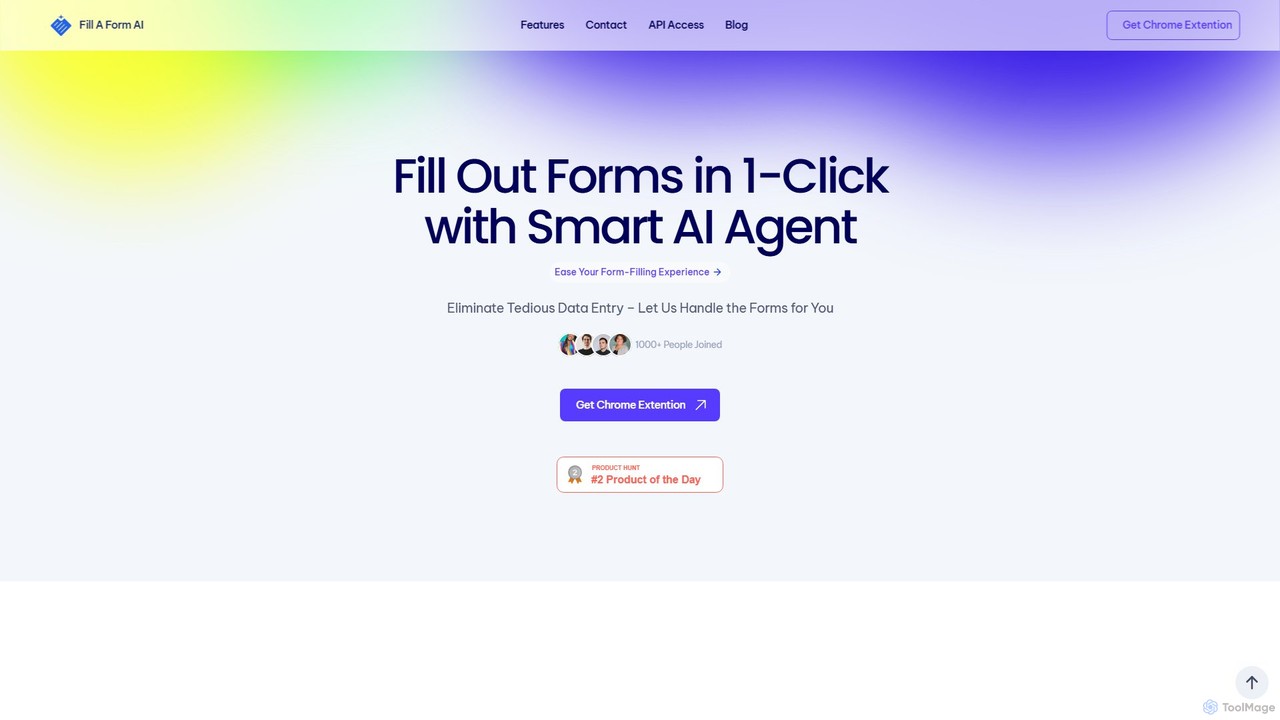
fillaform.ai
fillaform.ai is an AI-powered Chrome extension that automates form filling with a single click. It intelligently learns from your past entries and data libraries to accurately populate web forms, saving you time and eliminating tedious data entry. Ideal for online shoppers, business professionals, and HR managers, it streamlines workflows and boosts productivity by making online forms effortless.
Form Filler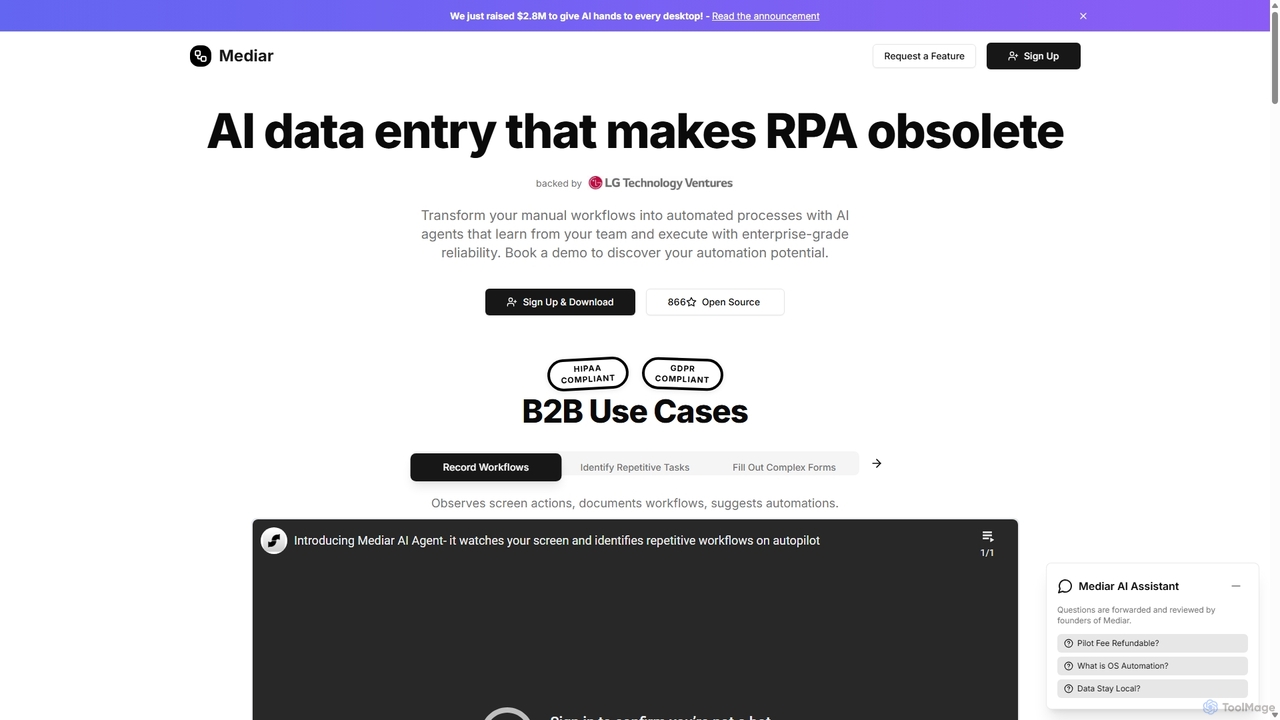
Mediar
Mediar is an AI-native automation platform designed to replace traditional RPA and manual data entry. It employs AI agents that learn directly from your team's screen actions to automate complex, repetitive workflows across any desktop application. Mediar offers enterprise-grade reliability, rapid 24-48 hour deployment, and significant cost savings by turning manual processes into self-healing, intelligent automations.
Data Entry
deathtohumans
An advanced AI automation platform designed to eliminate repetitive human tasks. It leverages a multi-agent system to build and execute complex workflows for content creation, data analysis, coding, and business operations, radically boosting efficiency.
Business Intelligence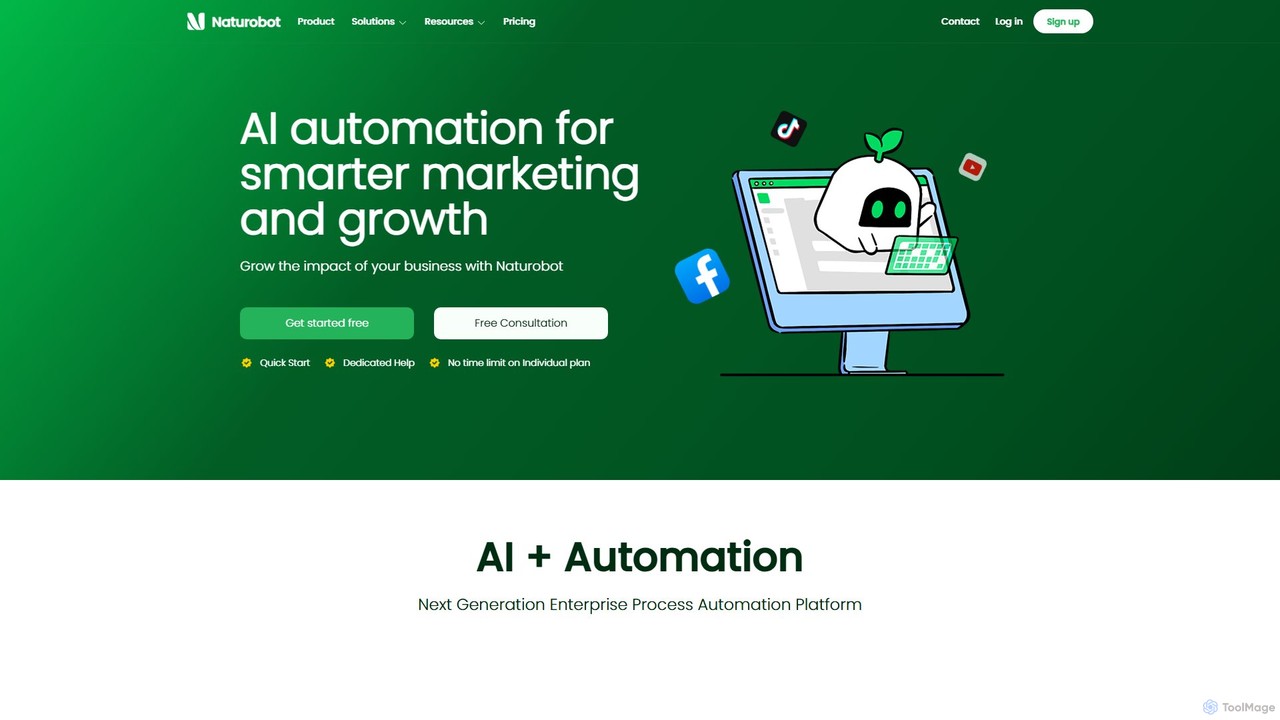
Naturobot
Naturobot is a next-generation AI automation platform designed for smarter marketing and business growth. It empowers users to automate repetitive tasks, build complex workflows with a low-code interface, and deploy personalized AI agents trained on enterprise data, enhancing productivity across sales, marketing, and HR.
Workflow Management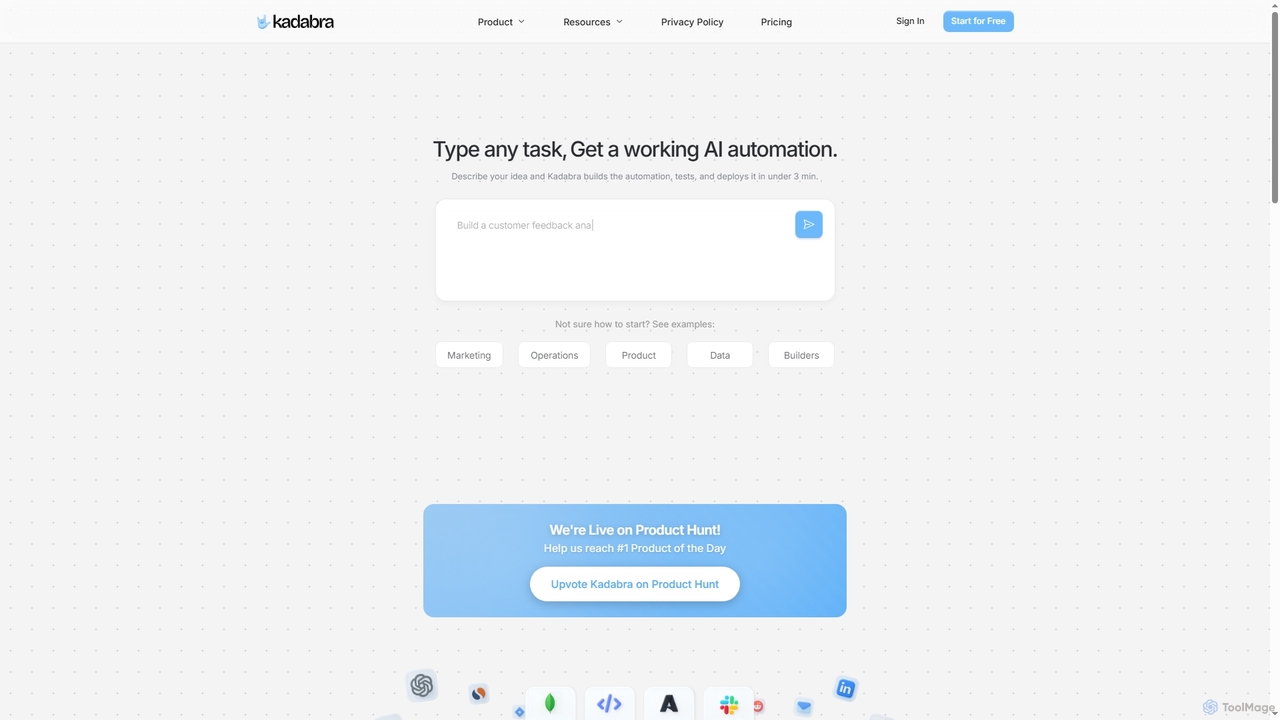
Kadabra
Kadabra is an AI-powered platform that transforms plain English descriptions into functional, deployable business and data automations. It allows users to build, test, and deploy complex workflows visually in minutes, integrating with a wide range of popular tools to streamline operations and enhance productivity.
Operations Management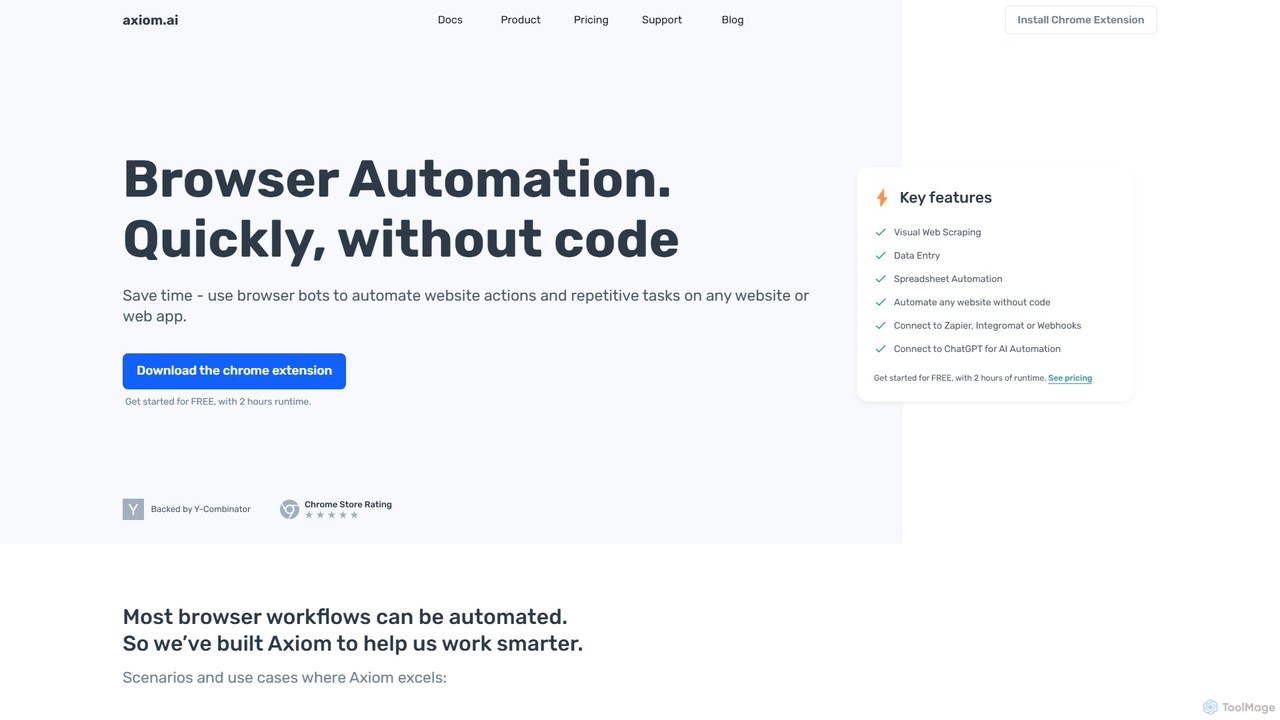
axiom.ai
Axiom.ai is a no-code browser automation and web scraping tool. It allows you to build bots to automate repetitive tasks, data entry, and data extraction from any website or web app, directly in your browser. It integrates with ChatGPT, Zapier, and Google Sheets to create powerful, time-saving workflows without writing a single line of code.
Scraping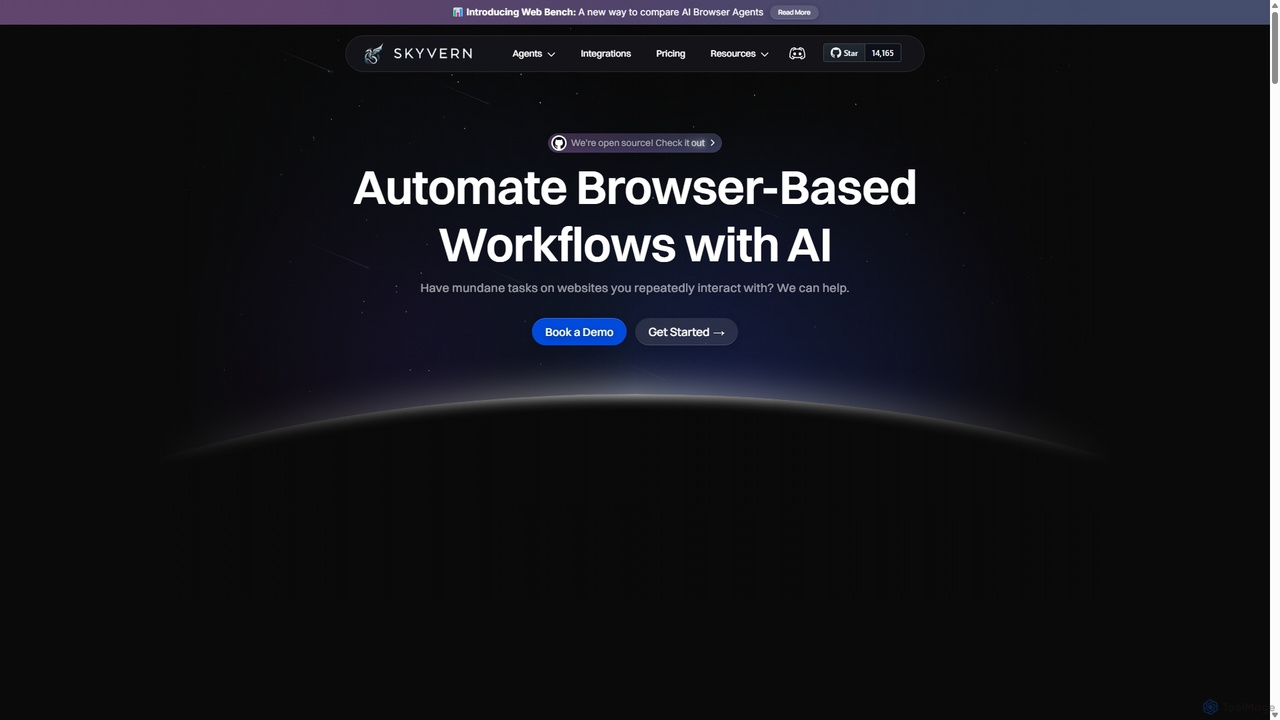
Skyvern
Skyvern is an AI-powered browser automation platform that uses computer vision and natural language to automate complex web workflows. It can handle data extraction, form submissions, invoice retrieval, and more on any website, adapting dynamically to changes without traditional scripting.
Api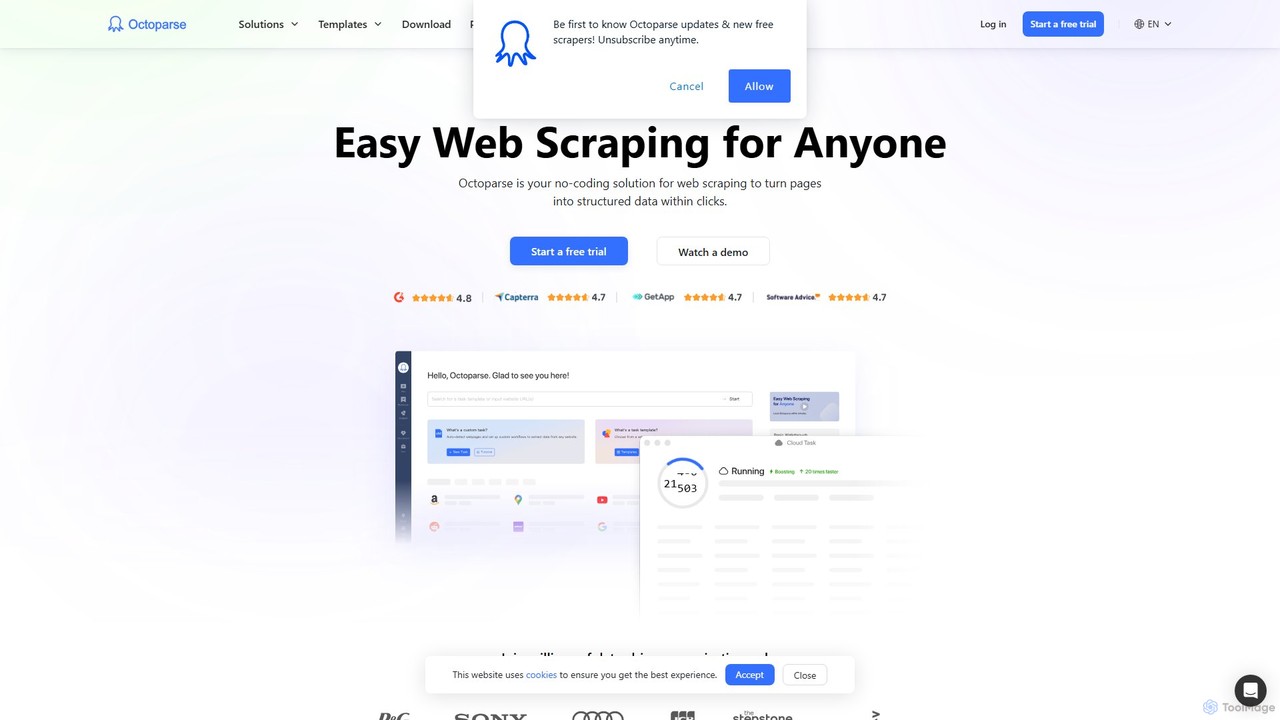
Octoparse AI
Octoparse AI is a no-code platform for building custom AI-powered workflows and RPA bots. It enables users to automate tasks, scrape web data, and integrate with various applications without writing any code. With a rich library of ready-to-use automation apps, it streamlines processes for sales, marketing, and data management, boosting productivity for individuals and teams.
Web Scraping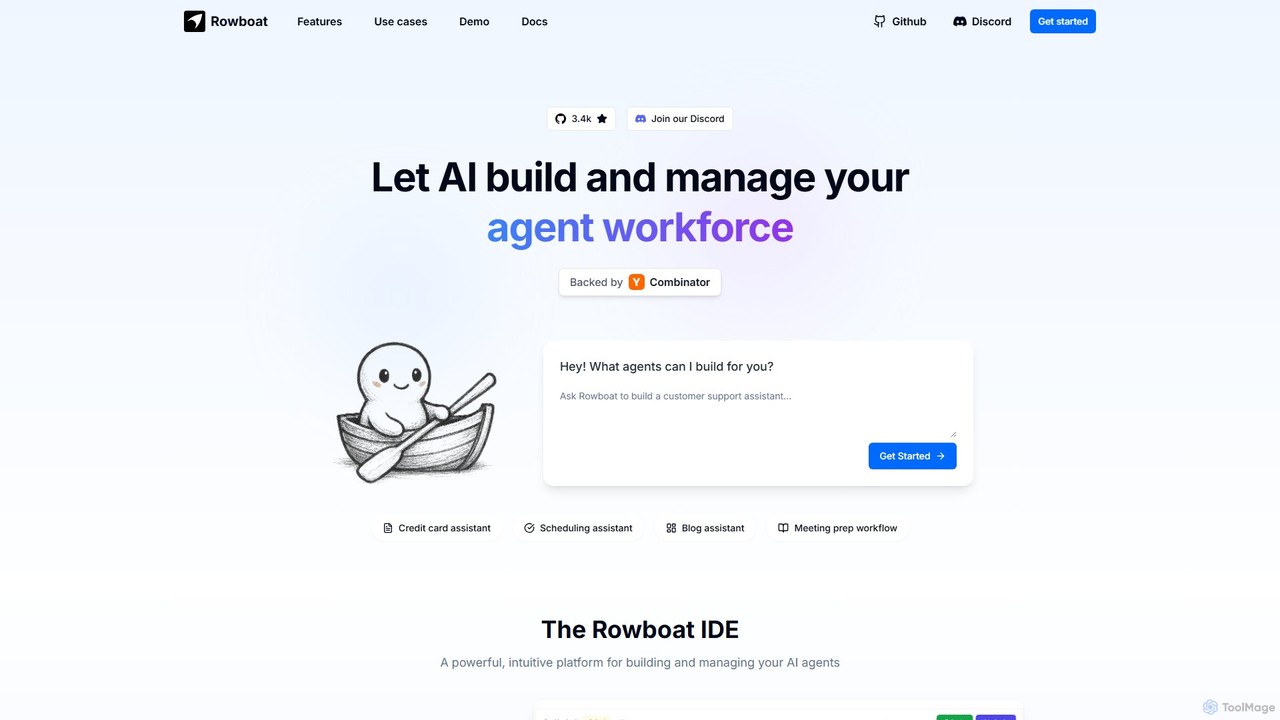
Rowboat
Rowboat is a powerful, AI-powered IDE for building, managing, and deploying complex multi-agent systems. Backed by Y Combinator, it allows users to describe workflows in plain English, and its AI copilot automatically generates the entire agent graph, including roles, prompts, and tool integrations. It's designed to simplify the creation of robust, real-world AI agents for productivity, e-commerce, support, and more, with features like open-source flexibility and support for over 100 LLMs.
Agent Builder
takemebot Comments (0)
Sign in to comment.
Sign inNo comments yet.