
Octoparse AI Overview
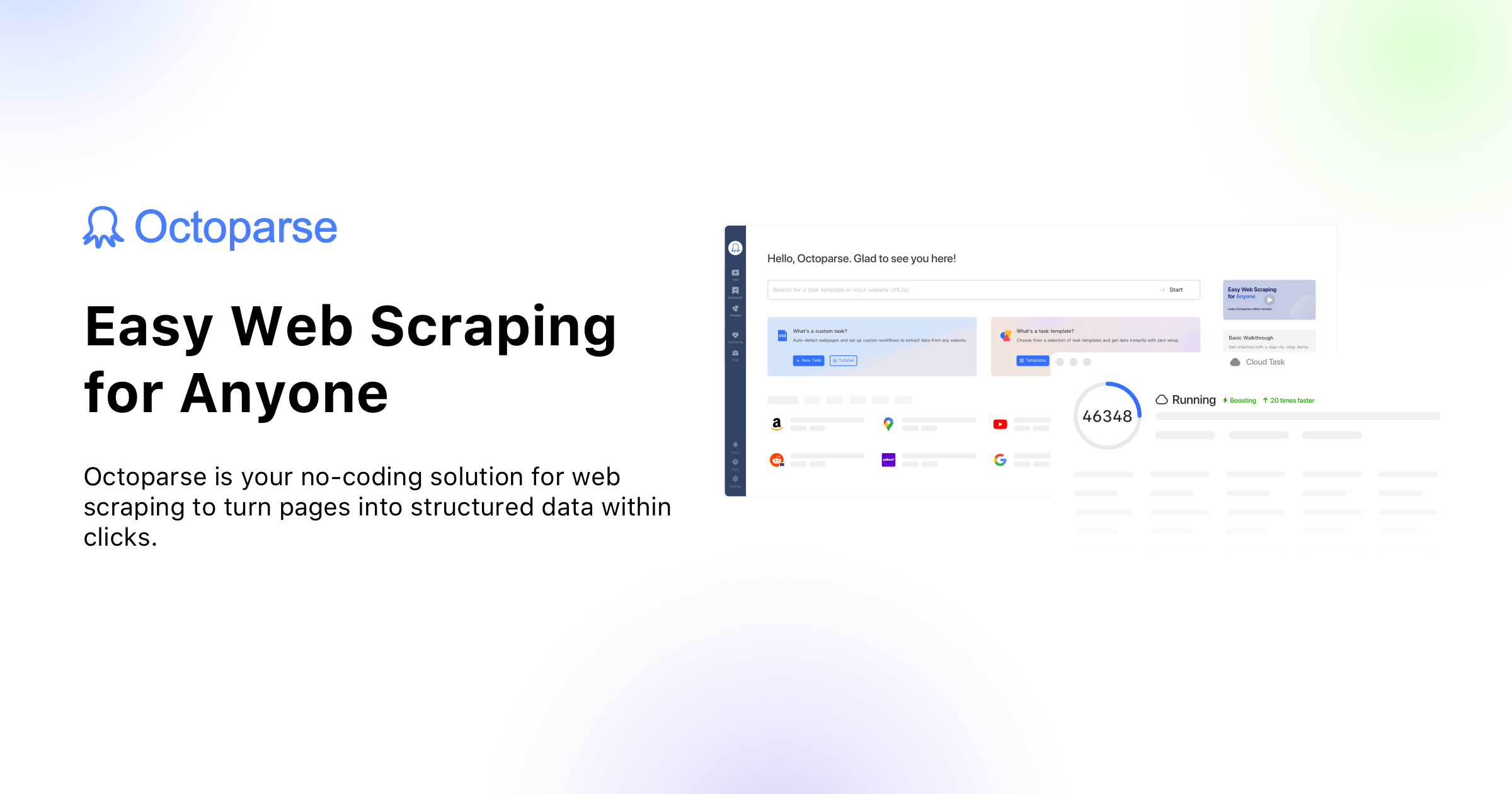
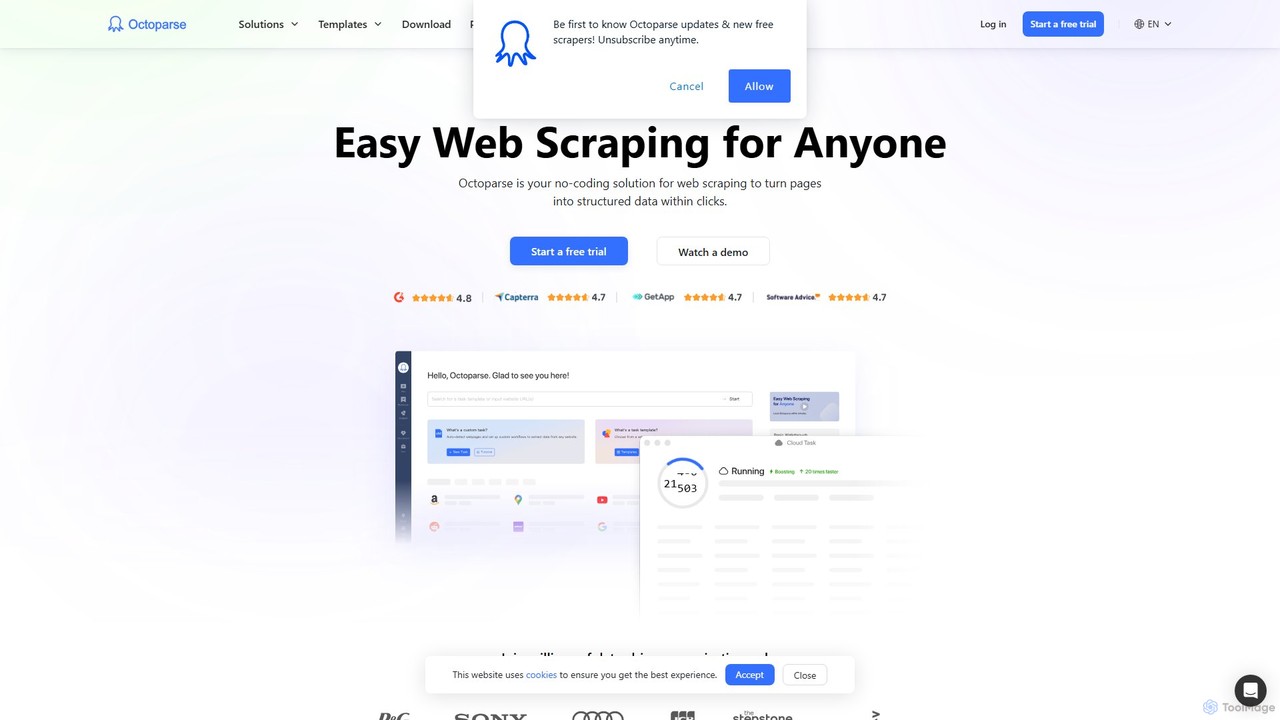
Octoparse AI is a powerful and versatile workflow automation platform designed to empower users to build custom AI-driven processes and Robotic Process Automation (RPA) bots without needing any programming skills. It serves as a comprehensive solution for individuals and businesses of all sizes, aiming to unlock the full potential of automation. By leveraging a user-friendly interface that includes natural language commands and a drag-and-drop builder, Octoparse AI makes complex automation accessible to everyone.
The platform is built upon the robust foundation of Octoparse's renowned web scraping technology, expanding its capabilities into a full-fledged automation suite. It allows you to connect with your favorite AI models to perform intelligent tasks such as writing personalized emails, analyzing data, summarizing content, or even generating video scripts. This integration of AI and automation allows computers to handle more sophisticated and value-added work, freeing up human resources for strategic initiatives.
How to use Octoparse AI
Getting started with Octoparse AI is designed to be intuitive and fast. Users can begin their automation journey in just a few minutes by following these general steps:
- Download and Install: Start by downloading the Octoparse AI for Windows application from the official website.
- Choose an Approach: You can build an automation workflow in several ways. Use the 'AI Workflow Wizard' to describe your goal in natural language, and the platform will generate the workflow for you. Alternatively, use the visual drag-and-drop editor to construct your bot step-by-step. For advanced users, there's also an option to use the 'AI Script Wizard' or write custom code.
- Start with an App: For common tasks, the fastest way to start is by browsing the App Store. It contains a wide range of pre-built automation templates for tasks like social media engagement, lead prospecting, and data extraction. Simply select an app, configure its parameters (e.g., keywords, URLs), and run it.
- Integrate and Customize: Connect Octoparse AI with the tools you already use, such as Google Sheets or your CRM. Customize workflows to fit your specific business logic, adding AI commands to make them smarter.
- Run and Schedule: Execute your bots on-demand or schedule them to run at specific times using time triggers. Monitor their progress through execution logs and set up alerts for any exceptions.
Core Features of Octoparse AI
- No-Code Workflow Builder: An intuitive drag-and-drop interface and natural language processing allow anyone to build automation bots.
- AI Workflow & Script Wizards: Generate complete workflows or code snippets simply by describing your requirements in plain English.
- Rich App Store: A comprehensive library of ready-to-use automation templates for social media (LinkedIn, TikTok, X), e-commerce, data extraction (Google Maps), and productivity (Gmail).
- Robotic Process Automation (RPA): Create bots to automate repetitive digital tasks across various applications and websites.
- AI Integration: Seamlessly connect with AI models to perform intelligent tasks like content generation, data analysis, and summarization.
- Team Collaboration: Features a shared workspace, roles, and permissions, allowing teams to build, manage, and scale automations together.
- Advanced Data Extraction: Leverages powerful web scraping capabilities to collect data from any website and export it to formats like Excel or Google Sheets.
- Scheduling and Triggers: Automate tasks to run at specific intervals with time triggers and integrate with other systems using webhooks.
Use Cases for Octoparse AI
Octoparse AI is versatile and can be applied across various business functions:
- Sales and Lead Generation: Automatically extract contact details of potential leads from Google Maps or search for and connect with prospects on LinkedIn.
- Marketing Automation: Automate social media activities like posting comments on LinkedIn, liking TikTok videos, or following users on X (Twitter) to boost engagement.
- E-commerce Management: Scrape product information, monitor competitor pricing, and track customer reviews from e-commerce sites.
- Recruiting and HR: Streamline the recruitment process by automatically searching for candidates on LinkedIn based on specific keywords and exporting their profiles.
- Data Management: Automate data transfer between applications, such as syncing keywords from a Google Sheet to an Octoparse task to keep data fresh without manual copy-pasting.
Advantages of Octoparse AI
Octoparse AI offers significant advantages for its users:
- Accessibility: The no-code approach democratizes automation, making it available to non-technical users.
- Efficiency: Drastically reduces the time spent on manual, repetitive tasks, allowing teams to focus on more strategic work.
- Scalability: The platform is designed to grow with your needs, from a free plan for individuals to a comprehensive enterprise solution for large organizations.
- Flexibility: Build completely custom workflows or use pre-built apps, providing a solution for almost any automation need.
- Intelligence: By integrating AI, workflows become smarter and can handle more complex, cognitive tasks.
Pricing and Plans
Octoparse AI offers a freemium model with plans tailored to different needs:
- Free Plan: Perfect for individuals starting with automation. It includes unlimited basic usage of core features like the AI Workflow Wizard and App Store.
- Starter Plan ($29/month): Aimed at advanced users, this plan includes everything in Free plus 1 bot instance, webhooks, and standard support.
- Team Plan ($69/month or $49/month billed annually): The recommended plan for teams. It includes everything in Starter, plus 3 bot instances, 4 organization seats, 1-on-1 training, and priority support.
- Enterprise Plan (Custom Pricing): Designed for large-scale deployment across departments. It offers custom solutions, dedicated support, advanced security, and custom bot/seat configurations.
Additionally, Octoparse AI uses a pay-as-you-go model for specific platform resources like the AI workflow wizard, CAPTCHA resolving, and OCR, with free credits included in paid plans.
Traffic
Latest traffic
Status
Monthly traffic trend
- 2025-9: 46.4K
- 2026-1: 38.1K
- 2026-2: 34.2K
- 2026-3: 42.1K
- 2026-4: 38.6K
- 2026-5: 51.2K
Geography
Top 5 countries / regions
- 🇺🇸United States50.1%
- 🇻🇳Vietnam16.5%
- 🇮🇩Indonesia15.1%
- 🇧🇷Brazil9.2%
- 🇬🇧United Kingdom9.1%
Top keywords
| Keyword | Cost per click |
|---|---|
| are there any tiktok follow automations | $0.00 |
| octoparse | $1.51 |
| octoparse ai | $16.22 |
| octoparse crack | $0.00 |
| tiktok auto liker | $1.89 |
Octoparse AI Videos on YouTube


Automatic Posting Tools
Octoparse AI Alternatives
ZeroWork
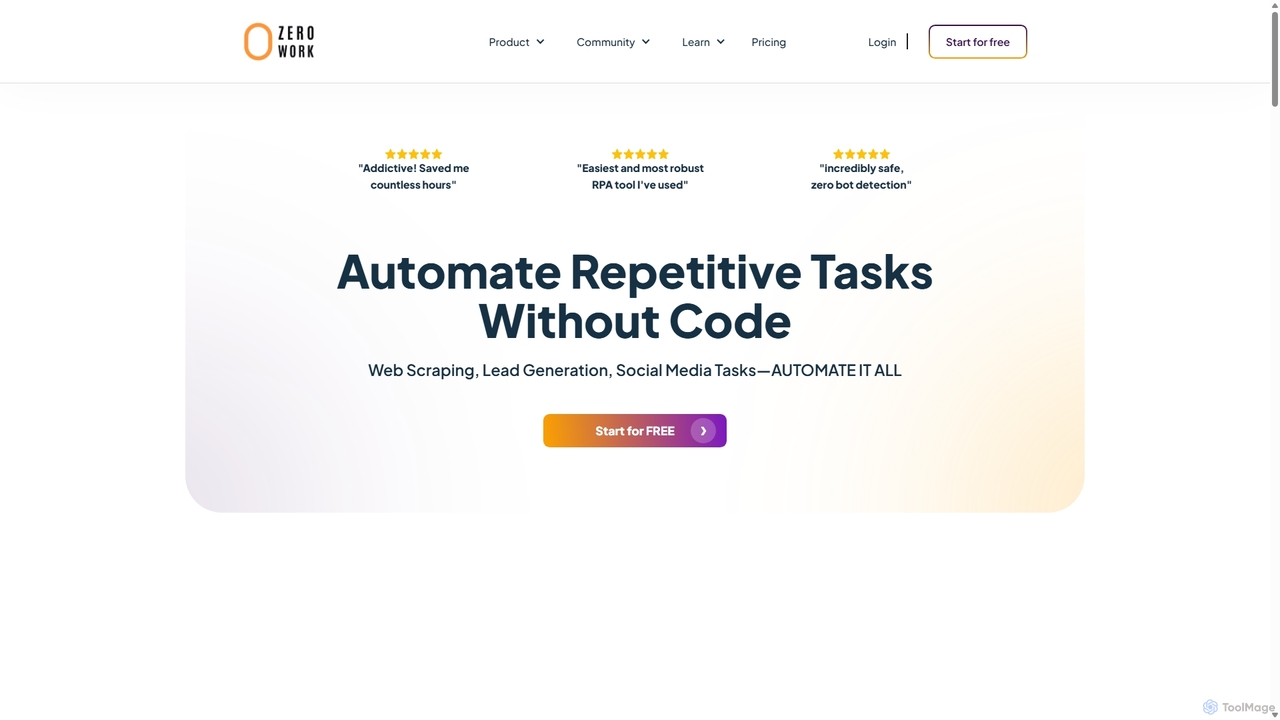
A no-code Robotic Process Automation (RPA) tool to automate any repetitive web task. Build "TaskBots" with a visual drag-and-drop interface to scrape data, generate leads, manage social media, and more. Integrates AI for content generation and features robust anti-bot detection to ensure account safety.
No Code
TaskMagic
TaskMagic is a no-code Robotic Process Automation (RPA) tool that lets you automate any web-based task. Record your clicks and keystrokes to create powerful workflows for web scraping, data entry, and social media management without writing a single line of code. It simplifies repetitive browser actions, saving you time and effort.
Web Scraping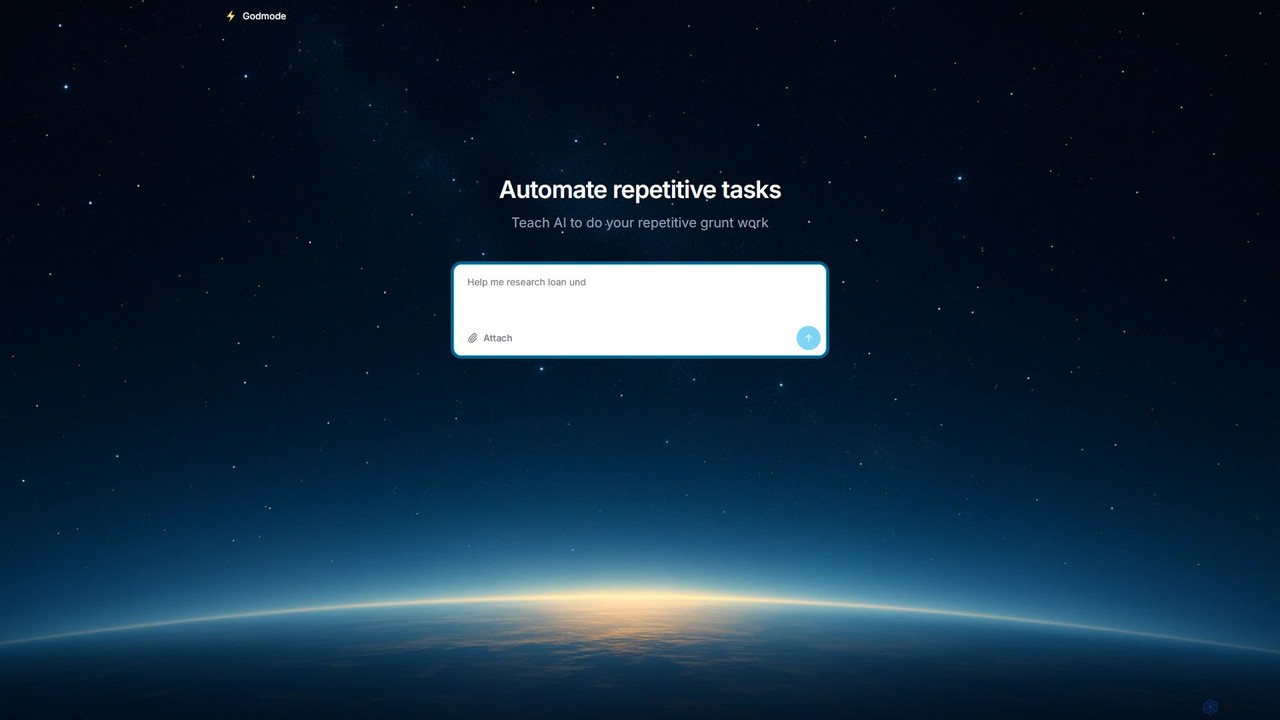
Godmode
Godmode is an AI agent platform that automates repetitive web tasks. Teach the AI to perform complex workflows, from data entry and web scraping to social media management, all through natural language instructions without writing any code.
Web Scraping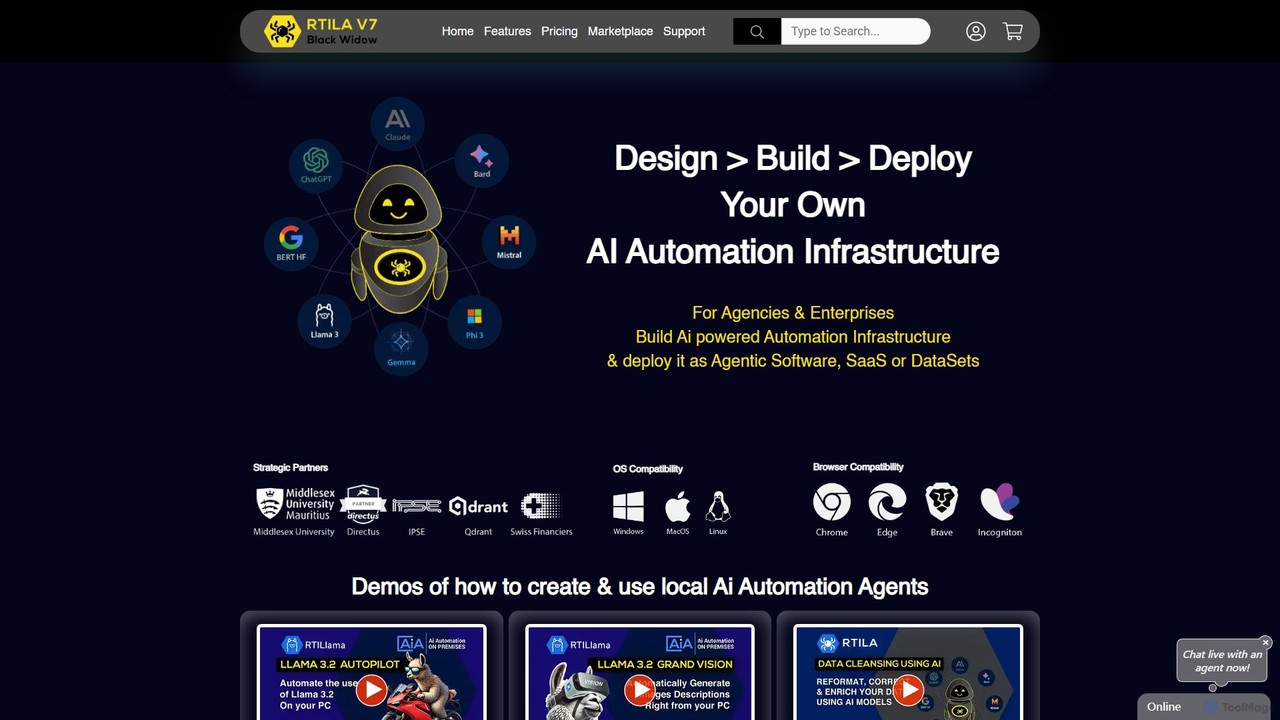
RTILA
RTILA is a powerful Robotic Process Automation (RPA) and web automation software for building, deploying, and managing automation bots. It enables users to automate tasks like web scraping, data mining, and process workflows without extensive coding, featuring a visual builder and the ability to create standalone applications.
Web Scraping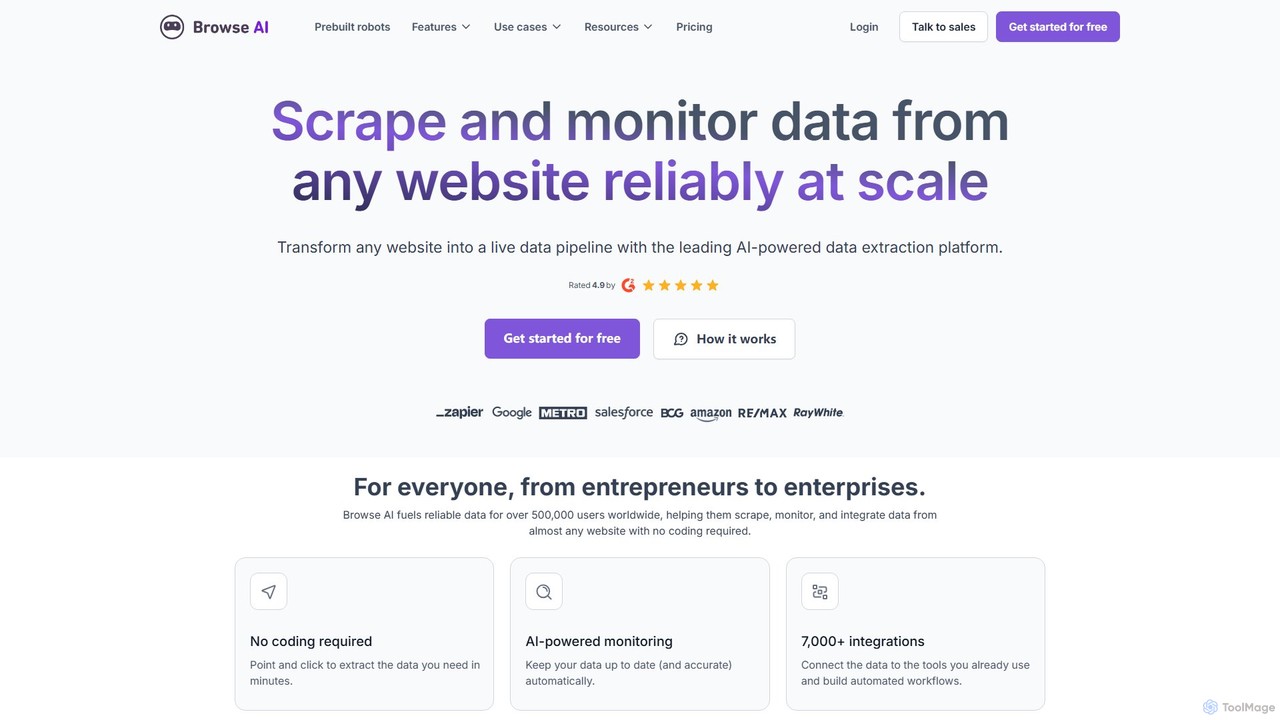
Browse AI
Browse AI is a no-code platform that enables users to extract and monitor data from any website. Easily train a robot to scrape information, turn websites into spreadsheets or APIs, and track changes automatically. It's designed for marketers, researchers, and developers to automate data collection without writing any code, offering prebuilt robots and seamless integrations with tools like Google Sheets and Zapier.
Web ScrapingOctoparse AI Categories
Octoparse AI Embed Widget
Copy this embed code to place the badge on your blog, article, or product site and send readers directly to this ToolMage detail page.

Related AI tools
ZeroWork
A no-code Robotic Process Automation (RPA) tool to automate any repetitive web task. Build "TaskBots" with a visual drag-and-drop interface to scrape data, generate leads, manage social media, and more. Integrates AI for content generation and features robust anti-bot detection to ensure account safety.
No CodeTaskMagic
TaskMagic is a no-code Robotic Process Automation (RPA) tool that lets you automate any web-based task. Record your clicks and keystrokes to create powerful workflows for web scraping, data entry, and social media management without writing a single line of code. It simplifies repetitive browser actions, saving you time and effort.
Web Scraping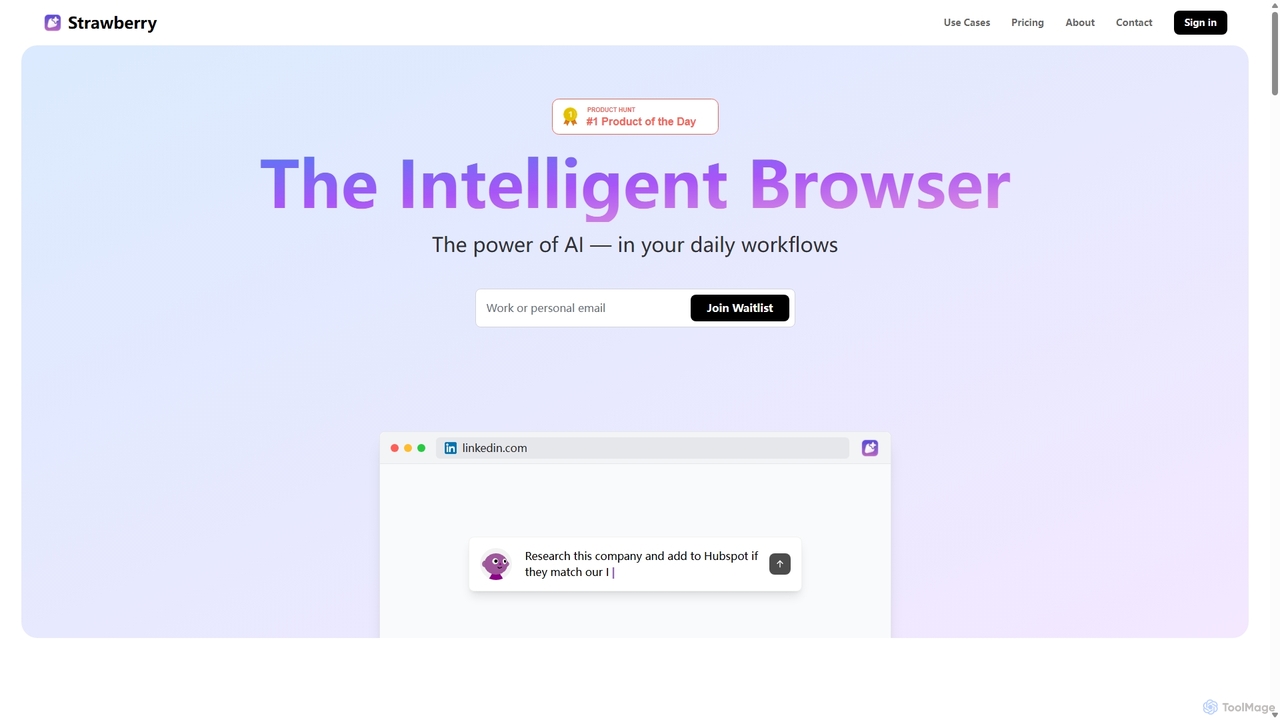
Strawberry Browser
Strawberry Browser is an intelligent, AI-powered browser designed to automate your daily workflows. It allows you to build a team of customizable AI assistants that handle repetitive tasks like research, data extraction, and lead generation directly within your browser. Eliminate grunt work, stay focused, and enhance your productivity.
Ai Assistant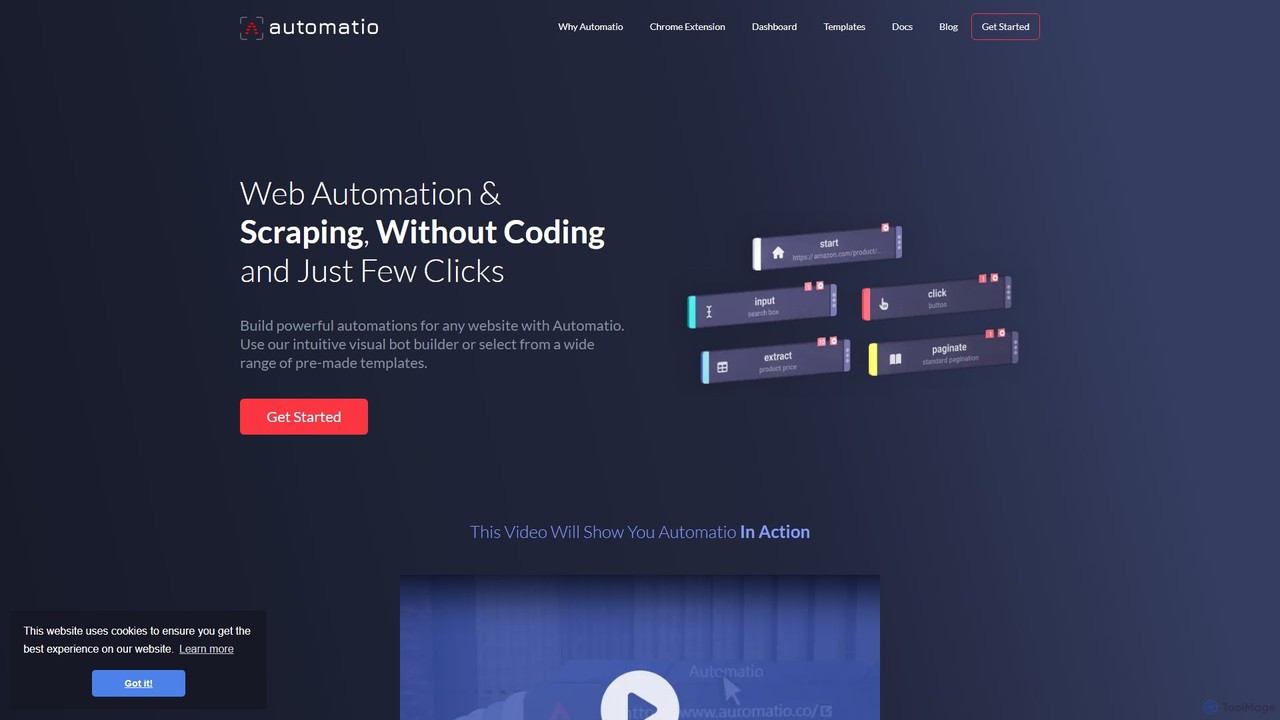
Automatio
Automatio is a powerful no-code platform for web scraping and browser automation. It allows users to build bots through a visual interface to extract data, fill forms, and automate repetitive tasks on any website without writing a single line of code. It's designed for both non-technical and technical users to save time and resources.
Scraping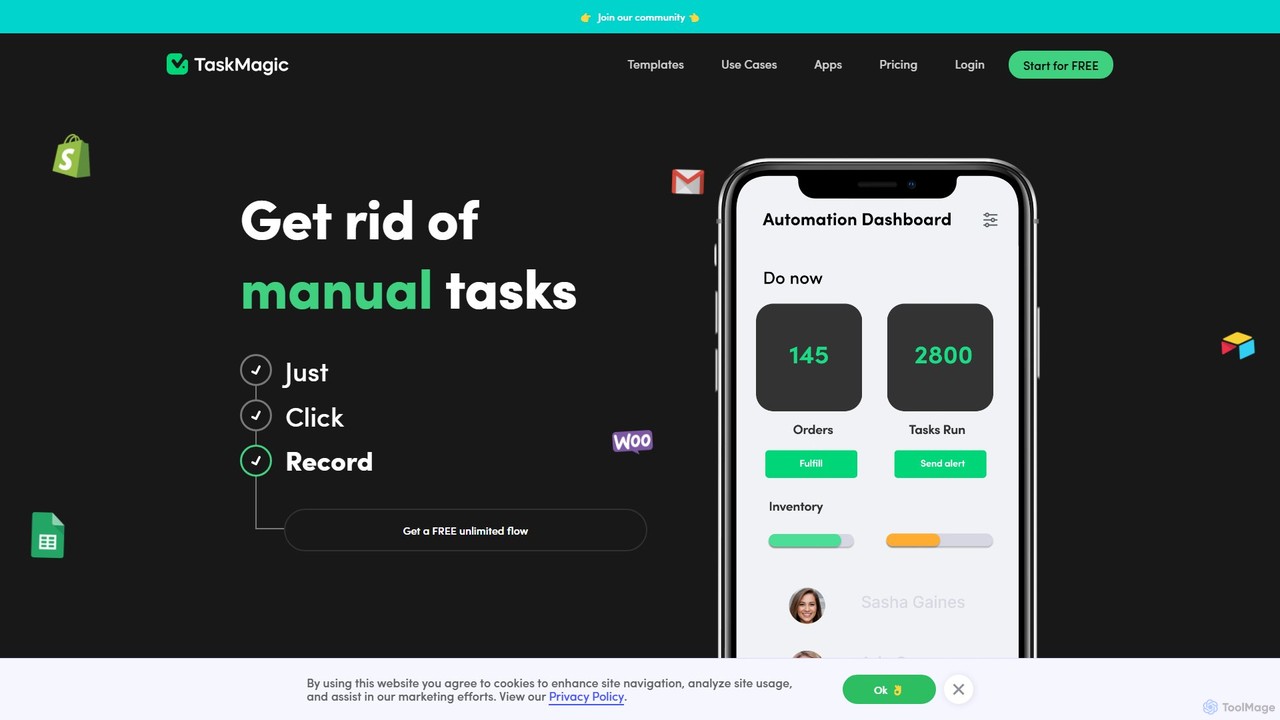
TaskMagic
TaskMagic is a no-code automation tool that records your web actions like clicks, typing, and scraping to create powerful workflows. It acts as a virtual assistant, automating repetitive tasks that traditional tools like Zapier can't handle due to API limitations. Simply record a task once, and let TaskMagic run it for you forever.
Web Scraping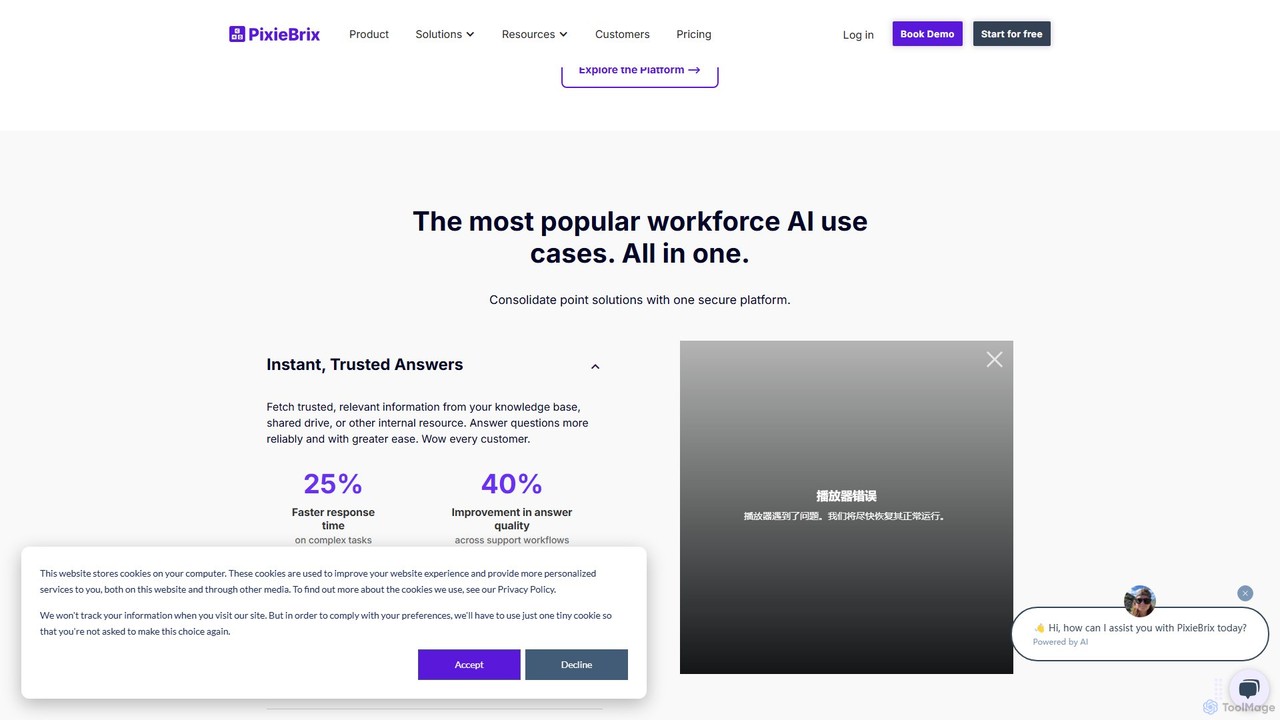
PixieBrix
PixieBrix is a low-code browser extension that allows you to automate tasks, customize any website, and integrate AI tools directly into your workflow. Enhance your productivity by creating custom modifications, or "mods," to streamline processes, eliminate repetitive work, and connect your web applications without writing any code.
Low Code No Code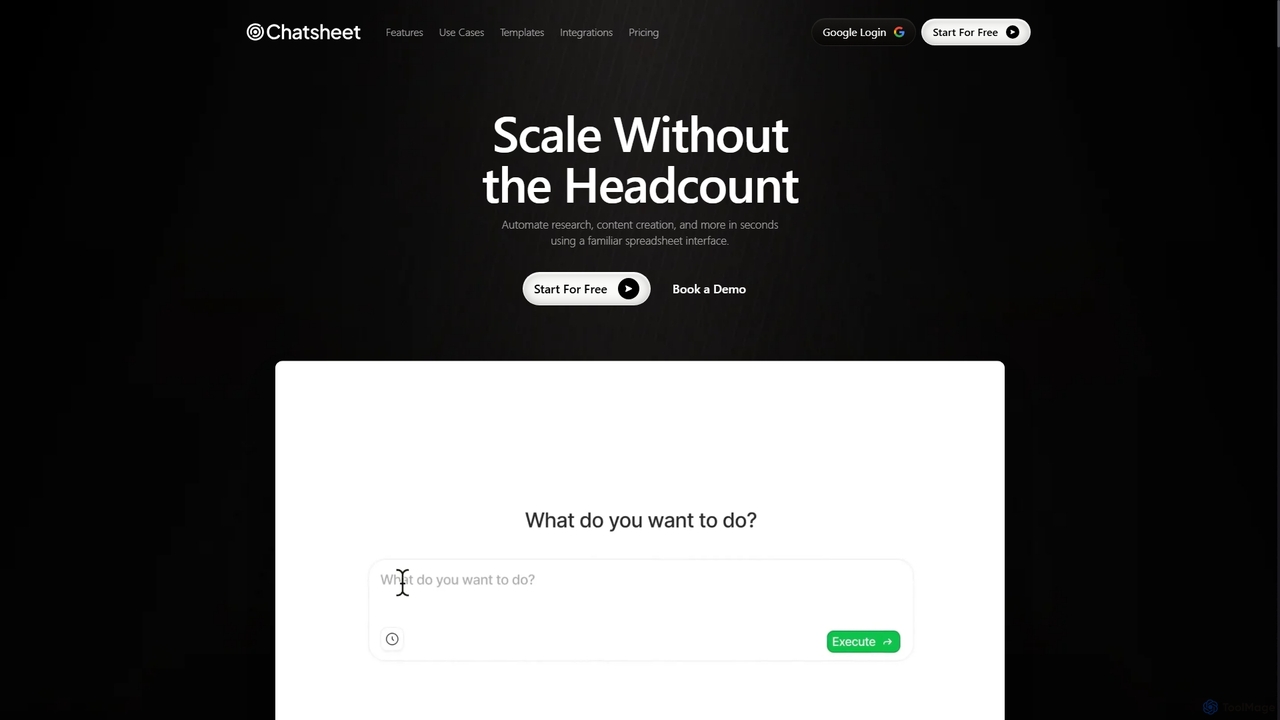
Chatsheet
Chatsheet is an AI-powered spreadsheet platform that automates research, content creation, and data analysis. Using a familiar spreadsheet interface, users can build complex, no-code workflows to process documents, scrape websites, and generate personalized content at scale, effectively turning each cell into a smart AI agent.
SpreadsheetsGodmode
Godmode is an AI agent platform that automates repetitive web tasks. Teach the AI to perform complex workflows, from data entry and web scraping to social media management, all through natural language instructions without writing any code.
Web ScrapingRTILA
RTILA is a powerful Robotic Process Automation (RPA) and web automation software for building, deploying, and managing automation bots. It enables users to automate tasks like web scraping, data mining, and process workflows without extensive coding, featuring a visual builder and the ability to create standalone applications.
Web Scraping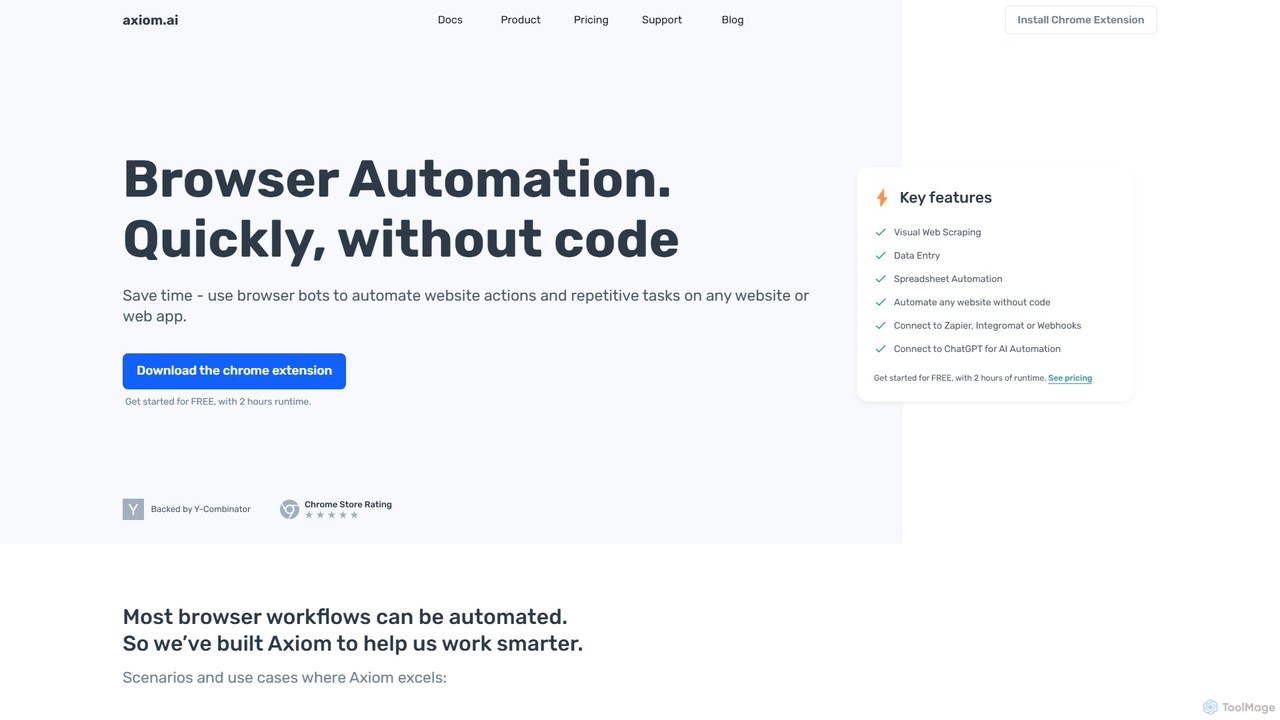
axiom.ai
Axiom.ai is a no-code browser automation and web scraping tool. It allows you to build bots to automate repetitive tasks, data entry, and data extraction from any website or web app, directly in your browser. It integrates with ChatGPT, Zapier, and Google Sheets to create powerful, time-saving workflows without writing a single line of code.
Scraping
runautomat
runautomat is an AI-driven platform that simplifies business process automation. It allows users to create robust Robotic Process Automation (RPA) solutions by simply providing screen recordings, videos, or text descriptions of their workflows. It's designed to be 10x faster and more cost-effective than traditional RPA, empowering businesses to automate tasks without extensive engineering teams.
Process Management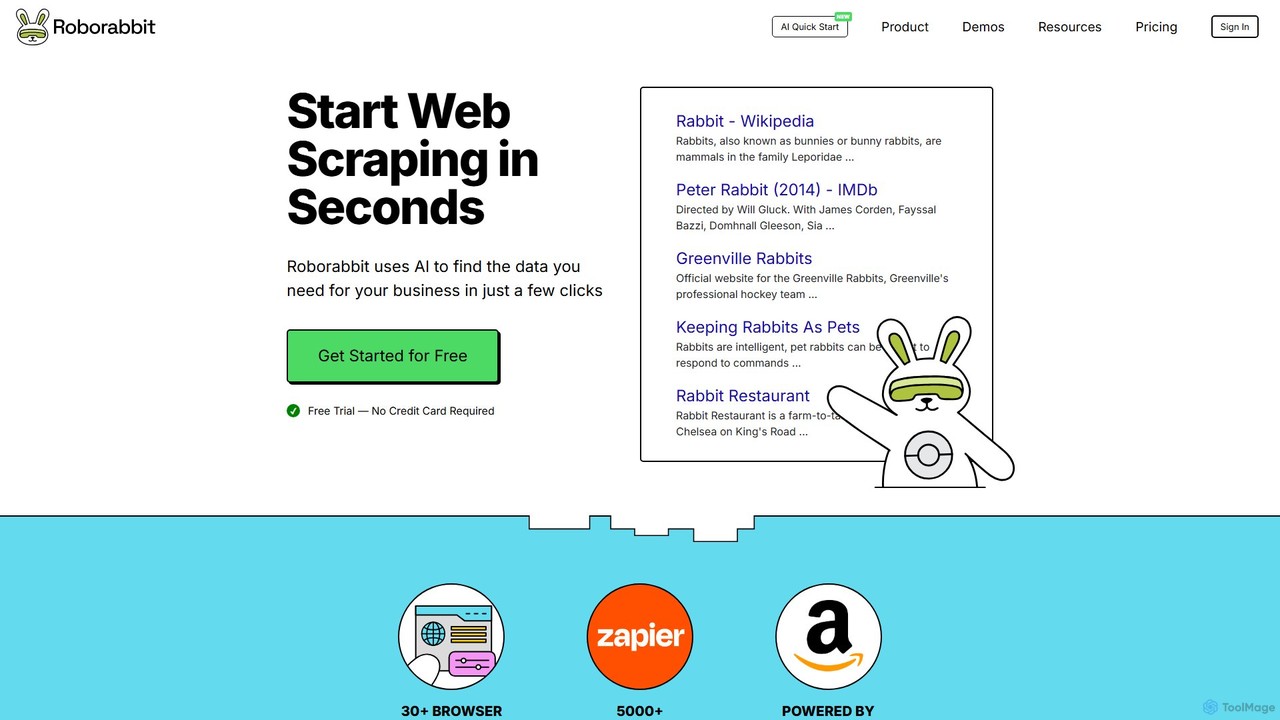
Roborabbit
Roborabbit is a no-code AI-powered platform for web scraping and browser automation. It allows users to extract data from any website using a simple drag-and-drop interface, without writing any code. Schedule tasks, integrate with over 5000+ apps via Zapier and Make.com, or use the REST API for advanced workflows. It's designed for marketers, data analysts, and developers to automate repetitive tasks, monitor competitors, and gather valuable business intelligence effortlessly.
Data Extraction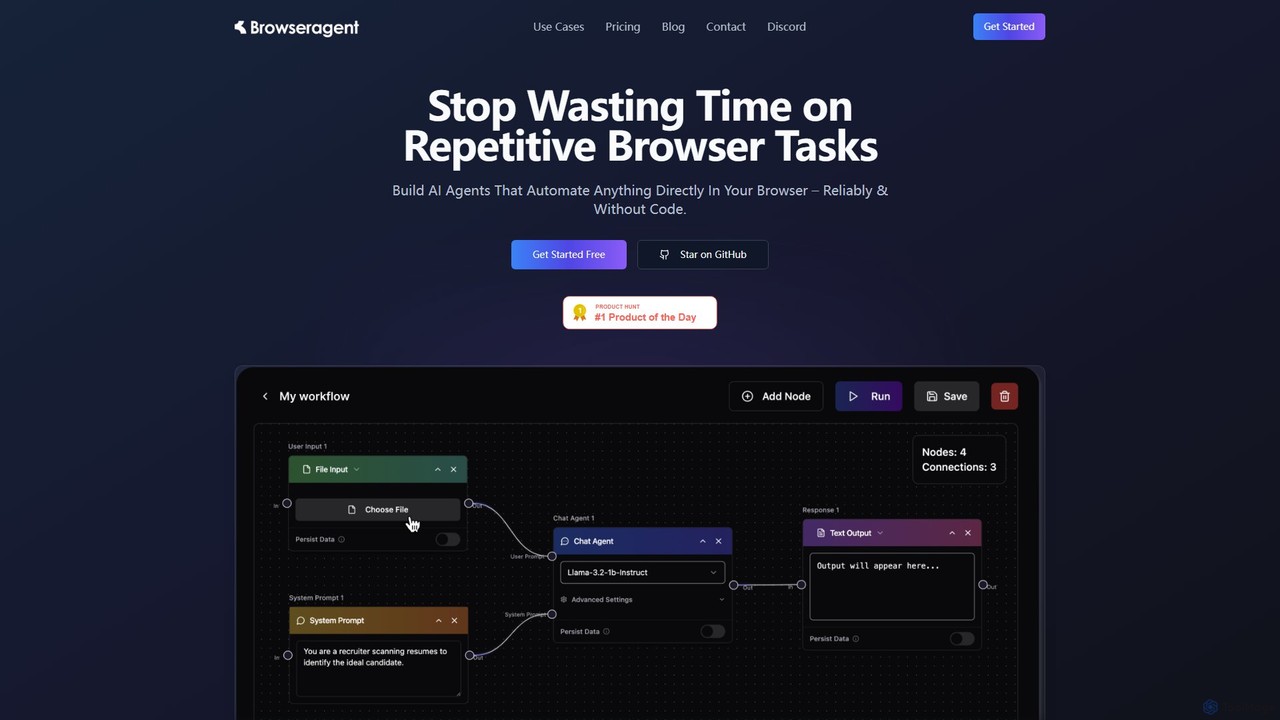
Browseragent
Browseragent is a no-code platform that builds AI agents to automate repetitive browser tasks directly within your browser. It uses a visual workflow builder and natural language commands to create, manage, and execute complex automations reliably and without coding.
Scraping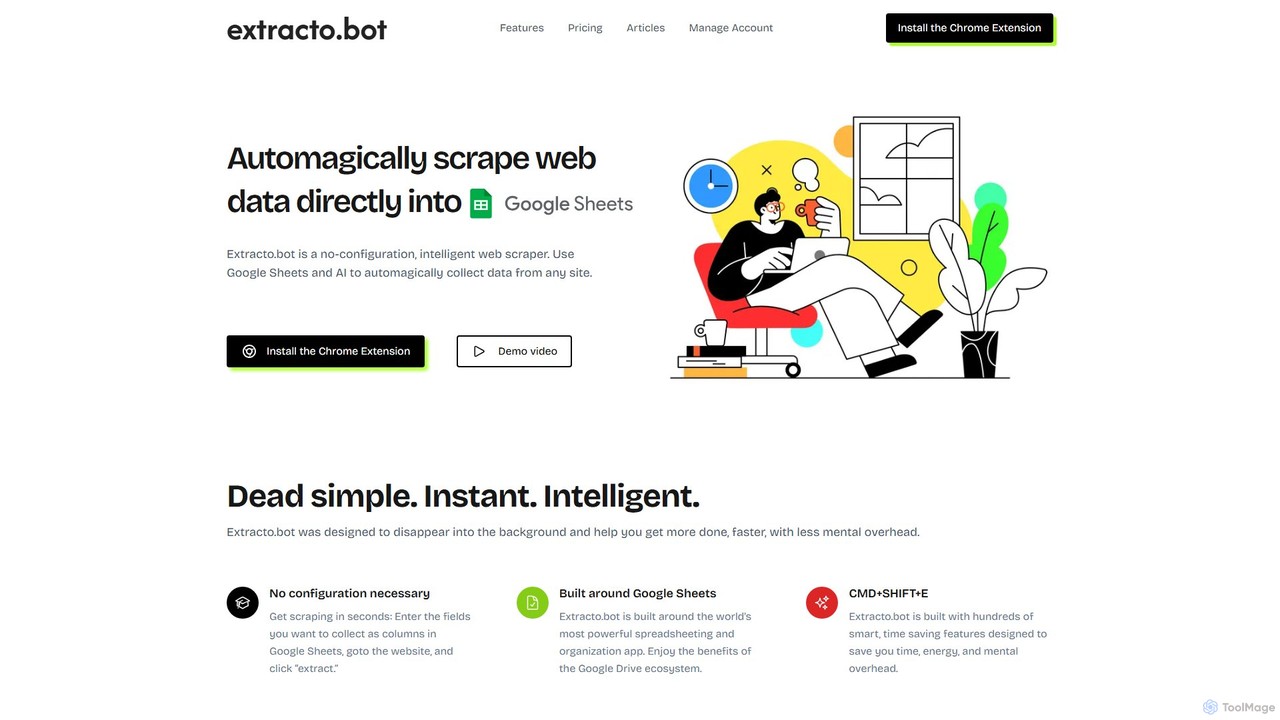
Extracto.bot
Extracto.bot is an AI-powered, no-code web scraper that operates as a Chrome extension. It allows users to effortlessly extract data from any website directly into Google Sheets without any configuration, making data collection simple, fast, and intelligent for various purposes like sales prospecting and market research.
Web Scraping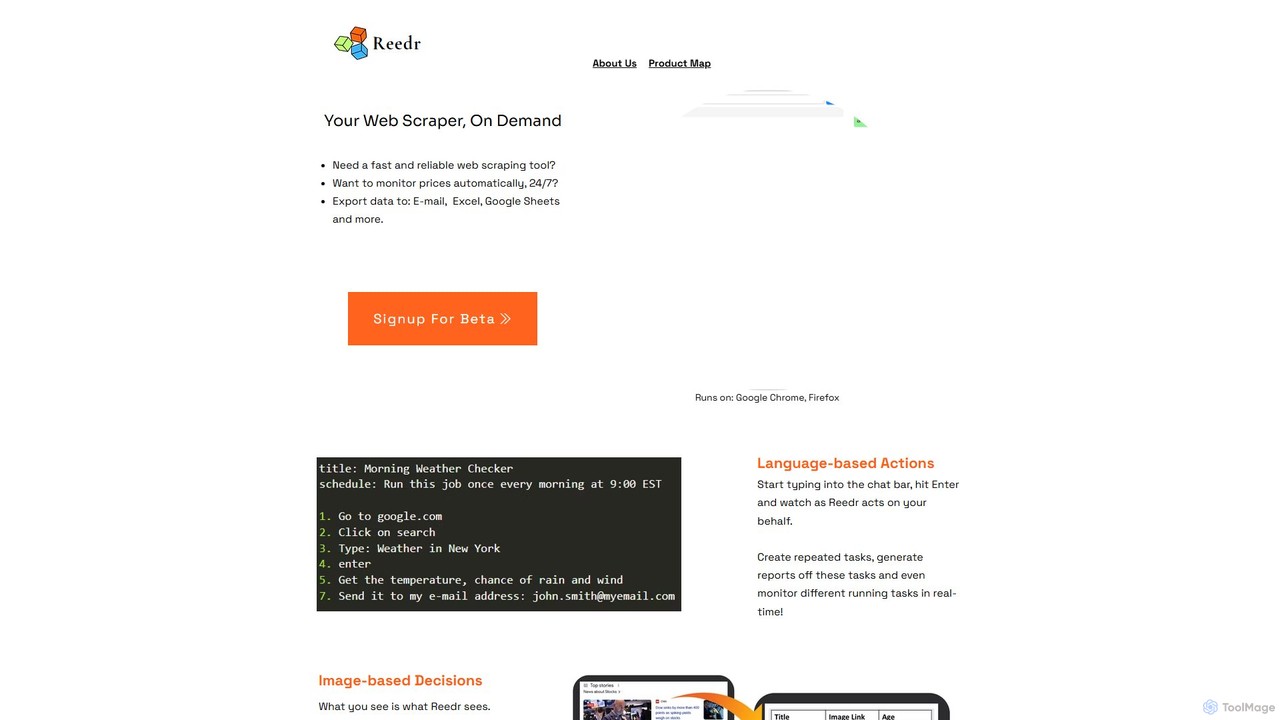
reedr
reedr is an AI-powered browser automation and web scraping tool. It uses natural language commands and visual recognition to extract data, monitor prices, and automate repetitive tasks directly in your browser, no coding required. It supports Chrome and Firefox.
Scraping
Octoparse AI Comments (0)
Sign in to comment.
Sign inNo comments yet.