
Browse AI Overview
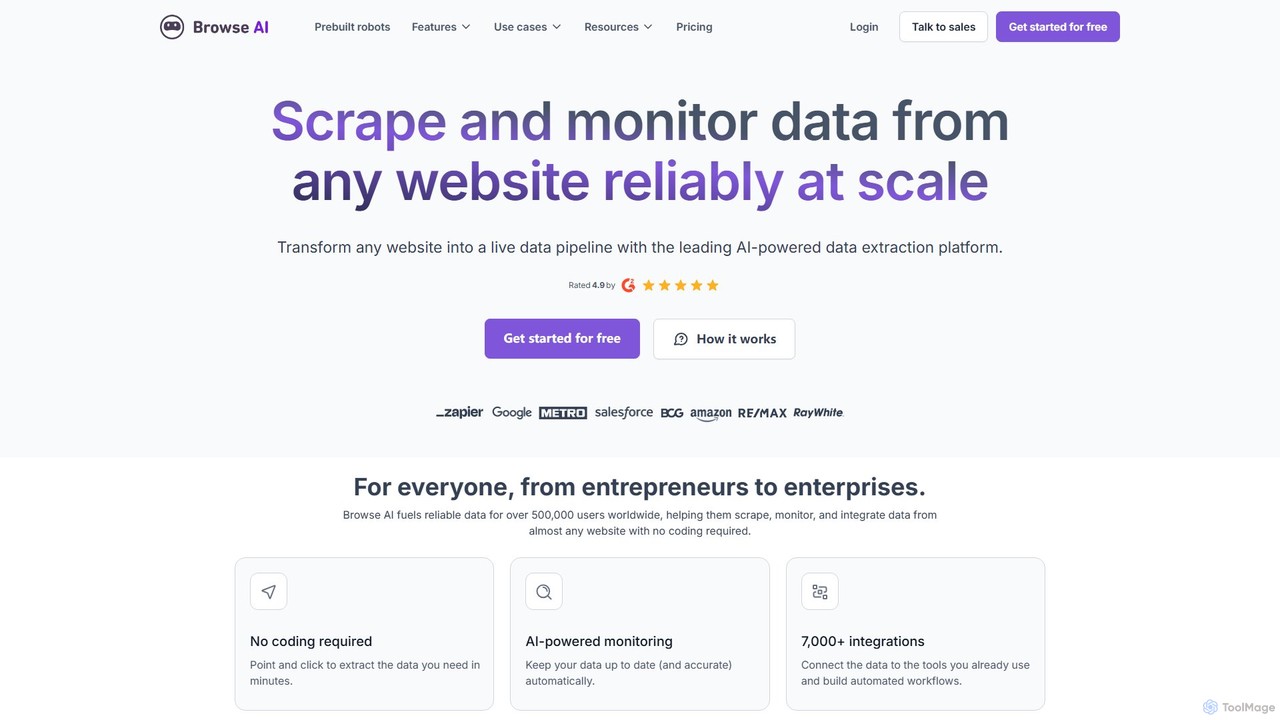
Browse AI is a powerful and user-friendly no-code platform designed to automate the process of data extraction and monitoring from any website. It empowers users, regardless of their technical background, to transform unstructured web data into organized, actionable information. With Browse AI, you can easily train custom "robots" to navigate websites, scrape specific data points, and deliver the results directly to a spreadsheet, a database, or through an API. The platform is built for efficiency, allowing you to automate repetitive data collection tasks, monitor competitors, track price changes, and generate leads without writing a single line of code.
How to use Browse AI
Getting started with Browse AI is a simple, two-minute process designed for anyone to master. The workflow is intuitive and visually driven:
- Record Your Task: Start by showing the Browse AI robot what you want to extract. Open the recorder, navigate to the target website, and simply click on the data fields you need (e.g., product names, prices, job titles, contact details).
- Train the Robot: The AI observes your actions and learns the data patterns on the page. You can teach it to handle pagination (clicking "Next Page"), extract data from detail pages, and manage different layouts.
- Run and Automate: Once trained, your robot can run on-demand or on a set schedule (e.g., every hour, day, or week). The entire process runs in the cloud, so you don't need to have your browser open.
- Integrate and Export: The extracted data can be downloaded as a CSV or JSON file. For seamless automation, you can integrate Browse AI with thousands of other applications like Google Sheets, Airtable, and Zapier, or access the data via a dedicated API.
Core Features of Browse AI
- No-Code Web Scraping: A purely visual interface allows you to train bots by clicking, eliminating the need for any programming skills.
- Prebuilt Robots: A library of ready-to-use robots for popular websites like ProBlogger, Upwork, and Dribbble, allowing you to start extracting data instantly.
- Website Monitoring: Set up robots to monitor specific parts of a website for any changes, such as price updates, stock availability, or new content, and receive notifications.
- Turn any Website into an API: Automatically convert any website's data into a structured JSON API that you can call from your own applications.
- Scheduled Extractions: Configure your robots to run automatically at predefined intervals, ensuring your data is always up-to-date.
- Seamless Integrations: Native integrations with Google Sheets, Airtable, and Zapier, plus webhook support, allow you to connect your data to your existing workflows.
- Handles Complex Scenarios: The platform can manage pagination, scrolling, data extraction behind logins, and solving CAPTCHAs.
Use Cases for Browse AI
Browse AI is versatile and can be applied across various industries and roles:
- Market Research: Aggregate product data, customer reviews, and pricing information from competitor websites to analyze market trends and inform business strategy.
- Lead Generation: Scrape contact details from online directories, professional networks, and industry-specific websites to build targeted sales lead lists.
- Price Monitoring: E-commerce businesses can automatically track competitor pricing and promotions to optimize their own pricing strategies.
- Recruitment and HR: Collect job postings from multiple job boards (like ProBlogger) to analyze the job market, identify talent, or monitor competitors' hiring activities.
- Content Aggregation: Gather articles, news, or blog posts from various sources to power a content hub or stay informed about industry news.
- Real Estate Analysis: Extract property listings, prices, and agent details from real estate websites to identify investment opportunities.
Advantages of Browse AI
Browse AI stands out by making sophisticated web scraping accessible to everyone. Its key advantages include:
- Accessibility: The no-code interface democratizes data extraction, enabling marketers, researchers, founders, and other non-technical professionals to gather web data independently.
- Time and Cost Savings: It automates what would otherwise be hours of manual data entry, freeing up valuable time and reducing operational costs.
- Scalability: From small, one-off tasks to large-scale, continuous monitoring projects, the cloud-based infrastructure can handle your needs.
- Reliability: Robots are designed to be resilient to minor website layout changes, ensuring consistent data collection.
- Flexibility: Create custom robots for any website or use prebuilt ones for a quick start, providing a solution for nearly any data extraction challenge.
Pricing and Plans
Browse AI operates on a freemium model, offering plans suitable for individuals and businesses of all sizes.
- Free Plan: A great starting point for small projects, offering a limited number of credits to run your robots each month.
- Starter Plan: Designed for individuals and small teams, this plan provides a higher credit limit, more robots, and faster extraction intervals.
- Professional Plan: Ideal for professionals and businesses with regular data extraction needs, offering a significant number of credits, advanced features, and priority support.
- Company Plan: A comprehensive solution for large teams and enterprises, featuring the highest credit allowance, team collaboration features, and dedicated support.
- Premium/Managed Service: For users who want a completely hands-off experience, Browse AI offers a fully managed service where their team builds and maintains the scraping solutions for you.
Each credit typically corresponds to one action performed by the robot, such as loading a page or extracting data. The specific details of each plan are available on their pricing page.
Traffic
Latest traffic
Status
Monthly traffic trend
- 2025-9: 348.4K
- 2026-1: 304.7K
- 2026-2: 313.4K
- 2026-3: 353.9K
- 2026-4: 382.2K
- 2026-5: 342.2K
Geography
Top 5 countries / regions
- 🇮🇳India34.0%
- 🇺🇸United States30.6%
- 🇨🇦Canada14.9%
- 🇧🇷Brazil12.9%
- 🇳🇴Norway7.5%
Traffic sources
| Source type | Percentage |
|---|---|
Direct | 83.6% |
Referral | 12.3% |
Email | 4.1% |
Top keywords
| Keyword | Cost per click |
|---|---|
| apify | $0.89 |
| browse ai | $1.55 |
| browseai | $4.95 |
| browser ai | $2.91 |
| octoparse | $1.51 |
Browse AI Videos on YouTube

Browse AI Alternatives
Octoparse
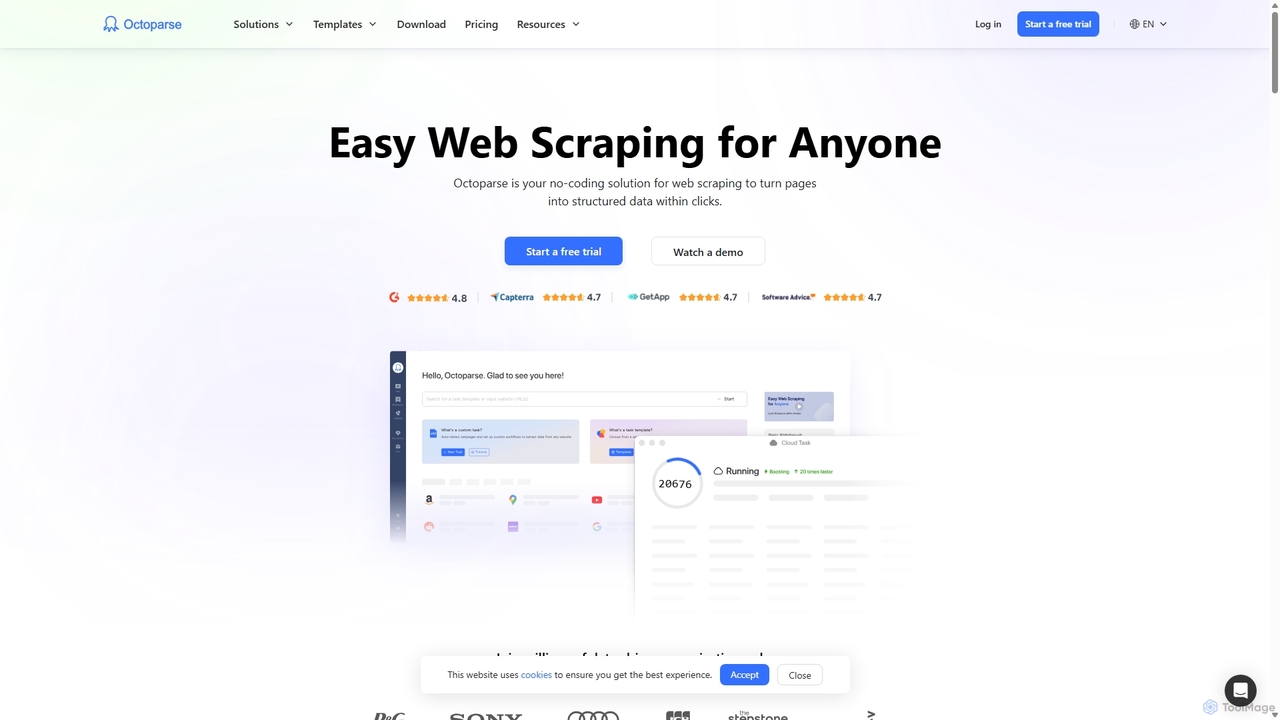
Octoparse is a powerful no-code web scraping tool that allows anyone to extract data from websites without programming. It features a visual workflow designer, an AI-powered assistant for easy setup, and hundreds of pre-built templates for popular sites. With cloud-based automation, IP rotation, and CAPTCHA solving, Octoparse handles complex scraping tasks efficiently, turning web pages into structured data for lead generation, market research, and more.
Web Scraping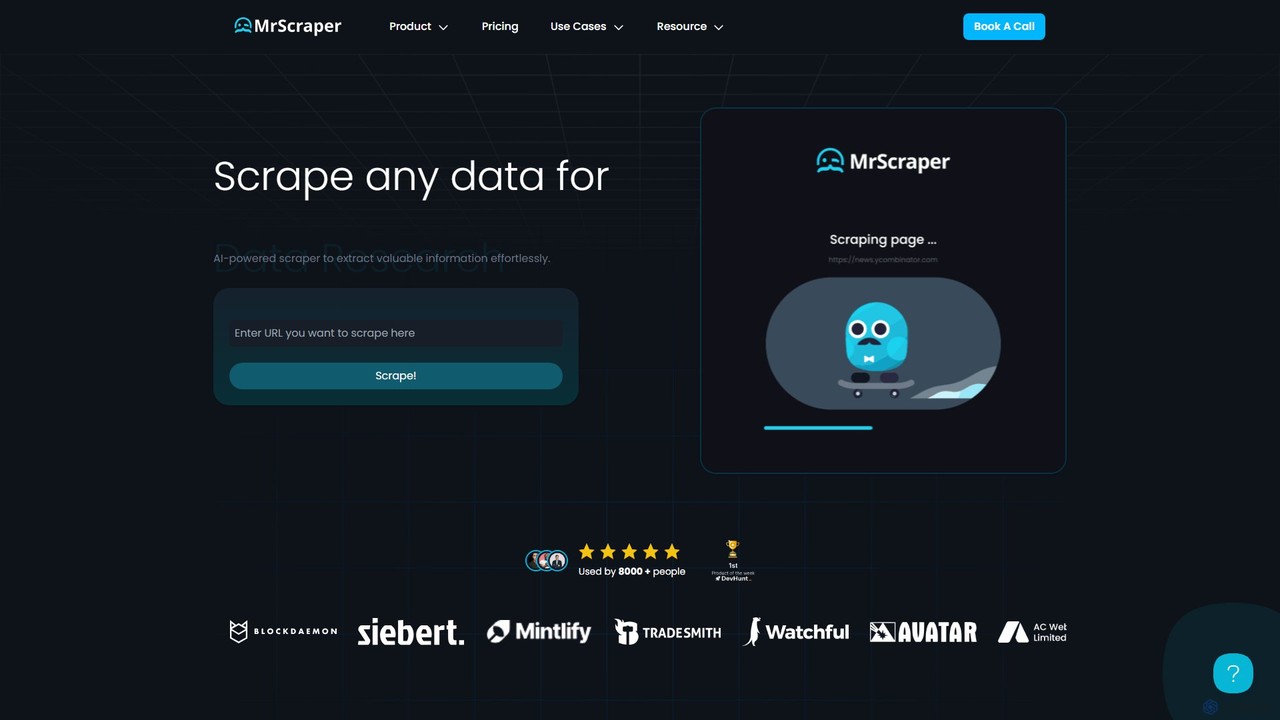
MrScraper
MrScraper is an AI-powered, no-code web scraping tool that allows users to effortlessly extract structured data from any website. It automates the data collection process, bypassing anti-bot measures like CAPTCHAs and IP blocks, making it ideal for pricing intelligence, market research, and lead generation.
Web Scraping
TaskMagic
TaskMagic is a no-code Robotic Process Automation (RPA) tool that lets you automate any web-based task. Record your clicks and keystrokes to create powerful workflows for web scraping, data entry, and social media management without writing a single line of code. It simplifies repetitive browser actions, saving you time and effort.
Web Scraping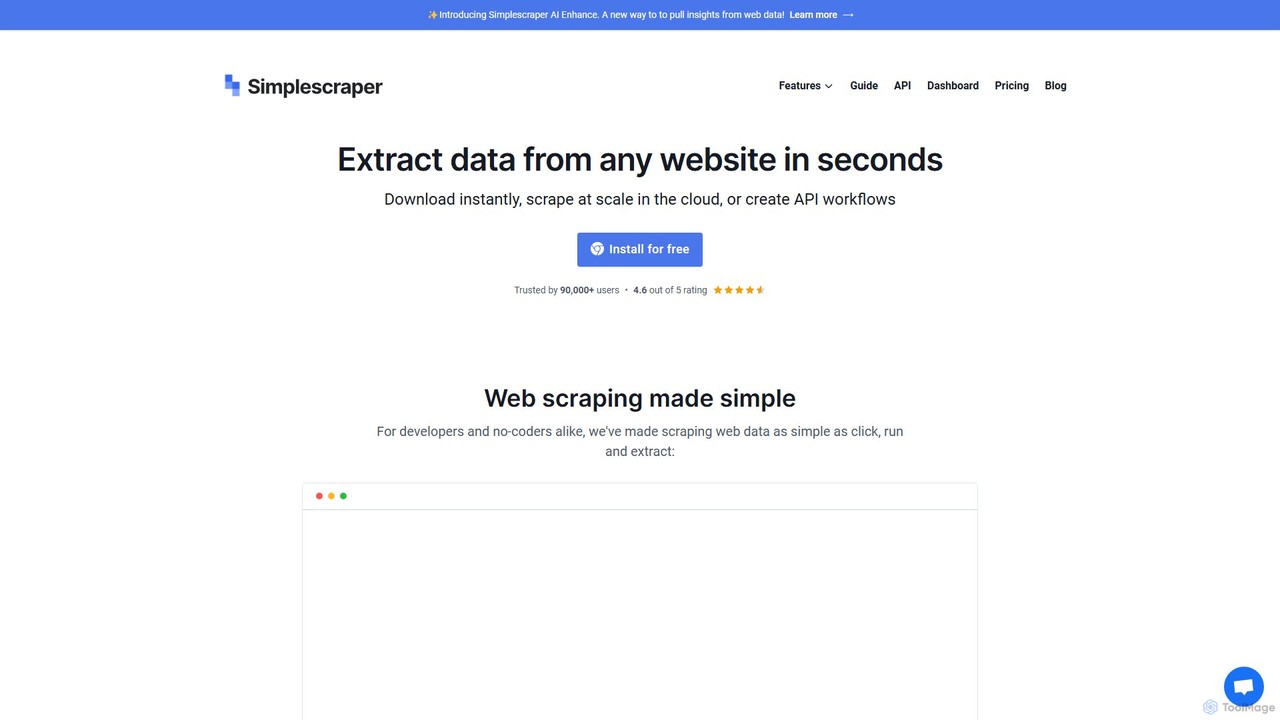
Simplescraper
Simplescraper is a powerful web scraping tool that extracts data from any website in seconds. It offers a user-friendly Chrome extension for no-code data selection, cloud-based automation for large-scale scraping, and an innovative AI Enhance feature to pull insights using simple prompts. Turn websites into structured data (CSV, JSON) or instant APIs, and integrate with tools like Google Sheets and Airtable.
Web Scraping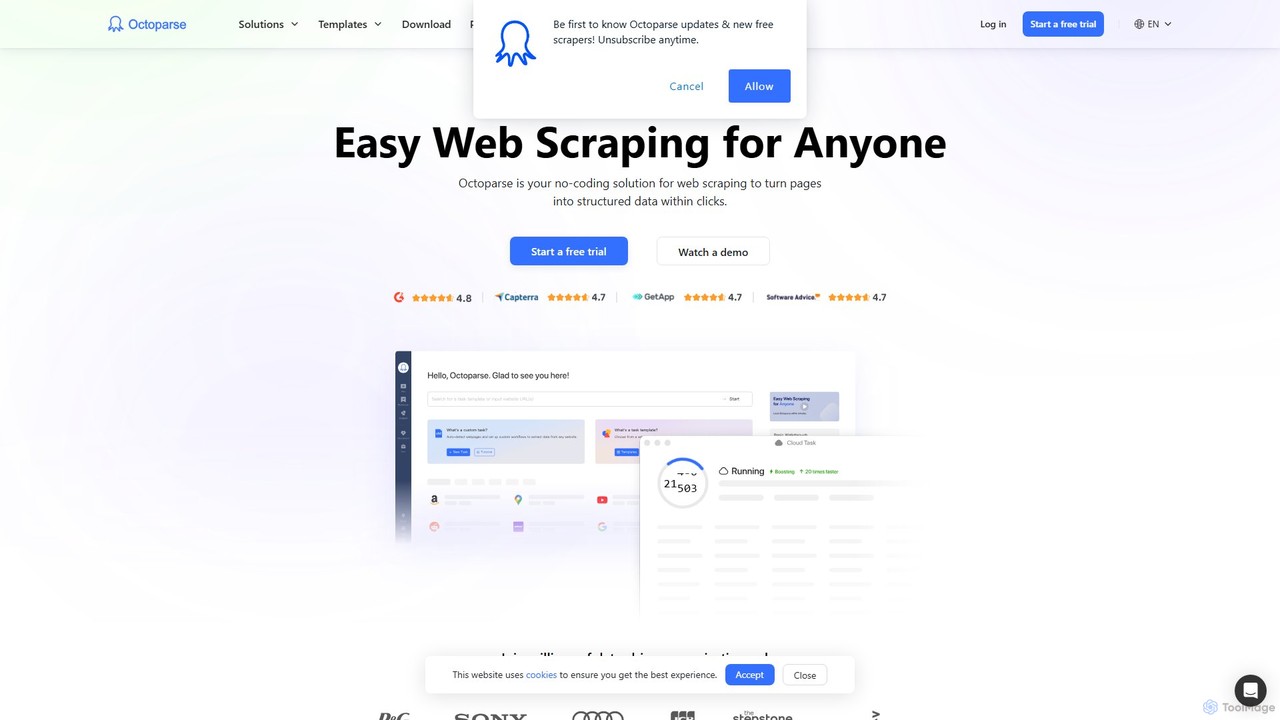
Octoparse AI
Octoparse AI is a no-code platform for building custom AI-powered workflows and RPA bots. It enables users to automate tasks, scrape web data, and integrate with various applications without writing any code. With a rich library of ready-to-use automation apps, it streamlines processes for sales, marketing, and data management, boosting productivity for individuals and teams.
Web ScrapingBrowse AI Categories
Browse AI Embed Widget
Copy this embed code to place the badge on your blog, article, or product site and send readers directly to this ToolMage detail page.

Related AI tools
Simplescraper
Simplescraper is a powerful web scraping tool that extracts data from any website in seconds. It offers a user-friendly Chrome extension for no-code data selection, cloud-based automation for large-scale scraping, and an innovative AI Enhance feature to pull insights using simple prompts. Turn websites into structured data (CSV, JSON) or instant APIs, and integrate with tools like Google Sheets and Airtable.
Web Scraping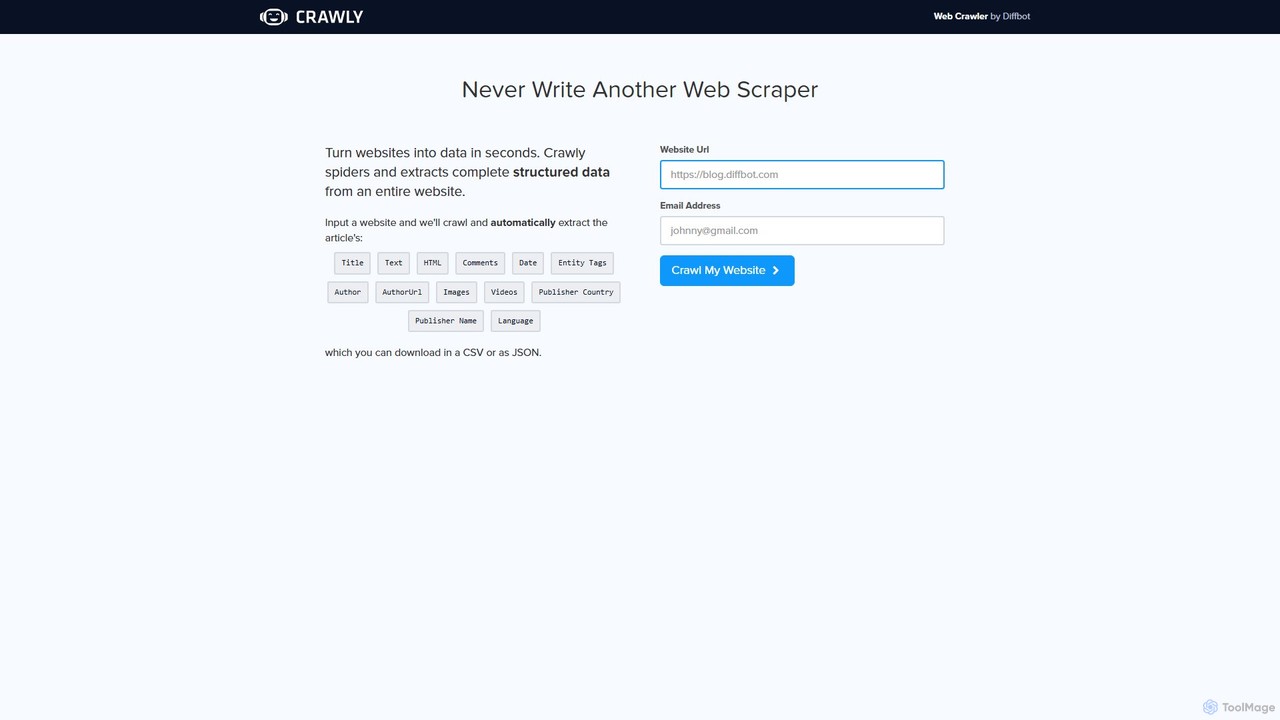
Crawly
Crawly is an AI-powered web crawler by Diffbot that automatically extracts structured data from entire websites. Simply input a URL, and Crawly spiders the site to pull key information like articles, products, and discussions, converting it into clean JSON or CSV data without any coding required.
Web Scraping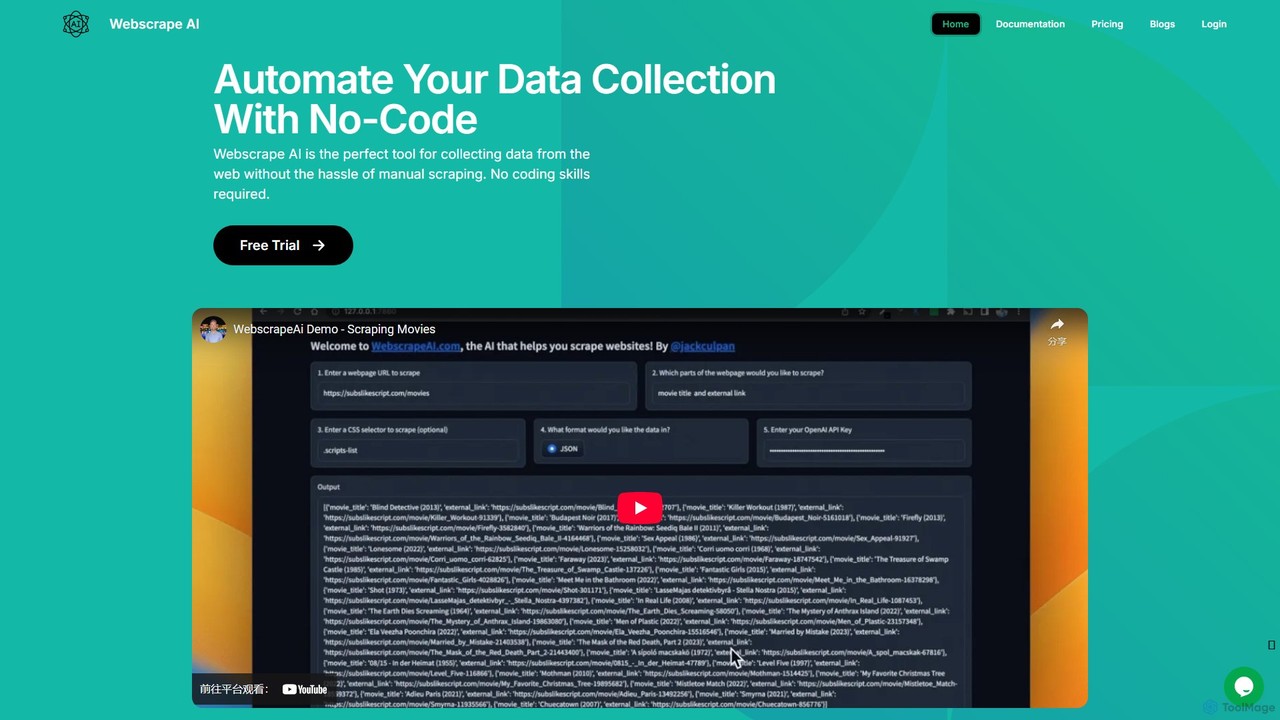
webscrapeai
WebscrapeAI is a no-code, AI-powered platform designed to automate web data collection. Simply provide a URL and specify the data you need, and the AI handles the entire scraping process. It supports dynamic websites, bulk scraping, proxy integration, and offers an API for developers, making data extraction fast, accurate, and accessible to everyone.
Web Scraping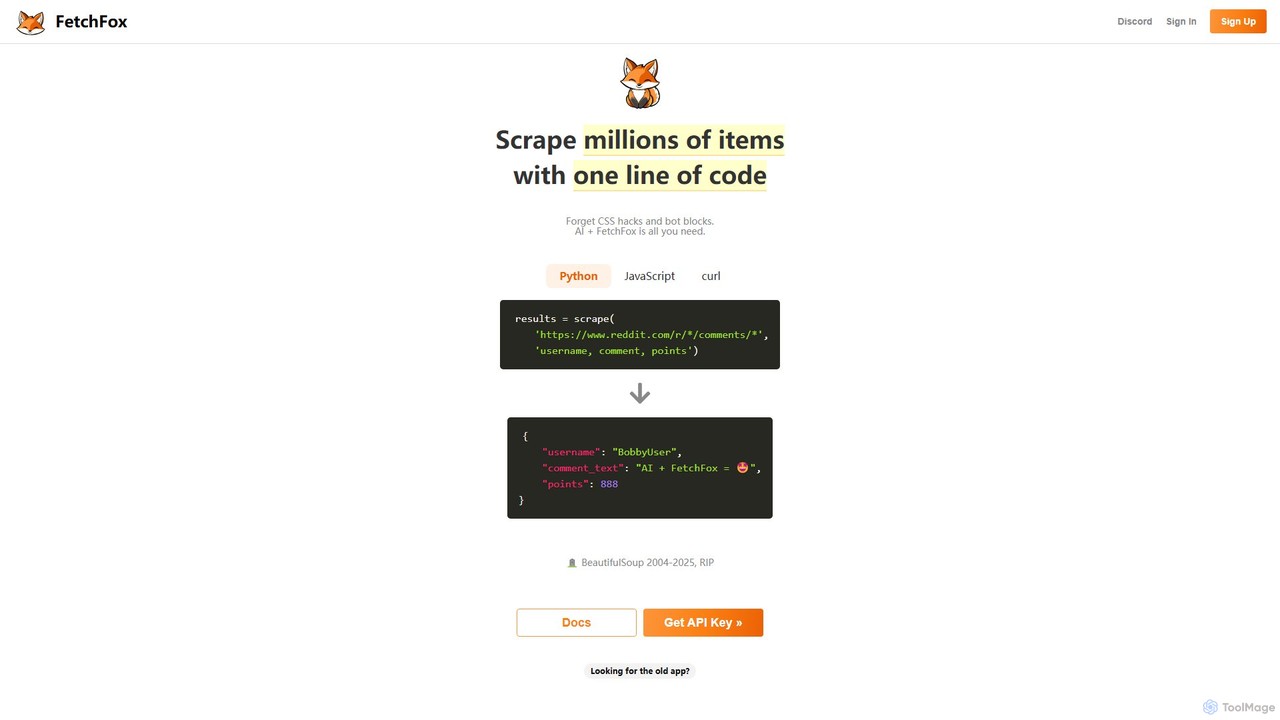
FetchFox
FetchFox is an AI-powered web scraping tool that allows users to extract data from any website using simple text prompts. It eliminates the need for complex coding or CSS selectors, automatically handling anti-bot measures. Available as an API, JavaScript library, and Chrome extension, it's designed for both developers and non-technical users to automate data collection effortlessly.
Data Extraction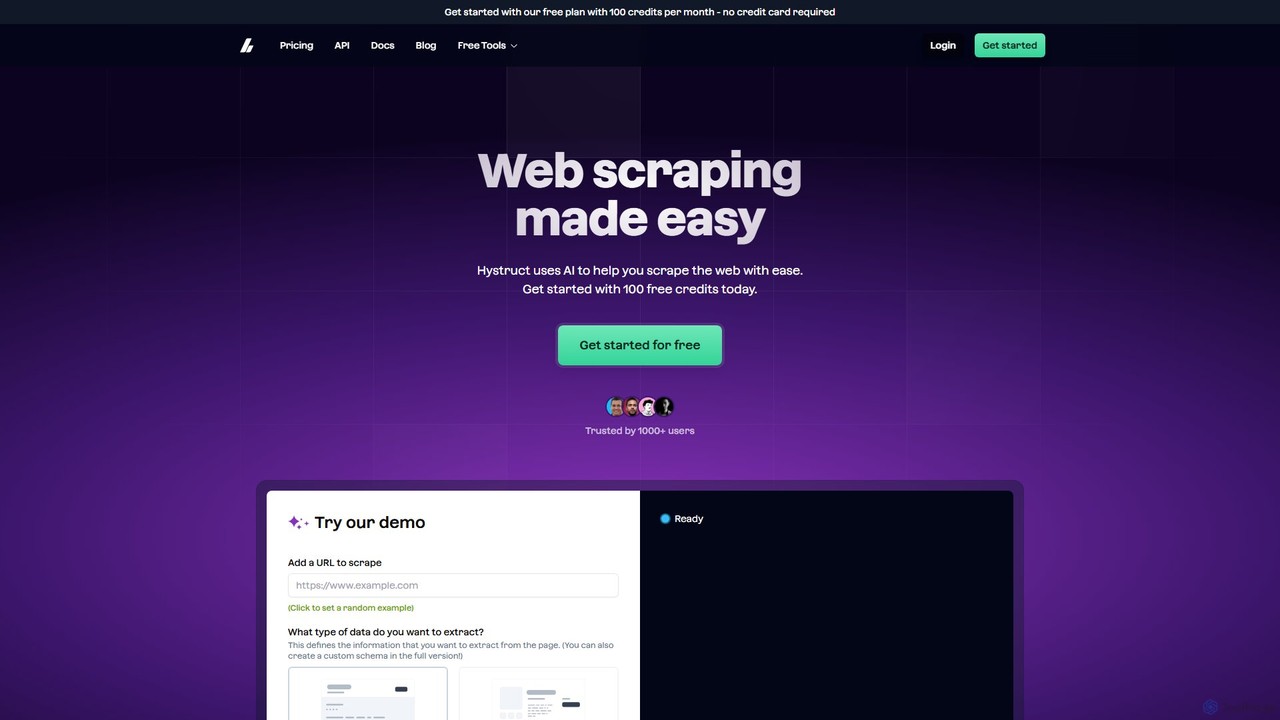
hystruct
hystruct is an AI-powered web scraping tool that simplifies data extraction. It allows users to easily turn unstructured web content into structured data using pre-built or custom schemas, without needing to code. With integrations like Zapier, it automates workflows for market research, lead generation, and more. It's designed for everyone from beginners to enterprise teams.
Scraping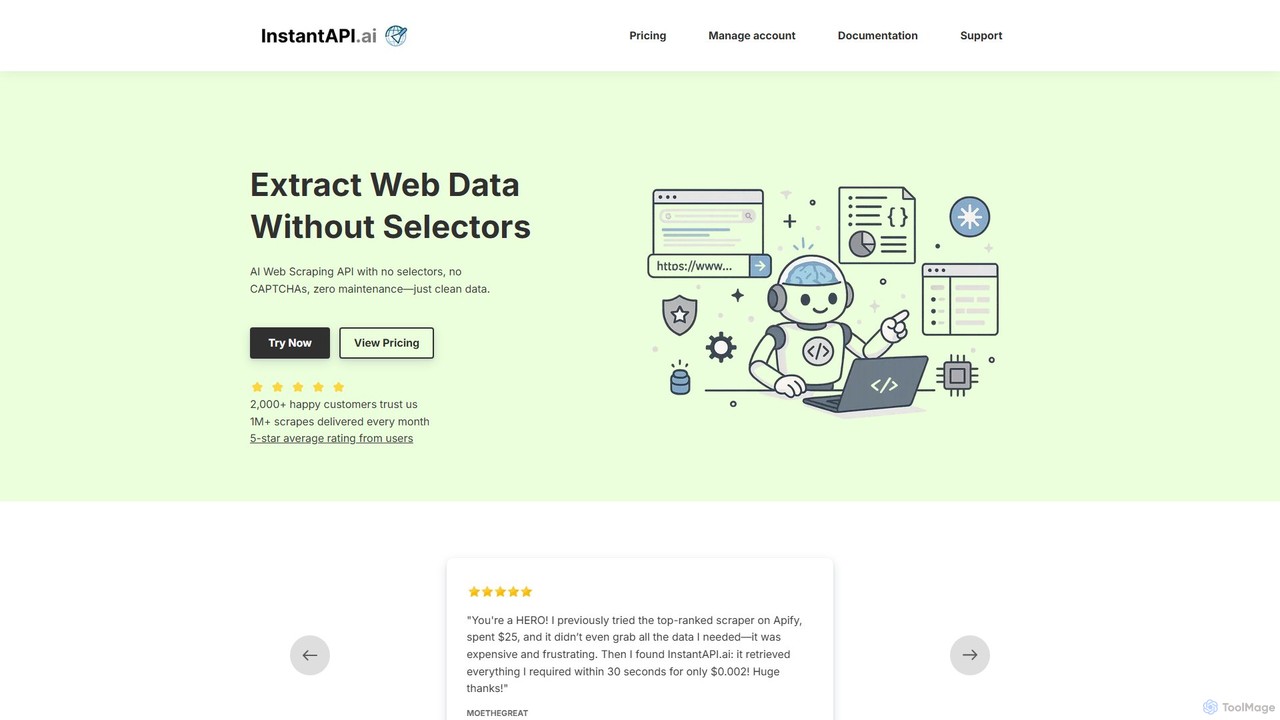
instantapi
instantapi is an AI-powered web scraping API designed for simplicity and speed. It allows users to extract structured data from any website with a single API call, eliminating the need for complex coding or manual setup. Ideal for developers, data analysts, and businesses who need fast, affordable, and reliable data extraction without the hassle of traditional web scrapers.
Data Extraction
Octoparse
Octoparse is a powerful no-code web scraping tool that allows anyone to extract data from websites without programming. It features a visual workflow designer, an AI-powered assistant for easy setup, and hundreds of pre-built templates for popular sites. With cloud-based automation, IP rotation, and CAPTCHA solving, Octoparse handles complex scraping tasks efficiently, turning web pages into structured data for lead generation, market research, and more.
Web ScrapingMrScraper
MrScraper is an AI-powered, no-code web scraping tool that allows users to effortlessly extract structured data from any website. It automates the data collection process, bypassing anti-bot measures like CAPTCHAs and IP blocks, making it ideal for pricing intelligence, market research, and lead generation.
Web Scraping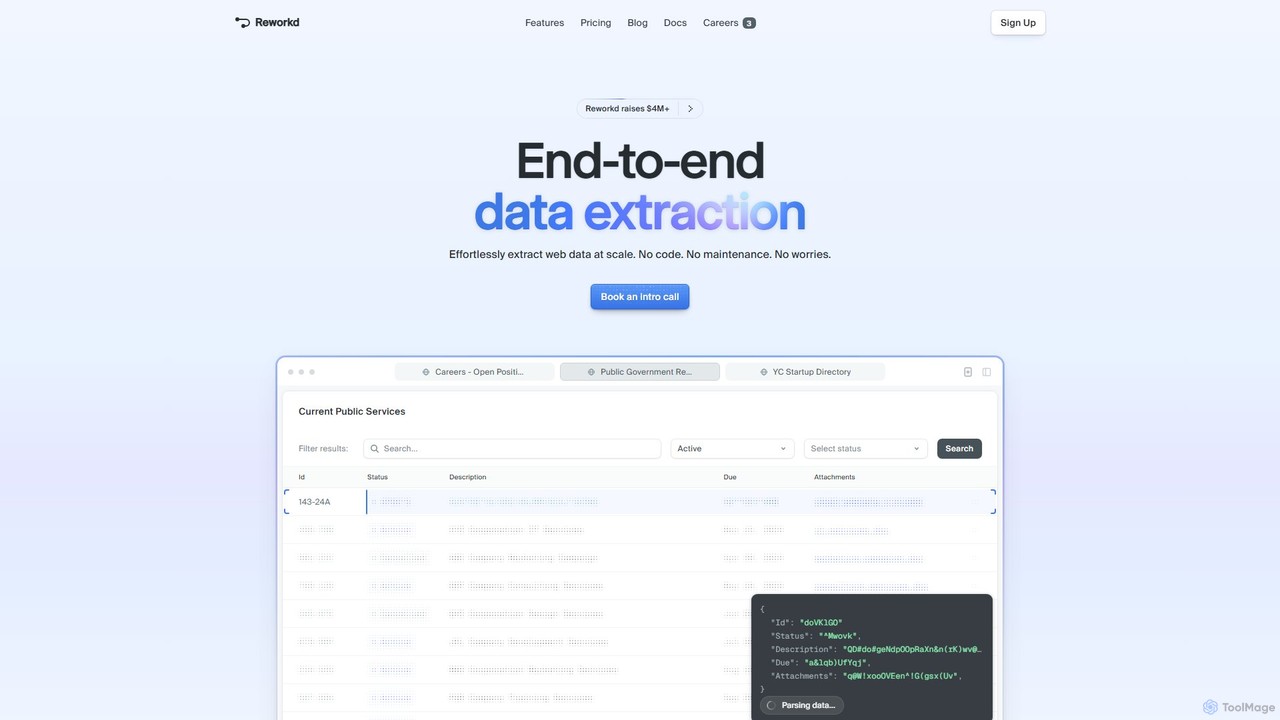
Reworkd
Reworkd is an AI-powered, no-code platform that automates the entire web data extraction process. It uses AI agents to understand websites, generate scraping code, and deliver structured data at scale. Ideal for building datasets, market research, and enriching data pipelines without manual coding or maintenance.
Data Extraction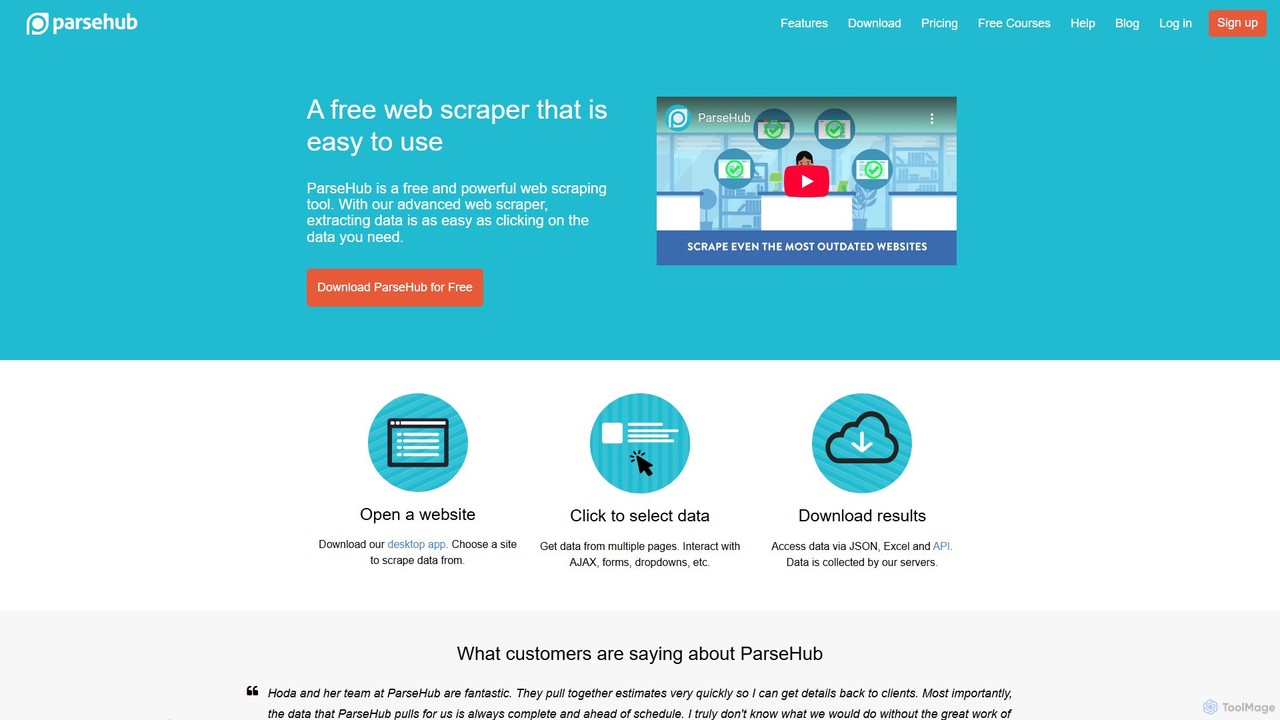
ParseHub
ParseHub is a powerful, no-code web scraping tool that allows users to extract data from any website with a simple point-and-click interface. It's designed to handle complex, dynamic sites with JavaScript, AJAX, forms, and infinite scroll. Data can be collected on a schedule, exported as JSON/Excel, or accessed via API, making it ideal for lead generation, market research, and data aggregation.
Web Scraping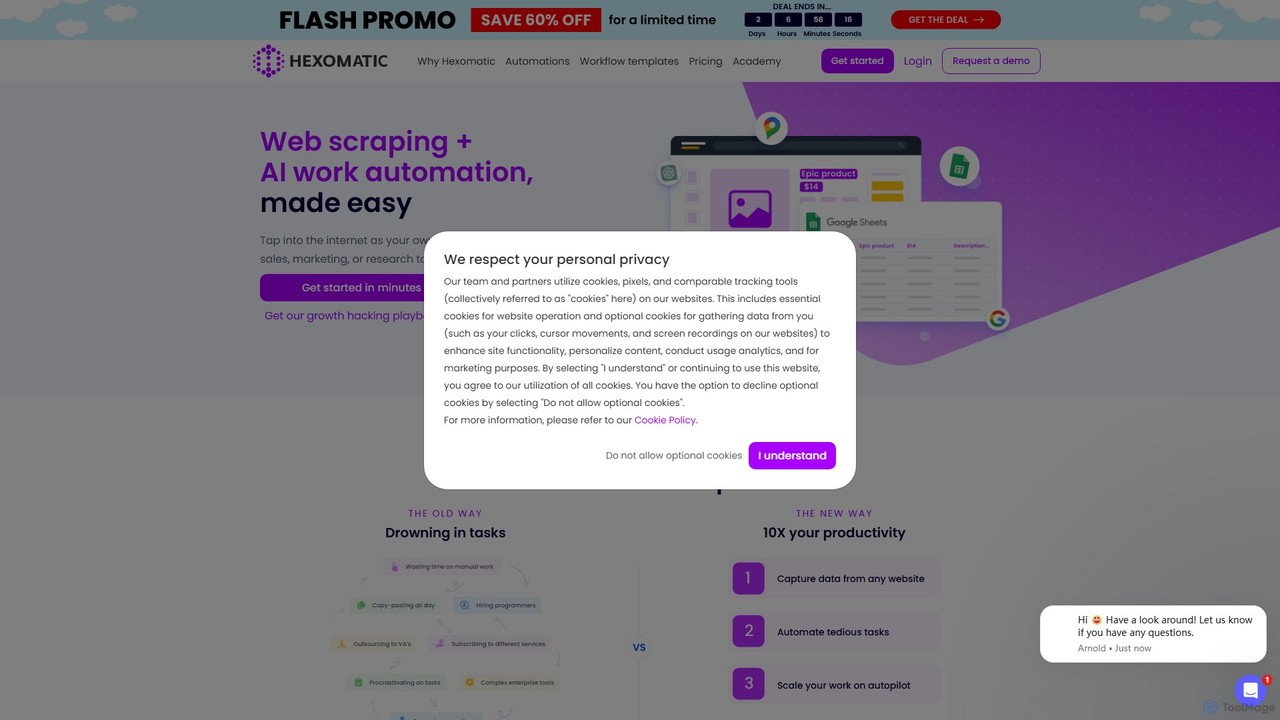
Hexomatic
Hexomatic is a no-code, cloud-based web scraping and workflow automation platform. It empowers users to extract data from any website using a simple point-and-click interface and automate over 100 tasks for sales, marketing, and research. With integrated AI like ChatGPT and Google Gemini, you can scale your operations, from lead generation to content creation, without writing a single line of code.
Web Scraping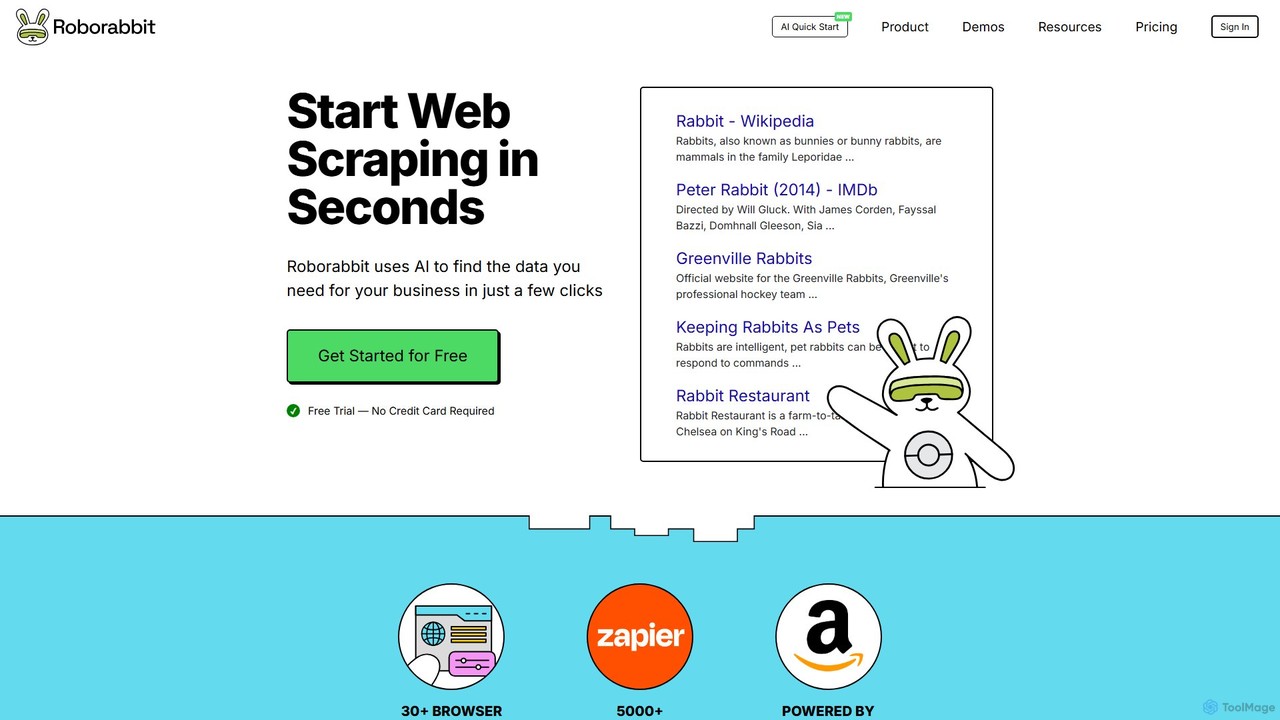
Roborabbit
Roborabbit is a no-code AI-powered platform for web scraping and browser automation. It allows users to extract data from any website using a simple drag-and-drop interface, without writing any code. Schedule tasks, integrate with over 5000+ apps via Zapier and Make.com, or use the REST API for advanced workflows. It's designed for marketers, data analysts, and developers to automate repetitive tasks, monitor competitors, and gather valuable business intelligence effortlessly.
Data Extraction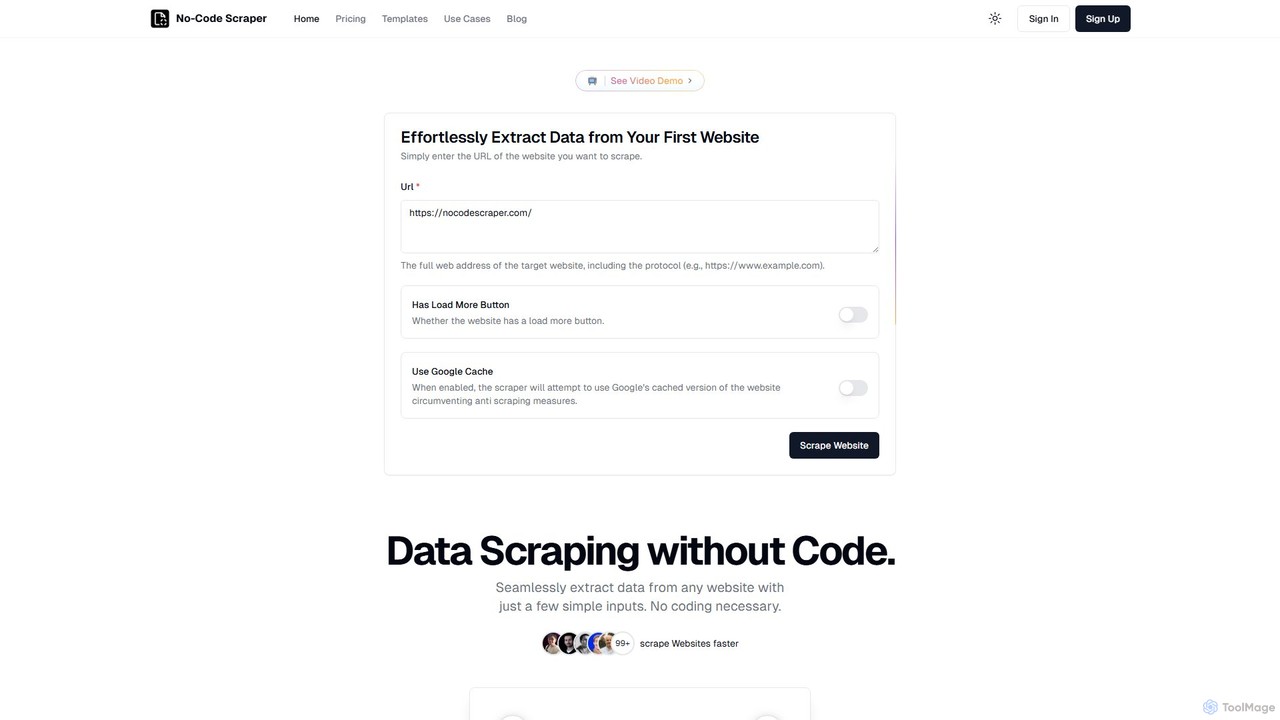
No-Code Scraper
No-Code Scraper is an AI-powered platform that enables users to extract data from any website without writing a single line of code. It uses large language models to automate data extraction, cleaning, and structuring, making web scraping accessible, reliable, and efficient for everyone.
Web Scraping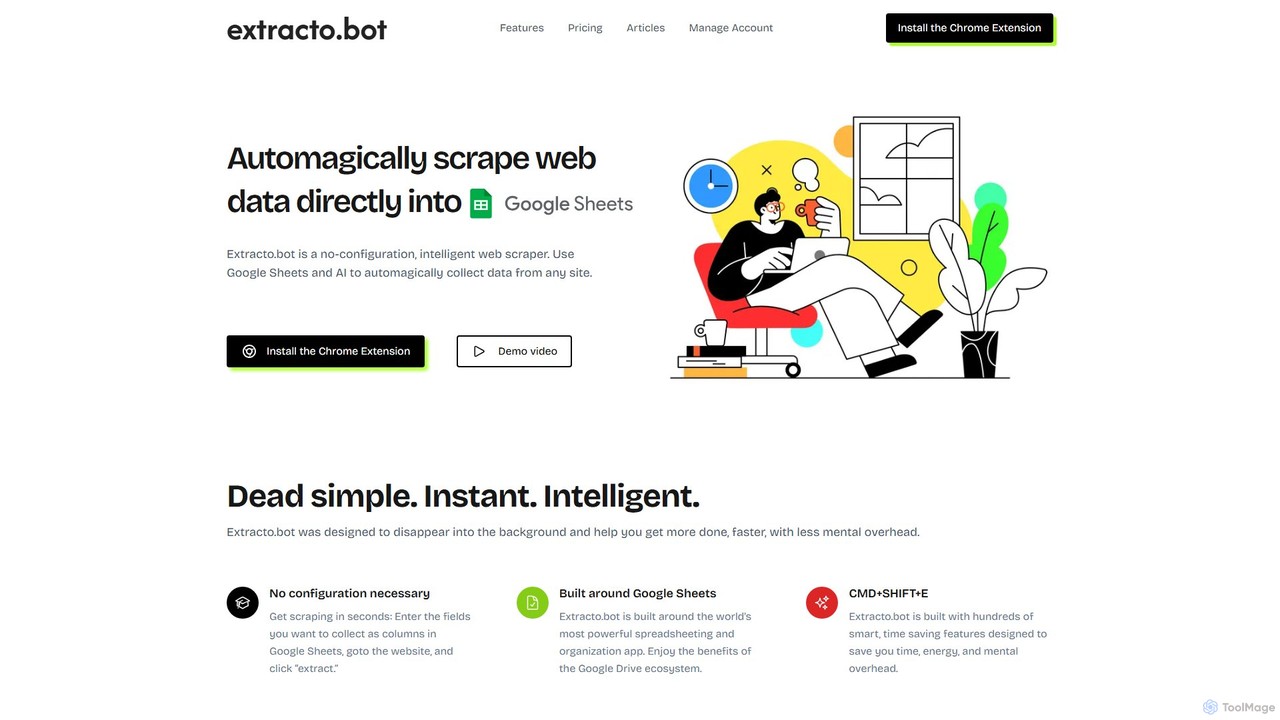
Extracto.bot
Extracto.bot is an AI-powered, no-code web scraper that operates as a Chrome extension. It allows users to effortlessly extract data from any website directly into Google Sheets without any configuration, making data collection simple, fast, and intelligent for various purposes like sales prospecting and market research.
Web Scraping
Browse AI Comments (0)
Sign in to comment.
Sign inNo comments yet.