

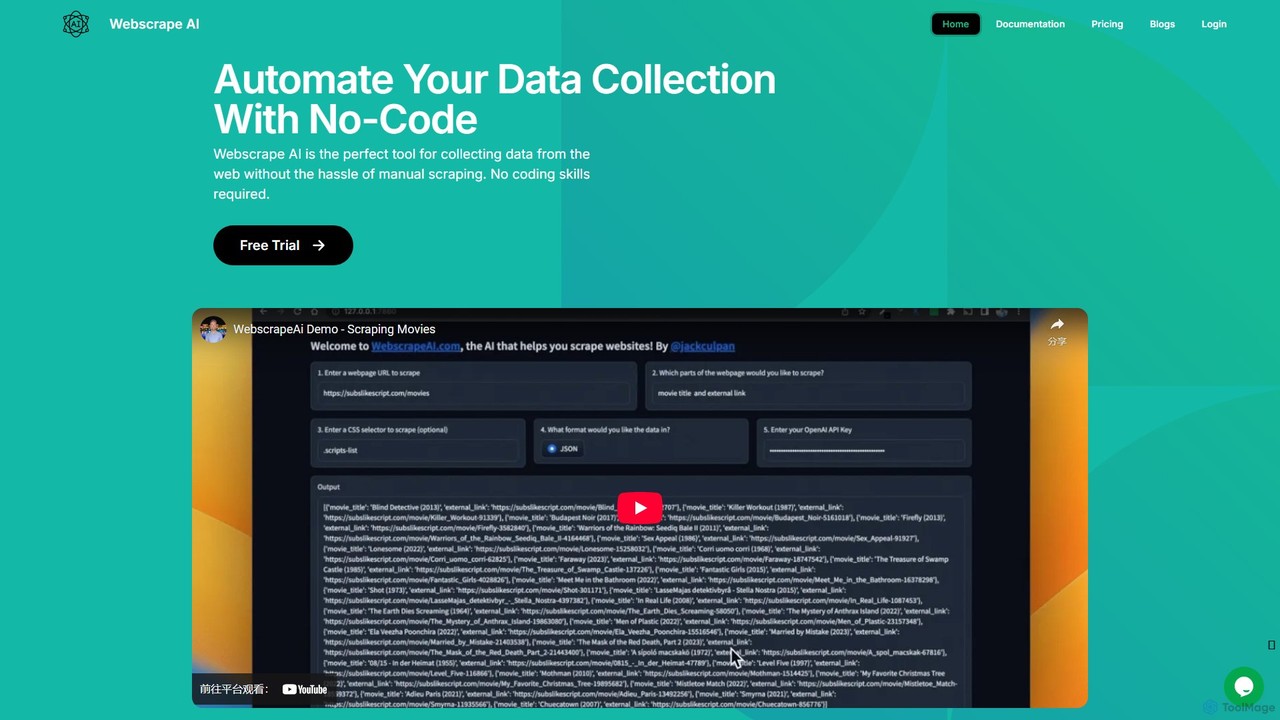
webscrapeai Overview
WebscrapeAI is a powerful and intuitive tool designed to revolutionize the way users collect data from the web. By leveraging advanced artificial intelligence, it offers a completely no-code solution for web scraping, making it accessible to businesses, researchers, and individuals regardless of their technical skills. The platform is built to handle the complexities of modern websites, automating the data extraction process to save you time and effort.
The core principle of WebscrapeAI is simplicity. Users can start scraping in just a few steps without writing a single line of code. The AI-driven engine intelligently analyzes website structures to identify and extract the requested data with high accuracy. Whether you need to scrape a single page or thousands of URLs in bulk, WebscrapeAI provides a scalable and cost-effective solution.
How to use webscrapeai
Using WebscrapeAI is a streamlined process designed for efficiency and ease of use:
- Enter URL: Start by providing the exact URL of the website you wish to scrape.
- Specify Data Requirements: Use a simple, command-line-like input to tell the AI what data you want to extract (e.g., "I want to extract all the product names, prices, and ratings").
- Generate Schema: The AI will analyze the website and automatically generate a data schema based on your command. You can review and modify this schema manually if needed to ensure it matches your requirements perfectly.
- Run the Scraper: Once the schema is confirmed, click the "Run Web Scraper" button. The AI model will then begin the extraction process. For advanced plans, you can configure settings like proxies, custom headers, and JavaScript instructions (e.g., to click buttons, scroll, or wait for elements to load) before running.
- Download Data: After the scraping is complete, you can download the extracted data in your preferred format, including CSV, JSON, or plain Text.
- API Integration: For developers, WebscrapeAI offers a REST API. By making an HTTP request with your API key, URL, and data command, you can integrate automated scraping directly into your applications.
Core Features of webscrapeai
- AI-Powered Scraping: Utilizes advanced AI to understand website structures and extract data based on natural language commands, eliminating the need for manual selector configuration.
- No-Code Interface: A user-friendly platform that requires no programming skills to operate.
- Bulk Scraping: The Bulk plan allows users to scrape data from multiple URLs simultaneously, ideal for large-scale data collection projects.
- Dynamic Website Handling: Pro and Bulk plans support JavaScript execution, allowing the scraper to interact with dynamic pages, click buttons, handle infinite scroll, and wait for content to load.
- Proxy Support: Users can integrate their own proxies to manage their IP footprint, avoid blocks, and access geo-restricted content.
- Custom Headers: Set custom request headers (e.g., User-Agent) to mimic real browser behavior and gain access to specific website versions.
- Multiple Export Formats: Export collected data as CSV for spreadsheets, JSON for applications, or simple Text.
- Developer API: A robust API is available for integrating WebscrapeAI's capabilities into custom applications and workflows.
- Pagination Support: Automatically handles scraping data across multiple pages.
Use Cases for webscrapeai
WebscrapeAI is versatile and can be applied across various industries:
- Market Research: Collect competitor pricing, product details, and customer reviews to analyze market trends and strategies.
- Lead Generation: Extract contact information (emails, phone numbers, social profiles) from business directories and professional networks.
- E-commerce: Monitor product prices, stock availability, and new arrivals on e-commerce sites like Amazon.
- Content Aggregation: Gather articles, news, and posts from various sources for a content hub or news aggregator.
- Financial Analysis: Scrape stock market data, financial statements, and real estate listings for analysis and investment decisions.
- Academic Research: Collect large datasets from online sources for scientific studies and social science research.
Advantages of webscrapeai
WebscrapeAI offers several key advantages:
- Ease of Use: The no-code approach significantly lowers the barrier to entry for web scraping.
- Accuracy: Advanced AI algorithms ensure that the collected data is precise and reliable.
- Time-Saving: Automates a traditionally manual and time-consuming process, freeing up valuable time for analysis and other tasks.
- Cost-Effective: Provides affordable pricing plans suitable for businesses of all sizes, from startups to large enterprises.
- Speed: Employs state-of-the-art methods to ensure rapid data collection.
- Flexibility: Highly customizable with support for proxies, headers, and JS instructions to tackle complex scraping scenarios.
Pricing and Plans
WebscrapeAI offers several subscription plans, available monthly or with a discount for annual billing. All plans include no-code functionality and live support.
- Free Trial: A free trial is available for users to test the platform's capabilities.
- WebScrapeAI Plan: $27/month. Includes 250 URLs per month. Ideal for basic, single-URL scraping tasks.
- WebScrapeAI Pro Plan: $47/month. Includes 500 URLs per month. Adds Proxy Support, Wait For Load / JS execution, and other extra scraping features for dynamic websites.
- WebScrapeAI Bulk Plan: $87/month. Includes 1000 URLs per month. Contains all features of the Pro plan, plus the ability to scrape URLs in bulk and support for pagination.
Traffic
Latest traffic
Status
Monthly traffic trend
- 2025-9: 3.6K
- 2026-1: 622
- 2026-2: 460
- 2026-3: 1.2K
- 2026-4: 227
- 2026-5: 352
Top keywords
| Keyword | Cost per click |
|---|---|
| google webdriver for web scrapping | $0.00 |
| https error 444 | $0.00 |
| scrapper yi | $0.00 |
| webscrape | $0.00 |
| webscraper | $3.73 |
webscrapeai Alternatives
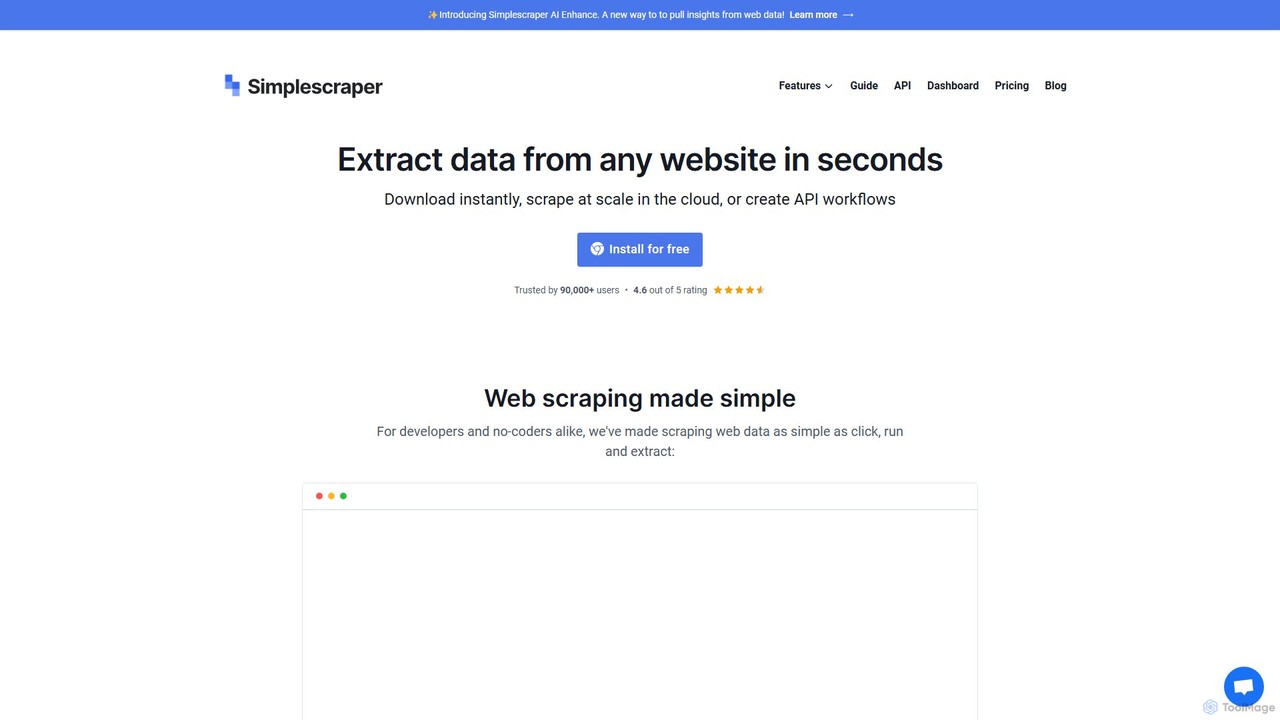
Simplescraper
Simplescraper is a powerful web scraping tool that extracts data from any website in seconds. It offers a user-friendly Chrome extension for no-code data selection, cloud-based automation for large-scale scraping, and an innovative AI Enhance feature to pull insights using simple prompts. Turn websites into structured data (CSV, JSON) or instant APIs, and integrate with tools like Google Sheets and Airtable.
Web Scraping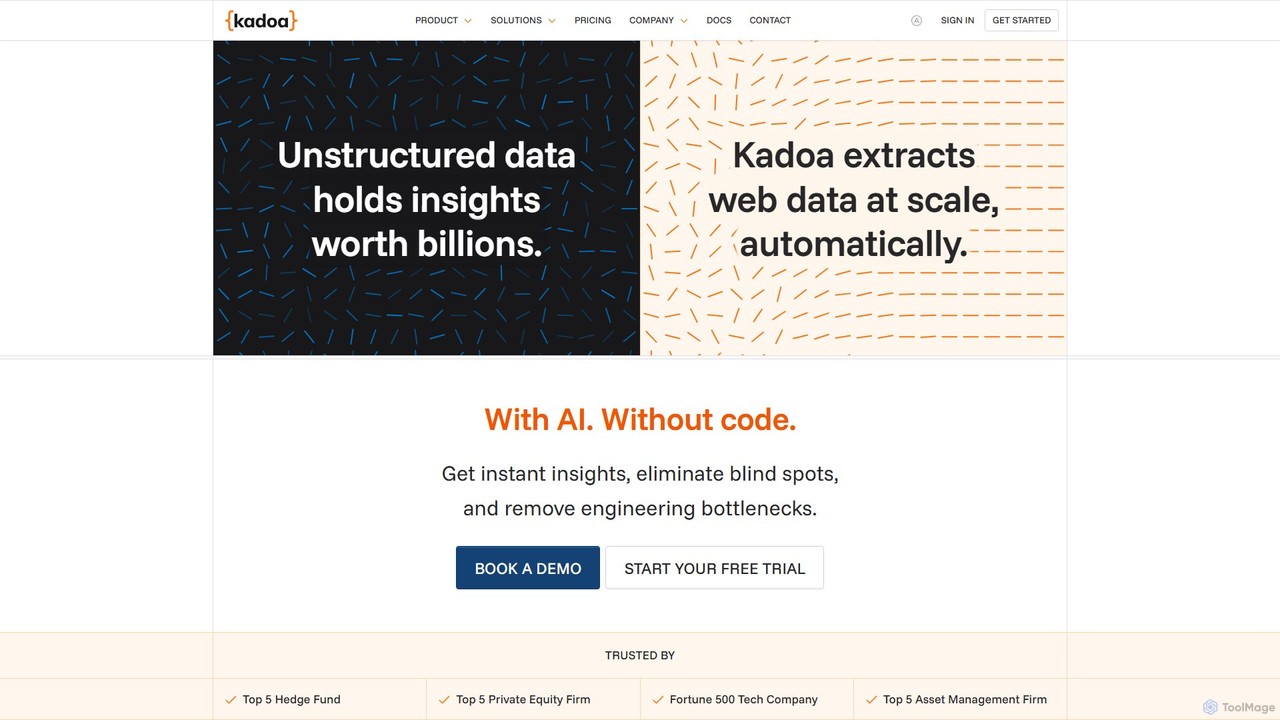
Kadoa
Kadoa is an AI-powered, no-code web scraping platform that automates data extraction from any website or document. It enables users to build scalable, self-healing data pipelines in minutes, eliminating engineering bottlenecks and providing real-time insights for finance, retail, and market intelligence.
Web Scraping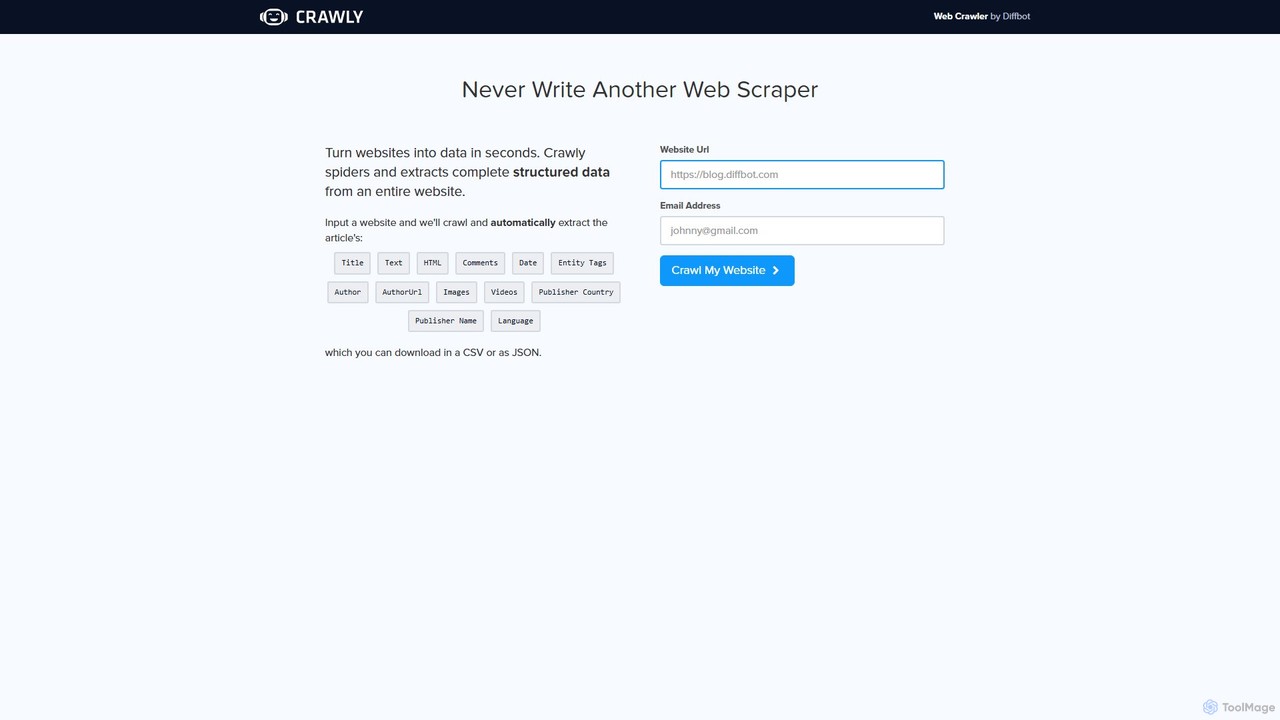
Crawly
Crawly is an AI-powered web crawler by Diffbot that automatically extracts structured data from entire websites. Simply input a URL, and Crawly spiders the site to pull key information like articles, products, and discussions, converting it into clean JSON or CSV data without any coding required.
Web Scraping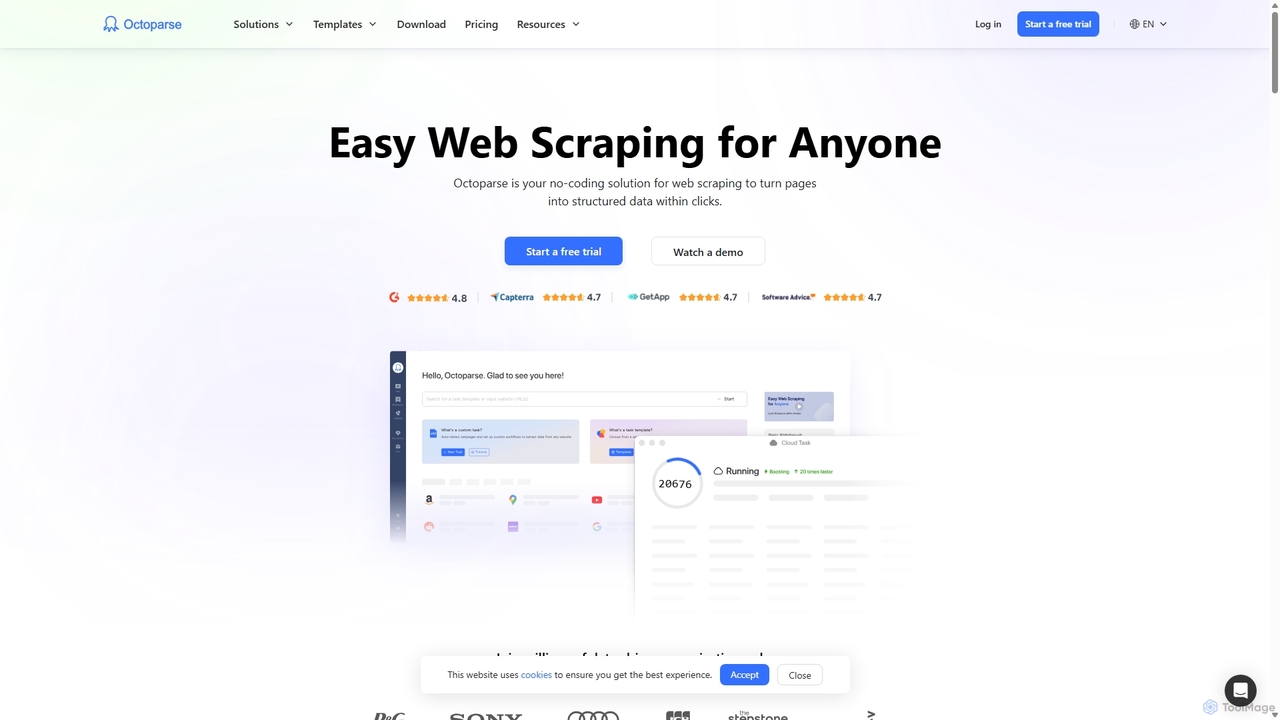
Octoparse
Octoparse is a powerful no-code web scraping tool that allows anyone to extract data from websites without programming. It features a visual workflow designer, an AI-powered assistant for easy setup, and hundreds of pre-built templates for popular sites. With cloud-based automation, IP rotation, and CAPTCHA solving, Octoparse handles complex scraping tasks efficiently, turning web pages into structured data for lead generation, market research, and more.
Web Scraping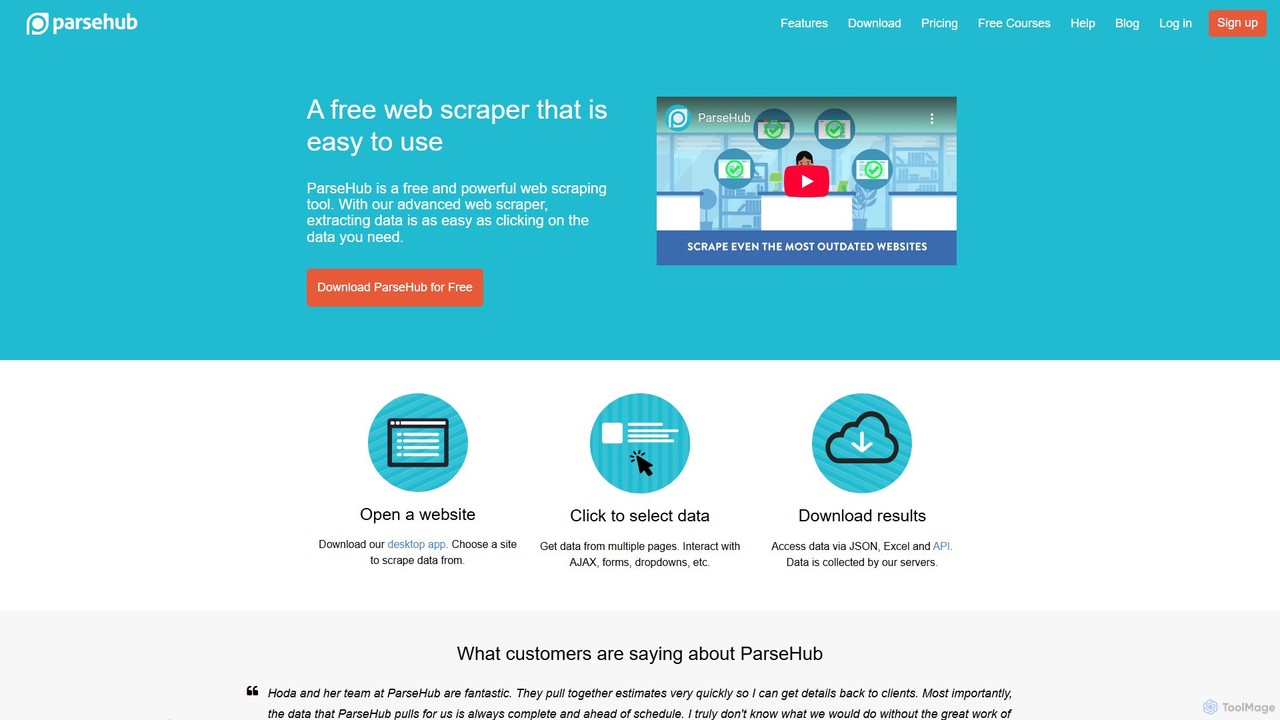
ParseHub
ParseHub is a powerful, no-code web scraping tool that allows users to extract data from any website with a simple point-and-click interface. It's designed to handle complex, dynamic sites with JavaScript, AJAX, forms, and infinite scroll. Data can be collected on a schedule, exported as JSON/Excel, or accessed via API, making it ideal for lead generation, market research, and data aggregation.
Web Scrapingwebscrapeai Categories
webscrapeai Embed Widget
Copy this embed code to place the badge on your blog, article, or product site and send readers directly to this ToolMage detail page.

Related AI tools
Crawly
Crawly is an AI-powered web crawler by Diffbot that automatically extracts structured data from entire websites. Simply input a URL, and Crawly spiders the site to pull key information like articles, products, and discussions, converting it into clean JSON or CSV data without any coding required.
Web Scraping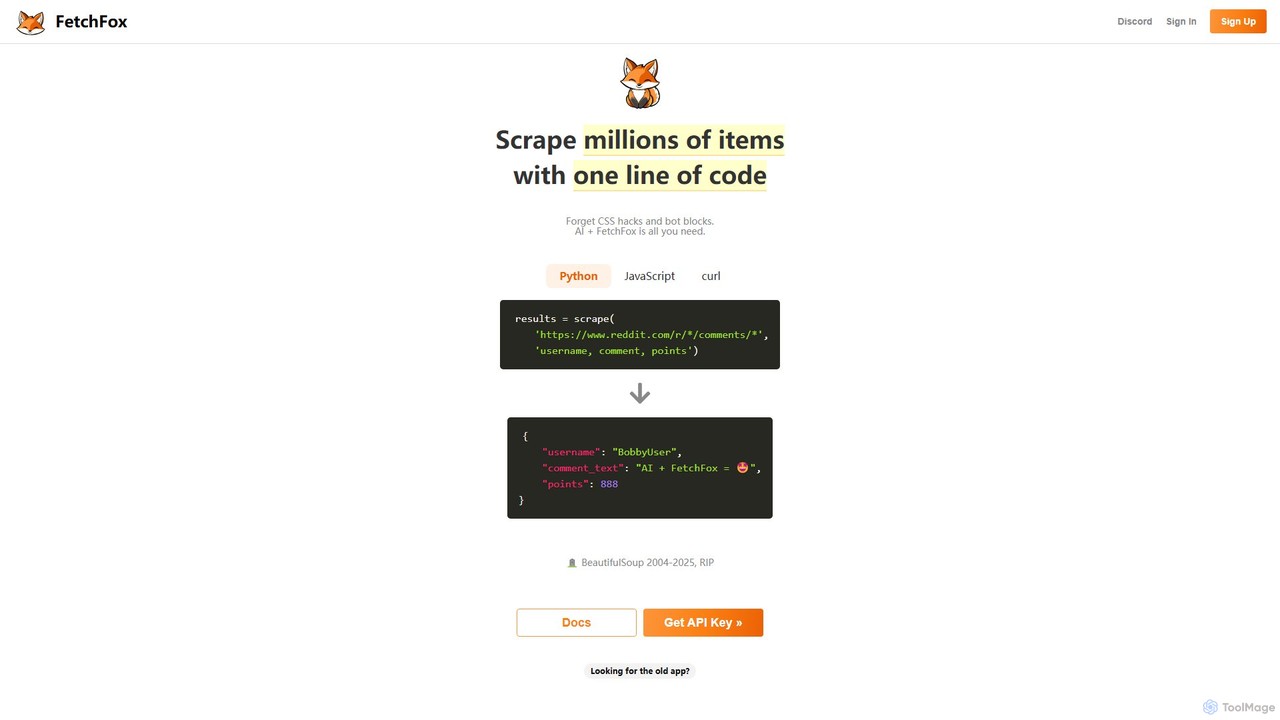
FetchFox
FetchFox is an AI-powered web scraping tool that allows users to extract data from any website using simple text prompts. It eliminates the need for complex coding or CSS selectors, automatically handling anti-bot measures. Available as an API, JavaScript library, and Chrome extension, it's designed for both developers and non-technical users to automate data collection effortlessly.
Data ExtractionSimplescraper
Simplescraper is a powerful web scraping tool that extracts data from any website in seconds. It offers a user-friendly Chrome extension for no-code data selection, cloud-based automation for large-scale scraping, and an innovative AI Enhance feature to pull insights using simple prompts. Turn websites into structured data (CSV, JSON) or instant APIs, and integrate with tools like Google Sheets and Airtable.
Web ScrapingOctoparse
Octoparse is a powerful no-code web scraping tool that allows anyone to extract data from websites without programming. It features a visual workflow designer, an AI-powered assistant for easy setup, and hundreds of pre-built templates for popular sites. With cloud-based automation, IP rotation, and CAPTCHA solving, Octoparse handles complex scraping tasks efficiently, turning web pages into structured data for lead generation, market research, and more.
Web ScrapingParseHub
ParseHub is a powerful, no-code web scraping tool that allows users to extract data from any website with a simple point-and-click interface. It's designed to handle complex, dynamic sites with JavaScript, AJAX, forms, and infinite scroll. Data can be collected on a schedule, exported as JSON/Excel, or accessed via API, making it ideal for lead generation, market research, and data aggregation.
Web Scraping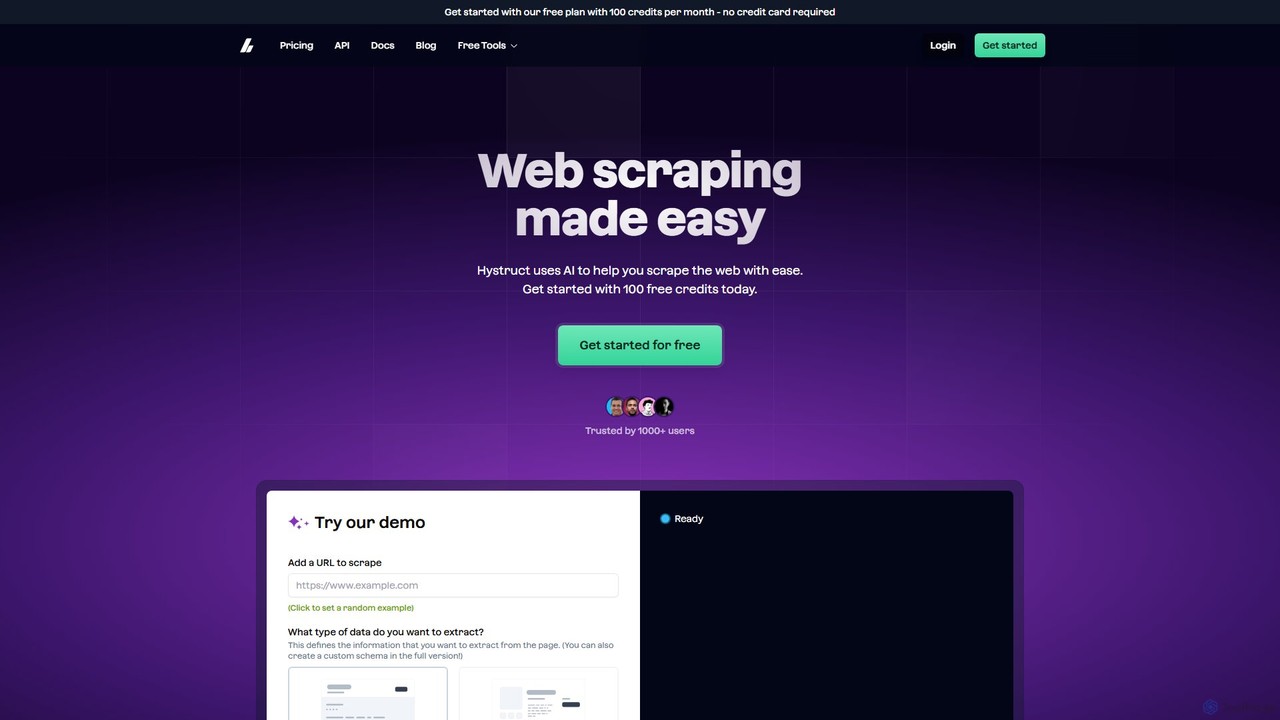
hystruct
hystruct is an AI-powered web scraping tool that simplifies data extraction. It allows users to easily turn unstructured web content into structured data using pre-built or custom schemas, without needing to code. With integrations like Zapier, it automates workflows for market research, lead generation, and more. It's designed for everyone from beginners to enterprise teams.
Scraping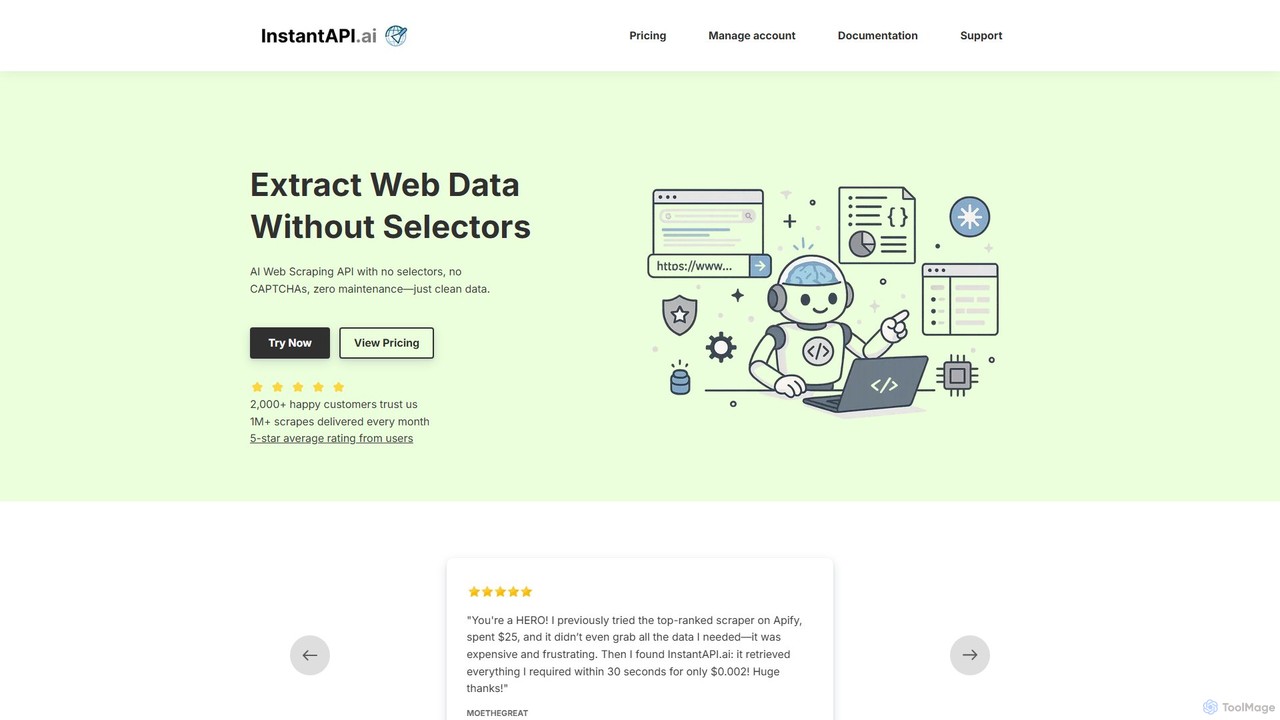
instantapi
instantapi is an AI-powered web scraping API designed for simplicity and speed. It allows users to extract structured data from any website with a single API call, eliminating the need for complex coding or manual setup. Ideal for developers, data analysts, and businesses who need fast, affordable, and reliable data extraction without the hassle of traditional web scrapers.
Data Extraction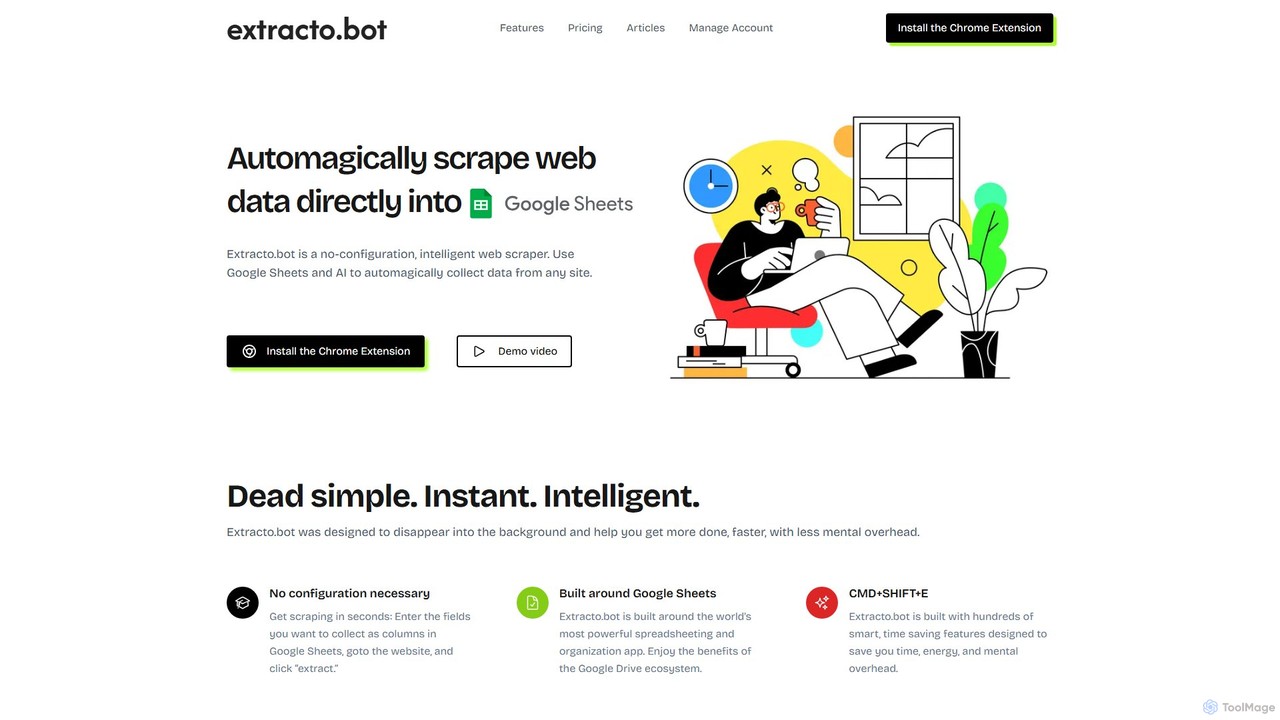
Extracto.bot
Extracto.bot is an AI-powered, no-code web scraper that operates as a Chrome extension. It allows users to effortlessly extract data from any website directly into Google Sheets without any configuration, making data collection simple, fast, and intelligent for various purposes like sales prospecting and market research.
Web Scraping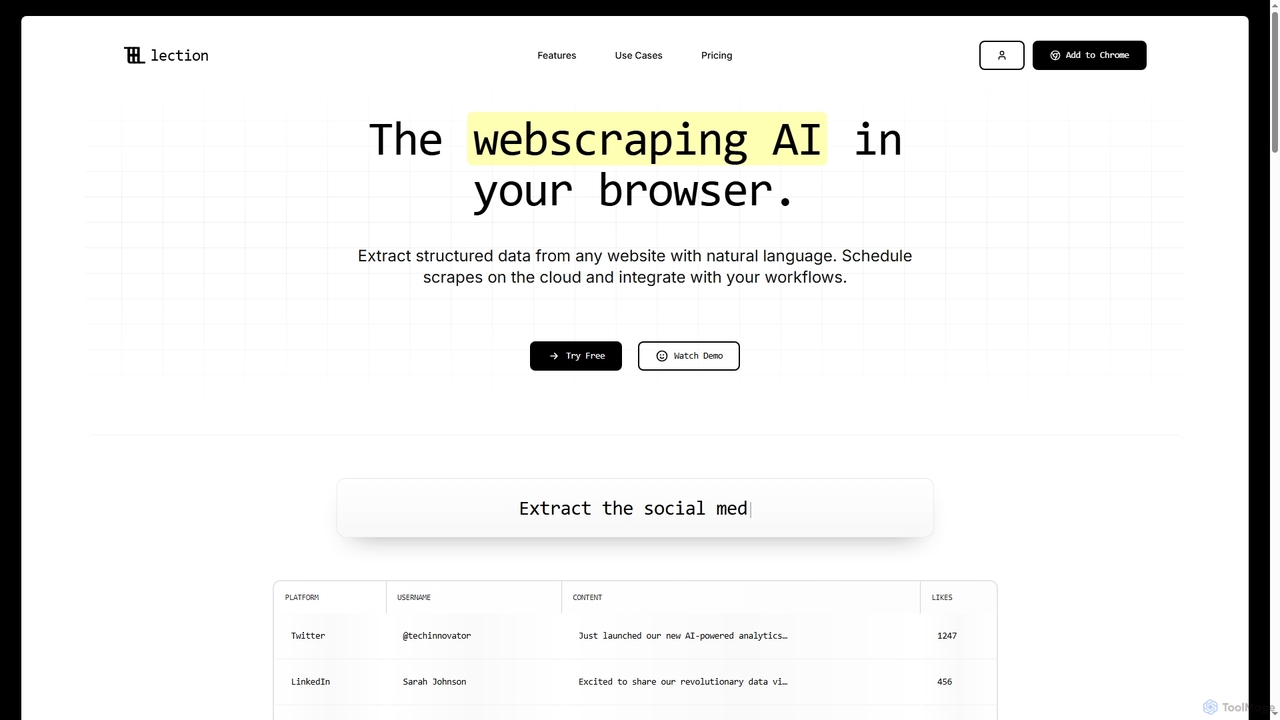
Lection
Lection is an AI-powered web scraping agent that allows users to extract structured data from any website using natural language. It automates data collection, integrates with popular workflows, and provides clean, validated data without requiring any coding expertise.
3D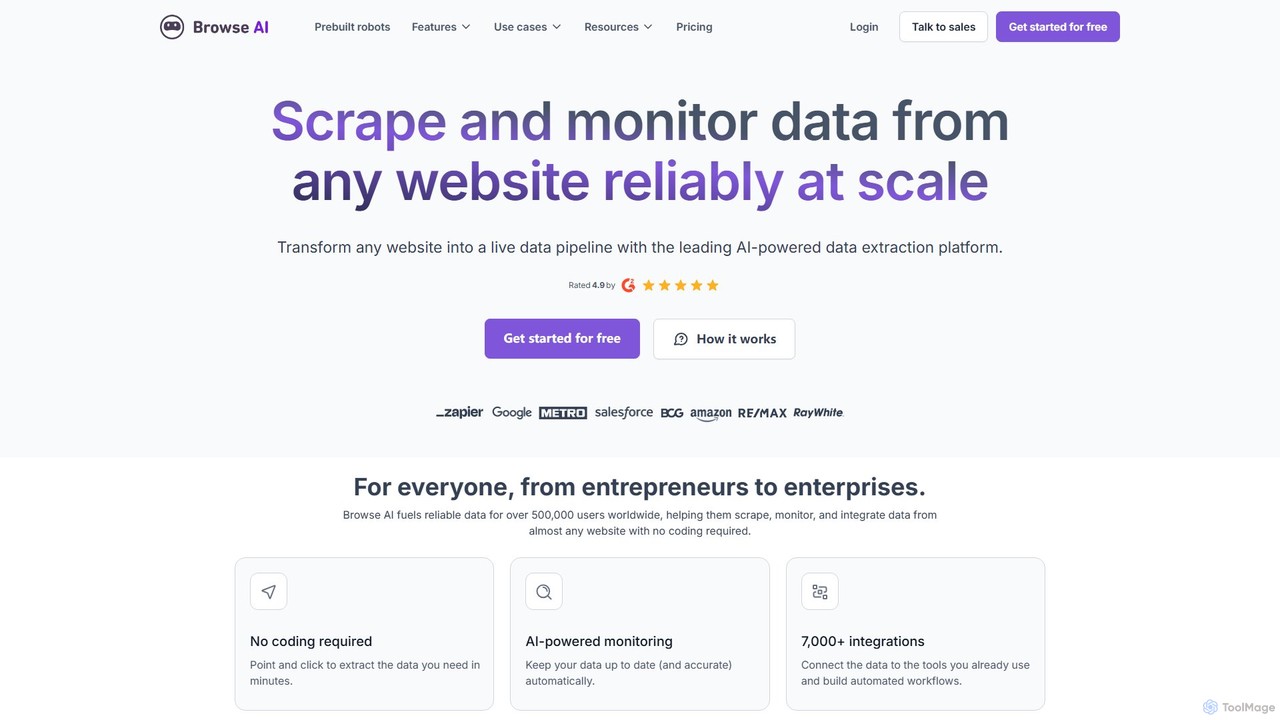
Browse AI
Browse AI is a no-code platform that enables users to extract and monitor data from any website. Easily train a robot to scrape information, turn websites into spreadsheets or APIs, and track changes automatically. It's designed for marketers, researchers, and developers to automate data collection without writing any code, offering prebuilt robots and seamless integrations with tools like Google Sheets and Zapier.
Web Scraping
MrScraper
MrScraper is an AI-powered, no-code web scraping tool that allows users to effortlessly extract structured data from any website. It automates the data collection process, bypassing anti-bot measures like CAPTCHAs and IP blocks, making it ideal for pricing intelligence, market research, and lead generation.
Web Scraping
Roborabbit
Roborabbit is a no-code AI-powered platform for web scraping and browser automation. It allows users to extract data from any website using a simple drag-and-drop interface, without writing any code. Schedule tasks, integrate with over 5000+ apps via Zapier and Make.com, or use the REST API for advanced workflows. It's designed for marketers, data analysts, and developers to automate repetitive tasks, monitor competitors, and gather valuable business intelligence effortlessly.
Data Extraction
ScrapeComfort
ScrapeComfort is an AI-powered, no-code desktop application for effortless web scraping. It leverages ChatGPT to let you extract data from any website using simple plain-text commands, eliminating the need for technical skills like CSS selectors or XPaths. It's designed for users of all levels to automate data collection for market research, lead generation, and data analysis.
Scraping
Crawlora
Crawlora is an AI-powered, no-code web scraping platform that enables users to effortlessly extract data from any website. Its intelligent point-and-click interface simplifies data extraction, allowing you to turn web pages into structured data (CSV, JSON) without writing a single line of code. Ideal for market research, lead generation, and price monitoring.
Data Extraction
webscrapeai Comments (0)
Sign in to comment.
Sign inNo comments yet.