ToolMage
Sign in

Best 7 Social Media Automation AI tools for Marketing

Popular Social Media Automation AI tools in Marketing include Pastors.ai, Linked API, Podcast Rocket, DepopAid, Crowly, Uxer, and relayed.ai, helping you work more efficiently.

Crowly
Paid

Crowly

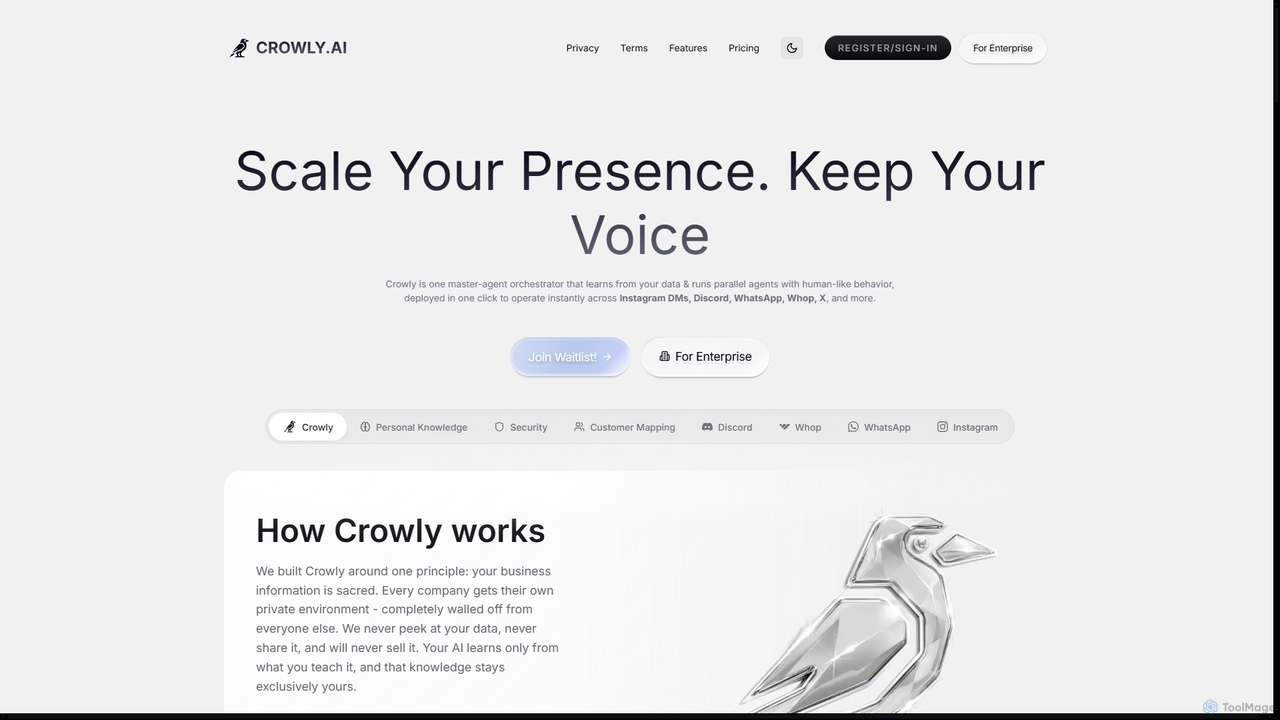
Crowly is an advanced AI agent orchestrator designed for enterprises to scale their presence and maintain brand voice across multiple platforms. It deploys human-like AI agents instantly on channels like Instagram DMs, Discord, WhatsApp, and X, learning from your data in a secure, private environment.

Chatbot
Visits 6.9KFavorites 44Likes 45
Pastors.ai
Freemium

Pastors.ai

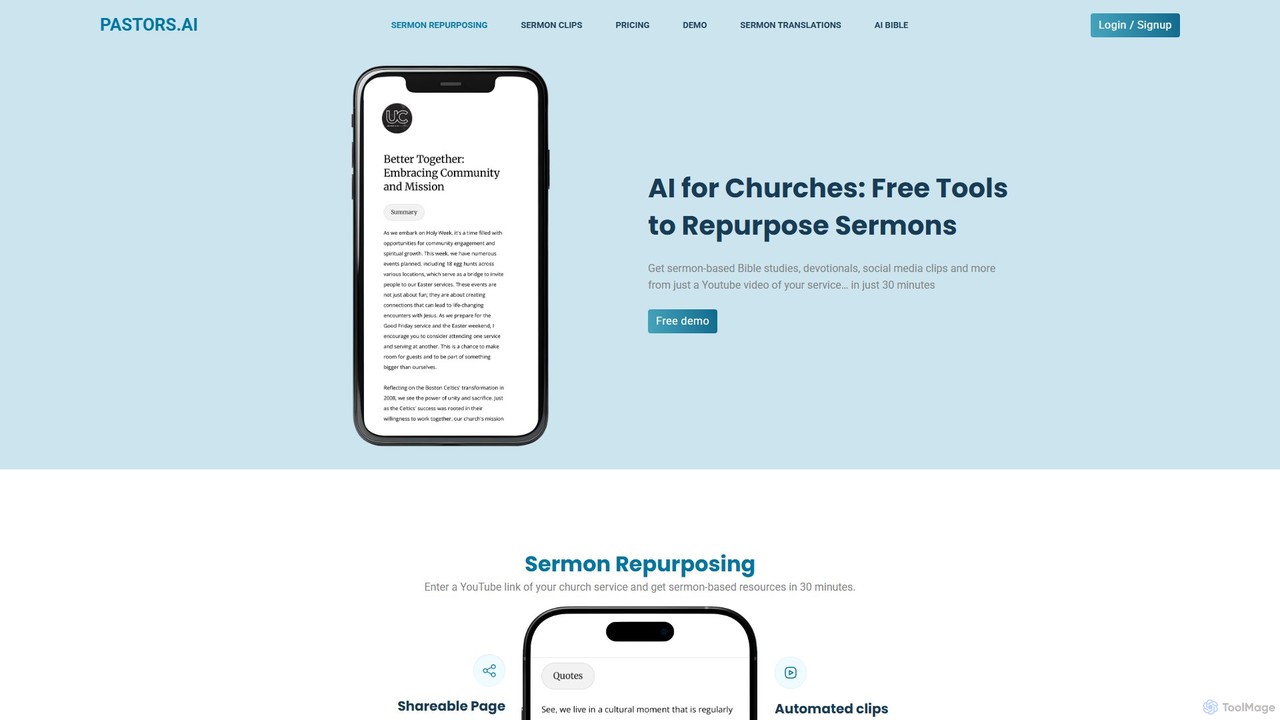
Pastors.ai is an AI-powered platform designed for churches and ministries. It automatically transforms sermon recordings into a comprehensive suite of resources, including detailed study guides, small group materials, social media clips, devotionals, and a custom AI chatbot trained on your church's content to enhance congregation engagement and streamline ministry workflows.

Religion
Visits 49.6KFavorites 139Likes 136
DepopAid
Freemium

DepopAid

DepopAid is a smart Chrome extension designed for Depop sellers to automate their store management. It boosts sales and visibility by auto-refreshing listings, following/unfollowing users, and liking products. With human-like automation and a focus on privacy, it saves hours of manual work, helping sellers grow their audience and increase profits efficiently. It offers a user-friendly interface on your computer, complete with scheduling and customization options.

Store Management
Visits 7.4KFavorites 134Likes 144
Podcast Rocket
Freemium

Podcast Rocket

Podcast Rocket is an all-in-one AI-powered platform designed to simplify the entire podcasting workflow. From idea generation and scriptwriting to automated audio editing, transcription, and content repurposing, it helps creators save time, improve quality, and grow their audience effortlessly. Ideal for both beginners and seasoned podcasters.

Podcasting
Visits 19.9KFavorites 155Likes 151
Uxer
Freemium

Uxer

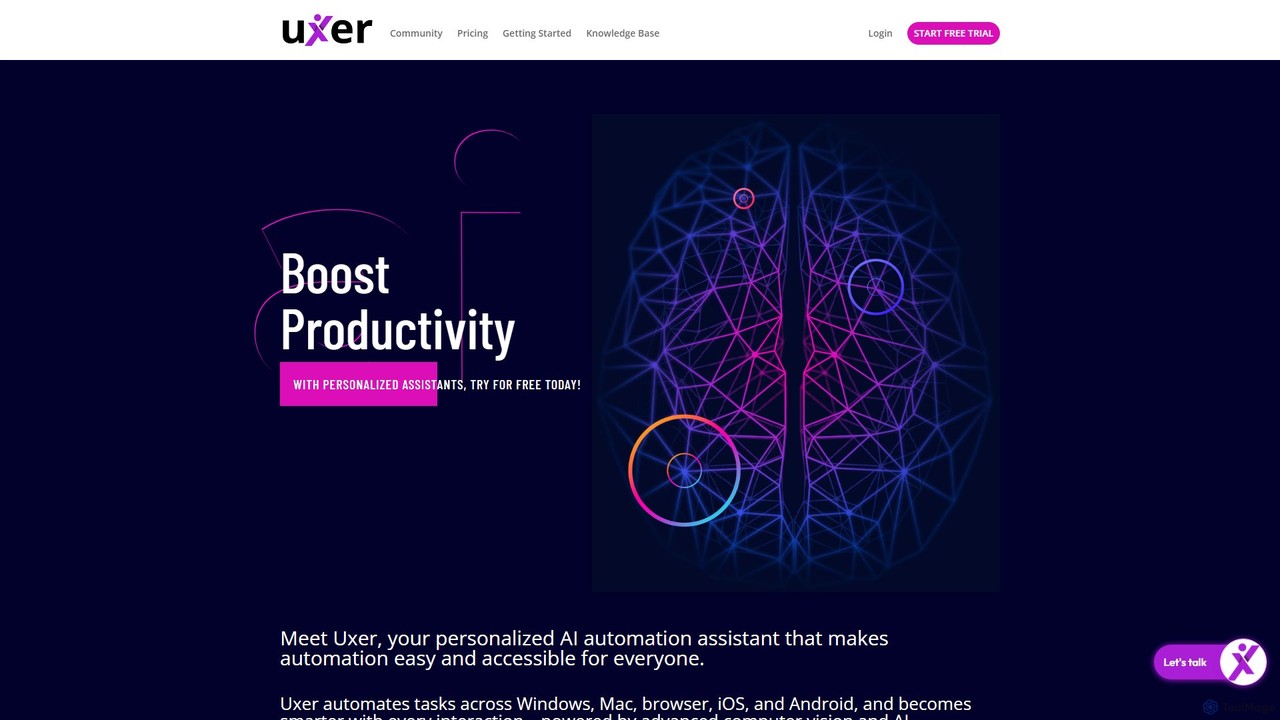
Uxer is a no-code AI automation agent that boosts productivity by automating repetitive tasks across Windows, Mac, browsers, iOS, and Android. Using advanced computer vision and natural language, it allows both non-technical and advanced users to create powerful workflows without complex code. It learns from your interactions to become a smarter, personalized assistant.

Task Automation
Visits 6.3KFavorites 134Likes 119
relayed.ai
Freemium

relayed.ai

relayed.ai is an AI-powered automation platform that intelligently connects your apps and workflows. It automates the process of relaying information, tasks, and data between services like Slack, email, CRMs, and project management tools, ensuring seamless communication and operational efficiency.

Communication
Visits 5.9KFavorites 153Likes 124
Linked API
Paid

Linked API

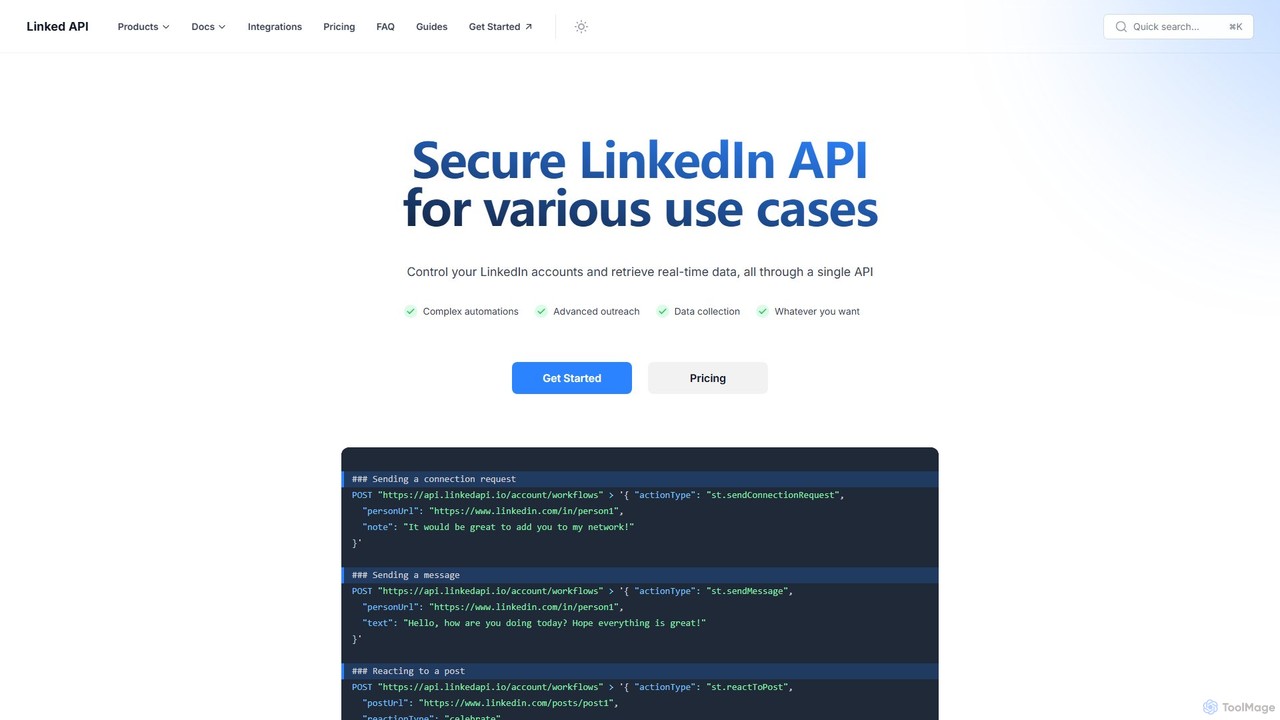
Linked API provides a secure and robust API to automate LinkedIn activities and retrieve real-time data. It's designed for developers, sales teams, and marketers to programmatically manage accounts, automate outreach, and collect valuable data for lead generation, recruitment, and market research.

Api
Visits 35.1KFavorites 129Likes 124

About Social Media Automation

Social Media Automation tools are AI-powered platforms designed to manage, schedule, and execute social media tasks with minimal human intervention. These tools utilize algorithms to determine optimal posting times, curate relevant content, and analyze performance across multiple networks. They enable marketers, brands, and creators to maintain a consistent and engaging online presence, scale their operations, and make data-driven decisions. Unlike basic schedulers, advanced automation platforms often include features like social listening, sentiment analysis, and automated comment moderation.

Core Features

  • Smart Scheduling: Automatically publishes content at peak engagement times specific to each social platform and audience.
  • Content Curation: Discovers and suggests relevant articles, images, and videos based on predefined topics and keywords.
  • Automated Engagement: Manages incoming messages and comments by providing automated replies or routing them to the appropriate team member.
  • Unified Analytics & Reporting: Aggregates performance data from all connected social accounts into a single, comprehensive dashboard.
  • Social Listening: Monitors keywords, hashtags, and brand mentions in real-time to track conversations and audience sentiment.

Applicable Scenarios

These tools are essential for digital marketing agencies managing multiple client accounts, enabling centralized control and streamlined reporting. They are also widely used by corporate marketing teams to execute complex content strategies across various channels. Solopreneurs and small businesses leverage them to save time and compete with larger brands by maintaining a consistent social media presence.

Selection Criteria

When choosing a tool, first evaluate which social media platforms it supports and the depth of its integration. Assess the sophistication of its automation capabilities, from simple post scheduling to complex, rule-based engagement workflows. Scrutinize the analytics features to ensure they provide actionable insights. Finally, consider the pricing model and whether it scales effectively with the number of accounts and team members you need to manage.

Social Media Automation use cases

1

Automate Multi-Platform Content Publishing for a Brand

A social media manager for a B2C company needs to publish content 3-5 times daily across Instagram, Facebook, and LinkedIn. Using an automation tool, they upload all content for the week at once, customize captions for each platform, and activate the 'smart schedule' feature. The AI then determines the optimal posting time for each network's audience and publishes the content automatically. This process saves over 10 hours of manual work per week, ensures consistent brand messaging, and increases overall engagement by targeting peak activity hours.

2

Manage Client Social Media Accounts at Scale

A digital marketing agency handles social media for 15 different clients. An automation tool provides a centralized dashboard to manage all accounts without constantly logging in and out. The team sets up content approval workflows, allowing clients to review and approve scheduled posts before they go live. At the end of each month, the tool automatically generates and emails white-labeled performance reports to each client. This streamlines client management, reduces reporting time by over 80%, and enhances transparency and professionalism.

3

Curate and Schedule Industry News for Thought Leadership

A B2B consultant aims to build their personal brand on LinkedIn by sharing relevant industry news. They use an automation tool to set up content curation streams that monitor specific keywords and RSS feeds from top industry publications. The tool automatically pulls in relevant articles. The consultant can then quickly review these suggestions, add their own expert commentary, and schedule them to be posted throughout the week. This strategy helps them maintain an active and authoritative presence with minimal daily effort, establishing credibility and growing their professional network.

4

Automate First-Level Customer Support via Social DMs

An e-commerce store owner receives many repetitive questions via Instagram DMs, such as 'Where is my order?'. They configure an automation tool to detect keywords like 'order status' or 'shipping' in incoming messages. The tool then sends an automated, pre-written reply that provides a link to the order tracking page or explains the shipping policy. This provides an instant response to over 70% of common inquiries, improving customer satisfaction and freeing up the owner's time to handle more complex support issues personally.

5

Monitor Brand Mentions and Competitor Activity

A brand manager needs to track online conversations about their company and its main competitors. They set up social listening streams in an automation tool to monitor specific keywords, hashtags, and competitor brand names. The tool automatically flags any mentions with a negative sentiment, allowing the manager to respond proactively to potential PR issues. It also compiles a weekly report summarizing competitor social media strategies and their top-performing content, providing valuable competitive intelligence without hours of manual research.

6

Run Automated Social Media Contests and Giveaways

A marketing coordinator for a startup wants to run an Instagram giveaway to boost engagement. The rules require users to comment and tag a friend. Instead of manually checking thousands of comments, they use an automation tool. The tool is configured to automatically track all valid entries that meet the criteria. Once the contest ends, it can randomly select a winner from the pool of eligible participants and even send an automated direct message to notify them. This drastically simplifies contest management, ensures fairness, and saves hours of tedious manual work.

Social Media Automation FAQ

What is Social Media Automation?

Social Media Automation is the use of software tools to perform social media marketing tasks without direct human involvement. This goes beyond simply scheduling posts in advance. It encompasses a range of activities such as automatically publishing content at optimal times, curating relevant content from various sources, managing responses to comments and messages, and generating detailed performance analytics reports. The goal is to increase efficiency, maintain a consistent online presence, and scale marketing efforts effectively.

How to choose the right Social Media Automation tool?

Choosing the right tool depends on your specific needs. Consider these key factors:

  • Platform Support: Ensure the tool integrates seamlessly with all the social media channels you use, such as Instagram, TikTok, LinkedIn, and Facebook.
  • Feature Set: Evaluate the depth of automation. Do you just need smart scheduling, or do you require advanced features like social listening, sentiment analysis, and automated comment moderation?
  • Analytics and Reporting: Check if the tool provides actionable insights and customizable reports that align with your key performance indicators (KPIs).
  • Scalability and Pricing: Select a tool with a pricing plan that fits your current budget but can also scale as your team or number of managed accounts grows.
  • User Interface (UI): A clean and intuitive interface is crucial for team adoption and efficient daily use.
What's the difference between Social Media Automation and a simple scheduler?

A simple scheduler is a tool focused primarily on one task: publishing pre-written posts at a specific future time. Social Media Automation platforms are far more comprehensive. While they include scheduling, they also offer a suite of intelligent features to manage the entire social media workflow. Key differences include:

  • Intelligence: Automation tools use AI to suggest optimal posting times, whereas schedulers rely on manual time selection.
  • Engagement: Automation tools can manage incoming messages, moderate comments, and track brand mentions, features typically absent in simple schedulers.
  • Analytics: Automation platforms provide in-depth, cross-platform analytics and reporting, while schedulers often offer only basic post-performance metrics.
  • Content: Many automation tools assist with content curation and discovery, helping you find relevant topics to post about.

In short, a scheduler is for publishing, while an automation tool is for managing and optimizing your entire social media strategy.

Can Social Media Automation hurt my engagement?

It can, if used improperly. Over-automation, such as using generic, robotic comments or publishing content without a human touch, can appear inauthentic and alienate your audience. This can lead to lower engagement rates. However, when used strategically, automation enhances engagement. The key is to automate the right tasks. Use it for repetitive activities like scheduling posts, generating reports, and handling first-level DM queries. This frees up valuable human time to focus on what truly builds community: participating in meaningful conversations, creating high-quality content, and building genuine relationships with followers.

Who should use Social Media Automation tools?

A wide range of professionals and businesses can benefit from Social Media Automation tools. Key users include:

  • Marketing Teams: To efficiently manage multiple brand accounts, maintain a consistent posting schedule, and analyze campaign performance across channels.
  • Digital Agencies: To handle numerous client accounts from a single dashboard, streamline content approval workflows, and automate client reporting.
  • Small Business Owners & Solopreneurs: To save significant time and maintain an active, professional social media presence without needing a dedicated social media manager.
  • Content Creators & Influencers: To schedule content across various platforms, analyze audience growth, and track engagement metrics to optimize their content strategy.