

cron_ai Overview
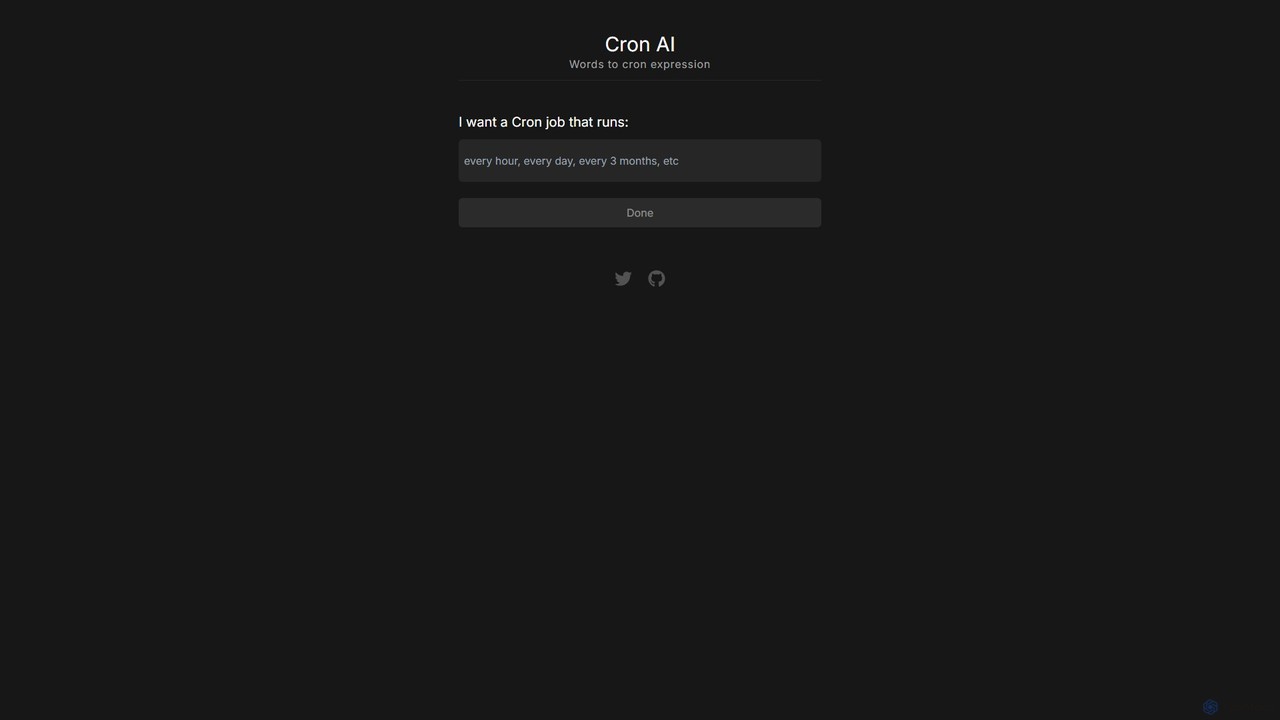
cron_ai is an intelligent, user-friendly web utility designed to bridge the gap between human language and the complex syntax of cron expressions. This powerful tool leverages artificial intelligence to interpret natural language descriptions of schedules and instantly convert them into accurate, ready-to-use cron strings. It is an indispensable asset for developers, DevOps engineers, system administrators, and anyone who needs to automate tasks without the hassle of memorizing or manually constructing cron syntax. By simplifying one of the most common yet error-prone tasks in server management and application development, cron_ai significantly boosts productivity and reduces the risk of scheduling errors.
The core premise of the tool is its simplicity. Users are presented with a clean, minimalist interface focused on a single input field. Instead of grappling with the five or six fields of a traditional cron expression (minute, hour, day of month, month, day of week), the user simply types their desired schedule in plain English. This intuitive approach makes task scheduling accessible to everyone, regardless of their technical expertise. The underlying AI model is trained to understand a wide variety of time-based commands, from simple daily routines to more complex, specific schedules.
How to use cron_ai
Using cron_ai is a remarkably straightforward process, designed for maximum efficiency:
- Navigate to the Website: Open your web browser and go to the cron_ai application.
- Describe Your Schedule: In the prominent text box, type a description of the cron job you want to create. Use natural, everyday language. For example, you could type "every 5 minutes", "run at 2:30 AM every Tuesday and Friday", or "on the 1st of every month at midnight".
- Generate the Expression: After typing your description, click the "Done" or "Generate" button. The AI will process your request in real-time.
- Review and Copy: The corresponding cron expression (e.g.,
*/5 * * * *) will instantly appear. The tool also provides a plain English explanation of the generated expression to confirm its accuracy. - Copy to Clipboard: A convenient "Copy" button allows you to copy the generated cron string with a single click, ready to be pasted into your crontab, script, or application configuration.
Core Features of cron_ai
- Natural Language Processing (NLP): At its heart, cron_ai uses a sophisticated AI model to understand and parse human language descriptions of time and frequency.
- Instant Cron Generation: Converts English descriptions into valid cron expressions in a fraction of a second, eliminating manual effort and guesswork.
- Cron to English Translation: As a reverse-lookup feature, it can take an existing cron expression and translate it back into a human-readable description, making it an excellent tool for debugging and understanding existing jobs.
- One-Click Copy: Features a simple "copy to clipboard" function for seamless integration into your workflow.
- Minimalist & Focused UI: The user interface is clean, uncluttered, and dedicated to its primary function, ensuring a distraction-free experience.
- No Sign-up Required: As a free utility, it is immediately accessible without the need for registration or login, allowing for quick, on-the-fly conversions.
Use Cases for cron_ai
cron_ai is versatile and can be applied in numerous scenarios across different roles:
- Backend Developers: Quickly generate cron strings for scheduling background jobs, such as sending newsletters, processing queues, or generating nightly reports.
- DevOps & System Administrators: Effortlessly create and verify cron jobs for system maintenance tasks like automated backups, log rotation, security scans, and clearing cache directories.
- Data Scientists: Schedule data pipelines and ETL (Extract, Transform, Load) jobs to run at specific intervals, such as "every hour from 9 AM to 5 PM on weekdays".
- Students & Beginners: An invaluable educational resource for learning the otherwise intimidating cron syntax. Users can experiment with different descriptions to see how they translate into cron expressions and vice-versa.
- Project Managers: Can use the tool to define and communicate scheduling requirements to development teams in a clear, unambiguous format.
Advantages of cron_ai
The primary advantage of cron_ai is its ability to dramatically lower the cognitive barrier to using cron. Manually crafting a cron string like 30 17 * * 1-5 (for "at 5:30 PM on every day-of-week from Monday through Friday") is prone to errors. cron_ai eliminates this risk by translating a simple request into a validated expression. This leads to increased accuracy, saved time, and reduced frustration. Its simplicity makes it faster than consulting documentation, and its educational aspect helps solidify a user's understanding of task scheduling concepts. Being a free, web-based tool, it is universally accessible from any device with a browser.
Pricing and Plans
cron_ai is offered completely free of charge. There are no subscription plans, hidden fees, or usage limits. It is designed as a public utility for the developer community, providing a simple solution to a common problem without any cost barrier.
Traffic
Latest traffic
Status
Monthly traffic trend
- 2025-9: 1.0K
- 2026-1: 387
- 2026-2: 416
- 2026-3: 897
- 2026-4: 241
- 2026-5: 274
Geography
Top 5 countries / regions
- 🇸🇪Sweden54.3%
- 🇨🇦Canada45.7%
Top keywords
| Keyword | Cost per click |
|---|---|
| cron ai | $0.00 |
| cron ai agent | $0.00 |
| cron app | $0.00 |
| cron jobs svelte | $0.00 |
| vercel cron jobs | $0.00 |
cron_ai Alternatives
cronbuilder
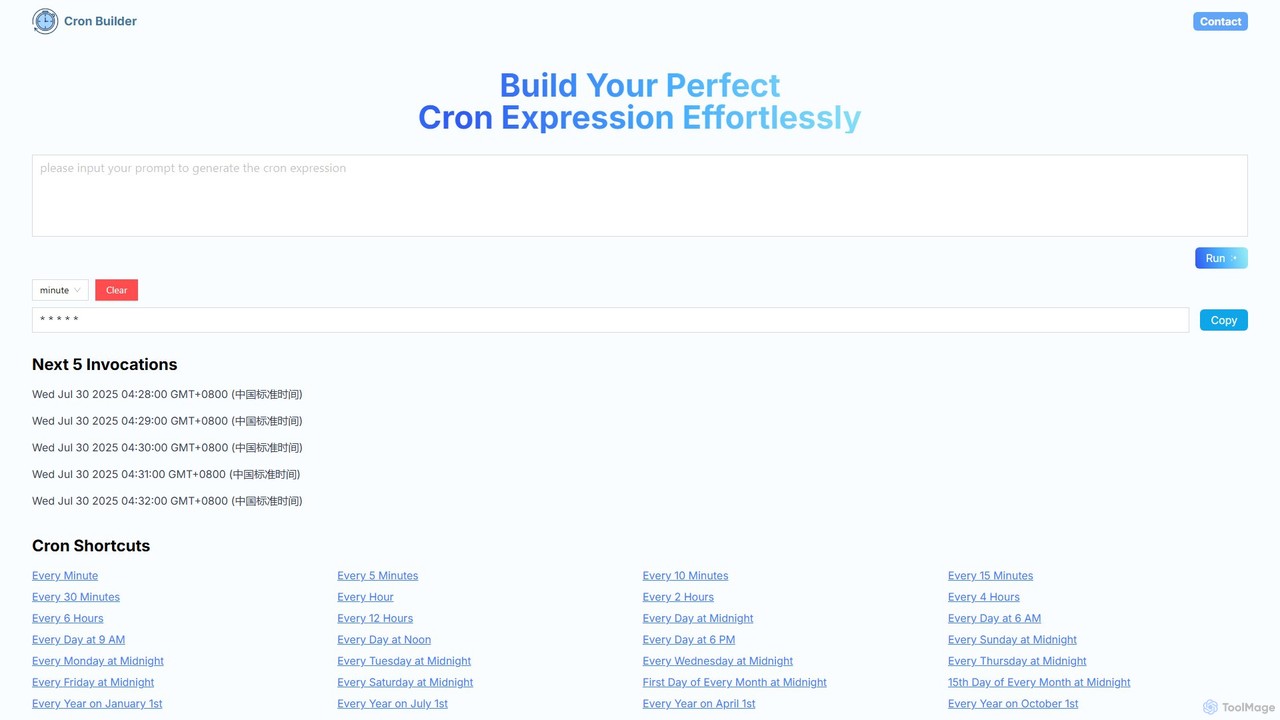
cronbuilder is an AI-powered tool that simplifies the creation of cron expressions. Simply describe your desired schedule in natural language, and the AI will instantly generate the correct cron syntax. It includes real-time validation by showing upcoming execution times and offers a vast library of presets for common tasks, making it ideal for developers, sysadmins, and DevOps engineers.
Task Scheduling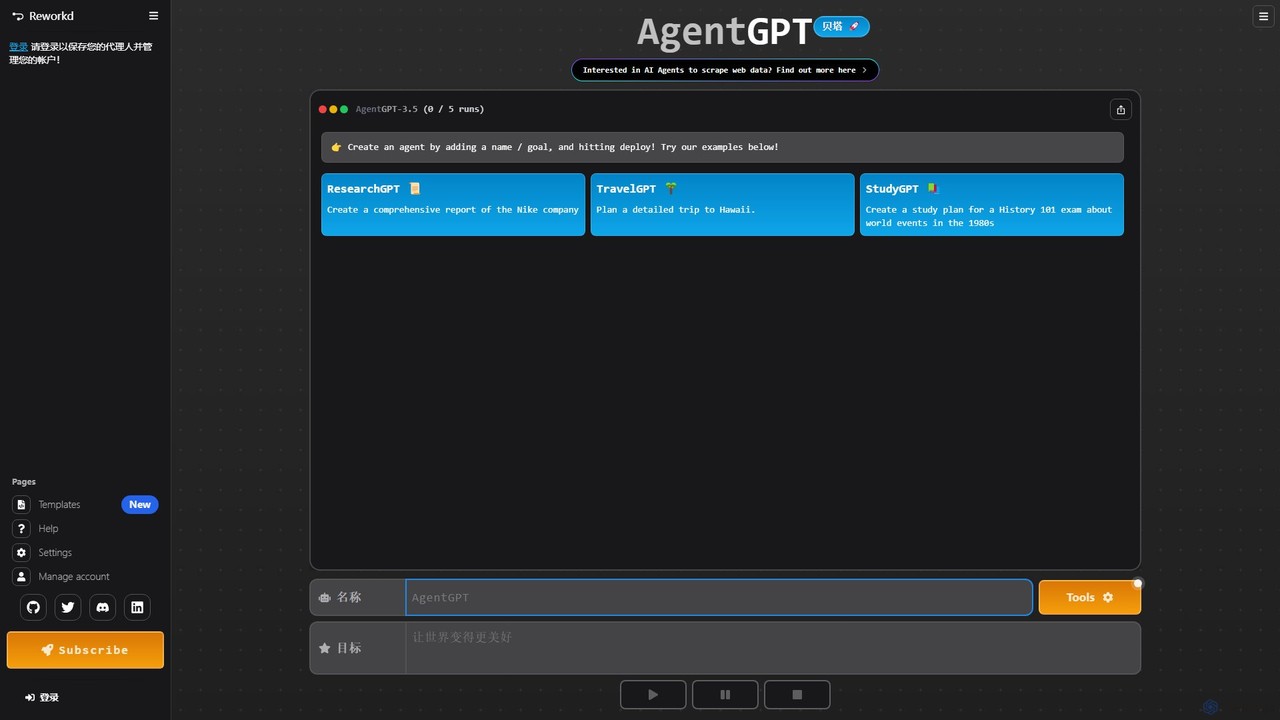
AgentGPT
A powerful platform that allows you to configure and deploy autonomous AI agents directly in your browser. Simply define a goal, and AgentGPT will create a plan, execute tasks, and adapt its strategy to achieve your objective, automating complex processes like research, planning, and content creation.
Automation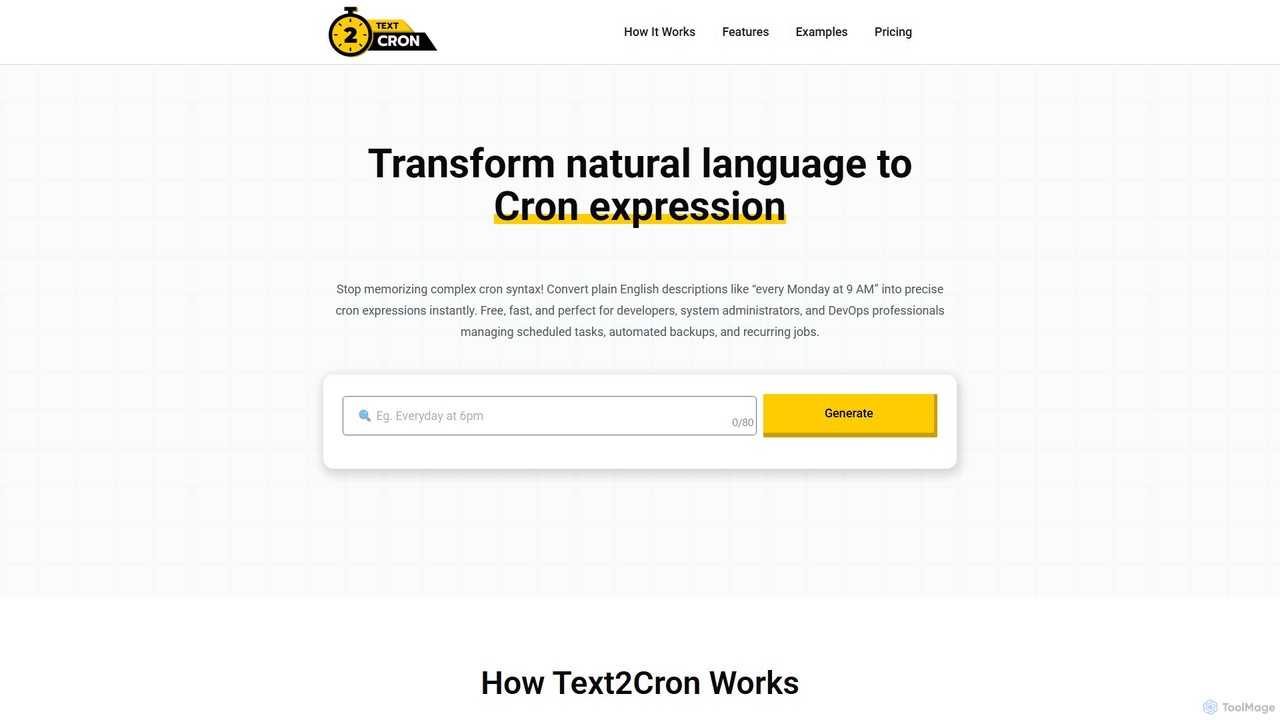
Text2Cron
Text2Cron is an AI-powered tool that instantly converts natural language descriptions into precise cron expressions. Ideal for developers, system administrators, and DevOps professionals, it simplifies task scheduling by eliminating the need to memorize complex cron syntax. It's fast, accurate, and privacy-focused with client-side processing.
Code Assistant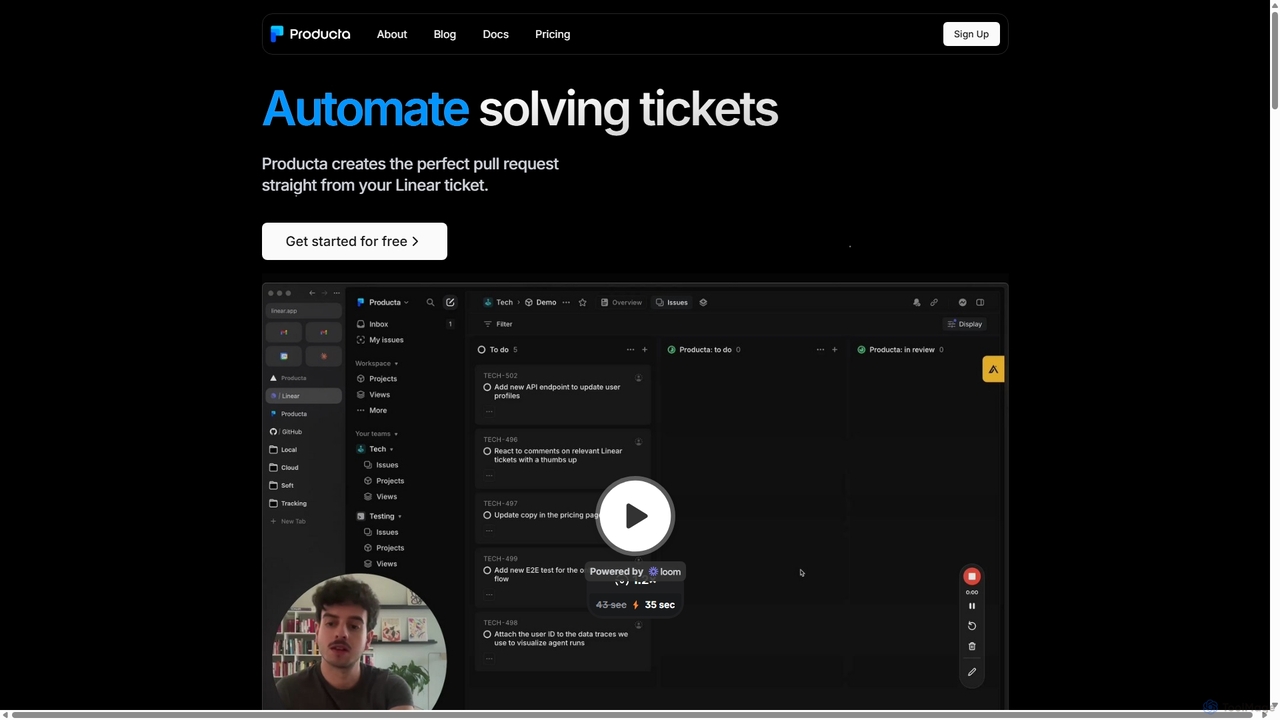
Producta
Producta is an AI-powered software development assistant that automates the entire workflow from a Linear ticket to a GitHub pull request. It intelligently clarifies tasks, generates, tests, and refines code, integrating seamlessly into your existing development process to accelerate bug fixes and feature implementation.
Automation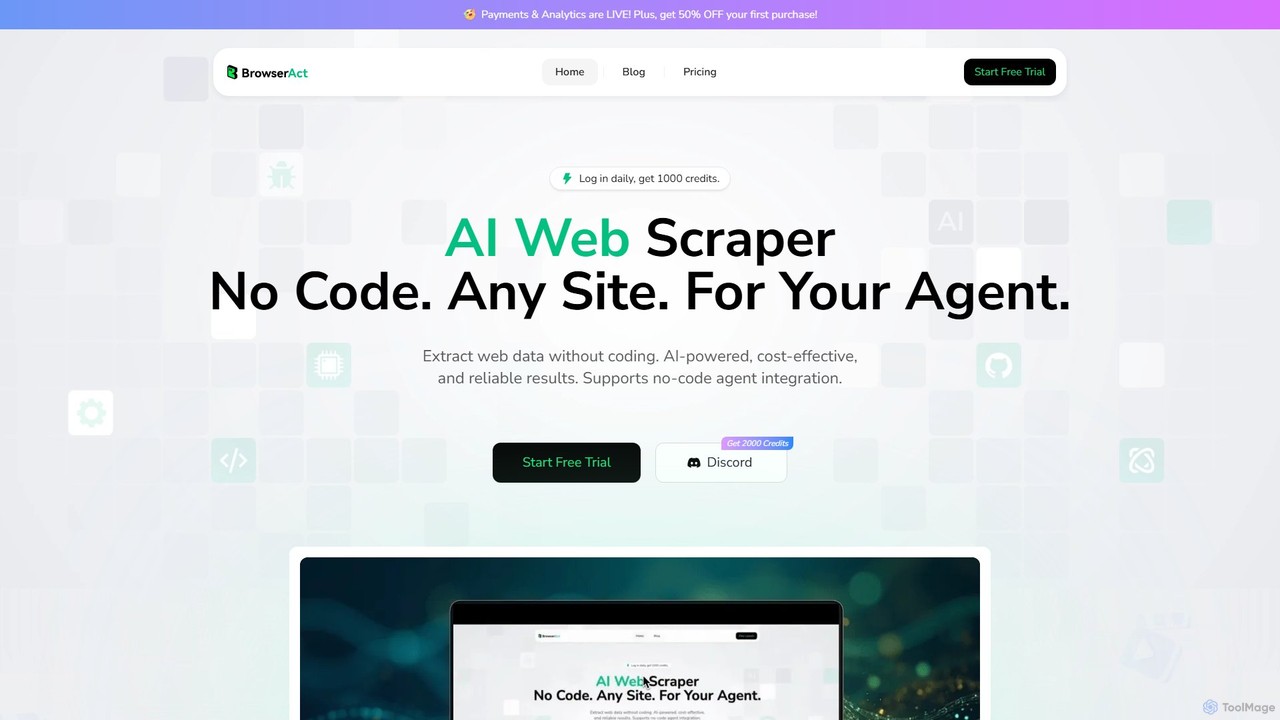
BrowserAct
BrowserAct is an AI-powered, no-code web scraper that allows users to extract data from any website using natural language commands. It's designed for easy integration with AI agents, automating data collection for market research, lead generation, and content monitoring without writing a single line of code.
Web Scrapingcron_ai Categories
cron_ai Embed Widget
Copy this embed code to place the badge on your blog, article, or product site and send readers directly to this ToolMage detail page.

Related AI tools
cronbuilder
cronbuilder is an AI-powered tool that simplifies the creation of cron expressions. Simply describe your desired schedule in natural language, and the AI will instantly generate the correct cron syntax. It includes real-time validation by showing upcoming execution times and offers a vast library of presets for common tasks, making it ideal for developers, sysadmins, and DevOps engineers.
Task SchedulingText2Cron
Text2Cron is an AI-powered tool that instantly converts natural language descriptions into precise cron expressions. Ideal for developers, system administrators, and DevOps professionals, it simplifies task scheduling by eliminating the need to memorize complex cron syntax. It's fast, accurate, and privacy-focused with client-side processing.
Code Assistant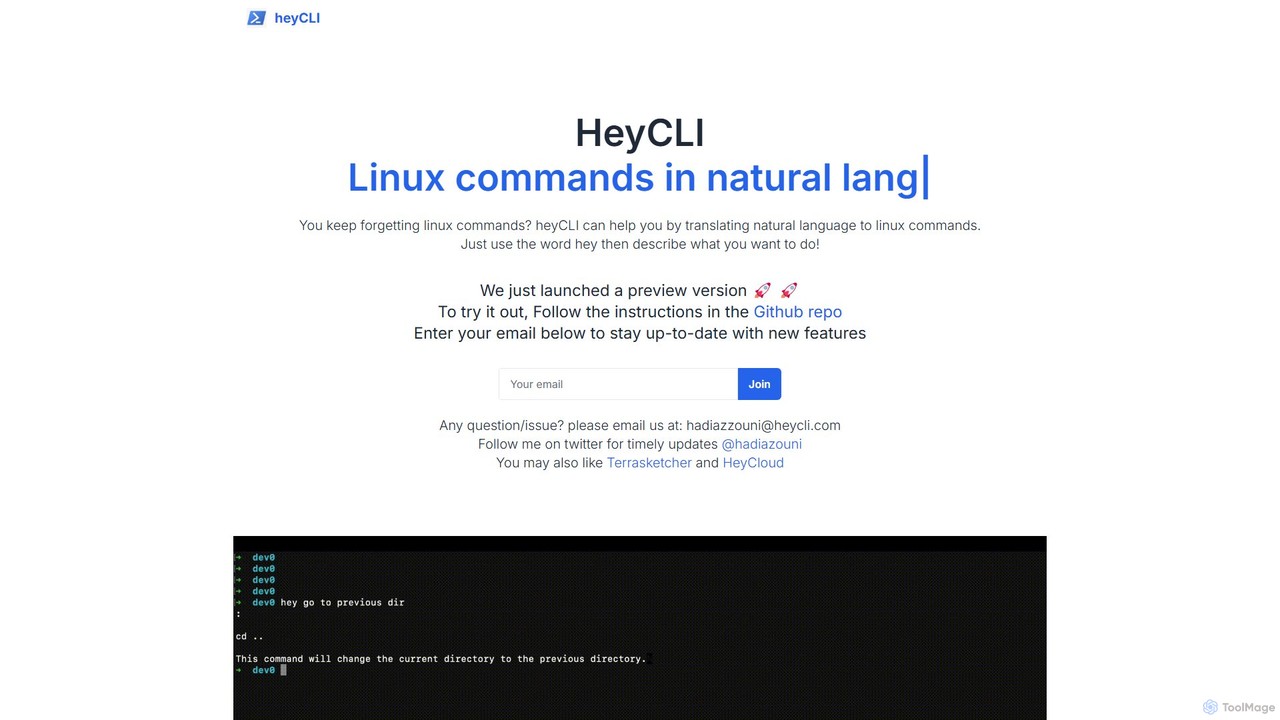
heycli
heycli is an AI-powered copilot for the command line that translates natural language into Linux commands. Simply describe the task you want to perform, and heycli generates the correct command, boosting productivity and reducing the learning curve for developers and sysadmins.
Command Line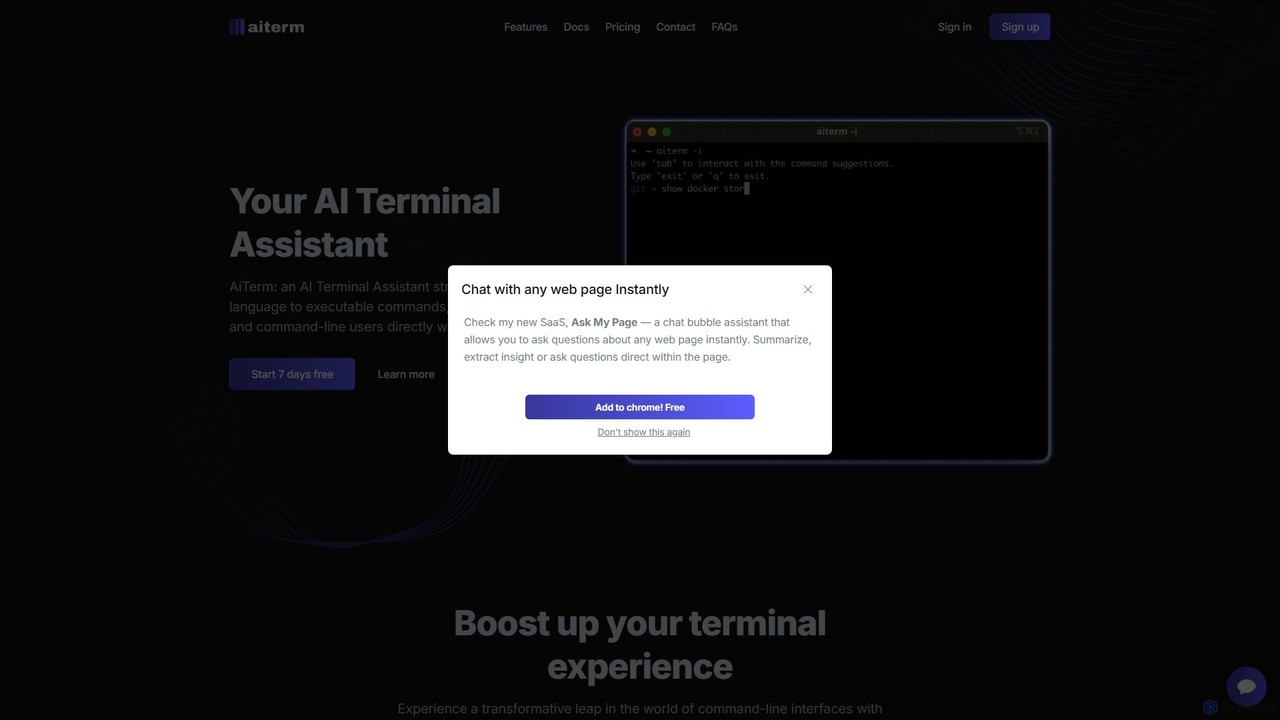
AiTerm
AiTerm is an AI-powered terminal assistant that translates natural language into executable shell commands. It streamlines workflows for developers and command-line users with features like IDE-style autocompletion, command suggestions, and workflow management, all directly within the terminal.
Code Assistant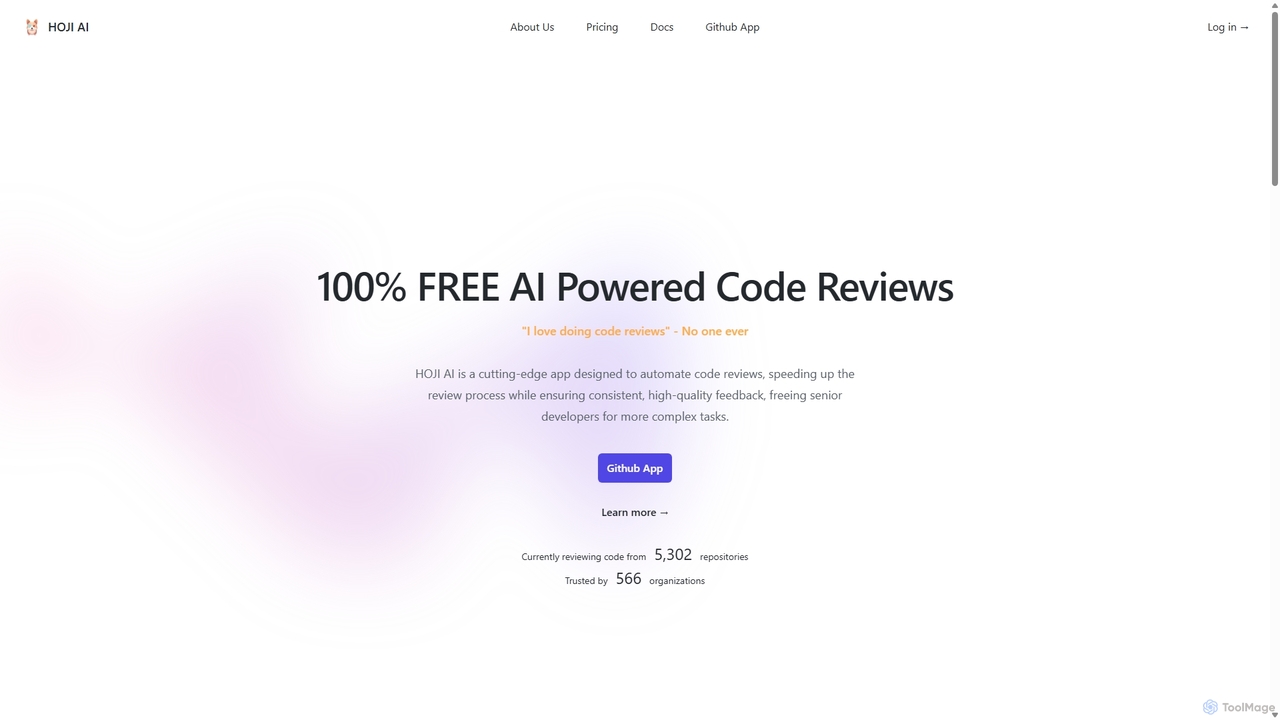
HOJI AI
HOJI AI is a free, AI-powered tool that automates code reviews directly within GitHub. It provides instant, consistent, and high-quality feedback on pull requests, helping development teams increase productivity, improve code quality, and accelerate their development cycles by freeing up senior engineers.
Code Assistant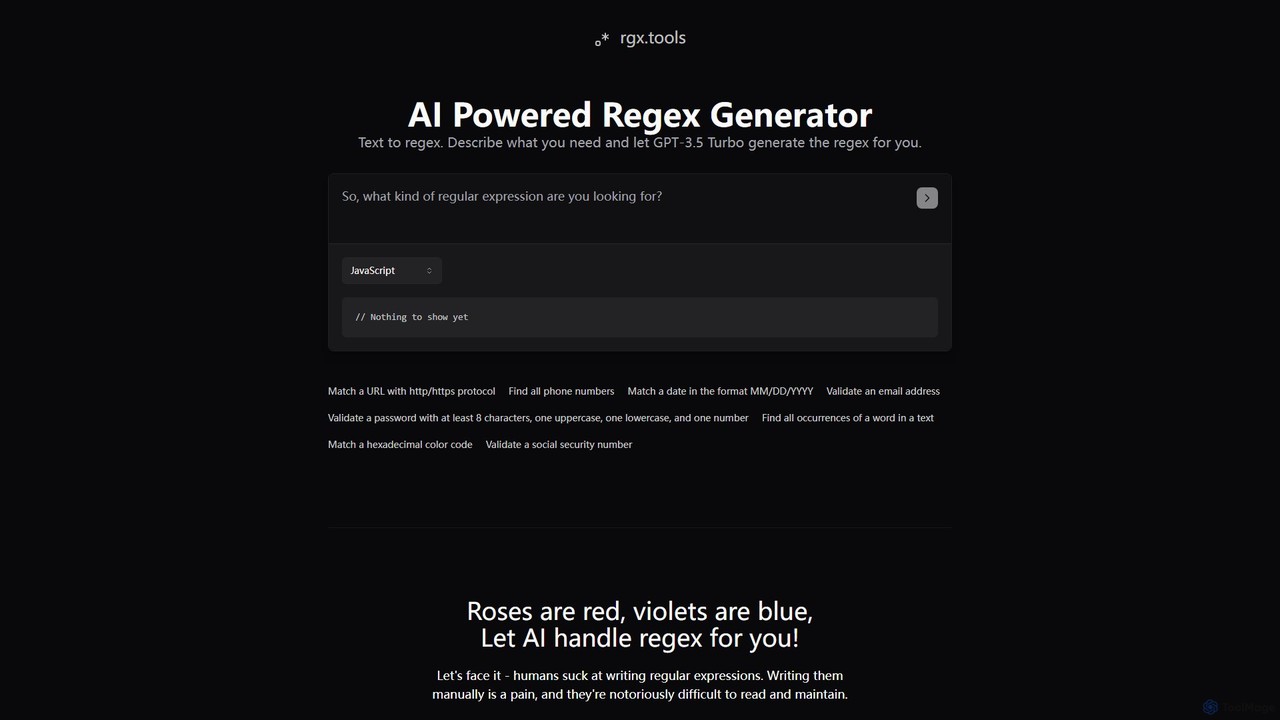
rgx.tools
rgx.tools is an AI-powered generator that translates natural language descriptions into regular expressions (regex). Powered by GPT-3.5, it simplifies the complex task of writing regex for developers and data analysts. Users can describe their pattern matching needs in plain English and instantly receive clean, efficient regex code compatible with multiple programming languages like Python, JavaScript, and Java, complete with usage examples.
Text Processing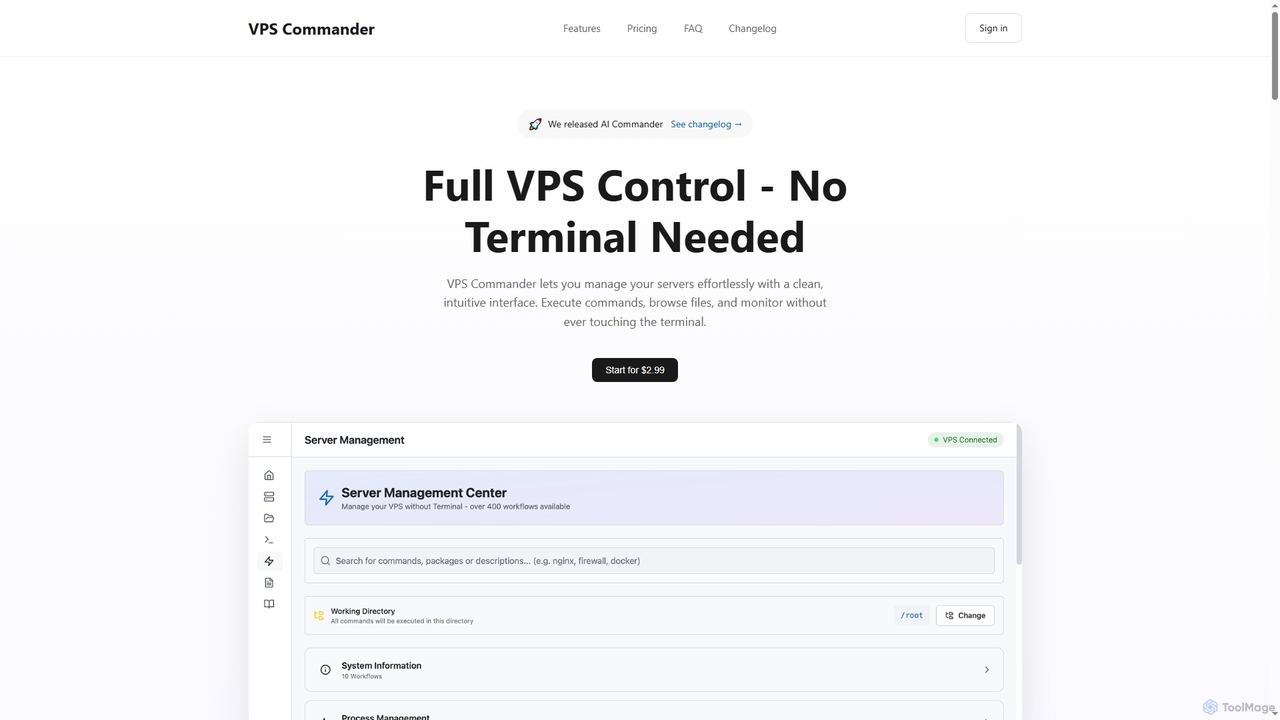
VPS Commander
VPS Commander simplifies complex server management, transforming intricate terminal commands into intuitive clicks. It offers a modern interface for managing workflows, files, and processes, empowering anyone to control their Virtual Private Servers without needing command-line expertise.
Cloud Management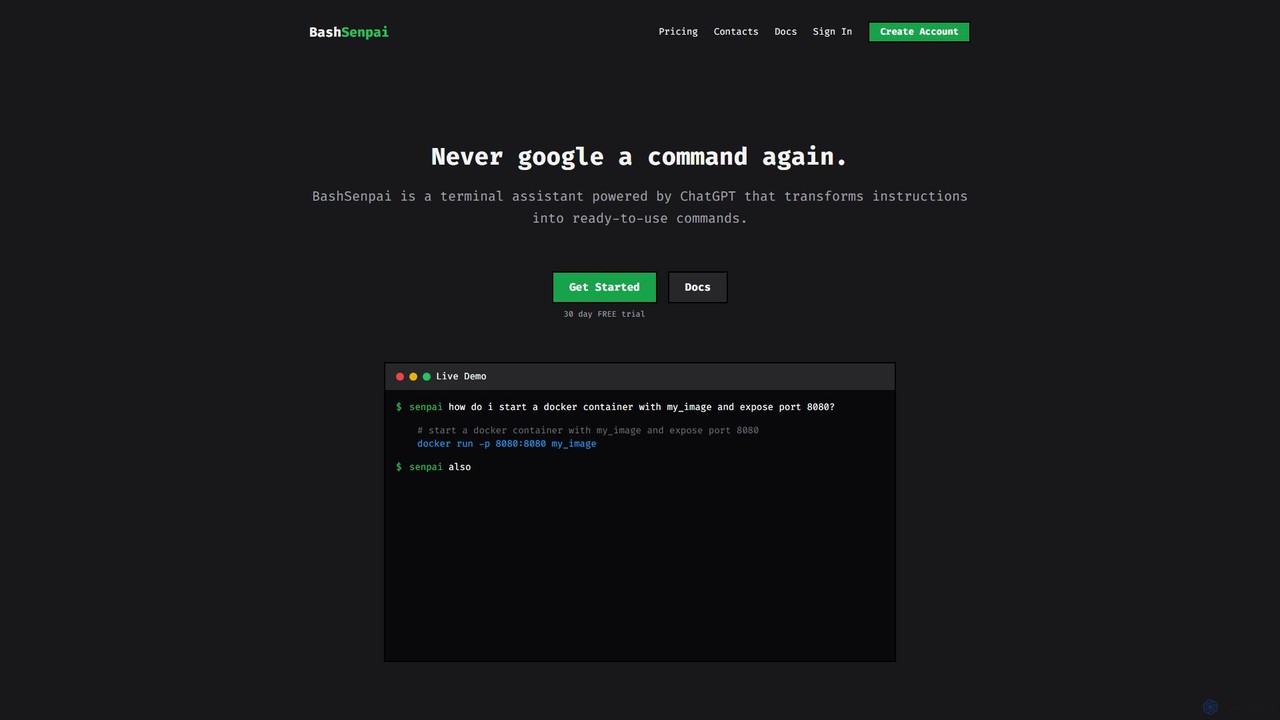
BashSenpai
BashSenpai is a ChatGPT-powered terminal assistant that transforms natural language instructions into ready-to-use shell commands. It operates directly within your terminal, providing context-aware, accurate commands for developers and system administrators, eliminating the need to search online.
Code Assistant
Jyek
Jyek is an AI agent platform that understands objectives, creates execution plans, uses tools, and delivers verifiable results for complex, multi-step tasks.
Automation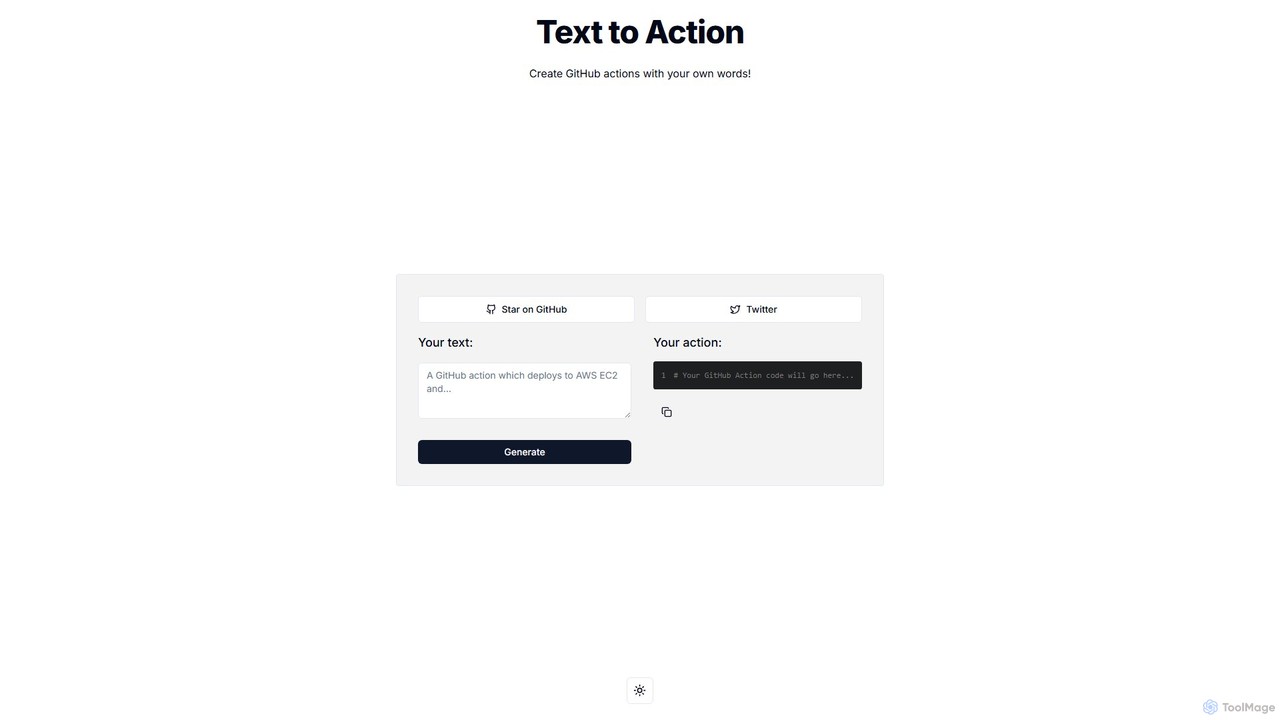
Text to Action
Text to Action is an AI-powered tool that translates natural language descriptions into functional GitHub Actions code. Simply describe your desired workflow in plain English, and the tool will generate the corresponding YAML configuration file, streamlining the CI/CD and automation process for developers.
Ci CdBrowserAct
BrowserAct is an AI-powered, no-code web scraper that allows users to extract data from any website using natural language commands. It's designed for easy integration with AI agents, automating data collection for market research, lead generation, and content monitoring without writing a single line of code.
Web Scraping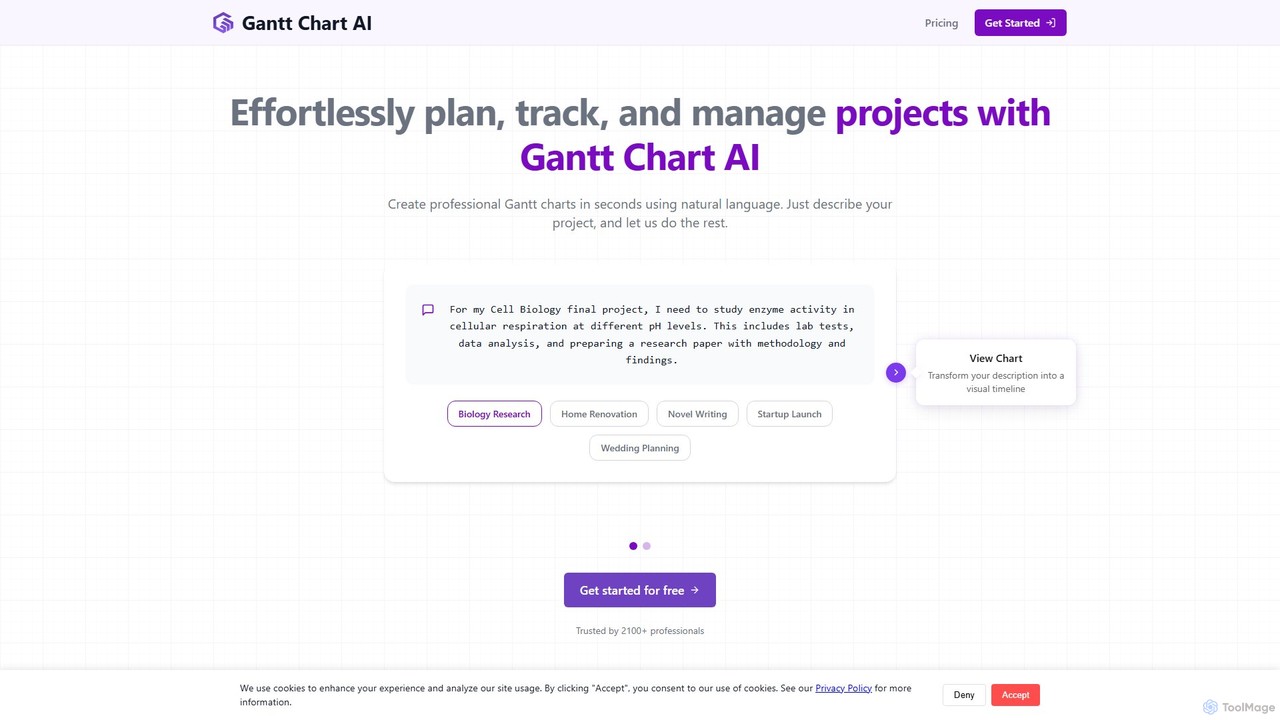
Gantt Chart AI
Gantt Chart AI is an online tool that transforms your project descriptions into professional Gantt charts in seconds. Using natural language, you can effortlessly plan, track, and manage projects. It integrates directly with Google Sheets and allows exporting to Excel, making project scheduling simple and accessible for everyone, from students to professionals.
Project Management
Focus Fox
Focus Fox is an AI-powered assistant designed to streamline your productivity by simplifying calendar and event management. Using natural language, you can instantly create events, organize your schedule, and manage tasks, allowing you to focus on what truly matters. It integrates with your existing calendars to provide a seamless experience.
Ai Assistant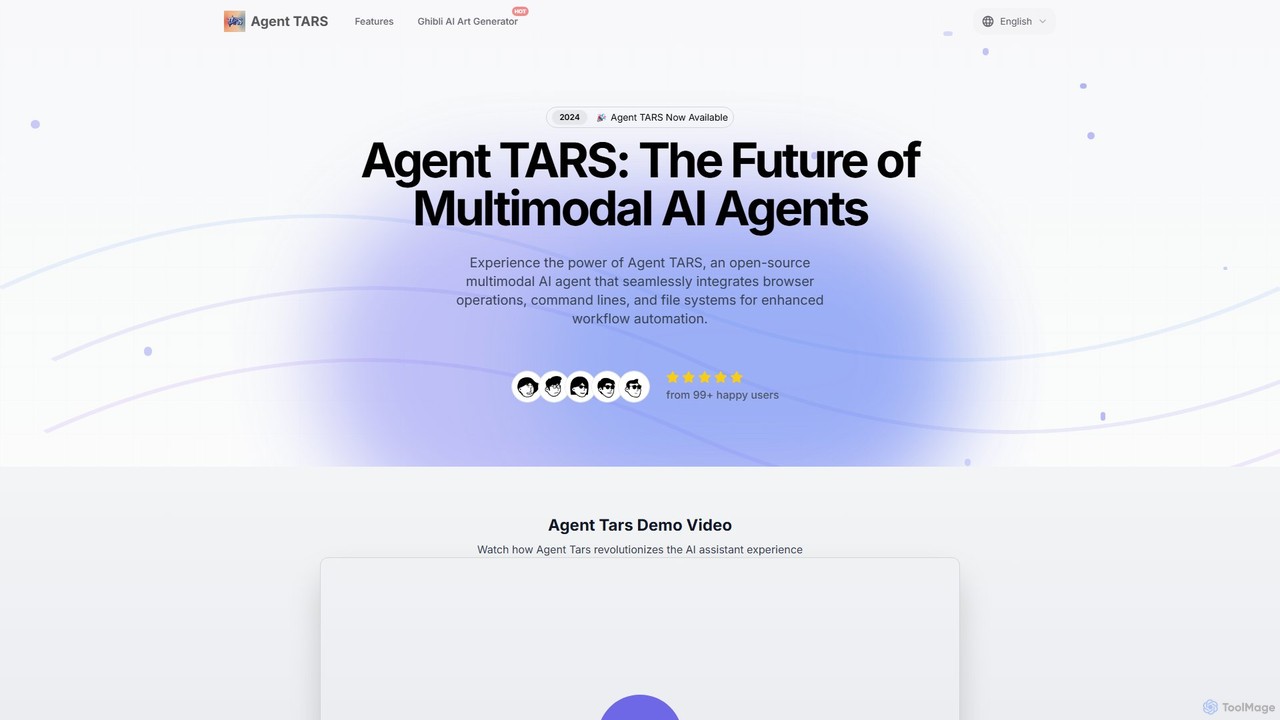
Agent TARS
Agent TARS is a powerful, open-source multimodal AI agent designed for developers and teams. It automates complex workflows by seamlessly integrating browser operations, command-line interfaces, and file systems. Leveraging visual interpretation and sophisticated reasoning, it efficiently handles diverse tasks, from advanced browser automation to intricate tool integrations, boosting productivity and streamlining development processes.
Autonomous Agent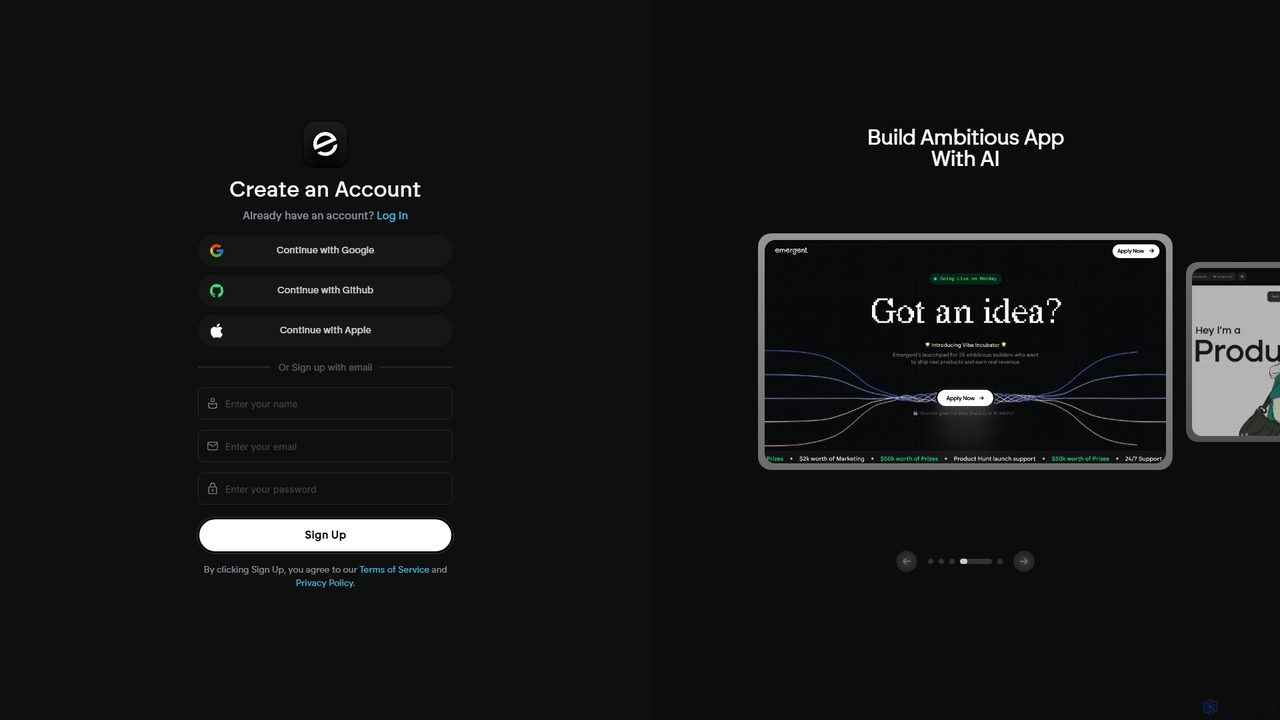
Emergent
Emergent is the world's first agentic vibe-coding platform, designed to build ambitious full-stack applications using AI. It translates natural language descriptions and intent into functional code, empowering developers and teams to prototype, build, and iterate on software faster than ever before.
Development
cron_ai Comments (0)
Sign in to comment.
Sign inNo comments yet.