

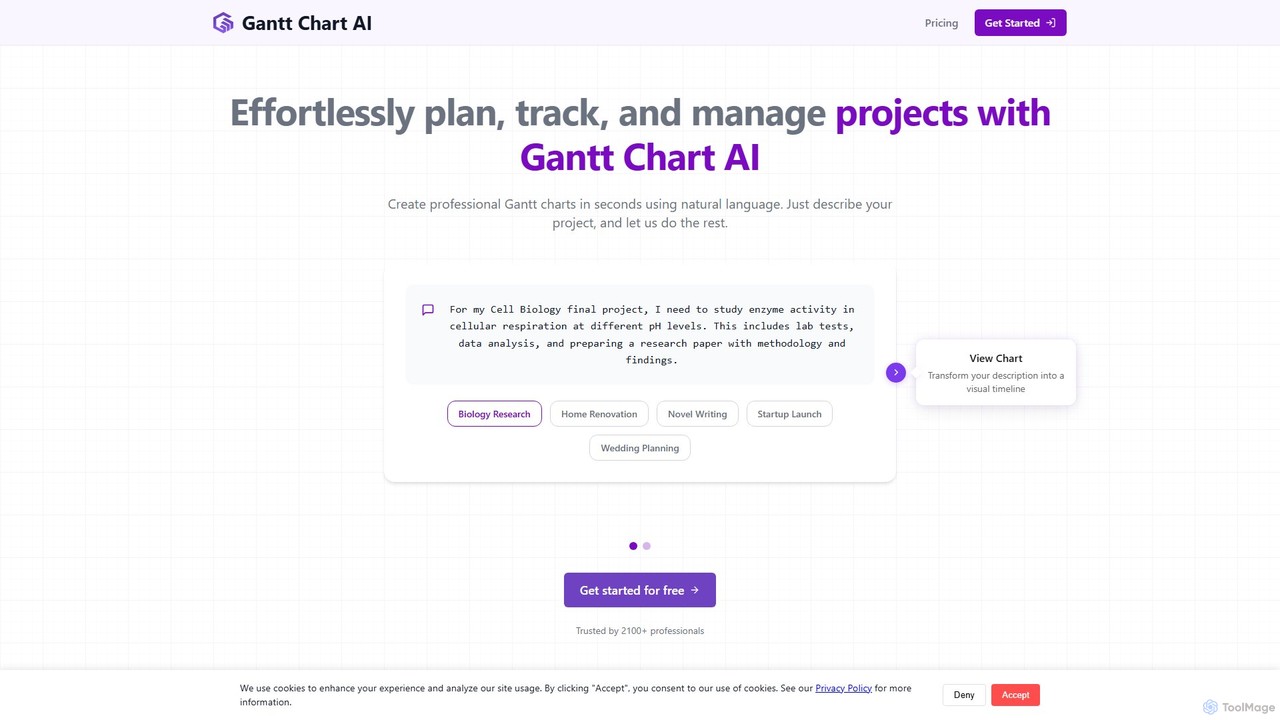
Gantt Chart AI Overview
Gantt Chart AI is an innovative online tool designed to simplify and accelerate the project planning process. It leverages the power of artificial intelligence to transform simple, natural language project descriptions into detailed, professional Gantt charts in mere seconds. This tool eliminates the steep learning curve often associated with traditional project management software, making it accessible to a wide range of users, from students managing academic projects to seasoned professionals launching complex products. By simply describing your project's goals, tasks, and timeline, the AI intelligently identifies key milestones, estimates task durations, and maps out dependencies, presenting it all in a clear, visual timeline.
The platform is built for convenience and integration with existing workflows. It works seamlessly with Google Sheets, allowing users to create, edit, and collaborate on their project timelines using a familiar spreadsheet interface. This integration ensures that teams can work together in real-time, track progress, and make adjustments on the fly. For those who prefer or require offline access, Gantt Chart AI offers the ability to export charts to Microsoft Excel format, ensuring flexibility and compatibility across different environments. The user dashboard provides a centralized location to access and manage all previously created charts, making it easy to revisit and update ongoing projects.
How to use Gantt Chart AI
Getting started with Gantt Chart AI is a straightforward, three-step process designed for maximum efficiency:
- Describe Your Project: Begin by providing a clear title and a detailed description of your project in plain English. The more specific you are about the tasks, team members, and objectives, the more accurate the AI-generated chart will be. You can also specify a start and end date for your project timeline.
- Generate the Chart: With your project description entered, simply click the "Generate Milestones" button. The AI will analyze your text, identify tasks, create a logical sequence, and generate a complete Gantt chart. This process typically takes less than two minutes.
- Review, Edit, and Export: Once generated, your Gantt chart is displayed within a Google Sheet. You can review the milestones, edit task details and durations, and add or remove items as needed. When you are satisfied, you can share the Google Sheet with your team or export the chart as an Excel file for offline use or reporting.
Core Features of Gantt Chart AI
- Natural Language Processing (NLP): Simply describe your project in plain text. The AI understands your requirements and automatically structures them into a project plan.
- Automatic Task & Milestone Generation: The AI intelligently identifies tasks, sub-tasks, and significant milestones from your description, saving you hours of manual planning.
- Intelligent Scheduling: Automatically calculates task durations and visualizes dependencies, helping to create a logical and efficient project timeline.
- Google Sheets Integration: Create, view, and edit your Gantt charts directly within Google Sheets, enabling real-time collaboration and leveraging a familiar interface.
- Excel Export: Easily download your Gantt charts in .xlsx format for offline access, sharing, or integration with other business tools.
- Centralized Dashboard: Log in to your account to access and manage all your past and current project charts in one convenient place.
- Intuitive User Interface: A clean, simple interface that requires no prior project management software experience.
Use Cases for Gantt Chart AI
Gantt Chart AI is a versatile tool suitable for a wide array of projects across various industries. Its simplicity and speed make it ideal for:
- Academic & Research Projects: Students and researchers can quickly map out study phases, experiments, data analysis, and paper writing, like the example of a Cell Biology final project.
- Construction & Renovation: Plan and track all phases of a construction project, from laying the foundation of a backyard patio to coordinating multiple contractors.
- Software Development: Manage agile sprints, feature development cycles, and release schedules with clear visual timelines.
- Product Launches: Coordinate complex, cross-functional activities involving marketing, engineering, sales, and distribution to ensure a successful launch.
- Event Planning: Organize every detail of an event, from booking venues and vendors to managing marketing campaigns and on-the-day logistics, such as wedding planning.
- Content Creation: Manage editorial calendars, track production workflows for articles, videos, or podcasts, and ensure timely delivery.
- Startup Planning: Outline business plans, fundraising stages, product development, and market entry strategies for a new venture.
Advantages of Gantt Chart AI
The primary advantage of Gantt Chart AI is its ability to democratize project management. It offers several key benefits:
- Time-Saving: Reduces project planning time from hours to minutes, allowing you to focus on execution rather than administration.
- Simplicity & Accessibility: No need to learn complex software. If you can describe your project, you can create a professional Gantt chart.
- Enhanced Clarity: Provides a clear, visual overview of the entire project, making it easy to understand timelines, dependencies, and progress at a glance.
- Improved Communication: A visual timeline is a powerful tool for communicating project status, plans, and responsibilities to team members and stakeholders.
- Flexibility: Easily iterate and adjust your plan by modifying the text description or directly editing the chart in Google Sheets.
- Cost-Effective: With a free starting tier and affordable pay-as-you-go pricing, it's a budget-friendly solution for individuals and small teams.
Pricing and Plans
Gantt Chart AI operates on a simple, pay-as-you-go credit system, ensuring you only pay for what you use.
- Free Plan: Get started for free with 2 credits. This plan allows you to create 2 Gantt charts and includes the ability to export to Google Sheets and download as an Excel file.
- 30 Credits Pack: For $3, you get 30 credits (enough for 30 charts at just $0.10 per chart). This popular plan includes access to all premium features, such as all export options and the ability to download previous charts anytime.
- 100 Credits Pack: The best value option at $6 for 100 credits. This brings the cost down to only $0.06 per chart (a 40% saving) and includes all premium features.
All paid plans grant access to premium features, providing a comprehensive and affordable project management solution.
Traffic
Latest traffic
Status
Monthly traffic trend
- 2025-9: 28.9K
- 2026-1: 21.9K
- 2026-2: 23.7K
- 2026-3: 15.6K
- 2026-4: 18.8K
- 2026-5: 14.3K
Geography
Top 5 countries / regions
- 🇺🇸United States36.0%
- 🇮🇳India23.7%
- 🇿🇦South Africa15.0%
- 🇨🇴Colombia14.2%
- 🇦🇺Australia11.1%
Traffic sources
| Source type | Percentage |
|---|---|
Direct | 94.9% |
Referral | 5.1% |
Top keywords
| Keyword | Cost per click |
|---|---|
| ai powered gantt chart | $0.00 |
| ai to make gantt chart | $0.00 |
| gantt chart ai | $27.30 |
| gantt chart generator ai | $0.00 |
| image to gantt chart converter free ai generator | $0.00 |
Gantt Chart AI Alternatives
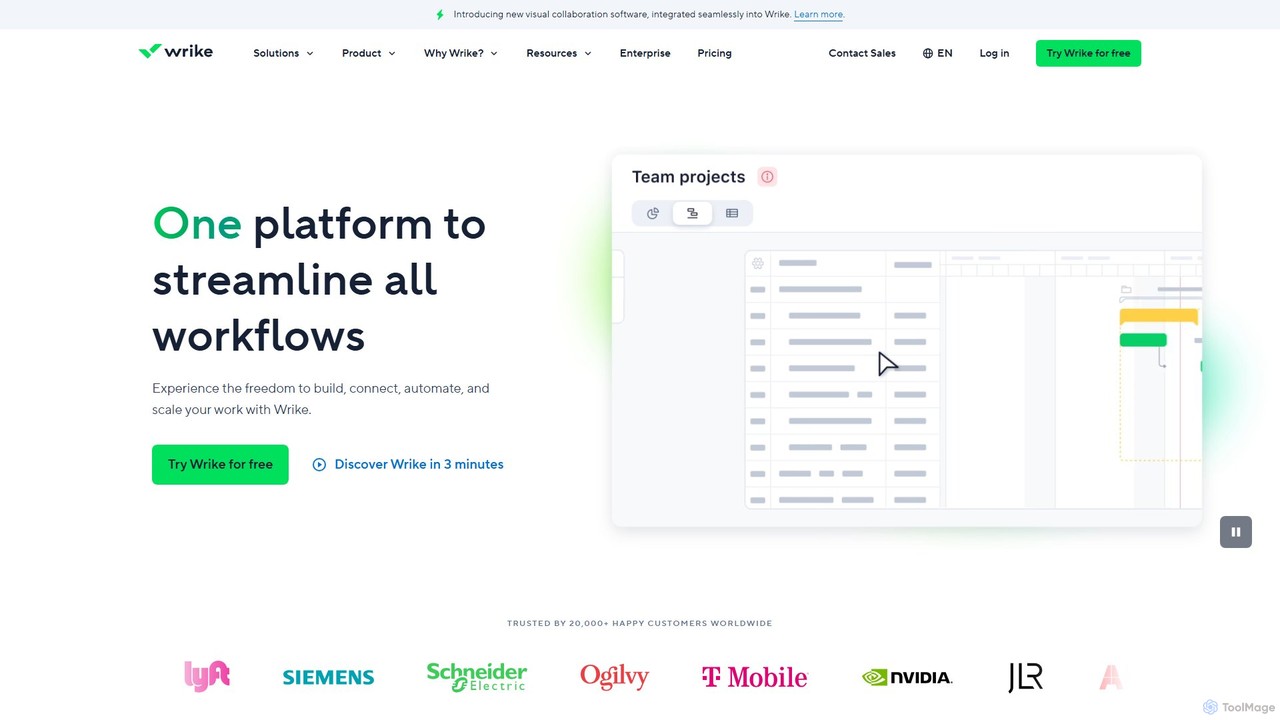
Wrike
Wrike is a versatile and robust project management software powered by AI. It helps teams of all sizes to ideate, plan, execute, and report on work in a single, unified platform. With its Work Intelligence® AI, Wrike automates tasks, predicts project risks, and provides data-driven insights to enhance productivity and collaboration.
Automation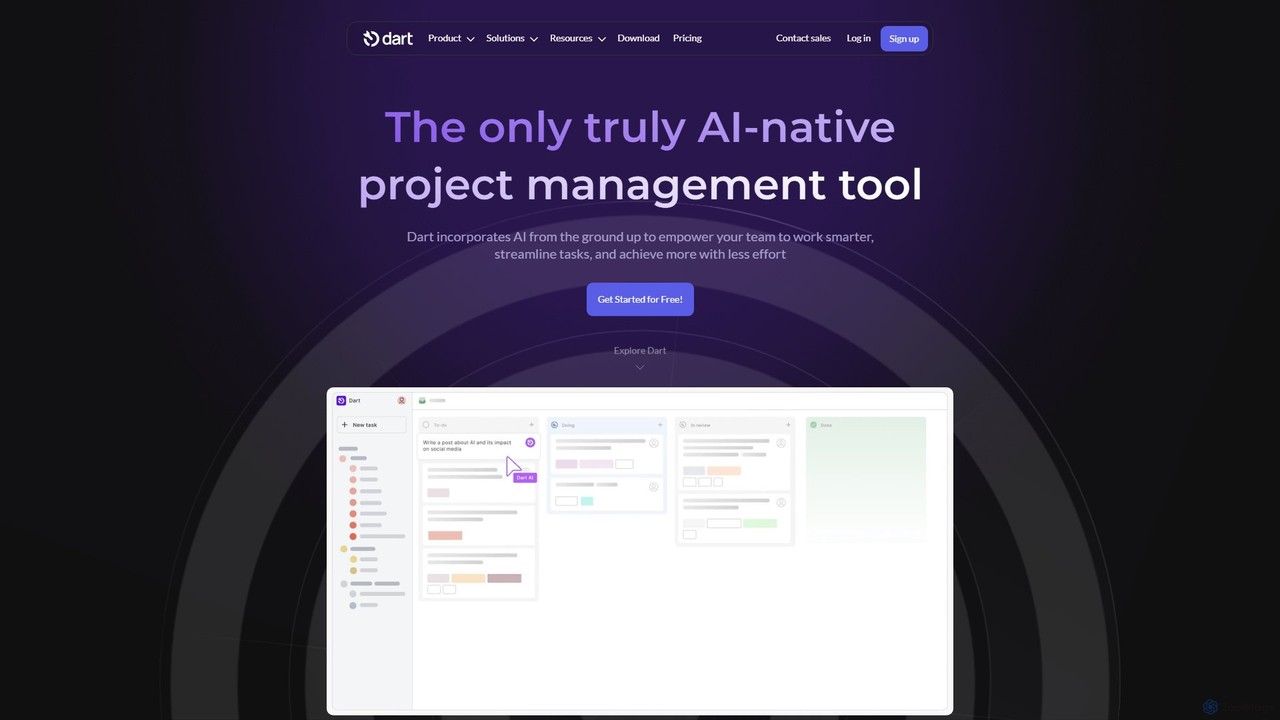
itsdart
Dart is an AI-native project management platform designed to automate workflows and enhance team productivity. It integrates AI from the ground up to handle tasks like subtask generation, project planning, and report creation. With features like intelligent task management, AI agents, integrated documents, and seamless integrations with tools like Slack and GitHub, Dart helps teams streamline operations, reduce manual overhead, and achieve goals faster.
Collaboration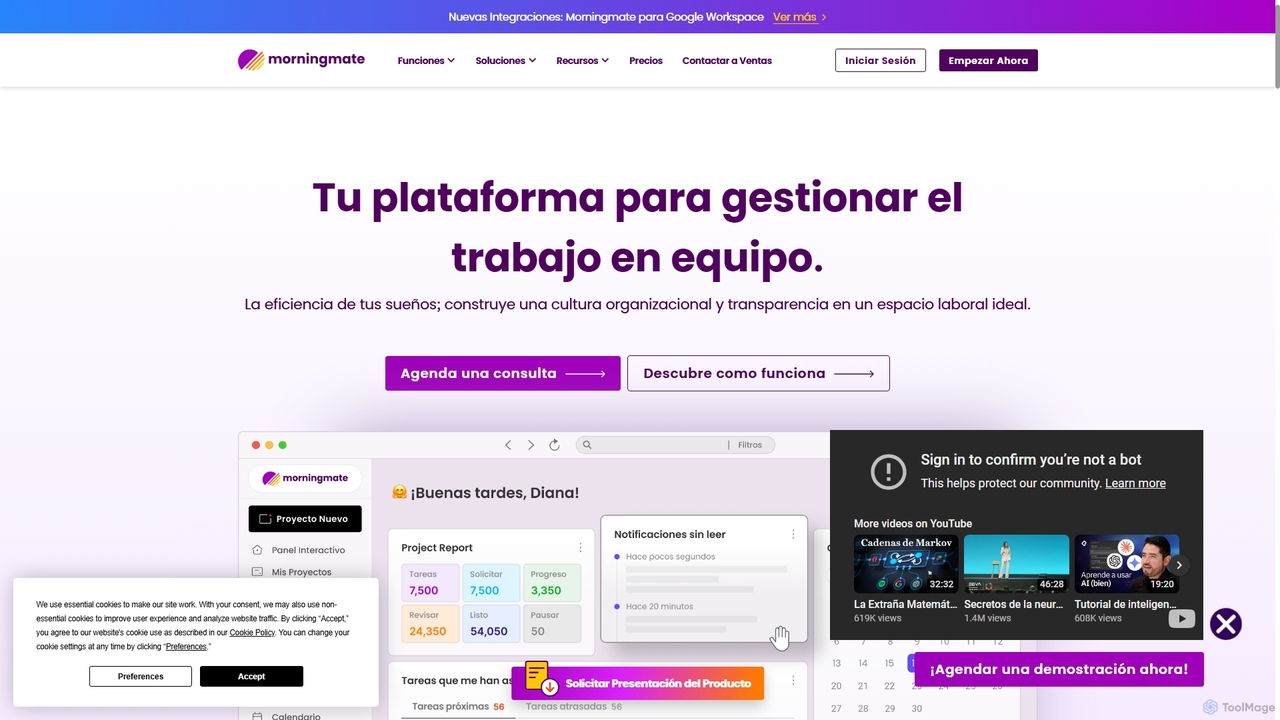
Morningmate
Morningmate is an all-in-one work management platform designed to enhance team collaboration, transparency, and efficiency. It provides a flexible virtual workspace with tools for project planning, task tracking, seamless communication, and workflow automation. Suitable for diverse industries, it helps teams centralize their work, standardize processes, and achieve their goals with greater synergy.
Collaboration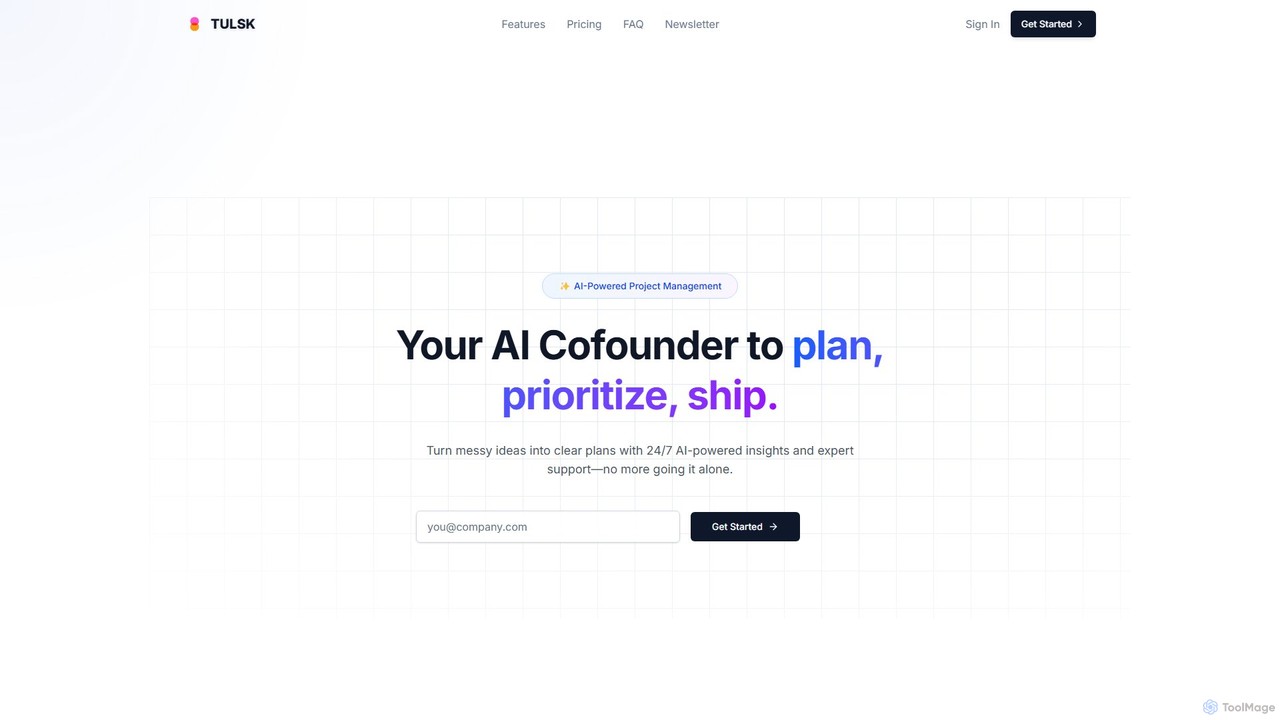
Tulsk
Tulsk is an AI-powered project management platform that acts as your AI cofounder. It transforms unstructured ideas into clear, actionable plans, automates workflows, and enhances team collaboration through a natural language interface and intelligent agents.
Collaboration
TodoVex
TodoVex is a free, open-source, AI-powered to-do list application designed as a smart alternative to Todoist. It leverages OpenAI to intelligently organize your tasks, predict your next priorities, and streamline your workflow. Manage your personal and professional projects with intelligent assistance, all within a clean and intuitive interface.
Open SourceGantt Chart AI Categories
Gantt Chart AI Embed Widget
Copy this embed code to place the badge on your blog, article, or product site and send readers directly to this ToolMage detail page.

Related AI tools
Wrike
Wrike is a versatile and robust project management software powered by AI. It helps teams of all sizes to ideate, plan, execute, and report on work in a single, unified platform. With its Work Intelligence® AI, Wrike automates tasks, predicts project risks, and provides data-driven insights to enhance productivity and collaboration.
Automationitsdart
Dart is an AI-native project management platform designed to automate workflows and enhance team productivity. It integrates AI from the ground up to handle tasks like subtask generation, project planning, and report creation. With features like intelligent task management, AI agents, integrated documents, and seamless integrations with tools like Slack and GitHub, Dart helps teams streamline operations, reduce manual overhead, and achieve goals faster.
CollaborationMorningmate
Morningmate is an all-in-one work management platform designed to enhance team collaboration, transparency, and efficiency. It provides a flexible virtual workspace with tools for project planning, task tracking, seamless communication, and workflow automation. Suitable for diverse industries, it helps teams centralize their work, standardize processes, and achieve their goals with greater synergy.
CollaborationTulsk
Tulsk is an AI-powered project management platform that acts as your AI cofounder. It transforms unstructured ideas into clear, actionable plans, automates workflows, and enhances team collaboration through a natural language interface and intelligent agents.
CollaborationTodoVex
TodoVex is a free, open-source, AI-powered to-do list application designed as a smart alternative to Todoist. It leverages OpenAI to intelligently organize your tasks, predict your next priorities, and streamline your workflow. Manage your personal and professional projects with intelligent assistance, all within a clean and intuitive interface.
Open Source
ontezo
ontezo is an all-in-one, AI-powered business solution designed to streamline workflows and enhance team collaboration. It integrates project management, CRM, finance, and employee management into a single platform. Featuring the Flowra AI assistant, ontezo automates tasks like standups, code generation, and sprint planning, helping teams save time and boost productivity across various industries.
Crm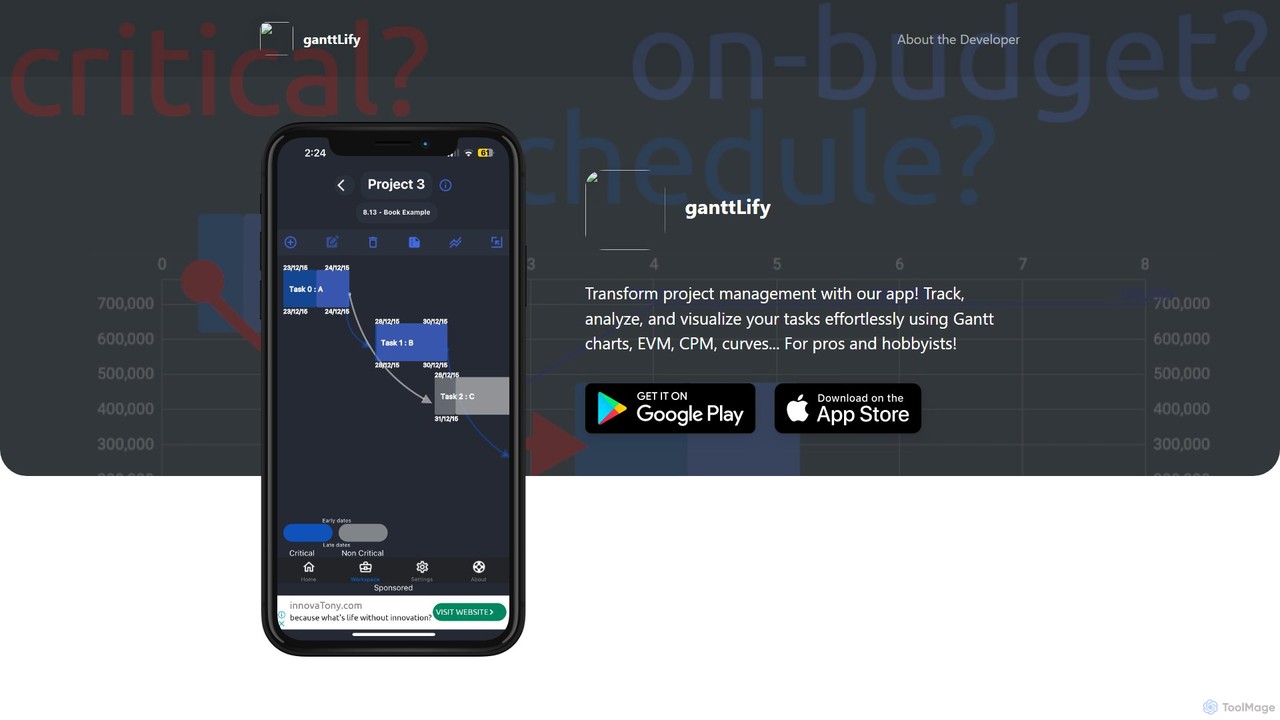
ganttlify
ganttlify is an advanced project management application that empowers both professionals and hobbyists to track, analyze, and visualize tasks. It integrates powerful tools like Gantt charts, Critical Path Method (CPM), and Earned Value Management (EVM) into an intuitive interface, with upcoming support for AI, AR/VR, and team collaboration.
Planning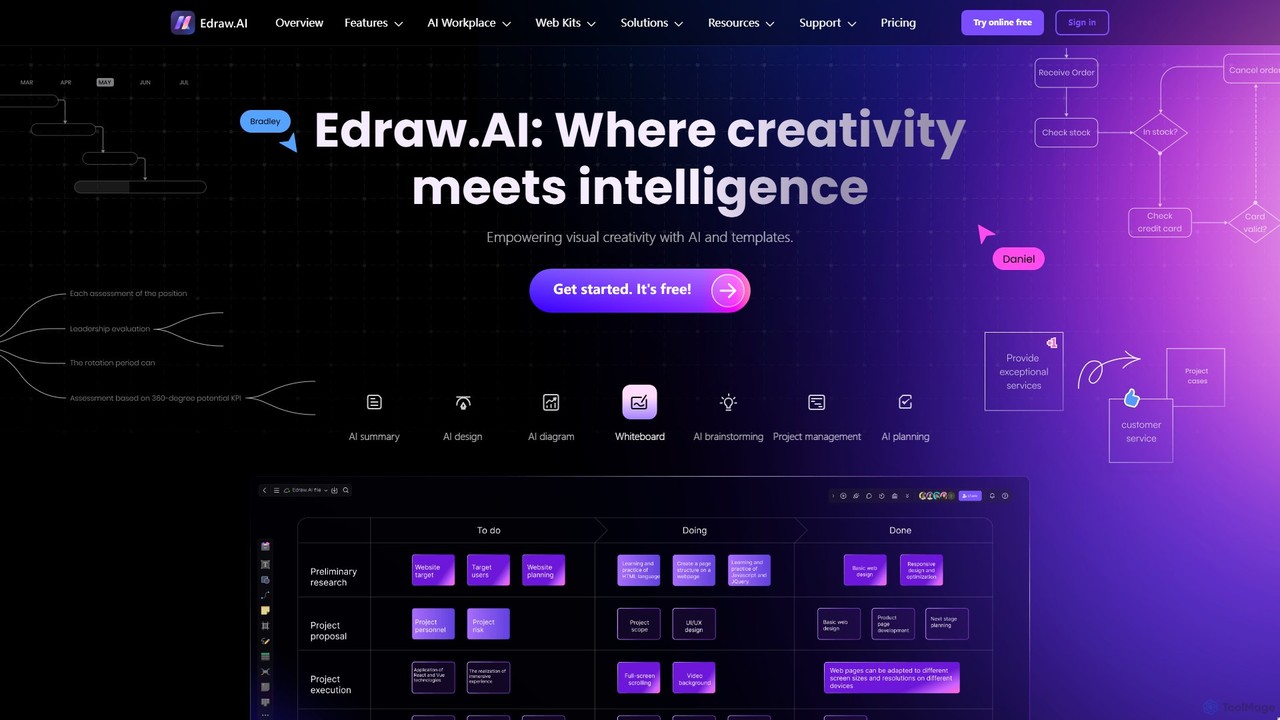
Edraw.AI
Edraw.AI is an AI-powered visual collaboration platform that enables users to create diagrams, mind maps, flowcharts, and other visuals with ease. It combines a user-friendly interface with powerful AI tools for generation, analysis, and design. Featuring real-time collaboration, an extensive library of templates and symbols, it's designed to boost productivity for teams in project management, IT, marketing, education, and more. Get started for free and transform your ideas into professional visuals.
Visualization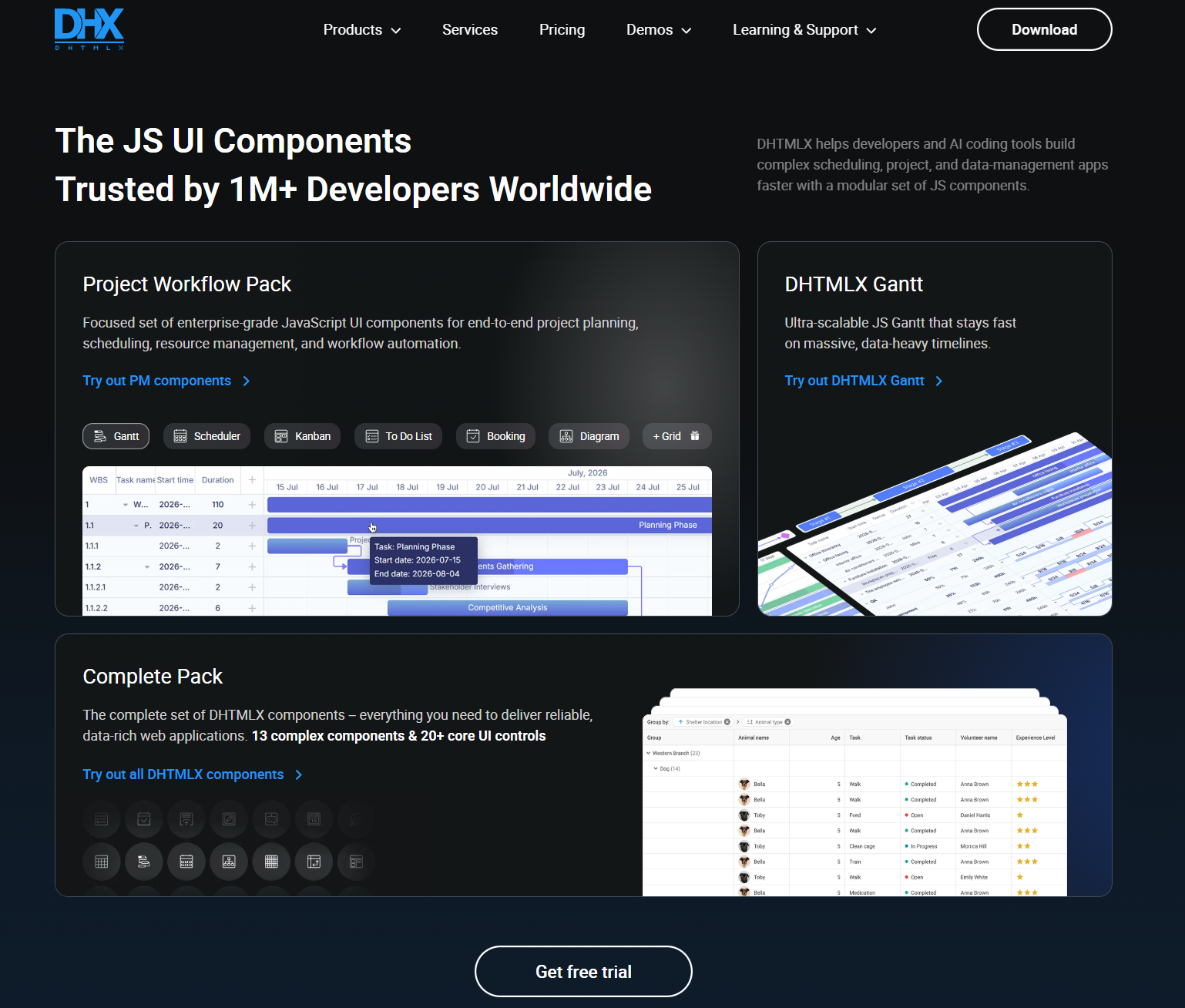
DHTMLX
JavaScript UI components for building enterprise web apps, dashboards, schedulers, Gantt charts, data grids, and AI chatbot interfaces.
Data Visualization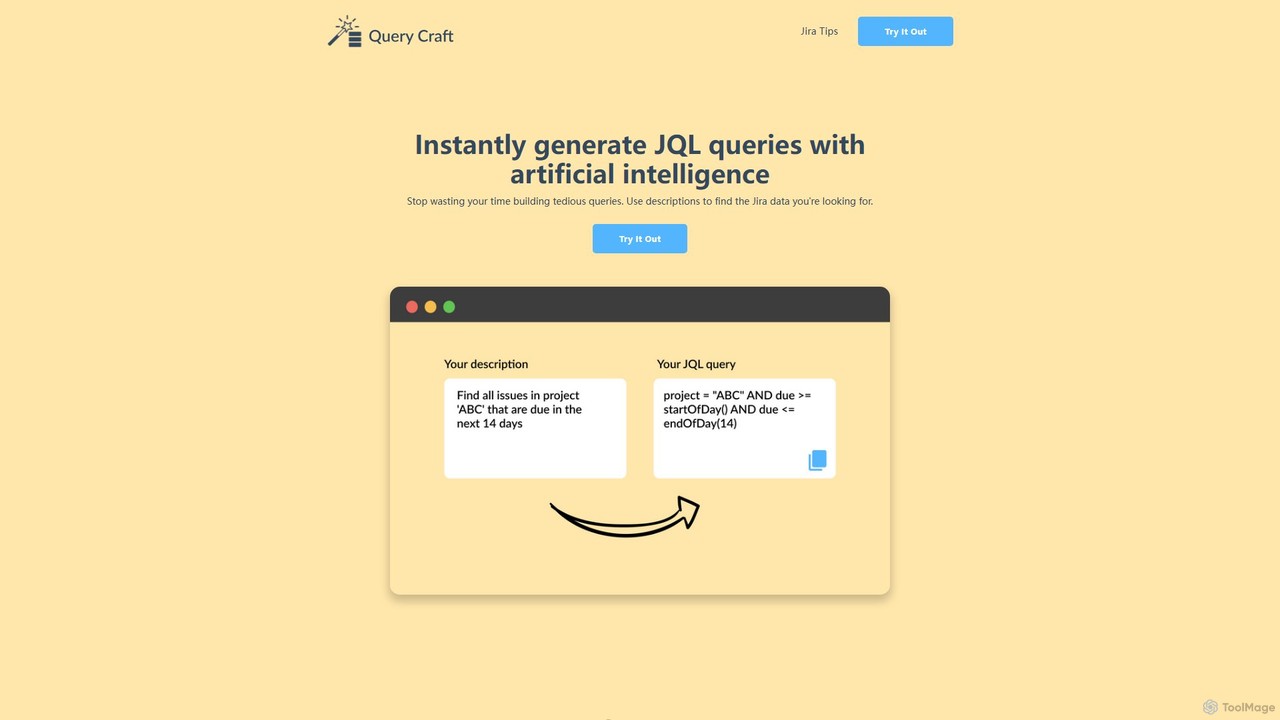
QueryCraft
QueryCraft is an AI-powered tool that instantly generates complex Jira Query Language (JQL) queries from simple, natural language descriptions. It's designed for project managers, developers, and Scrum masters to save time and enhance productivity by simplifying Jira searches.
Database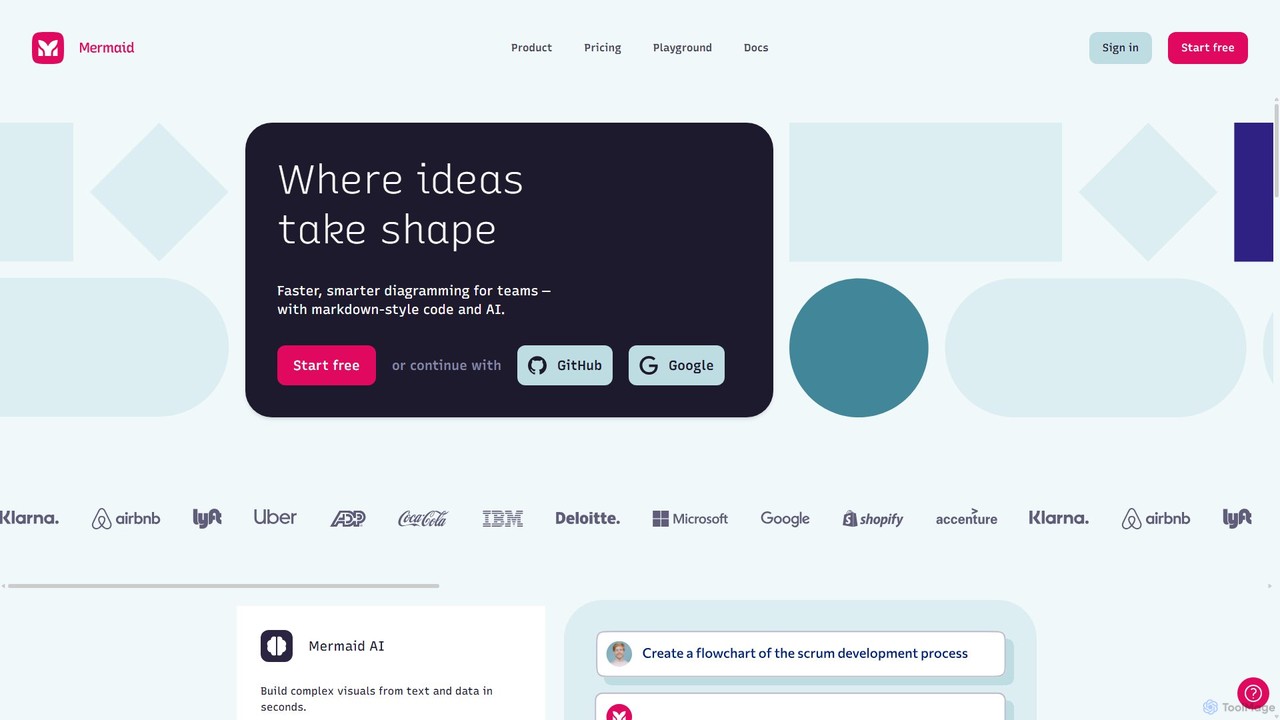
Mermaid Chart
Mermaid Chart is an AI-powered diagramming tool that enables teams to create complex visuals like flowcharts, sequence diagrams, and mind maps using markdown-style code, natural language prompts, or a visual editor. It's designed for faster, smarter diagramming and seamless collaboration.
Code Generation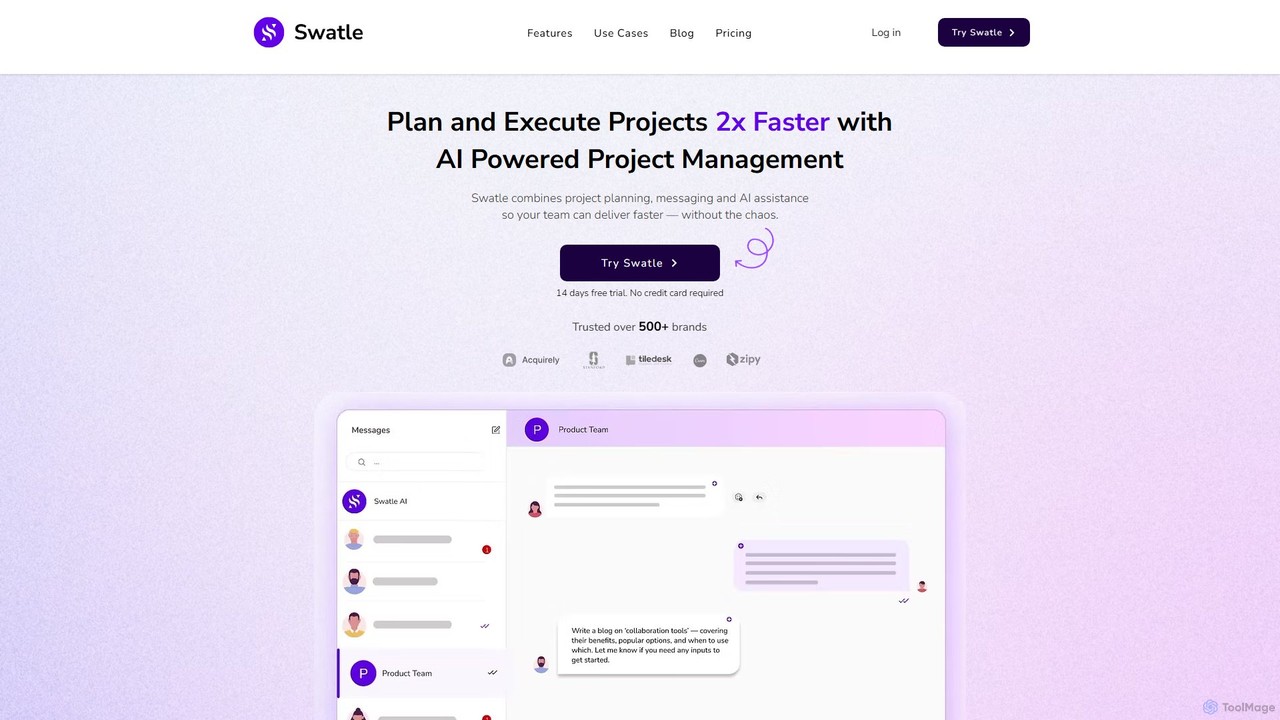
Swatle
Swatle is an AI-powered project management platform designed to streamline workflows and boost team productivity. It automates task creation, predicts project risks, and optimizes resource allocation. With its user-friendly interface, Swatle eliminates the need for extensive training, allowing teams to get started quickly and manage projects effectively from day one. It's built for speed, simplicity, and powerful results.
Task Management
Jyek
Jyek is an AI agent platform that understands objectives, creates execution plans, uses tools, and delivers verifiable results for complex, multi-step tasks.
Automation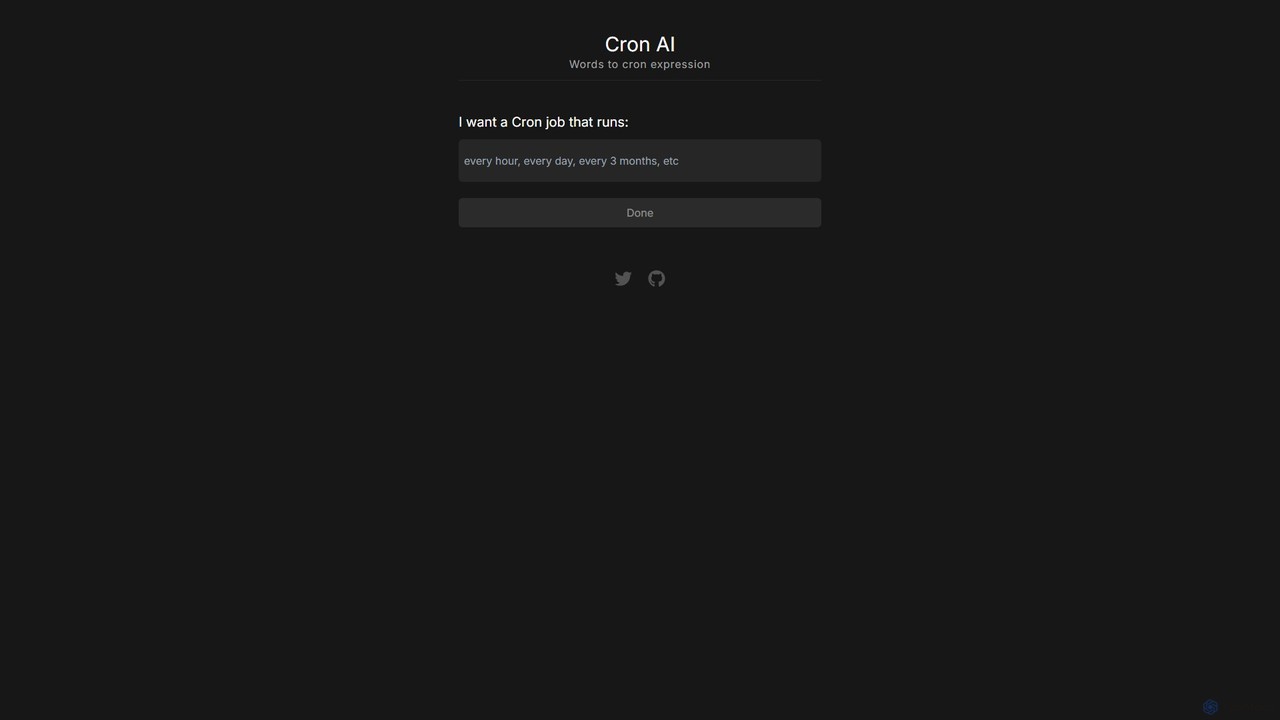
cron_ai
cron_ai is a free AI-powered tool that translates natural language descriptions into cron expressions. Simply describe your desired schedule in plain English, and the tool instantly generates the correct, ready-to-use cron string, simplifying task automation for developers and sysadmins.
Automation
BuildKeeper
BuildKeeper is an all-in-one, user-friendly construction management software designed for small to medium-sized companies. It simplifies project workflows with integrated tools for budgeting, invoicing, expense tracking, and job scheduling, helping teams stay organized, on time, and within budget.
Construction Management
Gantt Chart AI Comments (0)
Sign in to comment.
Sign inNo comments yet.