

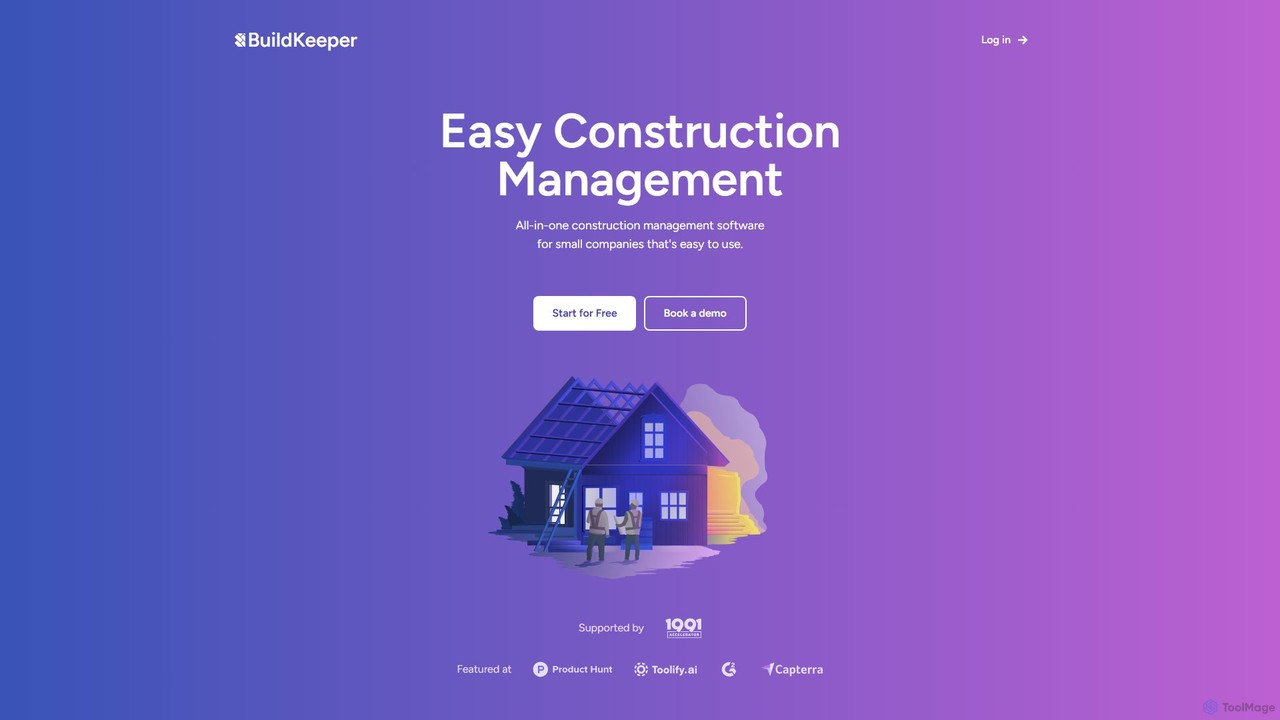
BuildKeeper Overview
BuildKeeper is a comprehensive, cloud-based construction management platform specifically engineered to meet the needs of small and growing construction companies. It consolidates all essential project management functions into a single, intuitive interface, eliminating the need for multiple disparate software solutions. The platform is designed to tackle the core challenges of the construction industry, such as budget overruns, scheduling conflicts, and communication gaps, by providing powerful yet easy-to-use tools. From initial cost estimation to final invoicing, BuildKeeper streamlines the entire project lifecycle, enabling contractors and builders to focus on what they do best: building.
How to use BuildKeeper
Getting started with BuildKeeper is a straightforward process designed to get you up and running quickly:
- Sign Up: Create an account by starting with the 'Free Forever' plan, which requires no credit card.
- Create Your First Project: Once logged in, navigate to the 'Jobs' section and create a new project. Define the project scope, name, and key details.
- Set Up the Budget: Use the integrated budgeting tool to estimate costs. The user-friendly calculator helps in forecasting expenses for materials and labor. For US-based users, it can access real-time building material and labor expense data. Set up overspend alerts to maintain financial control.
- Manage Tasks and Timelines: Populate the project with tasks, assign them to team members, and set deadlines. Visualize the entire project timeline using the built-in Gantt charts to identify dependencies and track progress. Automated alerts will notify the team of upcoming deadlines and overdue items.
- Track Expenses: As the project progresses, use the 'Expenses' feature to log all costs. You can upload digital receipts, invoices, or even photos of handwritten notes to keep a meticulous record of all expenditures.
- Collaborate with Your Team: Utilize the 'Feed' as a central communication hub. Post updates, share files, and keep a running log of project activities, ensuring everyone on the team is organized and informed.
- Generate Invoices: When a milestone is reached or the project is complete, create professional PDF invoices directly within the platform and share them with clients for prompt payment.
Core Features of BuildKeeper
- Budgeting: Stay within your financial limits with intelligent overspend alerts. Utilize a user-friendly calculator for accurate cost estimation and access real-time data on building material and labor expenses (US only).
- Invoicing: Effortlessly create and customize professional invoices in PDF format, ready to be shared with clients for seamless billing.
- Project Feed: A centralized, chronological log for all project-related communications and updates. It keeps the entire team synchronized and organized, replacing scattered emails and messages.
- Expense Tracking: A comprehensive system for monitoring all project costs. Easily capture and categorize expenses by uploading receipts, invoices, and even handwritten notes.
- Job & Task Management: Keep all tasks organized in one place. Visualize project timelines with interactive Gantt charts, track overdue items, and receive automated alerts for upcoming deadlines to ensure projects stay on schedule.
Use Cases for BuildKeeper
BuildKeeper is versatile and ideal for various construction professionals:
- Small General Contractors: Managing residential projects like new home builds, renovations, or extensions. BuildKeeper helps them handle everything from budget to client invoicing in one place.
- Specialty Subcontractors: Electricians, plumbers, or HVAC specialists can use it to manage multiple jobs simultaneously, track expenses for each, and coordinate with their small teams.
- Remodeling Companies: For businesses focusing on kitchen, bath, or full-home remodels, the platform helps visualize timelines with Gantt charts and keeps clients updated through professional invoicing.
- Freelance Builders & Handymen: The free plan is perfect for individuals managing one project at a time, offering professional tools to compete with larger firms.
Advantages of BuildKeeper
BuildKeeper offers a significant competitive edge through its simplicity and focus. Its primary advantage is its all-in-one nature, which centralizes control and improves efficiency. The user-friendly interface reduces the learning curve, allowing teams to adopt the software quickly. Automated alerts and real-time tracking minimize the risk of budget overruns and project delays. The scalable pricing model, including a robust free plan, makes professional-grade construction management accessible to businesses of all sizes, from solo entrepreneurs to growing teams.
Pricing and Plans
BuildKeeper offers a flexible pricing structure to suit different business needs:
- Initial (Free Forever): Ideal for beginners or small projects. Includes 1 Active Project, 1 User, and access to all features with online support.
- Professional ($70/month): Designed for growing teams and businesses. Includes 10 Active Projects, 5 Users, and access to all features with online support.
- Corporate (Custom): A tailored solution for enterprises and large teams. Offers unlimited projects, unlimited users, and dedicated support. Pricing is customized based on specific requirements.
BuildKeeper Alternatives
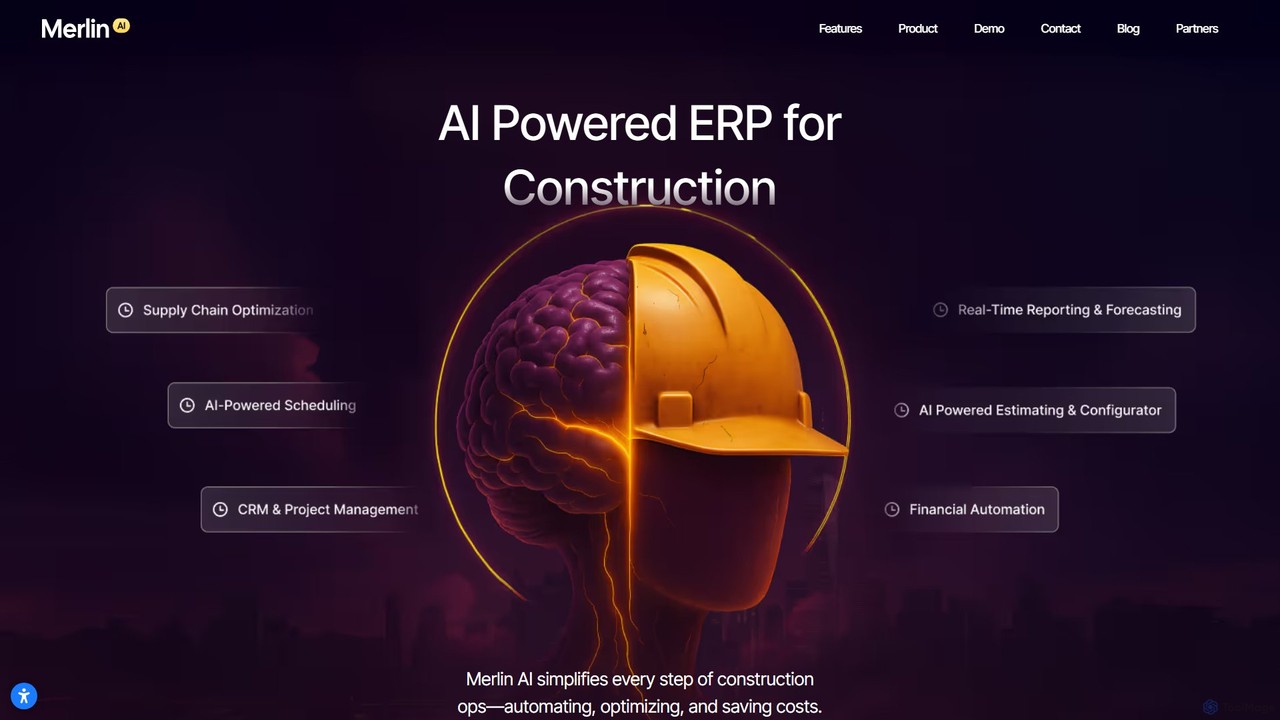
Merlin AI
Merlin AI is an AI-powered, all-in-one Enterprise Resource Planning (ERP) platform specifically designed for the construction industry. It automates and streamlines every operational step, from estimating and bidding to project management, supply chain, and financials. By unifying disparate processes into a single, intuitive system, Merlin AI helps construction companies reduce costs, accelerate project timelines, and make smarter, data-driven decisions.
Erp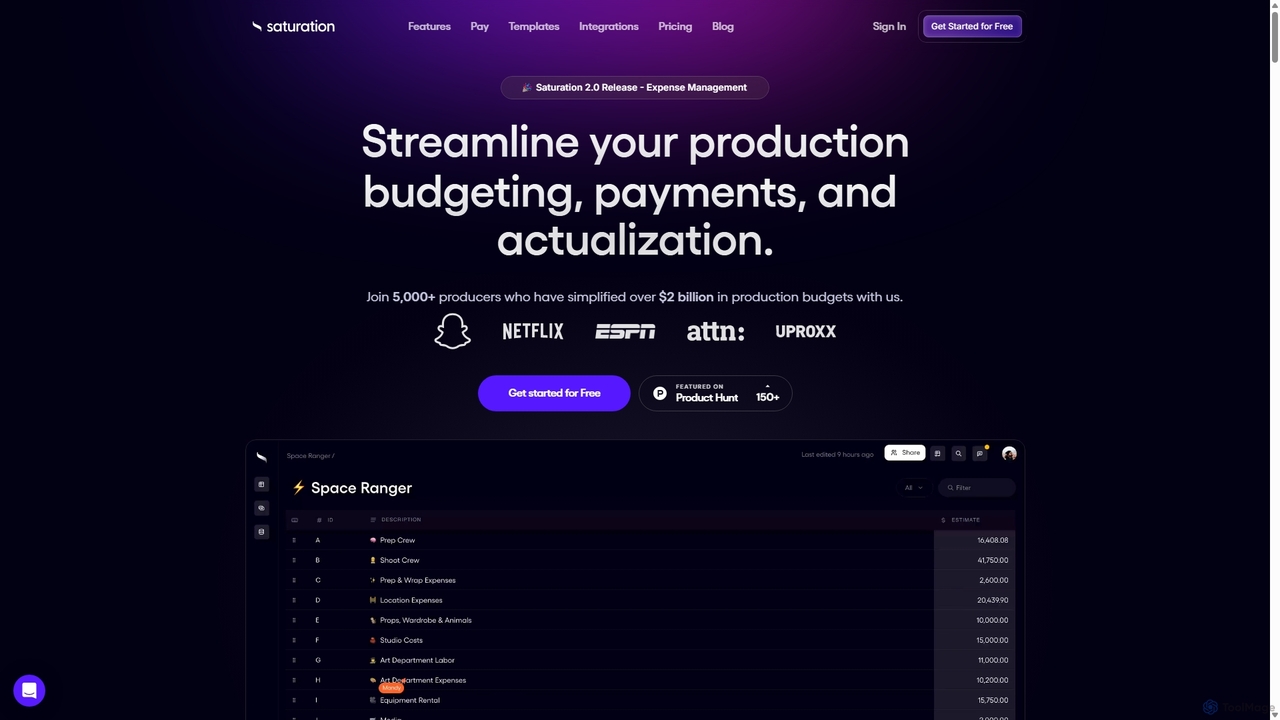
Saturation.io
Saturation.io is a comprehensive, cloud-based platform for film budgeting and expense management. It streamlines the entire production workflow, from initial budgeting and script breakdowns to real-time expense tracking and payroll integration. Designed for producers and production teams, it helps manage finances, schedules, crew, and assets efficiently, ensuring projects stay on budget and on schedule.
Budgeting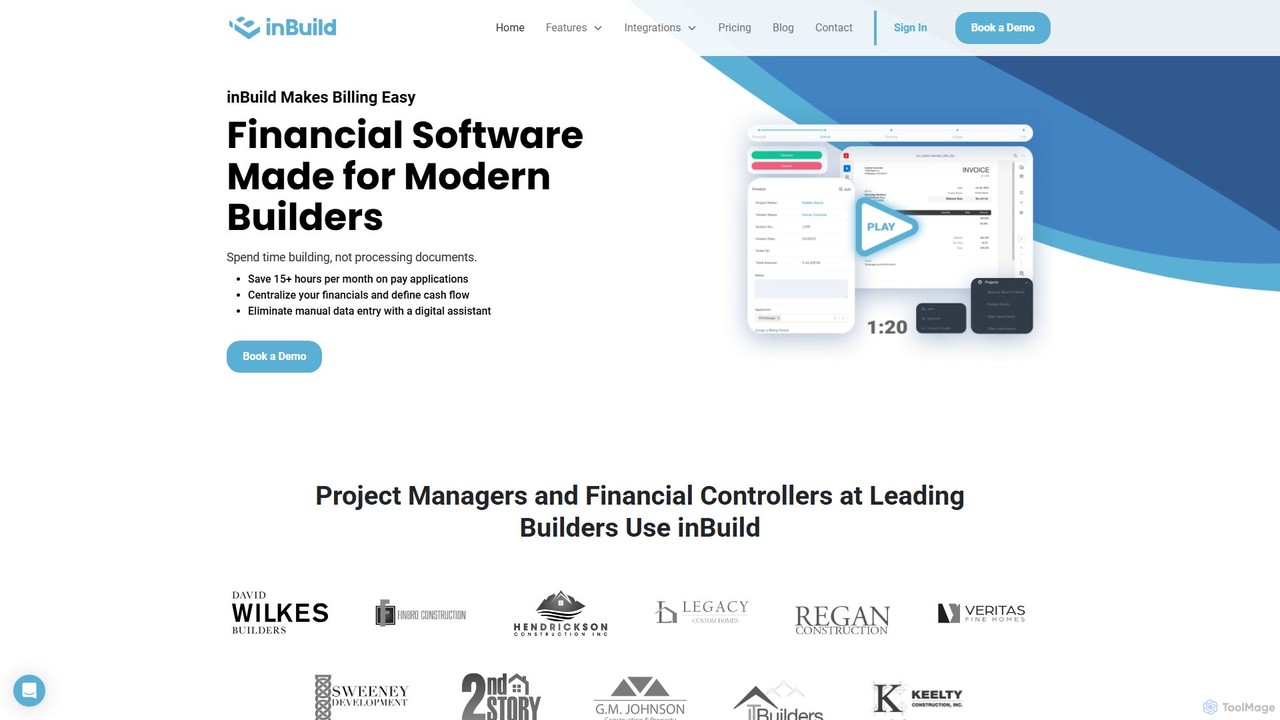
inBuild
inBuild is an AI-powered financial management platform designed specifically for the construction industry. It automates accounts payable, job cost tracking, and document processing to streamline workflows for project managers, financial controllers, and owners. By centralizing invoices, pay applications, and contracts, inBuild enhances accuracy, saves significant time, and provides real-time financial visibility across all projects. It integrates with existing financial systems and offers a dedicated mobile app for on-the-go management.
Construction Management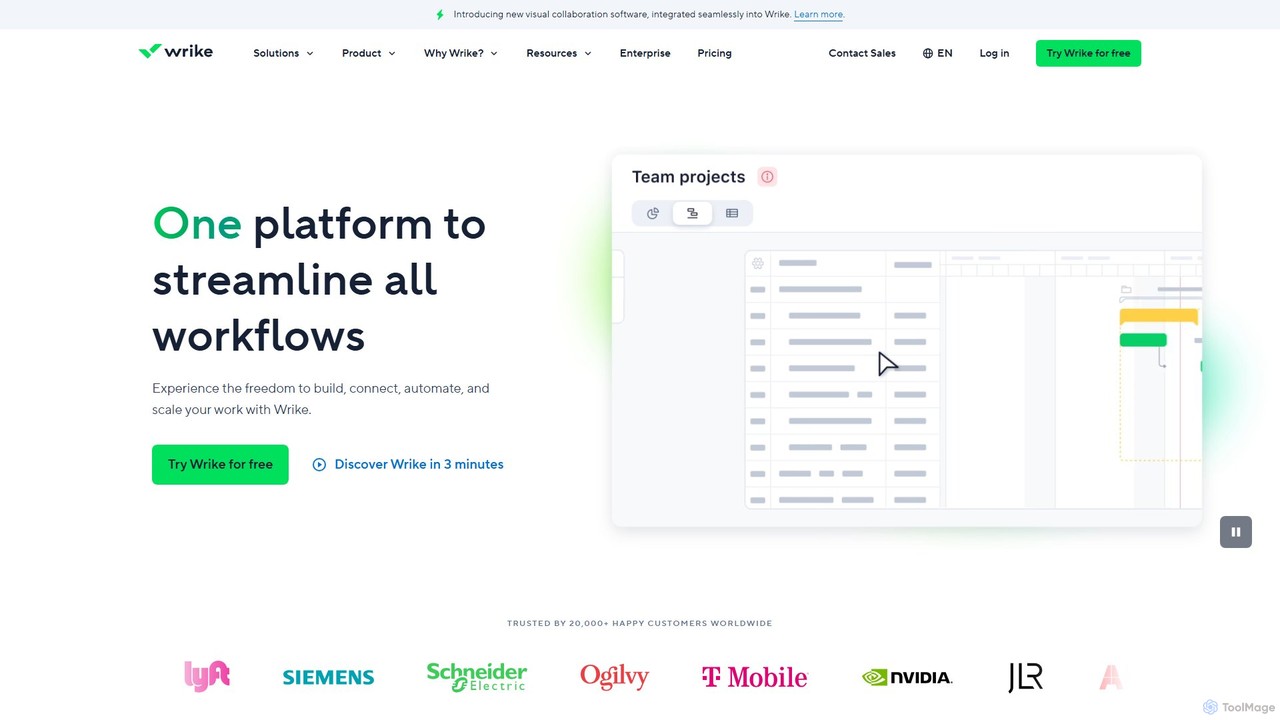
Wrike
Wrike is a versatile and robust project management software powered by AI. It helps teams of all sizes to ideate, plan, execute, and report on work in a single, unified platform. With its Work Intelligence® AI, Wrike automates tasks, predicts project risks, and provides data-driven insights to enhance productivity and collaboration.
Automation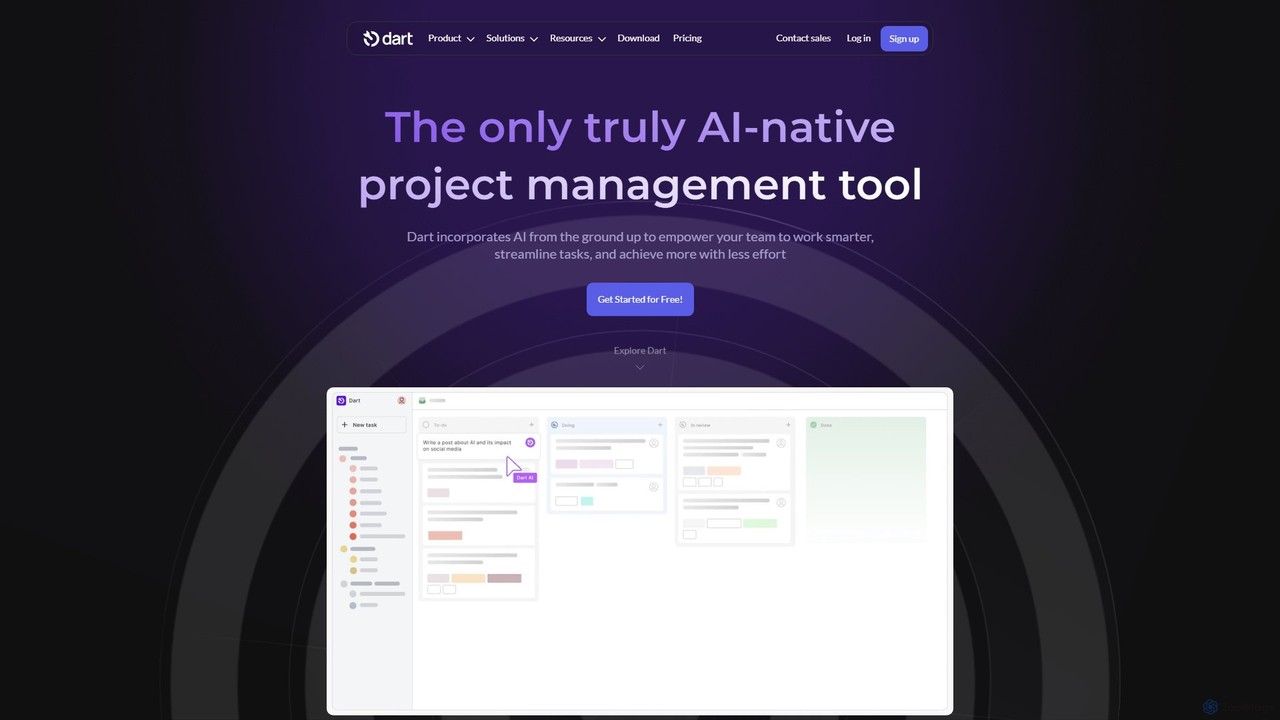
itsdart
Dart is an AI-native project management platform designed to automate workflows and enhance team productivity. It integrates AI from the ground up to handle tasks like subtask generation, project planning, and report creation. With features like intelligent task management, AI agents, integrated documents, and seamless integrations with tools like Slack and GitHub, Dart helps teams streamline operations, reduce manual overhead, and achieve goals faster.
CollaborationBuildKeeper Categories
BuildKeeper Embed Widget
Copy this embed code to place the badge on your blog, article, or product site and send readers directly to this ToolMage detail page.

Related AI tools
Wrike
Wrike is a versatile and robust project management software powered by AI. It helps teams of all sizes to ideate, plan, execute, and report on work in a single, unified platform. With its Work Intelligence® AI, Wrike automates tasks, predicts project risks, and provides data-driven insights to enhance productivity and collaboration.
Automationitsdart
Dart is an AI-native project management platform designed to automate workflows and enhance team productivity. It integrates AI from the ground up to handle tasks like subtask generation, project planning, and report creation. With features like intelligent task management, AI agents, integrated documents, and seamless integrations with tools like Slack and GitHub, Dart helps teams streamline operations, reduce manual overhead, and achieve goals faster.
Collaboration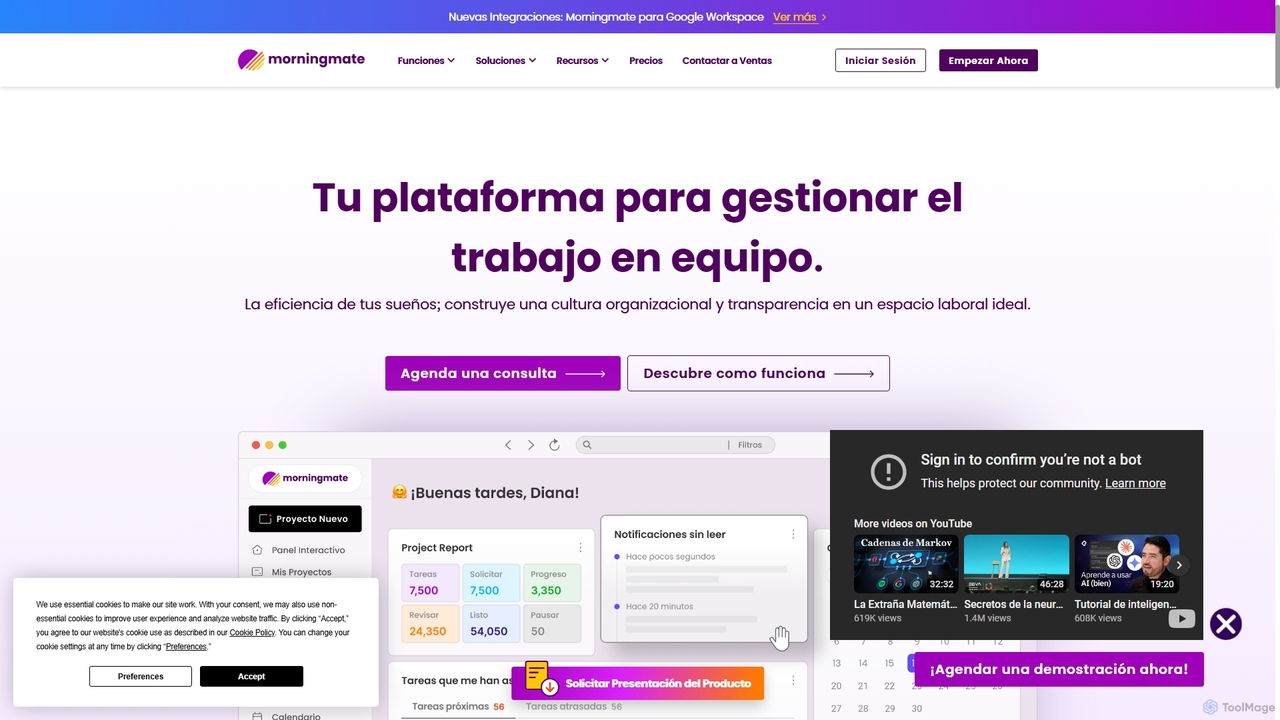
Morningmate
Morningmate is an all-in-one work management platform designed to enhance team collaboration, transparency, and efficiency. It provides a flexible virtual workspace with tools for project planning, task tracking, seamless communication, and workflow automation. Suitable for diverse industries, it helps teams centralize their work, standardize processes, and achieve their goals with greater synergy.
Collaboration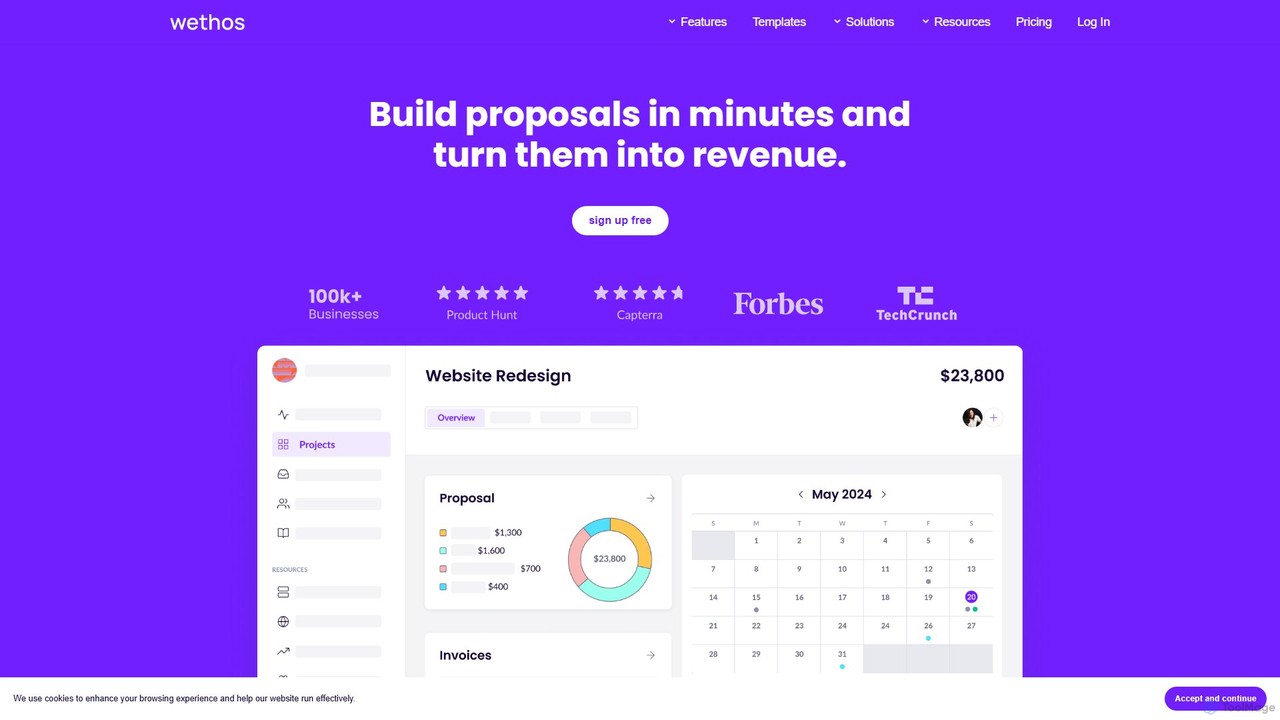
Wethos
Wethos is an all-in-one business management platform for freelancers and small agencies. It leverages AI to generate detailed proposals in seconds, streamlines invoicing and payments, and provides tools for team collaboration. Turn your ideas into revenue with customizable templates, automated workflows, and insightful analytics.
Client Management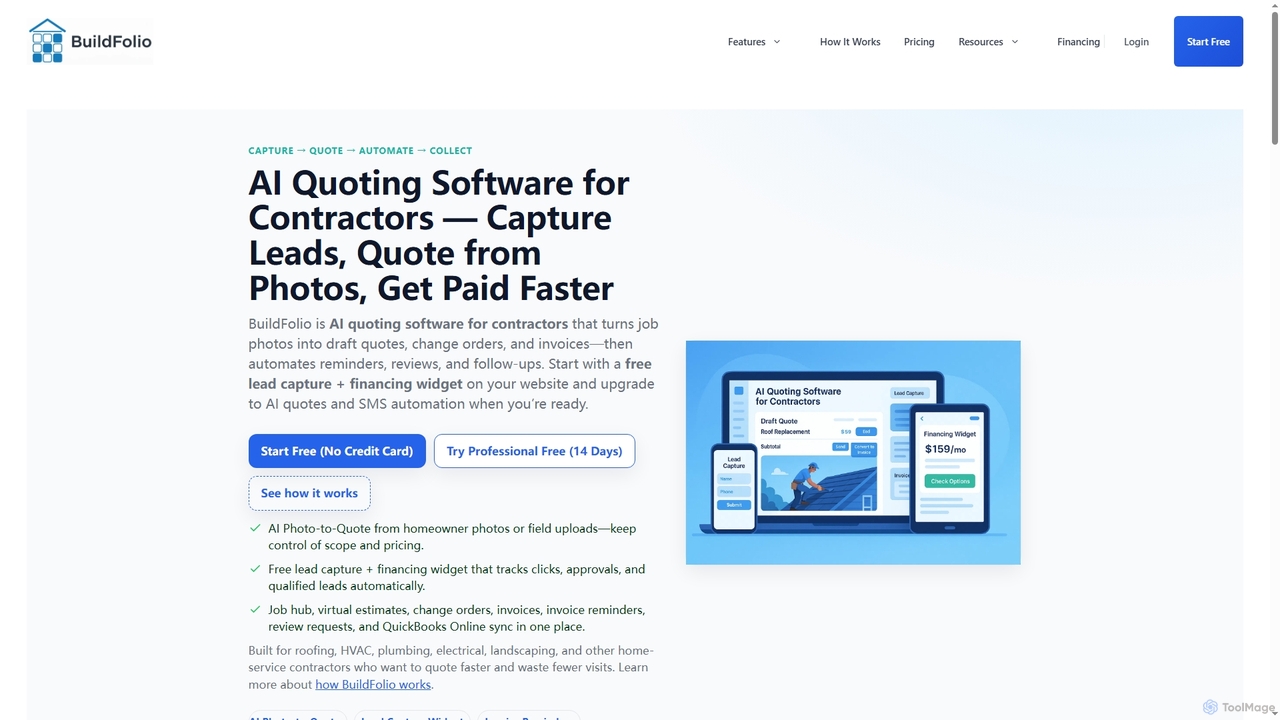
BuildFolio
BuildFolio is an AI-powered quoting and job management software for contractors. It automates workflows from lead capture to payment by turning job site photos into professional quotes in seconds, managing projects in a central hub, and automating follow-ups and invoicing.
Crm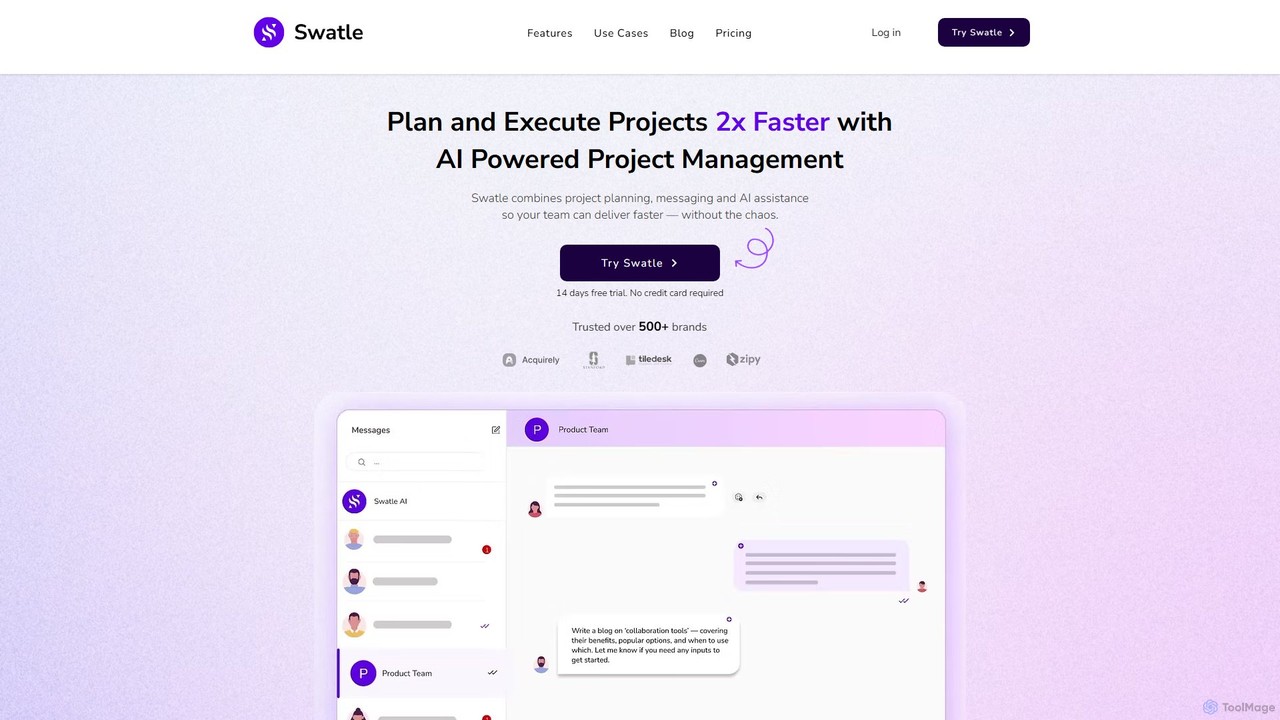
Swatle
Swatle is an AI-powered project management platform designed to streamline workflows and boost team productivity. It automates task creation, predicts project risks, and optimizes resource allocation. With its user-friendly interface, Swatle eliminates the need for extensive training, allowing teams to get started quickly and manage projects effectively from day one. It's built for speed, simplicity, and powerful results.
Task Management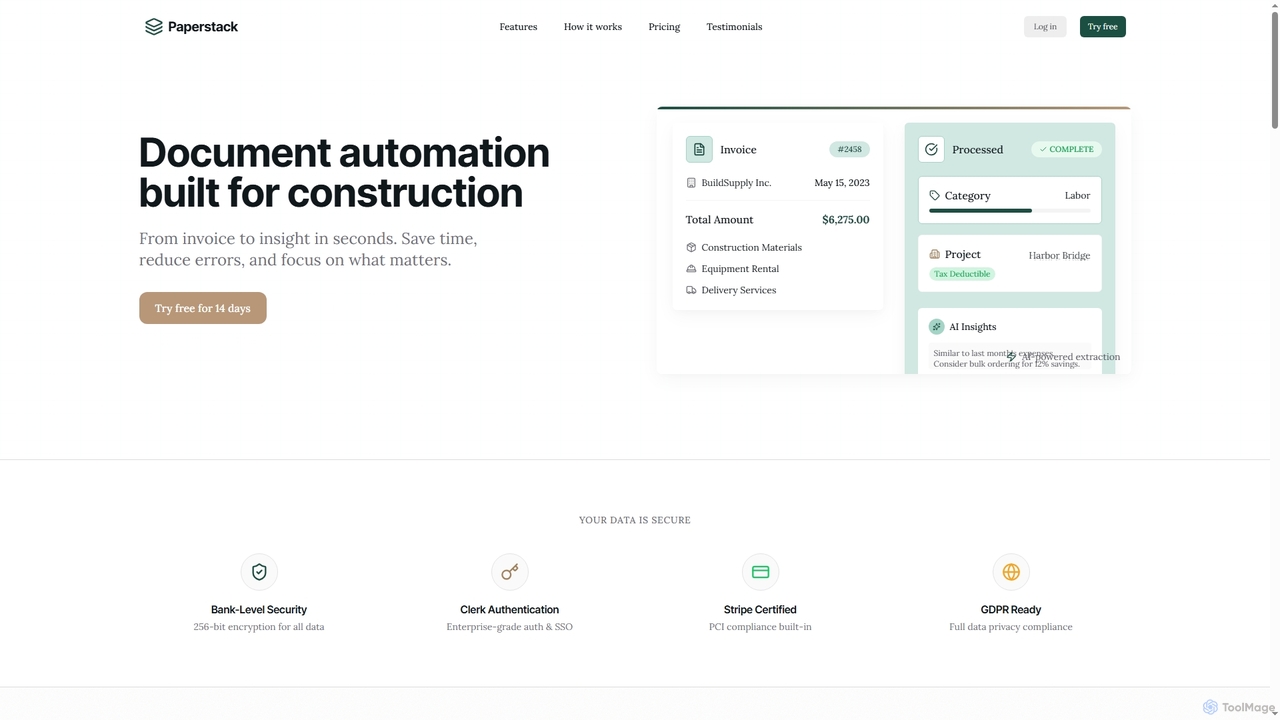
Paperstack
Paperstack is an AI-powered document automation platform specifically designed for the construction industry. It automates data extraction from invoices and other documents with 99.8% accuracy, saving up to 85% of processing time. The tool helps businesses reduce errors, gain financial insights, and focus on core construction operations.
Real Estate
Jyek
Jyek is an AI agent platform that understands objectives, creates execution plans, uses tools, and delivers verifiable results for complex, multi-step tasks.
Automation
ontezo
ontezo is an all-in-one, AI-powered business solution designed to streamline workflows and enhance team collaboration. It integrates project management, CRM, finance, and employee management into a single platform. Featuring the Flowra AI assistant, ontezo automates tasks like standups, code generation, and sprint planning, helping teams save time and boost productivity across various industries.
Crm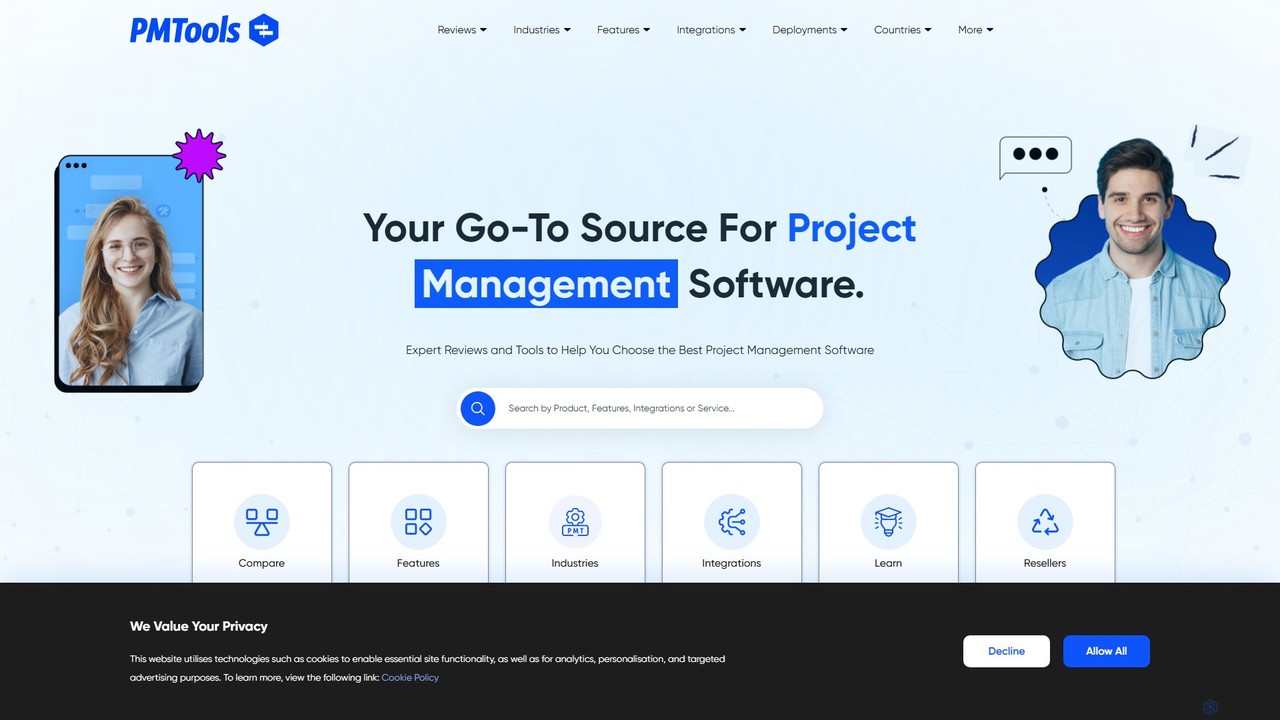
ProjectManagementTools.com
A comprehensive discovery platform offering expert reviews, side-by-side comparisons, and advanced filters to help you find the perfect project management software. Explore tools tailored to your industry, features, and integrations.
Software Discovery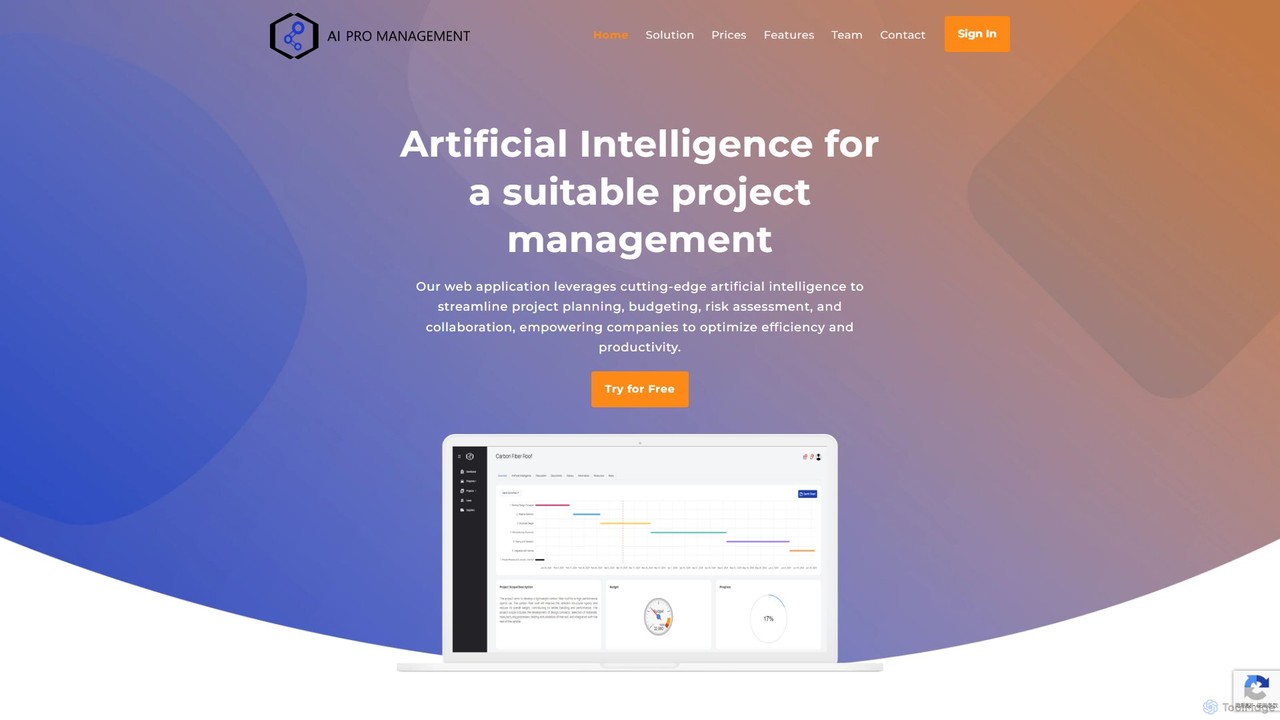
AI Pro Management
AI Pro Management is an advanced project management platform that leverages AI to streamline workflows. It features a GPT-4o powered chatbot for managing tasks, generating reports, and estimating costs, along with predictive algorithms for risk assessment and duration prediction. This tool enhances project efficiency, collaboration, and success through intelligent automation and data-driven insights, while prioritizing data security.
Assistant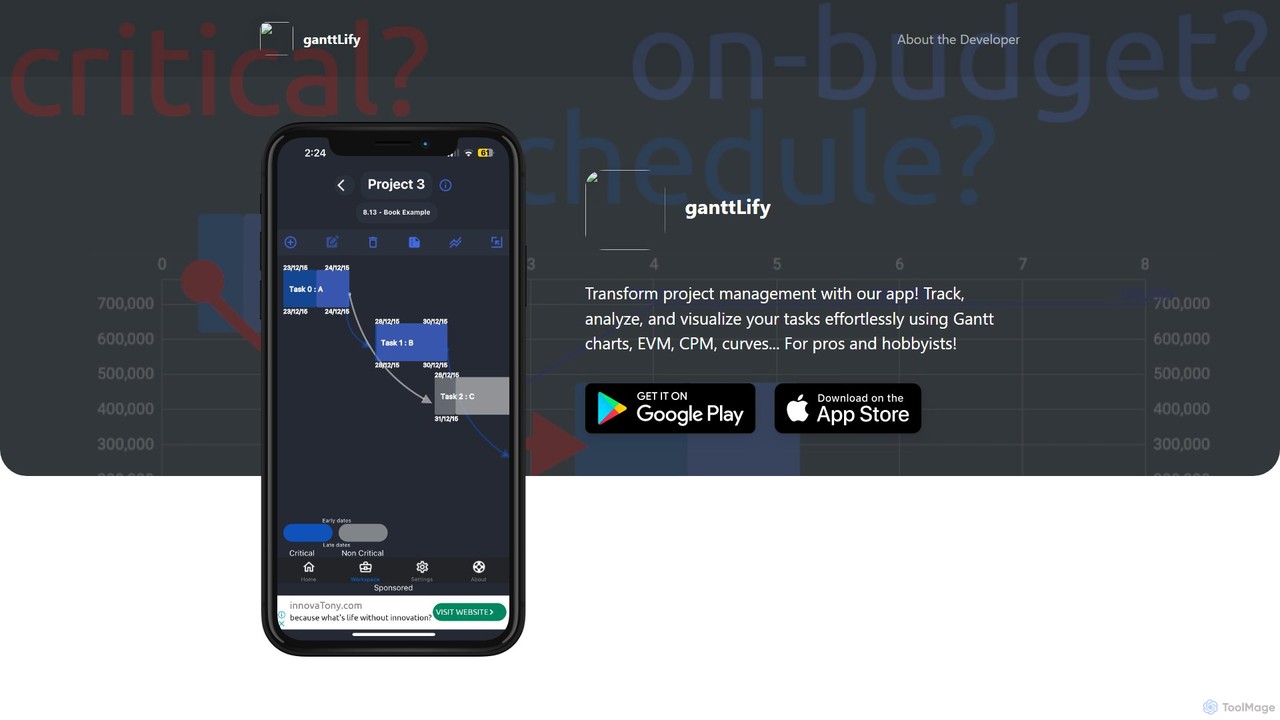
ganttlify
ganttlify is an advanced project management application that empowers both professionals and hobbyists to track, analyze, and visualize tasks. It integrates powerful tools like Gantt charts, Critical Path Method (CPM), and Earned Value Management (EVM) into an intuitive interface, with upcoming support for AI, AR/VR, and team collaboration.
Planning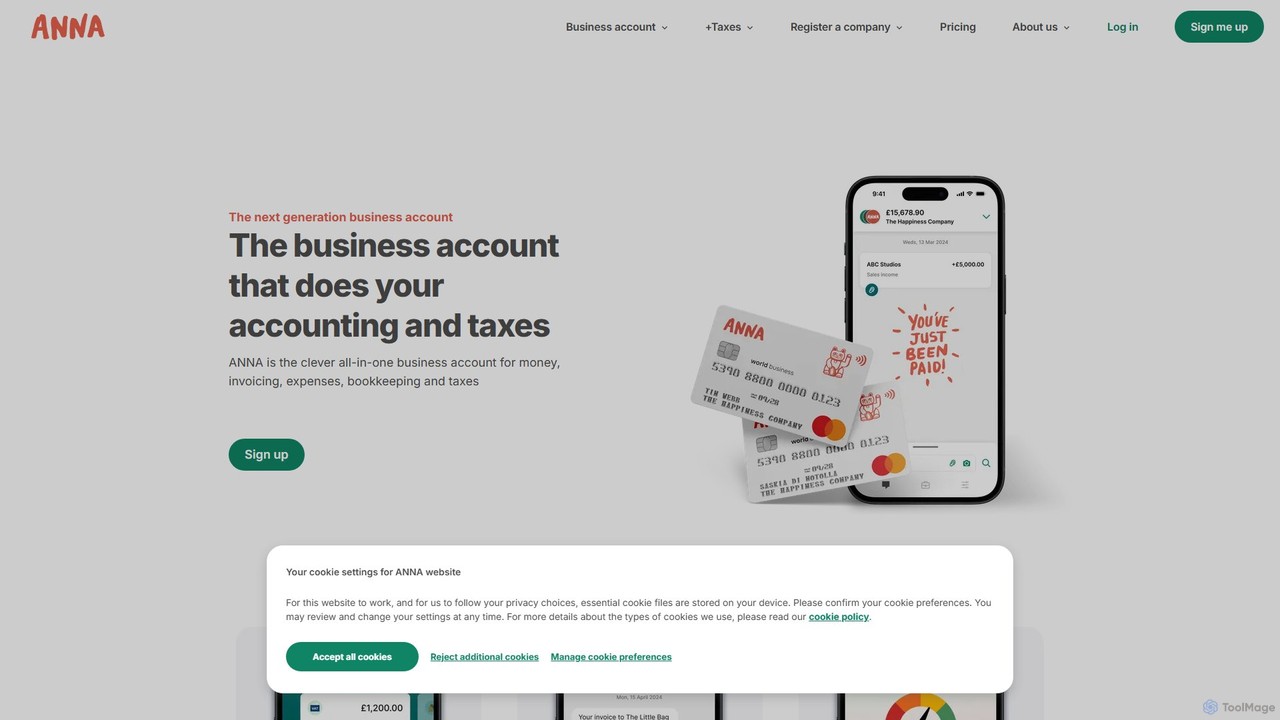
ANNA Money
ANNA Money is an all-in-one business account and tax app for UK freelancers and small businesses. It uses AI to automate invoicing, expense tracking, bookkeeping, and tax calculations, including VAT and Corporation Tax filing. Get a business debit card, manage payroll, and receive 24/7 support, all from one platform designed to eliminate financial admin.
Accounting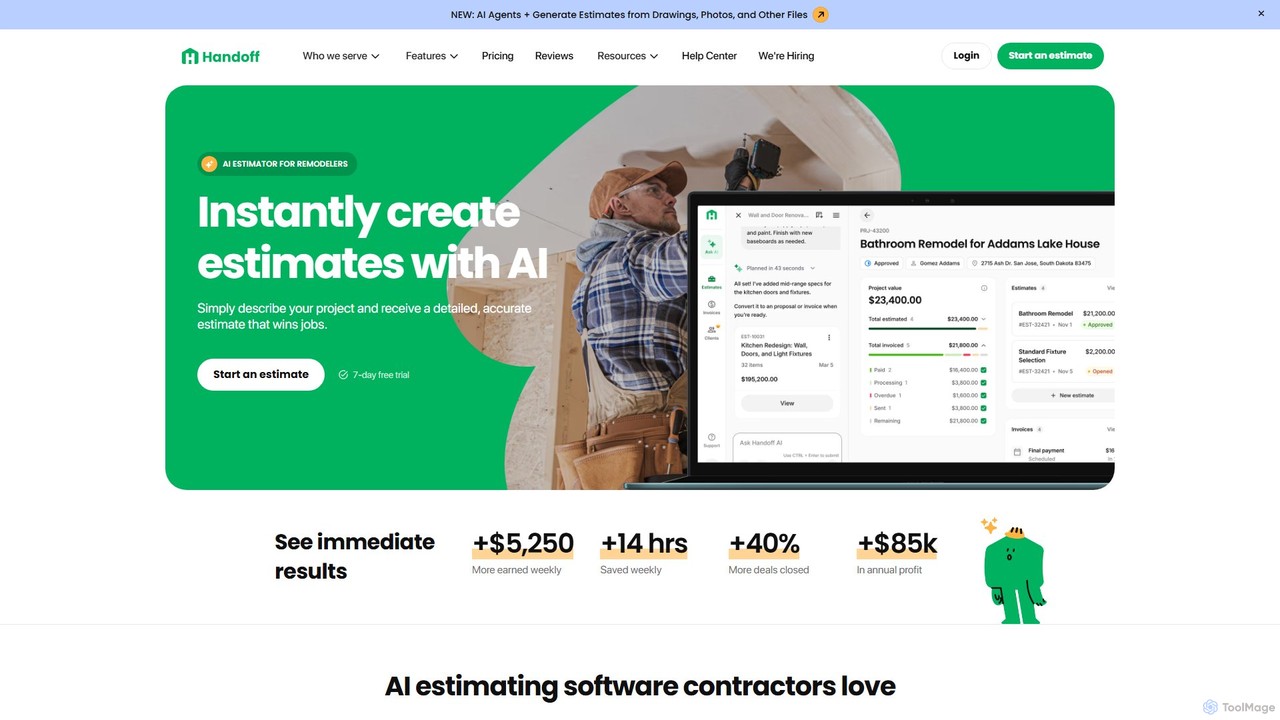
Handoff
Handoff is an AI-powered platform for construction contractors, remodelers, and handymen. It automates business operations by instantly generating detailed project estimates from descriptions, photos, or drawings. The tool also includes AI-generated proposals, client management (CRM), invoicing, and project management features to help users save time, win more jobs, and increase profitability.
Project Management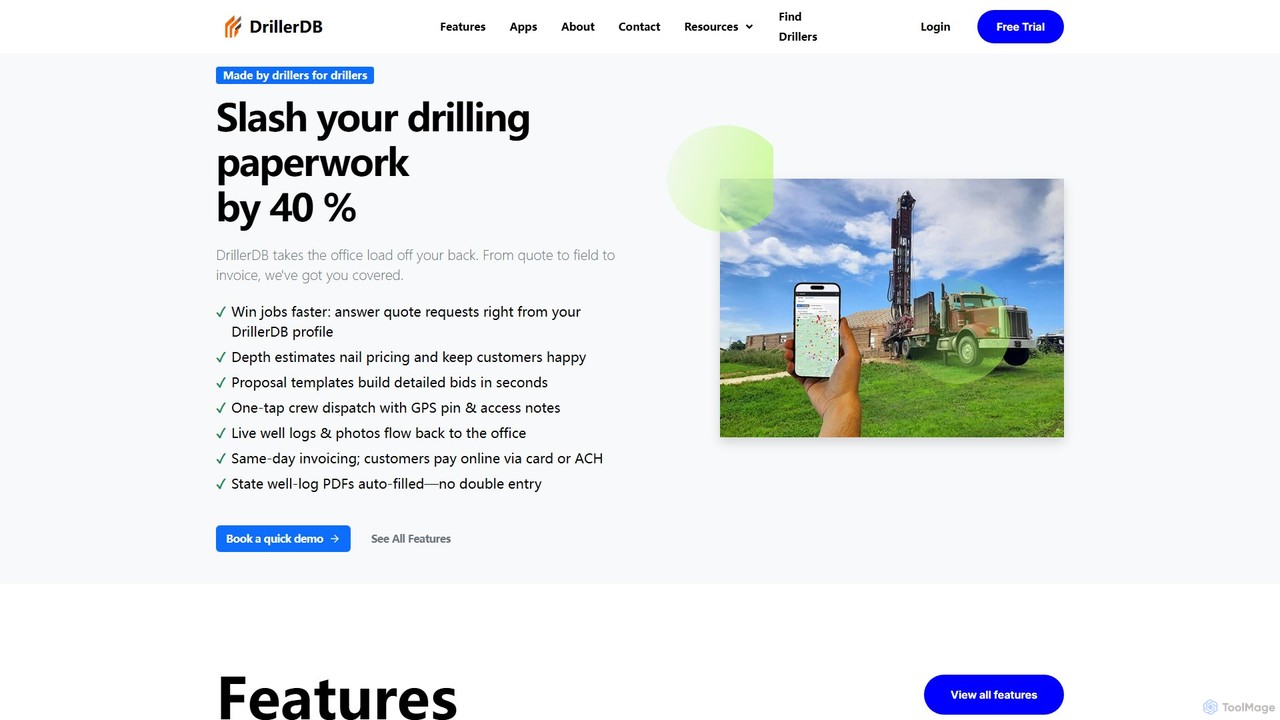
DrillerDB
DrillerDB is a comprehensive software solution designed specifically for American water well drillers. It streamlines project management, from scheduling and mapping to automated form filling and invoicing. With mobile apps for field teams and QuickBooks integration, it centralizes all operations, saving time and increasing efficiency for drilling businesses.
Project Management
BuildKeeper Comments (0)
Sign in to comment.
Sign inNo comments yet.