ToolMage
Sign in

Best 4 Software Discovery AI tools for Business

Popular Software Discovery AI tools in Business include Cuspera, Authencio, ProjectManagementTools.com, and Workflos, helping you work more efficiently.

Authencio

Authencio

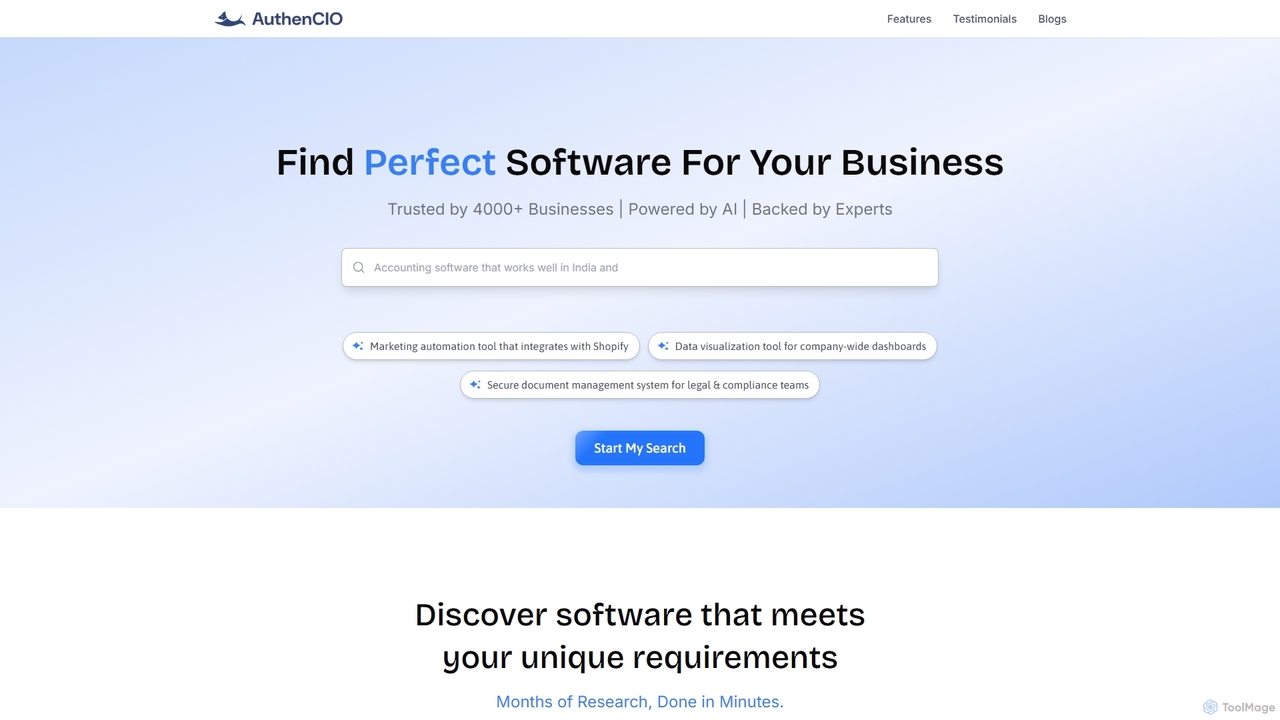
Authencio is an AI-powered platform designed to help businesses discover and evaluate the perfect software for their unique needs. It simplifies the complex software buying process, saving significant research time and enabling confident, data-driven decisions.

Software Discovery
Visits 17KFavorites 84Likes 83
Workflos
Free

Workflos

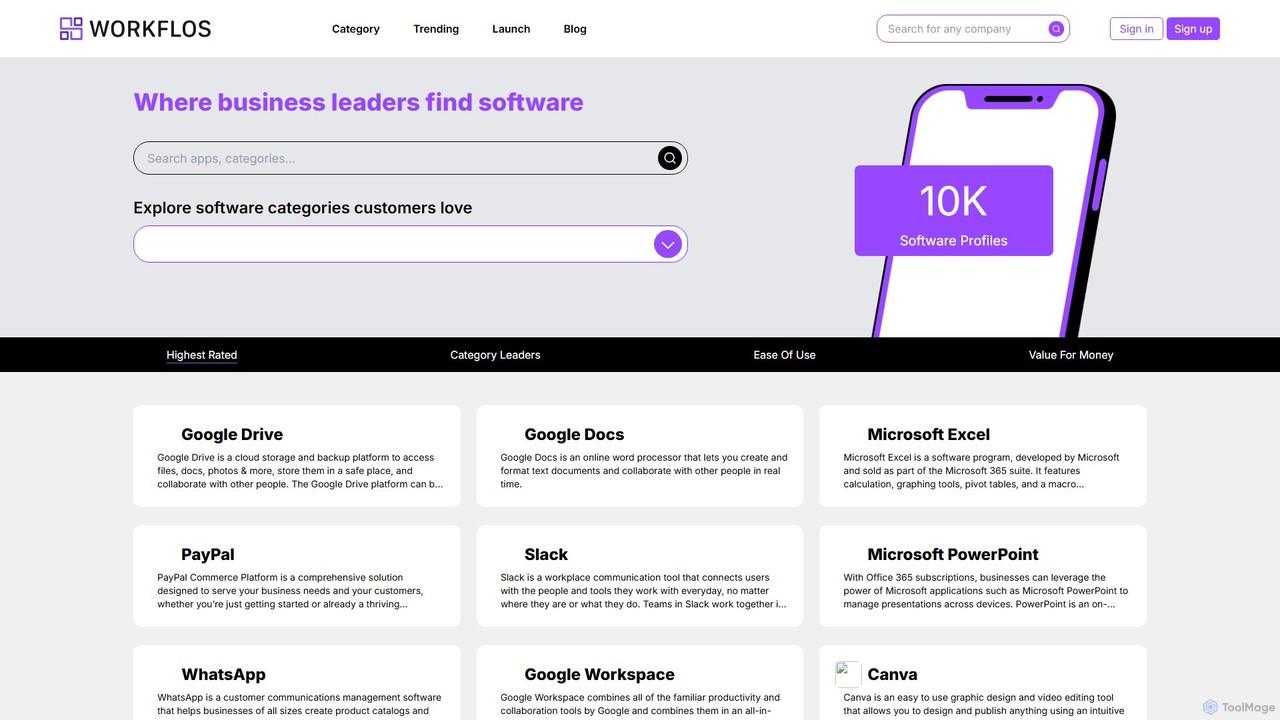
Workflos is a comprehensive software discovery platform designed for business leaders and teams. It features a vast directory of over 10,000 software profiles, allowing users to explore, compare, and select the best tools for their needs. By providing detailed information, user reviews, and side-by-side comparisons, Workflos simplifies the software selection process and helps businesses optimize their workflows and technology stack.

Software Discovery
Visits 4.6KFavorites 155Likes 159
Cuspera
Freemium

Cuspera

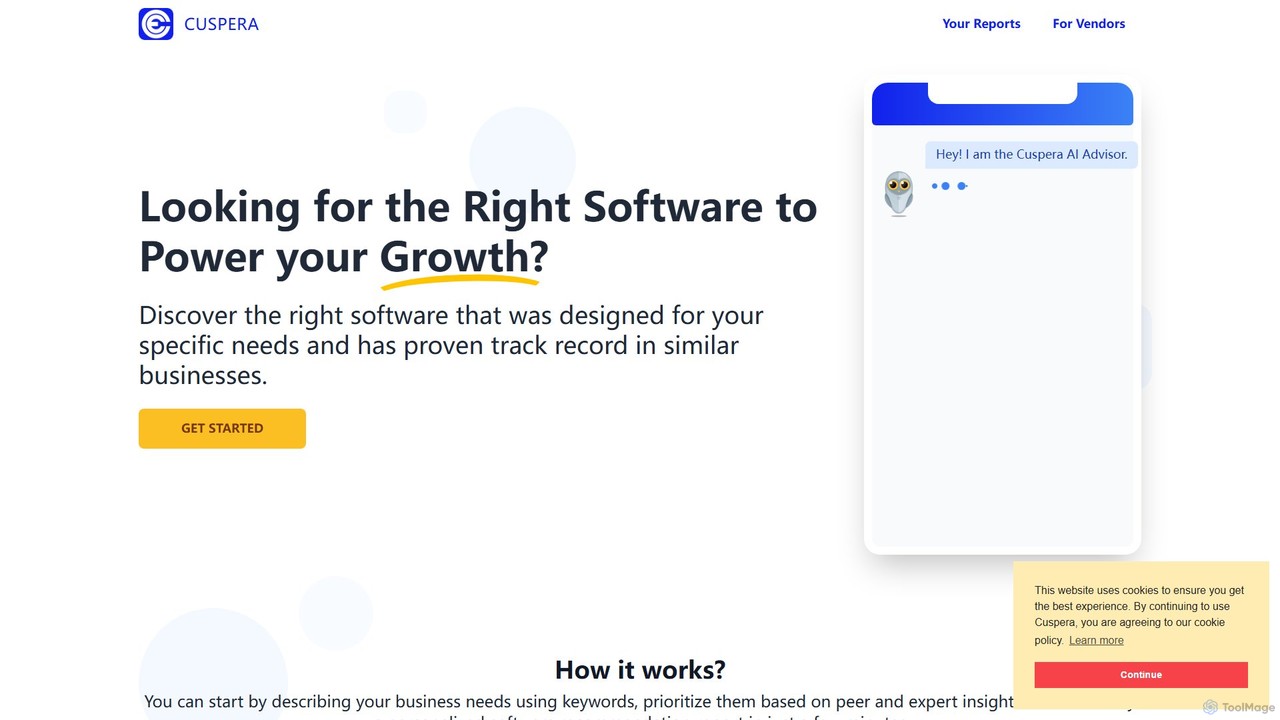
Cuspera is a B2B software discovery platform that helps businesses find the right MarTech and SalesTech solutions. It provides comprehensive buyer's guides, peer reviews, and expert insights to simplify the software selection process, ensuring you make informed decisions based on your specific business needs.

Software Discovery
Visits 62KFavorites 134Likes 142
ProjectManagementTools.com
Free

ProjectManagementTools.com

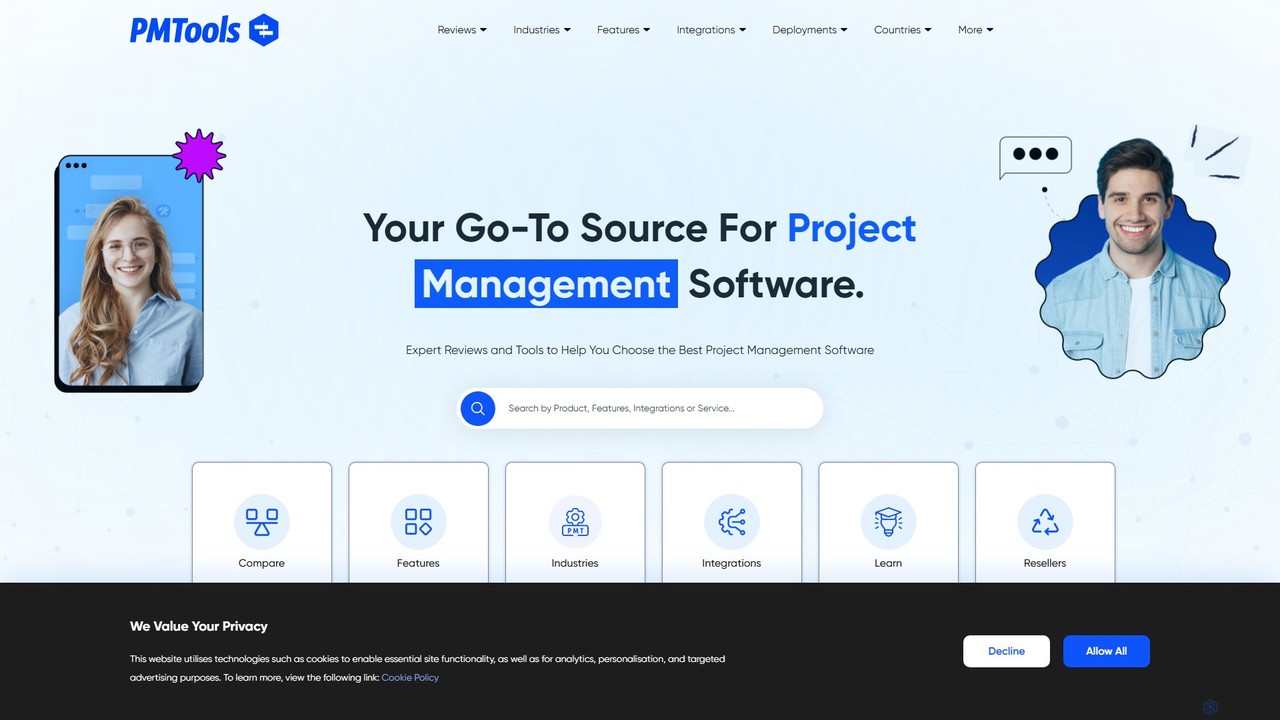
A comprehensive discovery platform offering expert reviews, side-by-side comparisons, and advanced filters to help you find the perfect project management software. Explore tools tailored to your industry, features, and integrations.

Software Discovery
Visits 4.7KFavorites 118Likes 119

About Software Discovery

Software Discovery tools are AI-powered platforms designed to automatically identify, analyze, and recommend software solutions for business needs. They leverage machine learning to scan an organization's existing technology stack, understand usage patterns, and compare findings against a vast database of market software. This process helps businesses optimize their software investments, eliminate redundant applications, and discover innovative tools to enhance operational efficiency. By providing data-driven insights, these platforms transform how companies manage their digital assets.

Core Features

  • Automated Stack Analysis: Scans networks and systems to create a comprehensive inventory of all installed and cloud-based applications.
  • AI-Powered Recommendations: Suggests software alternatives or new additions based on specific business requirements, budget, and integration needs.
  • Usage and Redundancy Tracking: Monitors application usage to identify underutilized licenses and overlapping functionalities between different tools.
  • Vendor and Market Comparison: Provides objective, data-driven comparisons of software vendors, features, and pricing models.

Use Cases

These tools are primarily used by IT managers, procurement specialists, and Chief Information Officers (CIOs) in mid-to-large enterprises. Common scenarios include preparing for digital transformation projects, conducting regular software audits to reduce costs, and identifying and mitigating risks associated with shadow IT (unauthorized software).

How to Choose

When selecting a Software Discovery tool, consider the depth and accuracy of its software database. Evaluate its integration capabilities with your existing IT management systems (like SSO or asset management). Assess the sophistication of its recommendation engine and the clarity of its analytics dashboards. Finally, review its security protocols and data privacy compliance to ensure it meets your organization's standards.

Software Discovery use cases

1

Optimizing a Department's Tech Stack

An IT manager is tasked with reducing the marketing department's annual software budget. Using a Software Discovery tool, they initiate an automated scan of all devices and cloud accounts used by the team. The platform identifies three separate project management tools and two different social media schedulers with significant feature overlap. The analytics dashboard shows that one project management tool is used by 80% of the team, while the others are used sporadically. Based on this data, the manager consolidates subscriptions into single solutions for each category, reducing software spend by 25% without disrupting workflows.

2

Finding a New CRM Solution

A sales director needs to replace their outdated CRM. Instead of spending weeks on manual research and demos, they use an AI Software Discovery platform. They input key requirements: must integrate with Outlook and Slack, have advanced reporting capabilities, be suitable for a team of 50, and stay within a specific budget. The AI engine analyzes these criteria and instantly generates a shortlist of five highly-rated CRMs that meet all requirements. The platform provides a side-by-side comparison of features, user reviews, and pricing, allowing the director to make an informed decision in a fraction of the time.

3

Mitigating Shadow IT Risks

A Chief Information Security Officer (CISO) is concerned about unauthorized software (Shadow IT) creating security vulnerabilities. They deploy a Software Discovery tool to perform a continuous, organization-wide scan. The tool quickly flags several unsanctioned cloud storage and collaboration applications being used by employees. It provides data on which employees are using them and how frequently. Armed with this information, the CISO can address the issue directly, provide sanctioned alternatives that meet user needs, and update security policies to prevent future occurrences, significantly reducing the company's risk exposure.

4

Supporting Mergers & Acquisitions (M&A)

During a merger, an integration team needs to consolidate the technology stacks of two companies. Manually mapping thousands of software assets would be a monumental task. They use a Software Discovery platform to scan both organizations' environments. The tool generates a unified inventory, automatically highlighting redundant software (e.g., both companies use different HR platforms). It also identifies potential integration challenges and provides recommendations for creating a single, cost-effective, and efficient technology ecosystem for the newly formed entity, accelerating the M&A integration process.

5

Budget Planning and Cost Reduction

A Chief Financial Officer (CFO) uses a Software Discovery platform for annual budget planning. The platform's analytics provide a clear overview of the total software spend, broken down by department and vendor. More importantly, its usage tracking feature identifies 'shelfware' – software licenses that are paid for but have low or no usage. By identifying these underutilized assets, the CFO can work with IT to de-provision licenses or renegotiate contracts, leading to direct and significant cost savings that can be reallocated to more strategic initiatives.

6

Accelerating Digital Transformation

A company is undergoing a major digital transformation initiative to modernize its operations. The project lead uses a Software Discovery tool to benchmark their current tech stack against industry leaders. The AI provides recommendations for modern, cloud-native solutions in areas like project management, data analytics, and customer support. It also shows potential integration pathways between the recommended tools. This data-driven approach allows the company to confidently select a future-proof technology stack that aligns with its transformation goals, avoiding costly trial-and-error.

Software Discovery FAQ

What are AI Software Discovery tools?

AI Software Discovery tools are specialized platforms that automate the process of finding, evaluating, and managing business software. Unlike simple directories, they actively scan an organization's IT environment to create a real-time inventory of all applications. They then use AI to analyze usage data, identify redundancies, and recommend new or alternative software solutions tailored to specific business needs, budgets, and existing systems.

How to choose the right Software Discovery tool?

Choosing the right tool depends on your specific needs. Consider the following factors:

  • Database Scope: Ensure the tool has a comprehensive and up-to-date database of software across various categories relevant to your industry.
  • Integration Capabilities: Check if it can integrate with your existing systems like Single Sign-On (SSO), HR Information Systems (HRIS), and financial software for seamless data flow.
  • Analytical Depth: Evaluate the quality of its usage analytics and the intelligence of its recommendation engine. Can it provide actionable insights beyond a simple list of software?
  • Security and Compliance: Verify its security protocols, data handling policies, and compliance with regulations like GDPR or CCPA.
What's the difference between a Software Discovery tool and a software directory like G2?

The key difference is being proactive versus reactive. A software directory like G2 or Capterra is a reactive resource; you must manually search, filter, and compare options based on user reviews. A Software Discovery tool is proactive. It actively analyzes your specific environment to provide personalized, data-driven recommendations. It tells you what software you have, how it's being used, and what you should consider changing, rather than just presenting a catalog of possibilities.

Who typically uses Software Discovery platforms?

These platforms are most beneficial for roles responsible for technology strategy, procurement, and management within an organization. Key users include:

  • IT Managers and CIOs: For managing the entire software lifecycle, optimizing the tech stack, and ensuring security.
  • Procurement and Finance Teams: To control software spend, negotiate better contracts, and eliminate redundant costs.
  • Department Heads: To find the best tools for their teams' specific needs without extensive manual research.
  • Security and Compliance Officers: To identify and mitigate risks from unauthorized software (Shadow IT).
How do these tools handle security and data privacy?

Reputable Software Discovery tools prioritize security and privacy. They typically use secure, often agentless, methods to scan systems, minimizing impact on performance. Data collected is usually anonymized and aggregated to analyze usage patterns without accessing sensitive personal or business content. When choosing a tool, it's crucial to verify their compliance with industry standards like SOC 2 and data protection regulations such as GDPR, ensuring they meet your organization's security requirements.