

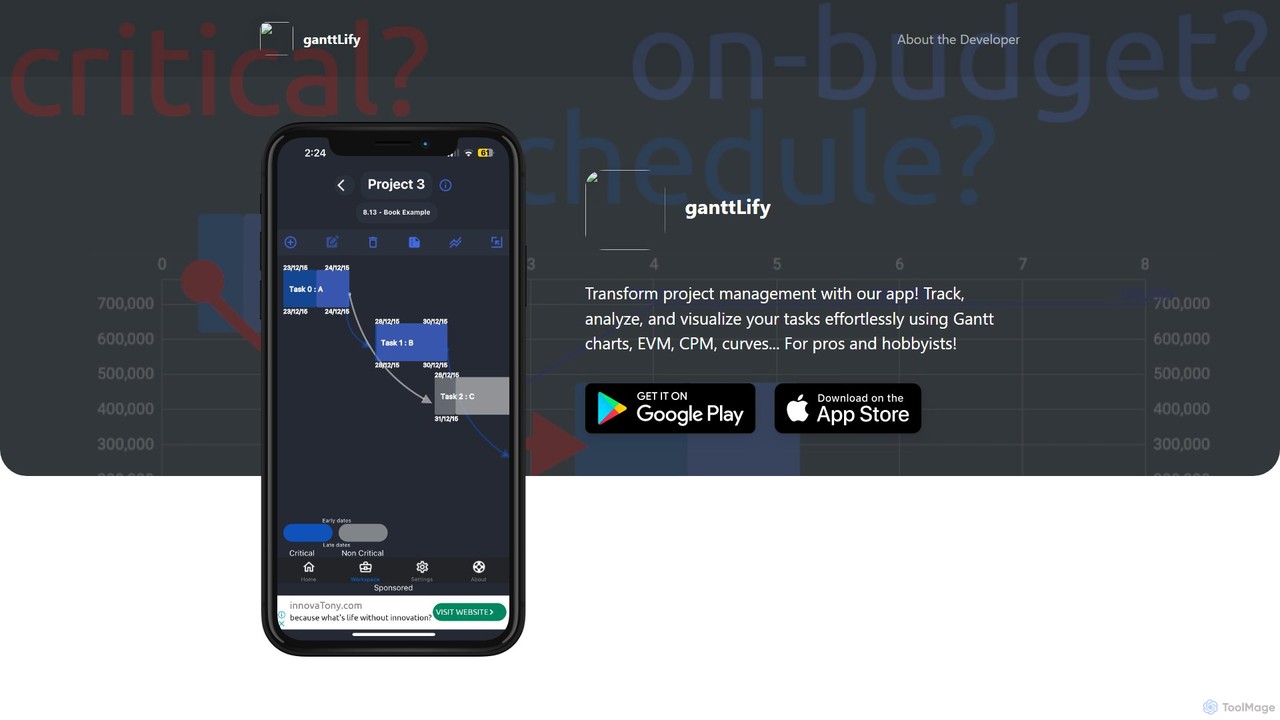
ganttlify Overview
ganttlify is a comprehensive project management application designed to revolutionize how projects are planned, executed, and monitored. It caters to a wide audience, from professional project managers handling complex initiatives to hobbyists organizing personal endeavors. The platform's core strength lies in its ability to merge traditional, proven project management methodologies with modern, intuitive visualization tools, making complex data accessible and actionable.
At its heart, ganttlify provides a robust framework for tracking tasks, analyzing performance, and visualizing project timelines. It moves beyond simple to-do lists by incorporating sophisticated techniques that are often reserved for high-end enterprise software. The goal is to empower users with data-driven insights, enabling them to stay ahead of deadlines, manage budgets effectively, and mitigate risks proactively. With a forward-thinking roadmap that includes AI-powered analytics, immersive AR/VR experiences, and seamless team collaboration, ganttlify is positioned to be a next-generation tool for project success.
How to use ganttlify
Using ganttlify is a streamlined process designed for clarity and efficiency:
- Project Creation: Start by creating a new project. Define its name, start date, and primary objectives.
- Task Breakdown: Add all project tasks and sub-tasks. For each task, you can specify its duration, dependencies on other tasks, and assigned resources.
- Visualize with Gantt Charts: The application automatically generates an interactive Gantt chart from your task list. You can drag and drop tasks to adjust timelines and see how changes impact the overall schedule.
- Identify the Critical Path: Activate the Critical Path Method (CPM) feature. ganttlify will instantly highlight the sequence of critical tasks that directly impact your project's completion date, allowing you to focus your attention where it matters most.
- Track Financials and Progress: As the project progresses, input actual costs and task completion percentages. Use the Earned Value Management (EVM) and S-Curve features to compare your progress against the planned schedule and budget.
- Ideate and Annotate: Utilize the sketch and draw feature to brainstorm workflows or visualize complex ideas. Add text notes and to-do lists to tasks to keep all relevant information in one place.
- Prepare for Collaboration: As team features are rolled out, you'll be able to invite members, assign tasks, and co-track progress within the app.
Core Features of ganttlify
- Gantt Chart: Visualize your entire project timeline, including task dependencies, durations, milestones, and progress at a glance.
- Critical Path Method (CPM): Automatically identifies the longest stretch of dependent tasks and measures the time required to complete them from start to finish, helping you manage deadlines effectively.
- Earned Value Management (EVM): A powerful tool for performance measurement. It integrates project scope, cost, and schedule to provide key metrics like Schedule Performance Index (SPI) and Cost Performance Index (CPI).
- Cumulative Cost Curve (S-Curve): Visually track the cumulative costs of your project over time, comparing planned expenditure with actual spending to maintain budget control.
- Text Notes & To-Dos: A simple yet effective way to organize thoughts, add reminders, and create detailed task lists associated with your project components.
- Sketch & Draw: A creative canvas to bring ideas to life, map out processes, or create visual notes, enhancing communication and understanding.
- Upcoming AI, AR/VR, and Voice Support: The platform is set to introduce AI-driven insights for predictive analysis, immersive AR/VR visualization for project models (compatible with devices like Apple Vision Pro), and voice commands for faster navigation.
Use Cases for ganttlify
ganttlify is versatile enough for various industries and project types:
- Software Development: Managing agile sprints, tracking feature development, and visualizing dependencies in complex codebases.
- Construction & Engineering: Planning construction phases, managing subcontractors, tracking material costs with S-Curves, and using upcoming AR/VR features to visualize blueprints on-site.
- Marketing Campaigns: Outlining campaign timelines from strategy to launch, coordinating content creation, and tracking budget allocation and ROI.
- Event Planning: Managing all tasks from venue selection and vendor coordination to marketing and on-day execution, ensuring nothing is missed.
- Academic Research: Structuring research projects, setting milestones for literature review, experiments, and paper writing.
- Personal Projects: Perfect for hobbyists planning a home renovation, organizing a trip, or any multi-step personal goal.
Advantages of ganttlify
- Integrated Power Tools: Combines Gantt, CPM, and EVM in one seamless application, eliminating the need for multiple disparate tools.
- Highly Visual Interface: Focus on charts, curves, and drawings makes complex project data easy to digest and act upon.
- Accessible to All: Designed with both professionals and beginners in mind, offering advanced features in a user-friendly package.
- Future-Forward: Commitment to integrating emerging technologies like AI and AR/VR ensures the tool remains at the cutting edge of project management.
- Data-Driven Decisions: Empowers users to move from reactive problem-solving to proactive project control through clear performance metrics.
Pricing and Plans
While official pricing is yet to be announced, ganttlify is expected to follow a freemium model to cater to its diverse user base. The anticipated structure is:
- Free Plan: Ideal for individuals and hobbyists for managing small projects, likely with a limit on the number of active projects and access to basic features like Gantt charts and to-do lists.
- Pro Plan: A paid tier for professionals and small teams, unlocking advanced features such as EVM, CPM, unlimited projects, and priority support.
- Teams/Enterprise Plan: A custom plan for larger organizations that will include upcoming collaboration features, advanced security, and dedicated account management.
Please visit the official ganttlify website for the most current and detailed pricing information.
ganttlify Alternatives
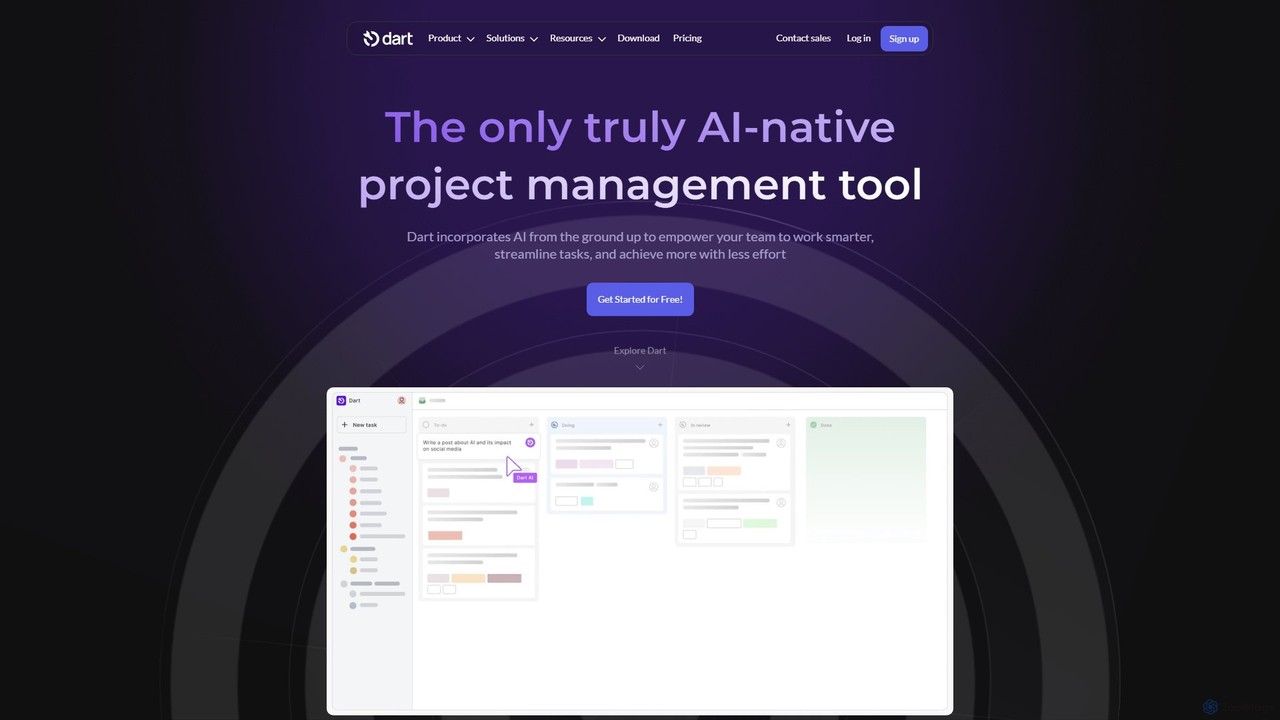
itsdart
Dart is an AI-native project management platform designed to automate workflows and enhance team productivity. It integrates AI from the ground up to handle tasks like subtask generation, project planning, and report creation. With features like intelligent task management, AI agents, integrated documents, and seamless integrations with tools like Slack and GitHub, Dart helps teams streamline operations, reduce manual overhead, and achieve goals faster.
Collaboration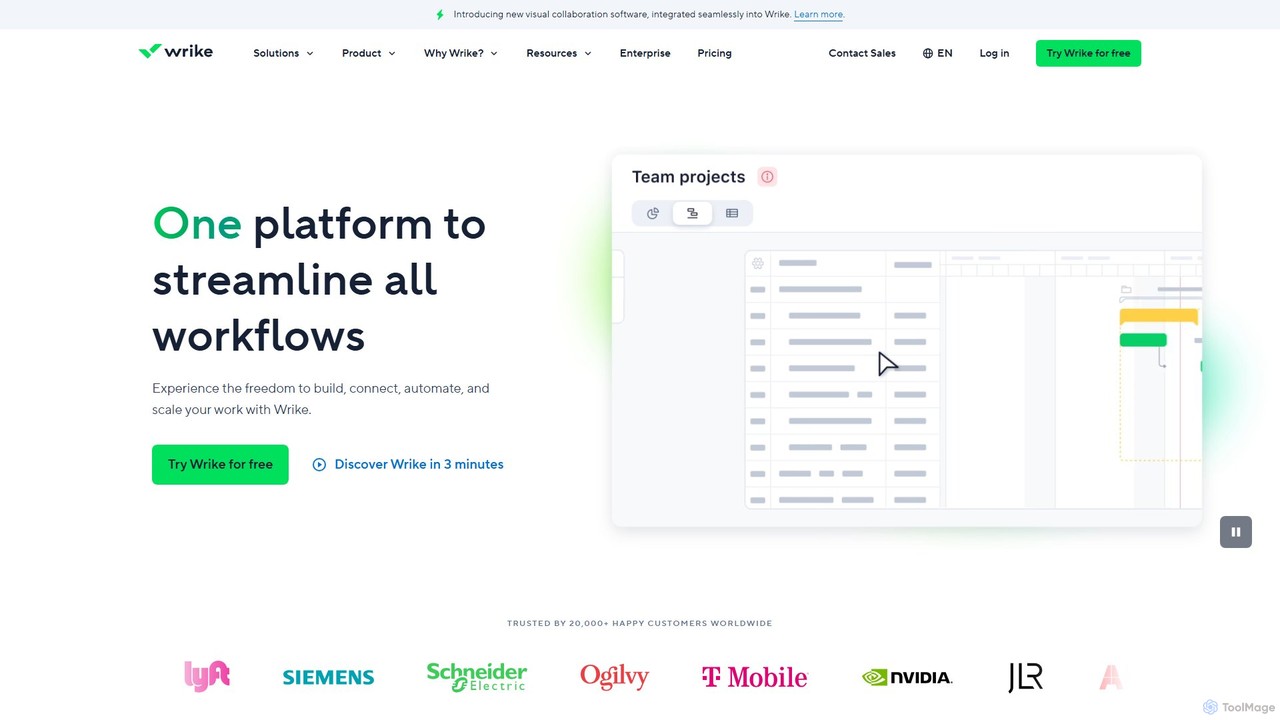
Wrike
Wrike is a versatile and robust project management software powered by AI. It helps teams of all sizes to ideate, plan, execute, and report on work in a single, unified platform. With its Work Intelligence® AI, Wrike automates tasks, predicts project risks, and provides data-driven insights to enhance productivity and collaboration.
Automation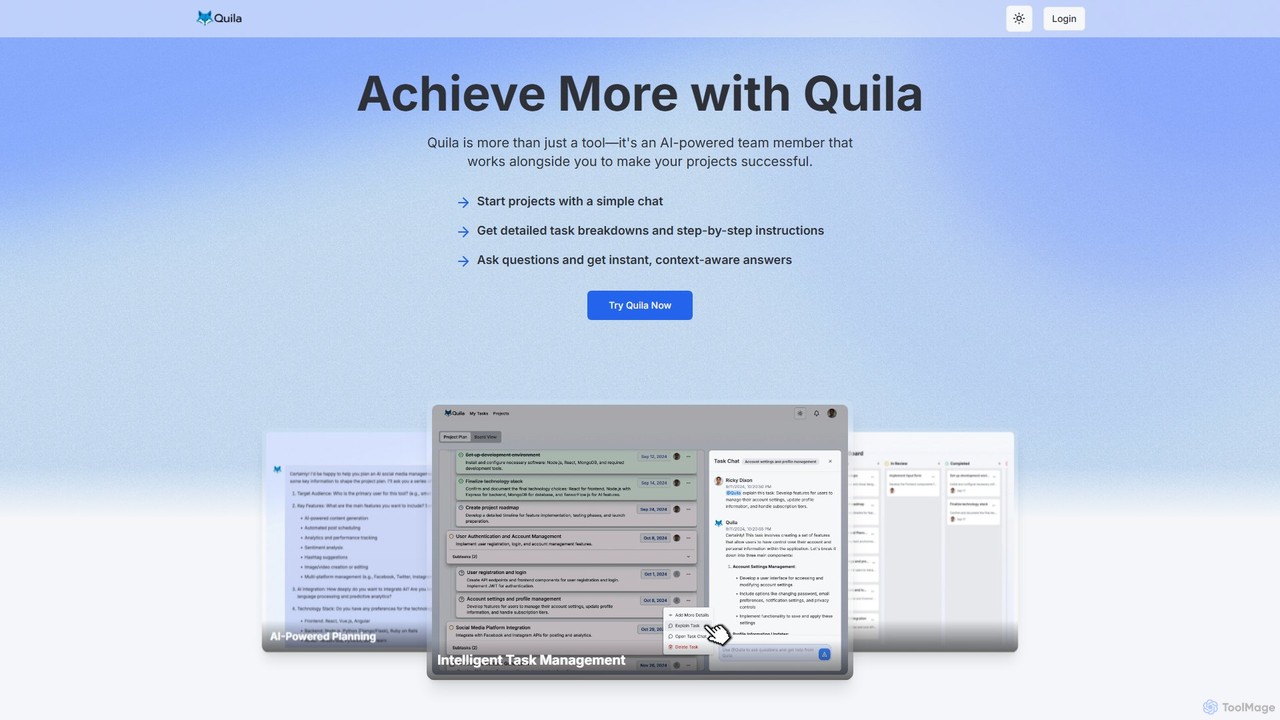
Quila
Quila is an AI-powered project management tool that acts as an intelligent team member. It transforms project ideas into detailed, actionable plans through a simple chat interface. Featuring a customizable Kanban board, AI-generated subtasks, and a collaborative AI assistant, Quila streamlines workflows, enhances team alignment, and eliminates ambiguity from start to finish.
Chatbot
dypt
dypt is an AI-powered task manager designed to help you overcome mental barriers and boost productivity. It automatically breaks down large, complex tasks into smaller, manageable subtasks, generates ideas, and creates lists, allowing you to regain control and focus on what truly matters.
Project Management
MindPlexa
MindPlexa is an AI-powered productivity platform that transforms ideas into actionable projects. It combines visual mind mapping with intelligent project management, allowing users to create, organize, and collaborate on ideas using intuitive canvases and smart nodes. The AI assistant helps generate project layouts, suggest tasks, and streamline workflows, making it an ideal tool for teams and individuals looking to boost creativity and efficiency.
Teamworkganttlify Categories
ganttlify Embed Widget
Copy this embed code to place the badge on your blog, article, or product site and send readers directly to this ToolMage detail page.

Related AI tools
itsdart
Dart is an AI-native project management platform designed to automate workflows and enhance team productivity. It integrates AI from the ground up to handle tasks like subtask generation, project planning, and report creation. With features like intelligent task management, AI agents, integrated documents, and seamless integrations with tools like Slack and GitHub, Dart helps teams streamline operations, reduce manual overhead, and achieve goals faster.
Collaboration
Swatle
Swatle is an AI-powered project management platform designed to streamline workflows and boost team productivity. It automates task creation, predicts project risks, and optimizes resource allocation. With its user-friendly interface, Swatle eliminates the need for extensive training, allowing teams to get started quickly and manage projects effectively from day one. It's built for speed, simplicity, and powerful results.
Task Management
AI Pro Management
AI Pro Management is an advanced project management platform that leverages AI to streamline workflows. It features a GPT-4o powered chatbot for managing tasks, generating reports, and estimating costs, along with predictive algorithms for risk assessment and duration prediction. This tool enhances project efficiency, collaboration, and success through intelligent automation and data-driven insights, while prioritizing data security.
AssistantWrike
Wrike is a versatile and robust project management software powered by AI. It helps teams of all sizes to ideate, plan, execute, and report on work in a single, unified platform. With its Work Intelligence® AI, Wrike automates tasks, predicts project risks, and provides data-driven insights to enhance productivity and collaboration.
AutomationQuila
Quila is an AI-powered project management tool that acts as an intelligent team member. It transforms project ideas into detailed, actionable plans through a simple chat interface. Featuring a customizable Kanban board, AI-generated subtasks, and a collaborative AI assistant, Quila streamlines workflows, enhances team alignment, and eliminates ambiguity from start to finish.
Chatbotdypt
dypt is an AI-powered task manager designed to help you overcome mental barriers and boost productivity. It automatically breaks down large, complex tasks into smaller, manageable subtasks, generates ideas, and creates lists, allowing you to regain control and focus on what truly matters.
Project ManagementMindPlexa
MindPlexa is an AI-powered productivity platform that transforms ideas into actionable projects. It combines visual mind mapping with intelligent project management, allowing users to create, organize, and collaborate on ideas using intuitive canvases and smart nodes. The AI assistant helps generate project layouts, suggest tasks, and streamline workflows, making it an ideal tool for teams and individuals looking to boost creativity and efficiency.
Teamwork
Trello
Trello is a visual collaboration and project management tool that helps teams organize tasks, collaborate on projects, and track progress using boards, lists, and cards. Enhanced with Atlassian Intelligence (AI), it streamlines workflows by turning communications into actionable items and automating repetitive tasks.
Workflow Automation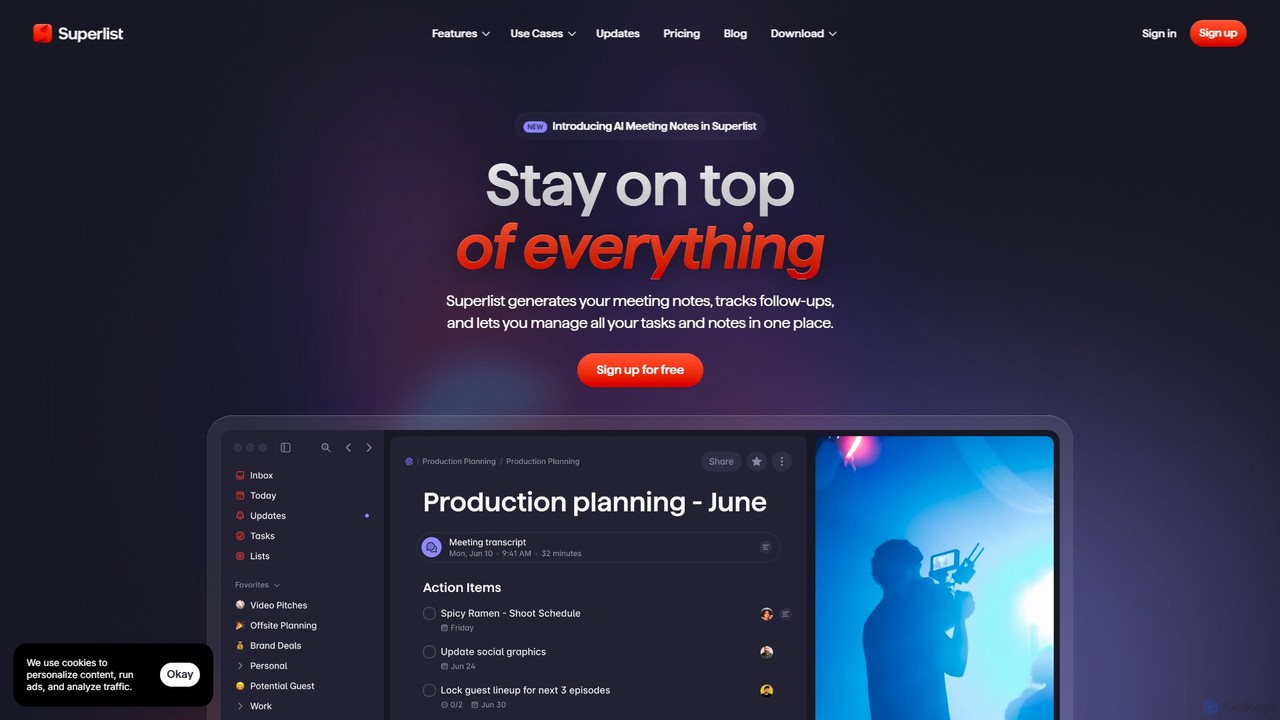
Superlist
Superlist is an AI-powered productivity tool that unifies tasks, notes, and meeting summaries in a single platform. Designed for both individuals and teams, it uses AI to automatically generate meeting notes, track action items, and convert voice memos into tasks, streamlining workflows and enhancing collaboration.
Meeting Assistant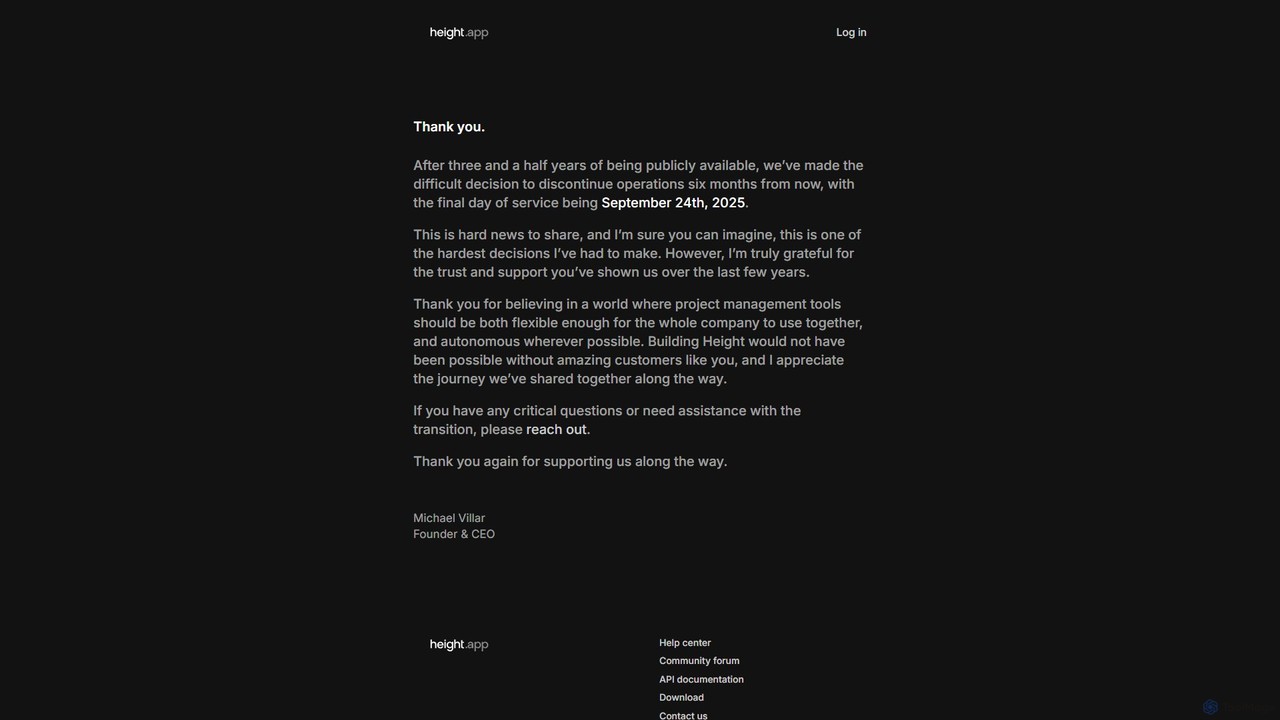
Height
Height is an autonomous project management tool that leverages AI to automate workflows, manage tasks, and enhance team collaboration. It was designed to be flexible for entire companies. (Note: Service will be discontinued on September 24th, 2025).
Task Management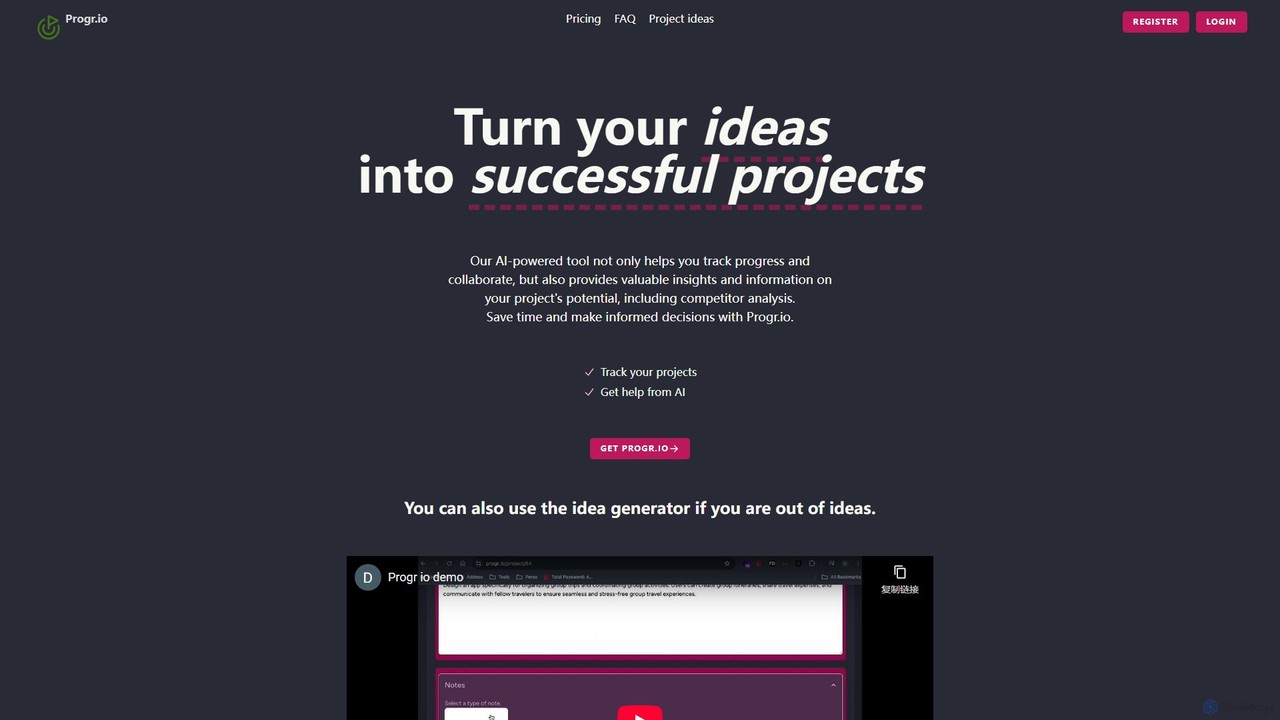
Progr.io
Progr.io is an AI-powered platform designed to transform your ideas into successful projects. It helps you track, organize, and develop your concepts with AI-driven insights, including competitor analysis and feature suggestions. Ideal for indie hackers, startups, and teams, it provides a centralized space for collaboration and progress monitoring. The built-in idea generator helps spark creativity, ensuring you never run out of innovative projects to pursue.
Idea Management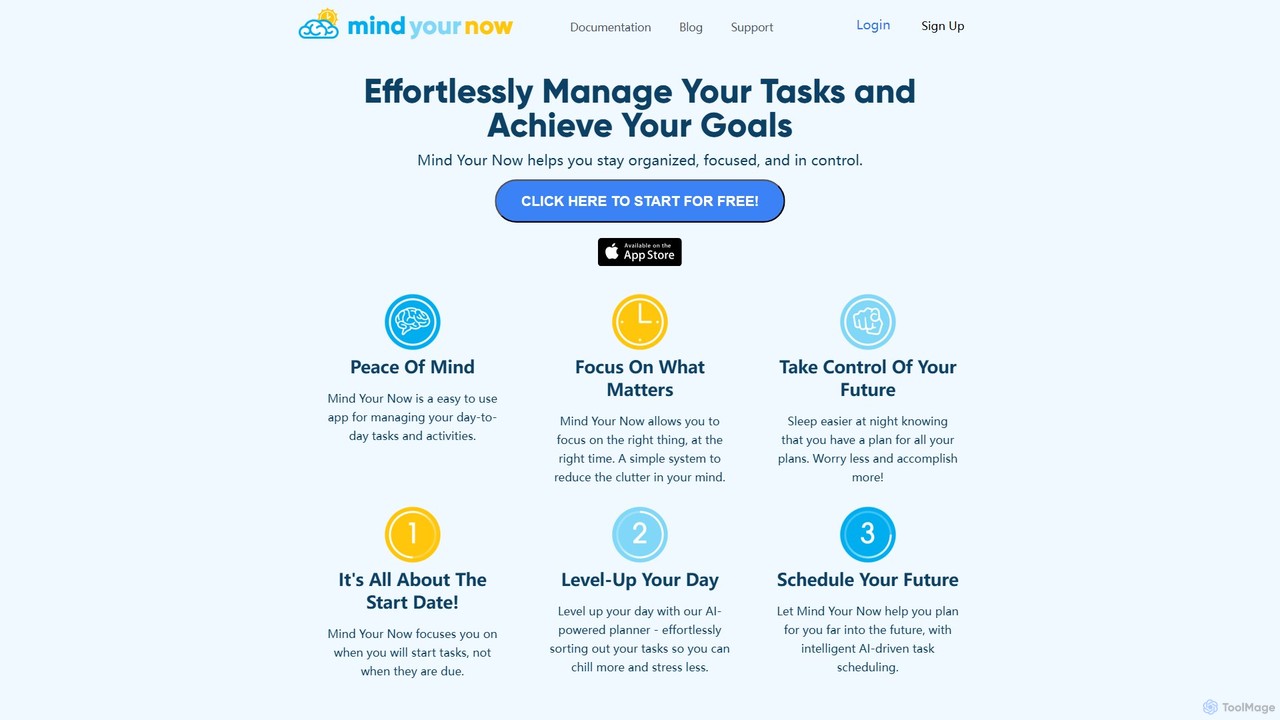
Mind Your Now
Mind Your Now is an AI-powered task and productivity manager designed to reduce overwhelm and increase focus. By prioritizing tasks based on their start dates, not due dates, and integrating proven methodologies like GTD and Time Blocking, it helps you manage daily activities, achieve long-term goals, and maintain a healthy work-life balance with its smart AI assistant, Kaia.
Calendar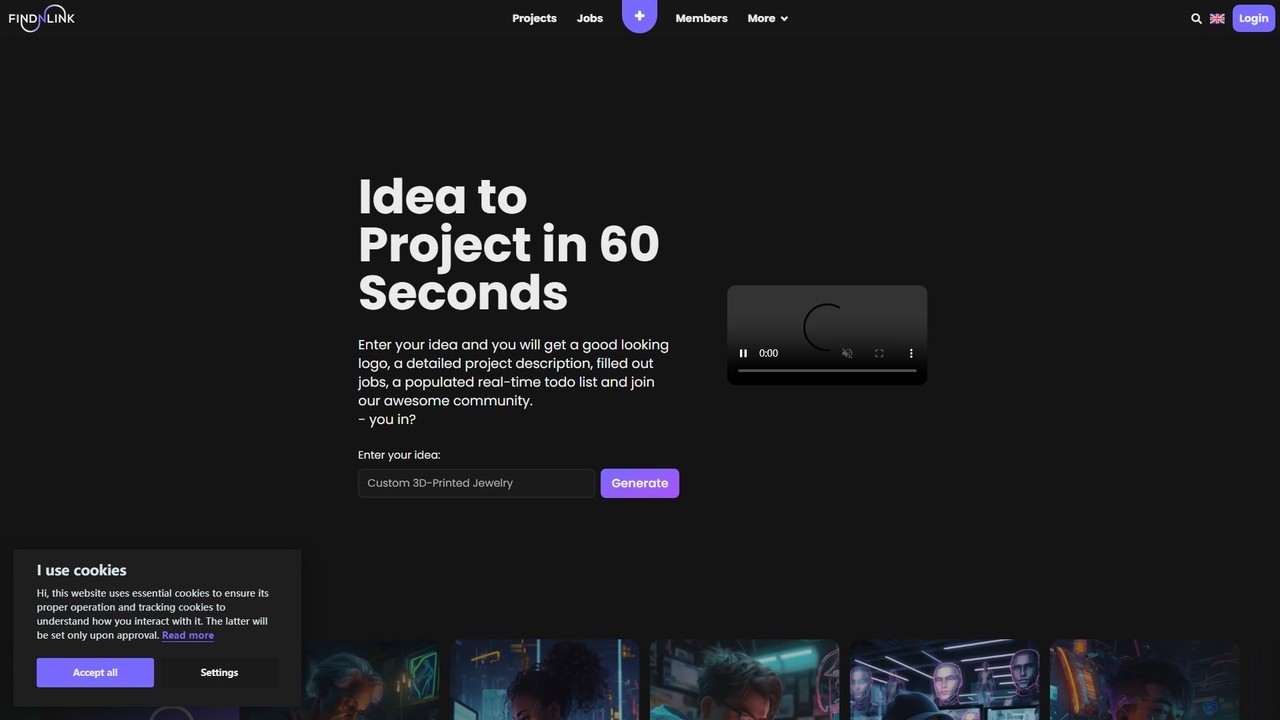
Findnlink
Findnlink is an AI-powered platform that transforms your raw ideas into fully structured projects in under a minute. It automatically generates a logo, a detailed project description, a real-time to-do list, and even job postings. Designed for entrepreneurs, innovators, and teams, it streamlines the entire process from concept to collaboration, helping you build, manage, and grow your vision with unprecedented speed and efficiency.
Recruiting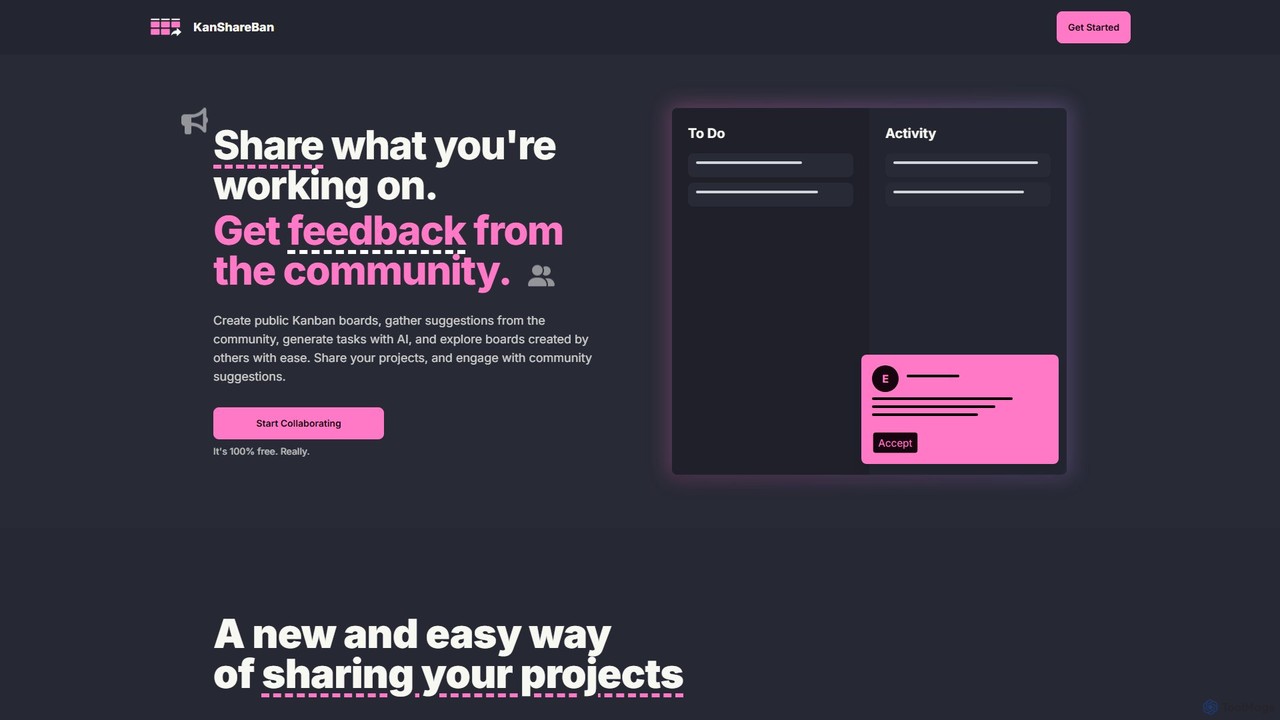
KanShareBan
A collaborative platform that combines public Kanban boards with AI-powered task generation. Share your projects, get valuable feedback from the community, and discover inspiring work from other creators. It's 100% free.
Community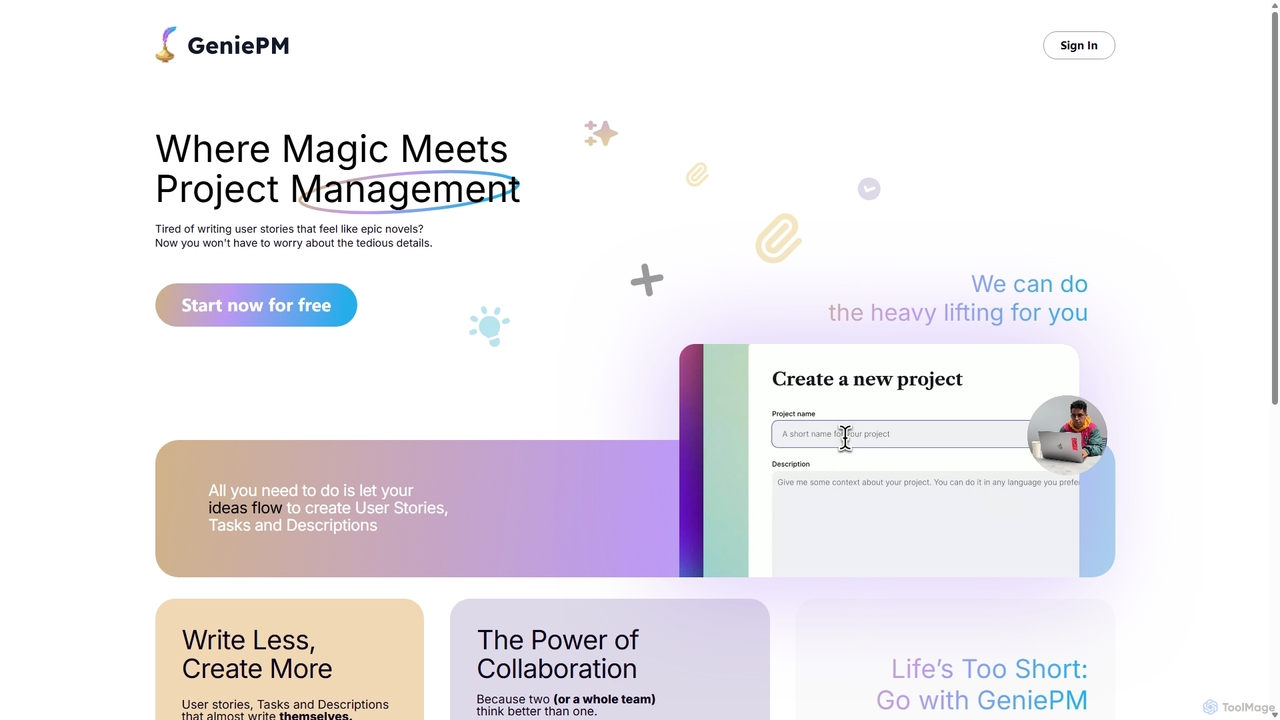
GeniePM
GeniePM is an AI-powered project management assistant designed to streamline the creation of user stories, tasks, and descriptions. By transforming simple ideas into detailed, structured project items, it eliminates tedious writing and allows teams to focus on collaboration and execution. It integrates with popular tools to fit seamlessly into your existing workflow.
Task Management
ganttlify Comments (0)
Sign in to comment.
Sign inNo comments yet.