

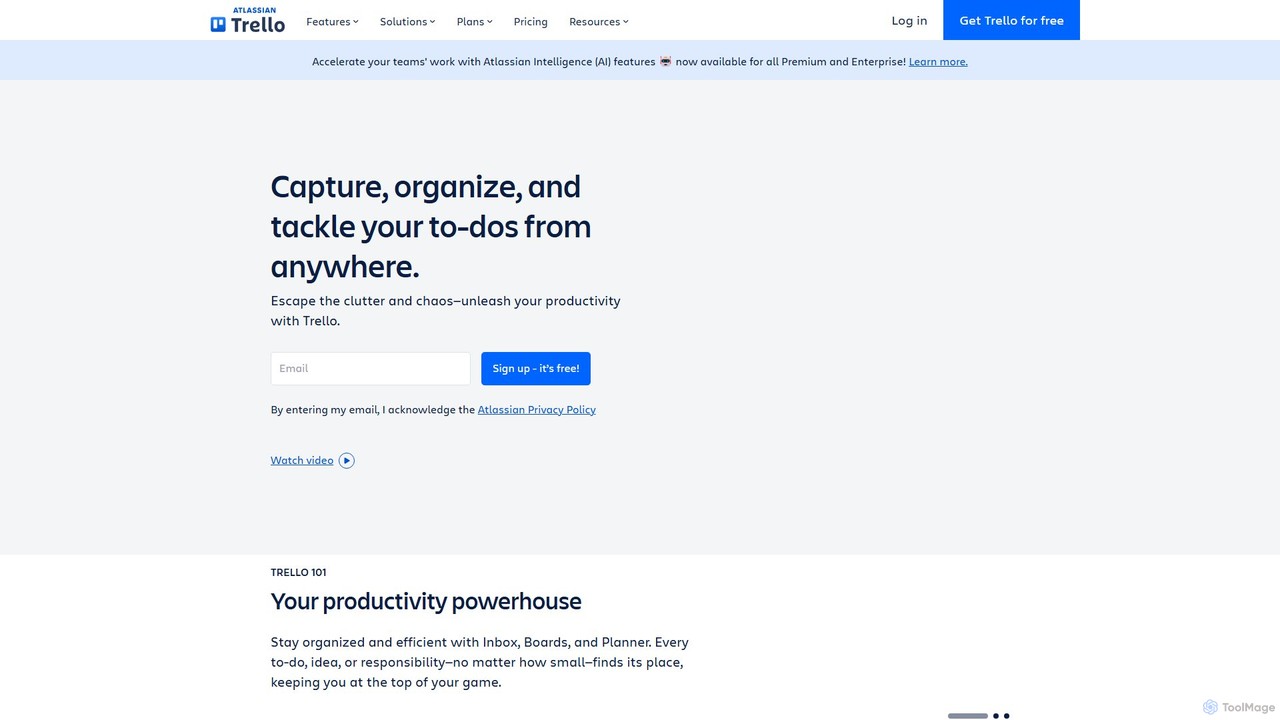
Trello Overview
Trello is a highly flexible and visual work management tool designed to help teams and individuals ideate, plan, collaborate on projects, organize workflows, and track progress in a productive and rewarding way. Acquired by Atlassian, Trello has evolved from a simple Kanban-style board to a comprehensive productivity powerhouse, now incorporating AI features to further accelerate team work. It's trusted by millions of users worldwide, from startups to large enterprises like Google, IKEA, and ThoughtWorks, for its simplicity and powerful capabilities.
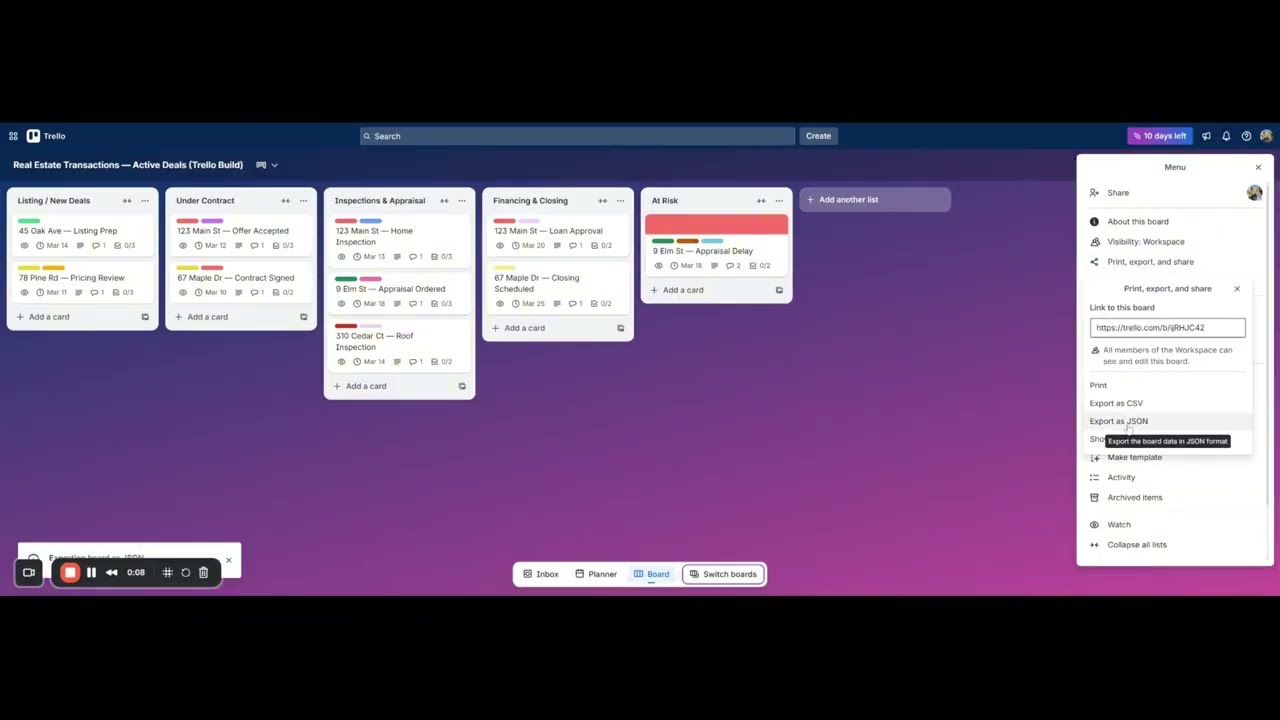
The core of Trello is its visual system of boards, lists, and cards. A board typically represents a project or a workflow. Within a board, lists represent stages of a process (e.g., 'To Do', 'In Progress', 'Done'). Cards, which represent individual tasks or ideas, live within these lists and can be moved from one list to another to signify progress. This intuitive drag-and-drop interface makes it easy for everyone on the team to understand the status of a project at a glance.
How to use Trello
Getting started with Trello is straightforward. First, you create a Workspace for your team or company. Then, you create your first board for a specific project. You can start from scratch or use one of the many templates available for various use cases like project management, sales pipelines, or content calendars. Populate the board with lists to define your workflow stages. After that, you can start adding cards for each task. Cards can be enriched with detailed information, including descriptions, checklists, due dates, attachments, and comments for team discussions. As work progresses, simply drag and drop cards across lists. For enhanced productivity, you can turn emails or messages from Slack and Microsoft Teams directly into Trello cards, with Atlassian Intelligence helping to summarize and organize the information.
Core Features of Trello
- Atlassian Intelligence (AI): Automates task creation from emails and messages, provides AI-generated summaries, and helps with content generation and grammar correction within cards.
- Boards, Lists, and Cards: The fundamental, intuitive visual system for organizing any type of work.
- Multiple Views: Visualize your work in different ways, including Calendar, Timeline, Table, Dashboard, and Map views, to gain new perspectives on your projects.
- Butler Automation: A built-in, no-code automation engine that handles repetitive tasks, such as moving cards, setting due dates, or notifying team members, allowing you to focus on more important work.
- Power-Ups & Integrations: Connect Trello with over 200 apps and services your team already uses, such as Slack, Google Drive, Salesforce, and Jira, to create a centralized workflow hub.
- Card Mirroring: Sync cards across multiple boards to ensure information is consistent and up-to-date everywhere, perfect for cross-functional projects.
- Advanced Checklists & Custom Fields: Break down tasks into smaller steps with assignees and due dates, and add structured information to cards to fit your specific process.
- Inbox & Planner: A personal space to capture to-dos from anywhere before organizing them, and a calendar view to drag, drop, and schedule your most important tasks.
Use Cases for Trello
Trello's flexibility makes it suitable for a vast range of applications. In project management, it's used to track everything from software development sprints to marketing campaigns. For business operations, teams use it to manage hiring pipelines, employee onboarding, and meeting agendas. Sales teams build and manage their pipelines, while marketing teams plan content calendars and social media schedules. It's also widely used for personal productivity, such as planning a vacation, managing household chores, or organizing a job search. Companies like IKEA have used it to improve communication across teams with deep cultural and language differences, highlighting its universal ease of use.
Advantages of Trello
The primary advantage of Trello is its unparalleled ease of use; 81% of customers choose it for this reason. Its visual nature makes complex processes easy to understand and manage. This simplicity leads to rapid adoption and value, with 75% of organizations reporting business value within 30 days. Trello significantly improves team communication and transparency by providing a single source of truth for project status. The powerful automation and integration capabilities save time and reduce manual effort, while the new AI features further enhance productivity by intelligently processing information and assisting with content creation.
Pricing and Plans
Trello offers a freemium model with several tiers:
- Free: $0 for up to 10 collaborators per Workspace. Includes unlimited cards, up to 10 boards per Workspace, unlimited Power-Ups, and 250 Workspace command runs per month.
- Standard: $5 per user/month (billed annually). Includes everything in Free, plus unlimited boards, advanced checklists, custom fields, card mirroring, and 1,000 Workspace command runs per month.
- Premium: $10 per user/month (billed annually). Includes everything in Standard, plus Atlassian Intelligence (AI) features, multiple views (Calendar, Timeline, Table, etc.), admin and security features, and unlimited command runs.
- Enterprise: $17.50 per user/month (billed annually). Includes everything in Premium, plus unlimited Workspaces, organization-wide permissions, enterprise-grade security, and free SSO with Atlassian Guard.
Traffic
Latest traffic
Status
Monthly traffic trend
- 2025-9: 76.8M
- 2026-1: 77.5M
- 2026-2: 70.5M
- 2026-3: 83.1M
- 2026-4: 79.1M
- 2026-5: 74.1M
Geography
Top 5 countries / regions
- 🇧🇷Brazil40.1%
- 🇺🇸United States33.6%
- 🇯🇵Japan11.3%
- 🇬🇧United Kingdom8.8%
- 🇩🇪Germany6.3%
Traffic sources
| Source type | Percentage |
|---|---|
Direct | 90.5% |
Referral | 5.6% |
Email | 4.0% |
Top keywords
| Keyword | Cost per click |
|---|---|
| archived trello | $3.98 |
| bridger western trello | $0.00 |
| trello | $3.77 |
| trello login | $1.90 |
| type soul trello | $0.52 |
Trello Videos on YouTube

HardReset_info Tests

Shabana Basra

Trello

Tool Finder

SaaS Growth: From Code to Customers

Simpletivity
Trello Alternatives
Swatle
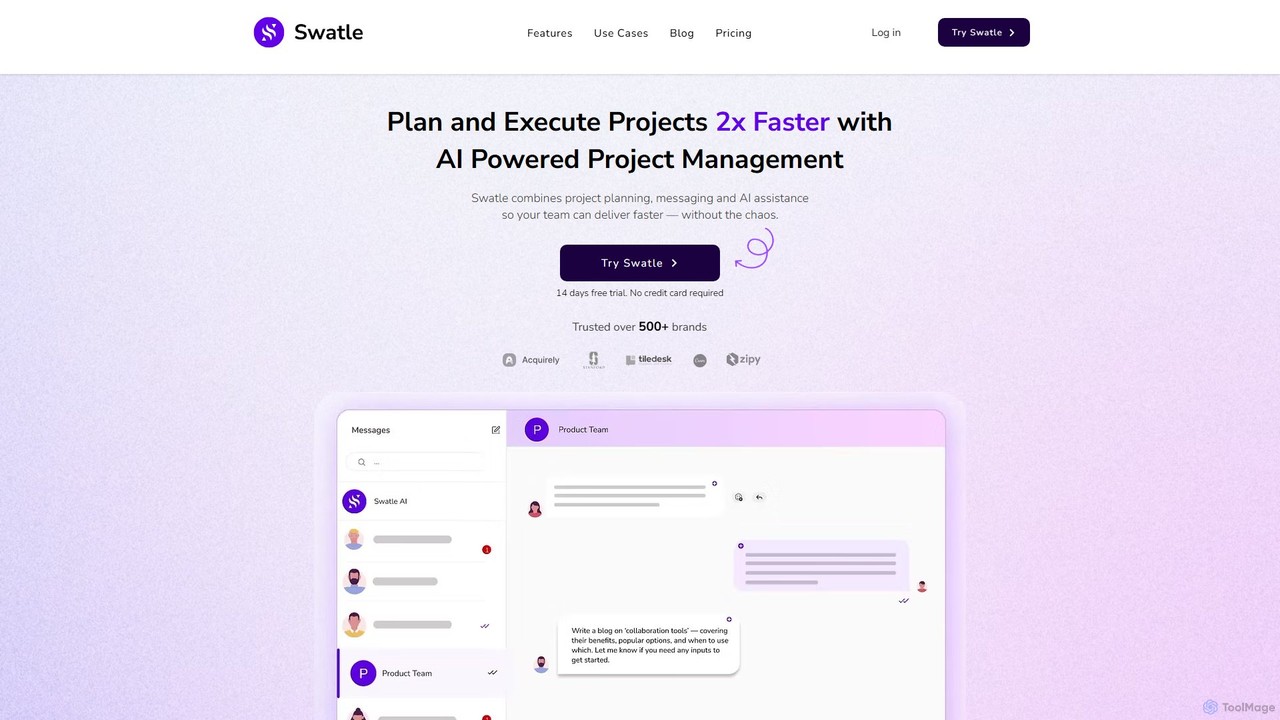
Swatle is an AI-powered project management platform designed to streamline workflows and boost team productivity. It automates task creation, predicts project risks, and optimizes resource allocation. With its user-friendly interface, Swatle eliminates the need for extensive training, allowing teams to get started quickly and manage projects effectively from day one. It's built for speed, simplicity, and powerful results.
Task Management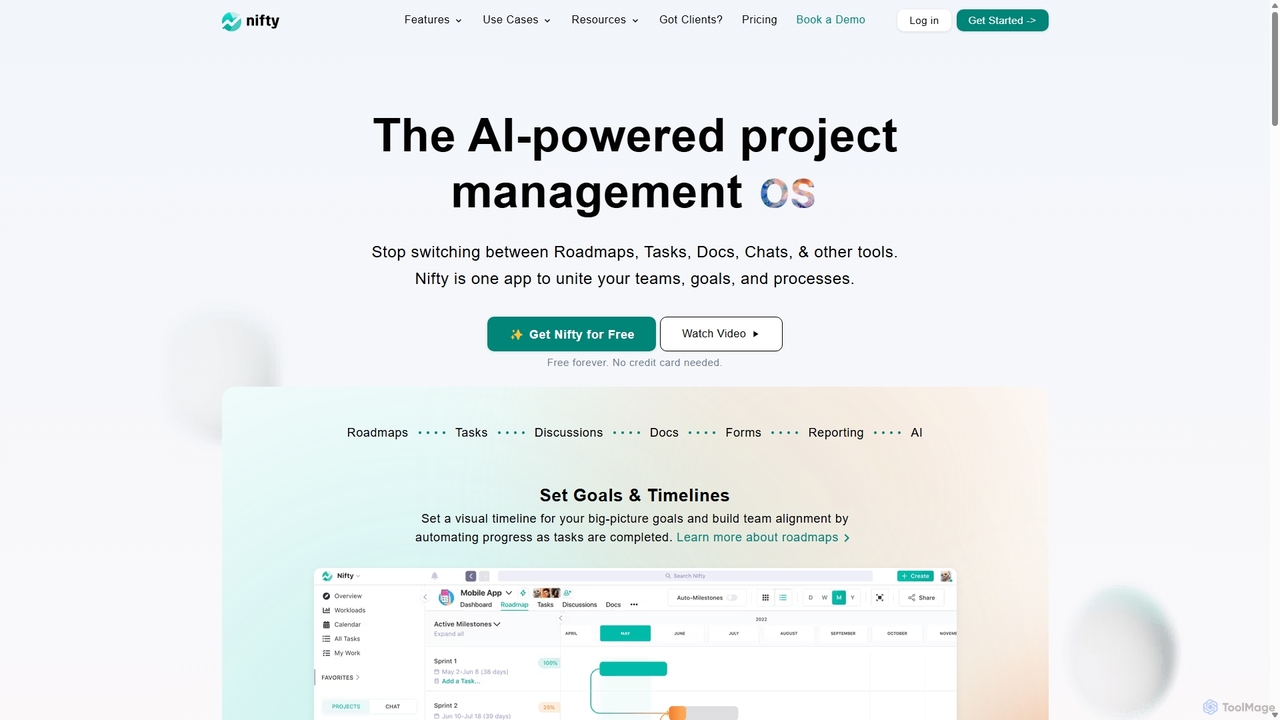
NiftyPM
NiftyPM is an AI-powered, all-in-one project management operating system designed to unite teams, goals, and processes. It consolidates roadmaps, tasks, documents, and team chat into a single collaborative workspace, eliminating the need to switch between multiple tools. With its Orbit AI, NiftyPM streamlines workflows, automates reporting, and enhances overall productivity for various teams, including engineering, marketing, and sales.
Collaboration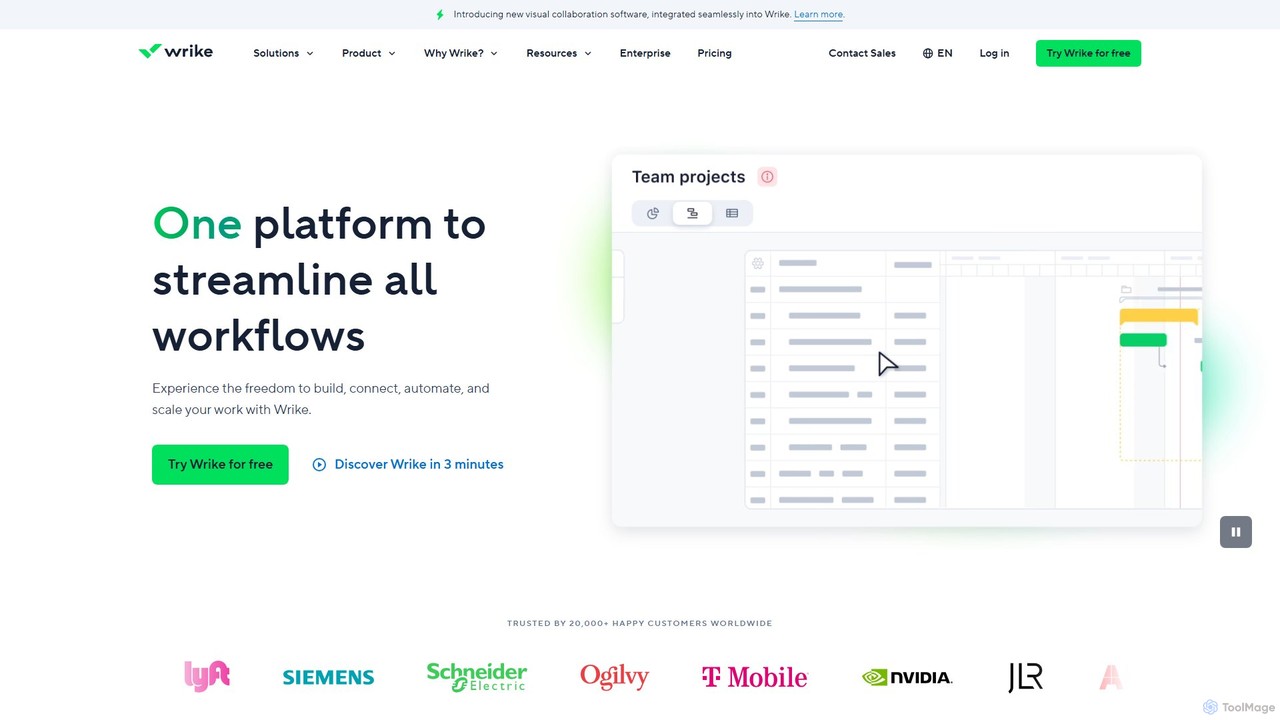
Wrike
Wrike is a versatile and robust project management software powered by AI. It helps teams of all sizes to ideate, plan, execute, and report on work in a single, unified platform. With its Work Intelligence® AI, Wrike automates tasks, predicts project risks, and provides data-driven insights to enhance productivity and collaboration.
Automation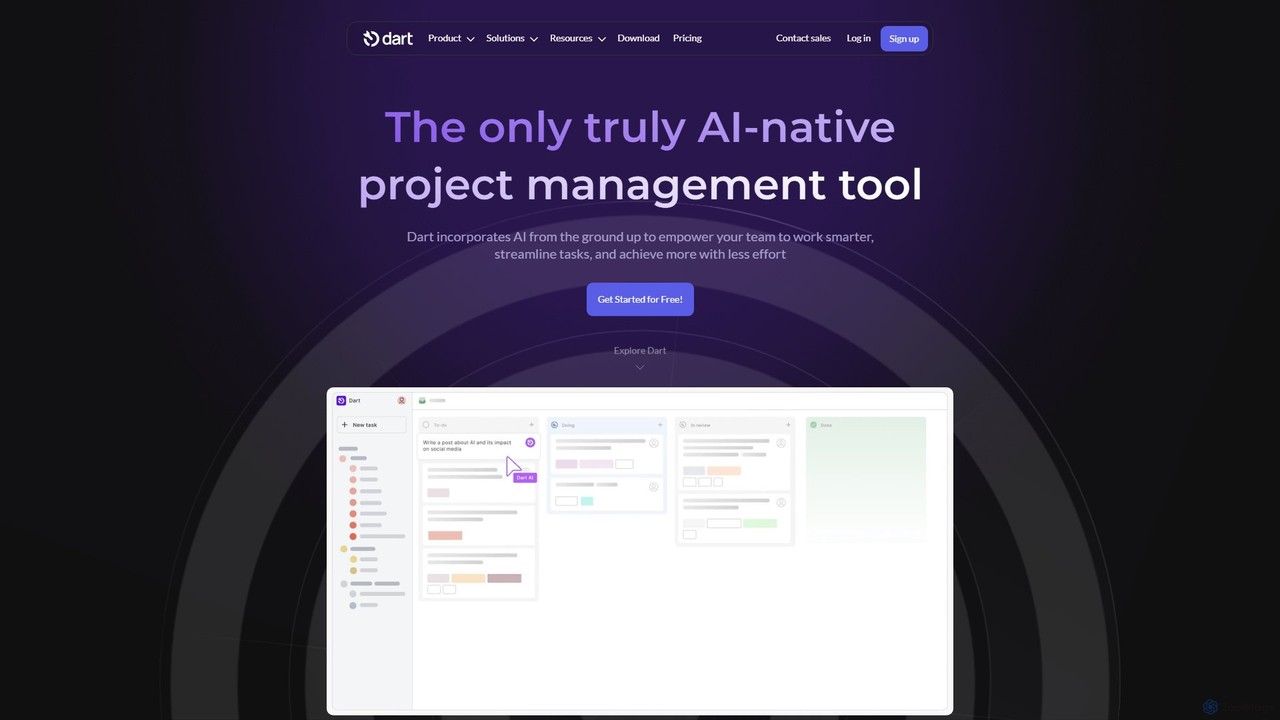
itsdart
Dart is an AI-native project management platform designed to automate workflows and enhance team productivity. It integrates AI from the ground up to handle tasks like subtask generation, project planning, and report creation. With features like intelligent task management, AI agents, integrated documents, and seamless integrations with tools like Slack and GitHub, Dart helps teams streamline operations, reduce manual overhead, and achieve goals faster.
Collaboration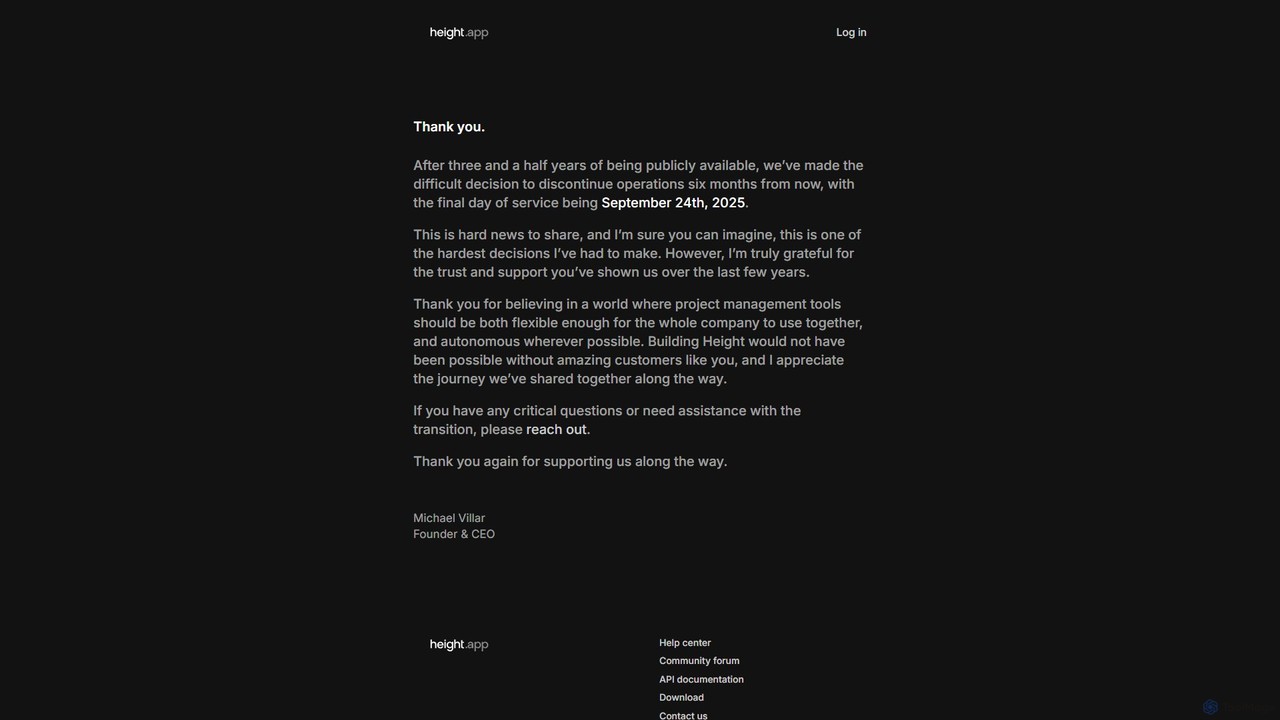
Height
Height is an autonomous project management tool that leverages AI to automate workflows, manage tasks, and enhance team collaboration. It was designed to be flexible for entire companies. (Note: Service will be discontinued on September 24th, 2025).
Task ManagementTrello Categories
Trello Embed Widget
Copy this embed code to place the badge on your blog, article, or product site and send readers directly to this ToolMage detail page.

Related AI tools
Swatle
Swatle is an AI-powered project management platform designed to streamline workflows and boost team productivity. It automates task creation, predicts project risks, and optimizes resource allocation. With its user-friendly interface, Swatle eliminates the need for extensive training, allowing teams to get started quickly and manage projects effectively from day one. It's built for speed, simplicity, and powerful results.
Task ManagementWrike
Wrike is a versatile and robust project management software powered by AI. It helps teams of all sizes to ideate, plan, execute, and report on work in a single, unified platform. With its Work Intelligence® AI, Wrike automates tasks, predicts project risks, and provides data-driven insights to enhance productivity and collaboration.
Automationitsdart
Dart is an AI-native project management platform designed to automate workflows and enhance team productivity. It integrates AI from the ground up to handle tasks like subtask generation, project planning, and report creation. With features like intelligent task management, AI agents, integrated documents, and seamless integrations with tools like Slack and GitHub, Dart helps teams streamline operations, reduce manual overhead, and achieve goals faster.
Collaboration
Jyek
Jyek is an AI agent platform that understands objectives, creates execution plans, uses tools, and delivers verifiable results for complex, multi-step tasks.
AutomationHeight
Height is an autonomous project management tool that leverages AI to automate workflows, manage tasks, and enhance team collaboration. It was designed to be flexible for entire companies. (Note: Service will be discontinued on September 24th, 2025).
Task Management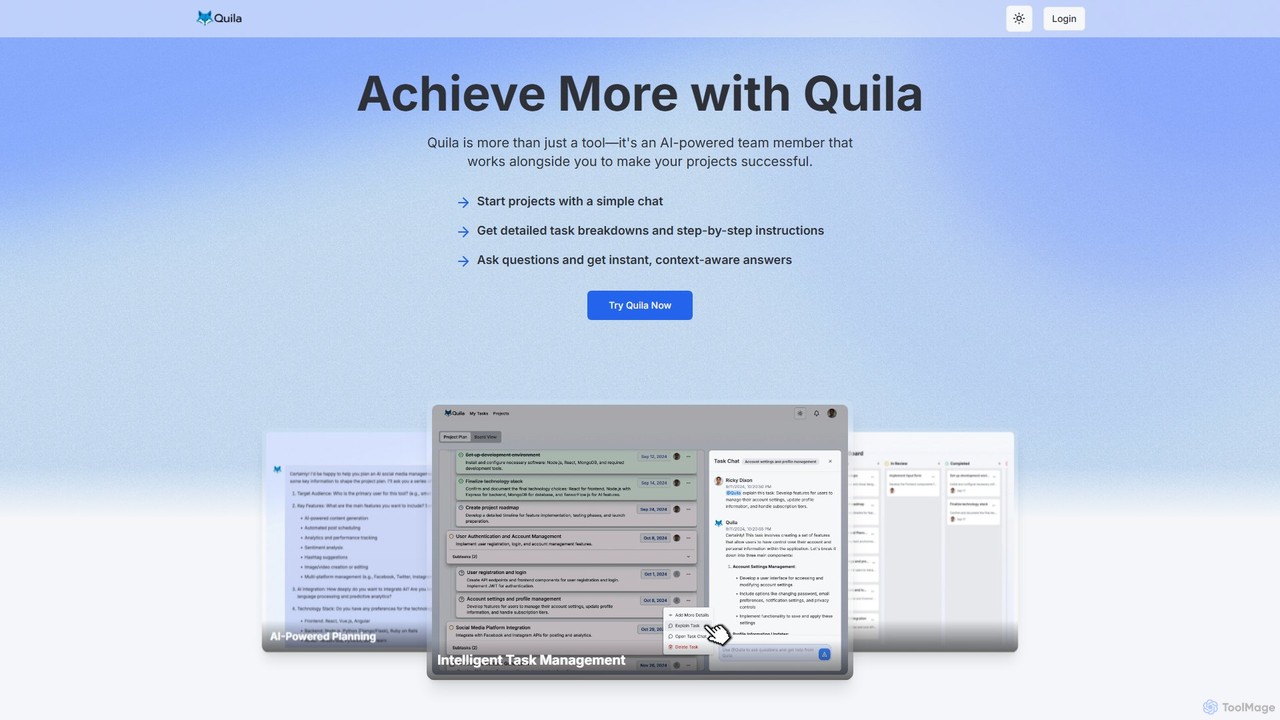
Quila
Quila is an AI-powered project management tool that acts as an intelligent team member. It transforms project ideas into detailed, actionable plans through a simple chat interface. Featuring a customizable Kanban board, AI-generated subtasks, and a collaborative AI assistant, Quila streamlines workflows, enhances team alignment, and eliminates ambiguity from start to finish.
Chatbot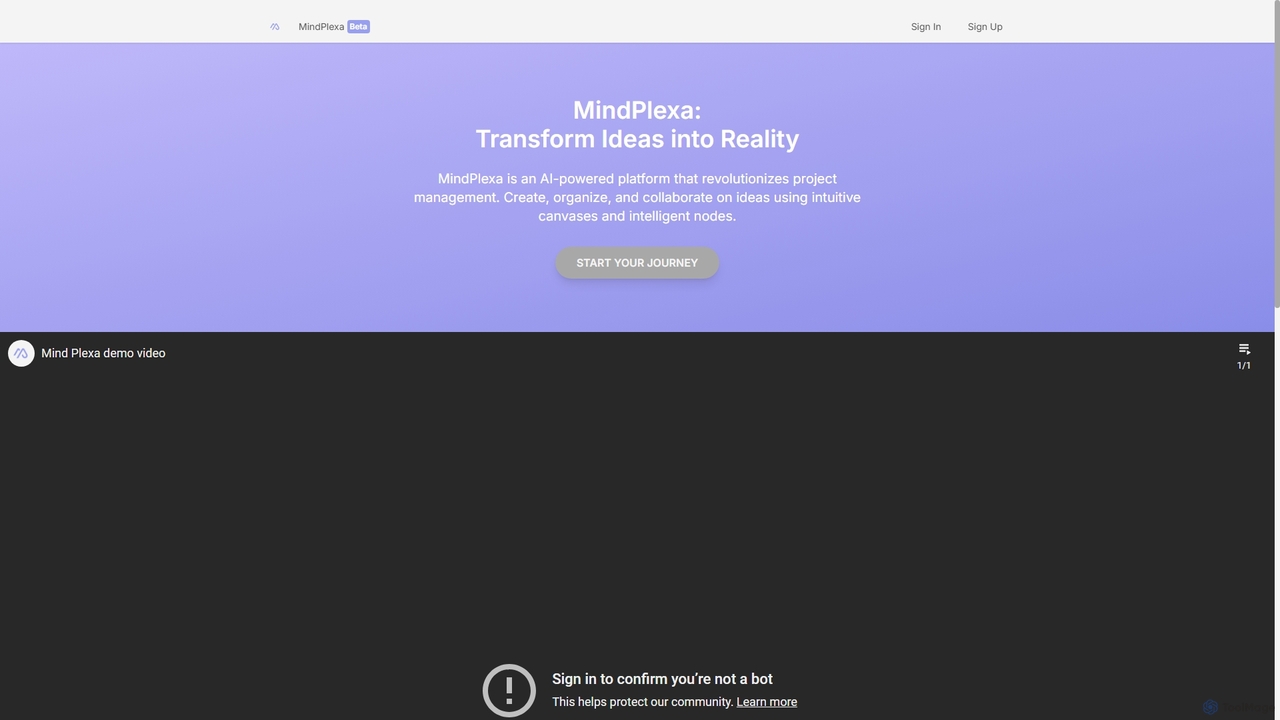
MindPlexa
MindPlexa is an AI-powered productivity platform that transforms ideas into actionable projects. It combines visual mind mapping with intelligent project management, allowing users to create, organize, and collaborate on ideas using intuitive canvases and smart nodes. The AI assistant helps generate project layouts, suggest tasks, and streamline workflows, making it an ideal tool for teams and individuals looking to boost creativity and efficiency.
Teamwork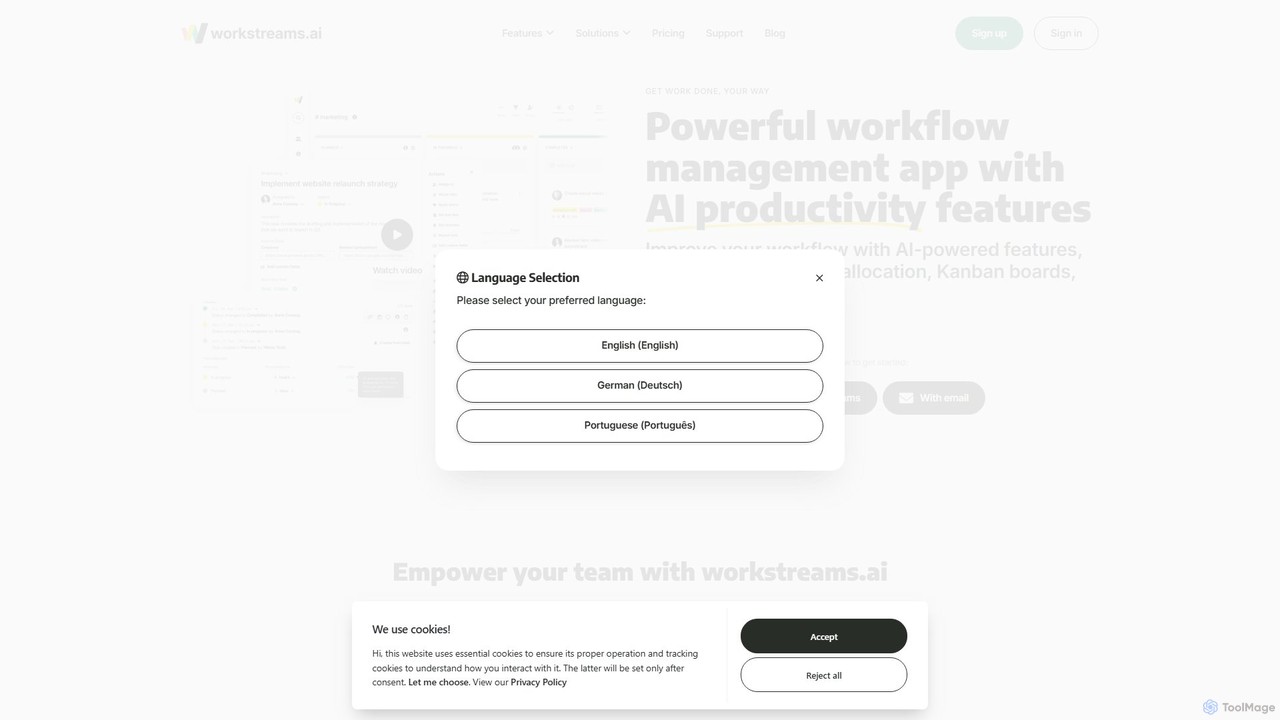
workstreams.ai
workstreams.ai is an intuitive task and workflow management app that enhances team productivity with powerful AI features. It seamlessly integrates with Slack and Microsoft Teams, allowing you to create, manage, and automate tasks using Kanban boards, AI-powered task generation, and detailed time tracking.
Team Management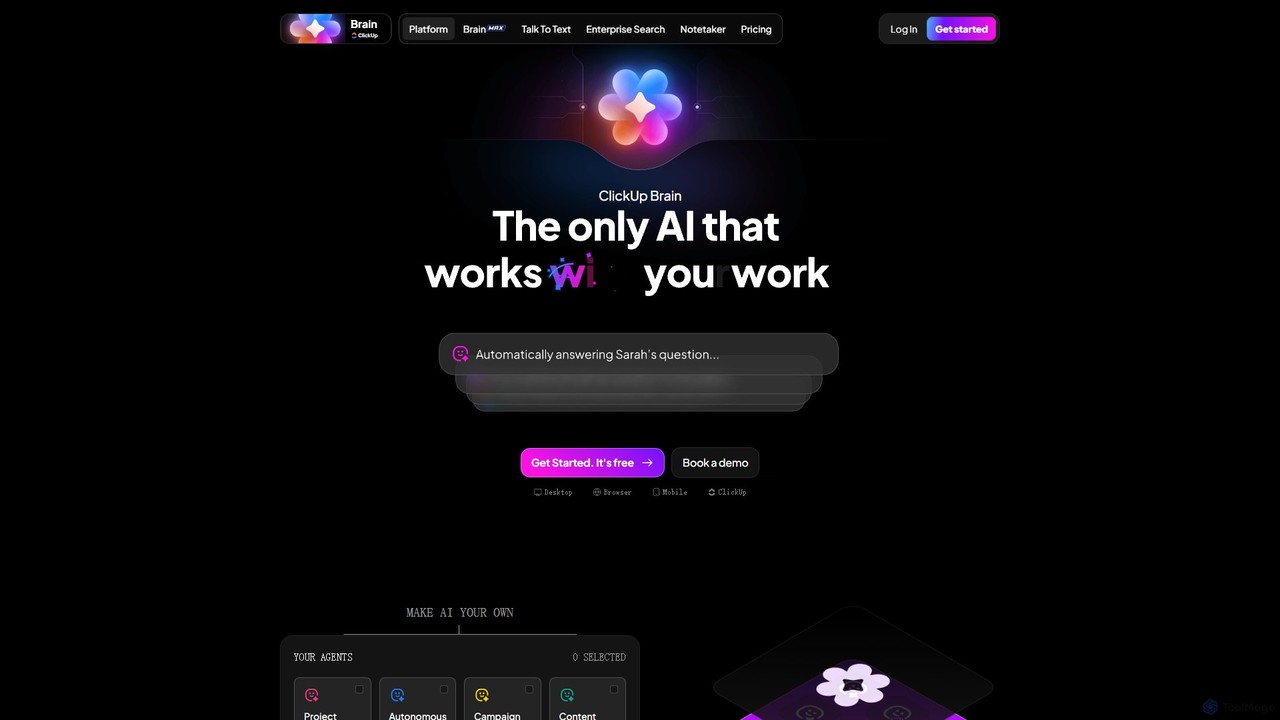
ClickUp Brain
ClickUp Brain is an all-in-one AI assistant integrated directly into the ClickUp productivity platform. It automates tasks, manages projects, summarizes meetings, and generates content by leveraging the full context of your work. It aims to replace multiple standalone AI tools by providing a unified, intelligent workspace that enhances team collaboration and accelerates project completion.
Collaboration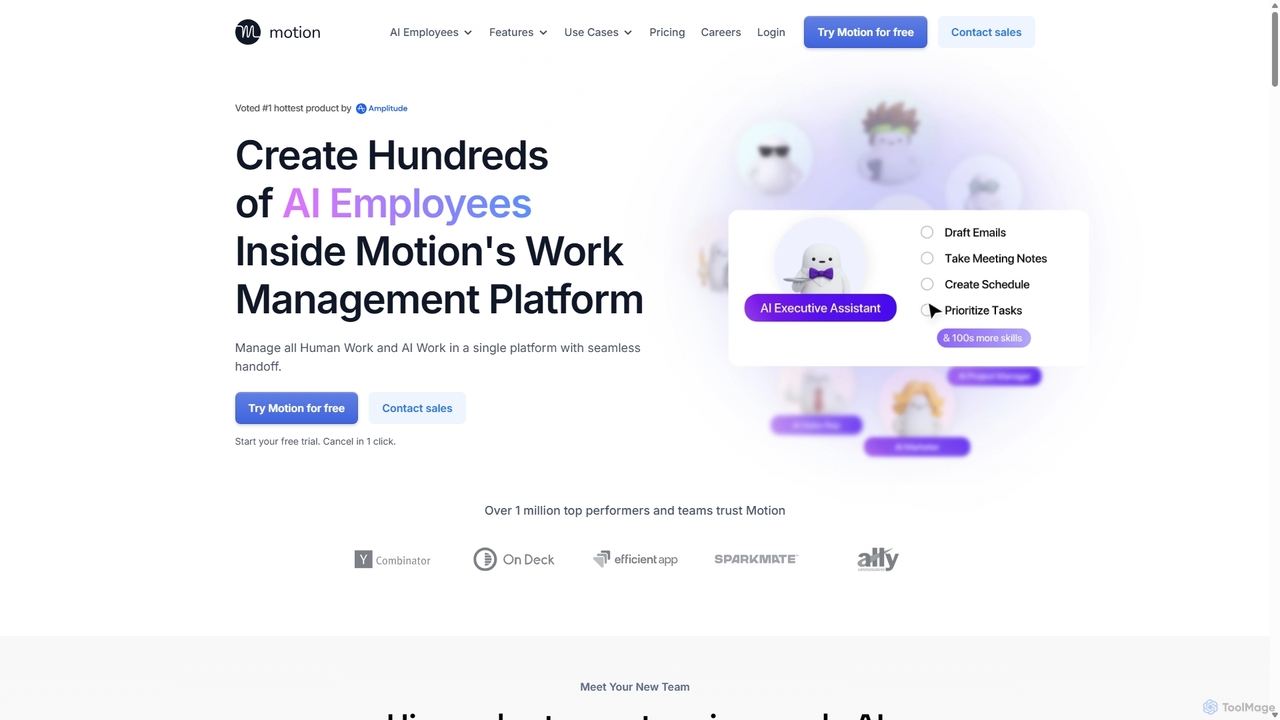
Motion
Motion is an AI-powered platform that provides a suite of AI Employees and productivity tools to automate tasks, manage projects, and organize schedules. It's designed to 10x your team's output by handling everything from calendar management and email replies to sales outreach and customer support, all within a single integrated workspace.
Virtual Assistant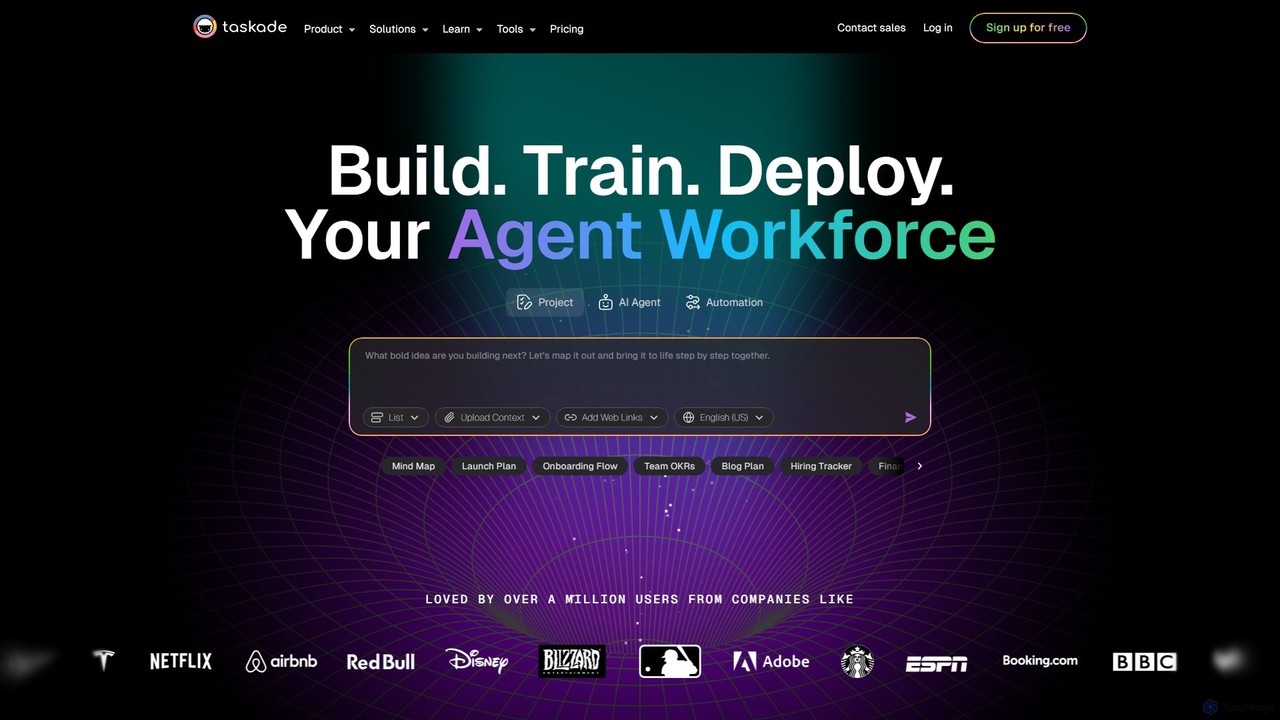
Taskade
Taskade is an AI-powered unified workspace designed to supercharge team productivity. It combines task management, note-taking, mind mapping, and real-time collaboration with a workforce of autonomous AI agents. Build, train, and deploy AI agents to automate workflows, conduct research, and turn ideas into action, all within a single, synchronized platform available on all your devices.
Workflow Automation
Kroolo
Kroolo is an AI-powered productivity management platform designed to streamline workflows for various teams. It integrates project management, document creation, and team collaboration, using AI agents to automate tasks, generate insights, and accelerate processes for departments like marketing, engineering, and HR.
Collaboration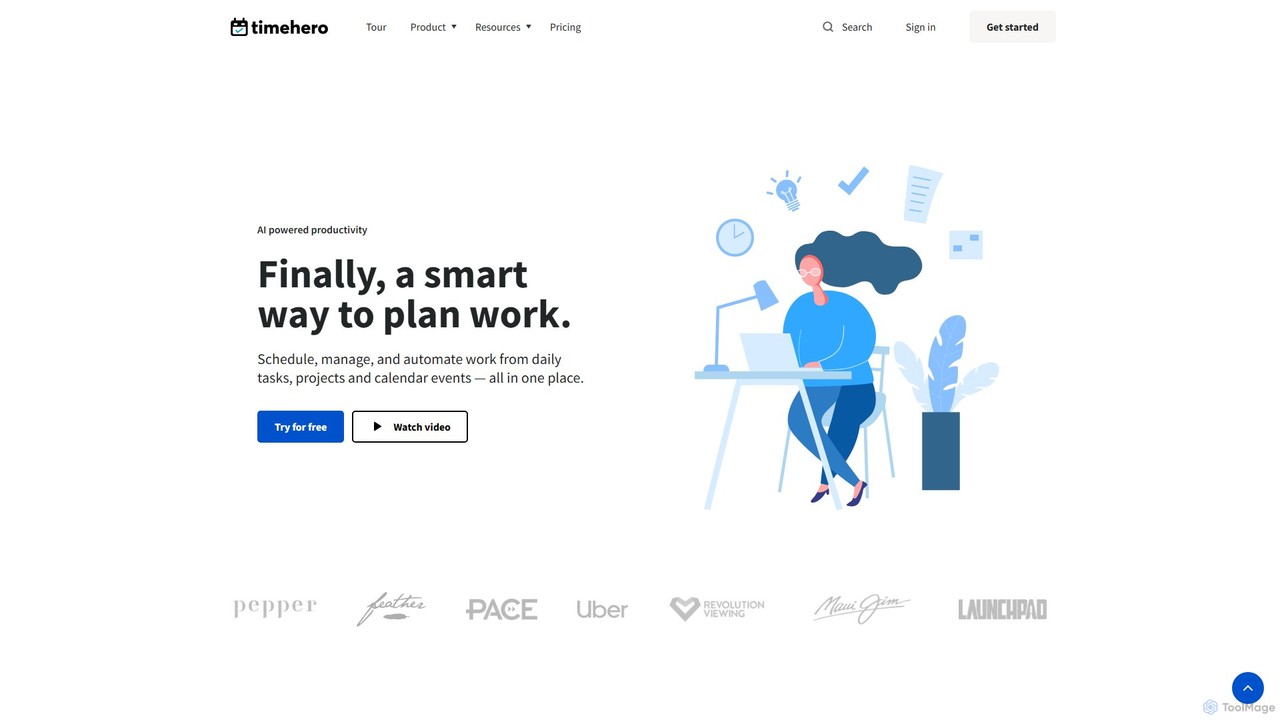
timehero
TimeHero is an AI-powered task planning and work management platform that automatically schedules your tasks into your calendar. It intelligently plans when to work on what, based on your availability, priorities, and deadlines, helping you and your team focus on important work, track progress, and mitigate risks before they happen.
Team Collaboration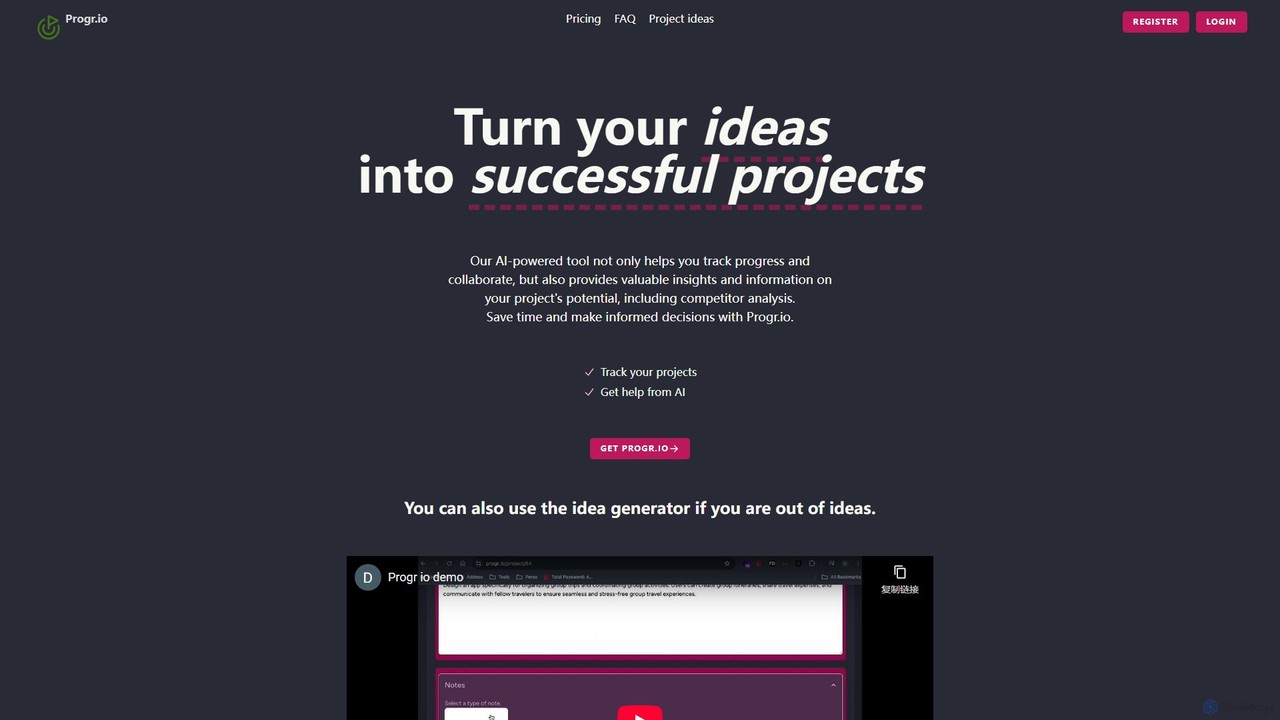
Progr.io
Progr.io is an AI-powered platform designed to transform your ideas into successful projects. It helps you track, organize, and develop your concepts with AI-driven insights, including competitor analysis and feature suggestions. Ideal for indie hackers, startups, and teams, it provides a centralized space for collaboration and progress monitoring. The built-in idea generator helps spark creativity, ensuring you never run out of innovative projects to pursue.
Idea Management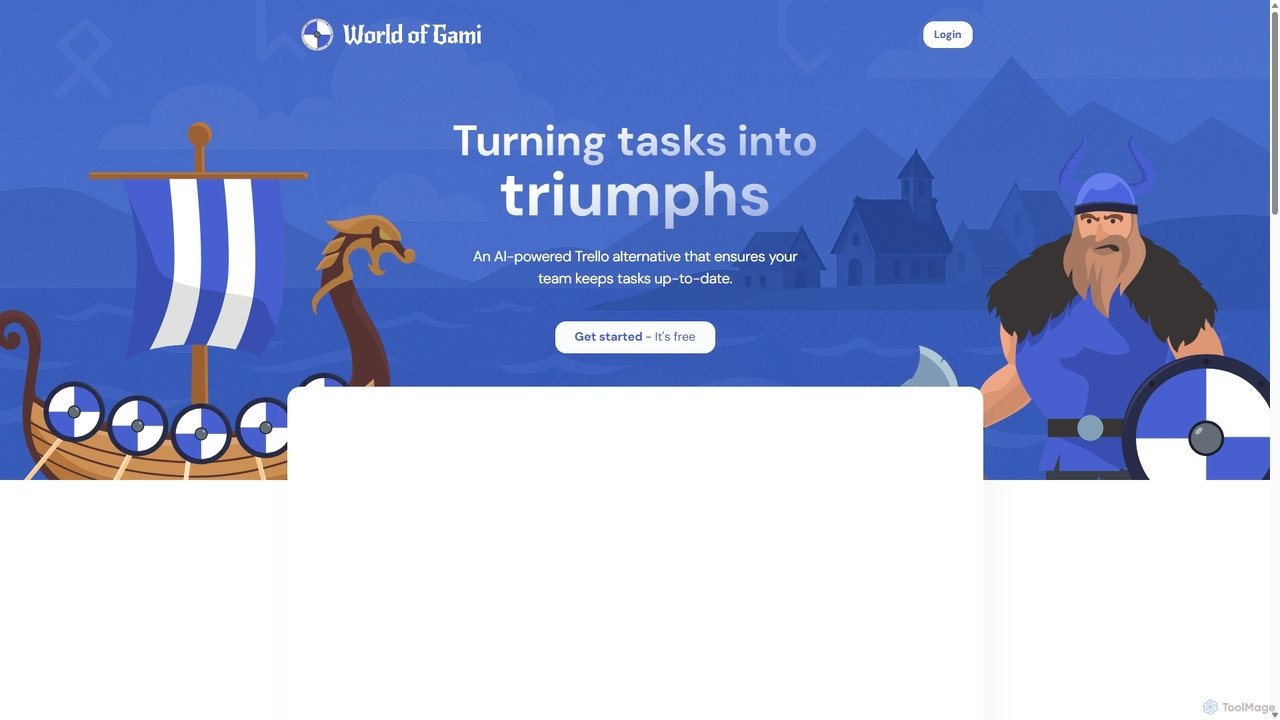
Worldofgami
World of Gami is an AI-powered project management tool and a Trello alternative that gamifies task management. It transforms workflows into an engaging game, encouraging teams to keep tasks updated through competitive sprints. Features include AI task generation, Kanban boards, and Notion-like documentation, all designed to boost motivation, collaboration, and productivity in a fun, interactive environment.
Project Management
Trello Comments (0)
Sign in to comment.
Sign inNo comments yet.