ToolMage
Sign in

Best 2 Task Management AI tools for Collaboration

Popular Task Management AI tools in Collaboration include Trello and Prismatic Forge, helping you work more efficiently.

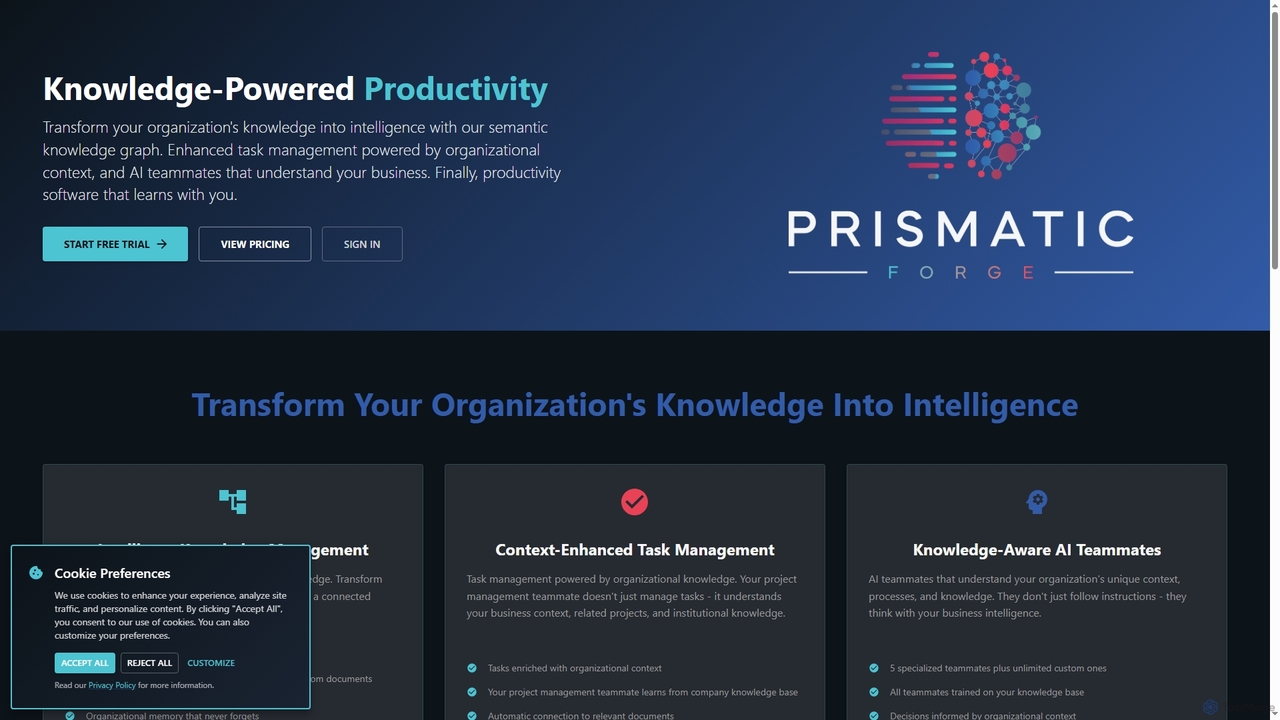
Prismatic Forge
Freemium

Prismatic Forge

Prismatic Forge is a knowledge-powered productivity platform that transforms an organization's scattered information into connected intelligence. It leverages a semantic knowledge graph and AI teammates to enhance task management, provide organizational context, and enable smarter decision-making for modern knowledge workers.

Ai Assistant
Visits 4.3KFavorites 116Likes 99
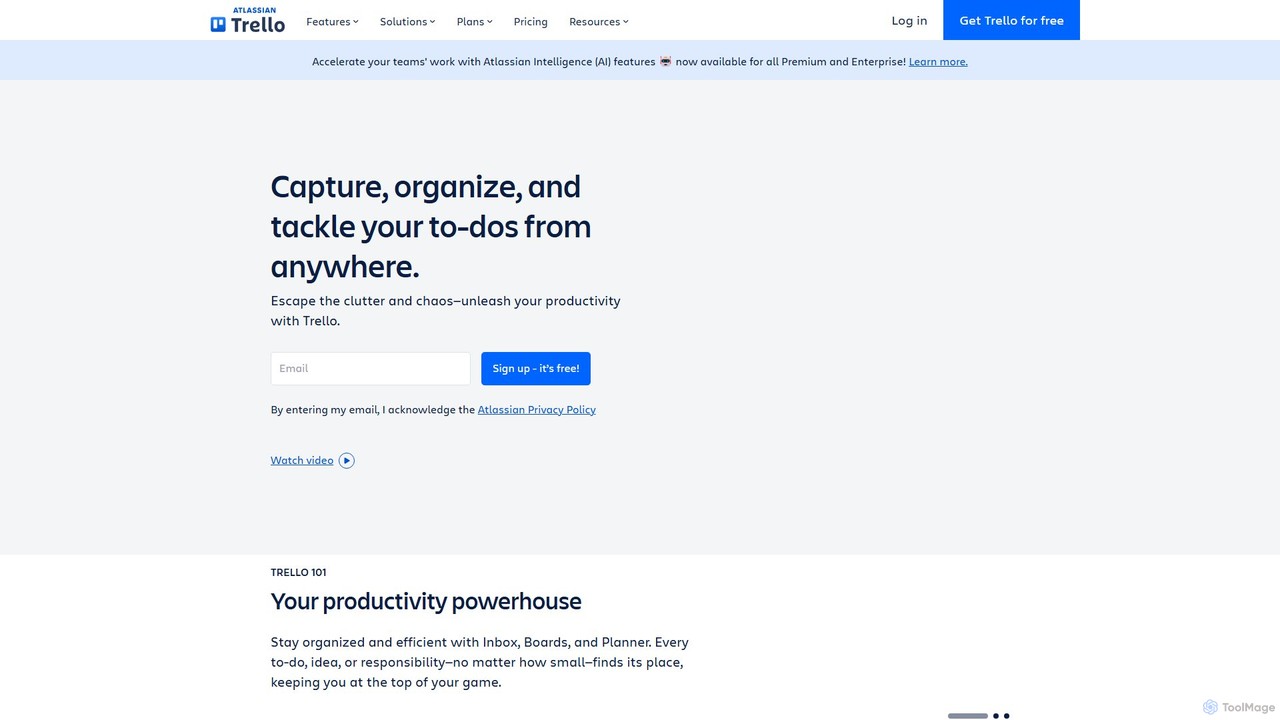
Trello
Freemium

Trello

Trello is a visual collaboration and project management tool that helps teams organize tasks, collaborate on projects, and track progress using boards, lists, and cards. Enhanced with Atlassian Intelligence (AI), it streamlines workflows by turning communications into actionable items and automating repetitive tasks.

Workflow Automation
Visits 74.1MFavorites 130Likes 122

About Task Management

AI Task Management tools are applications designed to intelligently organize, track, and optimize individual and team workflows. These tools utilize artificial intelligence to automate task creation from communications, prioritize assignments based on urgency and dependencies, and predict project timelines. This helps teams enhance productivity, maintain clarity on responsibilities, and meet deadlines more effectively within collaborative environments. Their core advantage lies in transforming static to-do lists into dynamic, predictive systems that proactively manage workloads.

Core Features

  • Intelligent Prioritization: AI algorithms analyze deadlines, dependencies, and workloads to automatically suggest or set task priorities.
  • Automated Task Creation: Converts text from emails, messages, or meeting notes into structured, actionable tasks.
  • Predictive Analytics: Forecasts project completion dates, identifies potential bottlenecks, and suggests resource adjustments.
  • Smart Scheduling & Assignment: Automatically assigns tasks to the most suitable team member based on their availability, skills, and current workload.
  • Automated Progress Reporting: Generates real-time summaries and insights on project status and team performance without manual input.

Use Cases

These tools are widely used by project managers, software development teams, marketing agencies, and remote teams. They are particularly effective for managing complex projects with multiple dependencies, such as agile software sprints, multi-channel marketing campaigns, or client deliverable tracking, where dynamic adjustments are crucial.

How to Choose

When selecting an AI Task Management tool, consider its integration capabilities with your existing software stack (e.g., Slack, Google Workspace). Evaluate the depth of its AI features—whether you need simple automation or advanced predictive analytics. Assess its scalability to support your team's growth and ensure its user interface is intuitive for quick adoption by all members.

Featured tool rankings

Task Management use cases

1

Agile Sprint Planning Automation

A product manager leading a software development team uses an AI task management tool to streamline sprint planning. After a planning meeting, the tool analyzes the meeting transcript, automatically identifies action items, and converts them into sub-tasks under a larger user story. The AI then estimates the effort for each task based on historical data and suggests assigning them to specific developers according to their current workload and expertise, reducing manual planning time by hours.

2

Coordinating a Multi-Channel Marketing Campaign

A marketing team lead maps out a campaign involving blog posts, social media updates, and email newsletters. The AI task management tool automatically creates dependencies, ensuring that social media posts are only scheduled after the corresponding blog content is approved. If the content writer's task is delayed, the AI automatically adjusts the deadlines for all dependent tasks and notifies the team lead of the potential impact on the campaign launch date.

3

Managing Multiple Freelance Projects

A freelance designer juggles projects for three different clients. Their AI task management tool aggregates tasks from emails and project briefs into a unified dashboard. Each morning, the AI generates a prioritized 'Today' list, balancing urgent client revisions with long-term project milestones. It also flags potential scheduling conflicts, such as two major deadlines falling on the same day, allowing the freelancer to proactively manage client expectations.

4

Automating Client Progress Reports

An account manager at a digital agency is responsible for sending weekly updates to clients. Instead of manually compiling reports, they use an AI task management tool. The tool automatically tracks completed tasks, time logged by the team, and upcoming milestones for each client's project. At the end of the week, it generates a draft progress report with key metrics and summaries, which the manager can quickly review, edit, and send, saving significant administrative time.

5

Breaking Down Large Goals into Actionable Steps

An entrepreneur wants to launch a new e-commerce website. They input this high-level goal into their AI task management tool. The AI, using a model trained on project management data, breaks the goal down into a logical sequence of tasks, such as 'Research E-commerce Platforms,' 'Design Website Mockups,' 'Set Up Payment Gateway,' and 'Develop Marketing Plan.' This provides an instant, structured roadmap, helping the entrepreneur move from idea to execution without missing critical steps.

6

Optimizing Team Workload and Resource Allocation

A project director at a consulting firm needs to assign consultants to a new project. The AI task management system analyzes the project's requirements against the skills, availability, and current workload of all consultants. It then recommends an optimal team composition, highlighting who is best suited for each role and flagging any consultants who might become overloaded. This data-driven approach ensures balanced workloads and maximizes the chances of project success.

Task Management FAQ

What are AI Task Management tools?

AI Task Management tools are software applications that use artificial intelligence to enhance traditional project and task management. Unlike standard to-do lists, they actively help users by automating task creation, intelligently prioritizing workloads based on deadlines and importance, and providing predictive insights into project timelines. Their main goal is to reduce manual administrative work and provide data-driven guidance for better productivity.

How to choose the right AI Task Management tool?

To choose the right tool, consider these factors:

  • Integration: Ensure it connects seamlessly with your existing tools like email, calendars, and communication platforms (e.g., Slack, Microsoft Teams).
  • AI Feature Depth: Determine if you need basic automation (like task creation from email) or advanced features (like predictive analytics and resource allocation).
  • Scalability: Select a tool that can grow with your team, from a few users to an entire organization.
  • User Experience: The interface should be intuitive and easy for your entire team to adopt with minimal training.
What's the difference between a standard and an AI-powered task manager?

A standard task manager is a digital to-do list where users manually create, organize, and update tasks. It acts as a passive repository of information. An AI-powered task manager is an active assistant. It automates data entry, suggests priorities, predicts potential delays, and helps allocate resources. The key difference is the shift from manual organization to intelligent, automated optimization of workflows.

What are the key benefits of using AI for task management?

The primary benefits include:

  • Increased Efficiency: Automating repetitive tasks like data entry and scheduling frees up time for more strategic work.
  • Improved Focus: Intelligent prioritization helps teams concentrate on the most critical tasks at any given moment.
  • Better Decision-Making: Predictive analytics provide insights into potential project risks, allowing for proactive adjustments.
  • Enhanced Collaboration: Clear, automated assignments and progress tracking reduce miscommunication and ensure everyone is aligned.
Who can benefit from using AI Task Management tools?

A wide range of users can benefit. Project Managers can use them to automate reporting and forecast deadlines. Development Teams can streamline agile sprints and manage backlogs more effectively. Marketing Agencies can coordinate complex campaigns with many moving parts. Even Individuals and Freelancers can use them to organize personal projects, prioritize daily tasks, and ensure they never miss a client deadline.