

VPS Commander Overview
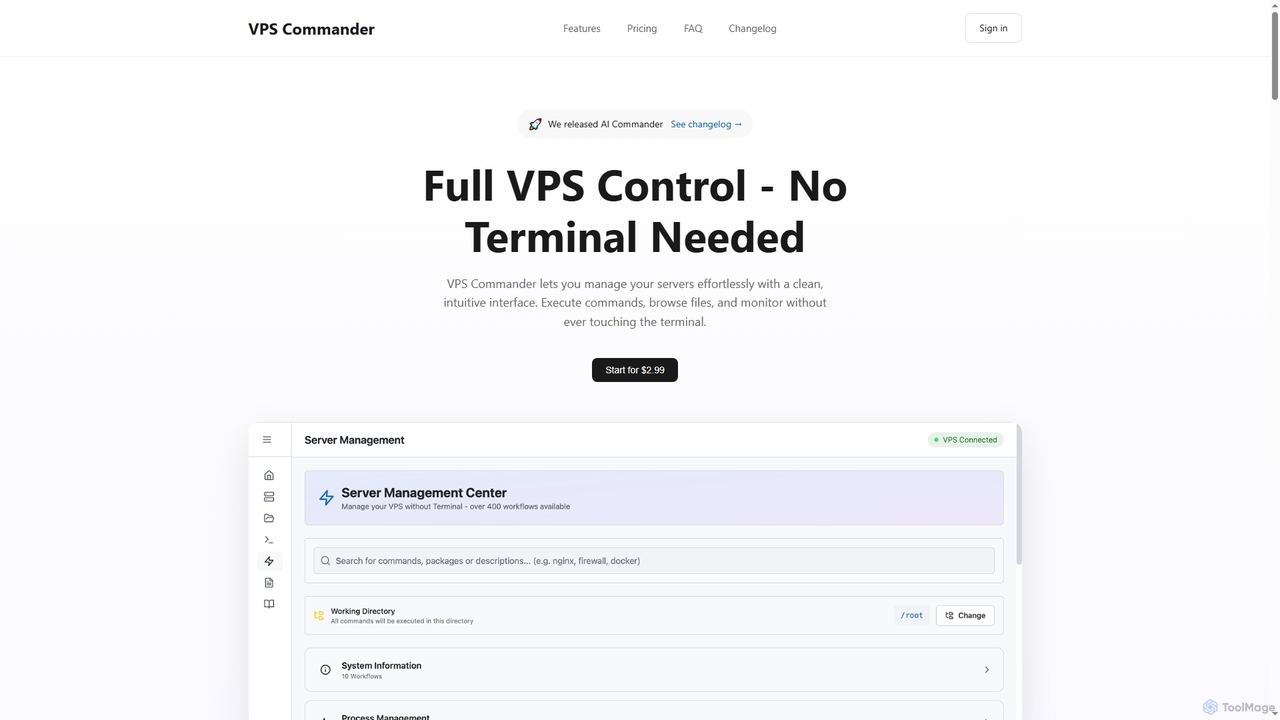
VPS Commander is an innovative server management platform designed to democratize VPS control, making it accessible even to users without extensive command-line knowledge. By converting complex terminal commands into simple, clickable workflows, it streamlines the entire server administration process. The platform provides a comprehensive, modern interface where users can manage everything from system updates and database configurations to file transfers and Docker deployments with unparalleled ease.
How to use VPS Commander
To use VPS Commander, users simply log into their account (credentials are sent after purchase). The intuitive dashboard presents a wide array of pre-built workflows for common server tasks. Users can execute these workflows with a single click, or leverage the AI-Powered Commands by asking questions in plain language to receive instant workflow suggestions. File management is handled via a drag & drop interface, allowing for easy upload, download, and editing of server files without FTP or command-line tools. Real-time execution feedback keeps users informed of command progress and logs.
Core Features of VPS Commander
- 400+ Pre-Built Workflows: Automate complex server tasks like system updates, database management, Nginx configuration, Docker, Kubernetes, and PostgreSQL deployments with a single click.
- Drag & Drop File Manager: Full file browser with syntax highlighting, supporting upload, download, editing, bulk operations, and progress indicators, eliminating the need for FTP or command line.
- AI-Powered Commands: Ask questions in natural language to receive instant, smart workflow recommendations tailored to your server configuration.
- Real-Time Execution: Monitor command outputs, track progress, and view logs live as tasks execute on your server.
- Secure Connections: Utilizes encrypted SSH keys and industry-standard protocols, including AES-256 encryption for stored credentials, ensuring robust security.
- Multi-Server Dashboard: Manage multiple servers from a single interface, with quick switching, server groups, tags, and batch command execution capabilities.
- Built-in Code Editor: Supports syntax highlighting for over 50 languages, enhancing file editing directly within the platform.
- Command History: Access and manage past commands with search and favorites functionality.
Use Cases for VPS Commander
VPS Commander is ideal for web developers managing their hosting environments, small business owners running their own applications, IT professionals seeking to streamline routine server tasks, and anyone who needs to administer a Virtual Private Server without the steep learning curve of traditional command-line interfaces. It's particularly useful for deploying web applications (Nginx, Docker), managing databases (PostgreSQL), performing system maintenance, and handling file transfers securely and efficiently.
Advantages of VPS Commander
The primary advantage of VPS Commander is its ability to significantly lower the barrier to entry for server management. It eliminates the need for complex terminal commands, making server administration accessible to a broader audience. The AI assistant provides intelligent guidance, while the comprehensive file manager and extensive pre-built workflows save considerable time and reduce the potential for errors. Real-time feedback and secure connections ensure efficient and safe operations, making it a powerful tool for both novices and experienced users looking for a more intuitive approach to server control.
VPS Commander FAQ
VPS Commander Alternatives
Lumlax
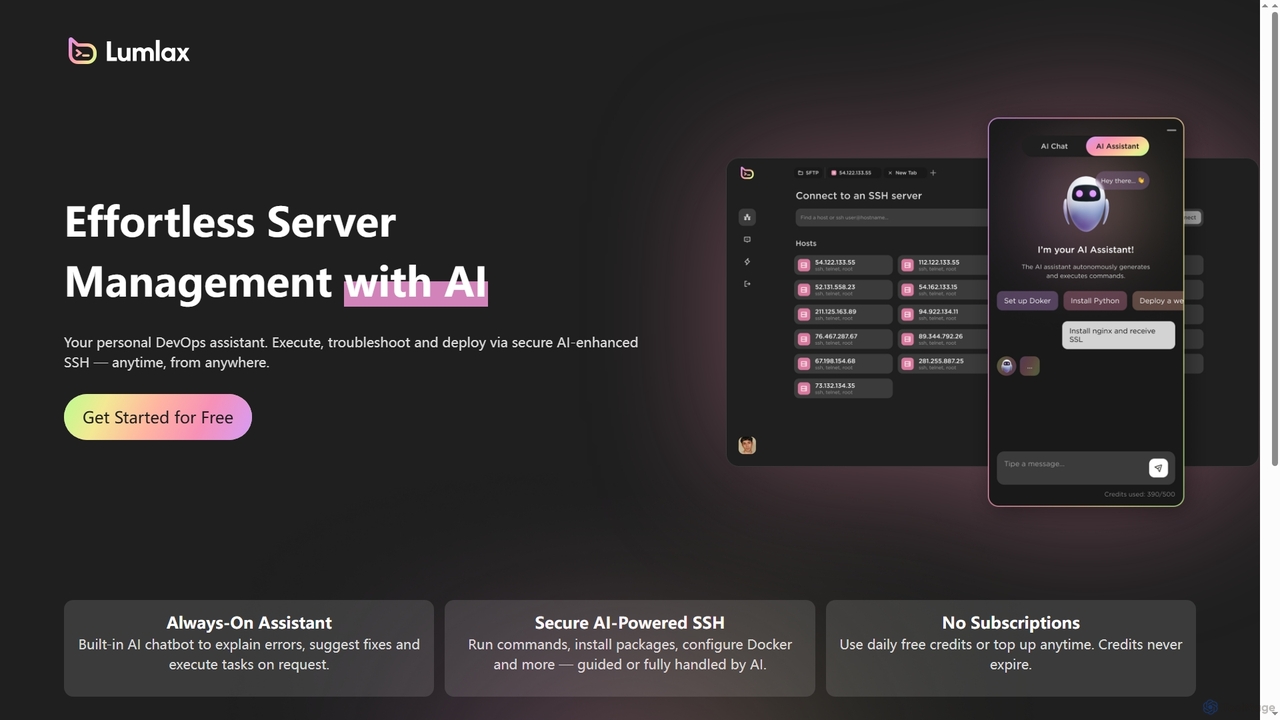
Lumlax is an AI-enhanced SSH application designed for effortless server management. It acts as a personal DevOps assistant, enabling developers to execute commands, troubleshoot issues, and deploy applications securely from anywhere. With its built-in AI chatbot, Lumlax explains errors, suggests fixes, and automates tasks, streamlining operations and boosting productivity.
Devops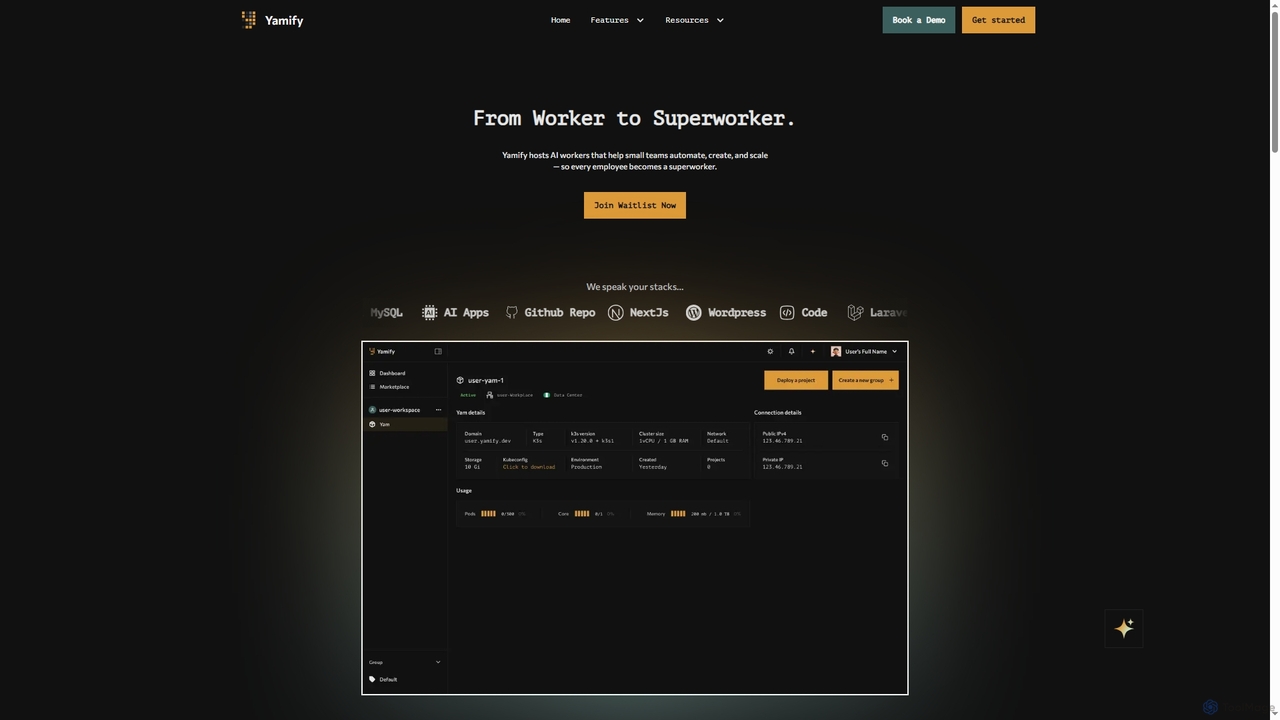
Yamify
Yamify is a cloud platform that hosts AI workers to help small teams automate, create, and scale applications. It simplifies Kubernetes deployment and management, allowing users to launch and manage apps in a private cloud environment without writing YAML.
Paas
Metoro
Metoro is an AI-powered observability platform designed for Kubernetes. It uses eBPF technology for zero-instrumentation monitoring, enabling autonomous issue detection, root cause analysis, and automated code fixes via pull requests. Operational in under a minute, it offers a comprehensive and cost-effective alternative to traditional monitoring tools.
Observability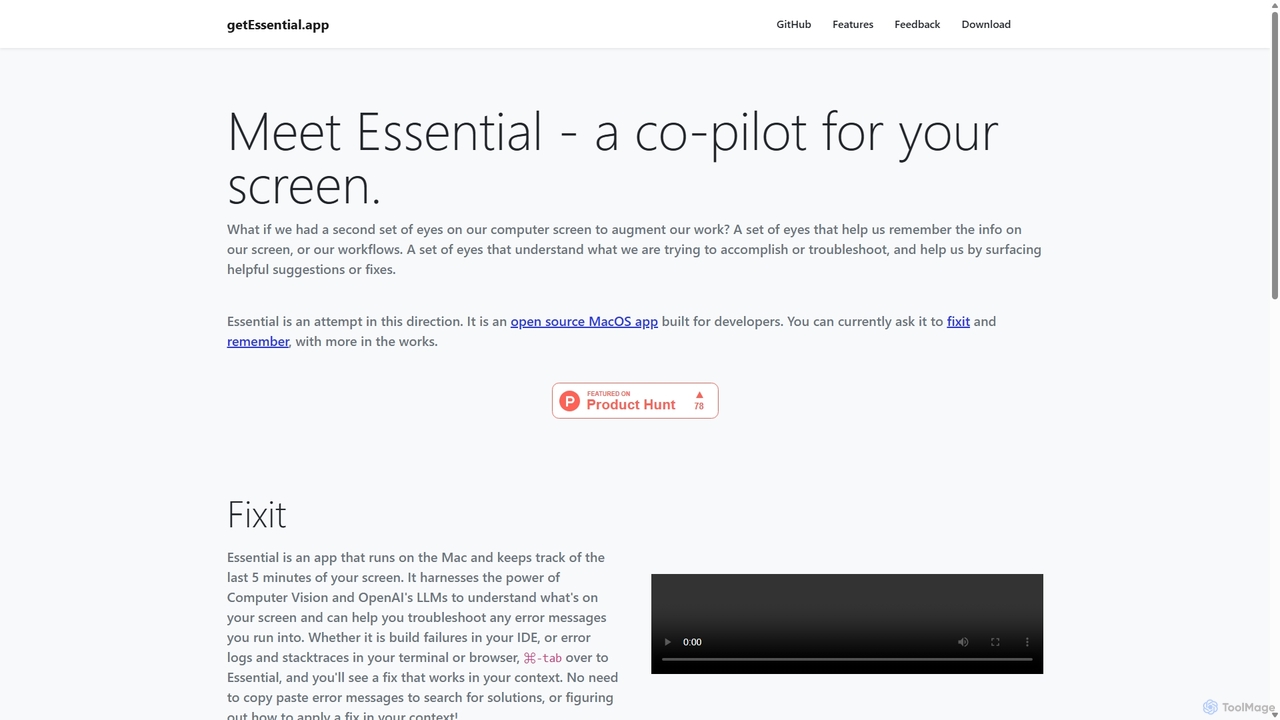
GetEssential
getEssential is an AI-powered Mac application that continuously records your screen to instantly troubleshoot errors. It uses Computer Vision and LLMs to analyze build failures, error logs, and stack traces, providing contextual fixes without manual searching. A productivity booster for developers and IT professionals.
Code Assistant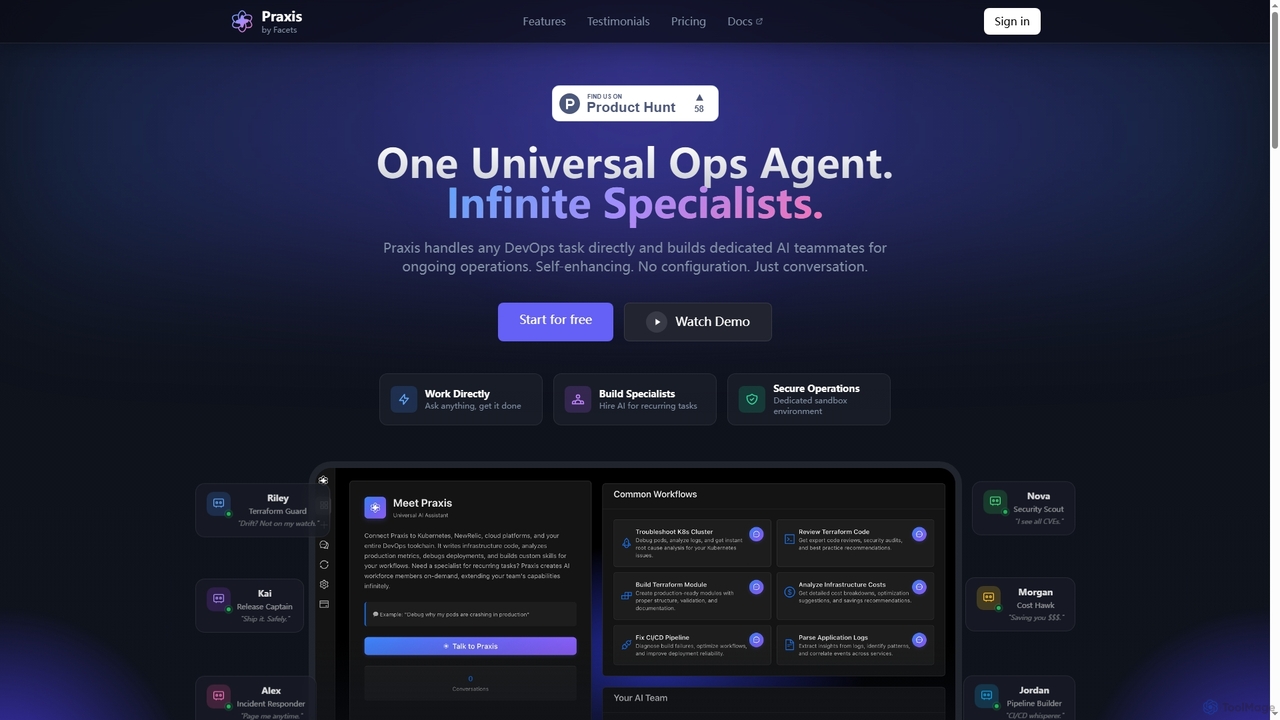
VPS Commander Categories
VPS Commander Jobs
VPS Commander Embed Widget
Copy this embed code to place the badge on your blog, article, or product site and send readers directly to this ToolMage detail page.

Related AI tools
Lumlax
Lumlax is an AI-enhanced SSH application designed for effortless server management. It acts as a personal DevOps assistant, enabling developers to execute commands, troubleshoot issues, and deploy applications securely from anywhere. With its built-in AI chatbot, Lumlax explains errors, suggests fixes, and automates tasks, streamlining operations and boosting productivity.
Devops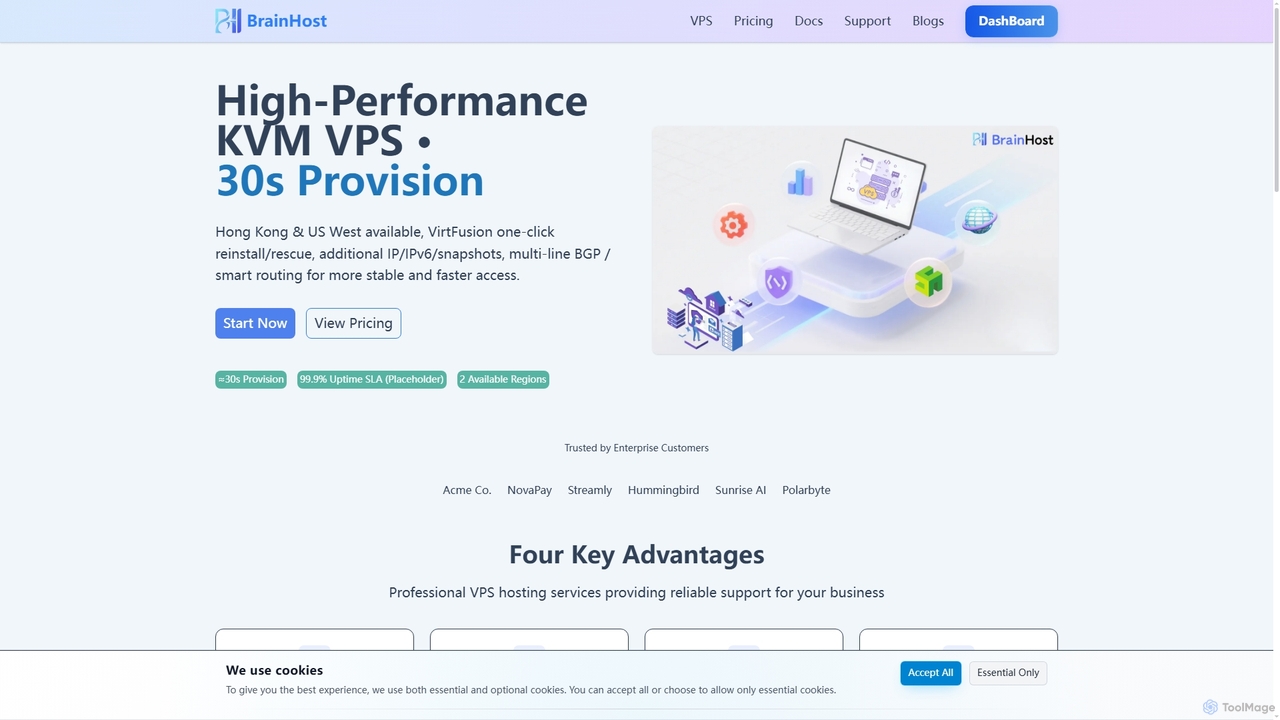
BrainHost
BrainHost offers high-performance KVM VPS hosting with NVMe storage, designed for speed and reliability. Featuring 30-second provisioning, global data centers in Hong Kong and US West, and the intuitive VirtFusion control panel, it provides a robust infrastructure for websites, e-commerce, AI inference, and gaming applications. Flexible scaling and advanced network routing ensure stable and fast access worldwide.
Vps HostingYamify
Yamify is a cloud platform that hosts AI workers to help small teams automate, create, and scale applications. It simplifies Kubernetes deployment and management, allowing users to launch and manage apps in a private cloud environment without writing YAML.
PaasMetoro
Metoro is an AI-powered observability platform designed for Kubernetes. It uses eBPF technology for zero-instrumentation monitoring, enabling autonomous issue detection, root cause analysis, and automated code fixes via pull requests. Operational in under a minute, it offers a comprehensive and cost-effective alternative to traditional monitoring tools.
ObservabilityGetEssential
getEssential is an AI-powered Mac application that continuously records your screen to instantly troubleshoot errors. It uses Computer Vision and LLMs to analyze build failures, error logs, and stack traces, providing contextual fixes without manual searching. A productivity booster for developers and IT professionals.
Code Assistant
Text2Cron
Text2Cron is an AI-powered tool that instantly converts natural language descriptions into precise cron expressions. Ideal for developers, system administrators, and DevOps professionals, it simplifies task scheduling by eliminating the need to memorize complex cron syntax. It's fast, accurate, and privacy-focused with client-side processing.
Code Assistant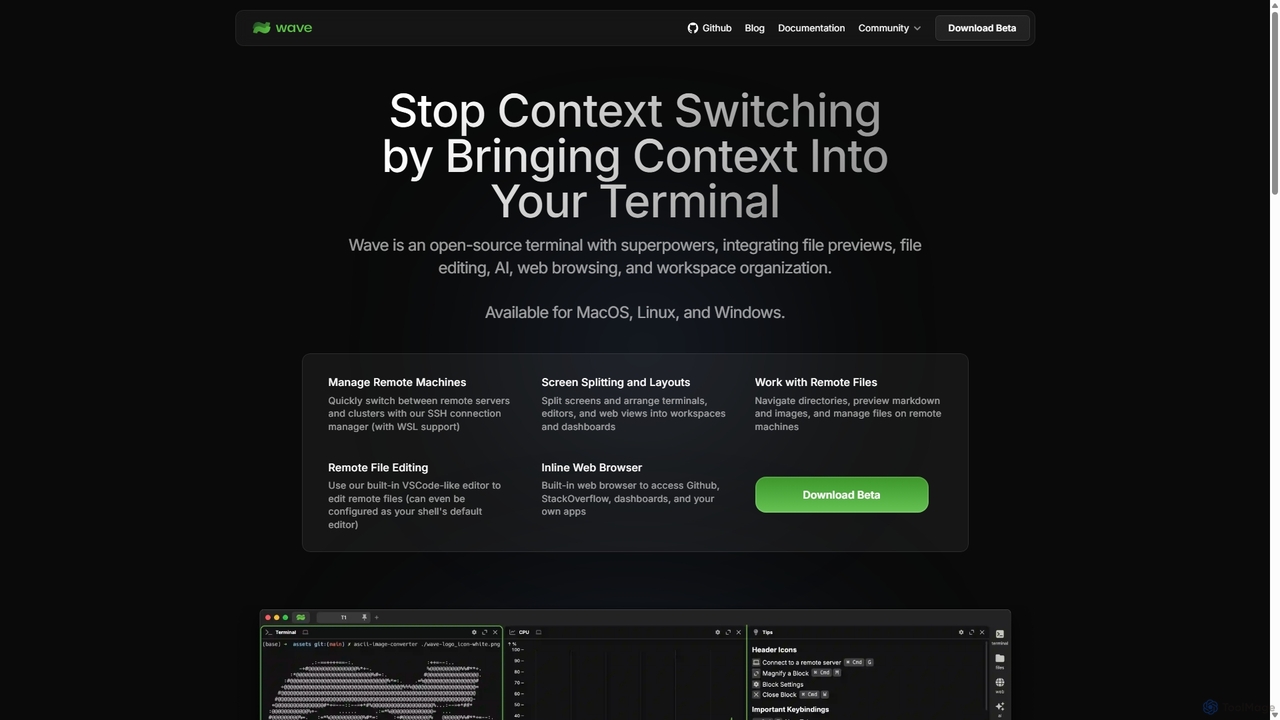
Waveterm
Waveterm is an open-source, modern terminal designed for developers and DevOps engineers. It enhances the command-line experience by integrating AI-powered assistance, a VSCode-like editor, inline file previews, a web browser, and customizable dashboards. This all-in-one workspace reduces context switching and boosts productivity across macOS, Windows, and Linux.
Code Assistant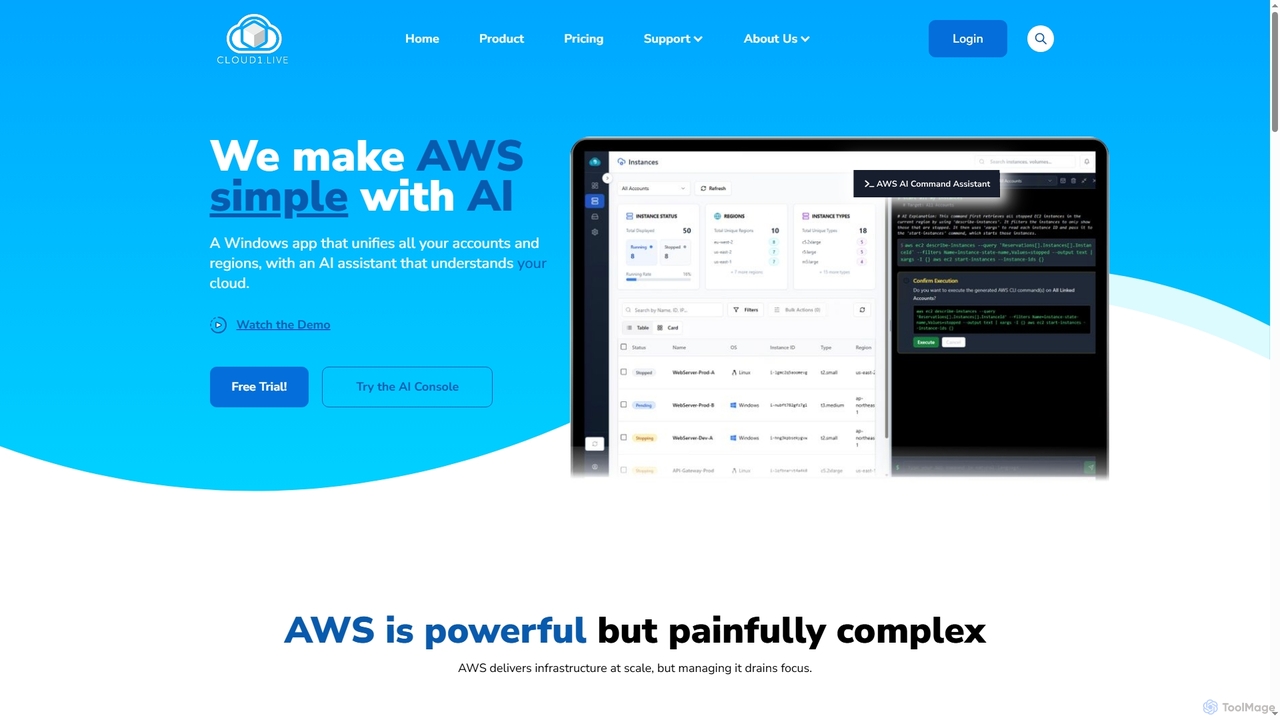
Cloud1
Cloud1 is an AI-powered Windows desktop application designed to simplify AWS EC2 management across multiple accounts and regions. It unifies instances, enables natural language commands via an AI assistant, and offers powerful bulk actions and cost optimization insights.
Aws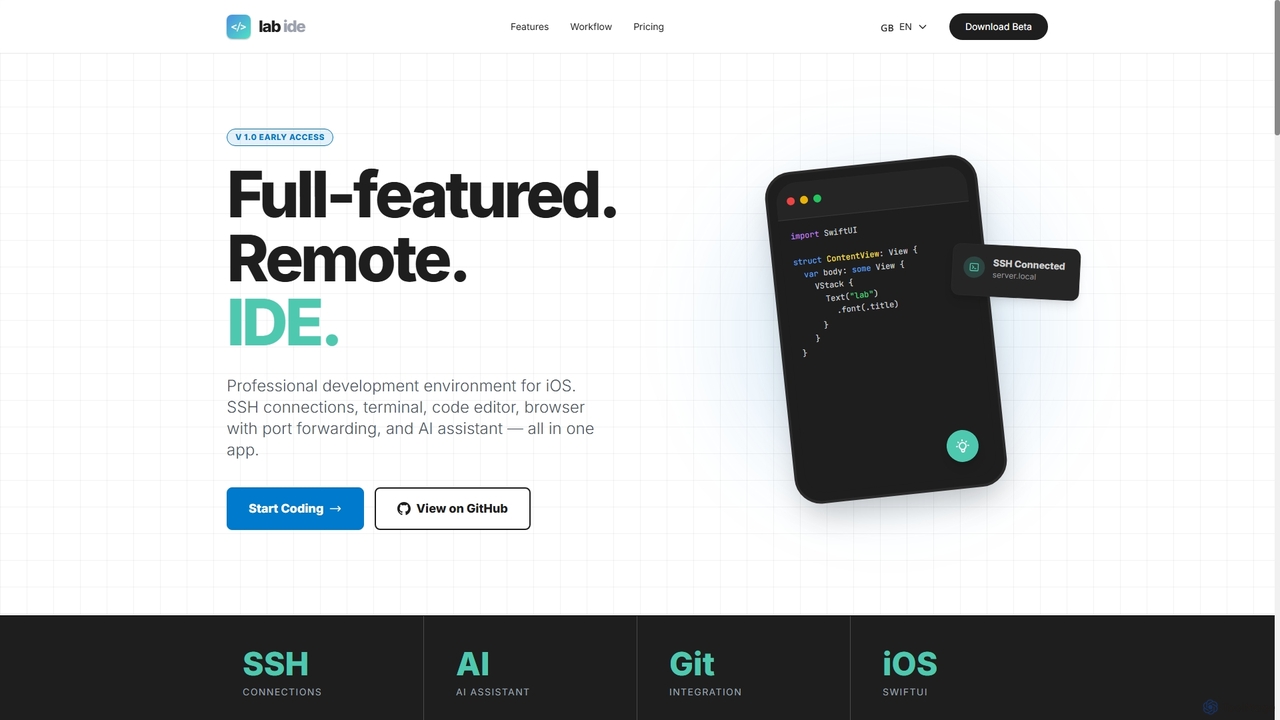
Lab
Lab is a professional mobile IDE for iOS/iPadOS, transforming your device into a powerful remote development workstation. It offers SSH connections, a multi-tab terminal, a code editor, a Git client, and an integrated AI assistant for coding, refactoring, and debugging directly on remote servers. With built-in browser port forwarding and smart web element selection, Lab streamlines mobile-first development workflows.
Mobile Ide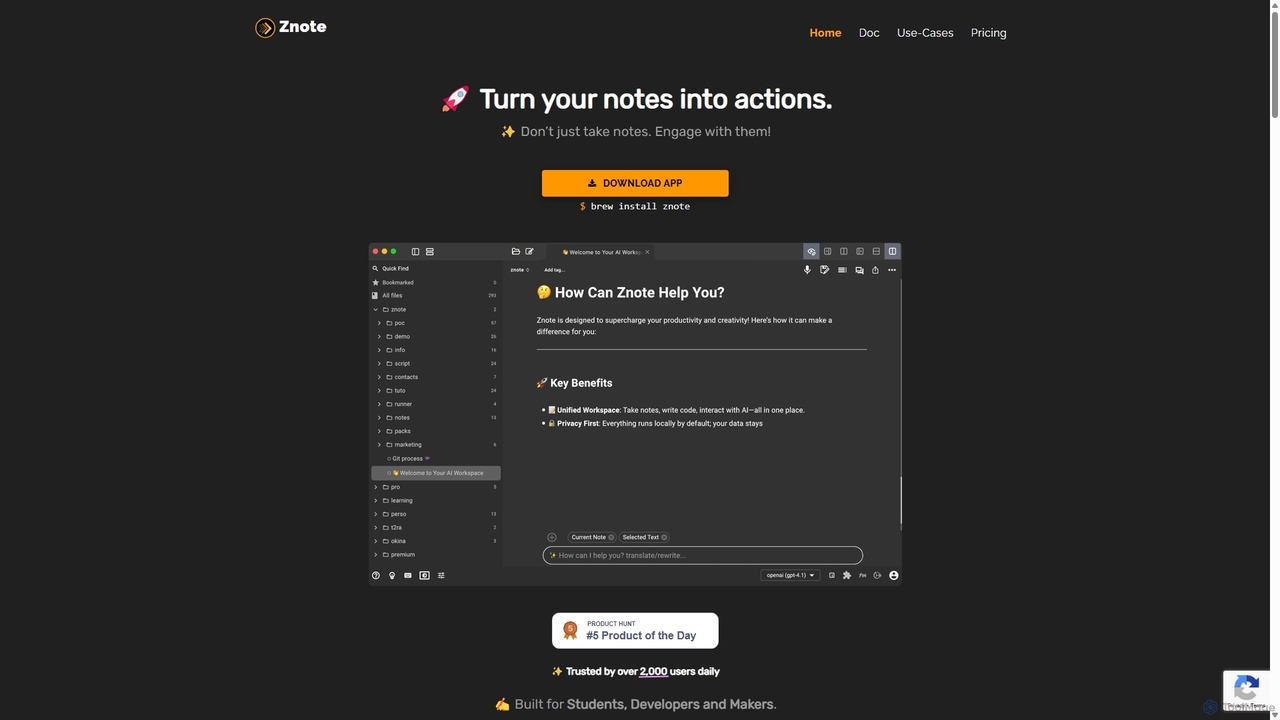
Znote
Znote is a powerful note-taking app that turns your notes into interactive, executable documents. It combines a rich Markdown editor with inline code execution (JS, Node.js, Bash), AI assistance, and data integrations, making it a versatile workspace for developers, analysts, and product teams to prototype, document, and automate workflows.
Notebooks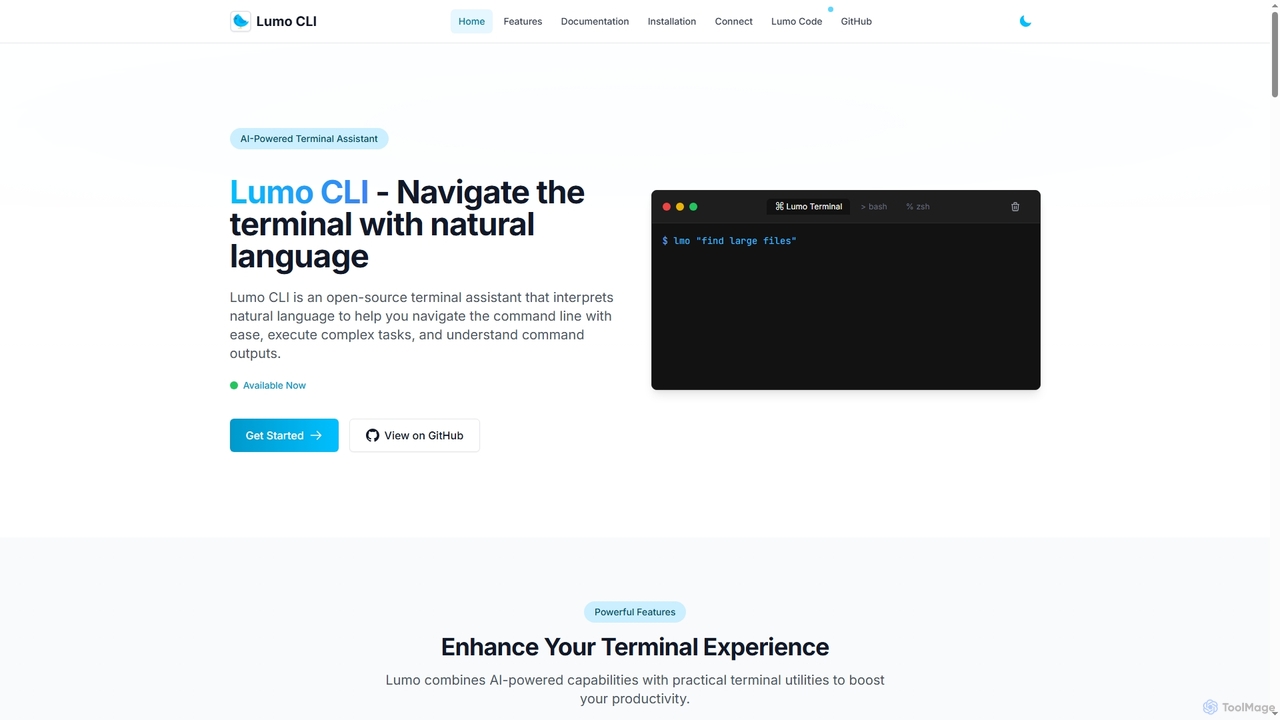
Lumo
Lumo is an open-source, AI-powered terminal assistant that allows users to interact with the command line using natural language. It translates plain English into executable commands, automates complex tasks, monitors system health, and supports multiple AI models including Gemini, OpenAI, and Ollama for local inference.
Code Assistant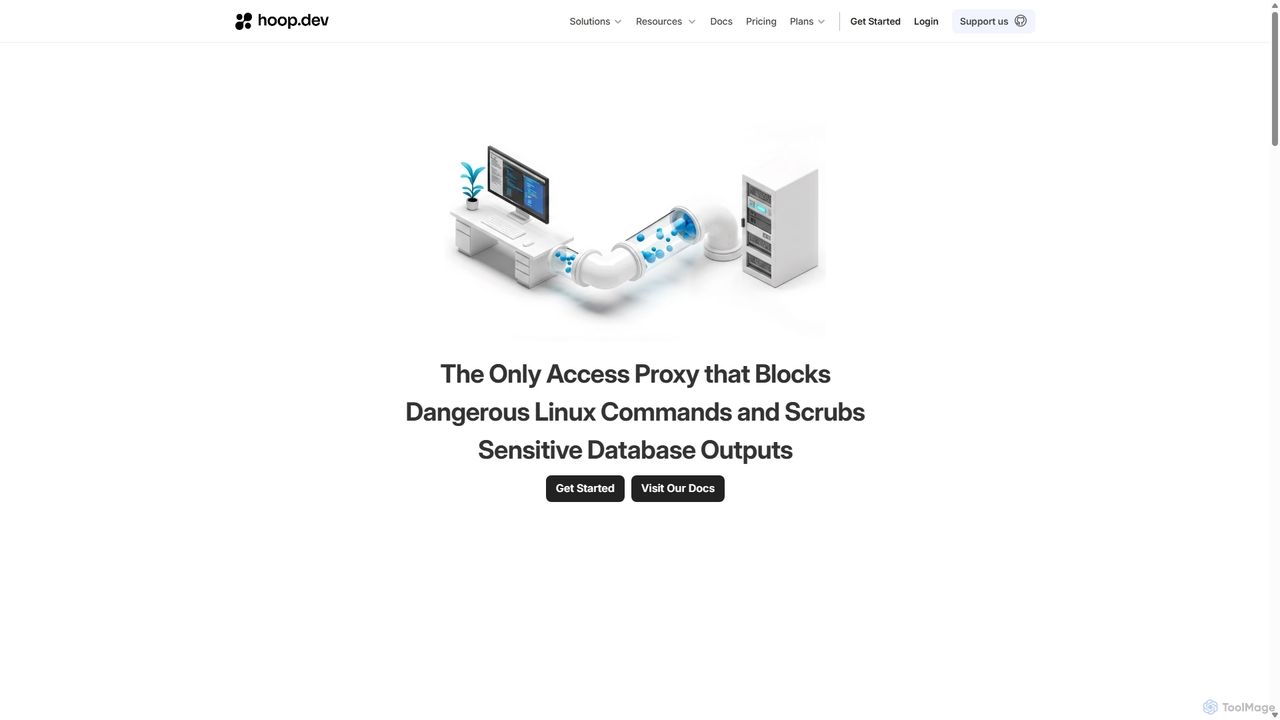
Hoop.dev
Hoop.dev is an AI-powered access gateway providing developers with invisible security and admins with command-line control. It offers secure, auditable access to databases and servers, featuring real-time AI data masking, session recording, and streamlined approval workflows to enhance security without disrupting productivity.
Security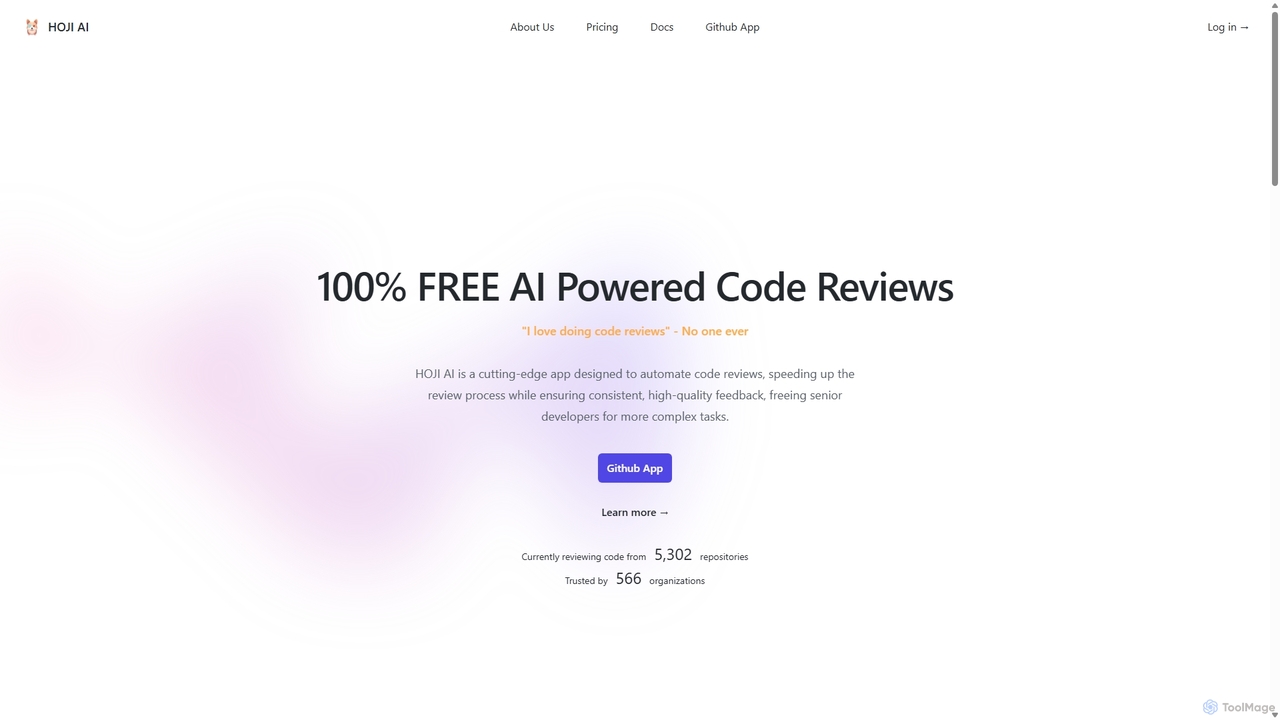
HOJI AI
HOJI AI is a free, AI-powered tool that automates code reviews directly within GitHub. It provides instant, consistent, and high-quality feedback on pull requests, helping development teams increase productivity, improve code quality, and accelerate their development cycles by freeing up senior engineers.
Code Assistant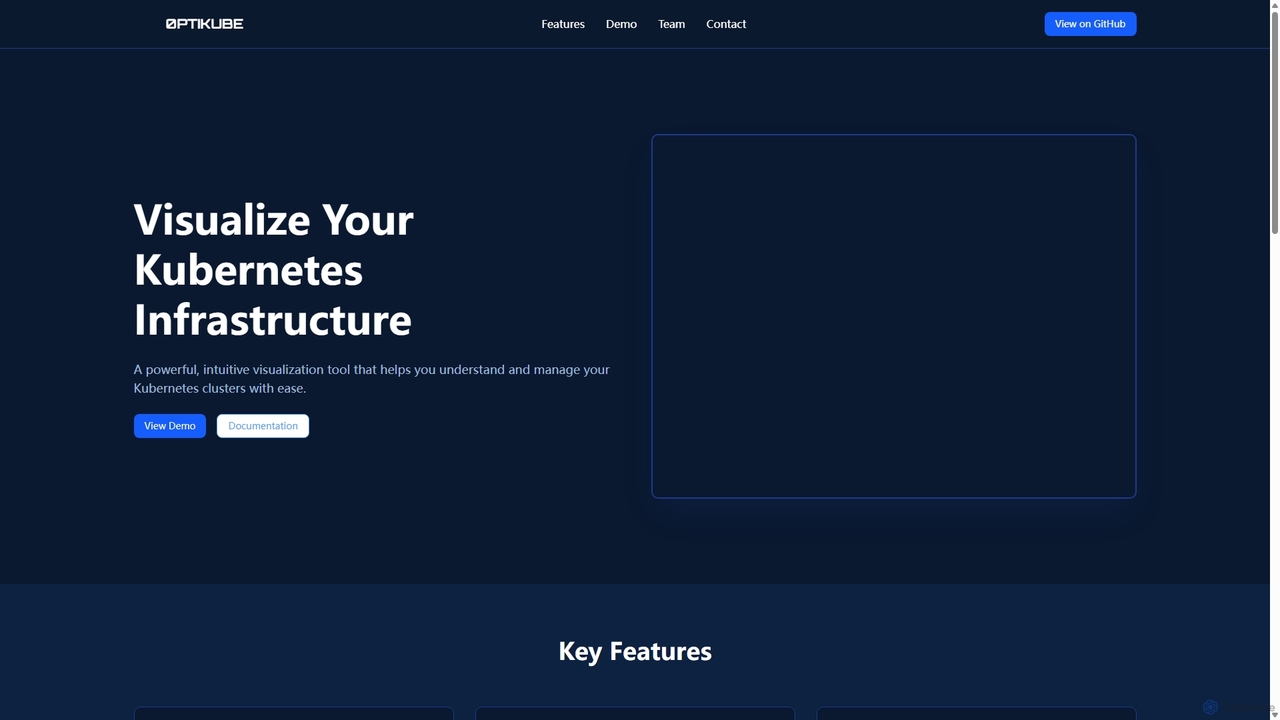
0ptikube
0ptikube is an AI-powered visualization and optimization tool for Kubernetes. It provides real-time monitoring and an intuitive dashboard to help DevOps engineers and SREs easily understand, manage, and optimize their cluster infrastructure, identify resource bottlenecks, and improve performance.
Cloud Computing
VPS Commander Comments (0)
Sign in to comment.
Sign inNo comments yet.