ToolMage
Sign in

Best 9 Cloud Computing AI tools for Developer Tools

Popular Cloud Computing AI tools in Developer Tools include LabEx, Vocareum, Wasmer, Beam, Shuttle, K8Studio, Kaba, Chaos Genius, and 0ptikube, helping you work more efficiently.

Shuttle
Freemium

Shuttle

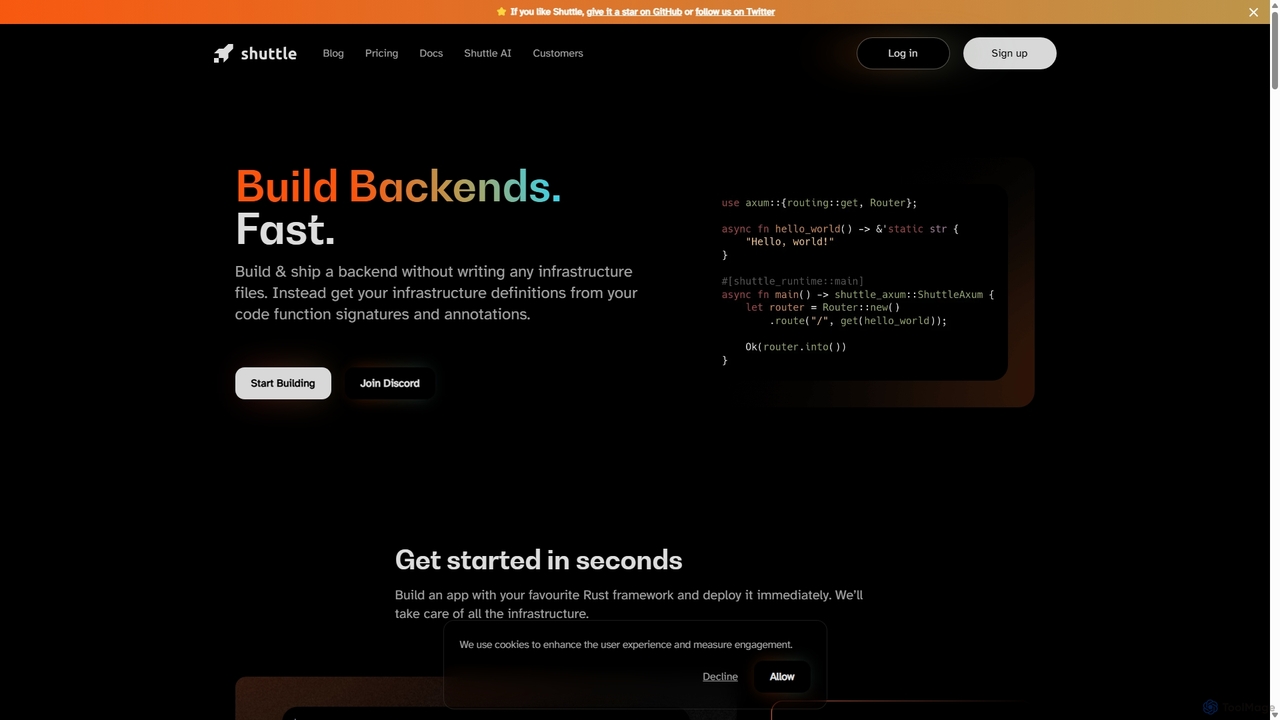
Shuttle is an open-source cloud platform designed to accelerate backend development in Rust. It eliminates infrastructure management by allowing developers to provision resources like databases and secrets directly within their code using simple annotations. Focus on building your application, and let Shuttle handle the deployment and scaling.

Backend Development
Visits 41.4KFavorites 168Likes 176
0ptikube

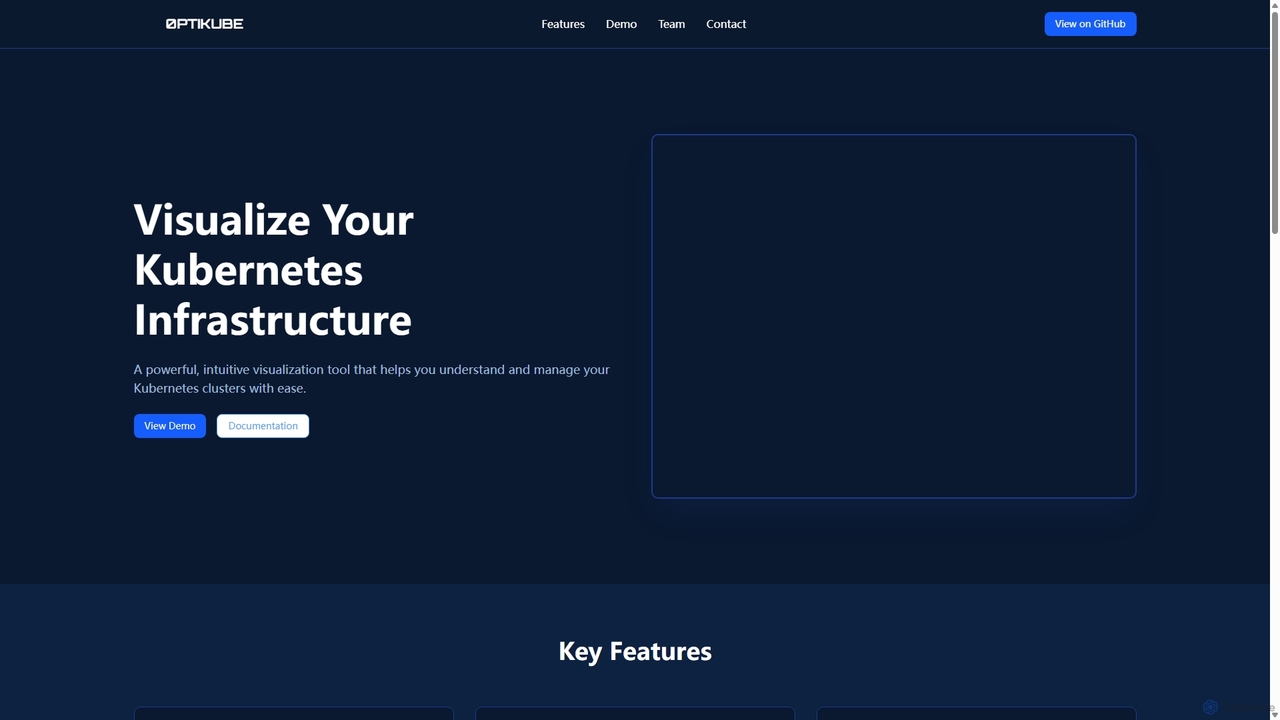
0ptikube

0ptikube is an AI-powered visualization and optimization tool for Kubernetes. It provides real-time monitoring and an intuitive dashboard to help DevOps engineers and SREs easily understand, manage, and optimize their cluster infrastructure, identify resource bottlenecks, and improve performance.

Cloud Computing
Visits 6.3KFavorites 135Likes 125
K8Studio
Freemium

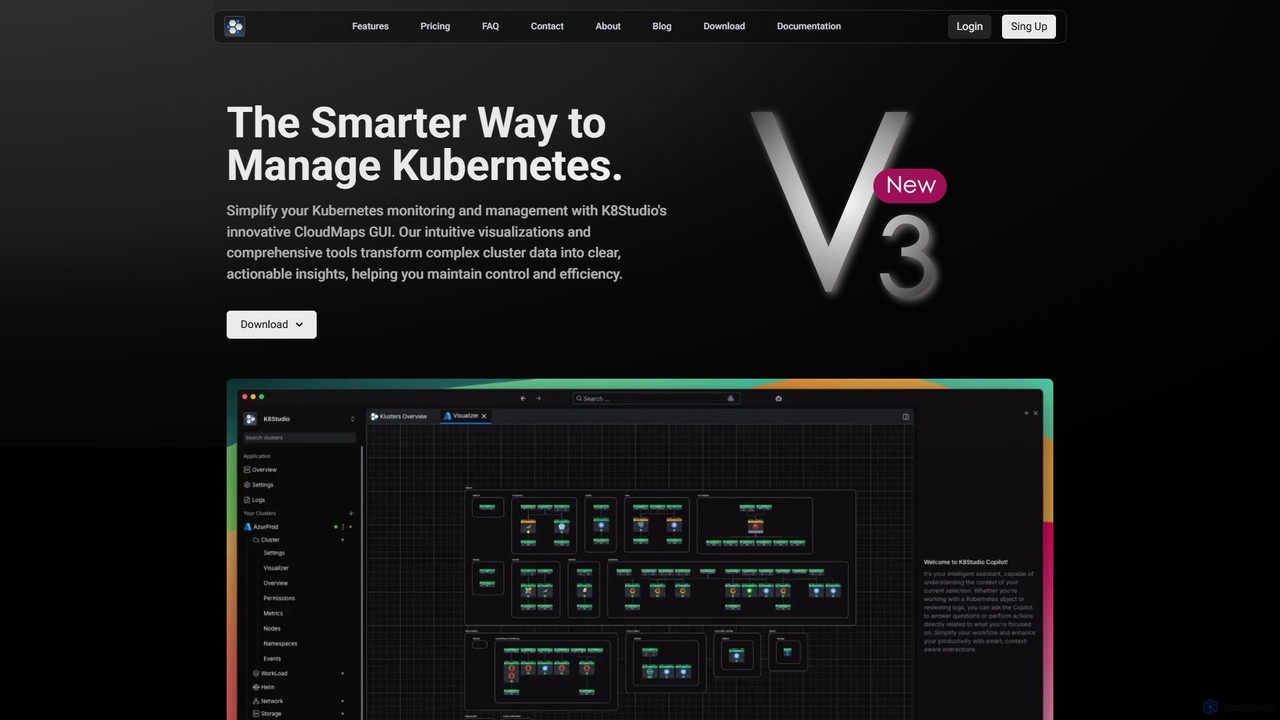
K8Studio

K8Studio is an advanced Kubernetes UI designed for DevOps, DevSecOps, and SRE teams. It simplifies cluster management with an intuitive visual interface, featuring CloudMaps for real-time visualization, an AI Copilot for intelligent assistance, and robust multi-cluster management capabilities. Its agent-free architecture ensures security and high performance, making complex Kubernetes operations more efficient and accessible.

Cloud Computing
Visits 13.9KFavorites 122Likes 136
LabEx
Freemium

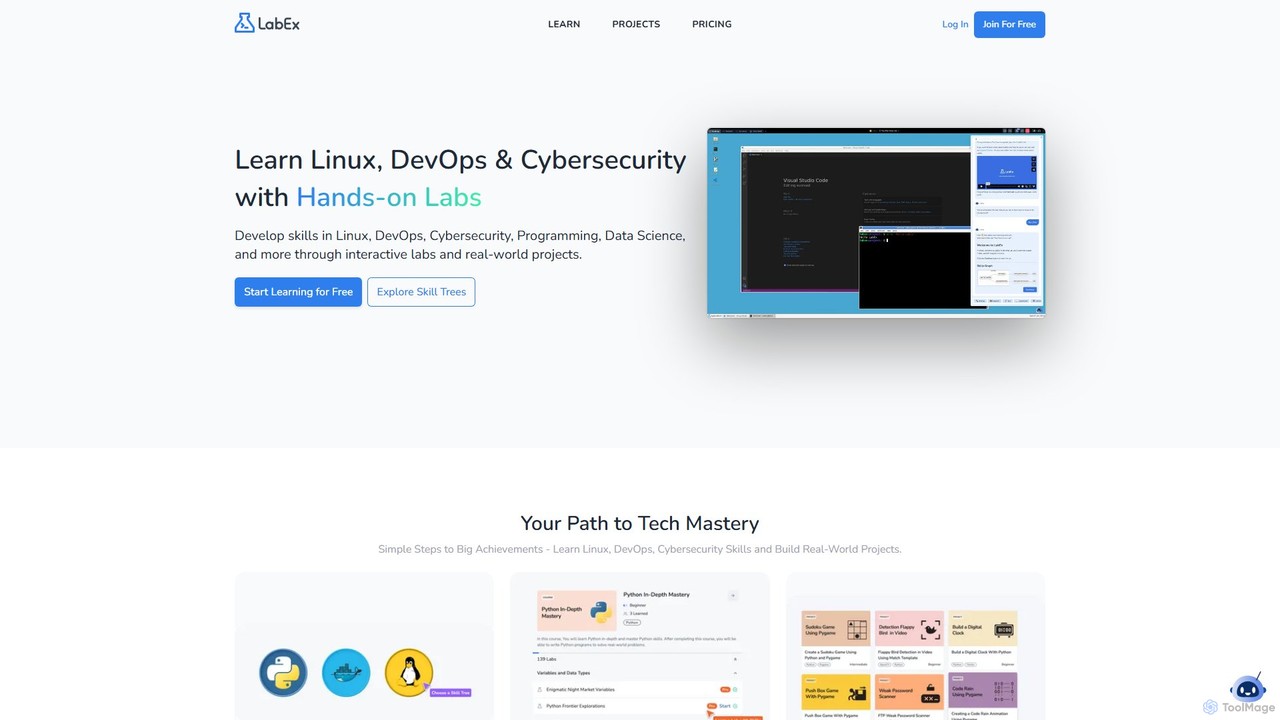
LabEx

LabEx is an interactive, hands-on learning platform for tech skills like Linux, DevOps, Cybersecurity, and Data Science. It offers over 6,000 labs in real-world environments, eliminating the need for complex local setups. The platform features structured "Skill Trees" for guided learning and an AI assistant, Labby, powered by ChatGPT, to provide real-time help with code debugging and technical questions. Learn by doing, build projects, and master in-demand tech skills effectively.

Cloud Computing
Visits 1.1MFavorites 143Likes 143
Chaos Genius

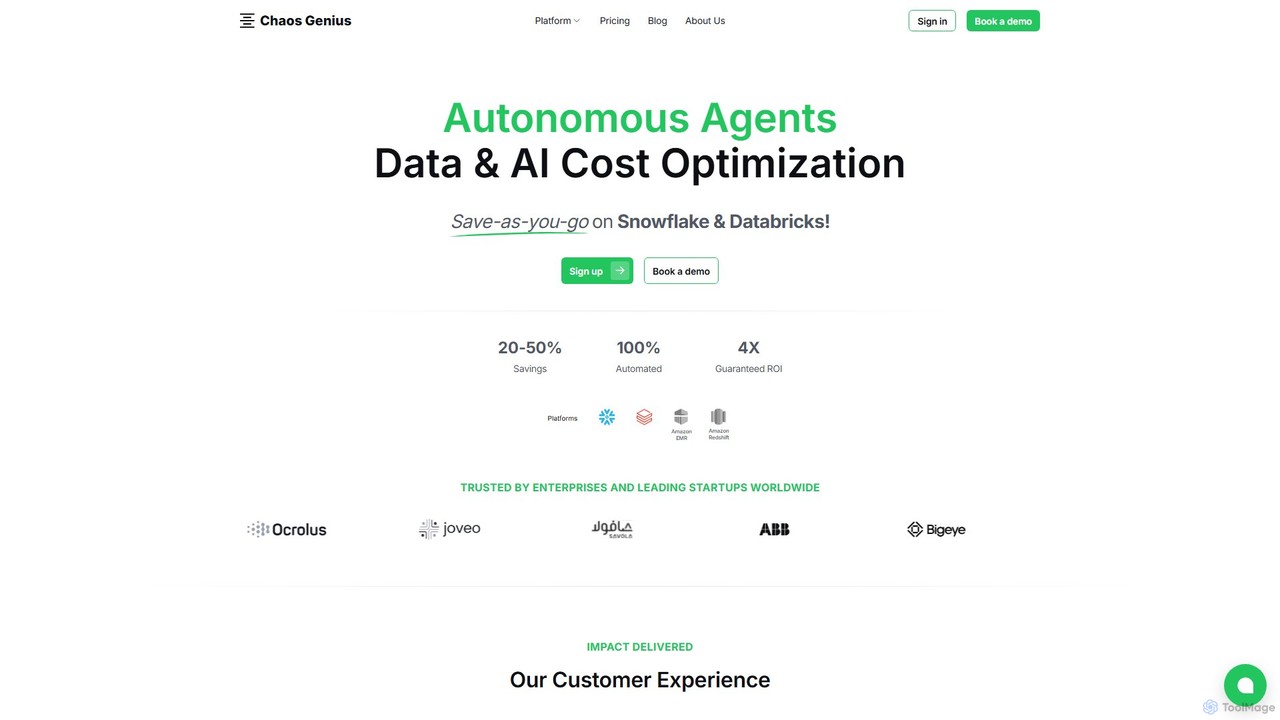
Chaos Genius

Chaos Genius is an AI-powered platform that uses autonomous agents to optimize data and AI costs for cloud platforms like Snowflake and Databricks. It helps businesses reduce their cloud spend by providing deep cost visibility, identifying inefficiencies, and offering automated optimization recommendations.

Finance
Visits 7.2KFavorites 105Likes 108
Beam
Freemium

Beam

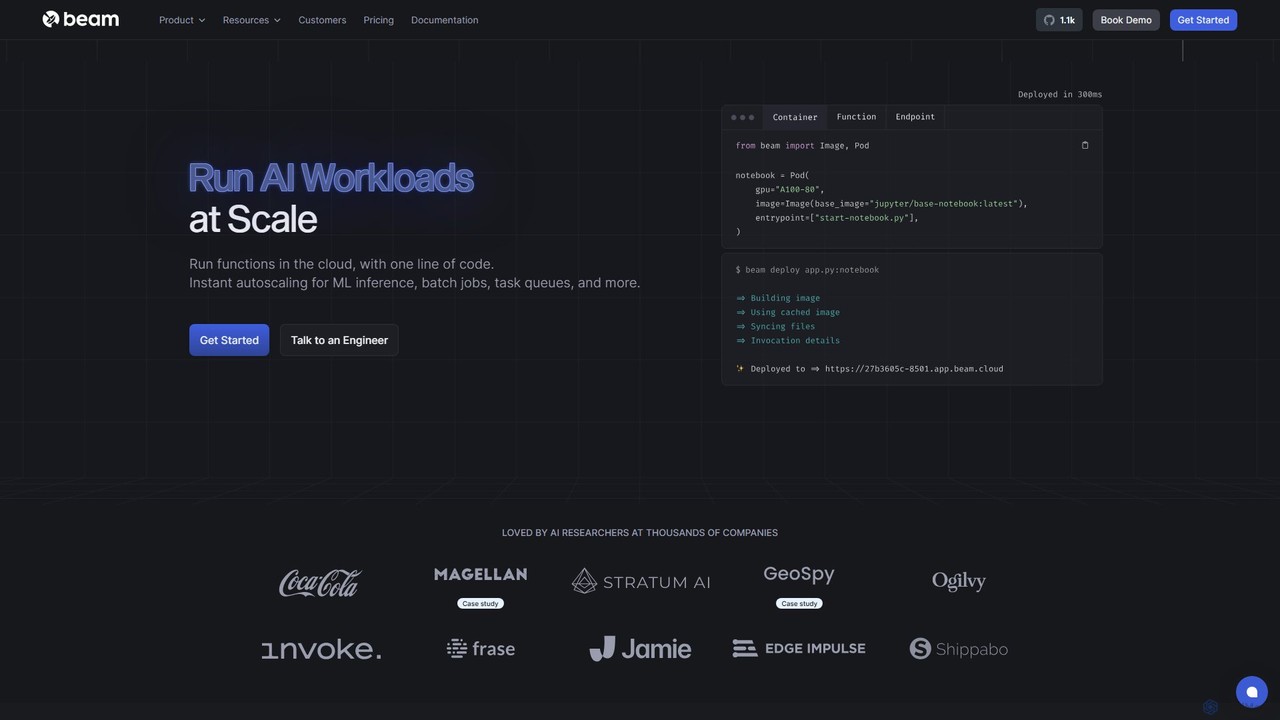
Beam is a serverless cloud platform designed for developers to run, scale, and deploy AI/ML models and applications on GPUs with ease. It offers instant autoscaling, pay-per-second billing, and a streamlined workflow, allowing you to go from code to a scalable API in minutes without managing complex infrastructure.

Machine Learning
Visits 59.1KFavorites 124Likes 124
Kaba
Paid

Kaba

Kaba is an AI-powered security intelligence platform designed for modern cloud-native environments. It empowers security teams to detect threats, analyze complex data, and respond to incidents with unprecedented speed and precision, transforming raw data into actionable insights through an intuitive, user-centric interface.

Cloud Computing
Visits 9.3KFavorites 157Likes 135
Vocareum
Paid

Vocareum

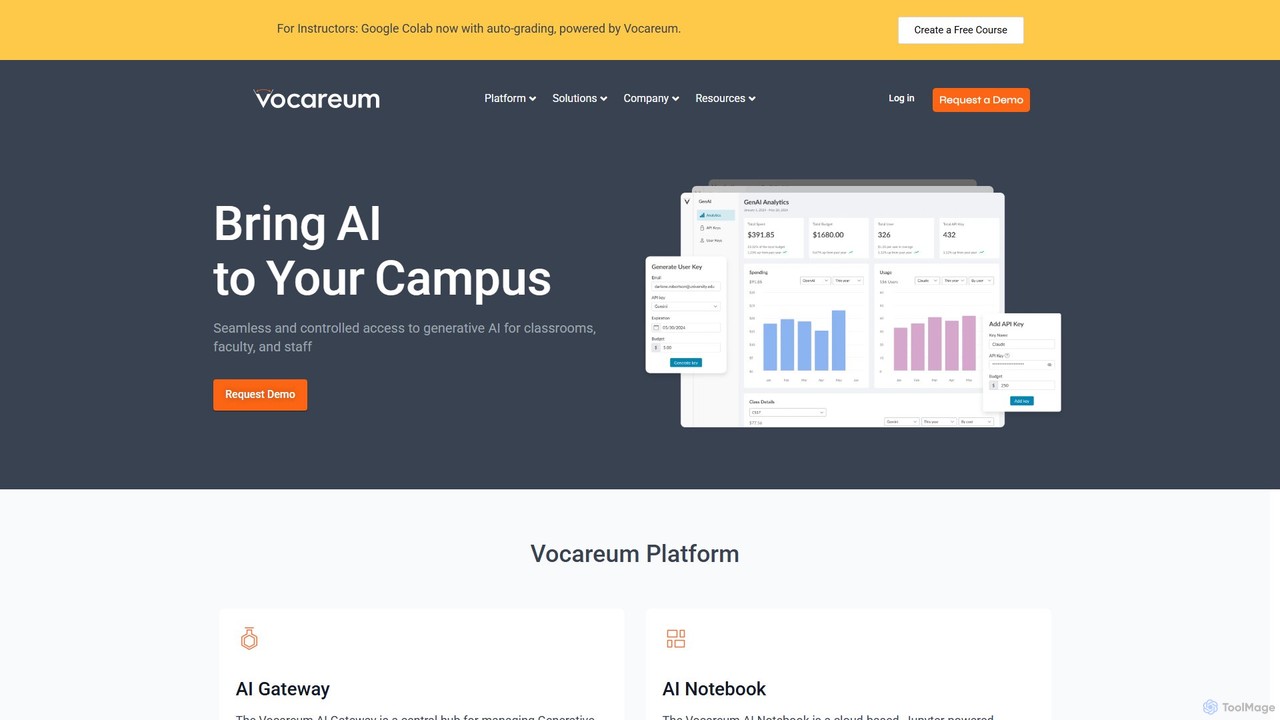
Vocareum is a comprehensive cloud-based learning platform designed for educational institutions. It provides secure, scalable, and budget-controlled access to AI tools, virtual computer labs, and cloud resources like AWS, Azure, and GCP. The platform facilitates hands-on learning in AI, data science, and computer science, integrating seamlessly with existing Learning Management Systems (LMS).

Data Science
Visits 421.7KFavorites 116Likes 125
Wasmer
Freemium

Wasmer

Wasmer is a universal WebAssembly runtime that enables you to run any code, anywhere. It functions as a next-generation container technology, offering blazing-fast, secure, and scalable deployment for applications, from websites and AI agents to serverless functions, without the overhead of traditional containers.

Cloud Computing
Visits 226.8KFavorites 152Likes 162

About Cloud Computing

Cloud Computing refers to the on-demand delivery of IT resources—including servers, storage, databases, networking, software, analytics, and intelligence—over the Internet with pay-as-you-go pricing. As a vital component within Developer Tools, it enables developers to build, deploy, and scale applications rapidly without managing physical infrastructure. This paradigm offers unparalleled flexibility, scalability, and cost-efficiency for modern software development and operations.

Core Features

  • Infrastructure as a Service (IaaS): Provides virtualized computing resources over the internet, including virtual machines, storage, and networks, giving developers maximum control.
  • Platform as a Service (PaaS): Offers a complete development and deployment environment in the cloud, with resources that enable developers to build, run, and manage applications without the complexity of infrastructure.
  • Serverless Computing: Allows developers to run code without provisioning or managing servers, automatically scaling and charging only for compute time consumed.
  • Containerization Services: Manages and orchestrates containerized applications (like Docker and Kubernetes) for consistent deployment across various environments.
  • Managed Databases: Provides fully managed database services, abstracting away administrative tasks like patching, backups, and scaling.

Applicable Scenarios

Cloud Computing is indispensable for startups needing to scale rapidly, enterprises modernizing legacy applications, and developers building global-scale services. It supports agile development, continuous integration/continuous deployment (CI/CD) pipelines, and the deployment of microservices architectures across various industries.

How to Choose

When selecting a Cloud Computing solution, consider the required service model (IaaS, PaaS, Serverless), the provider's ecosystem and integration capabilities with existing tools, security and compliance certifications, and the pricing structure. Evaluate scalability options, global reach, and the level of managed services offered to match your team's operational capacity and technical expertise.

Cloud Computing use cases

1

Deploying Scalable Web Applications

A web development team uses cloud computing platforms (PaaS or IaaS) to host their high-traffic e-commerce application. They leverage auto-scaling features to automatically adjust computing resources based on user demand, ensuring consistent performance during peak sales events and reducing costs during off-peak hours. This allows them to focus on feature development rather than server management.

2

Building Serverless APIs for Mobile Backends

A mobile app developer creates backend APIs using serverless functions (e.g., AWS Lambda, Azure Functions). This approach eliminates the need to provision or manage servers, allowing the developer to focus solely on writing code for API endpoints. The cloud provider automatically scales the functions to handle varying loads from mobile users, reducing operational overhead and ensuring high availability for the app's backend services.

3

Containerized Microservices Deployment

A DevOps team uses cloud container orchestration services (e.g., Kubernetes on AWS EKS, Azure AKS, Google GKE) to deploy and manage their microservices architecture. By containerizing applications, they achieve consistent environments from development to production. The cloud platform handles the underlying infrastructure, scaling, and networking for their containers, streamlining the CI/CD pipeline and improving application resilience and portability.

4

Data Analytics and Machine Learning Workloads

Data scientists and engineers leverage cloud computing for intensive data analytics and machine learning tasks. They utilize scalable cloud storage for large datasets and powerful virtual machines or specialized GPU instances for training complex AI models. Cloud-native data warehousing and processing services enable them to run complex queries and derive insights from vast amounts of data efficiently, without the upfront investment in high-performance hardware.

5

Disaster Recovery and Backup Solutions

IT administrators implement robust disaster recovery (DR) and backup strategies using cloud computing. They replicate critical data and applications to geographically dispersed cloud regions, ensuring business continuity in case of a localized outage. Cloud storage offers cost-effective, scalable, and highly durable options for long-term backups, significantly reducing the recovery time objective (RTO) and recovery point objective (RPO) compared to traditional on-premise solutions.

6

Cost Optimization for Cloud Infrastructure

FinOps teams and cloud architects utilize cloud computing's detailed billing and monitoring tools to optimize infrastructure costs. They analyze resource utilization, identify idle or over-provisioned resources, and implement strategies like reserved instances, spot instances, or serverless architectures to reduce spending. This proactive cost management ensures that cloud resources are used efficiently, aligning IT spending with business value and avoiding unnecessary expenditures.

Cloud Computing FAQ

What is Cloud Computing?

Cloud Computing is the delivery of on-demand computing services—including servers, storage, databases, networking, software, analytics, and intelligence—over the Internet. Instead of owning and maintaining your own computing infrastructure, you can access these services from a cloud provider like AWS, Azure, or Google Cloud. Key characteristics include self-service provisioning, broad network access, resource pooling, rapid elasticity, and measured service, offering flexibility and cost savings.

How to choose the right Cloud Computing provider?

Choosing the right cloud provider involves evaluating several factors. Consider the range of services offered (IaaS, PaaS, Serverless) and how they align with your technical requirements. Assess the provider's global presence, data center locations, and compliance certifications relevant to your industry. Evaluate pricing models, support options, and the ease of integration with your existing tools and workflows. Finally, consider the community support and the vendor lock-in potential.

What are the main service models in Cloud Computing?

The three main service models in Cloud Computing are Infrastructure as a Service (IaaS), Platform as a Service (PaaS), and Software as a Service (SaaS). IaaS provides virtualized computing resources like VMs, networks, and storage, giving users maximum control. PaaS offers a complete development and deployment environment, abstracting infrastructure management so developers can focus on code. SaaS delivers fully functional applications over the internet, managed entirely by the provider, requiring no user-side installation or maintenance.

What are the benefits of using Cloud Computing for developers?

For developers, Cloud Computing offers significant benefits. It provides instant access to scalable infrastructure, allowing rapid prototyping and deployment without waiting for hardware. Developers can leverage managed services for databases, messaging, and AI, reducing operational burden and focusing on core application logic. Cloud environments also facilitate collaboration, support CI/CD pipelines, and enable global reach, accelerating development cycles and improving application performance and reliability.

How does Cloud Computing differ from traditional on-premise infrastructure?

Cloud Computing fundamentally differs from traditional on-premise infrastructure in ownership, management, and cost model. With on-premise, organizations own and manage all hardware and software, incurring high upfront capital expenditures and ongoing maintenance. Cloud Computing, conversely, involves renting resources from a third-party provider, shifting costs to an operational expenditure model (pay-as-you-go). This offers greater scalability, flexibility, and reduced IT overhead, allowing businesses to innovate faster and focus on core competencies rather than infrastructure management.