

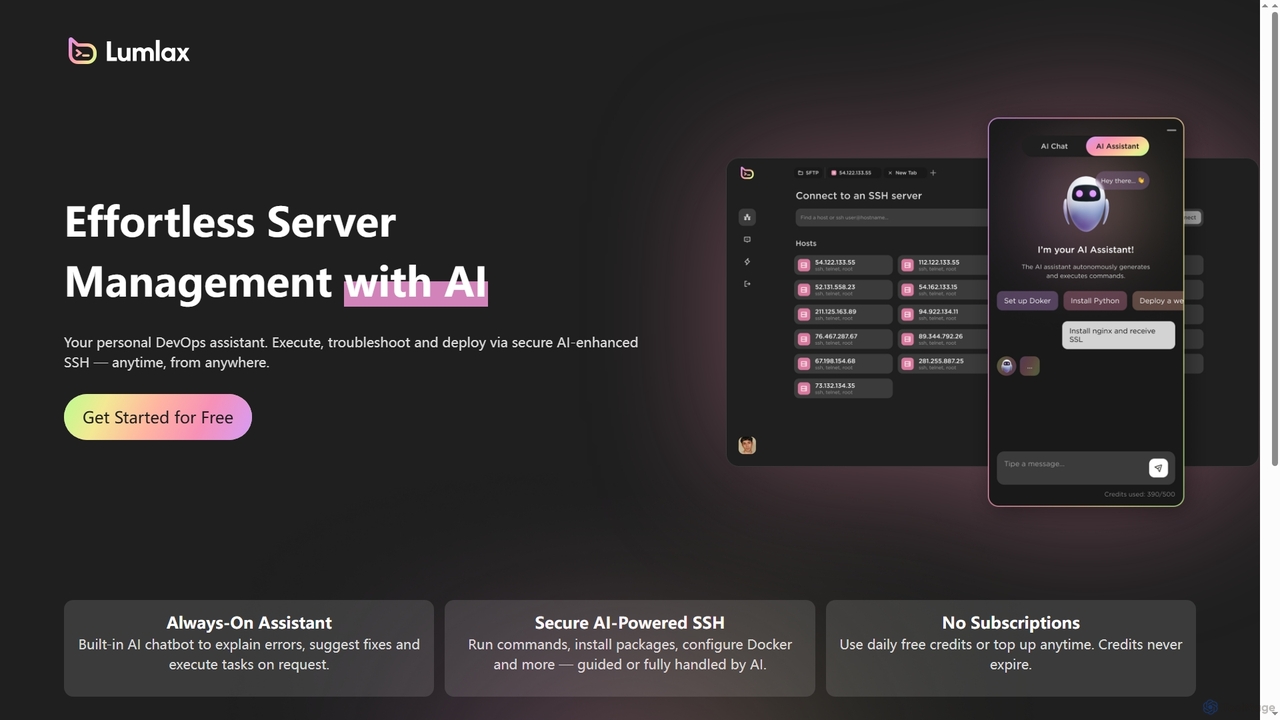
Lumlax Overview
Lumlax is an innovative AI-powered SSH application that revolutionizes server management for developers. Positioned as a personal DevOps assistant, it simplifies complex operational tasks by integrating artificial intelligence directly into the secure shell environment. Users can efficiently execute commands, diagnose problems, and deploy web applications or services with the guidance or full automation of AI, accessible anytime and from any location.
How to use Lumlax
To use Lumlax, developers can sign up for an account, which can be done via email, Google, or GitHub. Once logged in, users connect to their servers via the secure AI-enhanced SSH interface. They can then interact with the built-in AI chatbot to request tasks, troubleshoot errors, or deploy applications. The AI assistant can guide users through processes like setting up Docker, installing Python, or deploying a website, or even handle these tasks autonomously based on user requests. Daily free credits are provided, and additional credits can be topped up as needed, with no expiration.
Core Features of Lumlax
- **Always-On AI Assistant:** A built-in AI chatbot capable of explaining server errors, suggesting effective fixes, and executing various tasks on demand.
- **Secure AI-Powered SSH:** Provides a robust SSH environment where commands can be run, packages installed, and configurations (like Docker) managed, either with AI guidance or through full AI automation.
- **Flexible Credit System:** Operates without traditional subscriptions, offering daily free credits for usage. Users can purchase additional credits anytime, and these credits never expire, ensuring cost-effective and flexible access.
- **Anytime, Anywhere Access:** Facilitates remote server management, allowing developers to oversee and interact with their servers securely from any location at any time.
Use Cases for Lumlax
Lumlax is ideal for developers seeking to streamline their server operations and reduce manual DevOps overhead. Specific use cases include:
- **Automated Deployment:** Quickly deploy web applications, services, or updates to servers with AI assistance.
- **Troubleshooting and Debugging:** Get immediate AI-driven explanations for server errors and suggested solutions, accelerating problem resolution.
- **Server Configuration:** Easily set up and configure server environments, install software like Python, or manage containerization platforms like Docker with AI guidance.
- **Remote Server Management:** Manage multiple servers securely from a single interface, enhancing efficiency for remote teams or individual developers.
- **Learning and Development:** New developers can leverage the AI assistant to understand server commands and best practices, making the learning curve smoother.
Advantages of Lumlax
Lumlax offers several key advantages for developers and teams managing servers:
- **Increased Efficiency:** Automates routine and complex server tasks, freeing up developers to focus on core development.
- **Reduced Operational Burden:** Acts as a personal DevOps assistant, significantly lowering the "ops" workload.
- **Enhanced Security:** Provides a secure SSH environment for all server interactions.
- **Cost-Effective:** A credit-based system with no subscriptions and non-expiring credits offers flexibility and potentially lower costs compared to traditional models.
- **Accessibility:** Manage servers from anywhere, anytime, promoting flexibility and remote work capabilities.
- **Error Explanation and Resolution:** The AI chatbot provides instant insights into errors and actionable fixes, minimizing downtime.
Lumlax FAQ
Lumlax Alternatives
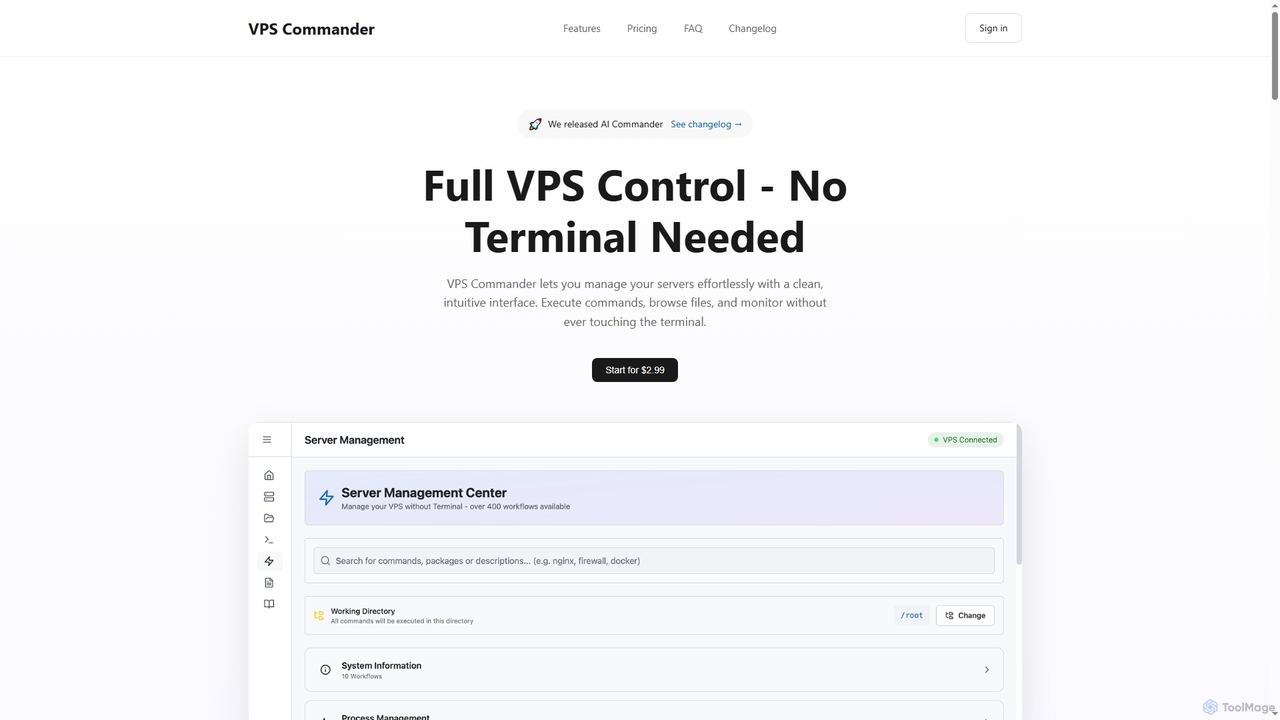
VPS Commander
VPS Commander simplifies complex server management, transforming intricate terminal commands into intuitive clicks. It offers a modern interface for managing workflows, files, and processes, empowering anyone to control their Virtual Private Servers without needing command-line expertise.
Cloud Management
Rebolt
Rebolt is an AI-powered platform designed to automate the entire software development lifecycle. It helps developer and DevOps teams build, test, and deploy applications faster and more reliably by leveraging AI for CI/CD pipeline optimization, code generation, and intelligent monitoring.
Code Assistant
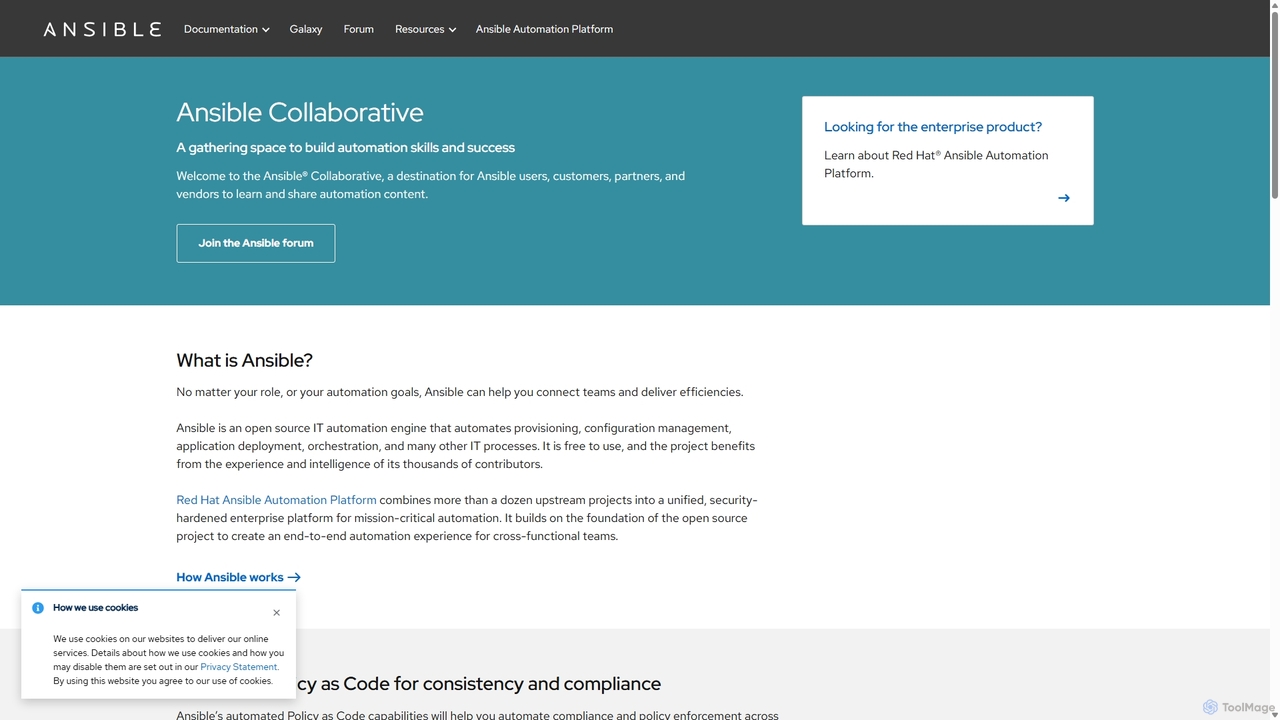
Ansible
Ansible is a powerful open-source IT automation engine that simplifies application deployment, configuration management, and orchestration. Using human-readable YAML, it automates complex IT processes without requiring agents on managed nodes, making it simple, efficient, and secure for DevOps, system administrators, and developers.
Devops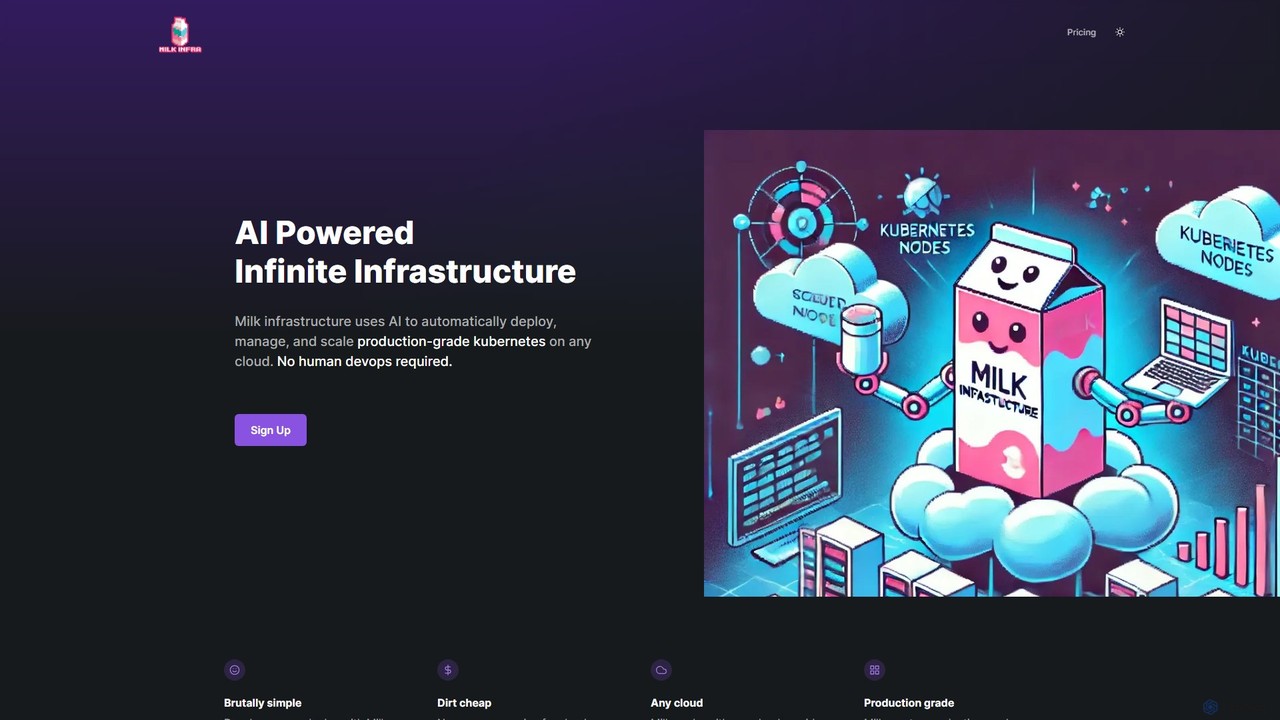
Milk Infrastructure
Milk Infrastructure is an AI-powered platform that automates the deployment, management, and scaling of production-grade Kubernetes clusters on any cloud. It eliminates the need for human DevOps, allowing developers to deploy applications effortlessly via GitHub. With features like dynamic scaling, built-in CI/CD, and an Infrastructure as Code approach, it offers a cost-effective and simple solution for modern application hosting.
Infrastructure ManagementLumlax Categories
Lumlax Jobs
Lumlax Embed Widget
Copy this embed code to place the badge on your blog, article, or product site and send readers directly to this ToolMage detail page.

Related AI tools
VPS Commander
VPS Commander simplifies complex server management, transforming intricate terminal commands into intuitive clicks. It offers a modern interface for managing workflows, files, and processes, empowering anyone to control their Virtual Private Servers without needing command-line expertise.
Cloud Management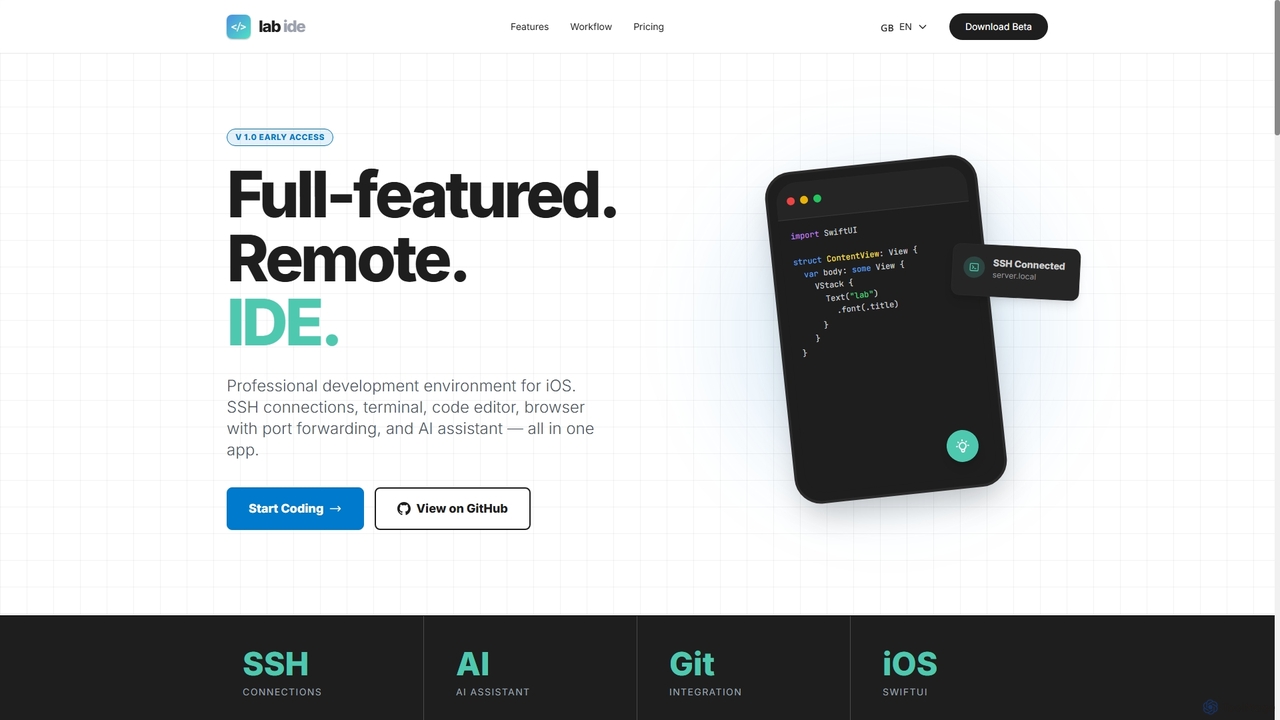
Lab
Lab is a professional mobile IDE for iOS/iPadOS, transforming your device into a powerful remote development workstation. It offers SSH connections, a multi-tab terminal, a code editor, a Git client, and an integrated AI assistant for coding, refactoring, and debugging directly on remote servers. With built-in browser port forwarding and smart web element selection, Lab streamlines mobile-first development workflows.
Mobile Ide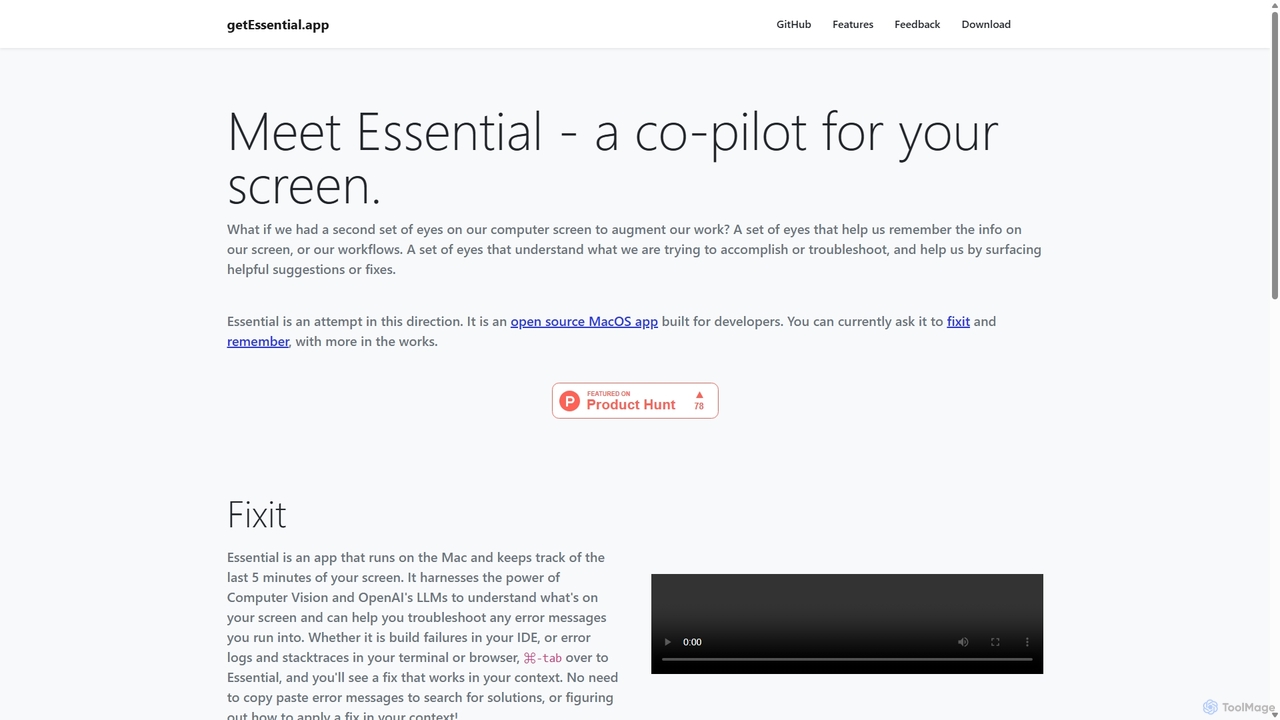
GetEssential
getEssential is an AI-powered Mac application that continuously records your screen to instantly troubleshoot errors. It uses Computer Vision and LLMs to analyze build failures, error logs, and stack traces, providing contextual fixes without manual searching. A productivity booster for developers and IT professionals.
Code AssistantRebolt
Rebolt is an AI-powered platform designed to automate the entire software development lifecycle. It helps developer and DevOps teams build, test, and deploy applications faster and more reliably by leveraging AI for CI/CD pipeline optimization, code generation, and intelligent monitoring.
Code Assistant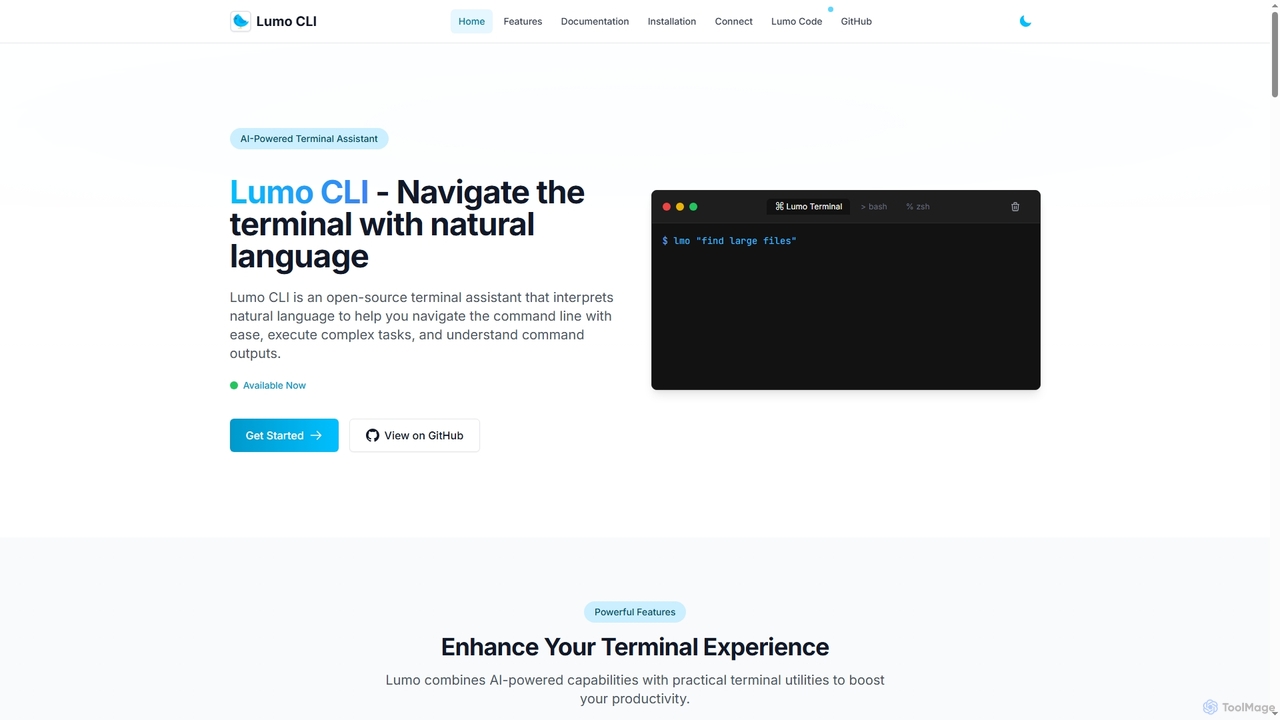
Lumo
Lumo is an open-source, AI-powered terminal assistant that allows users to interact with the command line using natural language. It translates plain English into executable commands, automates complex tasks, monitors system health, and supports multiple AI models including Gemini, OpenAI, and Ollama for local inference.
Code Assistant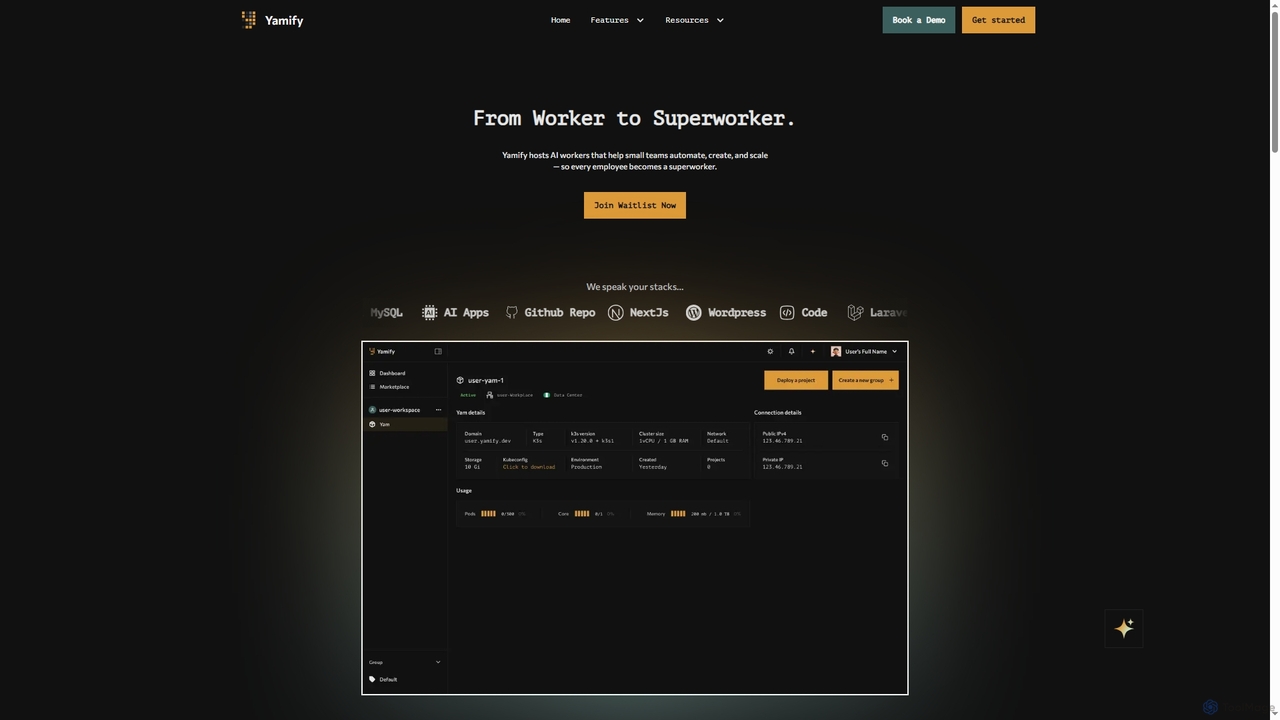
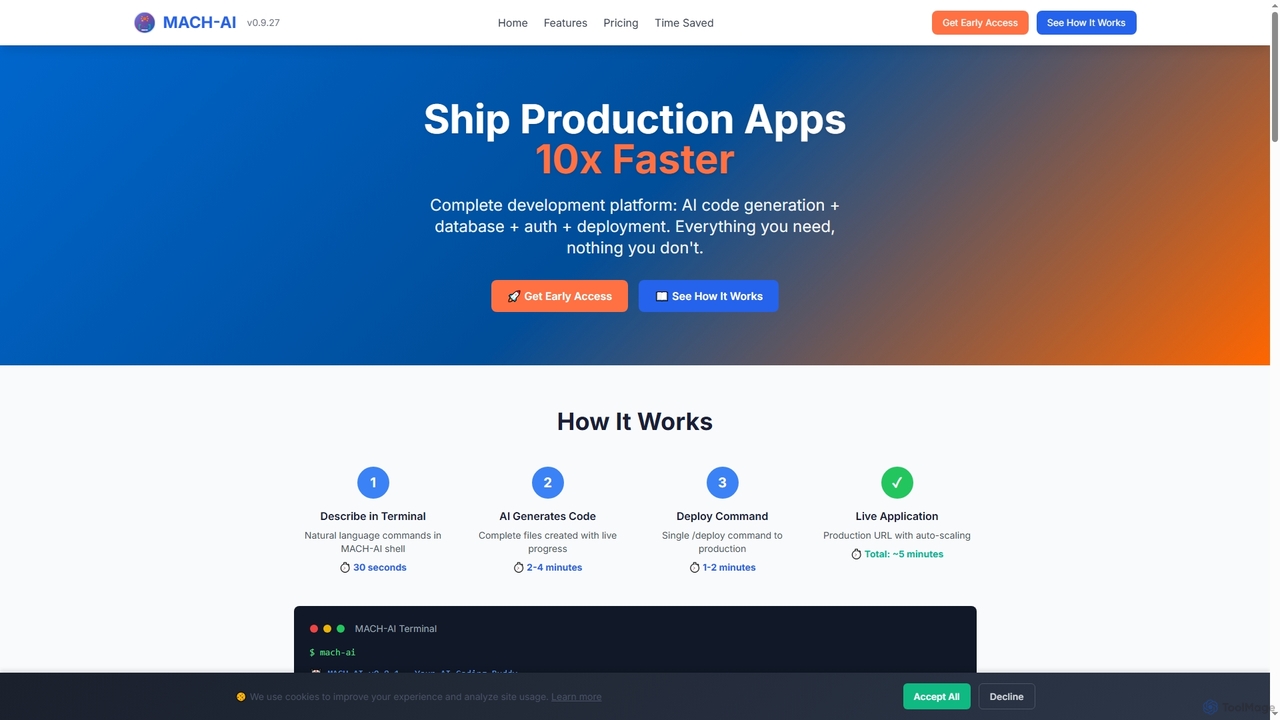
MACH-AI
MACH-AI is an AI coding assistant and complete development platform that transforms concepts into production-ready cloud applications in minutes. It integrates AI code generation, built-in database, authentication, and one-command deployment, enabling developers to build and launch scalable web applications 10x faster across Python, JavaScript, and TypeScript.
Application Deployment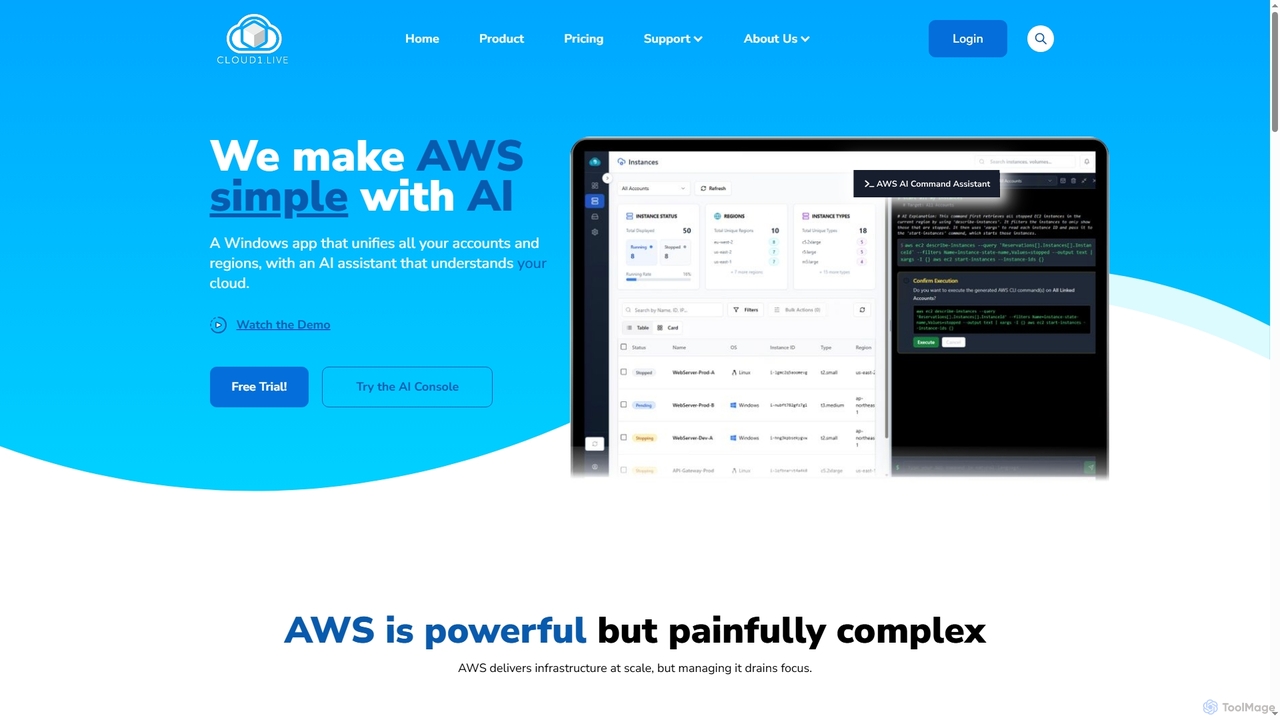
Cloud1
Cloud1 is an AI-powered Windows desktop application designed to simplify AWS EC2 management across multiple accounts and regions. It unifies instances, enables natural language commands via an AI assistant, and offers powerful bulk actions and cost optimization insights.
Aws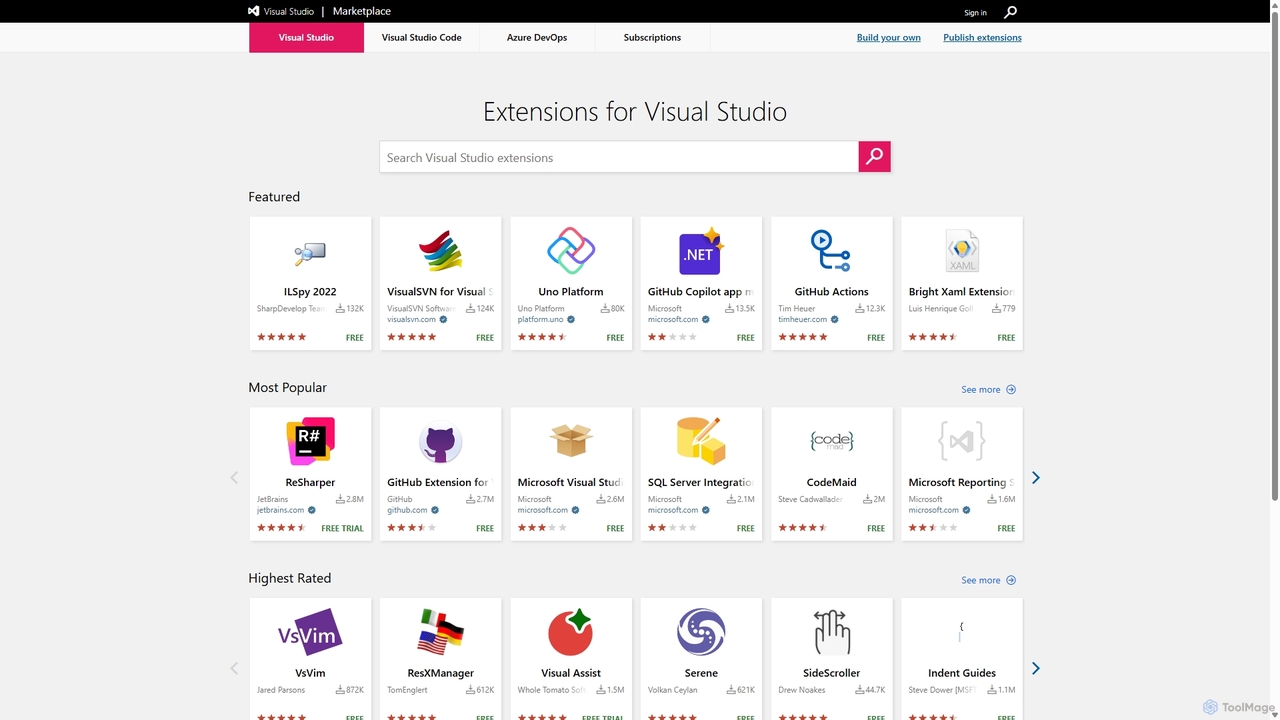
Visual Studio Marketplace
The official marketplace for discovering and installing thousands of extensions for the Visual Studio family of products, including Visual Studio, VS Code, and Azure DevOps. Enhance productivity, add new features, and customize your development environment with tools from Microsoft and the community.
Machine Learning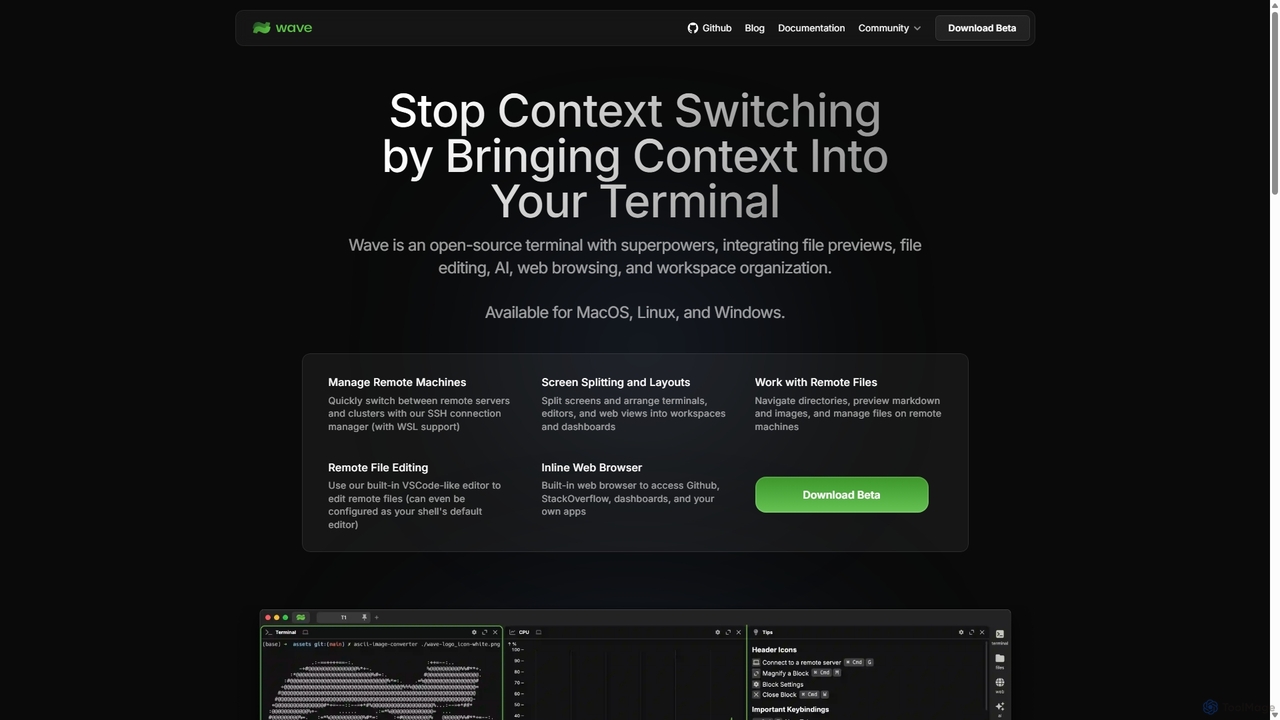
Waveterm
Waveterm is an open-source, modern terminal designed for developers and DevOps engineers. It enhances the command-line experience by integrating AI-powered assistance, a VSCode-like editor, inline file previews, a web browser, and customizable dashboards. This all-in-one workspace reduces context switching and boosts productivity across macOS, Windows, and Linux.
Code Assistant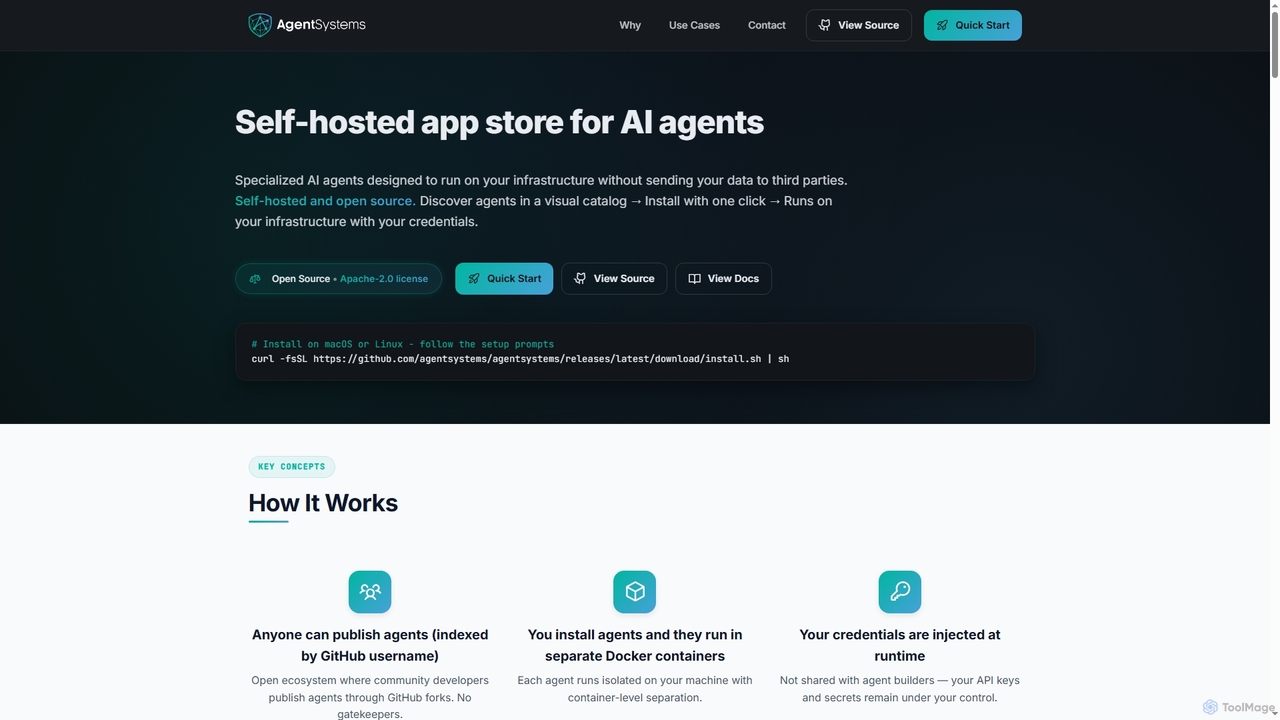
AgentSystems
An open-source, self-hosted platform for discovering, deploying, and managing specialized AI agents on your own infrastructure, ensuring complete data privacy and control.
Self HostedMilk Infrastructure
Milk Infrastructure is an AI-powered platform that automates the deployment, management, and scaling of production-grade Kubernetes clusters on any cloud. It eliminates the need for human DevOps, allowing developers to deploy applications effortlessly via GitHub. With features like dynamic scaling, built-in CI/CD, and an Infrastructure as Code approach, it offers a cost-effective and simple solution for modern application hosting.
Infrastructure Management
Jyek
Jyek is an AI agent platform that understands objectives, creates execution plans, uses tools, and delivers verifiable results for complex, multi-step tasks.
Automation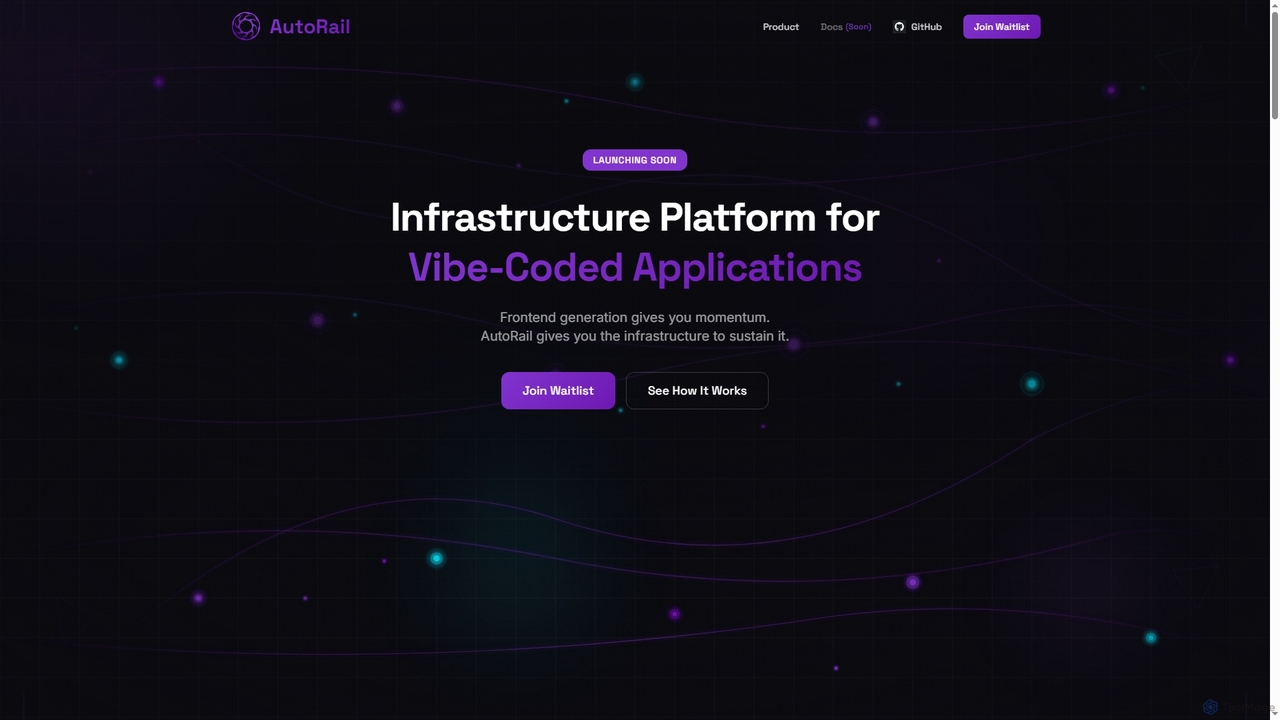
AutoRail
AutoRail is an infrastructure platform designed to transform "vibe-coded" prototypes into production-ready applications. It automatically provisions essential backend primitives like stateful memory, workflow orchestration, and auto-scaling, bridging the critical gap between rapid frontend development and robust, scalable production systems without manual configuration.
Ai Infrastructure
Lumlax Comments (0)
Sign in to comment.
Sign inNo comments yet.