
Ansible Overview
Ansible is a premier open-source IT automation engine designed to automate a wide array of IT tasks, including application deployment, configuration management, cloud provisioning, and intra-service orchestration. Developed and sponsored by Red Hat, Ansible stands out for its simplicity, agentless architecture, and powerful capabilities. It uses YAML (a human-readable data serialization language) to define automation jobs in files called "Playbooks," making automation accessible to everyone, from system administrators and DevOps engineers to developers and IT managers.
The ecosystem is divided into two main offerings: the free, community-driven Ansible project, and the enterprise-grade Red Hat Ansible Automation Platform. The latter builds upon the open-source foundation to provide a hardened, scalable, and fully supported platform with additional features like a graphical user interface (Automation Controller), role-based access control (RBAC), analytics, and integrations with emerging technologies like Event-Driven Ansible and generative AI through Ansible Lightspeed with IBM watsonx Code Assistant.
How to use Ansible
Getting started with Ansible is straightforward, following a logical workflow:
- Installation: Install Ansible on a control node (your laptop, a bastion host, etc.). This is the only machine where Ansible needs to be installed.
- Inventory Management: Define the servers and devices you want to manage in an inventory file. This file lists the hostnames or IP addresses of your managed nodes, which can be grouped for easier targeting.
- Write a Playbook: Create a Playbook using YAML syntax. A Playbook is a list of plays, and each play maps a group of hosts to a set of tasks. Tasks are calls to Ansible modules, which are the actual units of work that get executed on the remote machines.
- Utilize Modules and Collections: Leverage thousands of pre-built modules for tasks ranging from managing system packages and services to interacting with cloud provider APIs (like AWS, Azure, Google Cloud) and network devices. For more complex automation, you can use Ansible Collections, which are pre-packaged bundles of playbooks, roles, modules, and plugins available on Ansible Galaxy.
- Execute the Playbook: Run your playbook from the command line using the `Ansible-playbook` command. Ansible connects to your managed nodes (typically over SSH) and executes the tasks defined in the playbook, ensuring your systems reach the desired state.
Core Features of Ansible
- Agentless Architecture: Ansible communicates with managed nodes over standard protocols like SSH (for Linux/Unix) and WinRM (for Windows), eliminating the need to install and manage any client software or agents on the target systems. This reduces overhead and enhances security.
- Human-Readable Automation (YAML): Playbooks are written in YAML, which is easy to read, write, and understand. This lowers the barrier to entry and facilitates collaboration between teams.
- Idempotent by Design: Ansible's operations are idempotent, meaning running a playbook multiple times will result in the same system state. It only makes changes if the system is not in the desired state, which ensures predictability and safety.
- Extensive Module Library & Collections: A vast ecosystem of modules and collections allows you to automate virtually any component of your IT infrastructure, from servers and cloud services to network devices and storage arrays.
- Event-Driven Ansible: This capability allows you to create automated responses to various events in your IT environment, such as a system running out of disk space or a new ticket being created. It connects event sources to actions, enabling proactive and scalable automation.
- Generative AI Integration (Ansible Lightspeed): The Red Hat Ansible Automation Platform integrates with IBM watsonx Code Assistant to provide Ansible Lightspeed, a generative AI service that helps developers create Ansible Playbooks from natural language prompts, accelerating content creation and onboarding new users.
Use Cases for Ansible
Ansible's versatility makes it suitable for a wide range of automation scenarios:
- Configuration Management: Enforce a consistent configuration across all servers in your environment, preventing configuration drift and ensuring compliance.
- Application Deployment: Automate the entire lifecycle of your applications, from deploying code to managing updates and rollbacks in a streamlined, repeatable manner.
- Provisioning: Automate the provisioning of cloud infrastructure (VMs, networks, storage), virtualized environments, and bare-metal servers.
- Continuous Integration/Continuous Delivery (CI/CD): Integrate Ansible into your CI/CD pipelines (e.g., with Jenkins, GitLab CI) to automate testing, building, and deployment processes.
- Security & Compliance: Automate security patching, user access control, and policy enforcement to ensure your infrastructure is secure and compliant with industry standards (Policy as Code).
- Network Automation: Manage and configure network devices like routers, switches, and firewalls from various vendors, treating your network as code.
Advantages of Ansible
Ansible offers significant benefits for organizations looking to scale their IT operations:
- Simplicity and Ease of Use: The human-readable YAML syntax and agentless nature make it one of the easiest automation tools to learn and implement.
- Increased Productivity and Efficiency: By automating repetitive tasks, Ansible frees up IT teams to focus on strategic initiatives and innovation.
- Improved Reliability and Consistency: Automation eliminates manual errors, ensuring that deployments and configurations are consistent and predictable across all environments.
- Enhanced Collaboration: Playbooks serve as executable documentation, making it easy for different teams (Dev, Ops, Security) to understand and collaborate on automation workflows.
- Scalability and Enterprise Support: While the open-source version is highly capable, the Red Hat Ansible Automation Platform provides the security, support, and advanced features needed for mission-critical, enterprise-wide automation.
Pricing and Plans
Ansible operates on a freemium model:
- Ansible (Community Version): This is the free, open-source project. It is incredibly powerful and suitable for individuals and teams of all sizes. It is supported by a vast and active global community.
- Red Hat Ansible Automation Platform: This is the commercial, subscription-based offering from Red Hat. It includes the open-source components plus enterprise-level features, security hardening, analytics, and 24/7 technical support. Pricing is typically based on the number of managed nodes and the required support level. For specific pricing details, you need to contact Red Hat's sales team.
Traffic
Latest traffic
Status
Monthly traffic trend
- 2025-9: 637.1K
- 2026-1: 587.5K
- 2026-2: 539.2K
- 2026-3: 596.2K
- 2026-4: 549.0K
- 2026-5: 525.2K
Geography
Top 5 countries / regions
- 🇻🇳Vietnam32.0%
- 🇺🇸United States24.3%
- 🇩🇪Germany18.4%
- 🇷🇺Russia18.1%
- 🇫🇷France7.1%
Traffic sources
| Source type | Percentage |
|---|---|
Direct | 62.9% |
Referral | 34.9% |
Email | 2.2% |
Top keywords
| Keyword | Cost per click |
|---|---|
| ansible | $1.77 |
| ansible * | $1.75 |
| ansible copy | $0.00 |
| ansible documentation | $1.55 |
| ansible galaxy | $2.25 |
Ansible Videos on YouTube

Ansible4Networking

The Ansible Playbook

The Ansible Playbook

The Ansible Playbook
Level Up Technology LLC

The Ansible Playbook
The Ansible Playbook

Ansible Alternatives
Lumlax
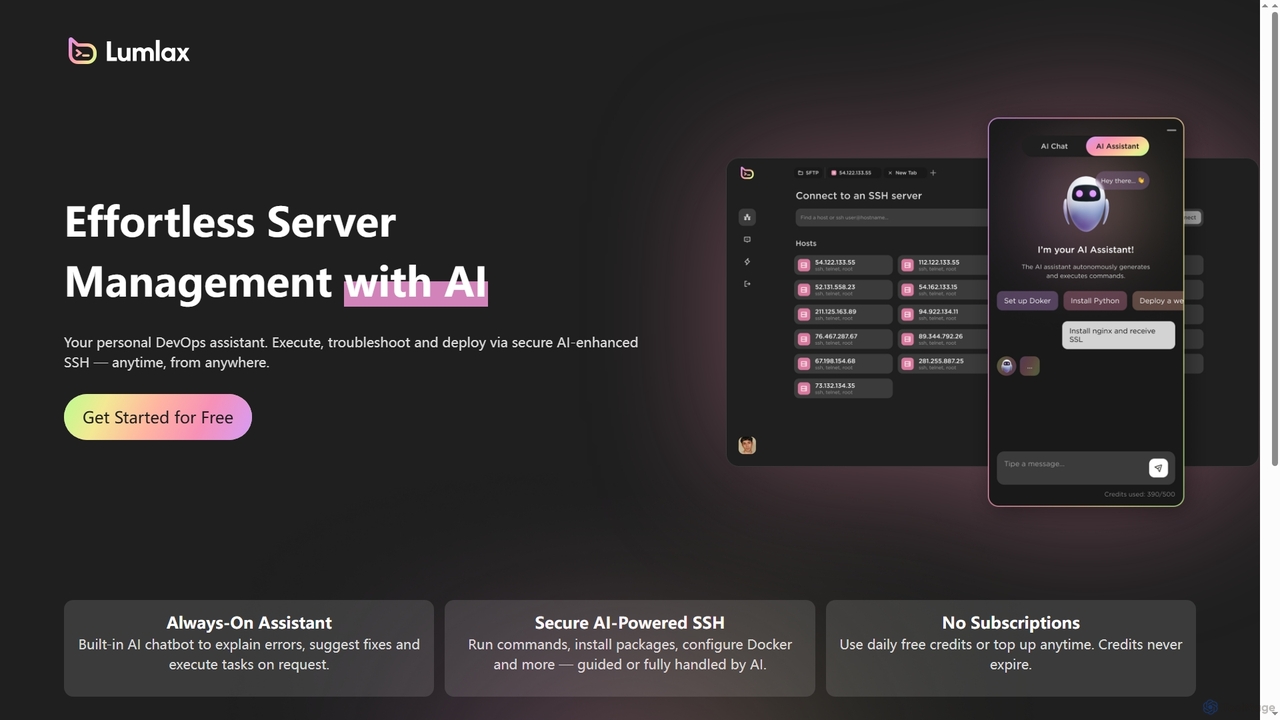
Lumlax is an AI-enhanced SSH application designed for effortless server management. It acts as a personal DevOps assistant, enabling developers to execute commands, troubleshoot issues, and deploy applications securely from anywhere. With its built-in AI chatbot, Lumlax explains errors, suggests fixes, and automates tasks, streamlining operations and boosting productivity.
Devops
Rebolt
Rebolt is an AI-powered platform designed to automate the entire software development lifecycle. It helps developer and DevOps teams build, test, and deploy applications faster and more reliably by leveraging AI for CI/CD pipeline optimization, code generation, and intelligent monitoring.
Code Assistant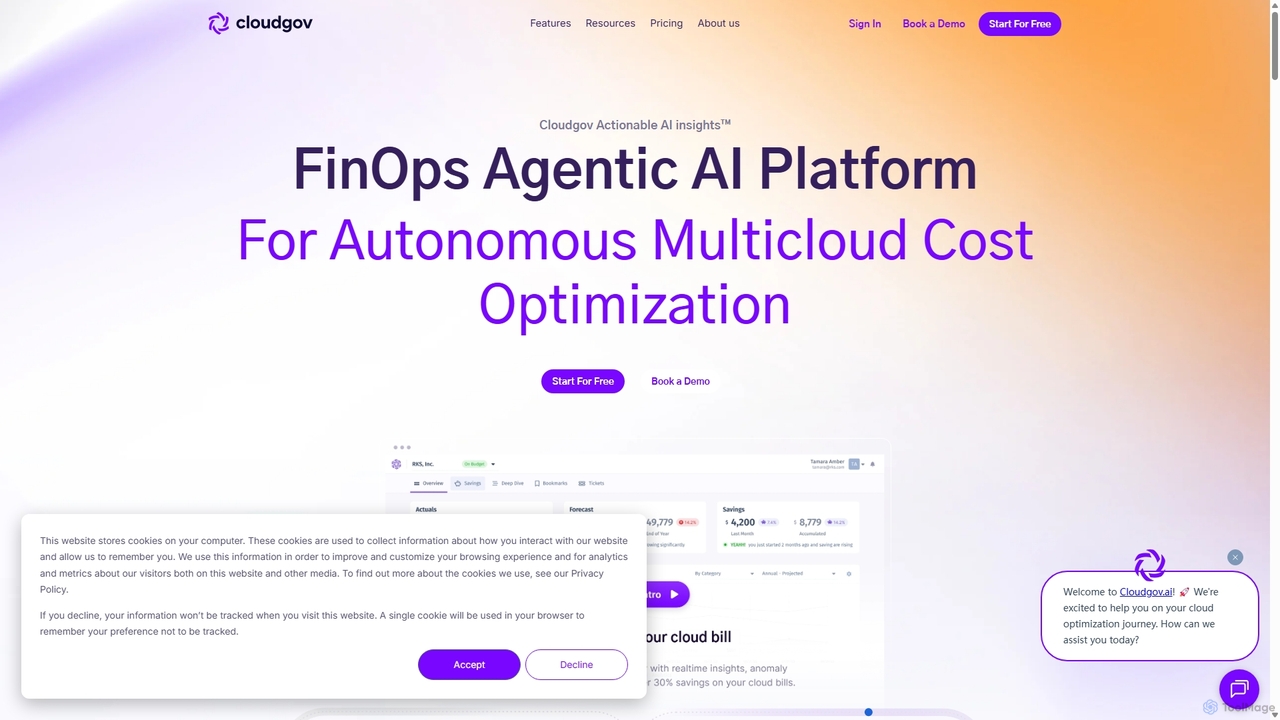
Cloudgov
Cloudgov is an agentic AI-powered FinOps platform designed for autonomous multicloud cost optimization. It provides unified visibility across AWS, Azure, and GCP, delivering actionable insights, real-time anomaly detection, and automated remediation to help businesses reduce cloud spending by over 30% and streamline financial operations.
Devops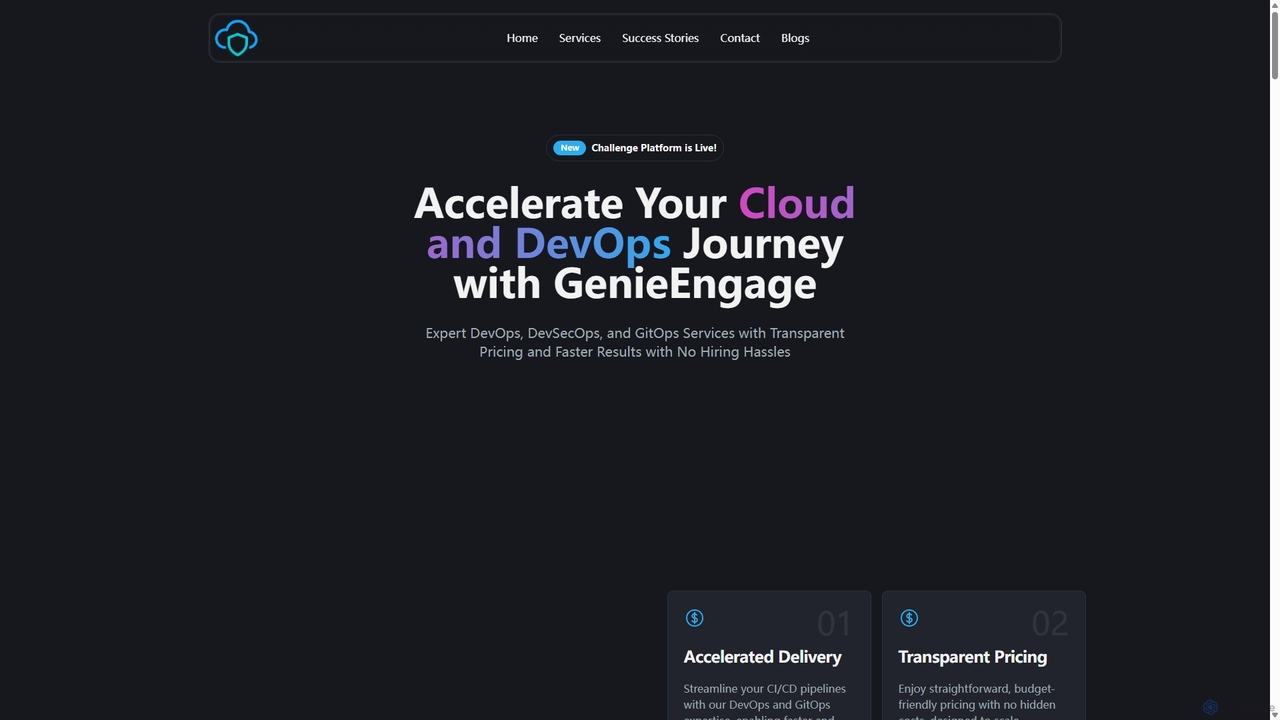
GenieEngage
GenieEngage is a DevOps-as-a-Service partner providing expert solutions in DevOps, DevSecOps, and GitOps. It helps businesses accelerate software delivery, enhance security, and scale infrastructure on clouds like AWS, Azure, and GCP, offering a full team of experts as a cost-effective alternative to in-house hiring.
Infrastructure ManagementAnsible Categories
Ansible Jobs
Ansible Embed Widget
Copy this embed code to place the badge on your blog, article, or product site and send readers directly to this ToolMage detail page.

Related AI tools
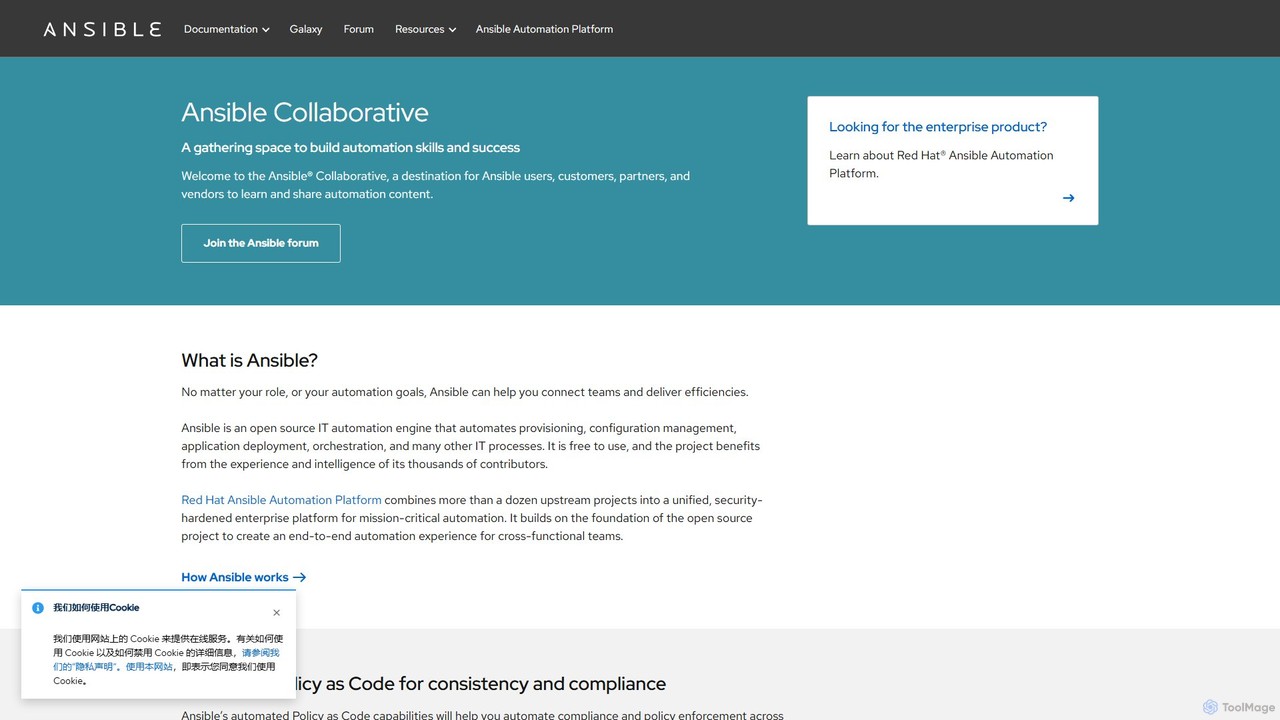
Ansible Collaborative
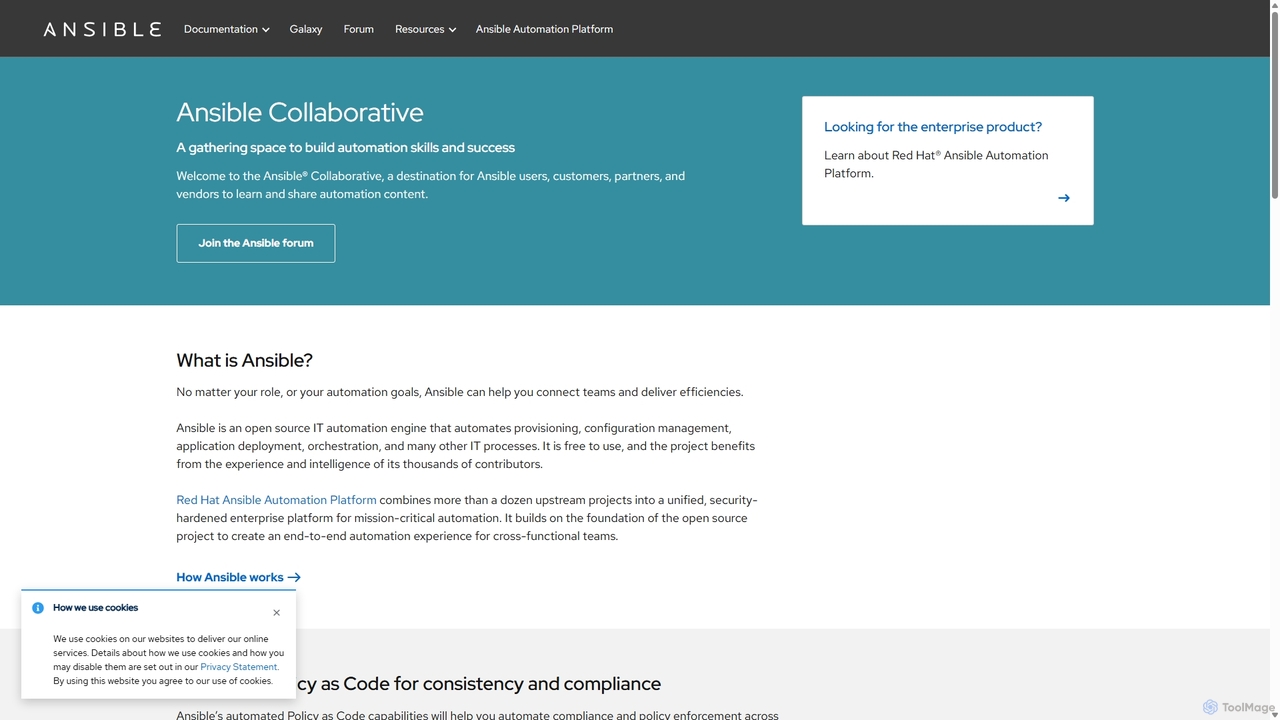
Ansible Collaborative is a central hub for the Ansible open-source community, providing resources for IT automation. It offers documentation, forums, and access to Ansible Galaxy for pre-built content. Users can learn to automate provisioning, configuration management, and application deployment. While the core Ansible project is free, it serves as the foundation for the enterprise-grade Red Hat Ansible Automation Platform, which adds advanced features like generative AI and event-driven automation.
Infrastructure As CodeGenieEngage
GenieEngage is a DevOps-as-a-Service partner providing expert solutions in DevOps, DevSecOps, and GitOps. It helps businesses accelerate software delivery, enhance security, and scale infrastructure on clouds like AWS, Azure, and GCP, offering a full team of experts as a cost-effective alternative to in-house hiring.
Infrastructure Management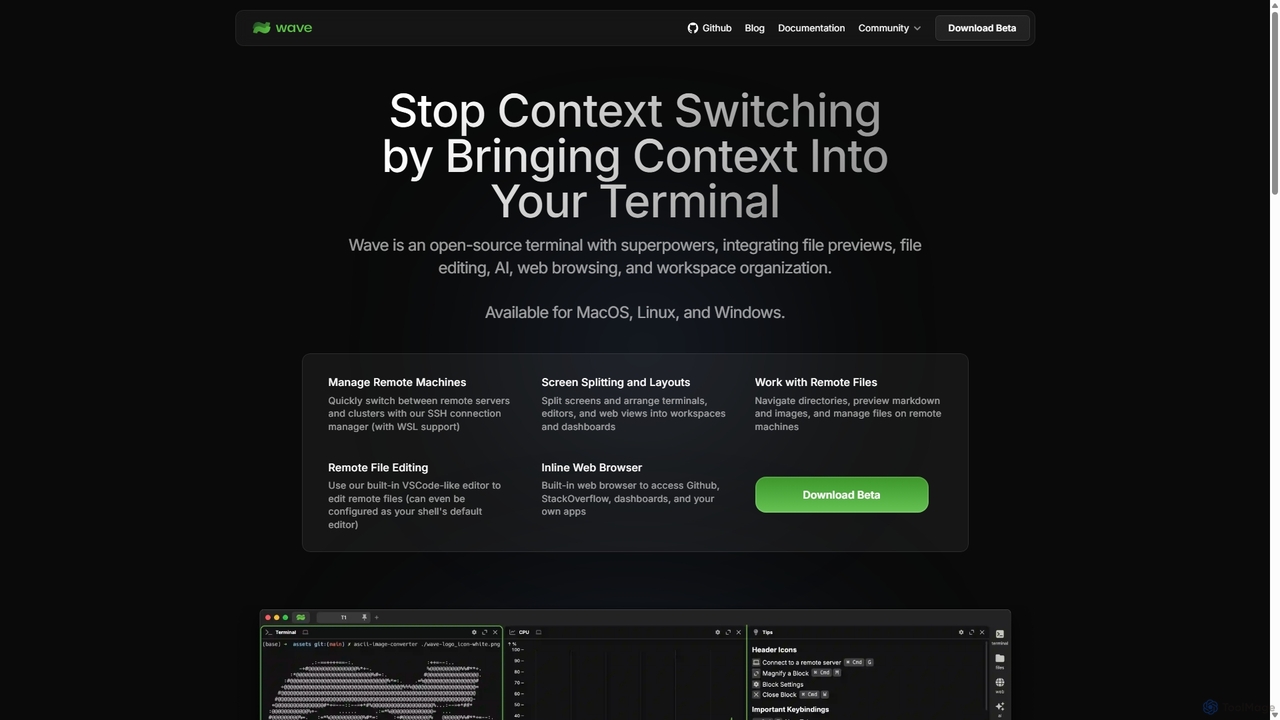
Waveterm
Waveterm is an open-source, modern terminal designed for developers and DevOps engineers. It enhances the command-line experience by integrating AI-powered assistance, a VSCode-like editor, inline file previews, a web browser, and customizable dashboards. This all-in-one workspace reduces context switching and boosts productivity across macOS, Windows, and Linux.
Code Assistant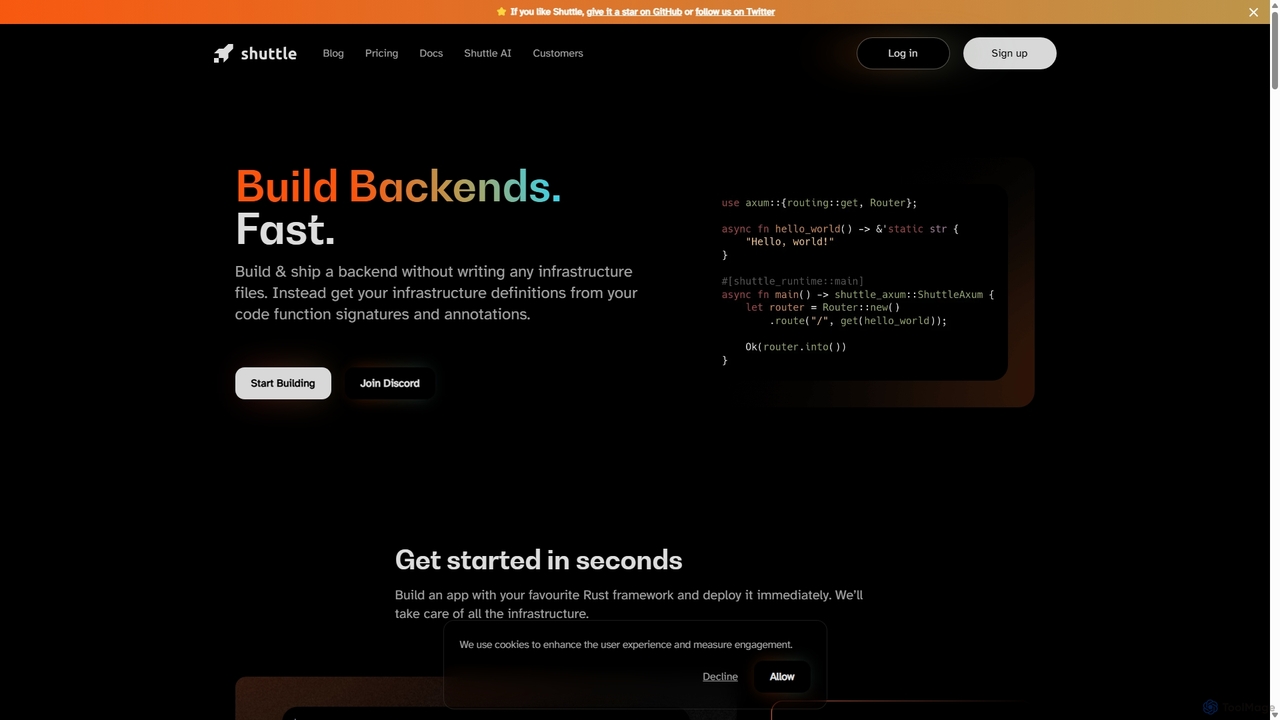
Shuttle
Shuttle is an open-source cloud platform designed to accelerate backend development in Rust. It eliminates infrastructure management by allowing developers to provision resources like databases and secrets directly within their code using simple annotations. Focus on building your application, and let Shuttle handle the deployment and scaling.
Backend DevelopmentLumlax
Lumlax is an AI-enhanced SSH application designed for effortless server management. It acts as a personal DevOps assistant, enabling developers to execute commands, troubleshoot issues, and deploy applications securely from anywhere. With its built-in AI chatbot, Lumlax explains errors, suggests fixes, and automates tasks, streamlining operations and boosting productivity.
Devops
Hoop.dev
Hoop.dev is an AI-powered access gateway providing developers with invisible security and admins with command-line control. It offers secure, auditable access to databases and servers, featuring real-time AI data masking, session recording, and streamlined approval workflows to enhance security without disrupting productivity.
Security
Metoro
Metoro is an AI-powered observability platform designed for Kubernetes. It uses eBPF technology for zero-instrumentation monitoring, enabling autonomous issue detection, root cause analysis, and automated code fixes via pull requests. Operational in under a minute, it offers a comprehensive and cost-effective alternative to traditional monitoring tools.
Observability
Warestack
Warestack provides agentic guardrails for software development teams, enabling safe and compliant releases. It uses context-aware, natural language rules to monitor DevOps workflows, flag risky operations, and automate protection, integrating with tools like Slack and Linear to prevent production incidents.
Code Quality
Dank
Dank is a JavaScript-native, open-source framework for orchestrating and deploying containerized AI agents. It enables developers to build, manage, and scale multiple AI agents as microservices across any cloud infrastructure, simplifying complex AI deployments with Docker-native architecture and real-time monitoring.
Agent FrameworksRebolt
Rebolt is an AI-powered platform designed to automate the entire software development lifecycle. It helps developer and DevOps teams build, test, and deploy applications faster and more reliably by leveraging AI for CI/CD pipeline optimization, code generation, and intelligent monitoring.
Code Assistant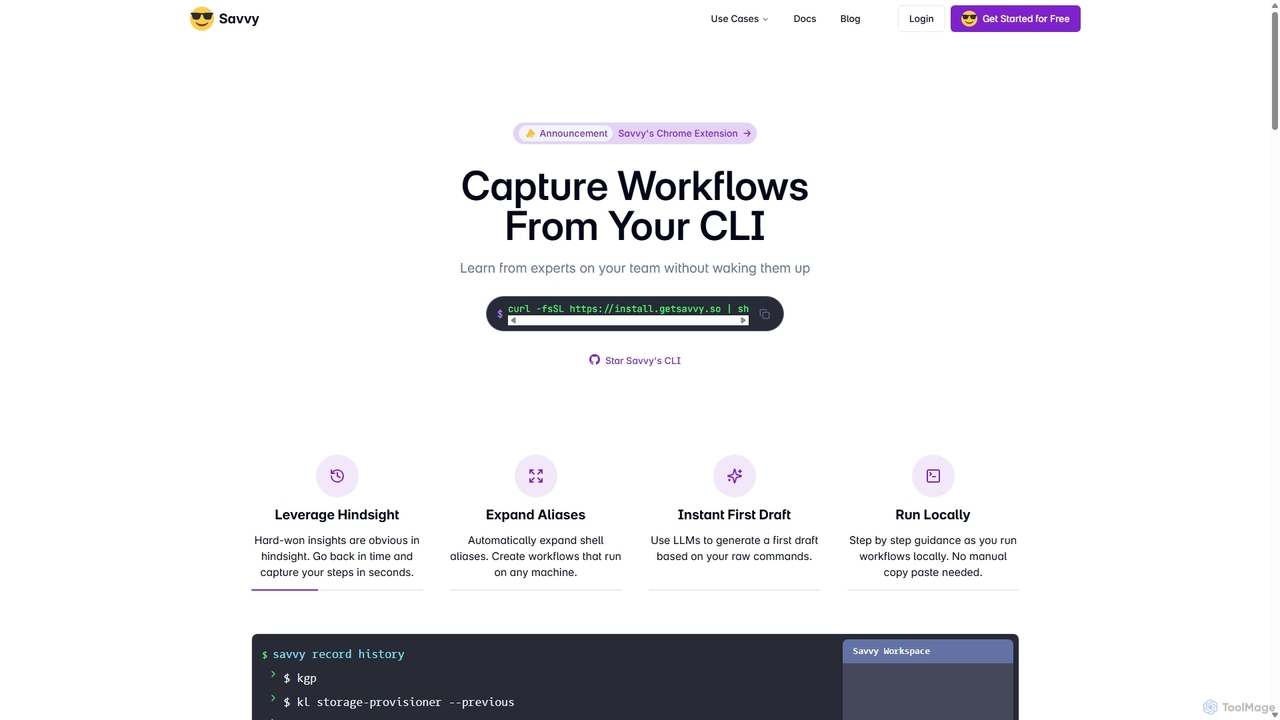
Savvy
Savvy is an AI-powered tool for developers that captures Command Line Interface (CLI) actions to create shareable, step-by-step workflows. It helps teams document tribal knowledge, accelerate new hire onboarding, and resolve incidents faster by turning complex command sequences into easy-to-follow guides. With features like sensitive data redaction and AI-generated documentation, Savvy enhances productivity and collaboration for technical teams.
Command Line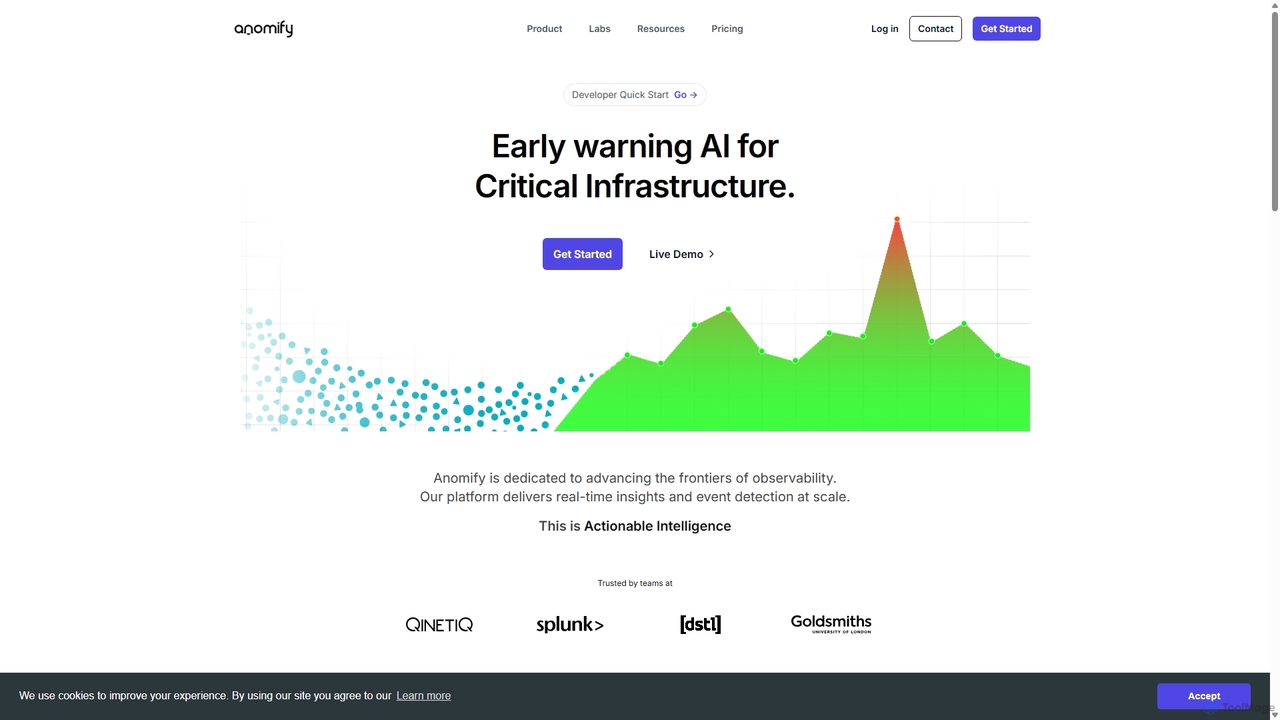
Anomify
Anomify is an AI-powered early warning platform for critical infrastructure, offering real-time anomaly detection and observability at scale. It leverages multi-stage machine learning to analyze time-series data, significantly reduce false positives, and accelerate root cause analysis. Designed for DevOps, SREs, and IT teams, Anomify transforms monitoring from reactive to proactive, ensuring system performance and reliability.
Anomaly Detection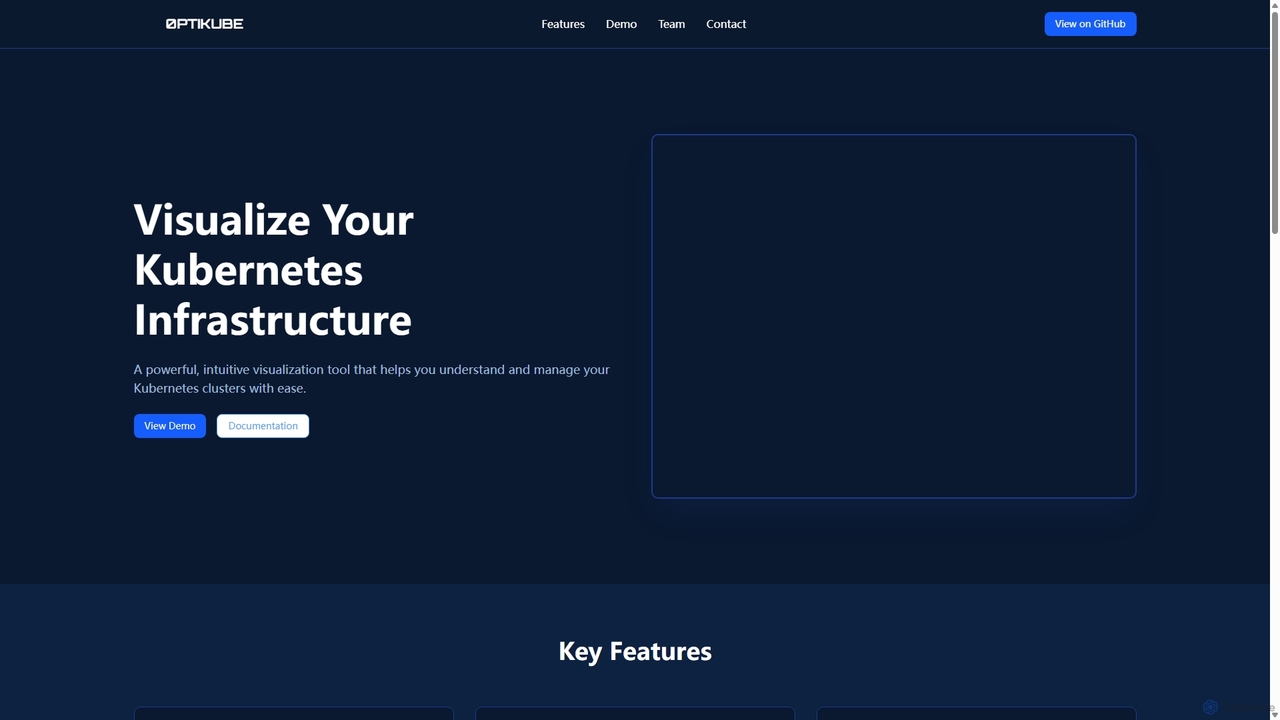
0ptikube
0ptikube is an AI-powered visualization and optimization tool for Kubernetes. It provides real-time monitoring and an intuitive dashboard to help DevOps engineers and SREs easily understand, manage, and optimize their cluster infrastructure, identify resource bottlenecks, and improve performance.
Cloud Computing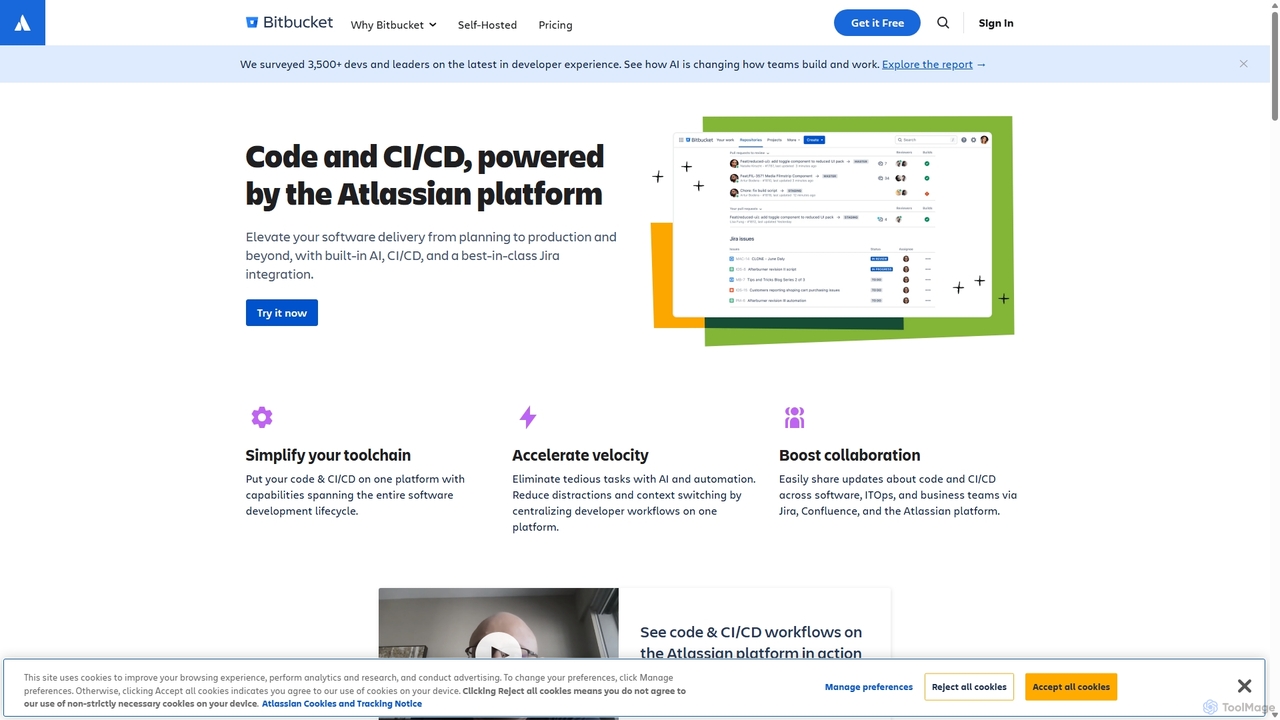
Bitbucket
Bitbucket is a Git-based code hosting and collaboration platform for professional teams. It offers best-in-class Jira integration, built-in CI/CD (Pipelines), and AI-powered features to streamline the entire software development lifecycle, from planning to deployment and beyond.
Code Management
Ansible Comments (0)
Sign in to comment.
Sign inNo comments yet.