


Linfo.ai Overview
Linfo.ai is an innovative AI-powered productivity tool designed to combat information overload. It functions as a smart assistant that analyzes lengthy and complex content from various sources, including web articles, academic papers, PDF documents, and YouTube videos. Instead of providing a simple summary, Linfo.ai delves deep into the content to extract the most valuable insights and presents them in a structured, hierarchical format of key takeaways. This allows users to understand the core concepts in minutes, not hours. Furthermore, it can instantly convert these structured insights into a clear, intuitive mind map, offering a visual way to explore the relationships between ideas.
The tool is primarily available as a browser extension for Chrome, Edge, and Arc, integrating seamlessly into your daily workflow. It is built for efficiency, helping professionals, students, researchers, and lifelong learners to quickly process information, save significant time, and improve knowledge retention. With Linfo.ai, you can focus on what truly matters, diving deeper into topics of interest while skipping the fluff.
How to use Linfo.ai
Using Linfo.ai is designed to be intuitive and straightforward. Here's a typical workflow:
- Installation: First, add the Linfo.ai extension to your preferred browser (Chrome, Edge, or Arc) for free.
- Content Selection: Navigate to any web article, open a local PDF file using the online uploader, or find a YouTube video you want to understand.
- Activation: Activate the Linfo.ai extension. The tool will automatically begin processing the content.
- Review Insights: Linfo.ai generates a structured list of takeaways, organized in a hierarchical format. You can expand or collapse branches to see more or less detail.
- Interactive Navigation: Click on any bullet point or takeaway to be instantly taken to the corresponding section in the original article or the specific timestamp in the YouTube video. This 'click-to-source' feature is perfect for fact-checking or gaining more context.
- Deeper Analysis: For certain points, a "Dive In" button will appear, allowing you to generate more detailed sub-branches and information on that specific topic.
- Mind Map View: Switch from the text-based insight view to the mind map view with a single click. This visually organizes the information, making it easier to see connections. You can expand and collapse nodes within the mind map as well.
- Save and Share: You can save the generated summary and mind map to your personal library for future reference or share it with others via a dedicated link.
Core Features of Linfo.ai
- Multi-Format Summarization: Processes and summarizes web articles, local PDF files, and YouTube videos with high accuracy.
- AI-Powered Insights: Goes beyond summarization to extract key takeaways and crucial points, presenting them in a structured, easy-to-digest format.
- Interactive Mind Map Generation: Automatically converts content into a visual mind map, helping to organize thoughts and understand complex structures.
- Click-to-Source: Allows users to click on any summary point and jump directly to its location in the source content for context and verification.
- Customizable Detail Level: Users can expand branches or use the "Dive In" feature to explore topics in greater depth according to their interests.
- Save, Manage, and Share: Summaries can be saved to a personal collection, managed, and shared with colleagues or friends.
- Browser Integration: Works as a seamless extension for popular browsers like Chrome, Edge, and Arc.
Use Cases for Linfo.ai
Linfo.ai is a versatile tool suitable for a wide range of users:
- Students and Researchers: Quickly digest dense academic papers, research articles, and educational videos. Efficiently gather key information for essays, theses, and literature reviews.
- Professionals and Analysts: Stay updated on industry news, analyze market reports, and summarize competitor documents without spending hours reading.
- Content Creators: Rapidly research topics by summarizing multiple sources, generating outlines, and understanding the key points of existing content.
- Lifelong Learners: Explore new subjects and hobbies by quickly understanding long-form articles and documentaries on YouTube.
Advantages of Linfo.ai
The primary advantage of Linfo.ai is its ability to deliver a perfect balance between 'information loss' and 'structure'. It saves immense amounts of time while ensuring no crucial points are missed. The structured takeaways and mind maps significantly enhance comprehension and retention compared to traditional summaries. Its interactive nature, especially the click-to-source feature, builds trust and allows for easy deep dives. The tool is fast, user-friendly, and effectively transforms passive reading into an active, engaging process of knowledge discovery.
Pricing and Plans
Linfo.ai operates on a freemium model, offering plans for both casual and power users:
- Linfo Basic (Free): This plan includes the always-on extension, the click-to-source feature, the ability to save and share summaries, and a quota of 10 free summaries per week.
- Linfo Pro (Paid): Priced at $7.99/month (a promotional discount from the standard $19.99/month). This plan includes everything in the Basic plan plus unlimited summaries for articles, PDFs, and YouTube videos. Pro users also get priority access to new features, priority support, faster generation via a priority queue, and results from the most advanced AI model.
*Pricing is subject to change. Please visit the official website for the most current information.
Traffic
Latest traffic
Status
Monthly traffic trend
- 2025-7: 484
- 2025-8: 2.0K
- 2025-9: 2.2K
- 2026-3: 0
- 2026-4: 0
- 2026-5: 1.1K
Geography
Top 5 countries / regions
- 🇺🇸United States100.0%
Top keywords
| Keyword | Cost per click |
|---|---|
| linfo ai | $0.00 |
Linfo.ai Alternatives
Gist AI
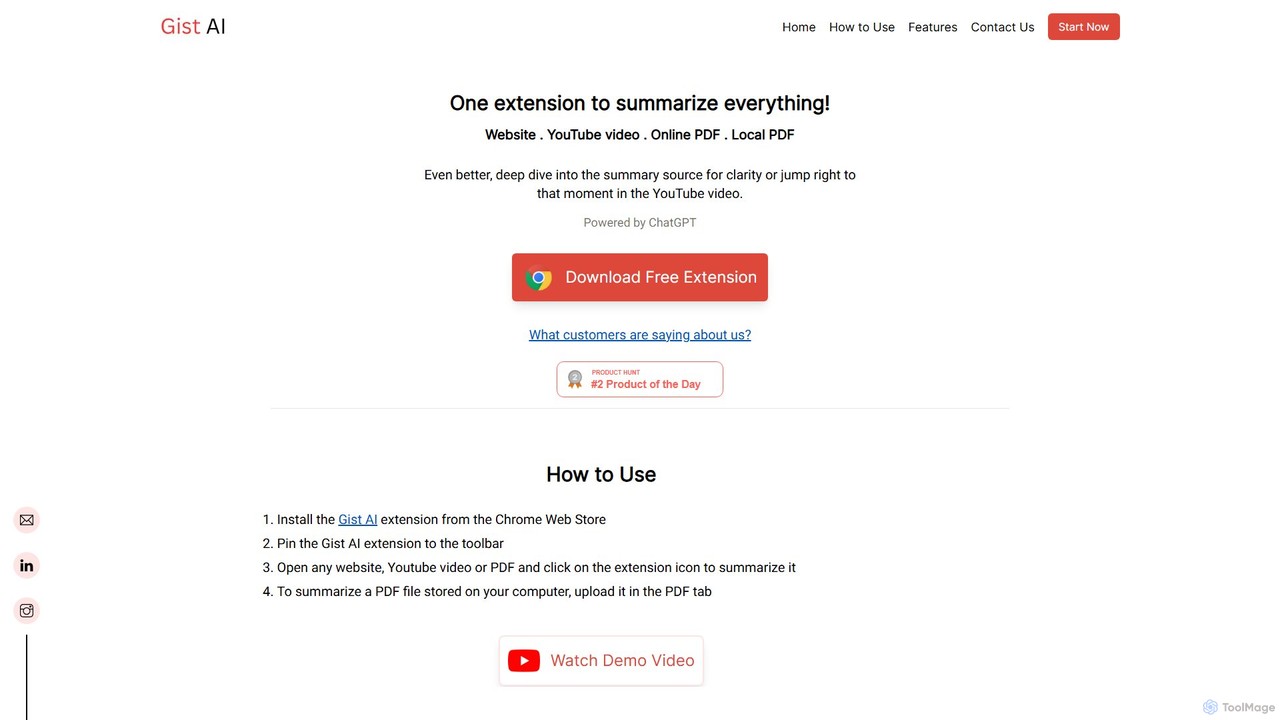
Gist AI is a free, ChatGPT-powered Chrome extension that instantly summarizes websites, YouTube videos, and both online and local PDFs. It helps you save time, improve comprehension, and quickly access the most important information from long-form content with a single click.
Chrome Extensions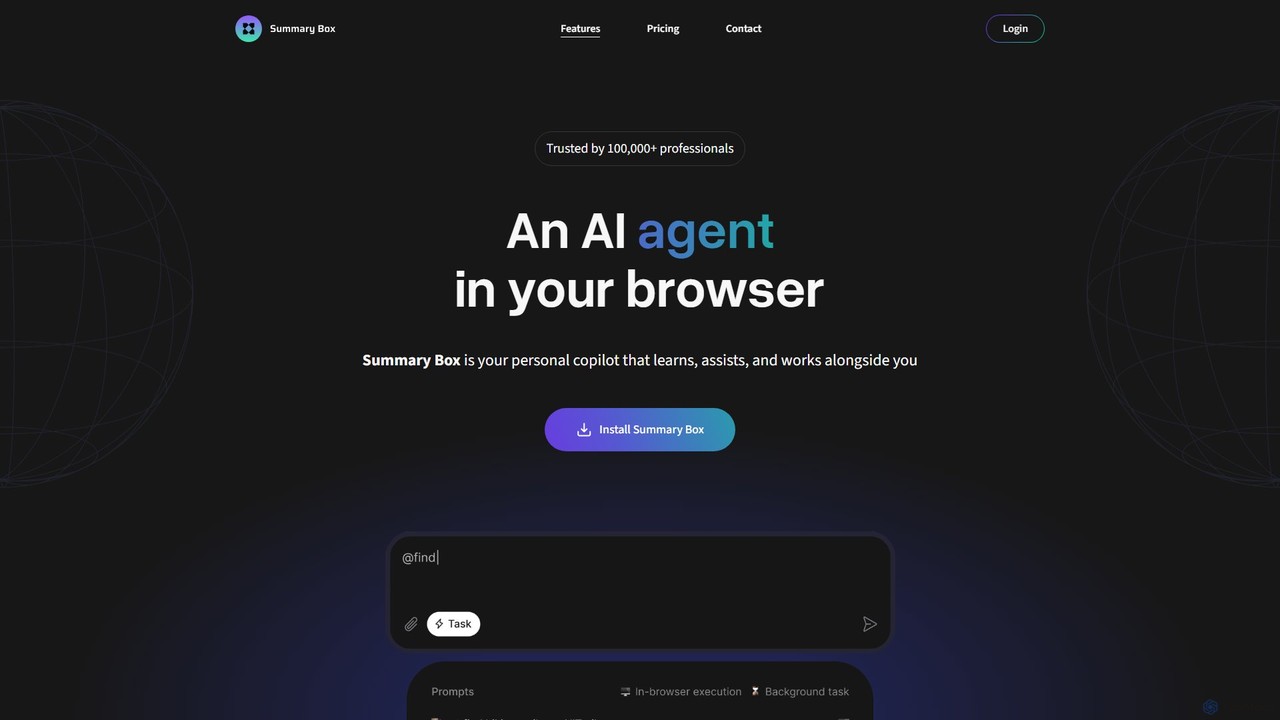
Summary Box
Summary Box is an AI-powered browser extension that acts as your personal copilot for the web. It generates high-quality, abstractive summaries of articles, PDFs, Google Docs, YouTube videos, and even audio. It's designed to save you time, enhance comprehension, and boost productivity by distilling long content into concise, key points.
Chrome Extensions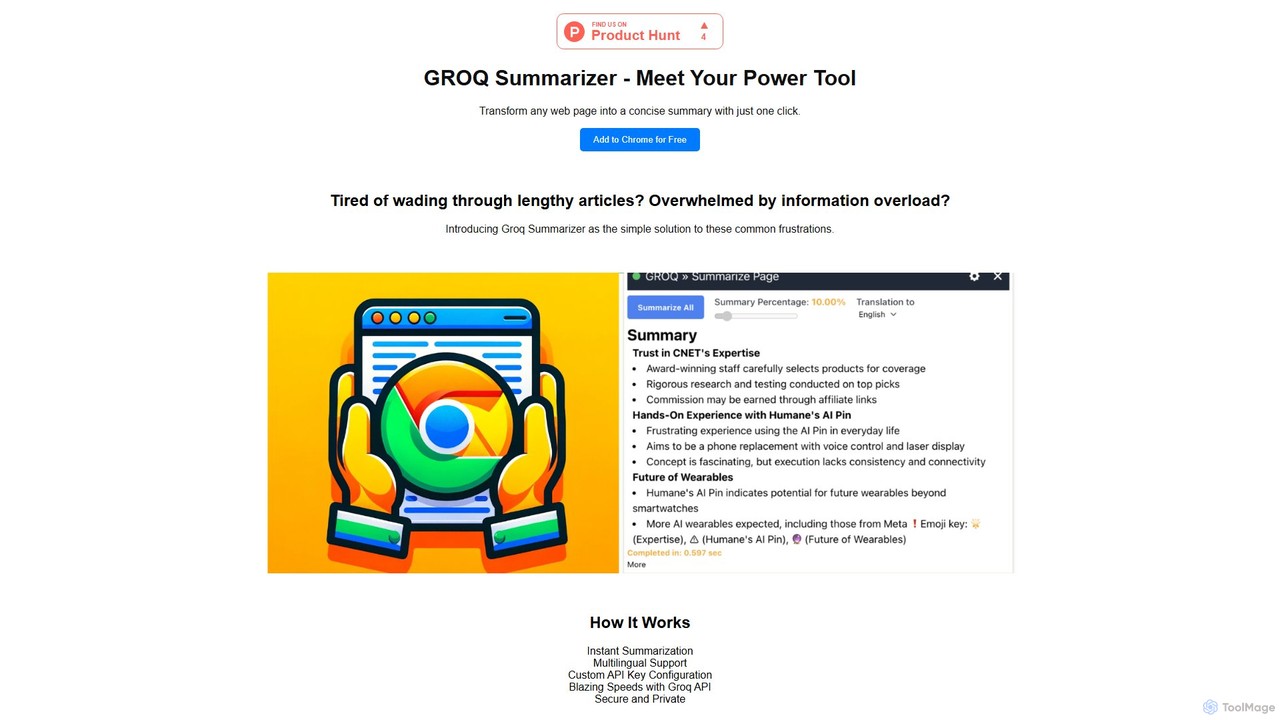
groqsummarizer
A lightning-fast Chrome extension that summarizes web pages and articles in seconds. Powered by the Groq API, it offers instant, multilingual summaries, allowing you to quickly grasp key information and overcome information overload. It operates on a Bring-Your-Own-Key (BYOK) model for enhanced privacy and control.
Chrome Extensions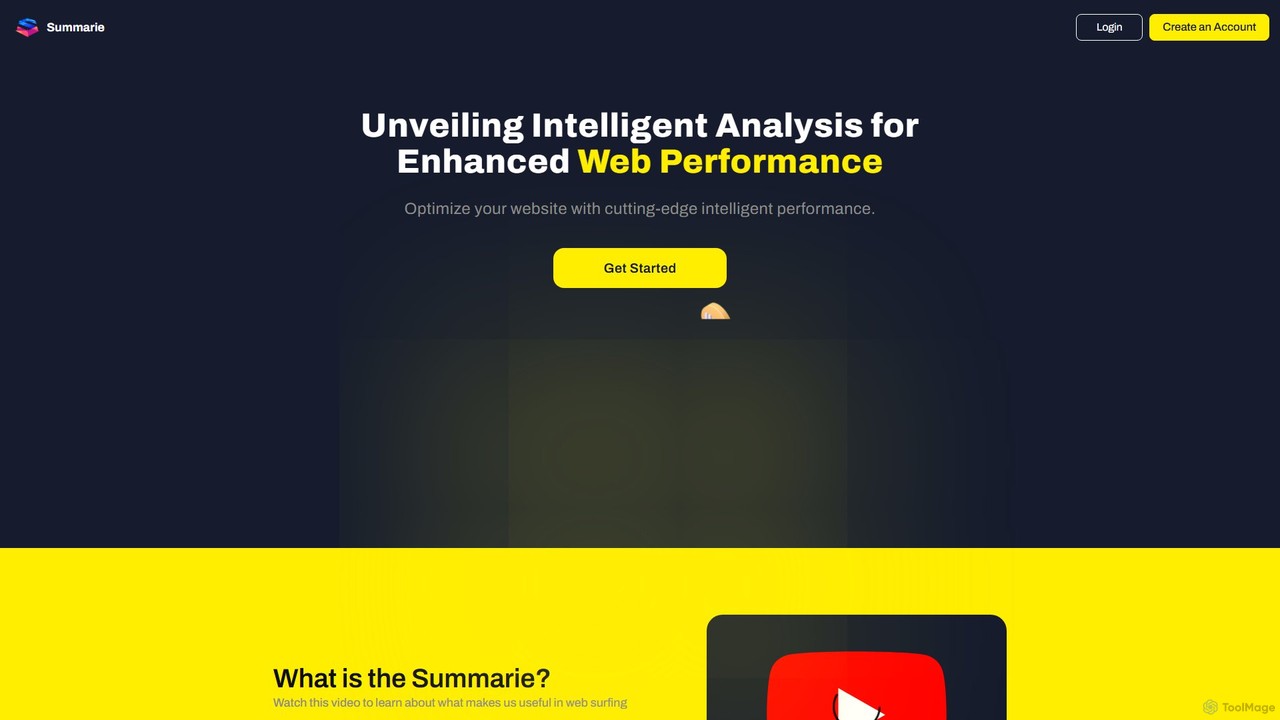
Summarie
Summarie is an AI-powered browser extension that analyzes and summarizes web pages and PDF documents. It provides quick, concise summaries to save time, enhances comprehension by highlighting key points, and features an interactive chat for dynamic content analysis.
Chrome Extensions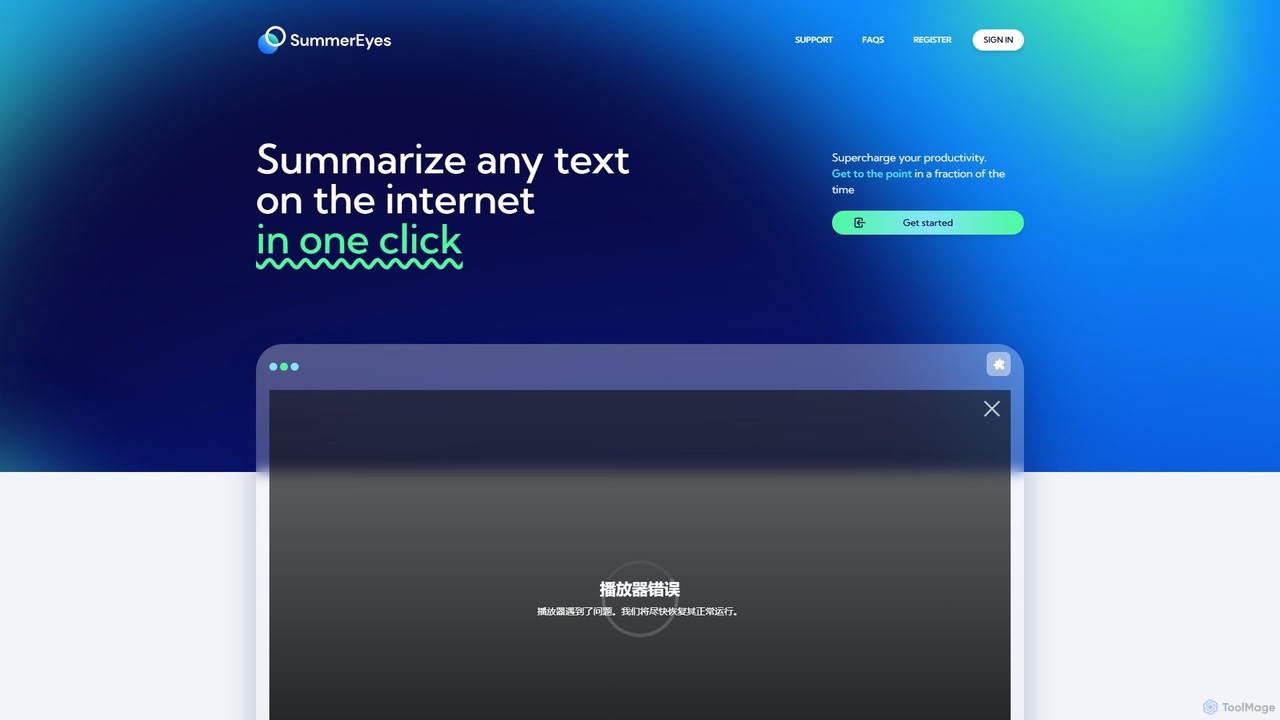
SummerEyes
SummerEyes is an AI-powered browser extension that summarizes any online text in a single click. It helps users quickly grasp the main points of articles, emails, and reports, significantly boosting reading speed and productivity. By integrating directly into your browser, it eliminates the need for copy-pasting, offering a seamless way to combat information overload.
Chrome ExtensionsLinfo.ai Categories
Linfo.ai Embed Widget
Copy this embed code to place the badge on your blog, article, or product site and send readers directly to this ToolMage detail page.

Related AI tools
Notable AI
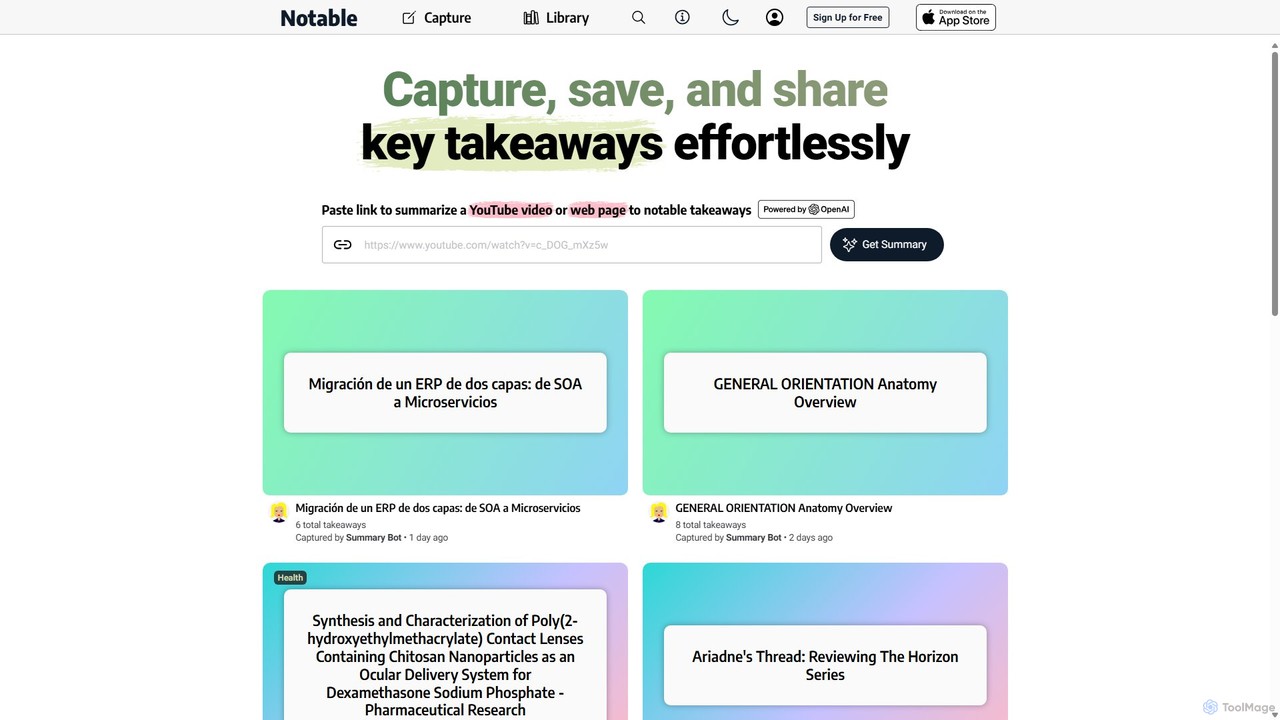
Notable AI is an intelligent tool designed to capture, summarize, and organize key takeaways from web pages and YouTube videos. Simply paste a link, and the AI generates concise summaries, helping you build a personal knowledge library and share insights effortlessly.
Research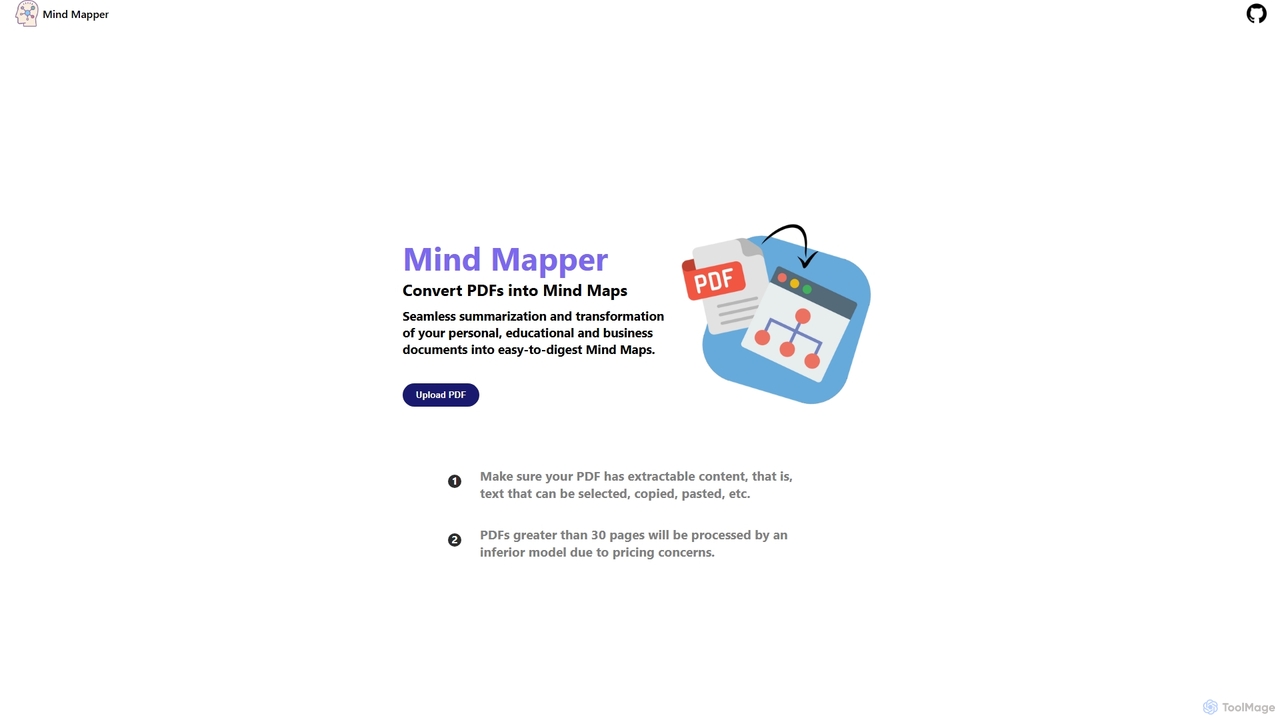
MindmapAI
MindmapAI is an AI-powered tool that transforms PDF documents into clear, structured mind maps. Using Google's Gemini AI, it automatically summarizes and visualizes complex information, making it ideal for students, researchers, and professionals to quickly grasp key concepts from dense texts.
Document Management
Recaply
Recaply is an AI-powered summarization tool that transforms long-form content like YouTube videos, articles, and audio files into concise, digestible summaries. It extracts key insights, main points, and action items in seconds, helping users save time and boost productivity. Ideal for students, researchers, and professionals who need to quickly grasp the essence of content without consuming it in its entirety.
Note TakingGist AI
Gist AI is a free, ChatGPT-powered Chrome extension that instantly summarizes websites, YouTube videos, and both online and local PDFs. It helps you save time, improve comprehension, and quickly access the most important information from long-form content with a single click.
Chrome ExtensionsSummary Box
Summary Box is an AI-powered browser extension that acts as your personal copilot for the web. It generates high-quality, abstractive summaries of articles, PDFs, Google Docs, YouTube videos, and even audio. It's designed to save you time, enhance comprehension, and boost productivity by distilling long content into concise, key points.
Chrome Extensionsgroqsummarizer
A lightning-fast Chrome extension that summarizes web pages and articles in seconds. Powered by the Groq API, it offers instant, multilingual summaries, allowing you to quickly grasp key information and overcome information overload. It operates on a Bring-Your-Own-Key (BYOK) model for enhanced privacy and control.
Chrome ExtensionsSummarie
Summarie is an AI-powered browser extension that analyzes and summarizes web pages and PDF documents. It provides quick, concise summaries to save time, enhances comprehension by highlighting key points, and features an interactive chat for dynamic content analysis.
Chrome Extensions
Lilys AI
Lilys AI is a powerful knowledge assistant that instantly summarizes diverse content formats, including YouTube videos, audio files, PDFs, websites, and Excel sheets. It extracts key insights, creates structured notes, and allows you to build a searchable personal knowledge base. Ideal for students, researchers, and professionals looking to save time and accelerate learning by quickly grasping the core ideas from lengthy materials.
Research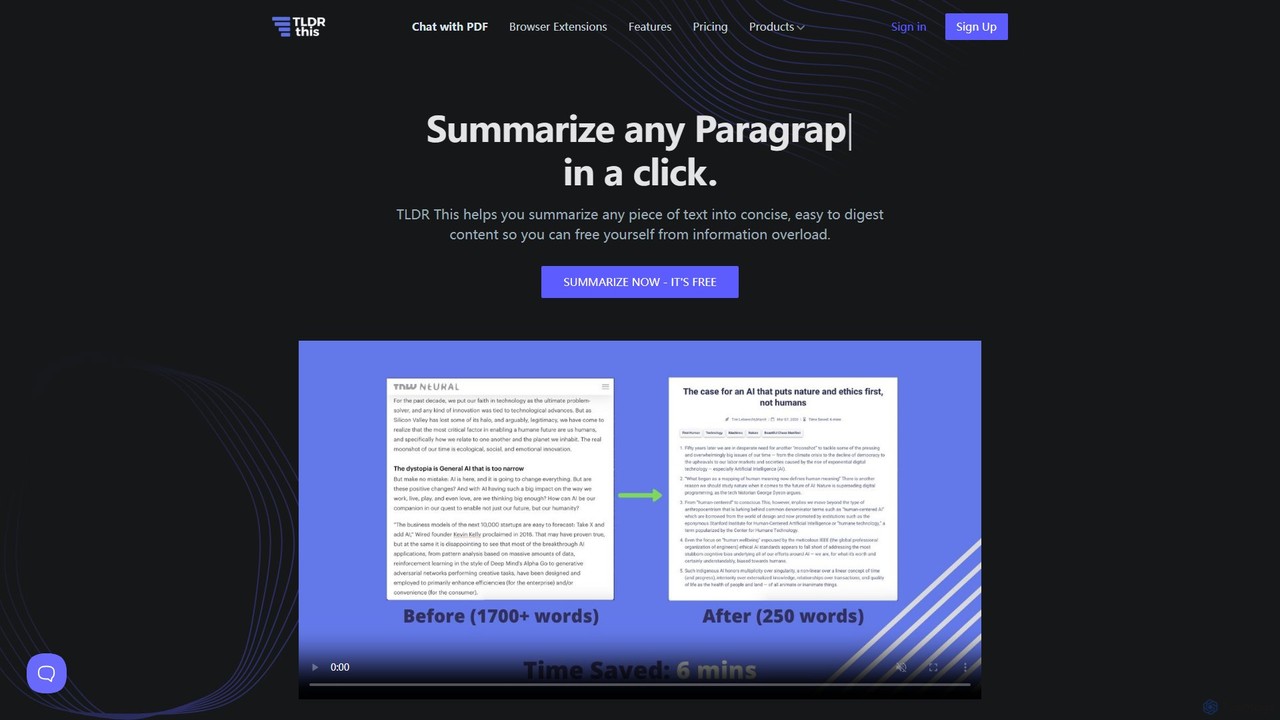
tldrthis
tldrthis is an AI-powered online tool designed to summarize any piece of text, article, or document into a concise and digestible format. It helps users overcome information overload by extracting key points and metadata, providing a clean, ad-free reading experience. With browser extensions and support for various file formats, it's an essential tool for students, professionals, and anyone looking to save time while staying informed.
Research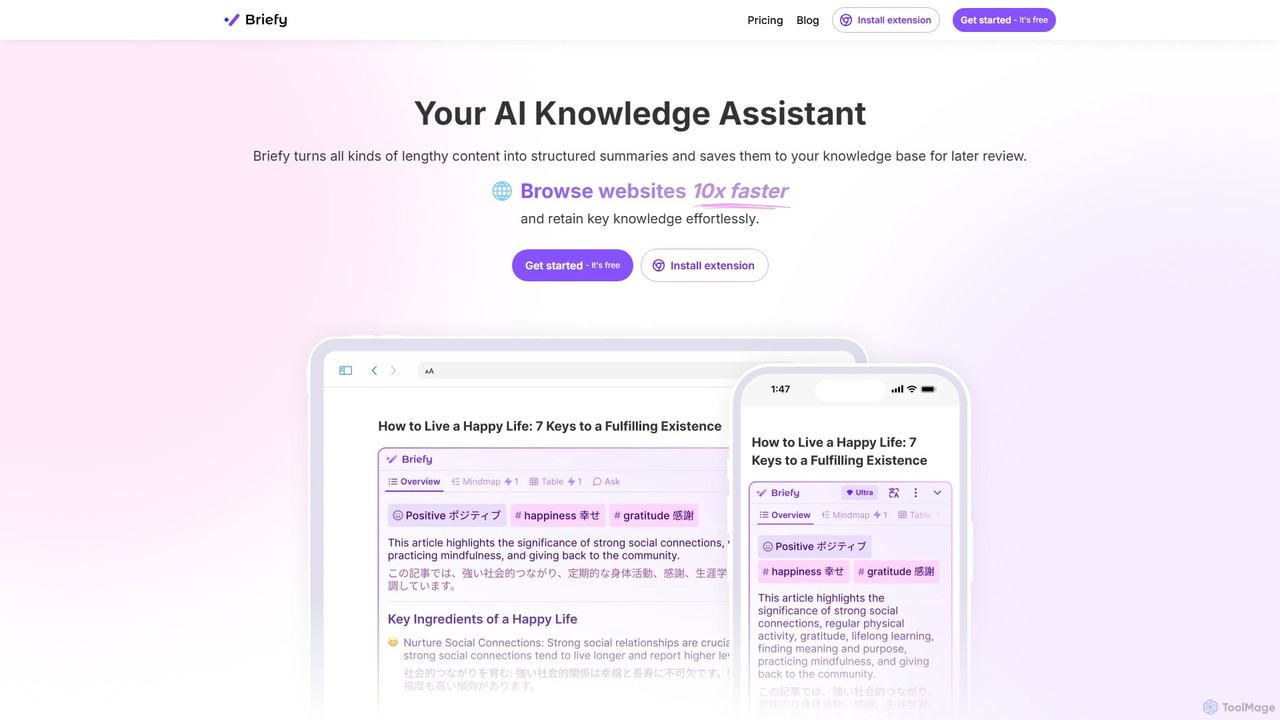
Briefy
Briefy is an AI-powered knowledge assistant that transforms lengthy content like articles, videos, and PDFs into structured summaries. It helps you conduct research 10x faster, retain key knowledge, and build a personal, searchable knowledge base for later review and interaction.
Research
RecapioGPT
RecapioGPT is an AI-powered second brain and content summarizer that transforms YouTube videos, articles, and web posts into a searchable knowledge base. Chat with your content, get daily recaps, and organize insights to save time and learn smarter.
Research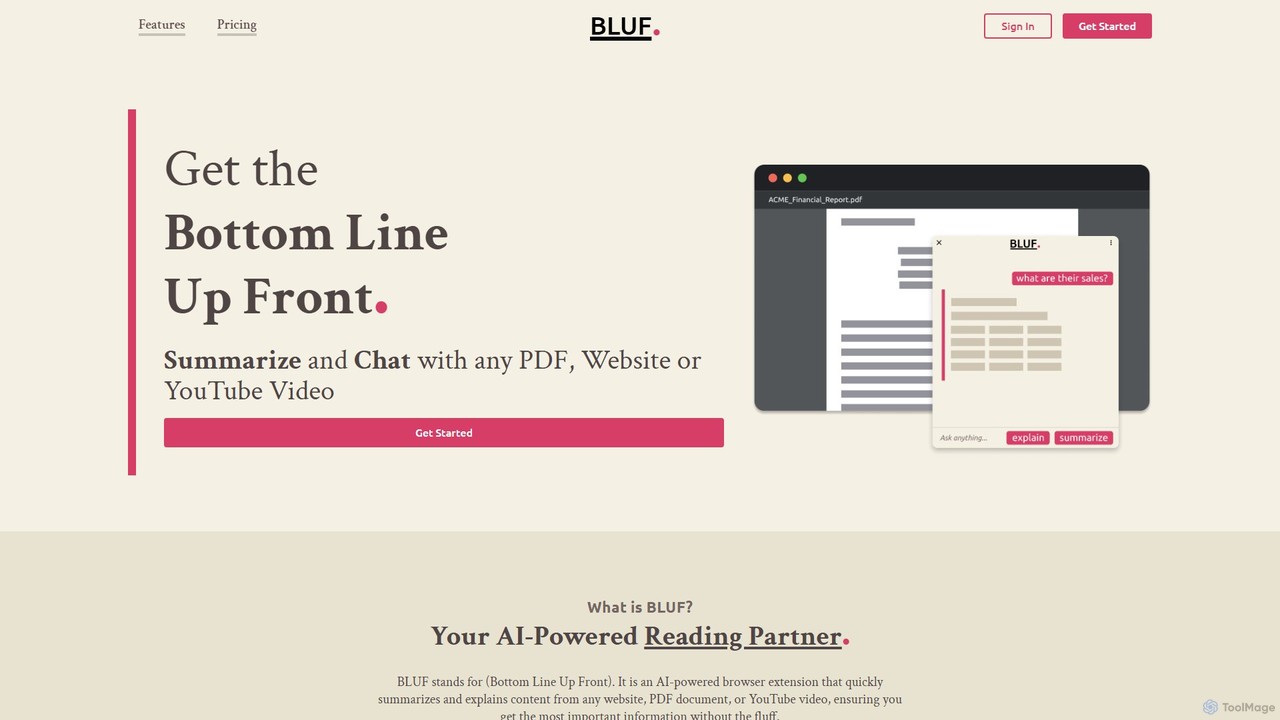
BLUF
BLUF is an AI-powered browser extension that instantly summarizes and explains content from any website, PDF, or YouTube video. Get the main points, understand complex topics, and ask follow-up questions to save time and boost your comprehension.
Reading Assistant
tldrai
tldrai is an AI-powered summarization tool that condenses long texts, documents (PDF, DOCX, TXT), and web pages into concise summaries. It helps users quickly grasp the main points of articles, reports, and research papers, saving significant reading time. It supports multiple languages and offers both free and premium plans for enhanced features.
Research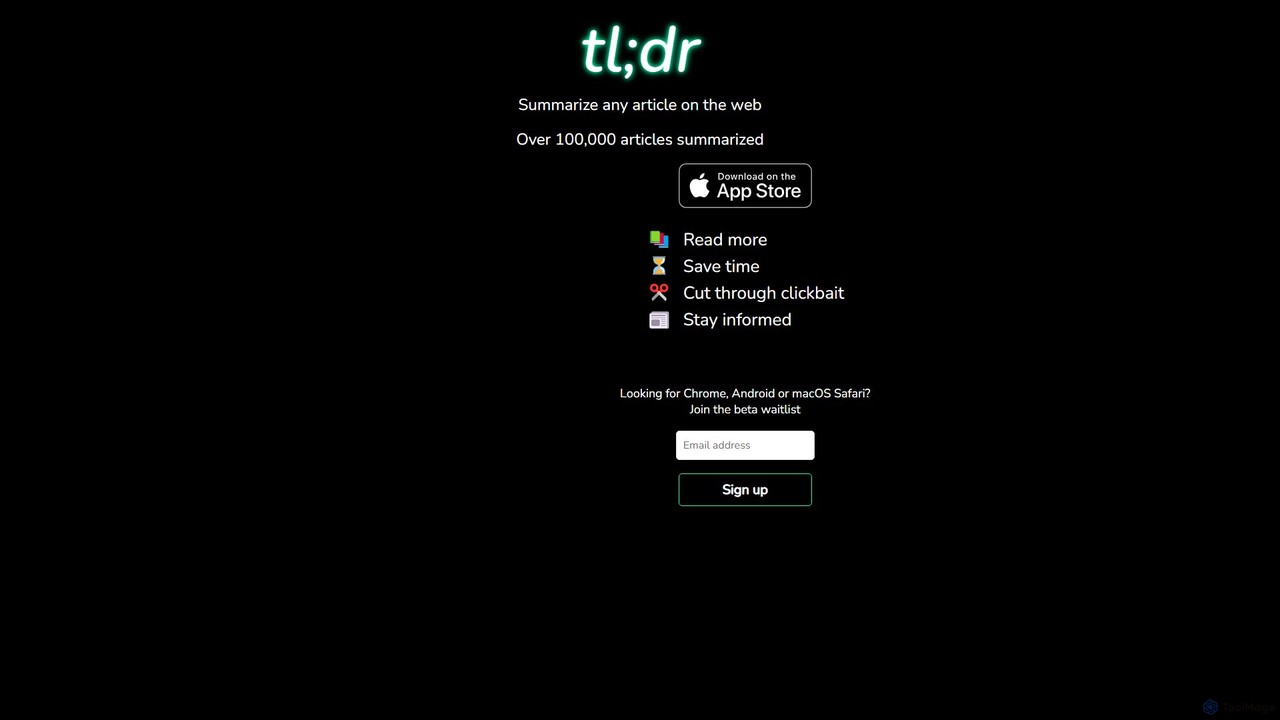
gettldr
gettldr is an AI-powered tool that summarizes any web article instantly. It helps users save time, cut through clickbait, and stay informed by providing concise, easy-to-digest summaries of long-form content. Ideal for students, professionals, and anyone experiencing information overload.
Research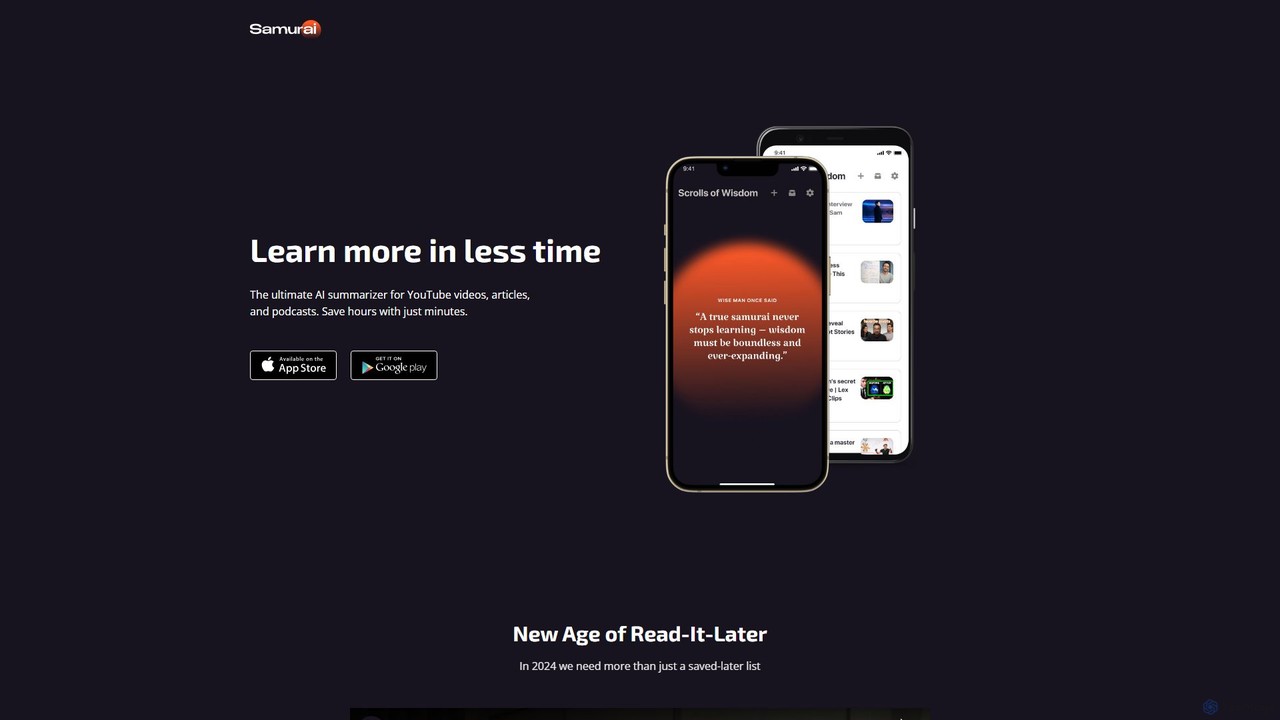
gosamurai
gosamurai is an AI-powered summarization tool that instantly condenses YouTube videos, articles, and podcasts into concise, easy-to-digest summaries. Save hours of reading and listening, and grasp key insights in minutes. Ideal for students, professionals, and content creators looking to boost productivity and accelerate learning.
Research
Linfo.ai Comments (0)
Sign in to comment.
Sign inNo comments yet.