ToolMage
Sign in

Best 2 Internal Helpdesk AI tools for Customer Support

Popular Internal Helpdesk AI tools in Customer Support include Question Base and Ariv, helping you work more efficiently.

Question Base
Freemium

Question Base

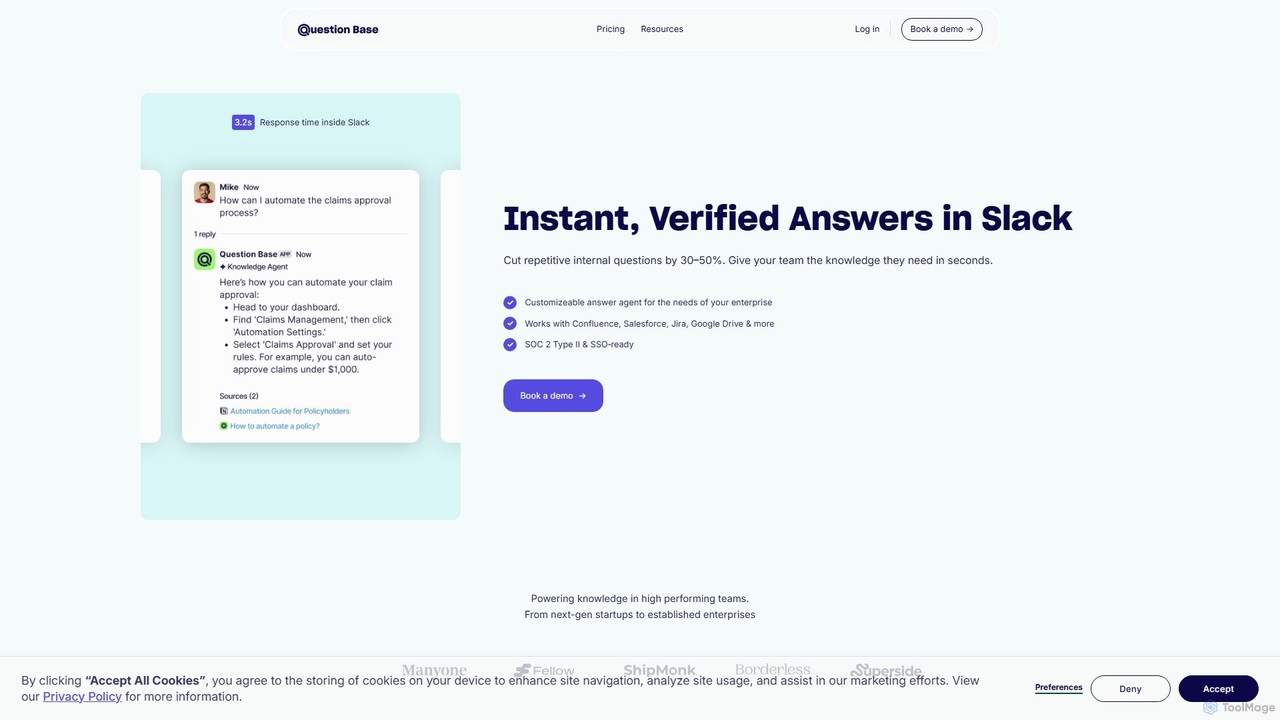
Question Base is an AI-powered knowledge base built directly into Slack. It intelligently captures expert answers from conversations, automatically responds to repetitive employee questions, and centralizes company knowledge from various sources like Notion and Google Docs.

Internal Helpdesk
Visits 8.4KFavorites 134Likes 134
Ariv
Paid

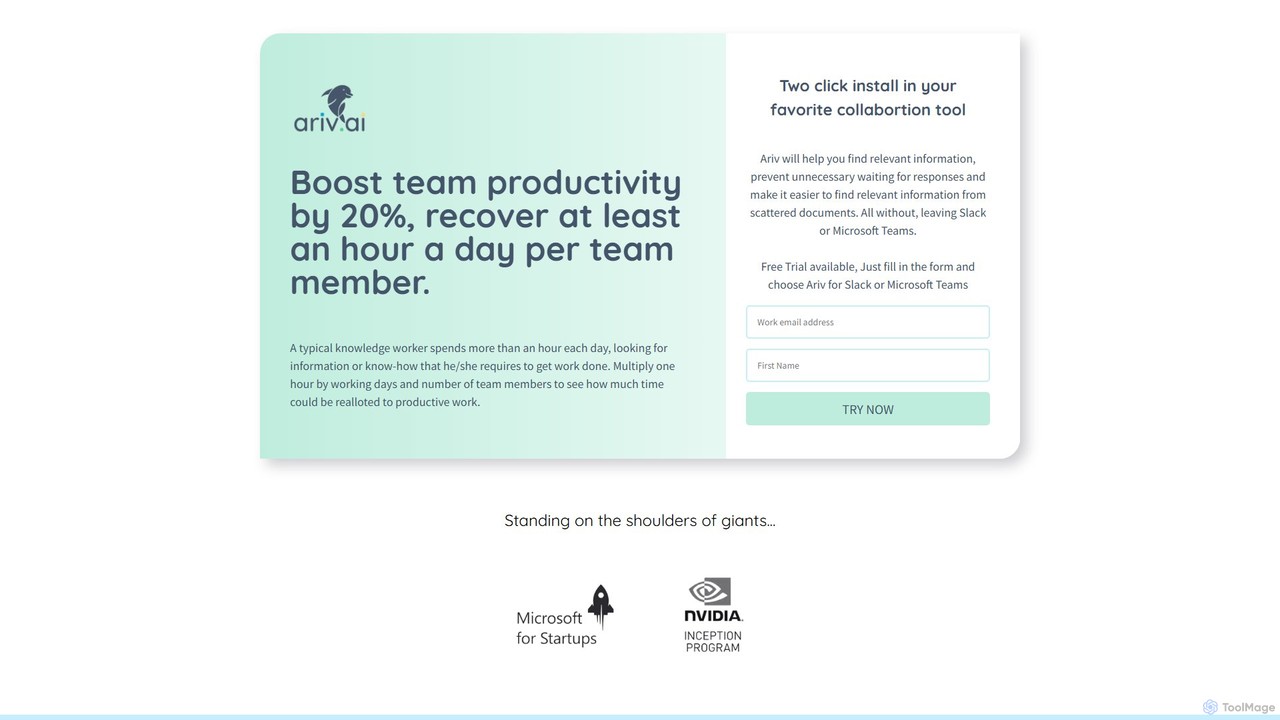
Ariv

Ariv is an AI-powered knowledge management platform designed to supercharge internal support channels. By centralizing and structuring your company's knowledge from documents and FAQs, Ariv provides instant, accurate answers to team questions directly within Slack and MS Teams. It's tailored for HR, Sales, and IT support, automating responses, reducing repetitive tasks, and ensuring your entire workforce has the information they need, when they need it.

Sales
Visits 4.3KFavorites 117Likes 115

About Internal Helpdesk

AI Internal Helpdesk tools are platforms designed to automate and streamline support for a company's own employees. These systems use Natural Language Processing (NLP) to understand employee queries from channels like Slack, Microsoft Teams, or email, providing instant answers from a centralized knowledge base. The primary value is in accelerating the resolution of internal issues, such as IT problems or HR questions, which frees up support staff to focus on more complex tasks. Unlike external customer support tools, they are specifically tailored for internal workflows, security protocols, and company-specific knowledge.

Core Features

  • Automated Ticket Resolution: AI analyzes incoming employee requests, provides instant answers for common questions, and intelligently routes complex issues to the appropriate human agent.
  • AI-Powered Knowledge Base: Acts as a central, searchable repository for all company information, allowing employees to find answers to policy, IT, and HR questions on their own.
  • Conversational AI Interface: Enables employees to get support directly within their existing communication tools like Slack or Microsoft Teams, using natural language.
  • Workflow Automation: Automates multi-step internal processes such as employee onboarding, access requests for software, or hardware procurement approvals.

Use Cases

AI Internal Helpdesks are widely used by IT departments to handle common requests like password resets and software troubleshooting. HR teams use them to answer frequent questions about payroll, benefits, and company policies. Operations and facilities teams also leverage these tools to manage maintenance requests and office logistics, creating a more efficient internal support ecosystem.

How to Choose

When selecting an AI Internal Helpdesk, first evaluate its integration capabilities with your company's primary communication platforms (e.g., Slack, Teams, Gmail). Assess the AI's ability to understand context and learn from past interactions. Also, consider the ease of building and maintaining the knowledge base, as well as the robustness of the analytics for tracking resolution times and identifying common employee issues.

Featured tool rankings

Internal Helpdesk use cases

1

Automating IT Password Resets and Account Unlocks

An employee is locked out of their account before an important meeting. Instead of creating a manual ticket and waiting, they message the IT helpdesk bot on Slack. The AI bot initiates a secure, multi-factor verification process. Once identity is confirmed, it automatically unlocks the account or guides the employee through a password reset in under two minutes. This resolves the issue instantly, 24/7, without any human IT intervention, reducing ticket volume for the IT team by up to 30% for this common issue.

2

Streamlining HR Onboarding Queries for New Hires

A new hire has numerous questions about benefits enrollment, payroll dates, and company policies during their first week. They access the internal helpdesk portal and ask, 'How do I sign up for health insurance?'. The AI provides a step-by-step guide, links to the correct forms, and provides the HR contact for complex cases. This self-service approach empowers new employees to find information independently, ensuring a consistent onboarding experience and reducing the repetitive query load on the HR team.

3

Managing Software Access Requests via Workflow Automation

A project manager needs to grant a team member access to a new analytics tool. They submit a request through the internal helpdesk, specifying the user and the required software. The AI tool automatically initiates a predefined workflow: it sends an approval request to the department head, and upon approval, creates a ticket for the IT team to provision the license. The system tracks the entire process, keeping the project manager informed of the status at each step, reducing manual follow-up and accelerating access to critical tools.

4

Centralizing Facilities and Office Management Requests

An employee in a satellite office notices a flickering light. They open the company's internal support channel in Microsoft Teams and type, 'The light in meeting room 3B is broken.' The AI helpdesk automatically parses the message, identifies the location (Room 3B) and the issue (broken light), creates a maintenance ticket, and assigns it to the local facilities team. The employee receives an immediate confirmation that their request has been logged and will be notified upon resolution, creating a seamless and trackable process for office maintenance.

5

Providing Instant Answers to Company Policy Questions

A sales representative preparing for a business trip needs to know the daily meal allowance. Instead of searching through lengthy PDF documents or emailing HR, they ask the helpdesk bot, 'What is the per diem for travel in New York?'. The AI instantly scans the official travel policy stored in its knowledge base and provides the exact amount and any related rules. This provides employees with immediate, accurate information and ensures consistent application of company policies across the organization.

6

Analyzing Employee Support Trends for Proactive Improvements

An IT support manager reviews the analytics dashboard of the internal helpdesk. They discover that 25% of all tickets in the past month were related to VPN connection issues from remote employees. This data-driven insight allows them to take proactive measures. They create a more detailed VPN troubleshooting guide for the knowledge base and schedule a training session. This reduces future ticket volume, improves the remote work experience, and shifts the support team's focus from reactive problem-solving to proactive improvement.

Internal Helpdesk FAQ

What is an AI Internal Helpdesk?

An AI Internal Helpdesk is a software platform that uses artificial intelligence to automate support for a company's employees. It acts as a centralized point of contact for internal queries, typically for IT, HR, and operations. Unlike traditional ticketing systems, it uses AI to understand and instantly resolve common requests 24/7 through a self-service knowledge base and conversational bots within tools like Slack or Microsoft Teams. The goal is to provide faster support to employees while reducing the manual workload on internal support teams.

How is an Internal Helpdesk different from external Customer Support software?

The primary difference lies in the target user. An Internal Helpdesk serves a company's employees, while external Customer Support software serves its customers. This leads to key distinctions:

  • Knowledge Focus: Internal helpdesks manage company-specific knowledge like IT policies, HR procedures, and internal system guides. External support focuses on product information, billing, and customer account issues.
  • Integrations: Internal tools integrate with workplace software like Slack, Microsoft Teams, and HRIS systems. External tools connect with CRM, e-commerce platforms, and social media.
  • User Context: Internal systems have built-in context about the employee's role, department, and access rights, allowing for more personalized and secure support.
What departments can benefit from an Internal Helpdesk?

While commonly associated with IT, an AI Internal Helpdesk can benefit nearly any department that handles recurring employee questions. Key examples include:

  • IT: For password resets, software access, hardware troubleshooting, and system outage notifications.
  • Human Resources (HR): For questions about payroll, benefits, leave policies, and onboarding procedures.
  • Finance: For inquiries about expense reports, invoices, and purchasing policies.
  • Operations/Facilities: For booking meeting rooms, reporting maintenance issues, and requesting office supplies.
  • Legal & Compliance: For providing access to standard legal documents and answering policy questions.
How to choose the right AI Internal Helpdesk tool?

Selecting the right tool involves evaluating several key factors based on your company's needs:

  • Integration Capabilities: Does it seamlessly connect with your core communication platforms (e.g., Slack, Microsoft Teams, Gmail) and other business systems (like HRIS or IT asset management)?
  • AI and NLP Quality: Assess how well the AI understands natural language, user intent, and context. Can it learn and improve from interactions over time?
  • Knowledge Base Management: How easy is it to create, import, and maintain your company's knowledge? Look for features that can automatically suggest new articles from resolved tickets.
  • Analytics and Reporting: The tool should provide clear insights into ticket volume, resolution times, common issues, and employee satisfaction to help you proactively improve support.
  • Ease of Use: Consider both the employee experience for getting help and the admin experience for configuring workflows and managing the system.
What are the main features of an AI Internal Helpdesk?

Most AI Internal Helpdesk tools share a set of core features designed to automate and improve employee support. These typically include:

  • A Conversational AI Bot: Deploys within communication tools like Slack or Teams to answer questions and resolve issues using natural language.
  • Centralized Knowledge Base: A single source of truth for all internal documentation, policies, and guides, made easily searchable by AI.
  • Automated Ticket Routing: AI analyzes the content of a request and automatically assigns it to the correct person or department if it cannot be resolved instantly.
  • Workflow Automation: The ability to build automated, multi-step processes for common requests like onboarding or access approvals.
  • Analytics Dashboard: Provides data on support performance, identifies trends in employee requests, and highlights areas for improvement in the knowledge base.