
Spoke.ai Overview
Spoke.ai is an intelligent communication platform designed to streamline team collaboration and accelerate project delivery. In today's fast-paced work environments, critical information is often scattered across multiple Slack channels, email threads, and documents. Spoke.ai tackles this information overload by acting as a central nervous system for your team's communication. It uses advanced AI to analyze conversations, extract key insights, and make them easily accessible, ensuring that no decision or action item gets lost in the noise.
By transforming unstructured conversations into structured knowledge, Spoke.ai empowers teams to communicate more effectively and build faster. It eliminates the need for redundant status meetings and endless scrolling through chat histories, allowing team members to focus on what truly matters: their work. Whether you're onboarding a new employee, tracking progress on a complex project, or simply trying to stay in sync with your team, Spoke.ai provides the clarity and context you need to succeed.
How to use Spoke.ai
Getting started with Spoke.ai is a seamless process designed for quick integration into your existing workflow:
- Connect Your Workspace: Sign up on the Spoke.ai website and authorize access to your team's communication platforms, such as Slack or Microsoft Teams.
- Invite Spoke to Channels: Add the Spoke.ai bot to the public or private channels you want it to monitor and analyze.
- Let AI Do the Work: Spoke.ai begins to process conversations in the background, identifying key topics, decisions, and action items without any manual input.
- Request Summaries: Use simple commands (e.g., `/spoke summarize last 24 hours`) or its web dashboard to get instant, concise summaries of any conversation.
- Ask Questions: Interact with Spoke.ai by asking natural language questions like, "What was the final decision on the Q4 budget?" or "Who is responsible for the user authentication ticket?" Spoke will provide a direct answer with a link to the source conversation.
- Integrate and Sync: Connect Spoke.ai with your project management tools like Jira or Asana to automatically sync identified action items, creating a seamless bridge between discussion and execution.
Core Features of Spoke.ai
- AI-Powered Summarization: Generates on-demand and automated digests of channel discussions, threads, and direct messages, saving hours of catch-up time.
- Decision and Action Item Tracking: Automatically detects, captures, and logs key decisions and actionable tasks from conversations, assigning them to the relevant individuals.
- Intelligent Q&A: Acts as a conversational search engine for your team's knowledge, allowing you to ask questions and receive precise, context-aware answers sourced directly from past discussions.
- Automated Knowledge Base: Turns chaotic conversations into a structured and searchable knowledge repository, preserving institutional memory and making information easily retrievable.
- Seamless Integrations: Offers deep integrations with leading collaboration tools, including Slack, Microsoft Teams, Jira, Trello, and Asana, to fit perfectly into your ecosystem.
- Topic Clustering: Intelligently groups related messages and discussions into coherent topics, providing a high-level overview of what's being discussed.
Use Cases for Spoke.ai
Spoke.ai is versatile and valuable for various teams:
- Software Development Teams: Keep track of technical specifications, architectural decisions, and bug report resolutions without disrupting development flow.
- Product Managers: Monitor user feedback from multiple channels, summarize feature discussions, and maintain a clear record of roadmap decisions.
- Remote and Distributed Teams: Bridge time zone gaps by providing asynchronous updates and summaries, ensuring all team members stay aligned regardless of their location.
- Project Management: Automate the tracking of project-related tasks and milestones discussed in chat, reducing manual administrative work.
- New Employee Onboarding: Help new hires get up to speed quickly by allowing them to search and review summaries of past project discussions and key decisions.
Advantages of Spoke.ai
Spoke.ai offers a significant competitive edge by enhancing communication efficiency. Its primary advantage is the massive reduction in time spent on non-essential communication tasks. By automating summaries and knowledge extraction, it frees up valuable time for deep work. It enhances team alignment by creating a single source of truth for decisions and action items, reducing misunderstandings. Furthermore, it builds a lasting, searchable knowledge base from everyday conversations, preventing valuable insights from being lost.
Pricing and Plans
Spoke.ai offers a flexible pricing structure to suit teams of all sizes. While specific details should be confirmed on their official website, a typical model includes:
- Free Plan: Ideal for small teams or trial purposes, offering basic summarization features and a limited number of integrations.
- Pro Plan: A per-user, per-month subscription that includes unlimited summaries, advanced search capabilities, priority support, and more integrations.
- Enterprise Plan: Custom pricing for large organizations, featuring advanced security controls (like SSO), dedicated account management, API access, and premium support.
Traffic
Latest traffic
Status
Monthly traffic trend
- 2025-9: 287
- 2026-1: 5.1K
- 2026-2: 2.5K
- 2026-3: 3.2K
- 2026-4: 3.2K
- 2026-5: 3.2K
Geography
Top 5 countries / regions
- 🇮🇳India69.5%
- 🇺🇸United States30.5%
Top keywords
| Keyword | Cost per click |
|---|---|
| "from pretraining data to llm bias | $0.00 |
| pii anonymization | $0.00 |
| spock ai | $0.00 |
| spoke | $0.95 |
| sprich ai | $0.00 |
Spoke.ai Alternatives
Amurex
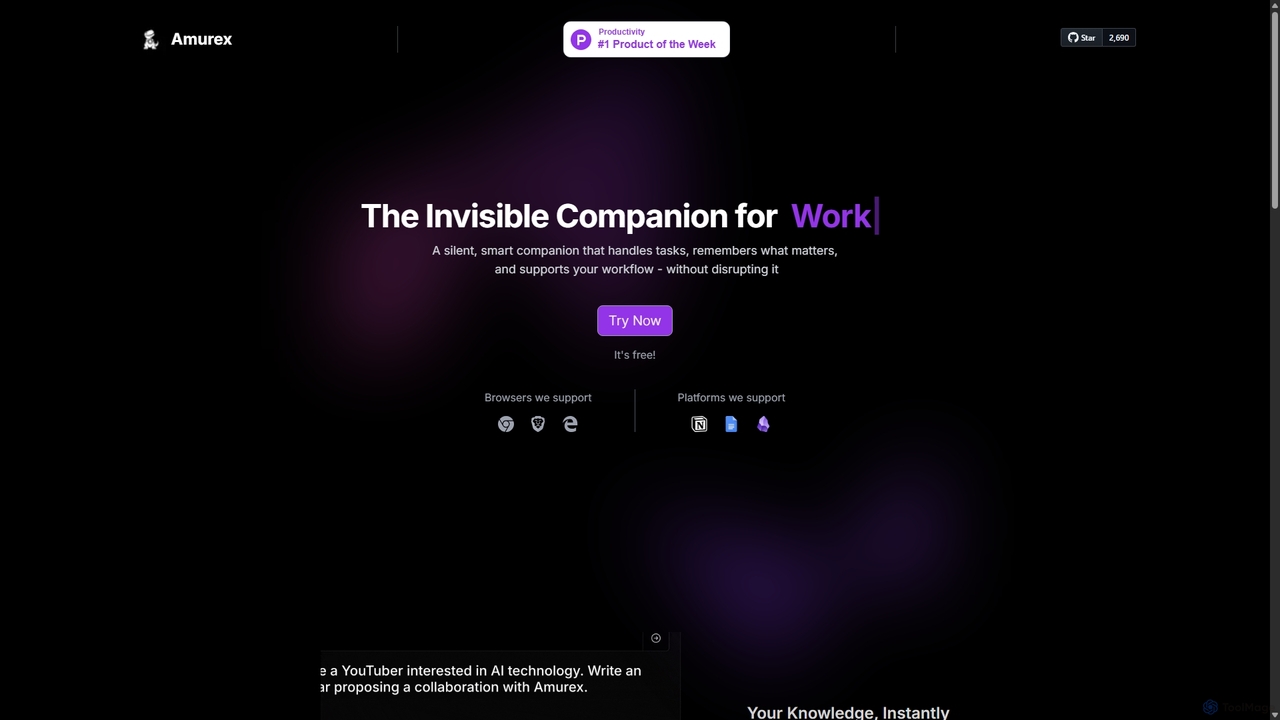
Amurex is an open-source AI invisible companion that works silently in the background to streamline your workflow. It integrates with your existing apps like Notion, Google Drive, and Obsidian to create a searchable knowledge base, automates meeting transcriptions and summaries, and intelligently categorizes your inbox.
Automation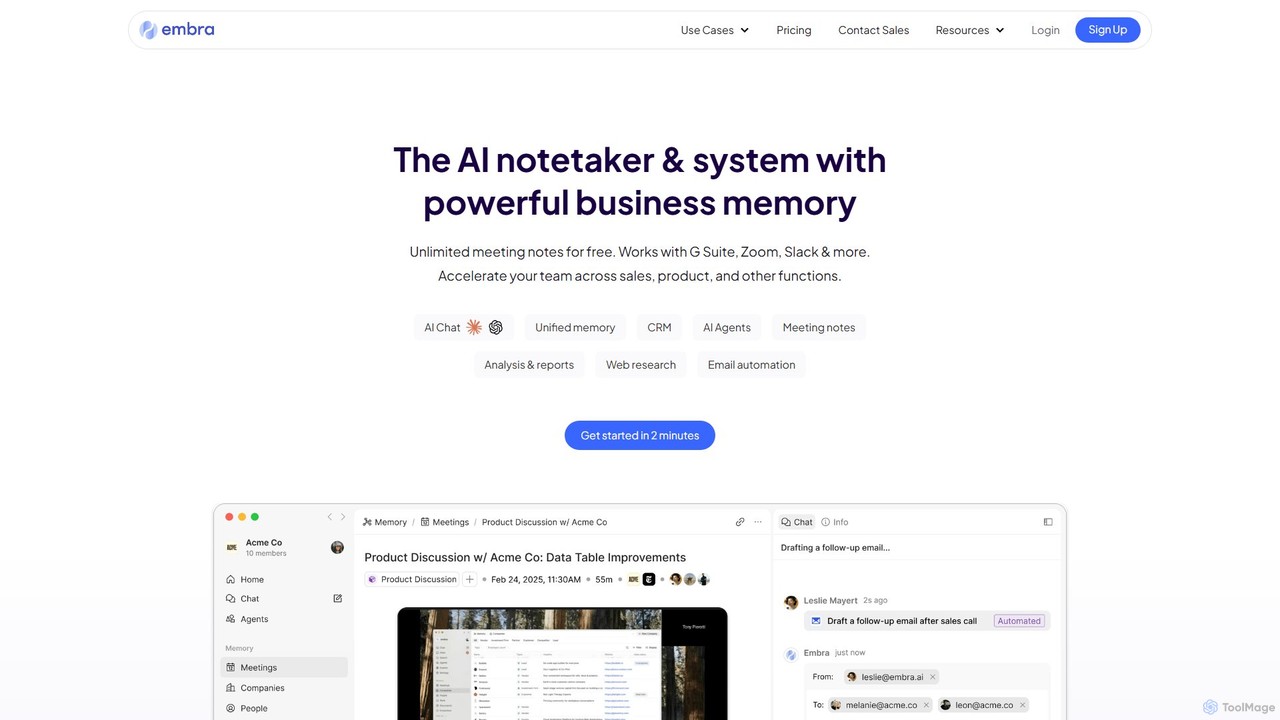
Embra
Embra is an AI-powered notetaker and knowledge system designed to enhance productivity. It records, transcribes, and summarizes meetings, drafts contextual follow-up emails, and centralizes team knowledge. By integrating with various tools and providing access to top LLMs, Embra acts as a unified workspace, transforming conversations into actionable insights and streamlining workflows for sales, product development, and management teams.
Knowledge Management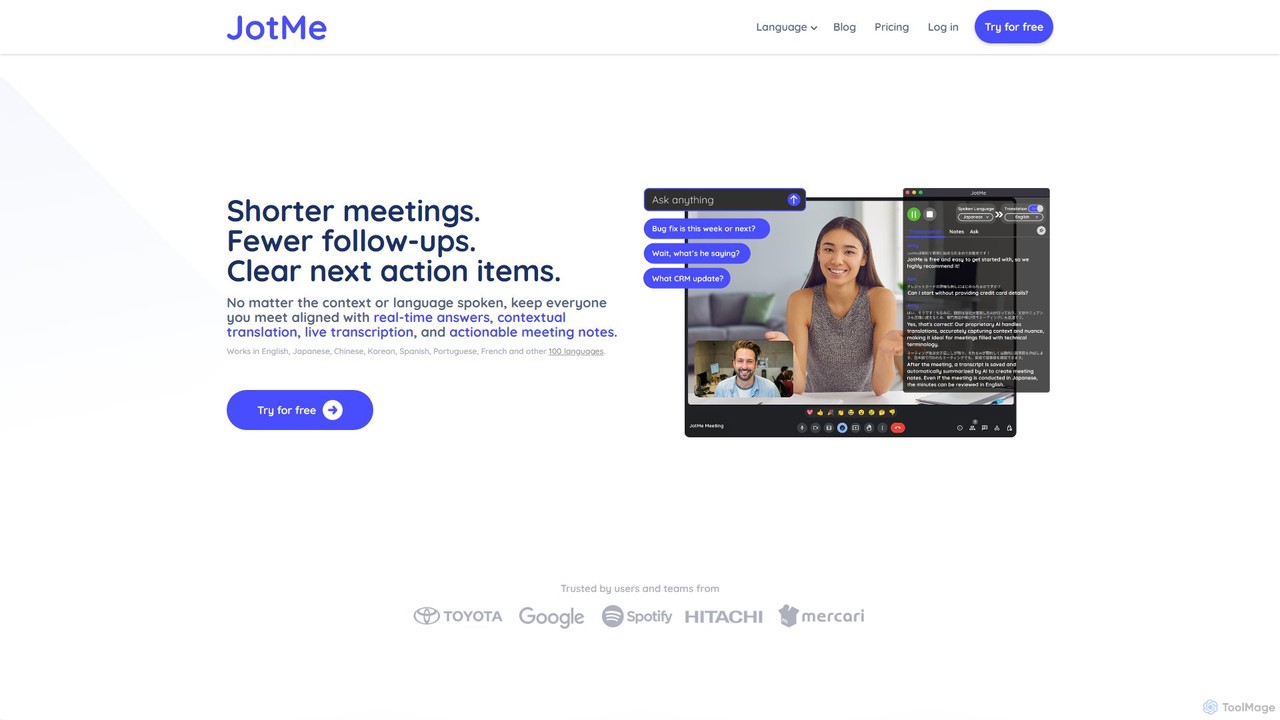
JotMe
JotMe is a real-time AI meeting assistant designed to make meetings shorter and more effective. It provides live, context-aware translation in over 100 languages, accurate transcription, and AI-generated notes with clear action items. By integrating seamlessly as a desktop app or Chrome extension, it helps global and cross-functional teams overcome language barriers and stay aligned without intrusive meeting bots.
Team Collaboration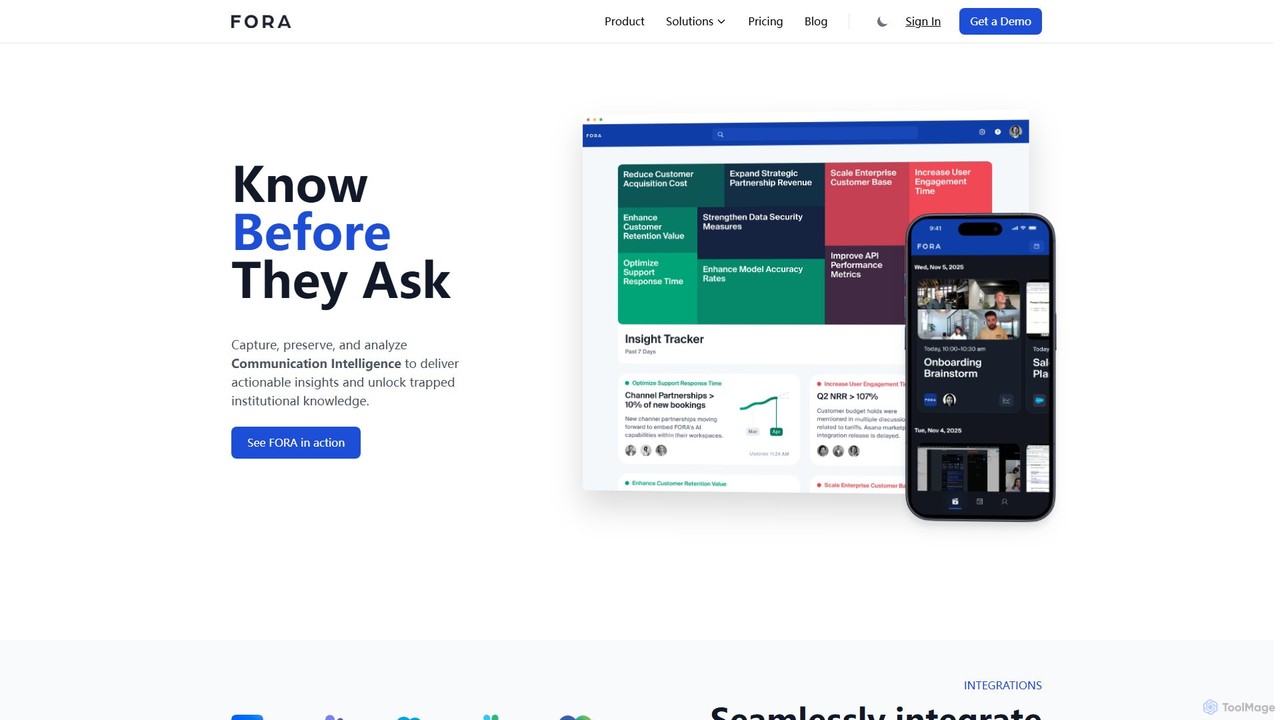
FORA
FORA is an AI-powered communication intelligence platform for enterprises. It captures and analyzes conversations from meetings, emails, and chat platforms to transform qualitative data into actionable insights for leadership, helping to unlock institutional knowledge and drive better decision-making.
Business Intelligence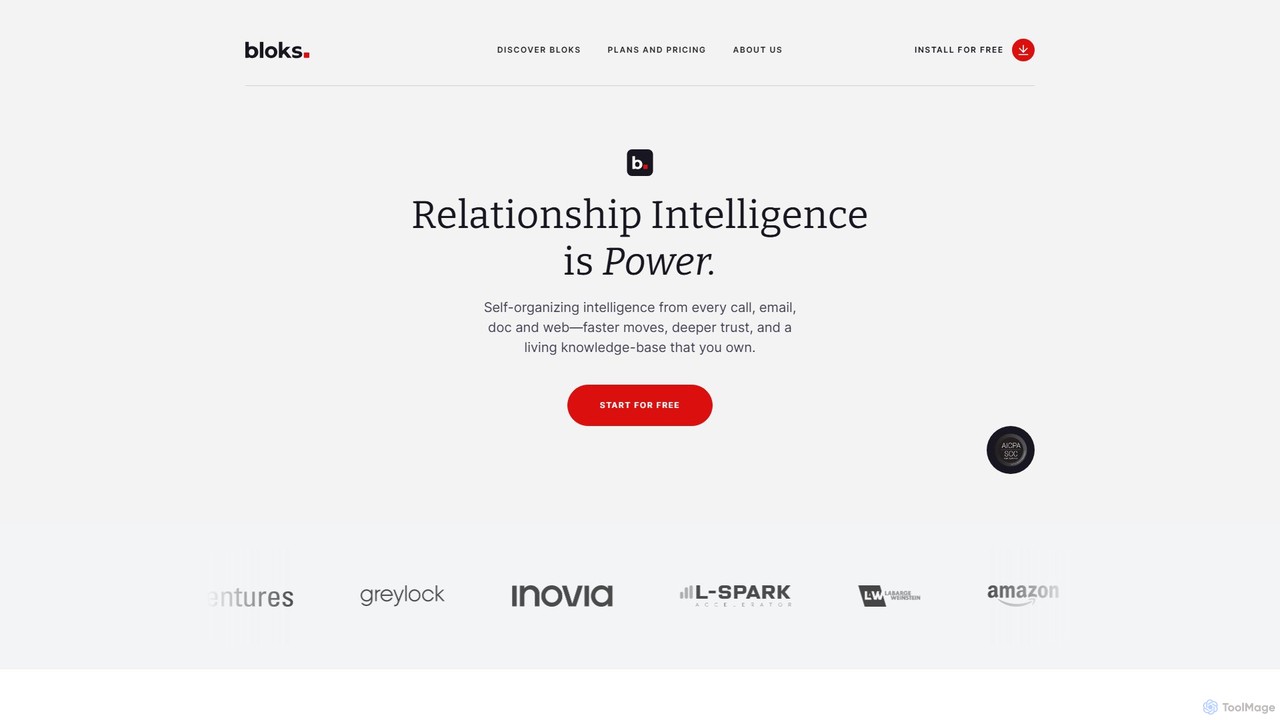
Bloks
Bloks is an AI-powered relationship intelligence platform that automatically organizes calls, emails, and documents into a private, searchable knowledge base. It's designed for professionals to deepen client trust, streamline workflows, and save hours on administrative tasks with smart summaries and automated meeting briefs.
Sales IntelligenceSpoke.ai Categories
Spoke.ai Embed Widget
Copy this embed code to place the badge on your blog, article, or product site and send readers directly to this ToolMage detail page.

Related AI tools
Slack
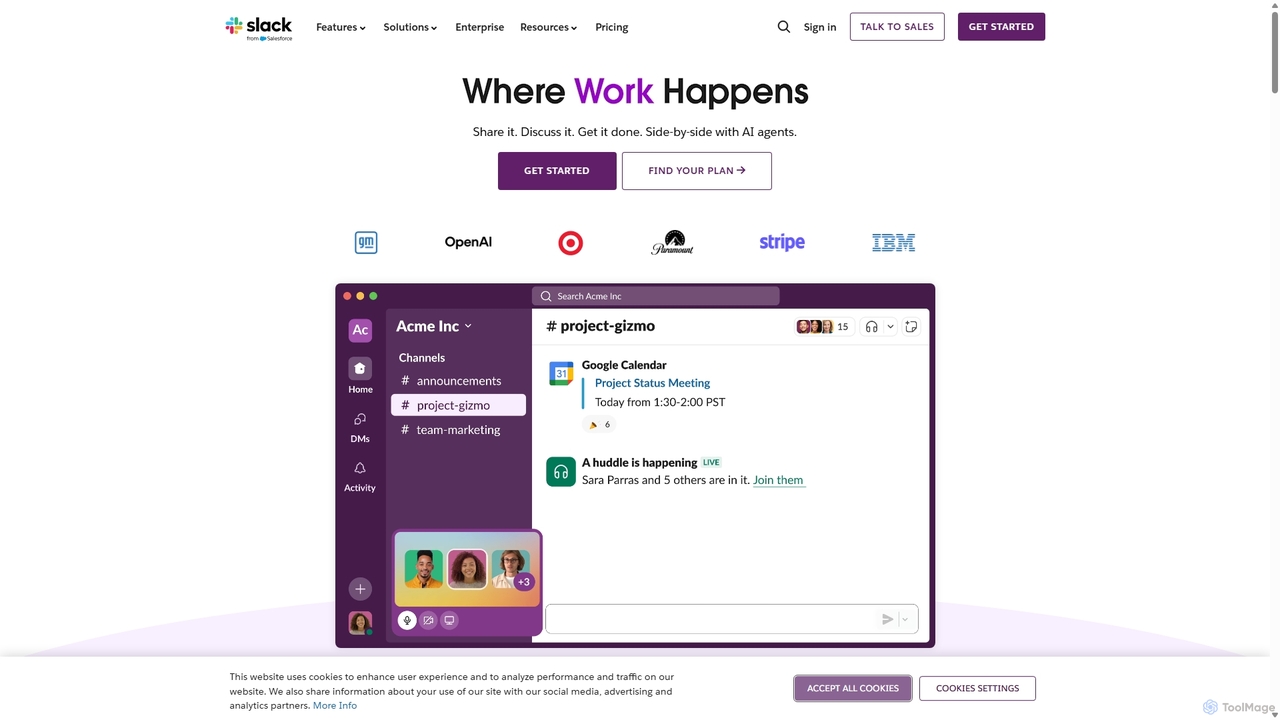
Slack is an AI-powered collaboration hub that connects your people, partners, and tools. It replaces email with faster, better-organized communication through channels. With integrated AI, workflow automation, and thousands of apps, Slack centralizes your work to boost productivity and streamline project management.
Project Management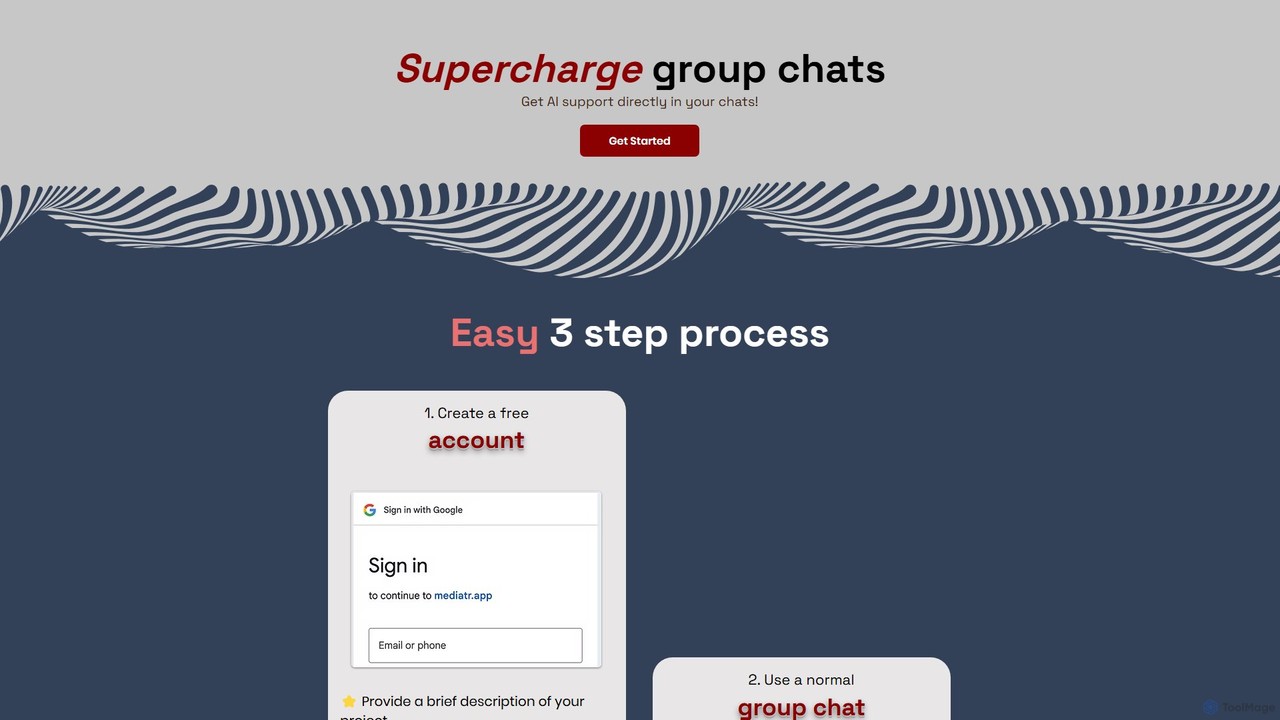
Mediatr
Mediatr is an AI-powered group chat platform designed to enhance team collaboration. It integrates an AI assistant directly into your conversations to summarize discussions, answer questions, and retrieve key information, turning your chat history into a searchable knowledge base.
ChatAmurex
Amurex is an open-source AI invisible companion that works silently in the background to streamline your workflow. It integrates with your existing apps like Notion, Google Drive, and Obsidian to create a searchable knowledge base, automates meeting transcriptions and summaries, and intelligently categorizes your inbox.
AutomationEmbra
Embra is an AI-powered notetaker and knowledge system designed to enhance productivity. It records, transcribes, and summarizes meetings, drafts contextual follow-up emails, and centralizes team knowledge. By integrating with various tools and providing access to top LLMs, Embra acts as a unified workspace, transforming conversations into actionable insights and streamlining workflows for sales, product development, and management teams.
Knowledge Management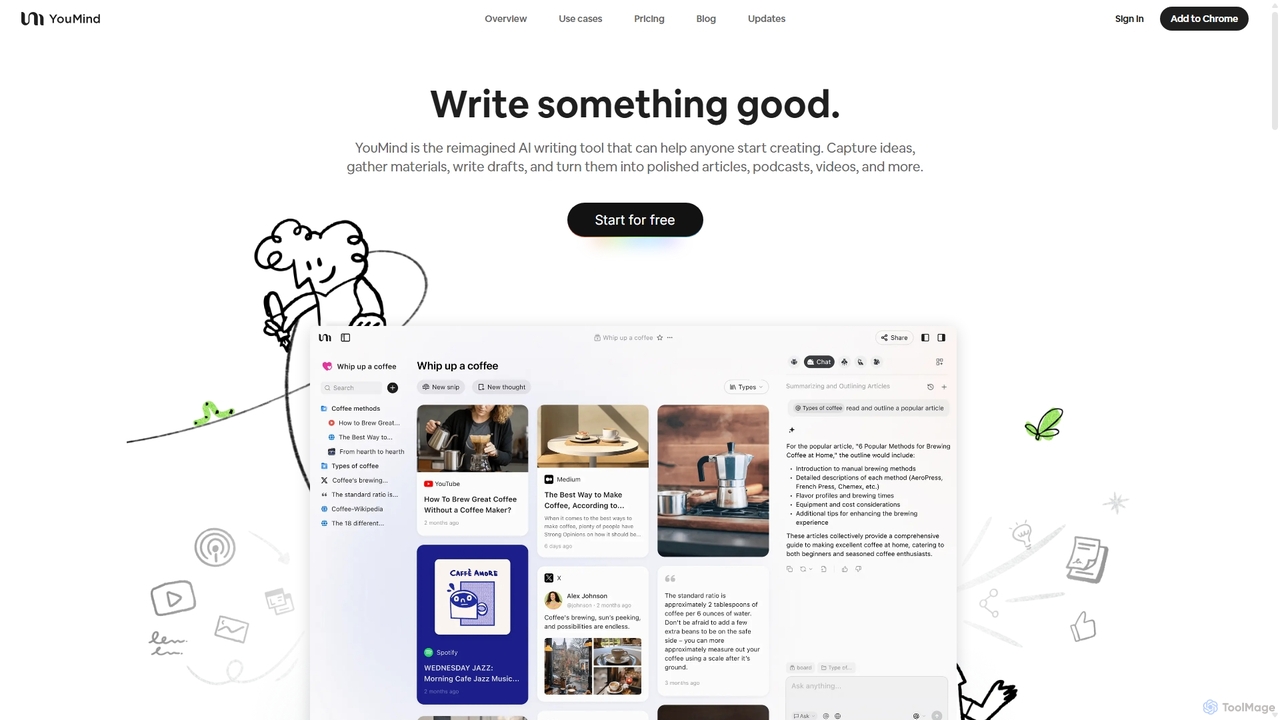
YouMind
YouMind is an AI-powered creation studio designed to streamline the entire content creation workflow. It integrates material collection from various sources like YouTube, podcasts, and articles into a unified workspace. Users can research, organize, and collaborate with top AI models to transform their ideas into polished articles, videos, and more, all within a single, project-based environment.
Knowledge Management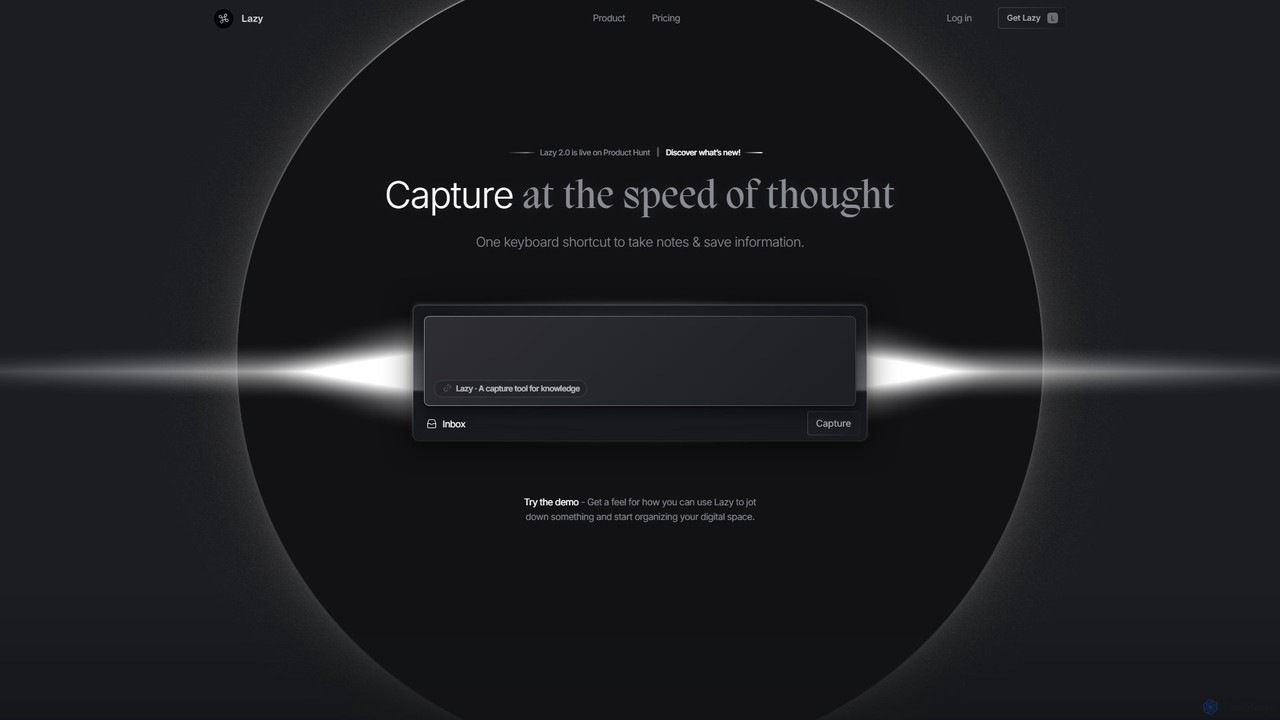
Lazy
Lazy is a universal capture tool designed to eliminate context switching. It allows you to instantly clip information from any app, website, or document using a simple shortcut. With AI-powered features like summarization and voice input, Lazy helps you build a centralized knowledge base without interrupting your workflow.
Bookmarking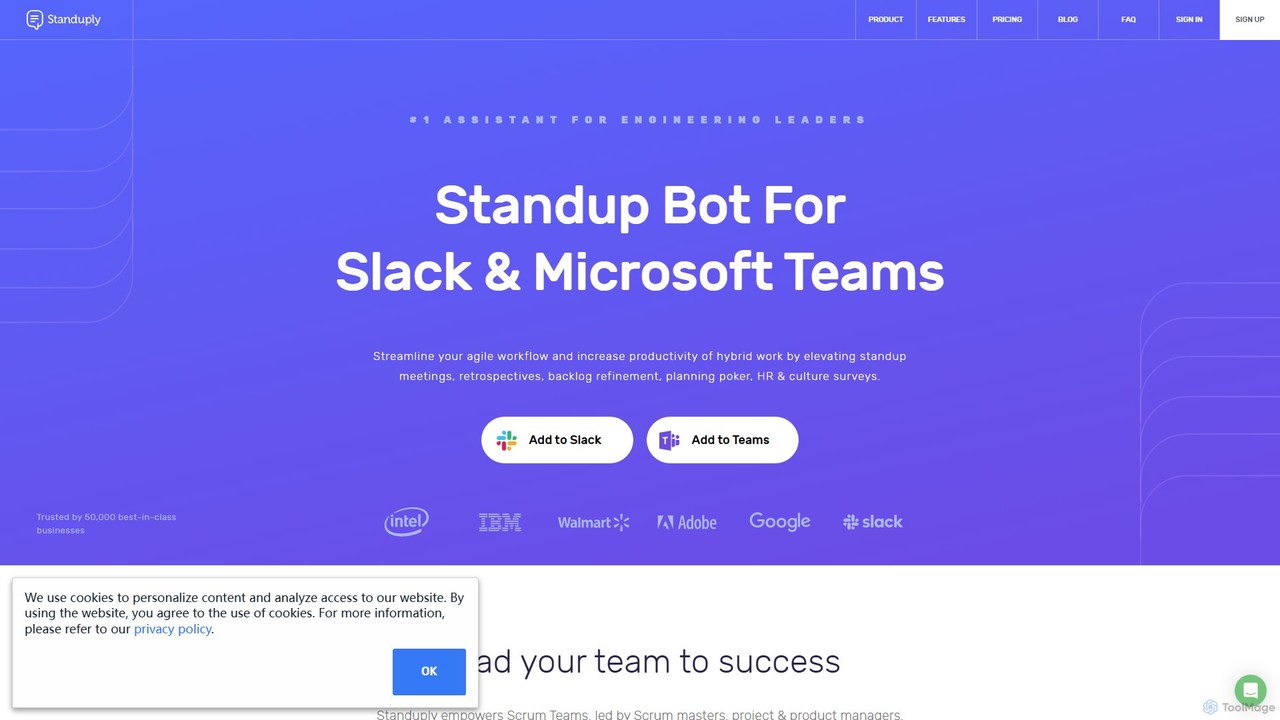
Standuply
Standuply is a digital scrum master for Slack and Microsoft Teams that automates agile processes like stand-up meetings, retrospectives, and team surveys. It helps remote and co-located teams stay in sync, track progress, and improve communication asynchronously. With integrations and AI-powered knowledge management, it streamlines workflows and boosts productivity.
Project Management
meetmine.ai
meetmine.ai is an AI-powered meeting assistant that automatically transcribes, summarizes, and analyzes your conversations. It integrates with popular platforms like Zoom, Google Meet, and Microsoft Teams to capture every detail, identify action items, and create a searchable knowledge base from your meetings, boosting team productivity and collaboration.
Knowledge Management
Bookmark
Bookmark is an AI-powered knowledge management platform that helps you save, organize, and rediscover digital content. It uses AI to automatically summarize articles, tag content, and enable powerful semantic search, transforming your collection of links into a personal knowledge base or a collaborative team hub.
Study Tools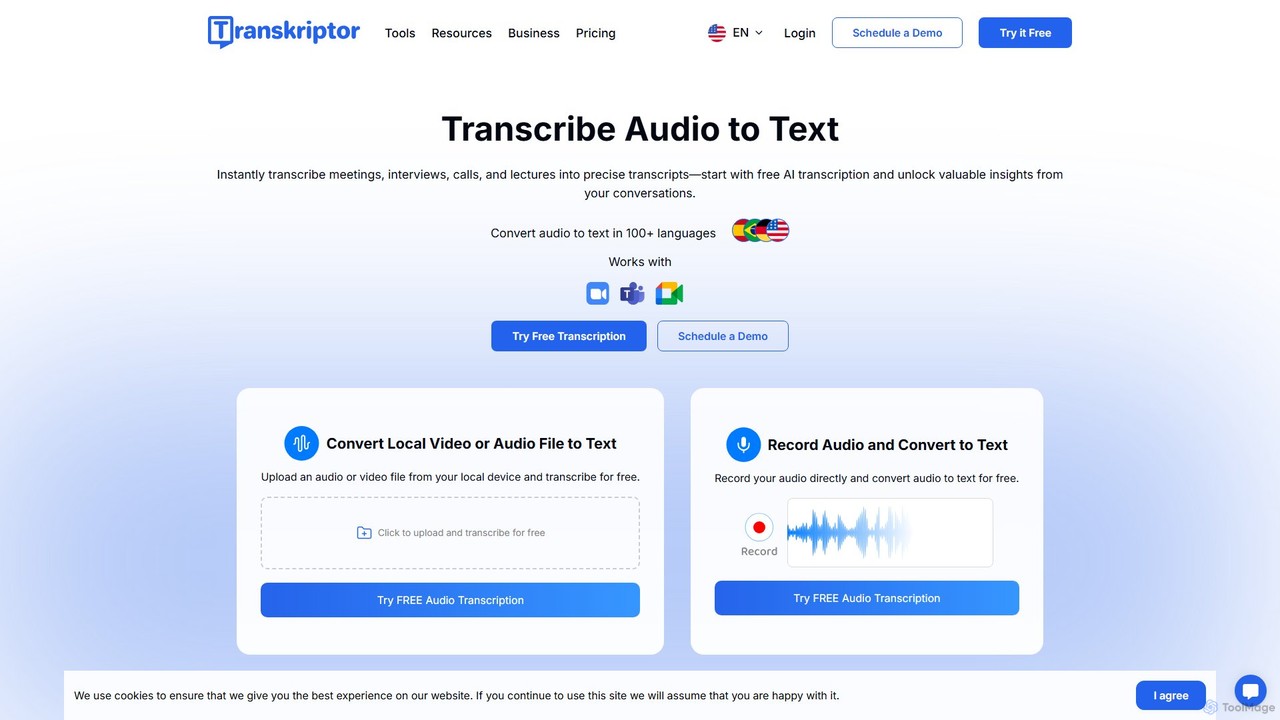
Transkriptor
Transkriptor is an AI-powered transcription service that converts audio and video files into accurate, editable text in over 100 languages. It features an AI assistant for summarizing content, identifying speakers, and extracting action items. Ideal for meetings, interviews, lectures, and content creation, it offers up to 99% accuracy and integrates with platforms like Zoom, Google Meet, and Microsoft Teams. Available as a web app, mobile app, and Chrome extension, it streamlines note-taking and creates a searchable knowledge base from your conversations.
Speech To Text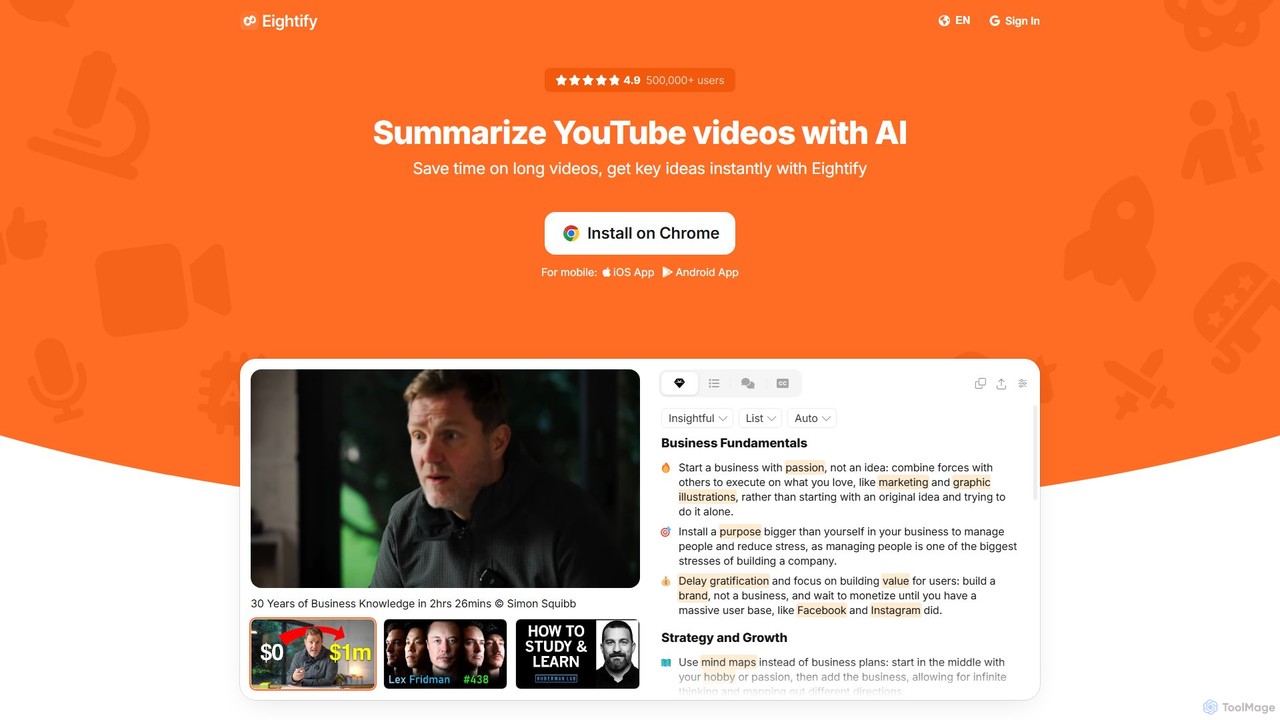
Eightify
Eightify is an AI-powered YouTube video summarizer that saves you time by generating concise, accurate summaries. Available as a browser extension and mobile app, it extracts key ideas, provides timestamped outlines, and transcribes video content. With support for over 40 languages, it's the perfect tool for professionals, students, and content creators to quickly grasp the essence of long videos, boosting productivity and learning efficiency.
Learning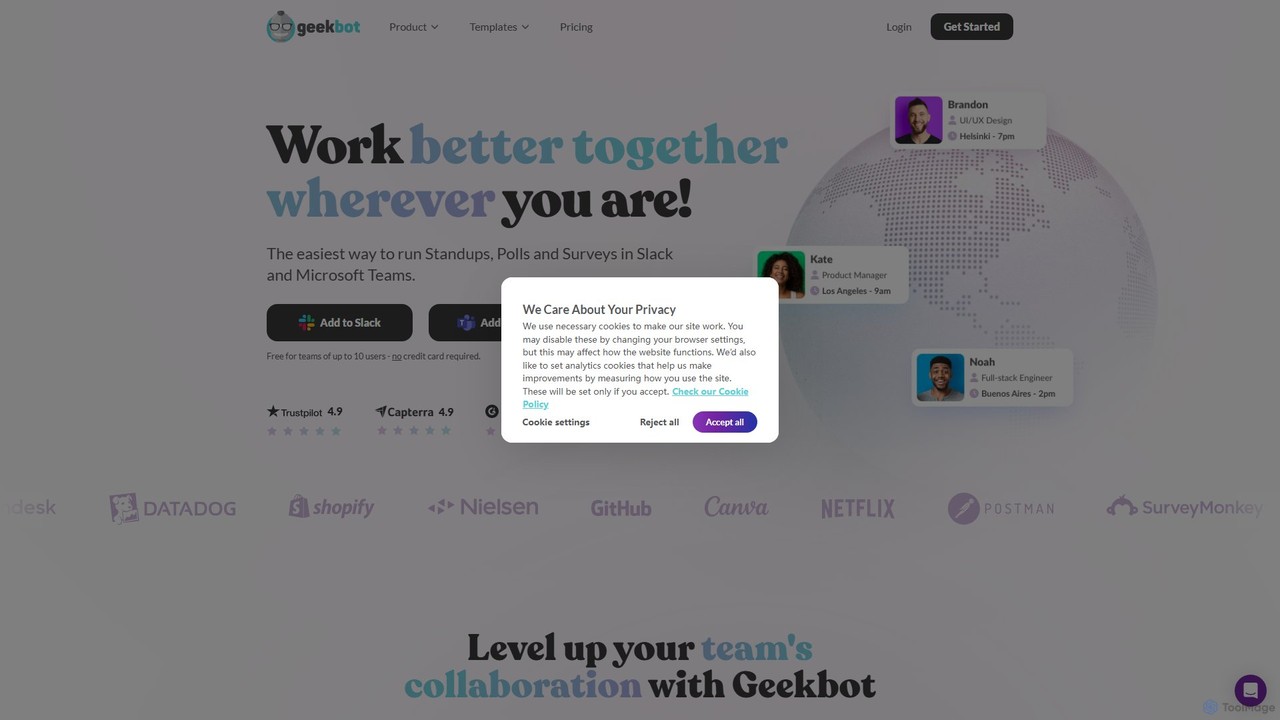
Geekbot
Geekbot is an AI-powered assistant for running asynchronous stand-up meetings, surveys, and polls directly within Slack and Microsoft Teams. It helps remote and hybrid teams stay synchronized, track progress, and foster a culture of transparent communication without the need for constant meetings.
Employee Engagement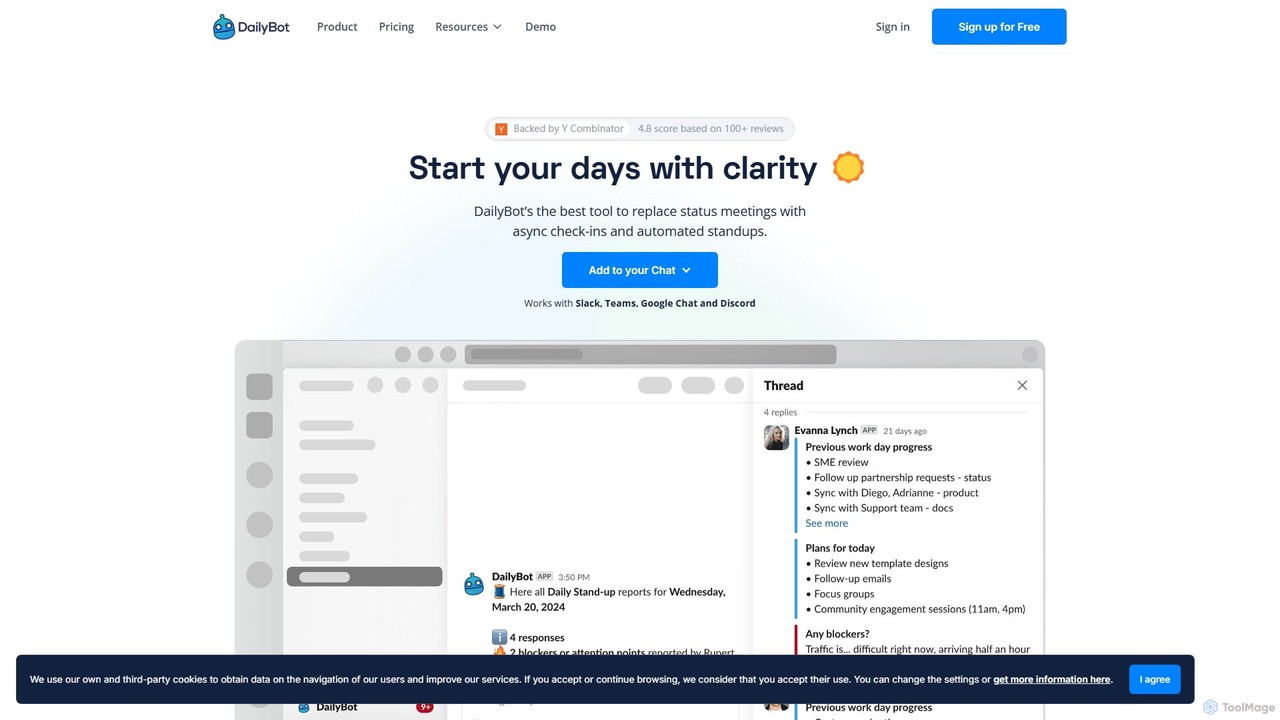
DailyBot
DailyBot is an AI-powered chatbot for agile and remote teams, automating daily stand-ups, team check-ins, and feedback collection. It integrates with Slack, MS Teams, Google Chat, and Discord to replace meetings with efficient asynchronous updates, track progress, and foster team culture.
Agile Development
Meco
Meco is an AI-powered newsletter reader and aggregator designed to declutter your inbox. It moves your newsletters to a dedicated, distraction-free reading space, offering features like AI-generated audio roundups and text summaries to help you stay informed efficiently. Organize, discover, and retain knowledge from your favorite subscriptions seamlessly across web, iOS, and Android.
Summarizer
Jyek
Jyek is an AI agent platform that understands objectives, creates execution plans, uses tools, and delivers verifiable results for complex, multi-step tasks.
Automation
Spoke.ai Comments (0)
Sign in to comment.
Sign inNo comments yet.