
Missive Overview
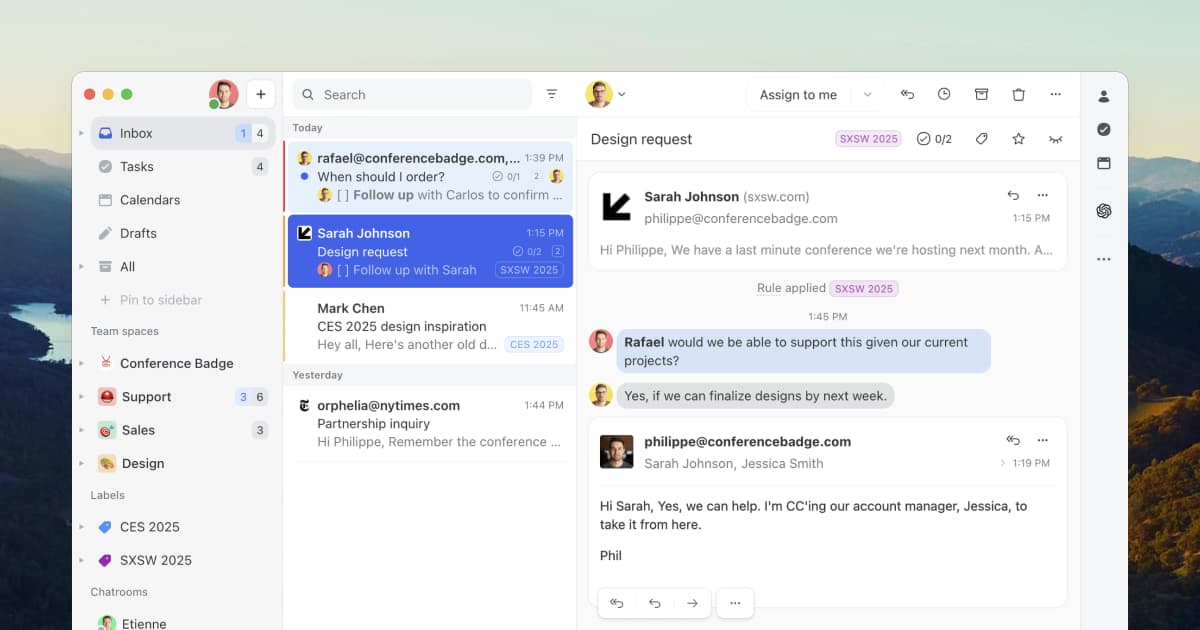
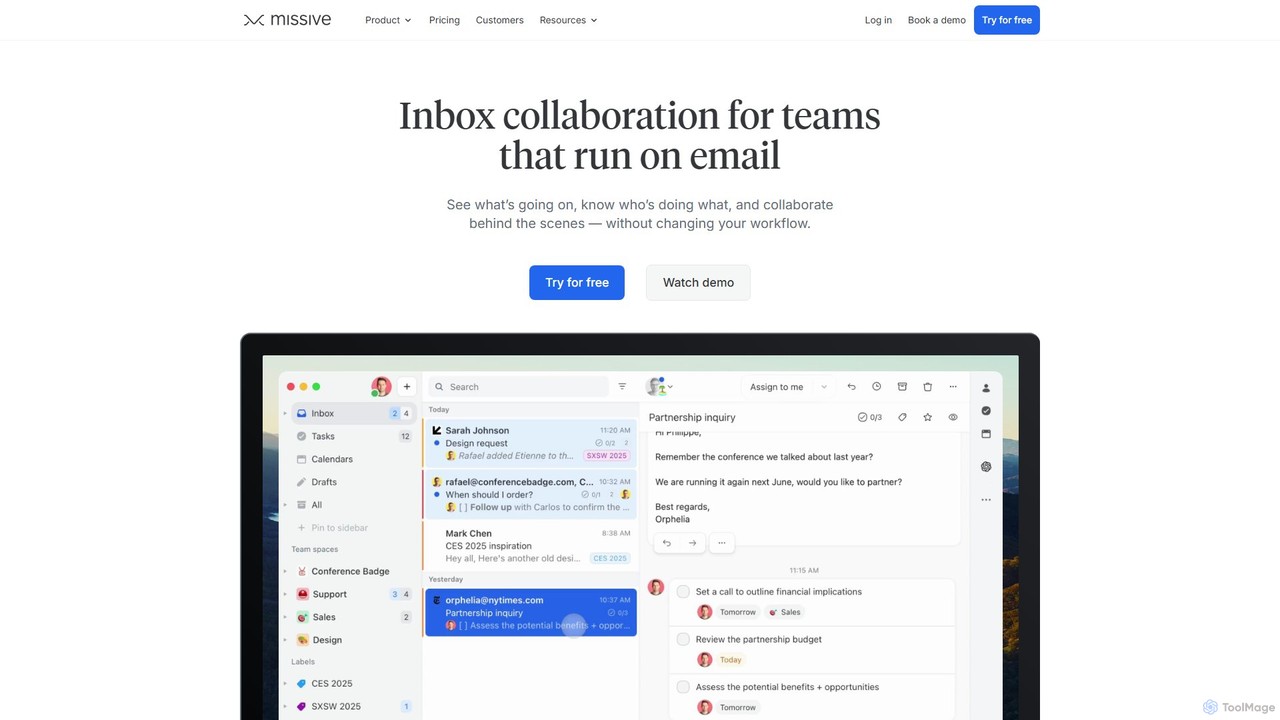
Missive is a comprehensive team collaboration and communication platform designed to streamline workflows and eliminate the chaos of managing multiple communication channels. It acts as a central hub where teams can handle emails, internal chat, SMS, WhatsApp, Instagram, and more, all from a unified inbox. Born from the need to manage customer requests efficiently, Missive is built for teams that rely heavily on email but require modern collaboration features. It's trusted by over 4,000 companies to power their daily operations, from customer support and sales to logistics and professional services.
The platform is designed to enhance visibility and coordination. Team members can see what's being worked on, who is responsible for what, and collaborate behind the scenes on email drafts or in side-chats within a conversation thread. This contextual collaboration ensures everyone has the information they need without forwarding endless email chains. Furthermore, Missive integrates powerful AI features to supercharge productivity, allowing users to generate instant drafts, summarize lengthy threads, translate messages, and even create custom AI-powered automation rules.
How to use Missive
Getting started with Missive is a straightforward process designed to integrate seamlessly into your existing workflow:
- Sign Up & Connect Accounts: Create a Missive account (a free plan is available) and connect all your communication channels. This includes personal and shared email accounts (Gmail, Office 365, IMAP), as well as social media like WhatsApp, Instagram Messenger, and SMS numbers.
- Invite Your Team: Invite your colleagues to join your organization in Missive. You can create different teams (e.g., Support, Sales, Marketing) to organize workflows.
- Create Team Inboxes & Spaces: Set up shared inboxes (e.g., support@, sales@) so multiple team members can manage incoming messages. Use Team Spaces to give each team a dedicated area for their shared inbox, tasks, and discussions.
- Collaborate and Assign: Start collaborating directly on emails. Use @mentions to loop in colleagues, have internal discussions right in the email thread, and co-author replies in real-time. Assign conversations to specific people or teams to clarify ownership.
- Automate Workflows: Use rules to automate repetitive tasks. For example, you can auto-assign emails containing specific keywords to the support team, auto-reply to messages received outside of business hours, or auto-BCC your CRM.
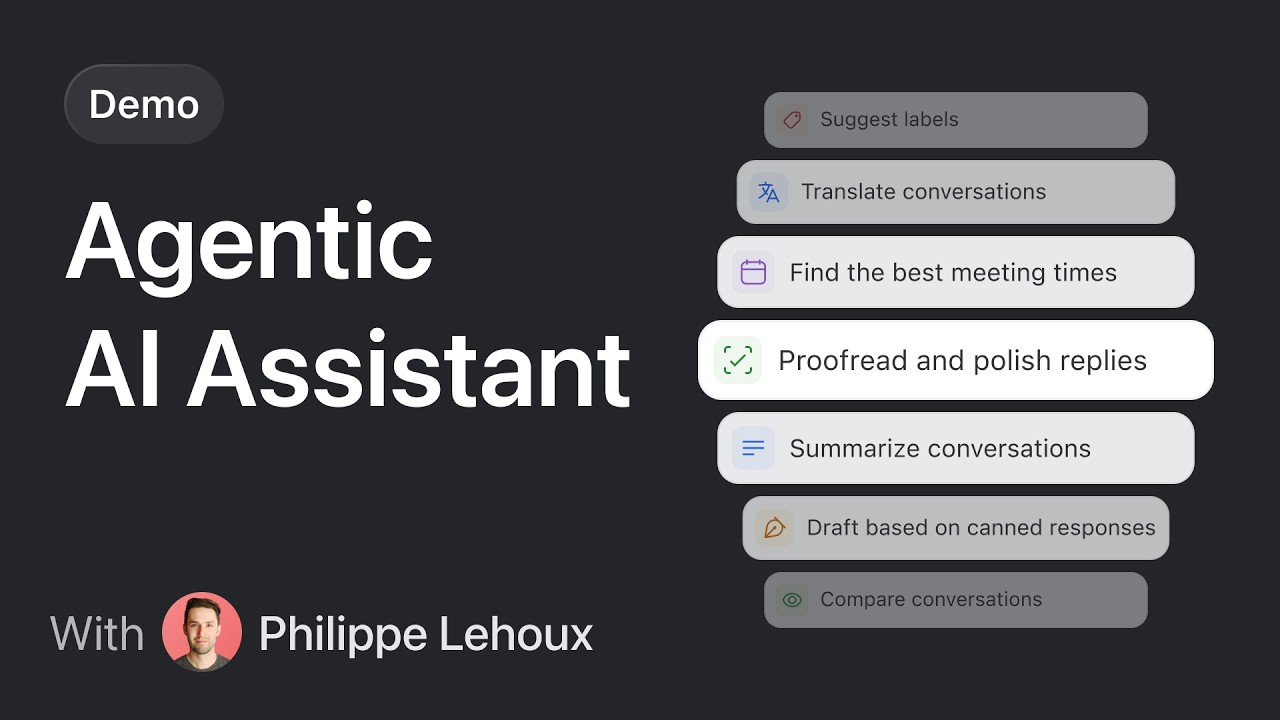
- Leverage AI: Use the integrated AI to work faster. Generate a draft reply based on the conversation, summarize a long email chain to catch up quickly, or translate a message from a foreign client.
- Manage Tasks: Turn any email or message into a task, assign it, set a due date, and track its status. This keeps all work organized within your inbox, eliminating the need for a separate task management app.
Core Features of Missive
- Unified Inbox: Consolidate emails, SMS, WhatsApp, Instagram, Live Chat, and internal chat into one central place.
- Team Collaboration: Features include team inboxes, real-time collaborative drafting, internal comments and threads within emails, and dedicated chatrooms.
- Task Management: Convert any conversation into a task, assign it to team members, set due dates, and track progress.
- AI-Powered Assistance: Includes instant AI drafts, conversation summarization, message translation, and the ability to create custom AI prompts and automation rules.
- Workflow Automation: Create powerful rules to automate tasks like message assignment, auto-replies, and tagging. Workload balancing distributes new conversations evenly among team members.
- Integrations: Connects with over 25 popular apps, including CRMs (Pipedrive), project management tools (Trello), and custom webhooks via its API.
- Canned Responses: Create and share templates for quick replies, with support for dynamic variables to personalize messages.
- Security & Privacy: SOC 2 Type II compliant, offers Single Sign-On (SSO), 2-factor authentication, and blocks email read trackers.
Use Cases for Missive
Missive is versatile and can be adapted for various team functions:
- Customer Support: Teams can manage a shared support@ inbox, assign tickets to agents, collaborate on complex customer issues, and use canned responses and AI to reduce response times.
- Sales Teams: Manage a sales@ inbox, track leads, collaborate on proposals with internal comments, and use integrations to sync data with a CRM.
- Operations & Logistics: Coordinate with suppliers and clients, manage order inquiries, and turn communications into actionable tasks to ensure nothing is missed.
- Small Businesses: Acts as an all-in-one command center, replacing the need for separate tools for email, internal chat (like Slack), and task management, thus saving costs and reducing complexity.
- Legal & Accounting Firms: Securely manage client communications, collaborate on case files or accounts, and maintain a clear audit trail of all actions.
Advantages of Missive
Missive offers significant advantages for teams looking to improve their communication and productivity:
- Contextual Collaboration: All discussions and tasks happen directly within the context of the original message, eliminating confusion and the need to switch between apps.
- Total Visibility: Provides a clear overview of team workload and conversation status, preventing duplicate efforts and ensuring accountability.
- Enhanced Efficiency: AI features and powerful automation rules handle repetitive manual tasks, freeing up teams to focus on more important work.
- Centralized Communication Hub: By bringing all channels into one inbox, it creates a single source of truth for all team and customer interactions.
- Flexible and Customizable: Highly adaptable to any team's unique workflow with custom rules, integrations, layouts, and shortcuts.
Pricing and Plans
Missive offers a flexible pricing structure with a free plan and paid tiers, plus a 30-day free trial for paid features. Billing yearly provides a 20% discount.
- Free: For up to 3 users and 2 accounts per person, with a 15-day conversation history limit.
- Starter: $14 per user/month (billed yearly). Ideal for small teams, includes unlimited history, team inboxes, tasks, and SOC 2 compliance.
- Productive: $24 per user/month (billed yearly). For teams needing more advanced workflows, adds integrations, rules & automations, basic analytics, and API access.
- Business: $36 per user/month (billed yearly). For larger teams with advanced needs, includes everything in Productive plus SAML/SSO, IP restrictions, advanced analytics, and personalized onboarding.
Traffic
Latest traffic
Status
Monthly traffic trend
- 2025-9: 450.5K
- 2026-1: 592.5K
- 2026-2: 547.0K
- 2026-3: 493.5K
- 2026-4: 531.3K
- 2026-5: 560.2K
Geography
Top 5 countries / regions
- 🇺🇸United States61.5%
- 🇩🇪Germany13.6%
- 🇬🇧United Kingdom10.6%
- 🇵🇭Philippines9.2%
- 🇫🇷France5.2%
Traffic sources
| Source type | Percentage |
|---|---|
Direct | 89.6% |
Referral | 5.2% |
Email | 5.2% |
Top keywords
| Keyword | Cost per click |
|---|---|
| humanize ai | $0.36 |
| missive | $1.42 |
| missive api | $0.00 |
| missive app | $2.27 |
| missiveapp | $2.11 |
Missive Videos on YouTube






Missive Alternatives
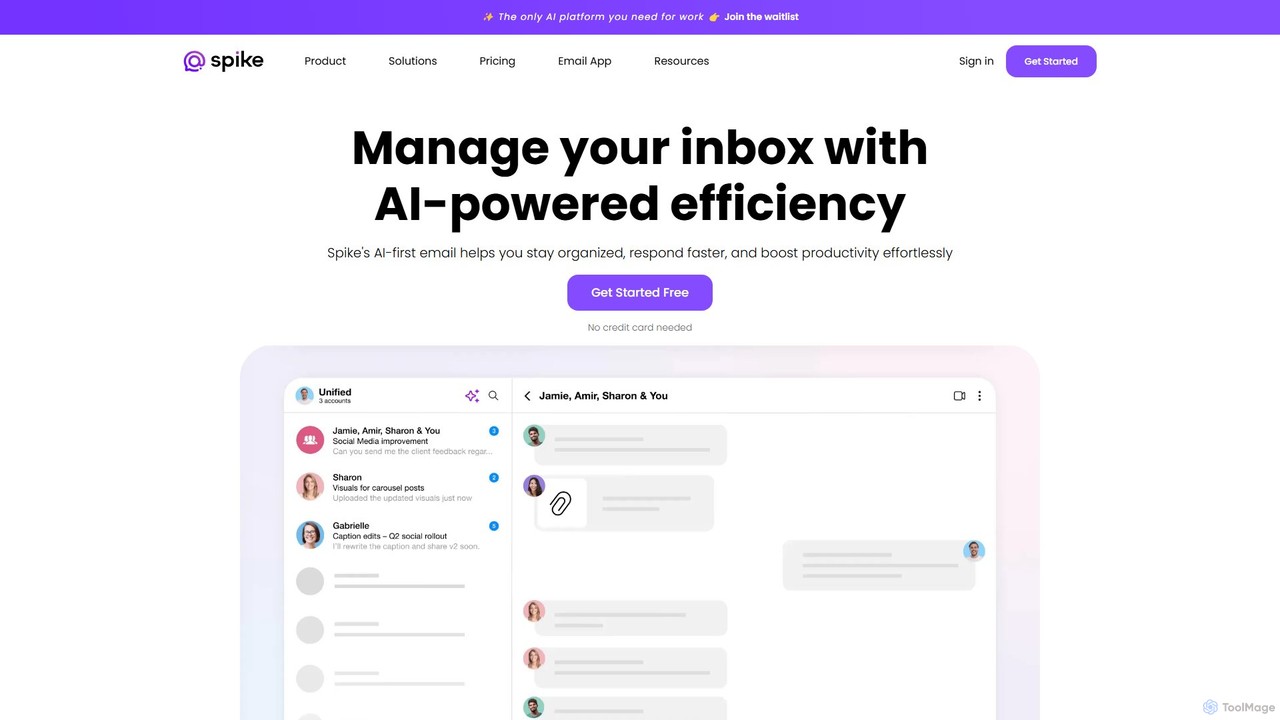
Spikenow
Spikenow is an AI-powered communication and collaboration platform that transforms your email into a dynamic, chat-like conversational feed. It unifies email, team chat, tasks, notes, and video calls into a single workspace, using AI to summarize threads, draft replies, and prioritize your inbox. It's designed to boost productivity by eliminating app switching and streamlining team workflows.
Team Collaboration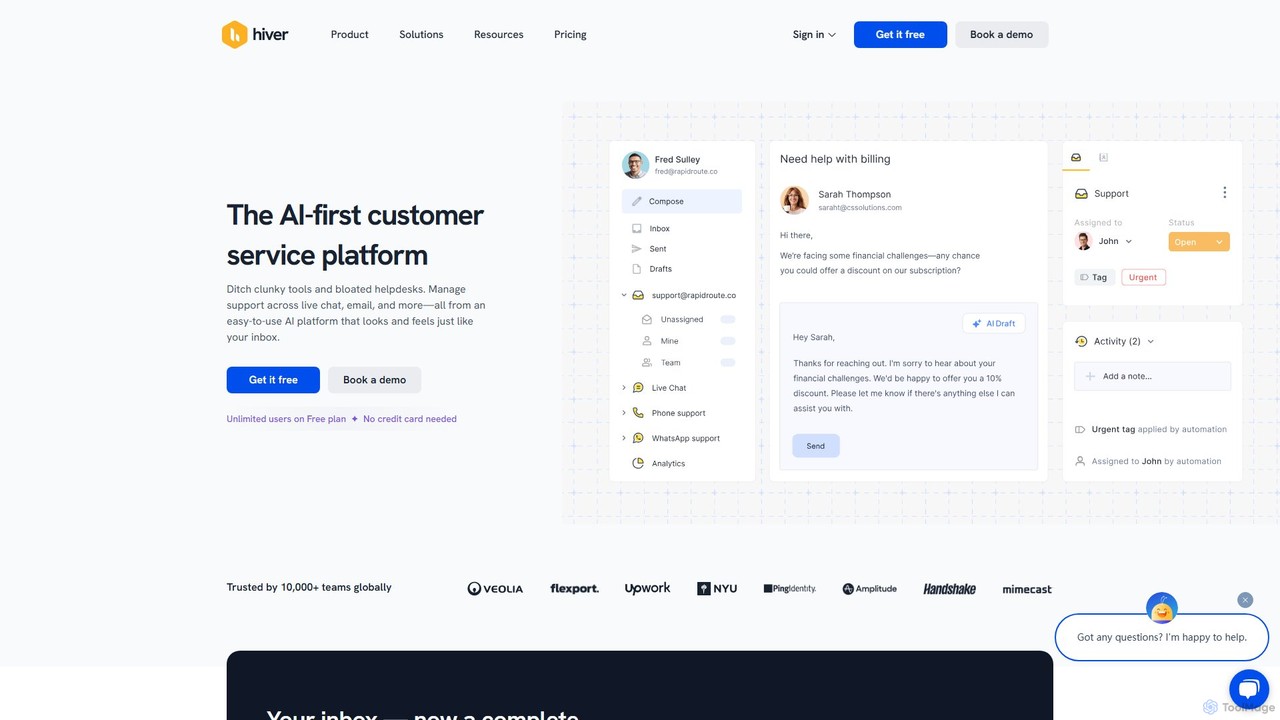
Hiver
Hiver is an AI-first customer service platform designed to work directly within your existing inbox, like Gmail or Outlook. It transforms your email into a powerful, multi-channel helpdesk, enabling teams to manage shared inboxes, live chat, and WhatsApp conversations seamlessly. With features like AI-powered automation, collaborative tools, and in-depth analytics, Hiver helps teams deliver faster, more human-like support without the complexity of traditional helpdesk software.
Help Desk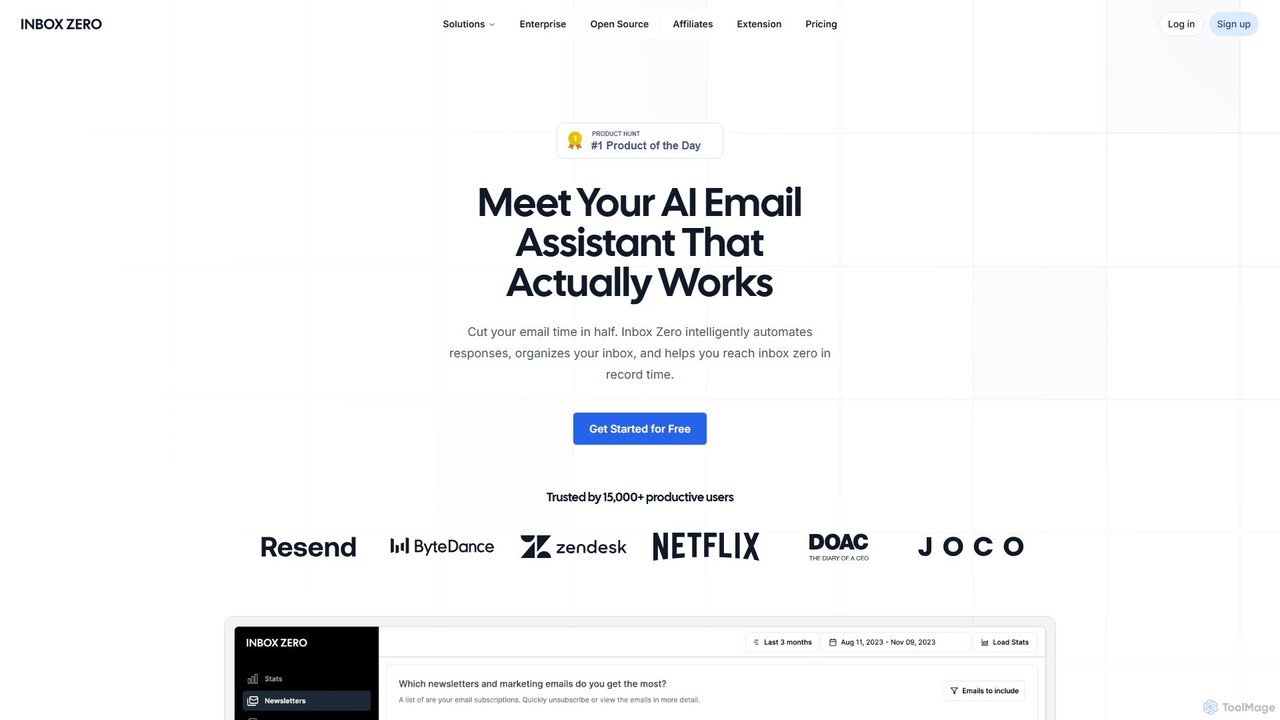
getinboxzero
getinboxzero is an AI-powered email assistant designed to help you achieve Inbox Zero. It intelligently automates responses, organizes your inbox, blocks cold emails, and bulk unsubscribes from newsletters. By handling repetitive email tasks, it cuts your email time in half and boosts productivity for individuals and support teams.
Personal Assistant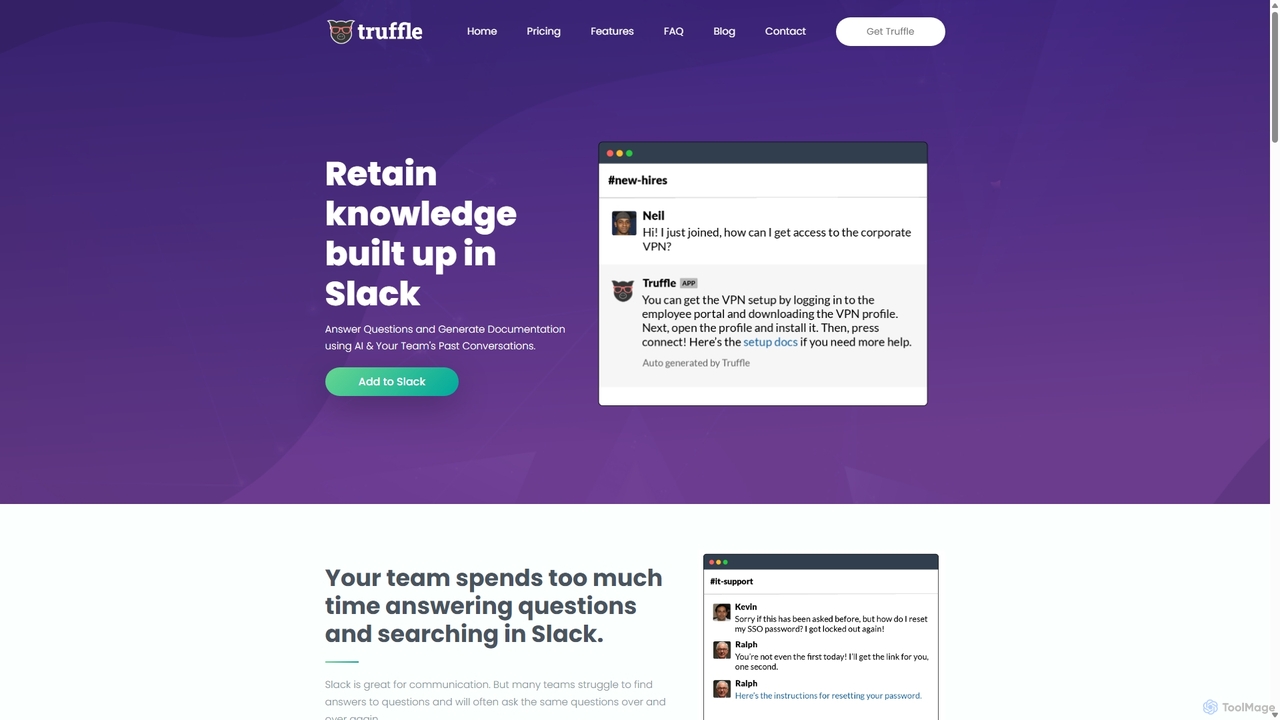
Truffle
Truffle is an AI-powered Slack bot that automatically builds a knowledge base from your team's past conversations. It instantly answers repetitive questions, saving time for HR, IT, and product teams, and making information accessible to everyone.
Team Collaboration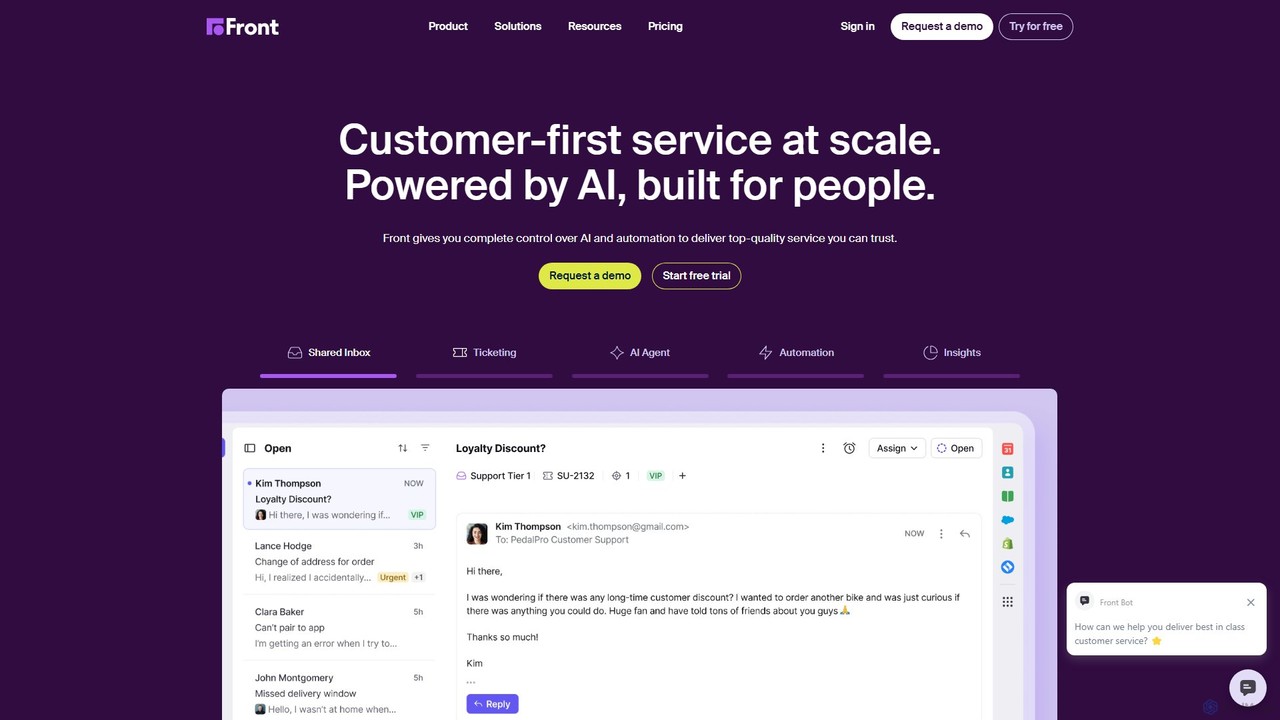
Front
Front is an AI-powered customer service platform that unifies all communication channels like email, SMS, and chat into a single collaborative workspace. It enables teams to deliver exceptional, scalable customer service by combining a human touch with powerful AI automation, shared inboxes, and robust ticketing.
Unified InboxMissive Categories
Missive Embed Widget
Copy this embed code to place the badge on your blog, article, or product site and send readers directly to this ToolMage detail page.

Related AI tools
Tekst
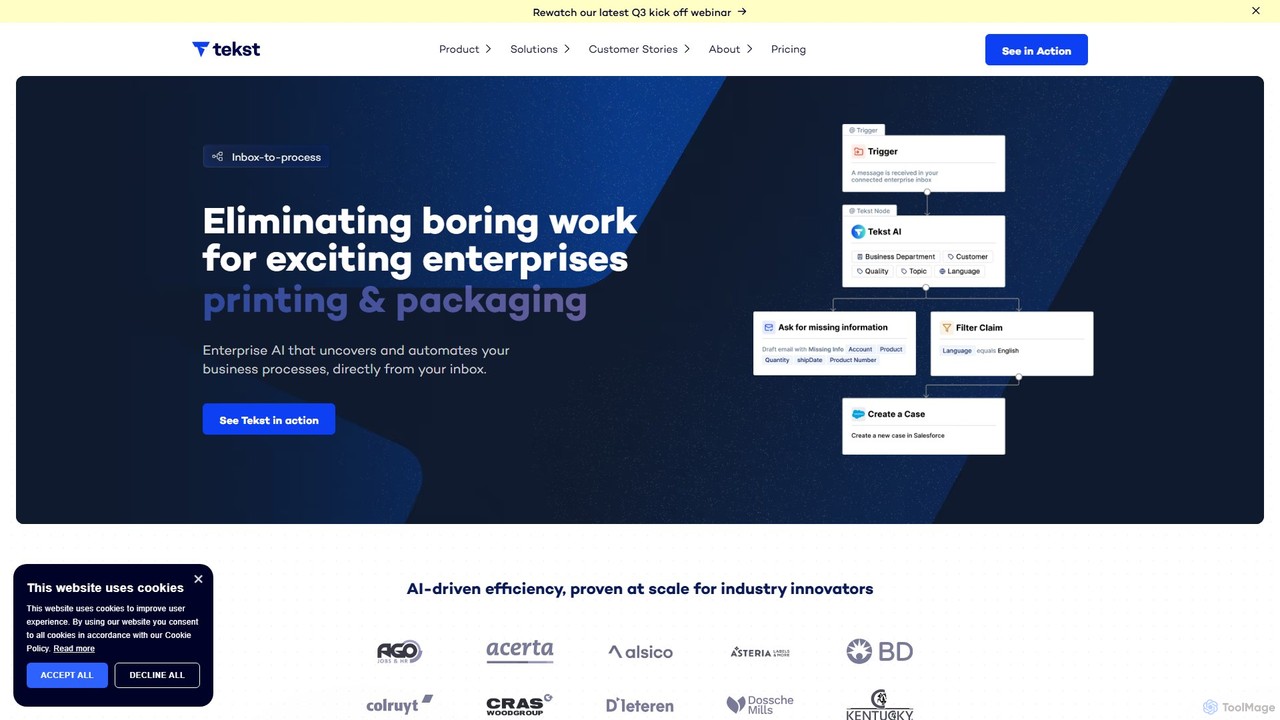
Tekst is an enterprise-grade AI platform that automates complex business workflows by analyzing and understanding unstructured communications. It intelligently categorizes, prioritizes, and routes emails, tickets, and chats to streamline operations, enhance customer support, and drive significant efficiency gains. By integrating seamlessly with existing systems like SAP and Salesforce, Tekst turns your back-office into a competitive advantage.
Business Intelligence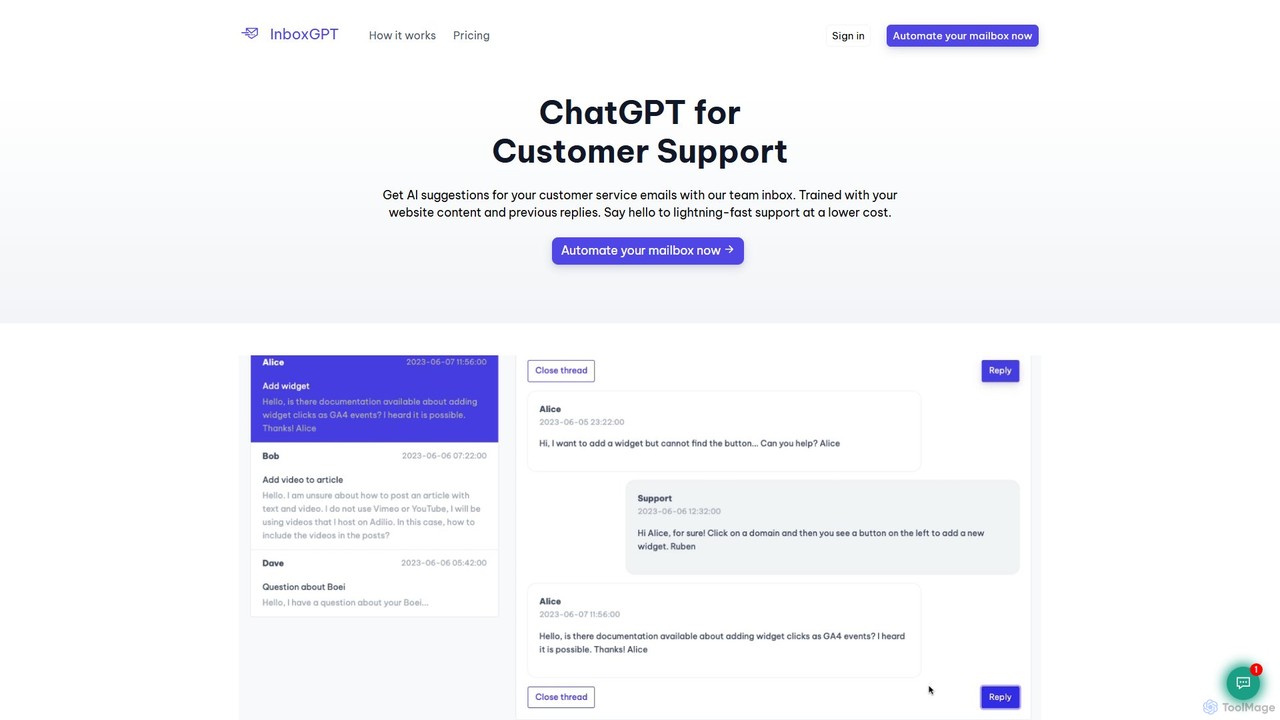
InboxGPT
InboxGPT is an AI-powered team inbox designed to revolutionize customer support. It connects your Gmail accounts into a unified platform, providing intelligent, AI-generated reply suggestions. By training on your website content and past emails, it helps your team respond twice as fast, in any language, ensuring high-quality, consistent, and efficient customer service.
CommunicationFront
Front is an AI-powered customer service platform that unifies all communication channels like email, SMS, and chat into a single collaborative workspace. It enables teams to deliver exceptional, scalable customer service by combining a human touch with powerful AI automation, shared inboxes, and robust ticketing.
Unified Inbox
DevRev
DevRev is an AI-native platform designed to bring developers closer to customers. It unifies customer support, product development, and user data into a single conversational interface, leveraging AI agents to automate workflows, provide real-time insights, and enhance customer relationships for product-led growth.
Business Intelligence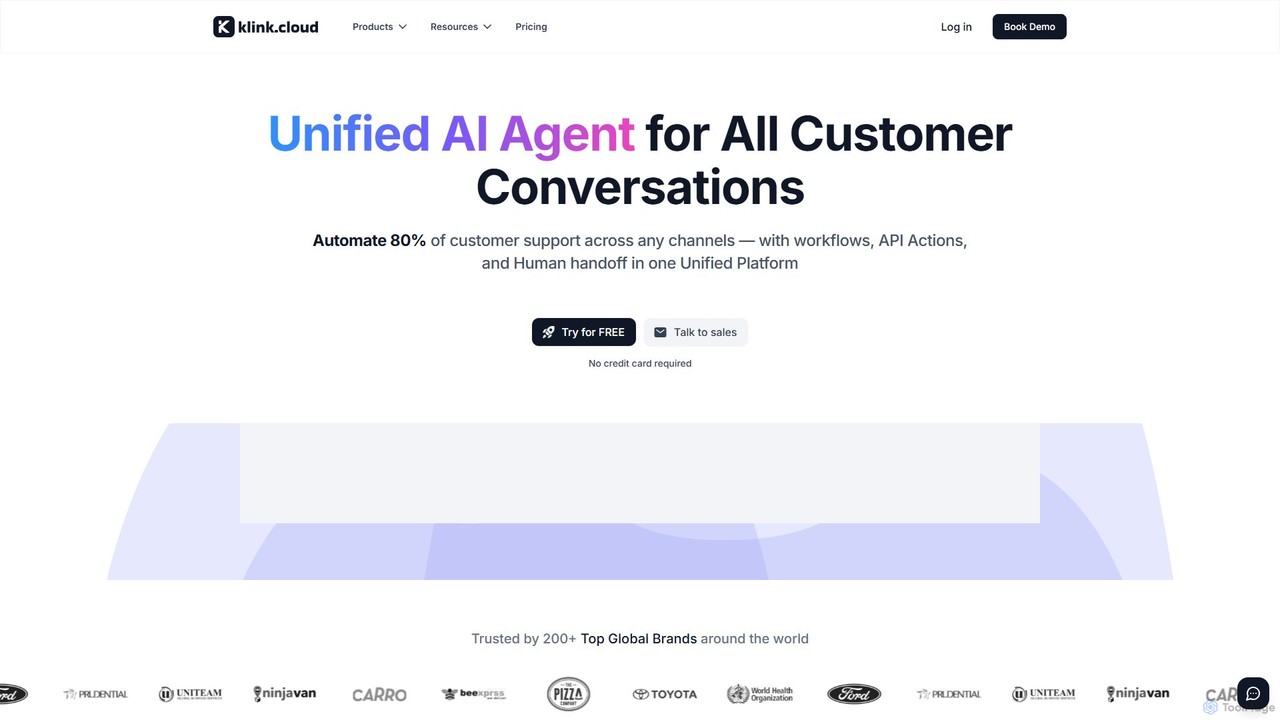
klink.cloud
klink.cloud is an AI-powered unified customer experience (CX) platform that centralizes all customer conversations from channels like voice, chat, email, and social media into a single inbox. It uses smart automation and AI agents to streamline workflows, automatically route inquiries, and enhance team efficiency. Designed for modern sales and support teams, it helps businesses increase productivity and customer satisfaction by providing a cohesive, integrated communication solution.
Unified Communications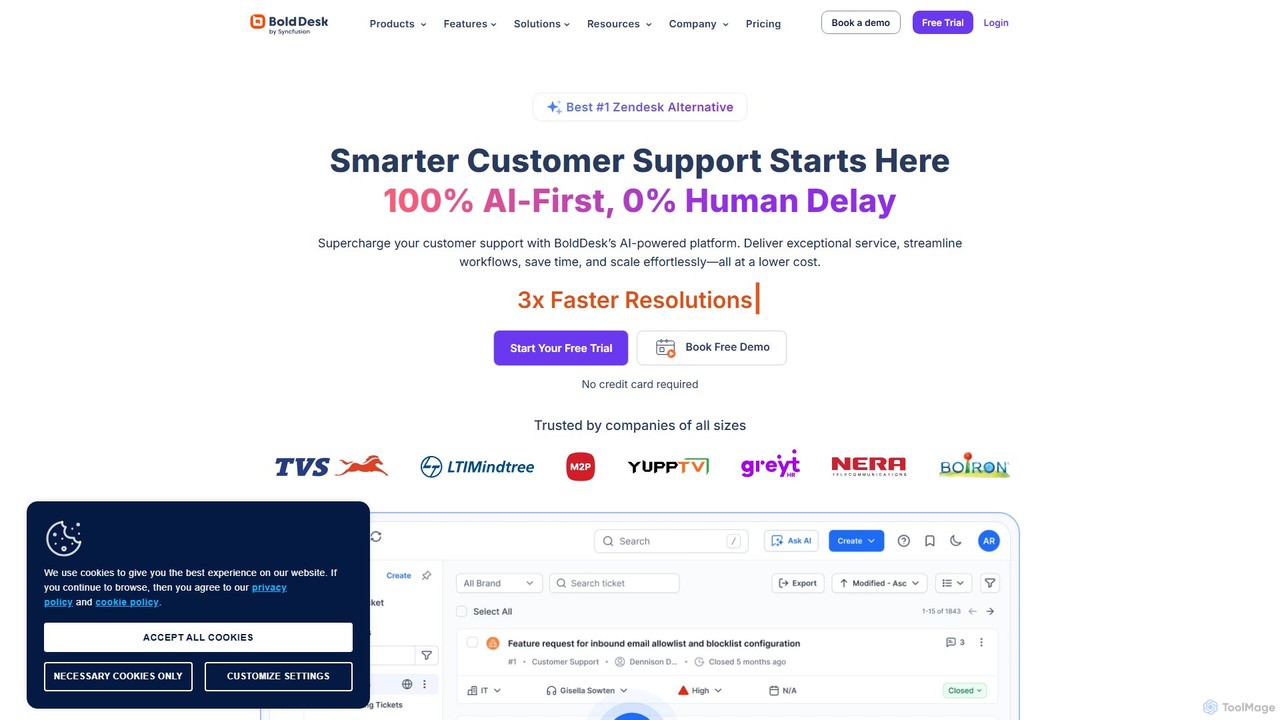
BoldDesk
BoldDesk is an AI-powered, next-generation customer service software designed to streamline support operations. It offers an omnichannel inbox to manage conversations from email, chat, social media, and more. Key features include a robust ticketing system, a generative AI copilot for automated replies and task execution, a self-service knowledge base, and powerful workflow automation. BoldDesk helps businesses enhance customer satisfaction, increase agent productivity, and make data-driven decisions through comprehensive analytics.
Communication
ThriveDesk
ThriveDesk is an AI-powered customer support platform designed for businesses that prioritize exceptional customer care. It unifies live chat, a collaborative shared inbox, and a self-service knowledge base into a single, streamlined workspace. AI features automate tasks, provide instant solutions, and enhance overall support efficiency, helping businesses improve customer satisfaction and drive growth.
Help Desk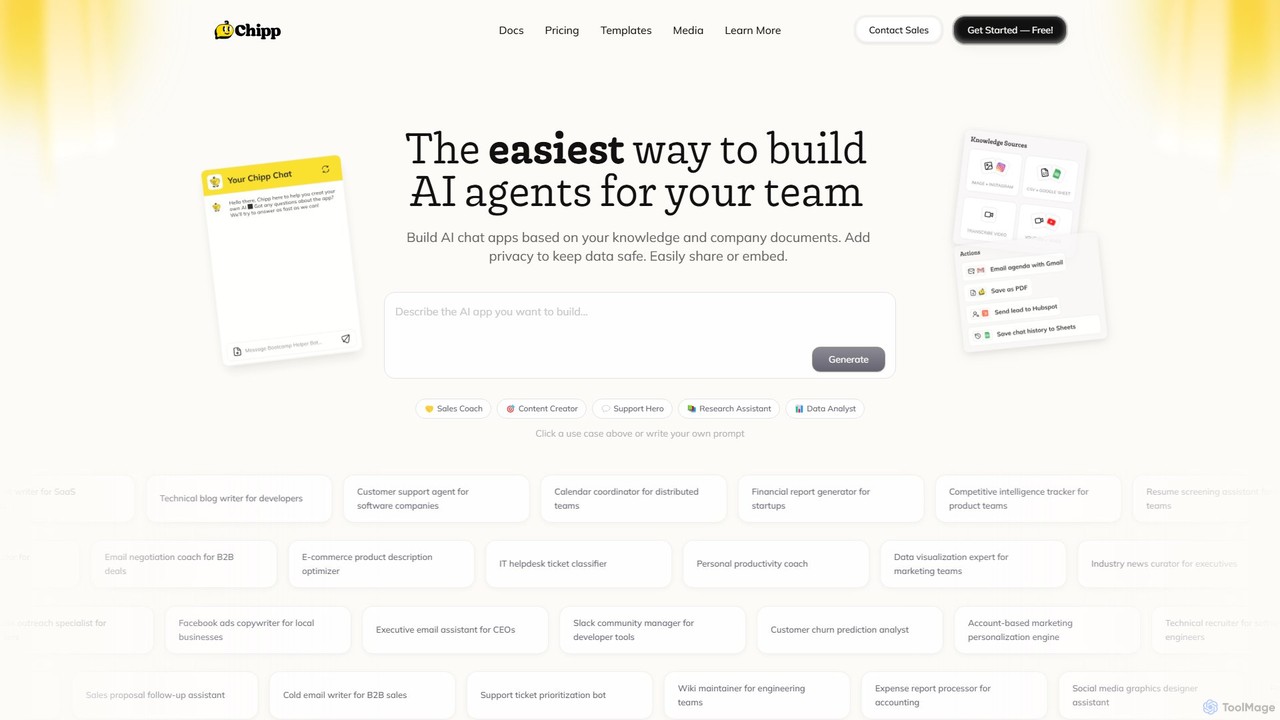
Chipp
Chipp is a no-code platform that empowers teams and individuals to build, share, and monetize custom AI agents. Based on your own knowledge bases and company documents, you can create specialized chatbots for sales, customer support, data analysis, and more, with a strong focus on privacy and ease of use.
Help Desk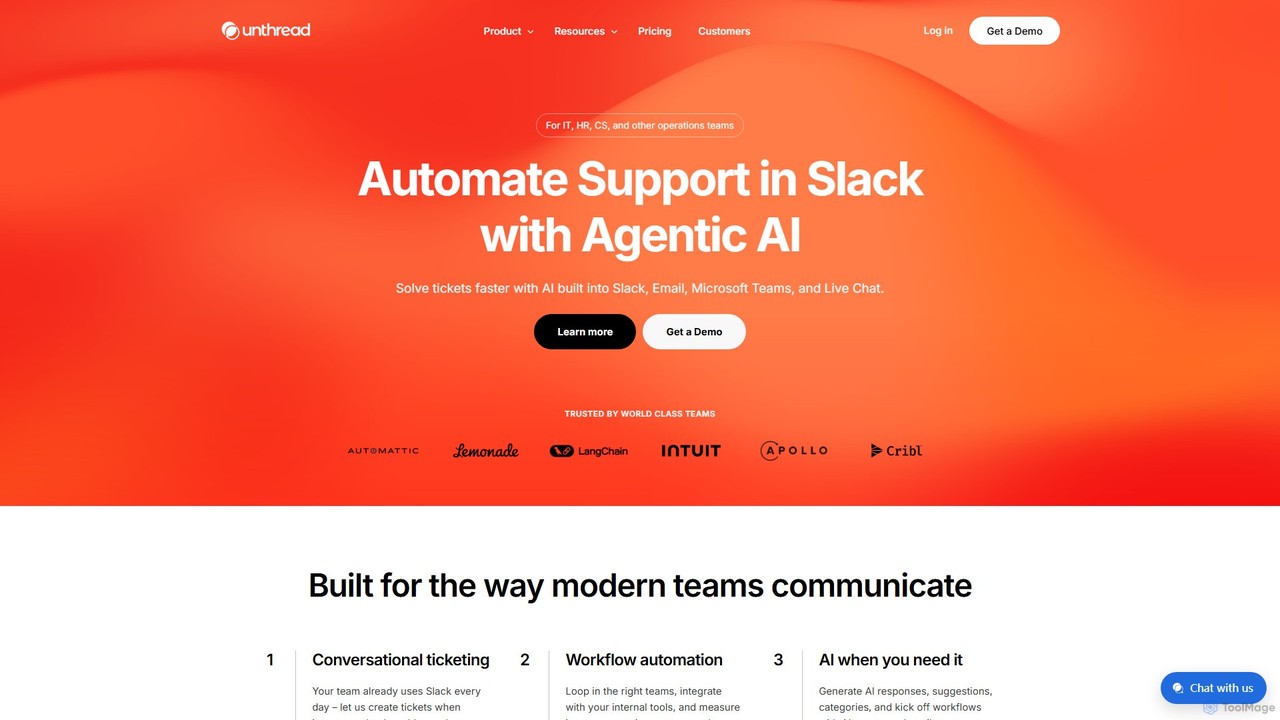
Unthread
Unthread is an AI-powered support platform designed for modern teams using Slack, Microsoft Teams, and Email. It automates conversational ticketing, deflects common queries with AI agents, and provides a unified inbox to streamline workflows for IT, HR, and customer support teams, significantly improving response and resolution times.
Help Desk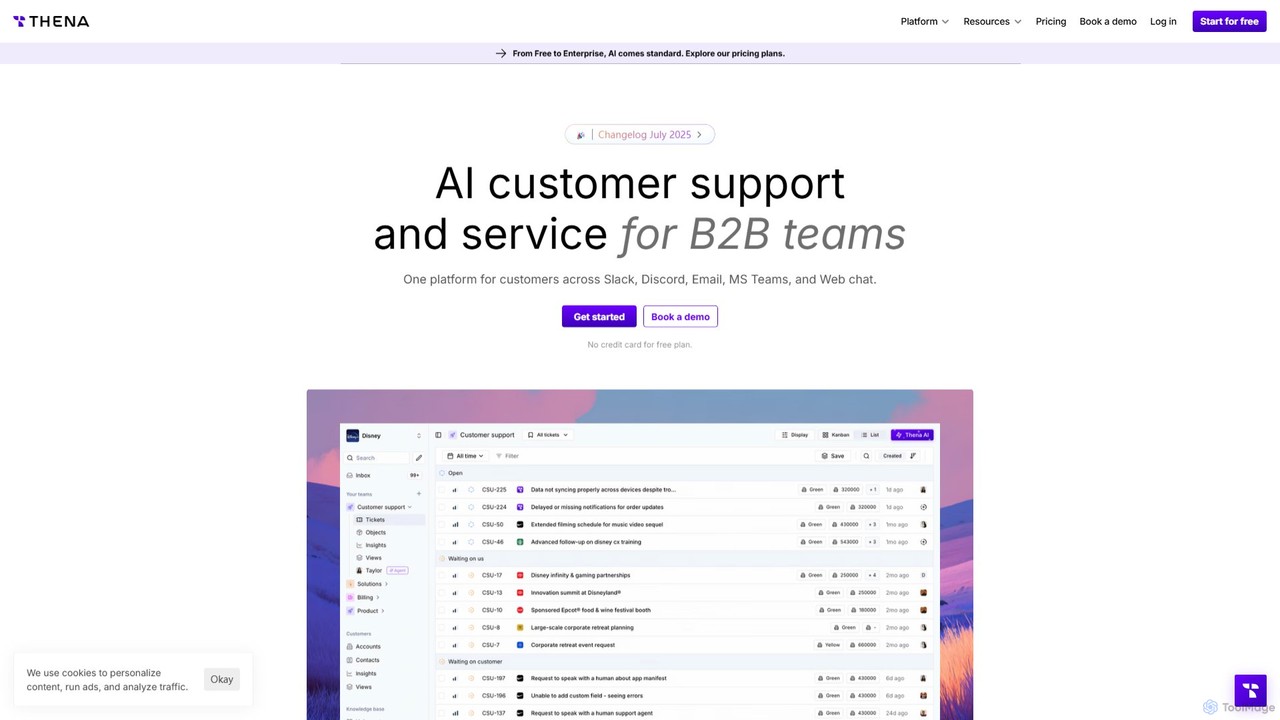
Thena
Thena is an AI-powered customer support platform designed for B2B teams. It unifies communications from channels like Slack, Email, MS Teams, and Discord into a single, intelligent helpdesk. Thena uses AI to automate ticket creation, provide instant responses, and streamline complex support workflows, helping teams resolve issues faster and improve customer satisfaction.
Customer Relationship Management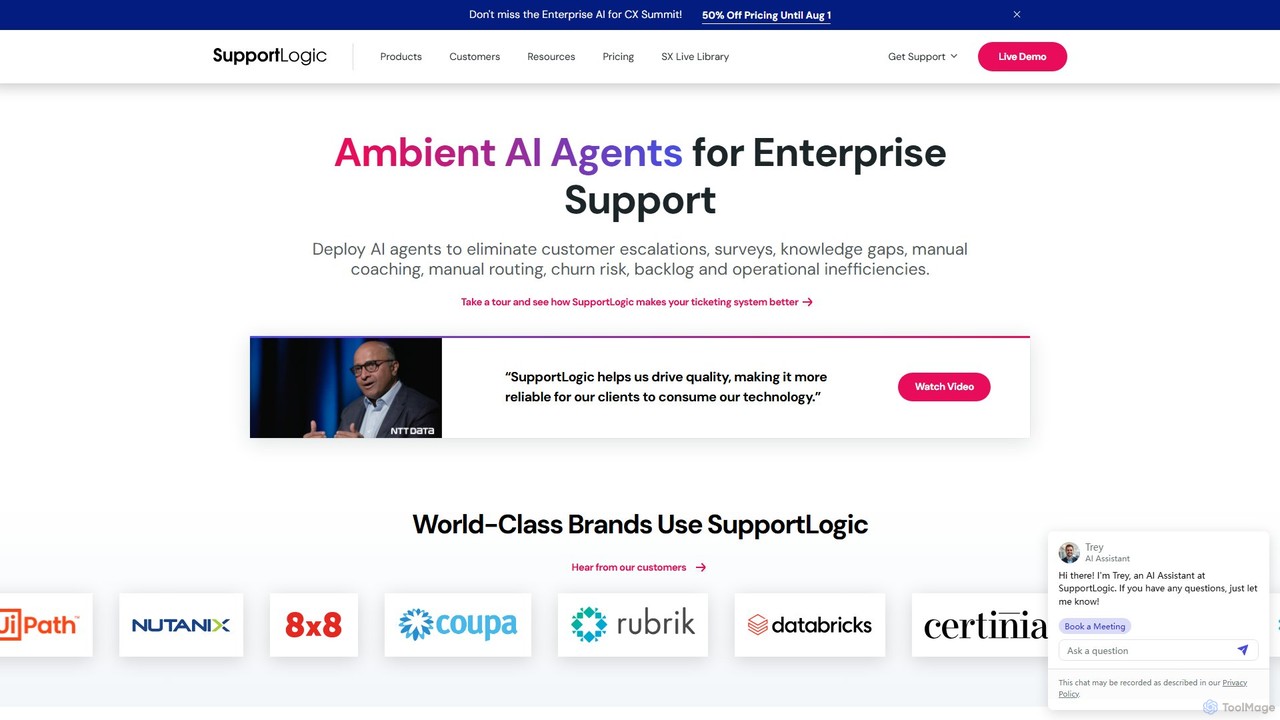
SupportLogic
SupportLogic is an AI-powered Support Experience (SX) management platform for enterprises. It utilizes ambient AI agents to proactively analyze customer interactions, predict escalations, identify sentiment, and reduce resolution times. By integrating with existing CRM and ticketing systems, it enhances support operations, improves customer satisfaction, and boosts team productivity.
Customer Relationship Management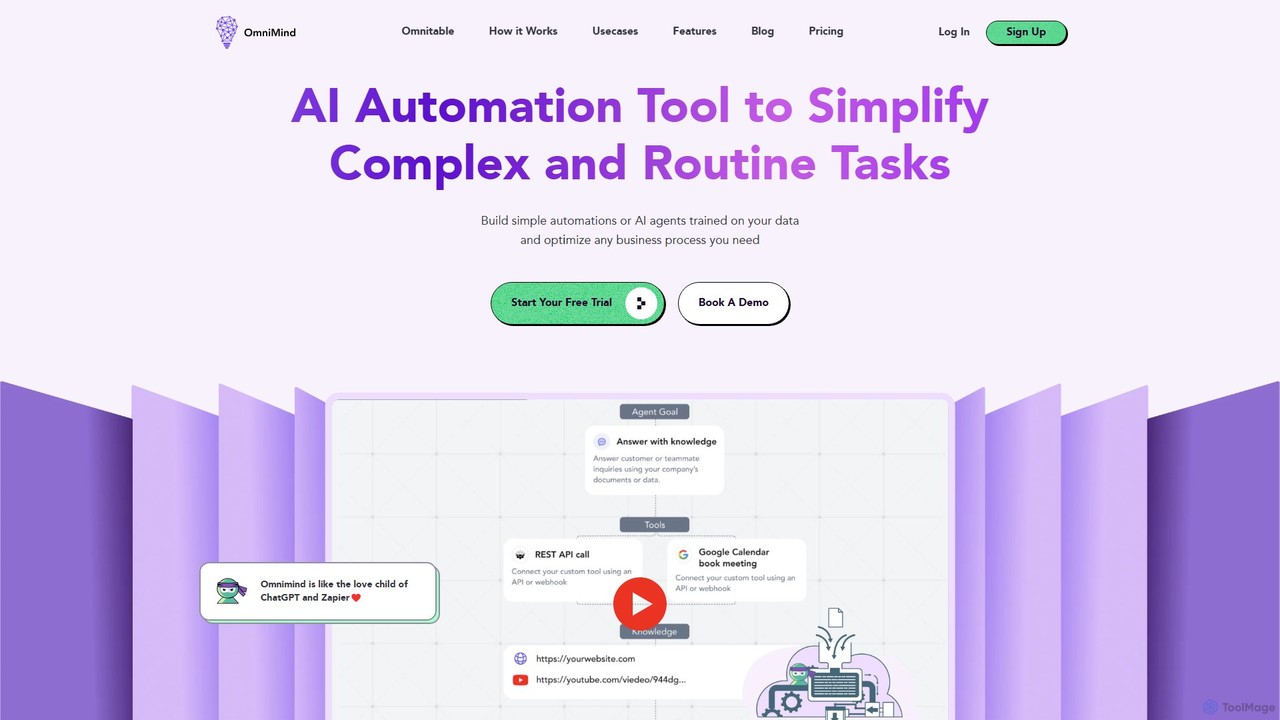
Omnimind
Omnimind is a no-code AI automation platform that lets you build custom AI agents trained on your own data. Connect to sources like Notion, PDFs, and websites to automate complex tasks in customer support, sales, and education. It combines the power of large language models with workflow automation, similar to a blend of ChatGPT and Zapier.
Custom Chatbot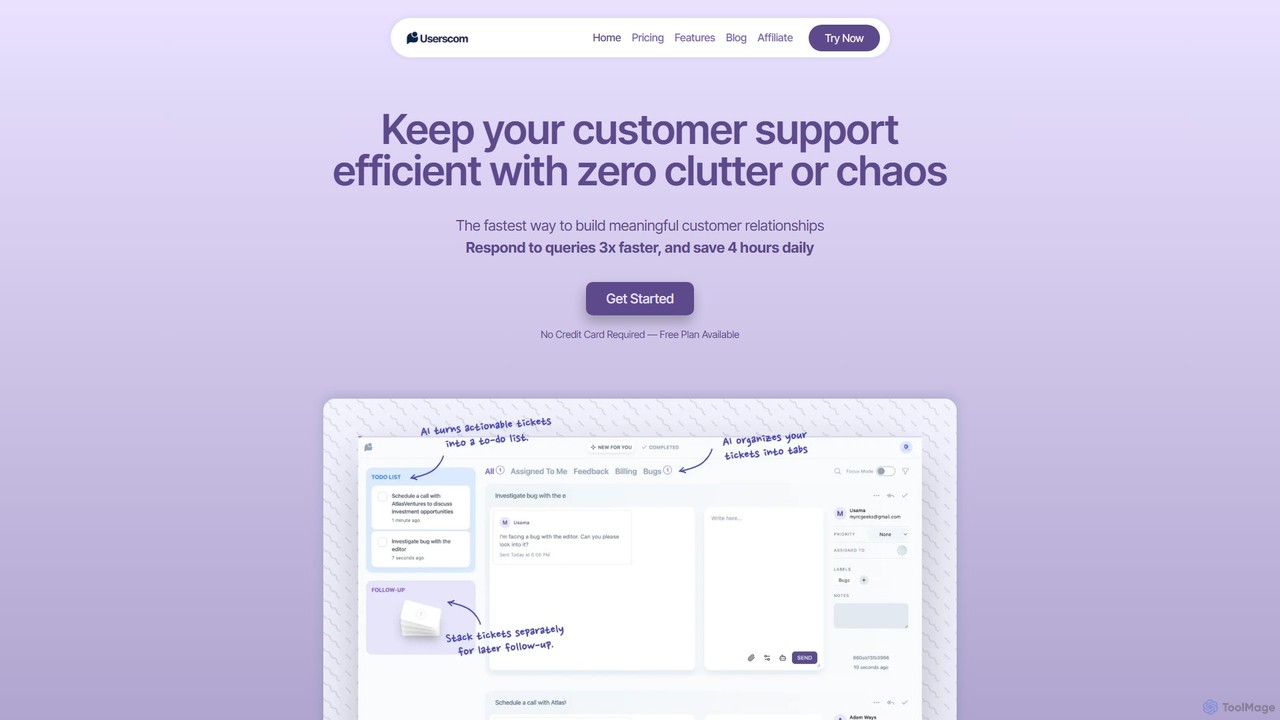
Userscom
Userscom is a smart, AI-powered ticketing software designed to streamline customer support. It eliminates clutter by automatically organizing tickets into tabs, creating to-do lists from important queries, and helping you draft replies 3x faster. Ideal for businesses seeking an efficient, chaos-free support system without the pressure of live chat.
Customer Service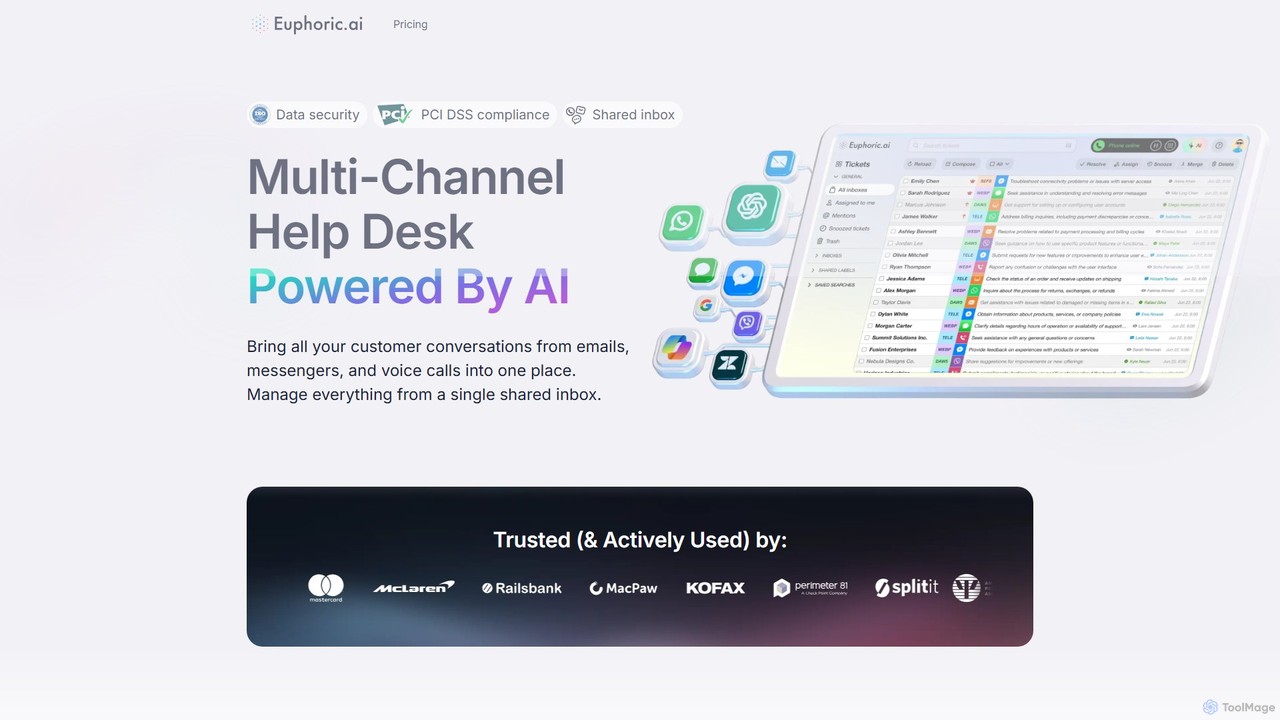
euphoric.ai
Euphoric.ai is an AI-powered, multi-channel help desk that unifies customer conversations from email, messengers, and voice calls into a single shared inbox. It boosts agent productivity with AI-suggested replies, ticket summaries, and grammar correction. Featuring high-level security with PCI DSS and ISO compliance, it's a scalable solution for businesses of all sizes to enhance customer support efficiency and satisfaction.
Customer Relationship Management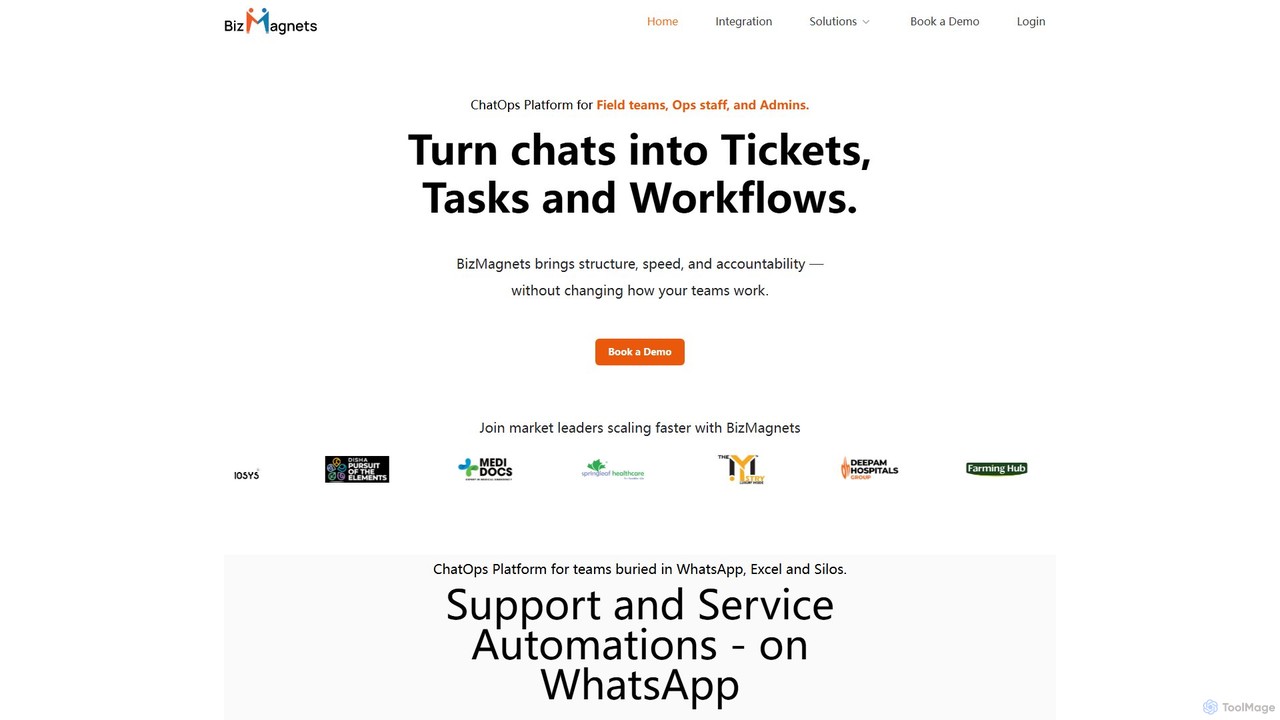
bizmagnets
BizMagnets is a ChatOps platform that transforms WhatsApp conversations into structured, trackable actions. It enables teams to convert chats into tickets, tasks, and automated workflows, streamlining operations, customer support, and field service management directly within WhatsApp without needing to switch applications.
Operations Management
Missive Comments (0)
Sign in to comment.
Sign inNo comments yet.