


ThriveDesk Overview
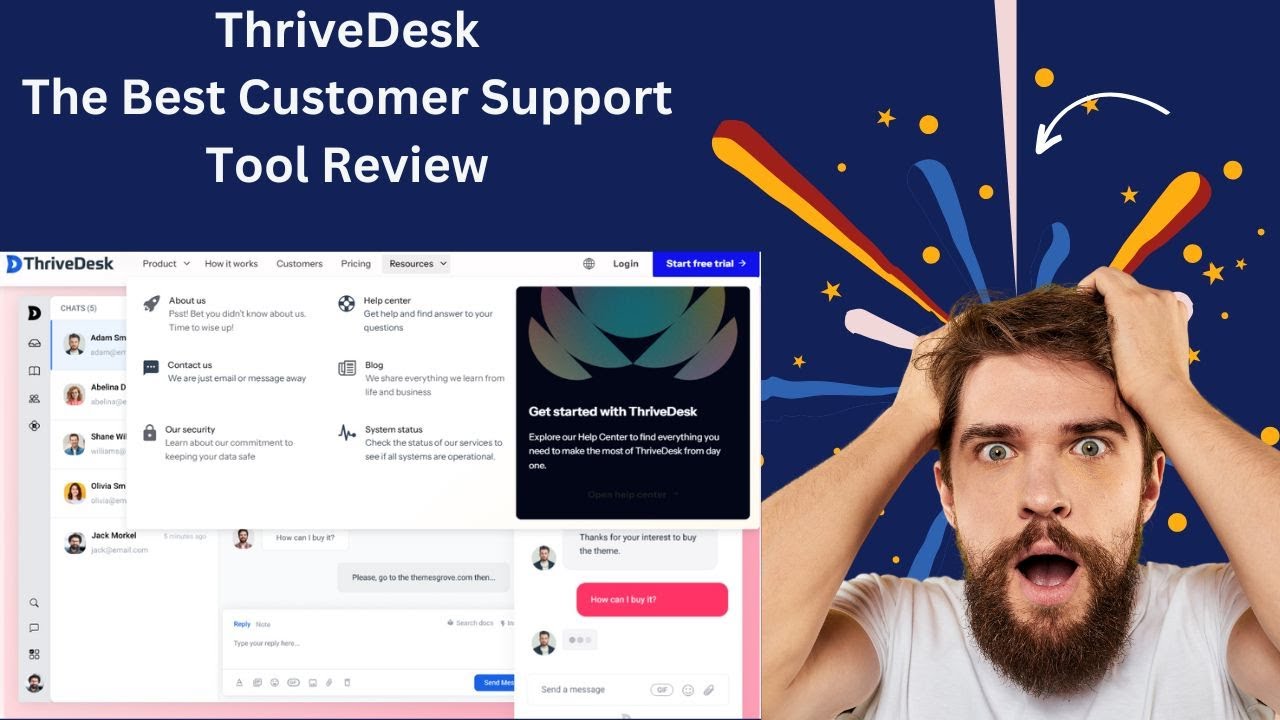
ThriveDesk is a comprehensive, AI-enhanced customer service software built for businesses that aim to deliver outstanding support without the complexity of traditional help desk systems. It positions itself as a more affordable and user-centric alternative to platforms like Zendesk and Help Scout, focusing on unifying all customer communication channels into one intuitive dashboard. Whether it's managing support emails, engaging customers through live chat, or empowering them with a self-service knowledge base, ThriveDesk provides the tools to foster better relationships and improve operational efficiency. The platform is particularly well-suited for e-commerce, SaaS, and WordPress-based businesses, offering deep integrations and features tailored to their specific needs.
The core philosophy of ThriveDesk is to simplify customer support for both the support team and the end-user. By leveraging AI, it automates repetitive tasks, offers intelligent suggestions, and ensures that support agents have all the context they need to resolve issues quickly and accurately. This focus on efficiency and quality makes it a powerful tool for companies looking to scale their support operations while maintaining a personal touch.
How to use ThriveDesk
Getting started with ThriveDesk is a straightforward process designed to get your support system up and running quickly:
- Sign Up and Setup: Begin by signing up for a free trial or a suitable plan on the ThriveDesk website. The initial setup wizard will guide you through the basic configuration.
- Configure Your Shared Inbox: Connect your support email addresses (e.g., [email protected], [email protected]) to the shared inbox. This allows your entire team to manage and collaborate on customer emails from a single location. You can set up routing rules to automatically assign tickets to the right agents or teams.
- Deploy the Live Chat Assistant: Customize the look and feel of the live chat widget to match your brand identity. Then, simply embed the provided code snippet onto your website. You can configure it to proactively engage visitors, suggest help articles, and prevent cart abandonment.
- Build Your Knowledge Base: Create a self-service help center by writing and organizing support articles. Use the intuitive editor, upload media via the central Media Library, and arrange articles by category. This empowers customers to find answers on their own, 24/7.
- Integrate Your Tools: Connect ThriveDesk to your existing tech stack. The platform offers seamless integrations with e-commerce platforms like Paddle and SureCart, as well as various analytics and marketing tools. This centralizes customer data and streamlines workflows.
- Leverage Advanced Features: Utilize the Command Center (⌘+K/Ctrl+K) for rapid navigation and actions. Explore automation rules to handle common queries and use the reporting features to track your team's performance and customer satisfaction.
Core Features of ThriveDesk
- AI-Powered Enhancements: The platform uses AI to automate repetitive tasks, provide personalized recommendations for replies, and deliver quick, accurate solutions to customer queries, enhancing agent productivity.
- Collaborative Shared Inbox: Unify all your team's emails into one inbox. Features include a robust ticketing system, automatic ticket routing, collision detection to prevent duplicate replies, and internal notes for seamless team collaboration.
- Live Chat Assistant: Engage customers in real-time on your website. It provides insights into customer activity, allows for endless customization, and maintains engagement by converting chats to email conversations if the customer leaves.
- Proactive Support (Knowledge Base 2.0): A powerful, easy-to-use system for creating a self-service help center. It includes a brandable design, a central Media Library, advanced search capabilities, custom article ordering, and automatic generation of `sitemap.xml` and `llms.txt` for better search engine and AI discoverability.
- Command Center (⌘+K): A productivity-focused feature that allows users to perform any action—from creating articles to managing settings—with a simple keyboard shortcut, significantly speeding up workflows.
- Seamless Integrations: Offers one-click integrations with popular tools for e-commerce (Paddle, SureCart), analytics (Google Analytics), and more, eliminating the need to juggle multiple platforms.
- Secure Customer Portal: Provides customers with a secure portal where they can track the status of their support tickets and manage their conversations, leading to faster issue resolution and greater transparency.
- Multilingual Support: Communicate with a global audience by offering support in multiple languages, with more being continuously added.
Use Cases for ThriveDesk
ThriveDesk is versatile and can be adapted for various business needs:
- E-commerce Stores: Use the Live Chat Assistant to reduce cart abandonment by offering help at checkout. Integrate with platforms like Paddle to manage subscription and payment queries directly within the help desk.
- SaaS Companies: Build a comprehensive product documentation site using the Knowledge Base. Manage technical support requests and bug reports through the shared inbox, ensuring timely and organized responses.
- WordPress Businesses: Plugin and theme developers can leverage ThriveDesk to manage a high volume of support tickets and provide excellent documentation, as evidenced by testimonials from companies in the WordPress ecosystem.
- Small to Medium-sized Businesses (SMBs): SMBs looking for a powerful yet affordable alternative to enterprise solutions like Zendesk can use ThriveDesk to professionalize their customer service operations without a large budget.
Advantages of ThriveDesk
Switching to ThriveDesk offers several key advantages:
- Unified Platform: Consolidates email, live chat, and a knowledge base, preventing context switching and providing a holistic view of the customer.
- Enhanced Productivity: Features like the Command Center, AI-powered suggestions, and collaborative inbox are designed to make support teams faster and more efficient.
- Improved Customer Experience: Proactive support, self-service options, and quick response times lead to higher customer satisfaction and loyalty.
- Cost-Effective: Provides robust features at a competitive price point, offering significant savings compared to major competitors like Help Scout and Zendesk.
- Modern and Intuitive: A clean, user-friendly interface combined with powerful, modern features like advanced search and a media library makes it a pleasure to use.
- Scalable and Customizable: The platform scales with your business growth and offers deep customization options for the help center and chat widget to ensure brand consistency.
Pricing and Plans
ThriveDesk offers a flexible, freemium pricing structure to accommodate businesses of all sizes. A 14-day free trial is available for paid plans.
- Free Plan: This plan is ideal for individuals or small teams starting out and primarily includes the Knowledge Base feature for up to 2 users.
- Starter Plan: Aimed at small businesses, this plan includes the core features like the Shared Inbox, Live Chat, and basic reporting for a set number of users.
- Pro Plan: Designed for growing teams, the Pro plan includes everything in Starter plus more users, advanced features like community forums, satisfaction surveys, and advanced reporting.
- Company Plan: A custom-tailored plan for large organizations or enterprises with specific needs, offering custom integrations, dedicated support, and unlimited features.
For the most current pricing details, please visit the official ThriveDesk website.
Traffic
Latest traffic
Status
Monthly traffic trend
- 2025-9: 91.2K
- 2026-1: 78.4K
- 2026-2: 62.6K
- 2026-3: 67.3K
- 2026-4: 57.1K
- 2026-5: 42.7K
Geography
Top 5 countries / regions
- 🇺🇸United States57.6%
- 🇧🇩Bangladesh26.9%
- 🇨🇴Colombia6.0%
- 🇫🇷France5.7%
- 🇪🇸Spain3.7%
Traffic sources
| Source type | Percentage |
|---|---|
Direct | 71.9% |
Referral | 15.4% |
Email | 12.7% |
Top keywords
| Keyword | Cost per click |
|---|---|
| 2. análisis de las funciones del servicio al cliente | $0.00 |
| generador de firmas con ia | $0.00 |
| paginas ia para crear firma | $0.00 |
| thrivedesk | $26.97 |
| ออกแบบลายเซ็น ai ฟรี | $0.00 |
ThriveDesk Videos on YouTube


ThriveDesk Alternatives
Front
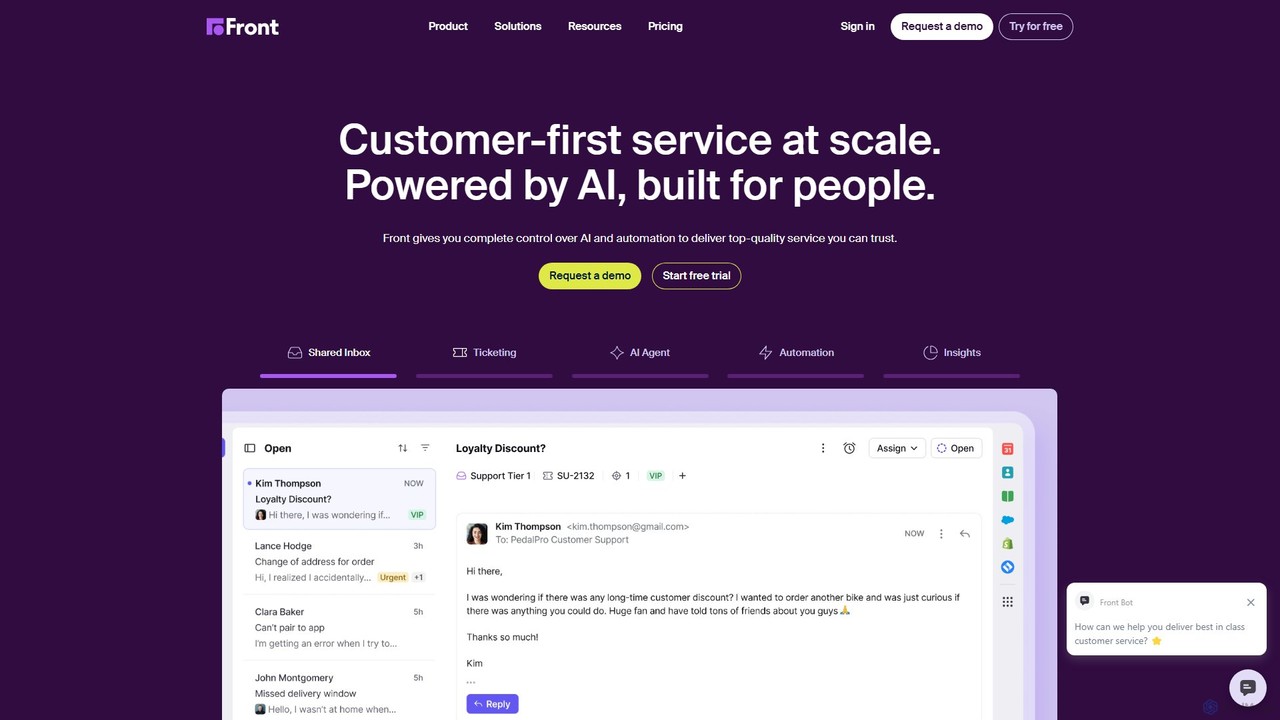
Front is an AI-powered customer service platform that unifies all communication channels like email, SMS, and chat into a single collaborative workspace. It enables teams to deliver exceptional, scalable customer service by combining a human touch with powerful AI automation, shared inboxes, and robust ticketing.
Unified Inbox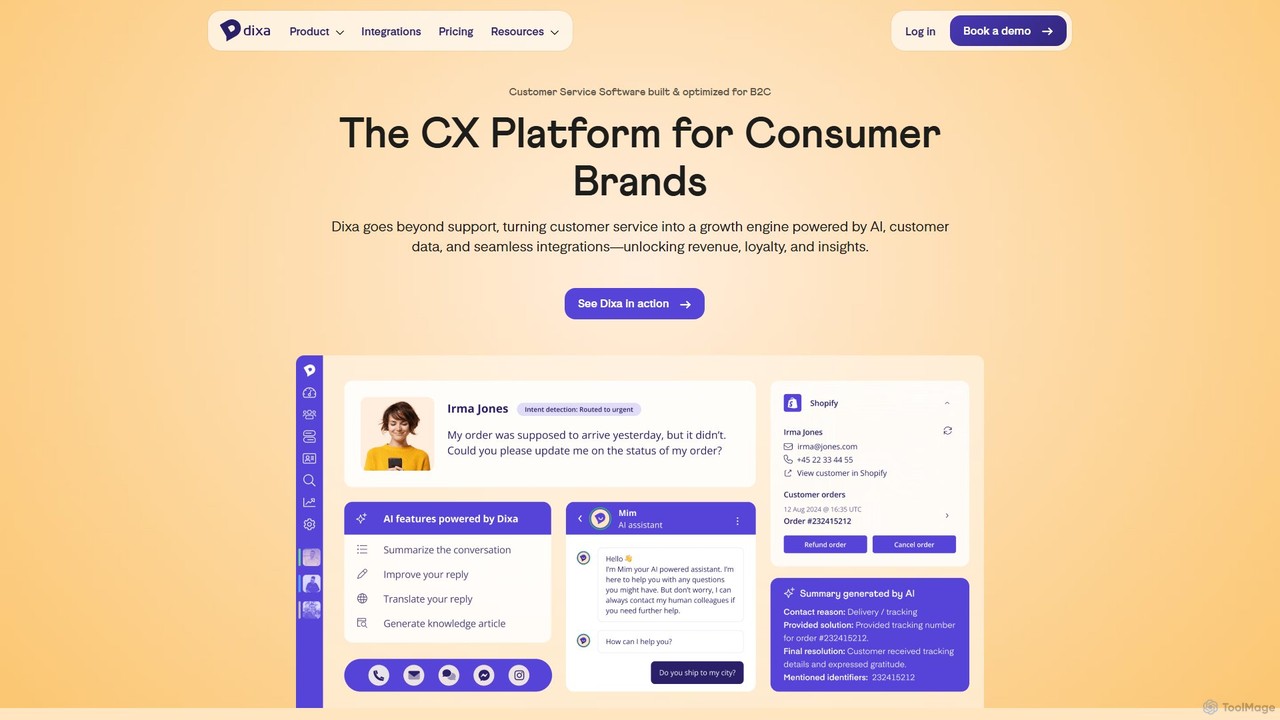
Dixa
Dixa is an AI-powered customer service platform designed for B2C brands to unify communications and enhance customer experience. It combines a native omnichannel solution with a powerful AI agent, Mim, to automate repetitive tasks, provide instant support, and empower human agents. Dixa aims to transform customer service from a cost center into a growth engine by increasing efficiency, boosting satisfaction, and providing valuable data insights.
Help Desk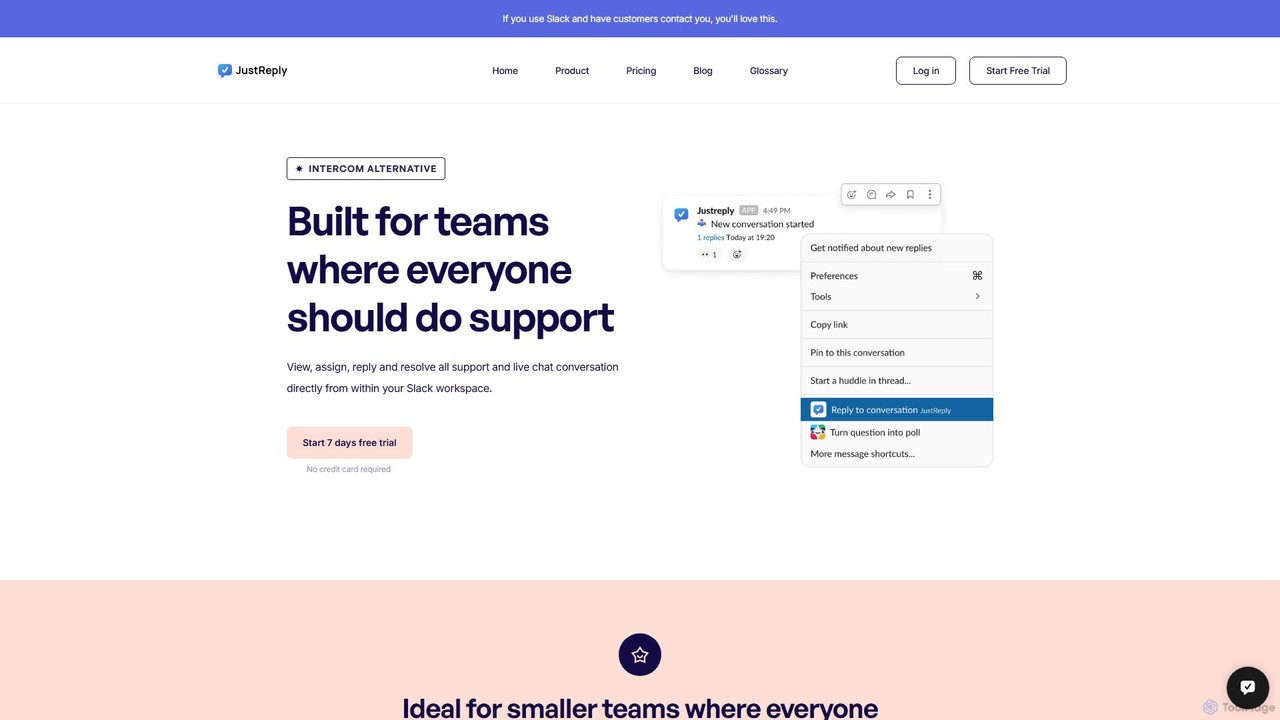
JustReply
JustReply is an AI-powered, Slack-enabled customer support tool designed for startups. It centralizes customer conversations from live chat, email, voice, and video into a minimalist Slack inbox, enabling teams to respond faster with AI-assisted macros and a smart knowledge base.
Knowledge Base Management
Evidah
Evidah provides a team of specialized AI Employees to automate customer support and business operations 24/7. It integrates a knowledge base, help desk, live chat, and training insights into a single platform, allowing businesses to hire AI agents for specific tasks or bundle them for a complete solution.
Help Desk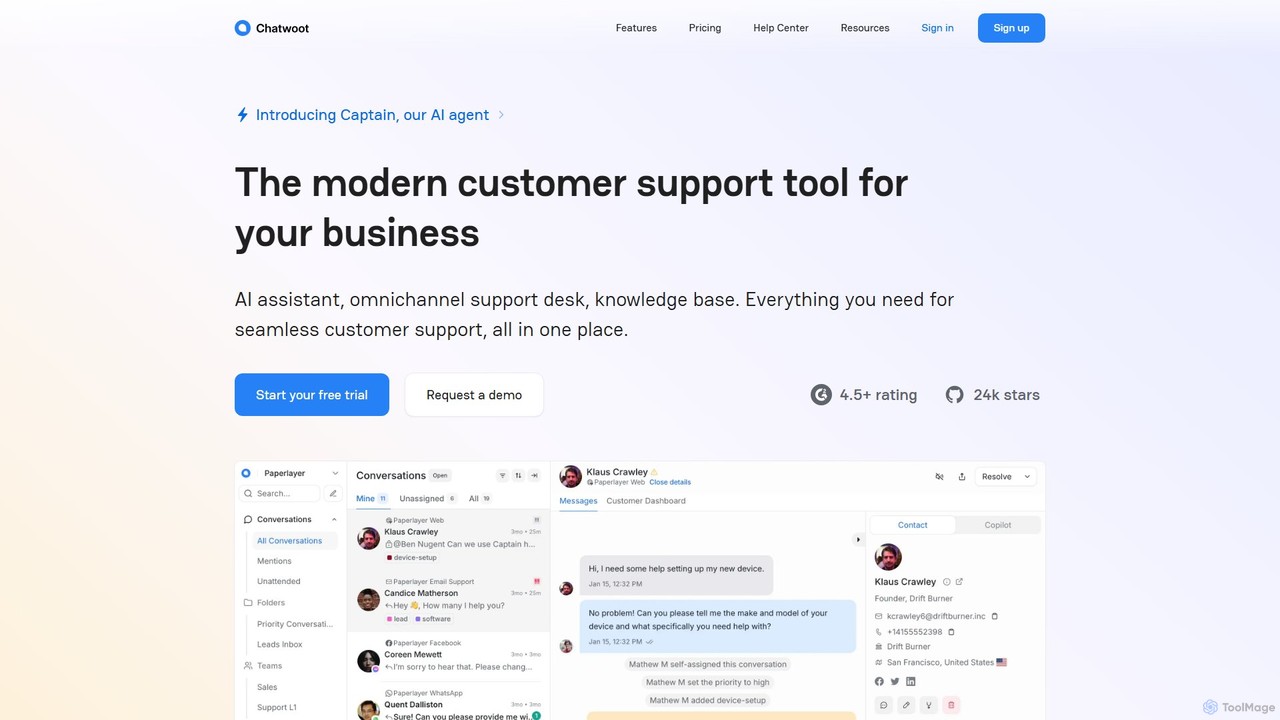
Chatwoot
Chatwoot is an open-source, omnichannel customer support platform powered by an AI assistant, Captain. It centralizes conversations from your website, email, and social media into one dashboard, enabling teams to deliver faster, smarter, and more personalized support as a powerful alternative to Intercom and Zendesk.
CrmThriveDesk Categories
ThriveDesk Embed Widget
Copy this embed code to place the badge on your blog, article, or product site and send readers directly to this ToolMage detail page.

Related AI tools
Front
Front is an AI-powered customer service platform that unifies all communication channels like email, SMS, and chat into a single collaborative workspace. It enables teams to deliver exceptional, scalable customer service by combining a human touch with powerful AI automation, shared inboxes, and robust ticketing.
Unified Inbox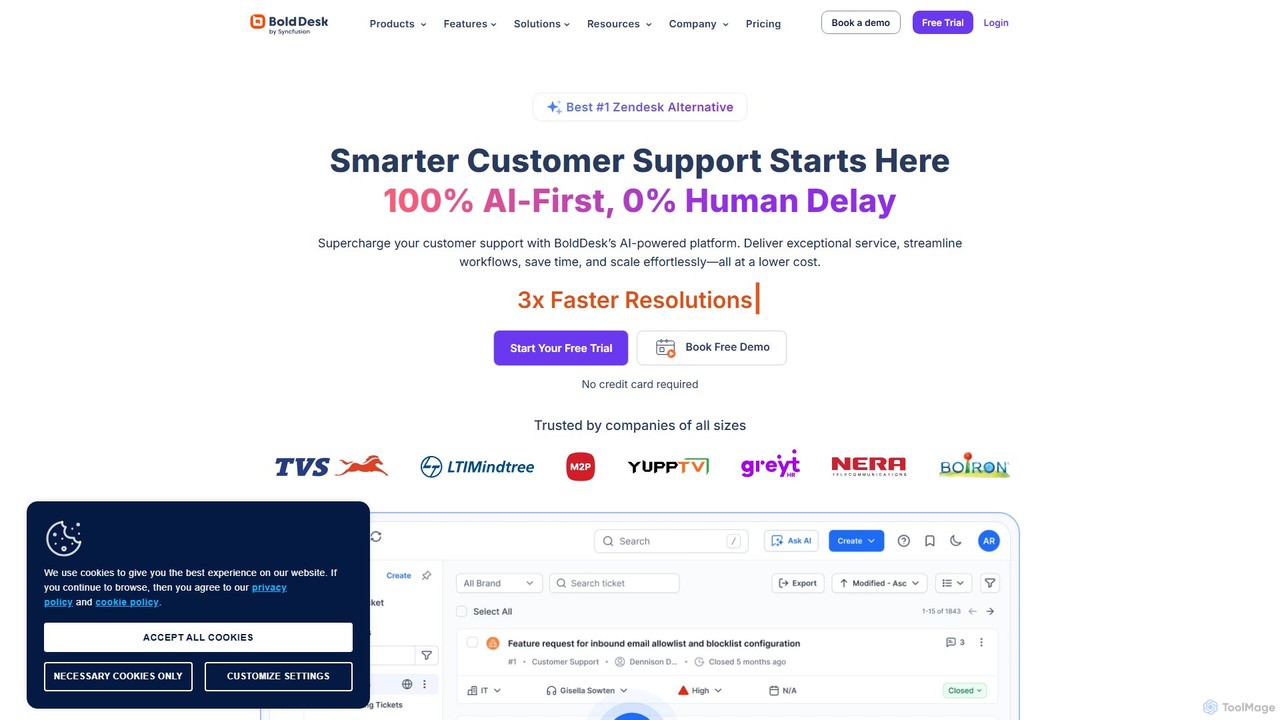
BoldDesk
BoldDesk is an AI-powered, next-generation customer service software designed to streamline support operations. It offers an omnichannel inbox to manage conversations from email, chat, social media, and more. Key features include a robust ticketing system, a generative AI copilot for automated replies and task execution, a self-service knowledge base, and powerful workflow automation. BoldDesk helps businesses enhance customer satisfaction, increase agent productivity, and make data-driven decisions through comprehensive analytics.
Communication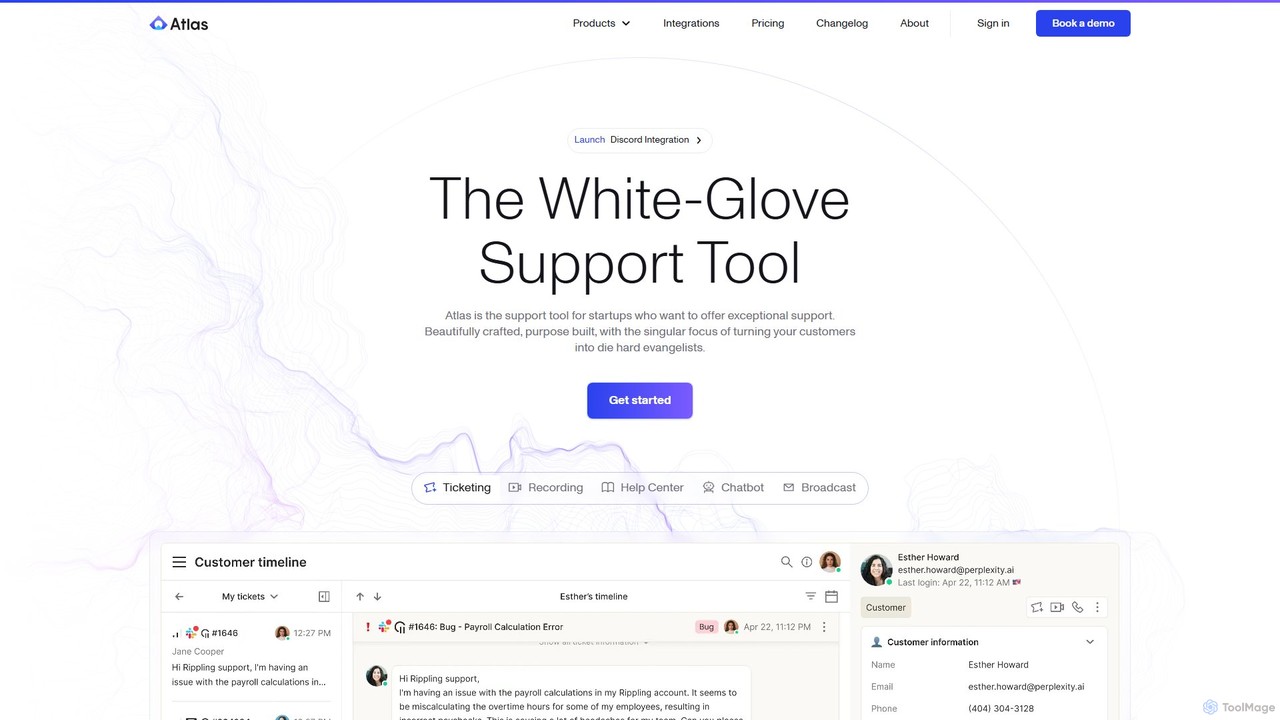
Atlas
Atlas is an AI-powered customer support platform designed for startups to deliver exceptional, white-glove service. It unifies ticketing, an AI chatbot, a help center, session recordings, and omnichannel communication (Slack, email, chat, etc.) into a single, fast workspace. Atlas aims to transform customer support from a cost center into a powerful growth engine by creating die-hard customer evangelists.
Customer Relationship Management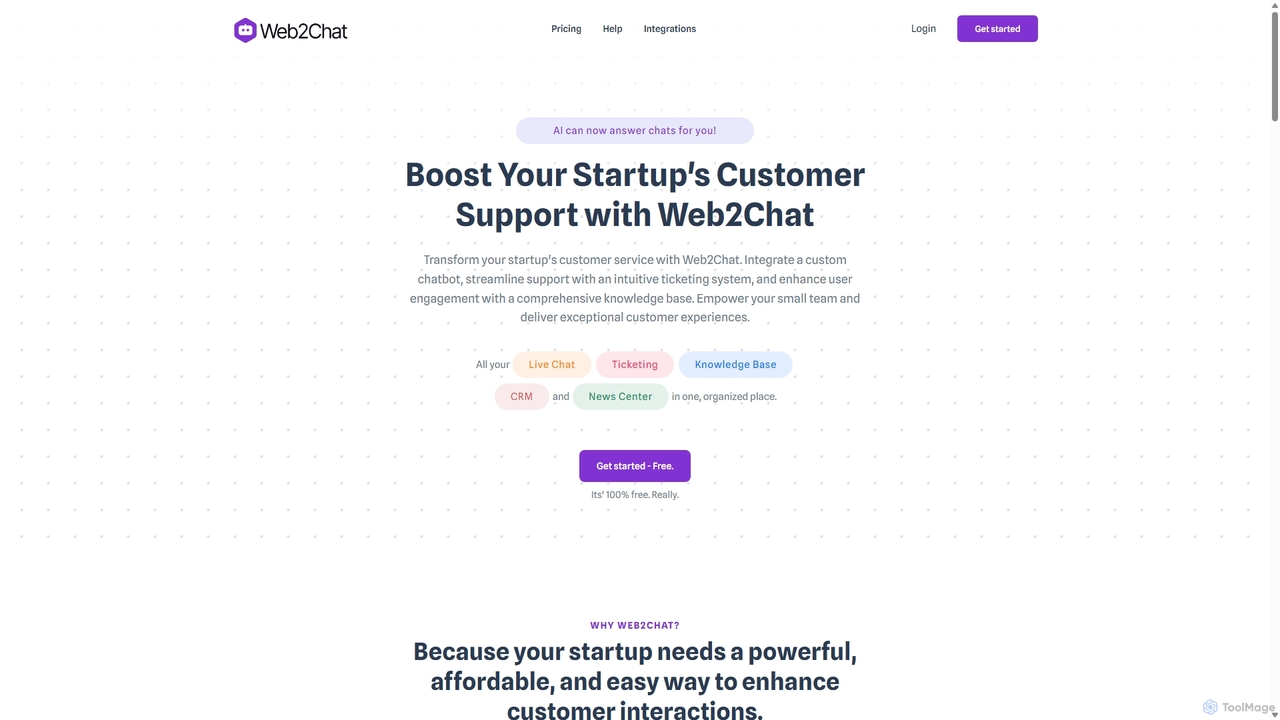
Web2Chat
Web2Chat is an all-in-one, AI-powered customer communication platform designed for startups. It integrates live chat, a shared inbox, a ticketing system, a knowledge base, and CRM features to streamline customer support, enhance engagement, and drive growth.
Customer Service
DeskDingo
DeskDingo is an AI-first customer service platform designed to automate support, streamline workflows, and deliver exceptional customer experiences. It unifies all communication channels into a single inbox and leverages powerful AI to resolve queries 3x faster, reduce support costs, and scale effortlessly.
Crm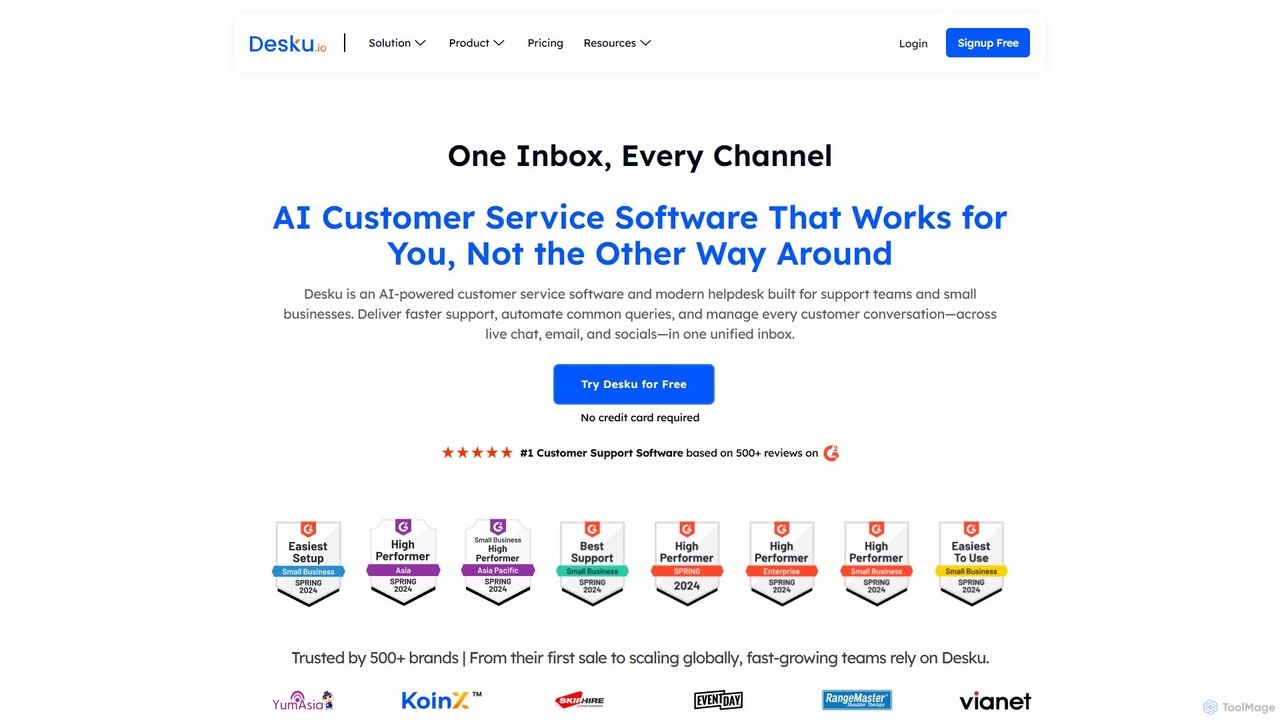
Desku
Desku is an AI-powered customer service platform designed for SMBs. It unifies conversations from email, live chat, and social media into a single inbox, using AI chatbots and an agent co-pilot to automate support, resolve queries faster, and enhance customer engagement.
HelpdeskDixa
Dixa is an AI-powered customer service platform designed for B2C brands to unify communications and enhance customer experience. It combines a native omnichannel solution with a powerful AI agent, Mim, to automate repetitive tasks, provide instant support, and empower human agents. Dixa aims to transform customer service from a cost center into a growth engine by increasing efficiency, boosting satisfaction, and providing valuable data insights.
Help DeskJustReply
JustReply is an AI-powered, Slack-enabled customer support tool designed for startups. It centralizes customer conversations from live chat, email, voice, and video into a minimalist Slack inbox, enabling teams to respond faster with AI-assisted macros and a smart knowledge base.
Knowledge Base ManagementEvidah
Evidah provides a team of specialized AI Employees to automate customer support and business operations 24/7. It integrates a knowledge base, help desk, live chat, and training insights into a single platform, allowing businesses to hire AI agents for specific tasks or bundle them for a complete solution.
Help Desk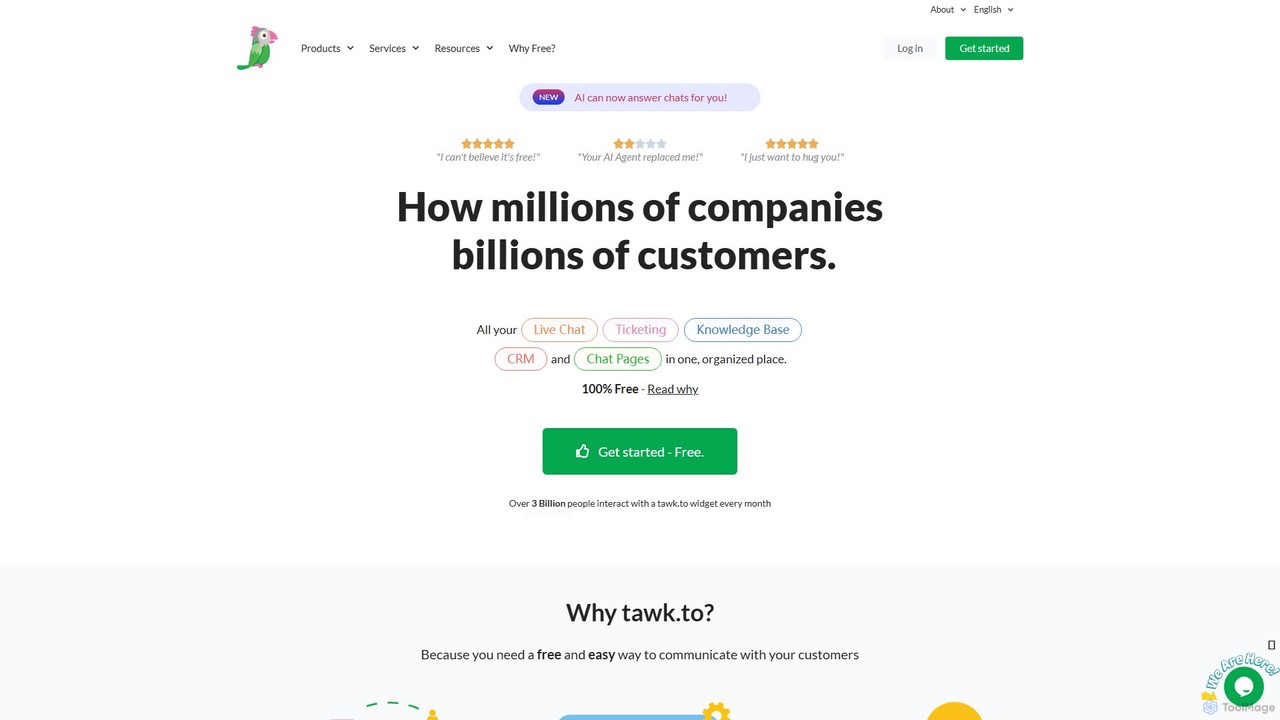
tawk.to
tawk.to is a 100% free live chat, ticketing, and knowledge base platform, now enhanced with an AI Agent. It allows businesses to monitor website visitors in real-time, engage with customers, and manage all communications from a single dashboard. Used by over 5 million businesses, it offers a robust suite of features to improve customer support and engagement without any cost for the core software.
Live Chat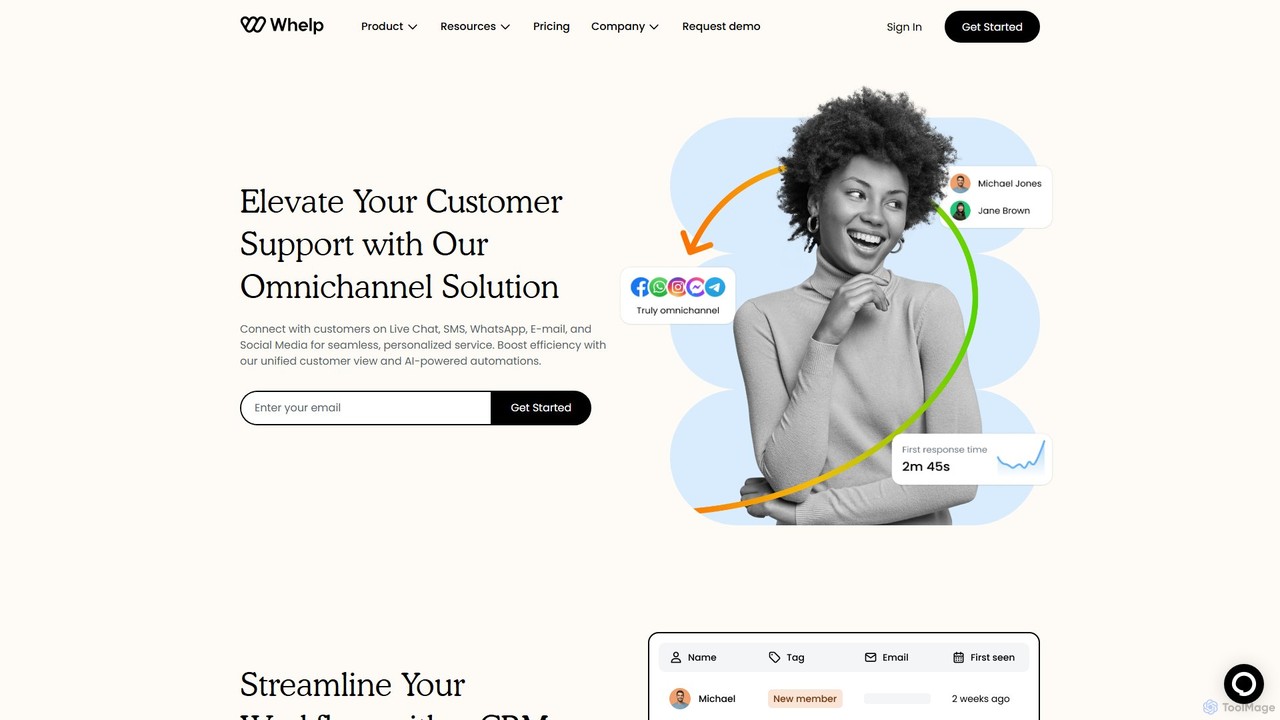
Whelp
Whelp is an AI-powered omnichannel customer support platform that unifies communications from Live Chat, SMS, WhatsApp, Email, and social media into a single inbox. It enhances efficiency with a built-in CRM, advanced analytics, and a no-code chatbot builder to automate up to 68% of customer inquiries, providing seamless, personalized service.
Help Desk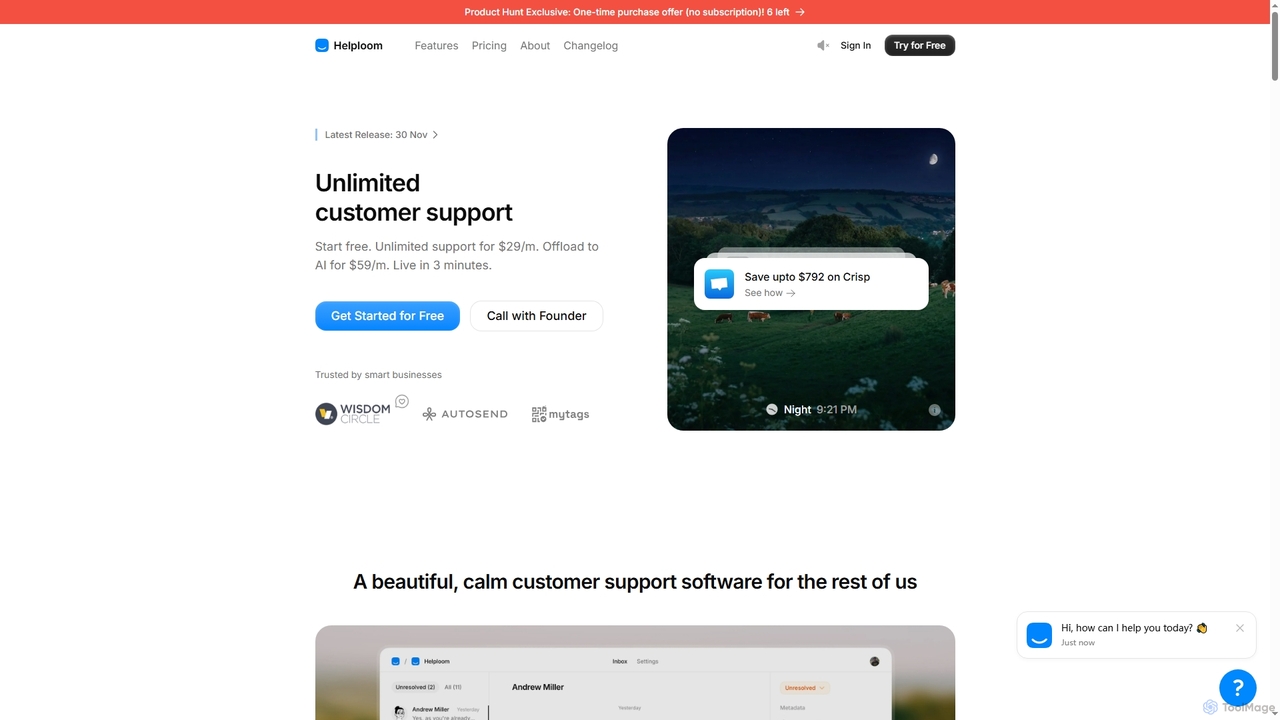
Helploom
Helploom is an affordable, user-friendly customer support software designed to streamline real-time customer interactions. It combines live chat, a comprehensive knowledge base, and an AI agent to provide instant, multilingual support, helping businesses boost conversions and improve user satisfaction without complex setups or per-agent pricing.
Help Desk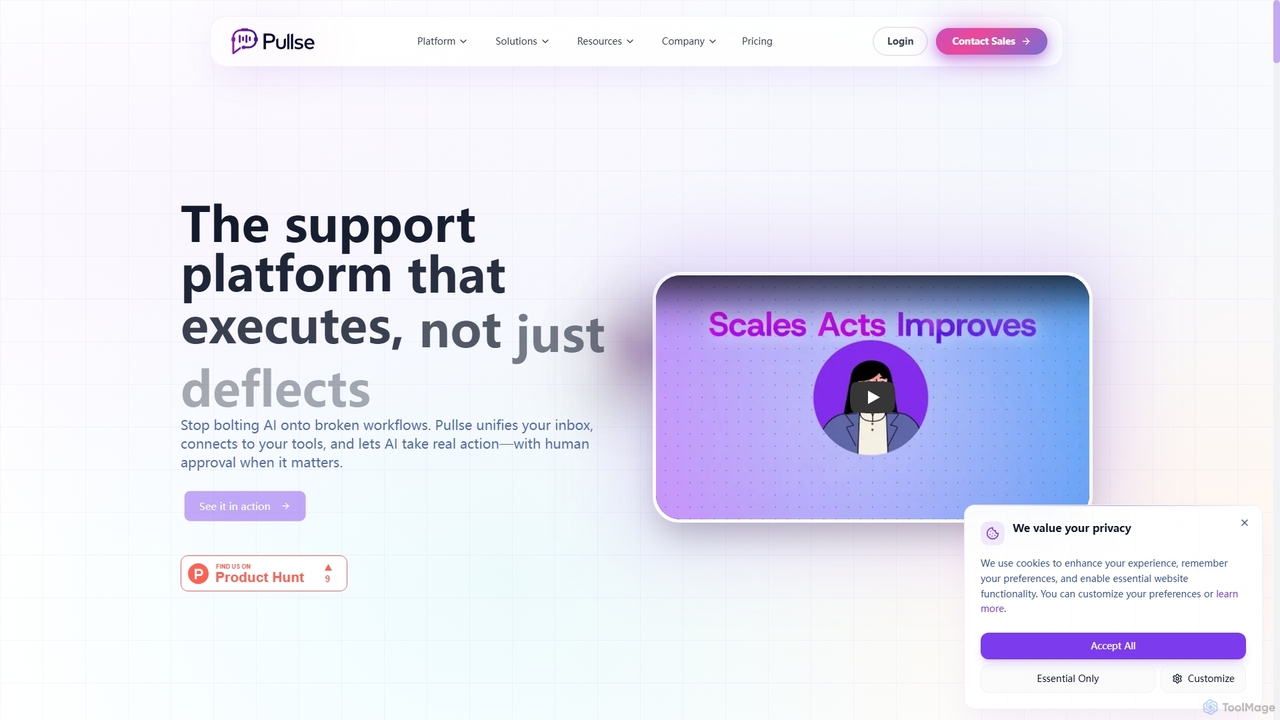
Pullse
Pullse is an AI-powered customer support platform designed to execute tasks, not just deflect tickets. It unifies your inbox, connects to business tools, and allows AI agents and copilots to take real actions like processing refunds and updating orders, all with human approval and complete audit trails.
Customer Relationship Management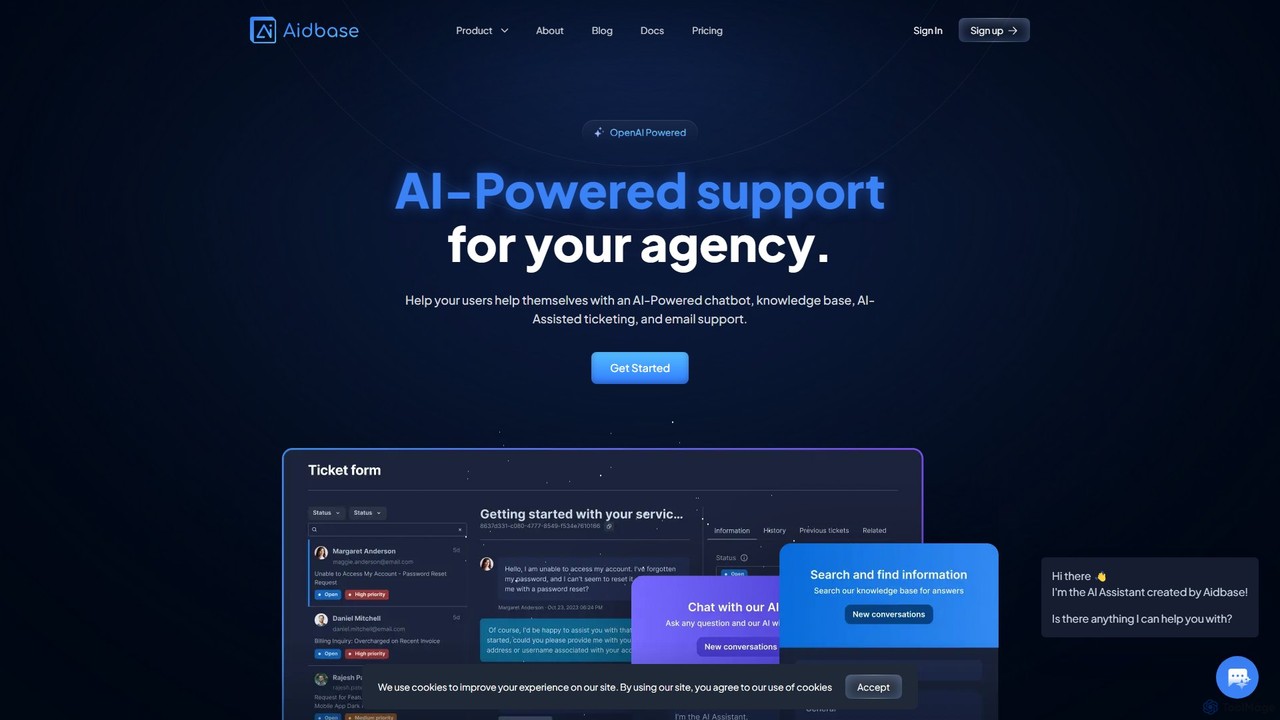
Aidbase
Aidbase is an all-in-one AI-powered support ecosystem for SaaS and eCommerce businesses. It provides an AI chatbot, knowledge base, AI-assisted ticketing, and a unified email inbox to automate customer service, reduce response times, and help users self-serve around the clock.
Chatbot
Kastro
Kastro is an AI-first customer support solution that automates repetitive inquiries with a ChatGPT-powered chatbot. It integrates a live chat, help center, and an AI-enhanced workspace to boost agent productivity and allow teams to focus on high-priority conversations.
Chatbot
ThriveDesk Comments (0)
Sign in to comment.
Sign inNo comments yet.