Boxzero
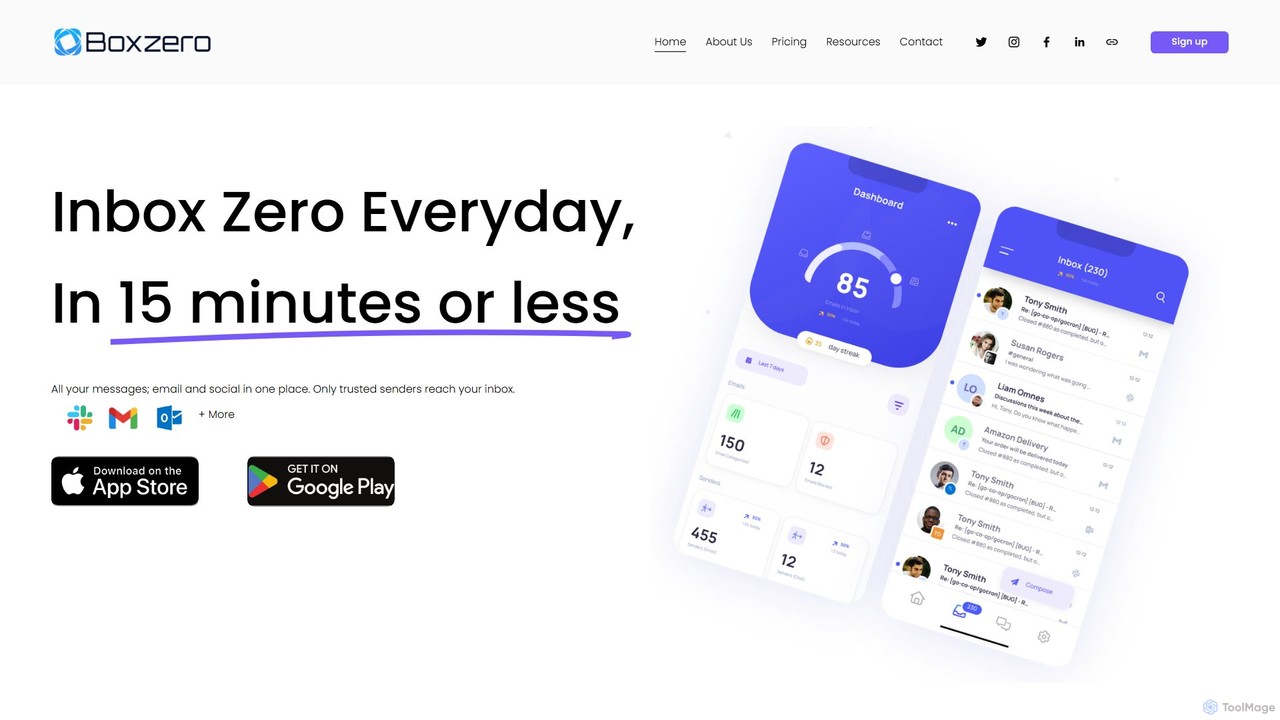
Boxzero is an AI-powered unified inbox that helps you achieve 'Inbox Zero' in 15 minutes or less daily. …
Boxzero is an AI-powered unified inbox that helps you achieve 'Inbox Zero' in 15 minutes or less daily. It consolidates all your emails (Gmail, Outlook) and social messages (Slack) into one place, using smart filtering to only show messages from trusted senders. An AI assistant generates smart replies, saving you hours of work and reducing communication overload.
Front
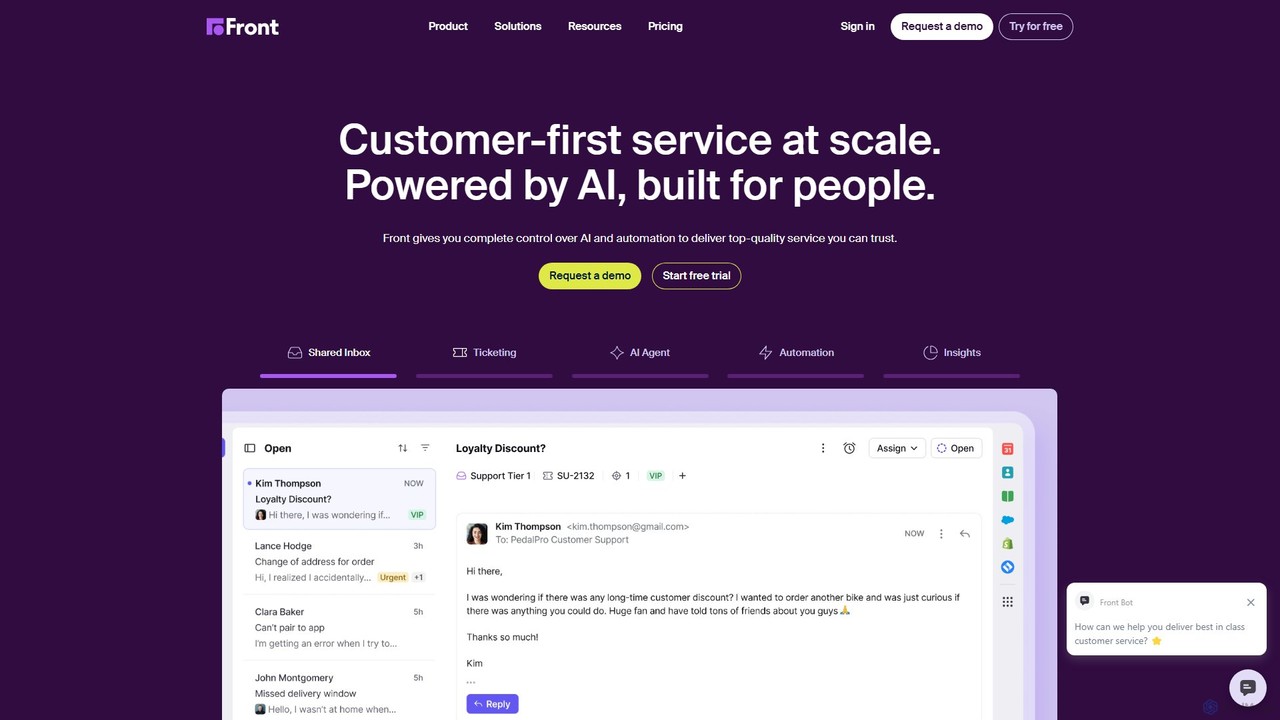
Front is an AI-powered customer service platform that unifies all communication channels like email, SMS, and chat into …
Front is an AI-powered customer service platform that unifies all communication channels like email, SMS, and chat into a single collaborative workspace. It enables teams to deliver exceptional, scalable customer service by combining a human touch with powerful AI automation, shared inboxes, and robust ticketing.
About Unified Inbox
Unified Inbox tools are platforms that consolidate messages from various communication channels into a single, centralized interface. They function by integrating with services like email, social media DMs, live chat, and SMS, pulling all conversations into one stream. This enables teams, particularly in customer support and sales, to manage interactions efficiently without constantly switching between applications. The primary value lies in providing a complete, chronological view of a customer's communication history across all touchpoints.
Core Features
- Multi-Channel Aggregation: Consolidates communications from email, social media, live chat, SMS, and more into one view.
- Team Collaboration: Enables assigning conversations, leaving internal notes, and tracking resolution status among team members.
- Unified Customer Profile: Creates a single contact profile with the entire history of interactions across all channels.
- AI-Powered Automation: Uses AI to automatically tag, route, prioritize messages, and suggest replies.
- Performance Analytics: Offers dashboards to track key metrics like response time, resolution rate, and team workload.
Use Cases
These tools are essential for customer-facing teams in sectors like e-commerce, SaaS, and real estate. For instance, a support agent can manage a customer query that begins on a website chat and continues via email within the same continuous thread, ensuring full context and a seamless experience.
How to Choose
When selecting a Unified Inbox, first verify that it supports all your critical communication channels. Evaluate its collaboration features for team workflows, such as conversation assignments and internal comments. Assess the depth of its automation capabilities and how AI is used to improve efficiency. Finally, check for integrations with your existing CRM or other business software.

Unified InboxUse Cases
Streamlining E-commerce Customer Support
An e-commerce support team constantly receives inquiries from various channels: Instagram DMs about product details, website live chat for shipping updates, and emails for return requests. Using a Unified Inbox, an agent can view all these interactions from a single customer in one chronological thread. When a customer who chatted yesterday emails today, the agent instantly sees the full context, avoiding repetitive questions and providing a faster, more personalized resolution. This reduces average handling time and significantly improves customer satisfaction.
Managing Multi-Channel Sales Leads
A sales team for a SaaS company interacts with potential leads across LinkedIn, email, and a website contact form. A Unified Inbox aggregates all these touchpoints into a single lead profile. When a prospect downloads a whitepaper, then asks a question on LinkedIn, and finally emails for a demo, the sales representative has a complete view of their journey. This context allows for highly relevant follow-ups, increasing the likelihood of conversion. The tool can also assign leads to the right salesperson automatically based on rules, ensuring prompt engagement.
Coordinating Social Media Community Management
A community manager for a global brand handles a high volume of comments, mentions, and direct messages across Facebook, Twitter, and Instagram. A Unified Inbox centralizes all these notifications. The manager can quickly respond to positive feedback, address customer complaints, and identify trending topics from one dashboard. For technical issues, they can assign the conversation directly to the support team within the tool, with the full context attached. This creates a seamless workflow between community and support teams, ensuring no user interaction is missed.
Centralizing Property Management Communication
A property management company communicates with hundreds of tenants via email for official notices, SMS for urgent alerts, and a tenant portal for maintenance requests. A Unified Inbox brings all these channels together. A property manager can see a tenant's entire communication history—from their initial lease inquiry to a recent maintenance ticket—in one place. This prevents miscommunication and ensures all requests are tracked and addressed promptly. It also allows for collaborative resolution, where a manager can loop in a maintenance technician via an internal note on a specific conversation.
Improving SaaS Onboarding Experience
An onboarding specialist at a SaaS company guides new users through setup via in-app chat and scheduled email sequences. A Unified Inbox allows the specialist to see both the automated emails sent to a user and their live chat questions in a single timeline. If a user asks a question that was covered in an email, the specialist can refer to it directly. This creates a cohesive and personalized onboarding journey, reducing user friction and increasing the likelihood of long-term adoption. AI features can also suggest relevant help articles based on the user's questions in real-time.
Consolidating Freelancer Client Communication
A freelance designer manages multiple projects for different clients, who communicate via email, Slack, and WhatsApp. Without a central system, important feedback or files can get lost. A Unified Inbox consolidates all client conversations into one organized space. The designer can create separate views or tags for each client, ensuring all project-related discussions are easy to find. This prevents missed deadlines and misinterpretations of feedback, leading to smoother project execution and higher client satisfaction. It acts as a single source of truth for all client communication.