Ai Chatbots Best in category 3 results Customer Service AI Tool

Popular AI tools in the Customer Service field of Ai Chatbots include Help.center、Userscom、Web2Chat, etc., helping you quickly improve efficiency.

Web2Chat

Web2Chat

Web2Chat is an all-in-one, AI-powered customer communication platform designed for startups. It integrates live chat, a shared inbox, …

3.0K
Userscom

Userscom

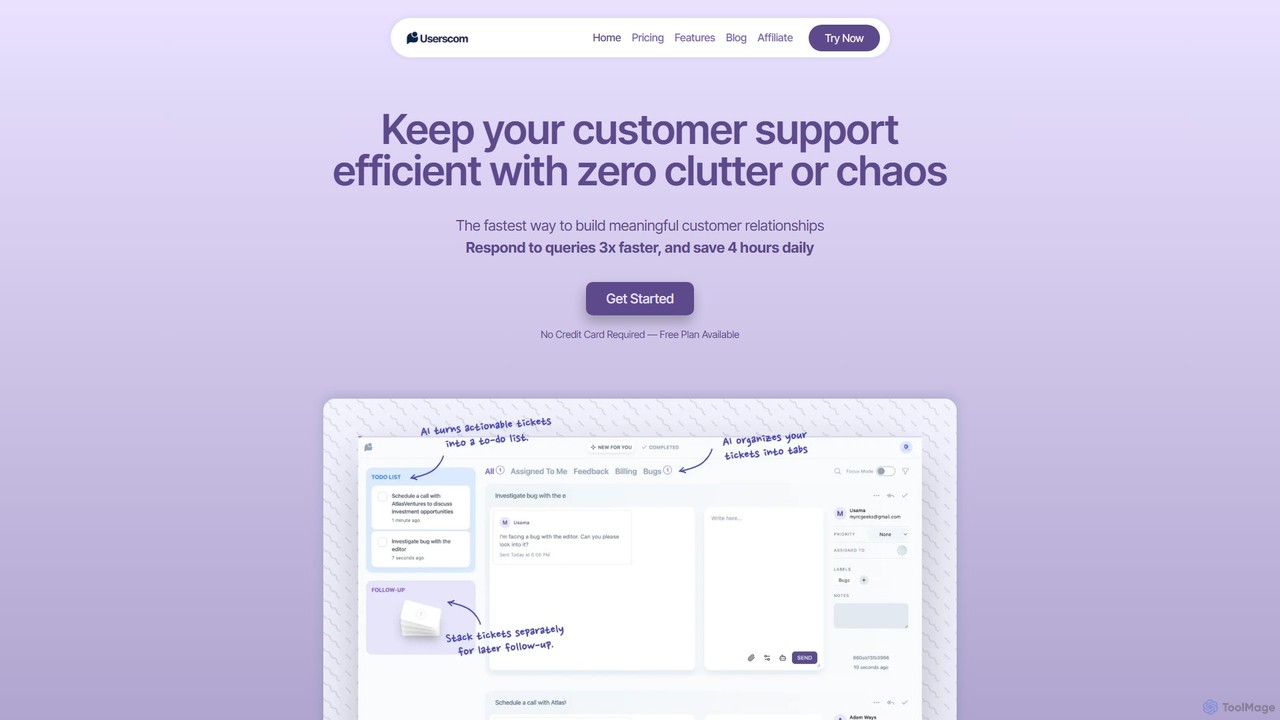
Userscom is a smart, AI-powered ticketing software designed to streamline customer support. It eliminates clutter by automatically organizing …

3.0K
Help.center

Help.center

Help.center is an AI-powered platform that enables businesses to create a self-service knowledge base and chatbot. It significantly …

56.4K

About Customer Service

AI Customer Service tools are a specialized type of AI chatbot designed to automate and enhance customer support interactions. They leverage Natural Language Processing (NLP) to understand user inquiries, access knowledge bases, and provide instant resolutions for common issues. These tools are primarily used to deliver 24/7 support, reduce response times, and automatically handle repetitive questions. This allows human agents to focus on more complex and high-value customer problems, improving overall service efficiency.

Core Features

  • Automated Ticket Resolution: Instantly answers common questions and resolves routine issues without human intervention by integrating with knowledge bases.
  • Intelligent Routing & Handover: Analyzes query intent and complexity to either route it to the correct department or seamlessly transfer the conversation to a live agent with full context.
  • Omnichannel Support: Provides a consistent and unified support experience across various channels, including websites, mobile apps, social media, and messaging platforms.
  • Sentiment Analysis: Detects the user's emotional tone (e.g., frustration, satisfaction) to prioritize urgent cases and adapt response strategies.
  • Helpdesk Integration: Natively connects with popular CRM and helpdesk systems like Zendesk, Salesforce, and Jira to create, update, and manage support tickets.

Use Cases

These tools are widely adopted in industries with high volumes of customer inquiries, such as e-commerce, SaaS, finance, and telecommunications. For example, an e-commerce company uses them to handle order tracking and return requests, while a SaaS business employs them for user onboarding and basic technical troubleshooting. They are essential for any organization aiming to scale its support operations efficiently.

How to Choose

When selecting an AI Customer Service tool, first evaluate its integration capabilities with your existing helpdesk, CRM, and communication channels. Assess the quality of its Natural Language Understanding (NLU) to ensure it can accurately interpret user intent. Also, consider its scalability to handle your support volume, the depth of its analytics for performance tracking, and the ease of customization for conversation flows and agent handover protocols.

Customer ServiceUse Cases

1

Automate 24/7 Tier-1 Customer Support

A support team manager for an online retail company can deploy an AI Customer Service tool to handle initial customer inquiries around the clock. The chatbot is trained on the company's FAQ and knowledge base to instantly answer common questions about shipping policies, product availability, and account issues. This frees up human agents from repetitive tasks, allowing them to focus on complex escalations. As a result, the company can reduce first response time by over 90% and offer consistent support even outside of business hours, significantly improving customer satisfaction.

2

Streamline E-commerce Order and Return Management

An e-commerce operations manager can integrate an AI customer service bot with their Shopify or Magento store. Customers can interact with the bot to check their order status, track shipments, or initiate a return process without needing to log in or contact a human agent. The bot authenticates the user via order number and email, pulls real-time data from the backend system, and guides the user through the necessary steps. This self-service automation reduces support ticket volume related to orders by up to 60% and provides customers with instant, on-demand information.

3

Provide In-App Guidance for SaaS Users

A customer success manager for a SaaS product can embed an AI service bot directly within their application. The bot acts as an interactive guide, helping users navigate complex features, troubleshoot common errors, or find relevant documentation from the knowledge base. For instance, if a user is on the billing page, the bot can proactively offer help with upgrading a plan or understanding an invoice. This contextual, in-app support improves user onboarding, increases feature adoption, and reduces the number of 'how-to' questions sent to the support team.

4

Automate Ticket Triage and Categorization

A helpdesk administrator can use an AI customer service tool to automatically analyze and process incoming support requests from email or web forms. The AI reads the content of each request, identifies keywords, understands the user's intent, and detects sentiment. Based on this analysis, it automatically categorizes the ticket (e.g., 'Billing', 'Technical Issue'), assigns a priority level (e.g., 'High', 'Low'), and routes it to the appropriate agent or department queue. This eliminates manual triage, ensuring that urgent issues are addressed faster and tickets reach the right person from the start.

5

Gather Post-Interaction Customer Feedback

A customer experience manager can configure the AI service bot to automatically trigger a feedback survey after a support interaction is resolved, whether by the bot itself or a human agent. The bot can ask for a CSAT (Customer Satisfaction Score) rating, an NPS (Net Promoter Score), or open-ended questions about the support experience. This automates the feedback collection process, providing the business with a continuous stream of data to measure support quality, identify areas for improvement, and track agent performance without manual effort.

6

Proactively Assist Users on Key Web Pages

A marketing or sales manager can set up proactive chat triggers on high-intent pages like the pricing or checkout page. The AI Customer Service tool can monitor user behavior, such as time spent on a page or mouse movements indicating confusion. When specific criteria are met, the bot can pop up with a helpful message, like 'Do you have any questions about our pricing plans?' This proactive engagement can help answer user questions before they abandon the site, guide them through the conversion funnel, and reduce cart abandonment rates, effectively bridging the gap between support and sales.

Customer ServiceFrequently Asked Questions